
10 Best Business Messaging Apps in 2026

Sorry, there were no results found for “”
Sorry, there were no results found for “”
Sorry, there were no results found for “”
Staying in touch with your colleagues and clients can sometimes be tricky, especially with more people working remotely. Thankfully, there are an ever-growing number of business messaging apps designed to help you stay in touch, stay on top of projects, and collaborate, no matter where you are.
We will look at 10 of the most prominent team messaging apps available and explain why they may fit your business well.
A business messaging app allows for instant, text-based messaging in a business environment. It gives employees a way to quickly and conveniently communicate with leads, clients, and other employees.
They provide many of the same benefits as standard instant messaging platforms, such as enabling real-time communication and providing alerts, notifications, and read receipts.
Alongside instant messaging functionality, business messaging apps will often boast a range of other features that facilitate better collaboration and help to streamline workflows.
Messaging apps provide a streamlined way for employees to interact with each other and with clients. The majority of employees believe that work chat platforms make them more productive.
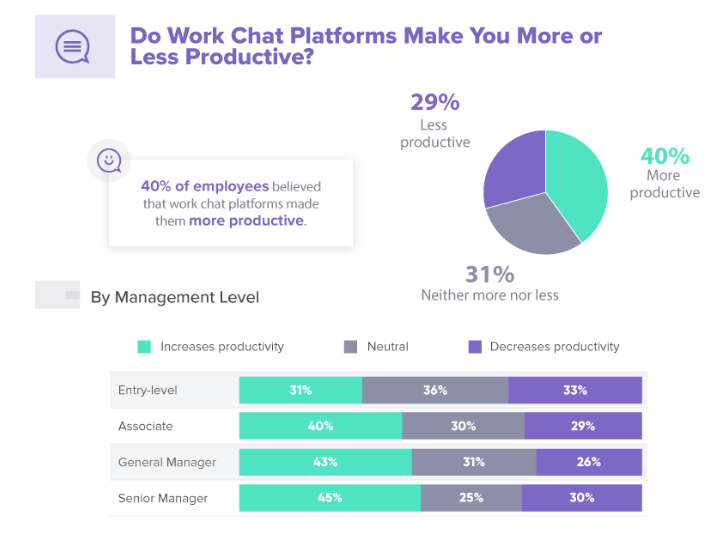
There’s no need to schedule calls for when both parties are available with a business messaging app, you can simply send the message, and all the important information in it will be ready and waiting when the other person is free to access it.
This is known as asynchronous communication, and it means that both parties are free to get on with other important tasks in the meantime, increasing their productivity.
Many business messaging apps are secured with end-to-end encryption and other enterprise-grade security features. This ensures that any messages or attachments sent through them are secure and can only be accessed by the intended recipients.
Many business messaging apps offer a cost-effective method of communication, providing a lower-cost alternative to international calling plans.
Your choice of instant messaging app should depend largely on the needs of your business, but there are several factors you should consider:
This ensures ease of deployment throughout the organization and increases the likelihood of being adopted by your teams. A tool that is too complex could end up being more of a hindrance than a help when it comes to communication.
It’s imperative that the team messaging app you choose is able to keep messages secure and confidential. The cost of data breaches can be cripplingly high to many businesses, especially when remote working is a factor.
If you’re sharing sensitive information, such as customer data or marketing strategies, through your team messaging app, then utilizing a solution with robust security features will help you to avoid data leakages and will keep you compliant with data protection regulations. A secure messaging app can help keep this information confidential.
A new business messaging app can help bring your employees closer and collaborate more effectively, but only if it integrates well with the tools they already use. Otherwise, it could cost you more time and money as you try syncing everything.
It’s also worth looking for solutions that will work across a range of devices and operating systems. That way, your employees, clients, and leads can stay connected regardless of whether they’re using iOS, Android, Mac, or PC.
We’ve gathered a list of 10 of the best asynchronous communication tools for your consideration.
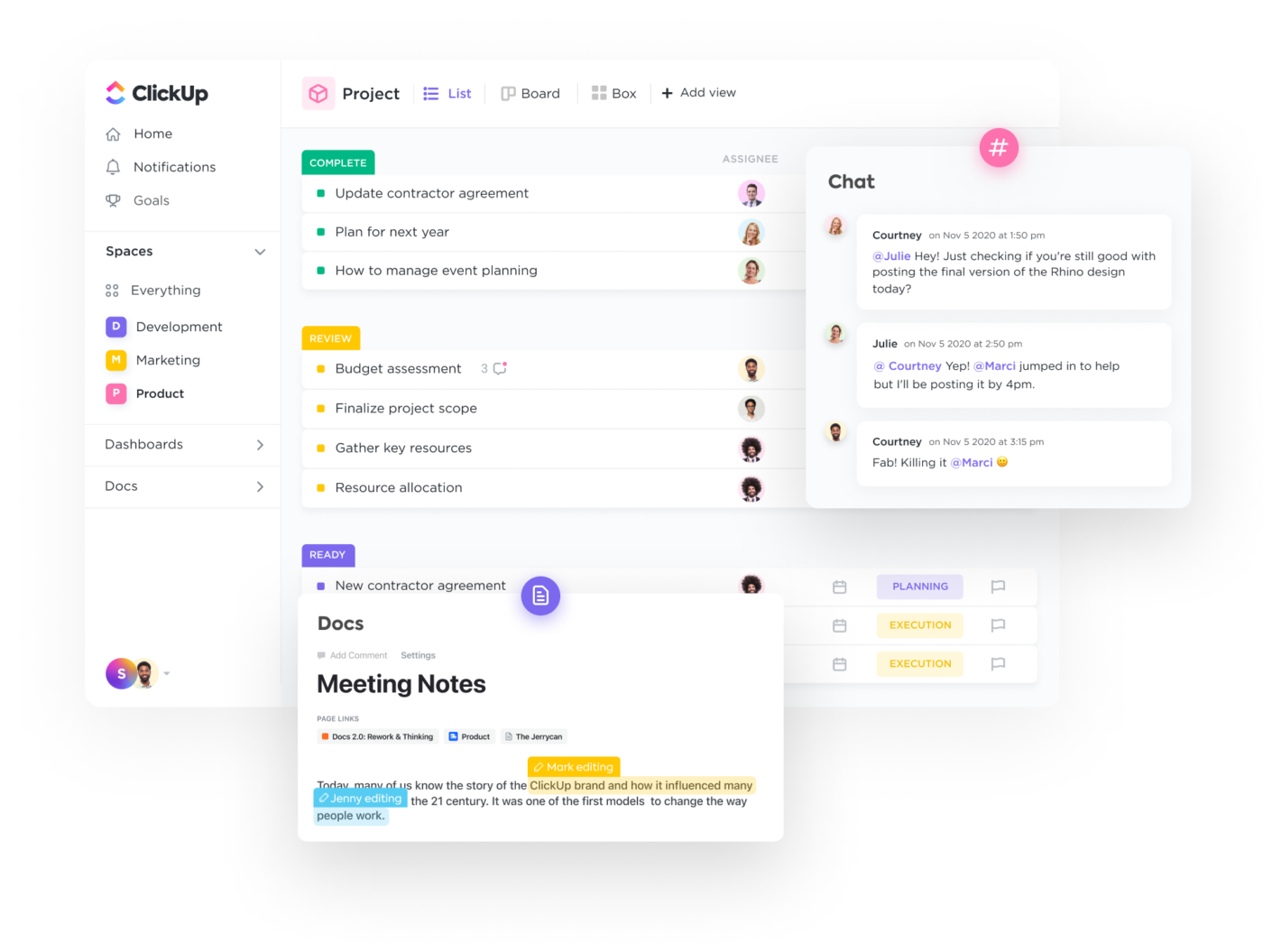
ClickUp is an all-in-one project management and productivity tool that offers a fully customizable platform to support any type of team and business across industries, and hundreds of advanced features, including collaboration features, to streamline all your work and communication under one roof.
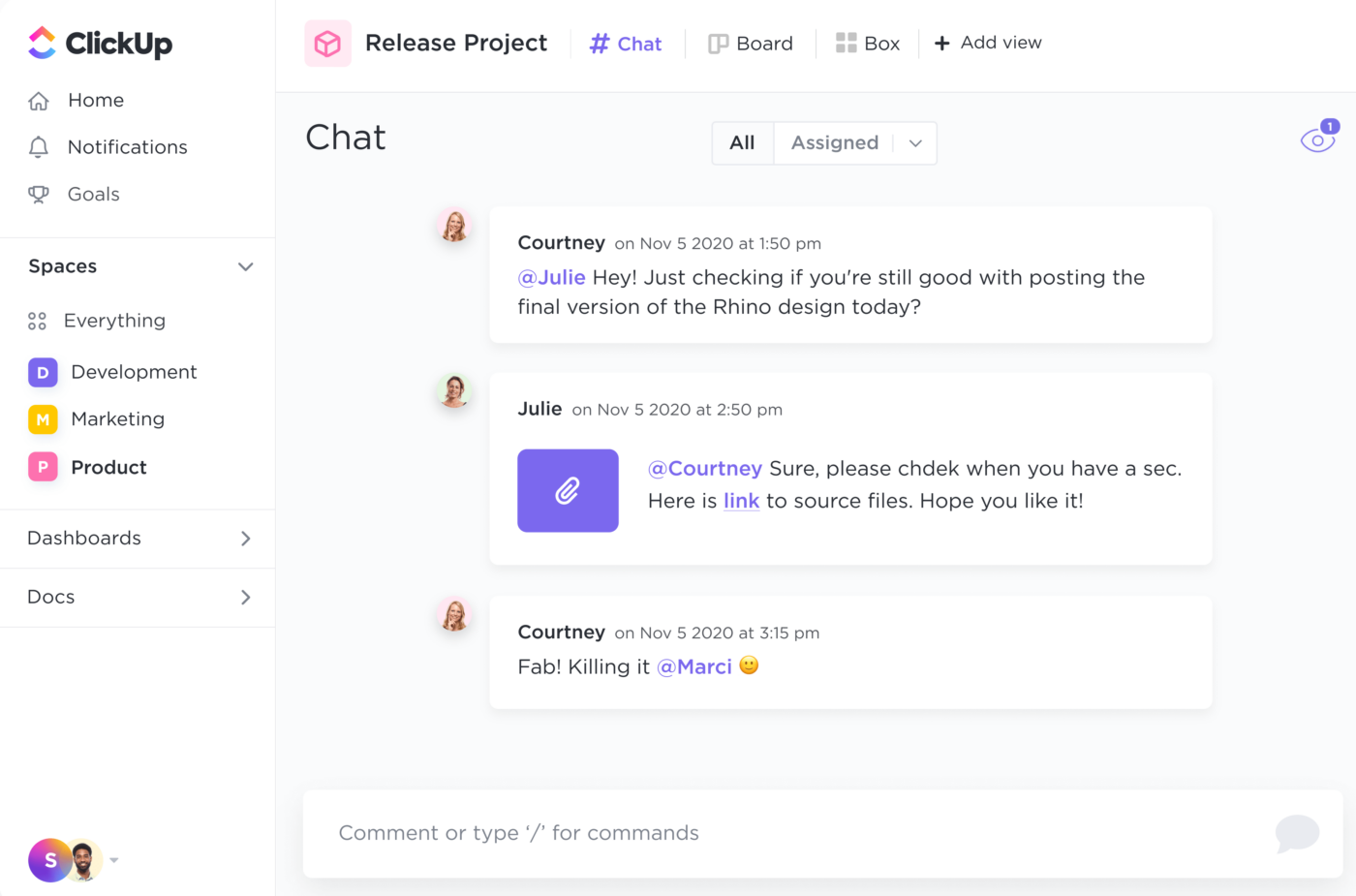
This app supports real-time and asynchronous collaboration and makes it easier to communicate with anyone at any time—hybrid and remote employees, clients, external teams, and so much more. Get access to a built-in instant messaging feature, Chat view, to instantly exchange messages in a group chat or directly with one person, and communicate within tasks via comments and assign comments to a team member, clients, and more.
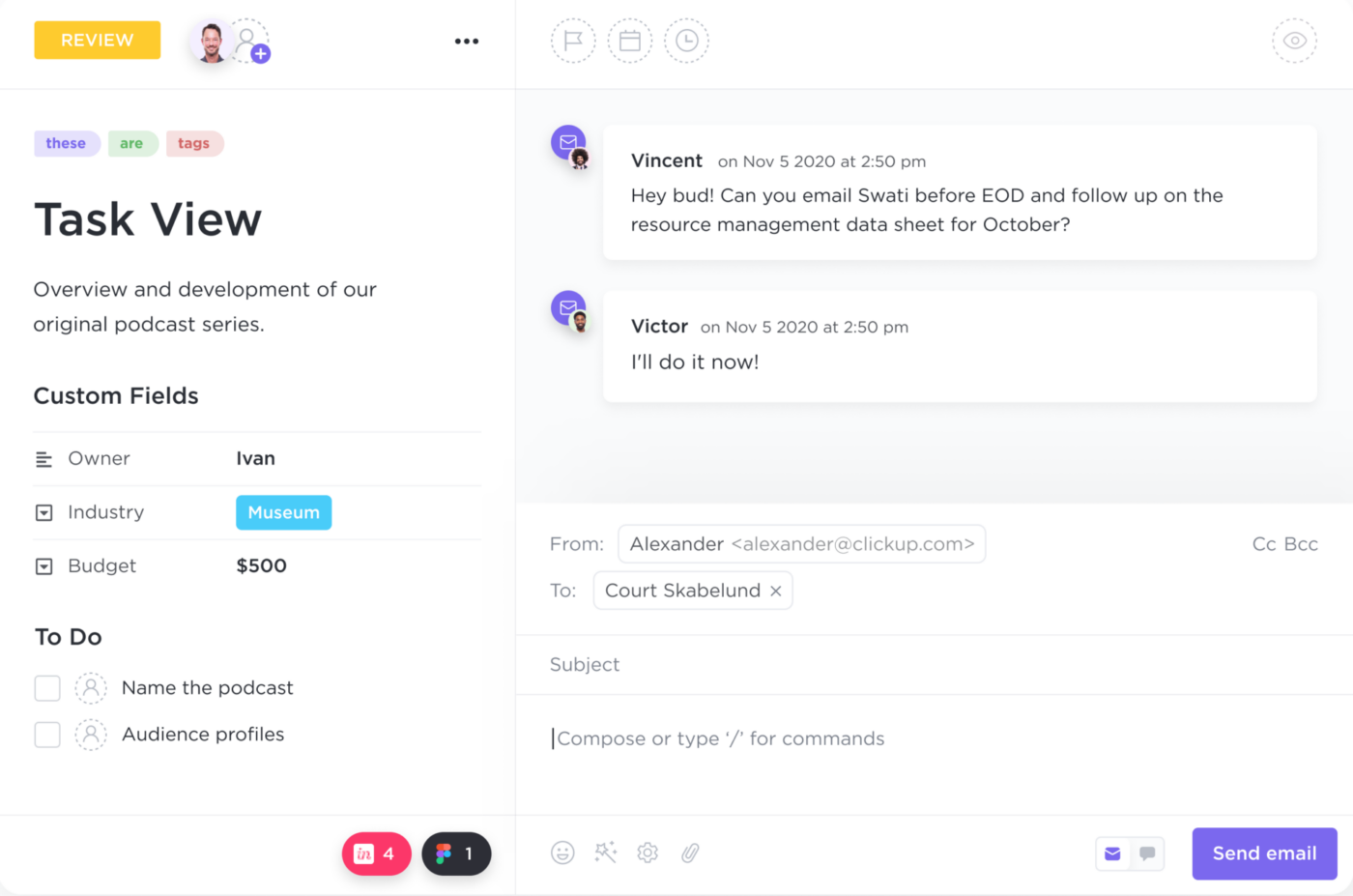
If you’re looking for a more efficient way to handle your emails, ClickUp offers an Email in ClickUp feature that allows you to seamlessly send and receive emails without ever leaving the platform.
With this feature, you can easily integrate your most-used email apps like Gmail, Outlook, or Front, and start responding to emails directly within your ClickUp tasks. This means no more switching back and forth between different apps or losing track of important emails. 📧
Aside from its instant messaging and email management features, ClickUp also offers a screen recording feature to help keep internal communication as seamless and clear as possible. Clip by ClickUp lets you create and send video messages within ClickUp to ensure your message is clear and concise—a feature that’s extremely valuable when explaining complex topics and instructions and helpful to those who are visual learners.
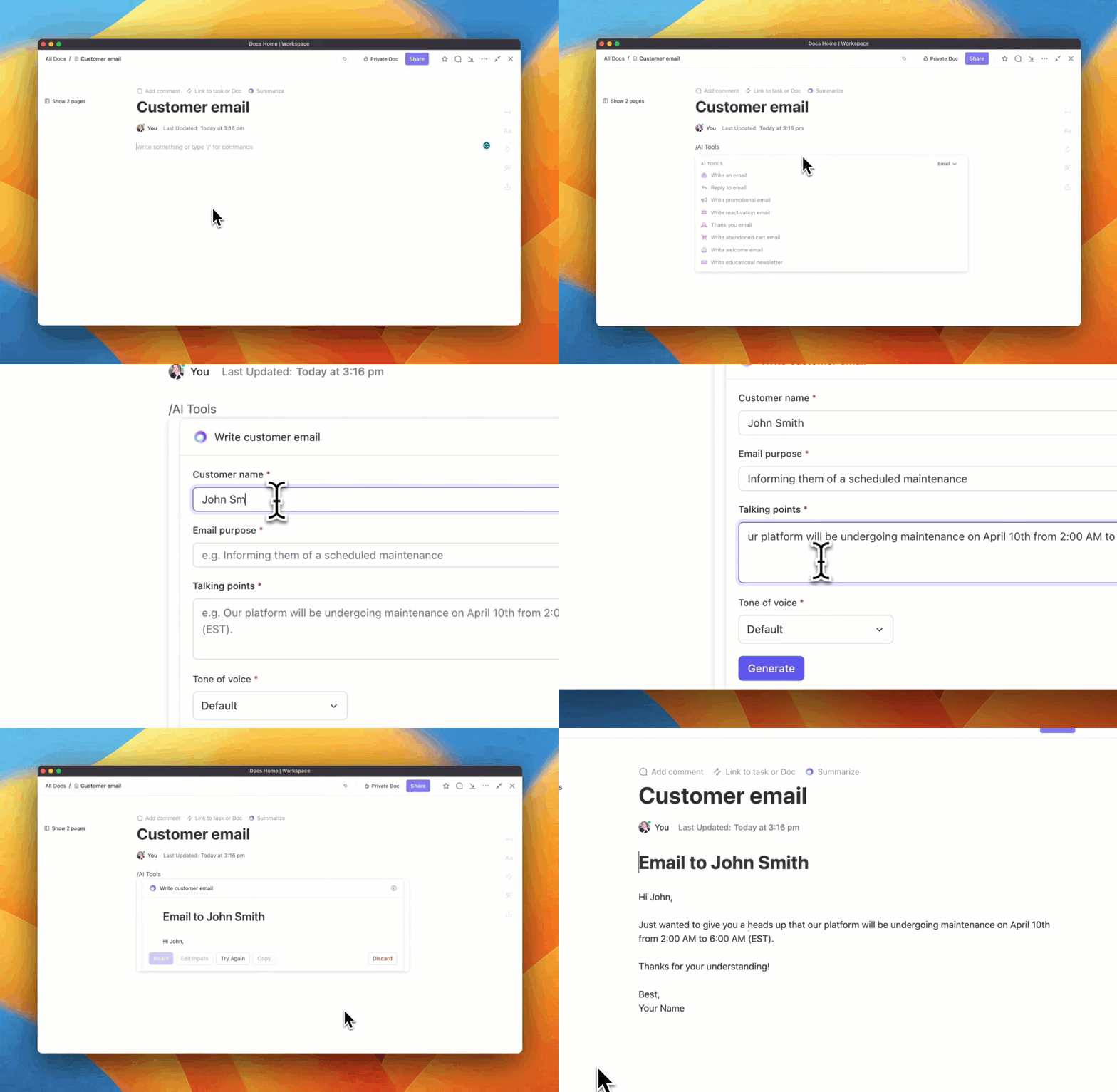
And if you’re looking to boost your productivity when it comes to writing, ClickUp AI is the feature for you. Whatever your role or job function, ClickUp AI can transform the way you work. Its research-based tools ensure high-quality content by using prompts tailored to specific roles—use ClickUp AI for everyday tasks like instantly generating an email, blogs, and so much more.
Best of all, ClickUp has successfully achieved ISO 27001:2013, the highest standards of security for customer data in software, meaning your conversations, work, and important information are protected at the highest level.
These key features for communication and collaboration, along with hundreds of customizable features, make ClickUp one of the best business messaging apps available today.
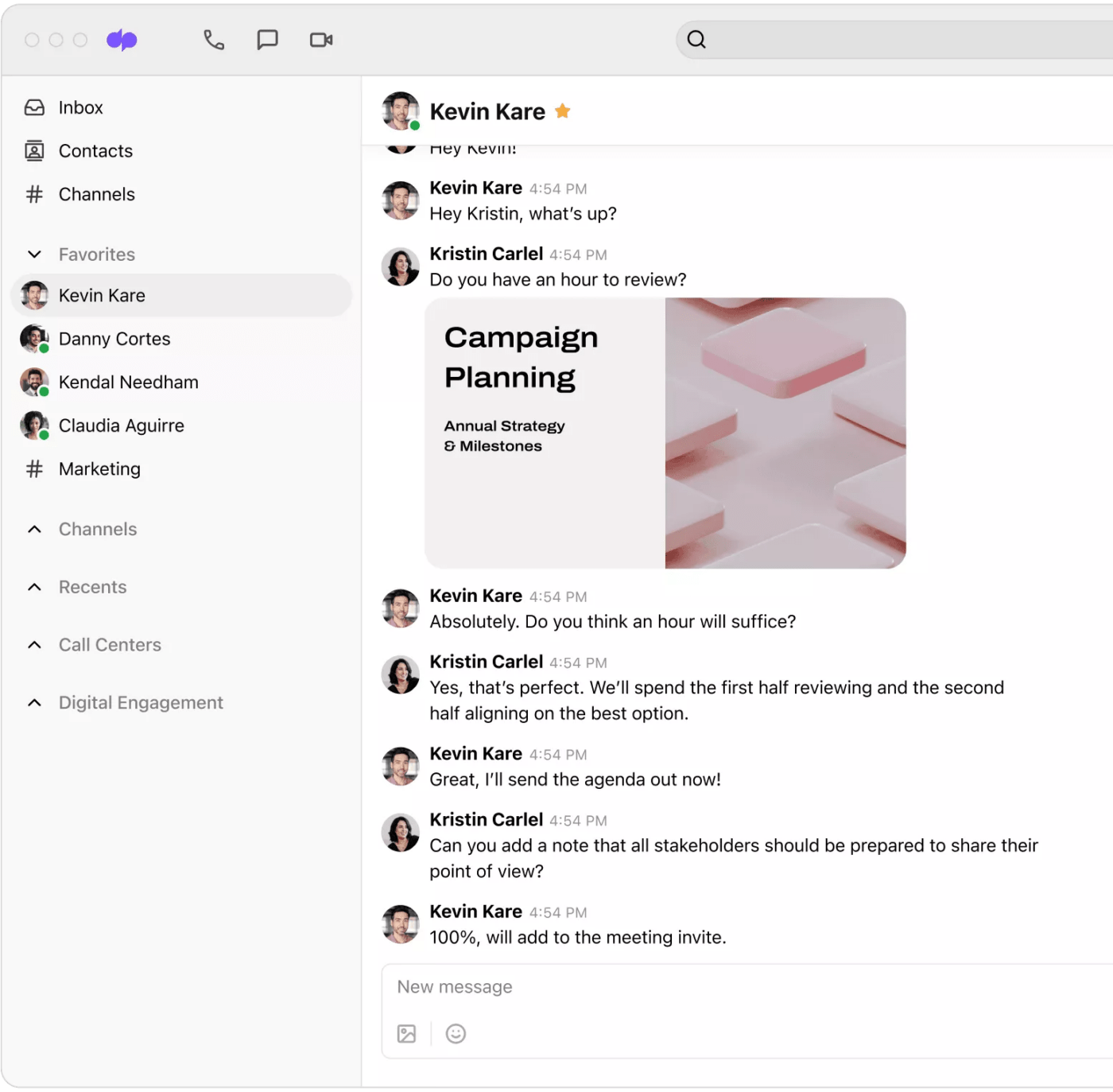
Dialpad is a unified communications solution, giving you everything from business messaging features to call center software, all designed to bring your communications together in one easy-to-use platform.
Dialpad offers voice and video calls, group chat, and internal/external communication with AI integration. It also integrates with HR software like Rippling and customer service software. You can use it for business messaging with features such as SMS, MMS, and group messaging. Additionally, channels can be organized by team, project, or topic, and you can post status updates to inform your teammates of your availability.
Dialpad is easily accessible on multiple devices. Post status updates to let your teammates know if you’re unavailable and can easily switch to using Dialpad on another device when you’re out of the office.
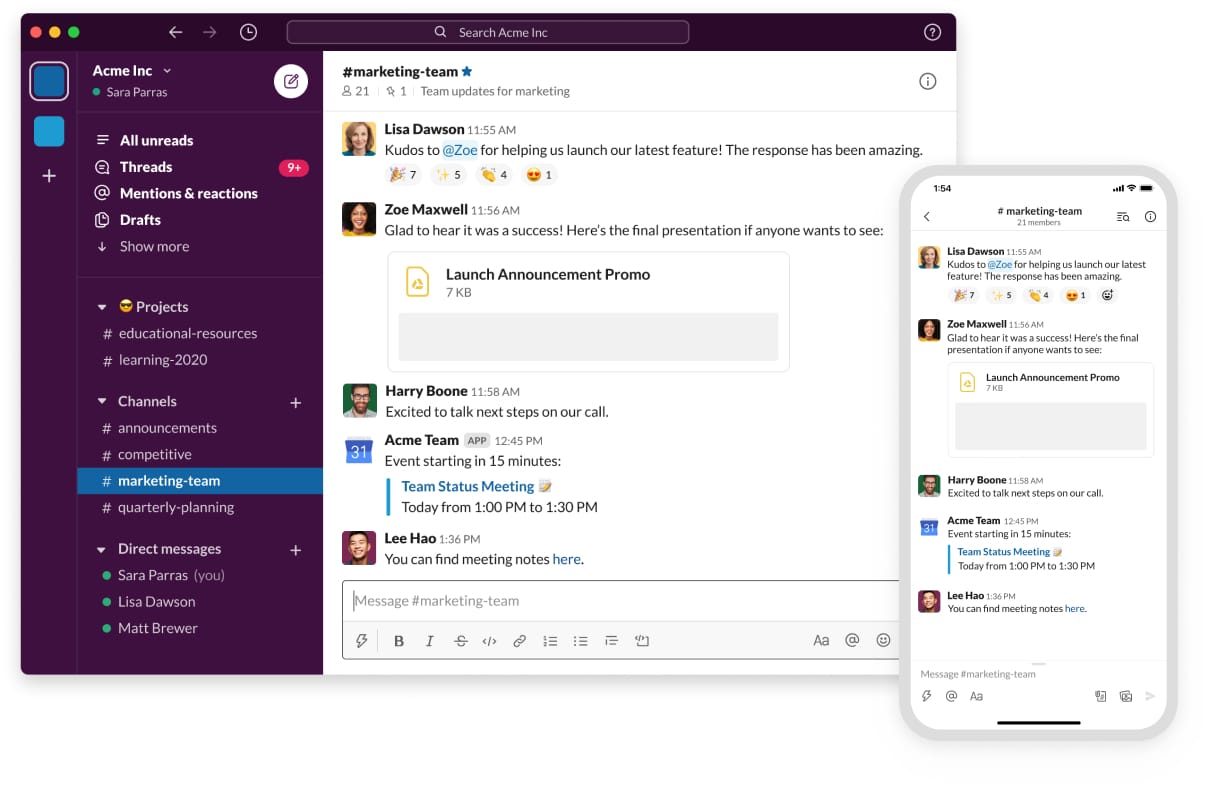
Slack provides a platform for bringing teams together. Built around channels and organized spaces for discussing projects and sharing resources, Slack aims to provide the flexibility to work when and how you want to, making it one of the most-used and popular instant messaging apps today.
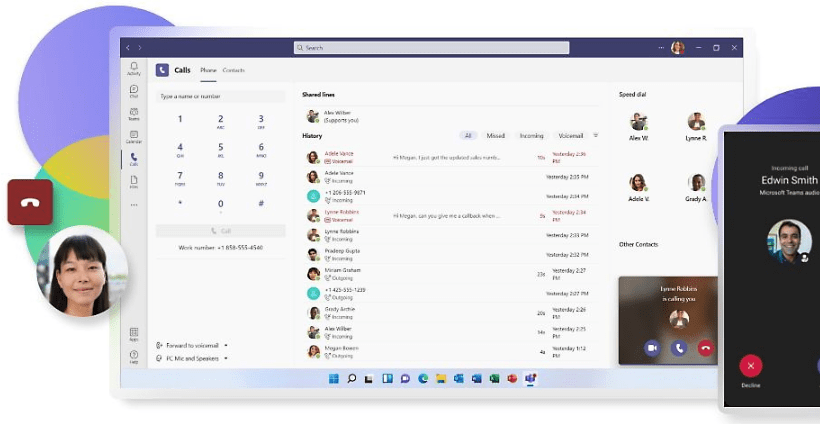
Microsoft Teams is an all-in-one app designed to help you connect with other people online. Alongside instant messaging functionality, it also provides video calling features, the ability to share files from the entire Microsoft Office toolkit, and a community creator that brings like-minded people together to collaborate.
Compare Teams to Slack!
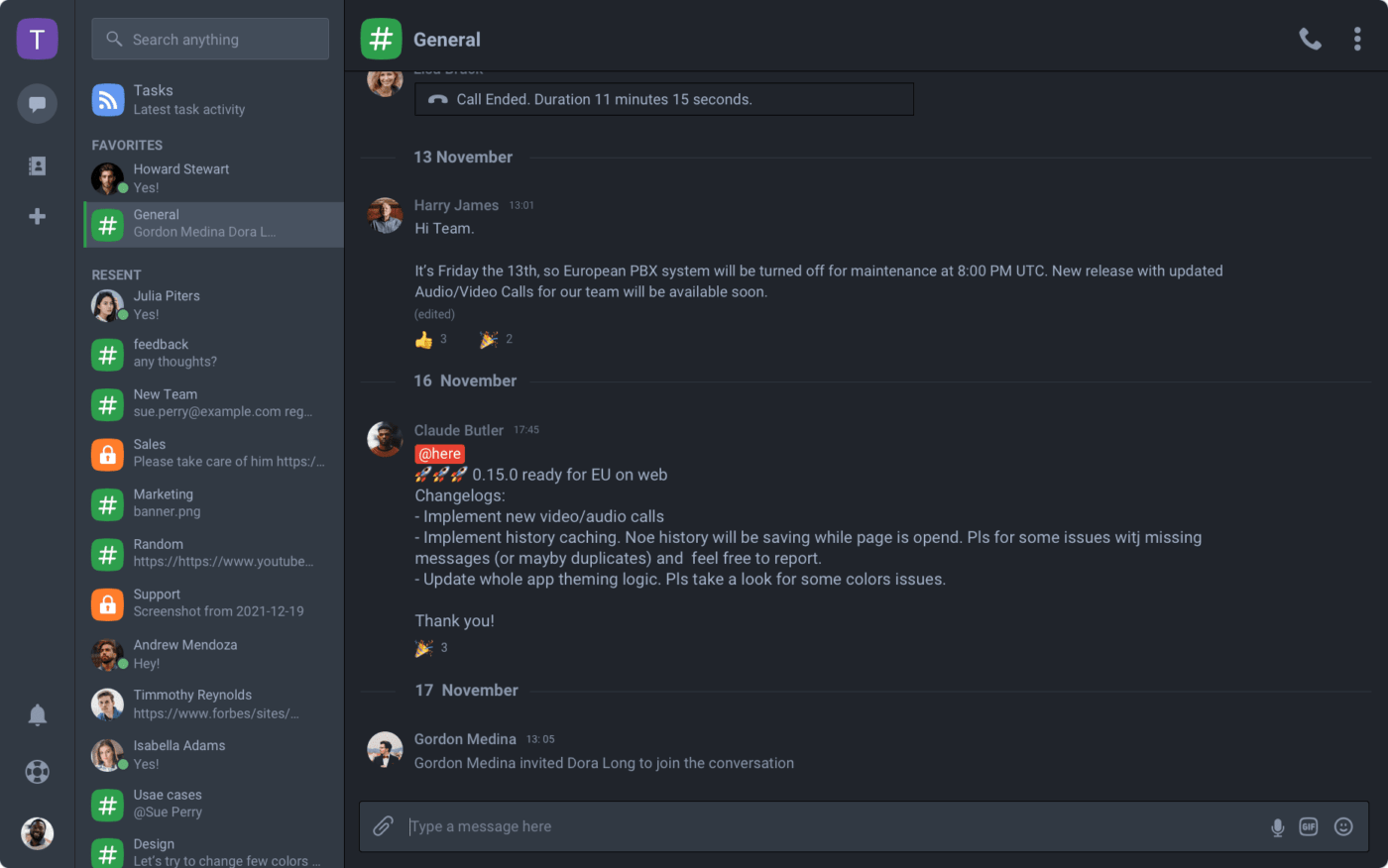
Chanty is a budget option when it comes to team messaging apps, with the free plan promising unlimited, secure messaging forever. It is also a team collaboration tool, offering video calls, task management, kanban boards, and file sharing.
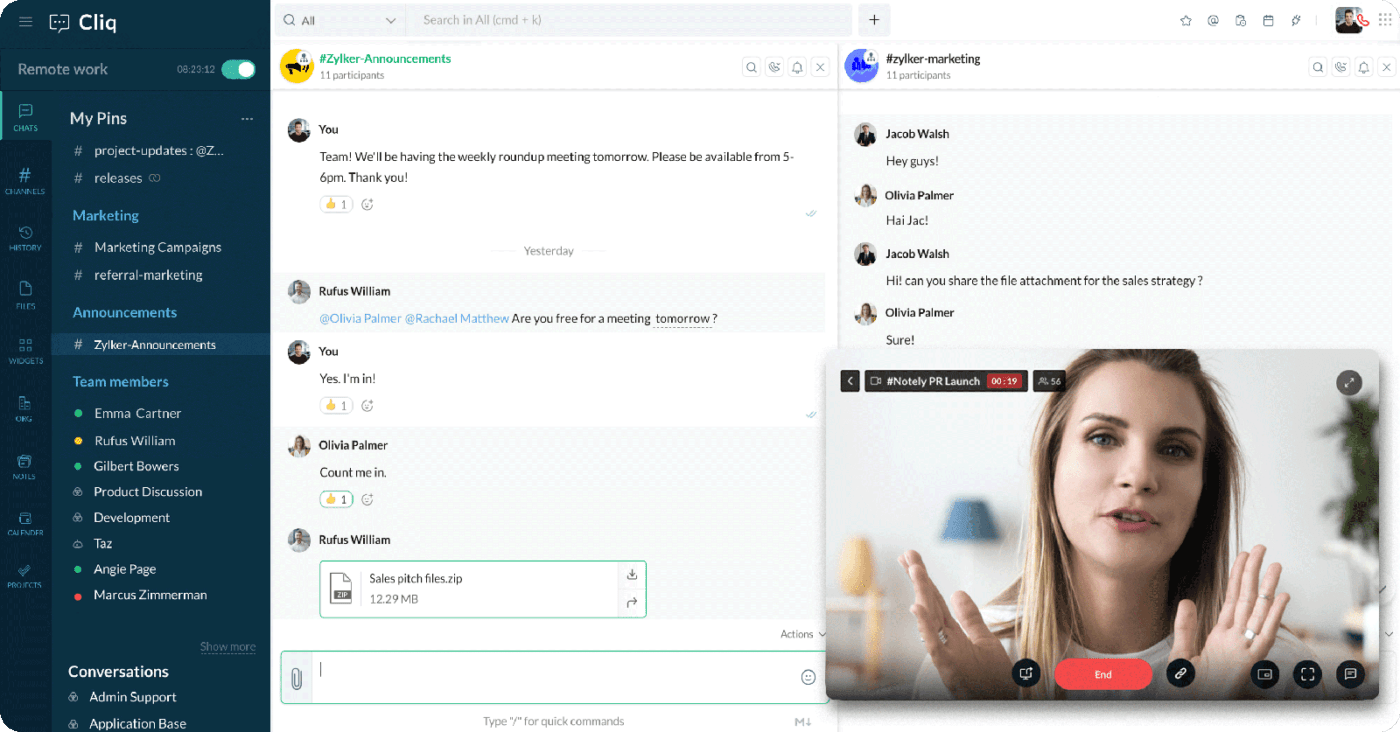
Zoho Cliq is a team communication tool that helps you organize conversations, connect to existing tools, and automate routine tasks. It simplifies remote team collaboration with features like check-ins and visibility into availability, such as when in a meeting. You can create shortcuts and custom bots to save time for your team.
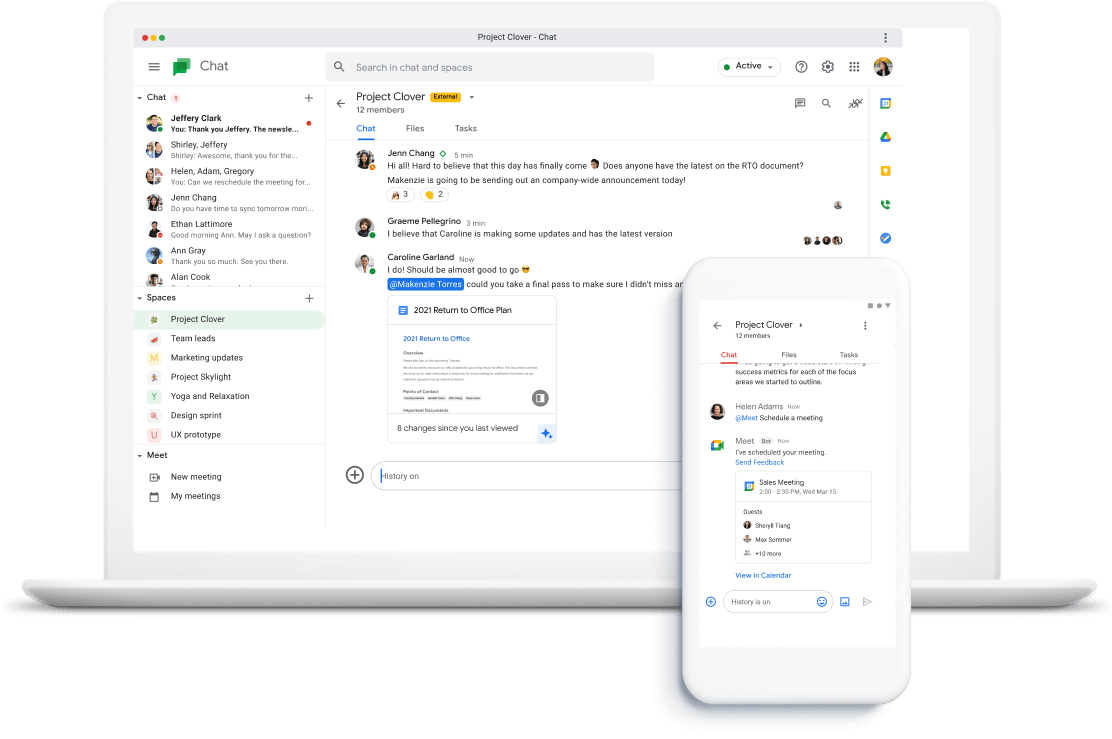
Google Chat is a team communication tool within Google Workspace. It has direct and group messaging features, accessible via Gmail or a standalone app. Search is integrated for easy access to past conversations, and the platform has strong security measures for data encryption and privacy.
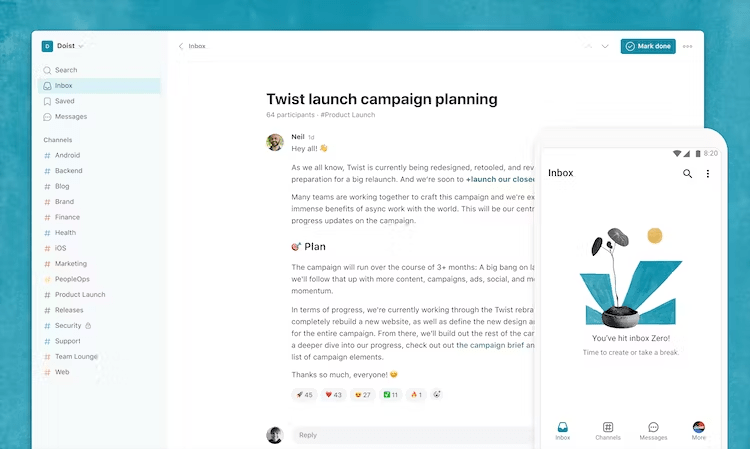
Twist is a messaging app focused on asynchronous communication for distributed teams. It combines email, chat, and forums, without any of the negatives, to create structured channels that organize information by topic. It also has one-on-one messaging for team building and feedback.
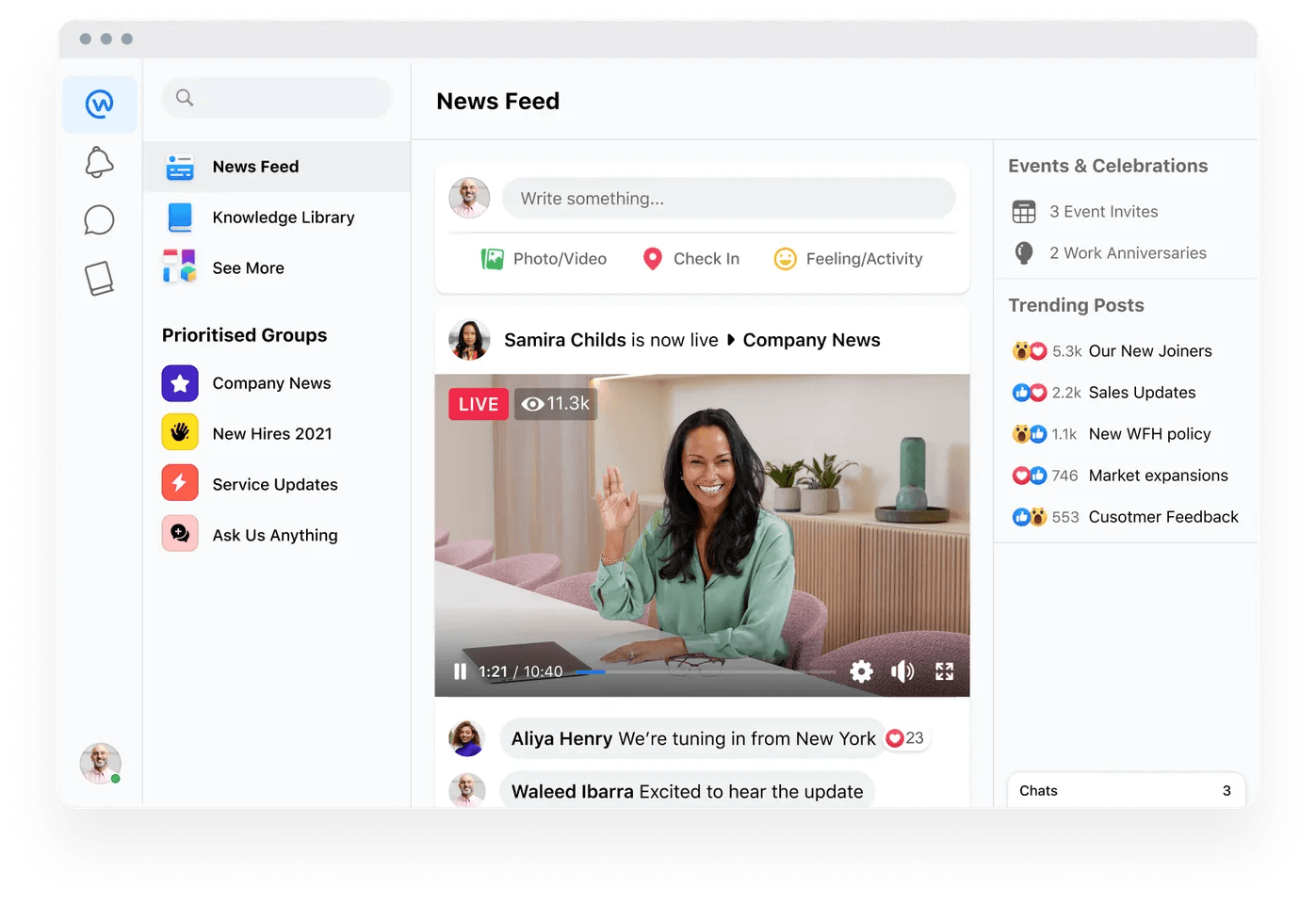
Workplace by Meta (formerly Facebook) is an all-in-one internal communication solution that offers features like Events, Groups, Polls, Surveys, and Profiles to enhance employee engagement and strengthen company culture. It serves as a business version of Facebook, providing a company intranet with team communication capabilities.
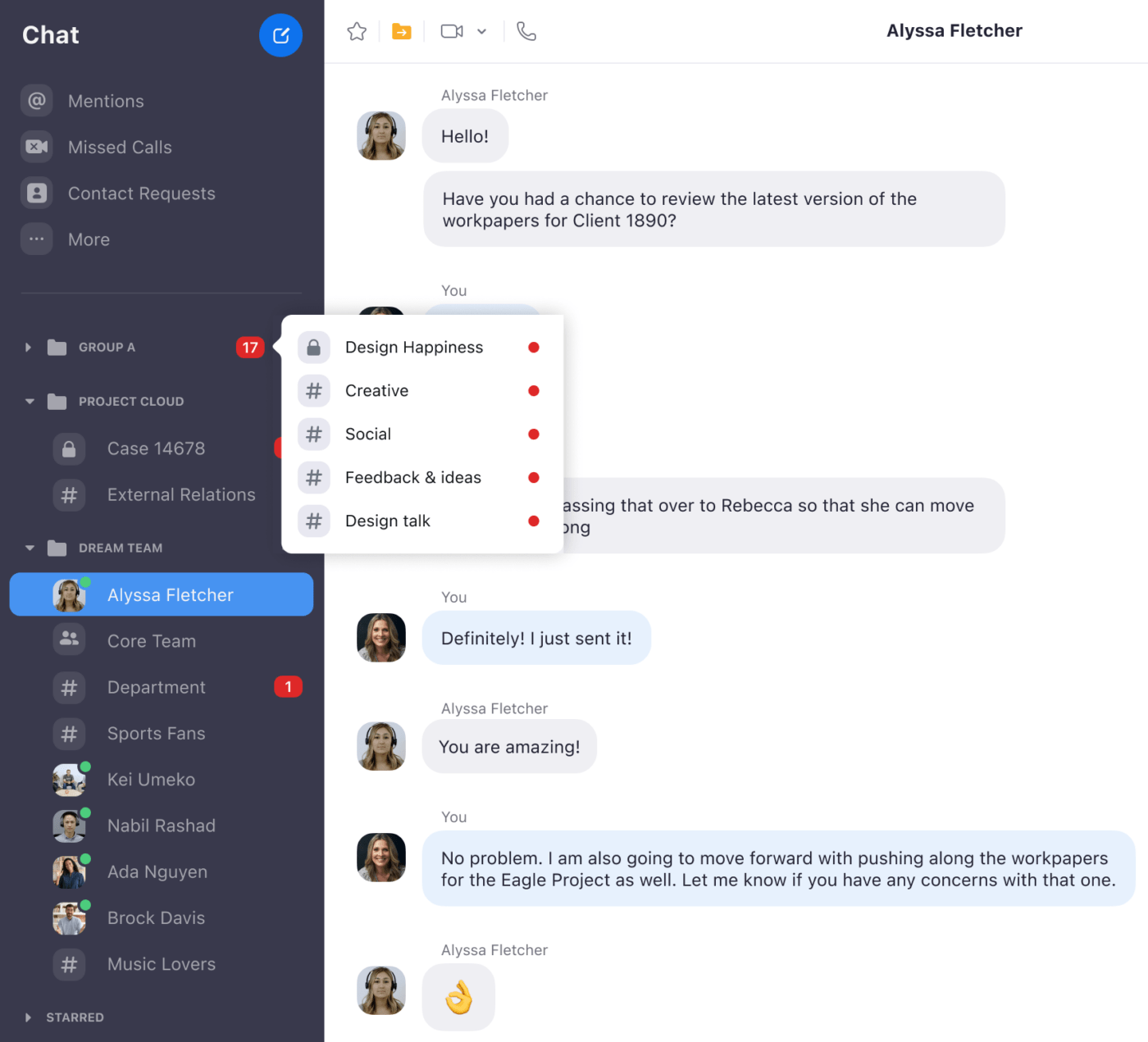
Team Chat is the chat function of Zoom One. Perhaps best known for its video calling functionality, Zoom actually provides a host of collaboration tools and other features designed to make life easier for businesses, such as Zoom Phone, its VoIP offering, and one of many Vonage alternatives available.
Business instant messaging apps can provide a cost-effective way for your teams to stay in touch, fostering better collaboration, productivity, and engagement. They should form a key part of any modern workplace communication strategy.
A whole host of different apps are available, each with their own unique selling points, from instant messaging apps, screen sharing, to video conferencing tools, and so on. Consider your needs and budget when choosing from the variety of available apps, each with unique features like screen sharing, video conferencing, chat channels, and third-party app integration, and research which ones integrate with your current tools and are easy for your employees to adopt.
It’s time to modernize your communication tools—get a modern messaging app to support your growing business!
Guest Writer:

Austin Guanzon is the Tier 1 Support Manager for Dialpad, the leading AI-powered customer intelligence platform with features like virtual business fax by Dialpad. He’s a customer retention and technical support expert with experience at some of the largest tech service companies in the US.
Austin is also the co-founder of the California-based Infinity Martial Arts and has served as an instructor in the sport. He has also written for other domains, such as VMblog.

Sudarshan Somanathan
Max 22min read

Praburam Srinivasan
Max 23min read

Manasi Nair
Max 26min read

© 2026 ClickUp




