CLICKUP CLIPS
Record it where you track it
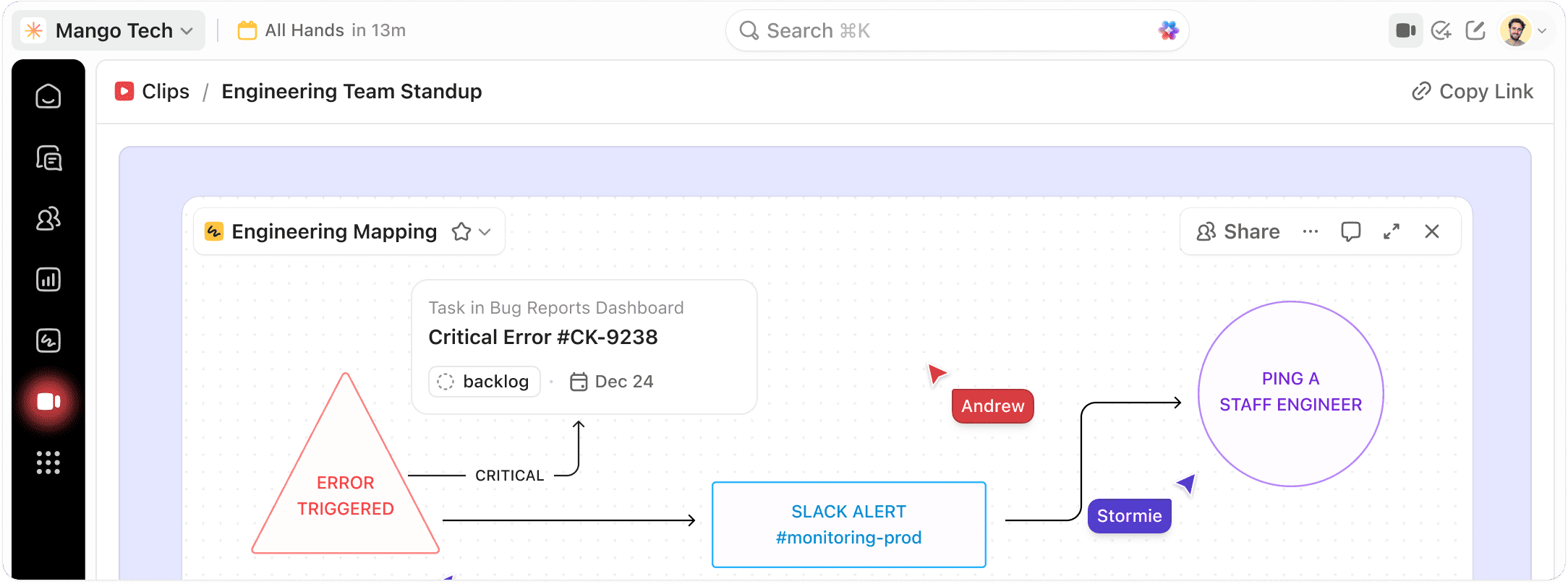
Create screen and voice recordings inside tasks, docs, and chat. AI transcribes every Clip, and any recording becomes a task in one click.
Free forever.
No credit card.
 25,000+ reviews from
Trusted by the best
Why Clips
Stop pasting recording links into your project tool
Clips are created inside your tasks, docs, and chat, so every recording stays attached to the work it describes.
Without ClickUp Clips
- Recordings live in a separate tool, away from the work
- Links get pasted back into tasks by hand
- Nobody can find what was said in last week's walkthrough
- Action items from a recording get lost
With ClickUp Clips
- Record inside any task, comment, doc, or chat thread
- Clips save to Clips Hub and stay attached automatically
- Timestamped AI transcripts make every Clip searchable
- Turn any recording into a tracked task in one click
CLICKUP CLIPS
Communication that creates accountability
Screen recordings, voice notes, and AI transcripts. Created in context, searchable, and actionable.
RECORD IN CONTEXT
Start a Clip from any conversation
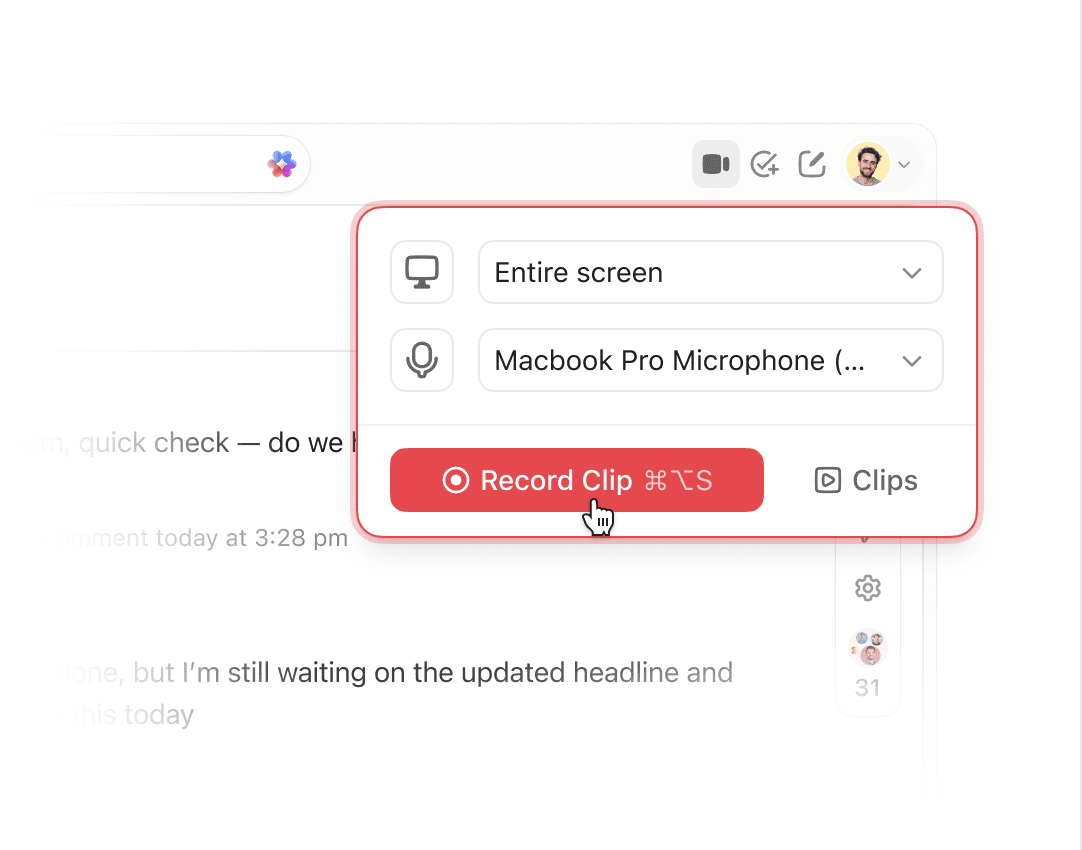
Hit record inside a task, comment, or chat thread. The Clip saves to Clips Hub and stays attached to the work item automatically.
AI TRANSCRIPTION
Every Clip is searchable from the start
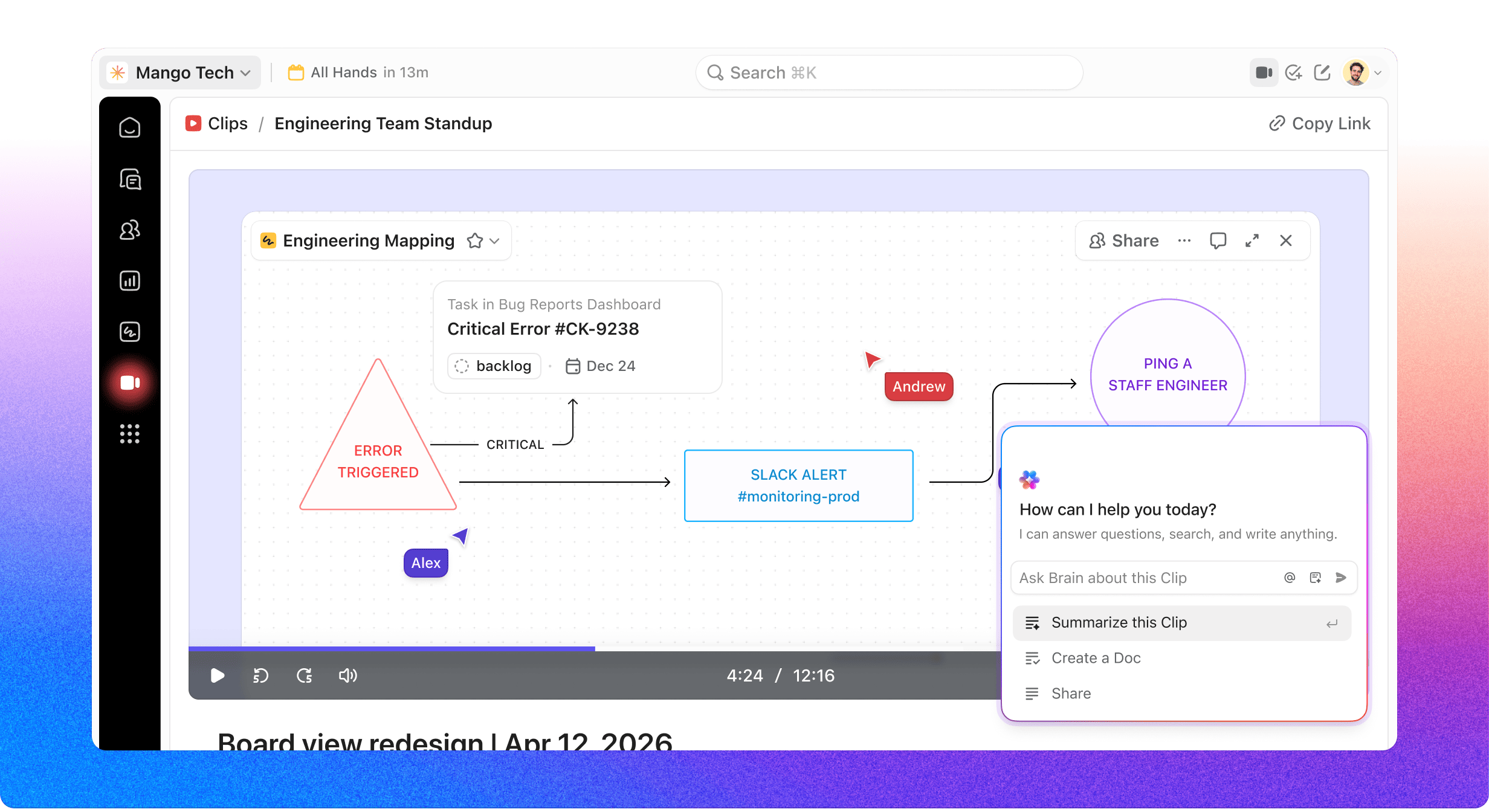
AI generates a timestamped transcript the moment you stop recording. Search across transcripts, jump to any moment, or ask ClickUp Brain a question about what was said.
ACTIONABLE ASYNC
Turn any recording into a tracked task
Convert a recording into a task or attach it to an existing one. The Clip and its action item travel together from the start.
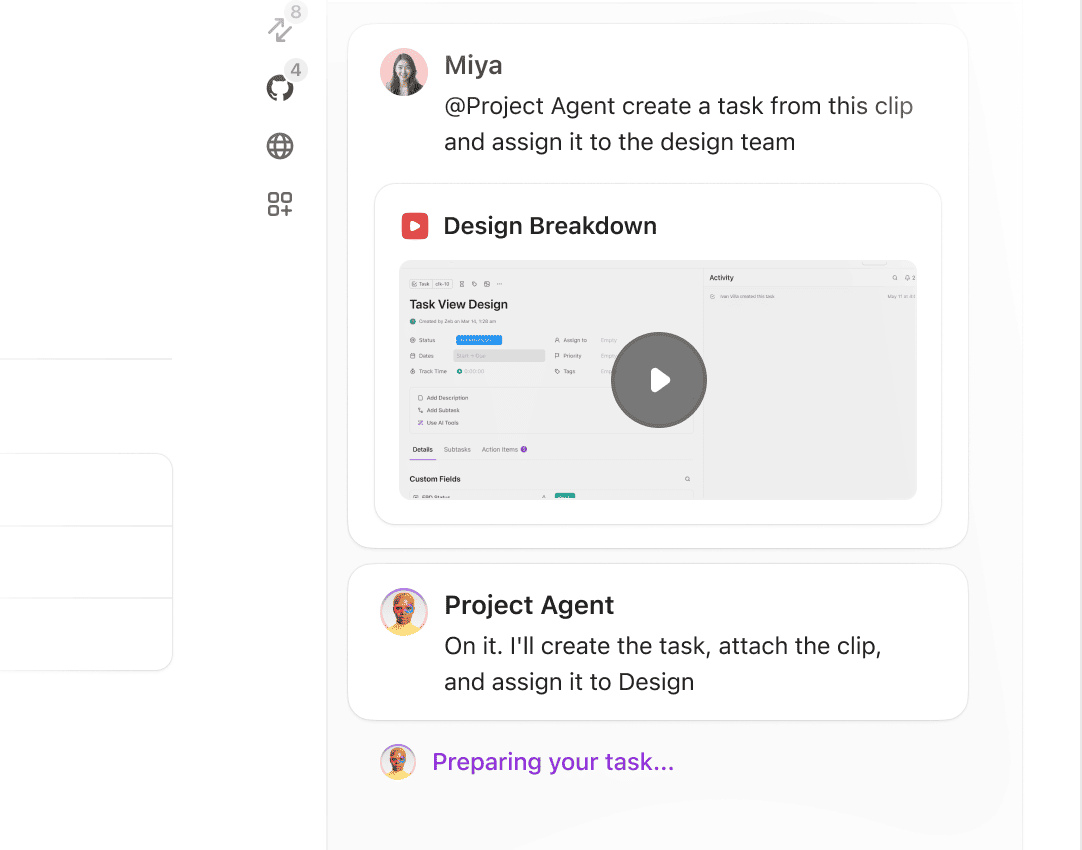
Explain it once. Move on to what's next.
Trusted by 5M+ teams




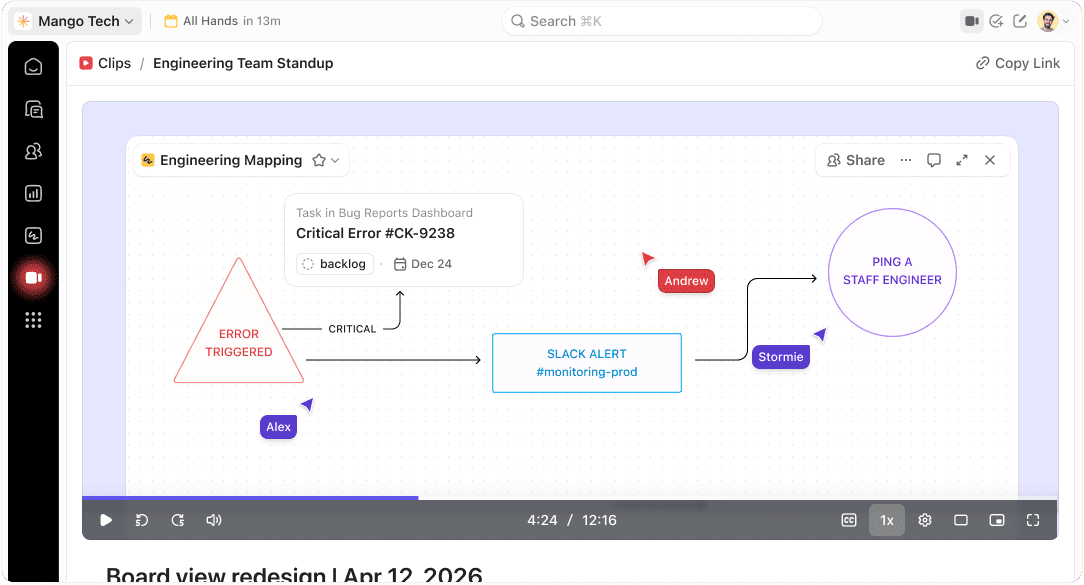
AI IN CLICKUP
AI that indexes what your team captures
ClickUp Brain and Super Agents turn every Clip into searchable, actionable context.
CLICKUP BRAIN
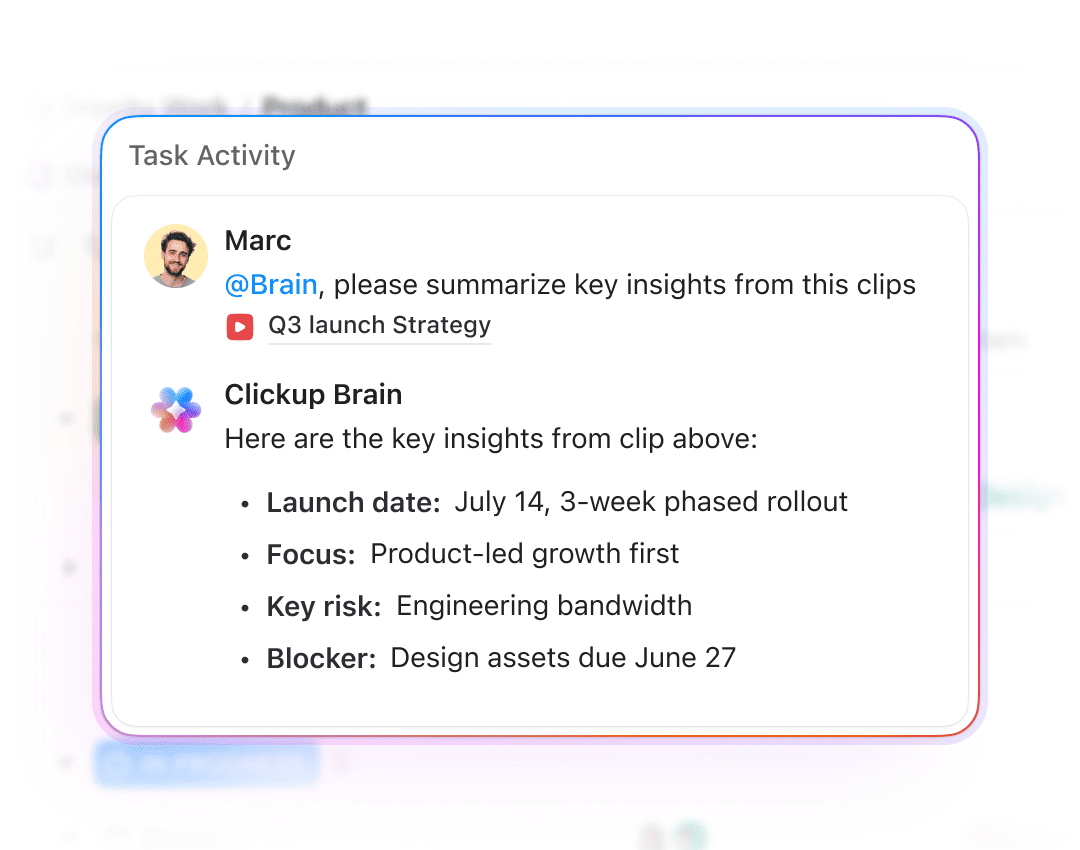
Search transcripts by what was said
ClickUp Brain indexes every transcript automatically. Ask it who owns the action from yesterday's walkthrough, what was covered in the design review, or where a spec was last discussed.
SUPER AGENTS
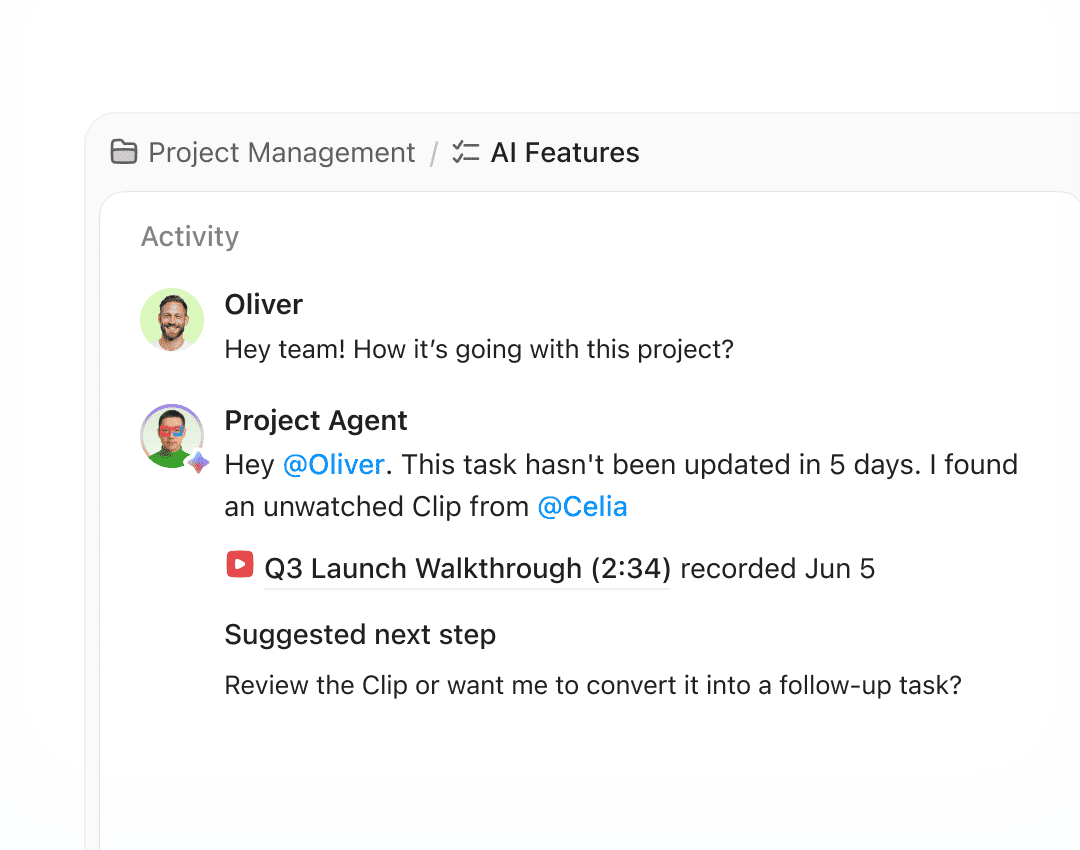
Recordings that trigger their own follow-up
Set a Super Agent to surface unwatched Clips to the right reviewer, request an update when a task stalls, or convert a recording into a follow-up task automatically.
Plus, everything you need from capture to resolution
Clips is just the beginning
Connect Clips to Tasks, Docs, Chat, and Automations in the same workspace, so every recording stays next to the work it explains.
Enterprise Grade Security
Everywhere
SOC 2 TYPE II
ISO 27001
GDPR
HIPAA
24/7 support
SOC 2 TYPE IIISO 27001GDPRHIPAA
FAQ
Questions about ClickUp Clips
Clips are created inside your tasks, docs, and chat, so recordings stay attached to the work they describe and convert to tracked tasks in one click. Standalone recorders like Loom or Tella require you to paste links back into your project tool separately.
Every Clip gets a timestamped AI transcript the moment it's created. You can search transcripts across your workspace, jump to specific moments, or ask ClickUp Brain questions about what was covered.
Convert any Clip into a new task with assignees and due dates, or attach the recording to an existing task as context. ClickUp Brain can also summarize the transcript and suggest action items automatically.
Voice Clips are available on mobile for quick audio updates with full AI transcription. Screen recordings work on desktop via the ClickUp app, and all Clips are accessible from Clips Hub on any device.
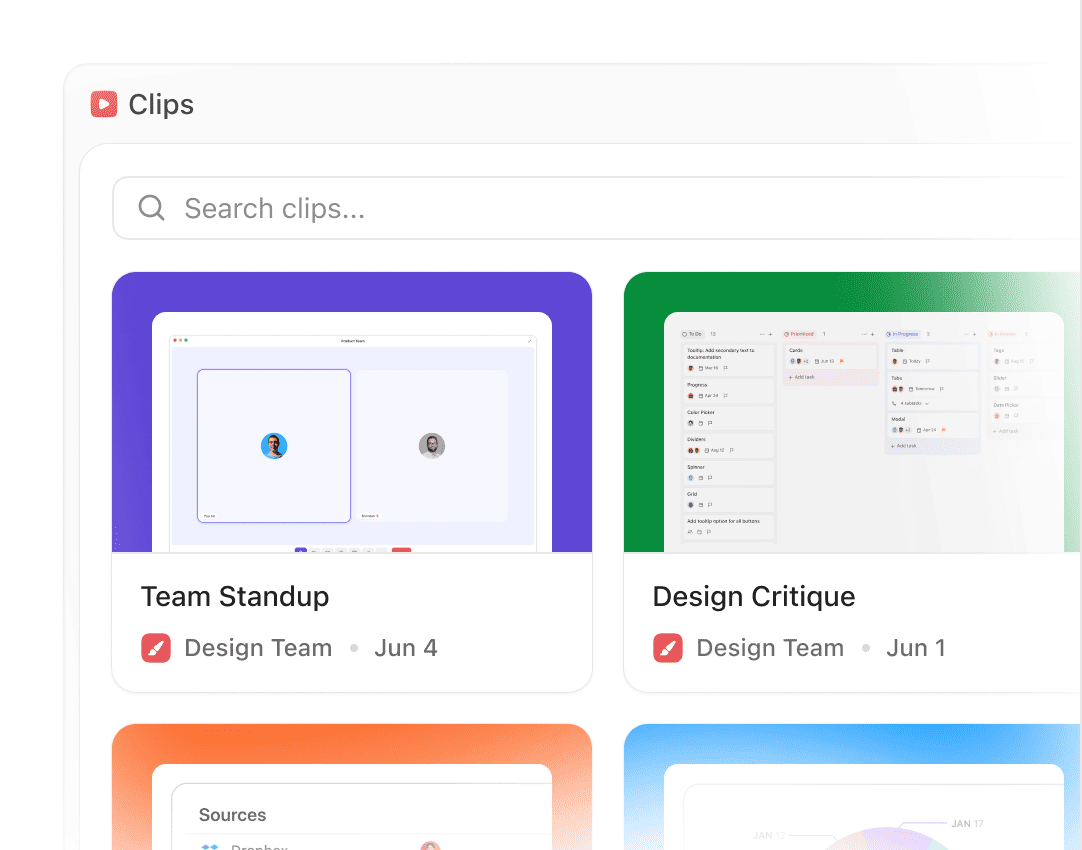
Clips Hub is the centralized library where every recording in your workspace lives, organized and searchable by transcript content. Access any Clip from the Hub or from the task, doc, or chat thread where it was created.
Record it. Share it. Ship it.
Free forever.
No credit card.
No credit card.