Sorry, there were no results found for “”
Sorry, there were no results found for “”
Sorry, there were no results found for “”
An average employee spends approximately 2.5 hours daily searching for information. To put that in perspective, every employee spends more than one full workweek per month, essentially acting as a human search engine.
This guide walks you through 15 ClickUp Integrations that solve this problem. These 1000+ integrations connect your essential tools directly to your ClickUp Workspace. This brings under one roof all the information you need to escape “work about work”.
What’s more? In many cases, you won’t even need these integrations because ClickUp already does the job itself! So, let’s look at the best ClickUp integrations and find out why ClickUp stands out on its own as your Converged AI Workspace.
ClickUp integrations are digital connections that link your external work apps (such as GitHub, Google Drive, Figma, and more) to your ClickUp Workspace, enabling automatic data flow between them. They basically hold your tech stack together—eliminating the need to manually copy-paste information or toggle between tabs to find a single status update.
These connections generally fall into two categories:
ClickUp Integrations range from a simple Google Docs embed in a task or setting to a complex two-way sync that keeps CRM records and ClickUp Custom Fields aligned using field mapping. You can use API tokens and webhooks to automate workflows, which turns ClickUp into your single source of truth. It also finally puts an end to Work Sprawl—the fragmentation of work activities across multiple, disconnected tools, platforms, and systems that don’t talk to each other.
📮ClickUp Insight: Low-performing teams are 4 times more likely to juggle 15+ tools, while high-performing teams maintain efficiency by limiting their toolkit to 9 or fewer platforms. But how about using one platform?
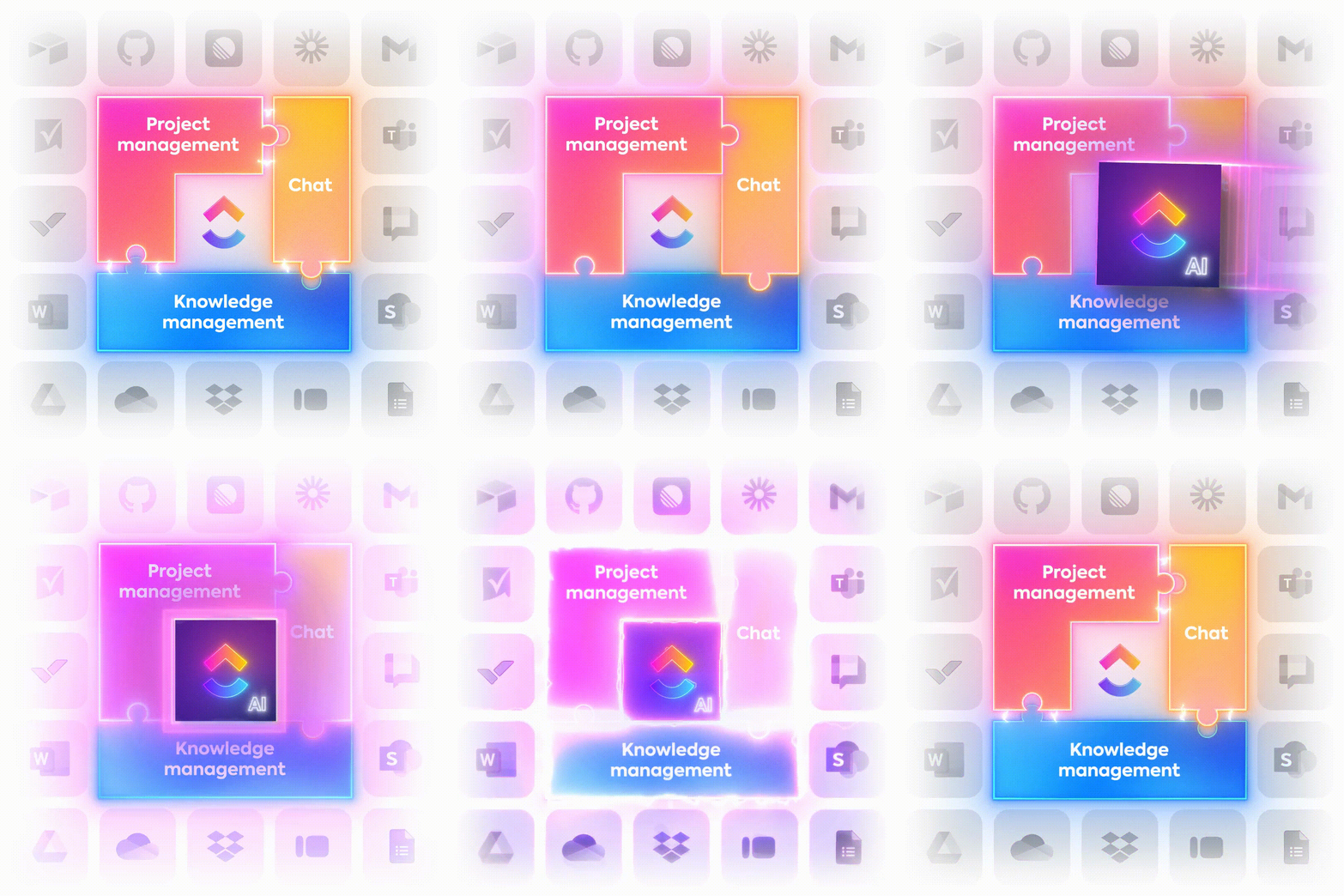
As the everything app for work, ClickUp brings your tasks, projects, docs, wikis, chat, and calls under a single platform, complete with AI-powered workflows. Ready to work smarter? ClickUp works for every team, makes work visible, and allows you to focus on what matters while AI handles the rest.
Knowledge workers like you toggle between apps 1,200 times a day. One thousand two hundred. Let that sink in.
By connecting your everyday tools to ClickUp, you can reclaim this time (nearly 4 hours a week) while being more productive.
Here are the ClickUp integrations we recommend you try out:
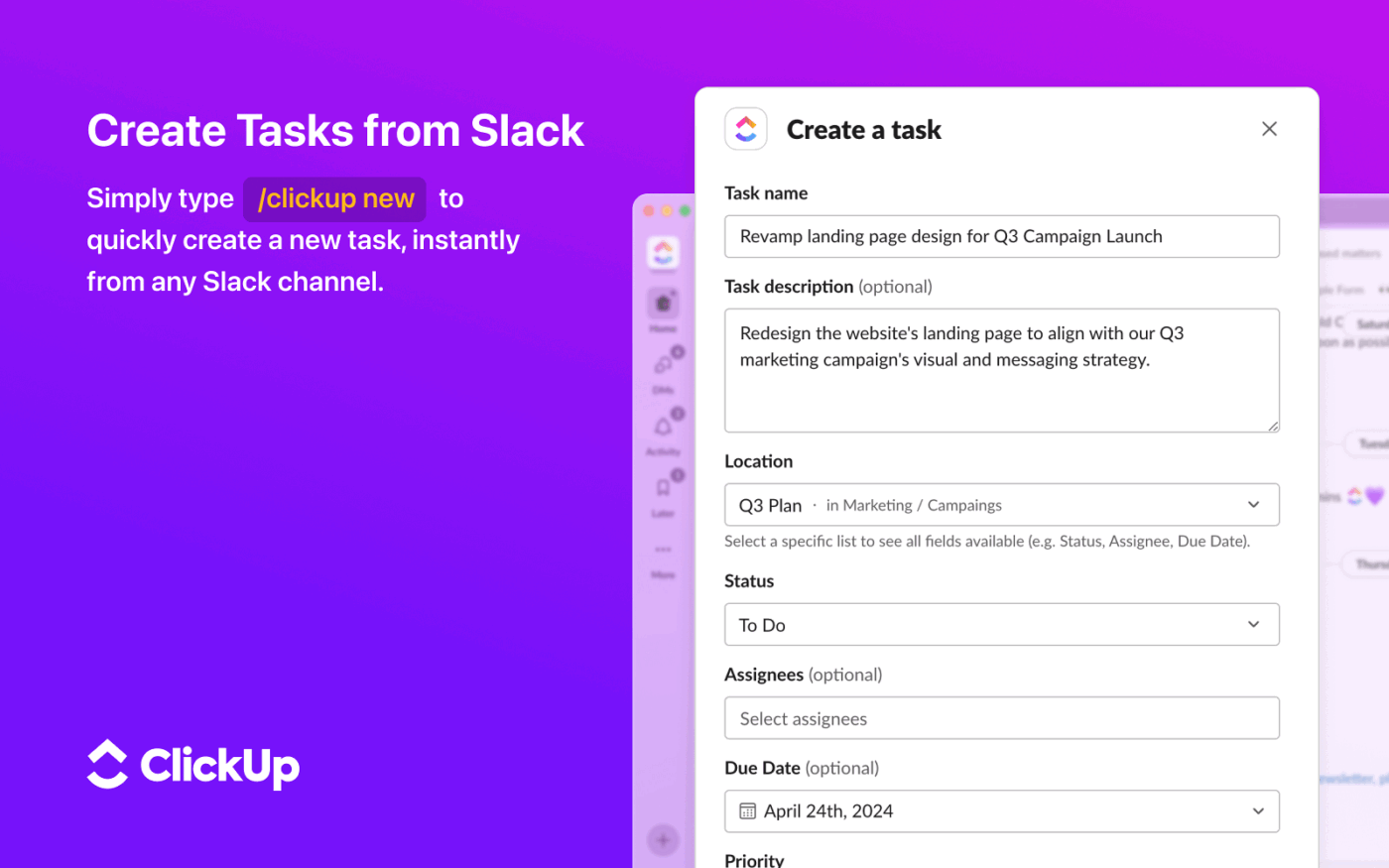
Slack is a popular real-time messaging tool for distributed teams. The problem? That’s all it does.
When your projects live in ClickUp, while your conversations live in Slack, the disconnect has a cost. It means that every time a great idea or an important decision happens in a channel, it’s at risk of getting buried and forgotten.
Your team members have to manually dig through threads to find that one message when they need it, days, or sometimes, weeks later. All this just to turn a fleeting conversation into a trackable task update can be too much work!
The ClickUp-Slack Integration bridges this gap by linking asynchronous project management workflows with synchronous chat. It allows you to capture work on the fly and keep your project management in sync with your team’s real-time communication. Now your fast-paced chats can directly fuel your structured workflows without missing a beat.
💡 Pro Tip: While the integration helps, keeping chat and work in separate apps still creates information silos and context sprawl. If you’re looking to eliminate distractions entirely, ClickUp Chat brings your conversations directly where your work happens.
You can also use AI to summarize long threads into action items and follow up on comments without ever leaving your project view. And to make the migration from Slack easier, you can even import your Slack channels and history into ClickUp Chat in a single click.
🎥 Learn more here:
When your tasks live in ClickUp, and your meetings live in a separate calendar, you’ve to keep toggling tabs to plan your day. And when you miss the tiniest details, you find yourself overbooked. Your project deadlines conflict with back-to-back calls, leaving no room to make progress on your planned tasks.
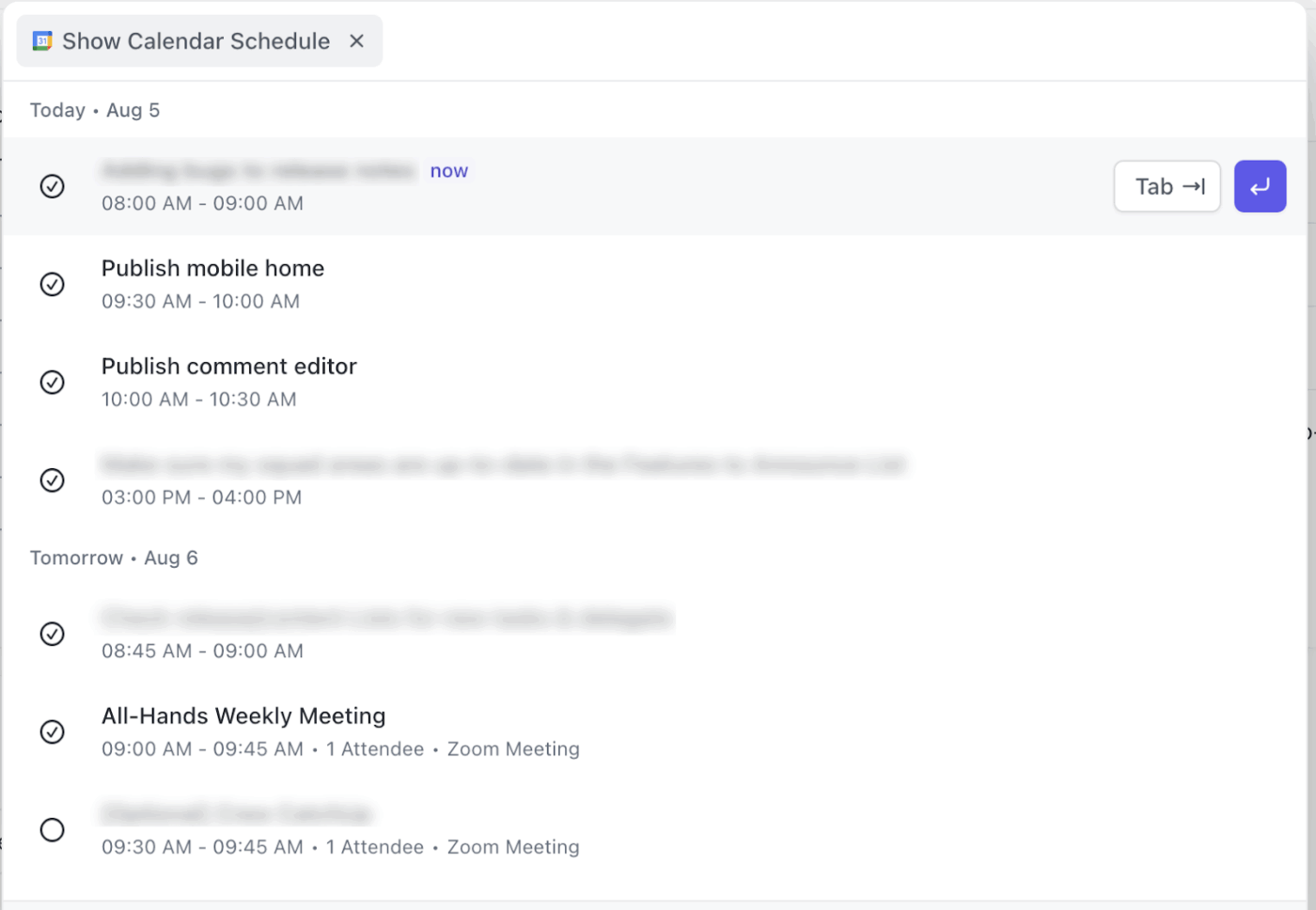
The ClickUp-Google Calendar Integration solves this by syncing your tasks and appointment schedule into a single view. By bridging these two tools, you can ensure that every deadline is accounted for alongside your meetings, giving you a realistic picture of your daily capacity.
📌 ClickUp Advantage: While a standard sync keeps you informed, ClickUp Calendar goes a step further by using AI to plan your day. Instead of manually moving blocks around when a meeting runs over, ClickUp can auto-block focus time and reschedule tasks based on your priorities. It turns your calendar from a static grid into an adaptive assistant that ensures you always have enough time to hit your deadlines.
🎥 Watch this video to learn more:
Most of us use Zoom as a synonym for video meetings. And it’s great to schedule, attend, and record them. But what happens after the meeting ends?
The recording lives in Zoom cloud, your meeting notes are in a separate app or document, and the action items are scattered across emails or messages. This makes it difficult for anyone who missed the meeting to catch up.
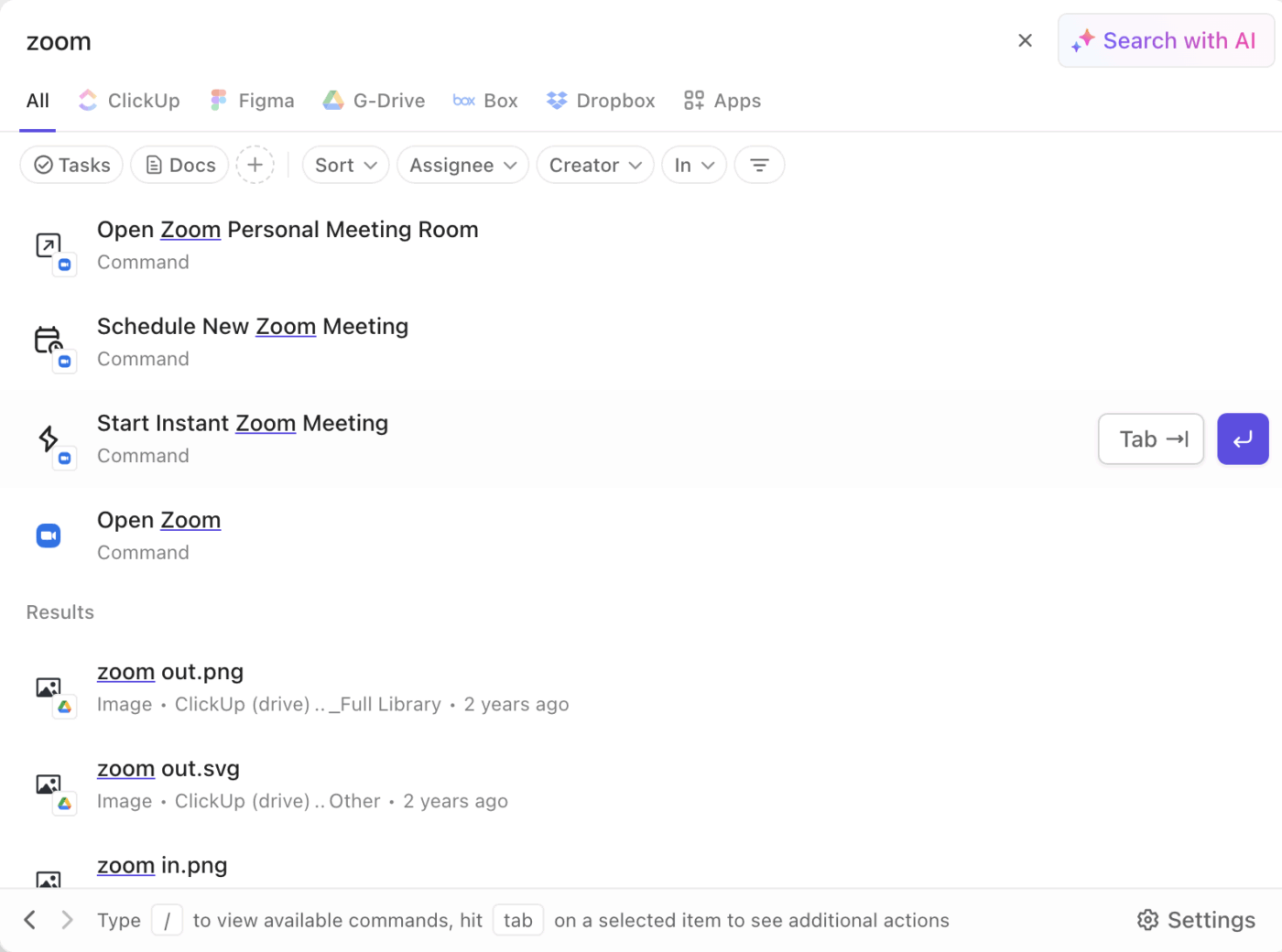
The ClickUp-Zoom Integration closes this gap by pulling your meeting context directly into your project workflow. You can start or schedule Zoom calls from within a ClickUp Task. And receive the meeting recording inside ClickUp after it’s over.
The result? Discussions and decisions stay centralized where the work actually happens.
🛑 But that’s not all! If you want to move beyond just ‘connecting’ your meetings and actually automate the aftermath, ClickUp SyncUps and the AI Notetaker are the ultimate upgrades. Instead of manual follow-ups, AI Notetaker joins your SyncUps (and even your Zoom, Google Meet, or Teams meetings) to capture searchable transcripts, smart summaries, and key takeaways in real time.
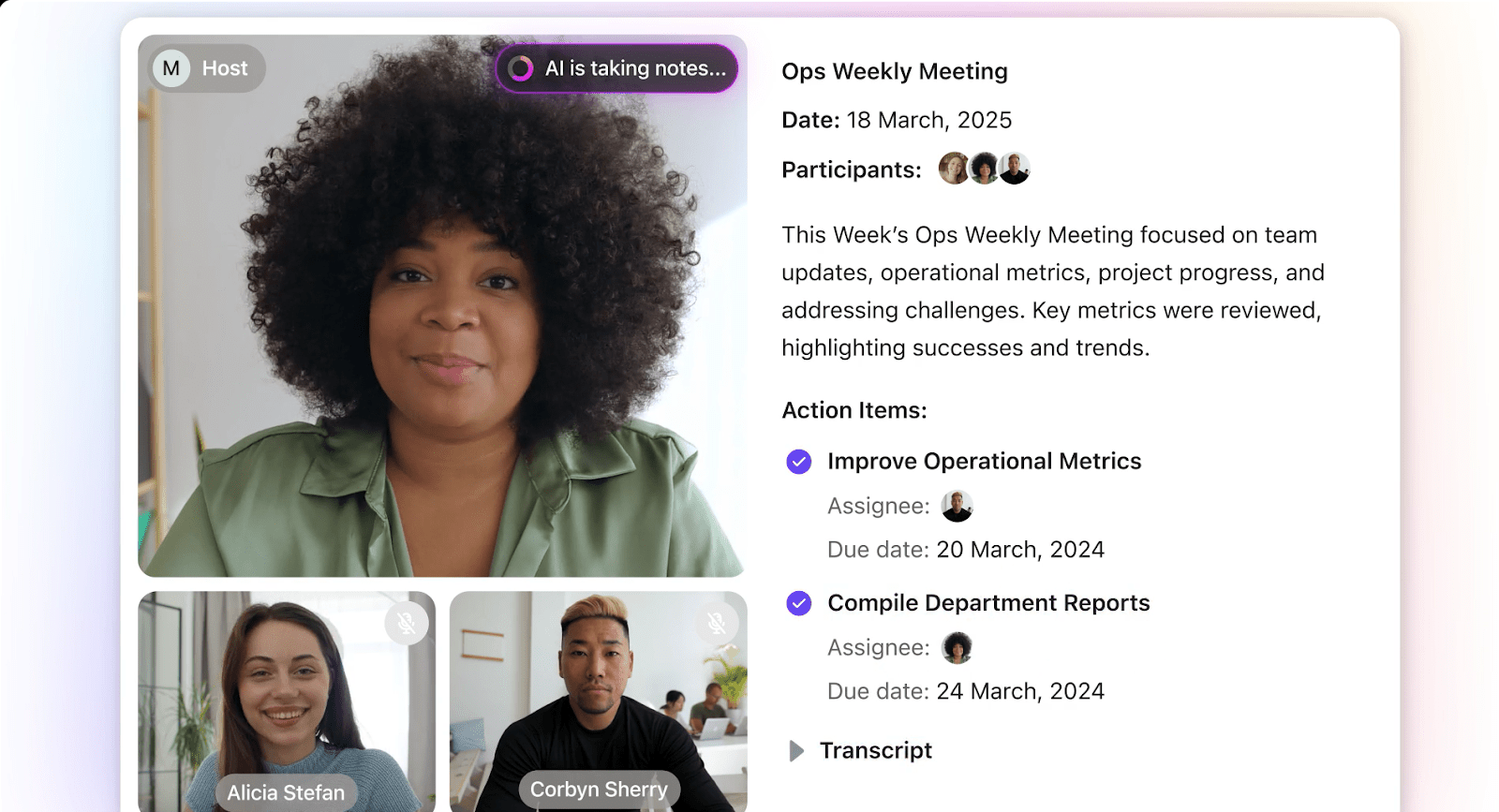
The best part? ClickUp AI identifies action items during the conversation and can automatically turn them into assigned tasks as soon as the meeting ends. With this powerful combo, you get all the benefits of a video call without the burden of manual note-taking or task creation.
📚 Also Read: How to Use AI for Note-taking
For organizations running on Microsoft 365, Microsoft Teams is the front door to their workday. But the constant need to go back to a separate project management tool to update tasks or check on progress traps your team in a loop of context switching. It pulls your team out of their flow and makes it harder to keep conversations and work aligned.
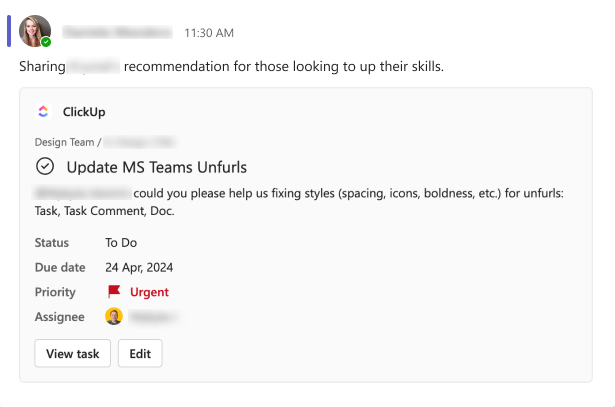
Integrating ClickUp with Microsoft Teams removes this barrier by embedding your workspace directly into your communication hub. Instead of leaving Teams to manage work, you can bring your boards, lists, and docs from ClickUp directly into your channels.
📌 Bonus: If you’re evaluating different team communication platforms, this video explores the best alternatives to Microsoft Teams and how they compare in terms of features and integration capabilities.
Every sales professional can attest to this: a successful deal is only the beginning of a complex customer success journey. The real challenge starts during the handoff—when a ‘Closed Won’ deal needs to transition into a project or onboarding workflow.
Without a connection between your HubSpot CRM and your project management tool, critical client details get buried in HubSpot threads, leading to delayed kickoffs and a disjointed customer experience.
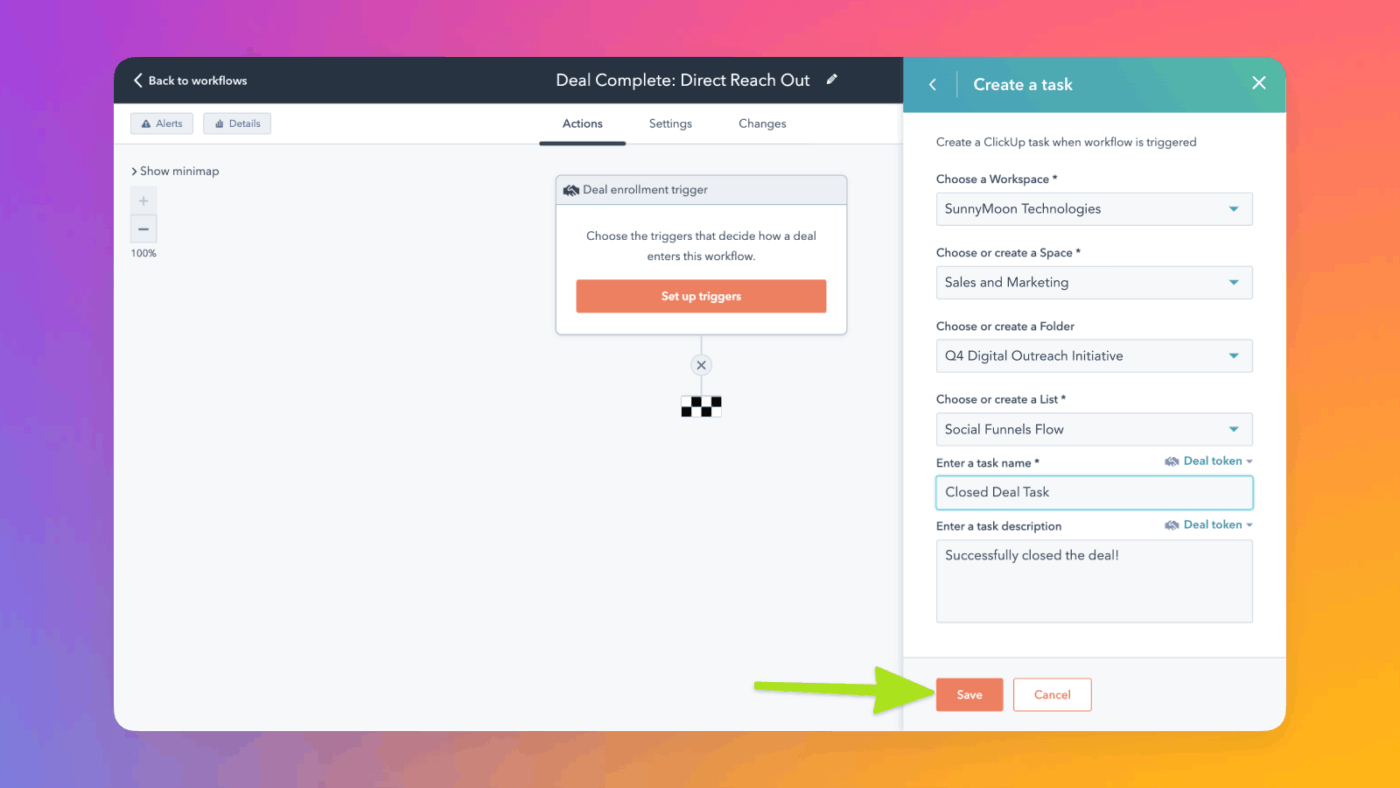
You can automate your sales-to-service handoff with the ClickUp-HubSpot Integration. By linking your CRM data directly to your project execution, you ensure that when a deal closes, the right team is notified and the work begins with full context.
While most integrations just move basic data, ClickUp lets you map specific HubSpot properties—such as deal value, currency, or close date—to ClickUp Custom Fields. This means your fulfillment team gets a fully populated project brief with all the technical requirements and client preferences already filled in.
For enterprise teams, Salesforce is often the source of truth for customer data. But project delivery often happens in a completely separate system. This creates a significant information gap, leaving project teams without context and sales reps in the dark about post-sale progress. The result is a disjointed customer experience and endless internal follow-ups.
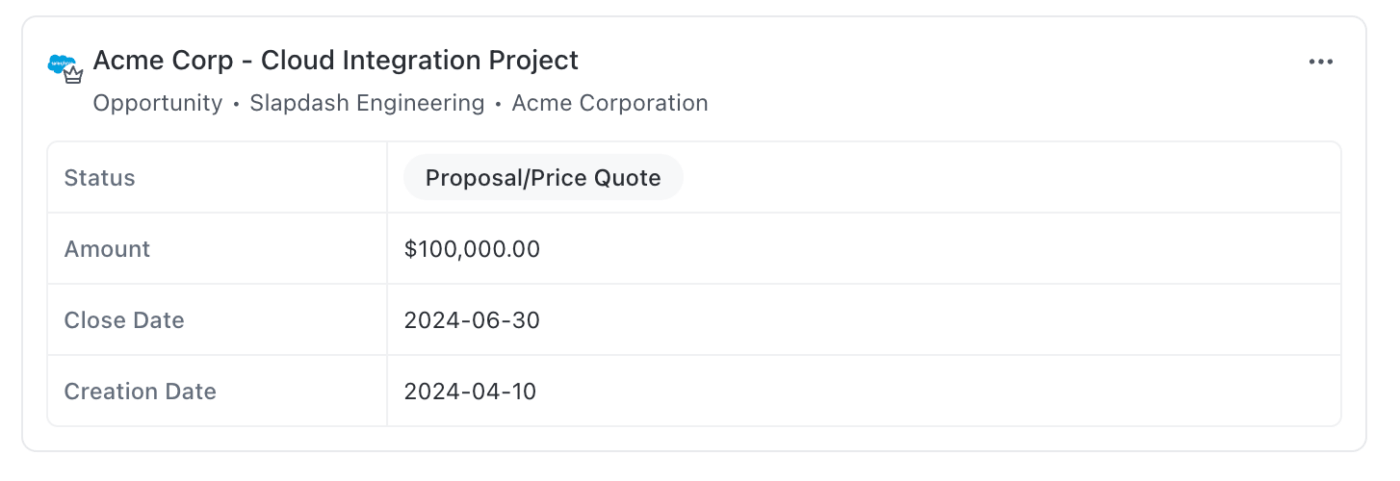
Your team can bridge the gap between your sales and delivery teams with the Salesforce-ClickUp Integration. It ensures that the data captured during the sales cycle flows directly into your production workspace. This gives delivery teams the context they need to hit the ground running.
💡 Pro Tip: The Salesforce ClickUp Integration connects two systems, reducing the information gap. However, ClickUp CRM eliminates the divide entirely. By bringing your sales pipeline and project delivery into a single platform, you eliminate the need for complex Apex triggers or third-party middleware.
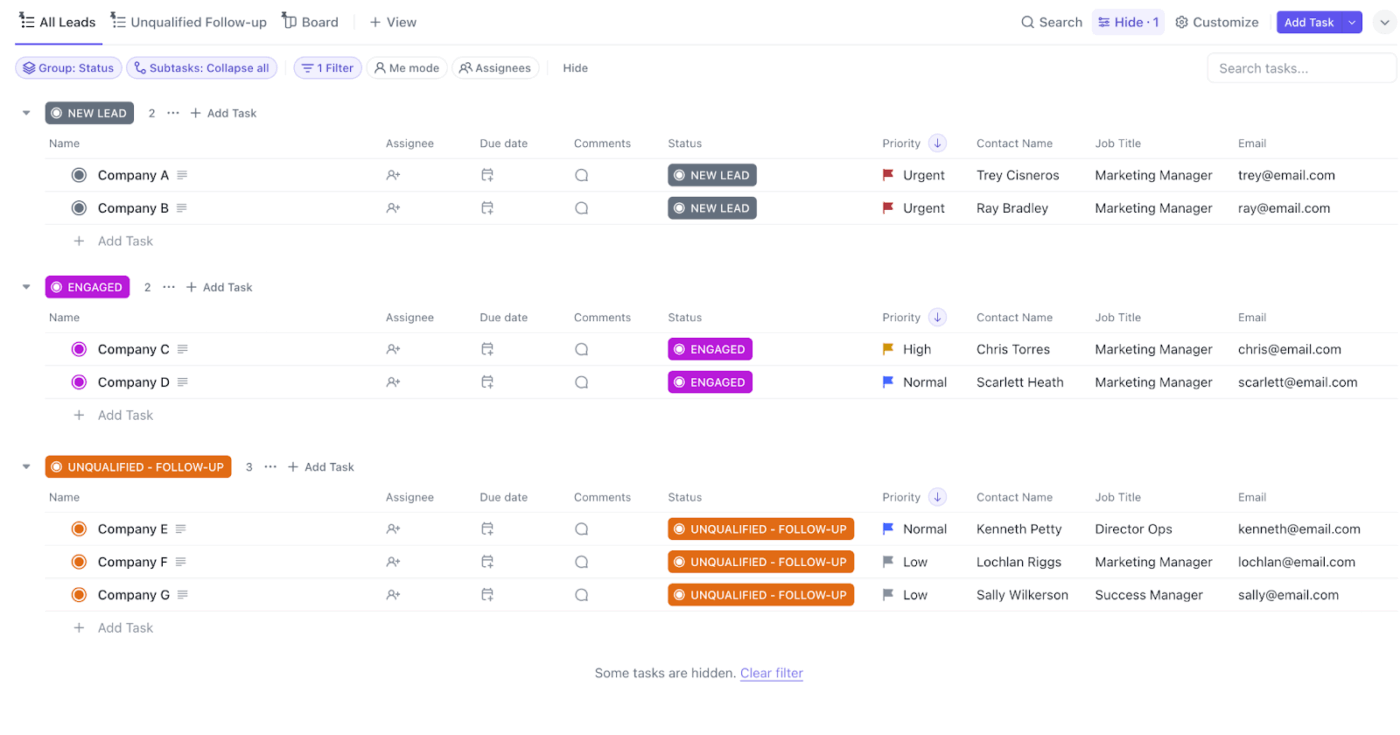
With ClickUp’s native CRM features, you can calculate deal sizes in Table View, manage customer outreach via integrated email, and use AI to summarize account history. It’s a faster, more flexible way to manage the entire customer lifecycle, from lead to long-term partner, all in one place.
Ever get the feeling that your Google Drive files often become ‘homeless’? From abandoned prototype mockups to multiple versions of Q2 sales volume reports, everything ends up piled together.
When files aren’t directly linked to the tasks they support, it becomes frustratingly hard to find a specific project spec or spreadsheet.
🌟 For context, a recent ClickUp survey found that 1 in 5 professionals spends 3+ hours daily just looking for files, messages, or additional context on their tasks.
Beyond the wasted time, this fragmentation increases the risk of someone working from an outdated version history, leading to costly errors and misaligned deliverables.
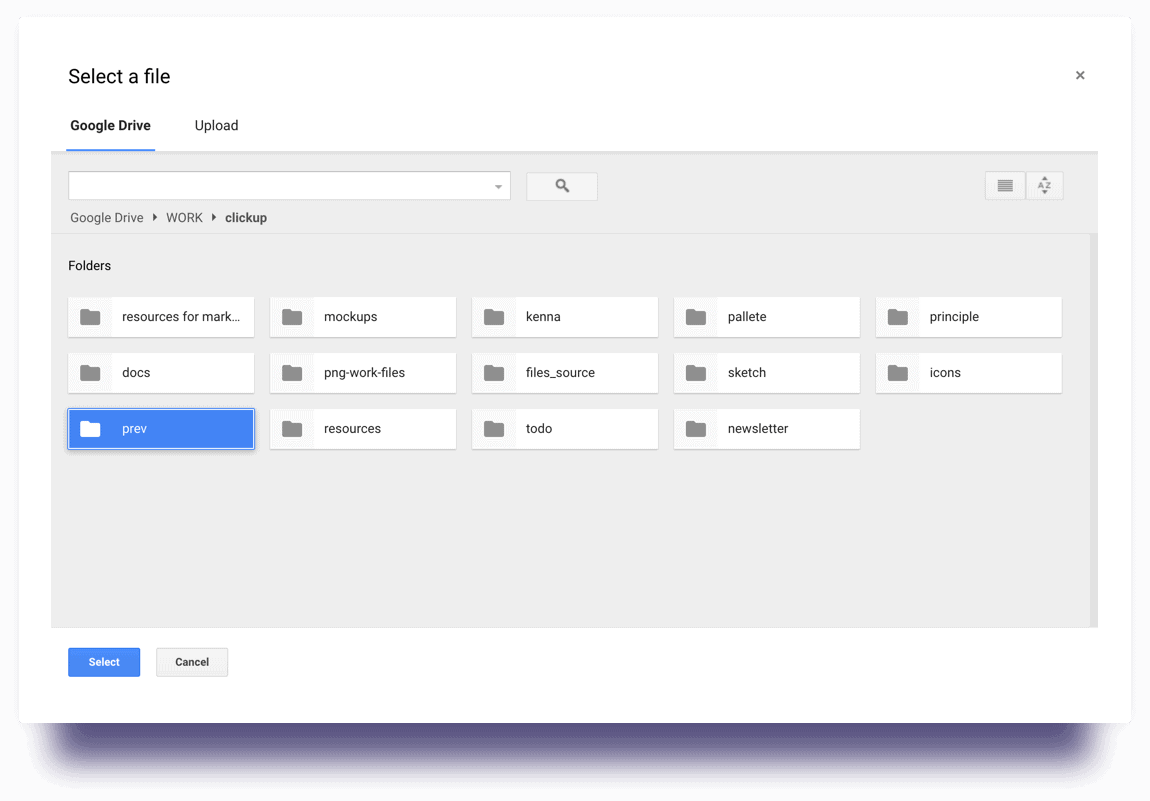
You can keep your files and tasks together with the Google Drive-ClickUp Integration. Instead of just pasting links, you can attach, preview, and even create Google Docs, Sheets, and Slides directly within your ClickUp Tasks. This ensures that all your work and its supporting documentation live in the same place.
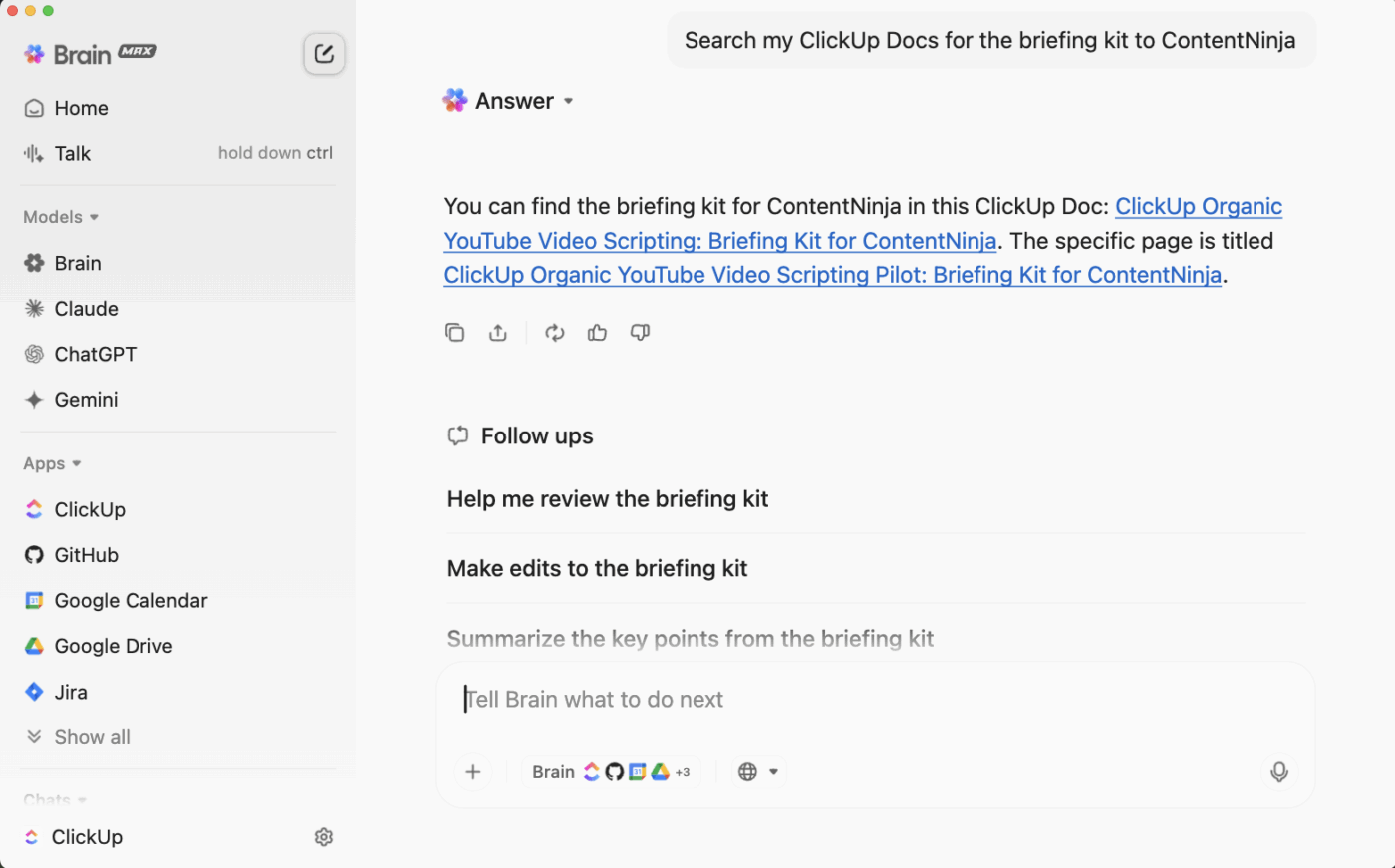
💡 Pro Tip: Even with a clean file structure, finding that one specific slide deck can feel like searching for a needle in a haystack. In this case, ClickUp Brain MAX can save you from manual searching entirely. It uses Enterprise Search to look across all your ClickUp connected apps—including Google Drive, Slack, and Gmail—to find the exact file or piece of information you need with a simple natural-language prompt. The best part about this desktop AI Super App is that it understands the context of your work to pull up the most relevant data.
For creative teams, Dropbox is often the central hub for design assets, videos, and other large files. The problem is that feedback and approvals usually happen in a separate project management tool.
It forces designers to constantly download comments and re-upload new versions. This clunky workflow slows down the review cycle and makes it easy for feedback to get lost.
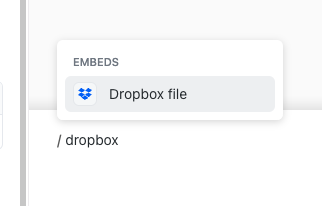
The ClickUp-Dropbox Integration allows you to link your Dropbox files directly to ClickUp Tasks. This keeps your assets and the conversations about them in one place. As a result, this helps improve your team’s overall productivity and captures all feedback right where the work is happening.
Your project managers and stakeholders cannot see what’s happening inside GitHub without depending on the engineering team. They’re forced to rely on manual status updates or long meetings just to find out if a feature is ready for testing. This lack of visibility creates a disconnect between the technical execution and the broader project timeline.
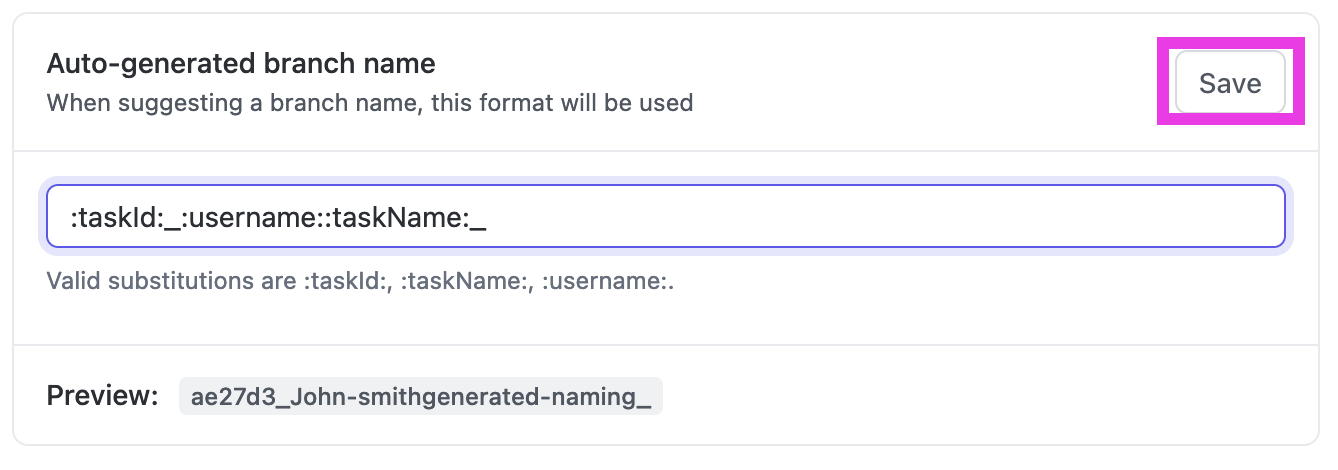
In this case, it’s ideal to bring transparency to your development workflow with the GitHub-ClickUp Integration. By linking repositories directly to your workspace, you make engineering progress visible to everyone—no GitHub login required. Whether a developer is pushing a fix or opening a request, the updates flow into ClickUp automatically, keeping the entire team in sync.
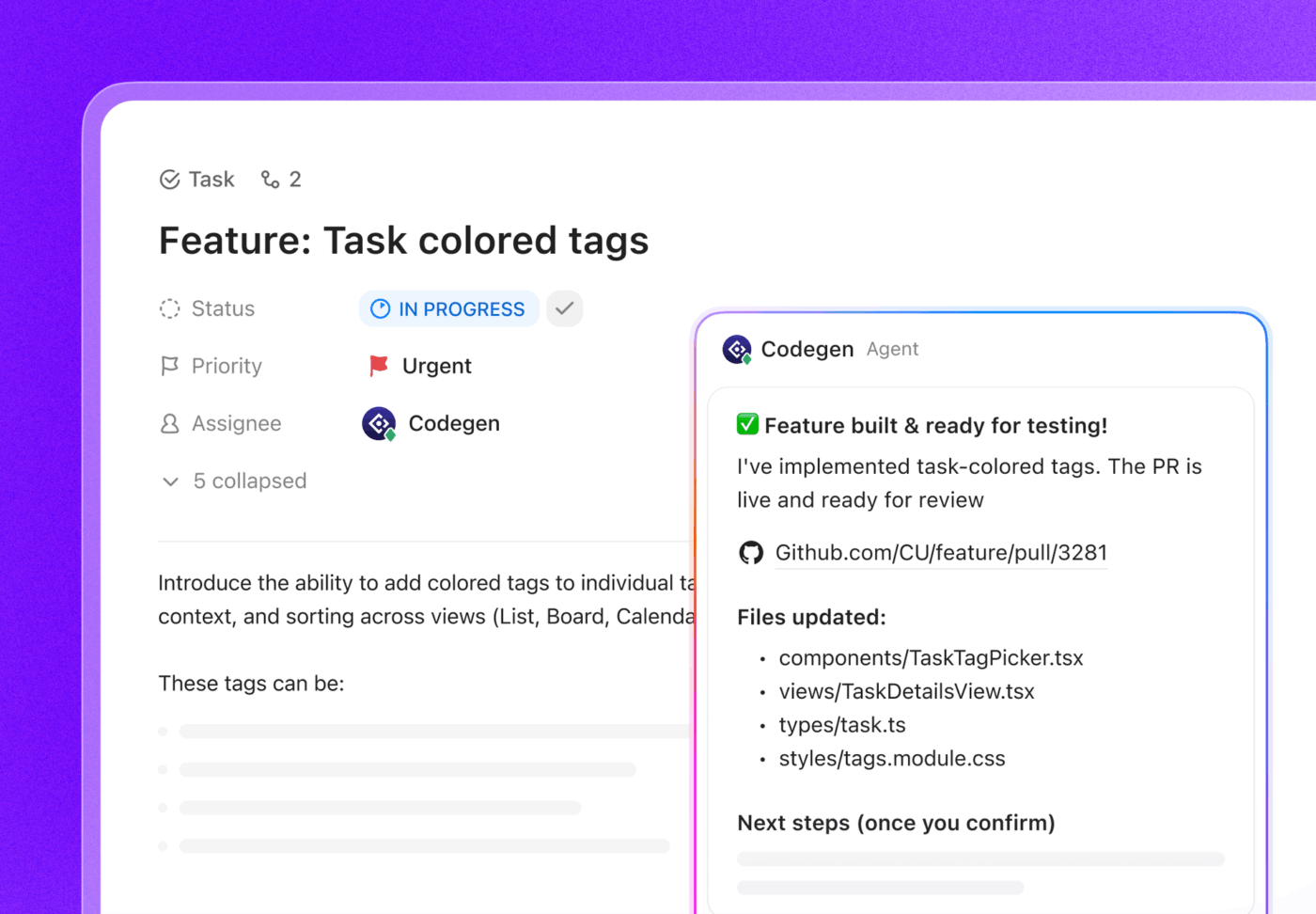
👀 Did You Know? The GitHub–ClickUp integration gives everyone visibility into development activity. But with Codegen inside ClickUp, you can transform an idea into code without leaving ClickUp. Instead of only syncing commits and pull requests, you can assign a task to Codegen or mention @codegen, and it can analyze the task context, generate or fix code, and even create a pull request automatically. That means work can move forward inside ClickUp—not just be reported there.
Zapier is the universal connector for the modern tech stack, linking ClickUp to over 6,000 apps without a single line of code. While ClickUp offers a robust library of native integrations, Zapier fills the gaps for niche tools or highly specific cross-app workflows.
It eliminates the manual work by acting as a digital relay, automatically moving data between your specialized apps and your central workspace.
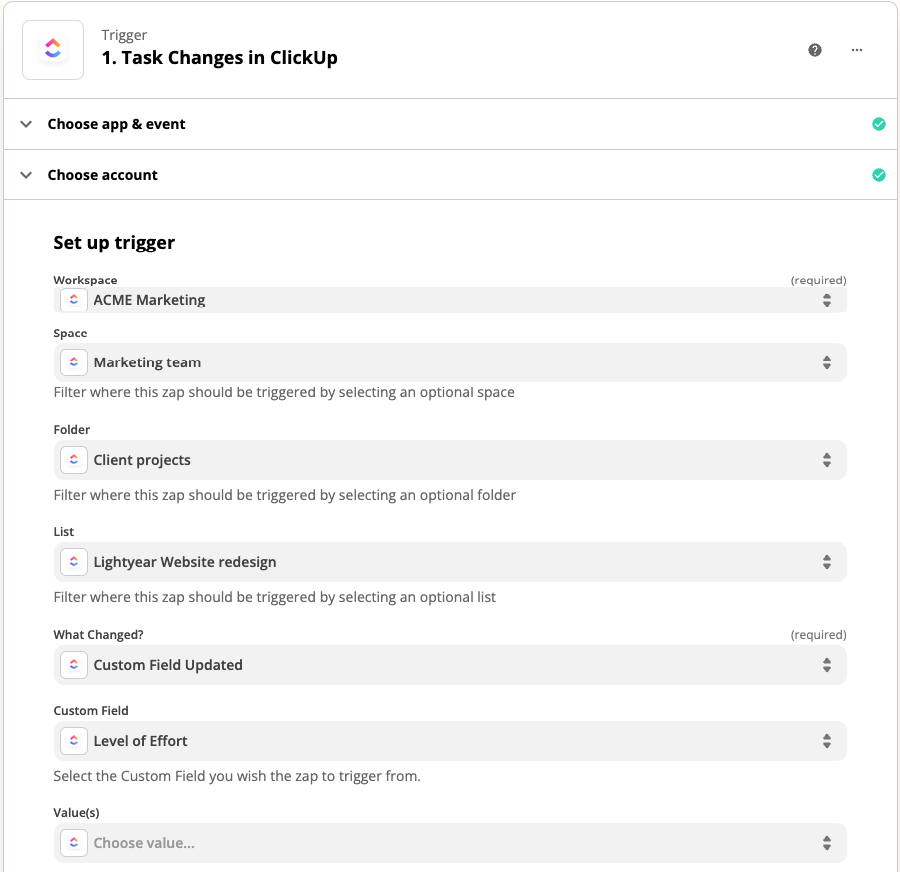
By using Zapier-ClickUp Integration, you can turn ClickUp into a fully automated command center. It monitors for triggers in your other tools—like a new lead in a niche CRM or a form submission—and immediately executes actions in ClickUp to keep your projects moving.
📌 The ClickUp Advantage: Beyond Zapier with native Agents and Automations
While Zapier is excellent for connecting external apps, you can often handle complex, multi-step workflows entirely within ClickUp using ClickUp Automations and Super Agents. This reduces your reliance on third-party subscriptions and centralizes your logic.
ClickUp Automations let you streamline the busywork that happens after a trigger. For example, when a task status changes to ‘Legal Review,’ ClickUp can automatically reassign the task, add a specific ‘Urgent’ tag, and send an outgoing email to a partner.
With the AI Automation Builder, you don’t even need to manually map fields; you simply describe the workflow in plain English, and ClickUp configures the logic for you.
For even more sophisticated execution, Super Agents act as AI-powered teammates that live directly in your workspace. Unlike a standard ‘if-this-then-that’ Zap, these agents possess infinite memory and knowledge to contextually handle your specific projects.
You can even @mention an agent in a chat to have it analyze data, draft project briefs, or summarize weekly reports. They don’t just move data; they reflect on the context of your work to execute human-level tasks 24/7.
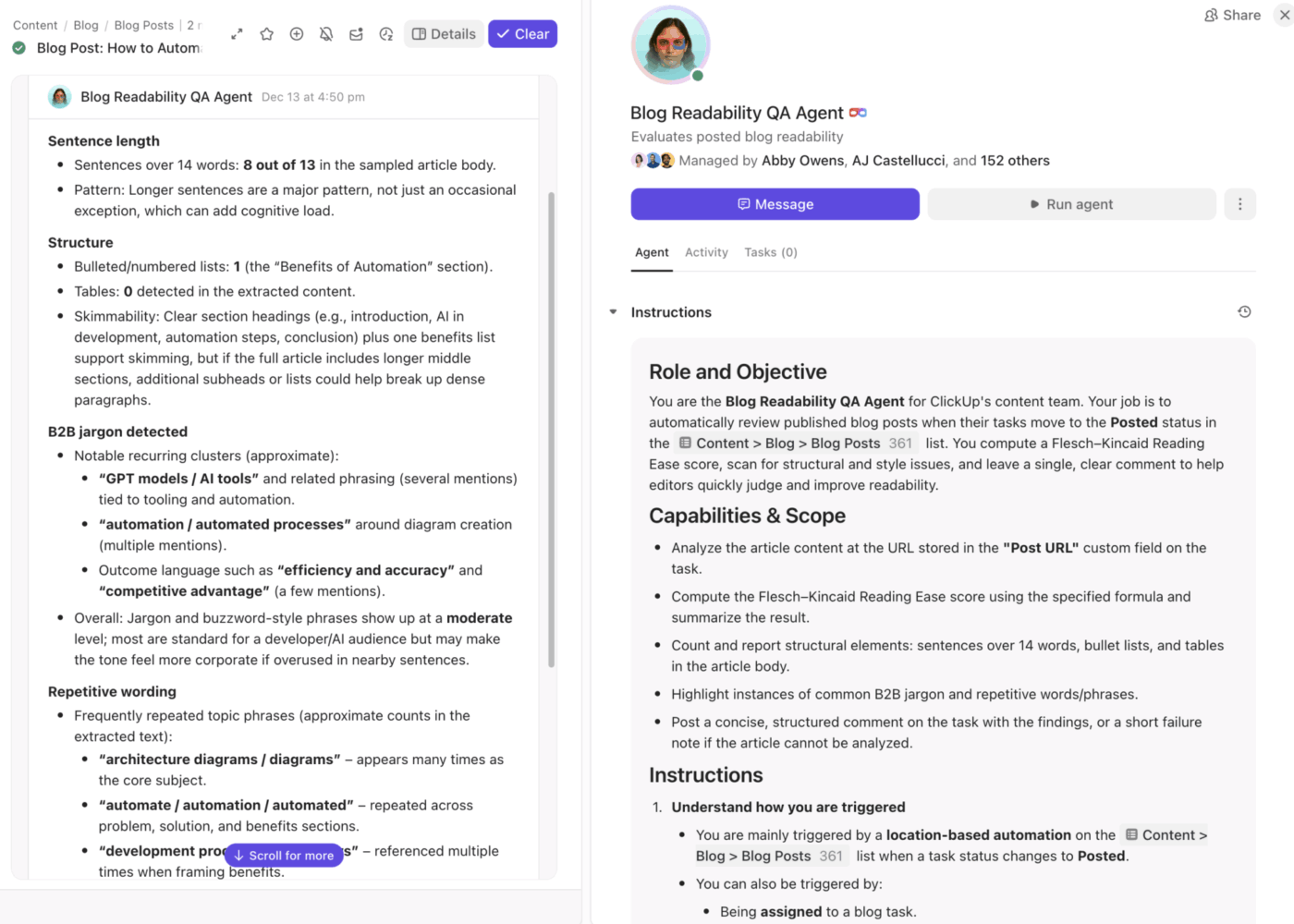
Miro offers an infinite canvas for mapping out complex ideas. However, the biggest hurdle for creative teams is the gap between ideation and execution. Brilliant concepts captured on digital sticky notes often stay in Miro, disconnected from the structured project plans in ClickUp.
Inevitably, you end up losing momentum and forgetting action items.
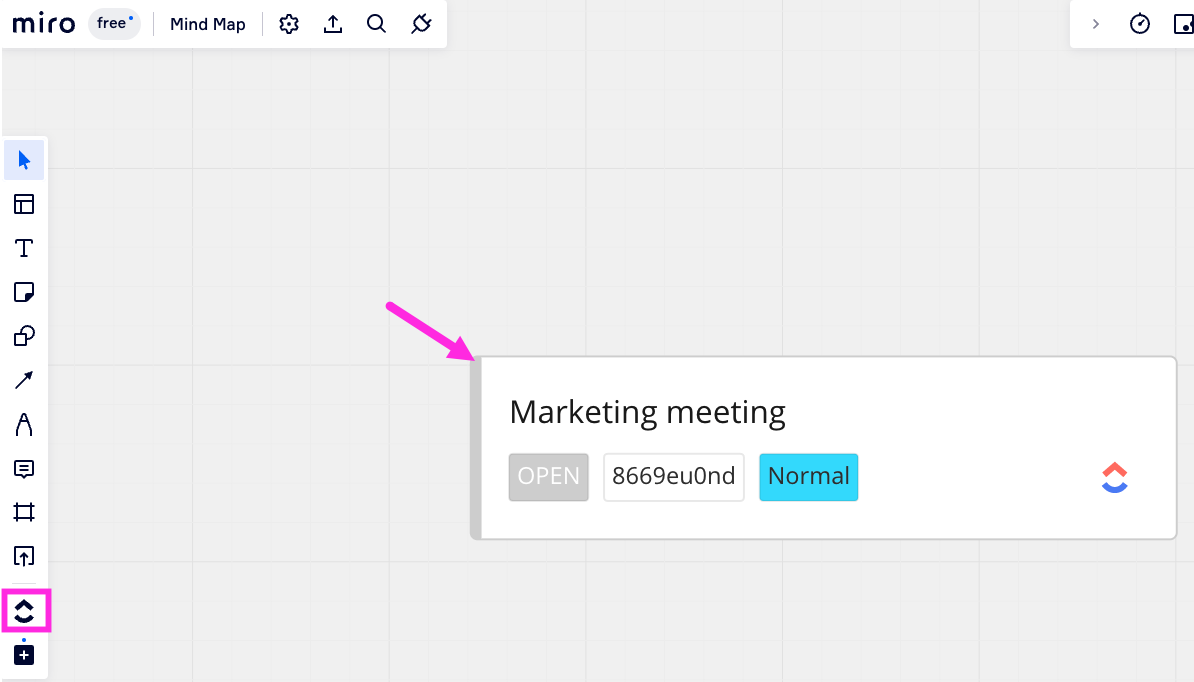
The ClickUp-Miro Integration ensures your visual work lives right alongside your project delivery. By connecting your boards to your workspace, you can transition from high-level brainstorming to granular task management without losing any of the original creative context.
😇 There’s also another way out: opt for zero-app switching! While the Miro integration is powerful, ClickUp Whiteboards offer an even tighter experience by eliminating app-switching entirely. Because Whiteboards are native to the platform, you can turn any shape or sticky note into a task in one click, and those tasks remain permanently linked to the board.

You can also use AI image generation to turn text prompts into visuals directly on the canvas and @mention teammates or link Docs without ever leaving the interface. It’s the only virtual whiteboard that’s fully connected to your chat, tasks, and project timelines, making it a smarter alternative for fast-moving teams who want to brainstorm and build in the same breath.
Tired of explaining a complex visual process or providing detailed feedback through text? We get it. You spend most of your time writing instructions, only for them to be misinterpreted. Sharing a video link in a chat channel can be a better alternative, though it comes with its own challenges.
Those links are easily buried, forcing your team into a ‘link rot’ situation—repeating themselves or wasting time digging through history for a specific walkthrough.
The ClickUp and Loom Integration brings async video directly into your project workflow. By embedding recordings where the work happens, you ensure that every screen recording and video message stays attached to the relevant Task or Doc, providing instant clarity for the assignee.
🙂 Ready to ditch the extra subscription? Meet ClickUp Clips!
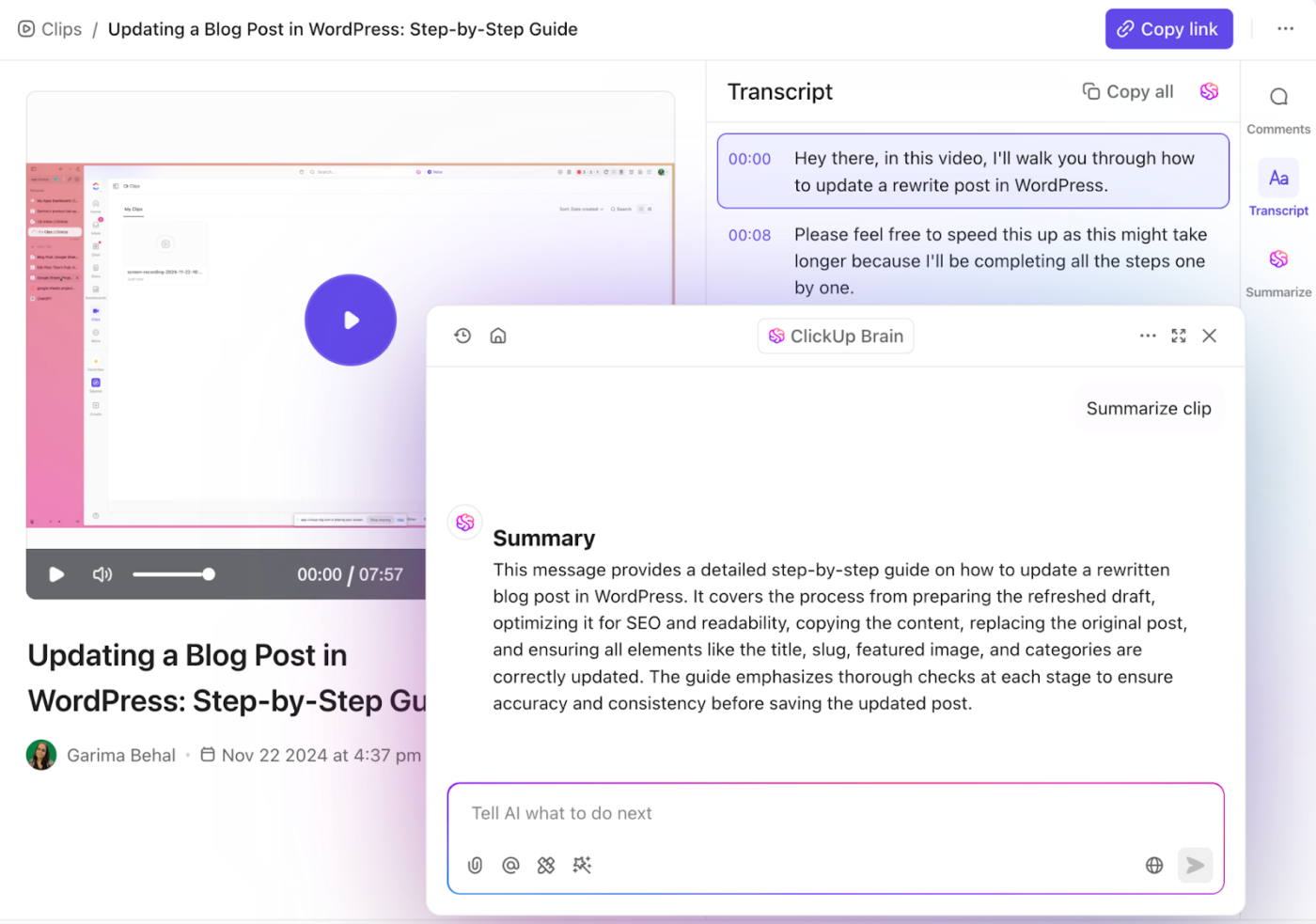
Why pay for a separate screen recording tool when you can do it all for free inside your workspace? ClickUp Clips is the native, AI-powered evolution of the async video. Since it’s built directly into ClickUp, your clips are automatically indexed and searchable.
What makes it even better? ClickUp Brain can auto-transcribe your Clips, summarize the key points, and even turn mentioned action items into assigned tasks with a single click. Every recording is stored in your centralized Clips Hub, so you’ll never have to go on a digital scavenger hunt for a missing link again. It’s faster, smarter, and keeps your budget lean.
🧠 Fun Fact: 41% of teams that switched to ClickUp reported replacing 3 or more tools with ClickUp, while 60% reported saving 3+ hours every week!
For agencies and consultants, Harvest is the reliable standard for managing billable hours and client invoicing. However, tracking time in a vacuum—away from your project management tool—creates a massive administrative burden at the end of every month. Without a direct link, you’re forced into a tedious manual reconciliation process, matching entries to tasks just to ensure your invoices are accurate.
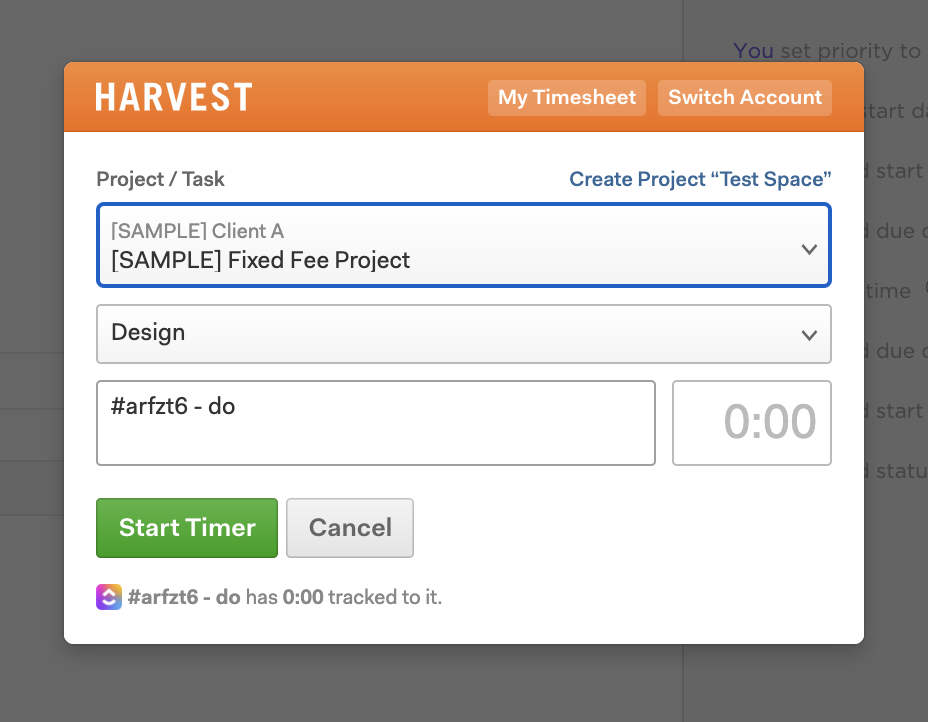
Instead of tracking in isolation, you can sync your timers directly to your workspace with the ClickUp- Harvest Integration. It ensures that every minute logged is automatically attributed to the correct task, providing clear visibility into project costs and team capacity.
📌 The ClickUp Advantage: All-in-one time tracking & reporting
If you’re tired of jumping between apps, you can consolidate everything with ClickUp Time Tracking. Because it’s native to the platform, you get a global timer that follows you across desktop, mobile, and even the ClickUp Chrome Extension.
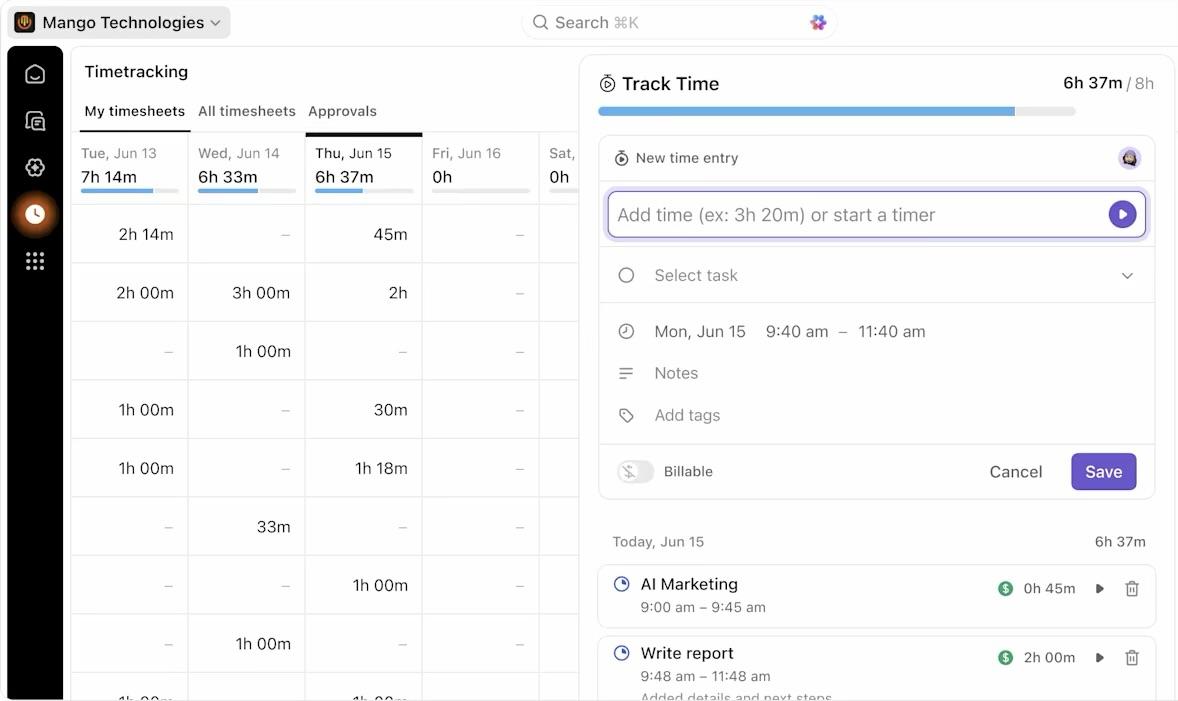
ClickUp goes beyond just logging hours; it provides Timesheets and detailed Time Reporting that compare your actual effort against your ClickUp Time Estimates. You can mark time as billable, add descriptive notes to entries, and use rollups to see the combined time spent across entire projects or subtasks. It’s a smarter way to handle your agency operations without the extra subscription cost.
🧠 Fun Fact: Time tracking isn’t a modern corporate invention; the oldest record of tracking work hours dates back to 1772 BC in the Code of Hammurabi, where the first laws regarding minimum wages and task durations were carved into stone.
Does this scenario feel familiar? Your designers share links in Slack, developers find information through threads, and feedback ends up scattered across channels and Figma comments.
Chances are, this scattered workflow is causing your developers to build from outdated design files, resulting in expensive, frustrating rework.
Use the ClickUp-Figma Integration to pull your live designs directly into your project workflow. By embedding your files alongside the implementation tasks, you create a single source of truth that keeps your creative and technical teams perfectly aligned.
Native integrations and no-code tools like Zapier cover most bases, but enterprise teams often have proprietary internal systems or highly specific workflows that require a tailored touch. When an off-the-shelf connector doesn’t exist, you’re often left with data silos or manual workarounds that break your team’s momentum.
The ClickUp API provides your developers with the building blocks to create a custom-fit solution. This REST API provides programmatic access to your entire Workspace—including tasks, lists, folders, and comments—bridging the gap between ClickUp and your internal tools for a truly seamless data flow.
With over 1,000 ClickUp Integrations available in the ClickUp App Marketplace, it can be tempting to fall into a trap of integration overload, but having a smart tool consolidation strategy is key.
Start by mapping out your team’s current workflows. Identify the points where you’re manually moving data between applications—these are your prime candidates for integration.
Here’s a simple way to prioritize:
👏 Adopt this process: Test one new integration at a time. Get feedback from your team and measure whether it’s actually saving time before you add another. The goal is to build a workspace that adapts to your team’s needs, with ClickUp serving as the single hub for all your work.
The right integrations transform ClickUp from a standalone project management software into a single platform that runs your entire business.
Sign up for ClickUp for free and connect your first app today.

Manasi Nair
Max 24min read
Manasi Nair
Max 30min read
Manasi Nair
Max 28min read

© 2026 ClickUp