Sorry, there were no results found for “”
Sorry, there were no results found for “”
Sorry, there were no results found for “”
Staring at an empty LinkedIn queue—again?
You’ve got the ideas, the right words to convey them, and even the images to complete the package, but your posts keep getting delayed. Engagement dips, and the algorithm isn’t exactly forgiving.
The real problem is that you’re planning in silos. You’re using disconnected documents, spreadsheets, and Slack threads that weren’t built for real-time collaboration.
Now imagine a single source of truth where your entire LinkedIn strategy lives—ideas, approvals, visuals, even deadlines.
A social media content calendar template makes this possible, whether you’re managing a brand account, a client’s LinkedIn personal brand, or your own thought leadership initiatives. With the right one, you can turn scattered content efforts into a consistent, high-impact publishing engine.
This post will walk you through the best free LinkedIn content calendar templates you can use right away, including purpose-built options from ClickUp—the everything app for work.
A LinkedIn content calendar template is a ready-made framework that helps you plan, organize, and schedule posts specifically for LinkedIn. Instead of scrambling to decide what to publish each day, you get a bird’s-eye view of your content—what’s going live, when, how, and why.
It can include:
📝 Quick Note: Some templates are simple (like a spreadsheet with columns), while others are dynamic and collaborative—think calendars, task boards, or dashboards that update in real time.
A good LinkedIn content calendar template simplifies the path from planning to publishing. It eliminates roadblocks like lackluster ideas, missing deadlines, unclear ownership, etc. It’s also flexible enough to fit your content workflow while giving you the visibility you need to stay on track.
Look for templates that include:
Bonus points if it integrates with your project management tool, lets you attach creative briefs and assets directly, and/or includes automation for due dates and reminders. Ultimately, a good content planning and writing template should save you time, reduce stress, and help you deliver content that resonates with your target audience.
Planning your LinkedIn content strategy and posts shouldn’t feel like reinventing the wheel every week. These tried-and-tested templates from ClickUp help marketing teams like yours hit “publish” with purpose, not panic.
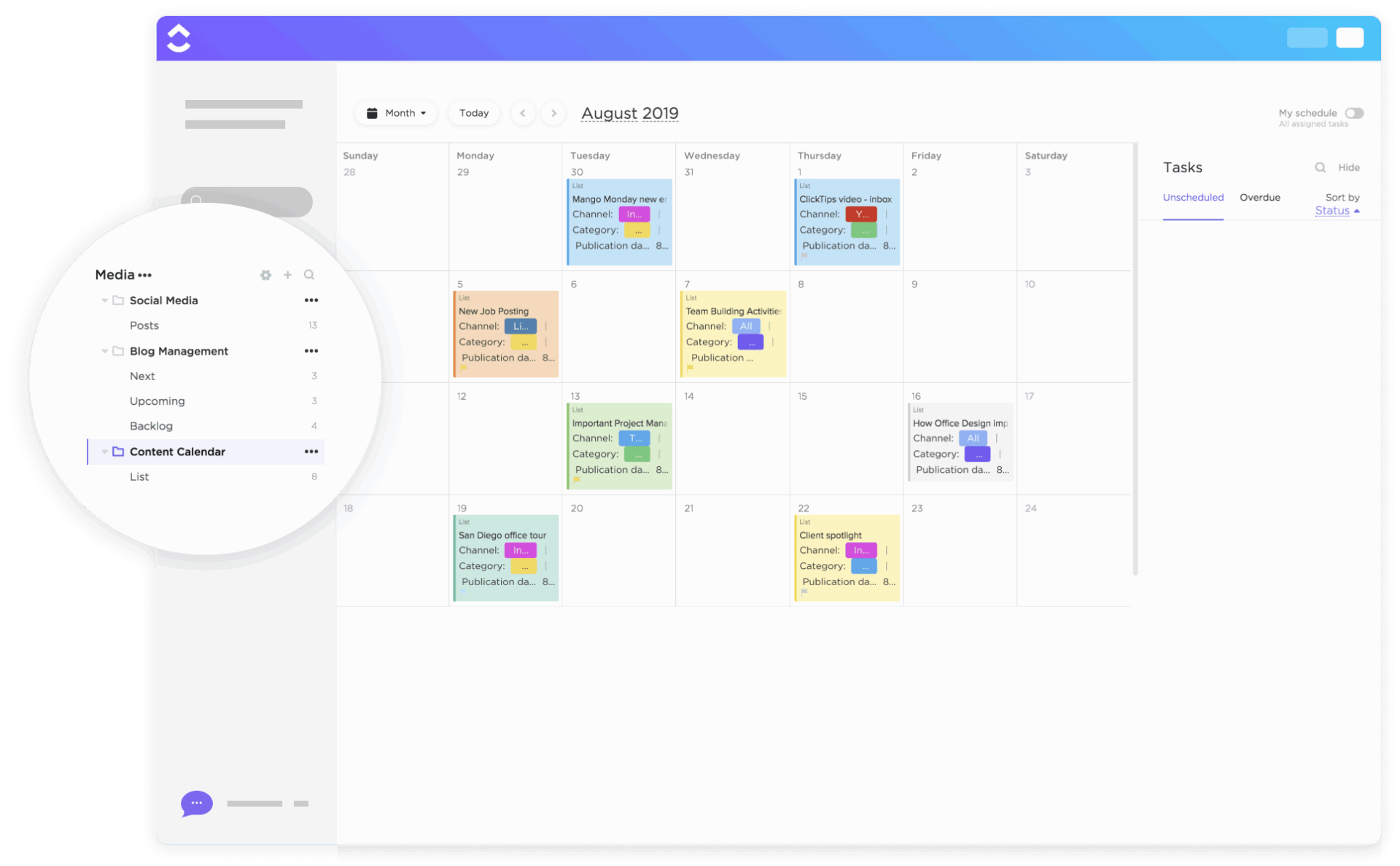
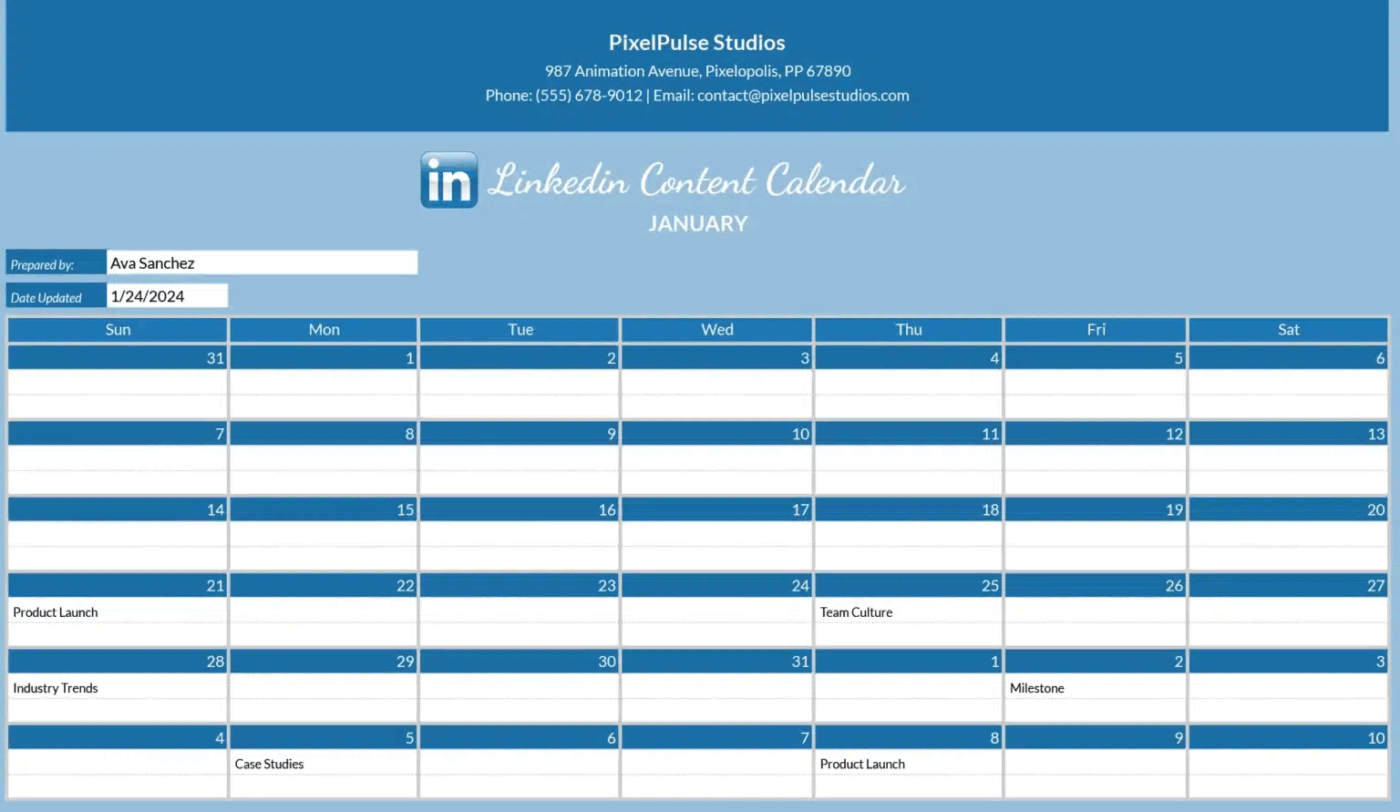
The ClickUp Monthly Content Calendar Template is built for big-picture thinkers. It helps you visualize your LinkedIn content plans across an entire month, so you’re not just planning for tomorrow, but for the campaign ahead. From brainstorming to publishing, every step lives in one centralized hub.
📌 Ideal for: Marketing teams juggling multiple campaigns who need a clear monthly overview of what’s going live and when. It’s especially useful for syncing LinkedIn posts with product launches or seasonal content.
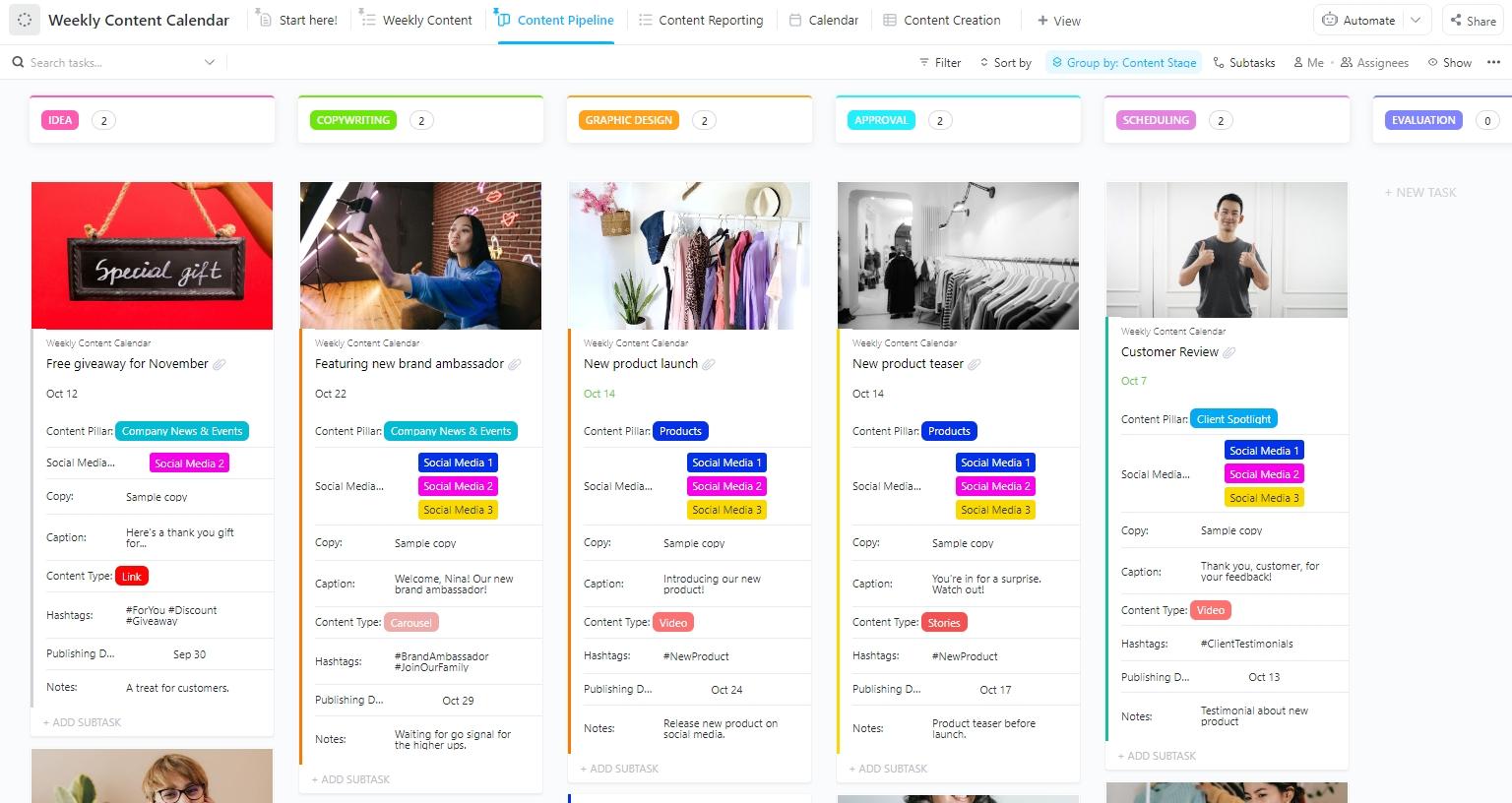
Ever find yourself hesitating to post because you’re not sure whether to join a trending conversation or stick to your content plan? The ClickUp Weekly Content Calendar Template breaks your LinkedIn strategy down into actionable, week-by-week plans. It’s perfect for tracking daily posts, monitoring engagement, and making quick adjustments as trends shift.
📌 Ideal for: Social media managers and content creators who need to stay agile, respond to trends, and keep a close eye on daily LinkedIn activity
💡 Pro Tip: Block 30–60 minutes each Friday evening/Monday morning using ClickUp’s AI Calendar to batch-plan and tag your content using one of the editorial or posting templates. It sets the tone, gives visibility into your week, and reduces those last-minute panic spirals.
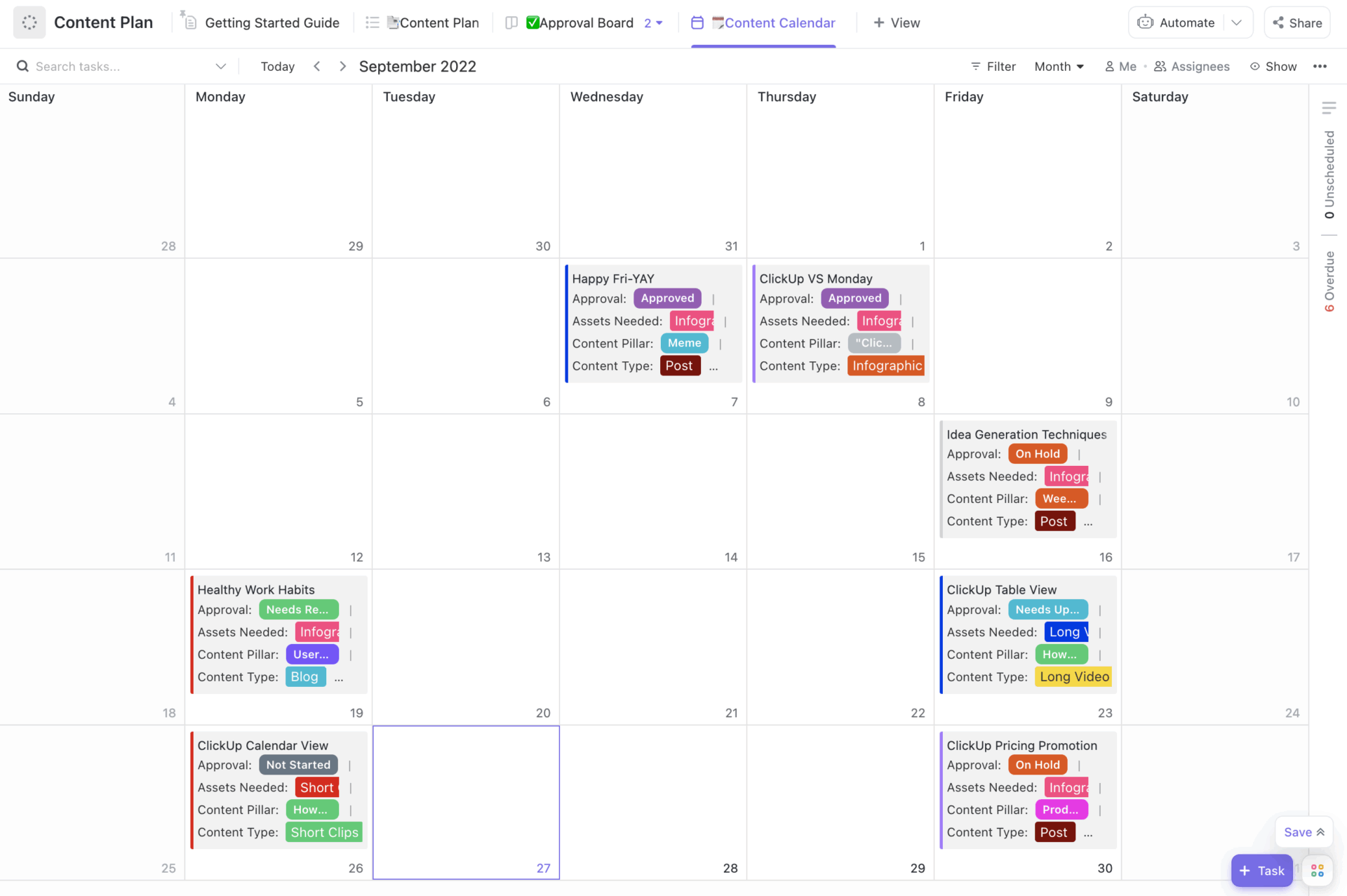
Ready to take your LinkedIn strategy from scattered to strategic? The ClickUp Content Plan Template helps you map out content pillars, campaign objectives, and messaging—all before you even start scheduling posts. It’s a blueprint for marketers who want every LinkedIn post to serve a bigger purpose.
📌 Ideal for: Marketing leads and strategists who want to build a cohesive, goal-driven LinkedIn presence
📚 Also Read: Media Planning Templates
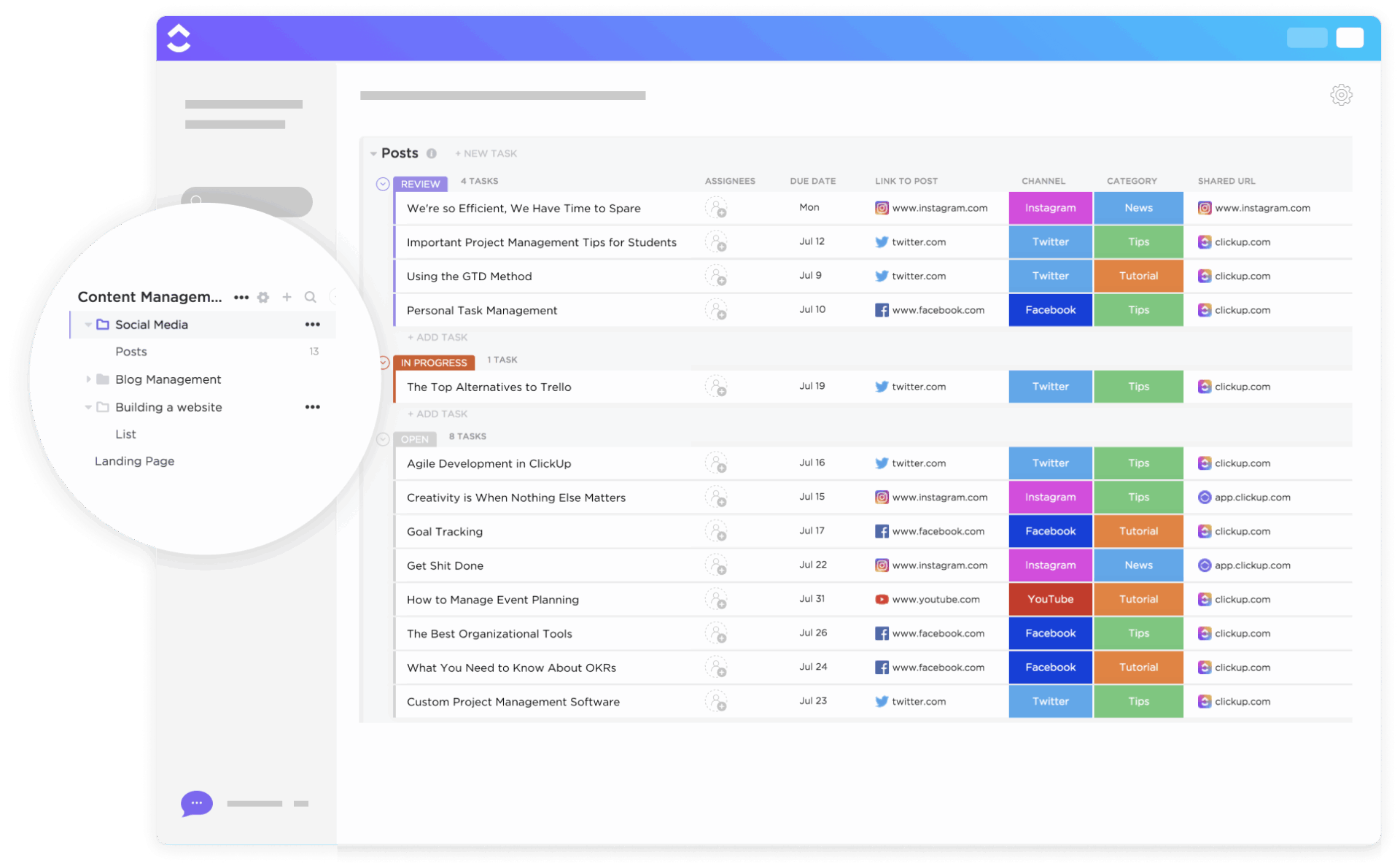
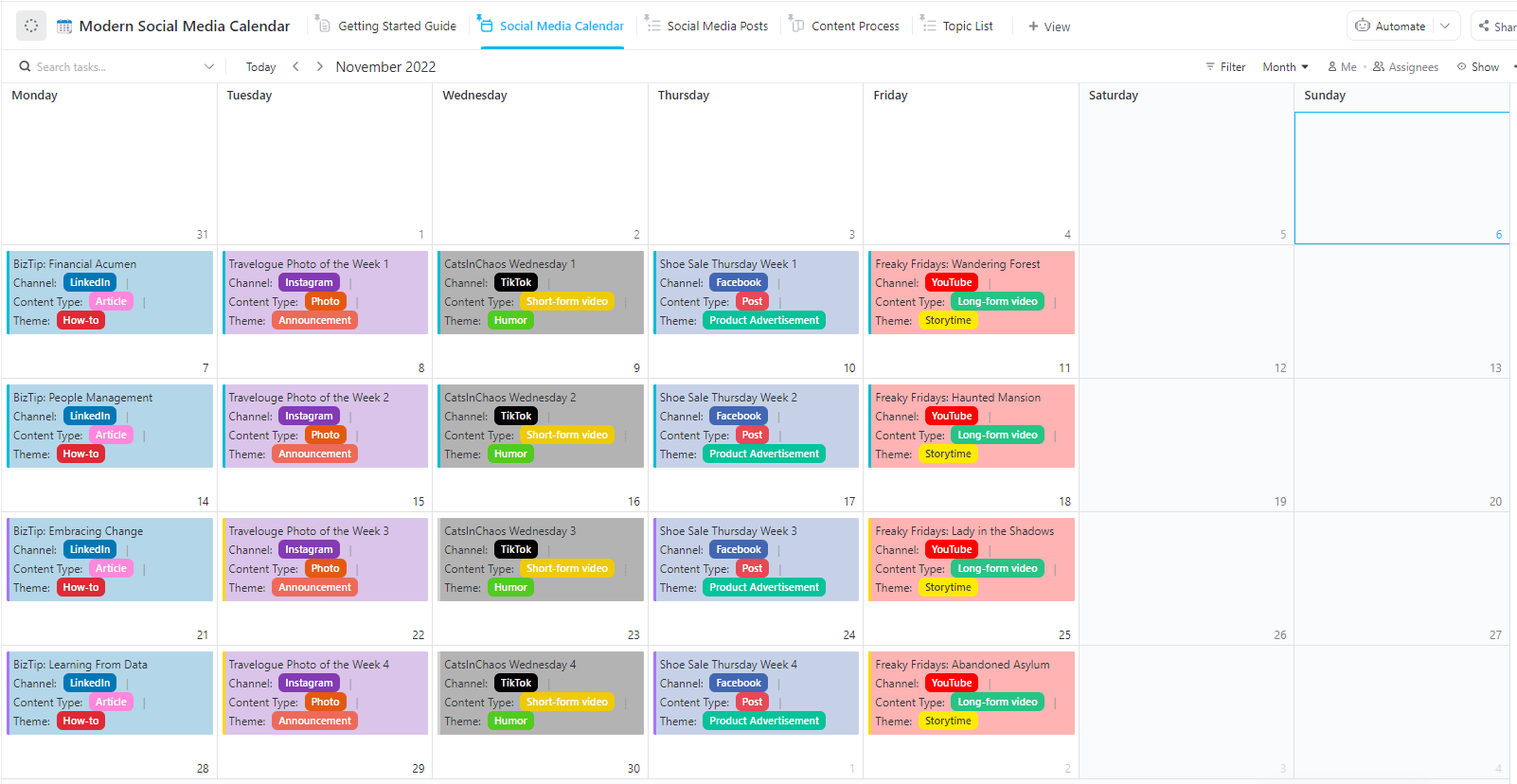
If you’re managing multiple platforms alongside LinkedIn, the ClickUp Modern Social Media Calendar Template is built for you. This free content calendar template brings a fresh, visually engaging approach to content ideation, scheduling, and monitoring. It lets you see all your social media platforms at a glance—without the clutter that clouds decision-making.
📌 Ideal for: Social media teams and freelancers who need a modern, visually organized way to post and track performance across multiple channels
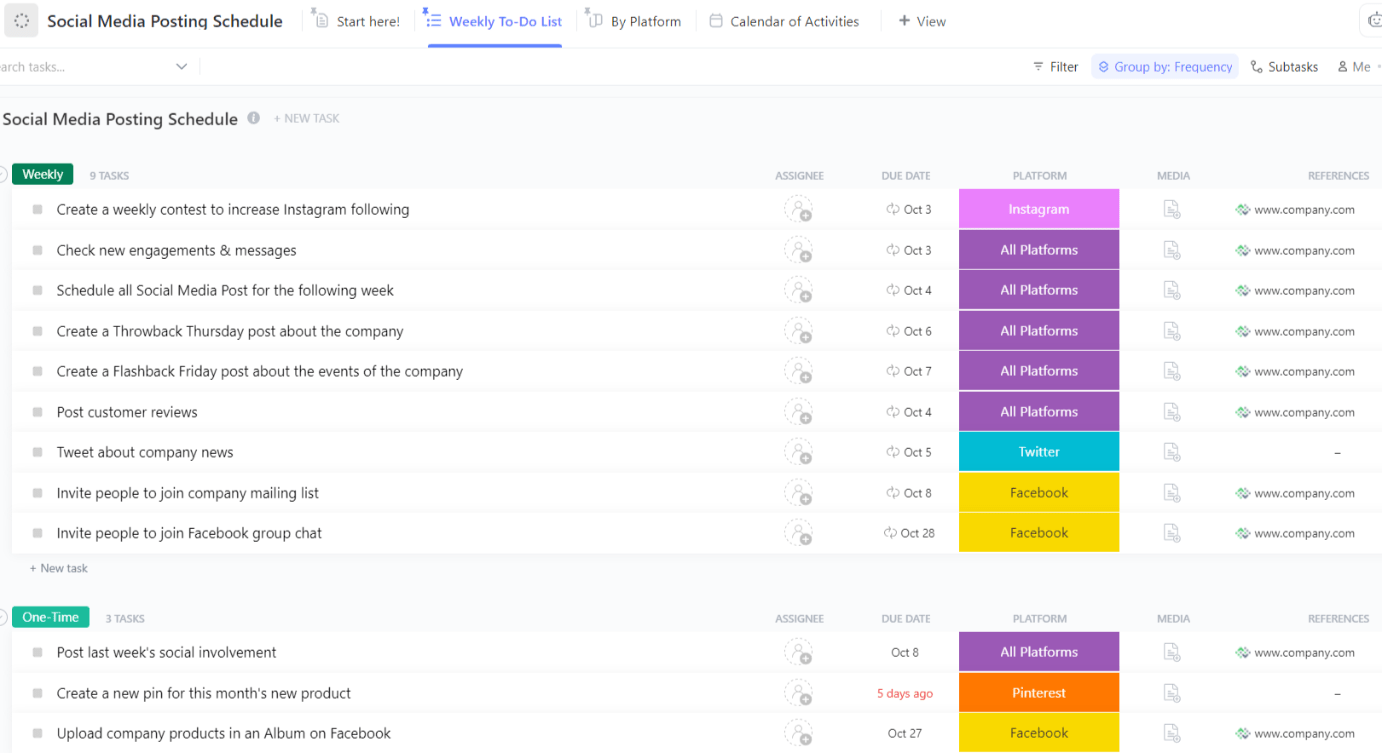
The ClickUp Social Media Posting Schedule Template is your tactical toolkit for organizing post timings for LinkedIn (and other social platforms). Designed for precision, it helps you map out exactly when each post goes live so you never miss a key moment or overlap campaigns. It’s useful when you want to maintain consistency in your publishing schedule… and tap into peak engagement times to maximize reach.
👀 Did You Know? The highest LinkedIn engagement typically happens between 7 a.m. and 4 p.m. on weekdays, with a slight edge around 10–11 a.m. on Tuesdays and Thursdays. While those times perform best, engagement across the broader workday window remains fairly consistent—so you don’t have to obsess over posting at the exact peak hour.
📌 Ideal for: Social media coordinators and agencies managing high-frequency LinkedIn posting, or anyone who wants to optimize timing for maximum engagement
📚 Also Read: Social Media AI Tools
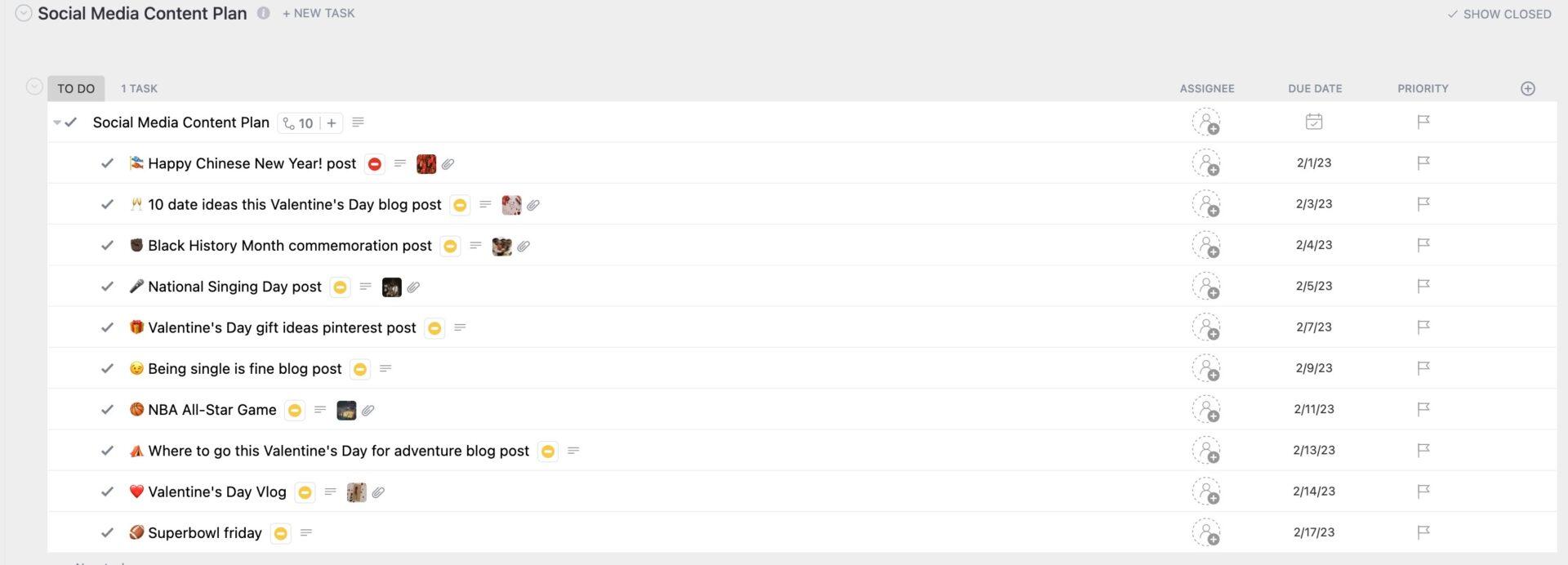
The ClickUp Social Media Content Plan Template is built for marketers who want to connect the dots between strategy and execution. It lets you outline campaign goals, map content themes, and assign responsibilities—all in one collaborative workspace.
📌 Ideal for: Teams and consultants who need to align LinkedIn content with broader marketing goals
📮ClickUp Insight: 37% of our respondents use AI for content creation, including writing, editing, and emails. However, this process usually involves switching between different tools, such as a content generation tool and your workspace. With ClickUp, you get AI-powered writing assistance across the workspace, including emails, comments, chats, Docs, and more—all while maintaining context from your entire workspace.
Jump into a robust template designed for managing high-volume or multi-channel social media efforts—including your LinkedIn presence. Built to power both small teams and serious influencers, the ClickUp Social Media Advanced Template combines content planning, publishing, and analytics.
It’s easily one of the best tools for optimizing every aspect of your social media calendar.
📌 Ideal for: Data-driven marketing teams and agencies who want deep visibility into LinkedIn content performance and need robust tools for scaling social media operations
💡 Pro Tip: Use the Embed View in the template to access your live social media feed and get real-time marketing inspiration without leaving ClickUp.
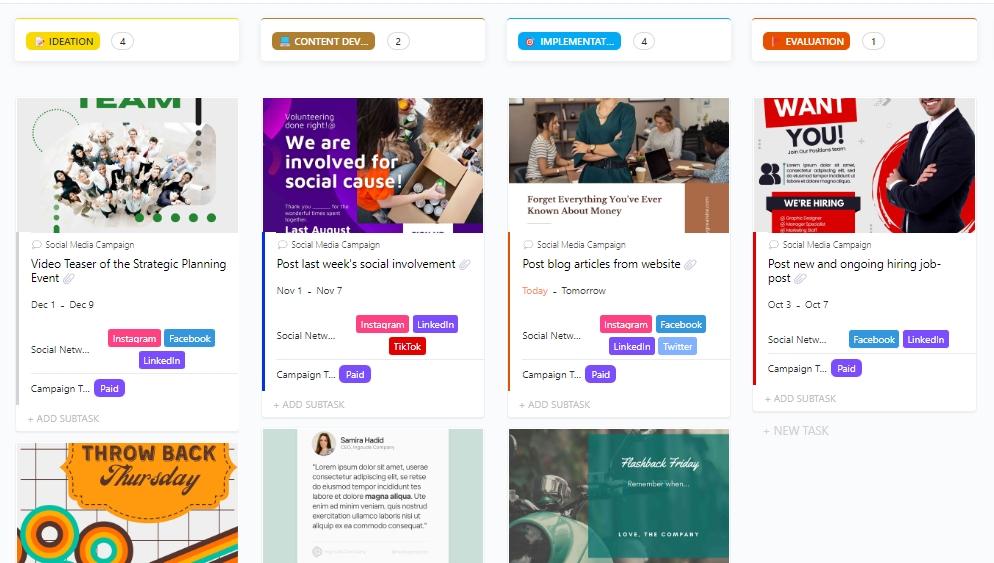
When your LinkedIn activity is part of a bigger campaign, ClickUp’s Social Media Campaign Template brings structure and insight from kickoff to results. You get clean task breakdowns, smart collaboration, and performance tracking.
📌 Ideal for: Agencies, teams, and marketing managers orchestrating structured LinkedIn campaigns integrated with webinars, events, or product launches
📚 Also Read: Content Marketing Strategy Templates
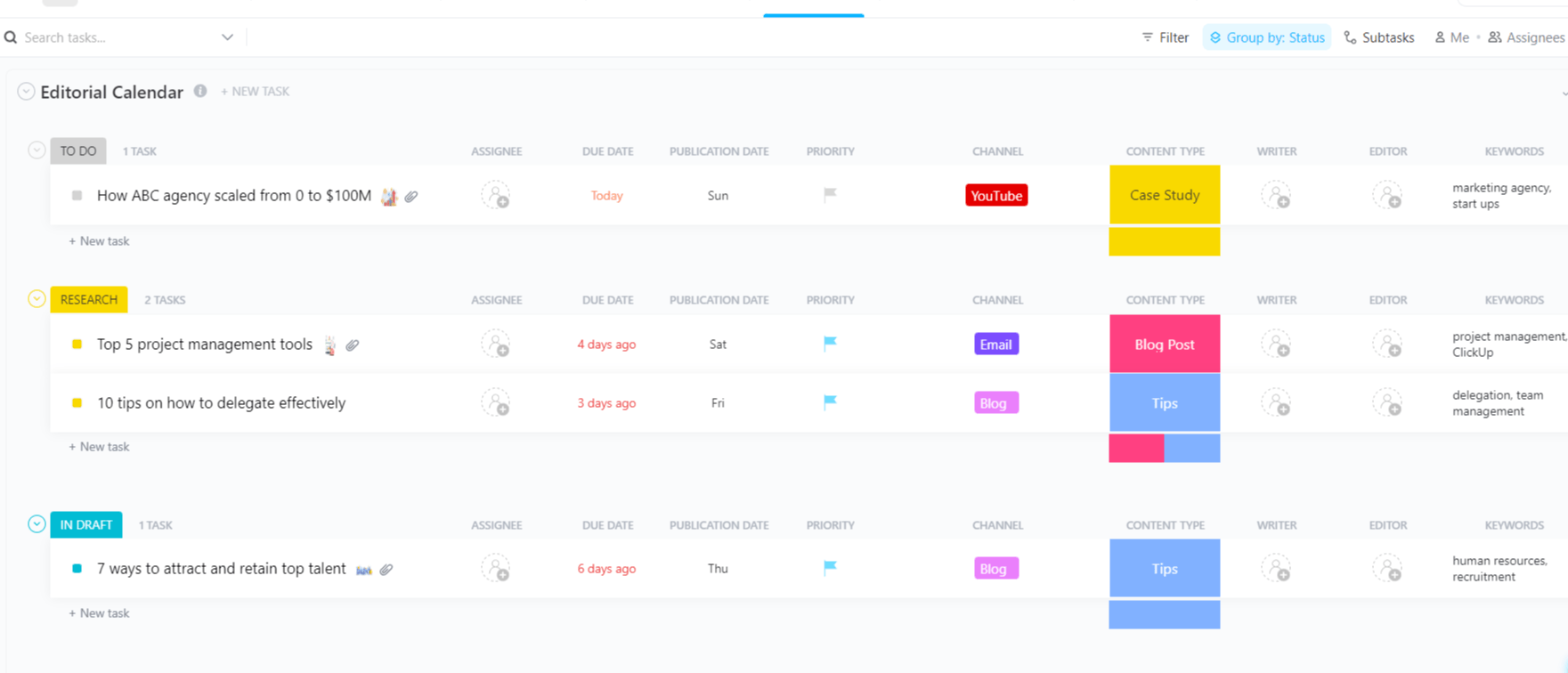
The ClickUp Editorial Calendar Template is your editorial command center for LinkedIn. It’s designed to help you plan, schedule, and manage every piece of content—whether it’s a thought leadership post, company update, or campaign announcement. With this template, you can keep your entire content pipeline organized and transparent.
📌 Ideal for: Content teams, editors, and agencies managing multiple contributors and a steady flow of LinkedIn posts who need a clear, structured editorial process
👀 Did You Know? Carousels crush it on LinkedIn. A Metricool study of 577,000+ posts found carousel posts (i.e., multi-image documents) generate a 45.85 % engagement rate, the highest of any post type on the platform!
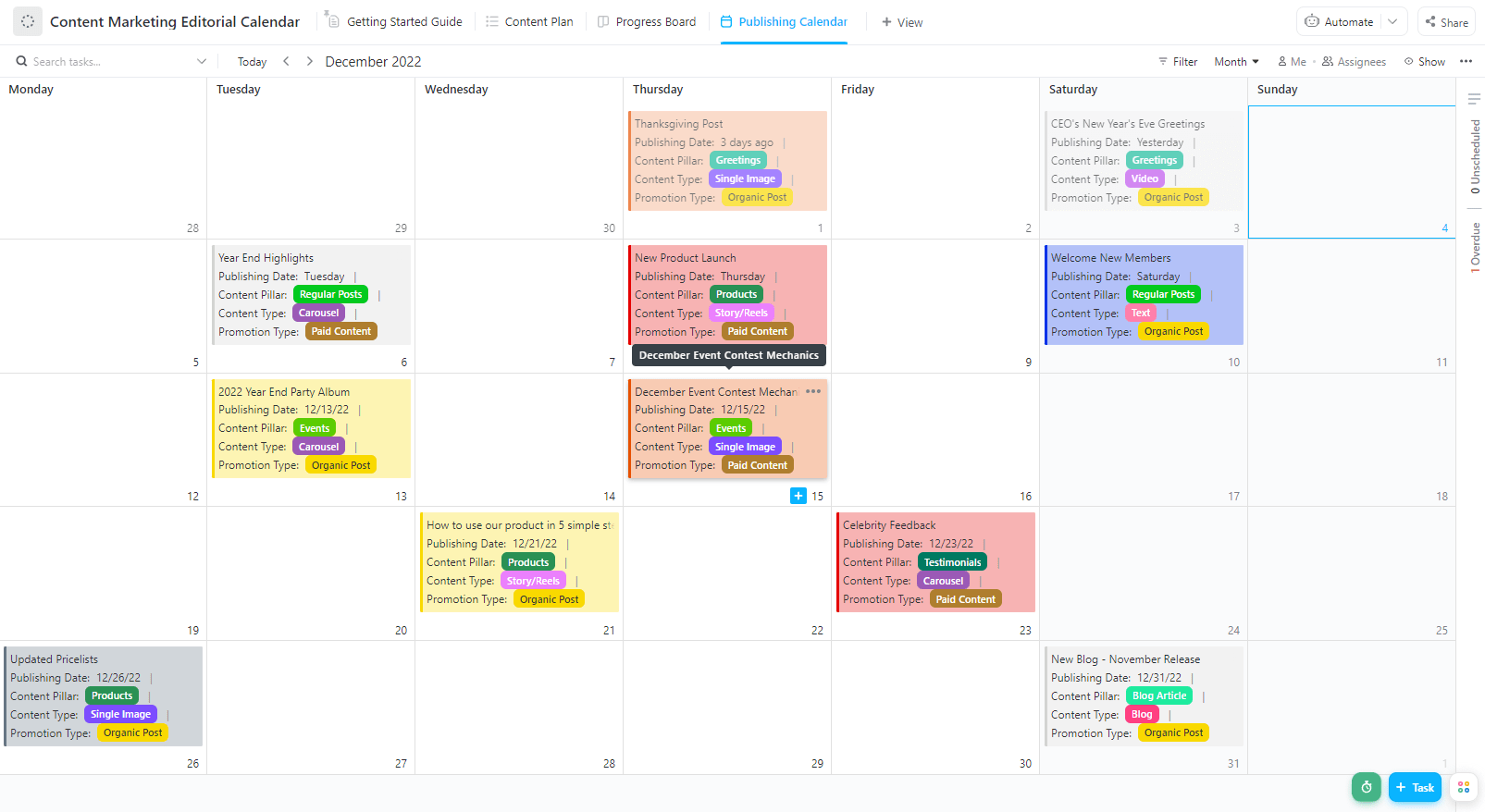
The ClickUp Content Marketing Editorial Calendar Template brings marketing strategy and editorial planning together. It’s perfect for mapping out LinkedIn campaigns, tracking deadlines, and aligning your team around shared goals—all in one place.
📌 Ideal for: Marketing managers and strategists who want to connect LinkedIn content with broader marketing initiatives
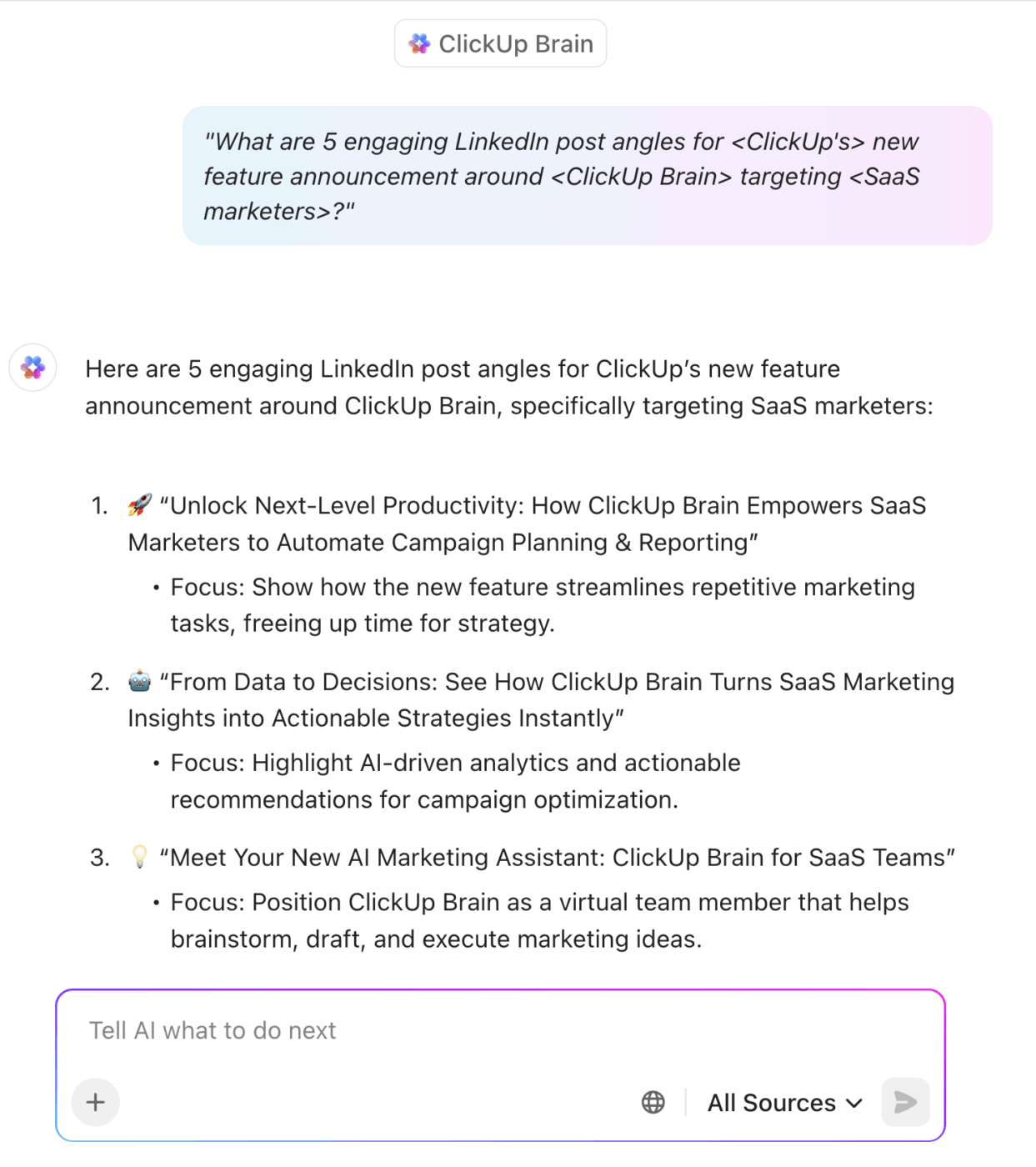
💡 Pro Tip: Out of ideas for potential LinkedIn content? Ask ClickUp Brain: “What are 5 engaging LinkedIn post angles for <company name’s> new feature announcement around <feature> targeting <audience>?”
Love one of the ideas? Prompt it to: “Create a feature announcement for our latest <feature offering> module that <value proposition>.”
Ever launched a promo on LinkedIn only to realize the landing page wasn’t live or the design team used last quarter’s creative? Let’s help you avoid that for good!
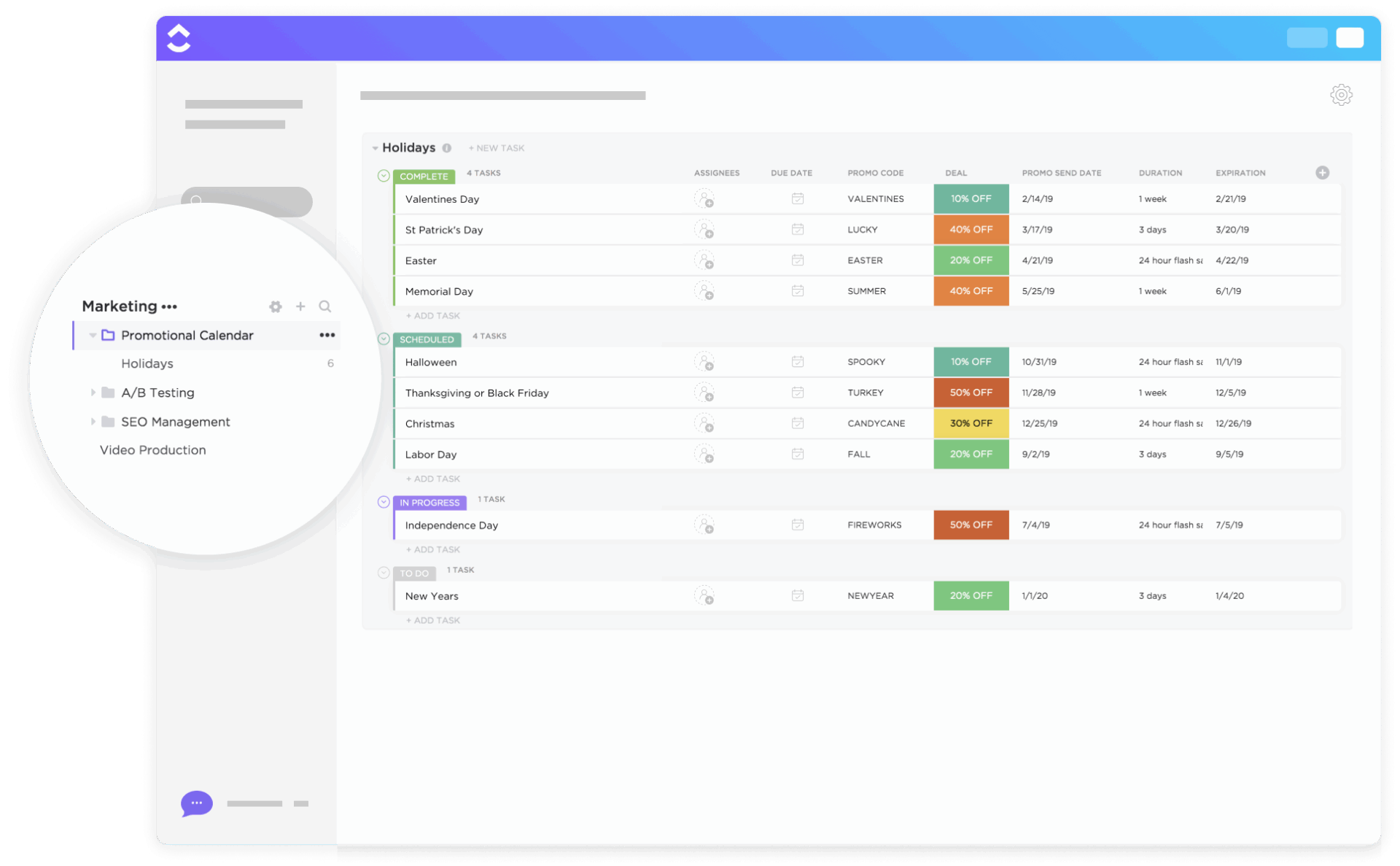
The ClickUp Promotional Calendar Template is built for marketers who run frequent LinkedIn promotions, product launches, or special campaigns. It helps you visualize every promo, coordinate assets, and keep your team perfectly aligned on timing and messaging for a successful go-live.
📌 Ideal for: Marketing teams, product managers, and event coordinators who need to orchestrate LinkedIn promotions with precision and clarity
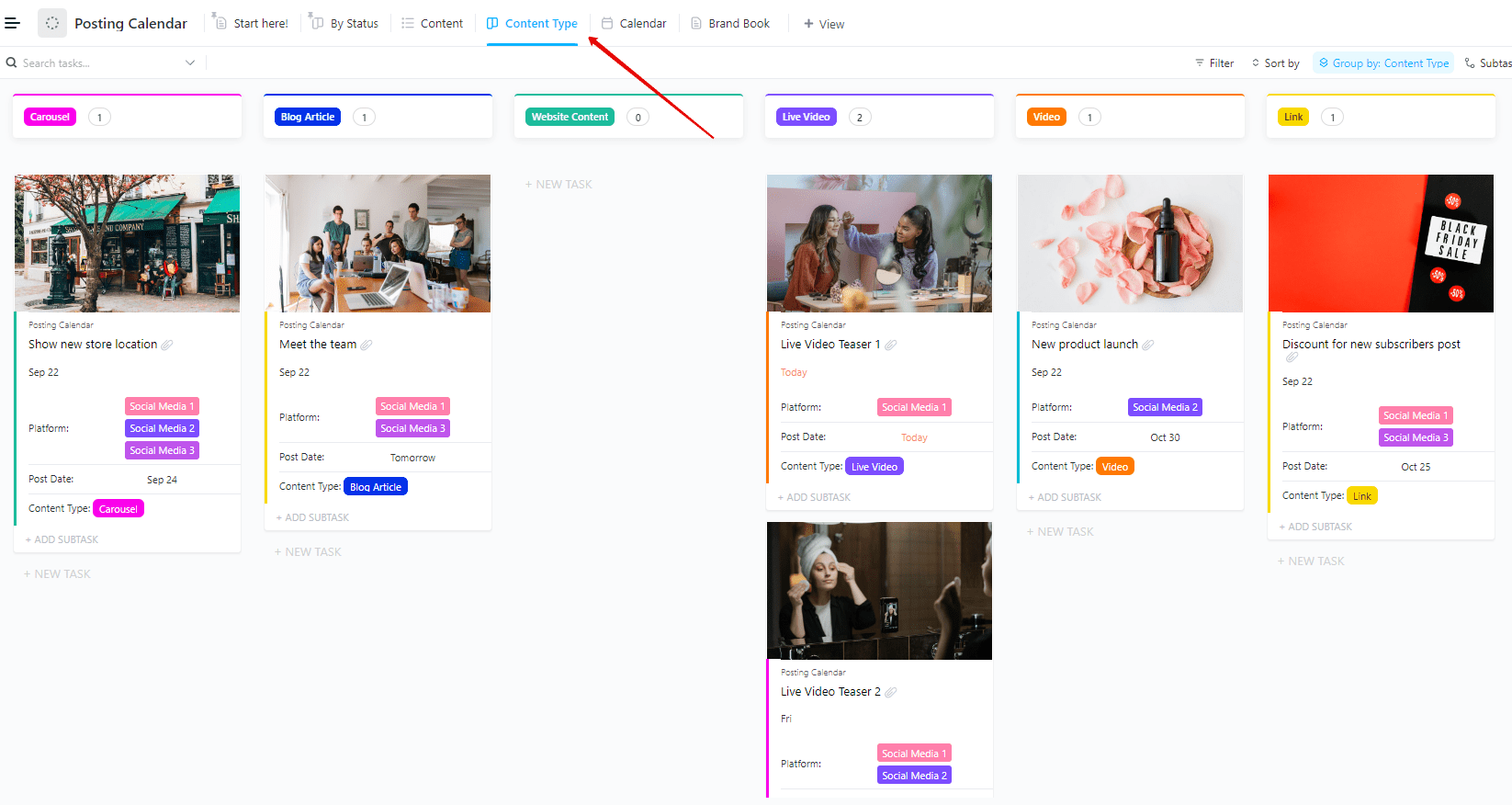
Need a straightforward, no-fuss solution for scheduling and tracking every LinkedIn post? The ClickUp Posting Calendar Template is ideal for teams who want a simple, visual way to see what’s going live and when. Focused purely on publishing cadence, this template keeps your LinkedIn posts flowing consistently and on-brand.
📌 Ideal for: Small teams, freelancers, or anyone who wants a clear, visual overview of their LinkedIn posting schedule
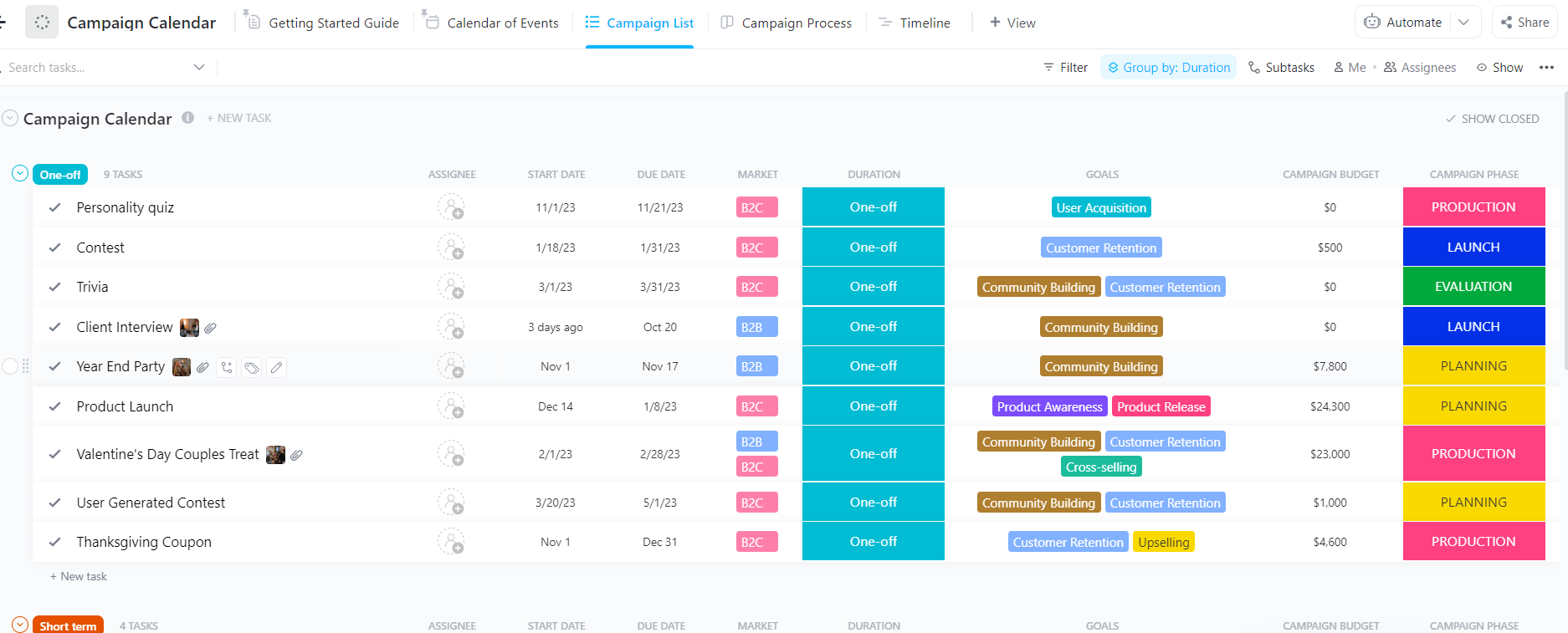
The ClickUp Campaign Calendar Template is purpose-built for orchestrating LinkedIn campaigns from start to finish. It gives you a high-level view of every campaign touchpoint, helping you coordinate messaging, assets, and deadlines across your team, without missing a beat.
📌 Ideal for: Marketing leads and teams running complex, multi-step LinkedIn campaigns who need to keep strategy, execution, and reporting tightly aligned
📚 Also Read: How to Conduct a Social Media Audit (with Templates)
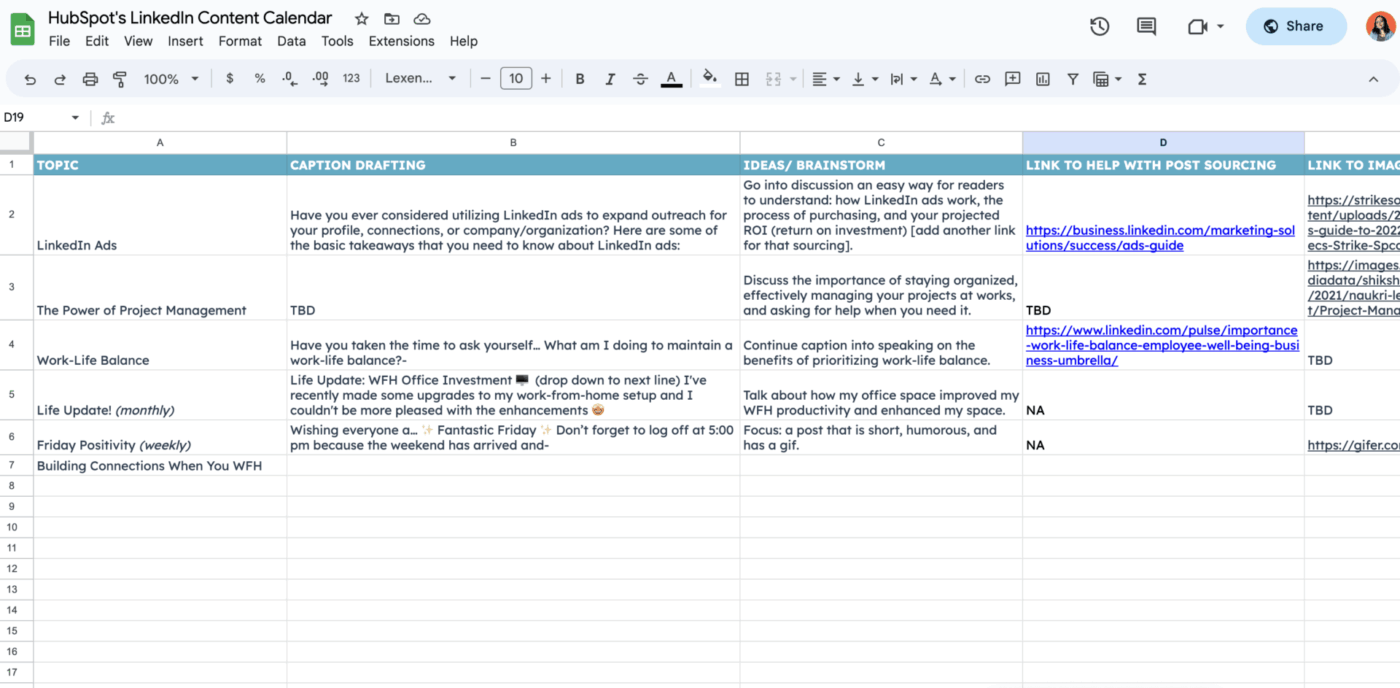
The LinkedIn Content Calendar Template by HubSpot is designed to help you plan, schedule, and track LinkedIn posts in a familiar spreadsheet setup. Like the ClickUp templates on this list, it’s free to download and includes tips and best practices for LinkedIn content planning.
📌 Ideal for: Freelancers, solopreneurs, and small teams who want a LinkedIn-centric planner without leaving their spreadsheet comfort zone
🧠 Fun Fact: Since 2020, there’s been a 160% increase in LinkedIn users asking for more ways to express humor—prompting LinkedIn to add a “laughing” emoji! 😆
This social media template from Coefficient caters to data-driven content teams that love working within Excel or Google Sheets, but want a plug-and-play LinkedIn planning tool with some pipeline automations thrown in.
📌 Ideal for: Distributed marketing teams, agencies, or spreadsheet enthusiasts who want a collaborative, automated solution for LinkedIn content scheduling
“ClickUp is absolutely my (not so) secret weapon for streamlining my process in creating all my content,” says social media consultant Harriet Evans—who’s now able to manage everything from ideation to publishing within one platform.
That’s precisely the advantage you get when you move away from fragmented tools—Docs here, spreadsheets there, Slack threads everywhere—and embrace ClickUp’s unified workspace.
With ClickUp’s free content planning templates and powerful AI, task tracking, creative collaboration, analytics, and publishing are always in your reach. Simultaneously, native Chat, Comments, Docs, asset attachments, and proofing tools keep ideation and execution in one place.
Ready to ditch the tool-toggling and build a LinkedIn presence that’s strategic, consistent, and scalable? Pick one of these templates, plug in your weekly routine, and let ClickUp be the life force that makes your marketing engine hum.

© 2026 ClickUp