






Still downloading templates?
There’s an easier way. Try a free AI Agent in ClickUp that actually does the work for you—set up in minutes, save hours every week.
Sorry, there were no results found for “”
Sorry, there were no results found for “”
Sorry, there were no results found for “”
Like most standalone AI tools, Stepfun AI has its strengths. But teams using it often find themselves switching between tabs to get work done.
You have to copy-paste context from your project plan into the AI, then bring the results back into your task list. The result? You lose valuable time and focus with every switch.
ClickUp research found that 42% of disruptions at work come from juggling platforms, managing emails, and jumping between meetings. If you’re here, you’ve likely also realized that tools that remain isolated from your work only increase overhead.
So, if your team is looking for AI tools to help you move faster, this guide will walk you through 10 practical Stepfun AI alternatives, from open-source models for developers to a Converged AI Workspace—a consolidated platform with AI embedded as the intelligence layer to understand your work. (Spoiler alert: It’s ClickUp)
| Tool | Best for | Best features | Pricing* |
| ClickUp | Teams wanting AI embedded in daily work management | ClickUp Brain, ClickUp Automations, ClickUp Docs, 15+ views | Free plan available; customizations available for enterprises |
| DeepSeek | Developers needing open-source reasoning models | DeepSeek-R1, open-source weights, coding capabilities | API-based pricing |
| Qwen | Multilingual teams needing Chinese/English AI | Qwen2.5 models, multimodal support, long context | Open-source; cloud API available |
| Zhipu AI | Chinese enterprises needing compliant AI | GLM-4 series, enterprise API, Document delivery | Enterprise pricing |
| Minimax | Creative teams focused on AI-voice and content-generation | Hailuo 2.3 video engine, Speech 2.8, conversational AI | API-based pricing |
| Moonshot | Teams needing long context for document analysis | Kimi assistant, million-token context windows, Document processing | Free and paid tiers |
| Baichuan | Chinese enterprises needing localized LLMs | Baichuan models, enterprise deployment, Adaptive hallucination | Enterprise pricing |
| ModelBest | Researchers exploring efficient small models | MiniCPM family, edge deployment, open-source | Open-source |
| Infinigence AI | Teams requiring optimized inference | Inference optimization, Omni model, FlashDecoding++ engine | Custom pricing |
| Notion AI | Teams already using Notion | Q&A over workspace, writing assistance, autofill | Add-on or included in paid plans |
While Stepfun shows impressive video-generation capabilities and competitive pricing in its home market, you may find yourself looking for an alternative. This often happens when practical roadblocks trigger Work Sprawl. This forces your team to manage scattered tools that don’t talk to each other, instead of completing their actual work.
Standalone AI models require technical know-how to implement, turning a simple need for AI assistance into a full-blown development project. If your teams lack dedicated developers, this creates a significant barrier. You shouldn’t have to build a bridge just to use your tools; you need AI that helps you work faster without making your tool stack complex.
The right alternative depends on your technical setup:
📮ClickUp Insight: Low-performing teams are 4 times more likely to juggle 15+ tools, while high-performing teams maintain efficiency by limiting their toolkit to 9 or fewer platforms. But how about using one platform?
As the everything app for work, ClickUp brings your tasks, projects, docs, wikis, chat, and calls under a single platform, complete with AI-powered workflows. Ready to work smarter? ClickUp works for every team, makes work visible, and allows you to focus on what matters while AI handles the rest.
Our editorial team follows a transparent, research-backed, and vendor-neutral process, so you can trust that our recommendations are based on real product value.
Here’s a detailed rundown of how we review software at ClickUp.
We’ve analyzed the top contenders based on how they solve real-world bottlenecks, from infrastructure efficiency to long-context research, to help you find the tool that fits your specific tech stack.
Here are our top recommendations:
Stepfun AI alternatives are generally raw models that require you to build an interface around them. ClickUp flips this by making AI a native teammate within the tools you already use. It’s a Converged AI Workspace that brings your tasks, projects, docs, and team chat under one roof. ClickUp’s native AI layer sits on top of all this context and truly understands your work.
Need AI to work in the same tab where you’re drafting a doc or updating a task status?
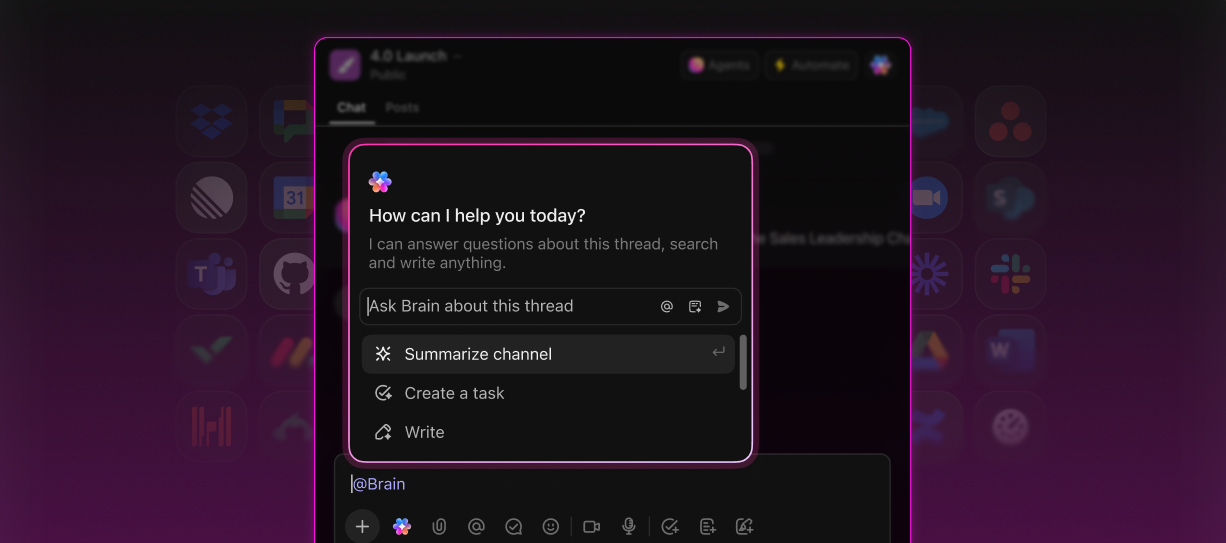
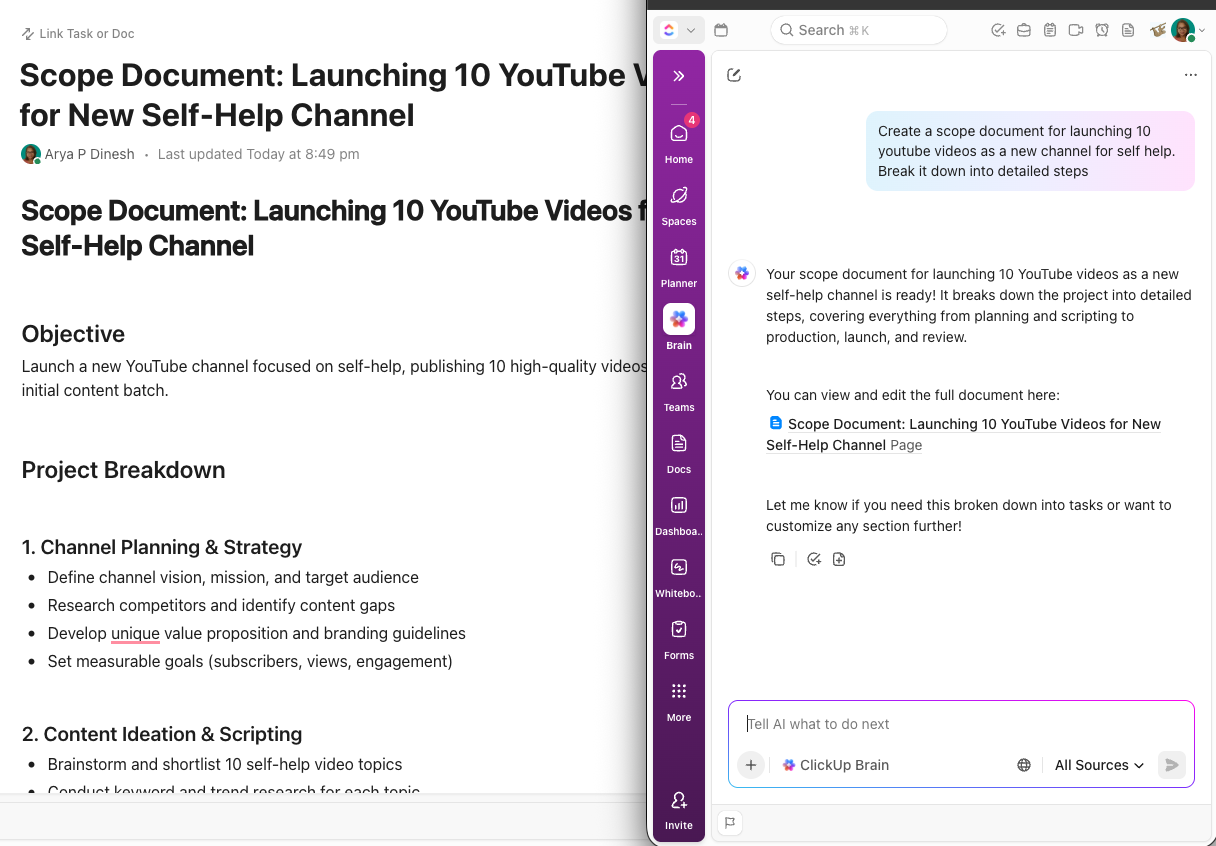
ClickUp Brain lets you do that, as the world’s most complete and context-aware AI assistant. Because it lives on top of your actual project data, it can summarize a month’s worth of task updates or draft a project brief using your team’s specific history, without copy-pasting context.
You can even access leading AI engines (like ChatGPT, Claude, Gemini, and others) from right within ClickUp.This way, you get the best possible answers or drafts for your needs without subscribing to separate services.
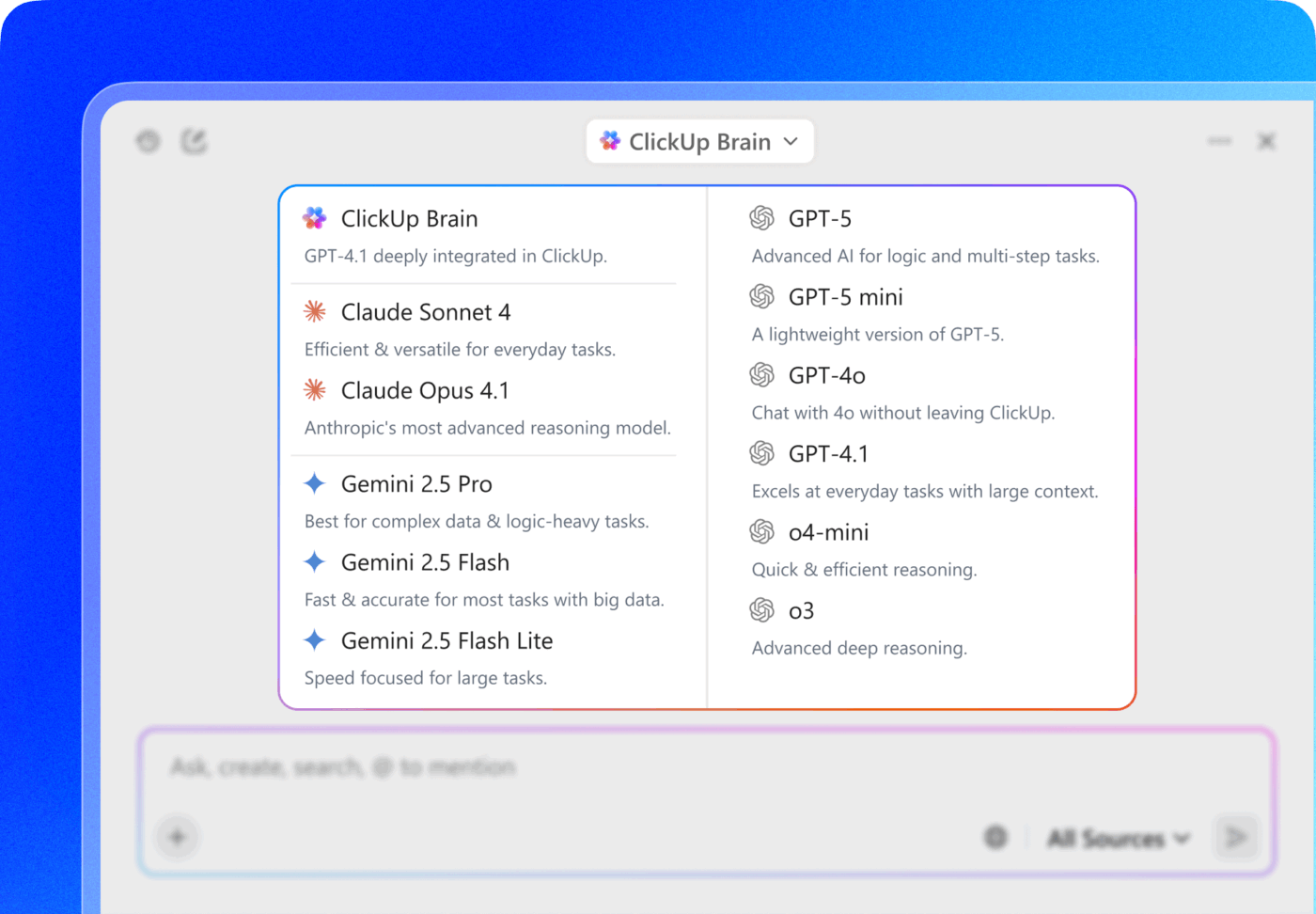
This eliminates AI Sprawl, where you have to bring in multiple AI tools for different types of tasks.
💡 Pro Tip: Want an AI tool that unifies context not just inside ClickUp but also from your other work apps like Google Drive, HubSpot, Figma, etc.? Try Brain MAX. This AI desktop Super App lets you search across your ClickUp workspace and other connected apps from one place. You can also use the built-in Talk to Text feature to dictate your tasks, notes, and docs—4x faster than typing!
Instead of hiring a developer to integrate AI into your workflow, ClickUp uses Super Agents to ease the workload. These are AI teammates you can assign to tasks or trigger through no-code automations to triage work, monitor blockers, and generate reports.
They handle complex work end-to-end without you needing to direct them. And they work 24/7, so you don’t have to. This makes ClickUp the only Stepfun AI alternative that transforms AI from a creative experiment into an automated engine for your actual day-to-day work.
🎥 Learn more about how they work, in this quick explainer video:
Pros:
Cons:
Feedback from a G2 user:
I like how ClickUp combines task management, docs, and team collaboration in one platform. It’s very flexible and lets me customize workflows, statuses, and views based on how my team actually works. Having everything in one place helps reduce tool switching and keeps projects more organized.
👀 Did You Know? The average company uses 101 applications to get work done! This is the root cause of tool sprawl.
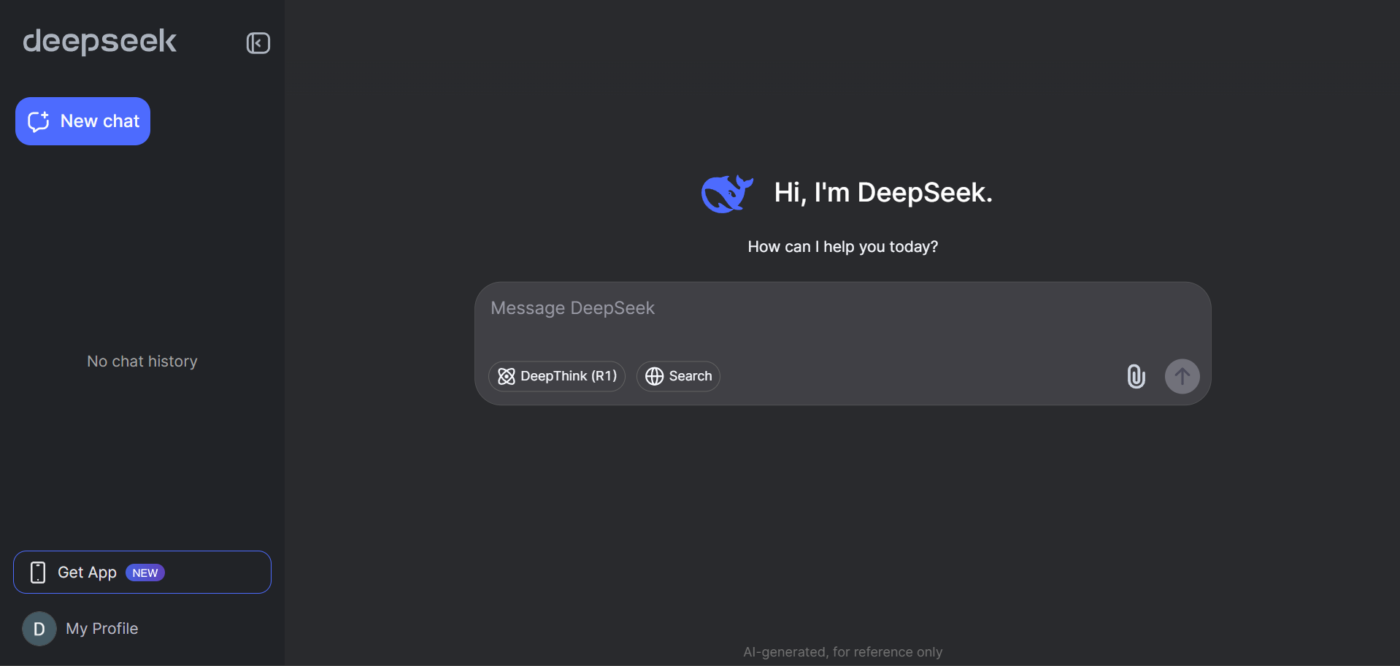
If you’re a developer, your frustration with AI models is different. You’re likely tired of expensive, restrictive APIs that don’t give you the control you need. DeepSeek addresses this pain point directly.
While Stepfun focuses on cinematic video generation, DeepSeek focuses on high-performance technical reasoning and code generation. By releasing its model weights publicly, it allows you to bypass restrictive cloud APIs and run the intelligence on your own infrastructure.
This gives you the freedom to inspect the model, modify it for your needs, and avoid unpredictable API costs. These capabilities also make it an ideal Hugging Face competitor.
Pros:
Cons:
API based pricing:
A Trustpilot user gave mixed feedback:
For the average user who wants help drafting letters or general advice on for example places to visit on holiday it’s really good. It also good a solving mathematical problems. It’s probably not so good for programmers or sensitive political based problem but for general use it’s free and it’s pretty handy. I like it a lot and use it a lot.
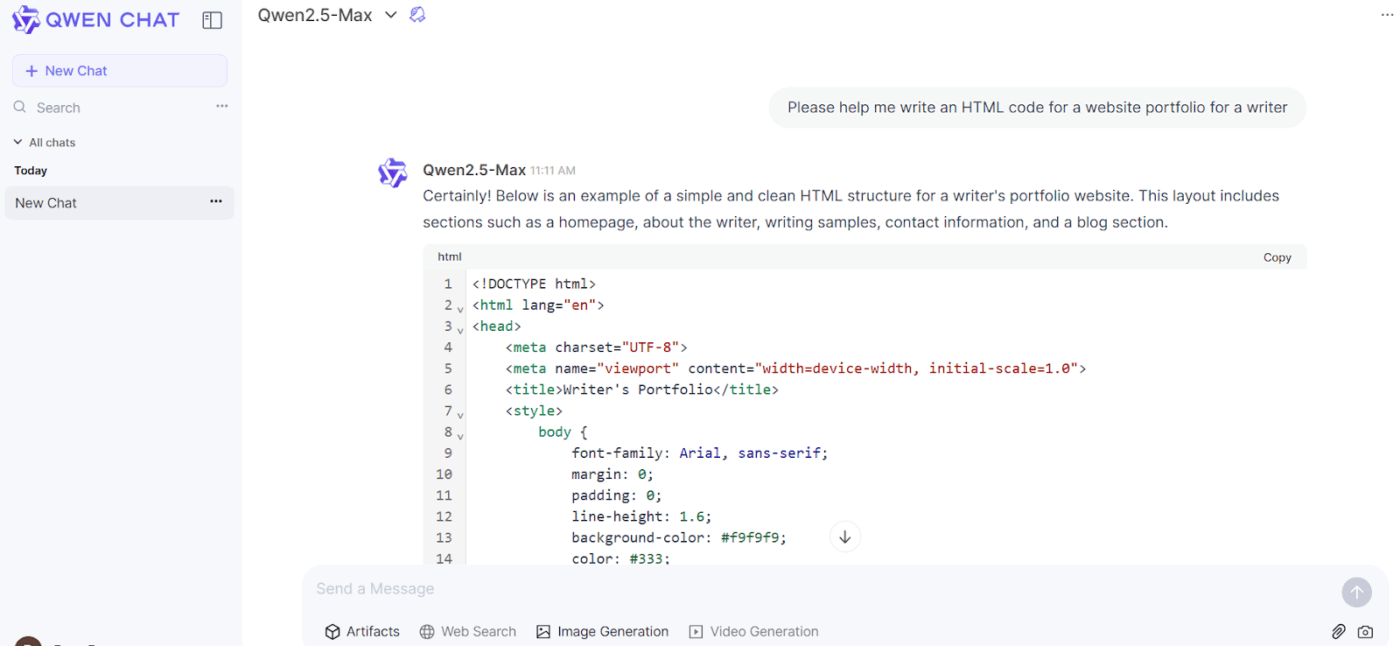
Fragmented AI tools often disappoint if your team operates in both Western and Chinese markets. They lead to inconsistent quality, duplicated efforts, and a clunky workflow. This is a common challenge for global teams that need a truly bilingual AI, not one that offers only mediocre translation.
Qwen, Alibaba Cloud’s large language model family, is a capable open-source option for such teams. Unlike Stepfun’s focus on video, Qwen excels in text understanding, code generation, and multimodal tasks that combine text and image processing.
With Qwen, you can analyze a business document written in Chinese and ask follow-up questions in English without losing context. The open-weights release also means you can deploy it on your own infrastructure for maximum control.
Pros:
Cons:
*Note: These prices are calculated per 1 million tokens processed
Qwen ratings and reviews
A Capterra user posted their experience:
Alibaba Cloud is a great cloud platform that adapts to a variety of environments: IaaS, PaaS, SaaS, FaaS, etc. It’s a perfect product to starters in cloud computing, having a great and efficient support team and documentation (mainly in English language).
👀 Did You Know? Current generative AI and other technologies have the potential to automate work activities that absorb 60% to 70% of employees’ time today.
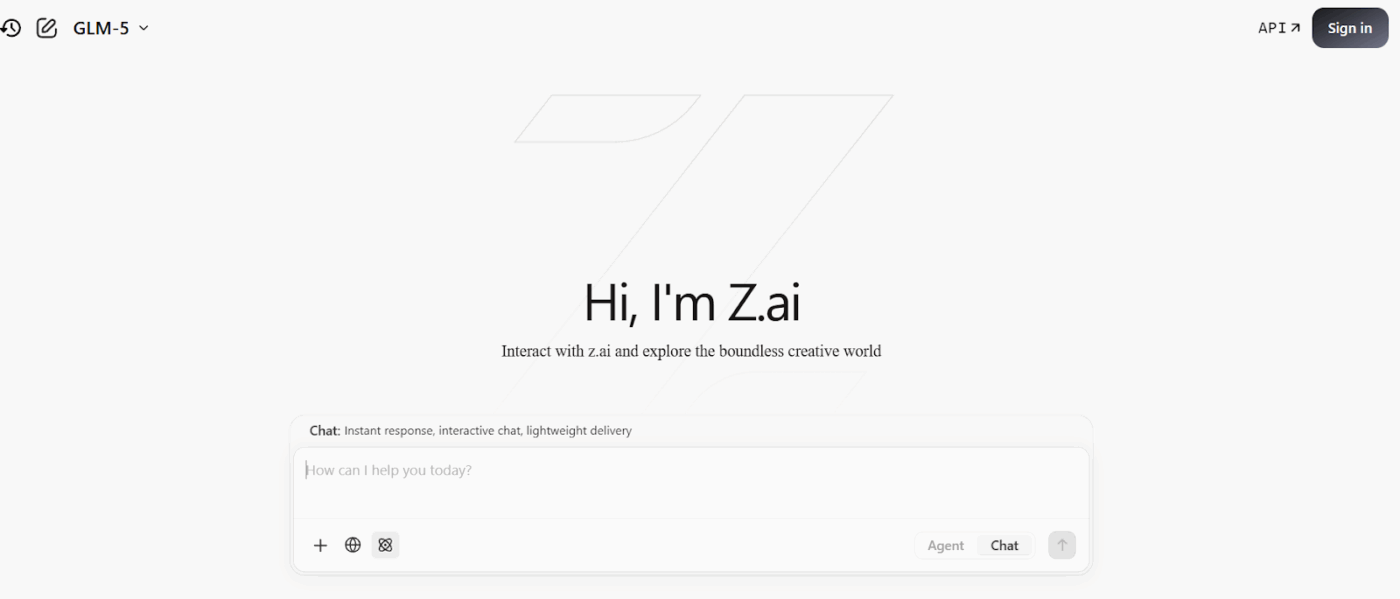
Unlike Stepfun’s creative focus, Zhipu is all about enterprise applications: conversational AI, knowledge management, and business automation, all optimized for the nuances of the Chinese language.
If your enterprise operates in China, you face a maze of compliance regulations, data residency laws, and limited local support. Using a model hosted outside the country can be a non-starter, leaving your team without the AI tools they need to stay competitive.
Zhipu AI is designed for this exact scenario. Spun out of Tsinghua University, it powers ChatGLM, one of China’s most popular conversational AI systems. It provides production-ready AI compliant with the Chinese AI program, along with the local support infrastructure businesses require.
Pros:
Cons:
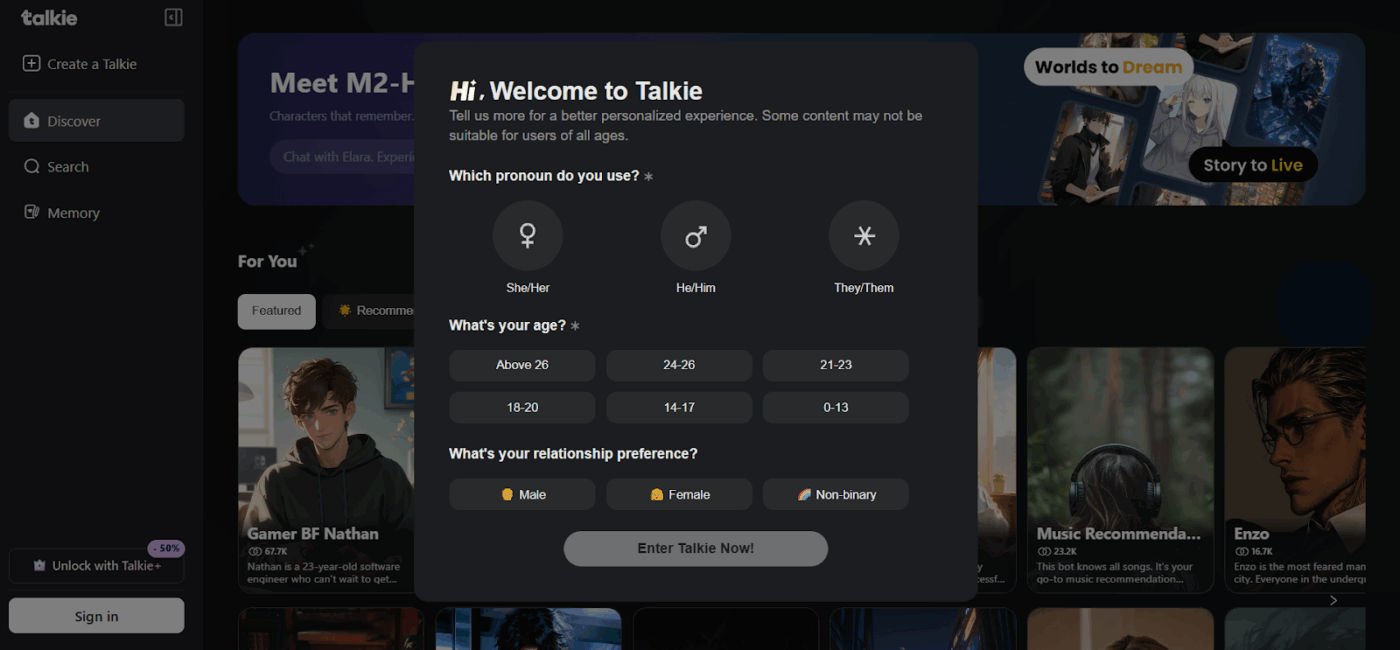
Minimax is the primary creative rival to Stepfun, shifting the focus from raw text reasoning to high-end multimedia production. Their technology powers the popular app Talkie, which lets users interact with AI characters, demonstrating their ability to maintain personality and context over long conversations.
It centres itself on the agent universe—a space where AI writes scripts and generates the natural-sounding audio and physics-based video to match.
Pros:
Cons:
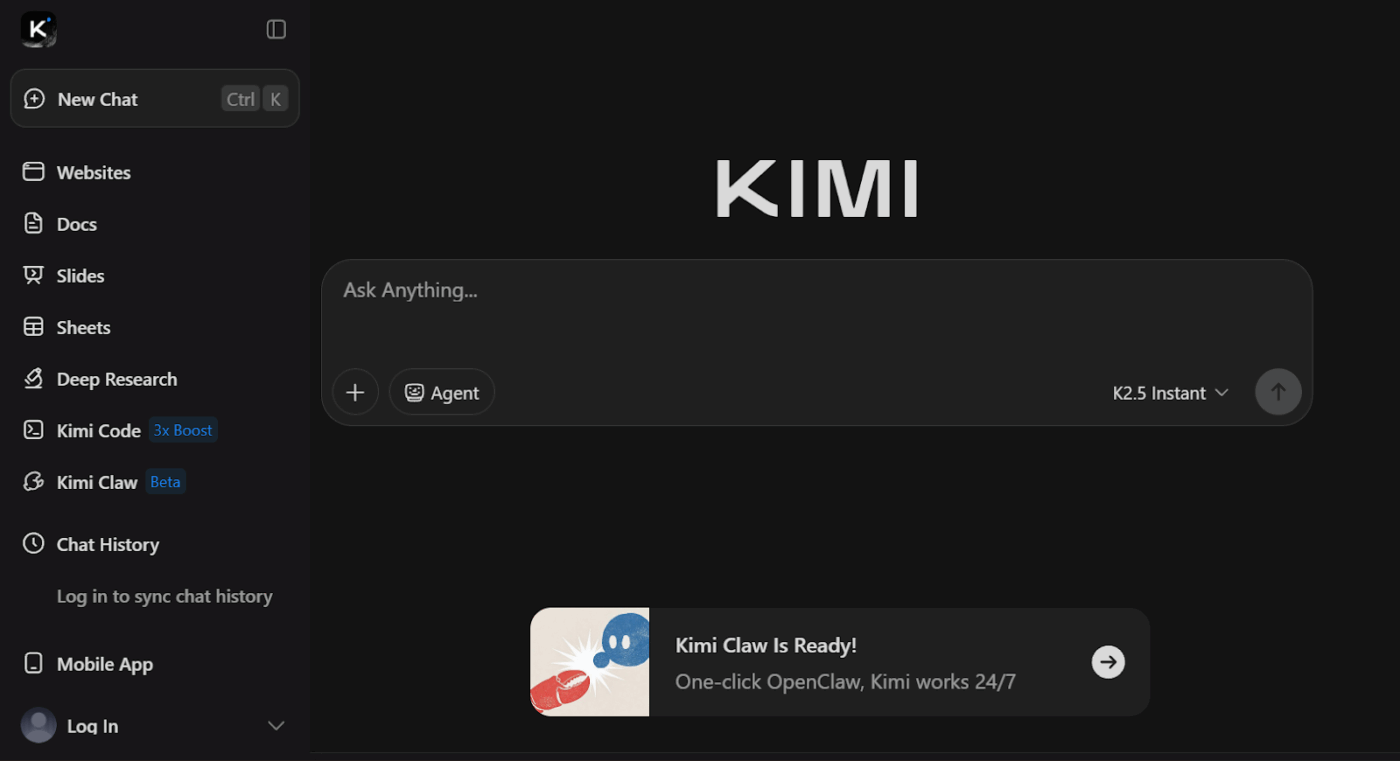
Often, large language models have a limited context window, meaning they can only remember a few pages of text at a time. This forces you to break your document into pieces, feed it to the AI one by one, and then stitch the answers together. We don’t need to tell you how frustrating and error-prone this process can be. And you probably agree: it defeats the purpose of using AI in the first place.
Moonshot AI, another Chinese AI offering, made waves by offering long context windows that can handle millions of tokens, which is equivalent to thousands of pages. With their Kimi chat assistant, you can upload an entire book and ask detailed questions that require understanding the full text from start to finish.
Pros:
Cons:
A G2 user reviewed Moonshot:
The best thing about using this software is their easy to use interface.
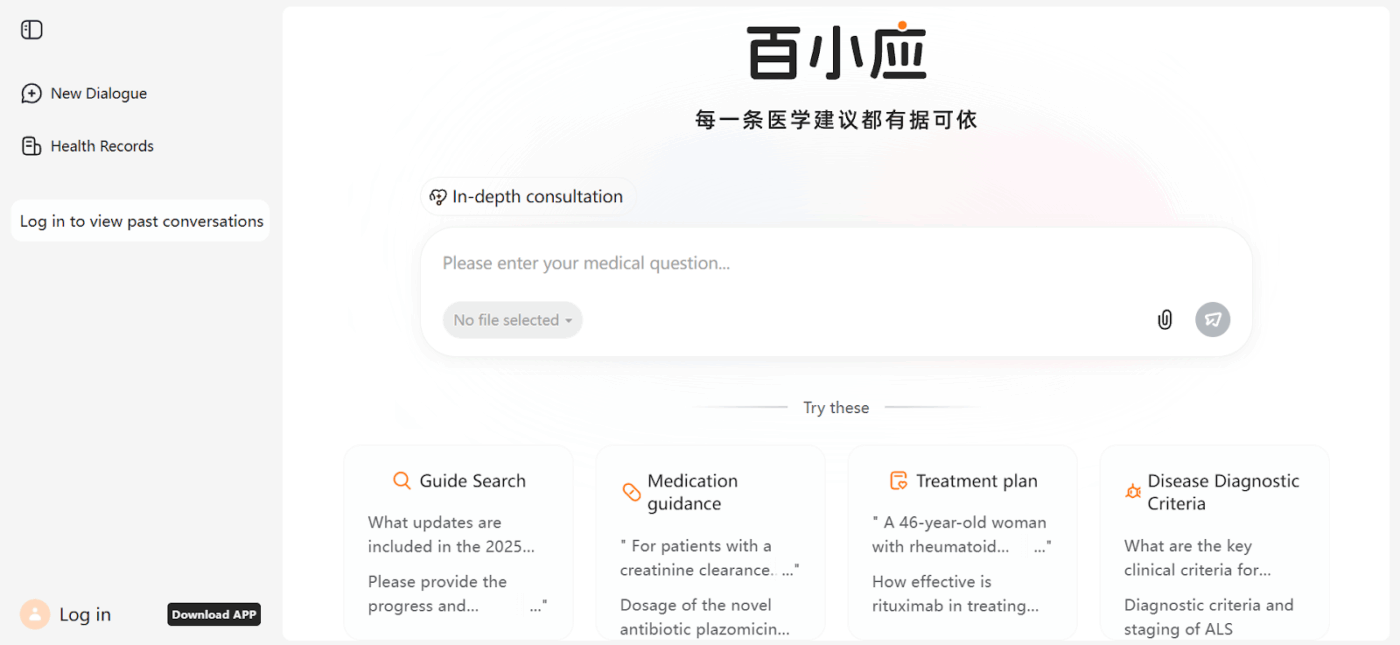
Do you need a model that understands local business terminology, complies with data residency laws, and includes enterprise-level support? Baichuan Intelligence, a major Chinese search engine, can help!
The company focuses on building LLMs optimized for practical Chinese enterprise use cases, such as customer service, knowledge management, and internal search.
Unlike Stepfun’s creative tools, it offers deployment options and compliance features designed for companies operating in China, making it a reliable choice for enterprises that need a localized, supported AI solution.
Pros:
Cons:
👀 Did You Know? ClickUp’s AI maturity survey shows that access to AI at work is still limited—36% of people have no access at all, and only 14% say most employees can actually experiment with it.
If the massive size and cost of frontier models make AI experimentation impossible for you, you’re not alone. Whether you’re building a native chatbot or deploying AI on an edge device like a mobile phone, ModelBest offers a solution with its MiniCPM model family.
This research-focused organization focuses on improving smaller language models. They are efficient enough to run on consumer-grade hardware, which opens up a world of possibilities for teams without massive budgets.
ModelBest proves that you don’t always need the biggest model to get the job done, making it a great open-source alternative for researchers and developers interested in efficient AI.
Pros:
Cons:
Infinigence AI focuses on the infrastructure layer of the AI stack, addressing how to run high-performance models at a fraction of their usual cost. Their optimization techniques can dramatically reduce cloud computing costs and improve latency, making real-time AI applications feasible.
It’s a suitable choice for technical teams who are struggling with the operational side of AI deployment.
Pros:
Cons:
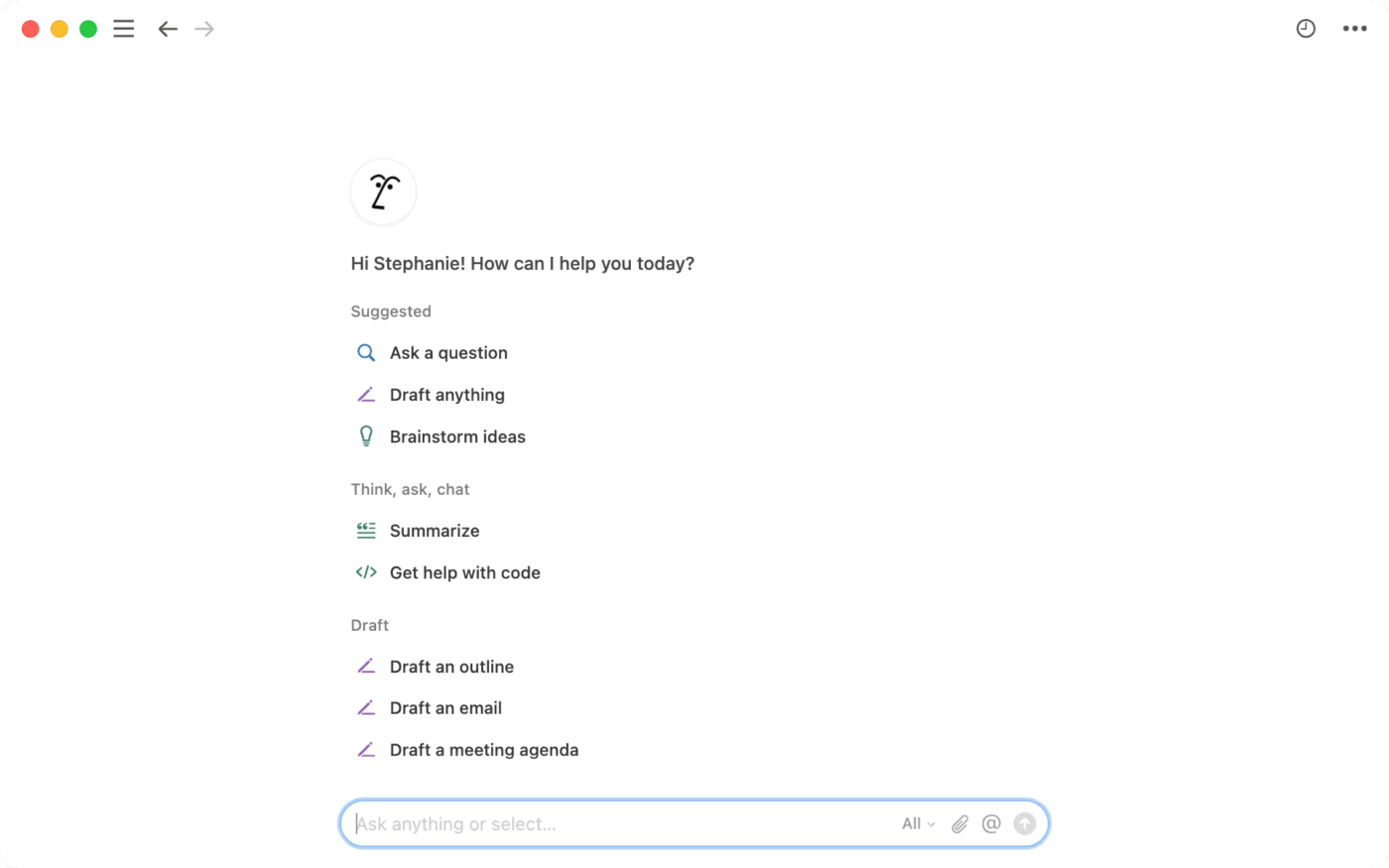
Notion AI embeds AI assistance directly into the workspace you already use for your documents, meeting notes, and project plans. There are no new tools to learn or integrations to set up. The AI is right there in the interface, ready to help you write, summarize, and find information within your Notion pages.
This means you skip the integration work required by standalone models. The trade-off? You’re locked into the Notion ecosystem. And, if your work spans multiple platforms, Notion AI’s context is limited to what’s within Notion (unlike an alternative like ClickUp, where Brain MAX brings multi-app context into one place!).
Pros:
Cons:
Notion pricing
A Capterra user shared their experience:
Its customizable workspace keeps everything organized, and the Q&A AI feature helps me find information fast, saving time during hectic days.
Choosing a Stepfun AI alternative isn’t about finding the “best” model on a leaderboard. It’s about picking the right tool for the job your team needs to do. The options fall into a few clear categories.
However, if your team doesn’t want to become AI experts, we have another solution. The problem with standalone AI models is that they create more work—you have to manage another tool, feed it context, and manually move information back and forth. A Converged AI Workspace with native AI solves this problem.
AI embedded in your daily tools, which already understands your projects, documents, and workflows, helps you work faster without overhead. Instead of creating more work, it starts handling tasks for you.
Get started for free with ClickUp to see how embedded, contextual AI can speed up your work.
Stepfun AI is a Chinese artificial intelligence company specializing in video generation and large language models. Teams often seek alternatives due to access limitations outside of China, the need for different AI capabilities like text reasoning, or data residency requirements.
AI model providers offer foundation models through an API that developers use to build custom applications. AI-powered work platforms like ClickUp embed AI directly into productivity tools, giving you assistance within your workflow without any technical integration.
It depends. Open-source models like Qwen and DeepSeek can be downloaded and run on your own infrastructure anywhere. However, cloud APIs from Chinese providers may have latency, compliance, or access issues for international teams, so you should check their data residency and support policies for your region.
For non-technical teams, ClickUp is the strongest option because ClickUp provides AI assistance directly within your workspace. There’s no need for API integration or prompt engineering, so you get context-aware AI that understands your work without having to build anything yourself.

© 2026 ClickUp

There’s an easier way. Try a free AI Agent in ClickUp that actually does the work for you—set up in minutes, save hours every week.