






Still downloading templates?
There’s an easier way. Try a free AI Agent in ClickUp that actually does the work for you—set up in minutes, save hours every week.
Sorry, there were no results found for “”
Sorry, there were no results found for “”
Sorry, there were no results found for “”


Nozbe has long been recognized for its intuitive design and alignment with the Getting Things Done (GTD) methodology, making task management straightforward for individuals and teams.
While it’s a solid task manager, sometimes you need more—better collaboration, advanced automation, or just a fresh approach to productivity. Having customizable fields for managing tasks better doesn’t hurt either.
The good news? There are plenty of powerful alternatives that can help you stay organized, boost efficiency, and keep your team in sync. Even more good news? Unlike Nozbe, many of these tools offer generous free versions with a higher number of projects and seats for successful task management.
Whether you’re looking for a feature-packed team task planner or a simple, no-fuss mobile task management tool, my team and I have rounded up the best Nozbe alternatives to fit your needs. Let’s take a look!
Here’s a quick rundown of the top alternatives to Nozbe:
🧠 Fun Fact: The Zeigarnik Effect suggests that unfinished tasks stick in our brains more than completed ones. That’s why crossing things off a to-do list feels so satisfying—it gives our minds closure!
Imagine you’re leading a dynamic team of freelancers working on multiple client projects. You’ve been using Nozbe as a task and team management software, but as your projects become more complex, you realize the need for a tool that offers advanced features to keep your team organized.
Here’s how you can evaluate Nozbe alternatives for your evolving business processes:
By considering these factors, you’ll be able to ditch multiple calendar apps and find a Nozbe alternative that fits your task and project management needs.
👀 Did You Know? Breaking larger tasks into smaller, manageable subtasks—known as task chunking—can enhance focus and reduce overwhelm.
Whether you want to simplify workplace communication, handle multiple projects without hassle, or avoid disrupting your existing workflow, I’ve narrowed down the 13 best Nozbe alternatives. I hope they help you manage tasks efficiently and keep your projects progressing smoothly.
No matter how many tools I tried for an efficient workflow, something was always missing—until I switched to ClickUp, the everything app for work. It brings next-generation AI-powered automation, search, and flexible task management into one seamless space. Now, I can easily handle complex workflows by managing my documents, projects, and team communication together.
Check out the video to learn how ClickUp’s AI makes task automation simpler.
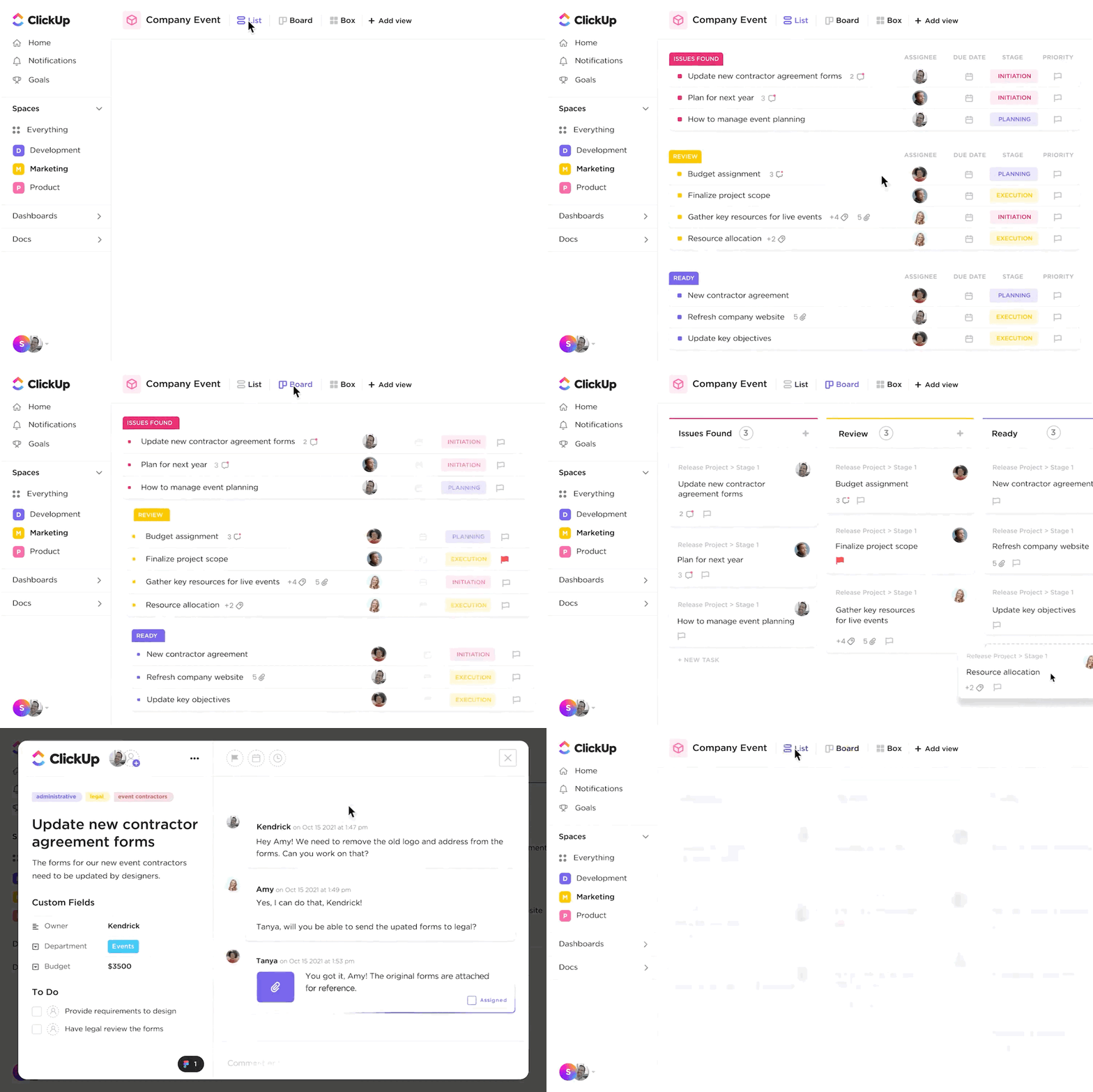
With ClickUp Tasks, you can easily create tasks, assign them to team members, and set four different priorities with priority flags.
📮 ClickUp Insight: Think your to-do list is working? Think again. Our survey shows that 76% of professionals use their own prioritization system for task management. However, recent research confirms that 65% of workers tend to focus on easy wins over high-value tasks without effective prioritization.
ClickUp Task Priorities transforms how you visualize and tackle complex projects, easily highlighting critical tasks. With ClickUp’s AI-powered workflows and custom priority flags, you’ll always know what to tackle first.
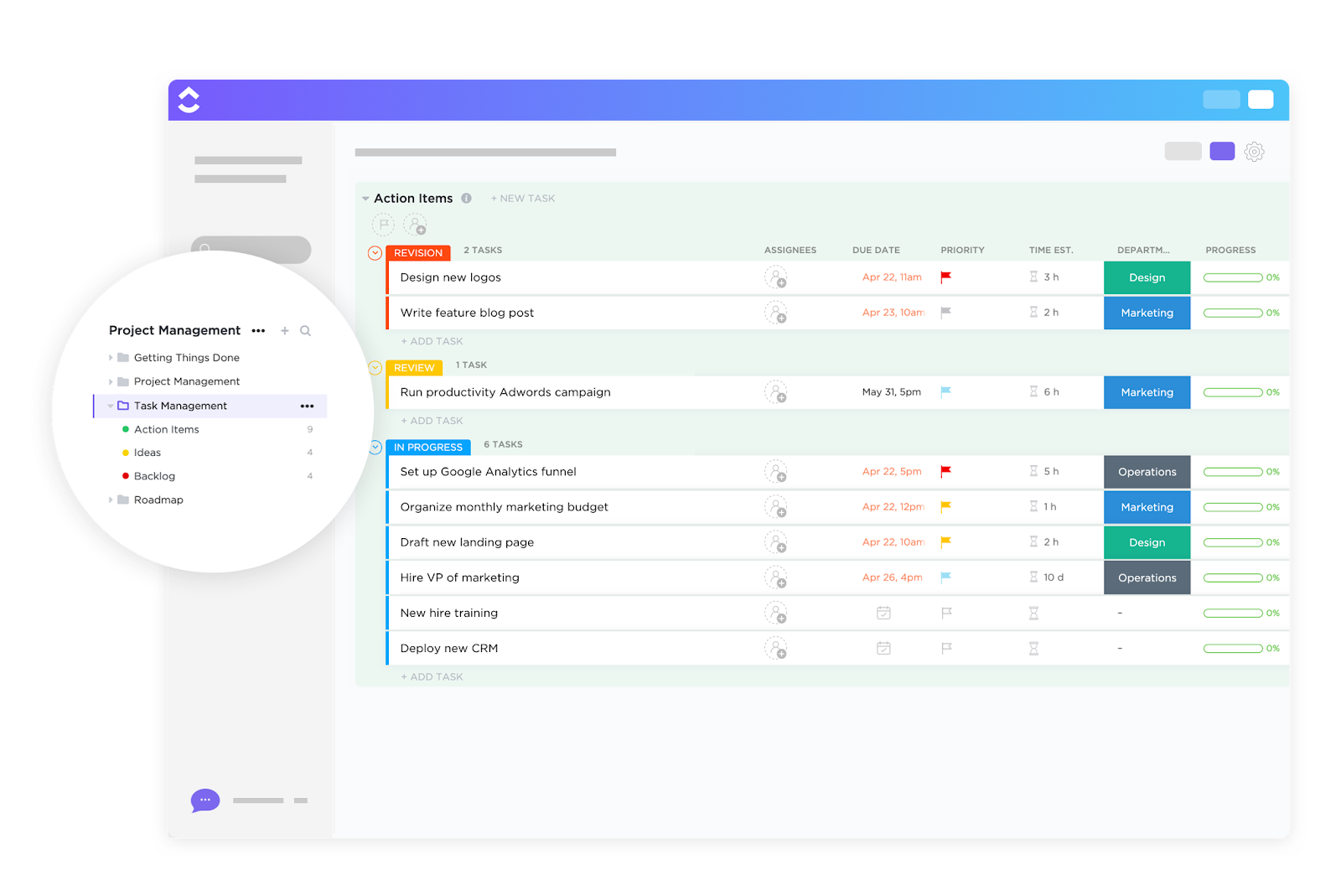
Custom Fields in ClickUp let you tailor tasks with specific data points relevant to your projects—add details such as due dates, assignees, stages, and other information to maintain context.
Task scheduling is easy, too, with ClickUp’s comprehensive tasks feature. Break down large projects into manageable subtasks, link related tasks using dependencies, and monitor progress with seamless tracking inside custom dashboards.
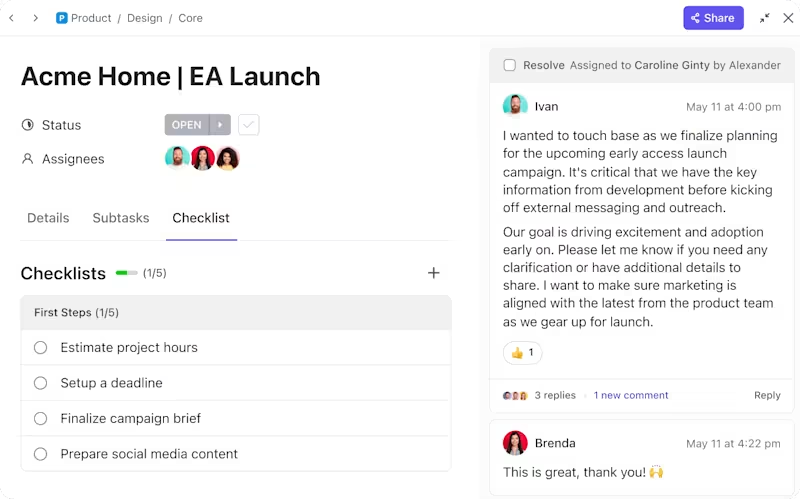
ClickUp for Project Management offers a full suite of tools to handle even the most complex workflows.
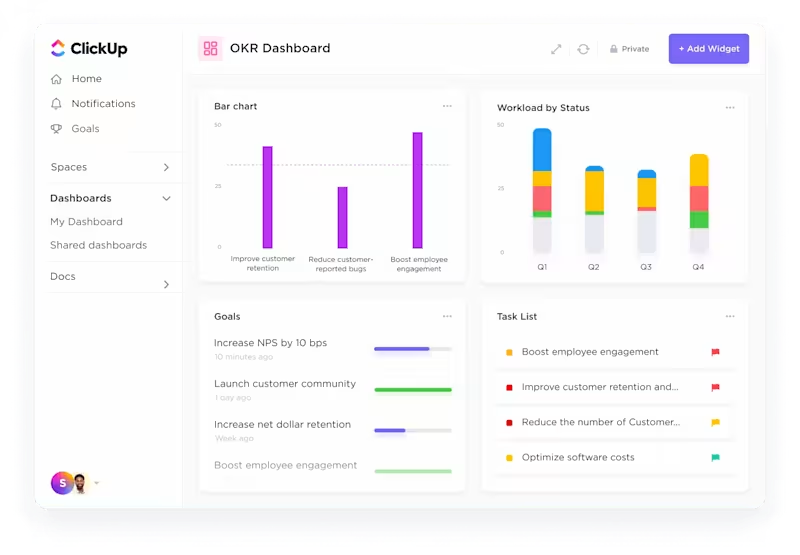
Define project objectives with ClickUp Goals and set Milestones to celebrate success. Set start and due dates with custom project management calendars, and allocate specific time blocks to enhance productivity. Visualize progress with Kanban boards, Gantt charts, and Timeline views.
This structuring keeps my team organized, simplifies deadline management, and helps us not just meet but exceed our goals.
Ready to streamline your workflow? Start with the ClickUp Task Management Template.
It offers pre-built workflows for task tracking and goal setting, and even a project planning calendar—perfect for saving time and staying organized.
[pricing element]
I was looking for a project management platform and I found the best. Right away, it felt like ClickUp could solve all our problems and create out-of-the-box solutions to benefit us in ways that I hadn’t even imagined.
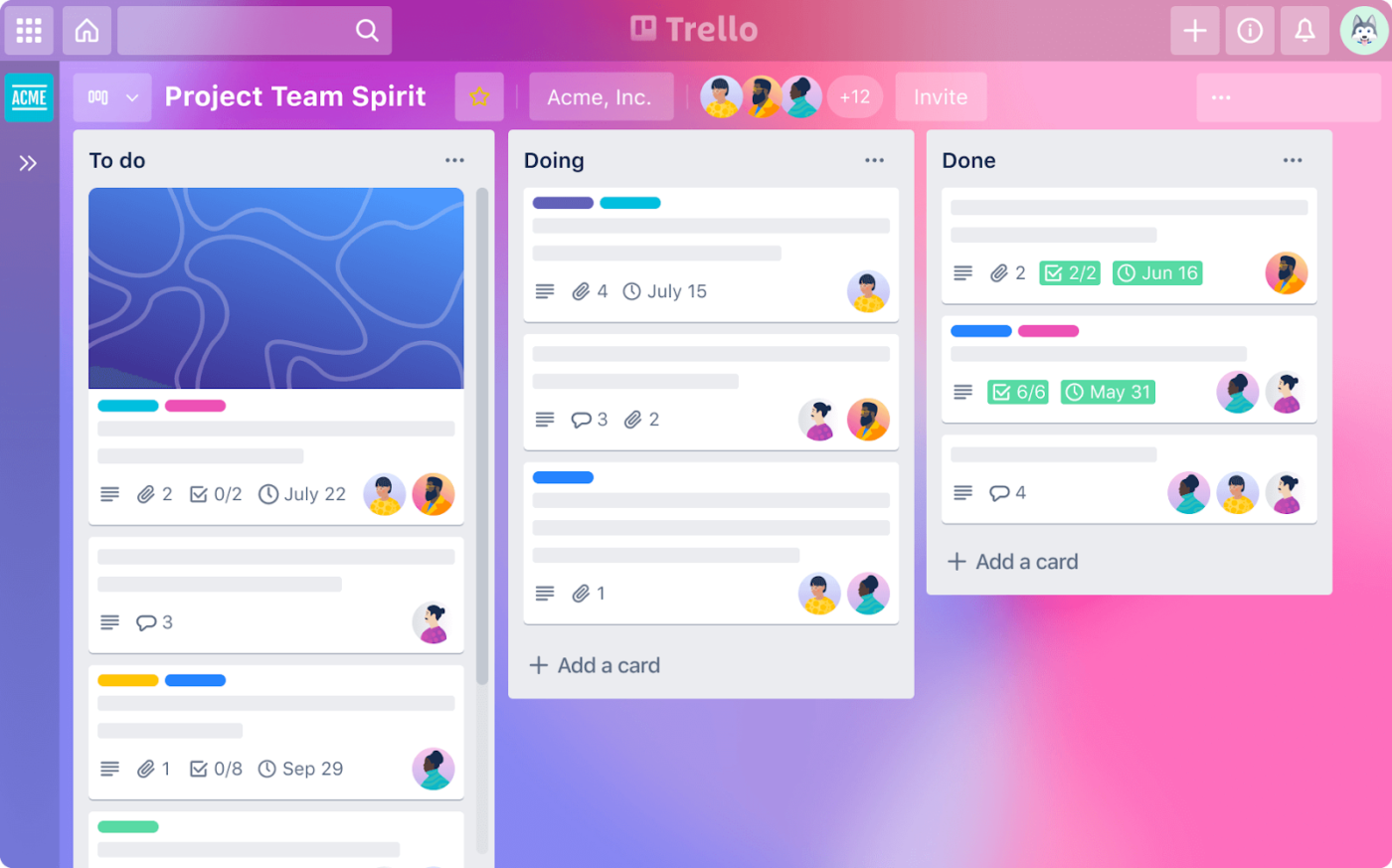
Trello is great for visually organizing complex projects. I can drag and drop task cards between columns such as To-do, Doing, and Done in real time, which makes tracking and communicating progress easier.
Trello helps teams stay on top of deadlines with due dates, checklists, and color-coded labels you can add to each task card.
Need a head start? Trello’s board templates make setting up workflows for marketing, product launches, and personal projects quick and easy.
I like web based synchronization in it that allows me to access and update my boards easily from any device.
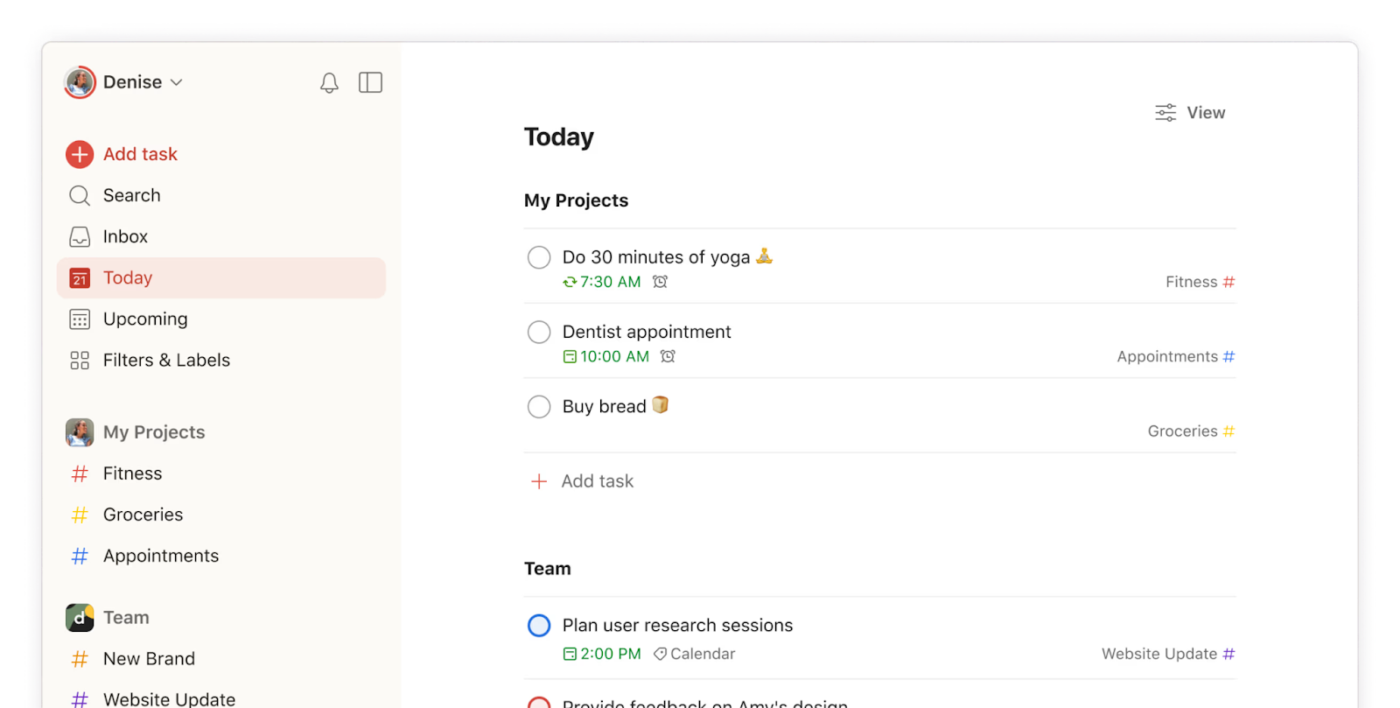
Whenever you need to declutter your mind and focus on priorities, Todoist is a reliable companion. When collaborating on team projects, it keeps everything neatly organized in one place.
Automate routine tasks like weekly reports or daily check-ins with recurring due dates. Plus, integrations with tools like Google Calendar and Slack make it effortless to sync your tasks and progress updates across platforms.
📖 Also Read: Best Todoist Alternatives & Competitors
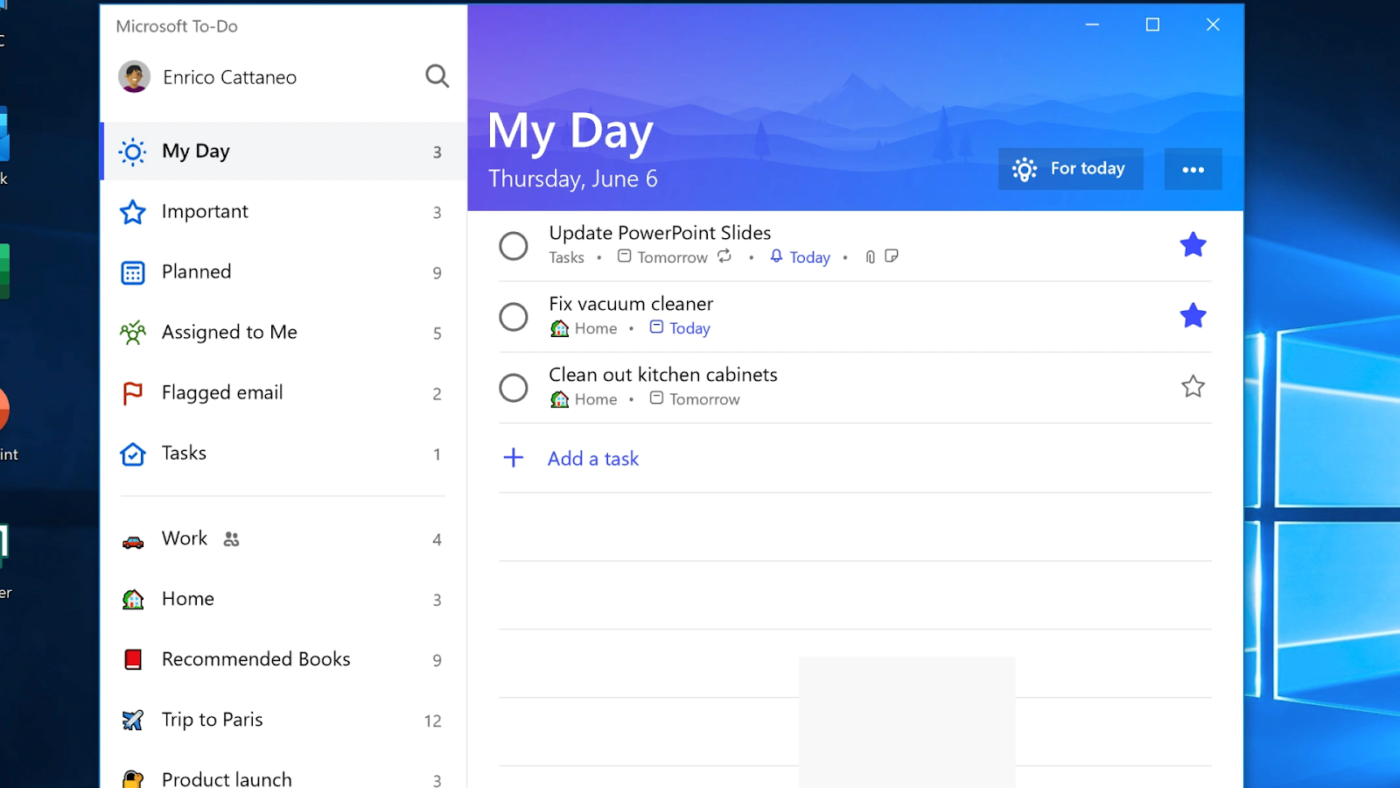
When I used to work with Microsoft tools, Microsoft To Do came in handy as a project manager tool. Its tight integration with Outlook and Microsoft 365 made managing tasks and emails seamless.
I used it to convert flagged emails into tasks, set due dates, and organize projects for daily focus. The app’s smart lists automatically categorize tasks, and file attachments allow you to keep related documents at your fingertips.
I love Microsoft To-Do for its seamless integration of task management and collaboration features, which effortlessly enhance my design workflow and bring a creative touch to task organization.
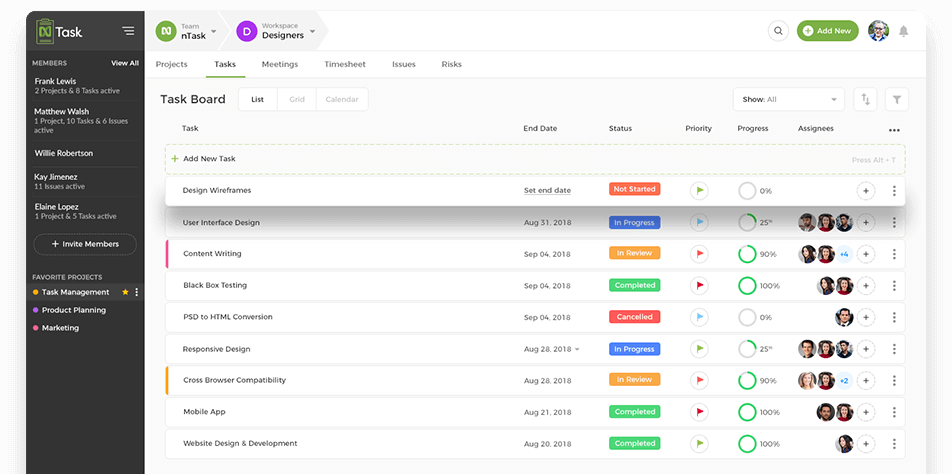
Managing multiple projects with Agile workflows can be challenging, but nTask makes it easier with dedicated task management and project planning tools. I’ve used it for streamlining team communication and assignments, set priorities, and track progress—all in one centralized workspace.
Set task relationships to ensure workflow accuracy and manage task dependencies while scheduling, organizing, and documenting meetings directly within the platform.
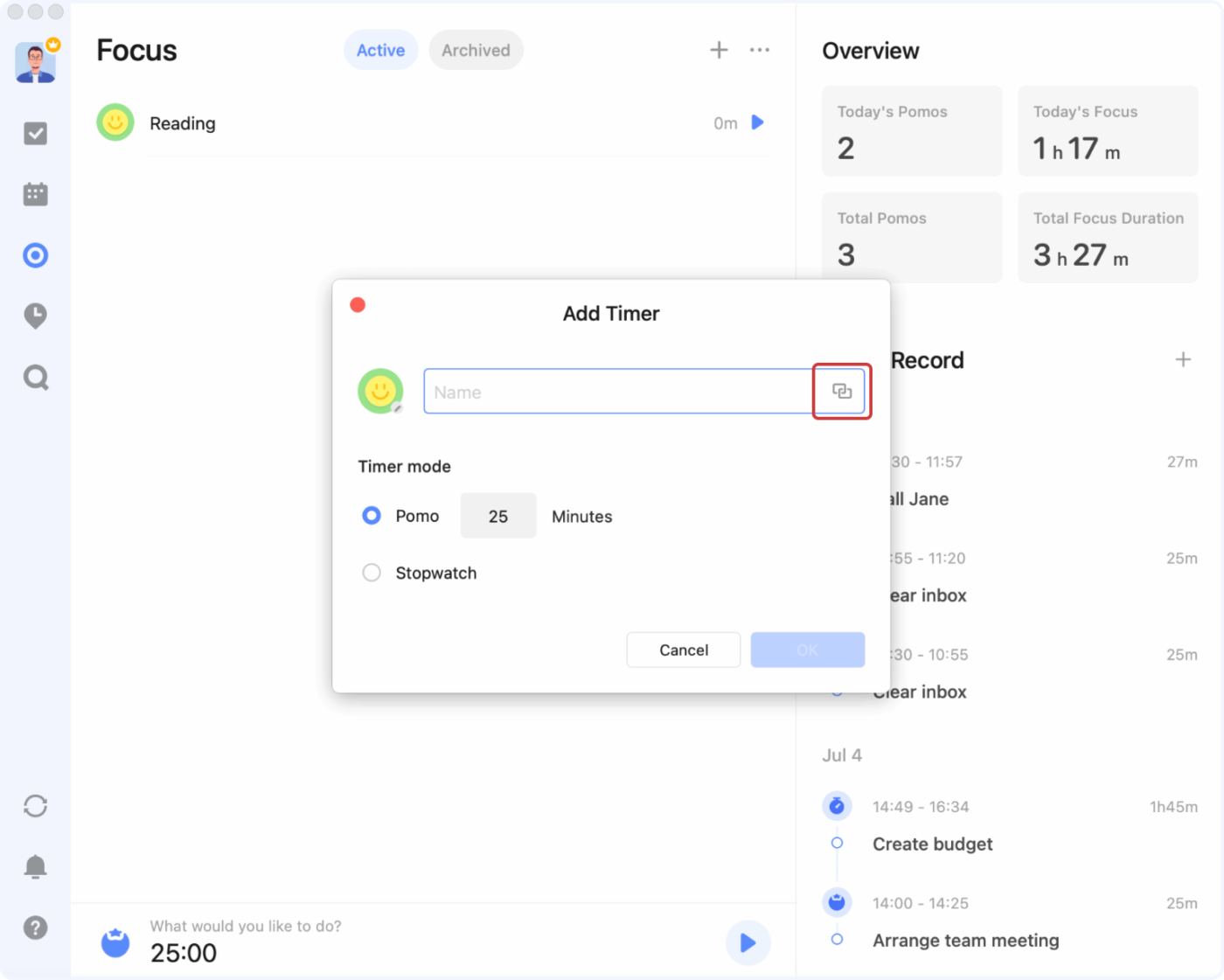
Balancing personal goals and daily tasks can be overwhelming, but TickTick simplifies it with intuitive task management and smart scheduling. It organizes to-do lists, sets reminders, and effortlessly manages recurring tasks.
With its calendar integration, I can visualize tasks alongside events, which is helpful for better time management. Custom tags and priority levels help me categorize and prioritize tasks, ensuring nothing gets overlooked.
TickTick offers web functionality and has a full set of desktop and mobile apps, providing flexibility for users to manage tasks across different devices.
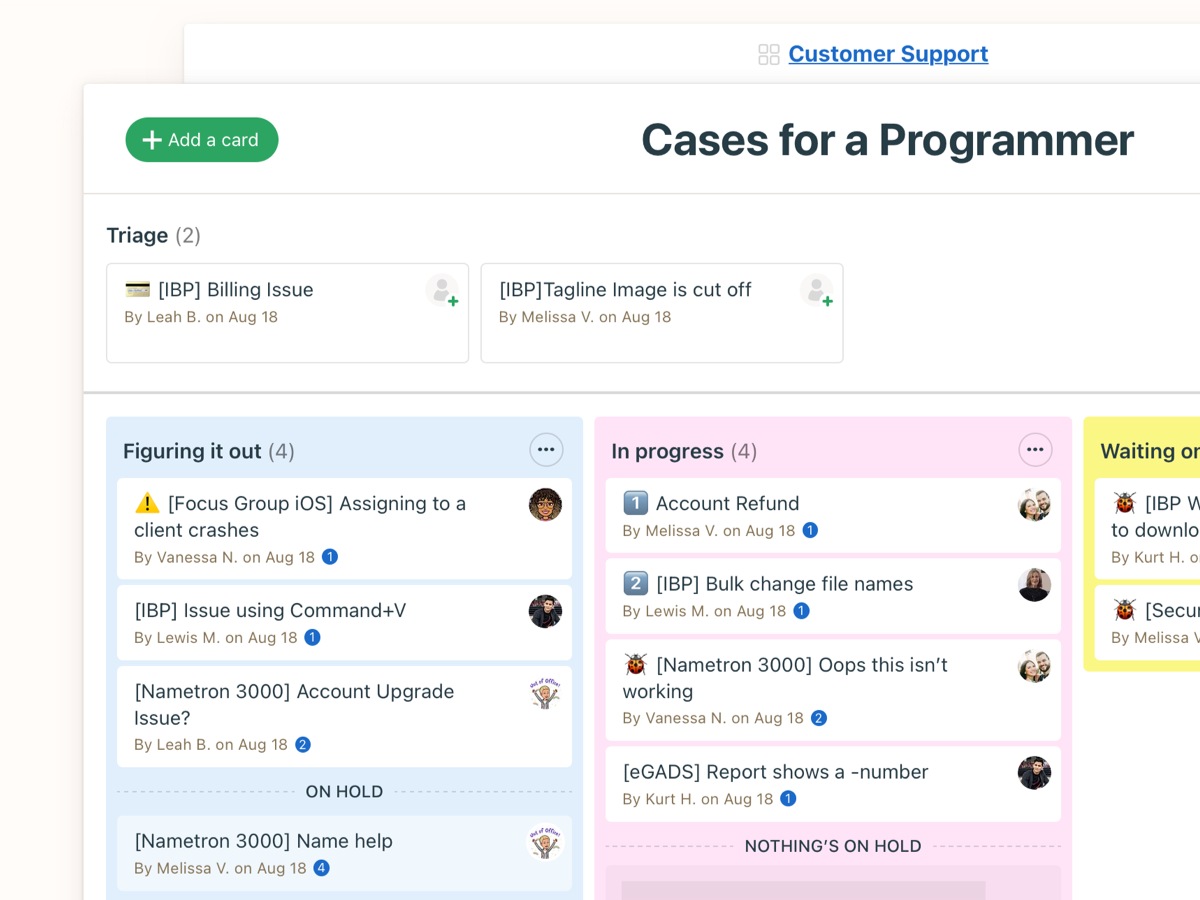
Managing multiple projects with scattered communication can lead to confusion and missed deadlines. Basecamp centralizes team collaboration by combining task management, real-time messaging, and file sharing in one unified workspace.
Basecamp’s to-do lists make assigning tasks, setting due dates, and tracking progress easier. They’re especially helpful for keeping remote teams connected and projects moving forward without constant check-ins.
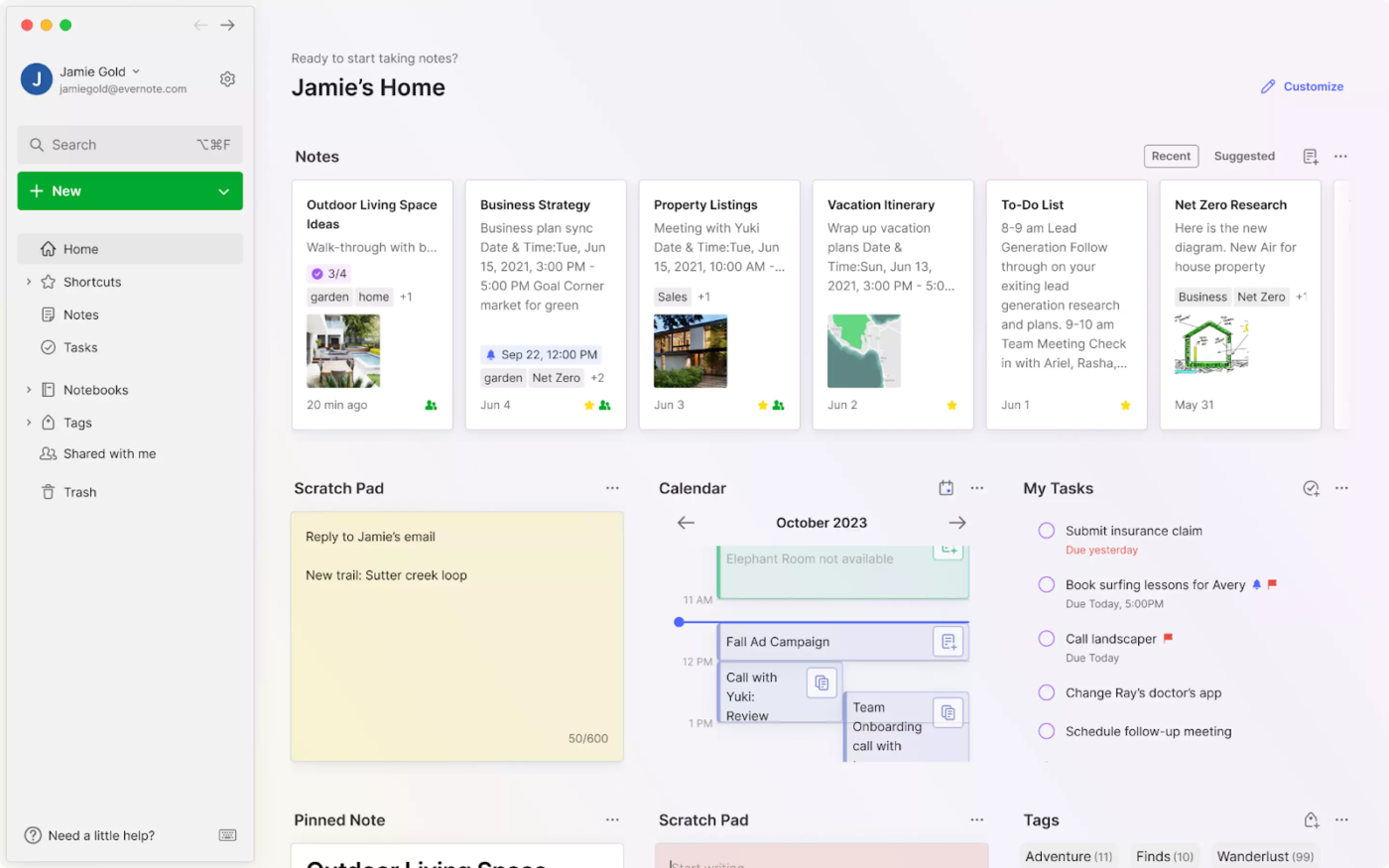
Balancing task management with detailed note-taking can be challenging, especially for complex, collaborative projects. Evernote simplifies this by merging rich note-taking with seamless task organization.
It’s handy for capturing ideas, organizing research, and planning daily tasks in one place. With built-in to-do lists, due dates, and prioritization, I can stay on track without switching apps.
Evernote is helpful because you can customize your organization to your needs and type of work you are doing.
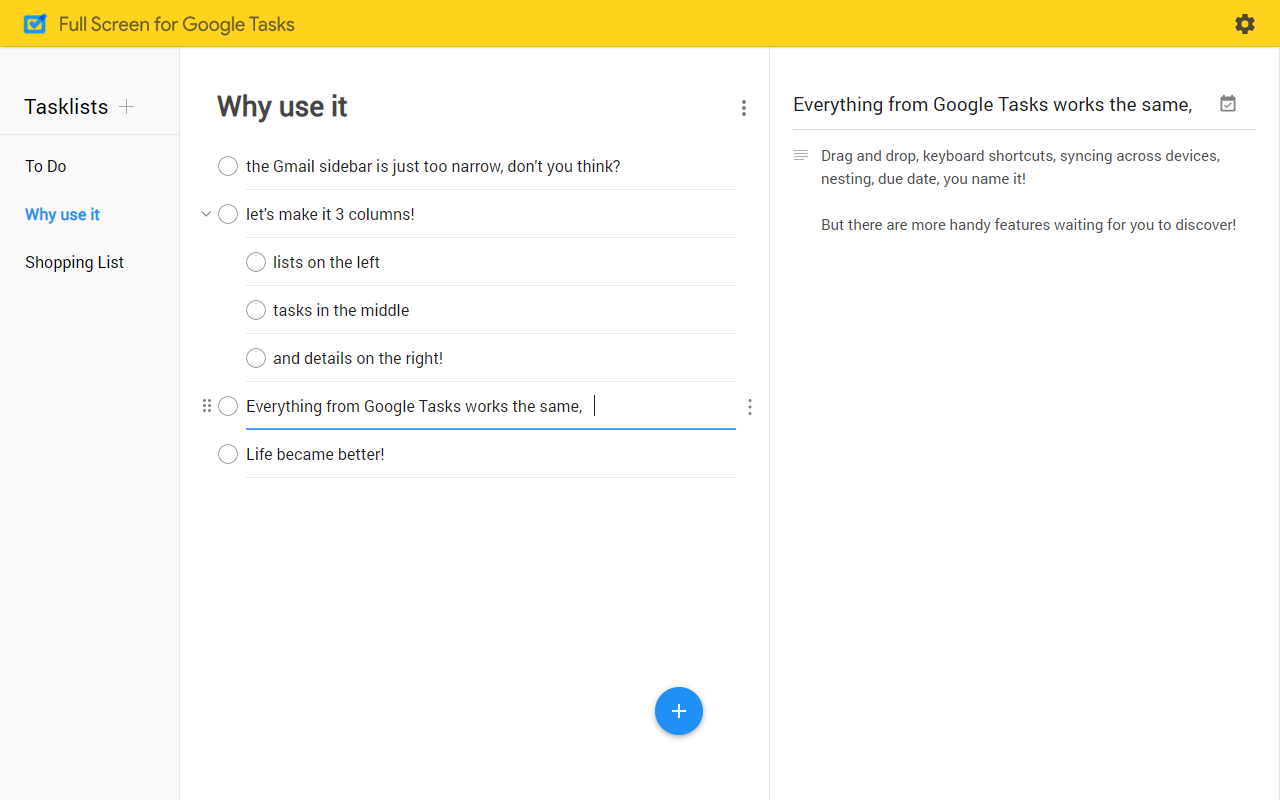
I often return to Google Tasks when I need a simple and intuitive way to manage personal tasks directly within my Google ecosystem. It integrates well with Gmail and Google Calendar, making it easy to turn emails into tasks and manage deadlines from the comfort of my inbox.
This connection streamlines daily task management and keeps me organized. It also allows me to create to-do lists, set due dates, and organize tasks with subtasks.
📖 Also Read: Best Google Tasks Alternatives and Competitors
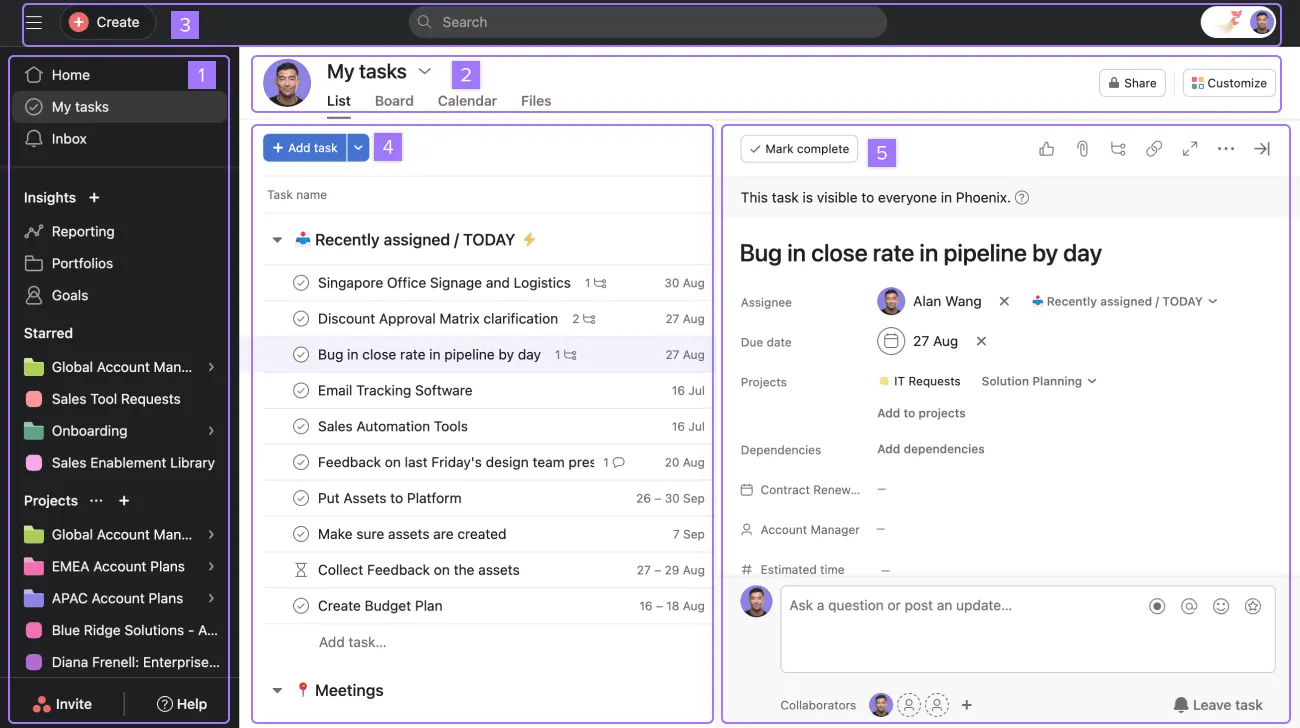
Asana is a decent choice when managing multiple projects with cross-functional teams. Its intuitive interface and structured workflows simplify task delegation, project tracking, team collaboration, and workload management.
Asana’s customizable workflows adapt to any team size or project complexity, keeping everyone aligned and accountable.
I used to use paper to-do lists and using Asana still gives me the satisfaction of checking off completed tasks, but makes it more streamlined and efficient.
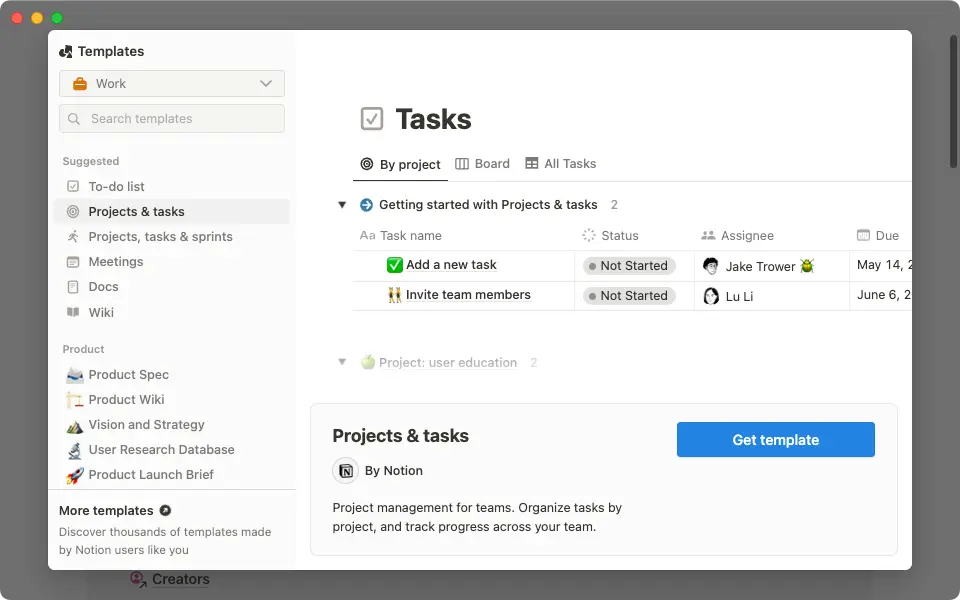
Known best for its nested pages, Notion became one of my preferred solutions when I needed a space to organize my project plans and meeting notes (before I moved to ClickUp). Its flexibility allows me to create custom workflows, wikis, task databases, and collaborative documents—all in one place.
Notion makes it simple to switch between personal note-taking and complex projects without needing multiple tools. Whether you’re tracking progress with Kanban boards, outlining project timelines, or sharing team documents, Notion seamlessly adapts to your workflow.
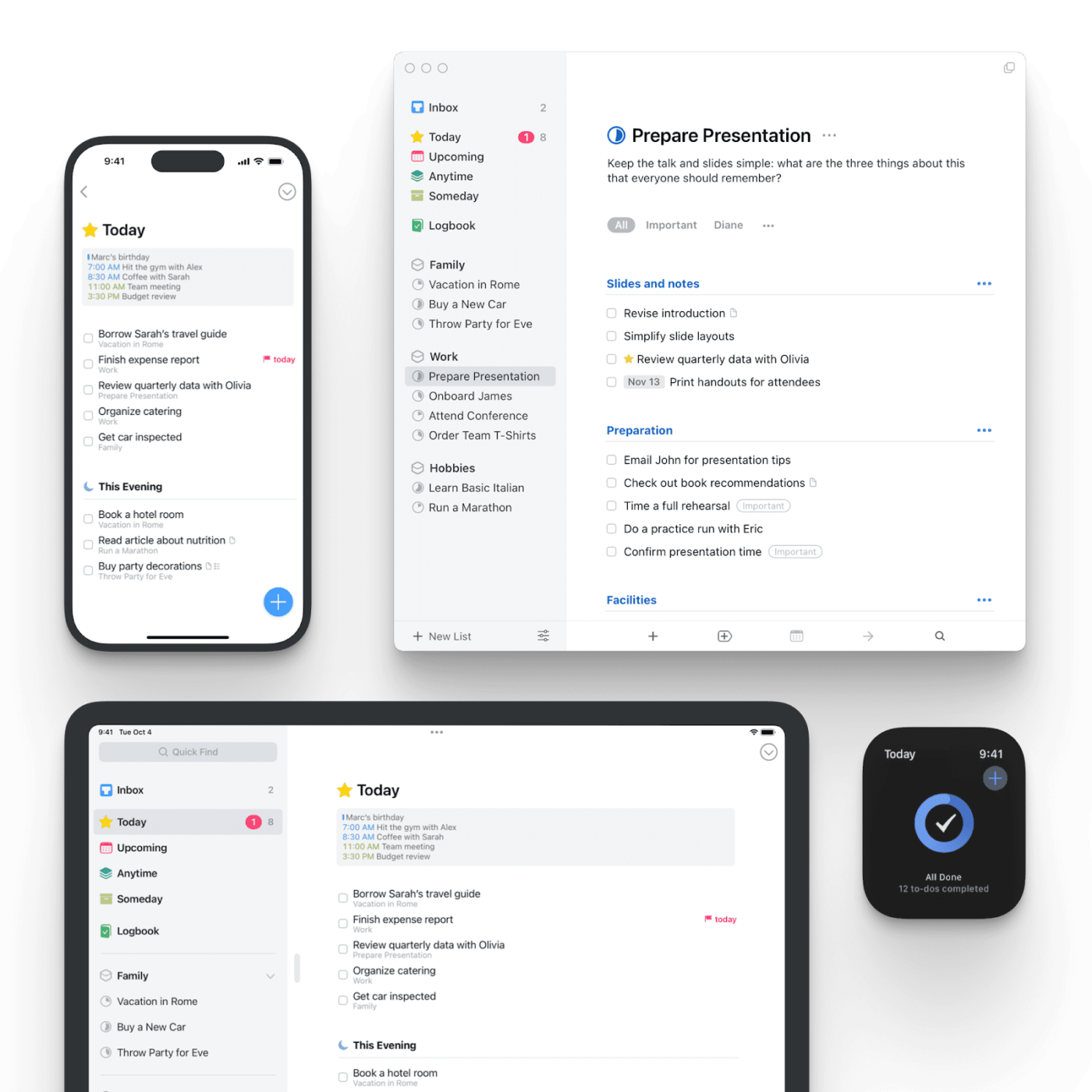
For someone deeply embedded in the Apple ecosystem, Things can be an excellent task manager for staying organized across their Mac, iPhone, and iPad.
Its clean, minimalist design makes it incredibly intuitive to capture ideas, plan projects, and manage daily tasks without feeling overwhelmed. I love how seamlessly it integrates with native Apple features like Reminders and Calendar.
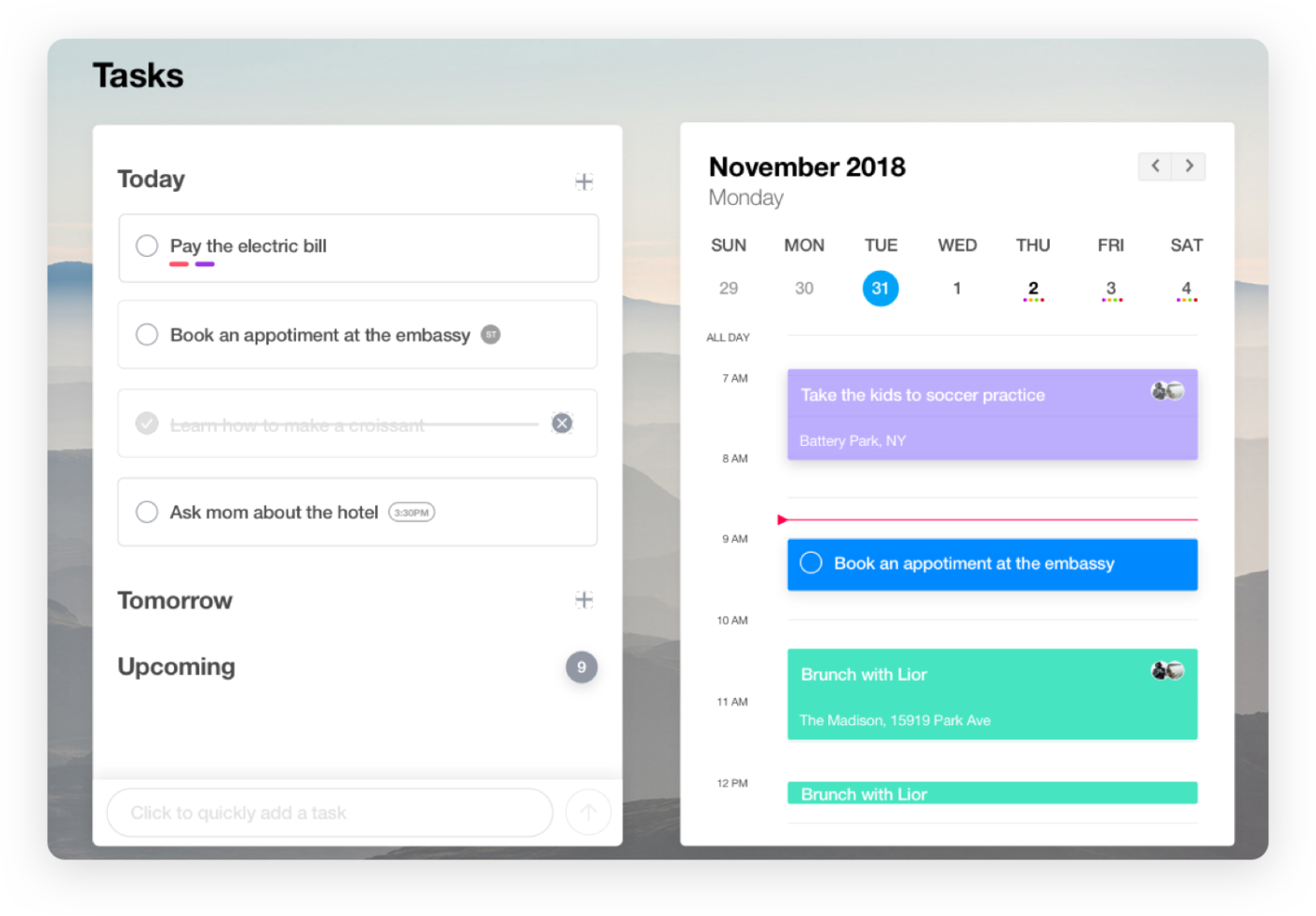
When you need a straightforward, no-frills task manager that works across devices, Any.do delivers. Its simplicity makes it perfect for managing daily tasks without getting bogged down by complex features.
I can recommend starting your day with the Moment feature, reviewing and planning tasks to stay on track. Any.do syncs smoothly across mobile, desktop, and web platforms, making it easy to track task progress from whichever device you’re using.
From Trello’s visual appeal to Google Tasks’ seamless integration capabilities, we’ve explored the 13 best alternatives to Nozbe, each offering unique features that cater to different needs.
However, after thorough research and personal experience, I believe ClickUp is the best alternative to Nozbe. Thanks to its AI-powered capabilities, collaborative features, and customizable options, it perfectly balances simplicity and power.
If you’re looking for an all-star system that adapts to your workflows and enhances your team’s collaboration, I highly recommend ClickUp. With its extensive features and user-friendly interface, you’ll be well-equipped to tackle any project confidently.
Don’t wait—sign up on ClickUp today!

© 2026 ClickUp

There’s an easier way. Try a free AI Agent in ClickUp that actually does the work for you—set up in minutes, save hours every week.