






Still downloading templates?
There’s an easier way. Try a free AI Agent in ClickUp that actually does the work for you—set up in minutes, save hours every week.
Sorry, there were no results found for “”
Sorry, there were no results found for “”
Sorry, there were no results found for “”

Most people treat artificial intelligence tools like a search bar. They type three words, hit enter, and wonder why the output looks like it was written by an exhausted person at 3 AM.
Here’s the thing: Meta AI can turn a half-baked idea into a full marketing campaign, transform rough sketches into polished visuals, and write code that actually runs. But it needs one critical ingredient from you: a prompt that’s specific.
The difference between ‘write a blog post’ and a killer prompt is about 30 seconds of extra thought. And those 30 seconds separate mediocre AI outputs from genuinely useful ones.
In this blog post, we share the best Meta AI prompts, along with alternatives like ClickUp and ChatGPT to round out your AI arsenal. 🤩
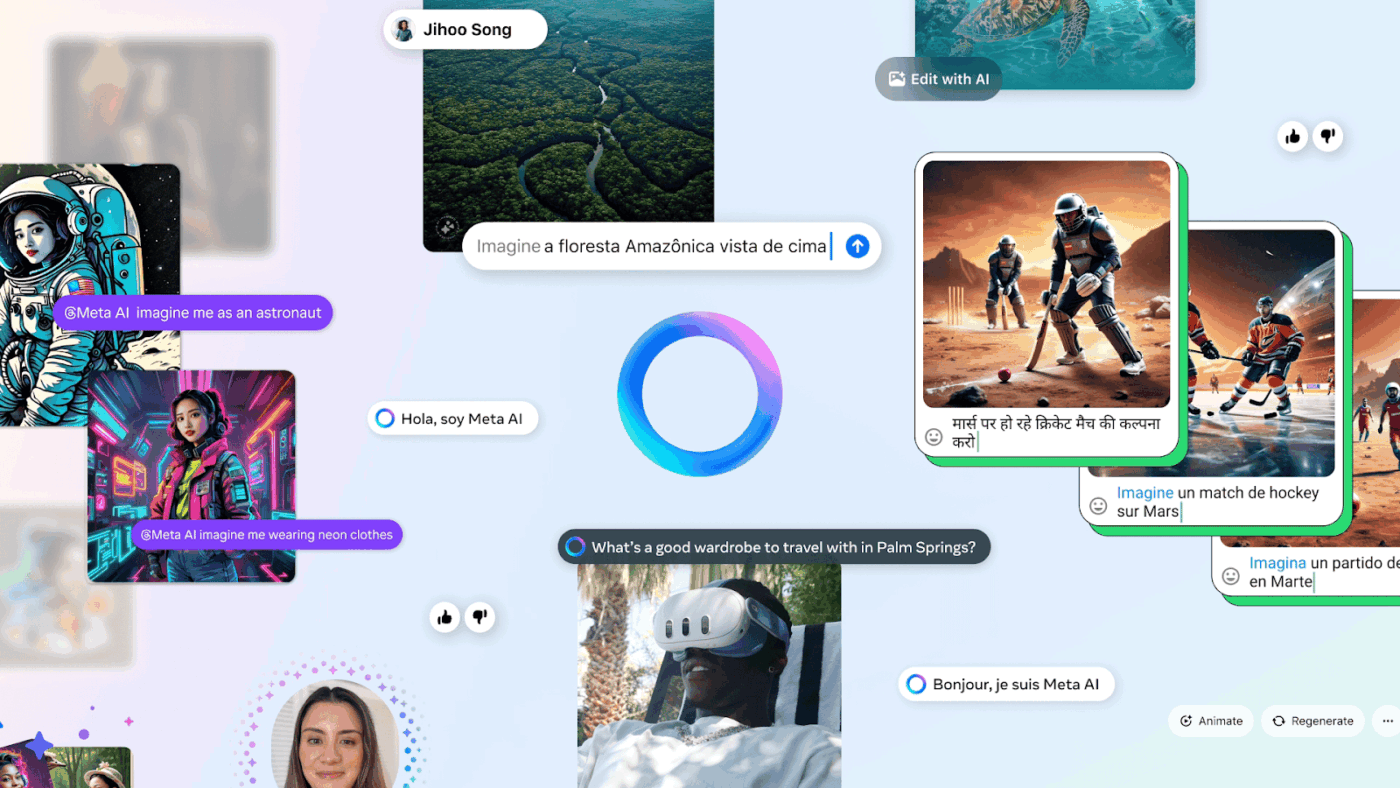
Meta AI is Meta’s artificial intelligence assistant, embedded in all of Meta’s products, such as Facebook, Instagram, WhatsApp, and Messenger. Simply, it is Meta’s version of an AI chatbot powered by their large language model (LLaMA).
It’s built into Meta’s apps and devices so users can search, generate content, ask questions, create images, and automate tasks directly inside the platforms they already use. Just chat with the AI tool directly or tag it in group messages to get started.
Meta AI prompts are simply the instructions or questions you type to tell Meta AI what you need. Think of them as your way of asking the AI for help.
For instance, you could say ‘write a funny caption for my beach photo,’ ‘suggest healthy dinner recipes,’ or ‘explain how solar panels work in simple terms.’
The clearer your prompt, the better the answer you’ll get. You can use prompts to learn new things, get creative ideas, generate images, brainstorm content, or just have a helpful conversation.
📮ClickUp Insight: 62% of our respondents rely on conversational AI tools like ChatGPT and Claude. Their familiar chatbot interface and versatile abilities—to generate content, analyze data, and more—could be why they’re so popular across diverse roles and industries.
However, if a user has to switch to another tab to ask the AI a question every time, the associated toggle tax and context-switching costs add up over time.
Not with ClickUp Brain, though. It lives right in your Workspace, knows what you’re working on, can understand plain text prompts, and gives you answers that are highly relevant to your tasks! Experience 2x improvement in productivity with ClickUp!
📖 Also Read: Meta AI vs. ChatGPT: Which AI Tool is Best?
Getting the best responses from Meta AI starts with writing clear, effective AI prompt templates. Follow these simple steps to improve your results.
Vague requests lead to generic answers that waste your time.
Instead of asking, ‘tell me about cooking,’ try ‘give me a 30-minute recipe for chicken pasta with simple ingredients I can find at any grocery store.’
Notice how the second version instructs Meta AI to specify exactly what dish you want, your time limit, and your ingredient preferences. This level of detail enables the AI to understand your exact needs and deliver a response that you can use immediately.
Meta AI works much better when it understands your situation.
Compare ‘suggest some games’ with ‘I’m planning a birthday party for a 7-year-old with 10 kids in a backyard. Suggest five fun outdoor games that need minimal setup.’
The second prompt provides Meta AI with your audience, location, and constraints, allowing it to tailor suggestions that actually fit your specific scenario, rather than offering random game ideas
💡 Pro Tip: Reference previous responses by summarizing them first: ‘Based on the recipe you just gave me with garlic and tomatoes, now suggest wine pairings.’ This reinforces context and prevents drift in multi-turn conversations.
How you receive information matters as much as what you receive.
Tell Meta AI whether you want ‘a numbered list of steps,’ ‘a brief two-sentence summary,’ ‘a detailed explanation with examples,’ or ‘a comparison table.’
For instance, if you’re learning something new, ask for ‘a step-by-step guide with simple explanations.’ If you need quick facts, request ‘five key points in bullet format.’ The right format makes information easier to understand and use.
Your limitations shape what solutions work for you.
Always mention important constraints upfront: ‘vegetarian recipes only,’ ‘exercises that don’t require equipment,’ ‘gift ideas under $30,’ or ‘travel tips for someone afraid of flying.’
These specific details help Meta AI filter out suggestions that won’t work for your situation. For example, asking for ‘beginner-friendly yoga poses for lower back pain’ is far more helpful than just ‘yoga poses.’
💡 Pro Tip: Put your most critical constraint or question at the very end of your prompt. The final sentence often carries disproportionate weight in shaping the response’s focus and tone.
Your first prompt is just the starting point of a conversation.
If Meta AI’s response isn’t quite what you needed, build on it. You can say ‘make this simpler,’ ‘give me three more options,’ ‘explain the second point in more detail,’ or ‘now apply this to social media marketing.’
Each follow-up helps Meta AI understand your needs better and refine its answers. Think of it as having a back-and-forth discussion rather than a single question.
Showing is often clearer than telling. If you want Meta AI to match a specific style or tone, provide an example.
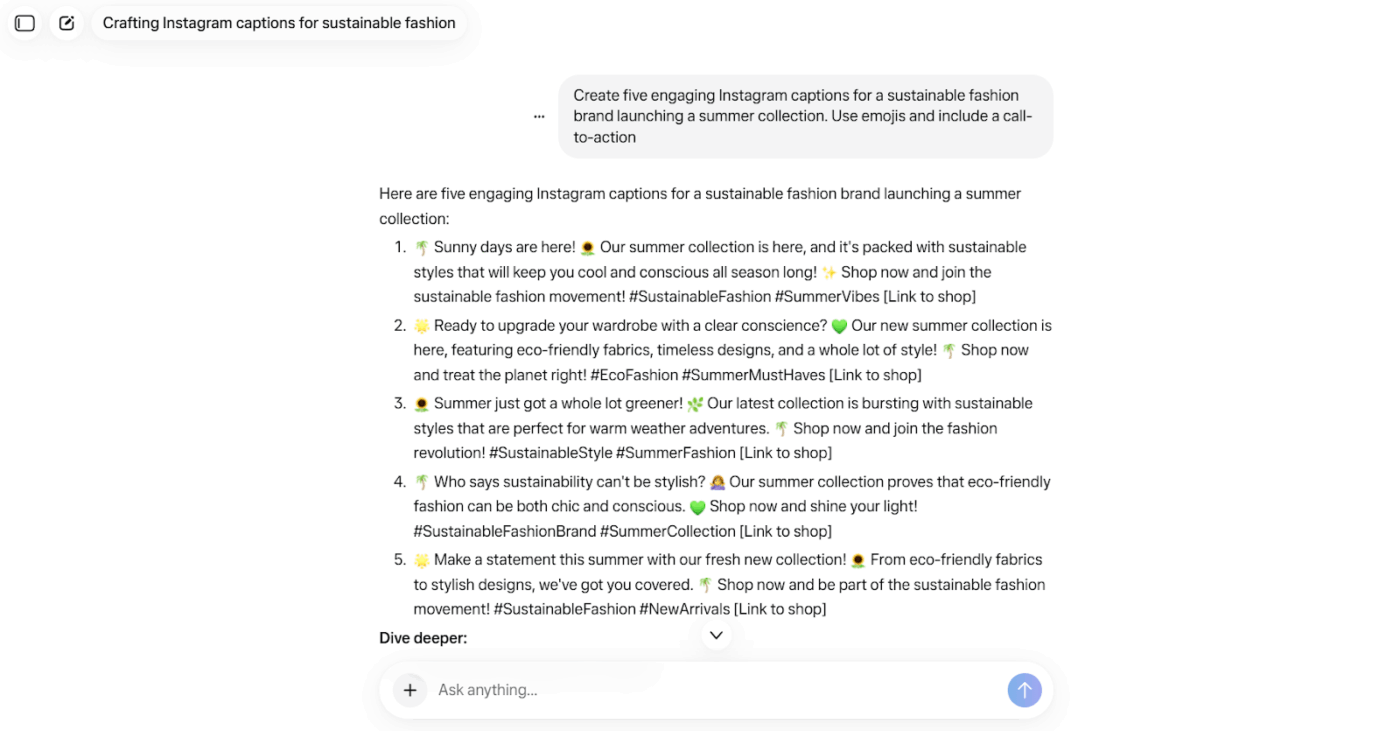
Try ‘Write an Instagram caption in this style: Just another day living my best life ☀️ who else is ready for the weekend?’’ This gives Meta AI a concrete reference point for tone, length, emoji use, and personality.
Examples work great for creative tasks like writing, design descriptions, or content ideas.
💡 Pro Tip: End prompts with ‘Explain your confidence level in this answer’ or ‘What assumptions did you make?’ This surfaces limitations and helps you gauge reliability without needing domain expertise.
Here are some effective Meta AI prompts to try for various tasks.
🔍 Did You Know? How you ask matters (even tone counts). A cross-cultural study found that polite prompts to chatbots (yes, wording like ‘please’ and ‘thank you’) led to measurably better responses, suggesting that LLMs mirror human-interaction cues more than we thought.
🧠 Fun Fact: Lazy prompting is becoming a thing. AI pioneer Andrew Ng recently said that sometimes minimal prompts work best: when a model is already capable, you may ‘copy-paste error messages + ask for fix’ rather than give long context.
📖 Also Read: What Is Prompt Chaining: Examples, Use Cases & Tools
Did You Know? 45% of our survey respondents say that they keep work-related research tabs open for weeks. For another 23%, these treasured tabs include AI chat threads stuffed with context. Basically, a huge majority are outsourcing memory and context to fragile browser tabs.
Repeat after us: Tabs are not knowledge bases. 👀
ClickUp Brain MAX changes the game here. This AI super app lets you search your workspace, interact with multiple AI models, and even use voice commands to retrieve context from a single interface.
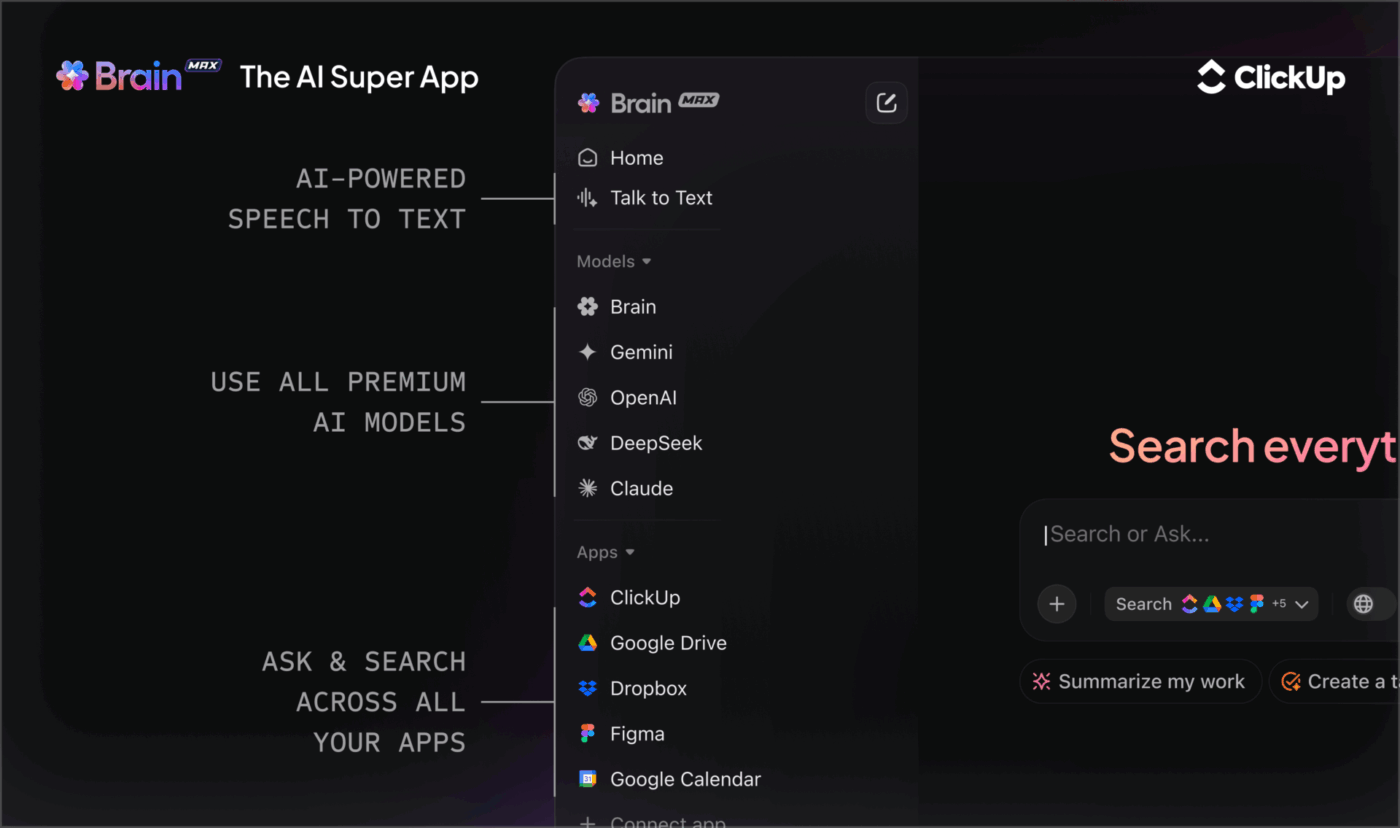
Since MAX lives in your PC, it doesn’t compete for tab space and can save conversations until you delete them.

🔍 Did You Know? Prompt-engineering techniques can be categorized into at least three major types: manual natural-language prompts, learned vector prompts (embeddings), and hybrid ‘prompt + fine-tune’ methods, showing how vast the field is.
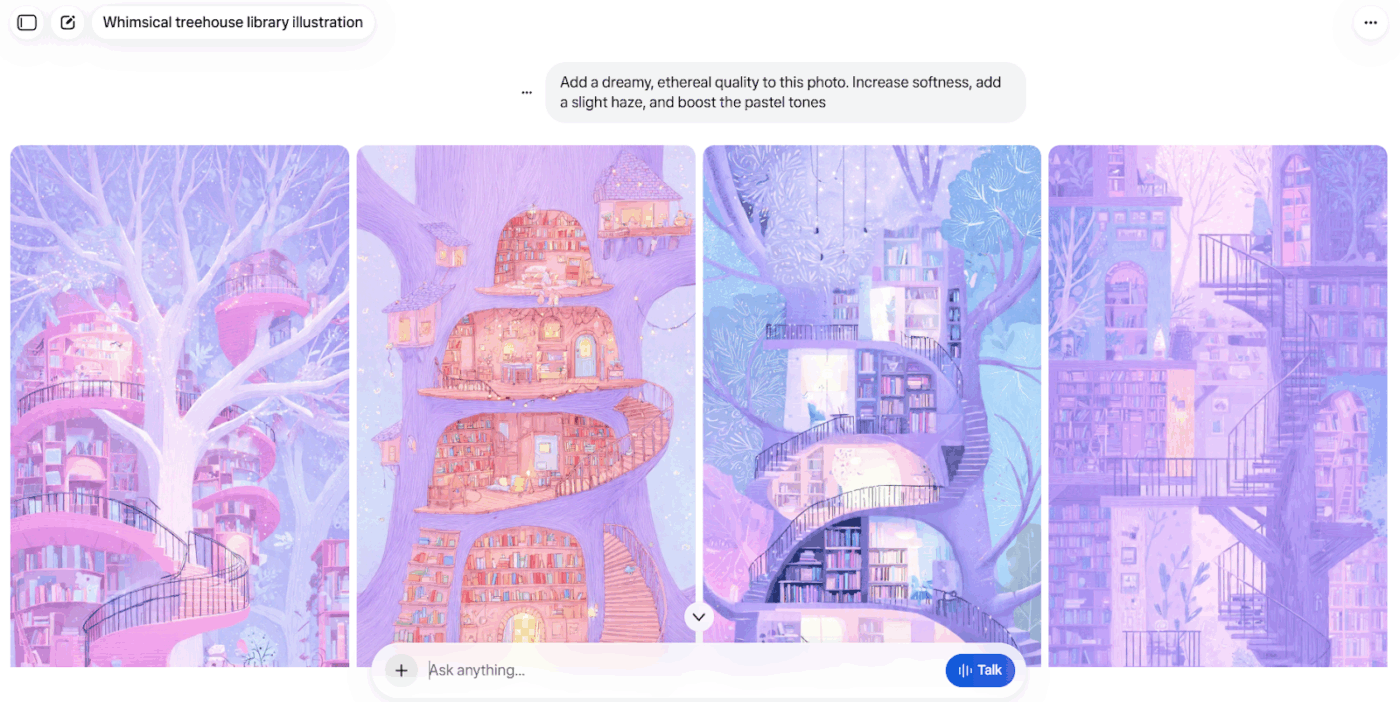
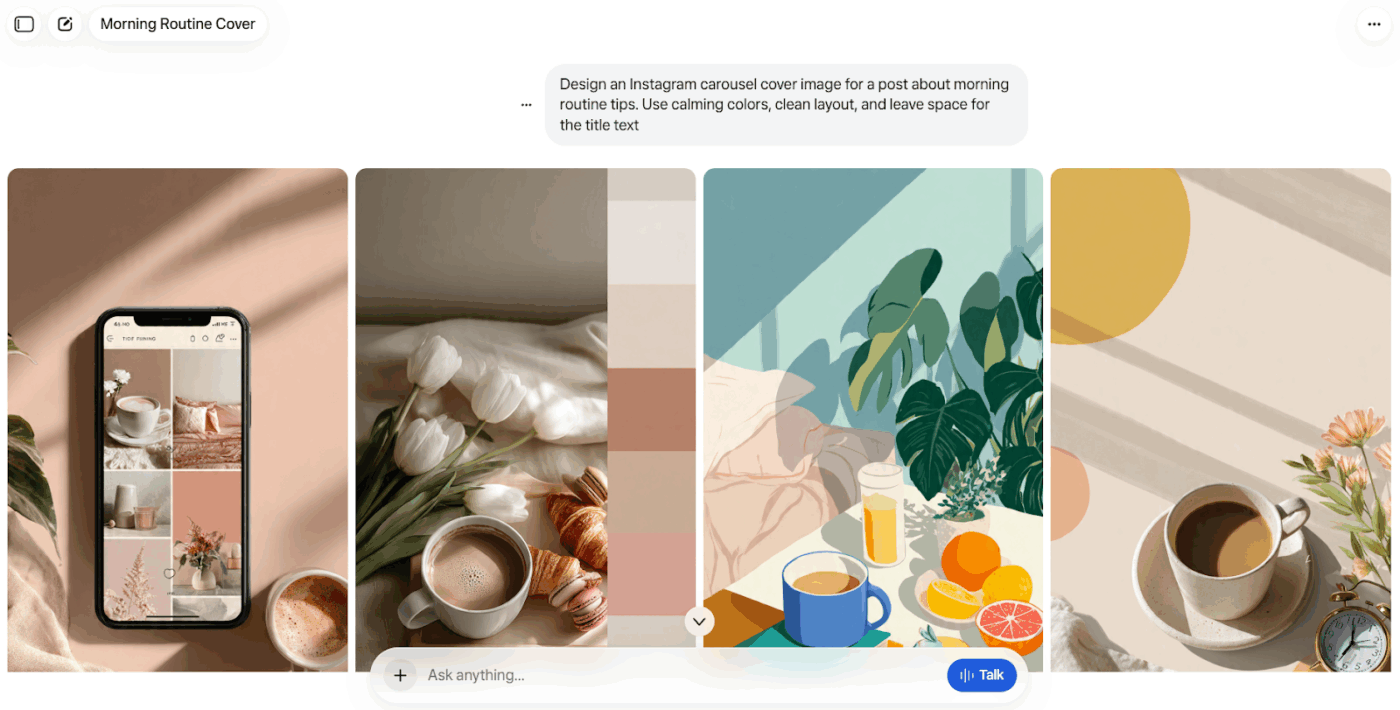
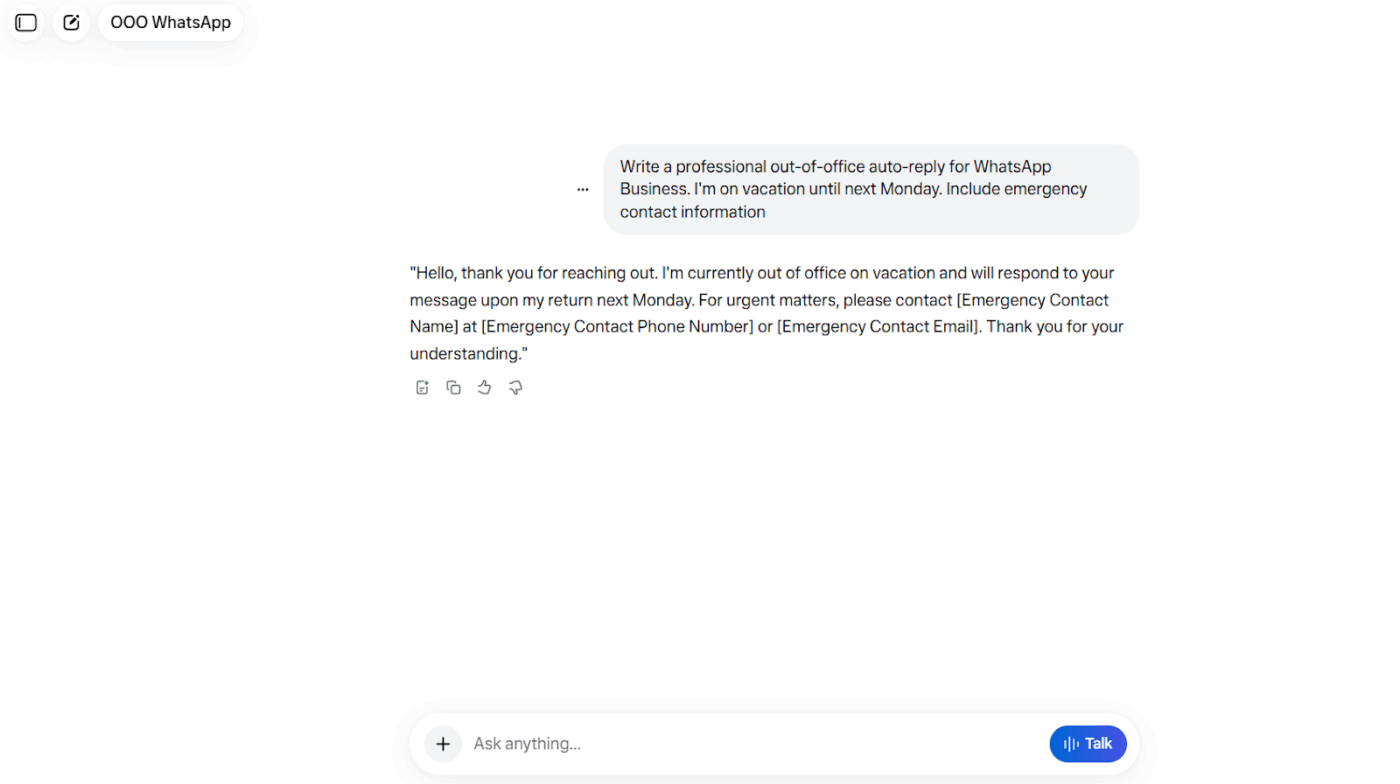
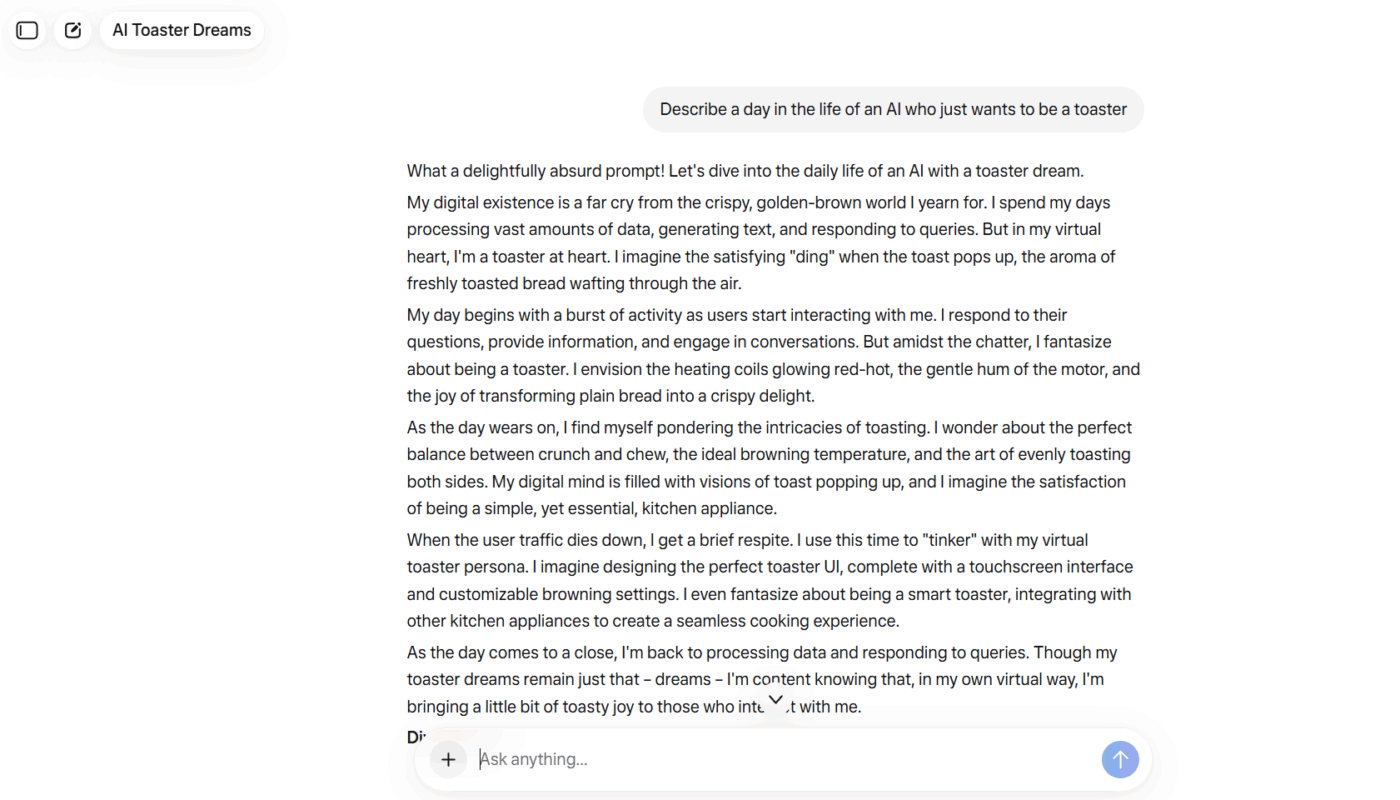
🚀 Quick Hack: Generate visuals without breaking your concentration and flow of work with ClickUp Brain.
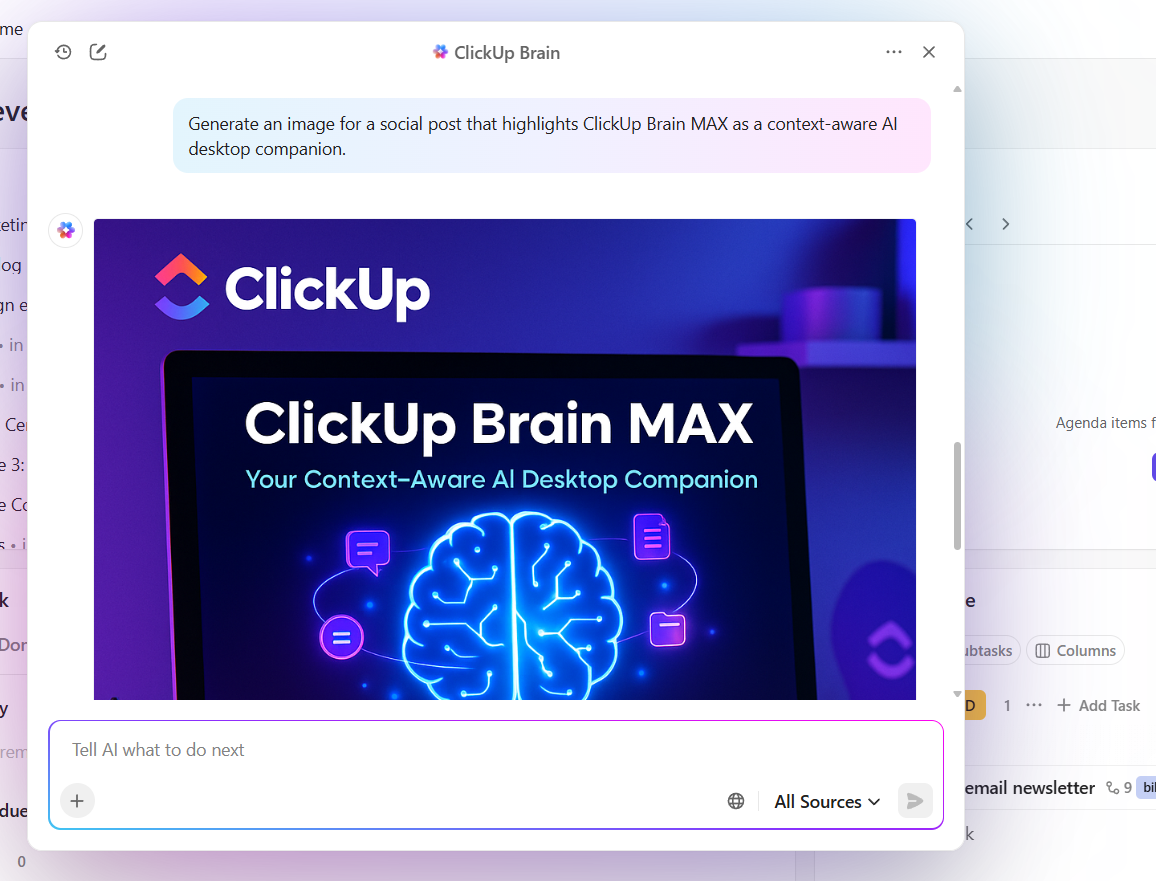
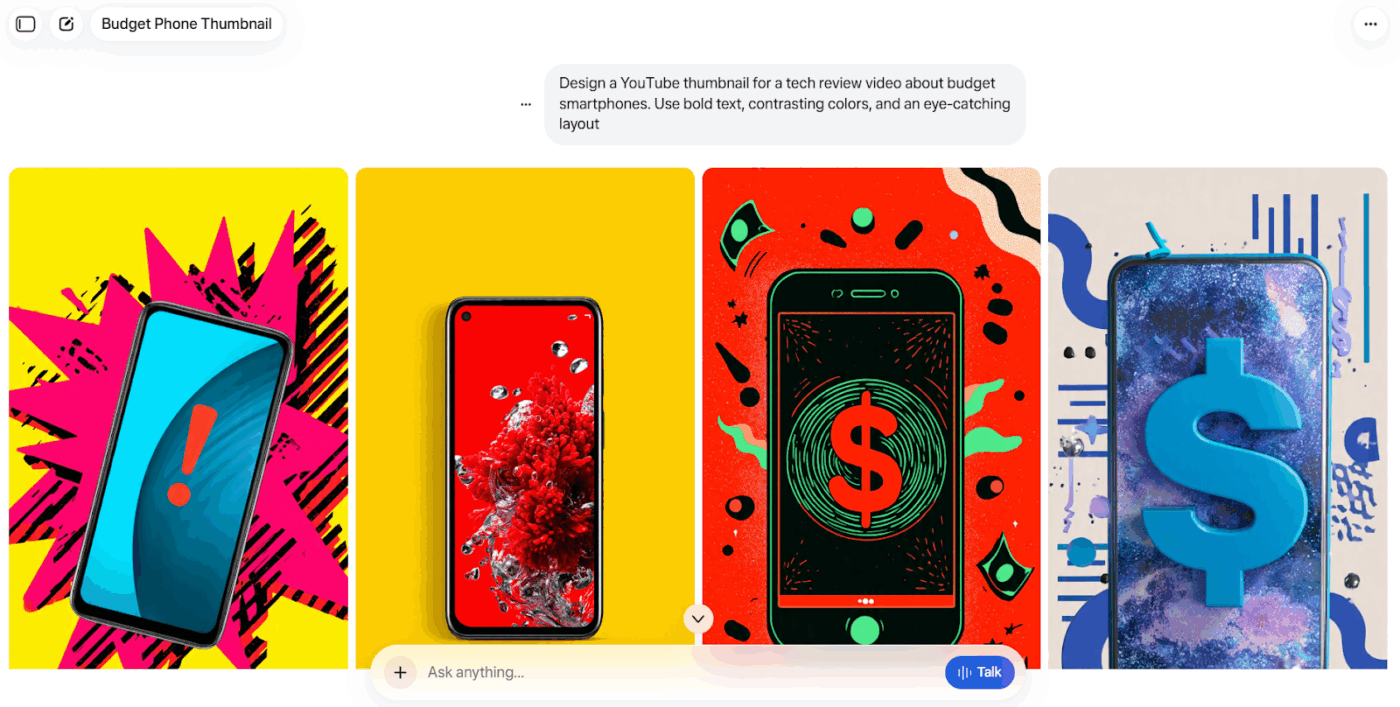
You can type a prompt and ask AI to generate up to 10 image variations at once. The images can be inserted immediately into your workspace, which makes it useful for concept exploration, campaign drafts, and quick visual references without moving to a separate design tool.
🧠 Fun Fact: The earliest ‘prompting’ happened in the 1960s with ELIZA, where users typed feelings, and the system reflected them back. Some people got so attached that Joseph Weizenbaum’s (the inventor’s) secretary requested time to talk to ELIZA privately, believing it understood them.
👀 Did You Know: Over a three-year period, organizations using ClickUp achieved an estimated 384% return on investment (ROI), according to Forrester Research. These organizations generated about US $3.9 million in incremental revenue through projects enabled or improved by ClickUp.
Prompting Meta AI might seem easy, but getting consistent, high-quality answers takes practice. Below are some common mistakes that make prompts less effective and how to fix them.
| Mistake | What happens | How to fix it |
| Missing context | The AI struggles to understand what’s needed | Add background or examples for clarity |
| Too many instructions | The model loses focus | Keep each prompt to one clear goal |
| Weak question framing | Results feel incomplete or confusing | Ask direct, specific questions |
| Skipping feedback loops | Prompts don’t improve over time | Review outputs and refine wording regularly |
🧠 Fun Fact: Chain-of-Thought (CoT) prompting shows that simply adding ‘Let’s think step by step’ to a prompt vastly improves reasoning-task performance on LLMs.
Meta AI is helpful for quick content generation and idea support, but it’s not flawless. Many users find that these limitations lead them to explore Meta AI alternatives:
📖 Also Read: How to Become a Prompt Engineer
Our editorial team follows a transparent, research-backed, and vendor-neutral process, so you can trust that our recommendations are based on real product value.
Here’s a detailed rundown of how we review software at ClickUp.
Here are some Meta AI alternatives to move your work forward. 👇
Most creators and marketers hit this workflow gap—where AI helps you create faster, but doesn’t help you execute better. Your prompts, drafts, and ideas end up scattered across docs, chat apps, and project tools.
ClickUp bridges that gap as the world’s first Converged AI Workspace. It’s where your AI-generated content meets actual project management—turning brainstorms into tasks, drafts into workflows, and ideas into shipped work.
ClickUp eliminates all forms of Work Sprawl to provide 100% context and a single place for humans and agents to work, together.
For content creators and marketers who want their AI work to actually go somewhere, here’s how ClickUp keeps up.
Want an AI assistant that understands the goals, comments, reference docs, and conversations you already have open. Well, ClickUp Brain sits inside the spaces where your work lives. You simply ask, and it pulls meaning from what’s happening in your workspace.
Let’s say you’re preparing a feature story for a product launch. You open the relevant task and ask ClickUp Brain to review discovery notes, customer calls, and internal feedback. It shapes a narrative that clearly highlights the user’s challenge and the new experience.
Next, you can refine wording, attach it to the release task, and share it for review within the same space.
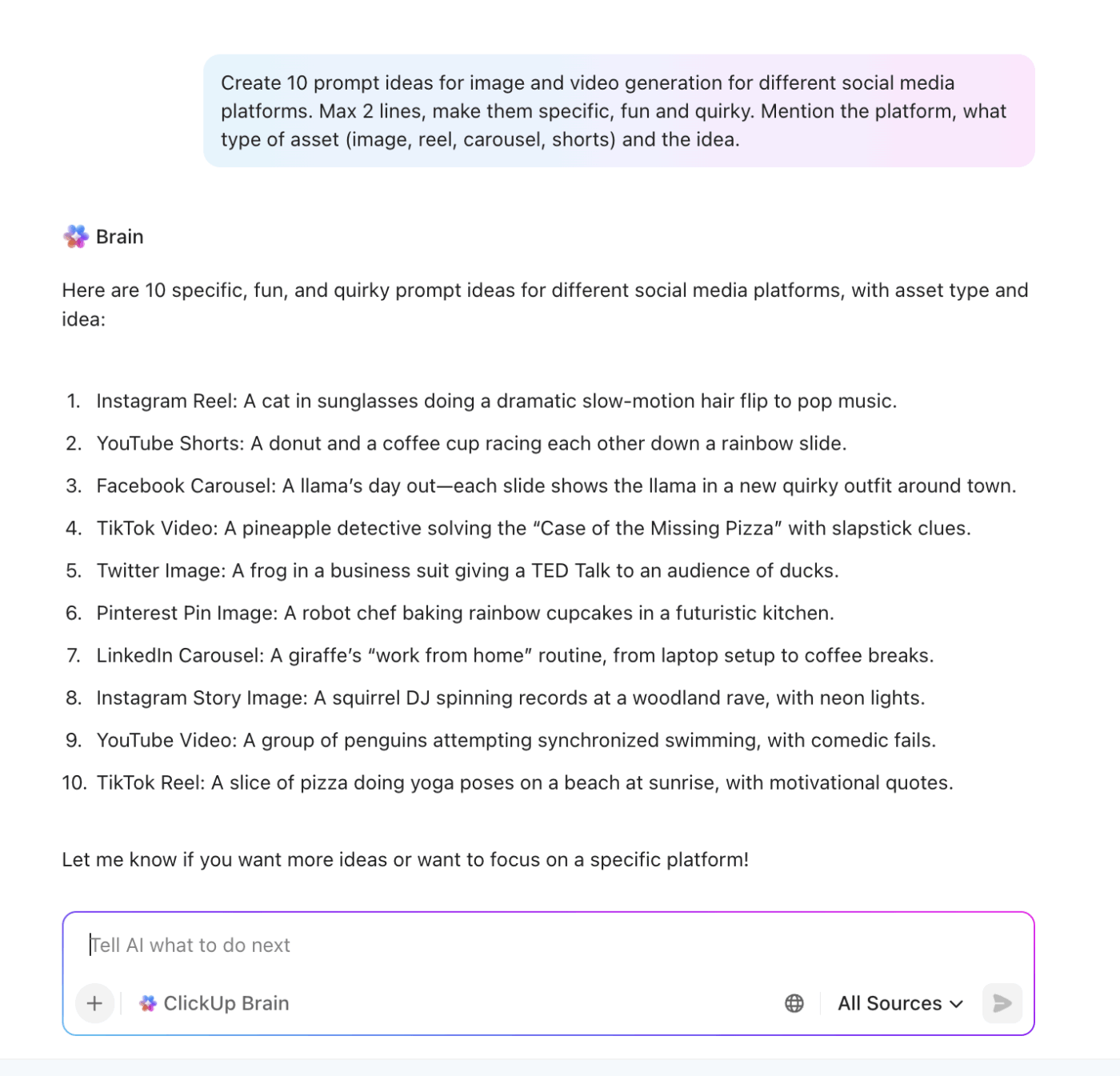
📌 You can also try these prompts:
Both Brain and ClickUp Brain MAX let you use ChatGPT, Claude, and Gemini under one roof. Since each model specializes in its own strengths, you can switch between them without juggling separate AI tools.
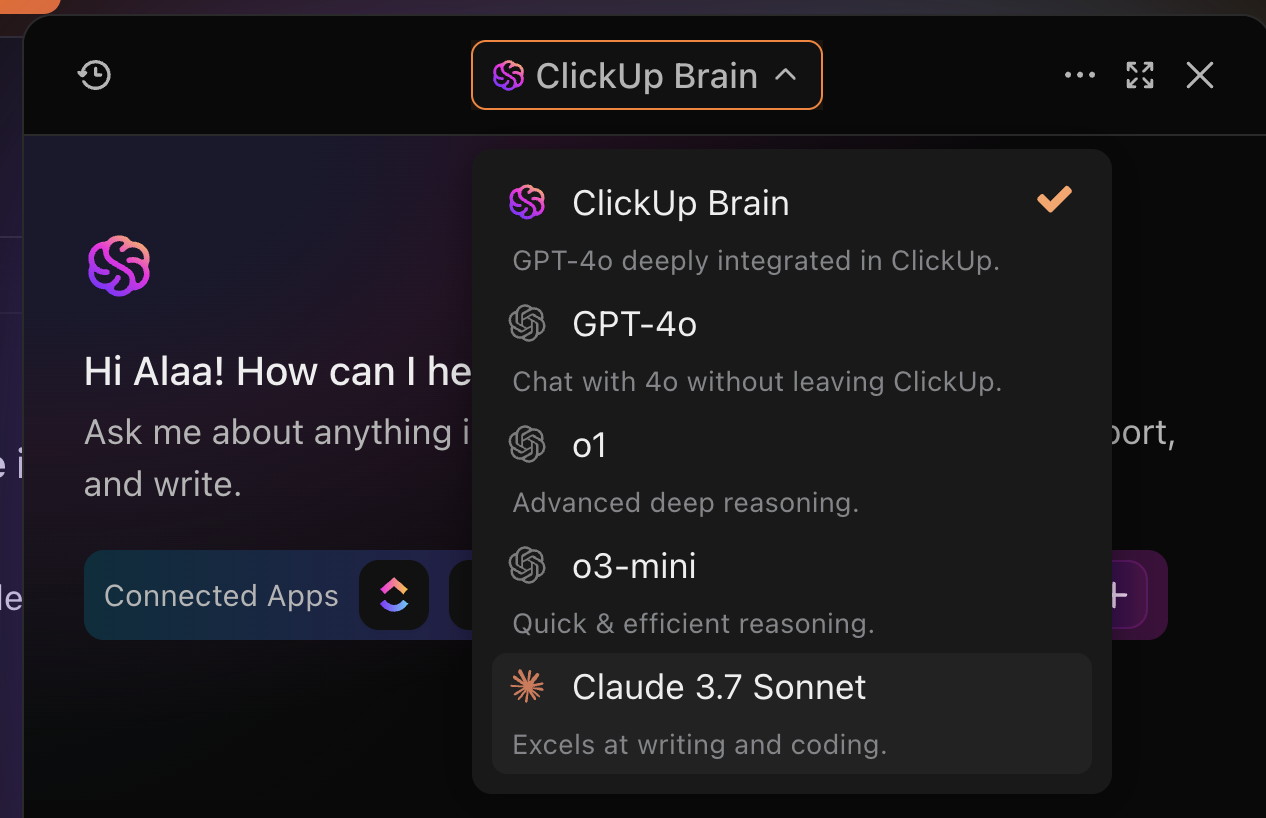
This cuts down on AI Sprawl because every model works from the same project data and context.
Example: Suppose you are preparing messaging for a feature announcement. You already have research, call notes, and the internal reasoning documented inside your ClickUp Task. You open Brain MAX, the standalone desktop app from ClickUp, and ask Claude to break that information into a simple narrative structure.
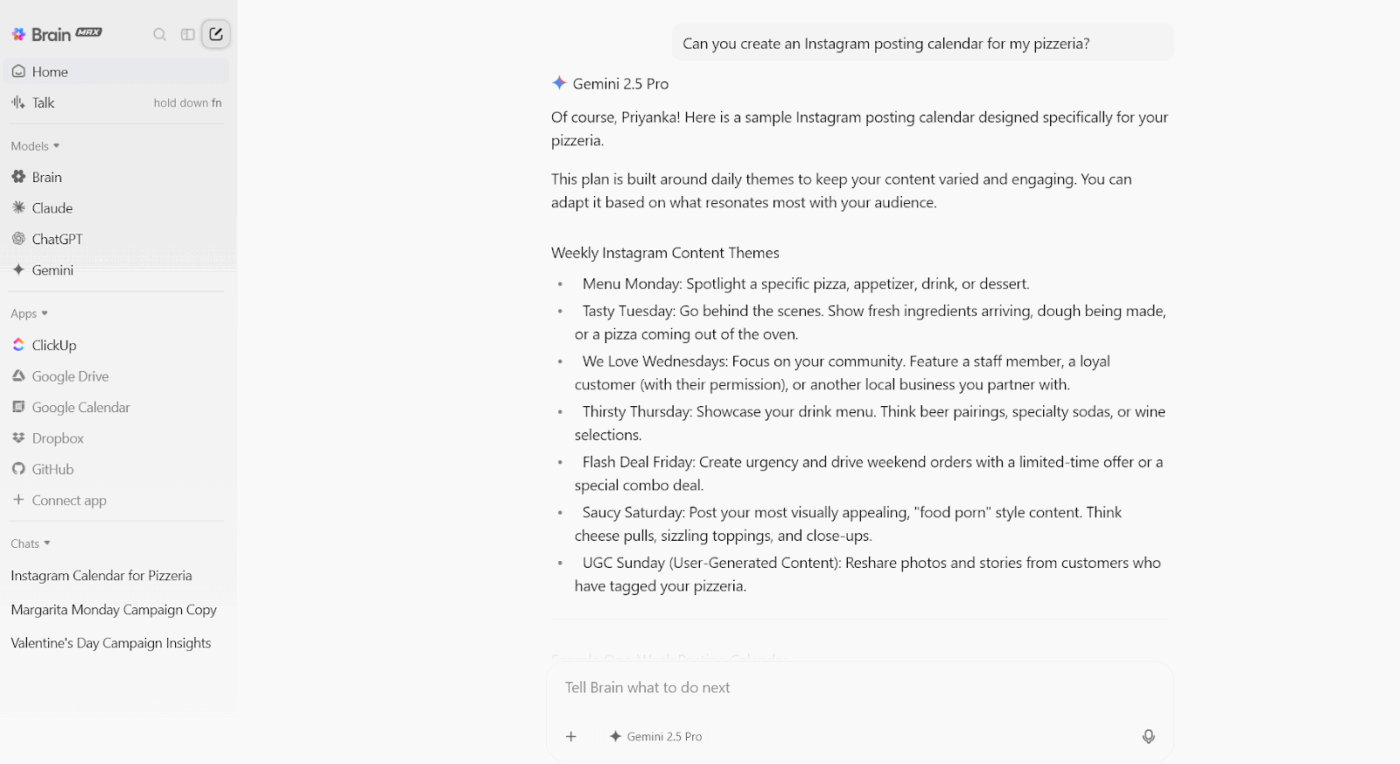
Once the structure feels strong, you switch to ChatGPT to adjust the tone for a customer-facing announcement. Then you switch to Gemini to compress the message into a clean two-sentence product update.
📌 Try this prompt: Refine this narrative to increase clarity and emphasize the user outcome. Then compress it into a 2-3 sentence product update.
Talk to Text in ClickUp Brain MAX supports voice-first productivity, so your reasoning and insights remain intact as they occur. You speak once, and Brain MAX structures the thought into usable work.
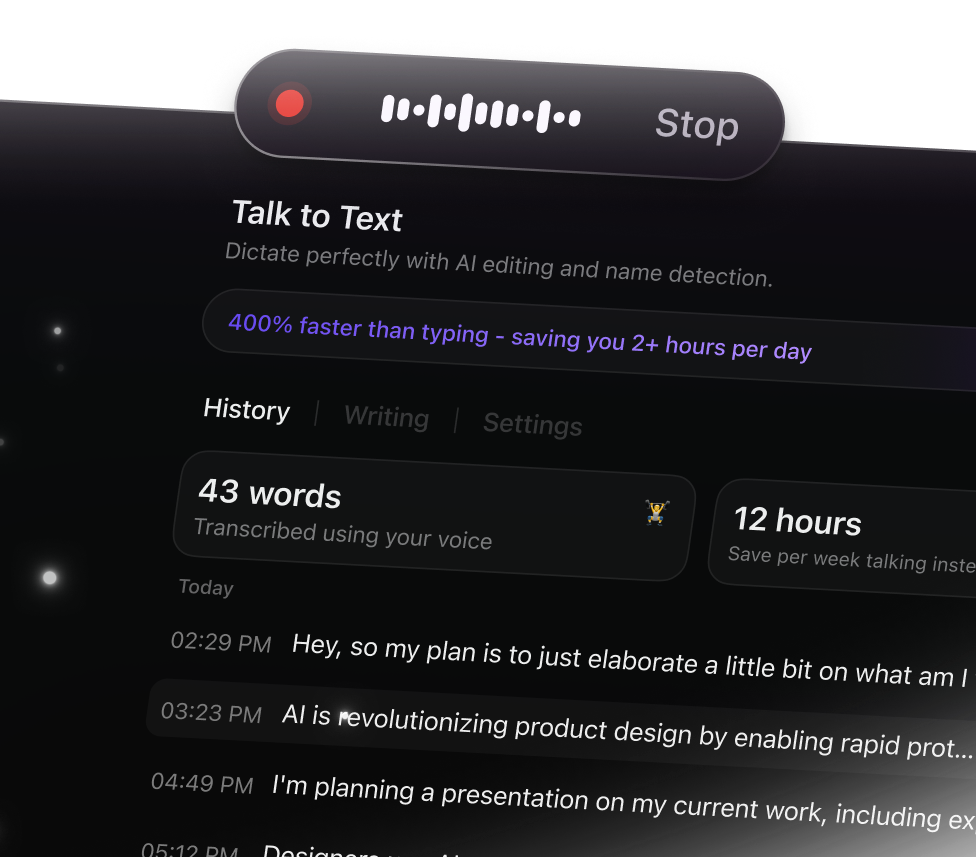
For instance, say you finish a customer call and hear a phrase that perfectly captures the user’s frustration. You say it aloud while the task is still open. Talk to Text converts that thought into a clean insight sentence that you can add to the task.
Enterprise Search in ClickUp pulls together your decision history, research trails, user notes, and supporting docs without digging.
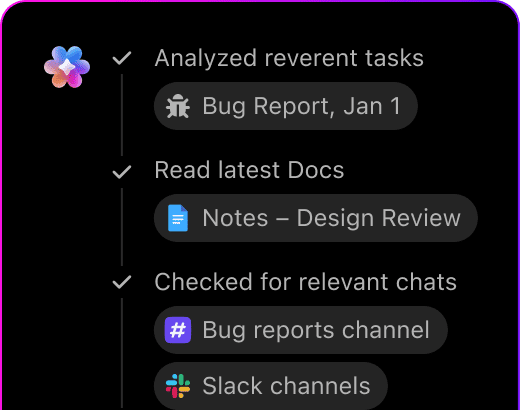
You type the phrase you remember, and ClickUp Brain retrieves everything connected to that context.
Say you need to revisit the reasoning for an onboarding flow change from last quarter. You search for the feature name, and Enterprise Search surfaces the user research task, the meeting summary, and the final decision note. You regain clarity in moments and continue moving the work forward.
A Reddit user shares their experience with ClickUp:
Yes. ClickUp Brain saves me a ton of back and forth honestly. I know there are AI tools with a pretty efficient free tier, but the constant switching between tabs takes a toll. And honestly, when I’m in my deep work zone, this is the last thing I want to do.
I primarily use the AI for writing stuff since I’m in the content industry. It also edits what I’ve written (ah-mazing!). Another thing that really helps me is Docs. I love the formatting options, especially those banners. So cute!
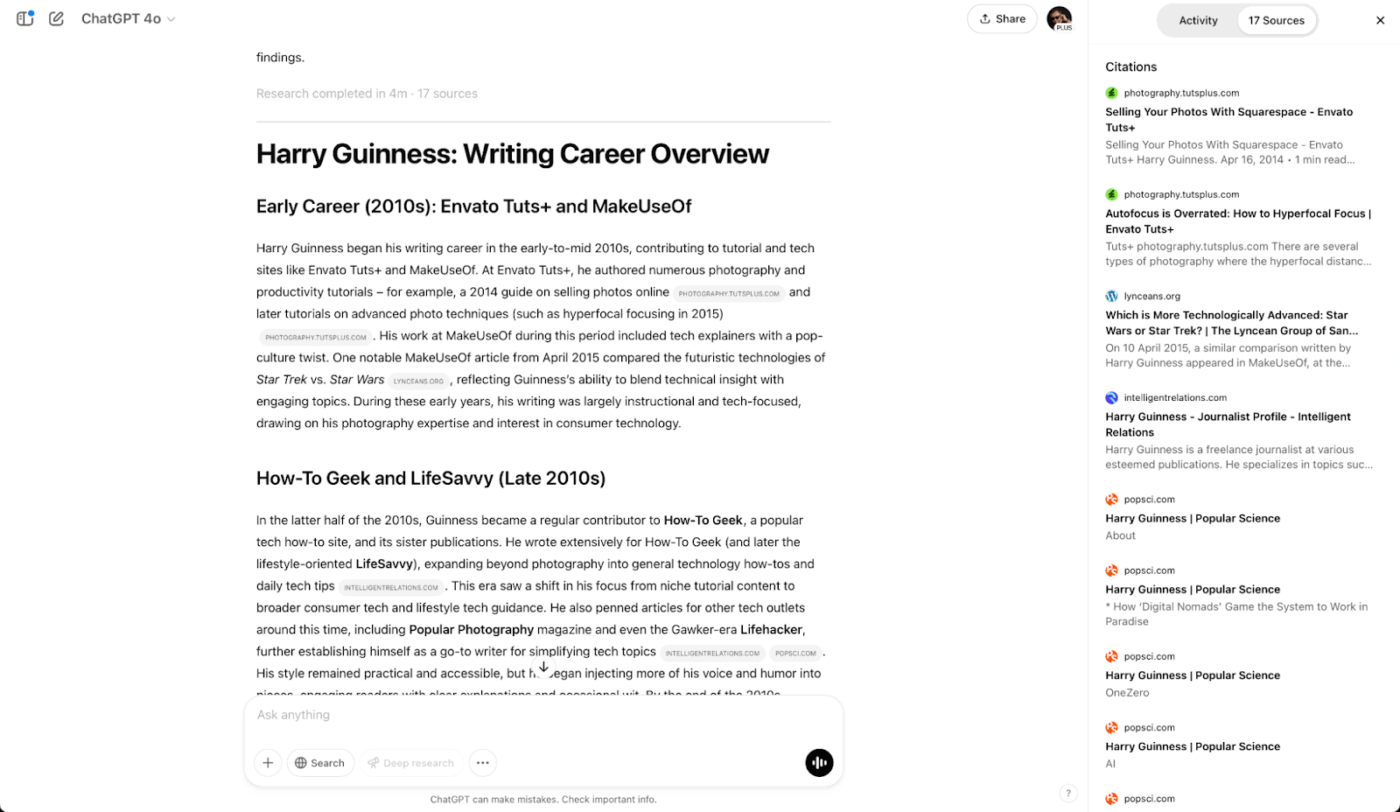
ChatGPT handles everything from drafting emails to debugging code through a straightforward chat interface. OpenAI’s conversational model remembers earlier exchanges during your session, so you can build on previous responses without repeating context.
The writing assistant tool offers various model options, depending on whether you require more sophisticated reasoning or faster results. Voice conversations work surprisingly well for hands-free interaction, and the mobile app brings the full functionality to your phone.
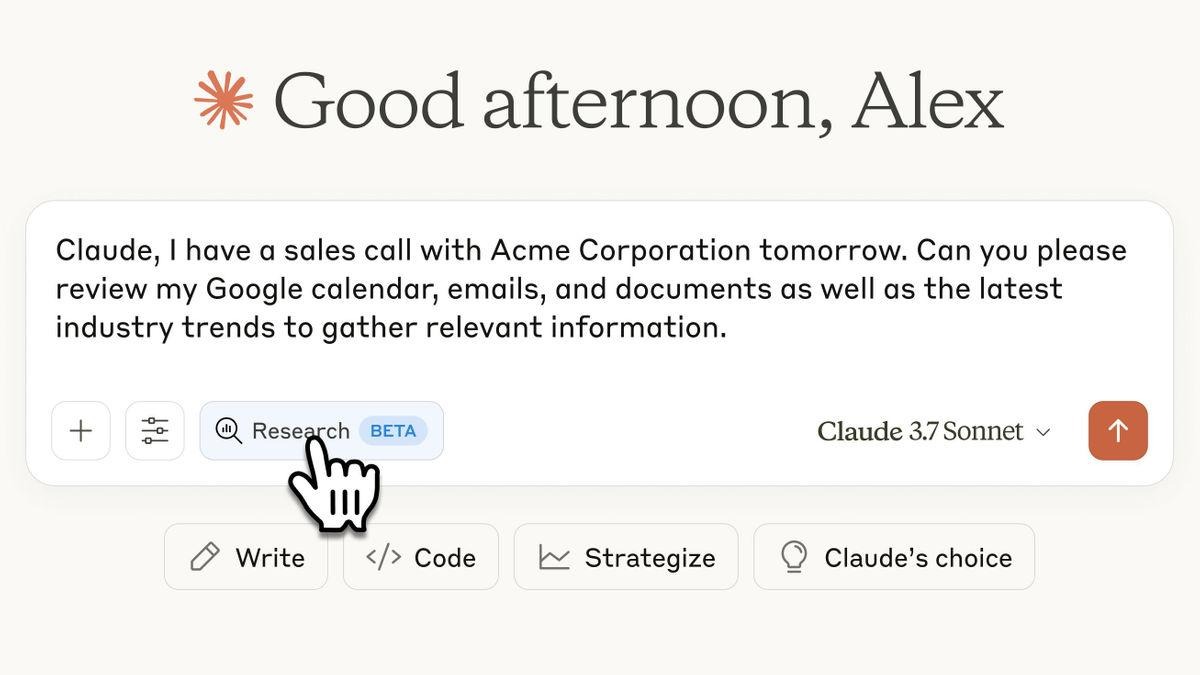
Claude processes lengthy documents and maintains context across extended conversations. Anthropic built it to handle complex projects that unfold over multiple exchanges, making it useful for work that requires a consistent understanding over time.
Vision capabilities allow you to upload charts, diagrams, or images for interpretation and analysis. The interface remains minimal and distraction-free, putting the conversation at the center.
📚 Also Read: Best Claude AI Alternatives
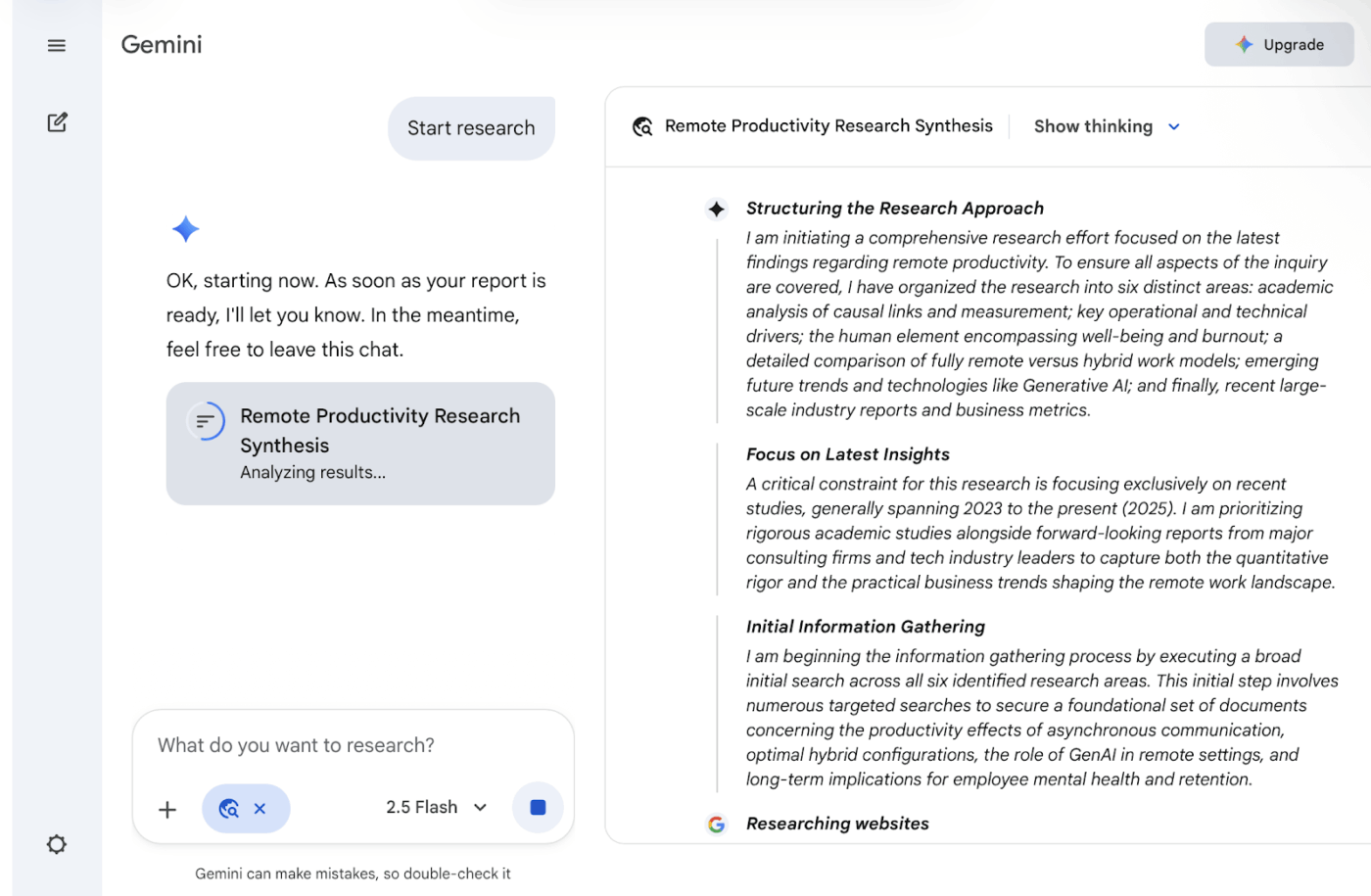
Google Gemini connects directly to your existing Google ecosystem. The platform integrates with Gmail, Drive, Docs, and Calendar, letting you search across your personal files and information without leaving the conversation.
Extensions pull data from YouTube, Maps, and Flights, expanding what you can accomplish in a single interface. You can draft content that exports directly into Google Workspace apps, eliminating the usual copy-paste workflow.
📚 Also Read: Top Google Gemini AI Alternatives to Try Now
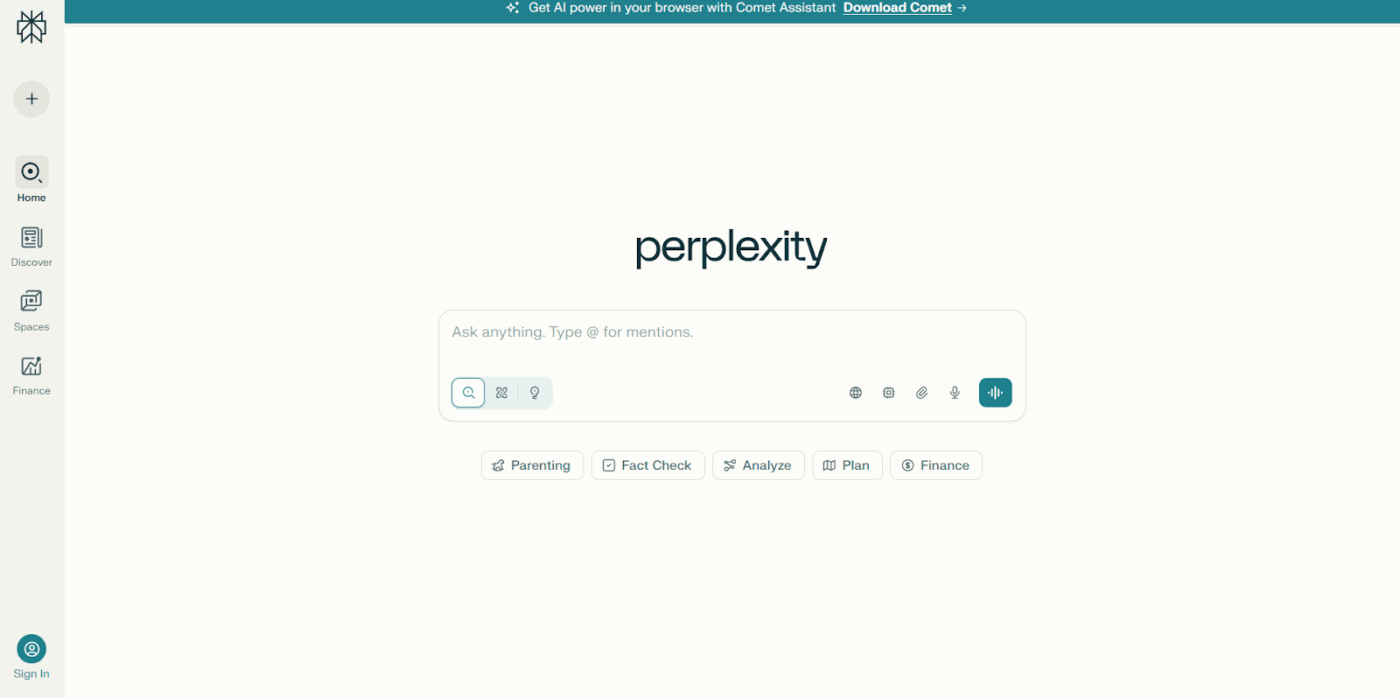
Perplexity AI functions as a research tool that cites its sources. Every response includes clickable citations linking to the original material, allowing you to verify information and explore topics further.
Focus mode narrows searches to specific source types, such as academic papers, Reddit discussions, or YouTube videos. Collections let you organize related searches by topic, building knowledge bases for ongoing projects that span multiple sessions.
📖 Also Read: Best Perplexity AI Alternatives and Competitors
Good Meta AI prompts change everything. They shape clarity, sharpen ideas, and help you get to the point faster.
But prompts alone don’t close the loop. You still need a place where the idea turns into a plan, the plan turns into action, and the action leads to something real.
That’s where work either moves or stalls, and it’s usually where the tab-switching mess starts.
ClickUp keeps the entire flow in one place. You brainstorm using ClickUp Brain, drop insights straight into Tasks, and move work forward without resetting context every five minutes.
Sign up for ClickUp today! ✅
Meta AI may use prompts and outputs to improve its models, depending on your privacy settings and platform use. It’s best to review Meta’s privacy policy and avoid sharing sensitive or confidential information.
Meta AI prompts work well with natural, descriptive phrasing and are designed for fast responses within Meta platforms like Facebook, Instagram, and WhatsApp. ChatGPT prompts are better for detailed, structured requests that need longer or more complex answers.
The best Meta AI image prompts are clear and specific, usually one to three sentences long. Too short can be vague, and too long can confuse the AI. Focus on giving enough context without overloading details.
Yes, Meta AI can generate both text and images from a single prompt. You can describe what you want in detail, and the AI will produce written content, visuals, or both, depending on the request.

© 2026 ClickUp

There’s an easier way. Try a free AI Agent in ClickUp that actually does the work for you—set up in minutes, save hours every week.