






Still downloading templates?
There’s an easier way. Try a free AI Agent in ClickUp that actually does the work for you—set up in minutes, save hours every week.
Sorry, there were no results found for “”
Sorry, there were no results found for “”
Sorry, there were no results found for “”
Your search for manufacturing software for small businesses ends here!
The survival and success of small manufacturing businesses depend on process optimization.
It’s all about finding ways to reduce costs, promote better resource utilization, and simplify product lifecycle management to stay competitive and on top of your game.
Luckily, there’s a hero in this story: Small business manufacturing software.
These nifty programs streamline and automate various manufacturing tasks like production scheduling and inventory management. They also provide real-time visibility into critical aspects of operations that helps you map out your processes and determine bottlenecks and areas for improvement.
In this article, we will discuss the top 10 manufacturing software for small businesses and shed some light on their key features, pricing, user reviews, and most notable shortcomings.
By picking the right tool, you’ll be able to improve your processes and ensure informed decision-making and efficient order fulfillment.
Here’s a quick summary before you get started:
| Tool | Best for | Best features | Pricing* |
| ClickUp | Converged AI workspace for planning Team size: All business sizes | AI task management, Gantt charts, SOP Docs, and real-time chat. | Free forever; Paid plans start at $7/month |
| NetSuite | ERP for digital manufacturing Team size: Growing to mid-sized | Real-time financial performance, inventory tracking, and supply chain management. | Custom pricing |
| Global Shop Solutions | Shop floor monitoring Team size: Small to mid-sized shops | Maintenance tracking, WIP reporting, and automated inventory purchases. | Custom pricing |
| Katana | Multicenter stock management Team size: Small to mid-sized manufacturers | Real-time stock tracking, production scheduling, and batch/expiry tracking. | Starts from $299 monthly |
| JobBOSS² | Job shop scheduling Team size: Small to mid-sized job shops | Drag-and-drop scheduling, what-if analysis, and rapid error-free quoting. | Custom pricing |
| CloudSuite Industrial | Predictive machine maintenance Team size: Tech-focused manufacturers | AI and XR for equipment reliability, disruption alerts, and invoice automation. | Custom pricing |
| Cetec ERP | Mobile-friendly production planning Team size: Small business ERP users | Serialized inventory, automated resource allocation, and tablet-optimized data. | Starts from $50 per user/month |
| Fishbowl | Automated stock counting Team size: Product-based SMBs | Multi-warehouse tracking, work order calendars, and MRP functionality. | Starts at $229/month (Essentials) |
| BatchMaster | Formula & process efficiency Team size: Process-based manufacturers | Quality control test definitions, item categorization, and QuickBooks integration. | Custom pricing |
| Odoo | Modular all-in-one flexibility Team size: Scaling startups | Integrated PLM, preventive maintenance, and thousands of community apps. | Free (1 app); Paid plans start at $31/month |
Our editorial team follows a transparent, research-backed, and vendor-neutral process, so you can trust that our recommendations are based on real product value.
Here’s a detailed rundown of how we review software at ClickUp.
Software for a small manufacturing business is a versatile tool designed to streamline core manufacturing operations, from procurement and production to sales and HR.
Automating vital processes like inventory management, these programs help minimize the risk of overstocking, free up valuable human resources, and plan production timing based on limited raw materials. They also assist with tracking and managing orders, thus improving customer relationships.
Manufacturing tools for small businesses bridge the gap between data collection and actionable insights, facilitating the seamless execution of operational strategies. When you leverage these valuable insights into your business processes, you’ll be able to make better decisions that drive efficiency and maximize profit.
Before deciding to integrate any small business manufacturing software into your processes, make sure it has the following key features and qualities:
If you’re aiming to automate and fine-tune your processes to drive sales and grow your business, take a closer look at our roundup of the top 10 manufacturing software for small businesses.
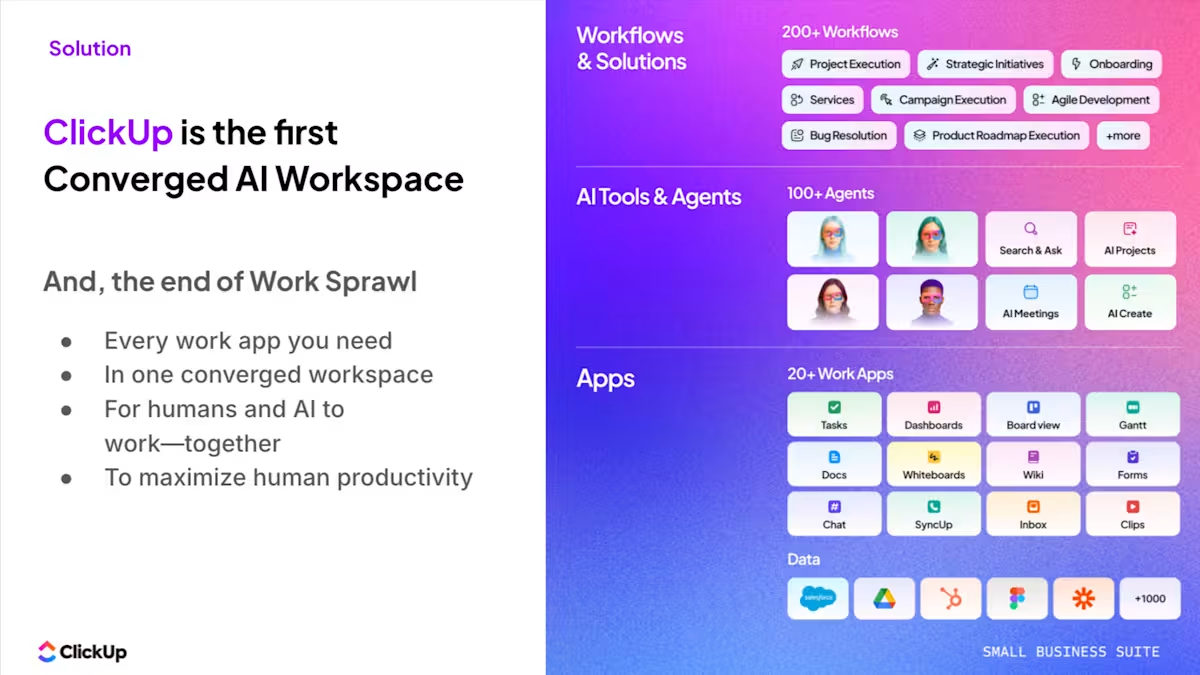
First, we have ClickUp, a converged AI workspace that helps small manufacturing teams run production, planning, and coordination from a single system. Instead of managing workflows across spreadsheets, messaging apps, and disconnected project tools, manufacturers can coordinate production schedules, supplier communication, inventory planning, and documentation in one connected platform.
By bringing together tools like ClickUp Brain, ClickUp Chat, ClickUp Automations, Dashboards, Gantt Charts, and Docs, the platform helps teams streamline production workflows while reducing the operational overhead that typically comes from managing work across multiple systems.
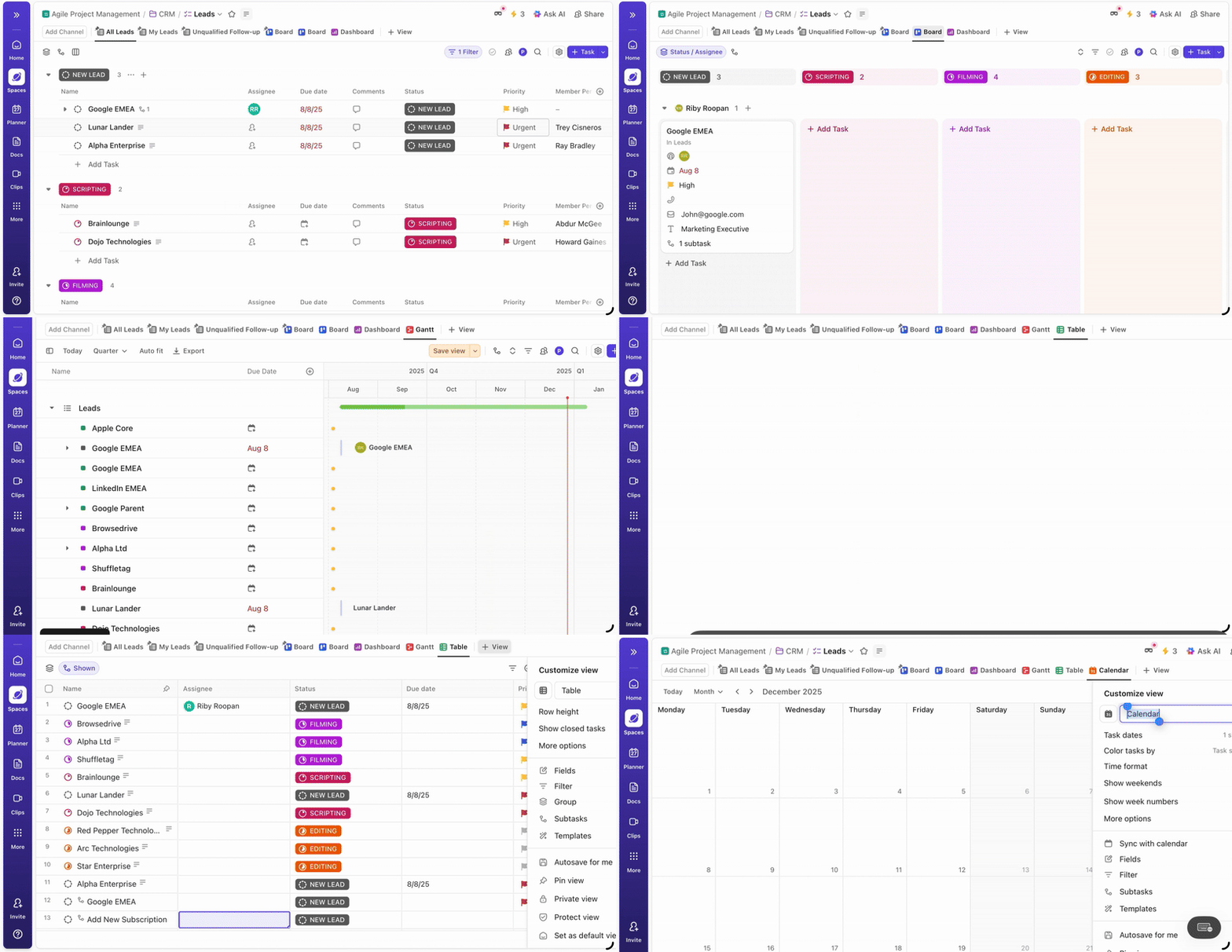
Manufacturing processes involve many interdependent steps, from procurement and production planning to quality checks and shipping. ClickUp makes it easier to coordinate these stages using flexible project planning tools such as Calendar View, Timeline View, and Gantt Chart View.
The ClickUp Gantt Chart allows teams to visualize dependencies between production stages, such as ensuring assembly tasks begin only after raw materials are received. This makes it easier to identify bottlenecks, adjust schedules, and keep manufacturing timelines on track.
Manufacturing teams rely heavily on process documentation, quality standards, and operating procedures. With ClickUp Docs, teams can create SOPs, production instructions, and quality checklists that live directly alongside the tasks and workflows they support.
These documents can be linked to production tasks, so operators and managers always have access to the latest instructions without having to search through separate documentation tools. Updates to procedures can be reflected instantly across workflows, helping teams maintain consistency across production runs.
Manufacturing operations generate constant updates across projects, tasks, and communications. ClickUp Brain, the platform’s built-in AI assistant, helps teams turn these updates into clear operational insights.
ClickUp Brain can automatically:
This reduces the time operations managers spend collecting updates and preparing reports.
Manufacturing workflows depend on precise coordination between teams. ClickUp Super Agents help monitor activity across tasks, conversations, and documents to ensure important updates don’t get missed.
For example, agents can:
Instead of relying on manual coordination, these agents help ensure the production workflow stays aligned.
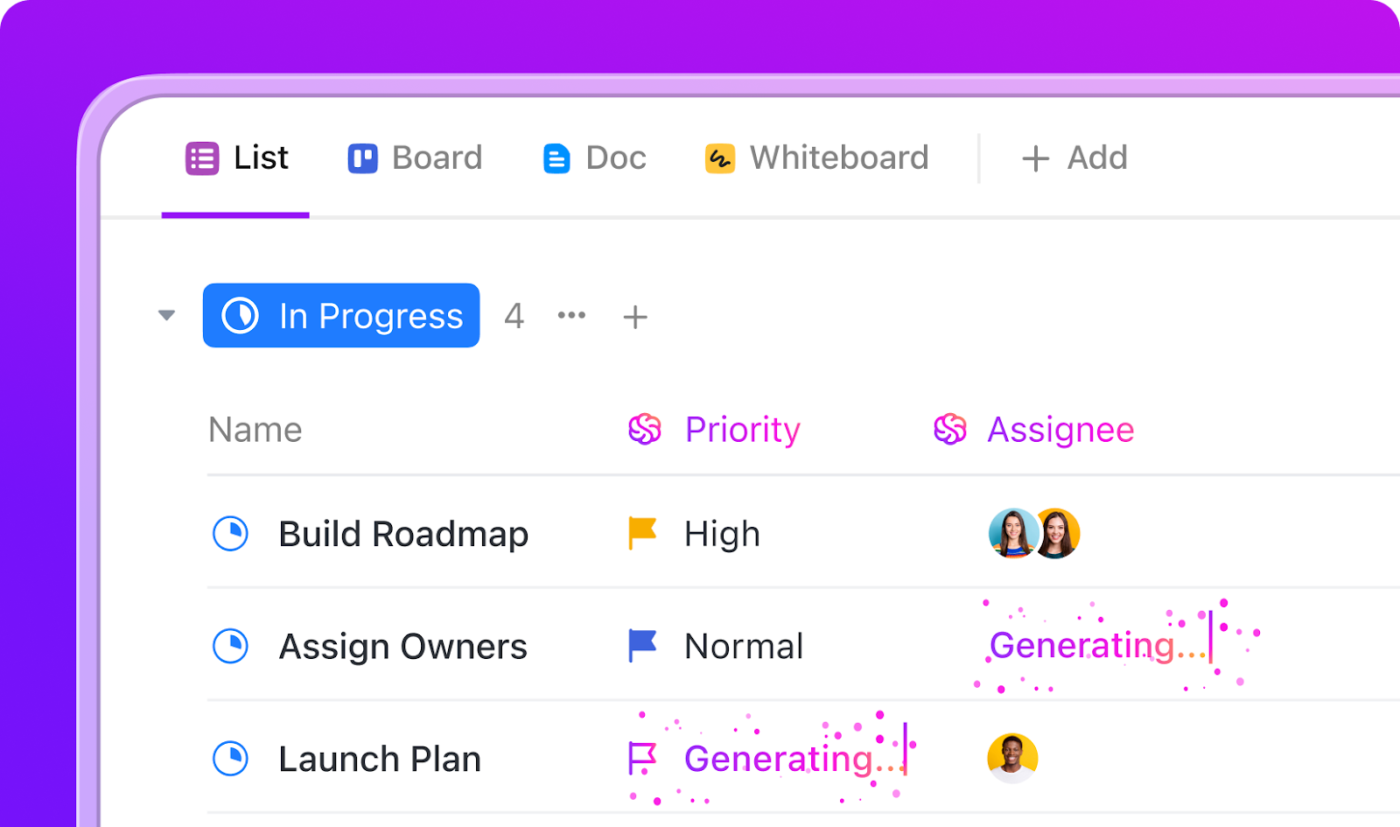
Manufacturing teams often spend time on repetitive administrative tasks like assigning tasks, updating statuses, and notifying stakeholders. ClickUp Automations allow teams to create rule-based workflows that reduce manual coordination.
Finally, with ClickUp Dashboards, manufacturing leaders can monitor operational metrics in real time. Dashboards can track production progress, team workload, delivery timelines, and inventory-related tasks from a single view.
This centralized visibility helps operations managers quickly identify delays, balance workloads across teams, and ensure production targets stay on track.
📊 One system of truth for faster teams
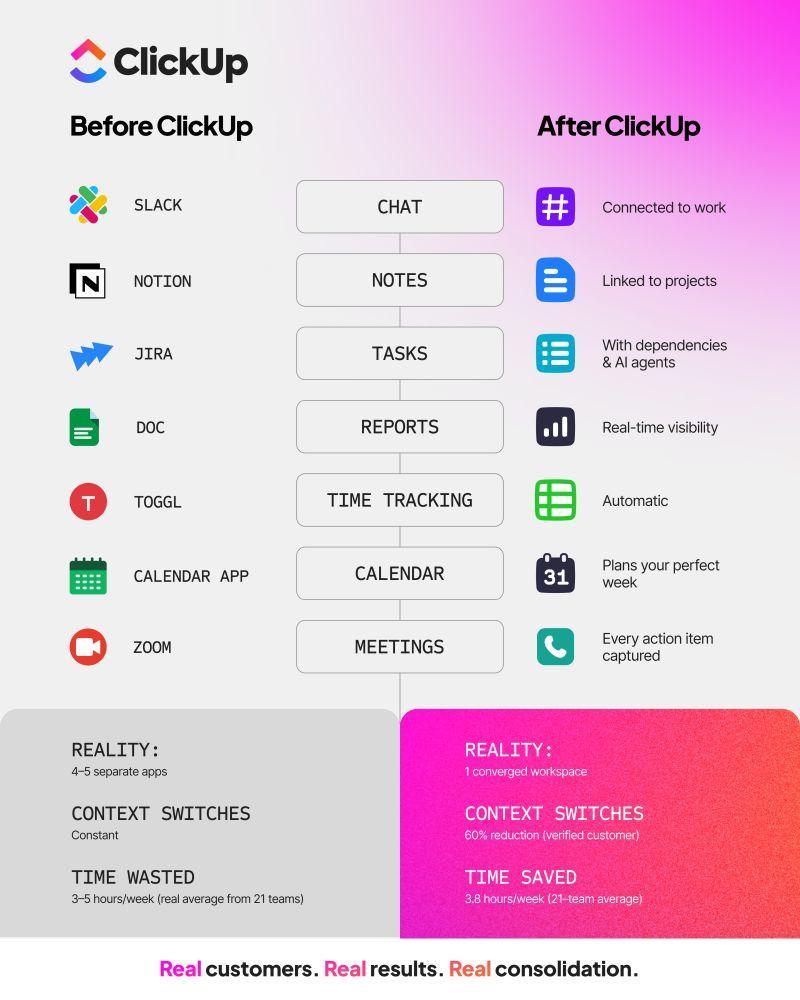
The ClickUp Small Business Suite consolidates projects, docs, chat, dashboards, and AI into a single workspace, so teams operate from a single system of record rather than five disconnected tools. This means eliminating operational overhead that typically requires additional coordination roles. When tasks, knowledge, conversations, and reporting all live in one system:
The result is a leaner operating model where a single platform absorbs work that previously required multiple tools and up to three layers of coordination. Your team stays the same size. But the system carries the operational weight. See how!
The impact is measurable:
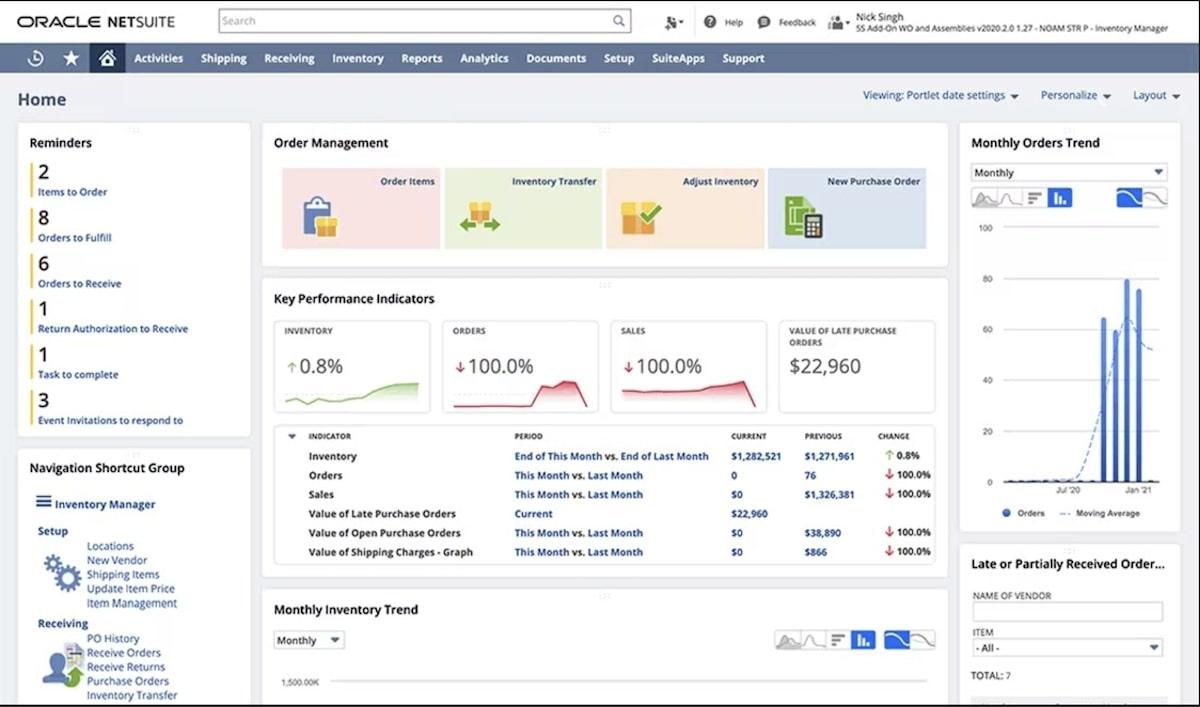
NetSuite is a digital manufacturing solution designed to streamline the way you manage your inventory, time, and production operations.
By providing real-time insights into your stock levels, this tool reduces the risk of overstocking or product spoilage. With NetSuite, you can say goodbye to unnecessary costs due to excessive inventory storage.
NetSuite also ensures orders are managed properly by facilitating prompt delivery of error-free invoices and meticulous tracking of payments. This allows your business to transition smoothly from sales quotes to efficient order fulfillment.
The program provides a real-time view of your business’s financial performance, empowering you to plan strategically and quickly adapt to market trends and movements.

Global Shop Solutions is focused on streamlining the complexities involved in production, shop floor monitoring, and order tracking.
The tool’s work-in-progress reporting features help you monitor production and make it easy to identify and respond to any process upsets.
On top of that, the program has unique maintenance tracking functionalities that update you when a piece of equipment requires some form of preventive maintenance. This feature is particularly useful as it helps prevent production downtime due to machine breakdowns.
Global Shop Solutions also provides comprehensive physical inventory data and automates inventory purchases at low stock levels to prevent losses caused by stockout. This feature is integral in material requirements planning as it helps determine what and when to produce.
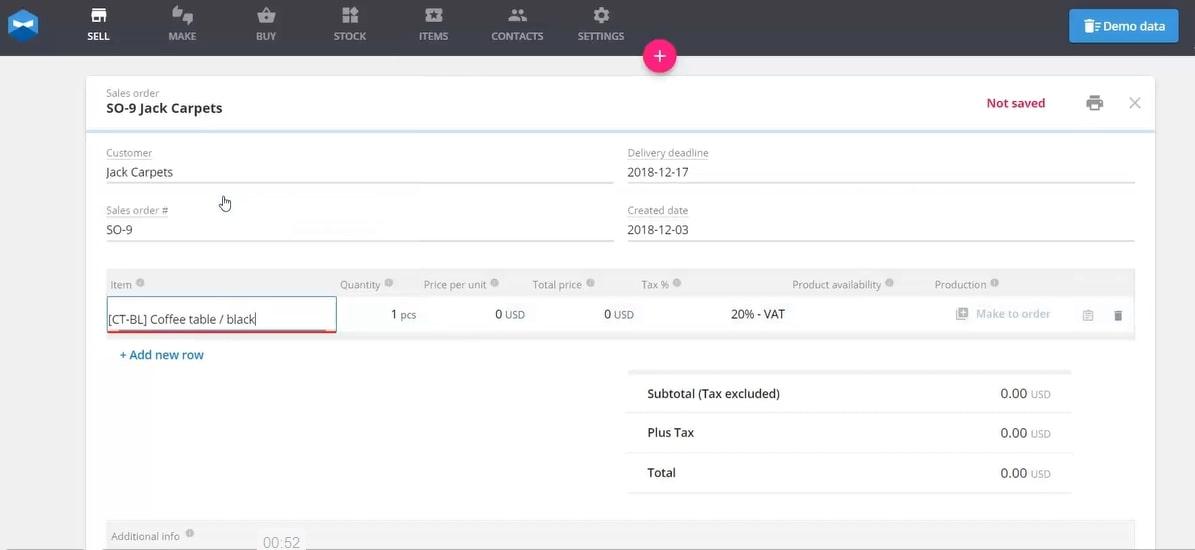
If you’ve been struggling to monitor and manage stock levels across different warehouses, Katana could be the answer to your problems.
This cloud-based inventory management software lets you keep tabs on specific products stored in each warehouse, thus preventing overstocking or understocking issues.
Katana’s production management features assist you in determining what and when to produce based on raw material availability and market demand for specific goods. This, in turn, facilitates efficient production scheduling.
Additionally, the program helps you make better decisions by identifying your most profitable products and top clients.
Our Small Business AI Playbook breaks down exactly how to use AI to reduce complexity rather than add more tools.

One of the key reasons JobBOSS excels as a manufacturing software for small businesses is its robust scheduling and shop floor control capabilities.
JobBOSS recognizes the challenges manufacturers face in modifying operations with rapidly changing customer demands. It tackles this problem by allowing users to drag, drop, and adjust production schedules seamlessly.
Furthermore, its what-if analysis feature promotes workflow optimization by helping you predict the consequences of altering production schedules before implementing any changes.
With JobBOSS, the risk of losing contracts due to delayed quotes will become a thing of the past. This tool is capable of generating error-free quotes instantly, using up-to-date figures.
📖 Read More: Free Small Business Templates

If you’ve been experiencing frequent shutdowns and unplanned downtimes that affect overall productivity, it’s time to consider integrating CloudSuite Industrial into your operations.
CloudSuite Industrial is a comprehensive solution that employs artificial intelligence (AI) and extended reality (XR) to predict the maintenance required for machines, enhancing equipment reliability. ⚒️
This tool excels at alerting you whenever there are potential disruptions that can impact order fulfillment. This helps you make informed decisions and respond proactively, thus ensuring your products reach the target customer at the expected time.
Additionally, CloudSuite Industrial accelerates product innovation by comparing cost and performance against established products. This ultimately helps in refining new product development strategies.
📊 Mini case study: Replacing 5+ tools with one workspace
When marketing agency Hit Your Mark Media examined its operations, the problem was obvious. Work lived across Slack, Miro, Toggl, Loom, and other tools. Projects moved more slowly than they should have because information was scattered across multiple tools.
So the team consolidated everything into ClickUp.
⚡ The results were immediate:
Founder Derek Archer says the shift changed how the agency operates.
Instead of stitching together updates across multiple apps, the team now runs client work, communication, documentation, and reporting from one workspace.

Cetec ERP is a comprehensive small business manufacturing ERP software that offers various solutions for inventory management, production planning, and scheduling needs.
This platform effectively resolves inventory tracking concerns by allowing you to serialize raw materials and finished products for easy identification. Moreover, the tool’s inventory management features let you monitor stocks, ensuring they remain within your company’s predefined levels.
Cetec ERP helps you plan your production schedules by automatically suggesting ways to allocate materials and time based on order due dates.
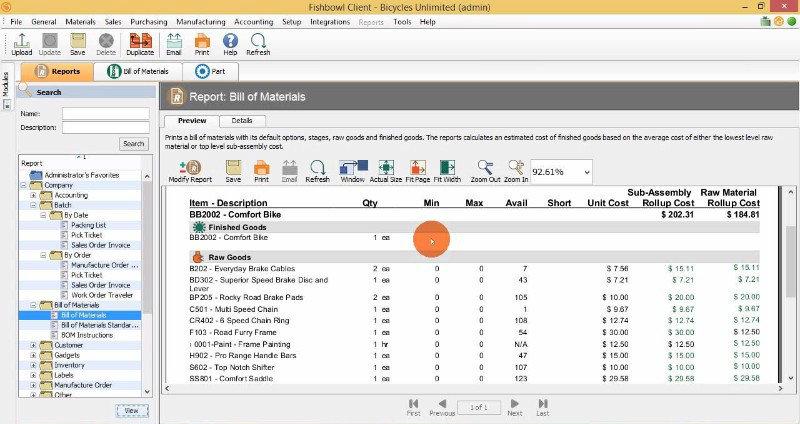
Fishbowl is designed to efficiently monitor and manage your inventory levels in different warehouses by conducting automated stock counts. It allows you to effortlessly check your inventory in different warehouses from a centralized location, regardless of where you are.
The program also offers work order calendar functions that enable proactive scheduling and timely production well ahead of the order delivery date.
Moreover, its material resource planning (MRP) functionality aids production planning by letting you know when and where materials are needed.
📖 Read More: Best Small Business Apps to Simplify Your Work

BatchMaster is an enterprise resource planning (ERP) tool that bolsters process efficiency by meticulously monitoring production, quality, inventory management, and material requirements planning.
In particular, this software helps you track inventory by categorizing items based on weight, volume, and plant location. This assists your team in locating the most suitable raw materials for manufacturing specific products.
This inventory tracking functionality helps in material requirements planning by letting you know when to purchase inventory to optimize stock levels.
BatchMaster also allows you to define quality-control tests and accepted values, ensuring that the products produced will consistently meet the stringent demands of your customers.
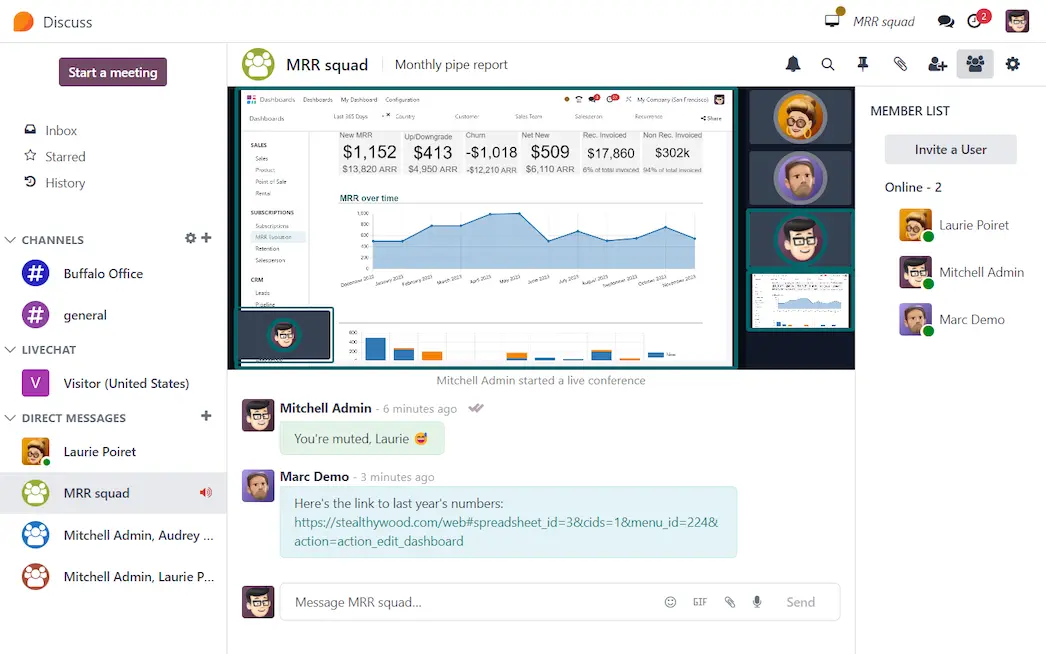
Odoo is an all-in-one, modular ERP solution that has become a favorite for small manufacturers. Unlike rigid legacy systems, Odoo allows you to install only the modules you need, keeping the interface clean and the cost manageable for small teams.
The manufacturing module is built on a modern, “Work Center” based logic. It allows you to define complex Bills of Materials (BOMs) with multiple levels and routing instructions. One of its standout features is the Product Lifecycle Management (PLM) integration, which lets your engineering and production teams collaborate on design changes and version control directly within the same system.
For the shop floor, Odoo provides a tablet-optimized view where operators can trigger maintenance requests, view PDF instructions, and log quality checks with a single tap. Because it is open-source, it is also highly customizable for niche manufacturing processes that “out of the box” software often can’t handle.
With the increasing competitiveness of the manufacturing industry, optimizing operations with small business manufacturing software solutions has become vital.
These tools automate tasks, enable real-time insight into operational performance, and ensure order fulfillment.
With its multiple views, extensive integration capabilities, and hundreds of templates, ClickUp stands out as the perfect tool for supporting small manufacturing operations, from managing inventory and tracking orders to optimizing sales pipelines.
So sign up for ClickUp today and put your business on the path to success!

© 2026 ClickUp

There’s an easier way. Try a free AI Agent in ClickUp that actually does the work for you—set up in minutes, save hours every week.