Sorry, there were no results found for “”
Sorry, there were no results found for “”
Sorry, there were no results found for “”
Marketing isn’t just numbers on a dashboard anymore. It’s trust.
In one survey, 13% of service shoppers said they’d abandon a purchase if there’s no user-generated content. Reviews, photos, and real user content act as social proof in ways traditional advertising cannot.
This article helps explain how growth managers can scale UGC and community-led content with intent.
You’ll also learn where user-generated content (UGC) fits in your marketing strategy, how to activate community members, and how to measure impact.
Tired of trying to run a community across spreadsheets and email threads? Use ClickUp’s Community Management Template to organize conversations, content, and follow-ups in one workflow, so you can respond faster and keep members engaged.
Duolingo drives growth by merging viral social media with a community that acts as co-creators. By scaling entertainment on TikTok alongside a massive user base, they have reached 46.6 million daily active users and over 10 million paid subscribers.
This success demonstrates how combining fun, fandom, and feedback creates sustainable growth that outperforms traditional advertising.
How do they do it?
This concept is the heart of how growth managers can scale UGC and community-led content.
User-generated content, or UGC, is any public content created by people outside your company. It includes reviews, photos, videos, how-to posts, templates, and success stories.
Good UGC usually shows some creative effort, lives on social media platforms or your site, and is not produced as part of someone’s job inside your brand.
Meanwhile, community-led growth is a go-to-market motion where community members help with acquisition, activation, and retention through ongoing programs. Think AMAs, meetups, creator circles, office hours, and ambassador posts.
But here’s where they differ: UGC is the content. Community-led content is the system that keeps it coming.
UGC gives you authentic content and social proof. Community programs give you prompts, guardrails, moderation, and rights, so you can publish across multiple channels without burning out the team or blowing up content budgets.
For instance, the Figma Community is a built-in UGC platform: designers publish files/plugins; others duplicate and adapt them. It’s structured for scale (publish, duplicate, stats), so content created by users spreads through the product and across social media with minimal lift from the core team.
📖 Also Read: Best Marketing AI Tools to Stay Productive
Scaling user-generated content and community-led content is not a vanity play.
If you’re a growth manager seriously working to scale UGC and community-led content, the payoff will show up in social proof, lower acquisition costs, and faster product improvements.
Let’s look at how brands like Nike, Airbnb, Dove, and Figma use UGC and community programs!
Traditional advertising is polished, but it’s not always believed. UGC works because it’s social proof from real people, in real contexts. It shapes brand perception faster than traditional marketing channels can.
Research from Bazaarvoice found that shoppers on product pages overwhelmingly trust UGC more than branded content.
For e-commerce brands, especially, UGC close to the purchase moment (product photos, review videos, and Q&A) can reduce buyer anxiety and improve customer satisfaction.
Put simply, user-generated content improves conversions, which is exactly how growth managers can scale UGC and community-led content without bloating production budgets.
📖 Also Read: Free Marketing Campaign Templates
Be yourself; everyone else is already taken.
UGC borrows a page from this playbook.
Data from Emplifi reveals that UGC drives nearly 4x the engagement of standard Instagram ads. This allows growth managers to hit KPIs more efficiently by shifting the budget from buying “impressions” to building “influence.”
📌 Example: GoPro’s contests like Line of the Winter source clips from the field through branded hashtags and awards, which keep their social media channels full of authentic content created by customers.
Nike shows how to turn everyday customers into brand ambassadors. Their social play invites fans to post training moments and tag product lines. Then, the brand curates the best entries to spotlight both brand and community members.
💯 The result is a steady stream of authentic content, more effective than traditional advertising.
An example from the food and beverage industry is Starbucks’ Rewards program, which powers repeat behavior and a loyal member base that talks, posts, and returns.
In fiscal 2024, Starbucks reported 33.8 million 90-day active members in the U.S. This base amplifies product drops and seasonal menus organically across social media posts and stories.
That is community growth that compounds beyond what payments alone can deliver.
📖 Also Read: Best Campaign Management Software Tools
Community-led content is a live research channel for product and UX. Microsoft formalized this with its public Feedback portal, where users submit suggestions and upvote ideas across products, then track responses from the teams.
You can borrow this structure for your own UGC platforms to surface relevant metrics like submission volume, response time, and shipped changes.
Figma is another classic example of integrating UGC into a product.
Its “You shaped it” recap shows how features shipped were driven by designer feedback, community files, and ongoing discussions. It encourages participation and shows the community their inputs matter.
📖 Also Read: How ClickUp’s Marketing Team Uses ClickUp
One marketer on Reddit said their biggest pain is “scaling to 50 active UGCs at once,” because every niche behaves differently, and ROAS is tough to pin down even with tracking links.
Another broke down how UGC only works when creators truly fit the audience, and that consistency across niches is the real time sink.
That rings true for most marketing teams.
🚩 Let’s look at the specific hurdles growth managers face when scaling UGC and community-led content:
📖 Also Read: Growth Plan Templates to Build a Growth Strategy
Unilever shifted 50% of its media budget to social and influencer programs to pursue “desirability at scale.” This is a clear signal that community and creator content now sit at the center of growth.
Many teams feel the drag of work sprawl, where tasks, approvals, and assets live in too many places, and context gets lost. Add AI sprawl on top of that, with disconnected tools that don’t know your work, and simple campaigns become slow and expensive. ClickUp solves that by being a converged AI workspace that works end-to-end for your team.
Let’s look at how growth managers can scale UGC and community-led campaigns using simple prompts and a light ClickUp stack!
📖 Also Read: Best Goal Tracking Apps
Start with a weekly prompt pack that your community members can react to in minutes. Keep it specific to your target audience and the platforms you publish on. Think TikTok hook, LinkedIn carousel angle, short tutorial outline, before-and-after script.
Here you can use ClickUp Docs to keep the prompt pack, brand values, and dos/don’ts in one place, so you are not rewriting guidance for every campaign.
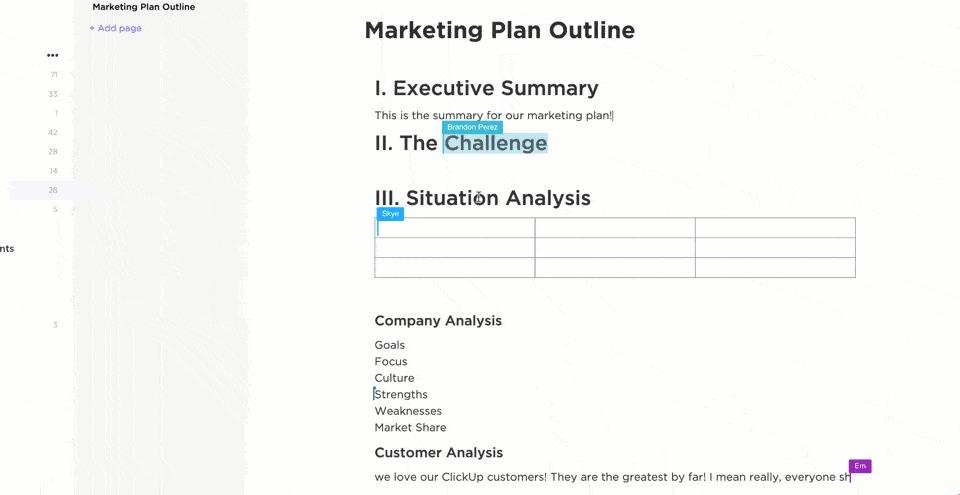
When feedback comes in from legal, product, or social, handle it in context with @mentions and comments. This way, the “why” stays attached to the final brief.
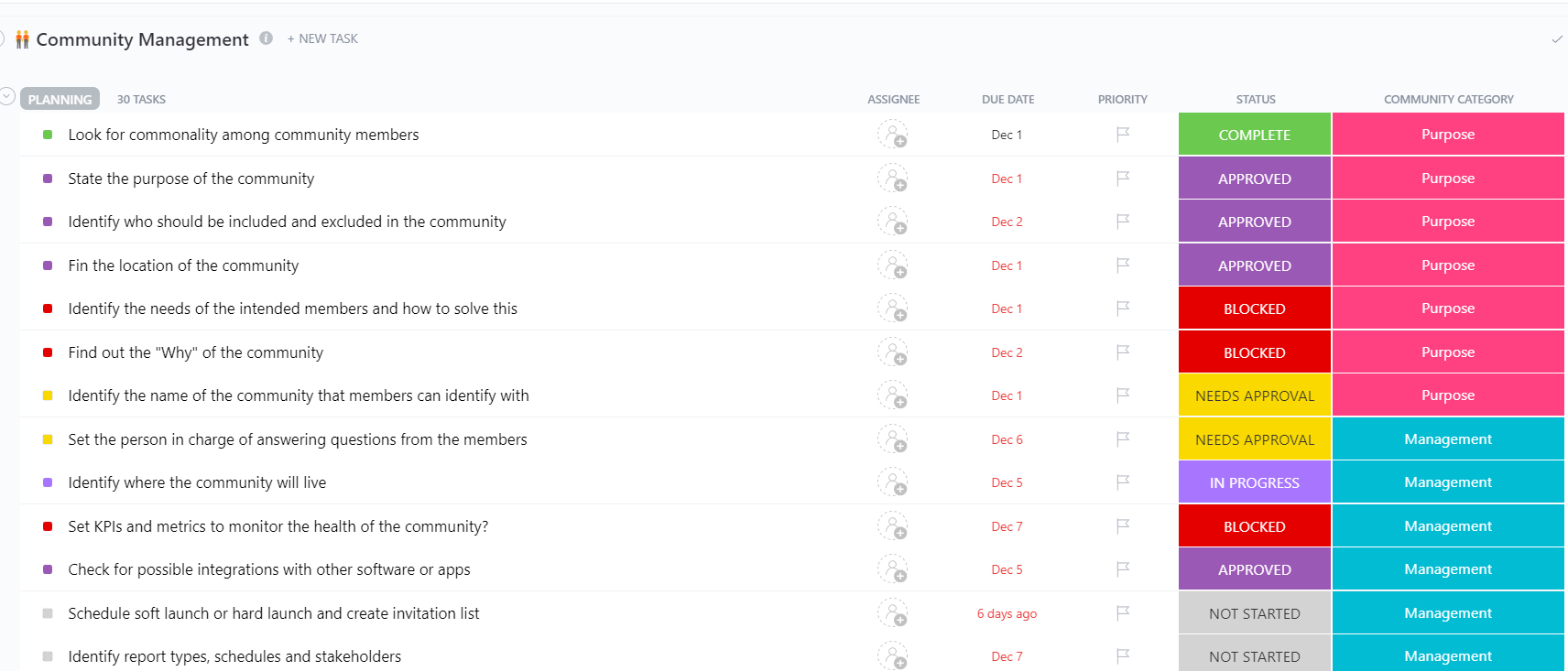
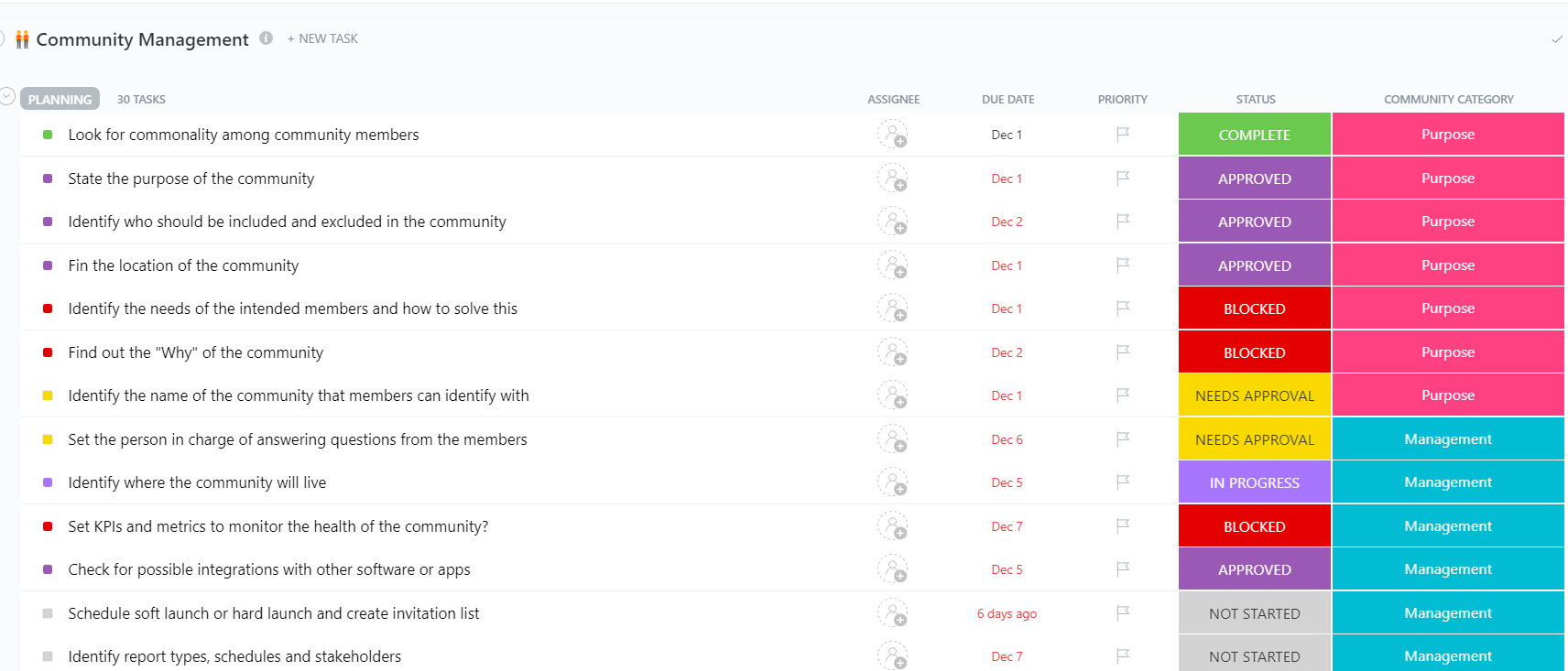
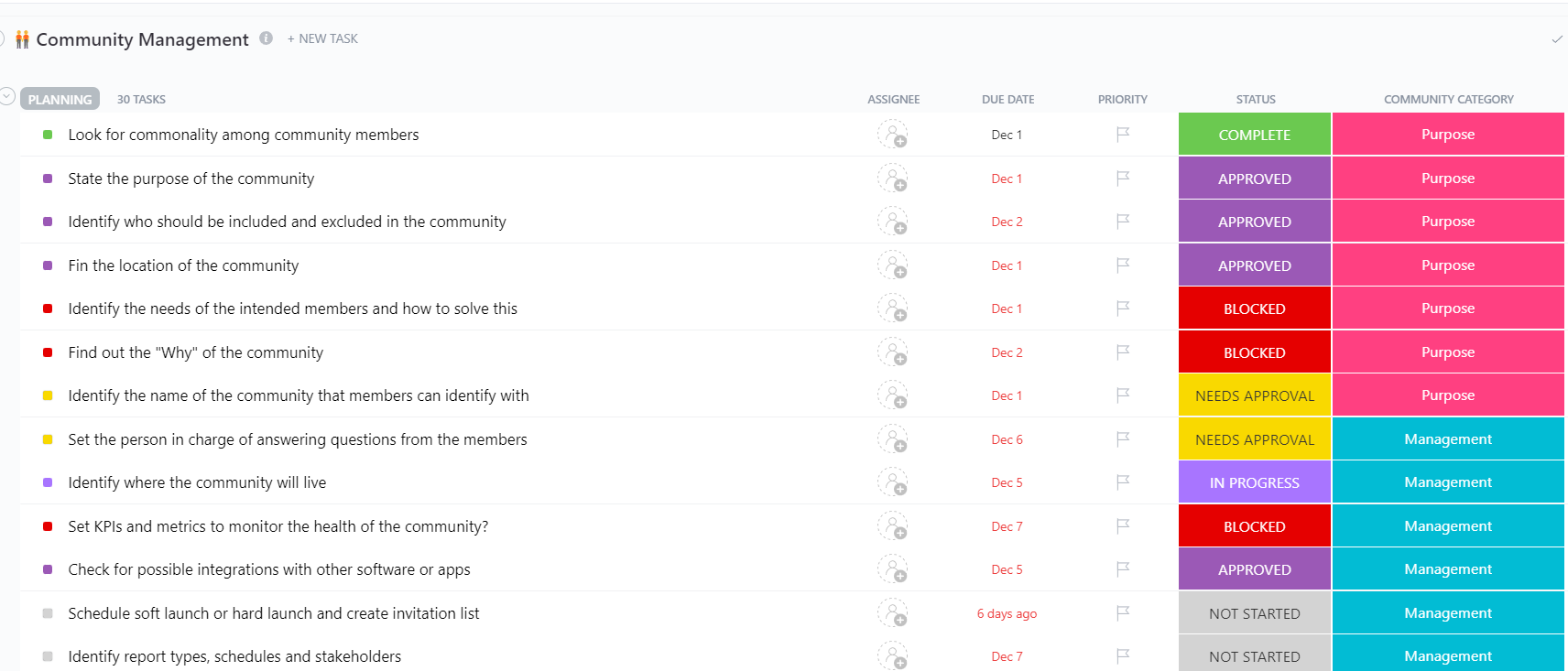
Looking for an easy way to manage your community content? ClickUp’s Community Management Template is built for the day-to-day reality of community building. Plan content topics, stay responsive to community members, and track what’s working across your marketing channels.
You can use it to plan themes, organize tasks by category, and keep approval flows visible for everything from social media posts to virtual events.
🌻 Here is why you will like this template:
📖 Also Read: Digital Vision Board Templates to Inspire Your Team
UGC efforts break when “public content” is treated as “free to reuse.” Create a lightweight intake that captures:
Once the structure is set, ClickUp Dashboards can monitor the operational bottlenecks. Track what’s slowing you down: time in review, rights-to-publish ratio, and assets waiting on edits.
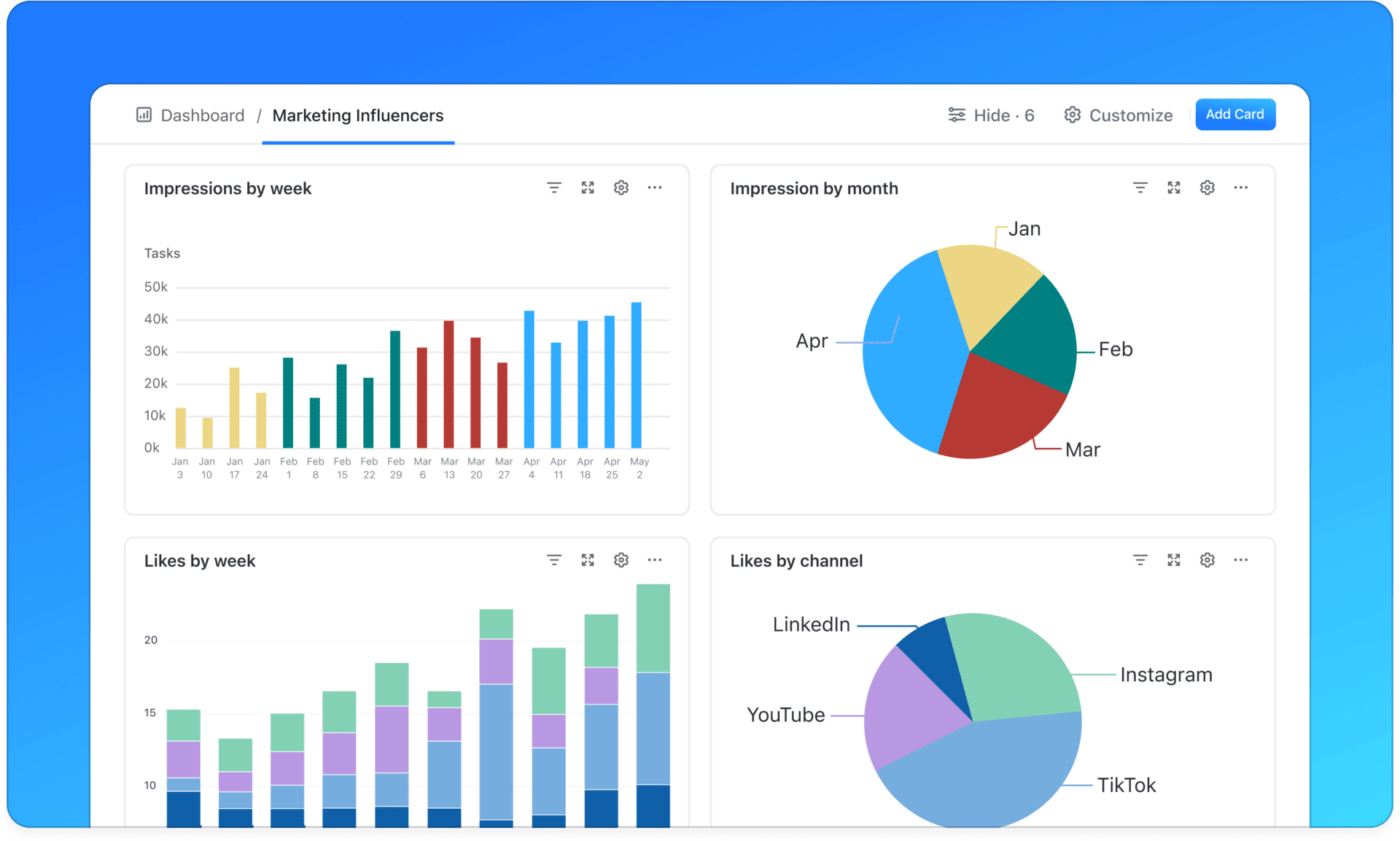
You can also use AI Cards for your dashboards, for faster updates and summaries when you’re reporting weekly movement to stakeholders.
📖 Also Read: Best Strategic Planning Software Tools
Community growth becomes predictable when you run repeatable motions on a schedule:
💡 Pro Tip: The 30-60-90 Day Plan Template by ClickUp turns dashboard insights into action for the next quarter. Frame the first 30 days around cleanup and quick wins, the next 30 on repeatable processes, and the final 30 on scale and delegation. Keep it practical: define owners, set two or three measurable targets, and review weekly.
When you’re posting across social media channels, one “good idea” can still flop if the hook, format, or CTA is wrong for that platform.
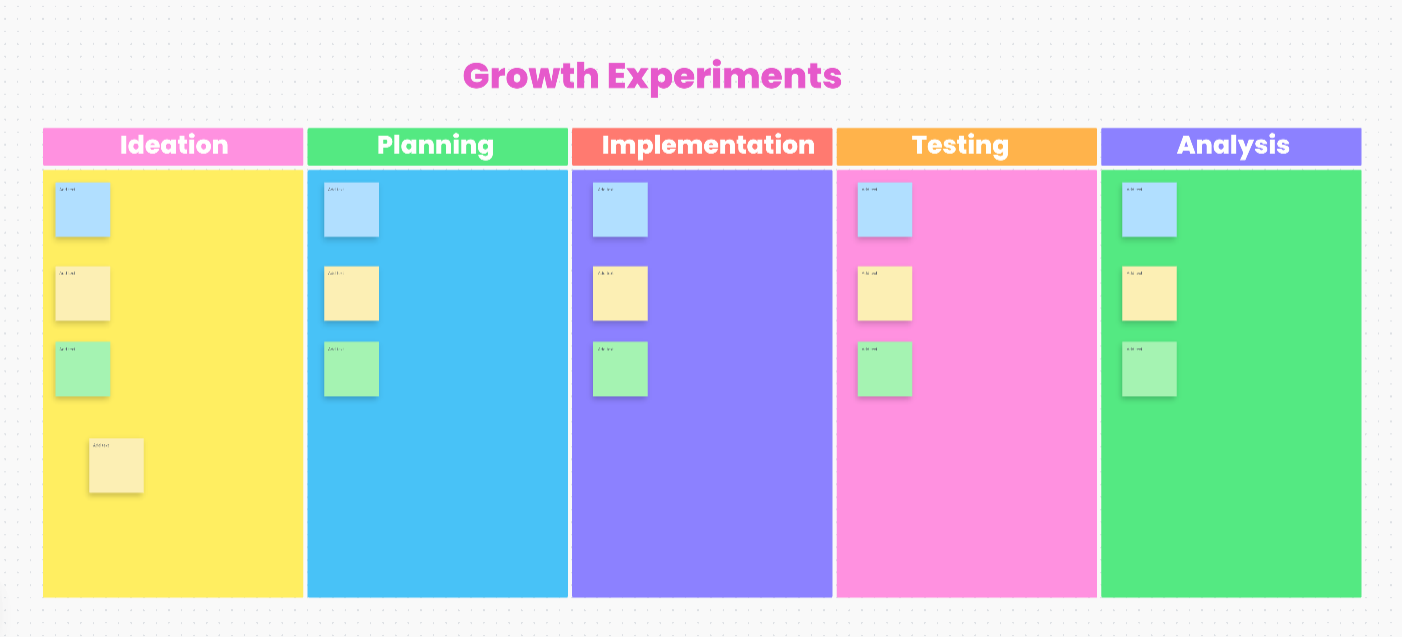
At this step, you can rely on the ClickUp Growth Experiments Whiteboard Template to help you run experiments. It helps you visualize your pipeline and keep collaboration simple when multiple stakeholders are weighing in.
It’s also built to support the full flow: brainstorm on a whiteboard, prioritize, assign owners, and track progress through implementation.
🌻 Here is why you will like this template:
If you want more user-generated content output without rising content production costs, you need a “one story, many formats” workflow (short video, carousel, email snippet, landing page proof block).
💡 Pro Tip: Use the ClickUp Content Plan Template to map each approved asset to its repurposed versions and publishing dates. Instead of tracking content in disconnected docs and calendars, you get a list template that keeps every content piece tied to owners and approval.
Your thriving community contributes more when they see outcomes. Capture recurring themes from community discussions and route them to product or CX, then publish what changed.
Instead of manually reading every thread, you can use ClickUp Brain to summarize what changed in a Space, List, or project, then convert the output into next steps (content tasks or moderation actions).
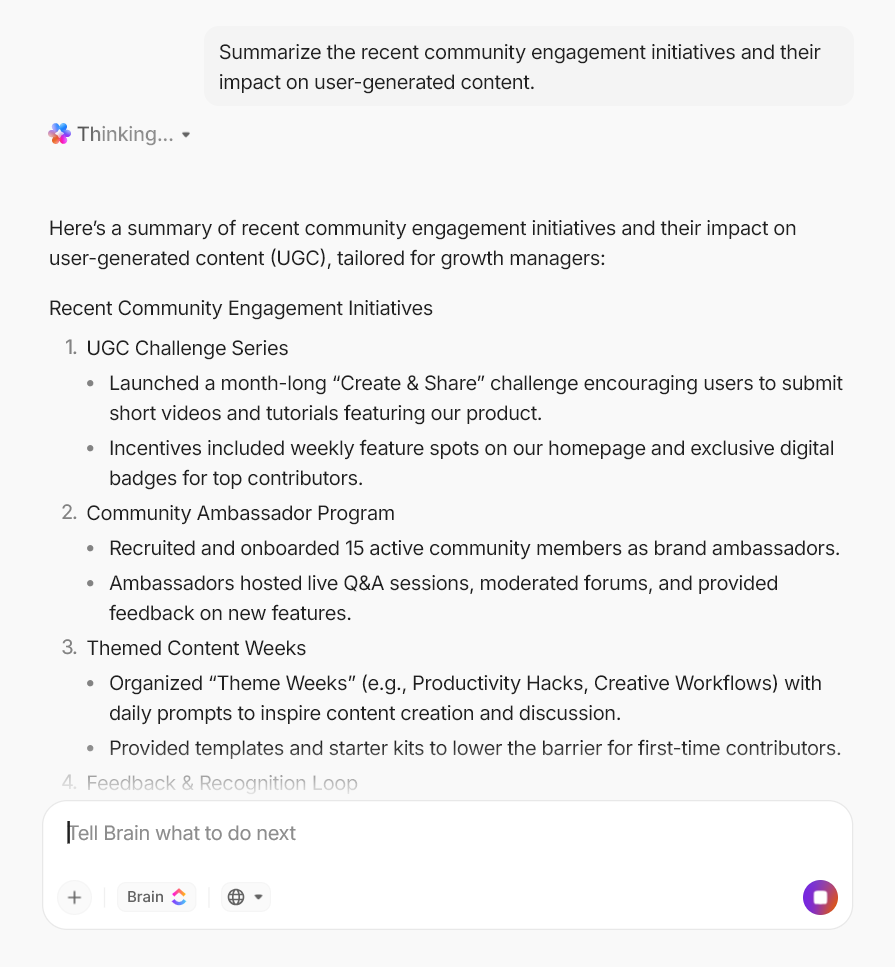
💡 Pro Tip: Use ClickUp Agents to reduce review and moderation drag. These AI Agents can run inside specific Spaces, Lists, or ClickUp Chat Channels and take action when triggers and conditions are met. For UGC, that can look like tagging a submission, checking whether a consent field is filled, routing content to a reviewer, or creating tasks from meeting notes.
If you are serious about scaling UGC and community-led content, start by tying user-generated content to clear key performance indicators instead of vanity counts.
Deloitte’s 2025 Digital Media Trends report states that 56% of Gen Z and 43% of millennials find social media content more relevant than TV. Roughly half feel a stronger personal connection to creators than to TV personalities.
Your community members and creators are the culture.
😉 So, here’s a lightweight framework for reporting:
📖 Also Read: How to Enhance Collaboration Styles for Teams
In a ClickUp survey of 1,000 workers, approximately 45% of teams had already abandoned AI tools adopted in the past year, underscoring how tool overload erodes trust and results.
You don’t need a bloated stack to scale user-generated content and community growth. The right five tools cover listening and discovery, rights and syndication, creator ops, and the “work AI” layer that keeps context in one place.
Our editorial team follows a transparent, research-backed, and vendor-neutral process, so you can trust that our recommendations are based on real product value.
Here’s a detailed rundown of how we review software at ClickUp.
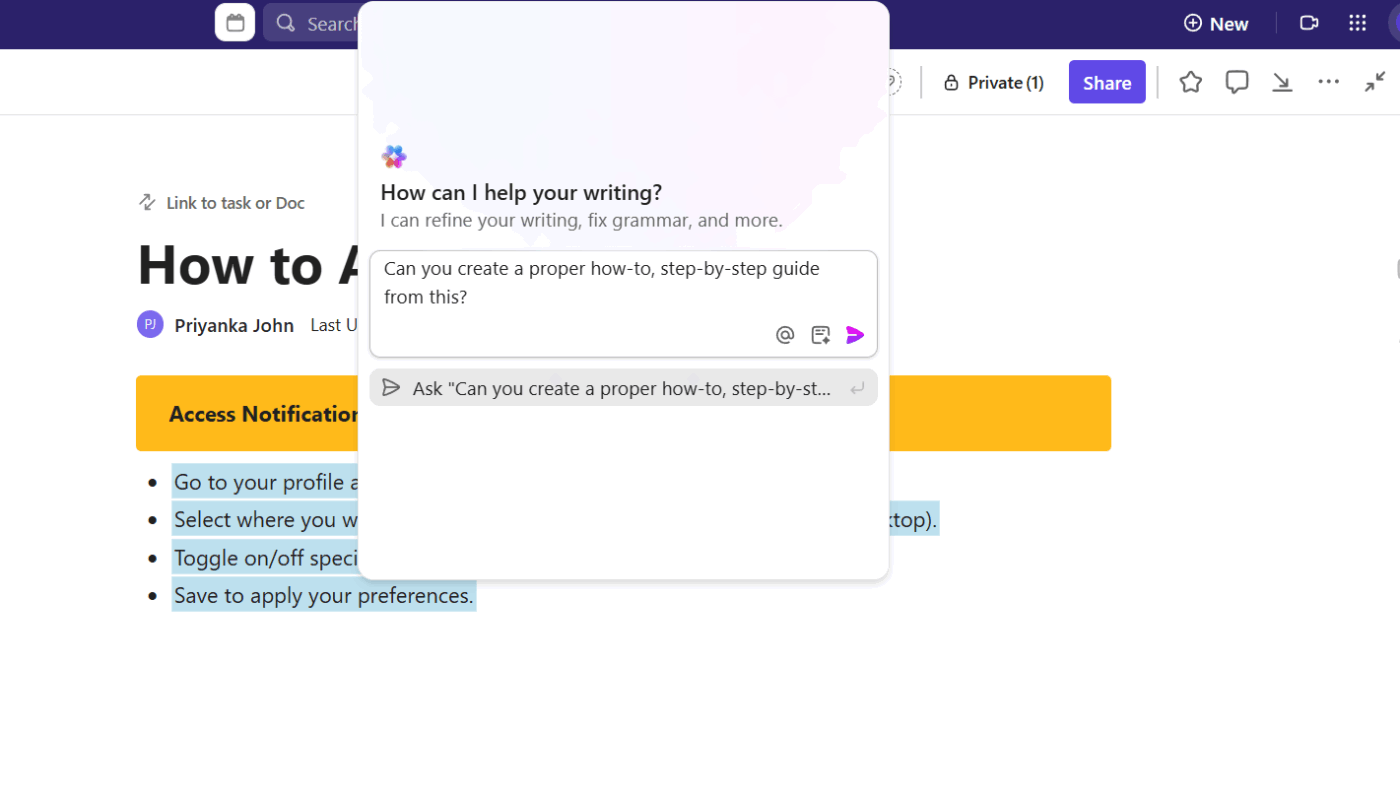
Your UGC strategy starts to break under volume: submissions coming in from multiple social media platforms, approvals living in chat threads, and key metrics spread across too many tabs. ClickUp’s unified workspace solves this challenge.
With ClickUp, instead of treating user-generated content as “random social proof,” you can run it like a repeatable workflow. Every asset has an owner, a status, and a clear trail back to your marketing strategy.
Moreover, ClickUp Brain can help you summarize long community discussions, pull action items from updates, and draft content for social media posts.
A reviewer wrote:
I love that everything we need to stay organised and on track is in one place. No more switching between Google Drive, emails, whatsapps, a “to do list”, and a bunch of other annoying apps that don’t work together properly – literally everything can happen in this one space.
💡 Pro Tip: Build an AI-assisted UGC ops routine with ClickUp BrainGPT.
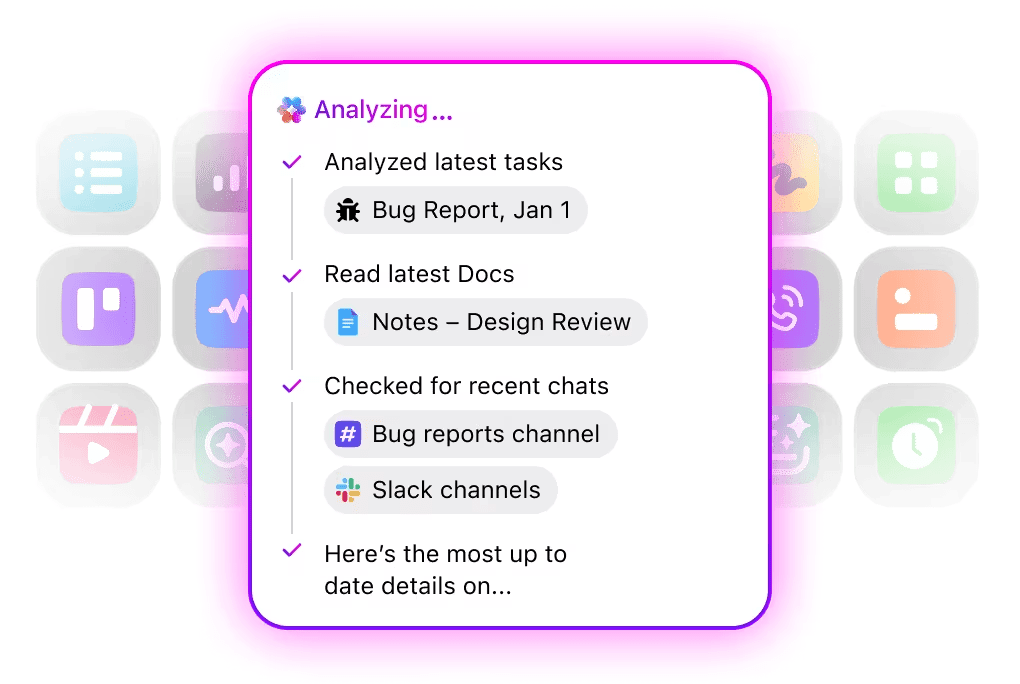
When you’re managing UGC at scale, speed matters, but consistency matters more. ClickUp BrainGPT can help you capture ideas faster and turn community input into repeatable briefs.
Choose the right model for the job: Keep Brain selected when you need workspace-aware answers, then switch to ChatGPT, Claude, or Gemini when you want fast rewrites or alternate tones (those models won’t have access to your workspace knowledge)
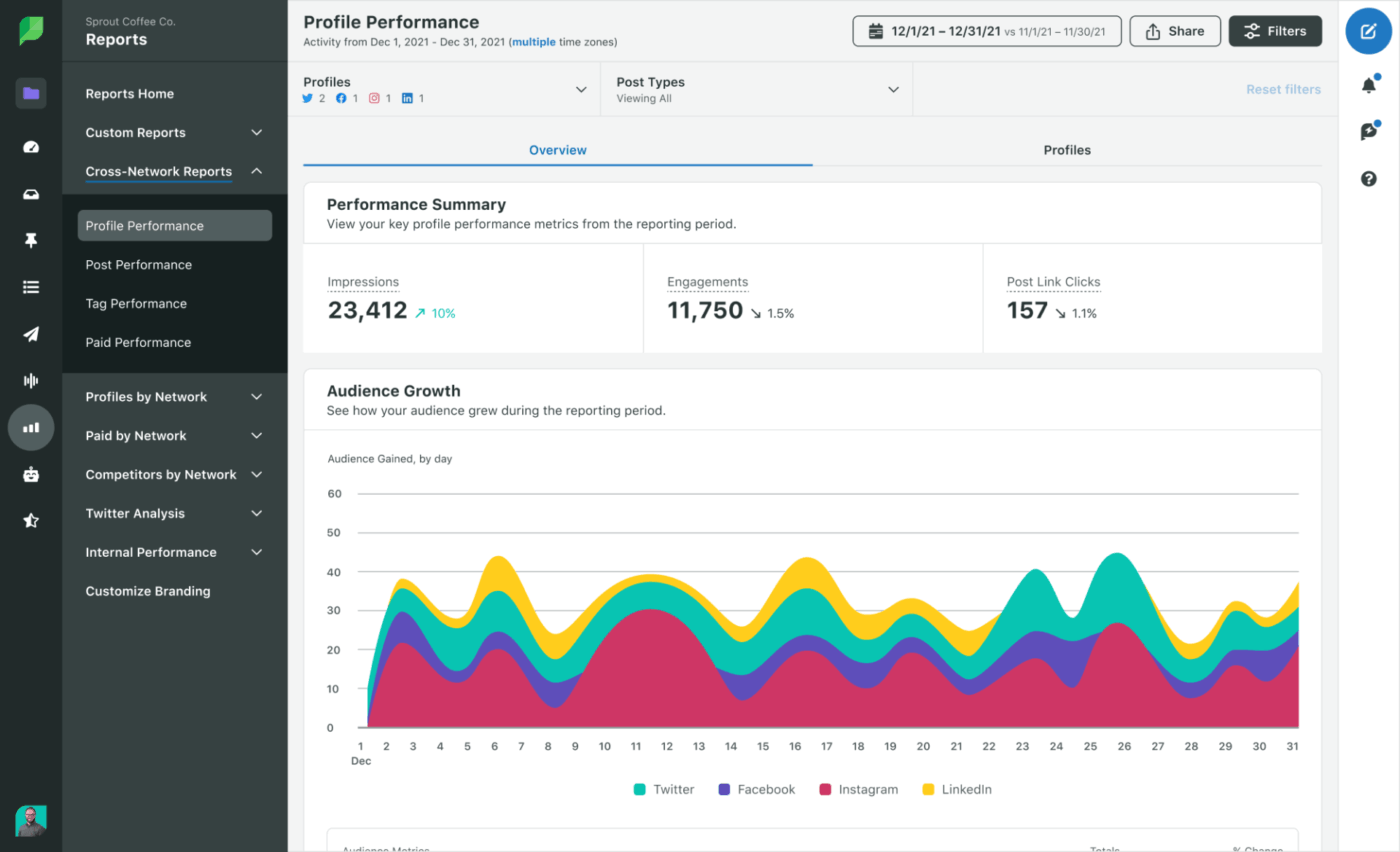
Sprout Social helps you see what your audience likes and find new trends. It also keeps your content calendars organized across all your social media accounts.
While Sprout handles posting and reporting, it usually works alongside a separate system that manages your creative work (like writing briefs and getting legal rights).
A reviewer wrote:
Sprout Social has been a valuable tool for simplifying social media management. I love having all platforms connected in one place, making scheduling and posting much easier.
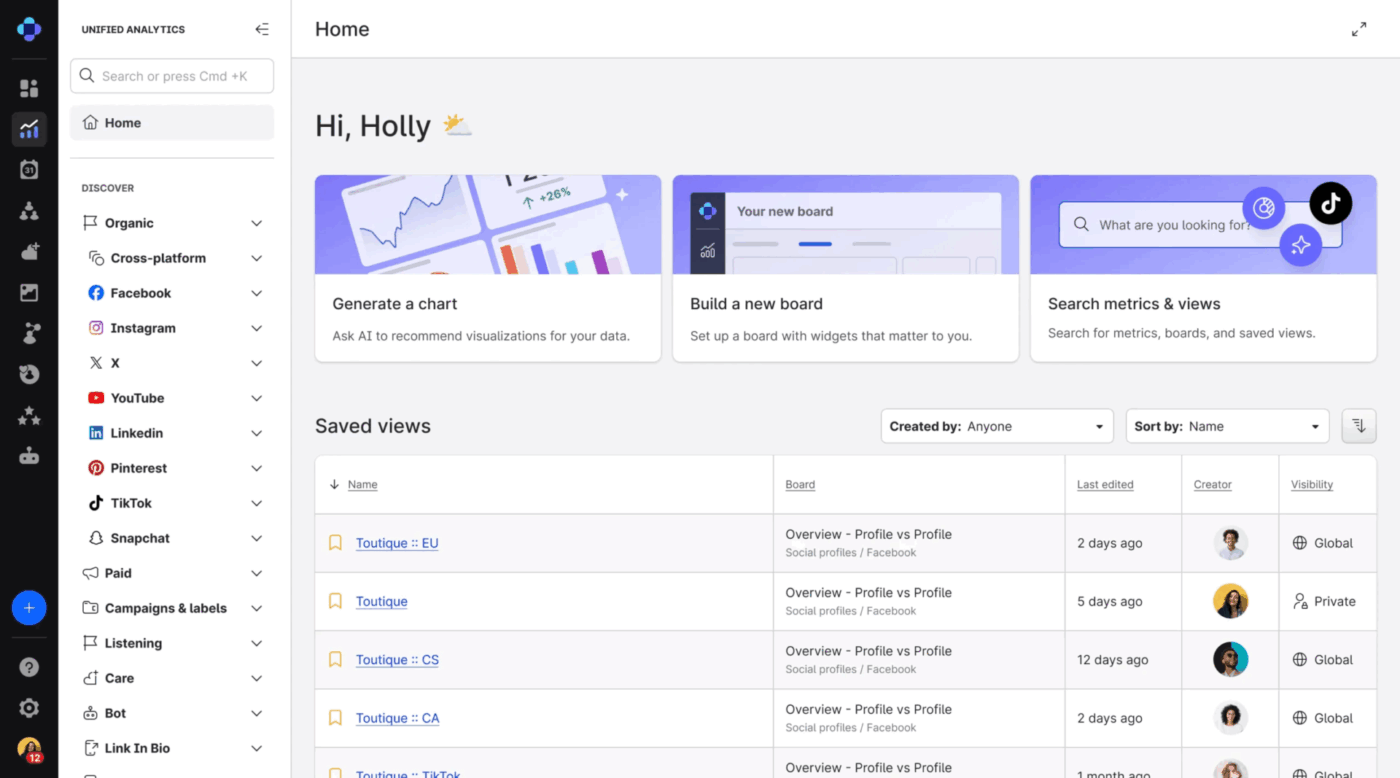
Emplifi is ideal for teams needing deep social data and clear performance tracking across social media platforms. It helps large teams track the performance of their posts and benchmark them against those of other companies.
For growth managers, Emplifi helps measure and improve User-Generated Content (UGC). It shows which posts act as the best “social proof” and help turn followers into customers.
A reviewer wrote:
I like that you can gather all your social media and content in one place and also post directly to all or one social media the content, as well as you can review every stat from one place.
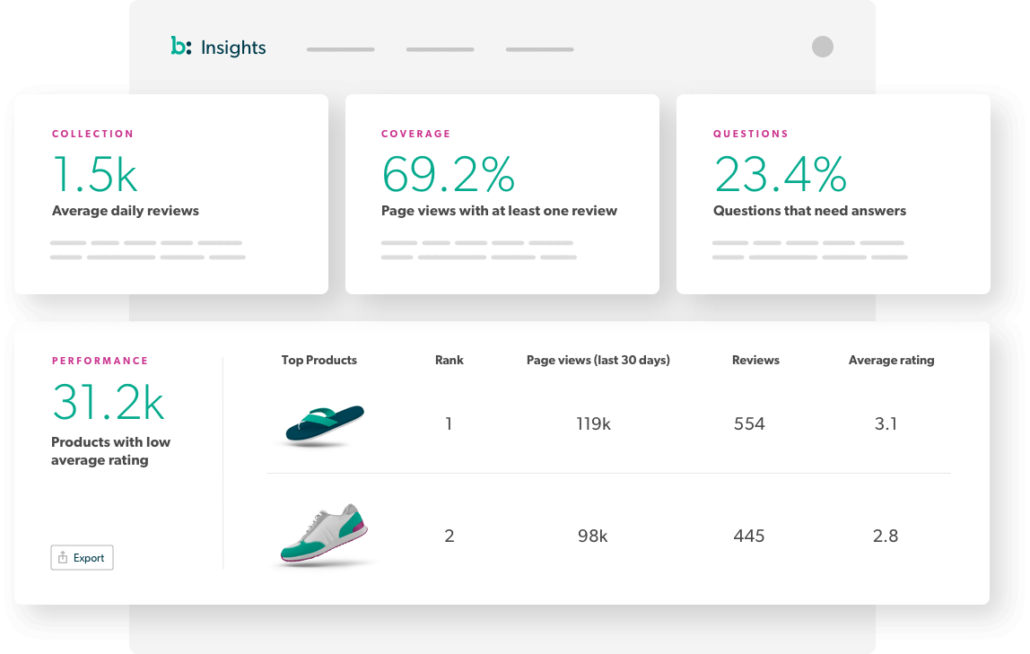
Bazaarvoice is widely used by e-commerce brands for collecting and distributing user content like ratings, reviews, and visual submissions. It is especially relevant when you want more UGC placed close to conversion points, where social proof can influence purchase decisions.
It also supports syndication across retail and partner ecosystems. This is particularly useful if your e-commerce strategy relies on multiple channels beyond your own website.
A reviewer wrote:
I like that you can gather all your social media and content in one place and also post directly to all or one social media the content, as well as you can review every stat from one place.
You can spot community-led growth wherever fans co-create the product, content, or playbook. Here are five recent examples to show what a “thriving community” looks like in practice.
✅ LEGO Ideas
Fans suggest new LEGO sets and vote for their favorites. Winners actually get made into real products. In September 2025, a record 146 designs moved to the final review stage. This shows that more people are creating and sharing ideas than ever before.
✅ Sephora Beauty Insider
Sephora uses its community to grow. Members share reviews and stories that act as “social proof,” making others want to buy. This community helps shoppers find products online and then buy them in stores. This fan-driven approach is Sephora’s secret weapon for staying ahead of other brands.
✅ Reddit
Reddit is home to over 100,000 active communities where people share ideas and UGC in real-time. In 2024, the site had about 73 million daily users. Today, that number has grown to over 100 million, showing how powerful community-led discussion can be.
✅ Discord
Discord uses live voice and text chat to keep fans and creators talking every day. It has about 259 million monthly users. These people join servers run by their favorite creators or brands to collaborate and hang out in real-time.
✅ GitHub
GitHub shows how communities can build products together. The open-source platform has over 100 million developer accounts. Community members have created hundreds of millions of projects. Every new contribution makes the tools and libraries better for everyone else, creating a massive network effect.
For growth managers, the outcome is user-generated content in code form, shaping the product roadmap in public.
UGC growth can stall fast if basics like consent, disclosures, and moderation are loose. Think of this as product work: ship guardrails first, then scale.
Three big currents are shaping what comes next.
Firstly, commerce is moving deeper into social. TikTok Shop’s U.S. GMV grew to roughly 1.1 billion in July 2025, and analysts project continued acceleration.
Data and distribution are being renegotiated, as Reddit signs and re-ups multimillion-dollar content deals with Google and OpenAI. This positions communities as sources of premium training and discovery.
Lastly, budgets are following efficacy. Creator marketing investment is pulling dollars from traditional paid marketing as brands demand measurable ROI from community channels.
🤔 What this means for growth managers
Community stories and user love can carry a brand farther than any ad. The real work is building a simple system that turns those moments into steady results.
Here is why ClickUp fits the job. It keeps your work in one place, so nothing gets lost in chats or folders. Docs hold the briefing; automations keep things moving. On the side, ClickUp Dashboards display the actions that have truly made a difference, while ClickUp Brain turns meetings into notes and tasks you can act on.
If you want fewer tabs, faster handoffs, and a clear read on ROI, sign up for ClickUp now!
Tie user-generated content to key performance indicators, not just likes. Track UGC vs. non-UGC conversion rate, assisted conversions, average order value, add-to-cart rate, and website traffic from social media posts. Use saves and shares as early signs of success. Build one dashboard so you can easily compare different types of posts and see what works.
Make it easy, specific, and rewarding. Post clear weekly prompts, showcase success stories, and rotate themes. Use branded hashtags and a simple submission form, then credit community members publicly. Lower friction on mobile devices, reply fast to keep community engagement high, and run contests with transparent rules to encourage more user-generated content.
Yes, if you pair automation with human review. Start with keyword and image flags for policy violations. Route edge cases to moderators, and log decisions for learning. Use AI summaries to surface valuable insights from long threads and community discussions. Auto-tag content created by active members, so it’s easier to find later. Your goal is faster response times and safer spaces without losing nuance.
Prioritize real voices and transparent disclosures. Ask permission, record rights, and avoid heavy edits that erase the user’s tone. Favor user stories, tutorials, and before-and-after posts that feel native to social media platforms. Keep incentives simple, highlight relevant metrics that matter to the community, and feature a mix of existing customers and new community members to avoid sameness.
Use a converged workspace that keeps prompts, approvals, and analytics together. ClickUp brings briefs in Docs, routing with Automations, and performance roll-ups in Dashboards, so both your brand and your creators can see the same source of truth.
© 2026 ClickUp