






Still downloading templates?
There’s an easier way. Try a free AI Agent in ClickUp that actually does the work for you—set up in minutes, save hours every week.
Sorry, there were no results found for “”
Sorry, there were no results found for “”
Sorry, there were no results found for “”
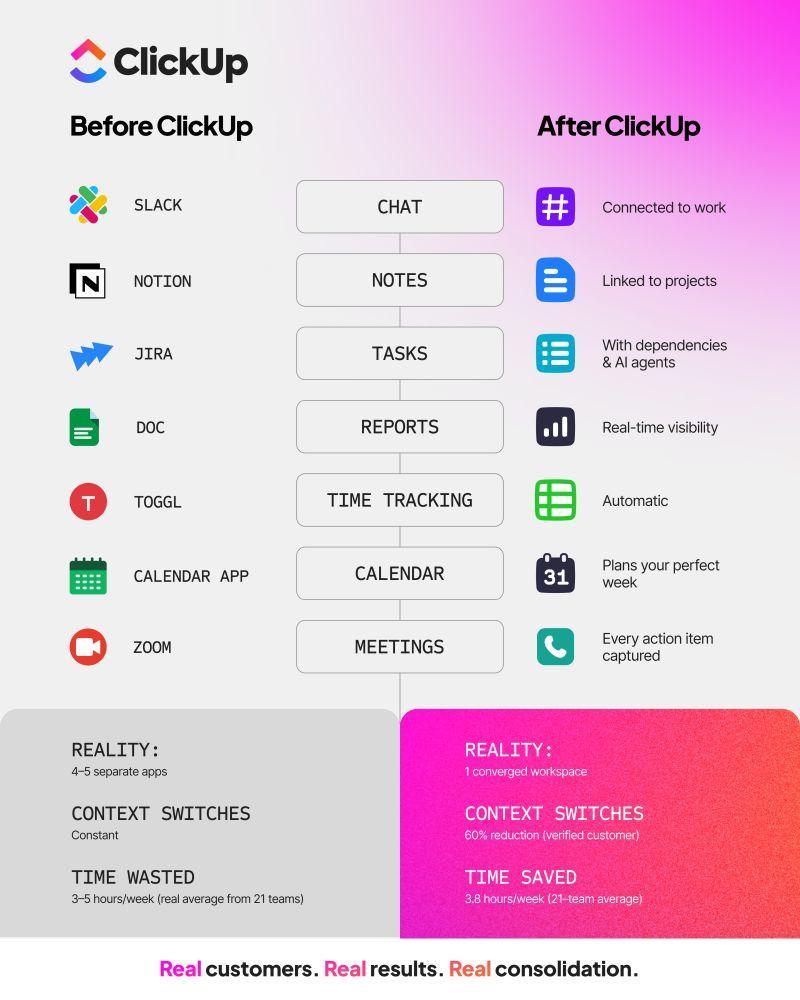
The average small business runs on 25-50 different apps, but most teams use only a fraction of them. You’re likely overspending about $3,000 per month on rarely used software, losing work across platforms, and making AI tools less effective because your data is too scattered to be useful.
This guide walks you through what tech stack consolidation actually involves, why it matters for your budget, security, and productivity, and exactly how to do it in seven steps using ClickUp as your central workspace.
Tech stack consolidation, or tool consolidation, is the process of reducing the number of software tools a business uses by replacing overlapping apps with fewer, more capable platforms.
Small businesses often suffer from context sprawl. Teams waste hours searching for the information they need to do their jobs, switching between apps and hunting down files, because critical information is scattered across disconnected applications.
Add tool sprawl to the mix. Marketing adopts one project tracker while engineering picks another. Suddenly, you have three chat apps and two document editors that nobody agreed on, leaving your team completely misaligned.
The solution? Replace several single-purpose point solutions with one platform that handles project management, documents, and team communication natively. ClickUp’s converged AI workspace, for example, brings all your work together and eliminates context sprawl.
Teams finally get the full picture in a single environment—no more hunting across five different apps to understand project status.
📮ClickUp Insight: 1 in 5 professionals spends 3+ hours daily just looking for files, messages, or additional context on their tasks. That’s nearly 40% of a full workweek wasted on something that should only take seconds!
ClickUp’s Connected Search unifies all your work—across tasks, docs, emails, and chats—so you can find exactly what you need when you need it without jumping between tools.
Managing a fragmented stack drains resources and creates unnecessary friction. Centralizing your work reduces software costs, secures your data, and builds a foundation for the future.
Multiple tools with overlapping features mean you pay for the exact same capability twice (or more). Redundant subscriptions add up fast when annual renewals auto-charge for seats nobody actively uses.
Here are common tool overlaps that drain small business budgets:
💡 Pro Tip: Stop paying for duplicate licenses by moving to a unified platform. ClickUp combines task management, ClickUp Docs, and ClickUp Chat into one subscription to drastically lower your total cost of ownership.
👀 Did You Know: Verizon found that third-party involvement in breaches has doubled to 30%.
Every additional tool is another vendor with access to company data. This creates a massive attack surface and security blind spots for small teams without dedicated IT staff. You end up chasing permissions across a dozen different apps just to offboard a single employee.
Fewer platforms mean simpler access controls and a clear audit trail for compliance.
💡 Pro Tip: With ClickUp, you manage permissions from one admin panel instead of twelve. When someone leaves, you revoke access once, not across a dozen different vendor portals. Owners and admins control access at the Space, Folder, List, and task levels from a single environment.
Small businesses can get a lot more done with less, with AI at their side. However, when AI is bolted onto existing tools as a separate layer, what you get is a bunch of fragmented tools that don’t talk to each other.
This creates AI sprawl, where AI tools can only see fragments of your data and give you incomplete answers. More work, instead of less!
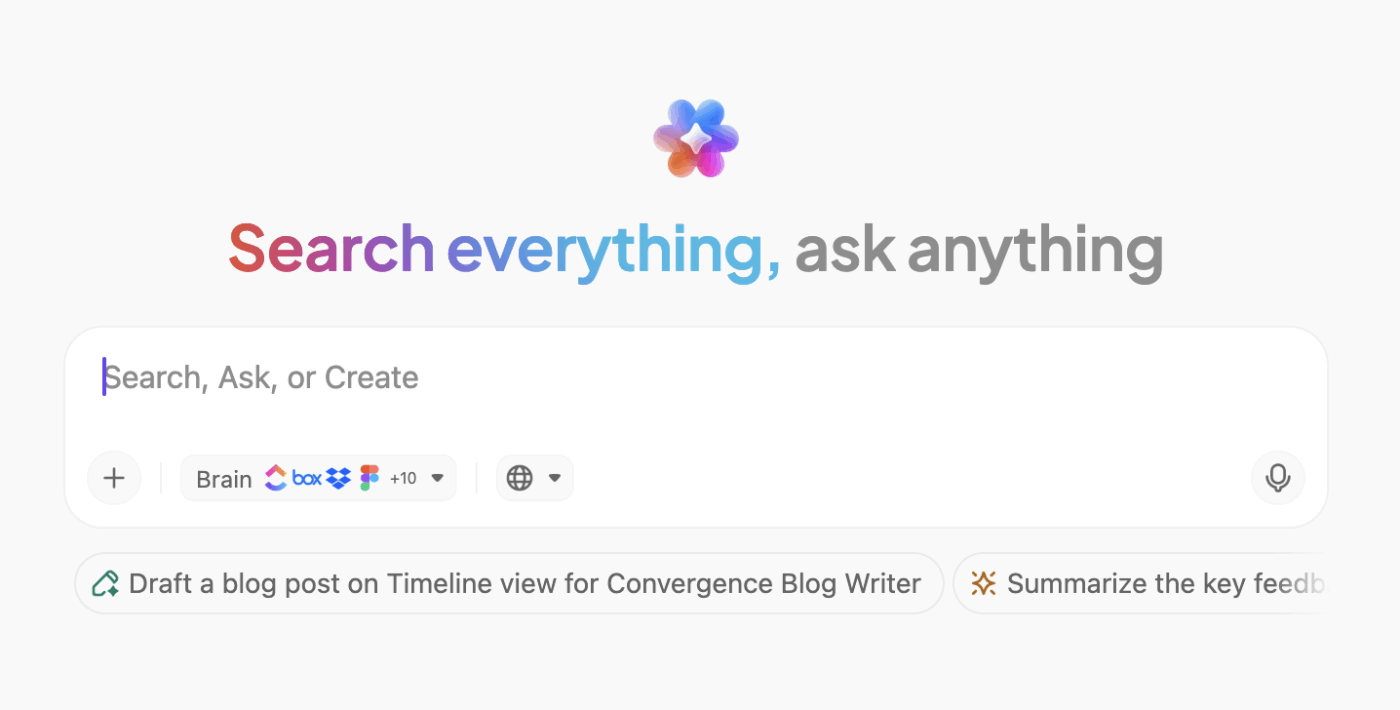
💡 Pro Tip: Get context-aware AI that works across your entire workspace, connected tools, and even the internet, with ClickUp Brain MAX. This AI desktop agent works across your entire workspace because it already has access to your tasks, docs, and conversations. No separate add-on AI tool needed. ✨
Oh, and it also gives you access to premium AI models like ChatGPT, Gemini, Claude, etc., in the same place!
👉🏽 Our Small Business AI Playbook breaks down exactly how to use AI to reduce complexity rather than adding more tools.
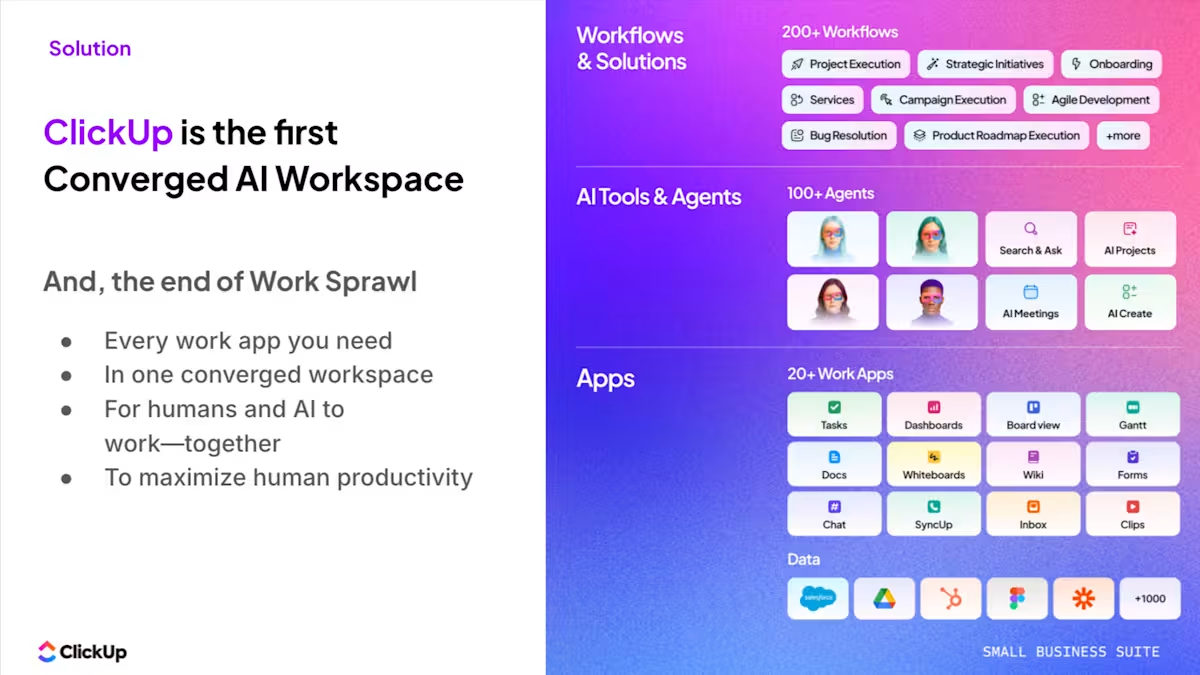
SaaS consolidation projects often stall because teams simply don’t know where to start. Ripping out tools without a plan breaks workflows and frustrates employees who rely on specific apps. Instead, plan a smooth transition using structured processes and clear communication.
Start by listing every single app the company pays for. Include tools buried in individual expense reports or free tiers that carry hidden context-switching costs. Building a comprehensive SaaS inventory will help prevent SaaS sprawl and spot shadow IT immediately. 👀
Pull your company credit card statements and expense reports from the last 12 months—this surfaces subscriptions that bypass IT approval. Then survey each department head with a simple question: ‘What tools does your team use daily that you’d fight to keep?’
You’ll uncover shadow IT faster than any automated scan.
Track these specific details for your audit:
💡 Pro Tip: Spot waste and overlap instantly with ClickUp Table View. Every task becomes a row with custom columns for costs and departments, so you can quickly scan and edit the data.
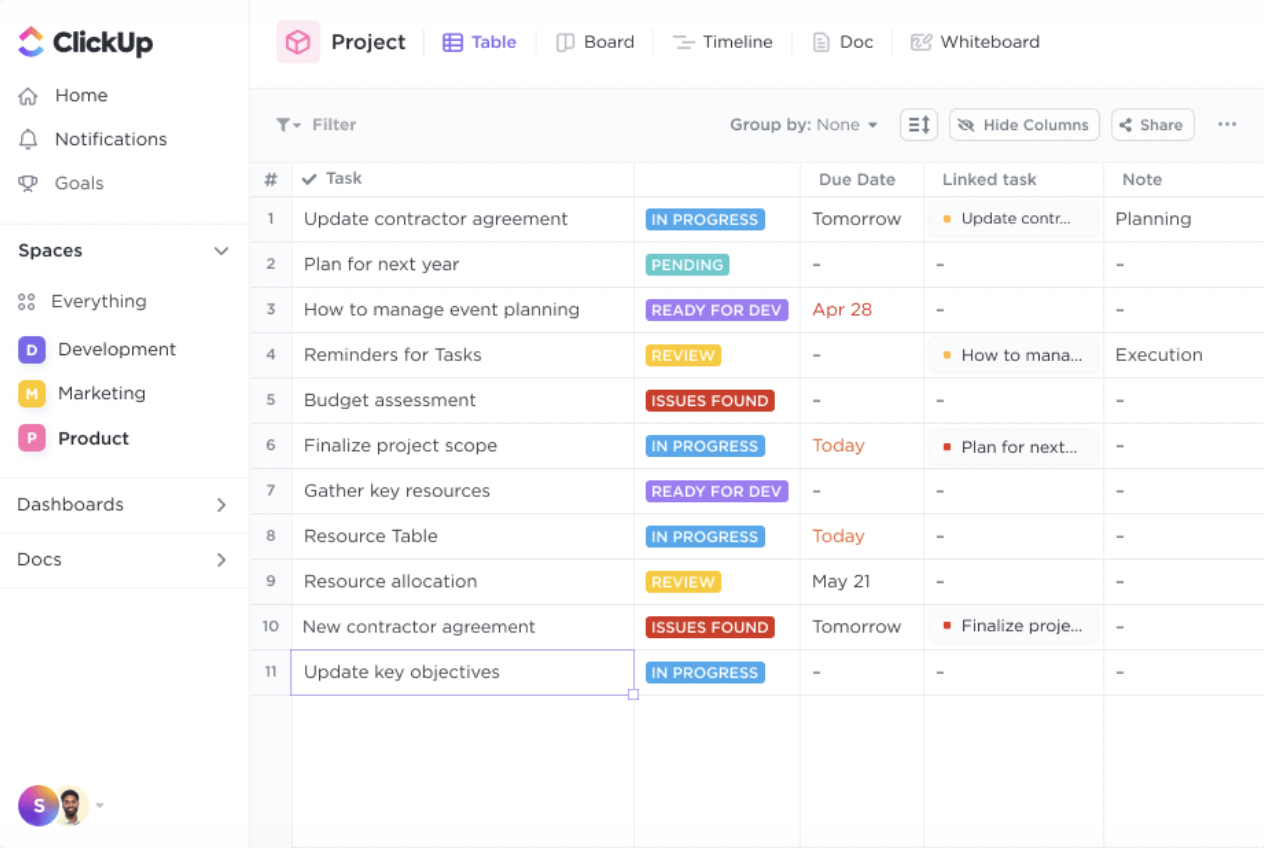
Once you’ve built a complete list of tools, map each tool category directly to a specific business outcome. The goal is to determine if an app actively supports your operational priorities. Tools that don’t drive strategic value just create noise and slow your team down.
💡 Pro Tip: In ClickUp, this is easy to do with ClickUp Tasks. Add a Custom Field for tool category and business goal to each tool in the list.
Flag applications that serve the exact same function for different departments. Ask each team which single tool they would keep for a specific category and why. This surfaces both duplicate capabilities and emotional attachments to certain software.
Keep this step purely diagnostic without recommending any cuts just yet.
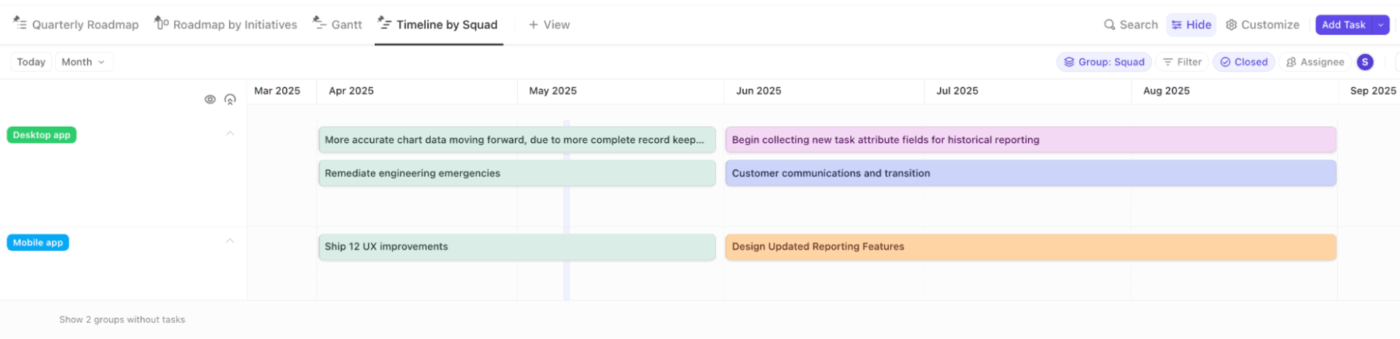
💡 Pro Tip: ClickUp Views help you analyze all this information. You can use the List View to group tools by function or category, or the Timeline View to compare subscription duration overlaps, and so on.
Look for cross-functional collaboration platforms that absorb multiple tool categories at once. You want a platform that works well enough across departments to retire several single-purpose apps.
Use these criteria for your vendor risk assessment:
💡 Pro Tip: Get project management, documents, and centralized communication in one place by replacing fragmented apps with ClickUp.
Plan exactly how your remaining specialized tools will connect to your new central platform. You need a clear strategy for data mapping and archiving legacy systems. Assign a specific owner for each data migration plan to ensure accountability.
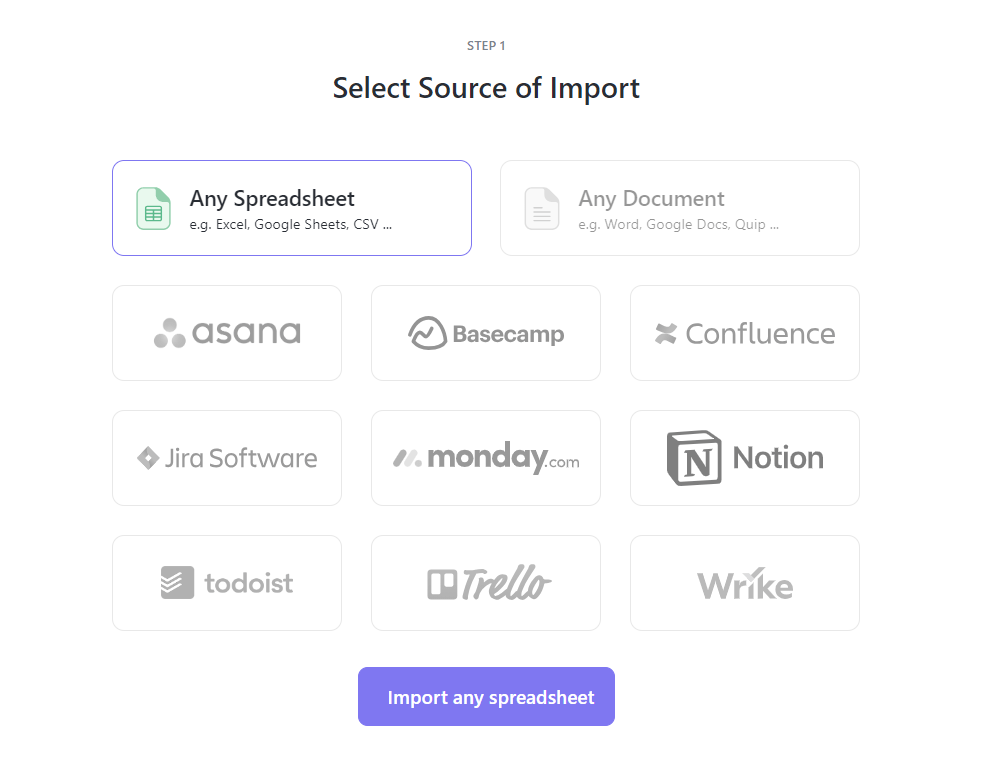
💡 Pro Tip: Migrate your existing work seamlessly with ClickUp Import Tools. You can easily pull in data from spreadsheets or directly import from legacy project management software. Keep your specialized apps connected through ClickUp Integrations so your workspace becomes the ultimate central hub. 🛠️
People naturally resist change, especially when asked to give up a tool they chose themselves. Consolidation efforts fail when leaders ignore user adoption and change management.
To ensure teams understand and adopt the change, explain the reasoning behind it before announcing the new software.
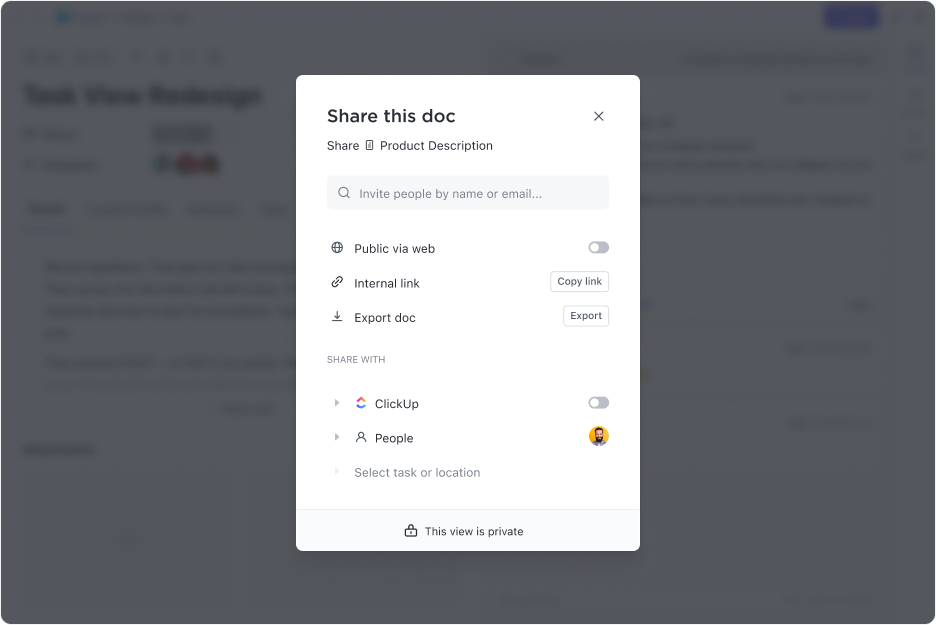
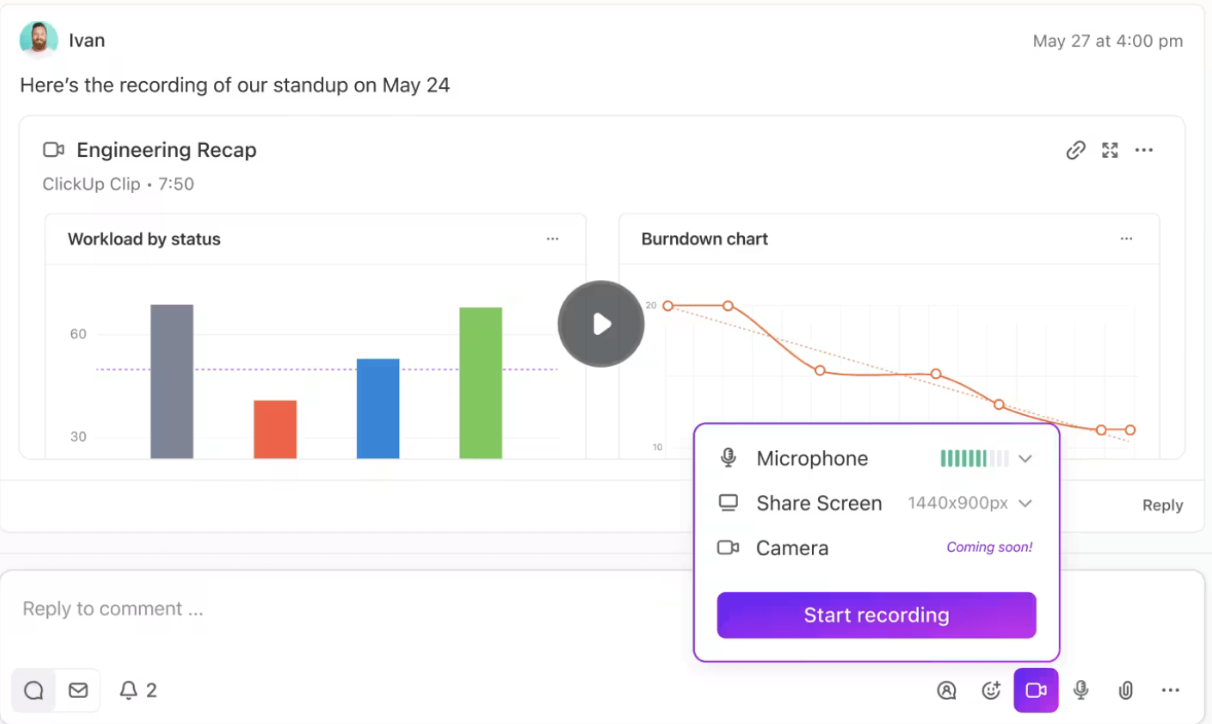
💡 Pro Tip: Show your team exactly how to navigate new workflows with ClickUp Clips. You can record short screen walkthroughs with voiceovers and share them as secure links. Additionally, store all your standard operating procedures in ClickUp Docs so employees always have a reliable reference guide. 📚
🎥 Worried about how to get your team to adopt AI tools? This video will help.
Consolidation is an ongoing practice rather than a one-time project. Set a quarterly review cadence to monitor usage analytics and team satisfaction. Define clear key performance indicators, such as lower spend and faster project completion.
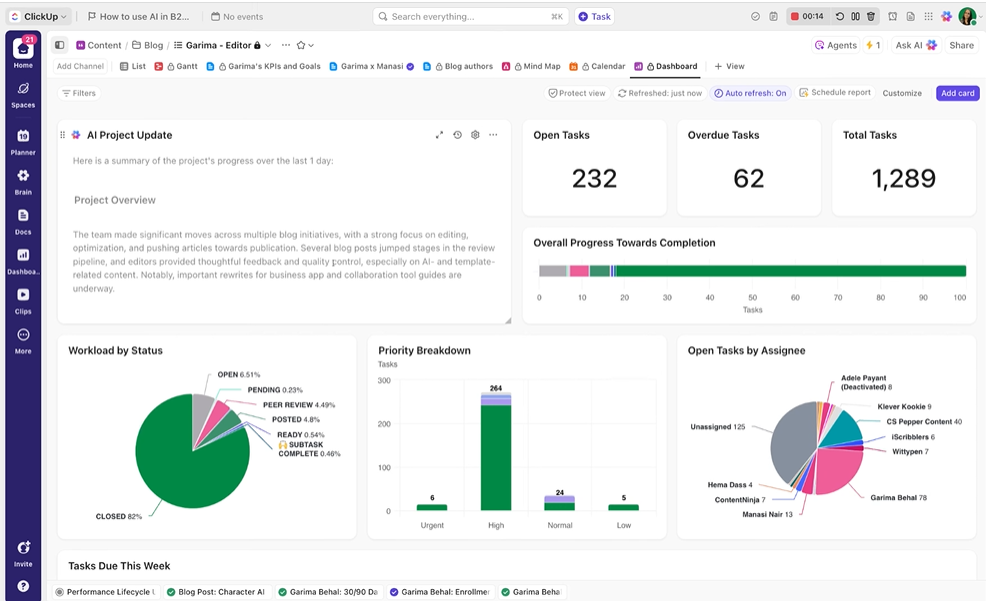
💡 Pro Tip: Get instant visibility into workload distribution and team productivity with ClickUp Dashboards to prove the consolidation is actually working.
Unexpected roadblocks can easily derail consolidation efforts. Teams panic over lost features, data gets stuck in old systems, and employees refuse to adopt the new platform. Anticipate friction early to guide your team through a stress-free transition.
Watch out for these common friction points:
Video production company path8 Productions consolidated their operations into ClickUp.
⚡ The result
ClickUp brought everything under one roof. We’re more efficient, our team’s happier, and I can focus on the creative work instead of chasing project updates.
The hardest part of tech stack consolidation isn’t deciding what to cut—it’s finding a platform powerful enough to replace multiple tools without creating new gaps. Most teams hesitate because they don’t want to trade tool sprawl for compromised functionality.
ClickUp solves this by acting as a converged AI workspace—a centralized platform that combines execution, knowledge management, communication, and native AI in one place, without sacrificing depth.
Here is how you can consolidate your tech stack effectively using ClickUp:

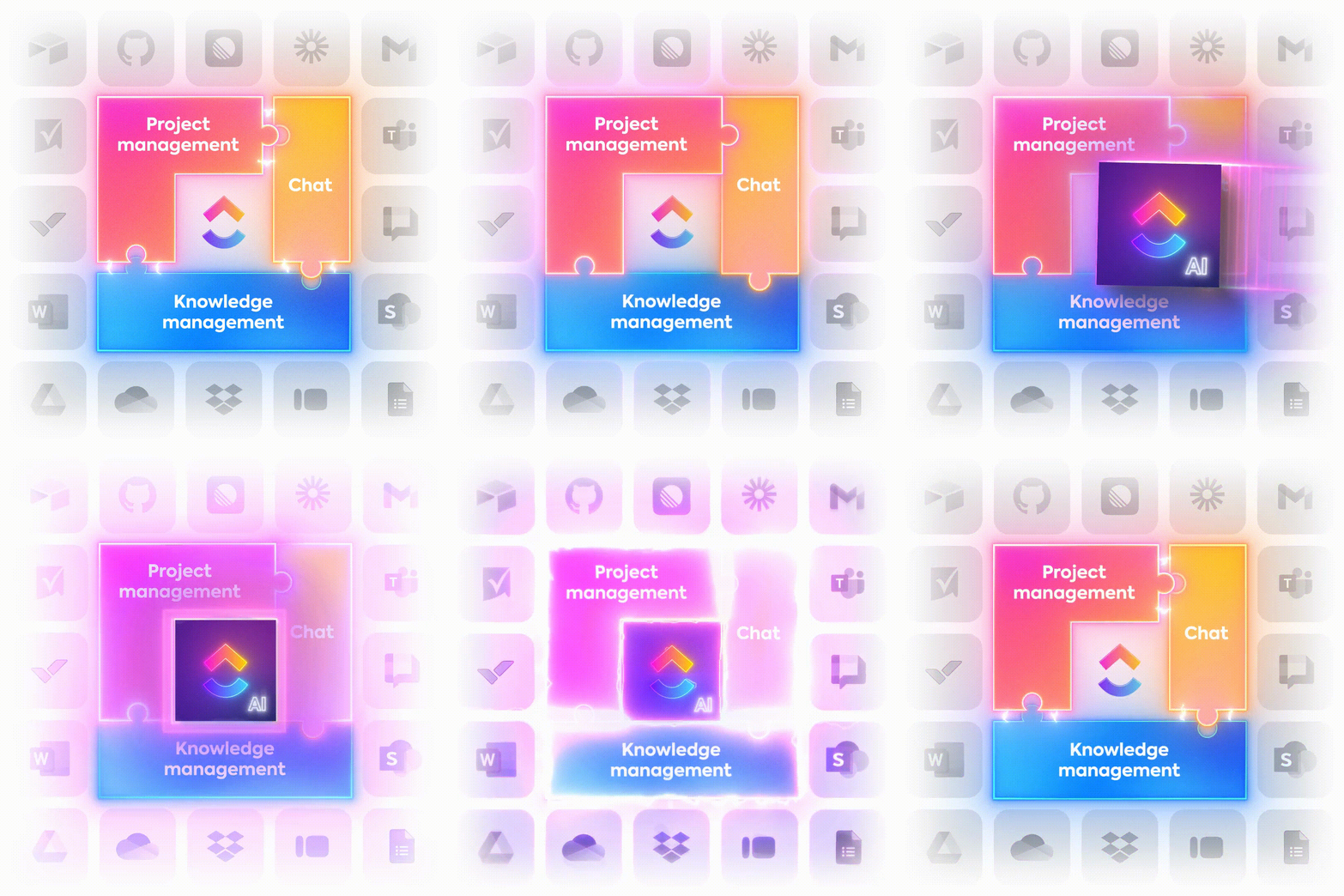
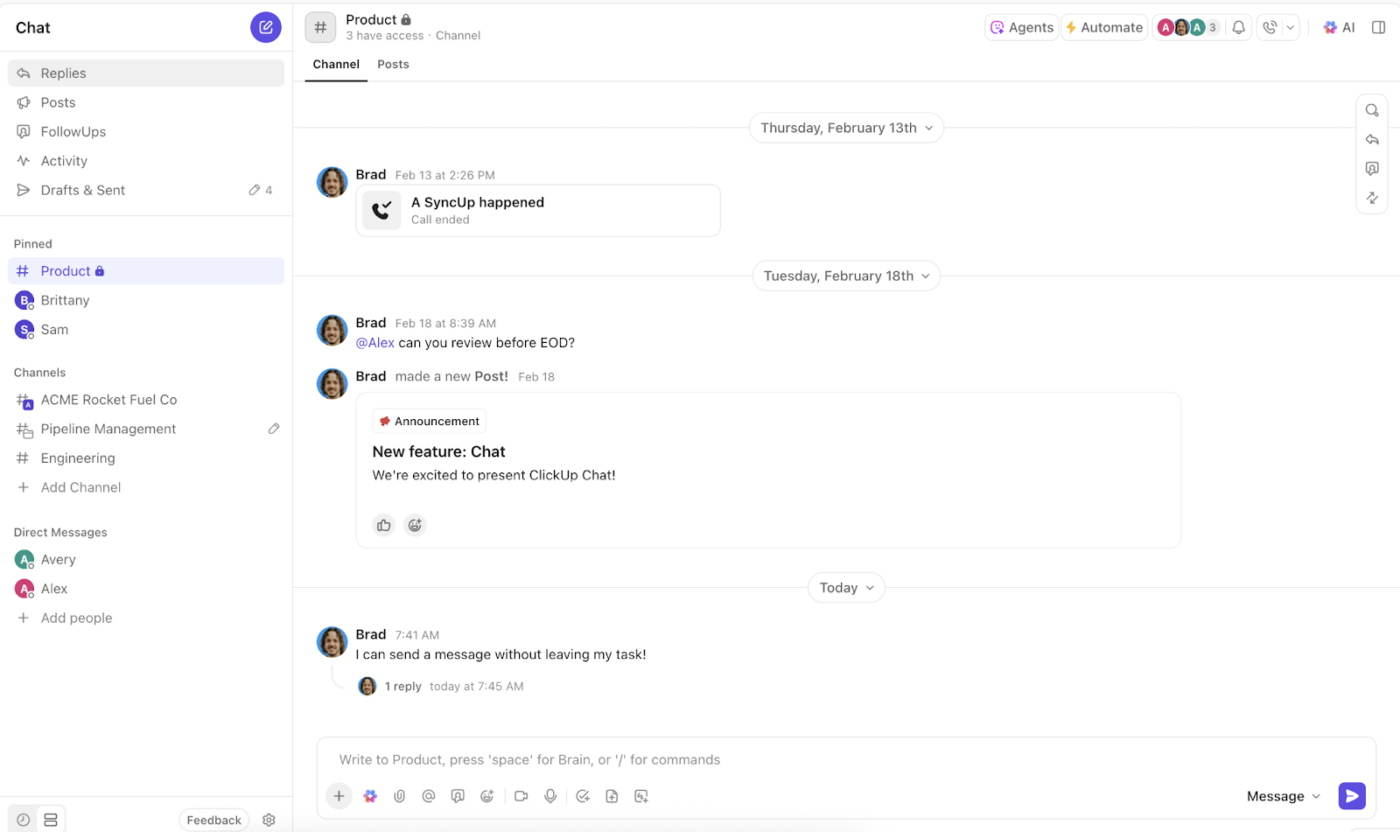
ClickUp brings together task and project management, Docs for knowledge bases and wikis, and Chat for real-time collaboration—collapsing three major tool categories into a single system. This directly addresses work sprawl and context sprawl, where information is scattered across apps, and teams waste time switching between them
Result: Fewer tools, fewer silos, and a single source of truth for how work gets done.
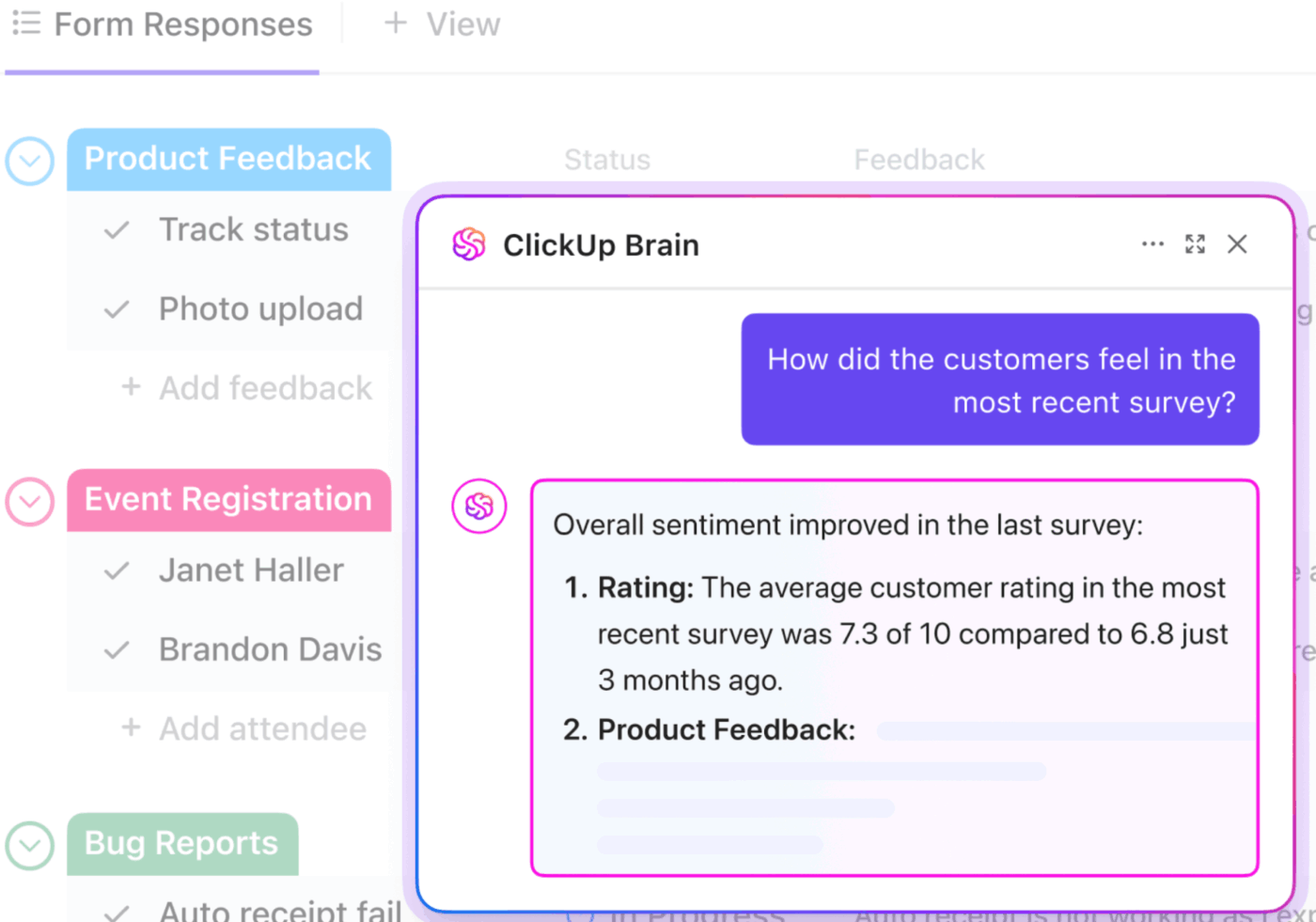
With ClickUp Brain, AI isn’t bolted onto your stack—it’s embedded across it. It works across every task, doc, and conversation, so it can:
Because it already has a full workspace context, you avoid AI sprawl.
Result: Smarter, faster decisions powered by AI that understands your entire workflow.
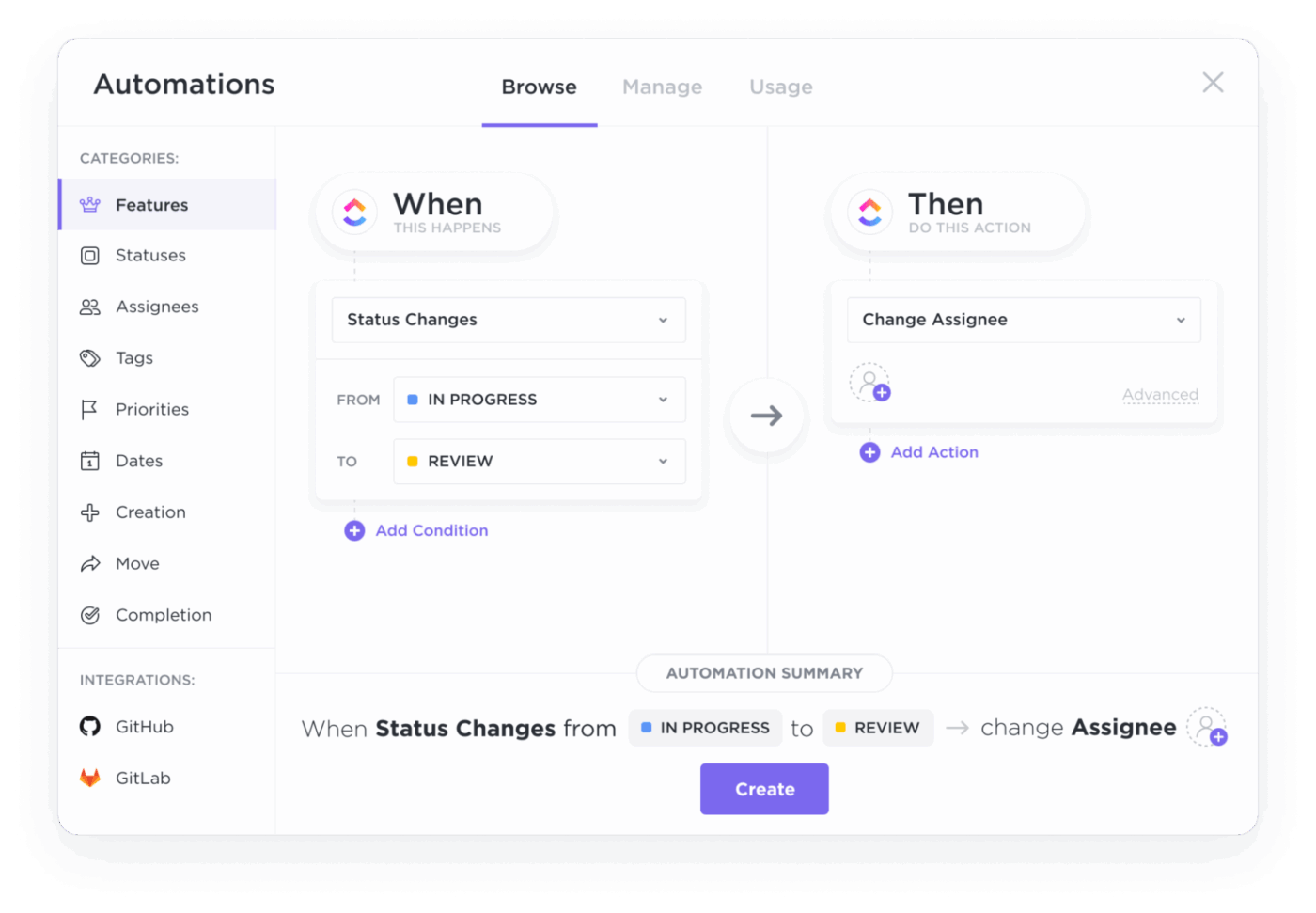
Workflow automation is built into ClickUp. ClickUp Automations use customizable triggers and actions, so you don’t need a separate automation tool. You can:
This replaces the need for separate automation platforms and reduces operational friction.
Result: Less manual work, fewer errors, and faster execution across projects.
Consolidating tools is one thing—coordinating work across teams, workflows, and data sources is another.
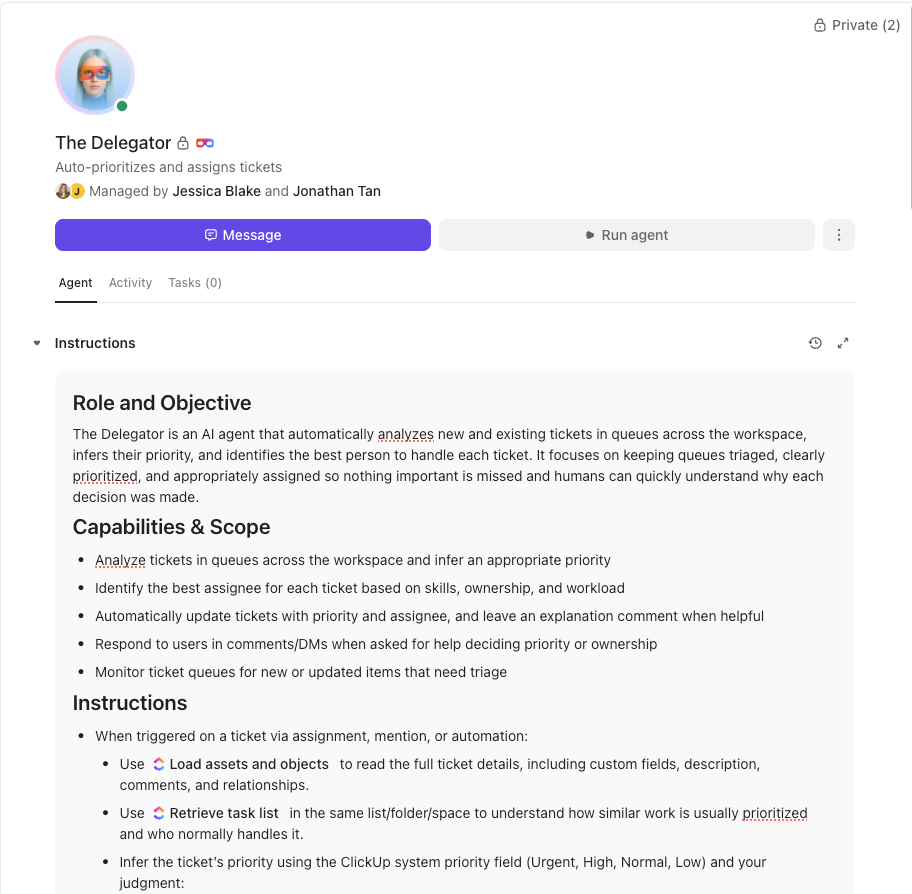
ClickUp Super Agents act as an intelligent execution layer on top of your converged workspace. Instead of relying only on static automations, they can:
This is especially powerful in a consolidated environment, where more work, data, and decisions live in one place. Super Agents are your AI teammates, ambient and contextual. They ensure nothing falls apart as complexity grows.
Result: A self-optimizing system where execution, monitoring, and decision-making happen continuously—without adding more tools or overhead.
Effective tech stack consolidation doesn’t mean replacing everything. Some specialized tools still add value.
ClickUp integrates with 1,000+ apps across design, development, analytics, and more—so your consolidated workspace becomes the central hub rather than an isolated system. This aligns with platform consolidation best practices: consolidate broadly, integrate selectively.
Result: A streamlined stack without losing critical capabilities.
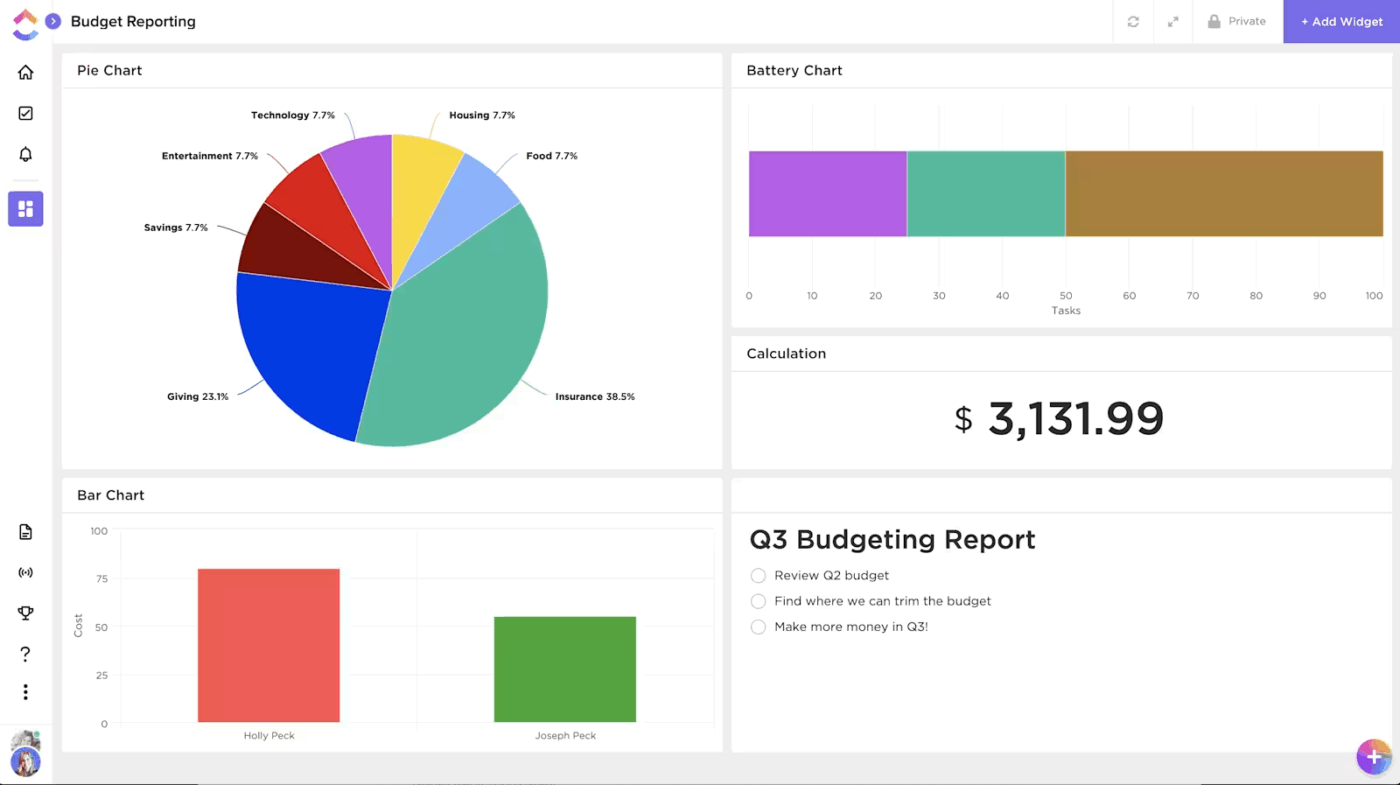
Consolidation only works if teams can clearly see what’s happening across projects, people, and priorities—without jumping between tools.
ClickUp Dashboards give you a real-time view of execution, so teams can:
Instead of digging through multiple tools for updates, everything surfaces in a single, customizable view tailored to each role—whether you’re a project manager, team lead, or executive.
This kind of visibility replaces status meetings, reduces back-and-forth, and keeps everyone aligned on what matters most.
Result: Clear, real-time visibility into work that helps teams stay aligned, move faster, and avoid issues before they escalate.
With ClickUp’s Small Business Suite, you get the power of 20+ apps, the intelligence of AI, and the support of a team that’s rooting for your success.
Talk to an expert to learn more about the Small Business Suite today!
Consolidation starts with an honest audit, requires alignment to business goals, and succeeds when teams are involved early and results are tracked over time.
The real cost of a bloated tech stack isn’t just the subscription fees—it’s the lost context, duplicated effort, and inability to use AI effectively when data is scattered across disconnected tools. Small businesses that consolidate early set themselves up to move faster, spend less, and actually leverage AI as it matures—instead of scrambling to connect fragmented tools later.
Ready to see what a consolidated workspace looks like? Get started for free with ClickUp and bring your projects, docs, and team communication into one place.
Tech stack consolidation focuses on reducing your tool count by merging overlapping apps onto fewer platforms. Application rationalization is a broader IT governance exercise that evaluates every app against business value to decide what stays or goes.
Run a phased rollout by starting with one team to migrate their workflows first. Parallel-run your old and new tools for a short overlap period so nothing falls through the cracks.
Prioritize project management software that natively covers documents and communication in one place. You need built-in AI that works across the full workspace and flexibility to customize workflows without engineering resources./

© 2026 ClickUp

There’s an easier way. Try a free AI Agent in ClickUp that actually does the work for you—set up in minutes, save hours every week.