


Sorry, there were no results found for “”
Sorry, there were no results found for “”
Sorry, there were no results found for “”
Figma is the crown jewel of the design world—its options for collaborative design, realistic prototyping, and vector graphics make it a go-to choice for many professionals. From online whiteboards to pre-loaded frames, Figma simplifies the co-creating process and saves time.
While Figma is undoubtedly one of the best collaborative design and prototyping platforms on the market, it’s not the only one—plus, it has its flaws. Some users find it too complicated, while others think it’s too expensive for what it offers.
Whatever your reason for seeking a Figma alternative, there are plenty of options that can help you ace the design game. In this article, we’ll introduce you to the top 10 Figma alternatives, discuss their pros and cons, and help you find the best solution for your design workflows.
Here are the 10 best Figma alternatives to help you design, collaborate, and create with ease:
Figma is a popular design platform that lets you create vibrant designs, prototypes, and vector drawings for various purposes. It boasts auto layouts, customization options, automation features, and integrations that streamline creative processes.
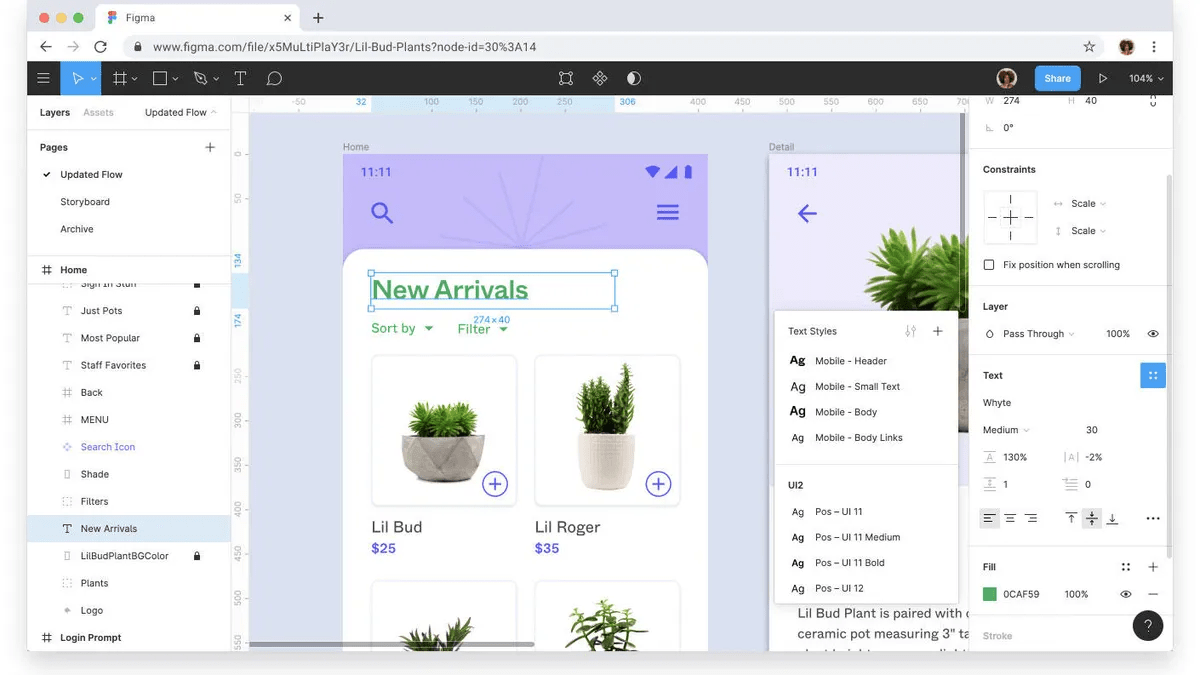
Teams often choose Figma because of its collaborative features that support team members operating remotely. The process works due to FigJam, Figma’s digital whiteboard for brainstorming, diagramming, discussing ideas, developing design strategies, and holding meetings.
Every person gets their cursor, which prevents confusion and ensures every move is accounted for. Leave comments, react to ideas, invite people from other teams to pitch in, and customize your whiteboards to align with your projects. ✨
The market is crawling with apps and platforms portraying themselves as excellent Figma alternatives. To make the right choice, look for these characteristics:
After analyzing dozens of collaborative design tools, we selected the top 10 and outlined their main features, pros, and cons. Check out the list to find the right solution and allow your team to express their creativity without limits. 🖌️
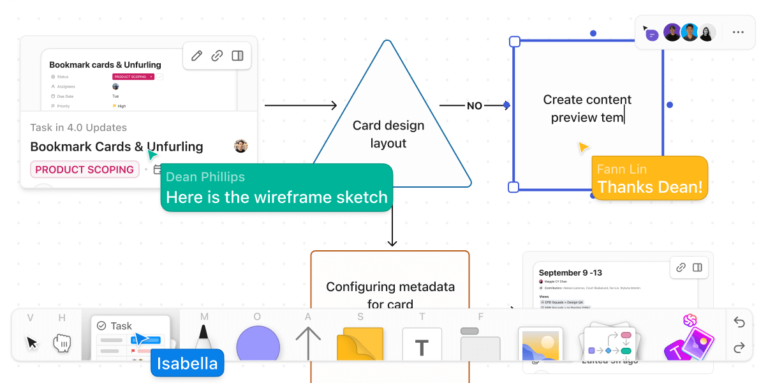
ClickUp is a task and project management platform, so not everyone is familiar with the features that make it one of the best Figma alternatives. Some of them include collaboration, project planning, organizing, and tracking, earning itself a spot on the list.
The platform is all about teamwork, and it comes with the designers’ favorite—ClickUp Whiteboards. This digital canvas allows you to set your artistic side free and team up with coworkers to develop the best design solutions. Brainstorm, discuss, leave comments, and connect ideas with its rich editing toolbar. Collaborate with your coworkers in real time and ensure you don’t miss a single update.
Need a gorgeous design but don’t want to start from scratch? ClickUp Templates get you to your goals faster with premade (but customizable) sections. We recommend using Whiteboard templates for maximum creative freedom, but you can dig into ClickUp’s template library with 1,000+ other options. Get started with ClickUp’s Design Brief Whiteboard Template!
Design project management can also be challenging, but ClickUp makes it a breeze—break up projects into tasks, assign them to your collaborators, and watch your designs come to life piece by piece.
As ClickUp integrates with 1,000+ platforms (including Figma!), you can boost its functionality and centralize your processes effortlessly. It also comes with both a free plan (boosting several key features) and a helpful pricing model dependent on team size and needs.
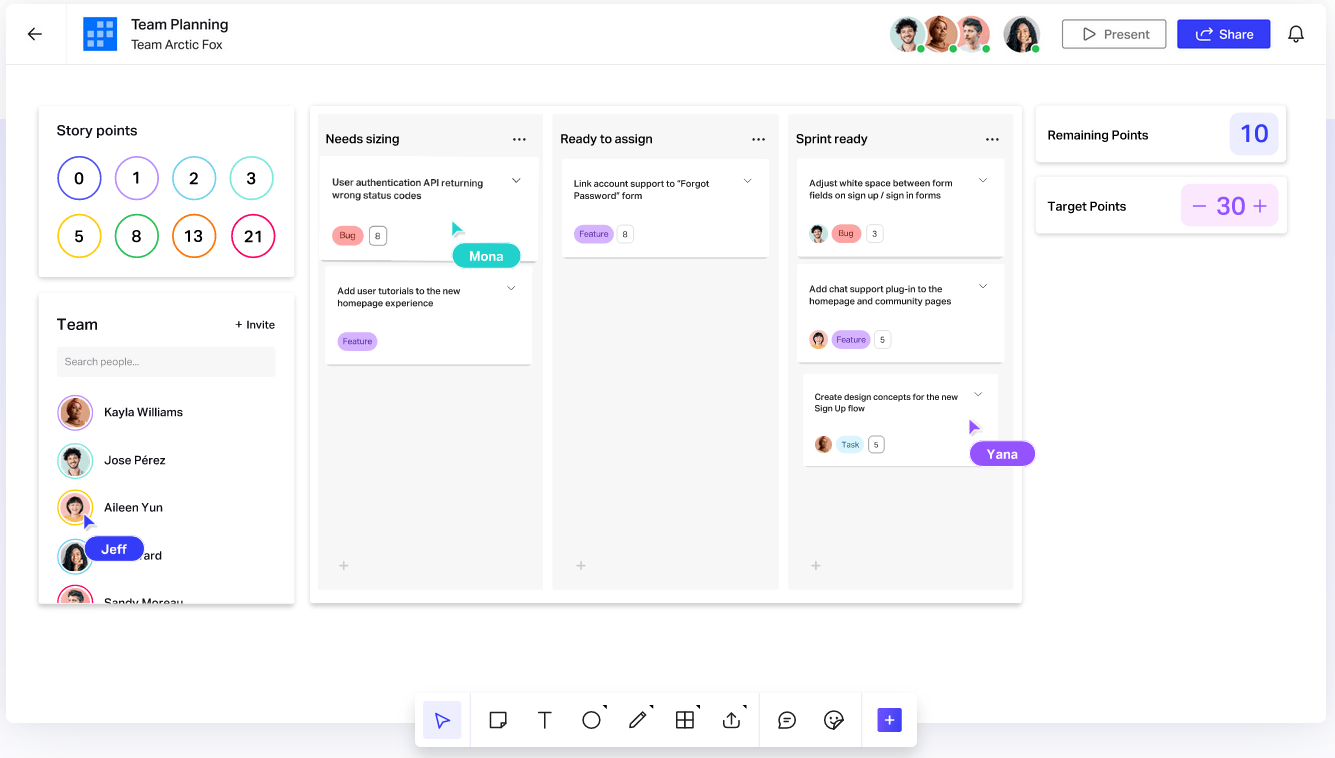
Elevate your design skills with Freehand by InVision—a top-notch visual collaboration platform that keeps your team aligned.
Freehand is an Intelligent Canvas suitable for brainstorming, discussing ideas, and working on designs. The canvas has three components that work together to streamline your processes:
Freehand also boasts advanced project management options—drag and drop people cards to assign tasks, use connectors to manage capacity, and take advantage of multiple views to observe your projects from different perspectives.
Key features like Leaderboard, Buzzers and Spinners, and Flip Cards fuel team collaboration and make work fun. 🥰
*All listed prices refer to the yearly billing model
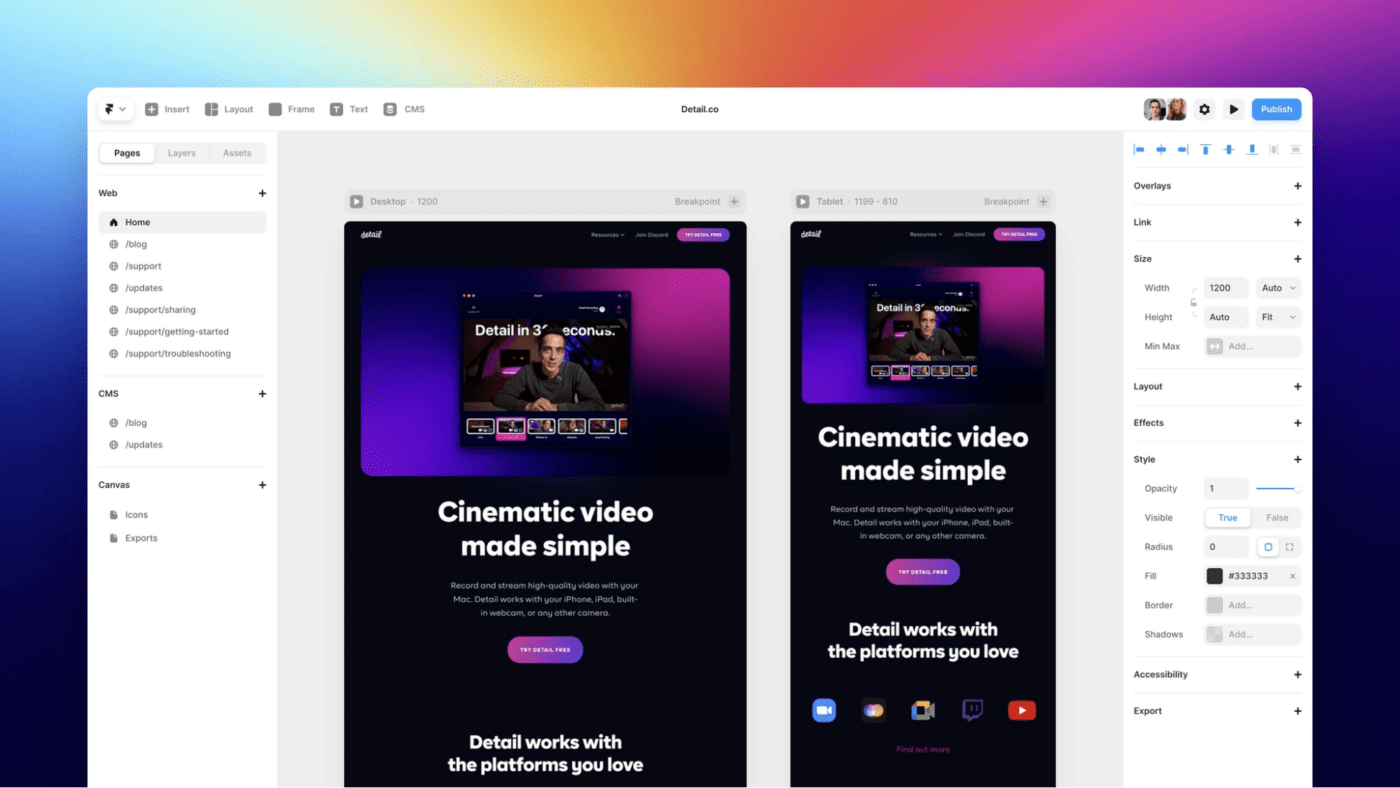
Want to design visually appealing and functional websites? Framer is the way to go! 💪
One of the reasons Framer is so popular is its design and layout options. Choose one of the pre-set layouts or express your creativity through the platform’s freeform canvas.
If you’ve done some work in Figma, you’ll be happy to know you can simply copy and paste your designs to Framer and keep working on them.
Use Framer’s breakpoints to ensure your website works seamlessly on any device. Extensive no-code positioning options allow you to customize navigation bars, badges, sidebars, and other elements to create a website that aligns with client requirements.
Breathe life into your website with appear and scroll animations and customize every component to attract visitors. As Framer boasts robust SEO and performance features, it’s much more than a web design tool.
Create metadata, use semantic tags, and see how your website ranks on search engines with this design tool.
*All listed prices refer to the yearly billing model
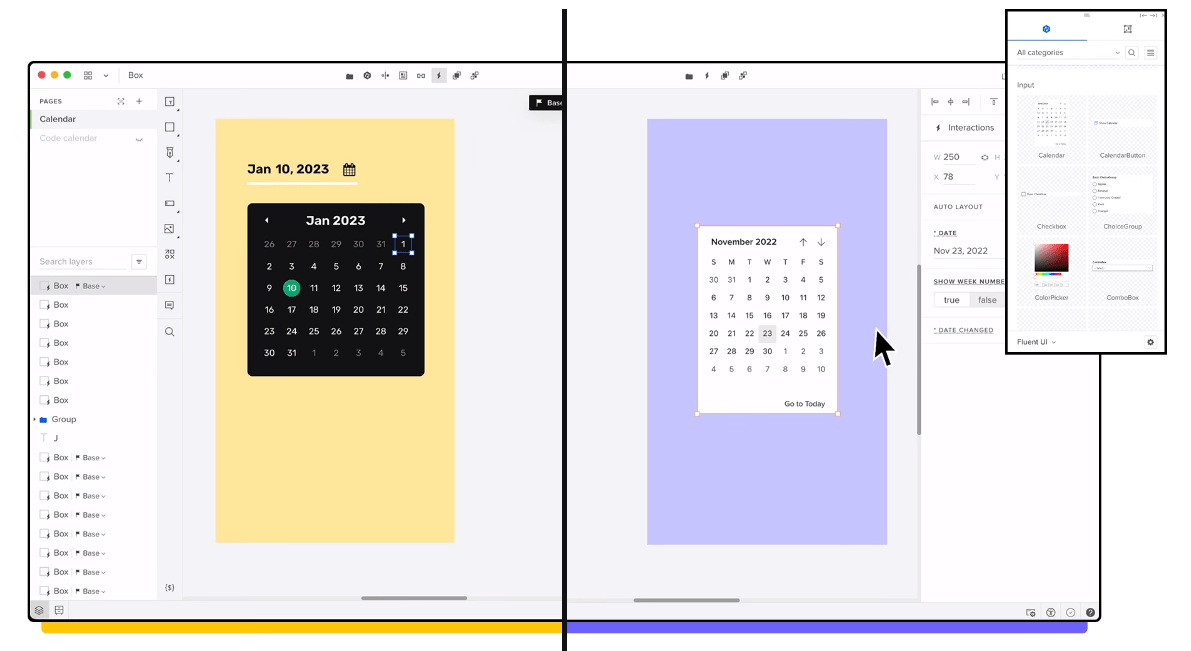
With its powerful options for prototyping, UX and UI design, wireframing, and mockups, UXPin is the cremè da le cremè of design apps. 🎩
One of its stand-out features is UXPin Merge, with which you can design using React and ensure consistency across the board. This option lets you use the same components for design AND development—all you need to do is choose the source of UI items and build prototypes that perfectly match your final product.
Like other platforms, UXPin lets you create design systems from scratch. But you can also import templates from Material Design or Bootstrap or sync an existing design system library, boosting your productivity and streamlining processes.
This alternative to Figma prioritizes collaboration—share your work with others to get feedback or approval in a few clicks and work on your designs in real-time.
*All listed prices refer to the yearly billing model
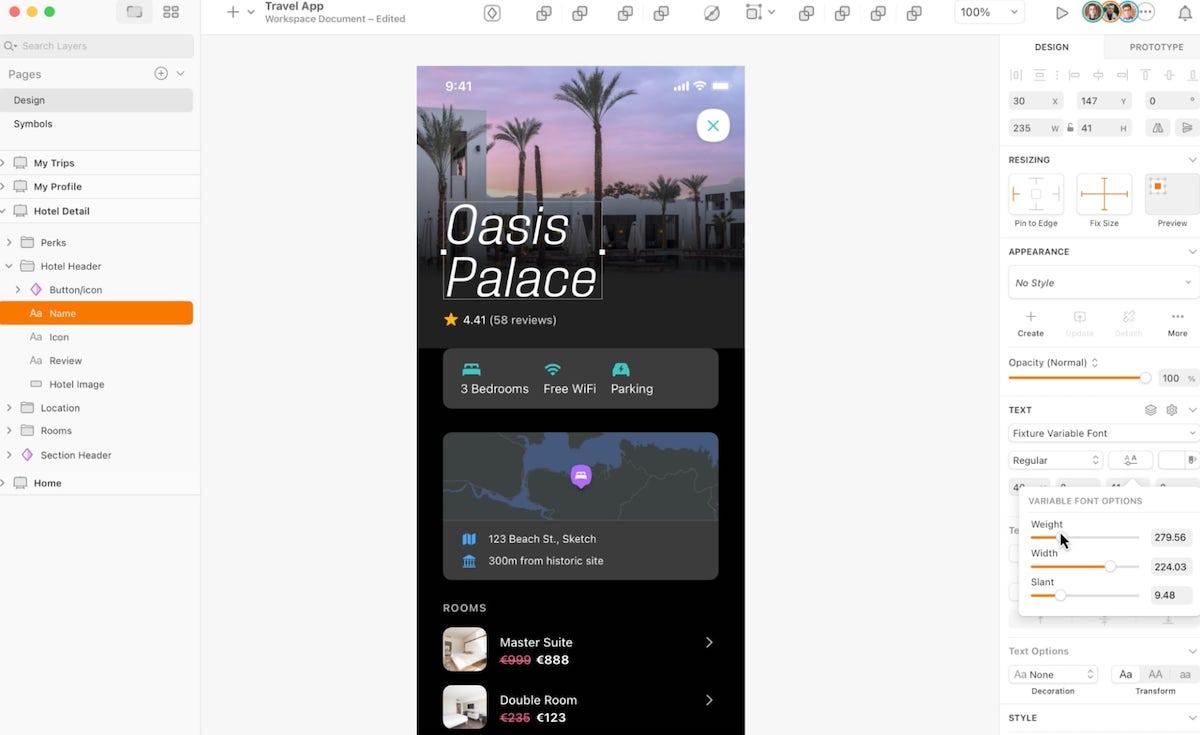
If you’re a macOS user on the hunt for a functional design platform, look no further than Sketch!
The platform features a drag-and-drop interface with customizable toolbars and shortcuts, Touch Bar support, and built-in spellcheck to make your work easier.
Sketch started out as a vector editing platform, and it still boasts options like shorthand math operators and effortless editing for multiple borders, making the design process easier.
The platform comes with an infinite canvas where your team can discuss ideas in real time. Can’t find inspiration? Use Templates and Artboards as starting points!
Responsive Symbols with Smart Layout make your work smoother—create a component, reuse it later, and ensure symbols automatically resize to fit the content.
Go from ideas to reality with the platform’s prototyping tools—use Overlays and a dedicated UI to test your designs and see how they look on your Mac or iPhone with this alternative to Figma.
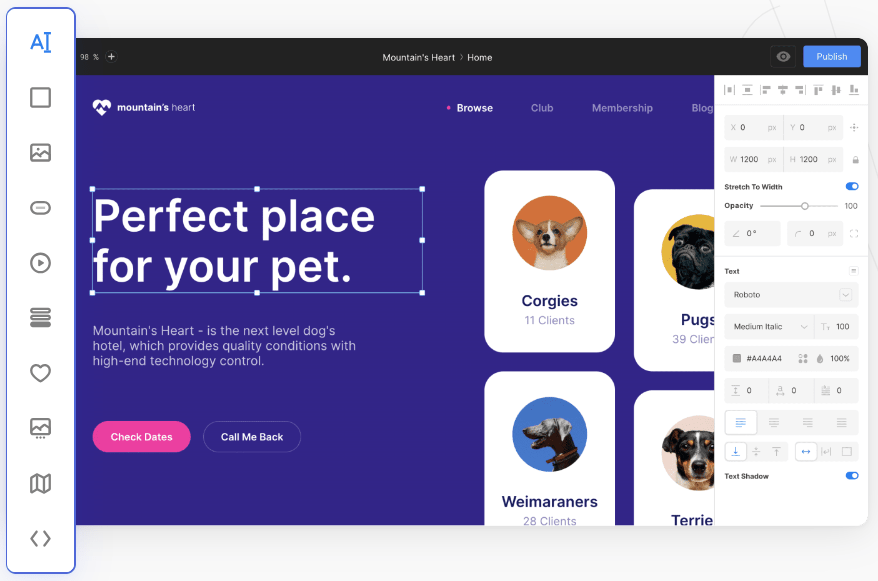
The first thing you’ll notice about Siter is its intuitive interface—the toolbar on the left side of the screen lets you access dozens of options in a click or two.
With Siter, you organize your layers in groups for easier navigation. Lock, hide, and move the groups around to keep the desired outline and prevent confusion.
The platform offers thousands of premade icons for your website but also lets you build your own design system. You can:
Thanks to real-time collaboration, your team members can work as one even if you’re not in the same room (or state—or continent!).
If you’ve already started your project in Figma, you’ll be happy to know that Siter has a plugin that lets you import it with no coding.
*All listed prices refer to the yearly billing model
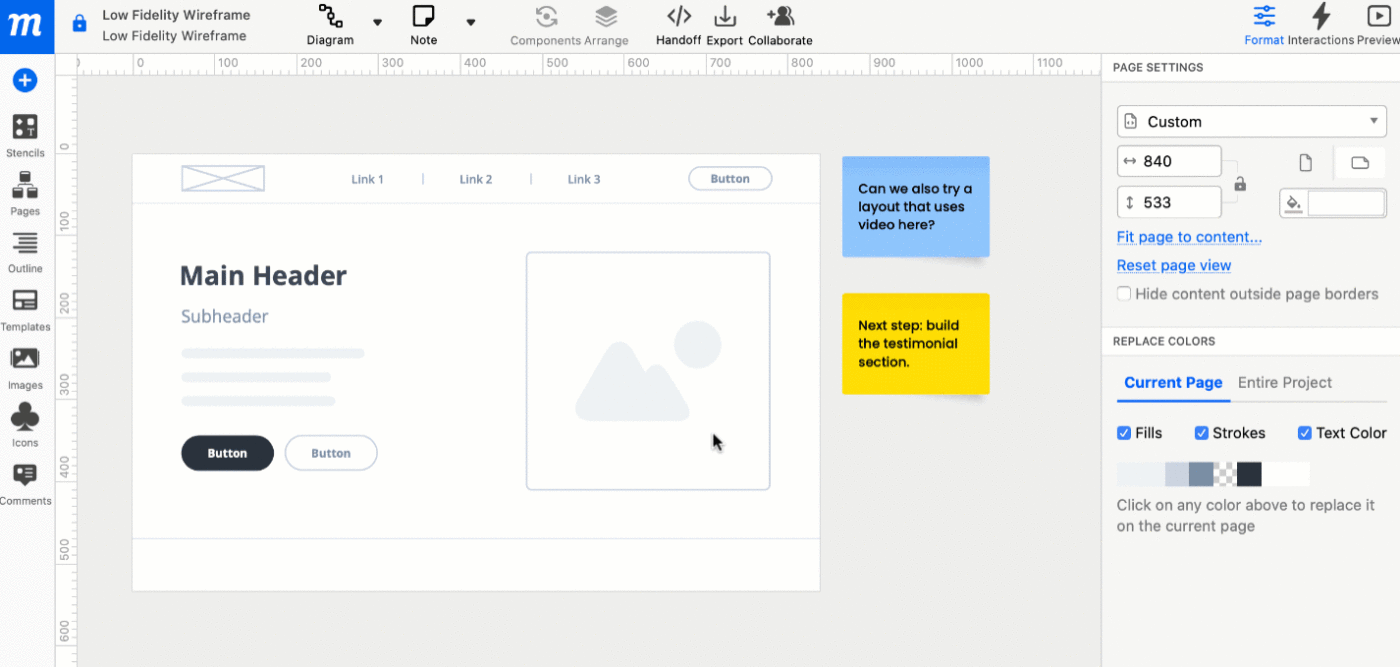
Before introducing your website to the world, you need to create wireframes and prototypes to ensure everything looks good. Moqups is the go-to platform for that—it helps you visualize and review website designs.
The platform lets you create wireframes directly from your browser. Use the drag-and-drop interface to move the elements around and create the perfect layout.
Moqups offers an impressive library of Icon Sets, widgets, and smart shapes to use on your website. Use diagram extenders and connectors to come up with diagrams and flowcharts. There are also hundreds of font options to choose from, and a Google Fonts integration opens the door to many more.
The platform features an online whiteboard where your team can collaborate, add files, strategize, provide and receive feedback, and visualize your projects.
*All listed prices refer to the yearly billing model

Don’t want to worry about platform compatibility, expensive pricing plans, and heavy-duty software installation? Check out Penpot, an open-source, web-based software for prototyping and designing websites. 😍
Penpot uses scalable vector graphics (SVG), so you can forget about formatting issues. With Penpot, you can:
Define triggers and actions to bring life to your designs, generate eye-catching transitions, and reap the benefits of the infinite canvas to let your imagination go wild.
If you want to prevent distractions, use the Focus Mode to select the elements you want to work on and hide the rest.
Penpot supports real-time collaboration—with options to share presentations internally, leave comments, and export objects and files to share them with external collaborators.
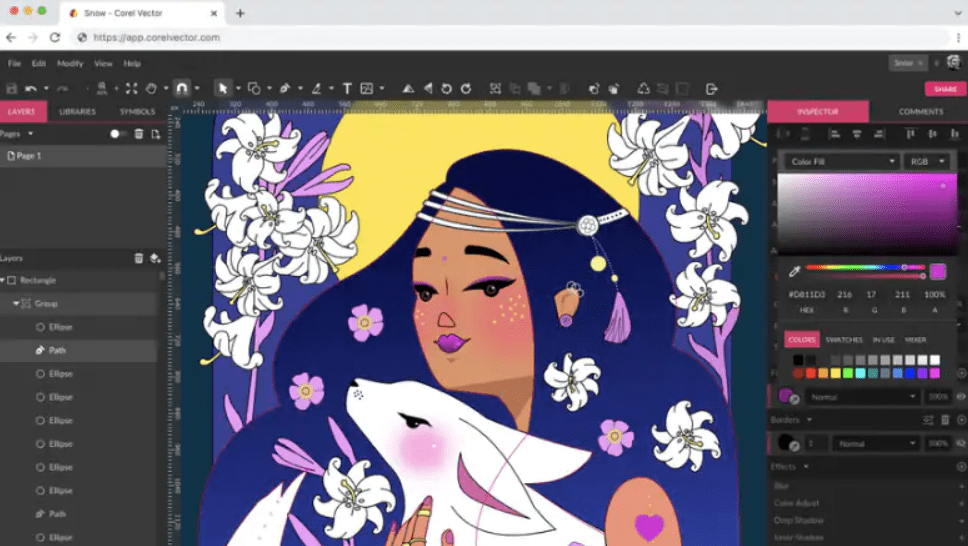
Corel Vector, formerly known as Gravit Designer Pro, is a web-based vector graphics app. You can use it for virtually any graphics- and design-related project, from creating logos to marketing materials, design mockups, and websites.
The platform is known for its vector editing options. Create geometric shapes effortlessly using smart shape primitives with magic control points. Use Pen, Knife, Bezigon, and Lasso tools to manipulate vector paths. Deploy live corners and freehand vector tools for ultimate design control.
Besides featuring an intuitive interface, it’s worth mentioning that you can work with this tool online and offline.
With a rich color palette, 35+ live, non-destructive effects and adjustments, and extensive file format support, Corel Vector can help you reach new design heights.
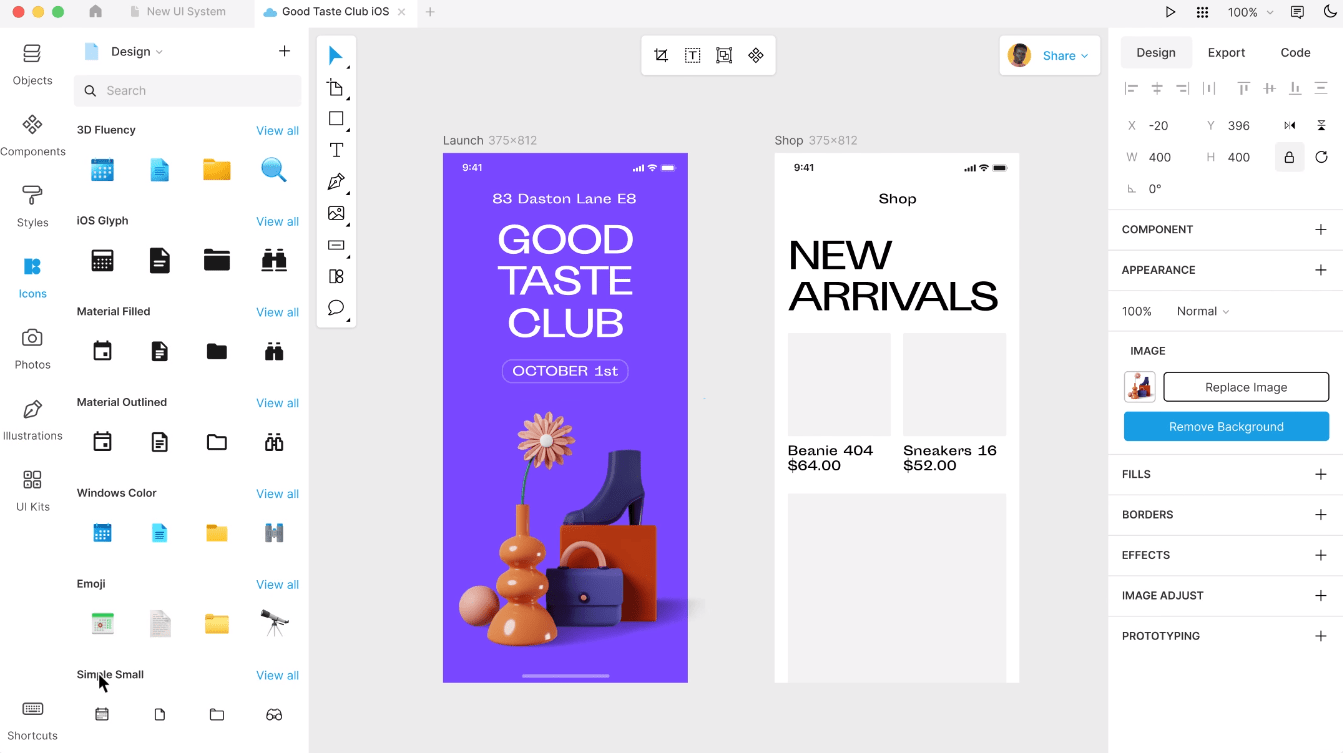
If you want an AI-powered design app with advanced options, you’ll go crazy (pun intended) over Lunacy!
The platform offers options you’d expect in a quality collaborative design app—real-time collaboration, leaving comments, color variables, and effortless prototyping.
But Lunacy takes it a step further and offers a few exclusive options. You get a rich built-in graphics library with 1,000,000+ icons, 70,000+ illustrations, and 140,000+ photos—you’re bound to find something that suits you.
You can also use routine killers, a.k.a. options that save you time by completing repetitive tasks for you. Try the AI Background Remover, Avatar Generator, and AI Upscaler, and let them do the mundane work.
Use the Smart layer tree to disable the layers you don’t see, adjust shape colors automatically, and update the generated content automatically!
The listed Figma alternatives let you unleash your creativity with powerful features to design websites, apps, logos, and other creative products.
If you want a platform that supports creative collaboration and offers robust design project management options, we recommend signing up for ClickUp!

Arya P Dinesh
Max 15min read

Manasi Nair
Max 15min read
Manasi Nair
Max 19min read

© 2026 ClickUp





