






Still downloading templates?
There’s an easier way. Try a free AI Agent in ClickUp that actually does the work for you—set up in minutes, save hours every week.
Sorry, there were no results found for “”
Sorry, there were no results found for “”
Sorry, there were no results found for “”

You might have a file filled with award-winning creative work, but if no one notices it, does it even matter?
Knowing how to build a portfolio that leaves a lasting impression is as important as building your portfolio itself. You could be the next big thing, but if your portfolio looks like a haphazard Word doc, the people who can offer you those dream gigs are just going to scroll away.
What if there were a smart tool that took all the hassle out of portfolio formatting and design? AI portfolio generators help you compile your work in a way that presents your skills with clarity and impact.
We’ve rounded up the top AI portfolio generators that help you build personalized digital portfolios without spending hours wrestling with code or expensive templates. Let’s take a look!
👀 Did You Know? A well-crafted online presence significantly influences hiring decisions. In fact, around one in every two employers won’t interview people they can’t find online.
Let’s take a quick look at the top AI portfolio generators and their key features:
| Tool | Best for | Best features | Pricing* |
| ClickUp | Teams of all sizes for project management and collaborative portfolios | Task management, project views (Gantt, Board, List), collaboration tools, time tracking, integrations | Free plan available, paid plans with additional features, and customization options available for enterprises |
| Durable | Small businesses and freelancers, for quick online portfolio presence | AI-powered website builder, automatic content generation, easy-to-use interface, built-in invoicing | Free plan with durable branding; paid plans start at $15/month/user |
| WIX ADI | Individuals and small to medium-sized businesses with varied portfolios | AI-driven design process, drag-and-drop editor, a wide range of templates, and integrated business tools | Free plan with Wix branding and limited storage; premium plans start at $17/month/user |
| 10Web | WordPress users seeking AI-powered website enhancement | AI website builder based on WordPress, automated website optimization (speed, core web vitals), managed hosting | Free trial available; paid plans start at $20/month |
| PortfolioBox | Creative professionals like photographers and artists | Focus on visual portfolios, various gallery layouts, client proofing, and e-commerce integration | Free plan with limited features; pro plans start at $10.9/month/user |
| Framer AI | Designers prioritizing code-free, visually rich websites | AI-powered website generation from prompts, powerful visual editor, built-in animations, component library | Free plan with Framer subdomain; paid plans start at $10/month/site |
| Webflow AI | Designers and developers wanting advanced visual control | AI-powered content generation, powerful visual builder with full CSS control, custom interactions, and animations | Free plan with Webflow subdomain; paid plans start at $18/month/user |
| Canva | Individuals and small teams for visually appealing, simple portfolios | User-friendly drag-and-drop interface, vast library of customizable templates and design elements, collaboration features | Free plan with many features; paid plans start at $15/month/user |
| Decktopus | Individuals and teams for presentation-style portfolios | AI-powered slide generation, professionally designed templates, easy content integration, and analytics | Free plan with Decktopus branding; paid plans start at $24.99/month/user |
| Hostinger | Individuals and small to medium-sized businesses needing hosting included | Website builder (Zyro), affordable web hosting, various templates, e-commerce features | Pricing varies significantly based on hosting plan and add-ons; website builder access is often included in hosting plans |
Creating a standout portfolio takes time and skill. But AI portfolio tools can build a professional showcase in minutes. Here’s what to keep in mind when picking a portfolio website builder:
🧠 Fun Fact: The concept of digital portfolios dates back to 1989 when educators began electronically compiling student work for archival purposes using early computers and scanners. Fast forward to today, and AI-powered tools can transform your ideas into sleek, interactive portfolios in just minutes.
📖 Also Read: Best Marketing Portfolio Examples for Inspiration
Our editorial team follows a transparent, research-backed, and vendor-neutral process, so you can trust that our recommendations are based on real product value.
Here’s a detailed rundown of how we review software at ClickUp.
Here are the best AI portfolio generators that showcase your work the way it deserves, and highlight your creative skills!
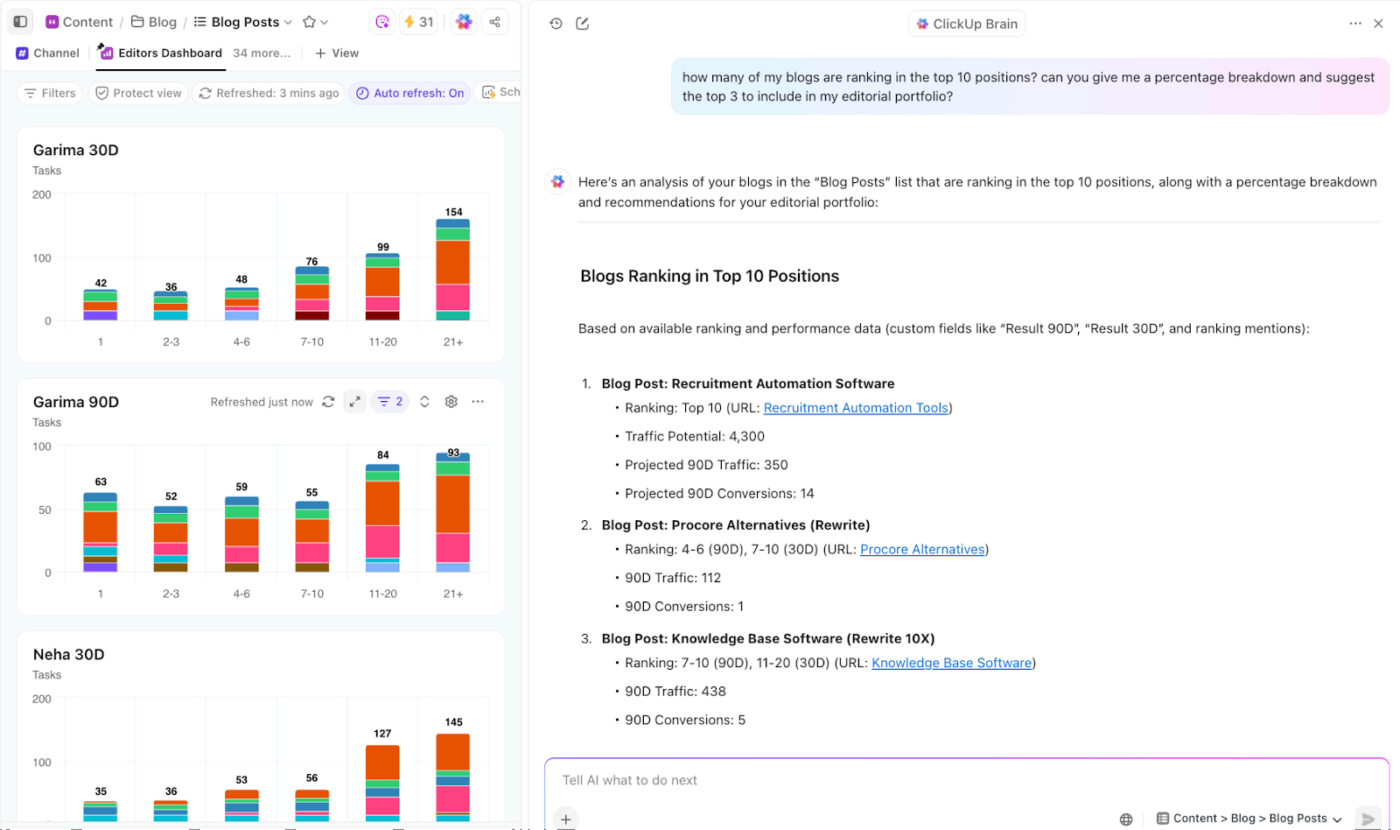
You’ve spent hours perfecting your work—don’t let it get buried in old folders or scattered links. With ClickUp’s everything app for work, you can build a sleek, searchable portfolio that not only looks great, but also works hard behind the scenes to keep your projects organized, up to date, and presentation-ready.
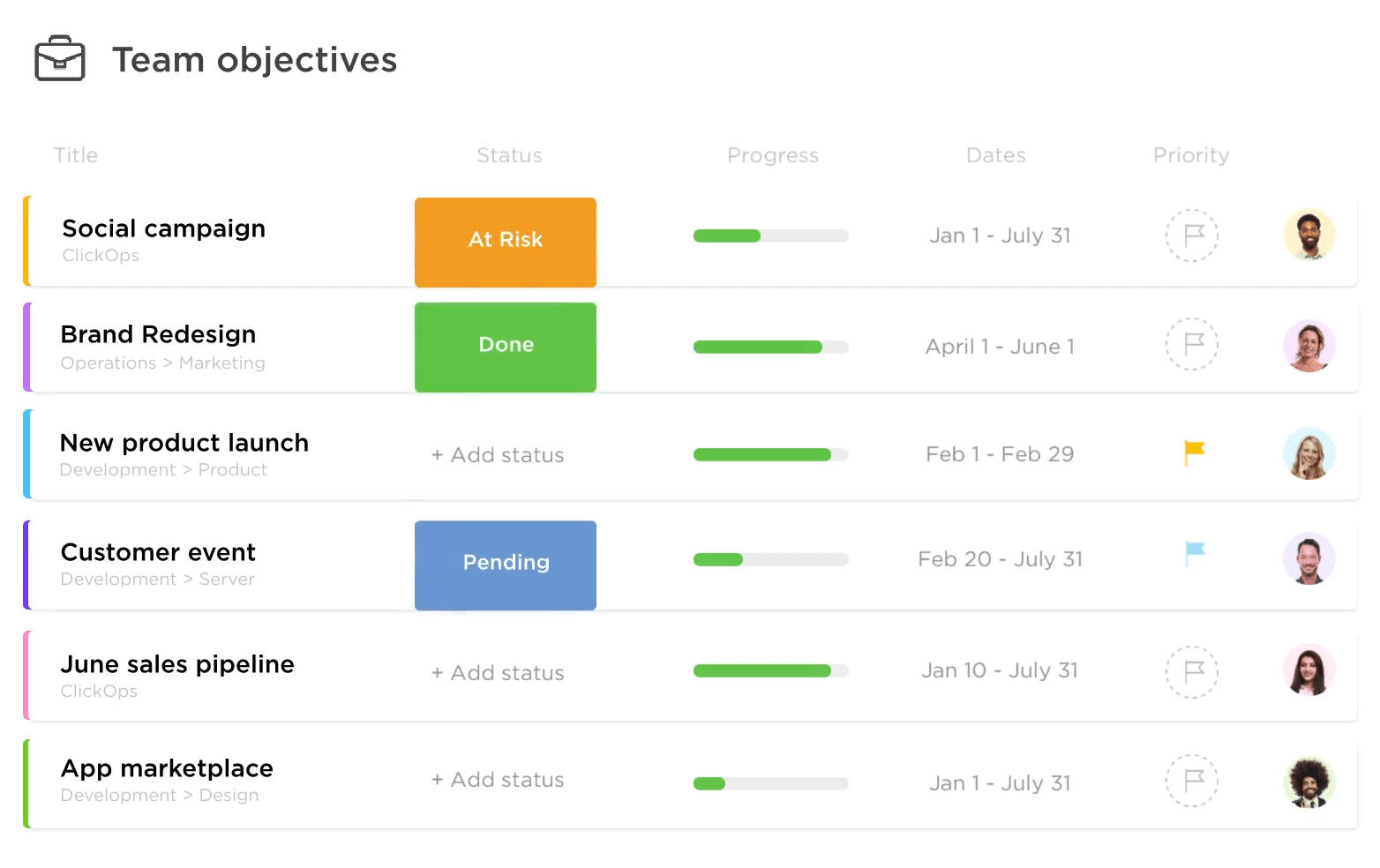
Start with ClickUp Portfolios, which lets you bring multiple projects, clients, and creative streams together in one clean, visual dashboard. Each portfolio includes project details like status, deadlines, and progress, so potential clients can see not just what you’ve done, but exactly how you work. You can track, tweak, and show off your progress like a pro.
What makes it a powerful digital portfolio maker is that it gives you real-time updates. You can customize exactly what shows up—like progress bars, deadlines, team members, and more—so your view works the way you do.
It’s easy to filter and sort by project, status, or priority to stay focused on what matters most. Need to keep others in the loop? Just share your portfolio view via a link with stakeholders so everyone’s aligned. You can even add context with notes, tags, and file attachments—all from a single, streamlined project portfolio dashboard.
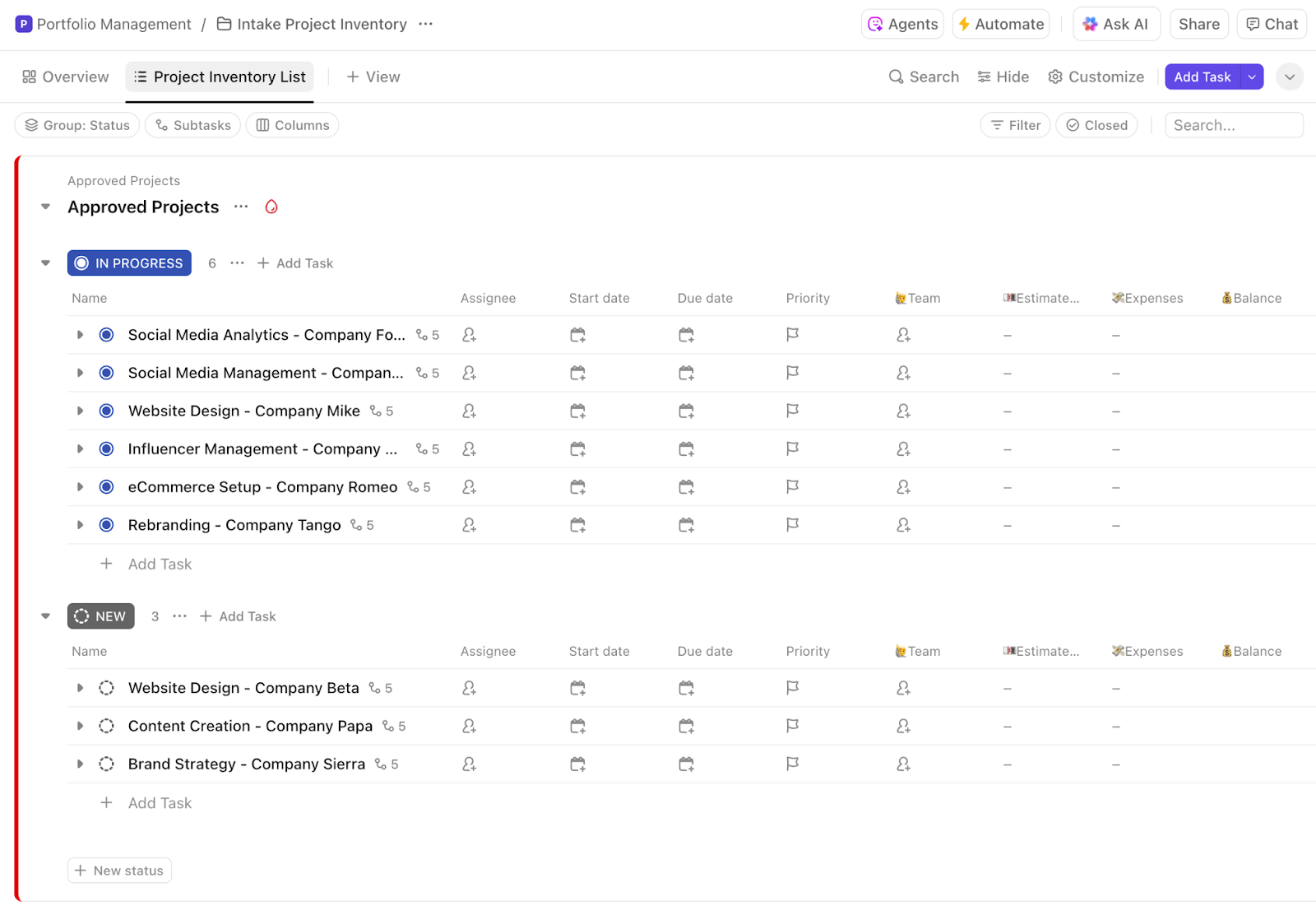
If you want a quick setup, the ClickUp Portfolio Management Template gives you an easy way to track both active and completed projects in one place. It helps you centralize project data, making it easy to update and share your digital portfolio online.
You can organize past work by client, project type, or campaign. It’s especially useful when you want to keep your portfolio client-ready and your progress transparent.
Did we mention all of ClickUp’s portfolio templates are totally customizable? For this one, you get 16 Custom Statuses to help you keep track of every stage your work goes through. You can add more depth to your projects with six Custom Fields—like expenses, progress, and balance—so nothing slips through the cracks.
You can also switch between different views, including a Portfolio Master List and a detailed Project SOPs View, to get a clearer picture of everything. Plus, with built-in ClickUp Time Tracking, handy tags, and dependency alerts, staying organized and on schedule becomes a whole lot easier.
💡 Pro Tip: Designers can take it a step further with the ClickUp Design Portfolio Task Template, which includes visual thumbnails, status tags, deadlines, and client notes—all in one place.
Need to centralize portfolio content in a flexible, collaborative environment? Use ClickUp Docs to keep all your designs, progress, case studies, and client testimonials in one place.
You can embed rich media—images, videos, even task lists—to visually showcase your work, making your portfolio more engaging and informative. Structuring content is simple too, with support for nested pages and subpages that let you organize your portfolio by project, skill, or category, making it easy for viewers to find relevant examples. So, you can add sections for testimonials, metrics, or behind-the-scenes workflows to tell the full story, not just show the final product.
Docs are especially helpful for collaboration. Teams can co-edit documents in real time, leave comments, and suggest changes—ideal for co-authoring project narratives or refining content before publishing. Docs can be shared publicly without login requirements, so sending your portfolio to attract clients or collaborators is seamless.
You can link Docs directly to specific ClickUp Tasks or projects within ClickUp, keeping everything connected and easy to access. Built-in feedback tools and version control ensure your portfolio stays updated and aligned with ongoing work.
Using multiple standalone AI tools often leads to AI sprawl, where writing, design, and formatting happen in isolation. Without shared context, creators spend more time fixing inconsistencies than actually improving their portfolio.
📌 For example, a designer could use ClickUp Docs to write a project summary, embed visual design iterations, and link to final deliverables. The team could then review and comment, and once finalized, the Doc could be shared as part of a public-facing portfolio or integrated into a broader project tracking template.
For professionals looking to tell the story behind a project or write up project overviews or personal bios, try out ClickUp Brain—the planet’s most complete and contextual work AI. It’s built into your ClickUp Workspace, has knowledge of your work, and doubles as your AI Writing Assistant. It’s the best way to contextualize, generate, refine, and localize your portfolio’s content.
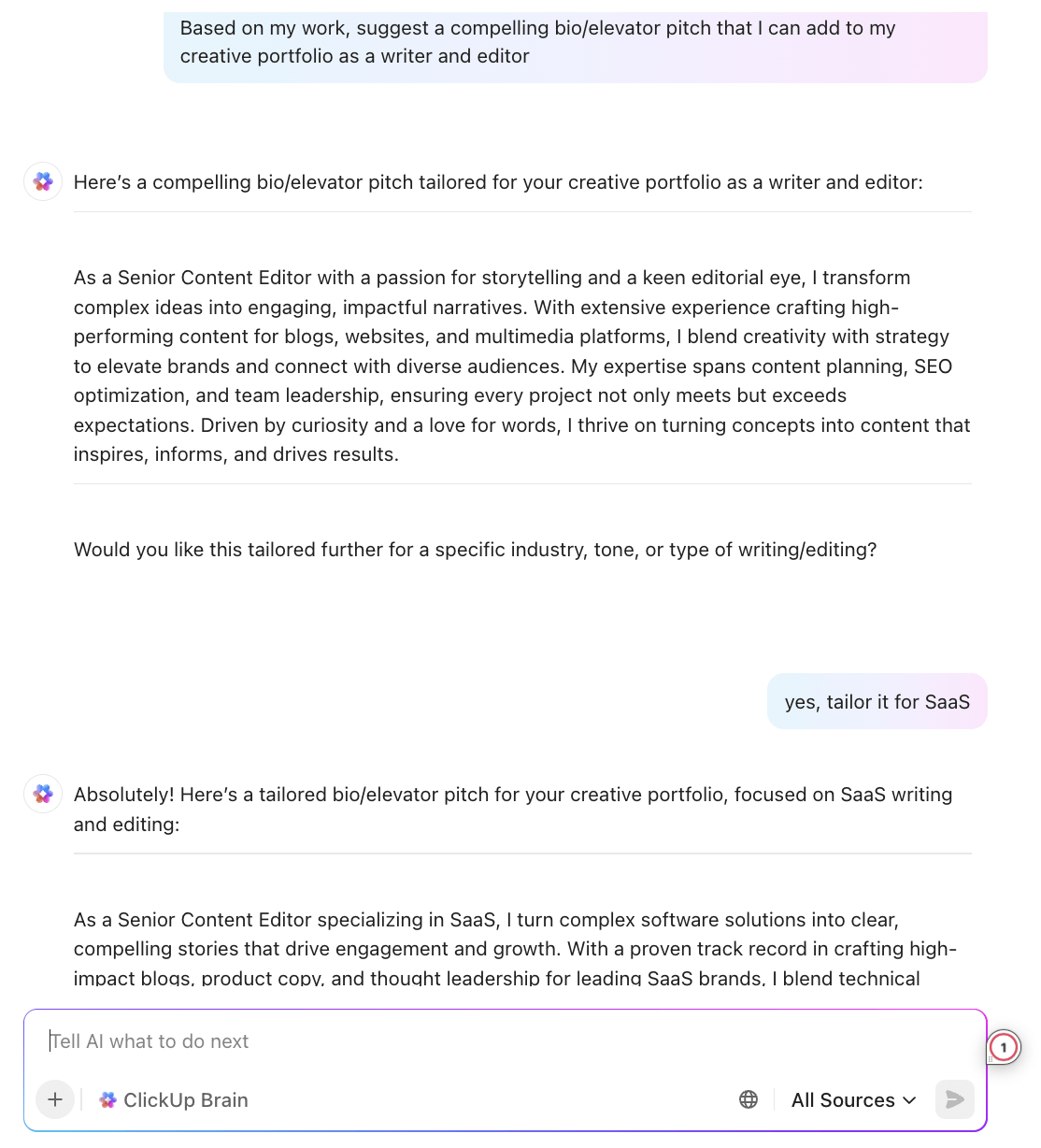
Just drop in a prompt, and it helps you draft portfolio sections that actually sound like you while keeping content sharp, confident, and typo-free.
The ClickUp AI Knowledge Manager can also instantly answer questions about any of your projects, docs, and team knowledge. For portfolio creators, this means you can quickly surface relevant case studies, project outcomes, or client feedback from your workspace, streamlining how you present and update your portfolio content.
📮ClickUp Insight: More than half of employees struggle to find the information they need at work. While only 27% say it’s easy, the rest face some level of difficulty, with 23% finding it very difficult.
When knowledge is scattered across emails, chats, and tools, wasted time adds up fast. With ClickUp, you can turn emails into trackable tasks, link chats to tasks, get answers from AI, and more within a single workspace.
💫 Real Results: Teams are able to reclaim 5+ hours every week using ClickUp—that’s over 250 hours annually per person—by eliminating outdated knowledge management processes. Imagine what your team could create with an extra week of productivity every quarter!
So, what do these ClickUp features mean for you?
You get more than a place to display finished work—ClickUp lets you highlight your process, collaboration, and strategy through smart product portfolio management. Share updates in real time, invite feedback, and keep everything organized with AI.
💡 Pro Tip: Set up a Custom ClickUp Autopilot Agent that scans completed tasks marked “Client Approved” and uses a Custom Field rating system—like “Impact,” “Creativity,” or “Client Satisfaction”—to evaluate each project.
Only tasks that meet your quality threshold (e.g., 4 stars or higher) will trigger the agent to auto-create a ClickUp Doc draft for your portfolio, complete with AI-generated summaries and visuals. That way, your portfolio stays curated, not cluttered.
A Reddit review reads:
ClickUp Brain saves me a ton of back and forth honestly. I know there are AI tools with a pretty efficient free tier, but the constant switching between tabs takes a toll. And honestly, when I’m in my deep work zone, this is the last thing I want to do.
I primarily use the AI for writing stuff since I’m in the content industry. It also edits what I’ve written (ah-mazing!). Another thing that really helps me is Docs. I love the formatting options, especially those banners. So cute!
💡 Pro Tip: Create a design portfolio using ClickUp Whiteboards! From AI image generation to dropping client notes right into the board, Whiteboards can be used as a portfolio site where you display your creativity with minimal effort.
You can also share your Whiteboard instantly, embed it in Tasks, export as a PDF, or even chat directly on it. It’s like a live, visual resume that talks back—and keeps everyone in the loop.
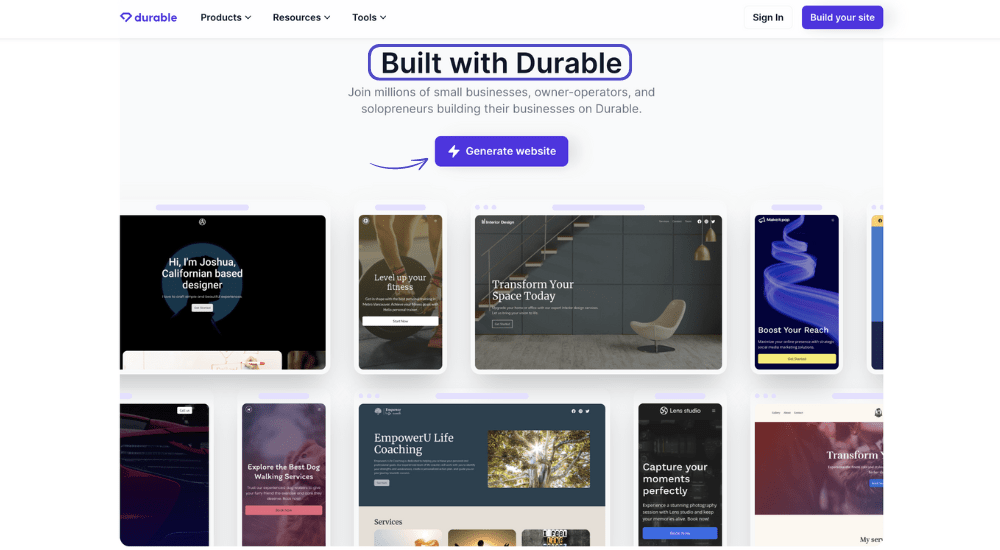
Durable is a portfolio website builder that uses AI to generate personalized online portfolios in just a few clicks. It folds in business essentials like invoicing, client relationship management (CRM), and even basic marketing automation—all from one clean, non-chaotic dashboard.
The platform offers a variety of portfolio templates. It supports seamless export and publishing across multiple formats, making it suitable for freelancers and creative professionals who want a quick, flexible solution for building and updating their portfolio online.
A G2 review says:
It creates a website in just five minutes. If you want to update the website then you can’t edit the existing version, you have to make a new project and then work again on it.
📖 Also Read: Style Guide Templates to Amplify Your Brand
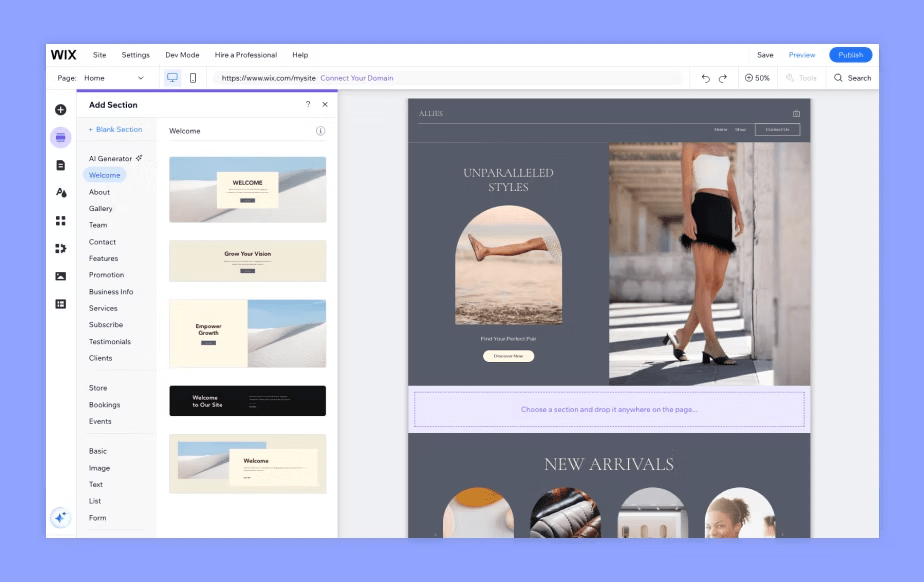
Looking to build a portfolio that reflects your creative yet professional style of work, without hiring a developer? Wix is a user-friendly portfolio website builder that produces ready-to-publish digital portfolios, combining design freedom with smart automation.
Its AI-powered site builder starts by asking a few questions—what kind of creative work you do and what your aesthetic preferences are—and then generates a custom website layout. You’re not boxed into a theme, either; Wix gives you full control to tweak, test, and expand your online space.
It also offers advanced features like client booking tools, eCommerce, video hosting, and SEO customization.
A Capterra review reads:
Overall, was experience with wix was 8/10. It was perfect for a beginners website and easy to learn and build on my own.
💡 Pro Tip: Having your personal website can dramatically increase your online visibility and help you attract more clients. Unlike relying solely on social media platforms, a personalized website allows you to showcase your work in a structured and professional manner, making it easier for clients to navigate and understand your offerings. This centralized approach not only demonstrates your commitment to your craft but also provides a seamless experience for visitors seeking to learn more about your services.
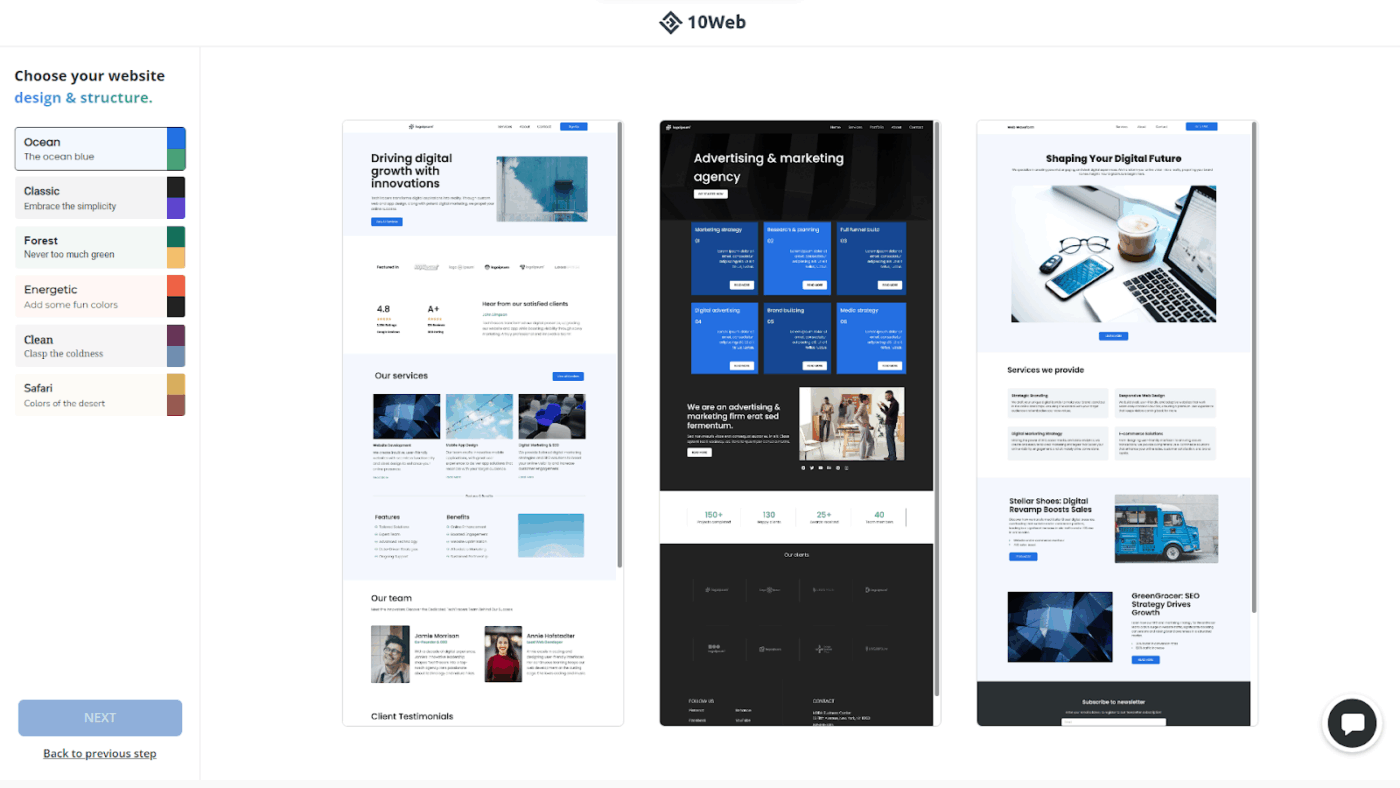
10Web is what happens when WordPress meets automation and decides to get efficient. It offers the flexibility of WordPress with a no-code design studio, letting you describe your vision and have AI do the work for you.
Once your unique portfolio website is generated, you can fully customize it using WordPress tools. Plus, it’s hosted on Google Cloud, meaning it’s fast, secure, and reliable. Based on Elementor, the drag-and-drop editor puts you in control of customizing every aspect of your site’s chosen theme.
A G2 review highlights both pros and cons:
The Ease of everything, where no coding became a ruler and you can accomplish your jobs without troubles as before, ease of implementation and great features that allow you adjust your website as you want […] the dashboard sometimes become hard to open
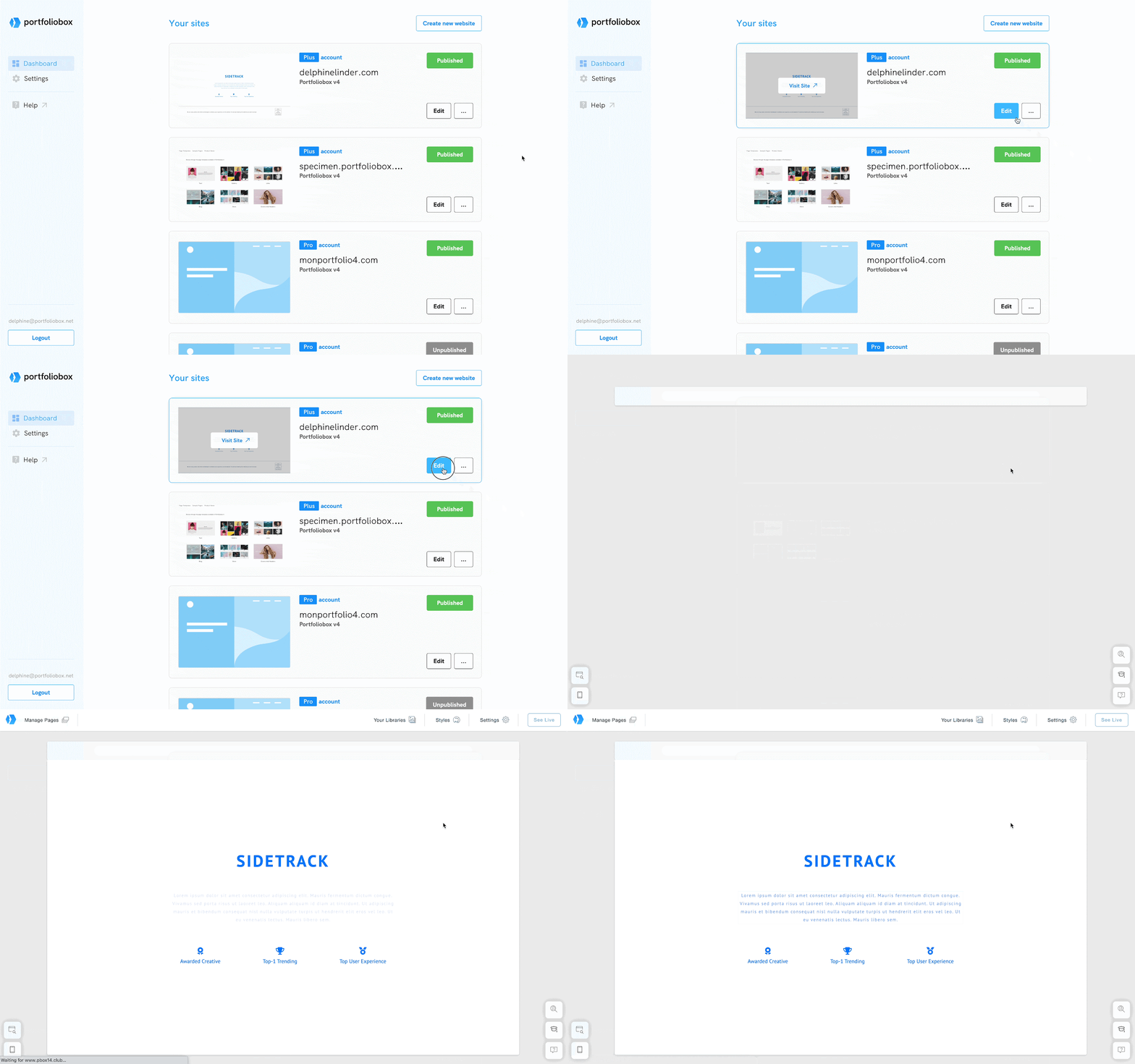
Tired of a bland grid of thumbnails that passes for a portfolio? Portfoliobox is built specifically for creatives—photographers, designers, illustrators, and even makeup artists—and puts visual storytelling at the heart of its platform. Its templates are crafted to let your work breathe, with layout options that feel more like curated galleries than cookie-cutter websites.
The online portfolio builder is a surprisingly full-stack tool: you can manage client bookings, sell prints or products, and even blog from the same dashboard. The eCommerce and scheduling features are built in, too, so you won’t need plug-ins or extra tools to run your business.
A G2 review says:
Love that there is a huge choice of gallery styles & layouts so that you can really choose not just what’s best for your artwork style but for each and every different collection or project too…The autosave can be a little glitchy on different devices – definitely rock solid on a desktop browser though.
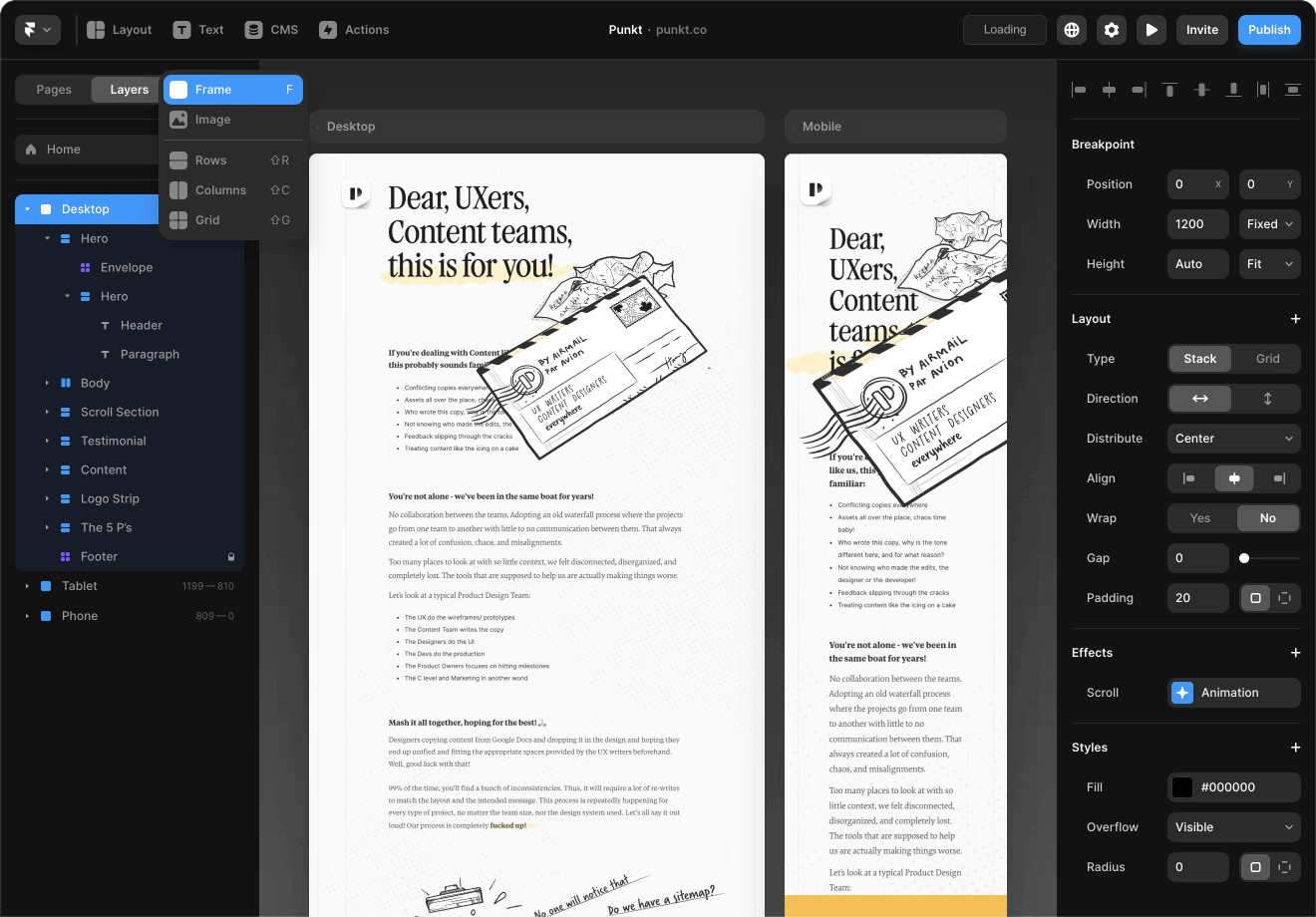
This one’s for creatives who want to go global without losing their voice. Framer makes building multilingual, interactive portfolios from simple text prompts feel effortless. The AI generates entire sections, layouts, and interactions that look like they were hand-coded by an extremely productive designer.
Its standout feature is how it handles localization. Instead of clunky translations or robotic phrasing, Framer helps you build region-specific versions of your site while preserving the tone and nuance of your original content.
A G2 review says:
Framer gives me the perfect blend of design freedom and development power. I can build fully responsive, interactive websites without touching a single line of backend code.
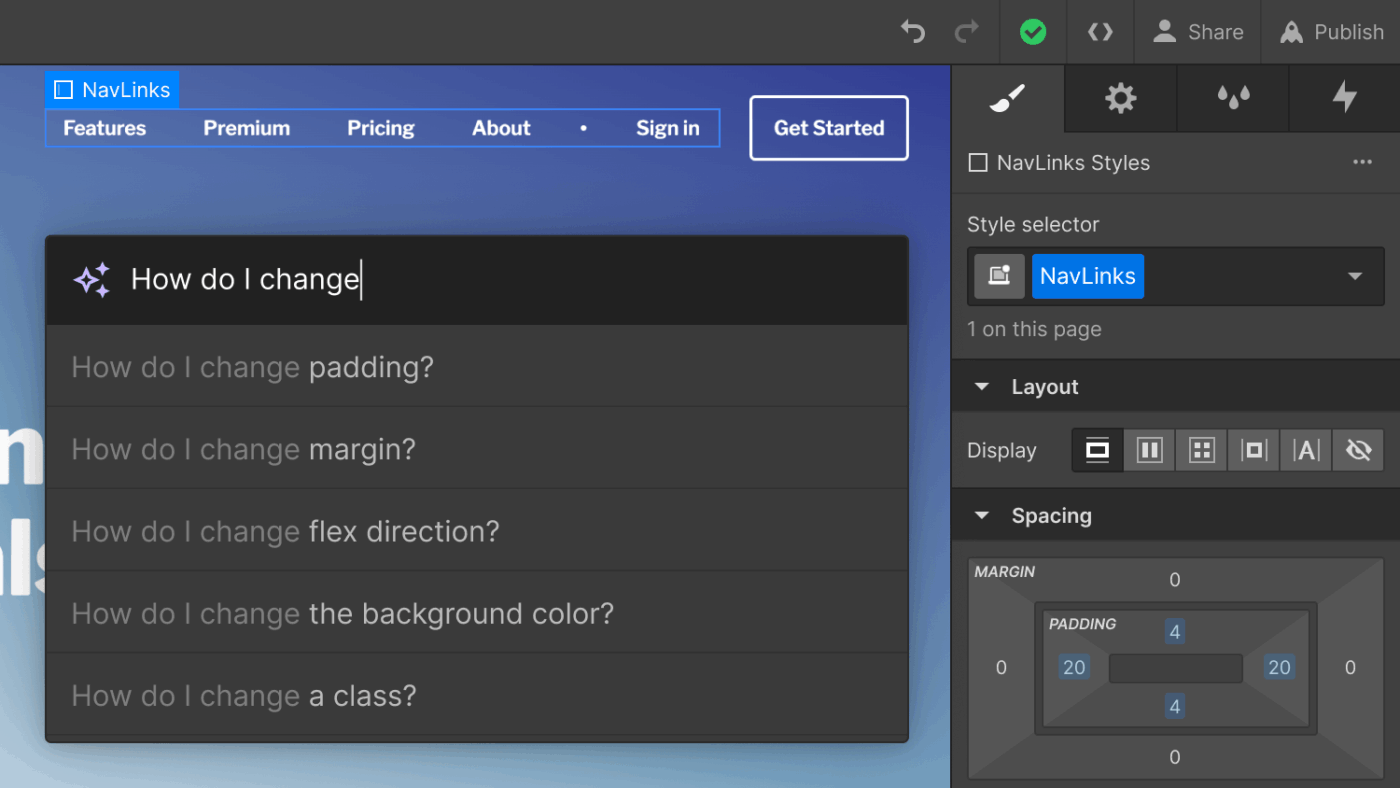
Webflow AI is built on the principle of visual development. It gives creatives direct access to the core building blocks of the web—HTML, CSS, and JavaScript—but through an interface that feels more like design project management software than a traditional website builder.
You can create custom content structures (for example, case studies with unique layouts, dynamic image galleries, or filterable project libraries) without writing backend code. Animations are timeline-based, giving motion designers and visual storytellers the tools to build fluid interactions without leaning on a dev team.
A Capterra review reads:
My experience with Webflow overall was positive and great! I love how Webflow is so diverse in its ability to deliver on various levels. I am very pleased with Webflow and feel is a star in its field. For beginners, it is not the easiest design tool to learn if they have no experience with them.
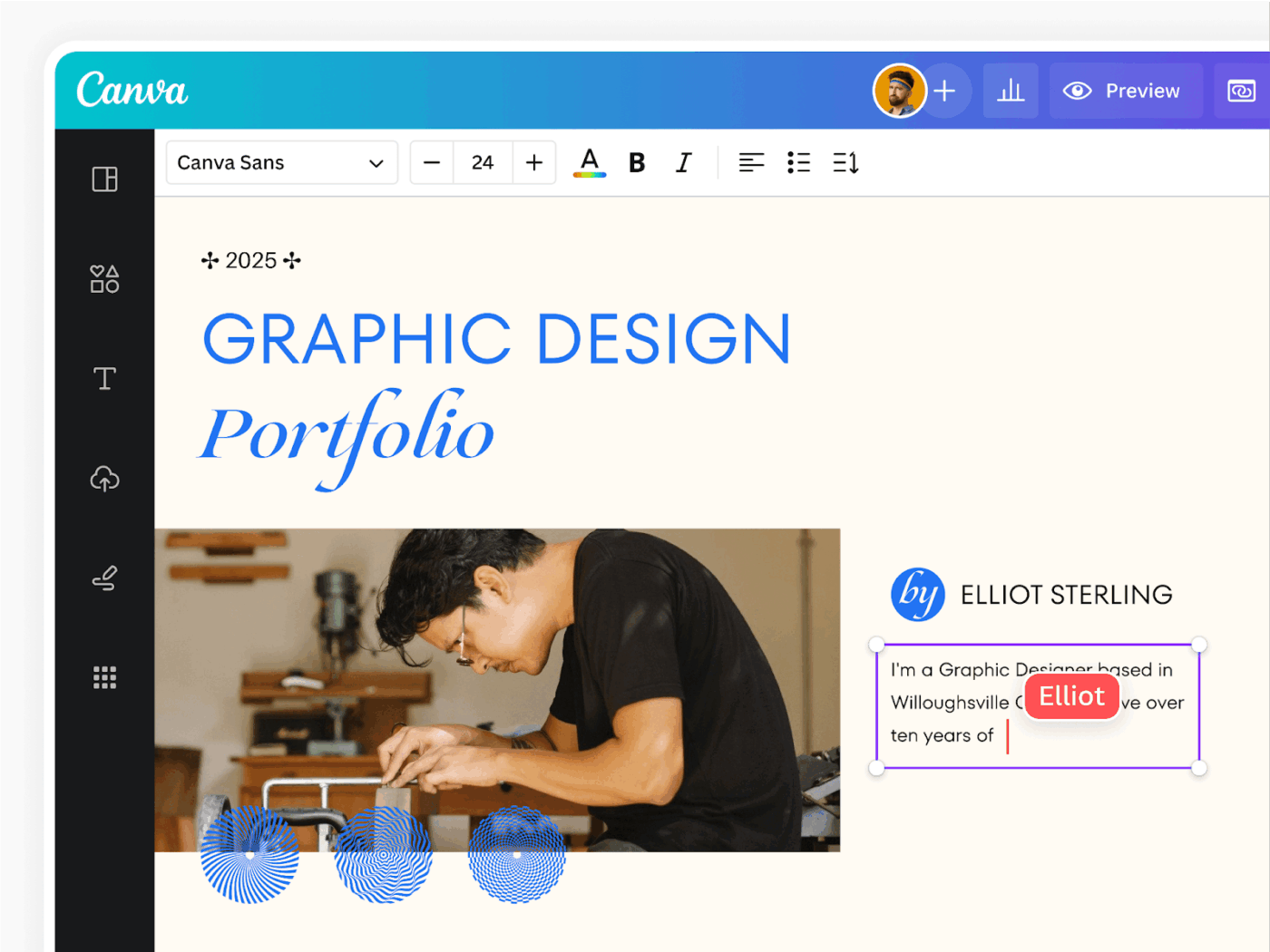
Canva’s free portfolio website builder leverages AI tools (Magic Studio™) for easy drag-and-drop design, offering hundreds of customizable portfolio templates. You can quickly assemble a digital portfolio with integrated stock photos, videos, and graphics, and publish online with a free Canva domain or custom domain.
Pick from 50,000+ graphic design templates and customize them using Canva’s vast library of assets. This online portfolio maker removes technical barriers while keeping the creative control in your hands.
A G2 review reads:
The best thing about Canva is the number of template options it provides along with the vast number of options to customise it. It lets you create and custom any design you want to work on, whether you need to make a simple design to post on social media or its a resume you’re aiming to create.
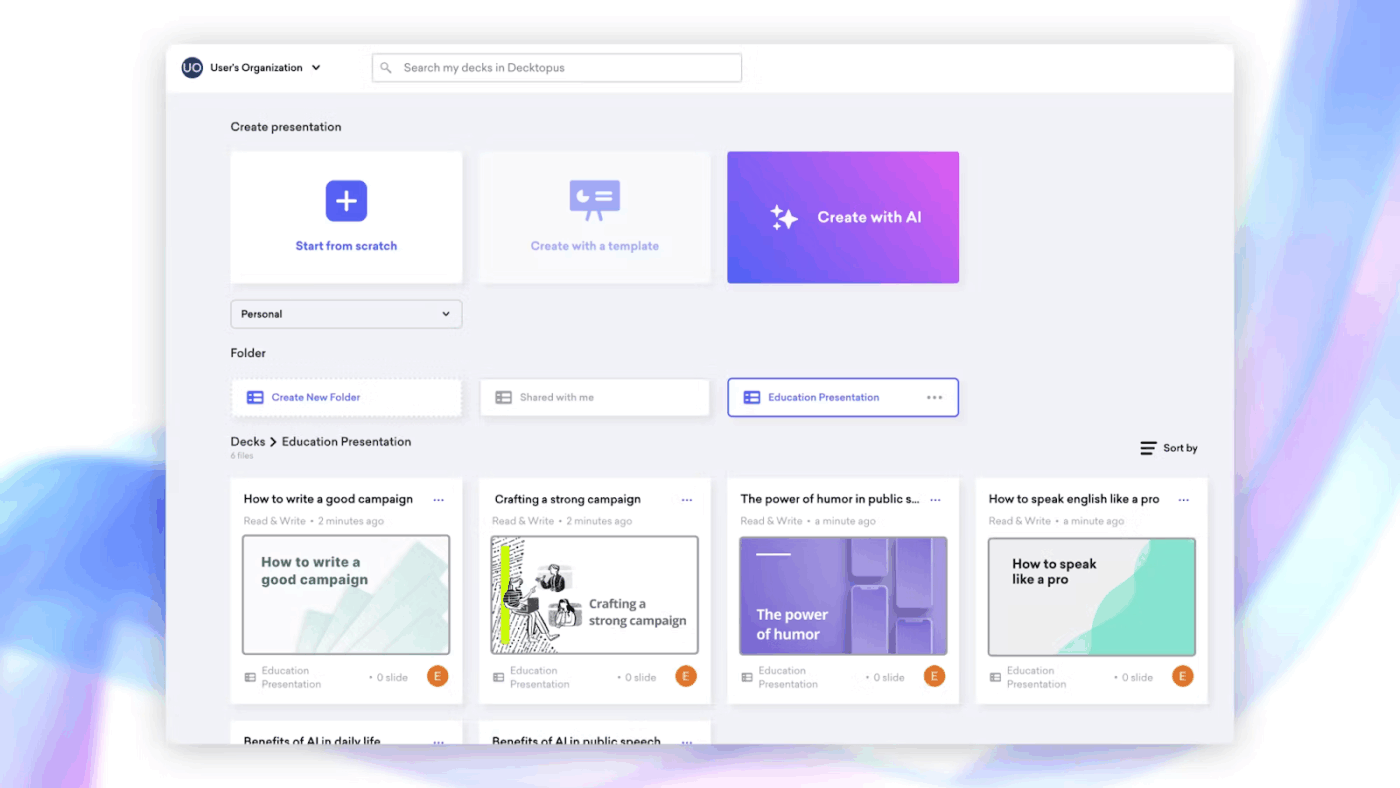
Decktopus stands out by putting AI at the heart of presentation design. While other tools focus on templates, Decktopus uses smart algorithms to handle the heavy lifting of design decisions.
This means you can channel your energy into crafting compelling content while the AI handles visual elements, layout, and formatting.
The tool shines for sales teams and event planners who need to create great-looking presentations fast. Its AI system learns from your inputs and preferences, suggesting layouts and design elements that match your personal brand and style.
A Capterra reviewer says:
It’s super easy to customize templates compared to PowerPoint. Once you select the style and color, you’re ready to go. I spend less than 10 minutes on customizing templates. The stock image selection is limited. But with so many free image and illustrations available on the net, it isn’t a big issue.
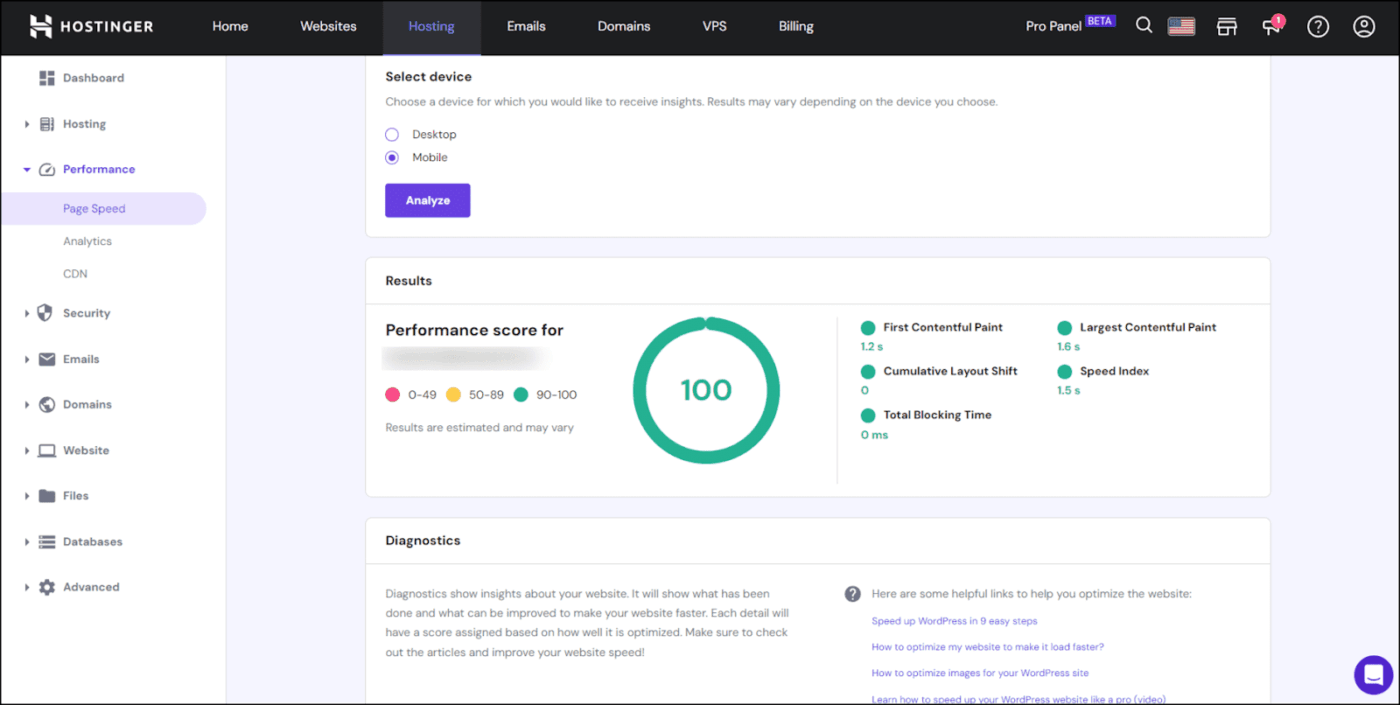
Hostinger is a no-fuss web platform that offers creatives exactly what they need to build a solid, professional portfolio, without turning the process into a full-time job. It’s fast, affordable, and refreshingly streamlined.
It brings real structure without the usual overwhelm for artists, freelancers, and designers who’d rather spend time creating than fiddling with backend chaos. With its all-in-one setup, you get hosting, a clean and intuitive website builder, basic SEO tools, and essential security features—straight out of the gate.
A Capterra review reads:
Low pricing one stop service for domain purchase, hosting, email and website builder Easy domain transfer Good customer support Intuitive interface Complex website analytics. Choice of templates could be better E-mail set u[p] is complicated Could have more integrations especially for ecommerce.
Building an impressive digital portfolio requires more than gathering your best work. You need the right tools to organize, showcase, and share your creative projects effectively.
ClickUp offers a unified workspace where you and your team can build stunning portfolios that align with your goals while tracking real-time progress.
Using its customizable features, you can tailor your portfolio’s structure and presentation to match your specific needs, whether you’re managing project portfolios, product collections, or creative work. With powerful collaboration tools, you can gather feedback, adjust priorities, and keep everyone aligned throughout the portfolio creation process.
Ready to create an eye-catching portfolio that truly represents your work? Sign up for ClickUp today to start building your professional showcase!
Yes. Most AI portfolio generators are designed for real-world use cases like job applications, client pitches, and personal branding.
Absolutely. The best tools let you adjust layout, visuals, copy, and structure so the portfolio reflects your style rather than a generic template.
Not always. Many creators use AI tools to build and maintain portfolios faster, then publish or embed them into traditional websites if needed.
Focus on real projects, outcomes, and your process, not just final visuals. Context, decision-making, and results matter more than volume.
Using fewer tools usually works better. A single platform that combines organization, writing, visuals, and sharing helps keep your portfolio consistent and easier to maintain.

© 2026 ClickUp

There’s an easier way. Try a free AI Agent in ClickUp that actually does the work for you—set up in minutes, save hours every week.