Sorry, there were no results found for “”
Sorry, there were no results found for “”
Sorry, there were no results found for “”
Learning isn’t what it used to be. We’ve logged out of stale onboarding sessions and kicked out dusty training manuals. Today, learning is everywhere: in our jobs, our mistakes, our “wait… how do I do this?” moments. In some cases, it’s even…fun.
And guess what’s tagging along for the ride? AI.
71% of L&D professionals are already “exploring, experimenting, or integrating AI into their work.”
Whether it’s teaching a class or training a team, AI tools for training and development are reshaping how we learn. From content that practically writes itself to AR/VR modules that put traditional training to shame, companies are ditching outdated methods and embracing smarter, more engaging ways to develop talent.
Thanks to natural language processing, you can instantly generate onboarding documents, design custom course visuals, draft lesson plans, outline entire learning modules, and personalize training content for different roles—all without breaking a sweat!
Here’s a quick rundown of the best AI tools for training and development:
| Tool | Key features | Best for | Pricing* |
| ClickUp | AI-powered content creation, video tutorials, whiteboards, templates, automations, analytics, LMS templates | L&D teams of all sizes that want to integrated training content with workflows | Free plan available; Customizations available for enterprises |
| Synthesia | 200+ templates, 140+ languages, AI avatars, team collaboration, video library | Small to enterprise teams creating engaging training videos | Free plan available; Paid plans start at $18/month; Custom pricing for enterprises |
| Jasper | AI doc editor, brand tone control, rapid content generation | Small to enterprise teams writing training scripts & manuals | Free trial available; Paid plans start at $49/user/month; Custom pricing for enterprises |
| ElevenLabs | Text-to-speech in 32+ languages, customizable tone/styles | Small to enterprise teams creating polished voiceovers | Free plan available; Paid plans start at $5/month; Custom pricing for enterprises |
| Pictory | Text/URL-to-video, team collaboration, captions, clip distribution | Small to mid-sized teams producing training videos without editing expertise | Free trial available; Paid plans start at $25/month; Custom pricing for enterprises |
| Quizgecko | File-to-quiz/flashcards, spaced repetition, podcast conversion | Small to enterprise L&D teams deploying interactive quizzes | Free plan available; Paid plans start at $16/month; Custom pricing for enterprises |
| HeyGen | 175+ languages, realistic avatars, avatar cloning, AI video editing | Small to enterprise teams producing avatar-led onboarding/training | Free plan available; Paid plans start at $29/user/month; Custom pricing for enterprises |
| Zavvy | Video creation, Slack integration, automated coaching, reminders, career pathing | Small to enterprise HR/L&D teams building structured learning programs | Free trial available; Paid plans start at $6/user/month; Custom pricing for enterprises |
| Virti | No-code simulations, 360° interactive video, virtual humans, analytics | Small to enterprise teams delivering immersive role-based training | Free trial available; Paid plans start at $99/admin/month; Custom pricing for enterprises |
| 7taps | AI microlearning copilot, content-to-micro-course conversion, LMS/Slack integrations | Teams delivering bite-sized microlearning for mid-sized to large organizations | L&D teams of all sizes are integrating learning content with workflows |
Our editorial team follows a transparent, research-backed, and vendor-neutral process, so you can trust that our recommendations are based on real product value.
Here’s a detailed rundown of how we review software at ClickUp.
Here’s our list of AI tools that can simplify your training and development programs while keeping employees engaged:
Think ClickUp is just for project management? Think again! With the proper setup, ClickUp becomes a dynamic L&D platform that helps you design, deliver, and track learning across your entire organization. It truly is the everything app for work.
Whether you’re looking for lesson plans or customized workflows, you’ll find it all with the AI-powered features within ClickUp. Let’s break it down!
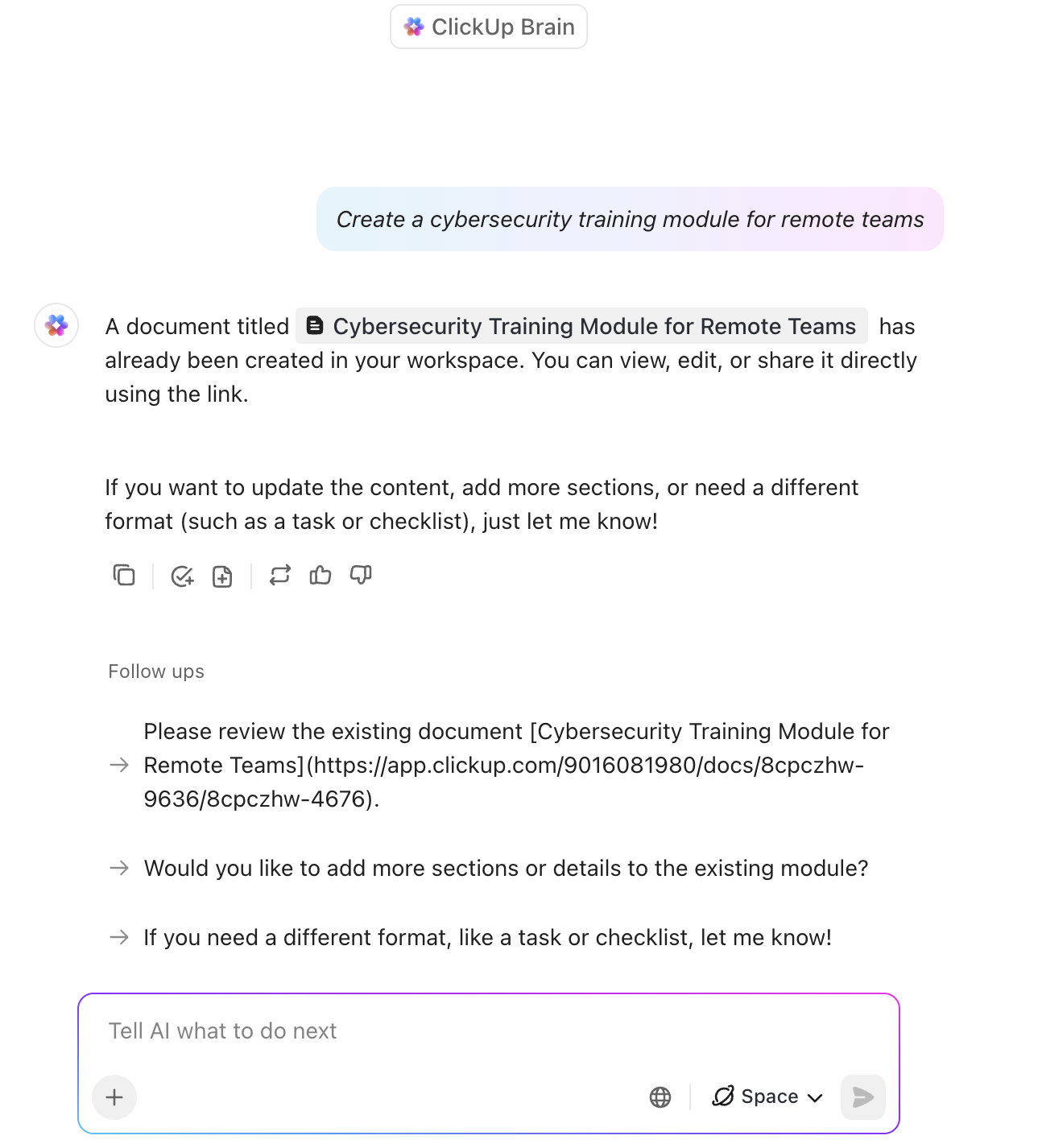
ClickUp Brain, the planet’s most complete work AI, helps you build training content fast. Type a prompt like “Create a cybersecurity training module for remote teams,” and watch as it generates detailed outlines covering everything from phishing simulations to VPN protocols.
Use it to adapt the content suggestions to the unique nature of your workplace. Create role-specific modules, rewrite lessons in your brand voice, and even generate quiz questions based on your internal docs—so your learning program feels less cookie-cutter and more custom-fit.
You can store these outlines and materials in ClickUp Docs.
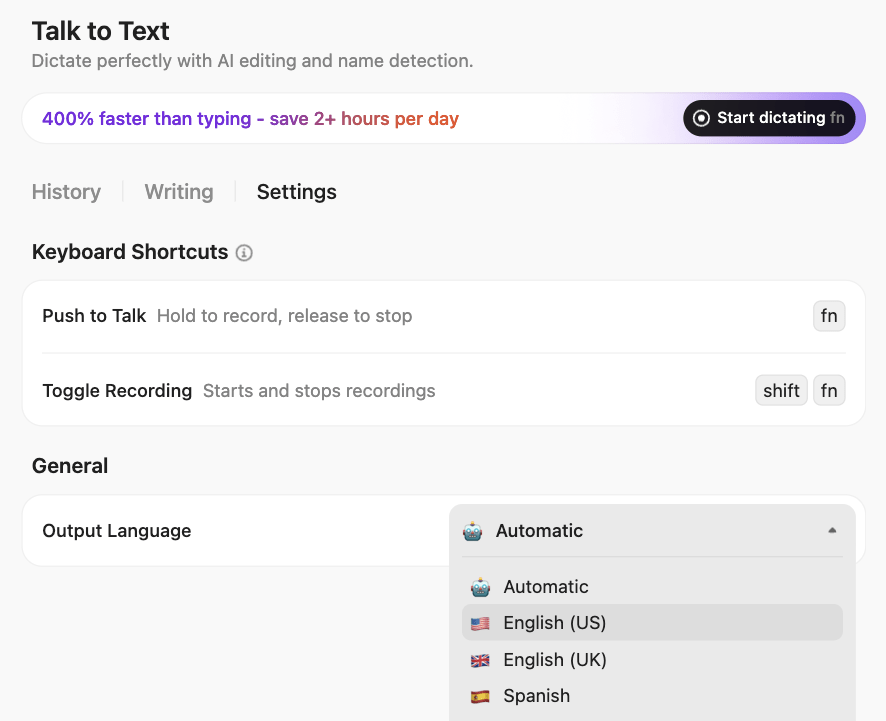
💡 Pro Tip: Dictate module content, quiz questions, or feedback notes using Talk‑to‑Text inside ClickUp Brain MAX. Brain MAX is ClickUp’s AI-powered desktop “super app” that understands your entire work context—tasks, docs, chats, and integrated apps—and lets you search, speak, and act directly with the latest AI models like GPT‑4, Claude, and Gemini.
Want to go a step further?
Use ClickUp’s Autopilot Agents to align with your learning program’s milestones and checkpoints. Agents are like smart AI assistants that execute autonomous actions based on specified triggers and conditions:
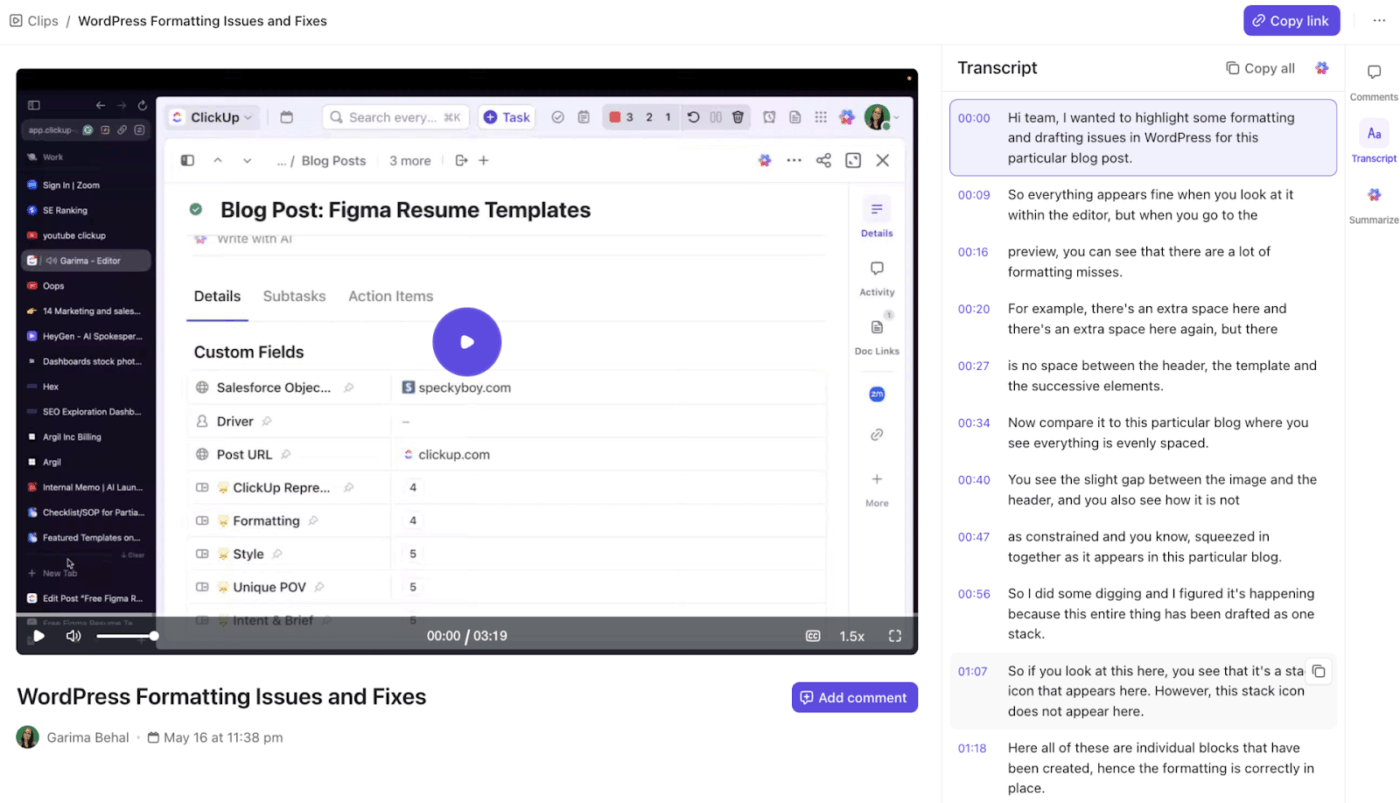
ClickUp Clips let you record quick video tutorials and walkthroughs right in your browser. No fancy equipment needed—just hit record and share knowledge instantly. You can narrate and explain complex topics with ease, making learning more engaging and memorable.
Plus, with ClickUp Brain, transcripts for these Clips are generated in real time, so your team can search, reference, or review the content effortlessly. Ask questions and get answers directly from the transcript!
Use its built-in features to:
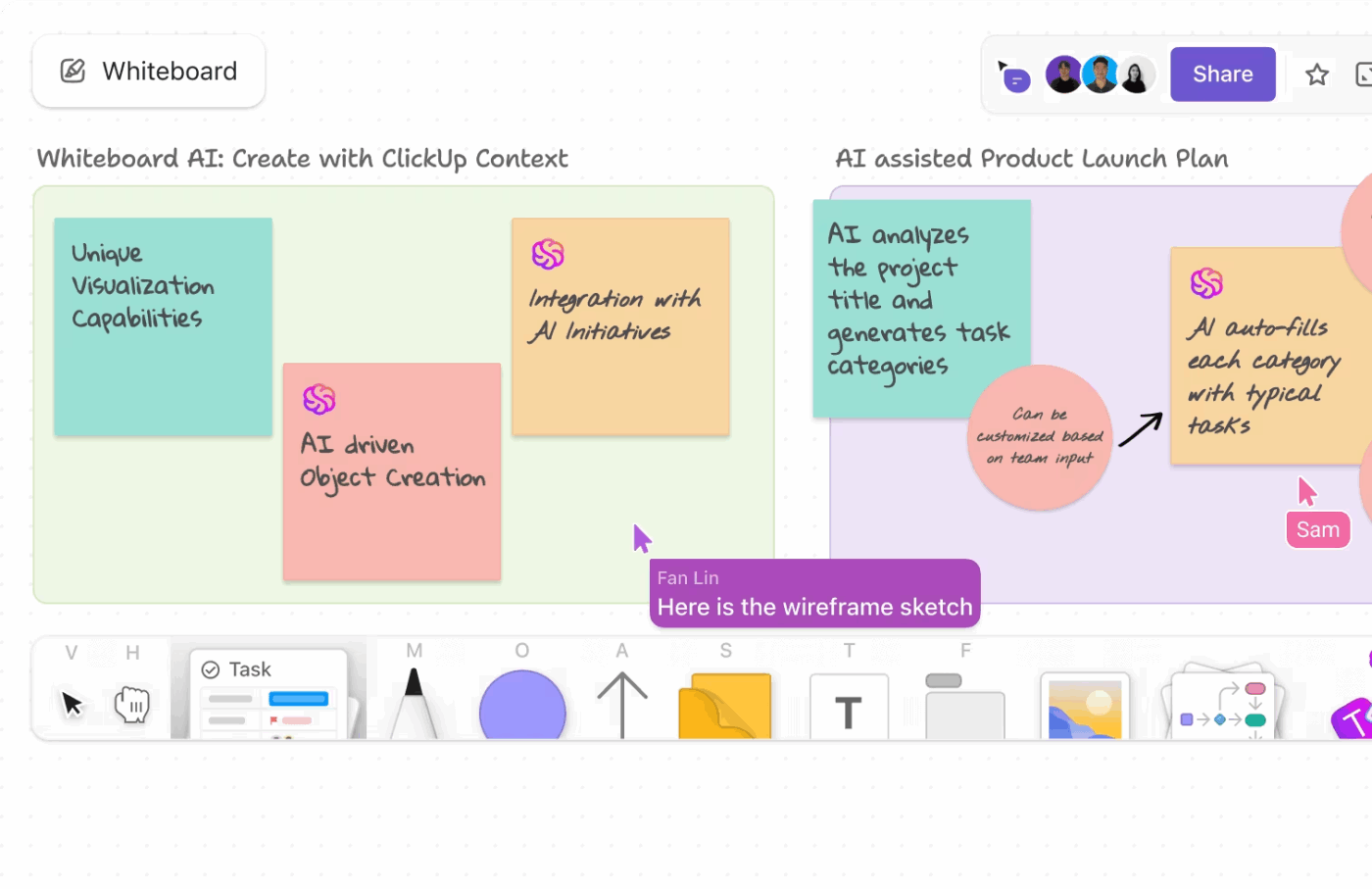
Say goodbye to boring PowerPoint presentations. ClickUp’s Whiteboards turn training sessions into collaborative experiences. Visualize learning paths, map out skill-building journeys, and brainstorm ideas with your team in real time
📌 For example, sketch out a training flow for your onboarding program in ClickUp Whiteboards. Then, convert each module into tasks, organize them in a List by topic or department, and switch to Gantt view to plan timelines, set milestones, and manage dependencies across cohorts..
💡 Pro Tip: Create a centralized learning resource hub by linking your ClickUp Docs directly to tasks in your training workflows. For example, attach a ClickUp Doc with detailed onboarding guides or role-specific SOPs to each module in your Whiteboard flow. You can also embed videos, quizzes, or feedback forms right inside the Doc—so learners have everything they need, in context, without jumping between tools.
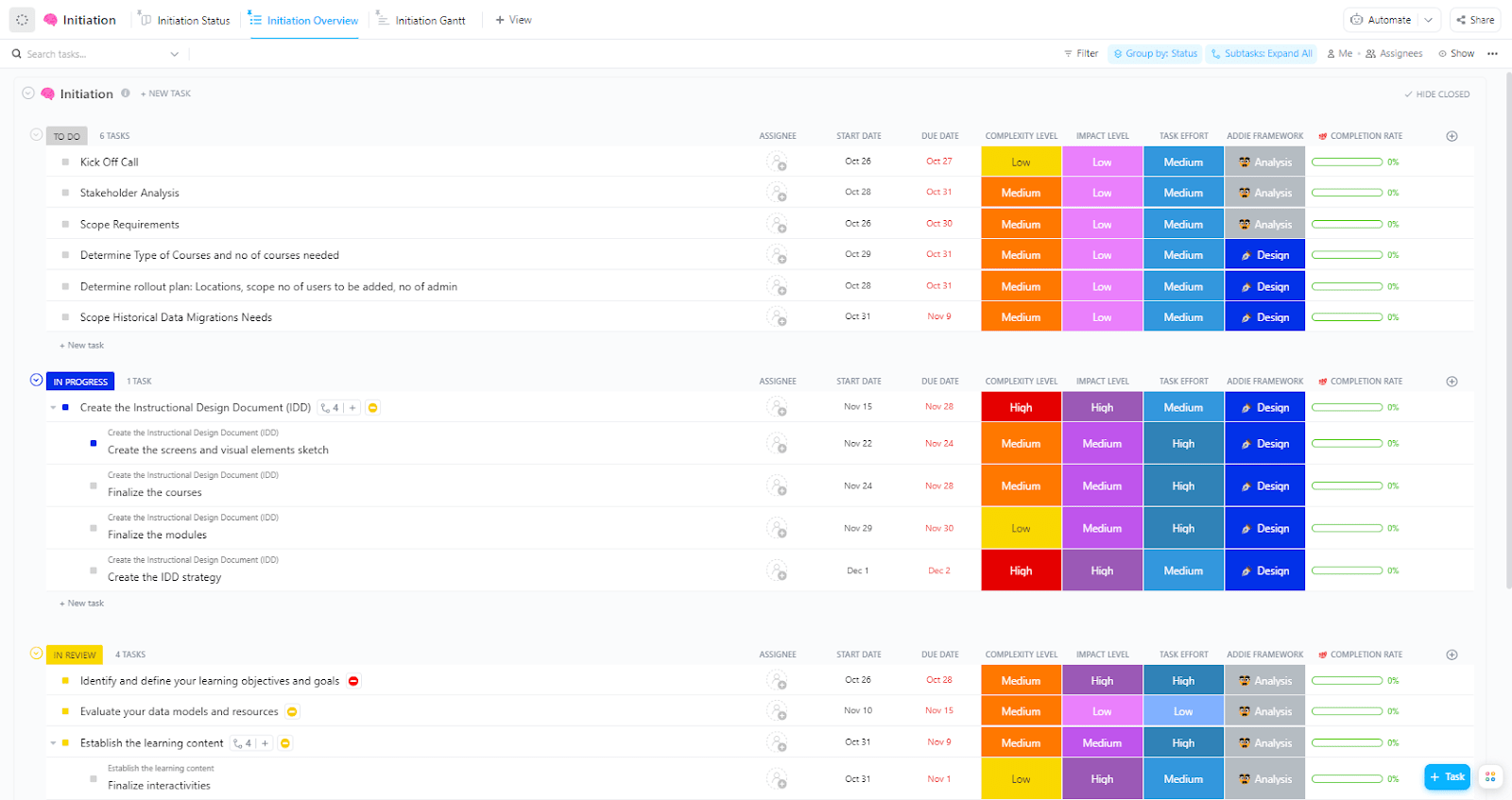
Is this your first time setting up a Learning Management System (LMS)? Start simple! ClickUp’s LMS Implementation Template will guide you through the successful completion of your project. Here’s how:
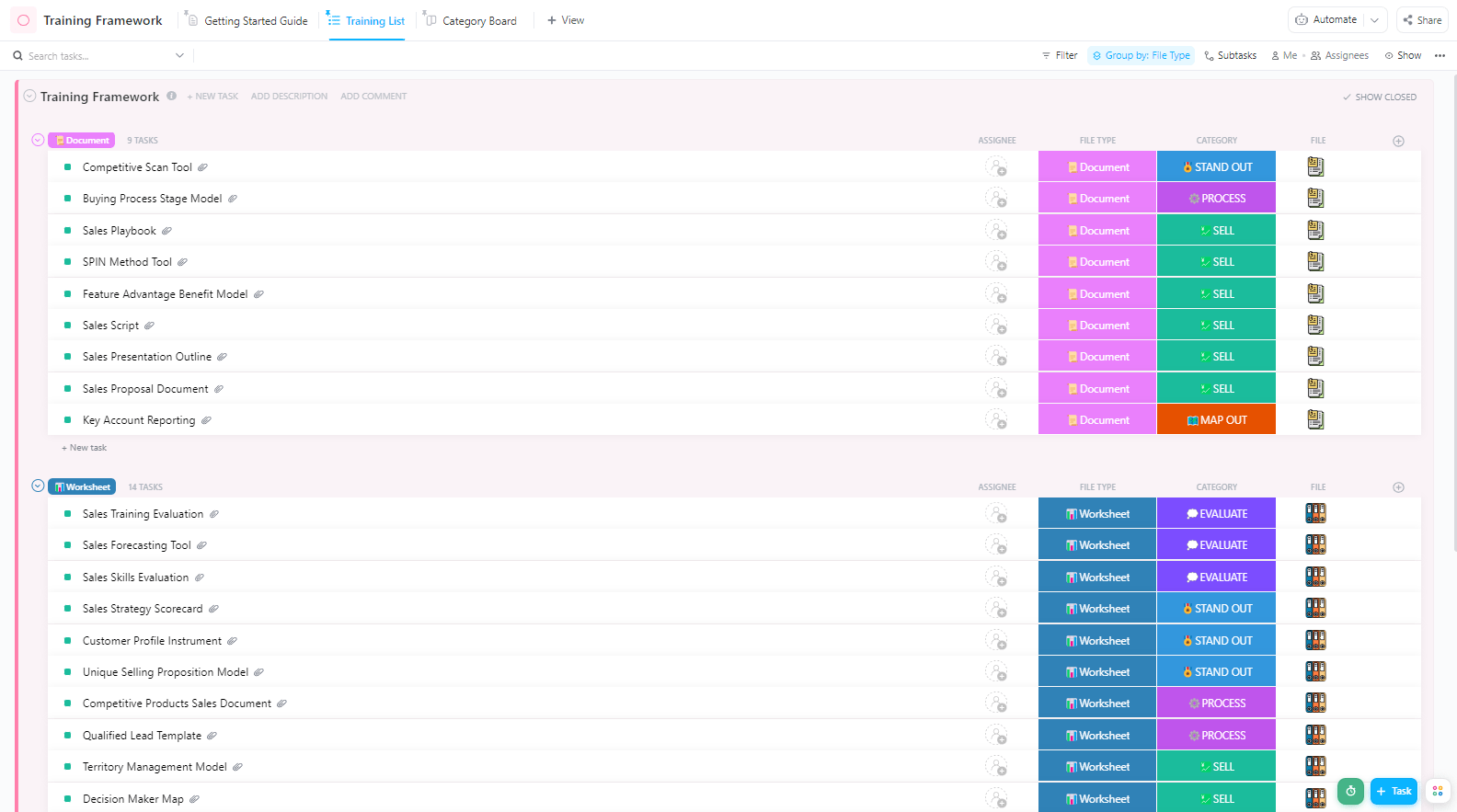
On the other hand, ClickUp’s Training Framework Template provides a solid foundation for your programs. Its intuitive user interface helps you plan, structure, and manage your training program. Here’s how:
This template provides the analytics to create a training program tailored to both trainers and learners. Use it to track employee progress and upgrade training material based on user data.
If you’re looking for an AI-powered all-in-one productivity management tool to maximize the output of your training programs, ClickUp is the right choice.
A G2 review calls ClickUp a game-changer, saying:
I can see when things are getting done with the team, have built out many SOPs to train our new employees much faster than before, and get stuff out of my head and in the work flow.
📮 ClickUp Insight: 11% of our respondents leverage AI primarily for brainstorming and ideation. But what happens to these brilliant ideas afterward? This is where you need an AI-powered whiteboard, like ClickUp Whiteboards, which helps you instantly turn ideas from the brainstorming session into tasks.
And if you can’t quite explain a concept, simply ask the AI image generator to create a visual based on your prompt. It’s the everything app for work that enables you to ideate, visualize, and execute faster!
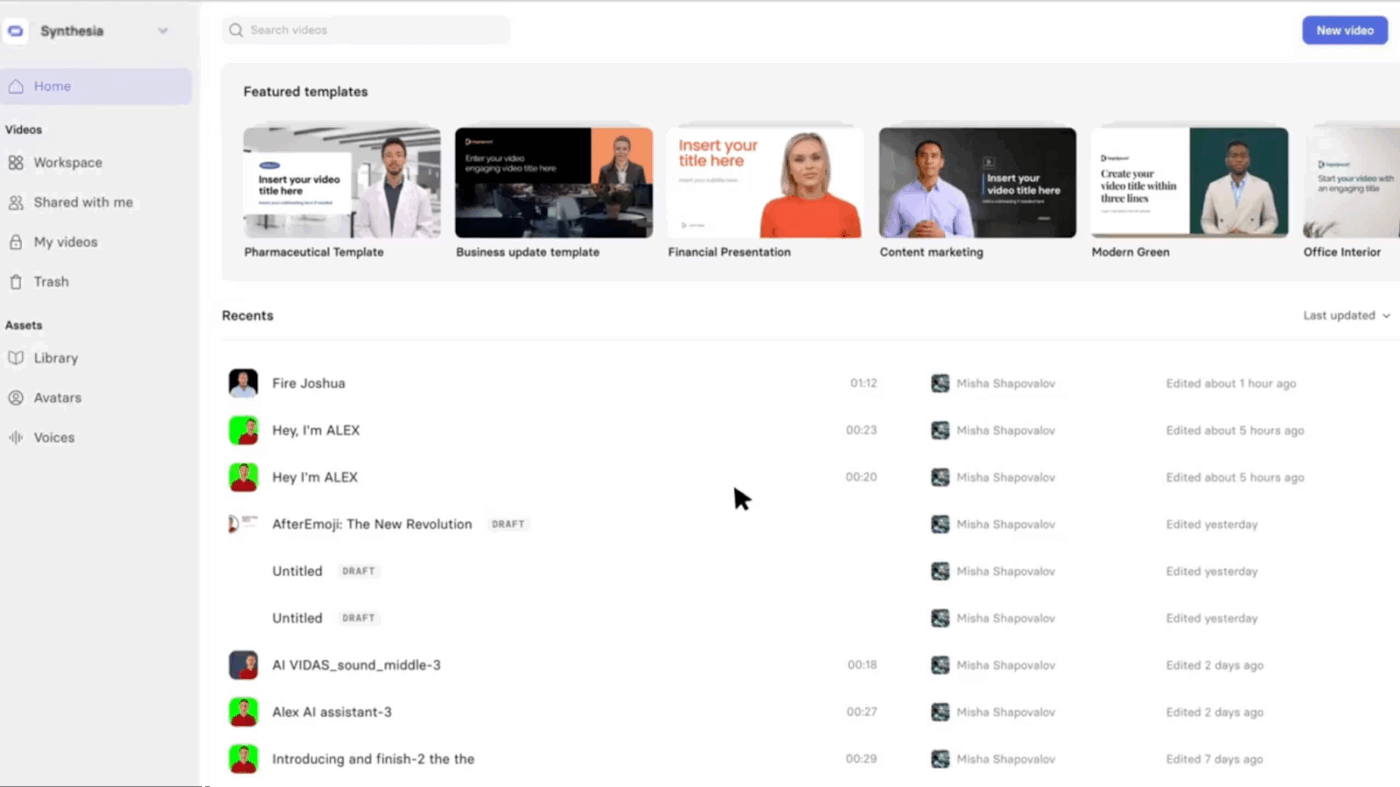
Short, engaging videos are replacing long, monotonous training sessions—and rightly so. But shooting, editing, and producing videos from scratch takes time, effort, and a full production setup. That’s where AI video tools like Synthesia are stepping in.
Synthesia transforms plain text into professional training videos using lifelike AI avatars without cameras, microphones, or editing tools. Whether you’re launching onboarding modules, compliance training, or upskilling content, Synthesia helps L&D teams create high-quality videos quickly. It reduces production time and helps keep learners engaged.
A G2 review reads:
I love the level of customisation it offers while also providing a great AI support for parts that I am not fully comfortable with. I am not a very creative person so I need some extra help with creating training content and Synthesia is the perfect match for my gaps.
📖 Also Read: Best AI Apps to Optimize Workflows
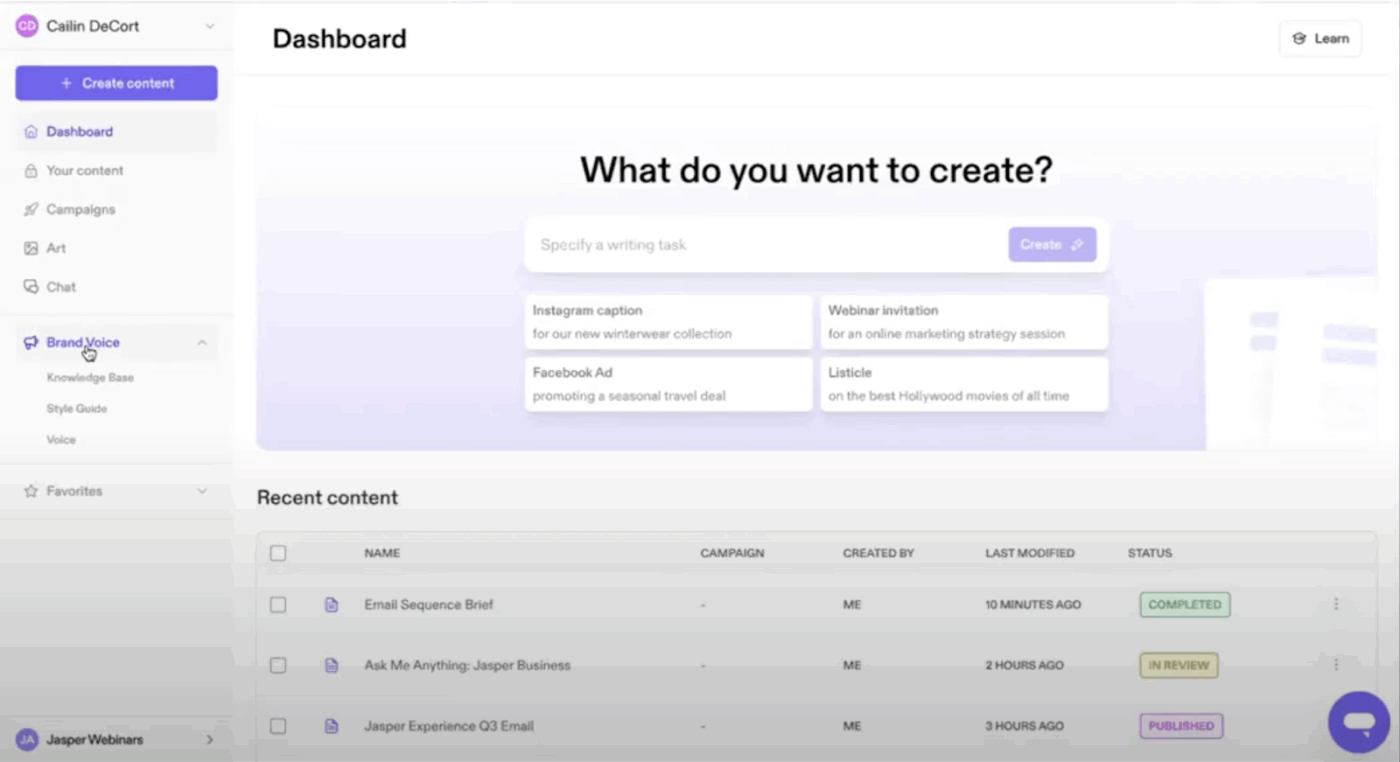
Behind every effective training session are lesson plans, learning guidelines, induction manuals, and, of course, a solid script. That’s what Jasper AI helps with. This AI-powered platform can generate everything from scripts to full training manuals in seconds.
Got a presentation and need to turn it into a polished training guide? Just drop a prompt into Jasper Chat—and voilà, you’ve got it. Whether you’re starting from scratch or polishing existing materials, Jasper makes content creation fast, easy, and scalable.
A G2 reviewer says:
It generates high-quality content rapidly when I need to write content that requires breaking down complicated phenomena into their subcomponents, explaining business processes, evaluating different options, or describing conventional management practices to the reader.
👀 Did You Know? Organizations with a strong learning culture have 30–50% higher engagement and retention rates.
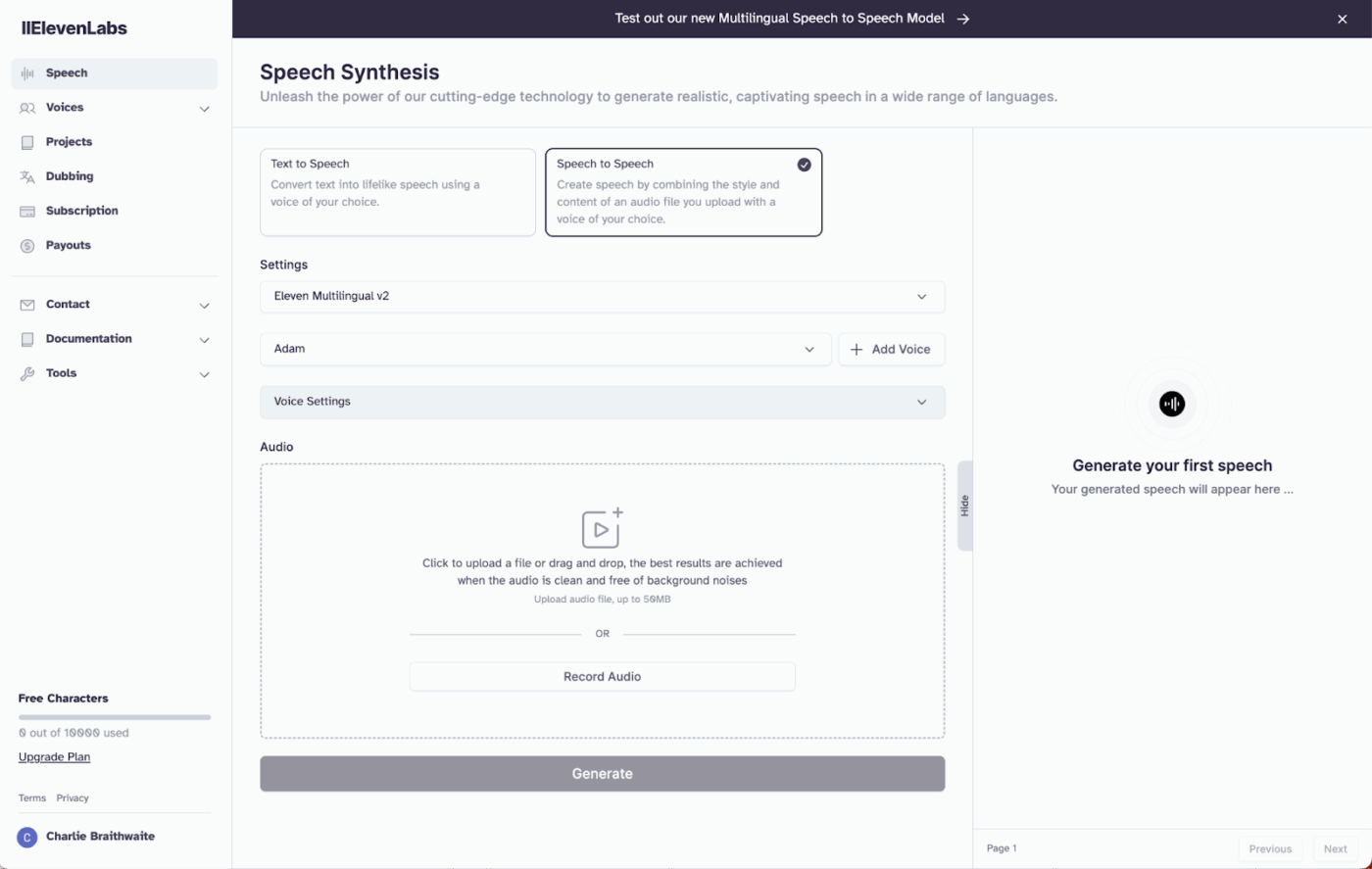
While creating elaborate lesson plans is one aspect of teaching, keeping employees engaged throughout a corporate training session is another. This is where it’s helpful to have a tool that can easily convert text into speech.
ElevenLabs is one such AI voiceover tool. With its many features, it’s a good choice for converting boring content into engaging training videos or leveraging artificial intelligence to dub the voiceover in multiple languages.
A G2 review reads:
Variety of different accents are available from British to American as well as different personas and ages. Also very easy to use. I have managed to find my favourite voice and save it as a pre-set so that I can quickly generate voice files on the fly. Highly recommend ElevenLabs.
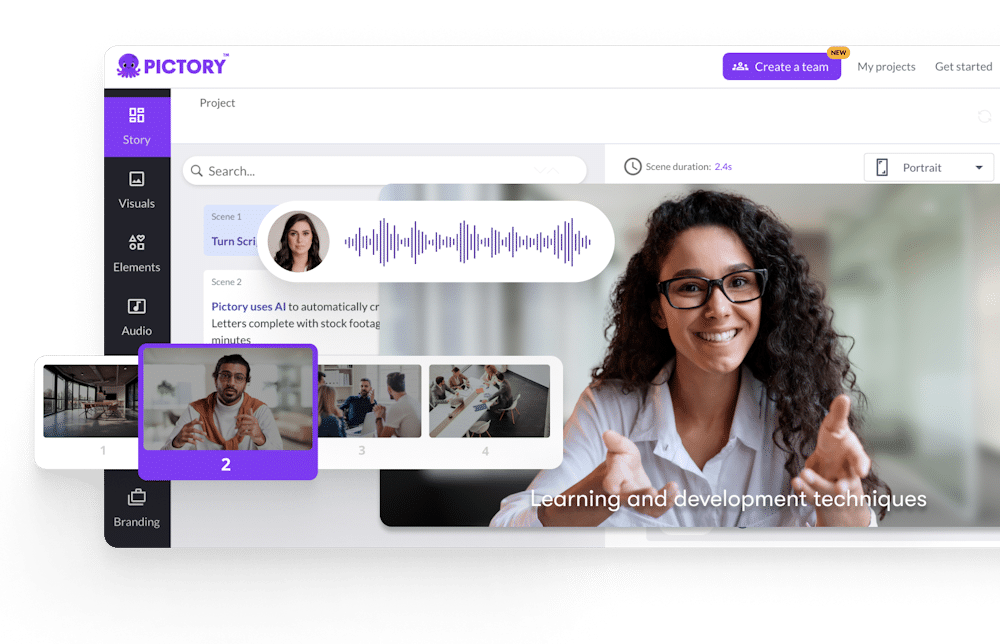
What if you have no experience creating videos but want to use videos to train your team? Earlier, you would require the services of a seasoned video editor, wait for them to make the content, execute multiple iterations, and produce a single video.
But not anymore. With an AI-powered video creation platform such as Pictory, you can create training videos and stimulating teaching materials with zero video editing skills. Collaborate with your team in real time to make learning a wholesome experience.
A G2 review reads:
It’s simple to use and has good features, I like the most that just with my video script it automatically generates the full video and puts the captions on it, if you have a voice-over or want to create it the software automatically syncs it to the video what is amazing!
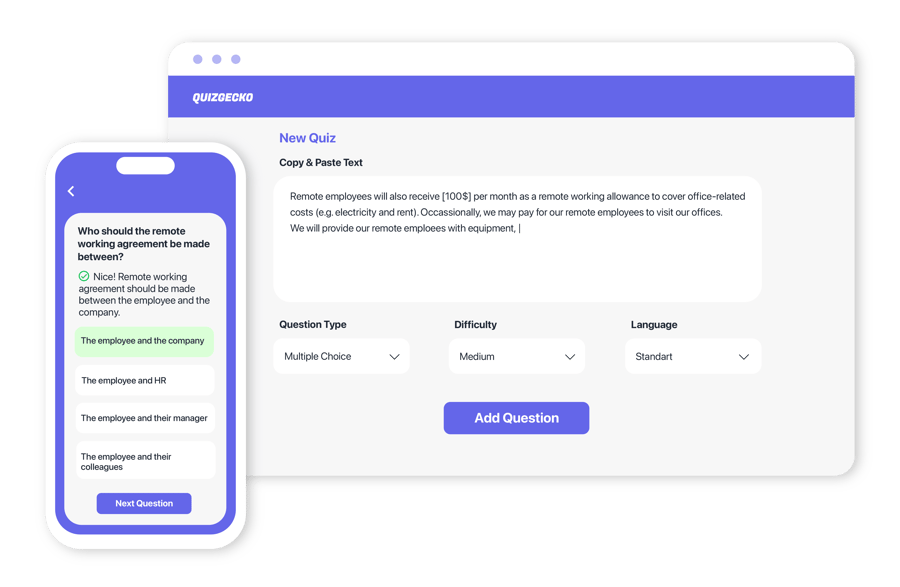
Learners retain more when they’re actively engaged, so why stick to outdated methods? Quizgecko is an AI-powered tool that makes training interactive and fun.
It’s a fresh way to level up your lesson plans and keep trainees fully engaged, without the content feeling stale or repetitive. Whether you’re creating flashcards, quizzes, or even podcasts, Quizgecko helps you deliver lessons that stick.
A Trustpilot review reads:
Gecko is such a clear choice by cost and quality. I enjoyed using the intelligent app to make quizzes even before they added many new features later.
📖 Also Read: How to Use AI for Productivity (Use Cases & Tools)
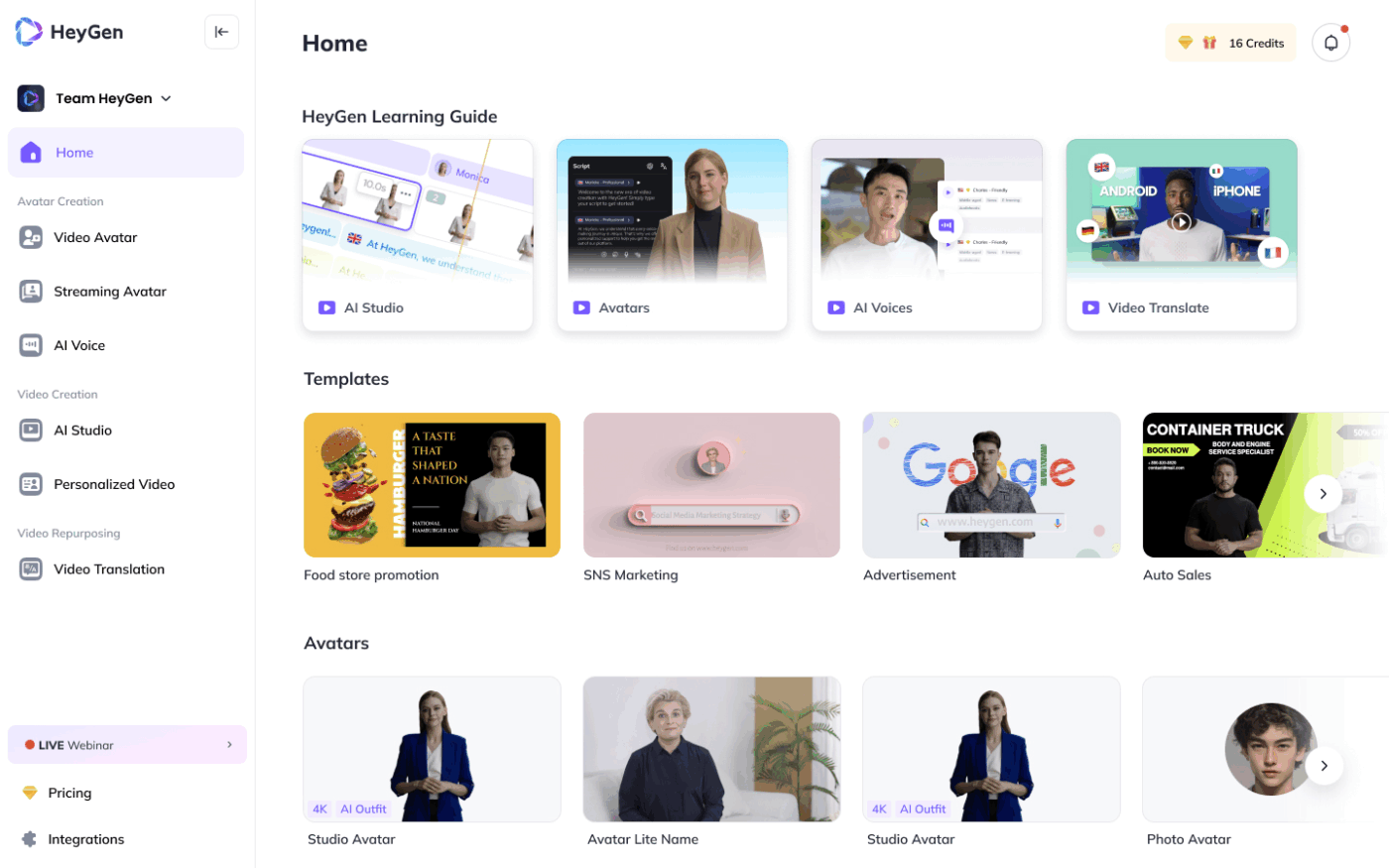
Another AI content creation tool, HeyGen lets you experience the most realistic avatars and even clone yourself to create video training content.
The level of customization offered by HeyGen is incredible. From facial expressions to backgrounds and even training your AI avatar to answer intuitively, this platform allows you to offer tailor-made training content.
A G2 review says:
This tool is an actual game changer. You’ll come across a lot of “AI” tools these days but this one is legit. Used it already for some product videos – literally minutes. The reduction in time, and resource investments is substantial and there’s multiple applications – PR, promotions, HR, sales pitches, training etc. Endless creativity!
🧠 Fun Fact: Nearly nine out of ten organizations are worried about retaining their employees. According to LinkedIn’s Workplace Learning Report 2025, providing chances to learn and grow is seen as the best strategy to keep employees from leaving.
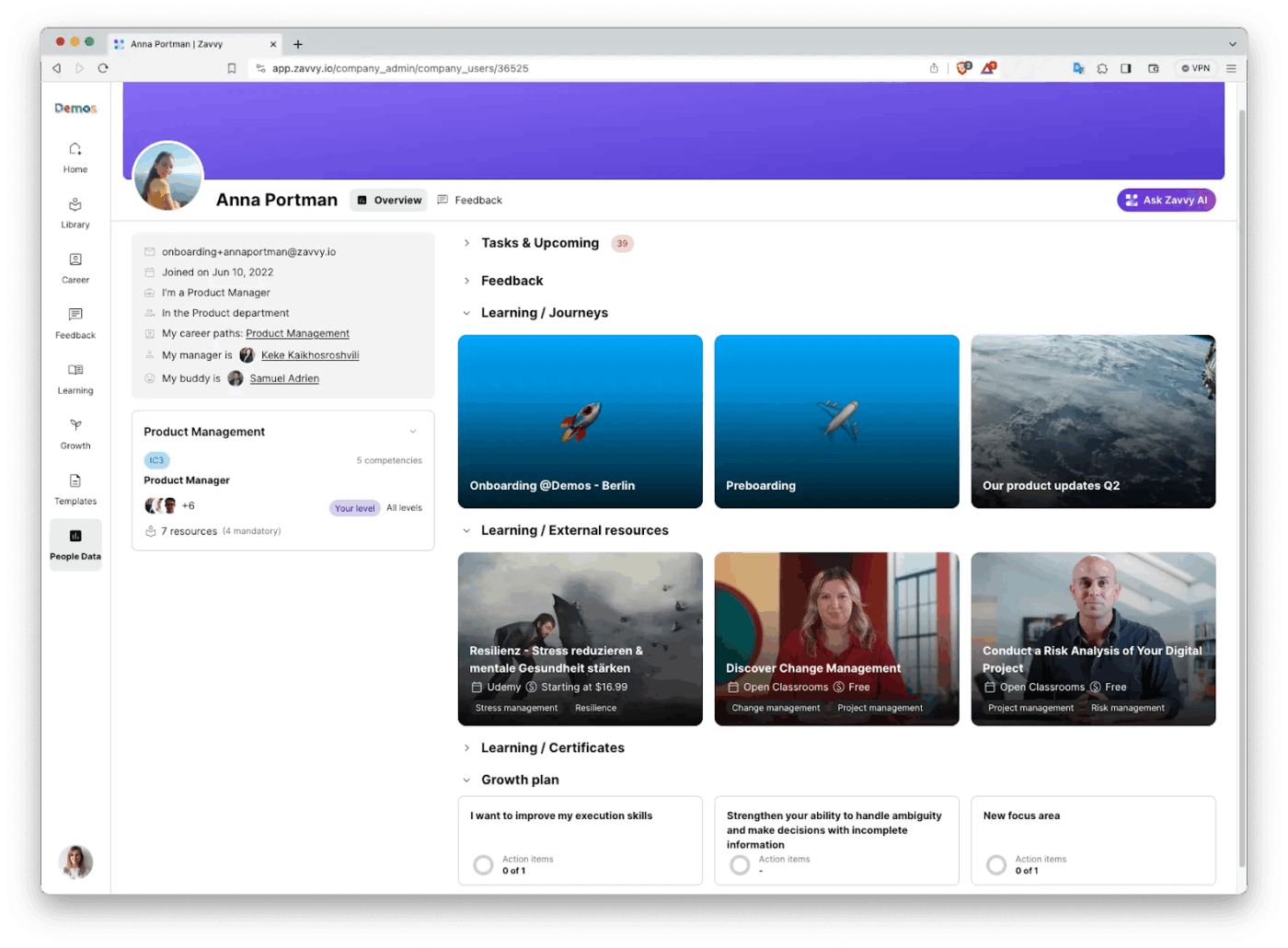
Zavvy by Deel is built for people who manage multiple teams, such as HR managers and L&D pros. From coaching employees on how to give better feedback to automating follow-ups and training reminders, Zavvy uses AI to handle the busy work.
You can focus on the part of the learning process that matters: helping your people upskill. It’s all about building meaningful career paths, defining competencies, and offering real coaching.
📖 Also Read: How to Train Employees on New Software Efficiently
📮 ClickUp Insight: 33% of our respondents point to skill development as one of the AI use cases they’re most interested in. For example, non-technical workers may want to learn to build code snippets for a web page using an AI tool.
In such cases, the more context the AI has about your work, the better its responses will be. As the everything app for work, ClickUp’s AI excels at this. It knows what project you are working on and can recommend specific steps or even perform tasks like creating code snippets easily.
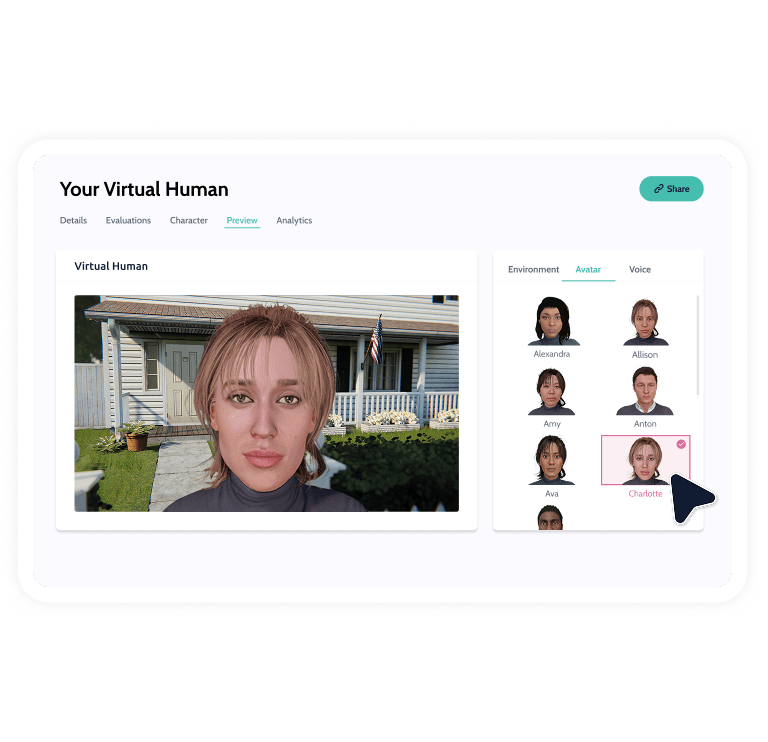
Virti’s AI-powered role-play and video training platform turns passive learning into an immersive experience. Think interactive videos where avatars respond to learners in real time.
This kind of hands-on, scenario-based training boosts engagement and improves knowledge retention by letting learners practice in real-world situations, minus the pressure.
A G2 review reads:
I like the fact that it is accessible and easy to use. No coding knowledge needed is the reason why it is accessible to anyone. All you need is an account and your personal laptop and you are able to create unlimited scenarios whether thats through the interactive 360 video platform or the Virtual Humans platform.
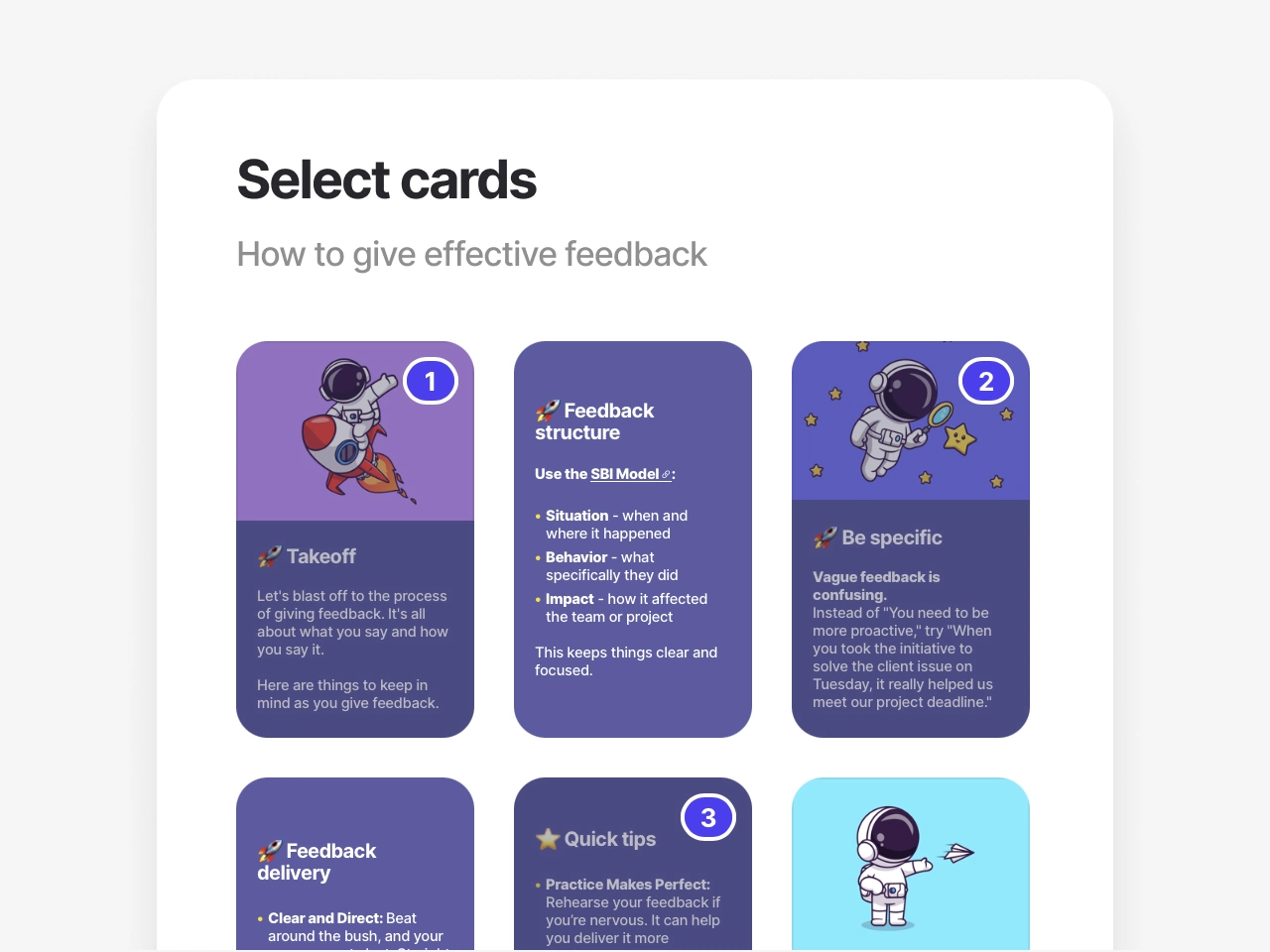
If you want to skip the time-consuming process of building bespoke courses for trainees, you should try 7taps! It automatically creates high-impact, low-effort microlearning training courses to boost learner engagement.
7taps boasts of an impressive 84% higher knowledge retention with microlearning. Offering seamless integration with your existing workflows, this tool helps you translate knowledge into actions.
A G2 review reads:
Creating content is very straightforward and best of all employees really like it and engage well with the content. AI creator features are pretty great too.
Picking the right AI tool will improve trainee learning and development. When choosing an AI learning tool that puts humans first, look out for:
📮 ClickUp Insight: 32% of workers believe automation would save only a few minutes at a time, but 19% say it could unlock 3–5 hours per week. The reality is that even the smallest time savings add up in the long run.
For example, saving just 5 minutes a day on repetitive tasks could result in over 20 hours regained each quarter, time that can be redirected toward more valuable, strategic work.
With ClickUp, automating small tasks—like assigning due dates or tagging teammates—takes less than a minute. You have built-in AI Agents for automatic summaries and reports, while custom Agents handle specific workflows. Take your time back!
💫 Real Results: STANLEY Security reduced time spent building reports by 50% or more with ClickUp’s customizable reporting tools—freeing their teams to focus less on formatting and more on forecasting.
📖 Also Read: Best Online Employee Training Software
Now that you’ve explored some AI tools for training and development, it’s time to choose the one that works for you. Whether you’re a teacher, HR manager, or someone who wants to start on their own, there’s always a tool that can simplify your workflow.
The key is to identify your pain points and find a solution that addresses them. After all, AI is here to save time and boost efficiency. If you’re looking for an AI-powered tool that streamlines training, enhances productivity, and reduces the effort involved in managing tasks, ClickUp is your answer.
Revise your training programs, get more done, and build better learning experiences—try ClickUp today!
© 2025 ClickUp