
Sorry, there were no results found for “”
Sorry, there were no results found for “”
Sorry, there were no results found for “”
Despite Wikipedia being the most well-known wiki on Earth, not all wikis are public.
Knowledge-sharing and transparency practices within organizations catapulted the use of internal corporate wikis. Now, any wiki is an easy-to-create repository of information in the form of a website. And all sorts of users can maintain one.
From business to IT teams, all of them can publish content on specific pages via wiki software. They can also comment on those pages and change the content published by others.
Companies use wikis as single sources of truth for corporate procedures and policies. They build knowledge bases and manage their documents with wiki software tools. But they also use wikis to describe team processes, specify project requirements, and onboard or train new hires.
Whatever use case you think of, knowledge in team members’ heads is useless unless they apply or share it. And software for wiki repositories is the conveyor belt for disseminating organizational knowledge.
Plus, wiki tools make finding that relevant information much easier and faster. Those tools come with search, authentication, access management, and version history features to organize knowledge across the company. So read on to learn more about the best wiki software, what it is, the best features to manage projects, and the various knowledge management types.
Wiki software sustains the development and functioning of internal or external pages to be the go-to for company knowledge or documentation of a specific subject. That can also include creating, updating, organizing (or hyperlinking), and navigating content in wiki repositories online.
But wiki content creation, or update, is collaborative, so software for wiki sites supports team collaboration. And team members only need a Web browser for access permissions to allow them to create new pages within the wiki and edit existing pages other members created.
Companies use wiki software to build internal wikis for employees and external wikis for clients or users. For instance, an external wiki could contain helpful product instructions. Summing up, wiki tools enable you to centralize organizational or product knowledge.
HISTORY OF WIKIS
Wikis have been around since March 25, 1995, when Howard G. “Ward” Cunningham, an American computer programmer, published the first wiki on his consultancy firm’s website. Cunningham had been programming the wiki software that sustained his wiki, called “WikiWikiWeb,” since 1994.
Of course, we’d start with the best knowledge base software: ClickUp! It’s the all-in-one productivity platform with everything teams need to implement and manage wikis.
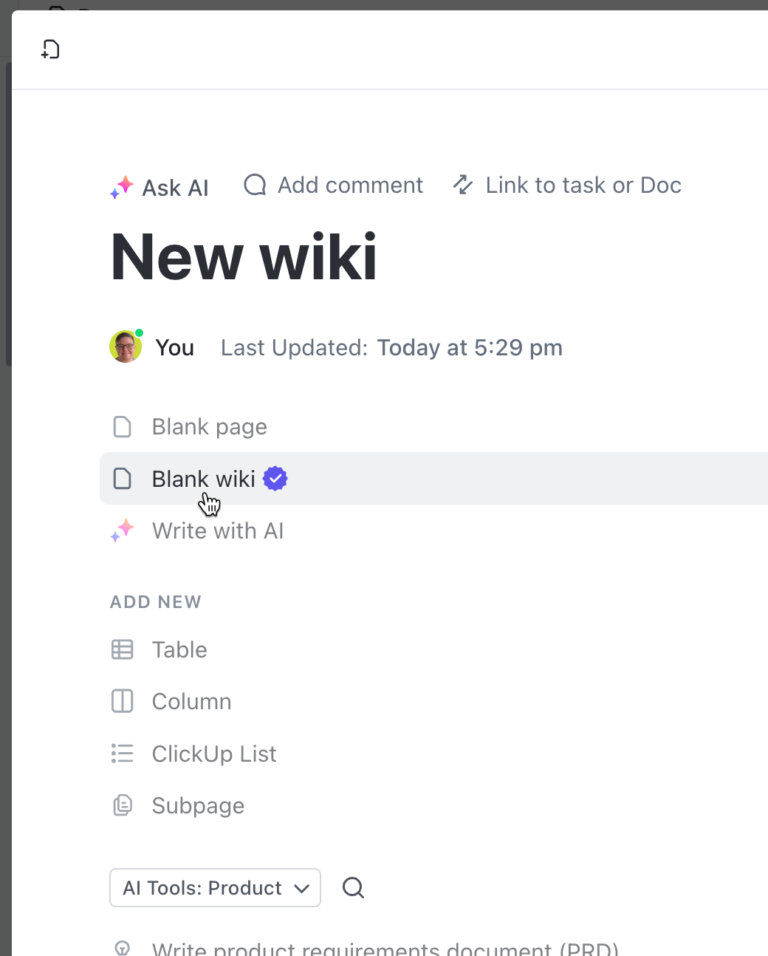
Sure, it’s a solution for all things project management and productivity, plus a built-in wiki software—ClickUp Docs. But here’s the thing: ClickUp is excellent if your projects and workflows are document-intensive.
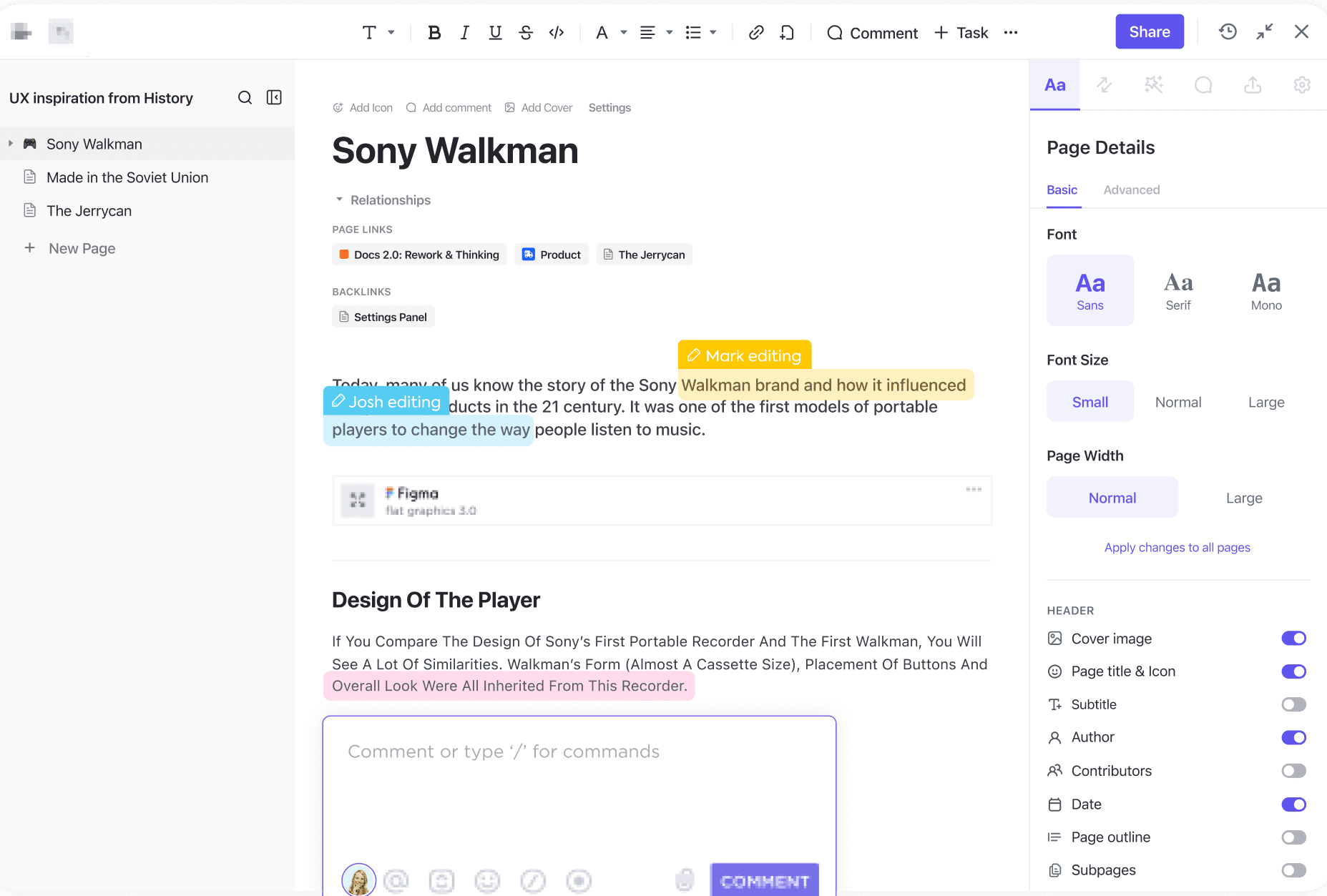
Create whiteboards and docs in ClickUp and connect project tasks with them. Then, organize all those knowledge pieces and collaborate on them, real-time or not. SOPs, meeting notes, briefs, and requirement specifications—work on all of those with ClickUp Docs.
Wiki templates are a great resource to kickstart your knowledge hub. To ensure the sustained success of your team’s information on a wiki, establish a strong foundation with the help of the ClickUp Wiki Template. Use this template as a quick-start guide so your team will be prepared with a well-documented information hub.
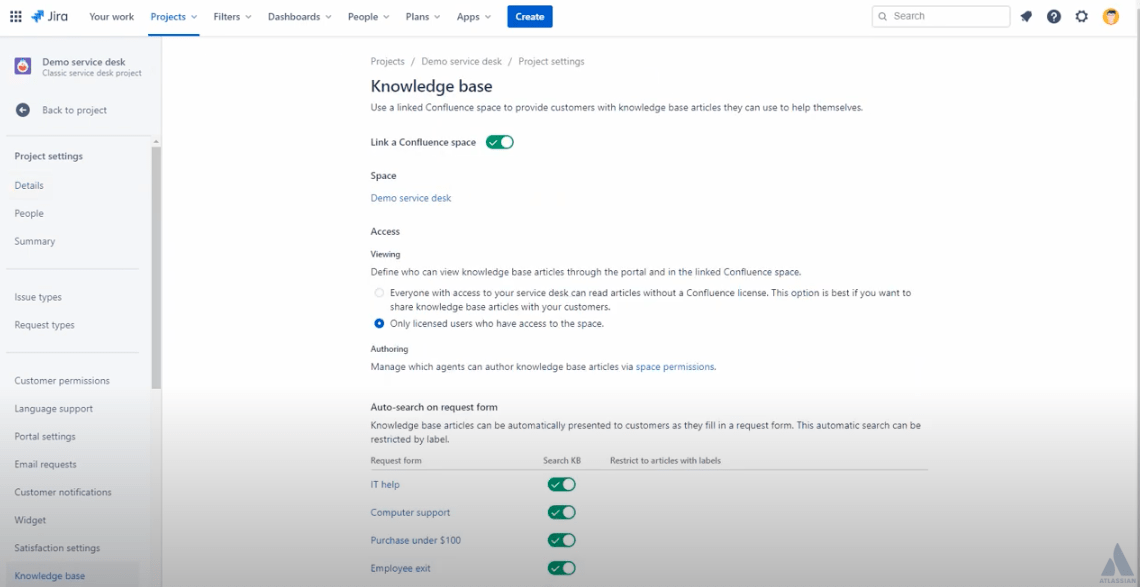
Confluence wikis provide teams with workspaces for knowledge sharing and aim to promote collaboration around that knowledge. The workspaces are appropriate for teams and projects of any size and type.
Also, Confluence suits not only mission-critical projects with high-rigor practices but also teams looking for a channel to leverage information transparency.
Compare Notion Vs Confluence, Confluence Vs Teams, & Confluence Vs Google Docs!
Find the best Confluence alternatives you should know about in our guide!
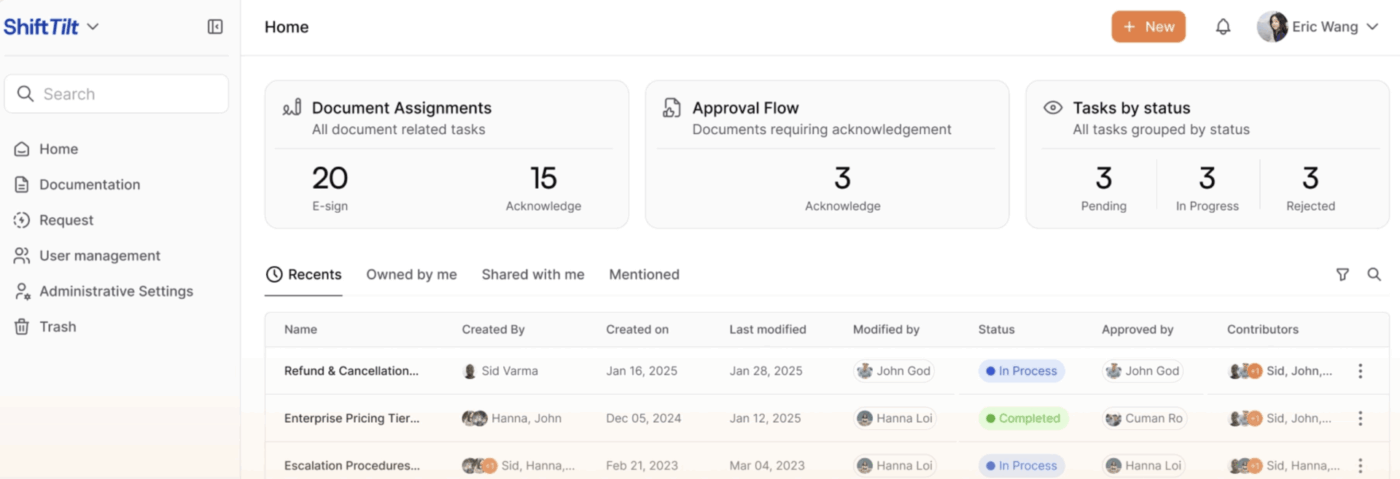
AllyMatter is a knowledge management platform built specifically for growing teams that have outgrown Google Drive and shared folders but don’t need the complexity of enterprise solutions like SharePoint. It’s particularly strong for organizations that need structured approval workflows, acknowledgment tracking, and audit-ready documentation for policies, SOPs, and internal procedures.
Where AllyMatter stands out is its focus on the full document lifecycle. Rather than just storing and organizing content, it handles who needs to approve it, who needs to read it, and whether they actually did. That makes it especially useful for HR, operations, and compliance teams managing documentation that employees need to follow and acknowledge.

Zoho Wiki is Zoho’s wiki software to build knowledge repositories for teams. We must warn you, though, that Zoho Wiki’s features belong to a broader platform—Zoho Learn, a learning management system. But if you think about it, a knowledge base is nothing more than a learning repository, so the nesting makes sense.
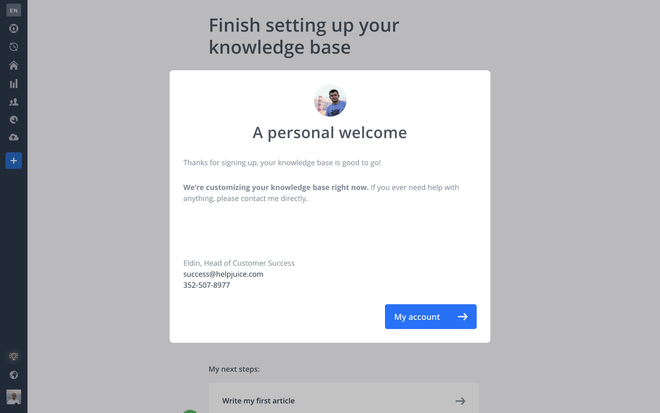
Helpjuice is a wiki software that positions itself as optimized for the customer service niche. They claim their tool helps companies scale their customer service via knowledge bases in two ways.
Customers check those hubs themselves instead of contacting technical support teams. And those teams rely on internal hubs to deliver the best customer service.
Check out these newsletter templates!
📮ClickUp Insight: Low-performing teams are 4 times more likely to juggle 15+ tools, while high-performing teams maintain efficiency by limiting their toolkit to 9 or fewer platforms. But how about using one platform?
As the everything app for work, ClickUp brings your tasks, projects, docs, wikis, chat, and calls under a single platform, complete with AI-powered workflows. Ready to work smarter? ClickUp works for every team, makes work visible, and allows you to focus on what matters while AI handles the rest.
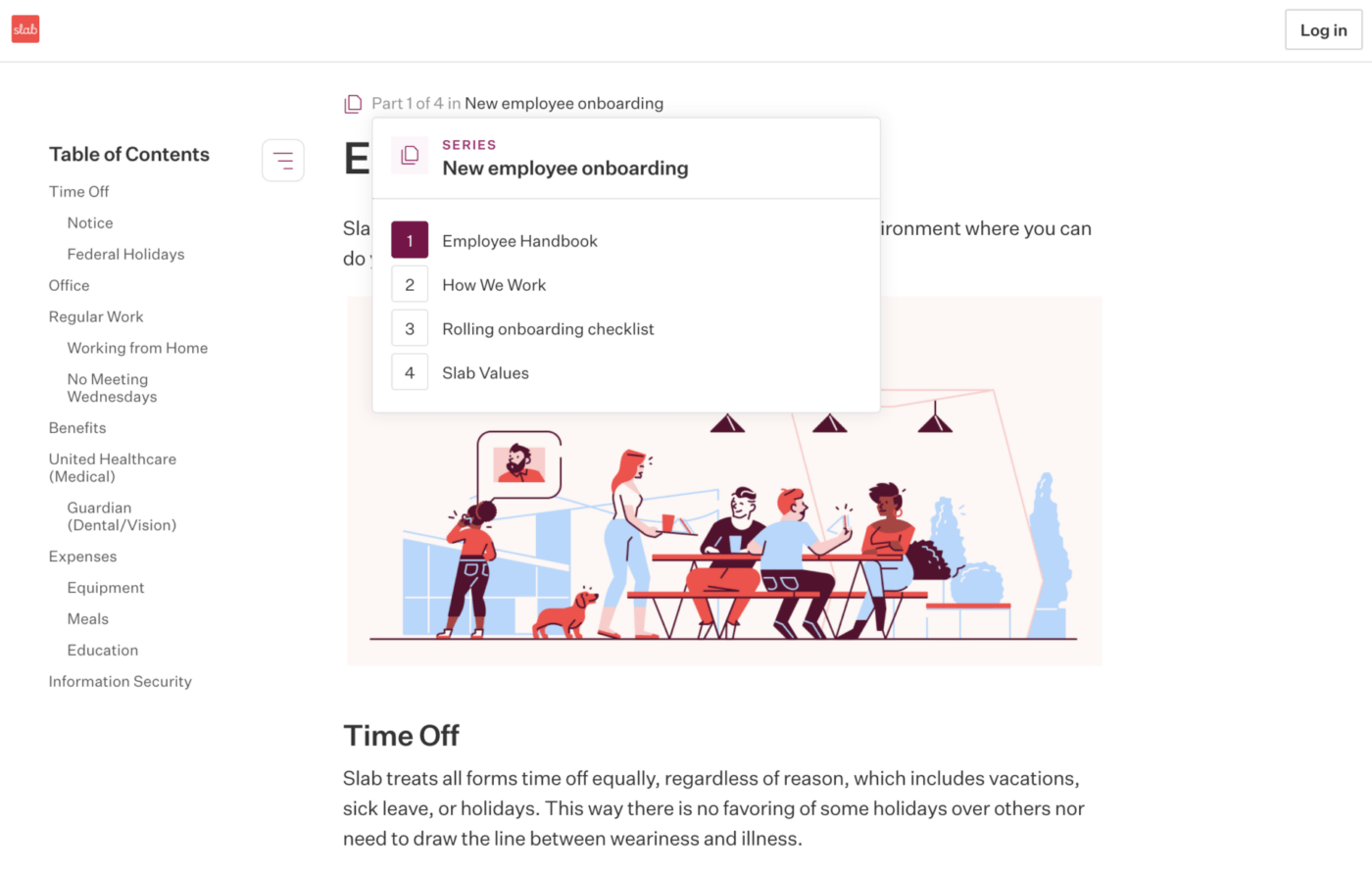
Slab markets itself as an enterprise wiki software well-suited to technical and non-technical teams. It’s best for companies with multiple teams who need visual wikis and formatting capabilities.
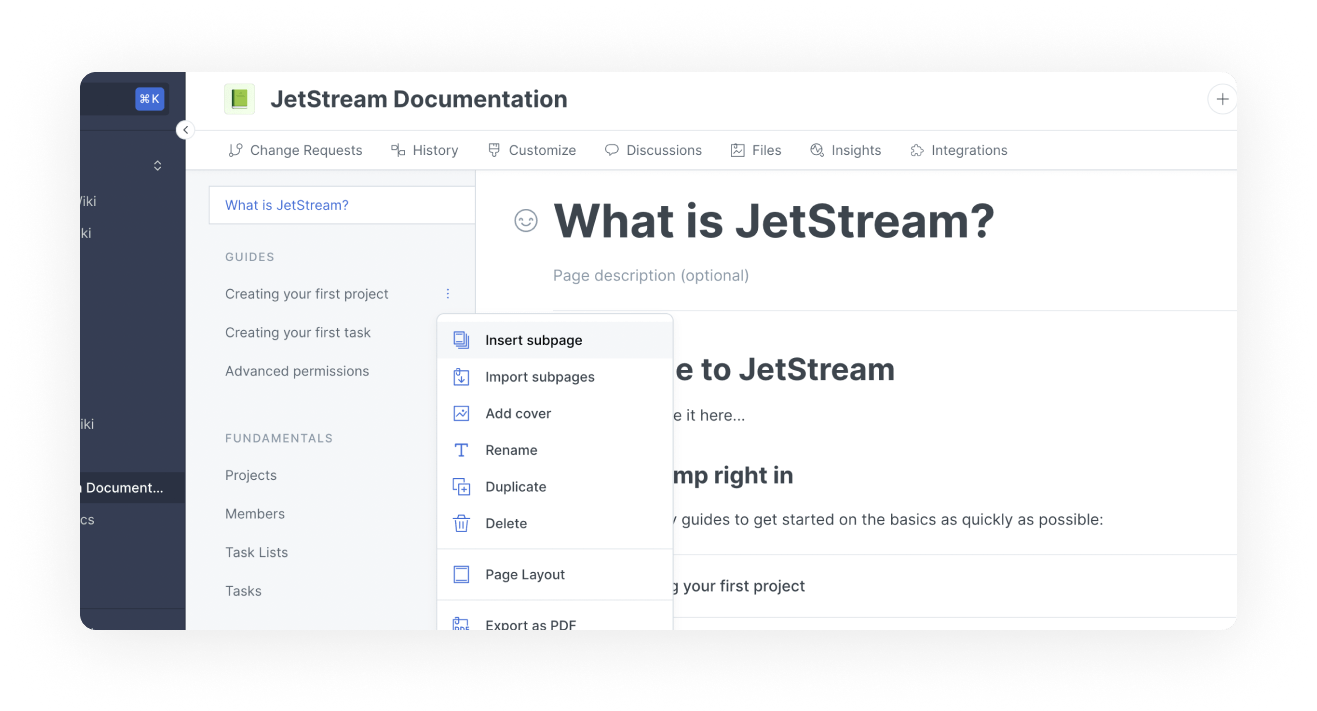
GitBook developed Public Docs, a wiki software dedicated to publishing technical knowledge. Specially designed as a documentation platform, Public Docs is appropriate for sharing product documentation and building internal knowledge bases and APIs.
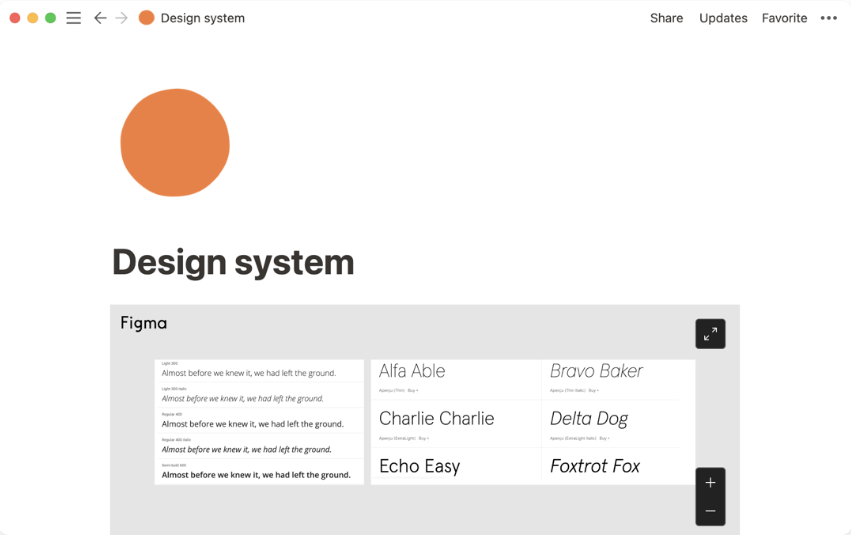
Notion Wikis don’t target a specific industry niche or kind of documentation. Instead, they adapt to fit varied types of knowledge bases, such as company information pages and repositories for brand guidelines, engineering teams, and employee onboarding.
Looking for Notion alternatives? Check out our extensive guide!
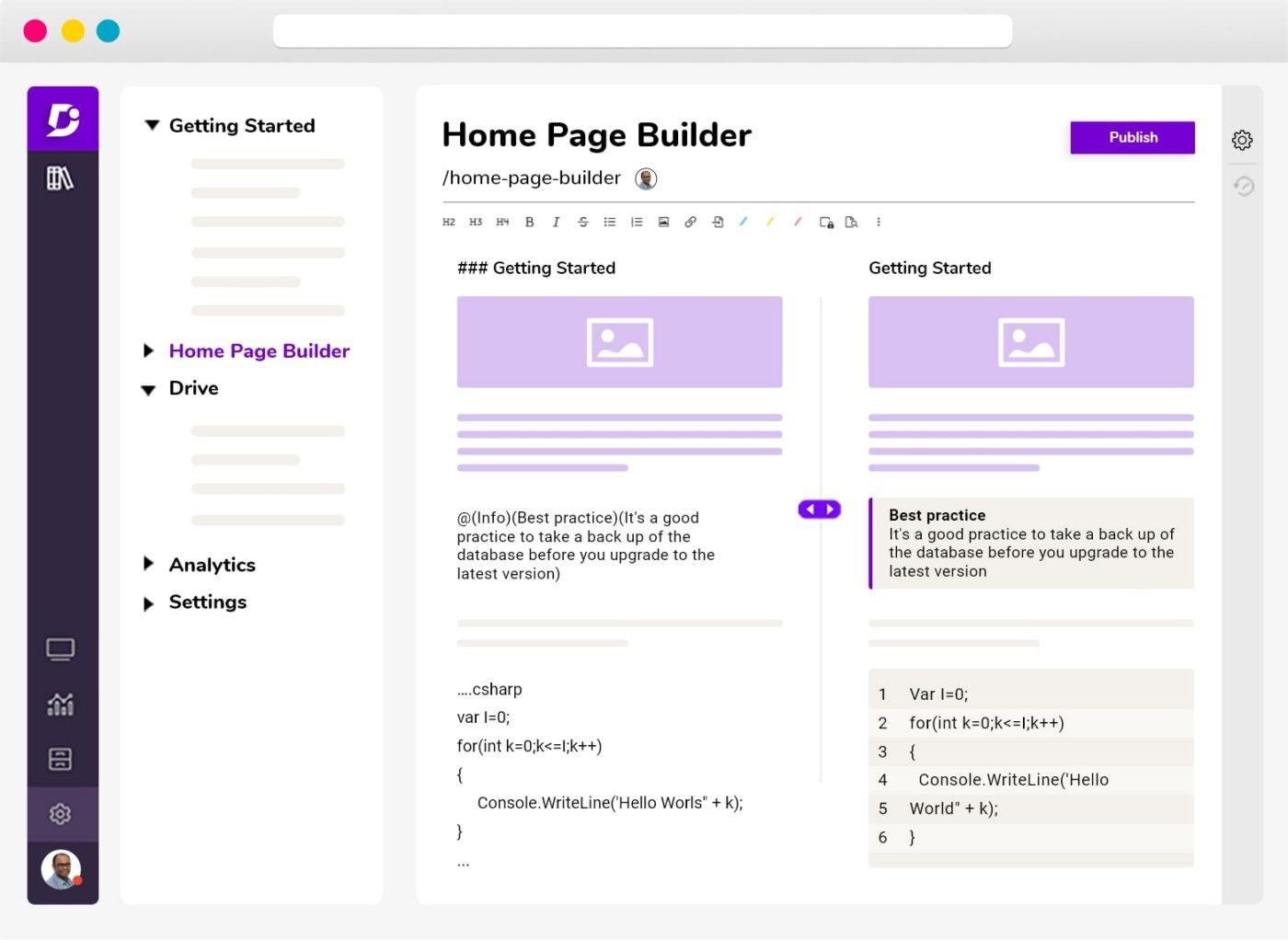
Document360 is an enterprise wiki software to build knowledge bases for the customers and employees of growing companies. And those knowledge bases can be anything from online user guides, tutorials, and release notes to FAQ pages, employee handbooks, and sales or marketing handbooks.
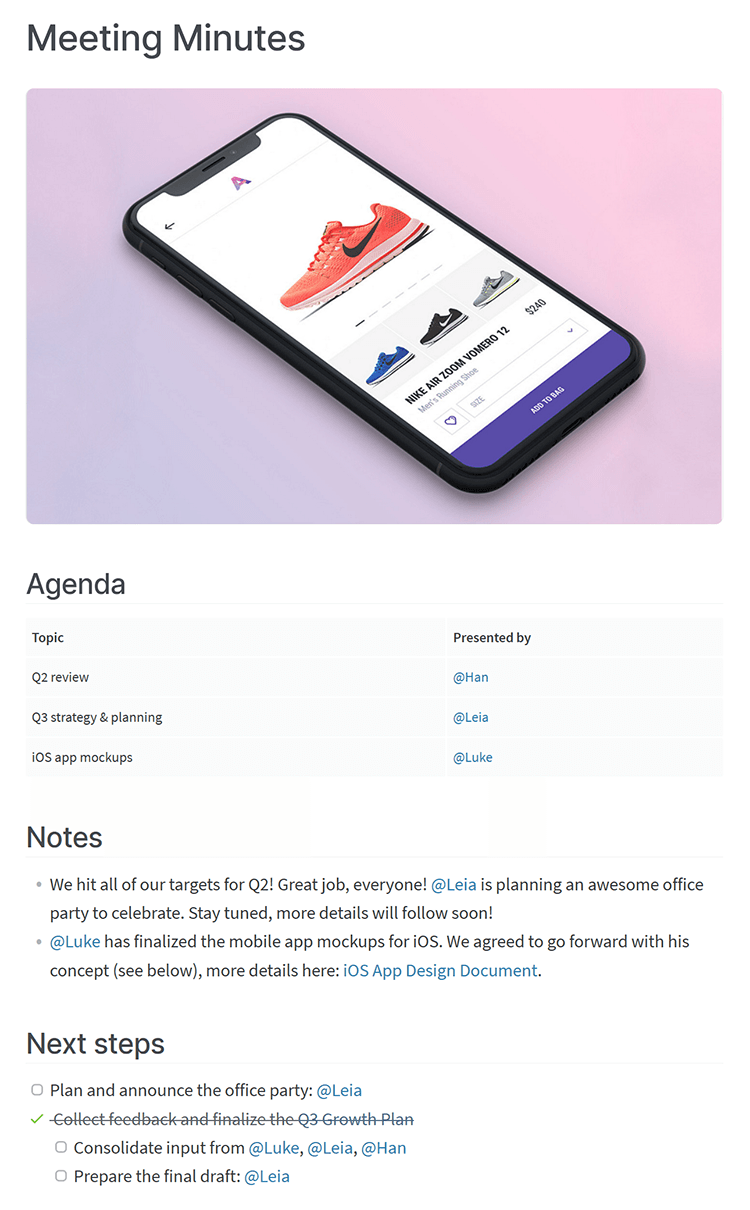
Nuclino is a wiki software focused on simplicity. But whereas it’s clean and clutter-free, it’s also comprehensive enough to include project management features.
Bonus: Checkout the top 10 Nuclino Alternatives and Competitors
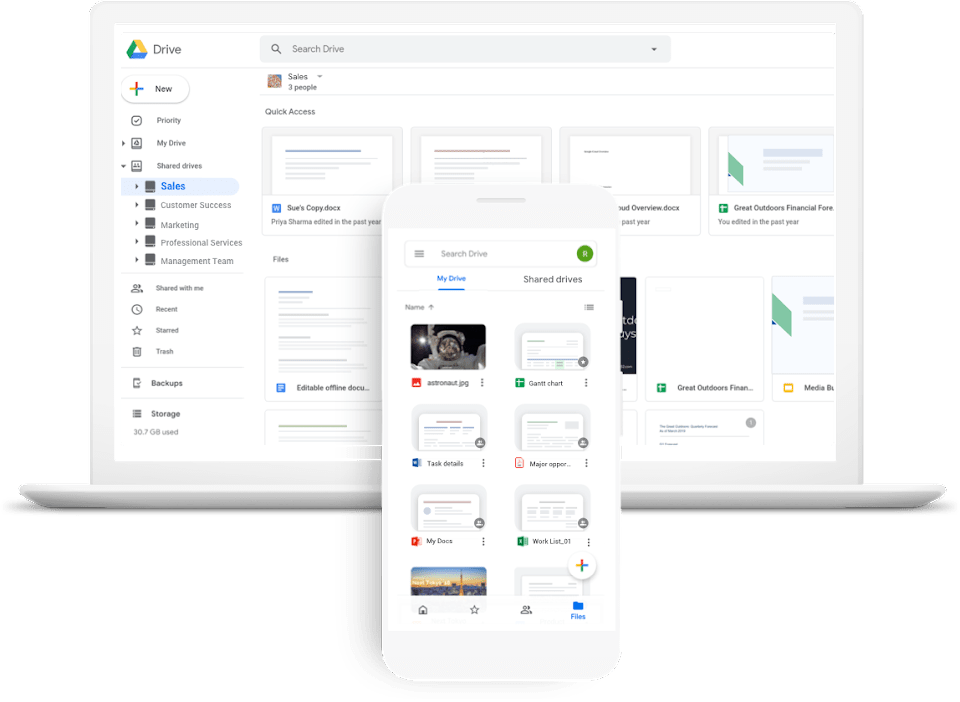
You might have never thought about Google Drive this way, but you can use it to create knowledge bases. In fact, a lot of companies use Google Drive as their wiki software to keep employees on the same page.
We classify software for wiki sites according to three criteria: who can access the wikis they underpin, the purpose of those wikis, and who maintains the wiki software. And these are the types:
Public wiki tools sustain public wikis, whereas private wiki tools power private wikis. And the difference between public and private wikis lies in how users access them and who those users are.
Public wikis—such as Wikipedia—are accessible to anyone online. On the other hand, private wikis—or internal wikis—are accessible to a limited number of people via authentication.
Companies use private wikis to share knowledge among their employees. But a company could also use public wikis to communicate product information with users and project information with clients.
Similarly to public and private wiki software, personal and corporate wiki tools underpin personal or corporate wikis, respectively. Corporate wikis might serve a business purpose and belong to an organization but a wiki could serve a recreational purpose and belong to an individual.
If you pick a self-hosted wiki software, you must install it on your servers. You must also build a dedicated team of IT professionals to maintain it. And the team members must be able to customize and further develop open-source wiki software, which is costly.
However, hosting companies provide cloud-hosted wiki software, which is software as a service. Hosting providers ensure the security of the information you keep on your cloud-hosted wiki site. And they also maintain that software regularly by updating it and developing new features or improving existing ones.
And because self-hosted wiki software is online, team members, clients, or users can access a wiki platform anytime, anywhere. A company wiki or wiki engine usually includes:
We already mentioned a few features of wikis, but what should your business use? Wikis have to be tailored to your organization and navigatable for everyone—especially non-technical users. Here are a few features to consider:
Choosing the best wiki software tools is no small feat. You need complex wiki software for a more advanced and sophisticated user experience and knowledge hub.
It’s smart to choose your wiki software that best enables users to create and edit pages with ease, even for large and complex projects. That’s where ClickUp is key!
With powerful features such as version control, access control, and search capabilities, users can efficiently manage and navigate through a vast amount of information in ClickUp Docs.
Additionally, ClickUp works as a great wiki software option because it can provide advanced customization options, allowing users to tailor the platform to their specific needs and preferences.
Want to see how ClickUp works as your wiki? Create your free workspace today!

Manasi Nair
Max 32min read
Manasi Nair
Max 14min read

Arya P Dinesh
Max 21min read

© 2026 ClickUp