






Still downloading templates?
There’s an easier way. Try a free AI Agent in ClickUp that actually does the work for you—set up in minutes, save hours every week.
Sorry, there were no results found for “”
Sorry, there were no results found for “”
Sorry, there were no results found for “”

Speech-to-text tech has come a long way. What once took hours now takes minutes, with sharper results than ever.
Speechmatics is one of the top names in the space. It’s accurate, fast, and supports a wide range of languages. But it’s not a one-size-fits-all solution.
You might need real-time transcription, speaker labels, or better integrations that match your workflow and budget. Whether you’re a developer, podcaster, journalist, or content professional, there’s a tool out there that fits your use-case.
In this guide, you’ll find the best Speechmatics alternatives. Each competitor brings something different—features, pricing, or performance. As a bonus, we’ll introduce you to a revolutionary ClickUp’s Talk to Text feature that doesn’t just transcribe your speech—it does your work for you!
Check out this quick roundup of the best Speechmatics alternatives to level up your speech-to-text workflow!
| Tool | Best for | Key features | Pricing* |
| ClickUp | All team sizes needing tasks, transcription, and collaboration in one place | Talk to Text, ClickUp Brain and Brain Max, AI Notetaker, ClickUp Brain, Tasks, AI-powered Docs | Free forever plan; Customizations for enterprises |
| Deepgram | Mid-sized dev teams needing real-time, API-driven transcription | Nova-3 model, real-time transcription, speaker diarization, smart formatting | Pay-as-you-go |
| Google Speech-to-Text | Large teams needing accurate, multilingual transcription at scale | 125+ languages, real-time and batch modes, custom vocabulary, speaker ID | Pay-as-you-go |
| Otter.ai | Small teams needing automated meeting notes and summaries | Real-time transcription, summaries, action items, Otter Chat | Free, Paid from $16.99/user/month |
| AssemblyAI | Dev teams that need transcription with AI features like sentiment and redaction | Real-time and batch processing, sentiment analysis, PII redaction, language detection | Free; Paid from $0.12 per hour |
| Rev.ai | Small to large teams needing fast, high-accuracy transcription | Streaming and async, custom vocabularies, human transcription option | Paid from $14.99 per user/month |
| Whisper | Solo devs needing open-source, multilingual offline transcription | Multilingual, translation to English, open-source, local deployment | Pay-as-you-go |
| DeepSpeech | Individuals needing offline, real-time transcription on local devices | Offline use, real-time, pre-trained models, cross-platform, open-source | Free (open-source) |
| Gladia | Mid-sized teams needing smart, multilingual transcription with analytics | 100+ languages, code-switching, diarization, summarization, sentiment | Free; Paid from $0.612 per hour |
| Braina | Solo users needing offline dictation with AI assistant features | Dictation, multilingual support, voice commands, offline mode, and an AI assistant | Free, Paid from $99 per year |
The right speech-to-text tool depends on how you work, what features you need, and how much you’re willing to spend. Here are the key things to look for when comparing alternatives:
Our editorial team follows a transparent, research-backed, and vendor-neutral process, so you can trust that our recommendations are based on real product value.
Here’s a detailed rundown of how we review software at ClickUp.
Now that you know what to look for in a Speechmatics alternative, let’s break down the top speech recognition tools worth trying.
ClickUp is the world’s first Converged AI Workspace. What this means is that it doesn’t just capture your meetings—it helps you turn every conversation into action, and results!. It’s a compelling choice for Speechmatics users, especially for those seeking a voice-to-text platform that has full context of your work and can execute tasks for you.
With ClickUp, you don’t need to jump from one tool to another. It combines advanced speech-to-text capabilities with AI-powered task and project management. Ready to say goodbye to work sprawl?
ClickUp’s Talk to Text is a powerful AI-driven dictation tool designed to streamline your workflow by converting speech into polished, actionable text.
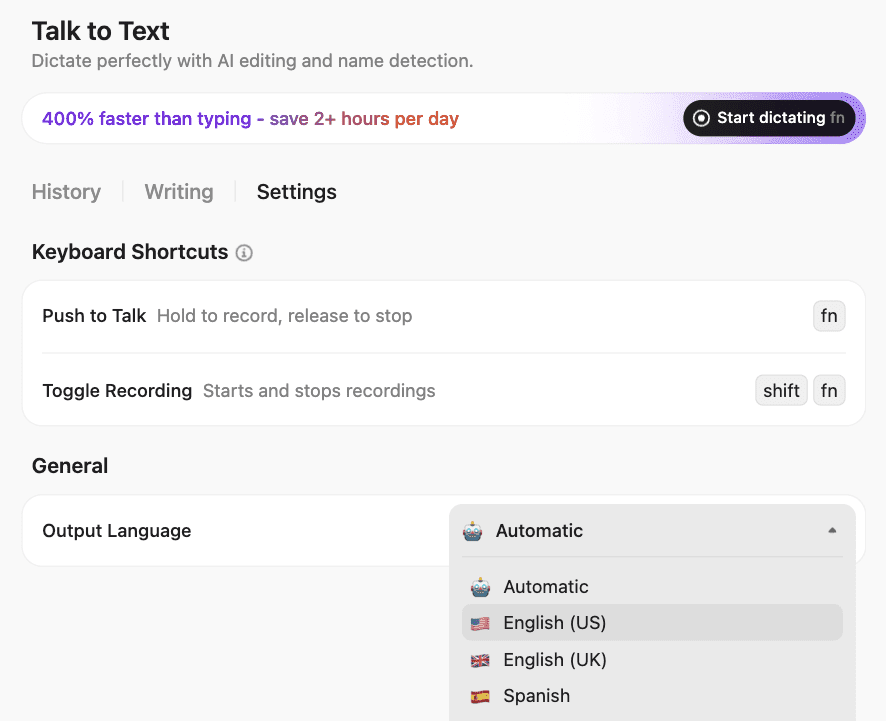
Here’s what it offers:
The Talk to Text feature is embedded within ClickUp Brain MAX, ClickUp’s desktop AI companion. Here’s a quick primer on how to use this AI Super App:
Once the transcript is ready, ClickUp Brain takes over. It’s a built-in AI assistant that scans the whole conversation, pulls out key points, and summarizes what was said. Then, it does something powerful—it turns those insights into Tasks—real, trackable action items.
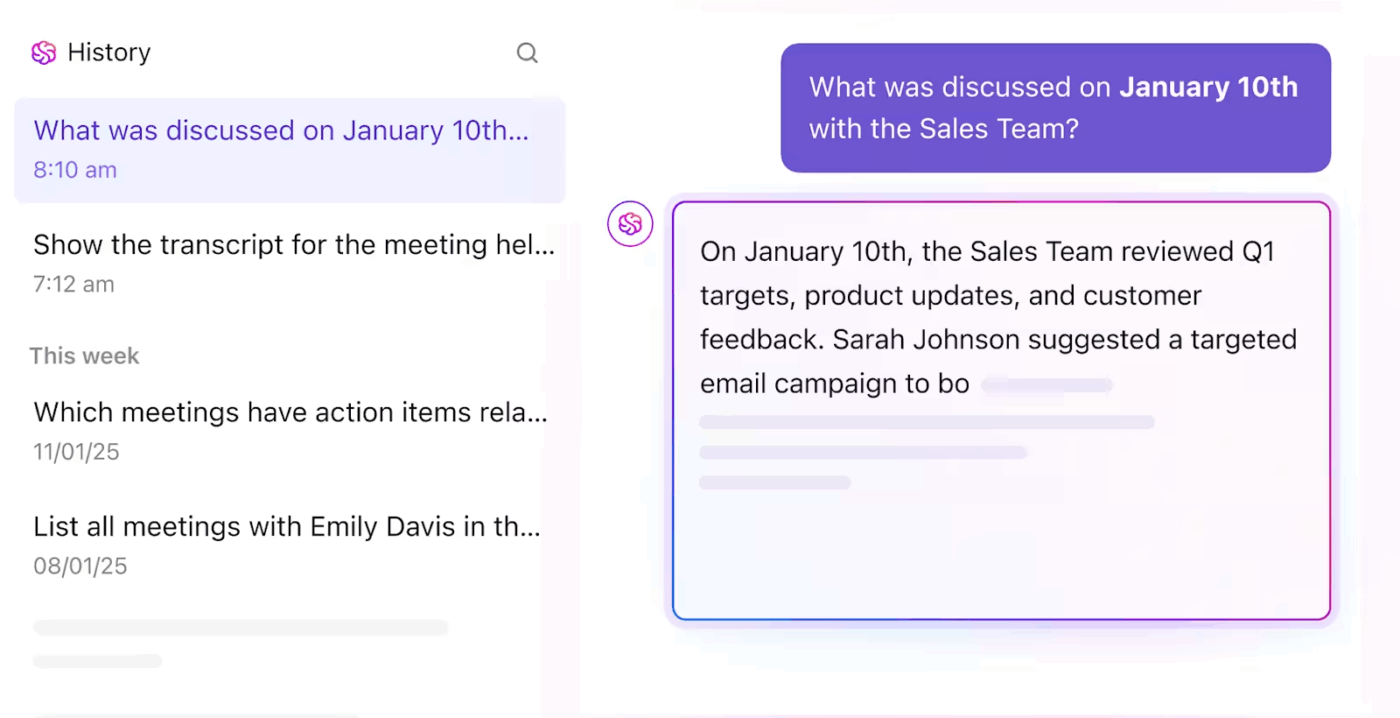
Each ClickUp Task created by Brain lives in your project board. You can add due dates, assign owners, and break them into subtasks, keeping everything organized and connected.
Next Up is the ClickUp AI Notetaker. You schedule a call, and it quietly joins your Zoom, Google Meet, or Teams meeting. There is no need to hit record. It listens, transcribes, and saves the conversation in real time, right into your workspace.
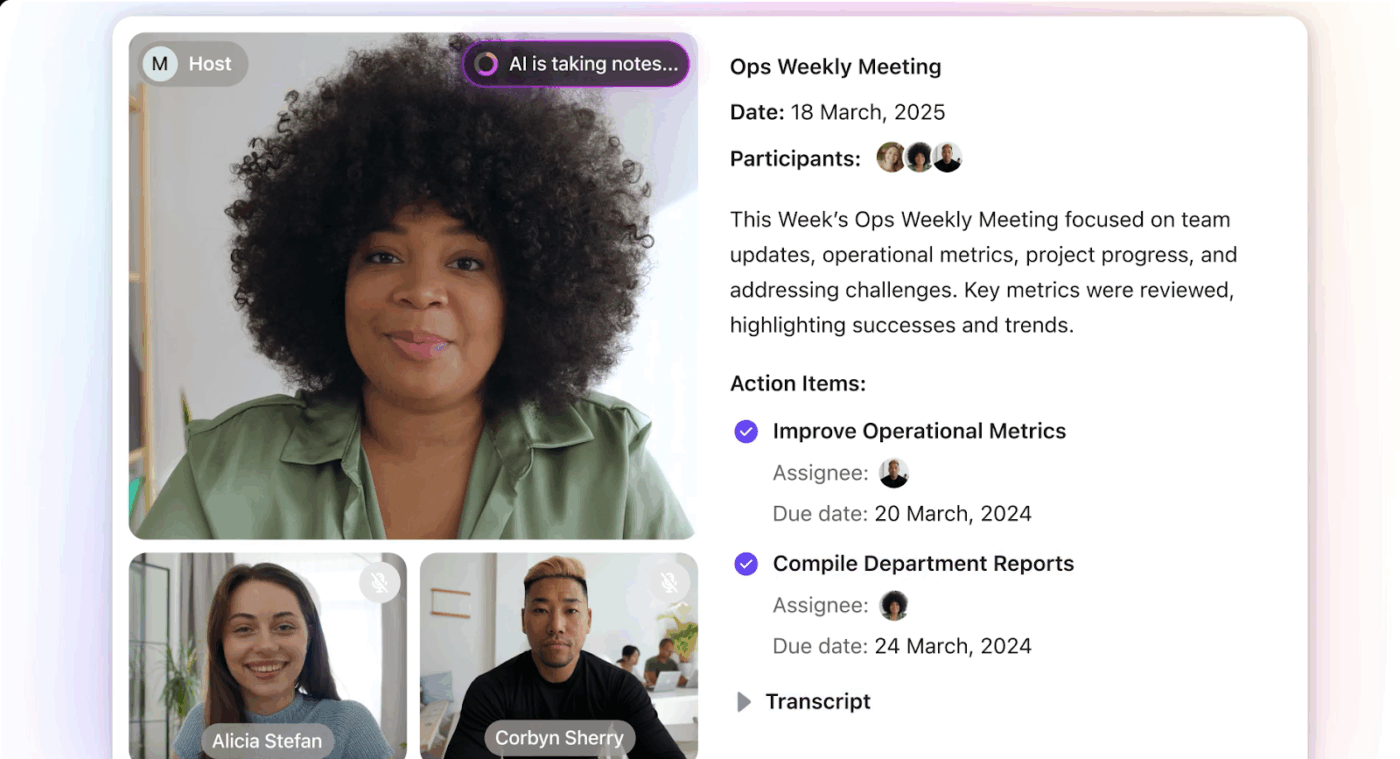
Your transcripts, video files, and summaries are saved directly to private ClickUp Docs for secure storage and easy reference. What’s more, all your meeting transcripts are fully searchable, allowing users to quickly find who said what, even if they missed the meeting or need a TL;DR recap.
Want to add more context to a Task? Use ClickUp Clips. Record your screen, explain the next step, or walk your team through a decision. The clip saves to the Task. Now, your team doesn’t need to ask twice—they’ve got your voice and your screen in one place.
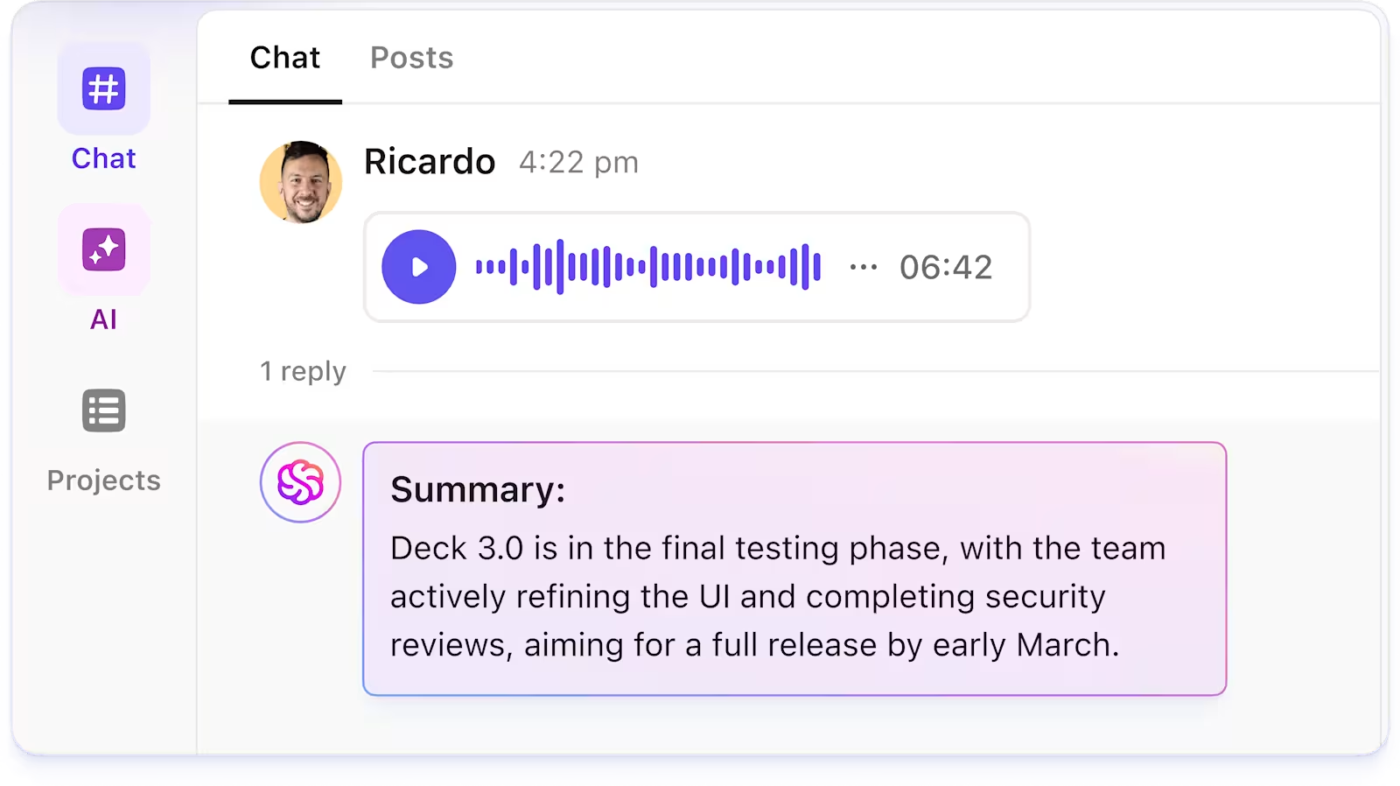
If you need context-based answers on any work, document, or conversation within ClickUp, just ask Brain. It’ll pull up what you need in seconds.
By automating summaries and knowledge sharing, teams can reduce time spent searching for information and unnecessary meetings and stay focused on high-priority tasks.
ClickUp also supports integration with third-party meeting tools and transcription services. For example, if you’re using Tactiq for transcriptions, you can trigger an Automation to create a corresponding Task in ClickUp, ensuring that follow-ups are never missed, whatever the platform.
Teams can also use APIs or integration platforms to sync data between ClickUp and other meeting or analytics tools, further streamlining workflows.
With ClickUp, every feature feeds the next. The meeting becomes the transcript. The transcript becomes the task. The task becomes the project. And the project gets done—all in one place.
A G2 reviewer says:
ClickUp Brain really is a time-saver. The built-in AI can now summarize lengthy threads, draft docs, and even transcribe voice clips right inside a task, which lets my team cut down on context-switching and chase fewer add-on tools. New calendar & Gantt upgrades make planning less painful.
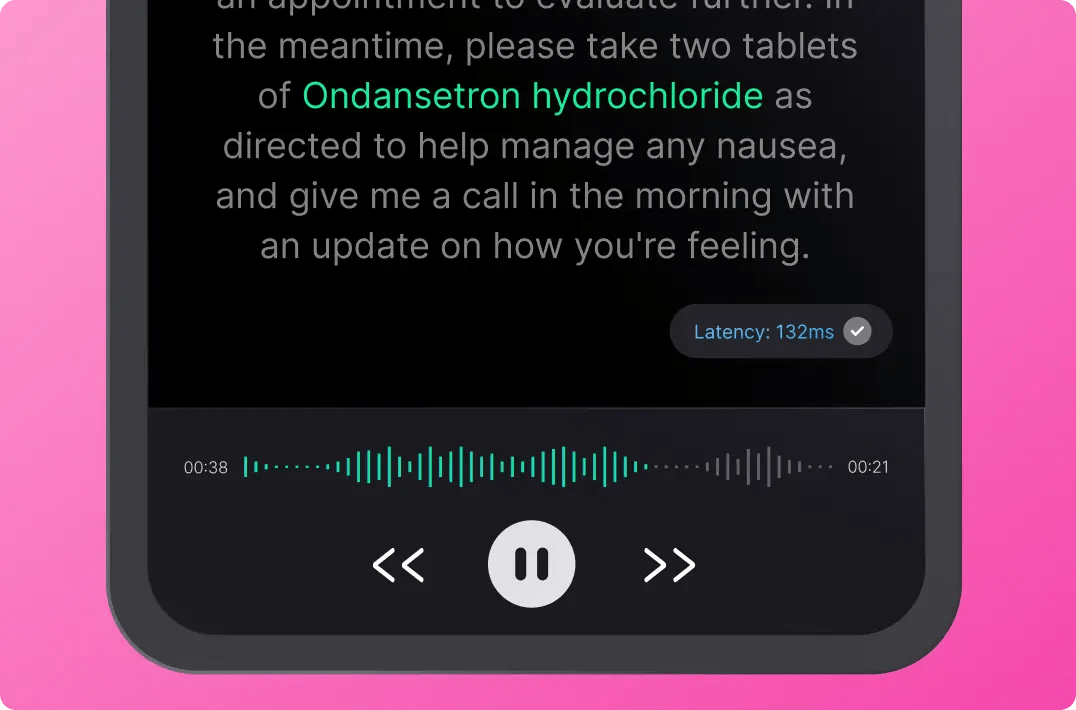
Deepgram’s speech-to-text API is designed for developers who need fast, accurate transcription in real time.
Its Nova-3 model handles tough audio—background noise, crosstalk, and multiple speakers. Whether you’re transcribing calls, interviews, or live streams, Deepgram delivers clean output with low latency.
It also protects sensitive data. With built-in redaction and smart formatting, you can produce readable, secure transcripts without extra post-editing. If you’re building voice features into an app or service, Deepgram gives you the tools to do it—fast and at scale.
A G2 review reads:
The feature that stands out for us is Deepgram’s transcription capability with high accuracy. We have incorporated Deepgram’s APIs into our existing workflow with our technology for generating transcriptions of meeting recordings for our qualitative use case, where it generates reliable outputs with high accuracy.
📮 ClickUp Insight: 47% of our survey respondents have never tried using AI to handle manual tasks, yet 23% of those who have adopted AI say it has significantly reduced their workload.
This contrast might be more than just a technology gap. While early adopters are unlocking measurable gains, the majority may be underestimating how transformative AI can be in reducing cognitive load and reclaiming time.
🔥 ClickUp Brain bridges this gap by seamlessly integrating AI into your workflow. From summarizing threads and drafting content to breaking down complex projects and generating subtasks, our AI can do it all. No need to switch between tools or start from scratch.
💫 Real Results: STANLEY Security reduced time spent building reports by 50% or more with ClickUp’s customizable reporting tools—freeing their teams to focus less on formatting and more on forecasting.
Handling global audio across languages and time zones? Google Cloud Speech-to-Text transcribes high-volume content in real time.
The API supports over 125 languages and can add punctuation, filter profanity, and break text into clean, readable chunks.
Need to know who said what? Speaker diarization and word-level timestamps take care of that. You can also fine-tune results with custom vocabularies and model adaptation.
If your use case is global, fast, and complex, Google’s transcription engine can keep up.
A G2 review says:
I like the accuracy of transcribed content compared to other software. With its excellent AI plus Machine Learning, it identifies misspelled/fumbled words and corrects them.
💡 Pro Tip: Good documentation keeps work from getting stuck. Use ClickUp Brain to turn messy notes into clear, shareable docs—fast.
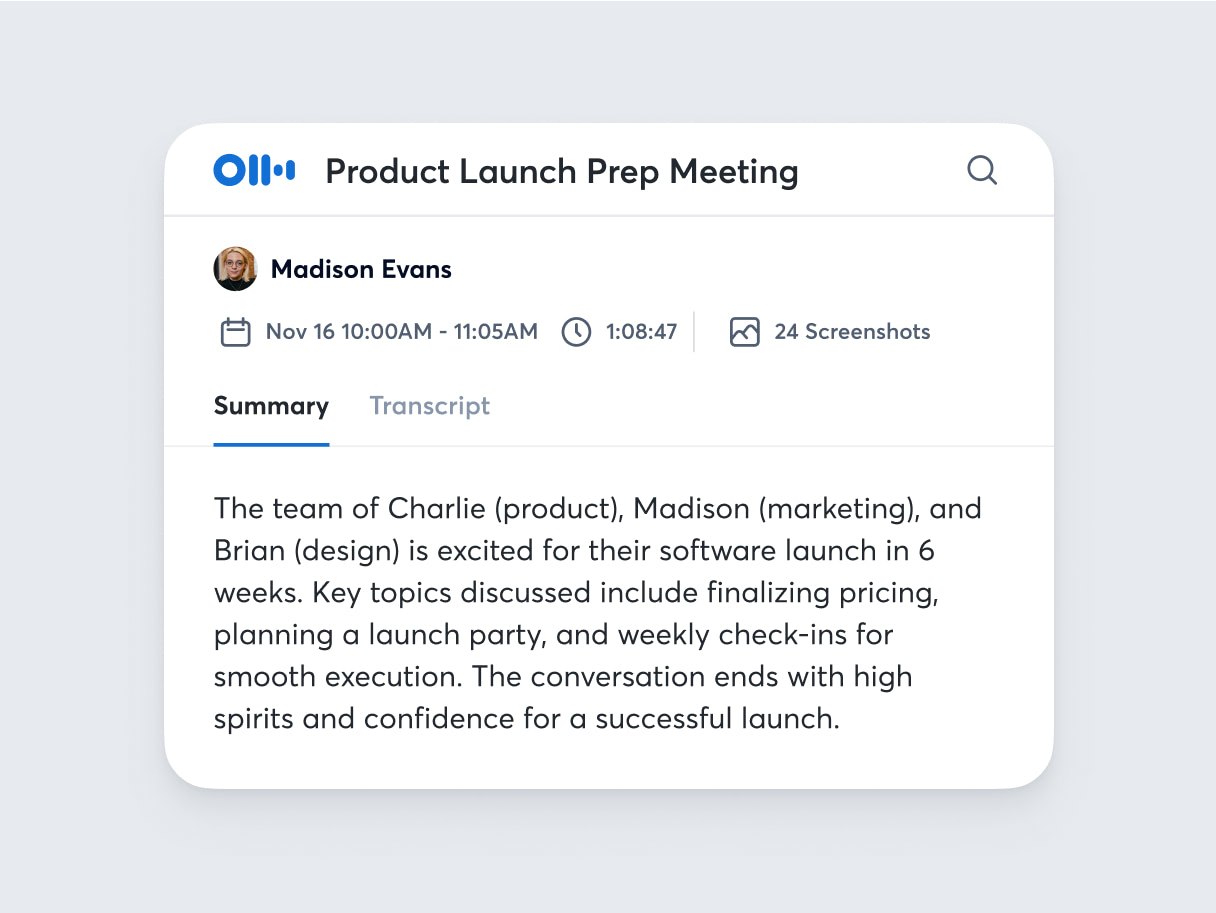
If you spend most of your days in meetings, Otter.ai is for you. It listens, writes, and organizes your conversations—so you don’t have to.
It joins your Zoom, Microsoft Teams, or Google Meet calls. While you talk, it transcribes in real time. After the meeting, it generates an AI summary and pulls out action items.
With Otter Chat, you can ask questions about your past meetings and get instant answers. Need to find what someone said last week? Just ask. If your team wants clean, searchable meeting notes without lifting a finger, Otter.ai is a strong pick.
A G2 review reads:
Otter.ai is a great AI tool to transcribe audios and videos. Premium version is great, as it allows you to upload more audio minutes. Best part is the time stamping and accuacy of it. I have been using the premium version for a long time now and recent upgrade in which AI helps you to extract required information from the conversation is extremely helpful.
📖 Also Read: Top Free Screen Recorder No Watermark Tools
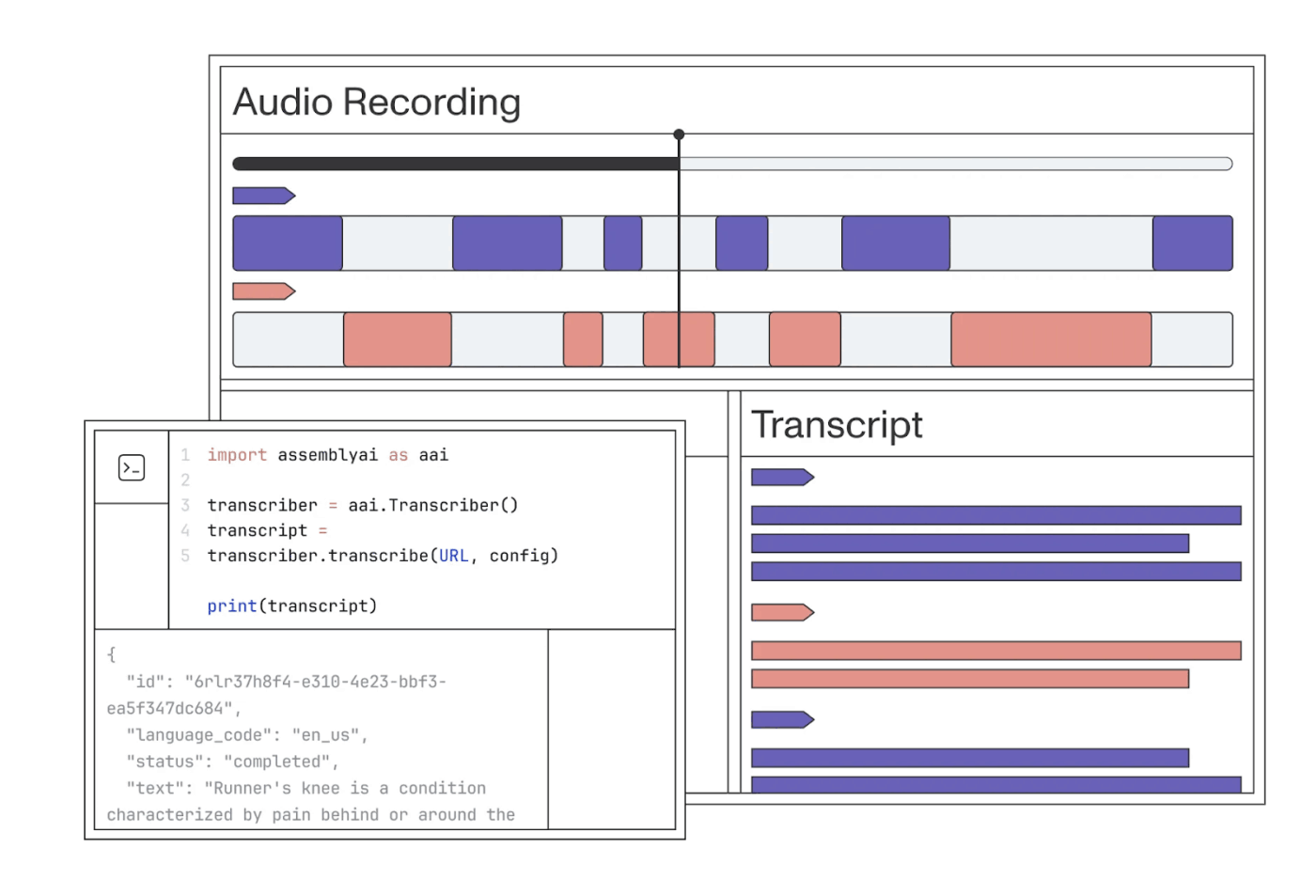
AssemblyAI comes with a powerful API that turns audio into text—and does a lot more for developers along the way.
You get real-time and asynchronous transcription. The Universal model is highly accurate, even in noisy audio. It also supports over 99 languages and can detect language automatically.
Want more than words? AssemblyAI adds smart features like sentiment analysis, topic detection, and content moderation. It even automatically removes sensitive information.
If you’re building voice features into your app, this tool gives you the flexibility to scale and the intelligence to grow.
👀 Did you know? Only 7% of communication comes from the actual words you use. The rest is tone and body language, which can make or break how your message lands.
If you’re leading a team, it’s not just what you say but how you say it that matters. Learn how to adapt your communication style to get stronger results.
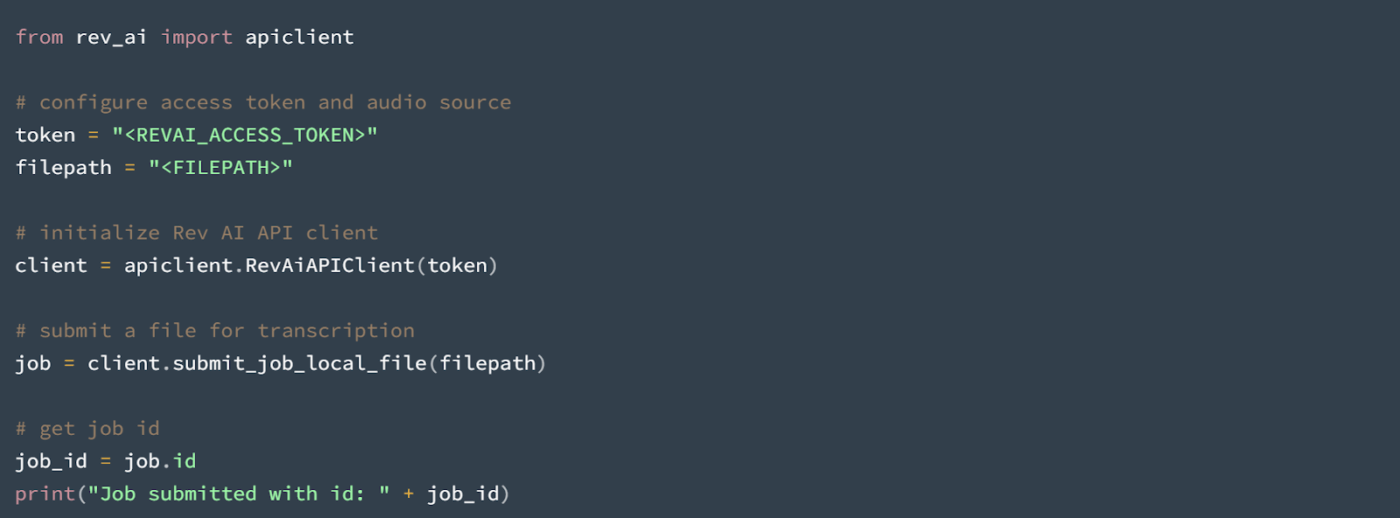
Rev.ai is another tool for developers who need accurate speech recognition. It offers both real-time and asynchronous transcription through a simple API.
The platform supports over 30 languages and includes features like speaker diarization, custom vocabularies, and sentiment analysis. It’s designed to handle diverse audio inputs with high accuracy. Rev.ai also provides human transcription services for scenarios where utmost accuracy is essential.
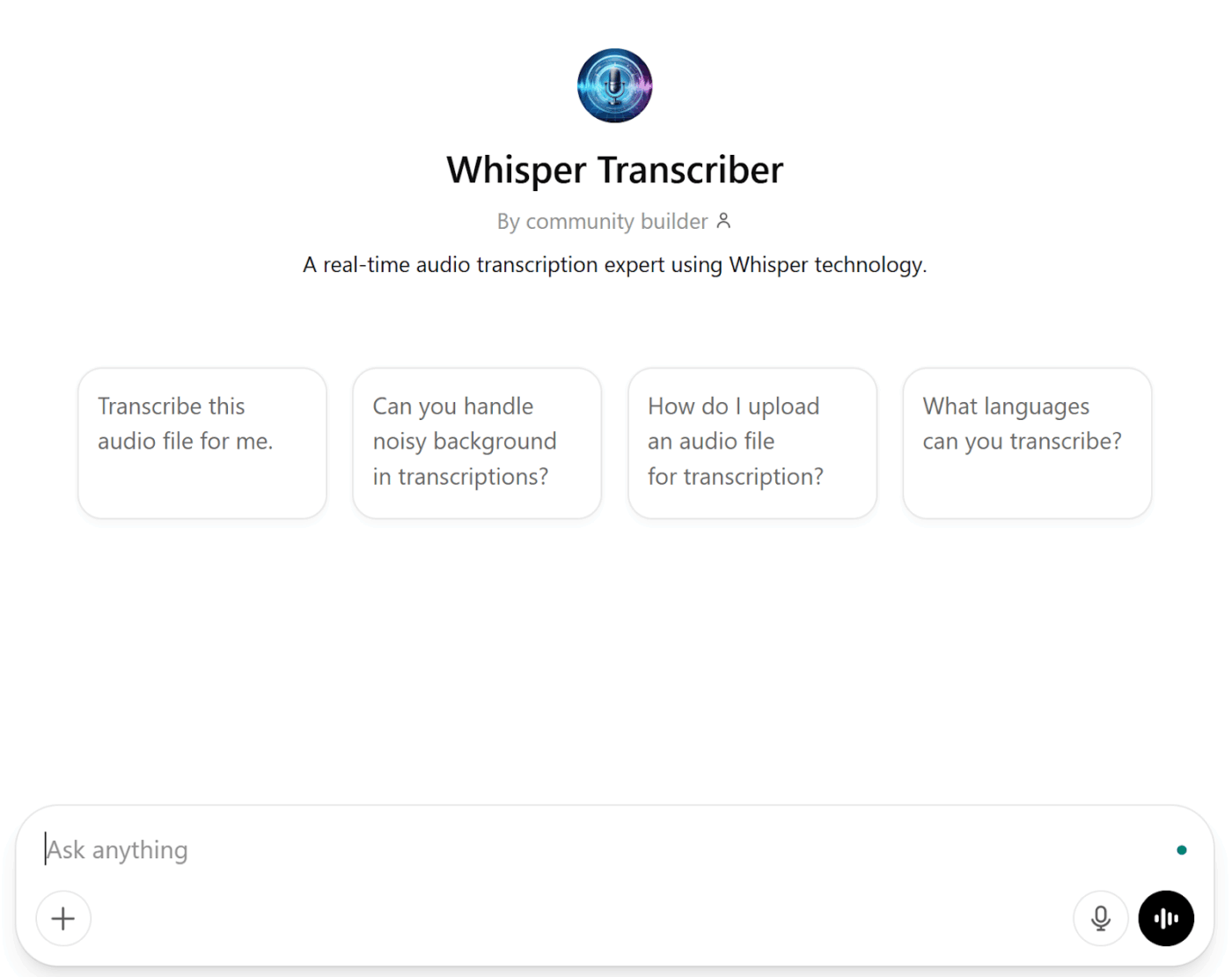
Whisper is OpenAI’s open-source speech-to-text model. It’s trained on hundreds of thousands of hours of audio across many languages. That gives it an edge when handling accents, background noise, or casual speech.
It can transcribe in over 99 languages—and translate them into English too. You can run Whisper locally for full control or use OpenAI’s API if you prefer a hosted solution.
It’s built for developers who want power, accuracy, and flexibility—all without paying licensing fees.
💡 Pro Tip: Using APIs for transcription? You might see status messages like verification successful waiting—that just means your request is being processed. For debugging, look out for a ray ID in your logs. It helps track exactly where a request was routed and what happened behind the scenes.
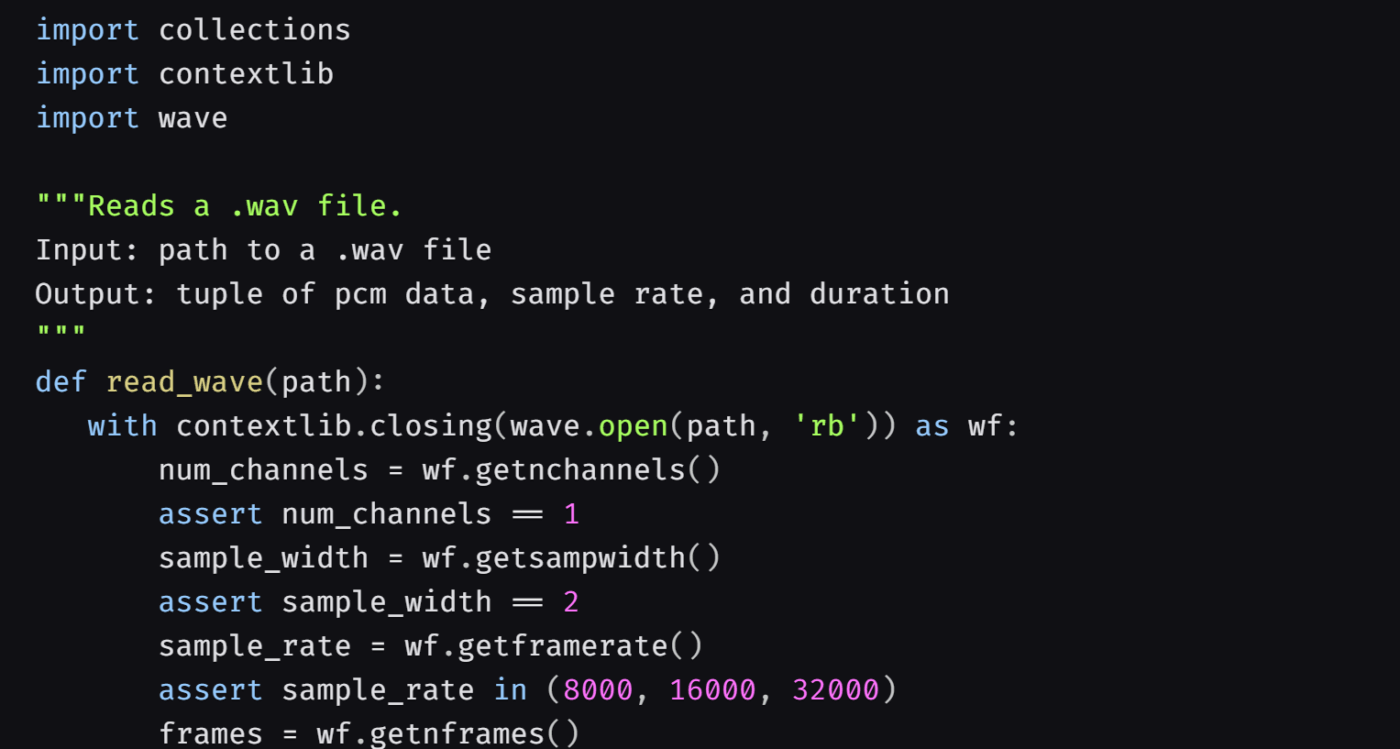
DeepSpeech is an open-source speech-to-text engine built by Mozilla. It runs offline, giving you full control over your data.
The model is based on deep learning and works on devices as small as a Raspberry Pi. It can be used on Windows, Mac, or Linux without internet access.
It comes with pre-trained English models, but you can fine-tune it for other languages if needed. While Mozilla no longer actively maintains it, the open-source community continues to support it.
If you need private, offline transcription in real time, DeepSpeech is a solid starting point.
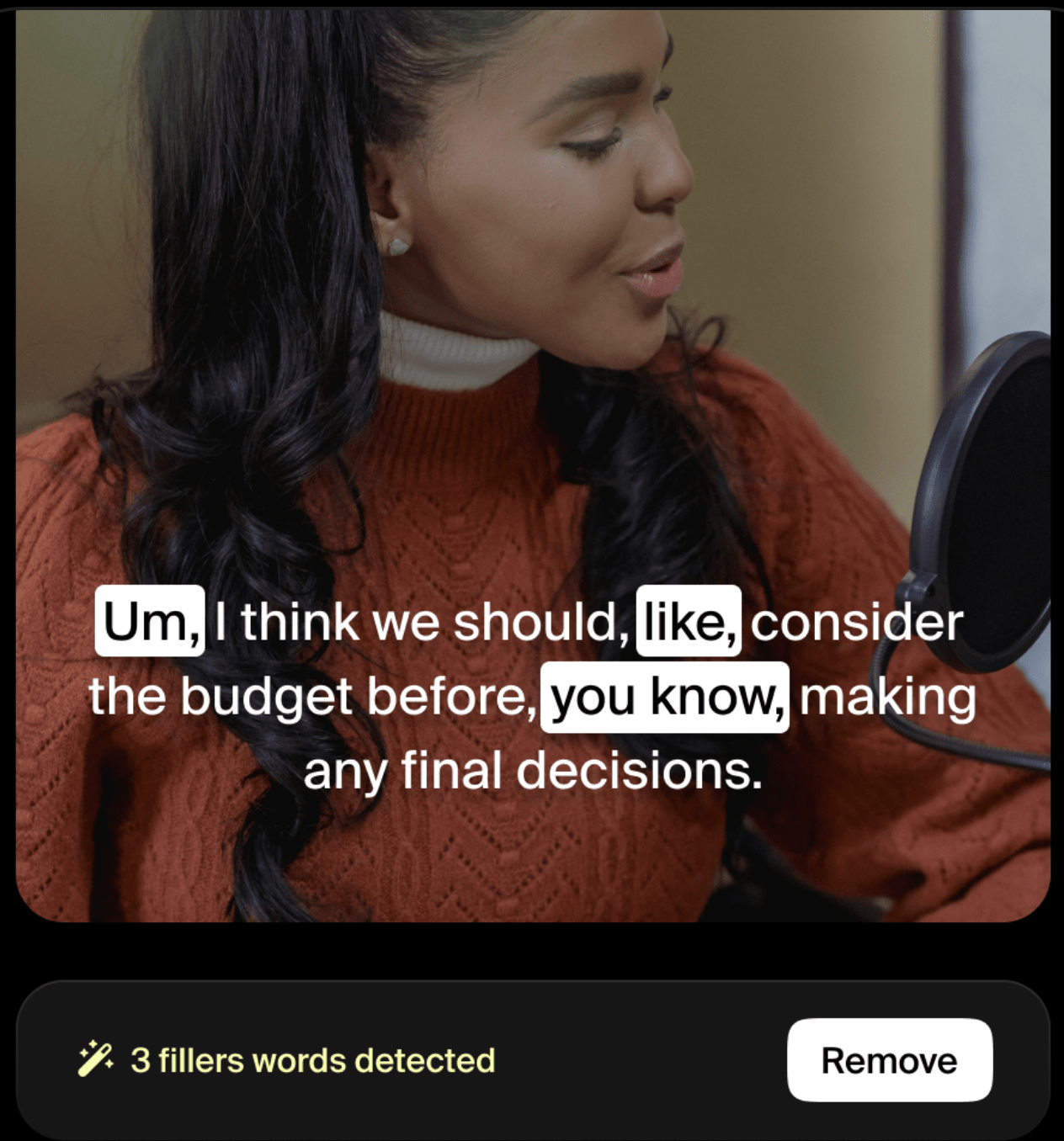
Gladia turns speech into text—but it doesn’t stop there. It understands emotion, picks out speakers, and summarizes what was said, all in one call to the API.
It works in over 100 languages and handles code-switching mid-sentence. That means it won’t get tripped up when speakers switch between English, French, or Spanish in the same conversation.
If you’re building voice features for a global audience and need more than just raw text, Gladia brings serious intelligence to your transcription.
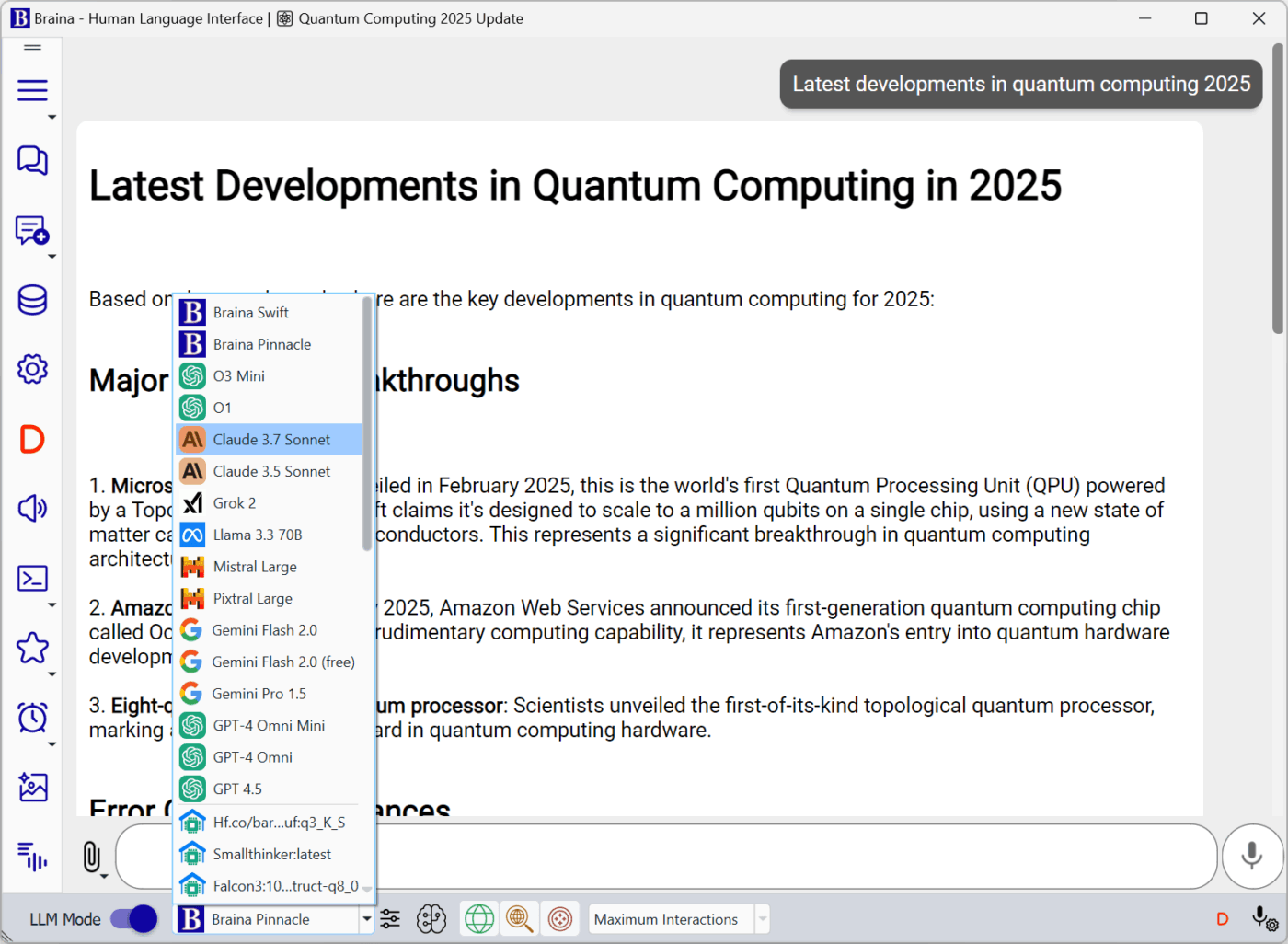
Braina is a speech-to-text tool that doubles as a personal assistant. It lets you dictate into any app—Word, Gmail, or a browser—and supports over 100 languages.
It works offline, needs no voice training, and handles technical terms like medical or legal jargon. You can also teach it custom words and phrases. Beyond dictation, Braina can open files, play music, search the web, and even automate tasks—all by voice.
A Capterra review reads:
It had a learning curve that was difficult for me, and though all the features I needed Braina had and all performed quite well, it was too pricey for me. Overall performance, however, A+ from me.
Transcription is just the start. ClickUp takes your meeting notes and turns them into action. It helps you assign tasks, track progress, and keep everything moving—without jumping between tools. It’s built for a deeper understanding of conversations, helping teams respond faster and more effectively.
With ClickUp AI Notetaker, you don’t just get transcripts. You get smart summaries, next steps, and real-time updates tied to your actual work.
Everything lives in one place—Notes, Tasks, Docs, projects, people, and even media shared during meetings. Plus, you can always verify information within the context of your workspace—no need to dig through disconnected files.
Whether you’re in tech, education, or any fast-moving industry, if you’re looking to replace Speechmatics, ClickUp gives you more than just accurate transcripts. It gives you a system to follow through.
Sign up for ClickUp today and turn conversations into completed tasks.

© 2026 ClickUp

There’s an easier way. Try a free AI Agent in ClickUp that actually does the work for you—set up in minutes, save hours every week.