








Still downloading templates?
There’s an easier way. Try a free AI Agent in ClickUp that actually does the work for you—set up in minutes, save hours every week.
Sorry, there were no results found for “”
Sorry, there were no results found for “”
Sorry, there were no results found for “”
According to a Pew Research study, 23% of American adults say they haven’t read a book in over a year.
Not because they don’t want to, but because they lose track of what they’ve started, what they want to read next, and the insights they’ve gathered along the way.
This article walks you through eight Notion book tracker templates to organize your reading life.
PS: We’ll also touch on powerful ClickUp alternatives that solve Notion’s biggest limitations: slow performance with large libraries, limited offline access, and clunky collaboration for book clubs.
You’ve decided to get organized, so you head to a template gallery.
The problem is, not all templates are created equal. You can waste hours downloading a cute reading list template that looks great but can’t handle more than 20 books, or a complex system with dozens of properties you’ll never use.
This friction is what causes most people to abandon their tracking habit. Your tool should make reading more enjoyable, not feel like a chore. Before you download anything, know what to look for. A great book tracker template gives you structure without being rigid.
With these criteria in mind, let’s explore some of the best Notion book tracker templates available.
Finding a book-reading tracker on Notion that matches your style can be tough.
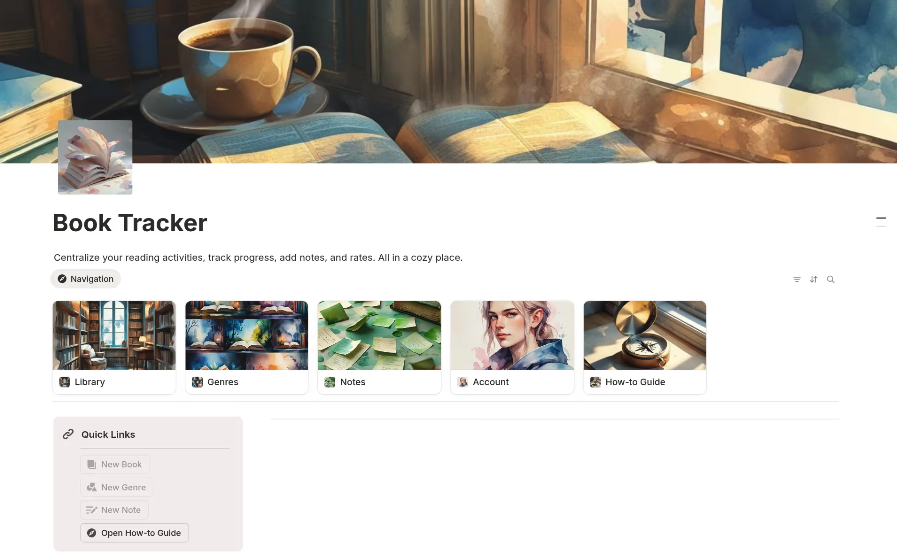
You might be a visual person who loves seeing book covers, a data-driven reader who tracks every page, or a minimalist who just wants a simple log. This section covers five standout templates, each designed for a different type of reader.
If you want to get started right away without a complicated setup, the foundational Book Tracker Template is for you. It’s a clean, no-frills database that provides just the essentials, making it the perfect starting point for any reader. It’s simple, functional, and ready to go in minutes.
It comes with:
This template is ideal for readers who value simplicity and speed.
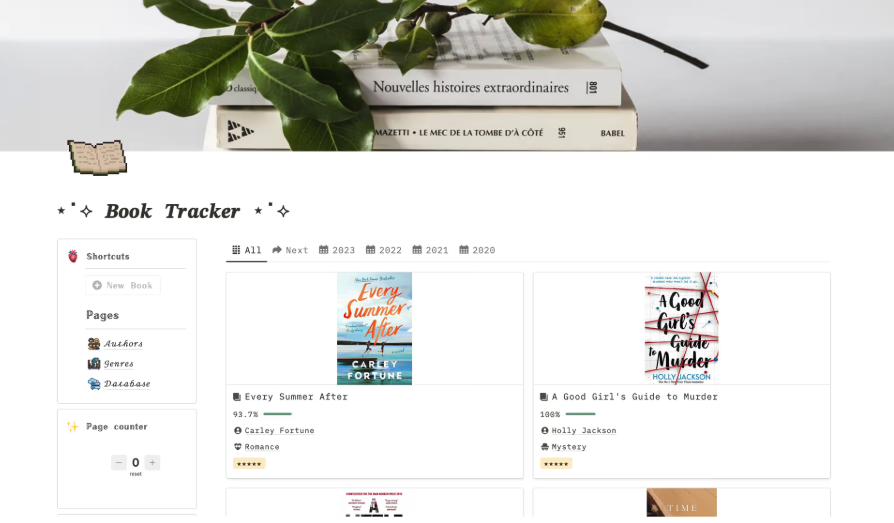
For readers who are motivated by visuals, the Aesthetic Book Tracker turns your reading list into a digital bookshelf. This template prioritizes a beautiful and personal experience, making you want to come back to it again and again. It’s perfect for those who believe a tool should be as inspiring as the books it holds.
This cute reading list template is designed for visual organization: ✨
Just a heads-up: highly aesthetic templates can sometimes sacrifice advanced features for looks. Make sure the visual appeal doesn’t prevent you from tracking what truly matters to you.
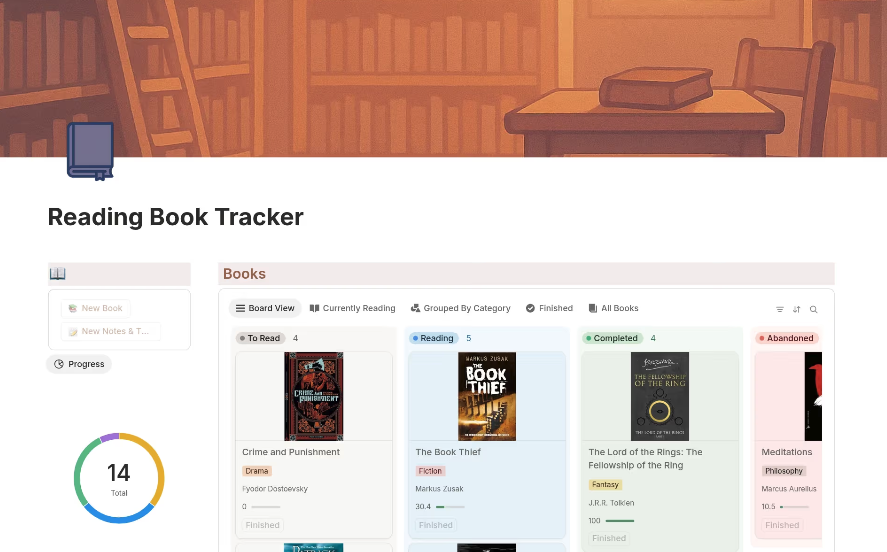
If you’re a goal-oriented reader, this is the Notion reading tracker for you. The Reading Book Tracker is all about momentum, with features designed to show you how much progress you’re making. It helps you stay accountable, especially when you’re tackling a big reading challenge.
This template is built for tracking progress and hitting goals:
Setting up progress tracking takes a little extra time, but the accountability it provides is a huge payoff for dedicated readers.
Your best reading thoughts rarely arrive at a desk.
They show up mid-walk. On a commute. While you’re rinsing a coffee mug and replaying a paragraph in your head.
That’s where ClickUp Brain MAX changes the rhythm. Instead of telling yourself you’ll “log it later,” you can use Talk to Text to capture a reflection the moment it surfaces. Speak your takeaway, your question, your half-formed critique. Brain MAX transcribes it directly into your task or Doc, structured and searchable inside your workspace!
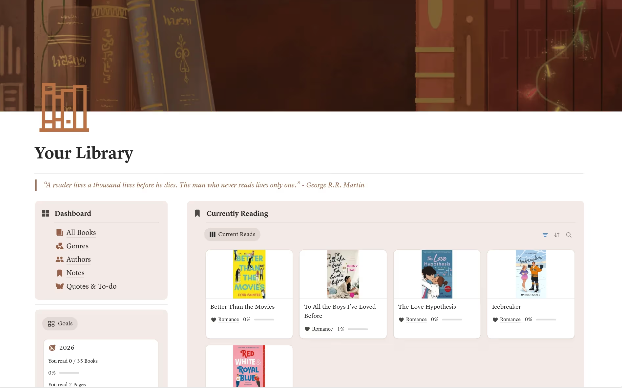
When your personal library starts to feel more like a public one, you need more than just a simple reading log. The My Library Book Tracker Template is designed for serious readers with large collections who need a comprehensive management system. It uses relational databases to create a powerful, interconnected library.
This template is for readers who want to manage a large collection. It comes with: 📚
A quick note: This template is best for those already comfortable with Notion’s more advanced features, as relational databases can have a learning curve.
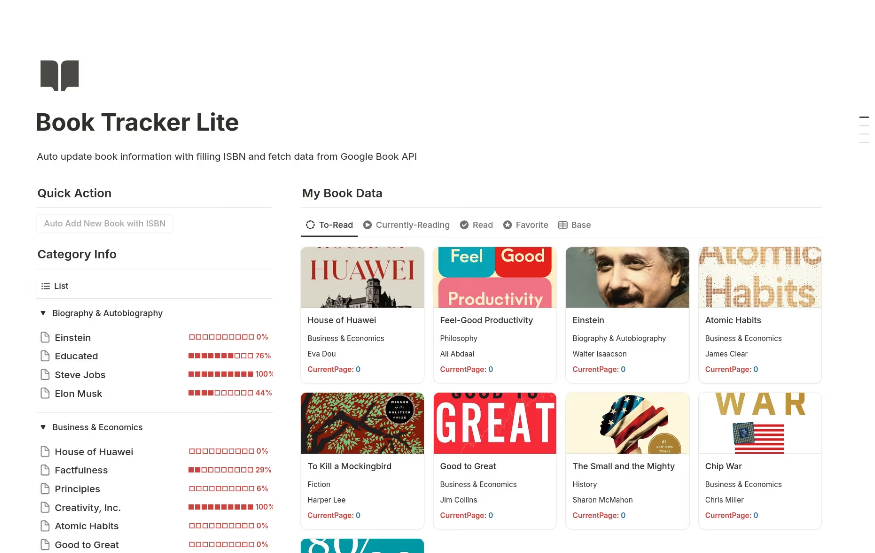
For power users who want to spend less time on data entry and more time reading, the Book Tracker Automation Template helps to automate repetitive actions so you can focus on your books. It uses Notion’s automation features to streamline repetitive actions, making your workflow faster and more efficient.
This template is designed to reduce manual work. It hepls you with:
While Notion’s native automations are useful, they are still more limited than what you’d find in a dedicated productivity platform.
You found the perfect Notion template, but after a few months, you hit a wall.
Your database is slow, you can’t log a book you finished on a flight, and trying to run a book club discussion in the comments is a mess. The tool that was supposed to make things easier has become a new source of frustration.
Notion is incredibly flexible, but that flexibility comes with tradeoffs, especially for book tracking.
If these limitations sound familiar, it might be time to consider a platform built for speed, collaboration, and reliability.
Your reading system shouldn’t create more work.
If you’re tired of slow databases and clunky mobile apps, ClickUp offers a better way.
Our Template Center is filled with powerful templates that solve the common frustrations of book tracking, with added benefits like true real-time collaboration, reliable Offline Mode, and ClickUp Brain, the built-in AI assistant, to help you connect ideas.
These templates are fully customizable, sync instantly across all your devices, and are ready to use in seconds.
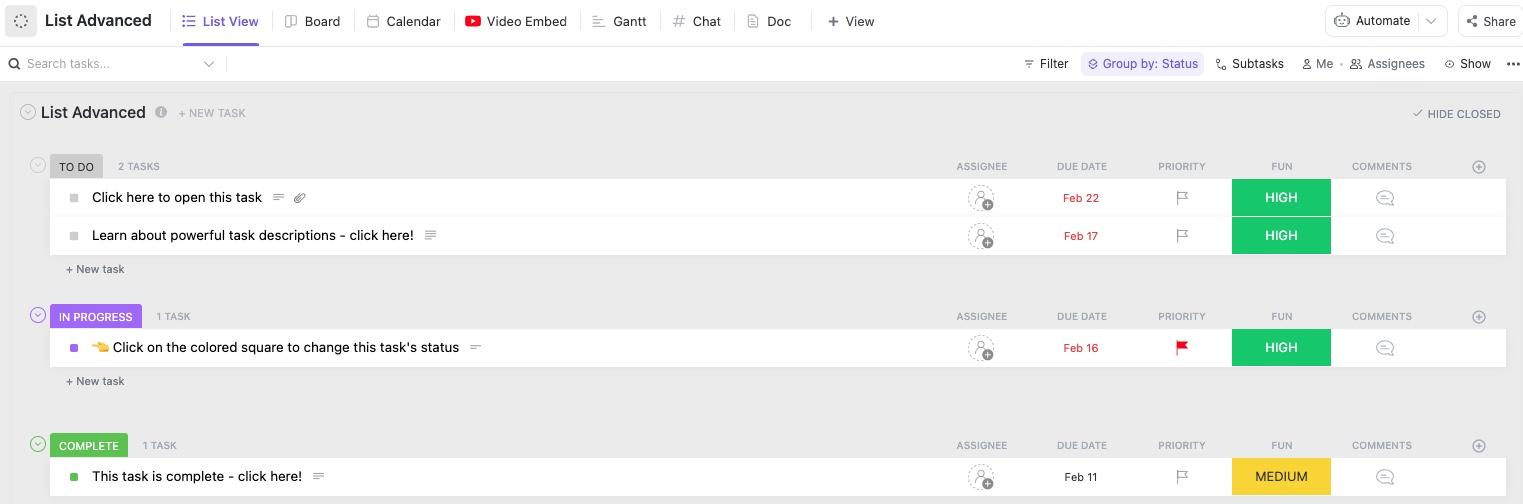
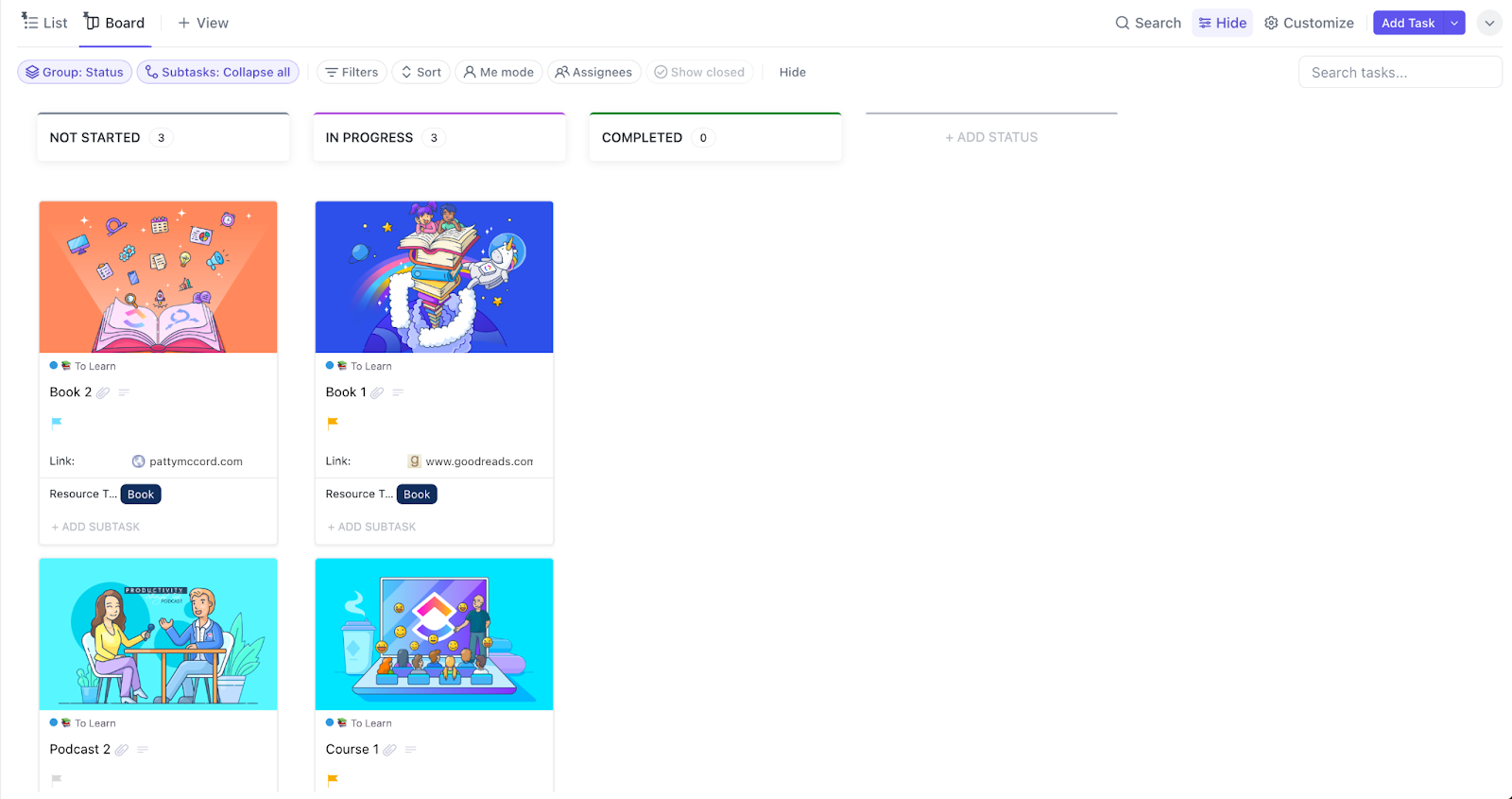
Tired of over-engineered templates? Start with a clean, straightforward book list using the List Template by ClickUp™. It gives you a flexible structure you can build on, letting you prioritize your reading queue with intuitive drag-and-drop organization.
This template is perfect for readers who want minimal setup and maximum flexibility.
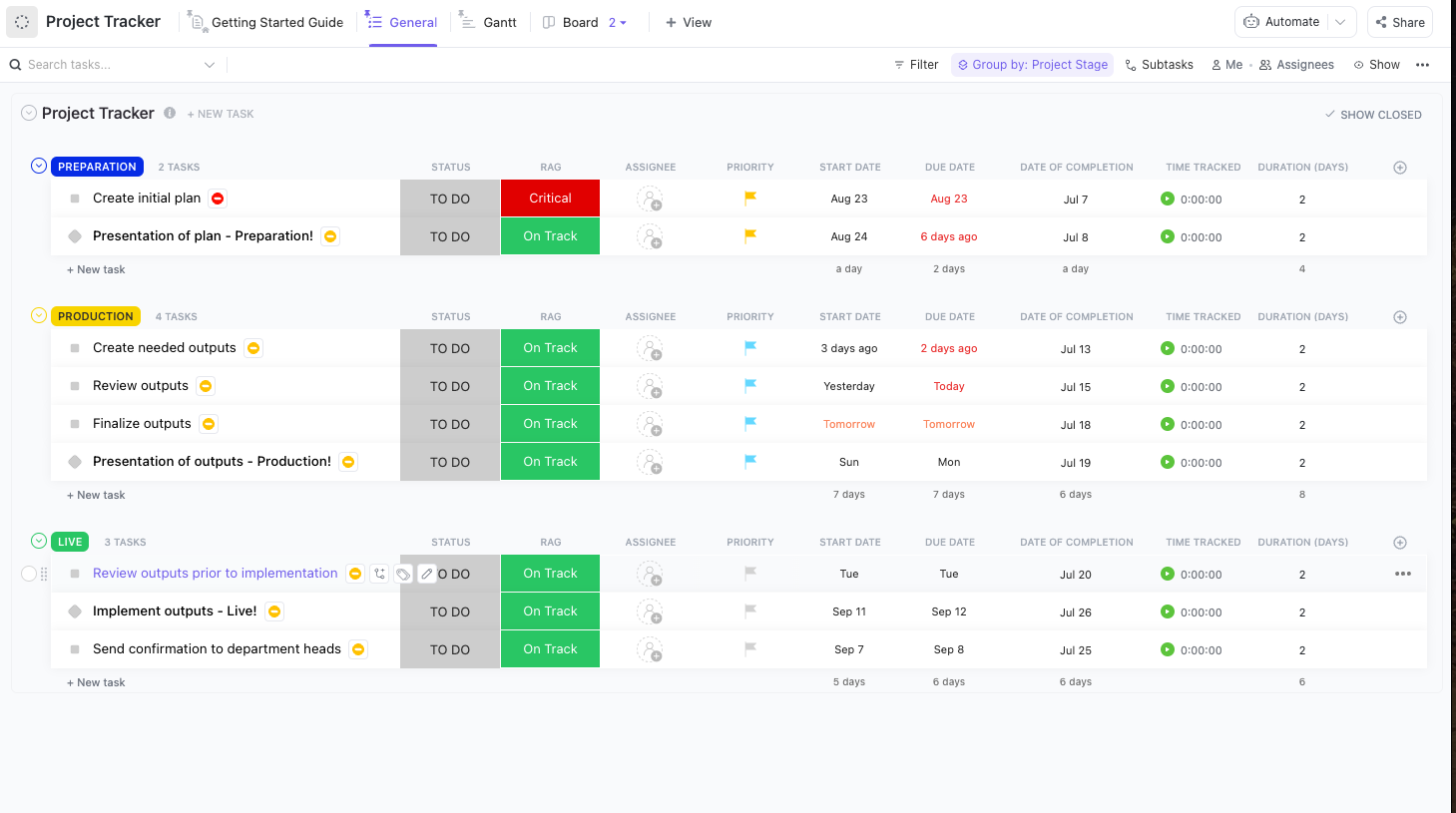
For readers tackling structured projects like academic research, coursework, or themed reading challenges, a simple list won’t cut it.
You need to see the bigger picture. Transform your reading list into a manageable project with clear visibility into your progress using the Project Tracker Template by ClickUp™. It helps you:
This template is ideal for anyone with a reading “project” instead of a casual list.
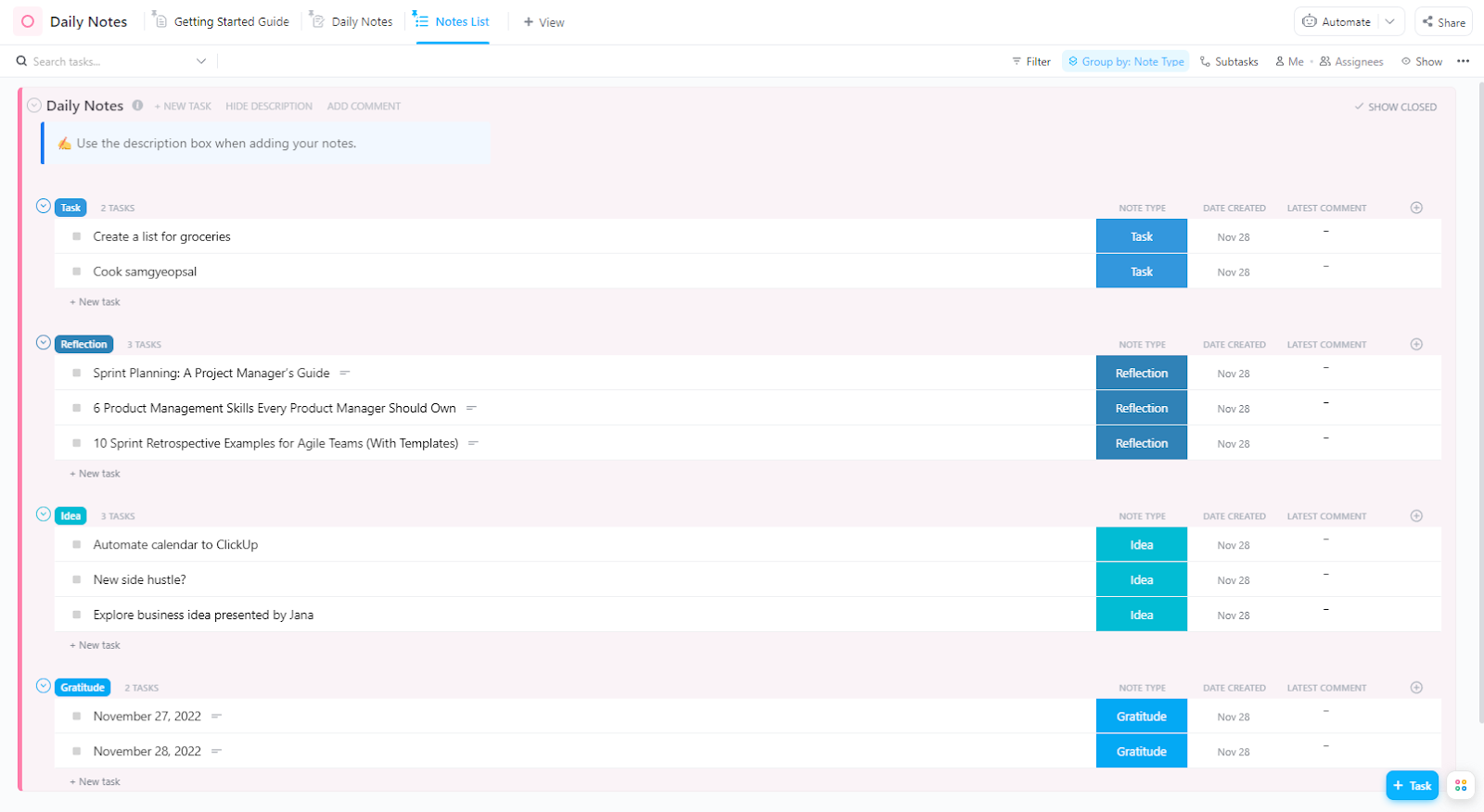
The best insights from a book are often lost if you don’t capture them immediately. Capture thoughts, quotes, and reflections as you read with the Daily Notes Template by ClickUp™. This template supports an active reading practice via:
🎥 Whether you’re capturing book highlights or brainstorming connections between ideas, effective note organization is critical to getting the most from your reading. Watch this practical guide to learn proven strategies for organizing your notes so insights are never lost. 👇🏼
If you’re reading to learn and retain information, you need a system designed for it. Take retention-focused notes with an academic-grade structure using the Cornell Note Template by ClickUp™. It’s especially powerful for nonfiction readers who need to synthesize complex arguments and ideas.
This template helps you learn more from what you read:
Reading doesn’t happen in a vacuum, it’s part of your broader life and goals. Integrate your reading habits into your overall life management system with the Personal Productivity Template by ClickUp™. Stop treating your reading list as a separate to-do list and connect it to what truly matters.
This template connects your reading to your larger goals. Use it to:
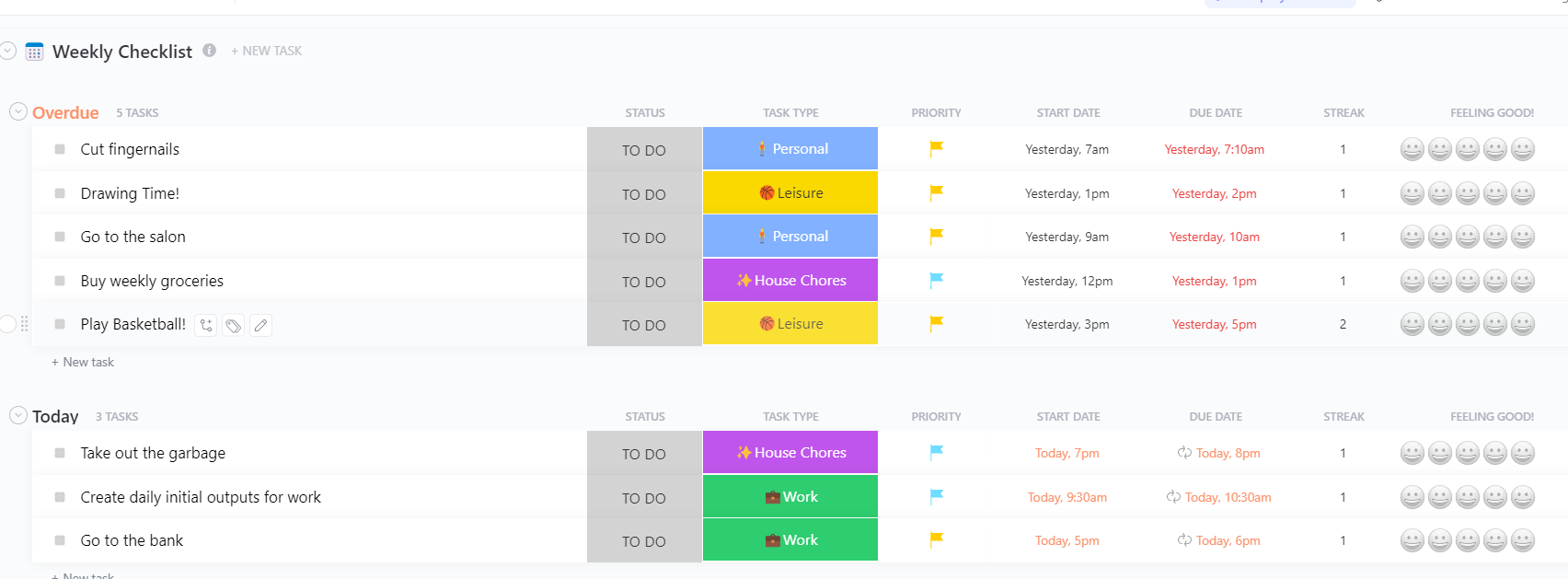
Big reading goals can be intimidating. Break them down into small, manageable, recurring commitments with the Weekly Checklist Template by ClickUp™. It helps you build a powerful reading habit by satisfying consistent, daily wins. Use it to:
If you’re a fan of the Getting Things Done (GTD) methodology, why not apply it to your reading life? Capture book recommendations instantly and process them into organized, actionable reading lists with the Getting Things Done (GTD) Template by ClickUp™.
This template brings the power of GTD to your bookshelf:
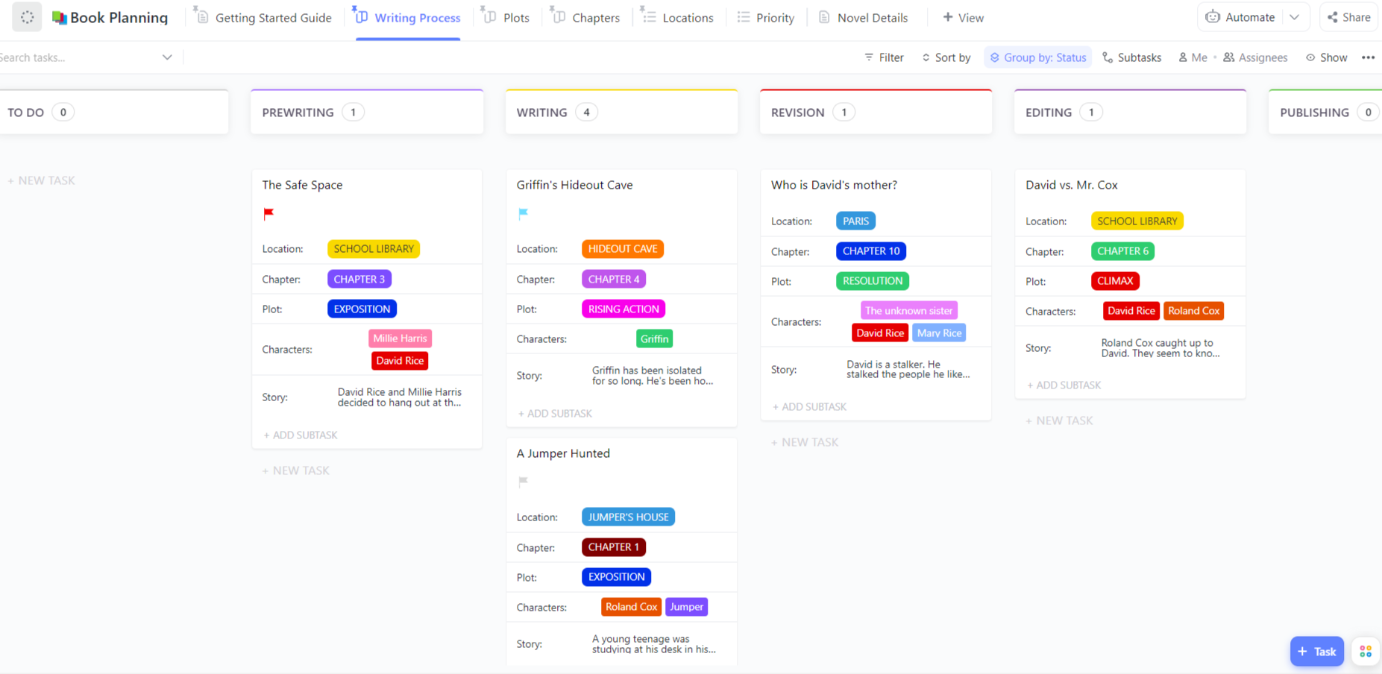
Ready for a purpose-built system to support your writing process? Get the most comprehensive, writing-specific tracking system with the Book Planning Template by ClickUp™. It combines the best features for tracking reading/writing goals, current reads, and inspiring books into one ready-to-go template, eliminating all the setup work.
This template is the ultimate all-in-one reading system. 🤩
The right book tracker turns scattered reading habits into a system you’ll actually use.
That might be a simple, minimalist database. Or it might be a fully structured ClickUp workspace that connects your reading list, notes, goals, and progress in one place.
The point isn’t complexity, but continuity.
A strong tracking system does more than catalog titles. It helps you read with intention, notice patterns in what you choose, and capture insights before they disappear. Over time, your reading stops feeling random and starts feeling cumulative. Each book builds on the last.
If you’re ready to move from “I should read more” to a system that supports it, get started for free with ClickUp and build a reading workflow that grows with you.
Ready to build your reading system? Get started for free with ClickUp.
Share the template with your group, assign books to members with ClickUp Task Assignees, use Comments for discussion threads, and create ClickUp Shared Views filtered by reader. ClickUp’s real-time collaboration and automatic cross-device sync make this seamless for everyone.
A reading list is a simple inventory of books you want to read (your TBR pile). A reading tracker is a more robust system that adds progress monitoring, completion dates, ratings, and notes—think of it as a wishlist vs. a full reading journal.
Yes. ClickUp automatically syncs all data in real time across the web, desktop, and mobile apps. Plus, with Offline Mode, you can log your reading progress without an internet connection, and your updates will sync as soon as you’re back online.

© 2026 ClickUp

There’s an easier way. Try a free AI Agent in ClickUp that actually does the work for you—set up in minutes, save hours every week.