Sorry, there were no results found for “”
Sorry, there were no results found for “”
Sorry, there were no results found for “”
If you’ve tested Meta AI and thought, “This is good, but not quite what I need”—you’re not alone. While Meta’s LLaMA models and integrated AI tools are impressive, they’re not always the best fit for every workflow.
Maybe you’re looking for better output quality. Tighter privacy controls. Or a tool that integrates with your existing stack without duct taping. Maybe you need an alternative that doesn’t require a Meta account or beats Meta AI pricing.
Whatever your reason, this guide is for you.
We’ve rounded up 13 of the best Meta AI alternatives available in 2025—each vetted for real-world use cases like language modeling, workflow automation, image generation, team collaboration, and more. You’ll find side-by-side insights into what each tool does best, their limitations, pricing, and how they stack up—so you can choose the right AI platform for your goals, not just the biggest name in the room.
| Tool | Best for | Key features | Pricing |
| ClickUp | AI-powered all-in-one project management and collaboration | AI writing assistant, workflow automation, connected search | Free plan available; Paid plans from $7/month |
| ChatGPT | Versatile, conversational AI chatbot for everyday use | Strong reasoning capabilities, coding support, plugin ecosystem | Free plan available; Plus from $20/month |
| Claude | Nuanced responses and document analysis | Long context window, robust document processing, thoughtful reasoning | Free plan available; Pro from $20/month |
| Jasper | Enterprise-grade content marketing and creation | Brand voice customization, SEO features, team collaboration | Plans from $49/month |
| Perplexity AI | Real-time information retrieval and research | Live web search integration, citation tracking, multimodal capabilities | Free plan available; Pro from $20/month |
| Google Gemini | Multimodal reasoning and Google ecosystem integration | Cross-application functionality, strong reasoning across formats, extensive knowledge | Free plan available; Advanced from $19.99/month |
| Microsoft Copilot | Professional workflows and Microsoft 365 integration | Native Microsoft ecosystem integration, contextual assistance, enterprise security | $30/month (requires a Microsoft 365 subscription) |
| Hugging Face | Open-source AI model deployment and experimentation | Thousands of open models, collaboration tools, model fine-tuning | Free plan available; Pro from $9/month |
| DALL·E 3 | Advanced image generation and editing | Photorealistic imagery, inpainting/outpainting, precise prompt following | Pay-per-generation starting at $20 for 250 images (or $0.08/image) |
| YouChat | Web search-enhanced conversational AI | Integrated search results, citation tracking, multimodal understanding | Free plan available; Pro from $20/month |
| Otter AI | AI-powered meeting note-taking, transcription and summarization | Live transcription, meeting summaries, automated action items | Free plan available; Pro from $16.99/month |
| Replit AI | AI-assisted software development and coding | Code completion, debugging assistance, educational support | Free plan available; Paid plans from $35/month |
| Notion AI | Knowledge management and content creation | Document drafting, summarization, integrated workspace | Add to any plan for $10/user/month |
Not every AI tool is built for the same job, and that’s the whole point of seeking an alternative. Whether you’re building a chatbot, analyzing images, summarizing research, or automating workflows, the best Meta AI alternative will align with your specific goals, stack, and data needs.
Here’s what to consider:
Ultimately, the right tool feels less like a black box and more like a trusted partner in your workflow.
Based on the above criteria and our research and experimentation with multiple tools, here’s a list of top Meta AI alternatives to power your productivity, creativity, and decision-making this year.
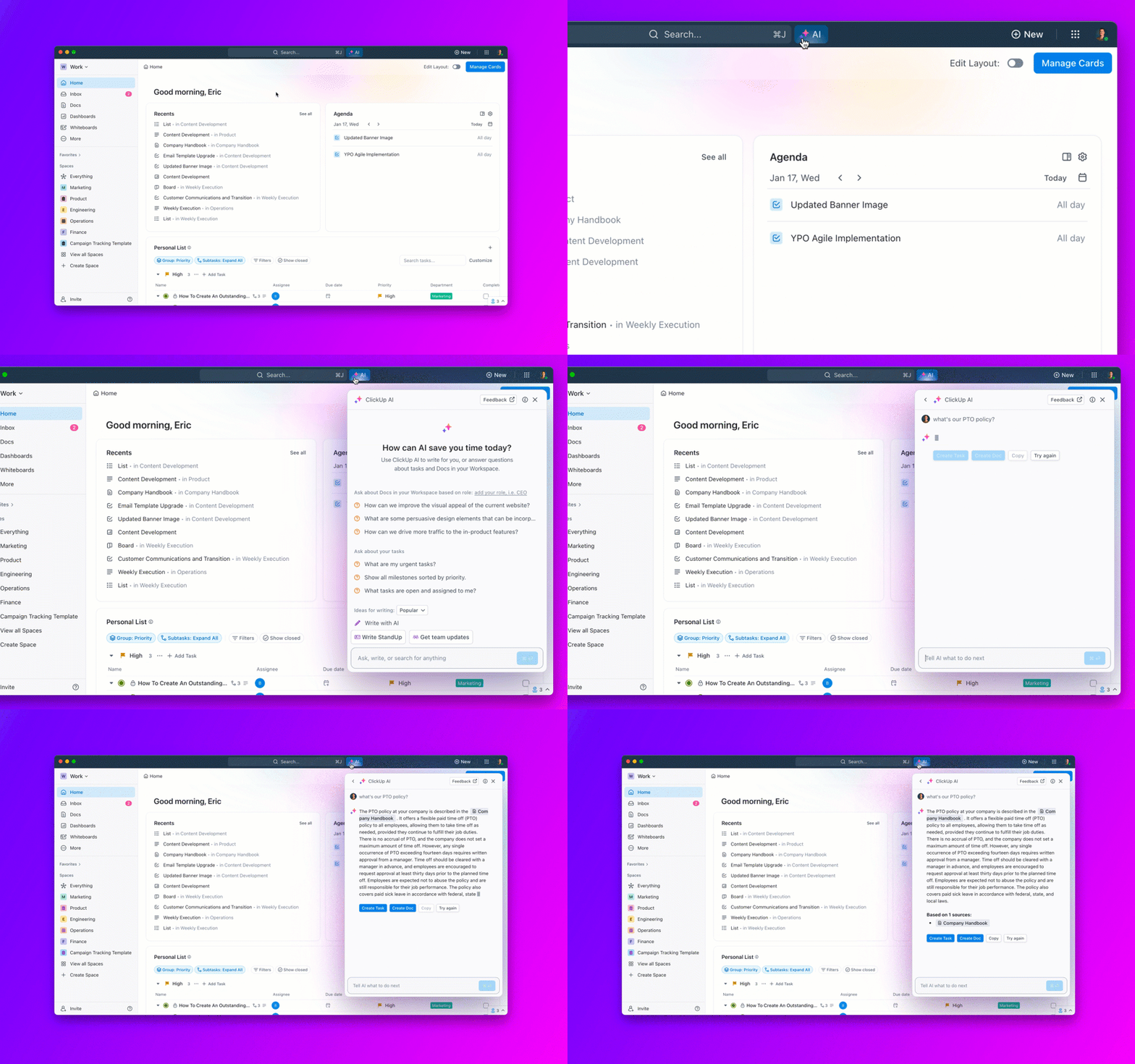
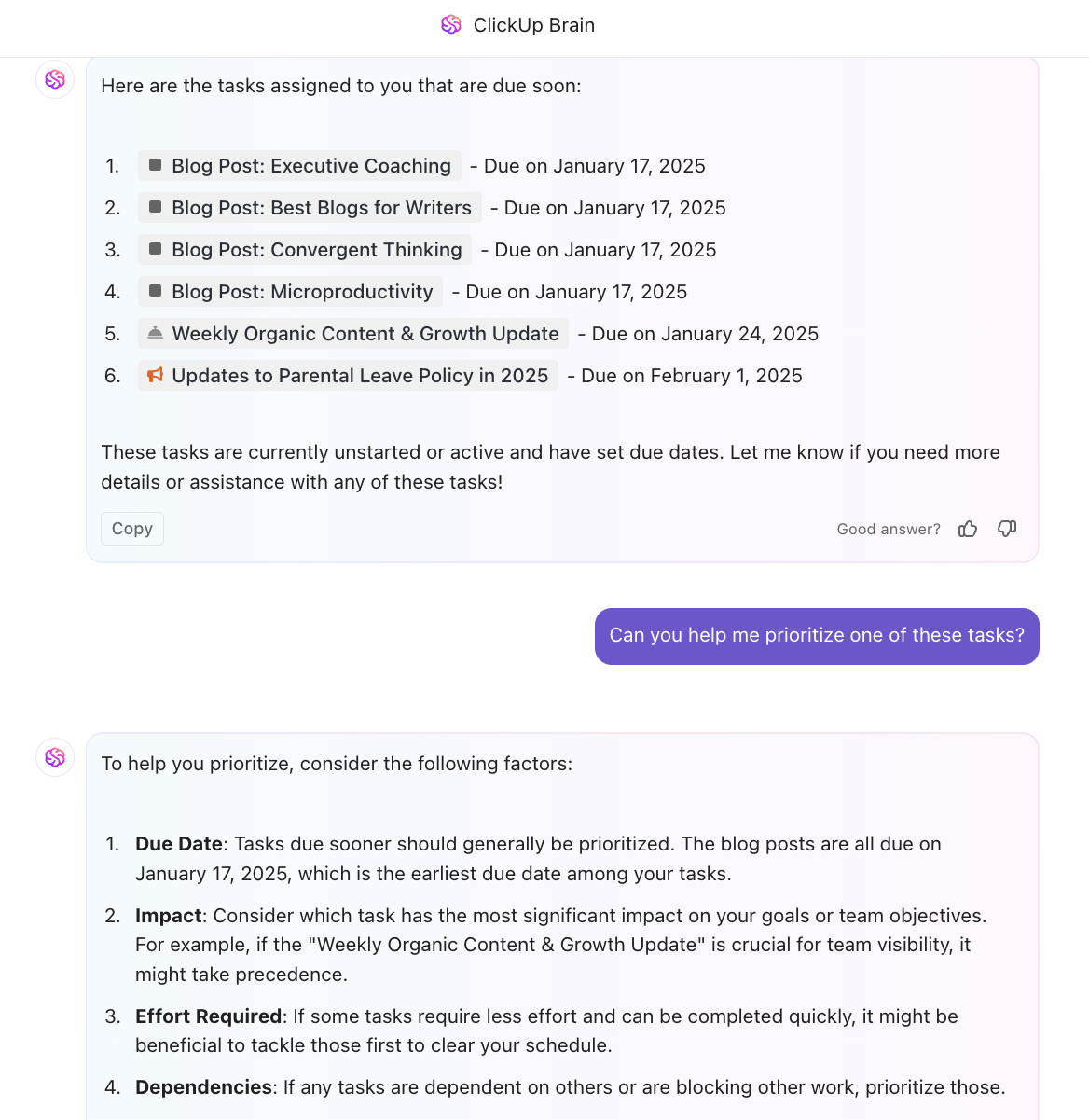
As the everything app for work, ClickUp transforms how teams work by combining project management, document collaboration, and powerful AI capabilities in one seamless platform. Unlike Meta AI, which functions as a standalone AI chatbot, ClickUp Brain integrates AI directly into your workflows, documents, tasks, and even chat.
Imagine you’re managing a product launch. Instead of switching between your project management software and an AI assistant, ClickUp lets you use a native, context-aware AI assistant to:
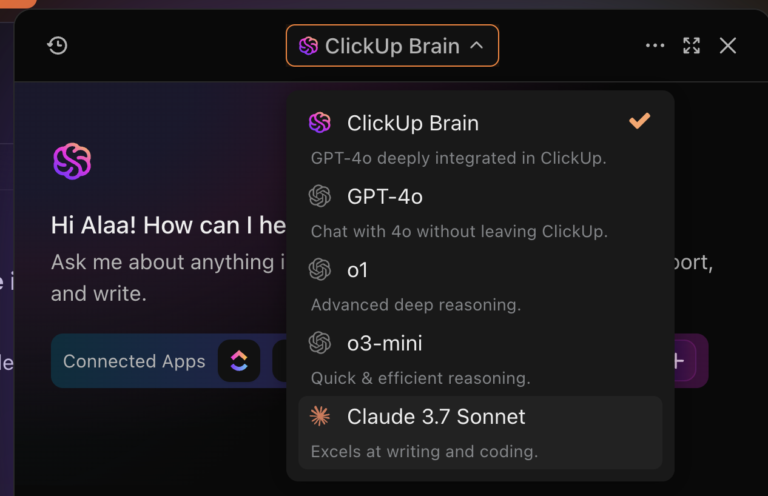
The best part? It brings multiple LLMs, including GPT-4o, 3o-mini, o1, and Claude 3.7 Sonnet, to your workspace in one tool. This integration eliminates the context-switching that drains productivity.
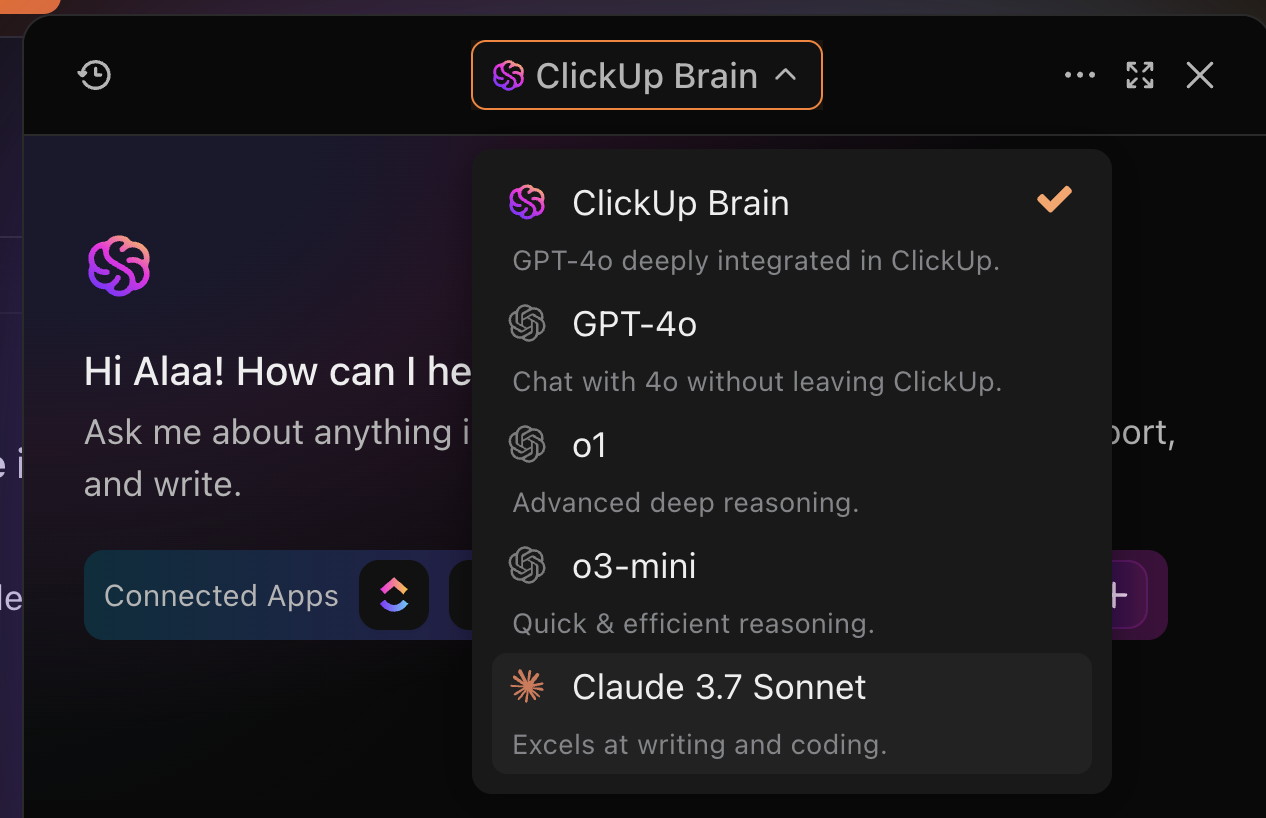
For content teams, ClickUp Brain can transform a simple prompt into a fully-formatted blog post, suggest improvements to your writing, and even help plan content calendars.

Developers appreciate how ClickUp Brain can generate code snippets, automate documentation, and help them prioritize fixes when everything seems urgent and important simultaneously.

What truly sets project management in ClickUp apart is how it connects all your work data through AI-powered search. Unlike Meta AI, which has no awareness of your projects or documents, ClickUp’s Connected Search can instantly find and connect information across all your workspace content.
💡 Pro Tip: Instead of manually creating task dependencies or scheduling resources, simply tell ClickUp Brain what you’re trying to accomplish, and it will suggest optimized workflows, create task structures, and even draft communication templates for your team.
A Reddit review highlights:
ClickUp Brain saves me a ton of back and forth honestly. I know there are AI tools with a pretty efficient free tier, but the constant switching between tabs takes a toll. And honestly, when I’m in my deep work zone, this is the last thing I want to do.
I primarily use the AI for writing stuff since I’m in the content industry. It also edits what I’ve written (ah-mazing!). Another thing that really helps me is Docs. I love the formatting options, especially those banners. So cute!
📮 ClickUp Insight: 62% of our respondents rely on conversational AI tools like ChatGPT and Claude. Their familiar chatbot interface and versatile abilities—to generate content, analyze data, and more—could be why they’re so popular across diverse roles and industries.
However, if a user has to switch to another tab to ask the AI a question every time, the associated toggle tax and context-switching costs add up over time.
Not with ClickUp Brain, though. It lives right in your Workspace, knows what you’re working on, can understand plain text prompts, and gives you answers that are highly relevant to your tasks! Experience 2x improvement in productivity with ClickUp!
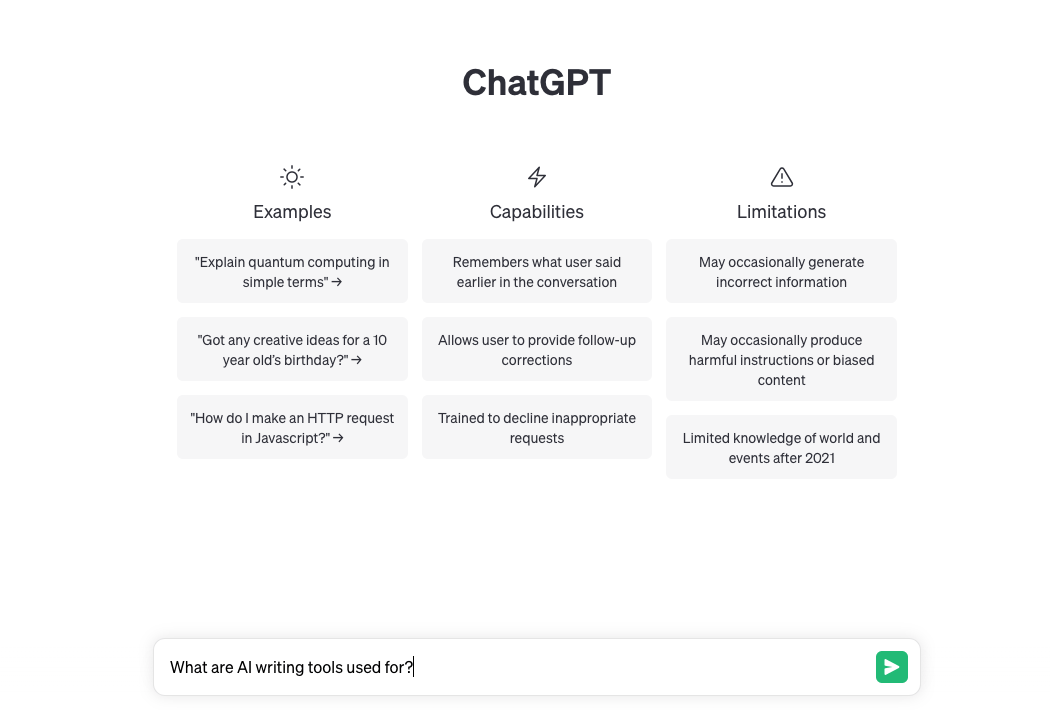
ChatGPT serves as a powerful alternative to Meta AI when you need a more capable and refined conversational partner. Whether you’re brainstorming copy for a new press release, debugging a stubborn piece of code, or researching complex topics, ChatGPT excels at helping you think through problems from multiple angles.
Unlike Meta AI’s more limited capabilities, ChatGPT can handle nuanced requests like “Rewrite this email in a more diplomatic tone” or “Explain quantum computing as if I’m a 10-year-old.” This versatility makes it invaluable for professionals who need to switch between creative and analytical tasks throughout their day.
Plus, its Deep Research feature allows it to autonomously browse the web, generating comprehensive reports on user-specified topics by analyzing and interpreting text, images, and PDFs.
A Capterra review says:
Great for improving work that you have, generating ideas and getting quick answers for questions without having to do a lengthy search engine search.
📚 Also Read: We Tested the Best ChatGPT Alternatives

Created by Anthropic with a focus on helpfulness, harmlessness, and honesty, Claude excels in situations requiring advanced data analysis and explanation.
Imagine you’re a researcher trying to understand different perspectives on a complex ethical issue. Where Meta AI might provide simplified answers, Claude can carefully explore multiple viewpoints, acknowledge uncertainties, and help you develop a more comprehensive understanding of the topic. This makes it particularly valuable for academics, writers, and professionals dealing with nuanced subject matter.
Claude’s impressive 100K token context window (in Claude 2 and above) transforms how you can interact with AI. You could upload an entire research paper, business contract, or product documentation, and ask specific questions about details buried deep within the text.
📚 Also Read: Claude vs. ChatGPT: Which Is Better for Coding?
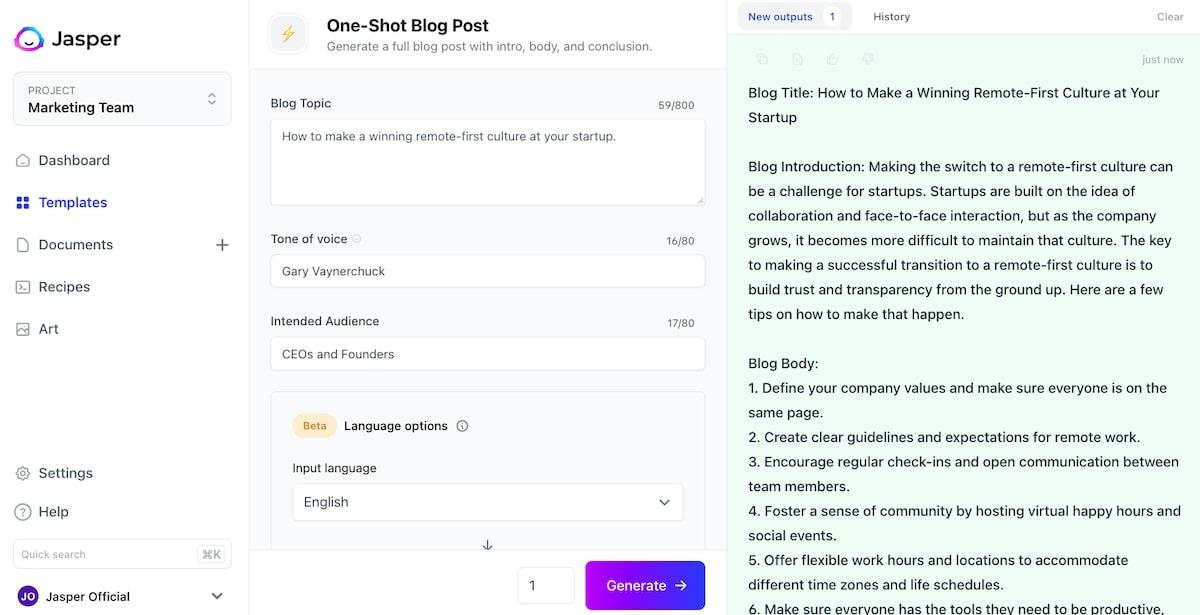
When your marketing team needs to consistently produce high-quality content that actually converts, Jasper steps in where Meta AI falls short. This specialized AI writing assistant is built specifically for marketers who need to maintain brand voice across multiple channels.
Unlike Meta AI’s generic content generation, Jasper comes loaded with templates designed for specific content formats—from email sequences and ad copy to blog posts and social media captions. The cherry on top? When you connect it to your brand assets and SEO tools, you get content that’s not just creative but strategically optimized for search.
A G2 user says:
I’ve been a customer for over a year now and don’t even test other tools anymore because none compare.
Choosing the right template can take some trial and error, but it’s so helpful to learn

If you’ve ever asked Meta AI about recent events only to receive outdated information, Perplexity AI offers a refreshing change. This research-focused AI combines the conversational interface you’re familiar with but adds something crucial: real-time web search capabilities with proper citations.
Imagine you’re preparing a market analysis presentation due tomorrow. Instead of manually searching for the latest industry statistics and trends, you can ask Perplexity: “What are the latest trends in renewable energy investments for this year?” It immediately provides you with up-to-date information, complete with sources you can verify and cite—something Meta AI simply cannot do with its fixed knowledge cutoff.
A Reddit user shares:
For me its an amazing search tool and yi think going forward its going to be even better. Very fast, very precise. It delivers a well rounded answer for my exact context.
📚 Also Read: Best Perplexity AI Alternatives
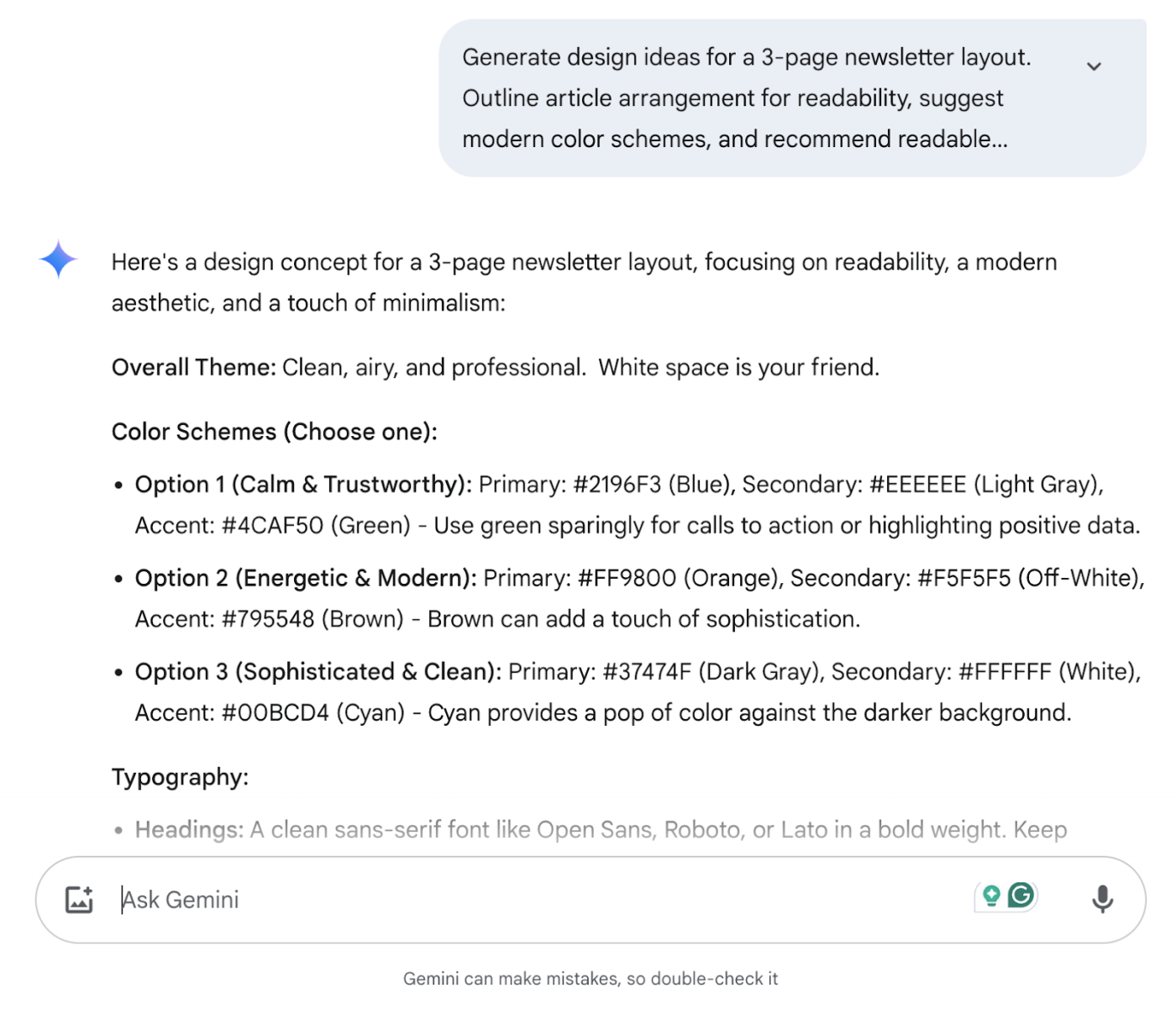
Using Google Gemini offers something that Meta AI doesn’t come close to matching: seamless integration with the Google Workspace and truly impressive multimodal capabilities.
Let’s say, you’re planning a product design update. You can show Gemini images of your current product, sketches of your ideas, and text descriptions all at once—and it understands the relationships between all these elements. Try asking, “What improvements could we make to this design based on current trends?” while sharing both images and competitor research. Gemini processes everything together, giving you contextual insights.
For businesses already using Google apps, the integration is particularly powerful. Gemini can help draft emails in Gmail, create presentations in Slides, analyze data in Sheets, and even assist with coding in Colab.
📚 Also Read: Google Gemini vs. ChatGPT
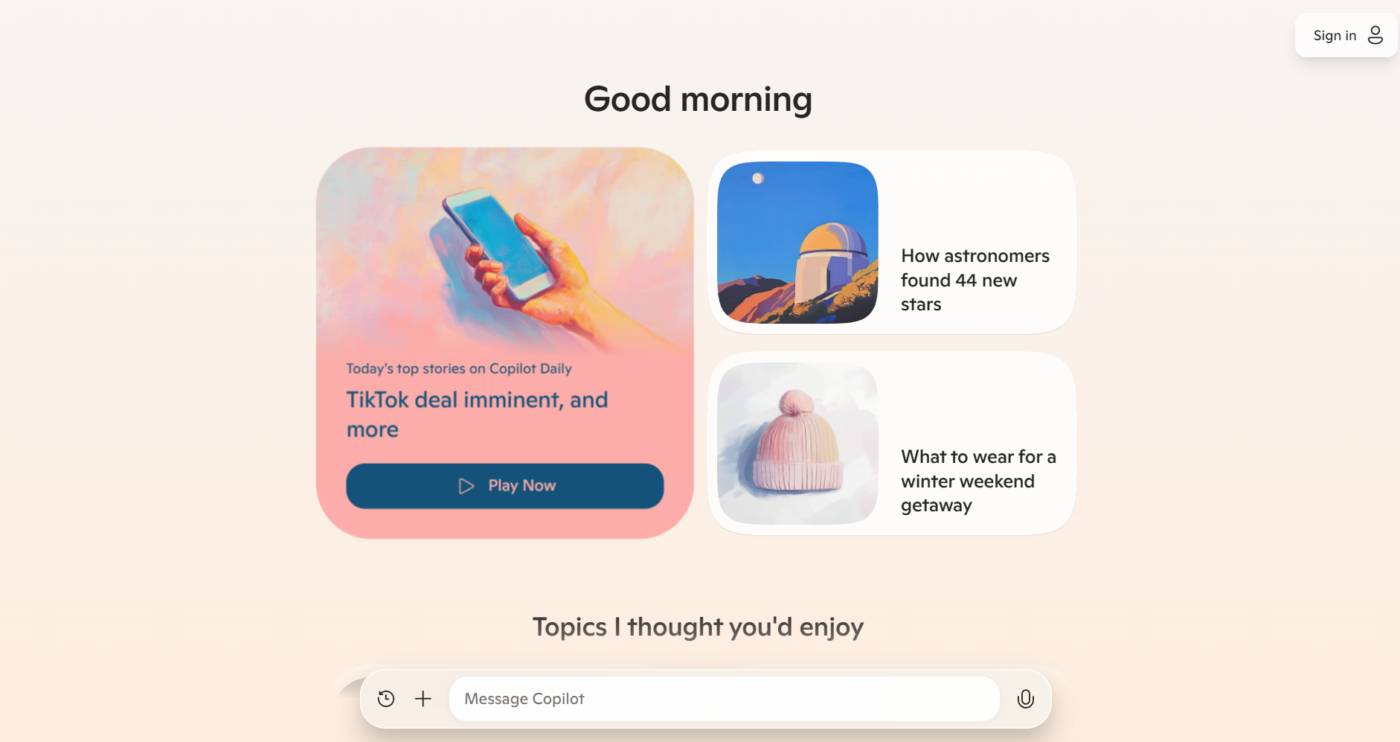
Copilot is deeply integrated into the Microsoft 365 suite, bringing contextual intelligence to the tools your team already uses every day.
Picture this: you’re preparing for a client presentation due tomorrow. Instead of switching between apps, you can ask Copilot to “summarize all recent emails from Client X, draft a presentation based on our last three project updates, and create a meeting agenda”, all while it accesses your actual Microsoft ecosystem data. For teams juggling multiple projects, Copilot can analyze your Outlook calendar and suggest how to prioritize tasks based on upcoming deadlines and meeting schedules.
Unlike more consumer-focused alternatives, Copilot is built with Microsoft’s enterprise security standards, ensuring your company data and prompts stay private and compliant with organizational policies.

Hugging Face’s open, community-driven stance provides an entirely different experience than Meta AI’s closed, one-size-fits-all approach. This open-source platform serves as both a community hub and a toolkit for building, training, and deploying custom AI models tailored to your specific requirements.
For technical teams needing AI solutions for industry-specific tasks, Hugging Face is transformative. Imagine your healthcare company needs an AI assistant that understands medical terminology—you can either find a pre-trained model from thousands of open-source options or fine-tune one specifically for your needs. Development teams can collaborate directly in the platform, testing different models before integrating them into production applications.
A Reddit user shares:
I just learned how to use huggingface and its dedicated endpoints.
I think its pretty cost effective because you pay for only the usage time and this means you can run all your work on beefy gpus quickly and then not pay anymore, this saves my poor laptop from struggling.
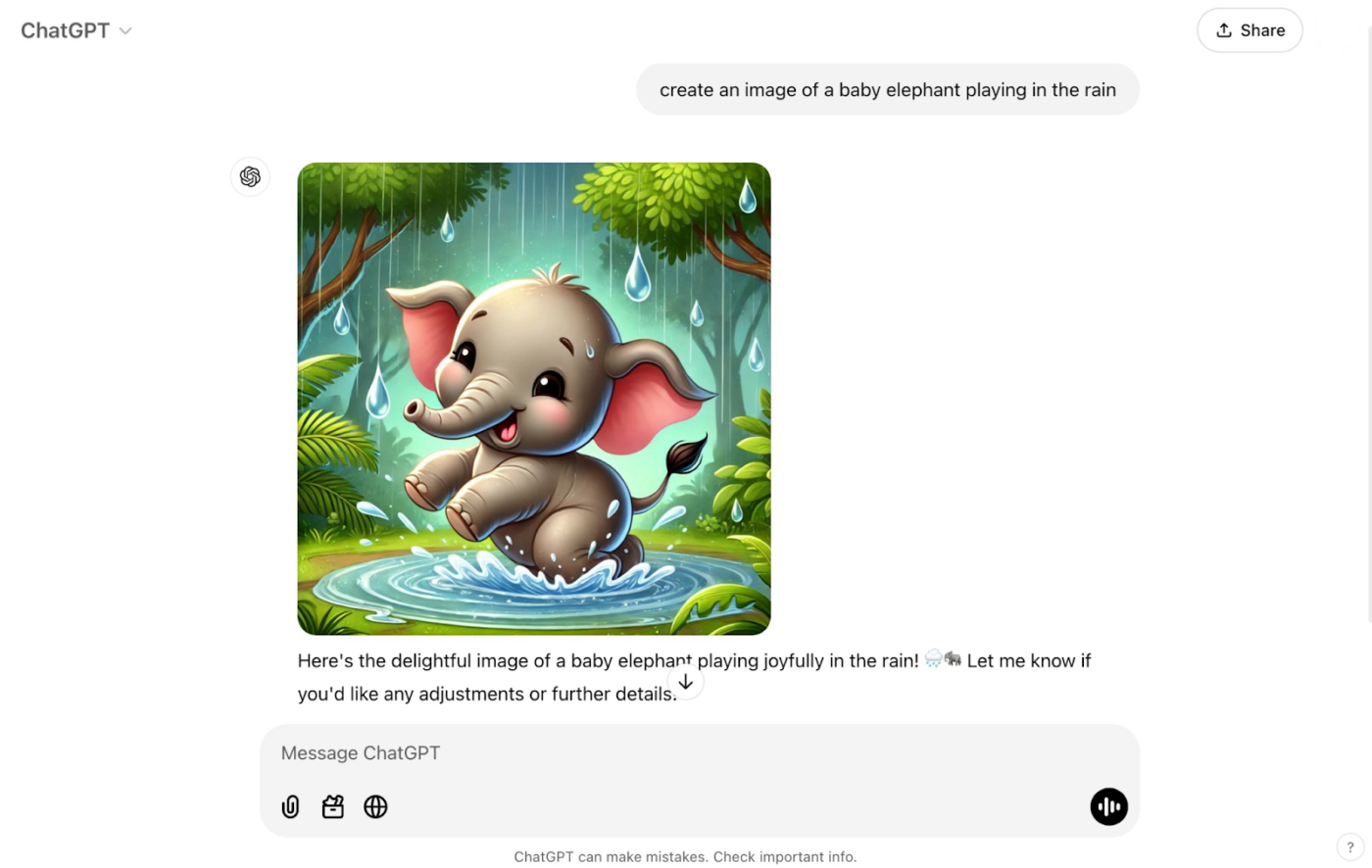
Created by OpenAI, DALL·E 3 excels at generating original visuals ranging from photorealistic renderings to abstract artistic concepts.
The latest version offers impressive control over image style, composition, and even the ability to extend existing images beyond their original boundaries.
What makes DALL·E 3 particularly valuable is its ability to generate images that respect brand guidelines. Marketing professionals can create consistent visuals across campaigns without the expense of custom photography or illustration for every asset.
📚 Also Read: DALL-E Alternatives and Competitors (Free and Paid)
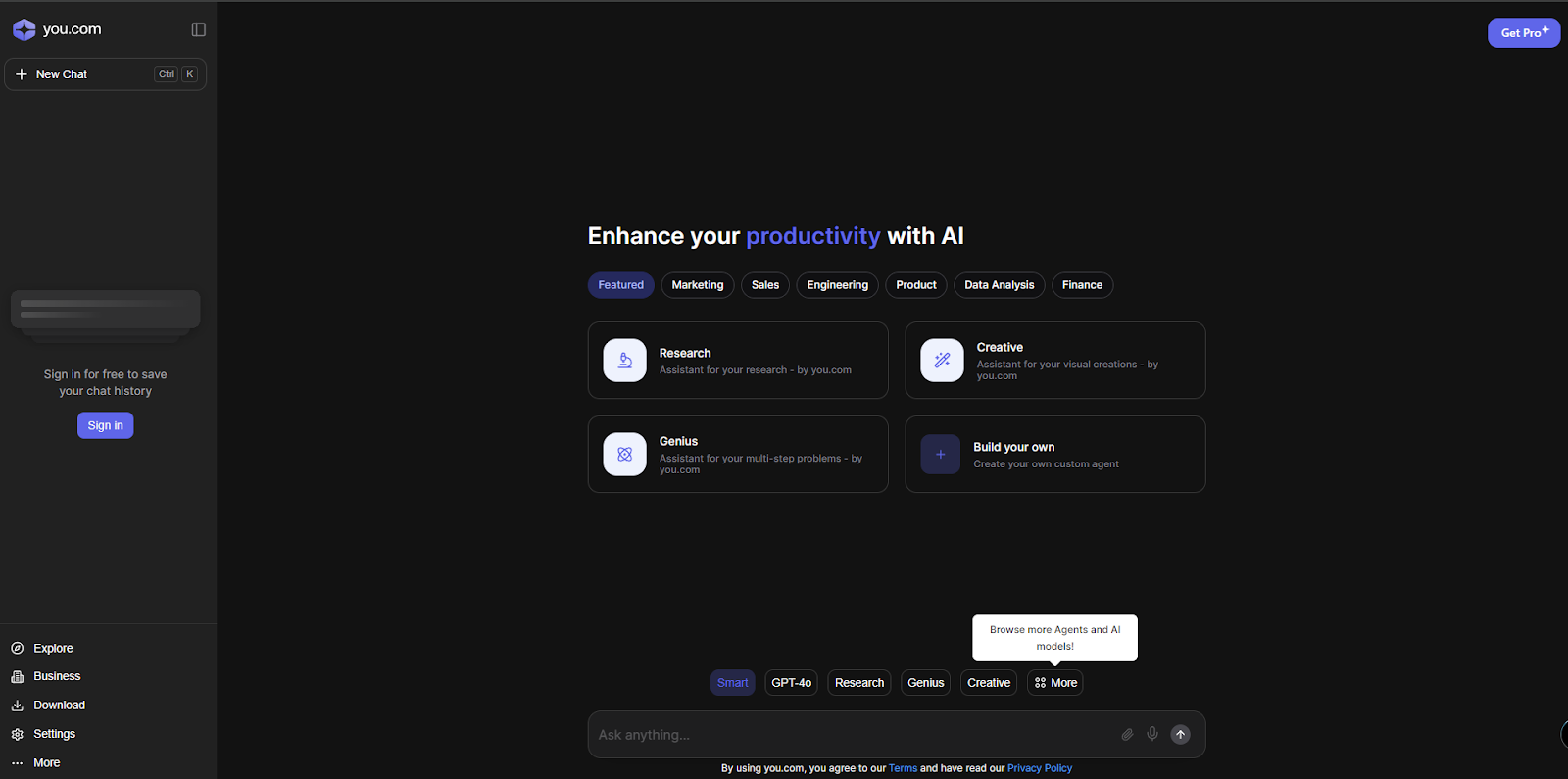
Want to combine conversational AI with real-time web search? YouChat helps you do exactly that.
When you ask YouChat about “latest AI regulations in Europe,” it doesn’t just guess—it searches the web and shows you exactly where it found its information. This search-first approach sets YouChat apart from Meta AI’s training-data limitations, making it perfect for researchers, students, and professionals who need trustworthy, current information.
A G2 review reads:
The AI Chat Search provides brief information and most recent website with quality outputs unlike competitors. I use it as a reliable search engine for specific topics…

Ever been in a crucial client meeting discussing project requirements when someone says something brilliant—but you’re too busy taking notes to fully process it? Otter AI solves this common workplace headache by automatically transcribing and summarizing your conversations in real time.
That sales call where the client mentioned their budget? Otter not only transcribes it but also highlights the key figure and adds it to your summary. Running a hybrid meeting with three people in the conference room and two remote? Otter identifies who said what, captures the slides shared on screen, and organizes everything into an easily searchable format.
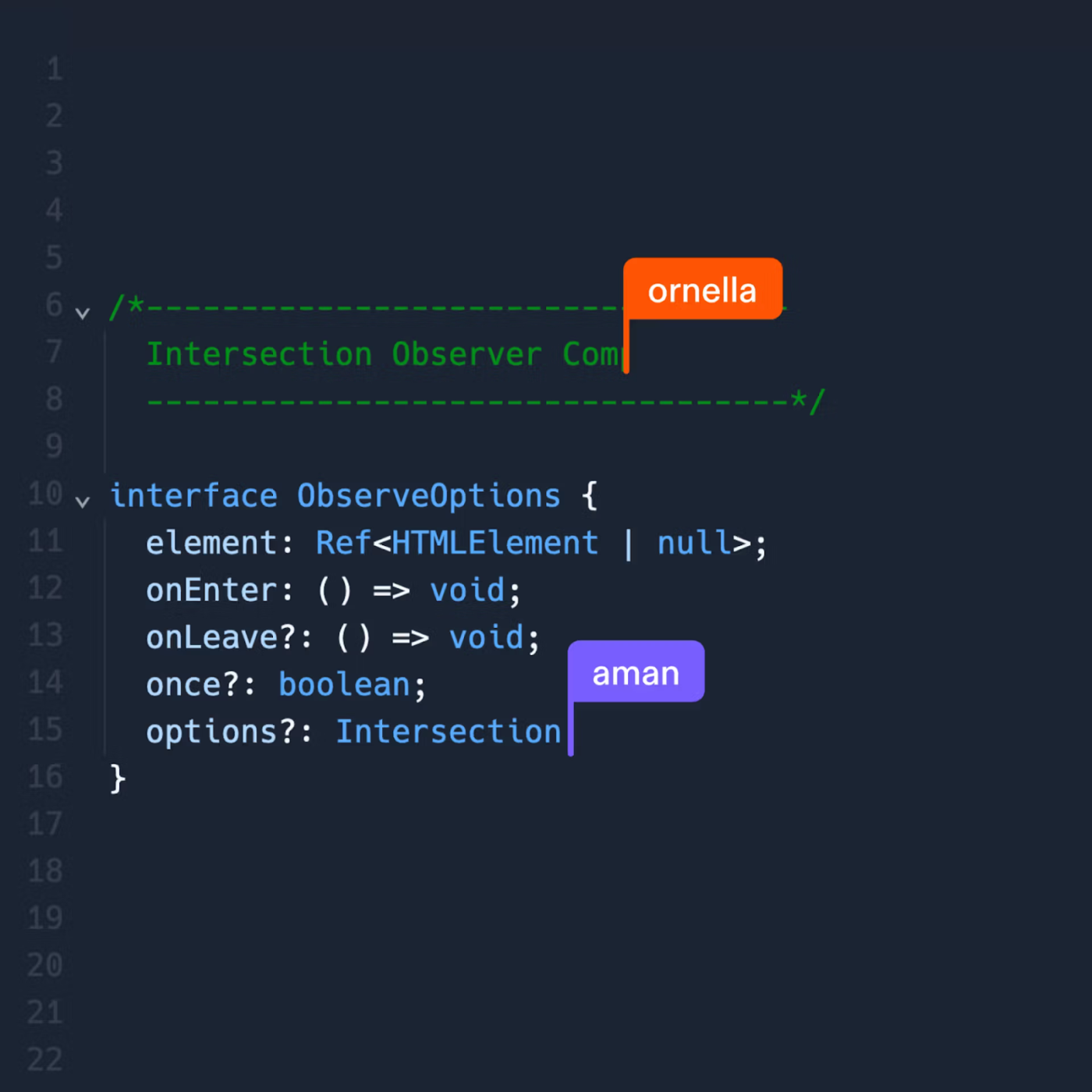
Imagine having a coding partner who knows your entire project inside-out and can finish your functions before you even complete typing them. That’s Replit AI. While Meta AI might help you with isolated code snippets, Replit AI lives right inside your development environment and understands your project’s context.
Whether you’re a student building your first Python project or a team of developers collaborating on a complex web application, Replit AI accelerates your coding workflow while teaching you better practices along the way.

Have you ever stared at a blank Notion page, wondering how to start drafting that important client proposal? Notion AI is like having a writing partner who’s read every document in your workspace.
Unlike Meta AI’s disconnected experience, Notion AI works right where your team already collaborates. Starting a new marketing campaign brief? Notion AI can pull relevant information from your past campaigns, incorporate your brand voice from existing materials, and generate a first draft that actually sounds like your team wrote it.
When your quarterly planning session runs long, simply ask Notion AI to transform those messy discussion notes into an organized project plan with timelines and accountability—while maintaining the context of your company’s goals and resources.
A G2 review reads:
Like any AI tool, it has its natural limitations, but in the context of how I use it, it perfectly meets my needs.
If you’ve made it this far, one thing is clear: there’s no shortage of capable AI tools in the market. Whether you’re deep in research mode with Perplexity, creating on-brand campaigns in Jasper, or analyzing team workflows with Claude—there’s a tool for every niche.
But if you’re looking to simplify rather than stack up apps, ClickUp is your best bet.
Why? Unlike ChatGPT or Meta AI, ClickUp‘s all-in-one platform brings everything under one roof. You get AI-enhanced writing, task automation, document creation, and real-time AI-powered collaboration, all in a single platform that scales with your team. Unlike Meta AI, ClickUp is purpose-built for work—with AI features that enhance your actual day-to-day workflows, not just conversations.
Instead of hopping between apps or waiting for the next LLM update, you can get organized, automate the grunt work, and focus on what actually moves the needle—starting today.
👉 Try ClickUp‘s free version and see what it’s like to have AI that doesn’t just assist, but actually gets work done for you.

Manasi Nair
Max 27min read
Manasi Nair
Max 32min read
Manasi Nair
Max 14min read

© 2026 ClickUp