
Sorry, there were no results found for “”
Sorry, there were no results found for “”
Sorry, there were no results found for “”
Google Drive has been a go-to cloud storage solution for billions around the globe, and it’s easy to see why.
Its user-friendly interface and seamless integration with Google Workspace apps like Google Docs, Google Photos, and Google Sheets provide users with powerful tools for collaboration, document management, and effortless sharing. ✨
As someone who has relied on Google Drive for years, I appreciate its ability to manage my workflow and enhance teamwork. However, after trying various alternatives, I found options that matched and often exceeded Google Drive’s capabilities.
Drawing from my personal experiences and insights from my team at ClickUp, I’ve compiled a list of top-notch Google Drive alternatives. These options can meet your business needs while offering enhanced security and value.
In this post, we’ll explore these secure cloud storage services in detail, highlighting their unique features, pricing structures, and how they can improve your file-sharing process.
Let’s get started! 💡
Choosing a Google Drive alternative goes beyond a simple search. Here’s what to look for to ensure you choose a secure cloud storage solution that meets your needs:
💡 Pro Tip: Explore some Google Drive hacks to help you get organized.
🎨 Organize files with color-coded folders for quick visual identification
🌍 Set up offline access to work on your documents anytime, anywhere
📄 Create templates for repetitive tasks to save time and maintain consistency in your projects
🔔 Set notifications for document updates to stay informed about changes made by others
🔍 Use the Explore tool to research topics and gather information directly within your document
Here’s my curated list of the top 13 secure Google Drive alternatives that offer robust security without compromising on user-friendly features:
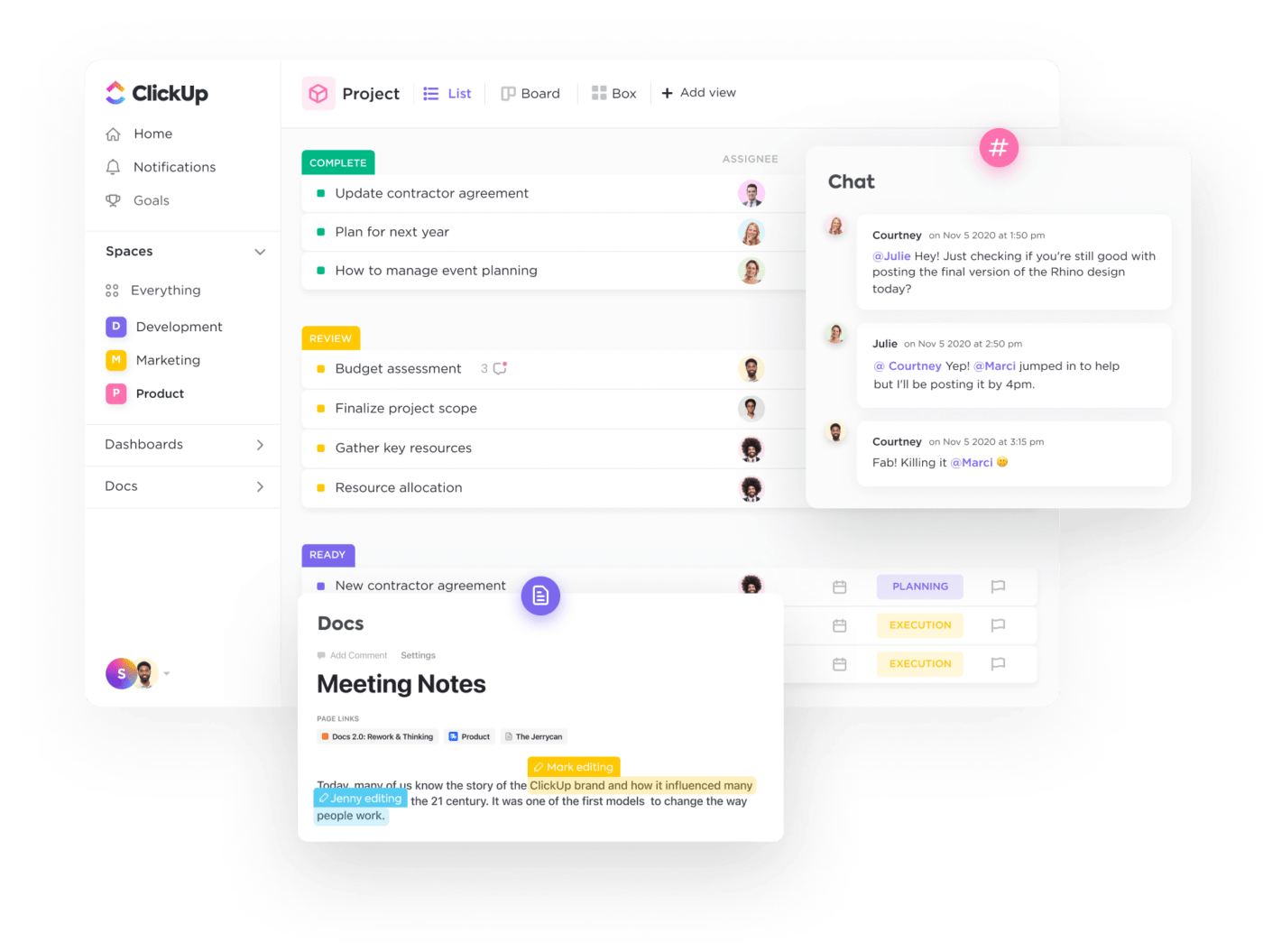
If you’re looking for a robust Google Drive alternative that accommodates your storage needs and collaborative processes, ClickUp is an excellent choice. As an all-in-one project management tool, it has entirely transformed how my team and I work. More than just a task manager, it streamlines everything from basic file sharing to complex project workflows.
ClickUp’s Google Drive integration has been a game-changer for my team. With this drive integration feature, you can easily attach Google Drive files directly to your tasks, keeping relevant documents linked.
We’ve saved countless hours by dragging and dropping files into task comments or attaching them directly to task cards. Plus, you can create Google Docs, Sheets, or Slides and preview them within ClickUp without switching platforms.
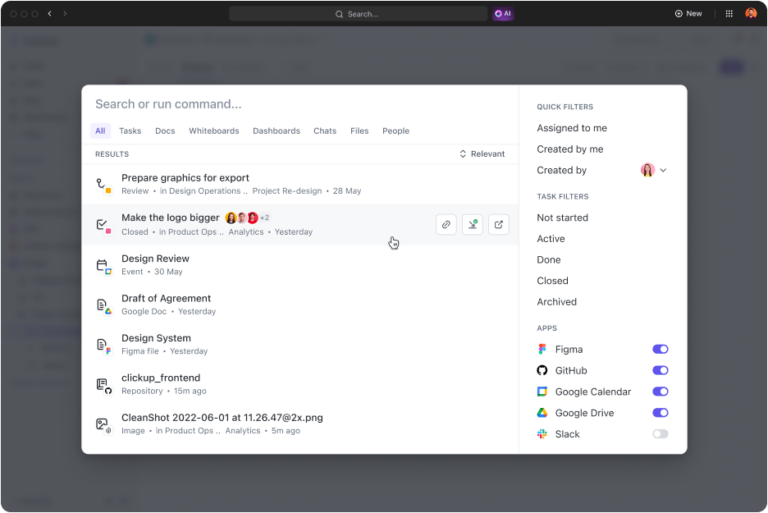
Another standout feature is the ClickUp Connected Search feature, which allows you to search any file across your entire ClickUp Workspace, making it easy to locate files, tasks, and documents.
The best part? It even searches through every connected app, including Google Drive. So, if I have files scattered across Google Drive, tasks in ClickUp, and conversations in Slack, I can use ClickUp’s Universal Search to quickly find a specific document stored in Google Drive—all without toggling between apps.
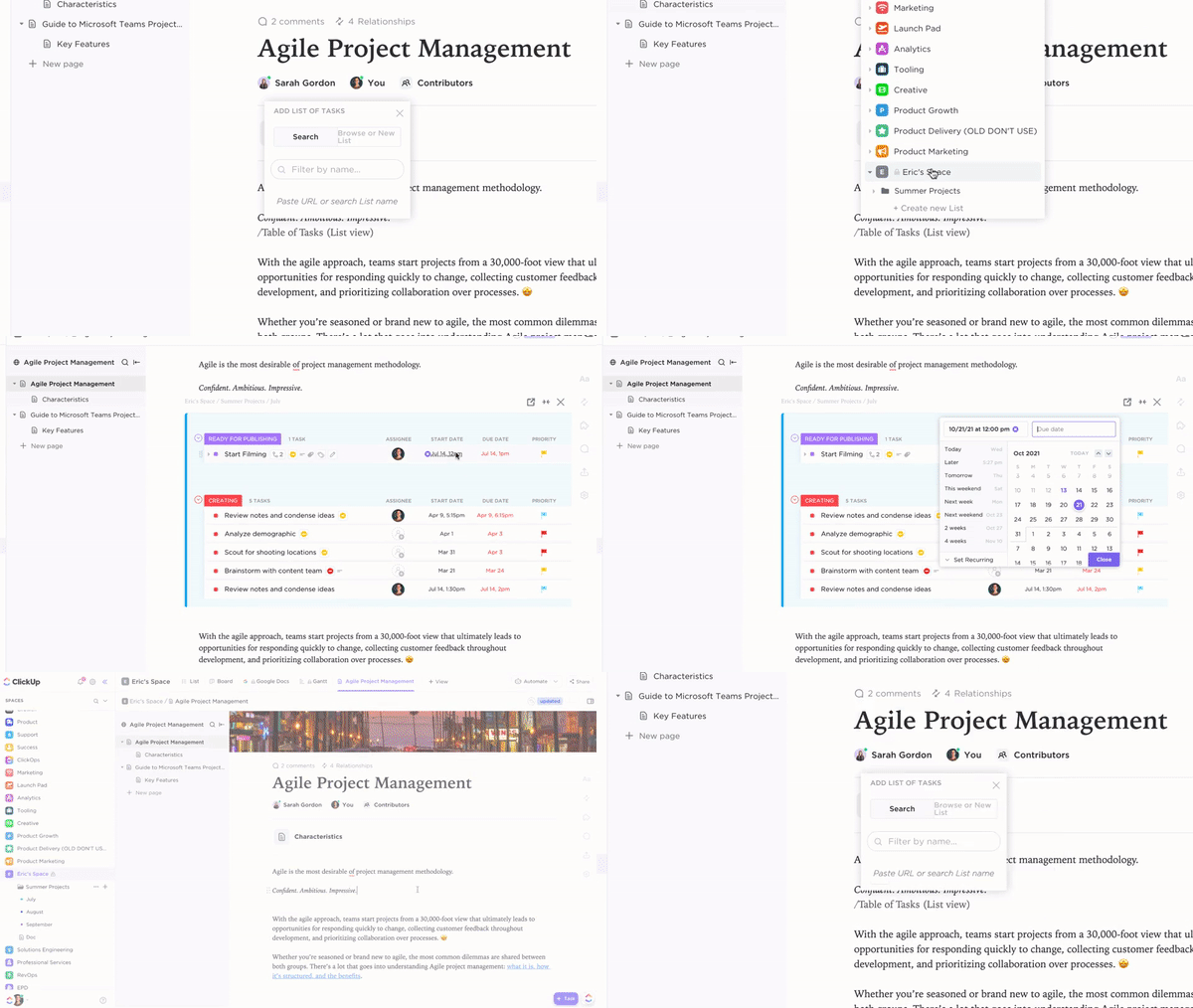
Additionally, ClickUp Docs takes document creation and team collaboration to the next level. Its versatility—from wikis to roadmaps—makes it a powerhouse for managing files while enhancing productivity and boosting effective teamwork. My team uses this feature to build Docs with embedded files, links, and widgets, which helps us execute ideas without delays.
What I love about ClickUp Docs is that it’s not just for writing—it’s fully integrated with task management. You can create a database, link documents to tasks, assign action items, and embed files like images, Google Drive documents, spreadsheets, or meeting notes, keeping everything organized in one place. This centralization makes it easier for us to collaborate and ensures everyone can access the necessary information.
➡️ Read More: 10 Free Editable Google Docs Templates (+Download)
💡 Pro Tip: Wondering how to clean up your Google Drive? Here are some strategies you can follow:
📂 Create a clear folder structure to categorize files logically
🏷️ Rename files with clear, descriptive titles for easier identification
🗑️ Regularly review and remove files you no longer need to free up space
⭐ Star important files for quick access, keeping your most essential documents at your fingertips
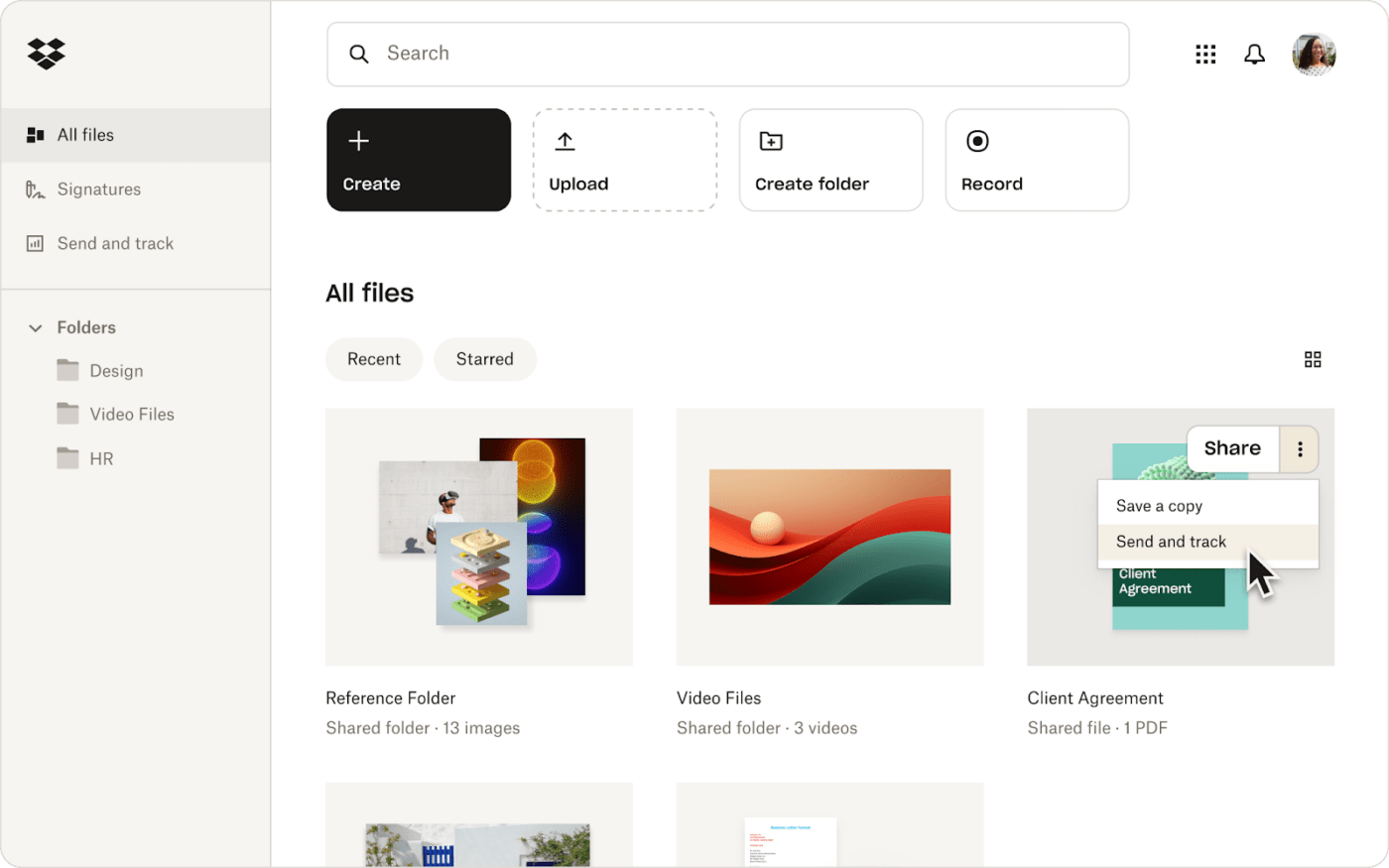
Dropbox is one of this list’s oldest secure cloud storage service and stands out as a reliable Google Drive alternative. It offers two-factor authentication for enhanced security and automatic device syncing, ensuring your files are always accessible.
Its version history feature helps prevent accidental loss of important changes, while the Paper feature allows you to create, edit, and comment on documents collaboratively with your team. I often use it to organize project files and share resources with my colleagues, as the user-friendly interface makes collaboration easy and efficient.
Dropbox best features
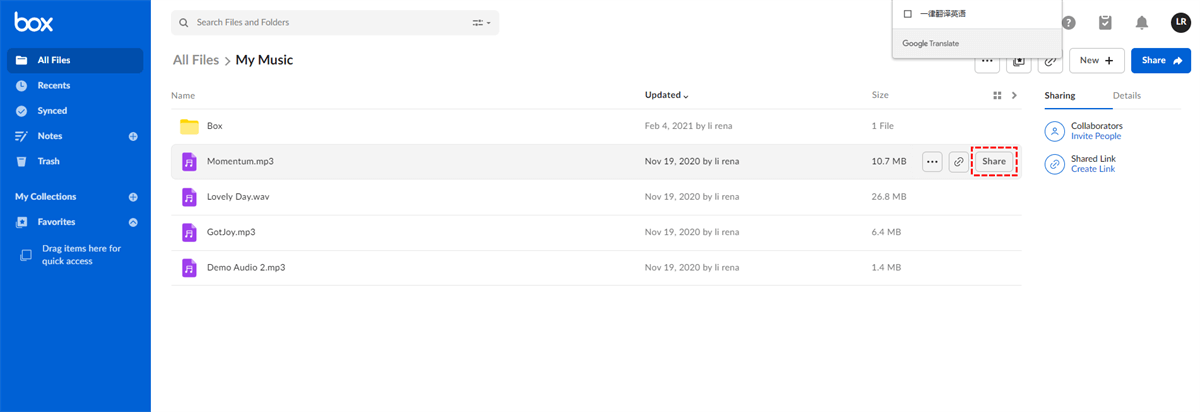
If you’re looking to change your content management system completely, Box is a great Google Drive alternative. Its AI-powered platform, the Intelligent Content Cloud, improves secure collaboration across your organization.
In my experience, Box has been crucial for securely managing and sharing files with my team from anywhere. Its strong data protection and productivity tools make it a valuable asset for any business prioritizing efficiency and security.
➡️ Read More: 10 Google Workspace Alternatives: Tools Like G Suite
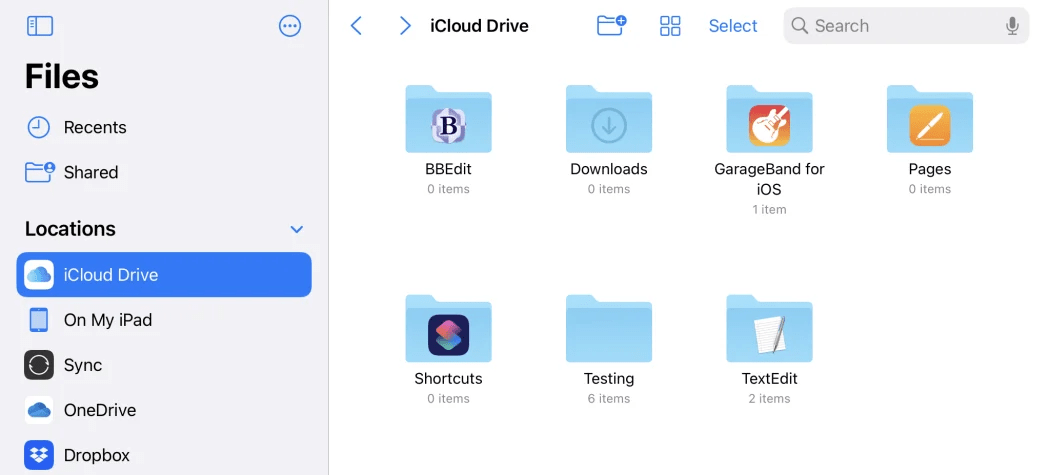
iCloud Drive is a popular Google Drive alternative for syncing files across all Apple devices, and it’s also accessible to Windows users. It helps you easily access your files on your iPhone through the Files app, with any changes instantly updating on your Mac and iPad. This real-time syncing allows you to work without worrying about version control.
The platform’s simplicity is a significant advantage. Uploading files is as simple as clicking the cloud icon, and sharing is just as easy—whether I want to collaborate or send a copy, I can do it with just a few taps. Overall, iCloud Drive boosts productivity and keeps my files organized, making it a dependable choice for anyone within the Apple ecosystem.
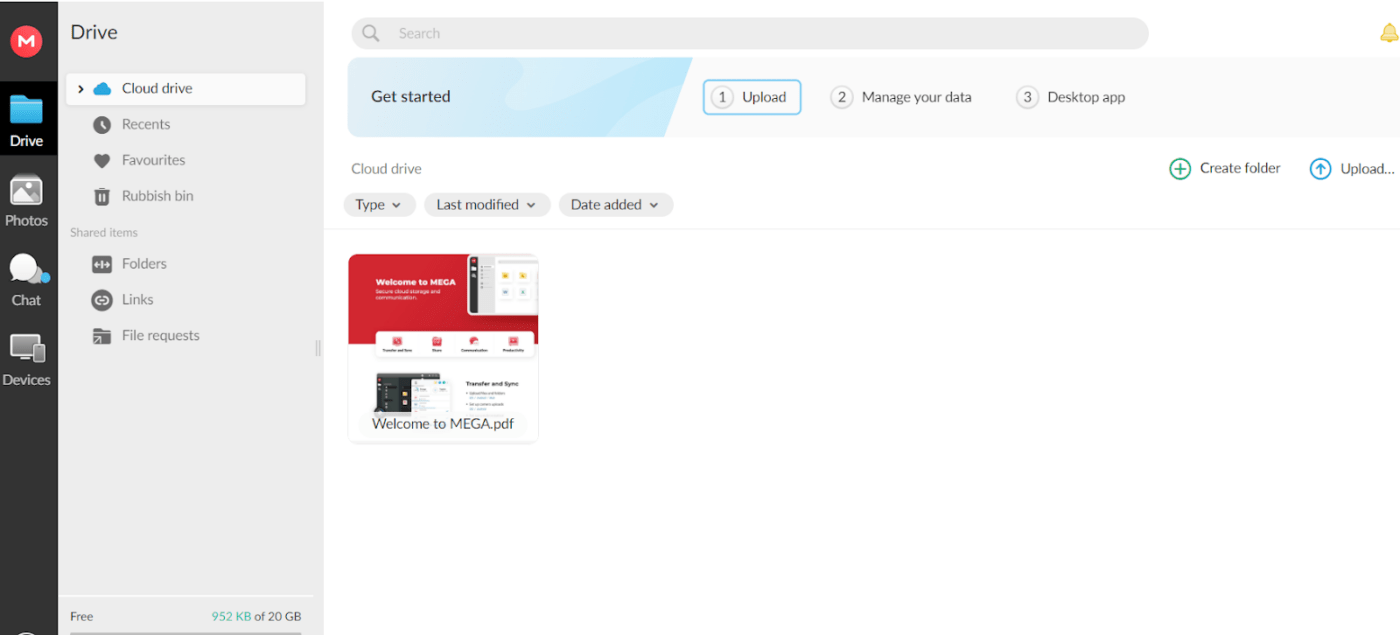
MEGA provides robust security features, including end-to-end encryption and two-factor authentication, ensuring your files remain secure even from MEGA. As a file-sharing software, it offers a storage solution that enables sharing of secure, password-protected files, making client collaboration easy. Plus, new users receive 20GB of free storage right from the start.
My team finds MEGA’s security features incredibly beneficial for maintaining confidentiality. The end-to-end encryption and two-factor authentication give us peace of mind when storing and sharing sensitive files.
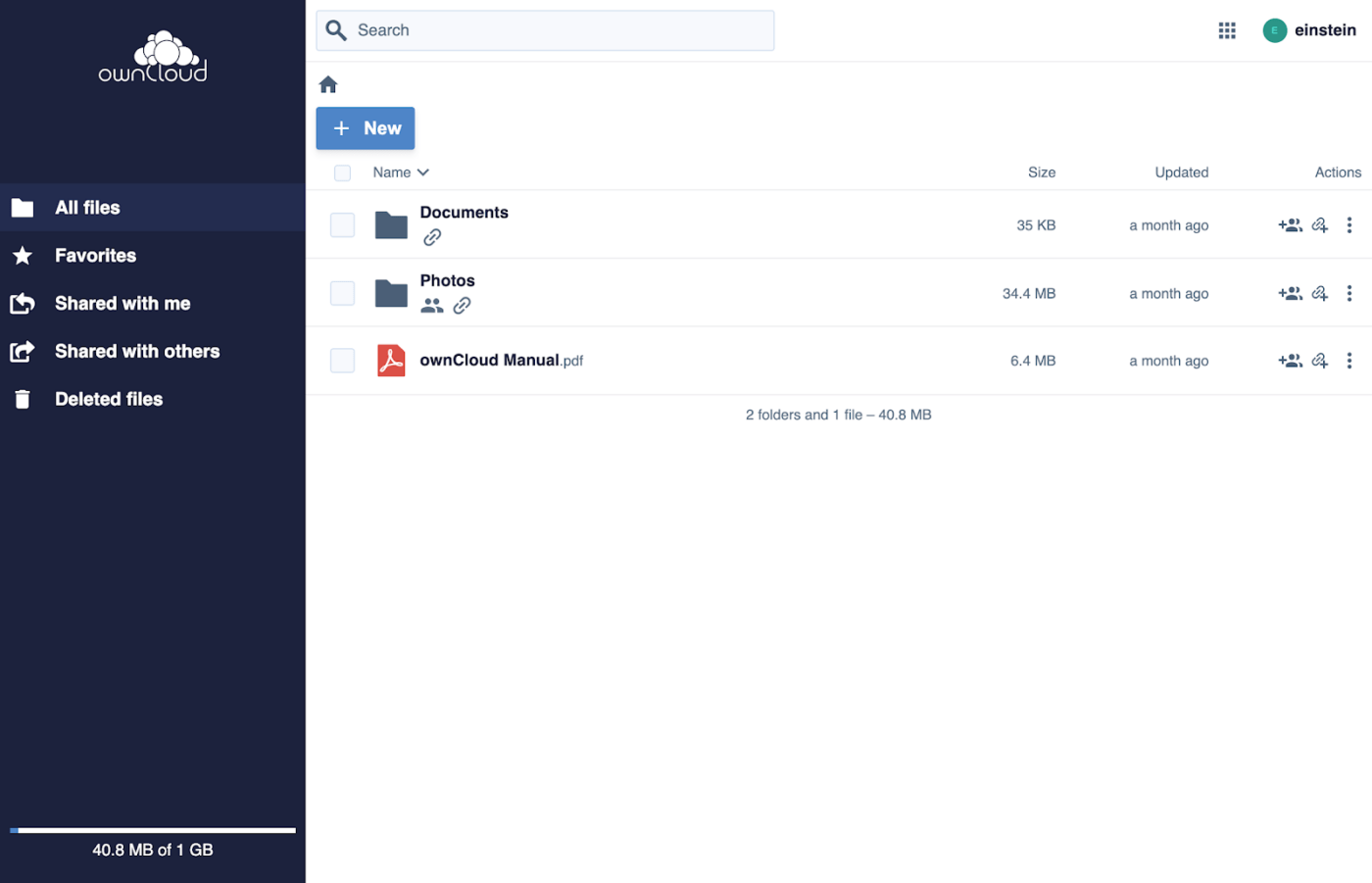
ownCloud is a free Google Drive alternative solution that syncs files across devices, keeping them updated. Its end-to-end encryption ensures sensitive data remains safe during transfers.
Additionally, ownCloud allows for collaborative document editing, enabling real-time work on shared projects with colleagues through Office 365 or Collabora. This combination of security and collaboration makes it a valuable tool for team projects.
If you’re looking for a secure file-sharing solution for your business that integrates effortlessly with Microsoft 365, consider Microsoft OneDrive, a robust Google Drive alternative. It enables you to save, access, and manage files efficiently across multiple devices.
From my experience, OneDrive’s desktop and mobile apps have been essential for seamless access to files, whether I’m working at my desk or on the move. The real-time synchronization and file recovery features have kept team projects on schedule and maintained data integrity.
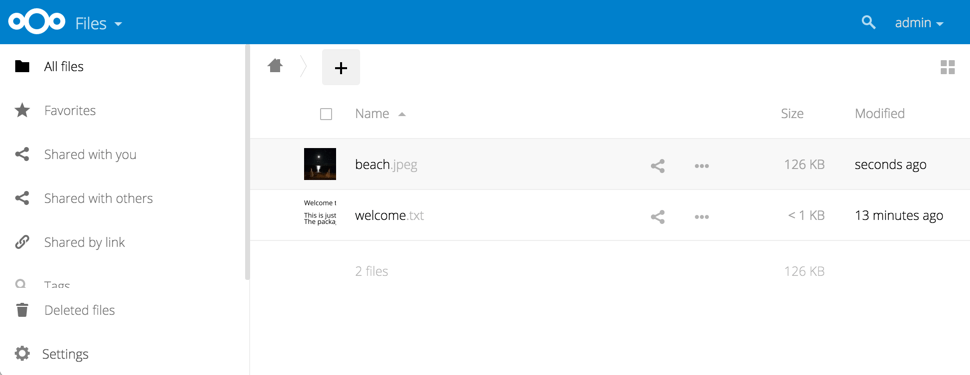
Nextcloud is a versatile cloud storage platform for personal and professional data management. Its collaboration tools enable real-time document editing for team projects and seamless file sharing with colleagues. With robust security features like two-factor authentication and end-to-end encryption, it ensures that sensitive files are stored securely and confidently.
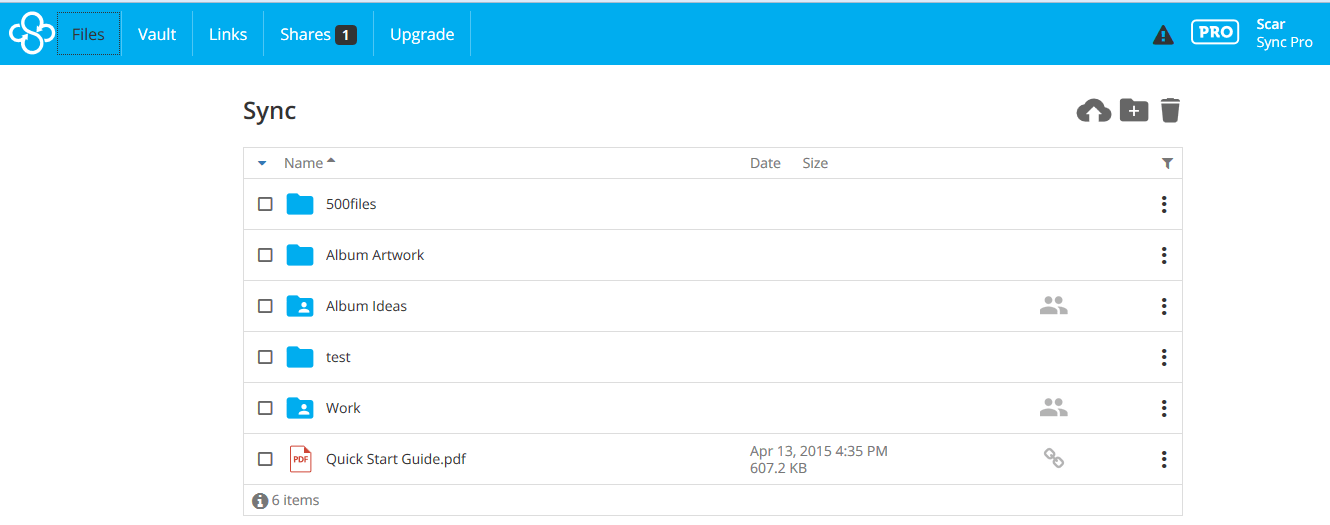
Sync is mainly known for its strong privacy and security features, which make it a top Google Drive alternative. Like many in the list, the cloud storage tool offers end-to-end encryption. However, unlike its competitors, Sync takes an uncompromising stance on security by not allowing its team to view your content, adding an extra layer of trust.
In my experience, Sync’s advanced sharing controls have been incredibly useful for managing confidential documents. I’ve been able to set password protection and expiration dates on shared links, giving me peace of mind when collaborating with my team on sensitive projects.
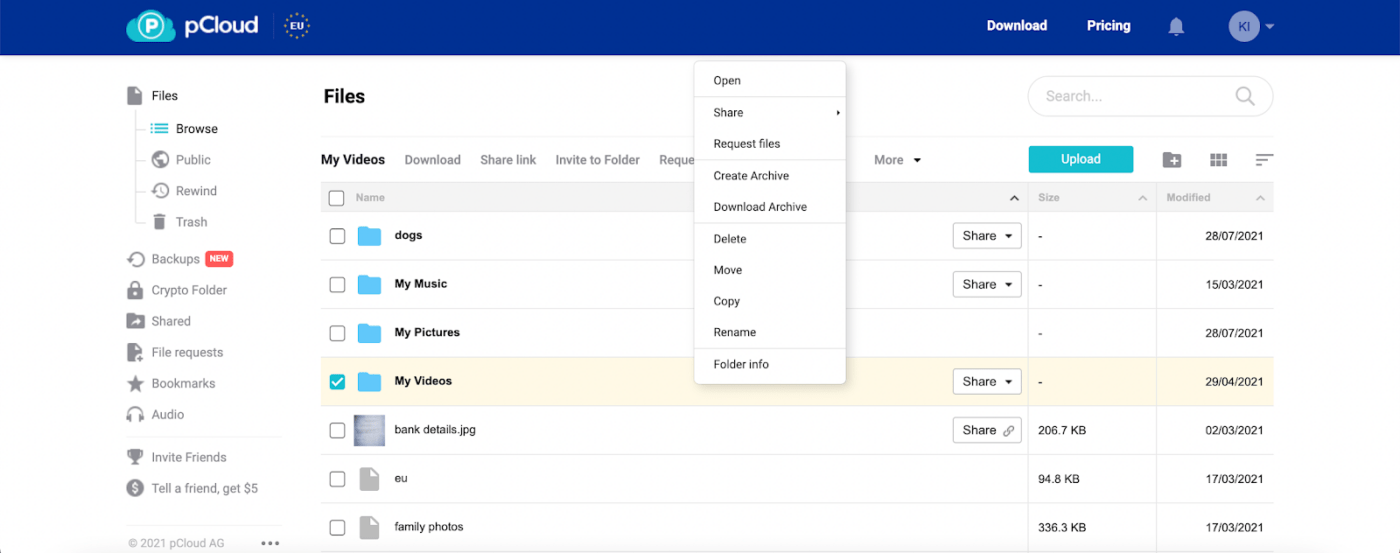
pCloud is a versatile cloud storage solution that allows users to sync files across devices through its desktop app, creating a virtual drive for secure and seamless access. The platform features a public link-sharing option, which makes it easy to send files to clients, while built-in media players allow users to stream videos and create audio playlists directly from the cloud.
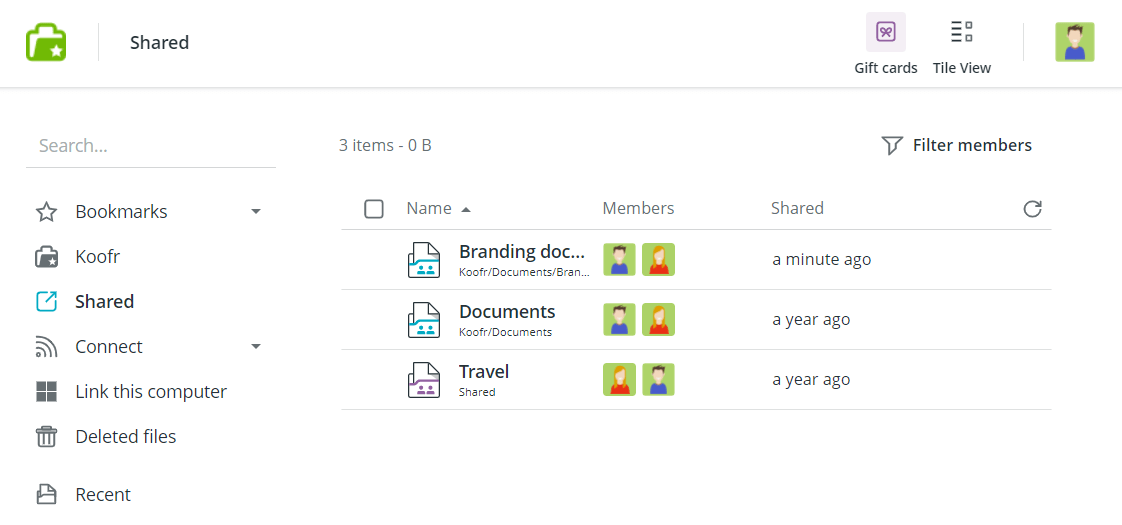
Koofr is a cloud storage solution that integrates multiple accounts, such as Google Drive, Dropbox, and OneDrive, into a single interface. This allows users to access and manage their files without switching between apps.
It also supports direct file sharing with password protection and expiration dates, ensuring secure collaboration on sensitive projects. For my team, this functionality has proven beneficial for maintaining the privacy and integrity of shared files.
➡️ Read More: 10 Best Google Keep Alternatives and Competitors
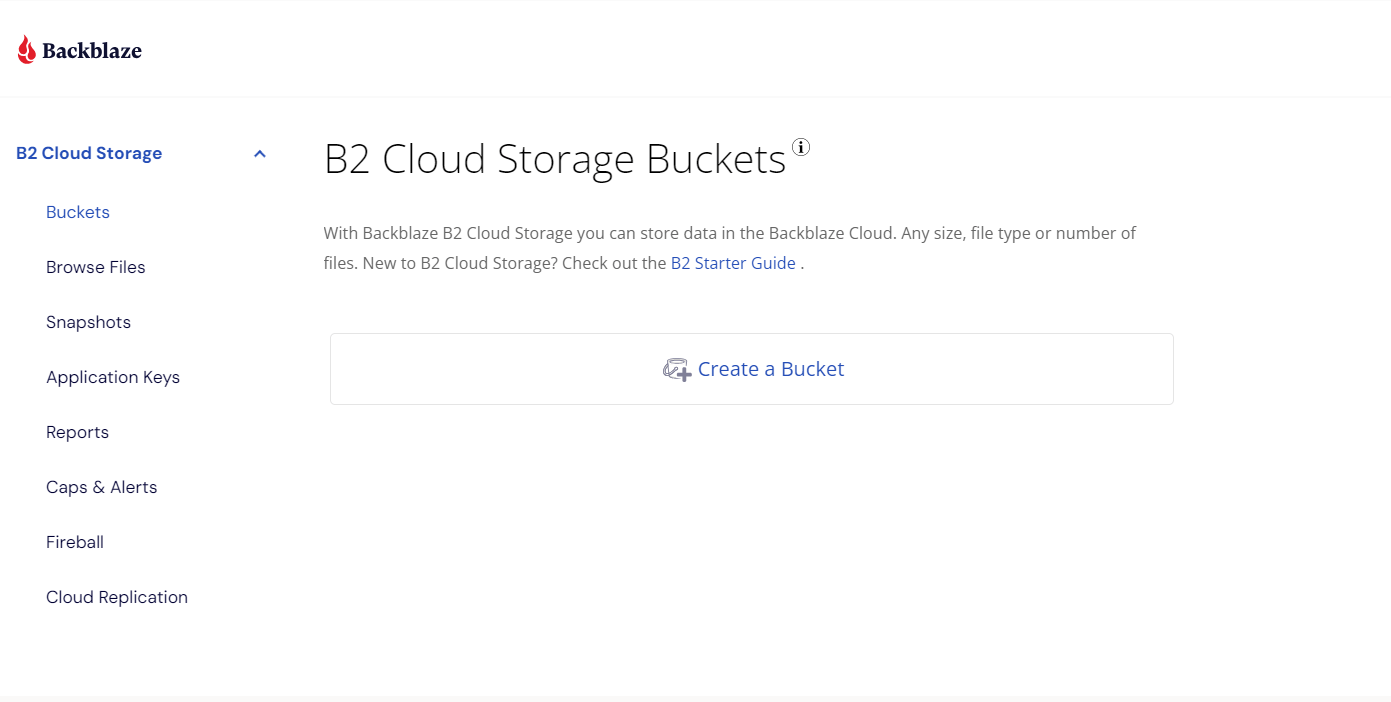
Backblaze is a straightforward, cost-effective cloud storage solution focused on backup and file storage. It automatically backs up data from your computer and provides unlimited storage capacity.
The platform’s version control feature allows users to retrieve older versions of files when necessary. Additionally, Backblaze offers the option to receive data physically via a USB hard drive, which can be particularly helpful during a system restore.
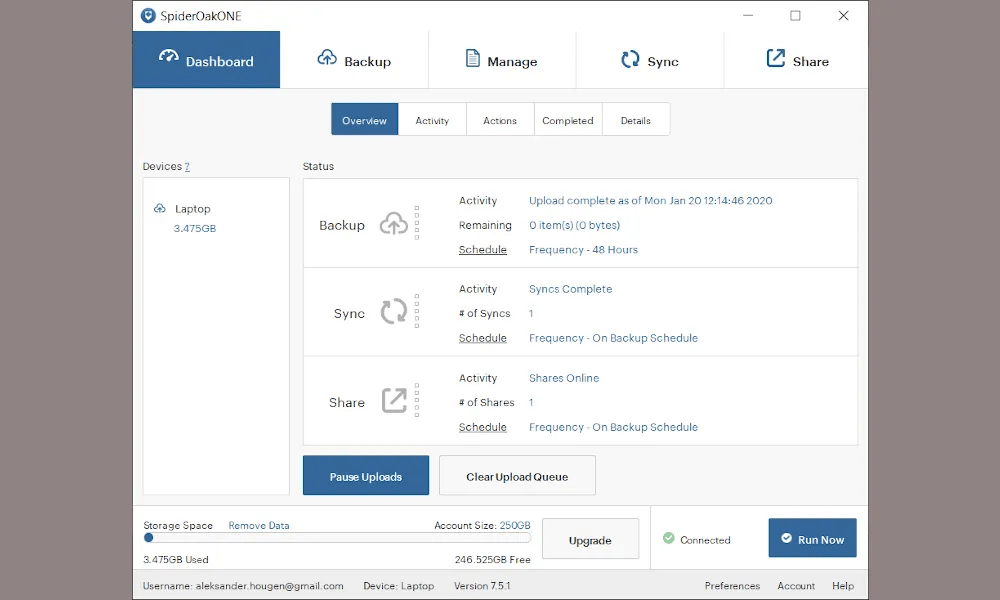
SpiderOak prioritizes privacy and security, offering features like end-to-end encryption to protect sensitive data. This makes it a good Google Drive alternative for those managing confidential files or collaborating remotely.
I appreciate how SpiderOak allows users to set up daily backups for work documents and shared folders, ensuring that all changes are automatically synced across devices without manual intervention.
💡 Pro Tip: Learn how to use AI in Google Docs to enhance your writing, streamline collaboration, and automate formatting for a more efficient document creation process!
If you’re seeking an upgrade from Google Docs, explore our curated list of top alternatives that offer innovative features and enhanced functionality to meet your needs.
Choosing the right cloud storage service is essential for organizing and securing your files. 🔒
However, with so many options available, it can take time to determine which one best meets your business needs. The above tools offer robust security features, enhance collaboration, and streamline workflows.
Among these, ClickUp is an all-in-one solution that stands out as a comprehensive Google Drive alternative. It seamlessly combines file management, task collaboration, and seamless integration with other applications. With customizable features and templates, it adapts to your specific workflow, making it easier to manage projects and share documents effectively.
Sign up on ClickUp today and see it transform how your team collaborates and stays organized!

Manasi Nair
Max 27min read
Manasi Nair
Max 32min read
Manasi Nair
Max 14min read

© 2026 ClickUp