
Sorry, there were no results found for “”
Sorry, there were no results found for “”
Sorry, there were no results found for “”
You’ve probably heard the “communication is key” mantra a million times now, but with the rise of remote workplaces, the phrase has become even more relevant. ☎️
Remote teams rely heavily on frictionless communication to bridge the physical divide and enable teamwork. Thankfully, online collaboration apps and business messaging tools have made it possible for teams to stay connected and keep track of important updates, regardless of their physical location and time zone.
Since replacing Hangouts in 2020, Google Chat has proven to be an effective communication tool—especially for Google Workspace users, due to its seamless integration with Workspace apps.
Despite providing a secure and easy way to collaborate and share files within Google’s ecosystem, Google Chat certainly isn’t the best option out there. At best, it is a decent tool; other tools perform just as well—or even better.
In this article, we’ll explore the top 10 Google Chat alternatives, breaking down their standout features and pointing out a couple of shortcomings to help you pick your next team collaboration tool.
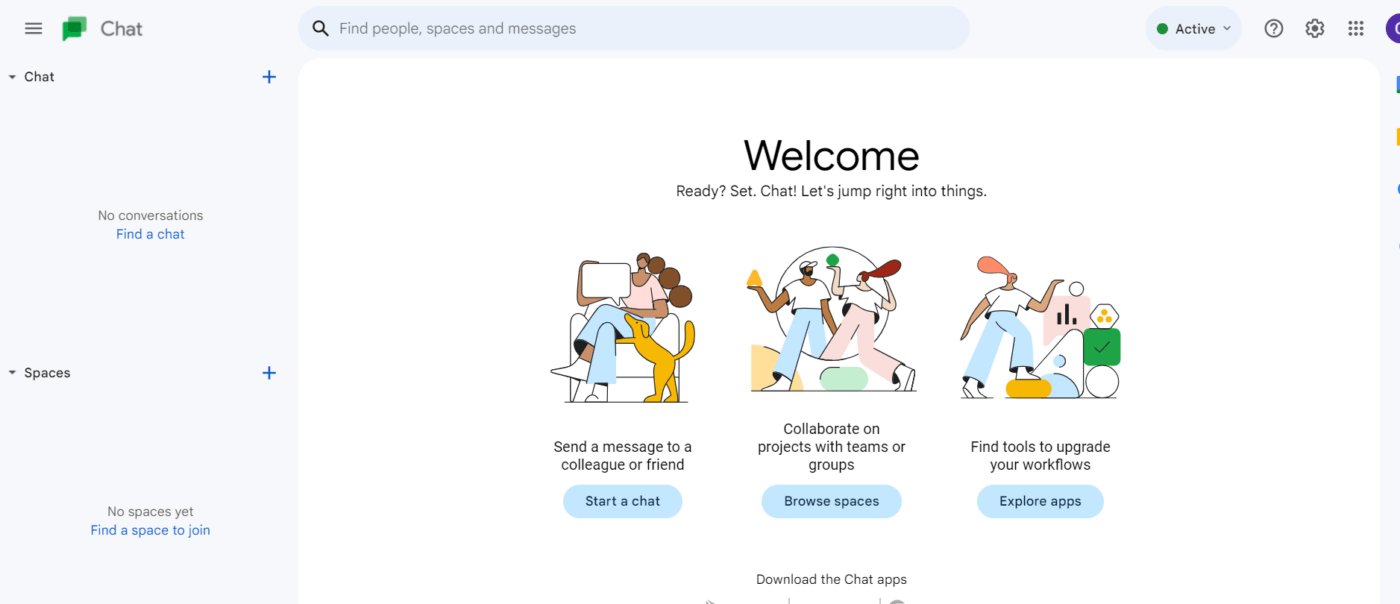
Loved by many Google Workspace users, Google Chat is a powerful tool that helps your team collaborate effectively and stay on top of shared tasks.
Communication is built around individual messaging or channels such as Spaces and group conversations.
Overall, the interface is simple and intuitive, making it easy to navigate and use. When it comes to Spaces, communication is organized in threads so users can follow through easily and reply to specific messages.
Google Chat’s mainstay is that it integrates seamlessly with Google’s existing network of apps. You can host virtual meetings on Meet, share Drive files easily, or add tasks and events directly to Google Calendar.
What’s more, it includes a pretty optimized search feature. So, whether digging through your chat history for important info or searching for documents in a sea of text, you can use filters to bring them right up to you!
Recently, Google has implemented AI features in their apps, and Chat is no exception. You can take advantage of Duet AI’s assistive capabilities to help you stay in the loop and gain useful insights from conversations in your Chat workspace.
Considering that Google Chat has a limited number of third-party integrations and misses out on some advanced features because of its overly simplistic design, it leaves much to be desired. As a result, you might want to explore more comprehensive team communication tools.
Here are some vital qualities to consider when looking for an alternative to Google Chat:
Keeping the above factors in mind, let’s dive into the top 10 Google Chat alternatives you can use to supercharge team collaboration and communication.
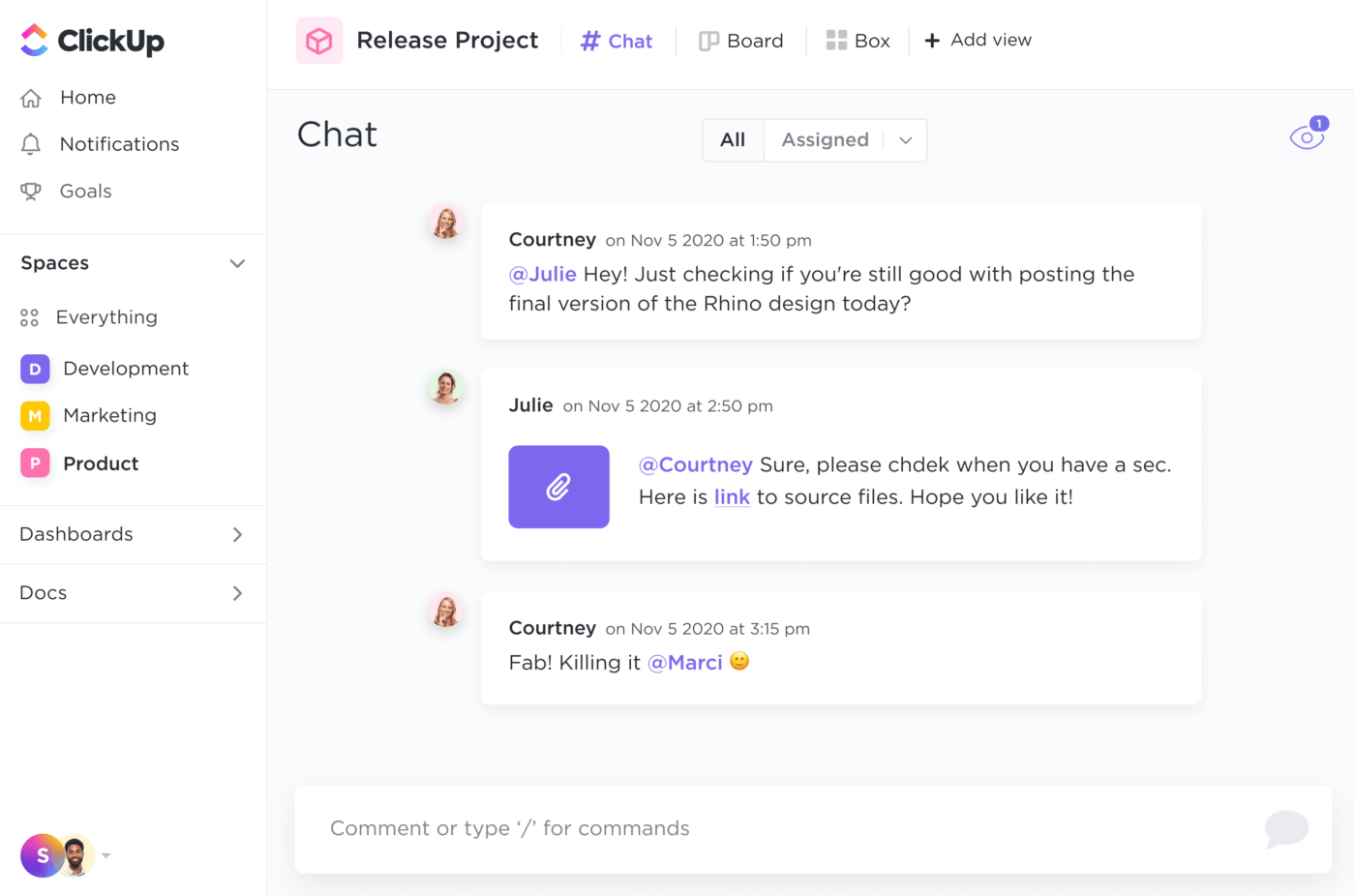
ClickUp is a top productivity and team collaboration platform that offers a wide range of features for project management and team communication. It provides a seamless way to visualize shared tasks and effectively manage them through to completion.
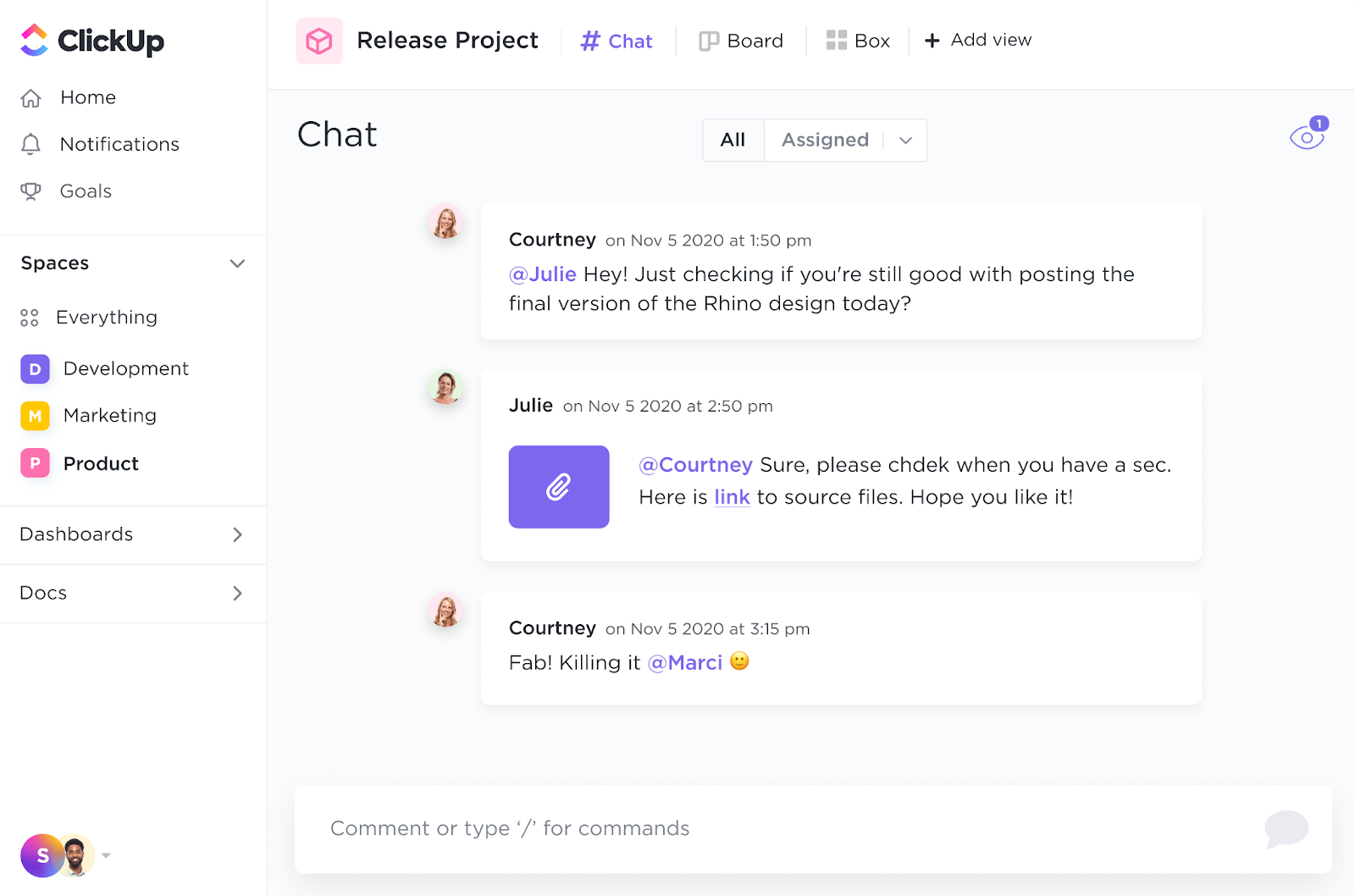
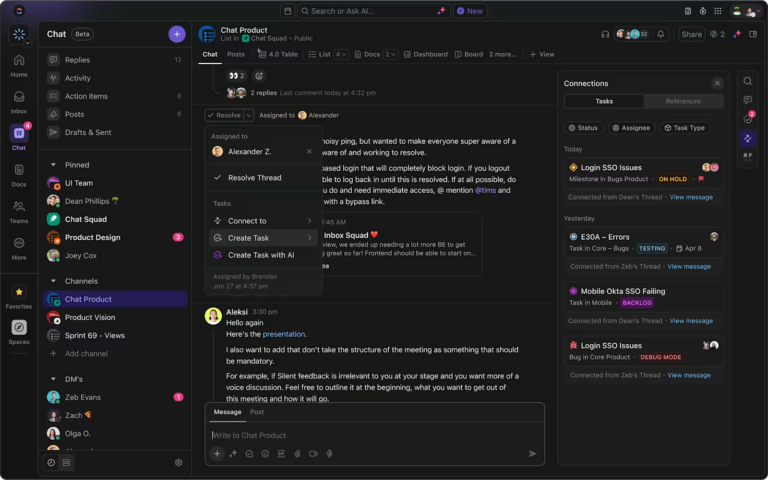
ClickUp’s Chat view is the platform’s central communication channel. Here, you can start conversations, share files and resources, and assign comments. With the Mention option, tag specific team members in conversations, ensuring they are aware of updates and changes as they come.
Need an easy way to show your team members exactly what you’re talking about? ClickUp Clip is the way to go. It’s the platform’s screen recording feature—it lets you record and share your workspace with your team members so they can follow along and troubleshoot issues easily.
Comments in ClickUp are one of the most effective ways to communicate in real time and provide feedback on work done. Assign comments to team members instead of creating new tasks. That way, you can cut back on communication time and create smaller action points within larger tasks.

ClickUp Docs is another effective collaborative tool, ideal for creating, editing, and sharing documents with your team. Whether brainstorming ideas for a project or creating meeting notes, this feature allows you to cooperate with team members to save time and eliminate unnecessary back and forth.
You can leverage ClickUp AI directly within Docs to summarize task updates and meeting notes, generate action items, and edit your content.
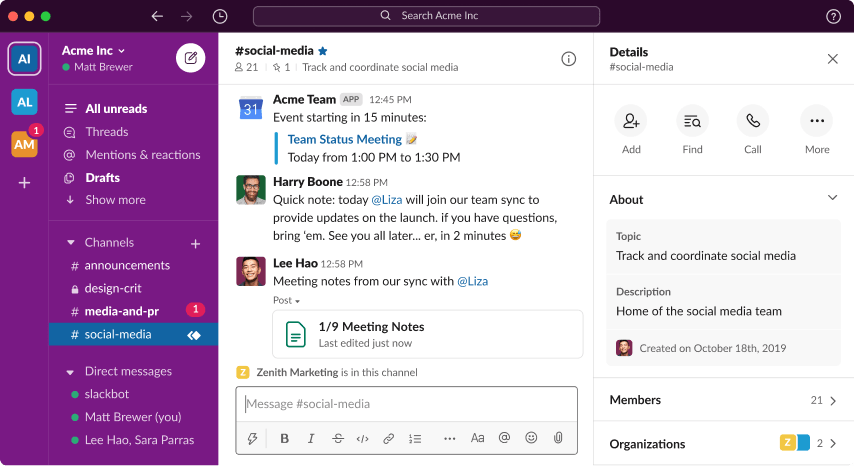
Slack is a great Google Chat alternative that offers messaging and file-sharing capabilities to help teams collaborate more effectively. Besides regular communication options, the tool offers advanced features like video and audio calls and collaborative canvases.
Channels are the central spaces for team conversations, with discussion threads for specific messages. Meanwhile, individual messages are organized in direct chats.
With Slack’s Huddles option, you can hop on a call easily with your teammates without scheduling a conference meeting. By letting you share screens, emoji reactions, files, links, and docs, Huddles offer a great way to stay connected with your team.
Slack also offers advanced search filters—use them to narrow your search results and make finding specific messages or files a breeze!
On top of everything, Slack lets you integrate with various tools and services to keep your work centralized and minimize the distracting switching between apps.
*All listed prices refer to the yearly billing model
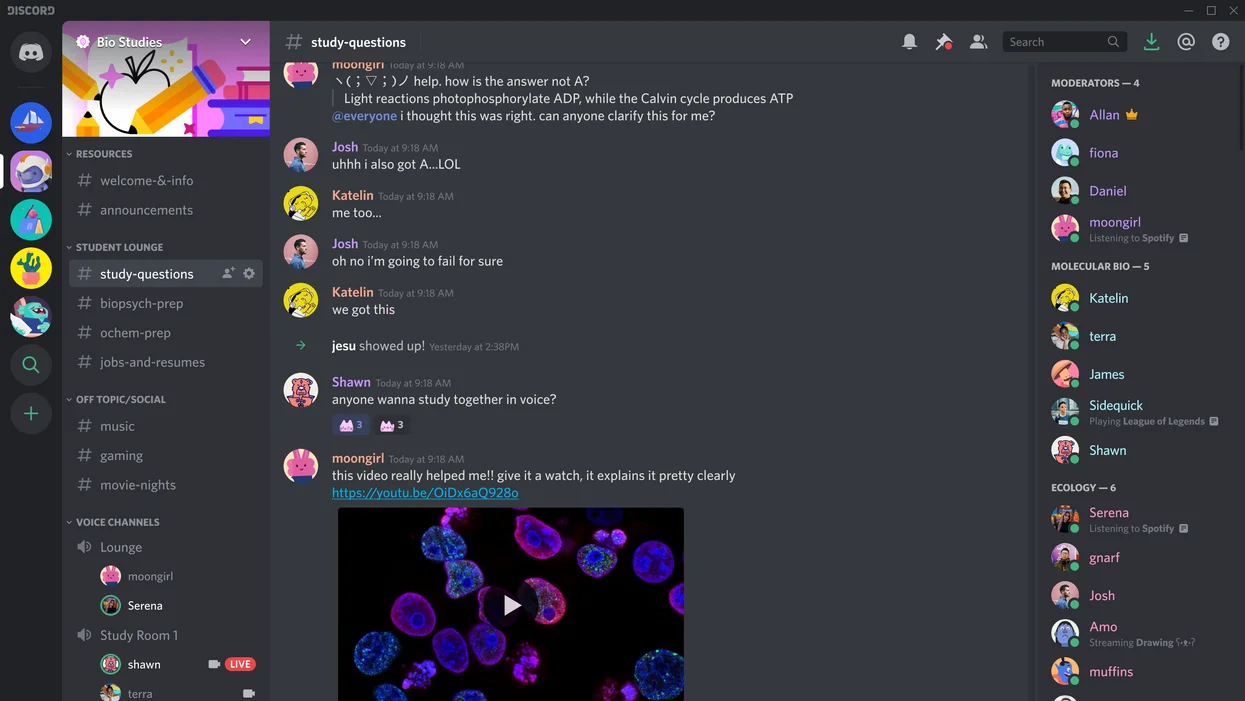
Discord is a unified communication platform that allows users to chat over text, voice, and audio channels. Initially designed for gamers, it has become popular in various online communities.
Users can create and join private or public servers built around various interests and topic groups to connect with team members. It also offers features such as screen- and file-sharing.
Discord boasts a wide range of integrations that expand its functionality. You can connect it with bots to automate tasks and workflows or link it to gaming platforms and popular streaming services like YouTube and Twitch.
However, because it’s not designed nor fully optimized for business communication, some Discord alternatives may be better suited for this particular purpose.

Telegram is a cloud-based messaging platform ideally suited for discreet personal conversations and large-scale community broadcasts.
It allows teams to send text, videos, and files, as well as create groups and channels for communication at a larger scale. With Telegram, you can also collaborate in real time over video calls.
Through Channels, Telegram allows you to communicate to larger audiences. You are able to maintain a large following (supports an unlimited number of subscribers), share files, put up polls and live streams, and a whole lot more!
Telegram’s security enhancements and features deserve a special mention. For example, the Secret Chat feature allows you to hold private conversations which can only be accessed within the chat. Since users can’t forward or screenshot them, they are kept secure from third parties.
📮ClickUp Insight: About 41% of professionals prefer instant messaging for team communication. Although it offers quick and efficient exchanges, messages are often spread across multiple channels, threads, or direct messages, making it harder to retrieve information later. With an integrated solution like ClickUp Chat, your chat threads are mapped to specific projects and tasks, keeping your conversations in context and readily available.
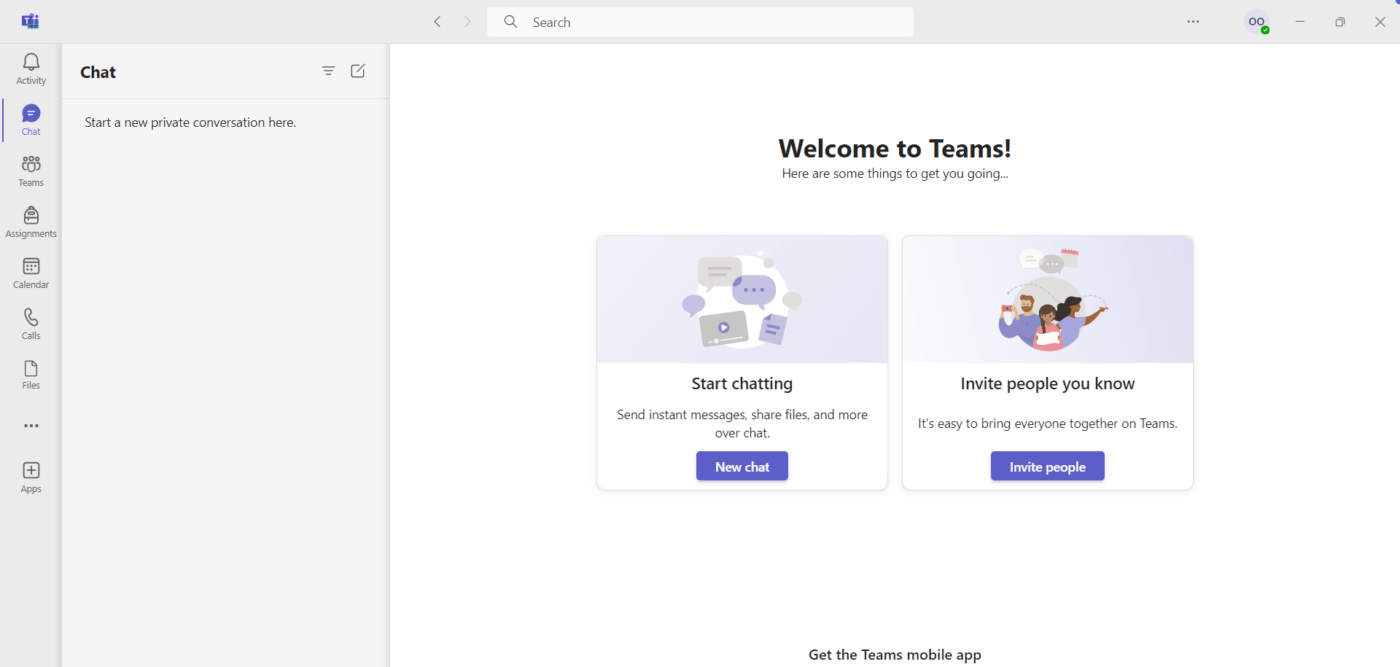
Microsoft Teams is an excellent task management and collaboration solution designed, as the name suggests, for teams. With extensive online meeting tools, you can collaborate effectively, share files, and communicate in real time through Teams and Channels.
The platform integrates seamlessly with other tools from the Microsoft 365 ecosystem, allowing you to schedule meetings and collaborate on documents directly within the Teams interface.
One of the tool’s biggest strengths are its high-quality web conferencing capabilities. With up to 300 participants, members can join via web or audio, record calls, and set up live broadcasts. There are also additional collaborative features like virtual backgrounds, screen sharing, chats, and captions.
Meanwhile, Microsoft Teams’ Whiteboards offer an effective way for teams to brainstorm and visualize information. Members can write, draw, and make sketches and diagrams on this virtual canvas. The best part? Changes are synced automatically, so you can see them as they happen.
Although some Microsoft Teams alternatives offer similar levels of functionality, the tool remains a reliable choice for team communication.
*All listed prices refer to the yearly billing model
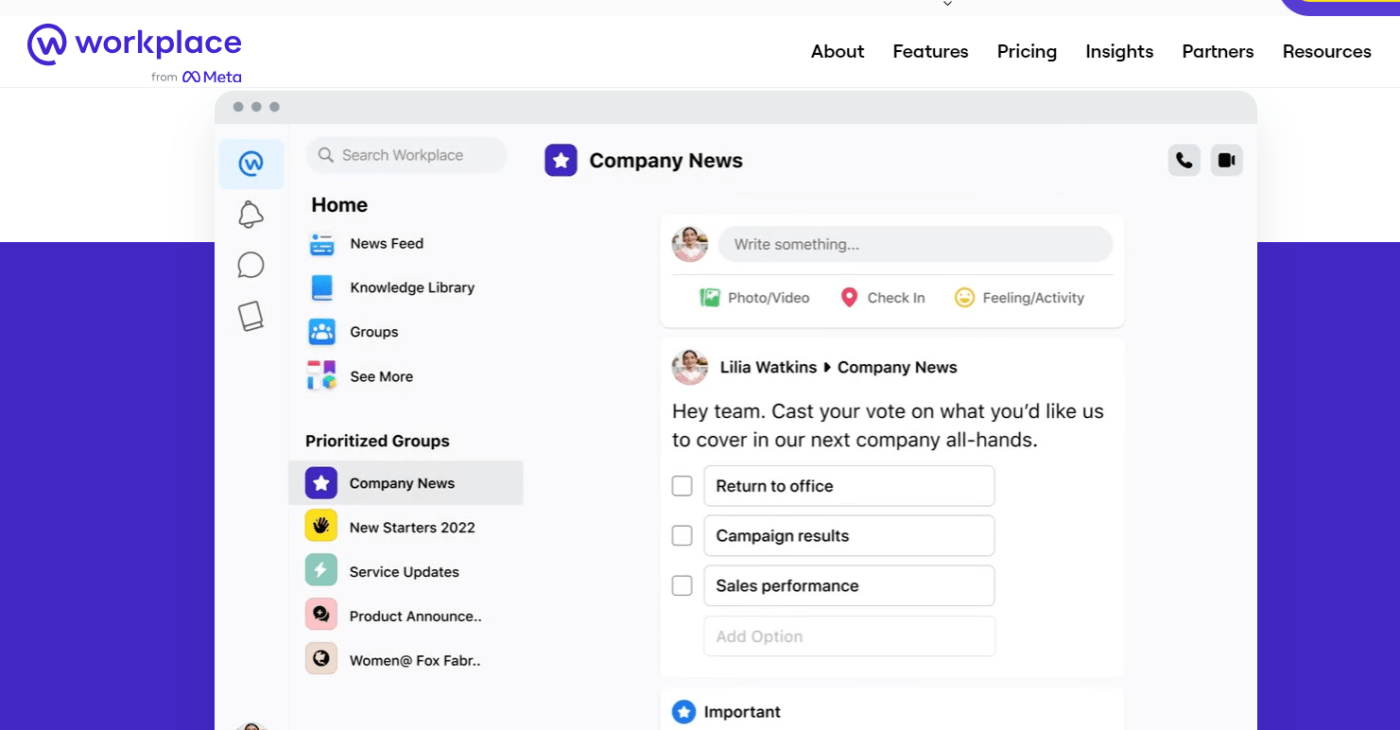
Workplace is a communication tool developed by Meta that helps teams collaborate securely through chats, voice, and groups. It is built on Facebook’s interface and allows teams to stay connected and share files and updates effectively.
Like Facebook, Workplace provides a news feed that keeps members informed about updates, announcements, and posts across the organization. Members can also engage with these posts and tailor them to their preferences.
You can host live video broadcasts within your team with interactive features like comments, questions, and reactions. Viewers can also save videos to watch them at a later time.
Additionally, Workplace provides insights and analytics to help teams measure engagement.
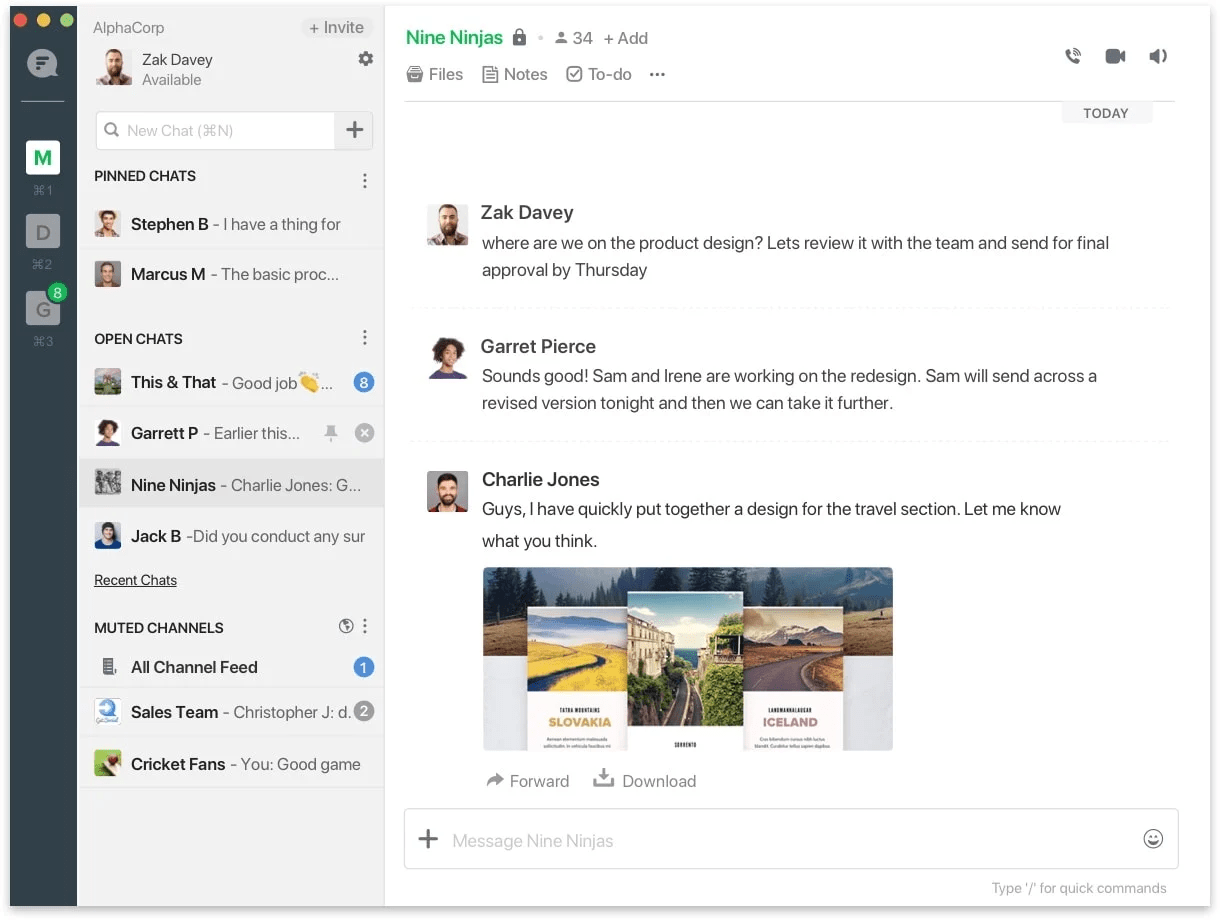
With Flock, you can hold one-on-one conversations with direct messaging or create channels for teams and groups.
This platform facilitates team collaboration by allowing members to share tasks to-dos and assign tasks. Additionally, it includes a polling feature that helps you gather feedback and opinions from colleagues effortlessly.
Moreover, users can collaborate, share files, and communicate through video and audio calls. Flock seamlessly integrates with third-party apps like Google Drive and Trello, allowing users to manage and track their tasks and files with ease.
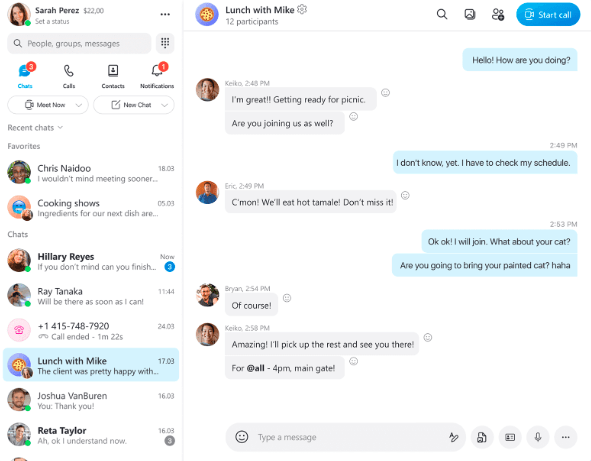
Over two decades since its launch, Skype has established itself as one of the most popular communication and video conferencing platforms. While it may lack advanced features found in many other Google Chat alternatives on our list, Skype is still a simple and reliable solution that keeps teams connected and aligned in their everyday work.
For calls, Skype enables free audio and video calls between Skype users around the world. It also includes a call recording feature so users can come back to them later.
One of the best things about Skype is its Language Translation option, which is helpful for diverse, geographically dispersed teams communicating in different languages.

Jitsi is a versatile open-source video conferencing tool that ensures secure and customizable virtual meetings. Beyond standard audio and video calls, Jitsi offers password-protected meeting rooms and unique features like custom meeting URLs.
With tools like Etherpad for sharing text documents and the option for audio via telephone dial-in, Jitsi is a simple, no-frills solution for your team communication requirements.

Signal is a software service that provides users with secure instant messaging features and calls. It’s free to use, making it a cost-effective Google Chat alternative for teams looking for a simple yet effective way to collaborate and stay connected.
Renowned for its strong focus on privacy, Signal offers features like Sealed Sender and disappearing messages to keep conversations and chat exchanges end-to-end encrypted and safe from breaches.
Considering its comprehensive range of productivity and project management capabilities, ClickUp stands out as one of the best alternatives to Google Chat.
With its Chat view for effortless communication, Docs for real-time collaboration on documents, and Clip for easily sharing screenshots and videos, ClickUp equips you with all the tools you need to unlock unprecedented levels of productivity. On top of that, you get numerous readymade templates for revolutionizing project communication.
So, if you’re looking to get all the benefits of seamless team communication within a one-stop system, sign up for ClickUp today and collaborate like never before!

Manasi Nair
Max 26min read
Manasi Nair
Max 26min read
Manasi Nair
Max 20min read

© 2026 ClickUp