









Still downloading templates?
There’s an easier way. Try a free AI Agent in ClickUp that actually does the work for you—set up in minutes, save hours every week.
Sorry, there were no results found for “”
Sorry, there were no results found for “”
Sorry, there were no results found for “”
Figma email templates are pre-built design files with layouts, components, and styles for creating email campaigns.
They work great for any email template samples, from welcome sequences and promotional announcements to weekly newsletters and transactional emails like order confirmations.
Best part? The modular design lets you mix and match sections to fit each campaign’s needs without starting from scratch. In short, they’re awesome.
This article walks you through what makes a solid Figma email template, along with some good recommendations. You’ll also learn how free ClickUp templates can bridge the project management gap between your Figma files and a launched campaign without the chaos.
A great Figma email template should give you a solid foundation for your email UI, with responsive components that look good on any device.
Here’s what to look for in a quality Figma email template: ✨
Based on the Figma community files you provided, I have created a section for each template following your requested format.
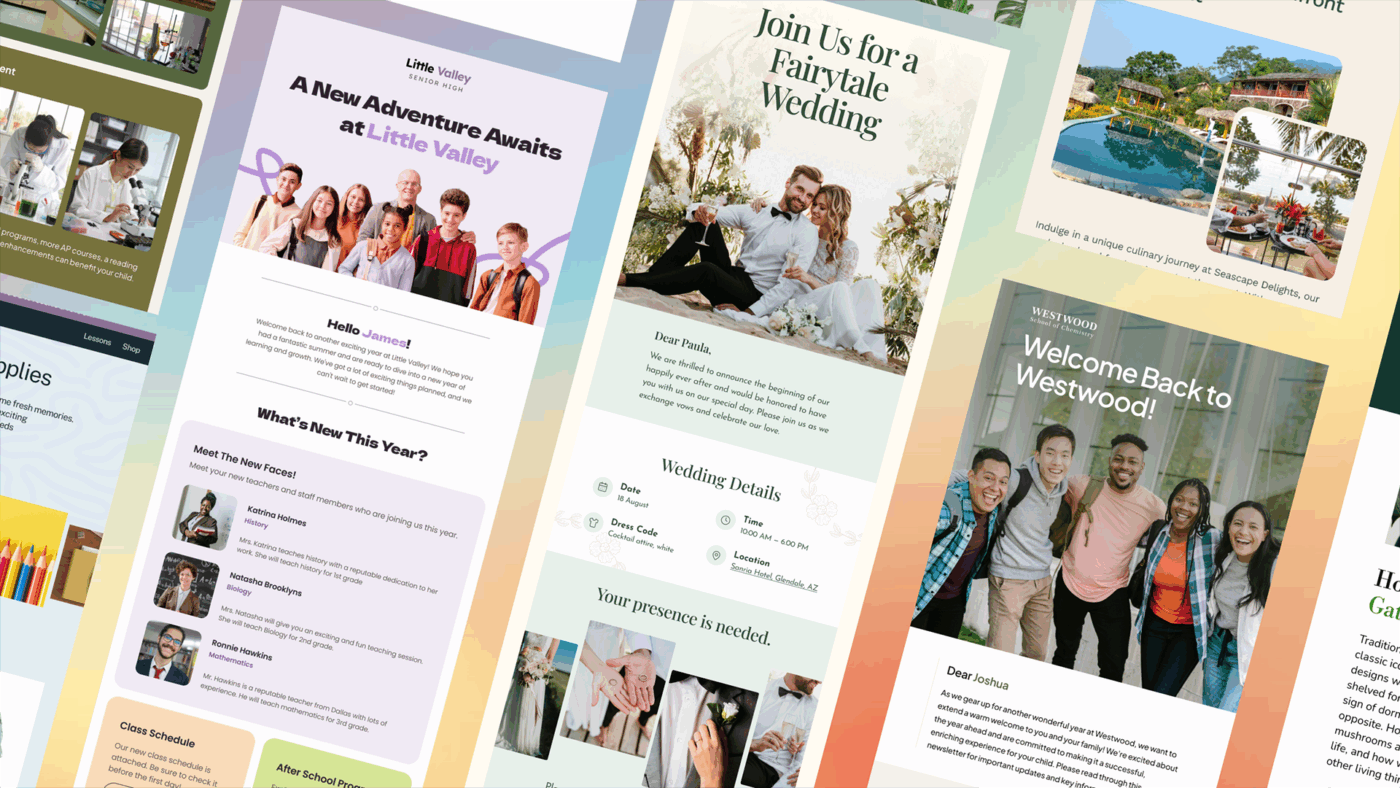
The Designmodo Free Email Templates pack provides a streamlined way to create professional emails without having to start from scratch. These templates are built with a wide range of use cases in mind, from marketing and transactional needs, ensuring your brand stays consistent across all customer touchpoints. Whether you are announcing a product launch or sending a weekly update, these layouts offer a polished foundation.
🌟 Here’s why you’ll like it:
🧠 Fun Fact: In 1976, Queen Elizabeth II became the first head of state to send an email. She used the ARPANET (the precursor to the internet) during a visit to the Royal Signals and Radar Establishment. Her username was a regal HME2 (Her Majesty, Elizabeth II).
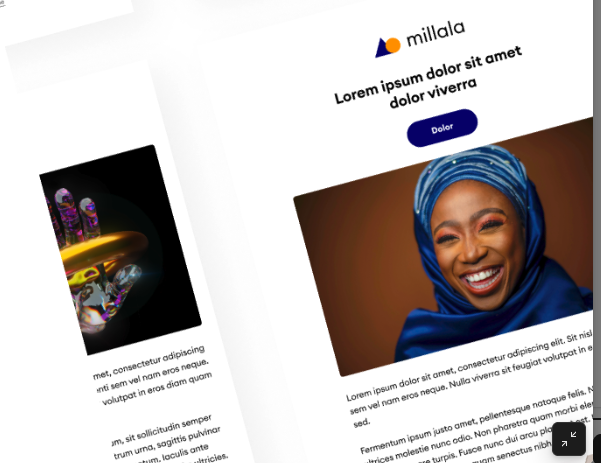
The Designer and Startup Template is built for those who want to stand out. Moving away from “boring” corporate emails, this template uses grid-breaking elements and bold calls to action to grab attention. It’s particularly effective for portfolios or tech product announcements where visual flair is a priority.
🌟 Here’s why you’ll like it:
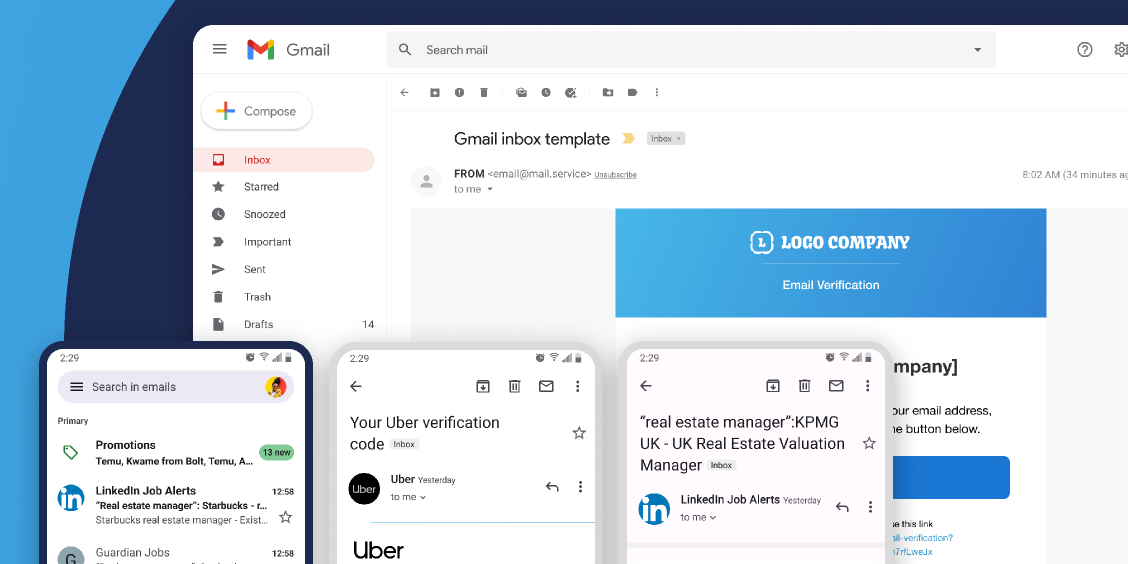
Looking toward the future of communication, the Email Templates 2025 pack focuses on accessibility and cutting-edge mobile interactions. These templates are built to handle modern email client features, providing a sophisticated look that feels premium and current. It prioritizes “thumb-friendly” navigation and high-contrast layouts.
🌟 Here’s why you’ll like it:
📮ClickUp Insight: 11% of our respondents leverage AI primarily for brainstorming and ideation.
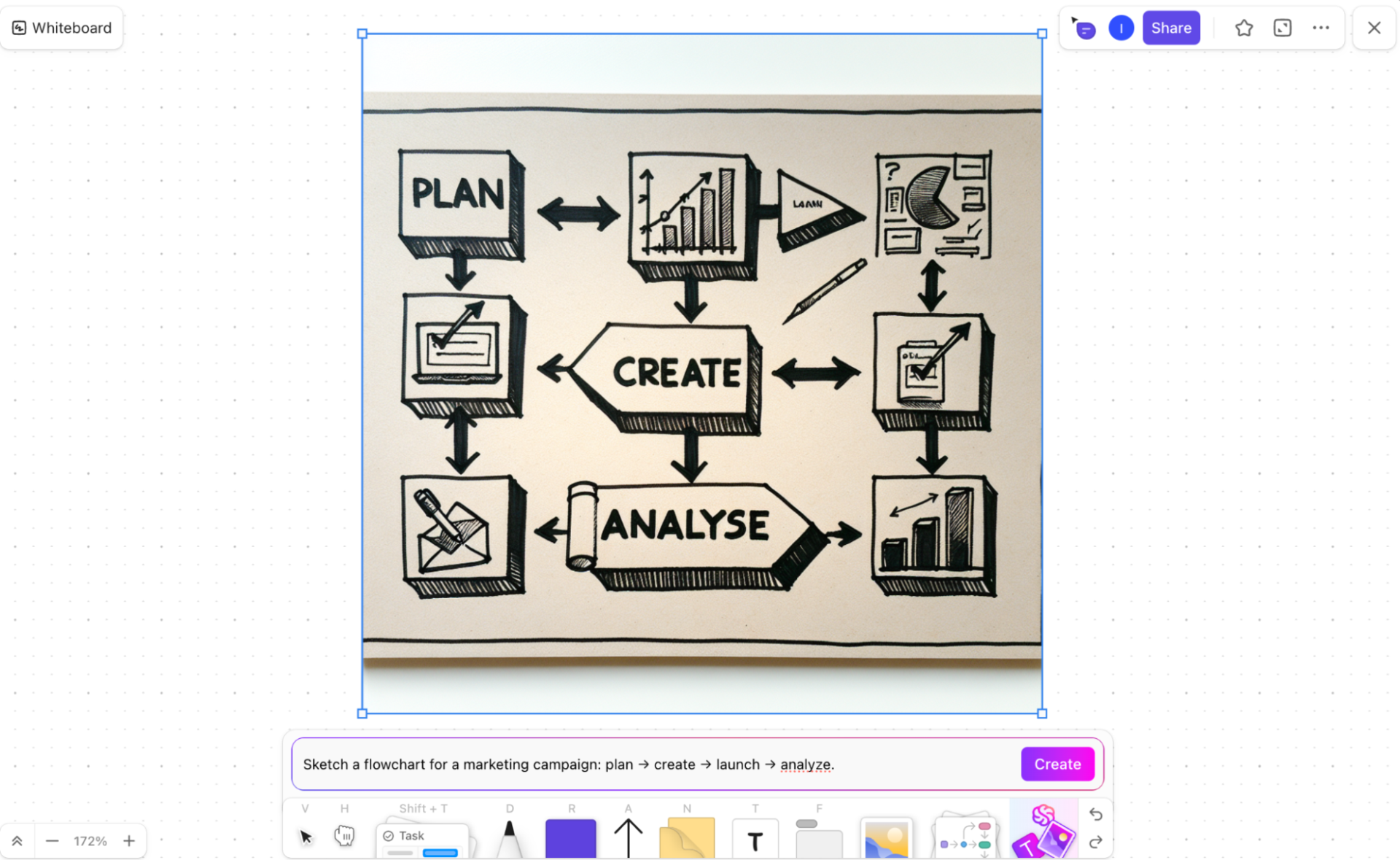
But what happens to these brilliant ideas afterward? This is where you need an AI-powered whiteboard, like ClickUp Whiteboards, to instantly turn brainstorming session ideas into tasks.
And if you can’t quite explain a concept, simply ask the AI image generator to create a visual based on your prompt. It’s the everything app for work that enables you to ideate, visualize, and execute faster!
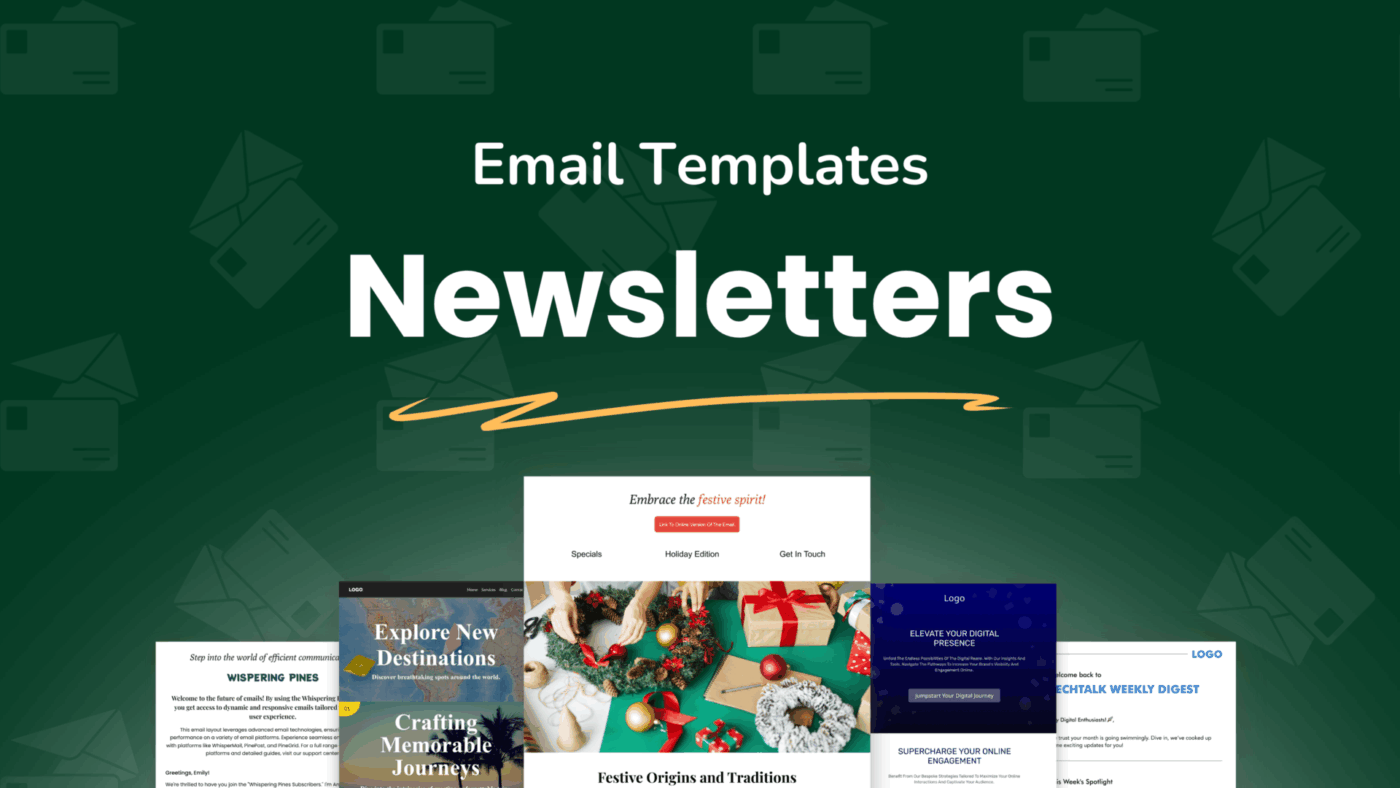
The Newsletter Email Templates are designed for curators and writers. If your goal is to share information, articles, or weekly roundups, this template provides the perfect hierarchy. It balances text-heavy sections with featured images, ensuring that your readers don’t feel overwhelmed by the content.
🌟 Here’s why you’ll like it:
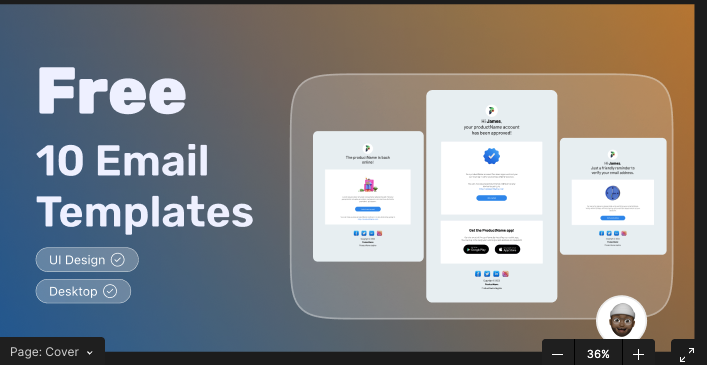
This 10-Template Bundle is the “Swiss Army Knife” of email design. It offers a huge variety of styles, meaning you can find a template for almost any occasion—whether it’s a “Welcome” email, a “Forgot Password” notification, or a “Seasonal Sale” announcement. It is an excellent resource for building a comprehensive email library quickly.
🌟 Here’s why you’ll like it:
⚡️ Template Archive: Free Project Handover Templates for Efficient Transitions
Your beautiful Figma email design is trapped. It’s a picture of an email, not a real one, and it lives in a silo, disconnected from your campaign plan, copy, and approval process.
Seems like a simple disconnect, but it eventually leads to manual handoffs, lost feedback in endless comment threads, and no visibility into campaign status. This is classic work sprawl—the fragmentation of work across multiple, disconnected tools that don’t talk to each other—and it’s costing you time and creating opportunities for error.
The thing is, Figma wasn’t built to manage the entire email campaign management workflow. Here are the gaps you’ll run into:
For example, A/B testing is one of the fastest ways for versions and outcomes to become hard to track without a dedicated workflow layer.
📖 Read More: How to Master Document Lifecycle Management?
When email workflow is a chaotic mess of different apps and manual steps, you end up wasting time on admin work instead of creating great campaigns.
These gaps are where a workflow management platform comes in. It connects your design phase to the rest of the email production lifecycle, giving you a single source of truth from start to finish.
Manage the operational side of your email campaigns—from planning to performance review—with ClickUp workflow templates that complement your Figma designs.
Attach Figma files directly to tasks, track design reviews, and coordinate team efforts without switching tools using ClickUp Templates. Plus, you can generate initial email copy, summarize campaign feedback, and automate repetitive tasks with ClickUp Brain, the built-in AI assistant.
Here are 9 free templates to handle every stage of your email production. 🛠️
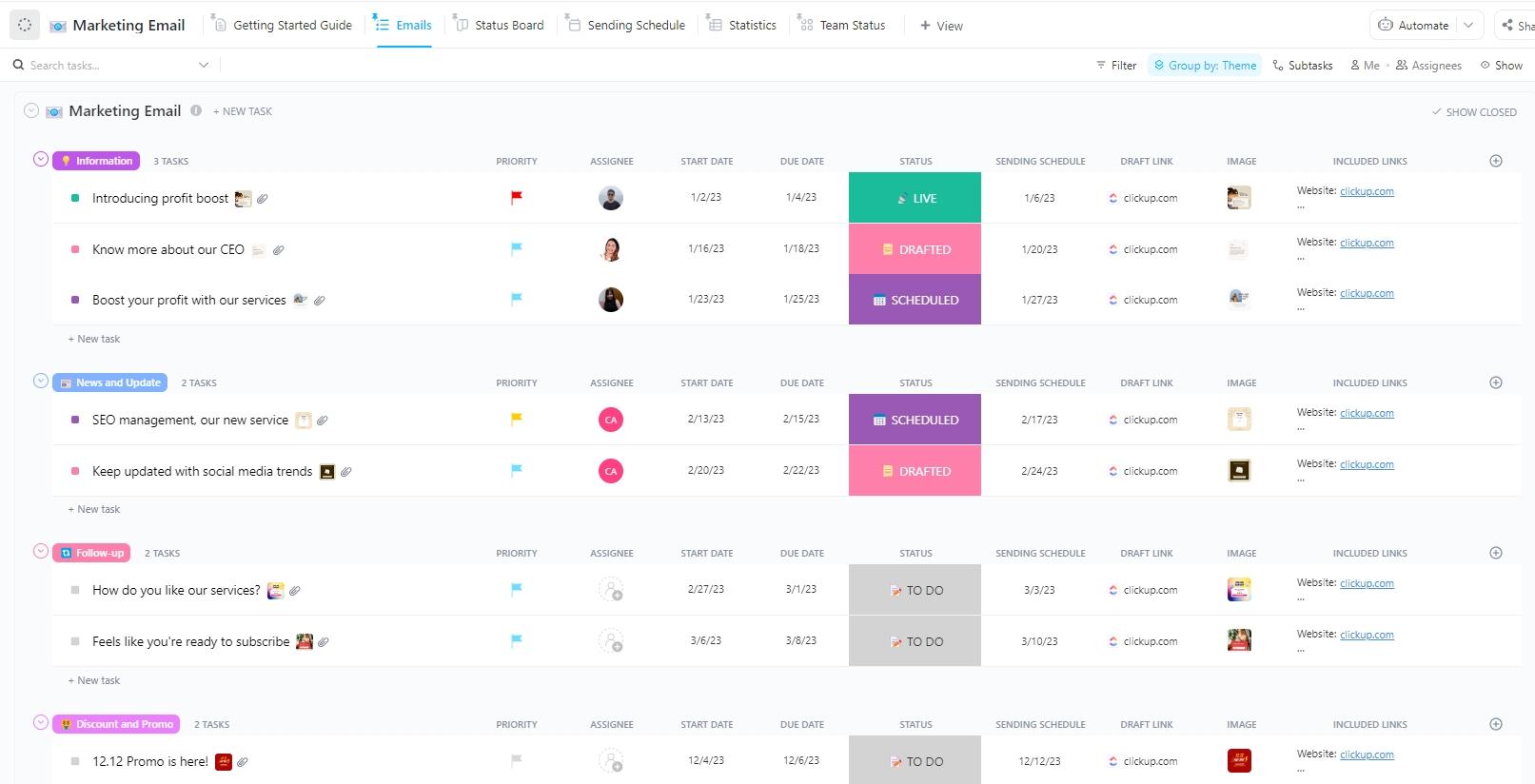
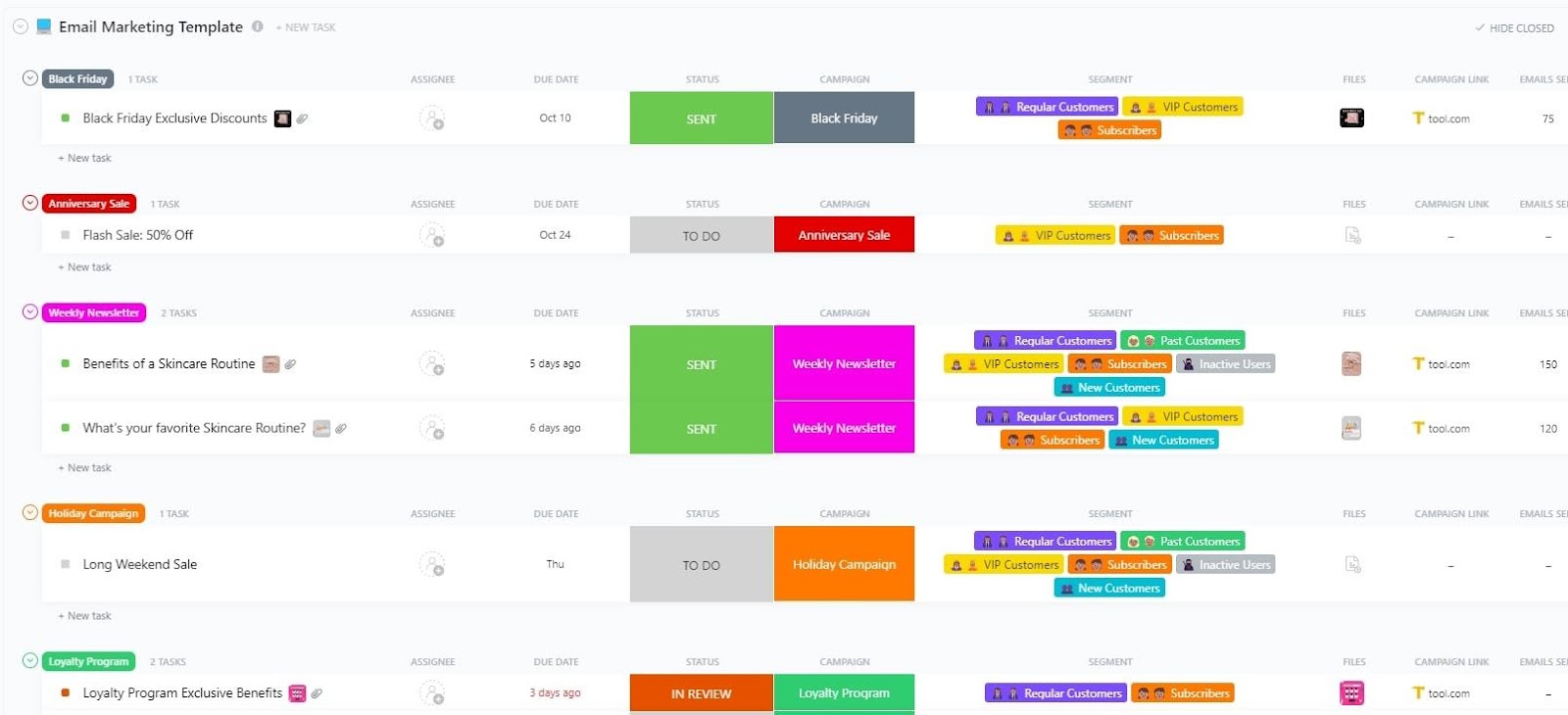
Planning a multi-touch email marketing campaign in a spreadsheet is a recipe for missed deadlines and forgotten tasks. This Marketing Email Template by ClickUp™ provides a structured framework for executing campaigns from ideation to send, ensuring nothing falls through the cracks. It’s perfect for marketing teams managing multiple email campaigns at once.
🌟 Here’s why you’ll like it:
🎥 Learn how to create content at scale using AI in ClickUp.
When a flash sale is live, there is zero room for error. The Email Advertisement Template ensures your discount codes, expiration dates, and ad copy are locked in one tight loop.
It’s designed specifically for e-commerce teams who need to sync Figma designs with real-world inventory and launch dates, turning promotional chaos into a conversion science.
🌟 Here’s why you’ll like it:
Executing a complex email sequence requires a task-management approach, breaking each email into smaller, manageable parts.
This Email Marketing Campaign Template helps you master multi-email flows by treating every message as a surgical sub-project. Whether you’re building a 7-day onboarding series or a long-term nurturing track, this framework ensures your narrative stays consistent, and every CTA is double-checked before it hits an inbox.
🌟 Here’s why you’ll like it:
🌼 Did You Know: Bill Clinton famously claimed to have sent only two emails during his entire presidency. Except it’s not true. There’s a trail of them!
Repetitive email tasks, such as sending a weekly newsletter or a monthly report, create significant manual administrative work. This Email Automation with ClickUp Template by ClickUp™ helps you set up automated workflows for those recurring tasks, freeing up your team to focus on more strategic work.
While some campaigns may need a personal touch, this one is designed for teams with high-volume, predictable email workflows.
🌟 Here’s why you’ll like it:
👉🏽 Why not outsource some of those manual updates to an Agent? Here are three Super Agents from ClickUp that can help:
Sometimes a linear task list isn’t the best way to start planning a creative project like a newsletter.
For those who prefer visual thinking, the Newsletter Whiteboard Template offers an infinite canvas to drag, drop, and connect content pillars. It serves as the perfect design project management map between a rough Figma layout and a finalized editorial calendar, letting you visualize the “vibe” of your newsletter before you ever assign a due date.
🌟 Here’s why you’ll like it:
Chasing feedback and approvals through email or Slack is inefficient and leads to missed comments and confusing version control.
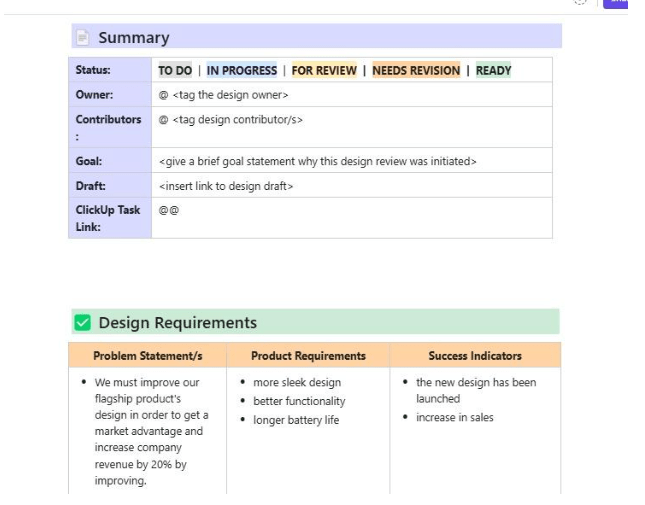
The Design Review Template kills the “feedback loop of doom” by providing a transparent stage for every stakeholder. By centralizing critiques, you ensure that every iteration of your Figma design is vetted, tracked, and signed off on without the back-and-forth headache.
🌟 Here’s why you’ll like it:
When design requests come from every direction, it’s hard to prioritize and manage workloads.
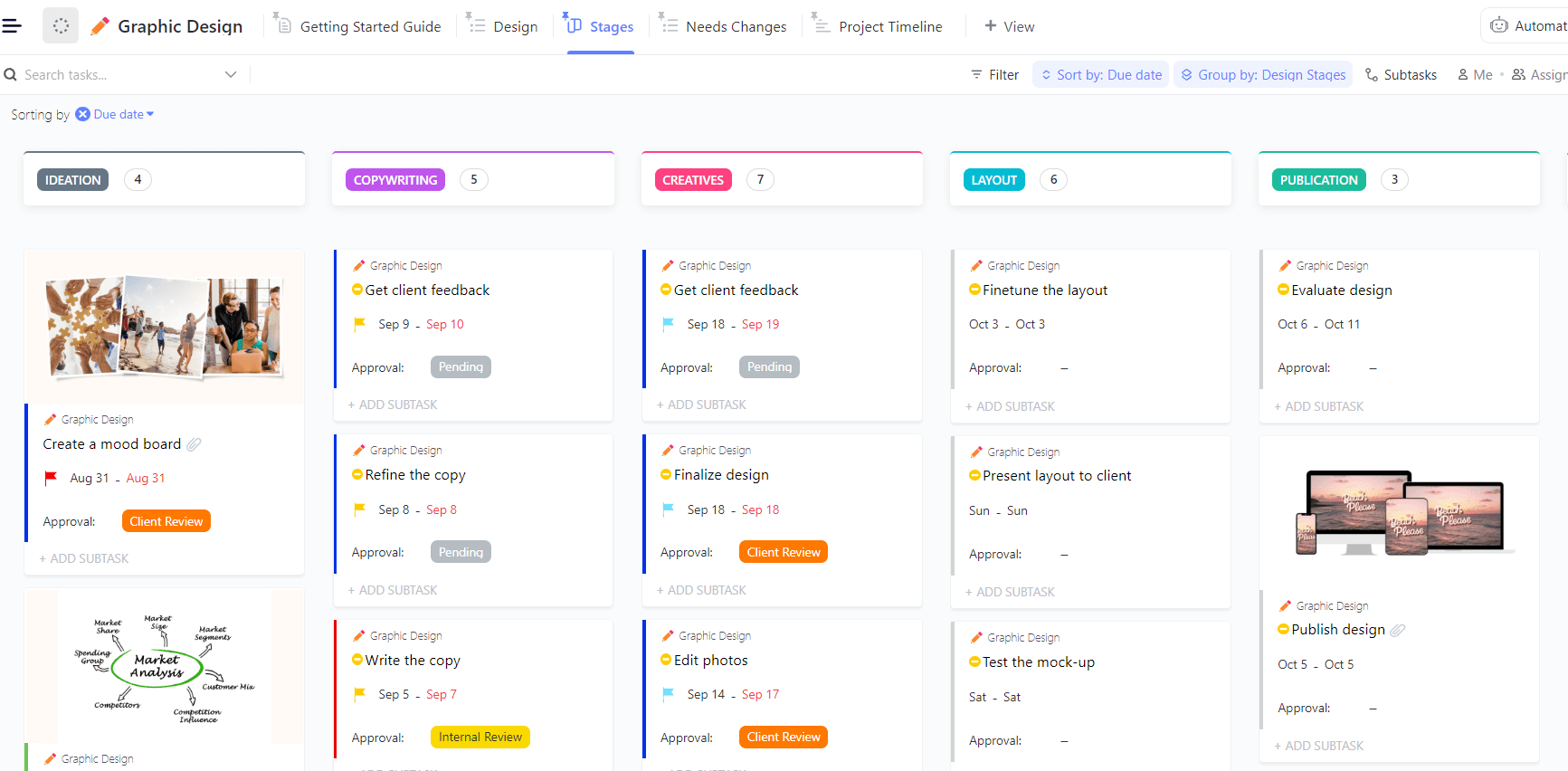
This Graphic Design Template acts as a floodgate, standardizing how you receive and execute on email headers, icons, and hero images. It helps design leads focus on high-impact assets first, ensuring the team isn’t drowning in small requests while a major campaign is looming.
🌟 Here’s why you’ll like it:
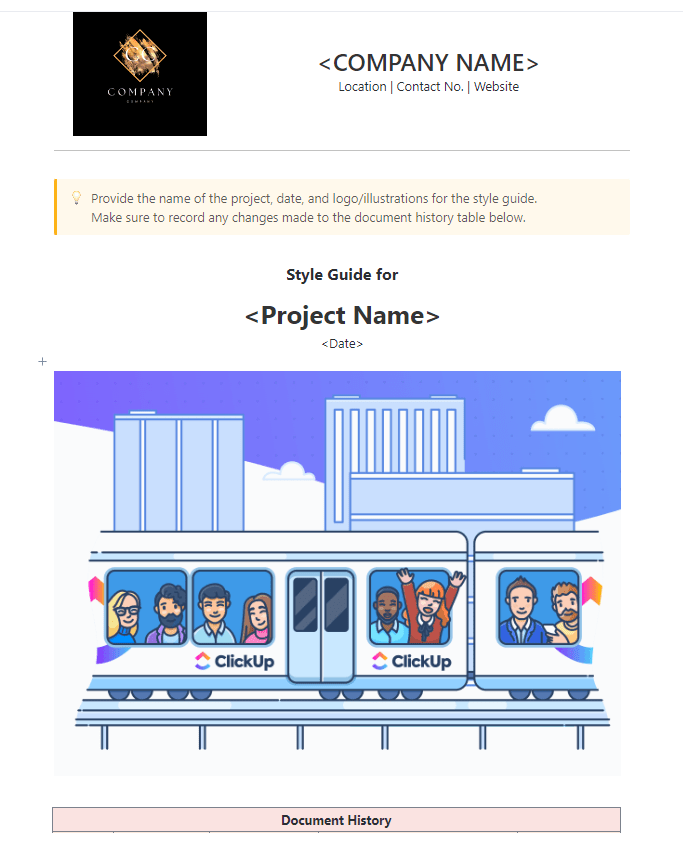
Inconsistent branding—like the wrong button radius or a “close enough” hex code—can make a professional email look like a scam. Use the Style Guide Template to build your brand’s “Rule Book.” It’s a living document that stores typography, CTA styling, and logo usage guidelines, ensuring every email feels like your brand’s own.
🌟 Here’s why you’ll like it:
⚡️ Template Archive: 10 Style Guide Templates to Amplify Your Brand
When brand assets are scattered across multiple folders and drives, teams waste time searching for the right files and often end up using outdated versions.
This Brand Identity Template by ClickUp™ centralizes all your brand identity assets and guidelines in one organized ClickUp Space. From voice-and-tone documentation to icon packs and logos, this space ensures that every team member—from the internal CMO to an outside freelancer—is working from the same deck.
🌟 Here’s why you’ll like it:
Design is just the beginning of the story. How that story reaches your audience depends entirely on your infrastructure.
Figma email templates are incredible tools for visual storytelling, but even the best design can be undermined by a fragmented workflow.
By pairing your design files with ClickUp’s workflow templates, you create a seamless pipeline that flows naturally from ideation to execution. This integration ensures that your campaign objectives, assets, and timelines are always in sync. Elevate your production standard by moving away from manual updates and toward an automated, connected ecosystem.
Get started for free with ClickUp today and see it for yourself!
Yes. Attach Figma file links directly to ClickUp Tasks or embed live prototypes in ClickUp Docs to manage the entire workflow around your designs in one place.
A Figma email UI kit provides visual design components like buttons, headers, and layouts for you to use inside Figma. An email workflow template, like those in ClickUp, manages the operational process for the design, including task assignments, approvals, deadlines, and campaign tracking.
Track key email campaign metrics by creating custom reports with ClickUp Dashboards. Attach performance reports from your email service provider to completed campaign tasks. Summarize results and get optimization suggestions for future campaigns with ClickUp Brain.

© 2026 ClickUp

There’s an easier way. Try a free AI Agent in ClickUp that actually does the work for you—set up in minutes, save hours every week.