

Sorry, there were no results found for “”
Sorry, there were no results found for “”
Sorry, there were no results found for “”
You’ve just wrapped up a big project, and now it’s time to share files with your team or clients. But then comes the worry 😟:
Without the right file-sharing platform, things can get messy fast—unauthorized access, version mix-ups, and endless back-and-forth confusion. That’s where secure file-sharing software comes in.
The best file-sharing tools store, secure, and streamline collaboration (plus give you peace of mind). In this guide, we’ll walk you through the top 13 file-sharing software for secure collaboration, breaking down their top features, pros, cons, and ratings.
Let’s get rolling!
Choosing the right file-sharing tool for your co-workers or business means considering more than the basics. The tool you choose should streamline your team collaboration while ensuring security, efficiency, and ease of use.
Here’s what you should look for 👇
We’ve rounded up the 13 best file sharing solutions, each packed with unique features to match different needs. Let’s jump in to find the one for you 👇
ClickUp, the everything app for work, has been hands down the highest-rated platform to keep documents, teamwork, and workflows in one place—without the chaos of juggling multiple tools.
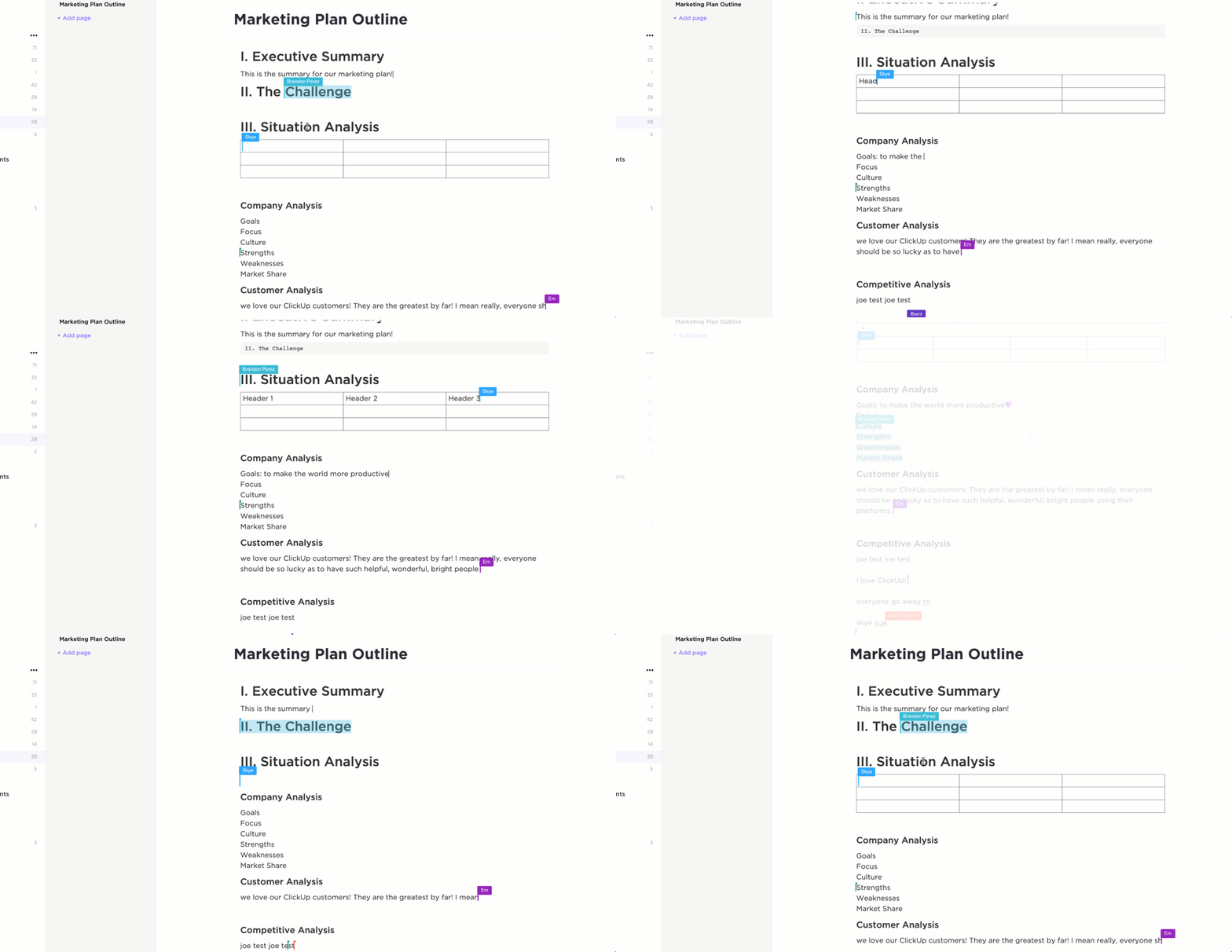
One of the best things about it is ClickUp Docs. Instead of uploading and downloading documents, you can create, edit, and share them directly within and outside ClickUp.
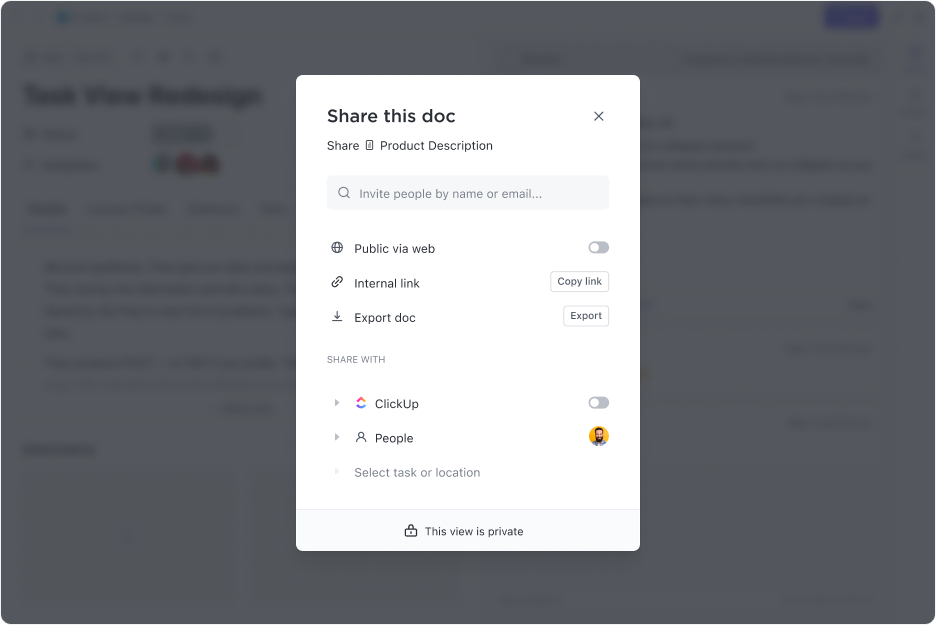
Plus, it lets you attach files, images, and links right inside the document, keeping everything contextual and easy to find.
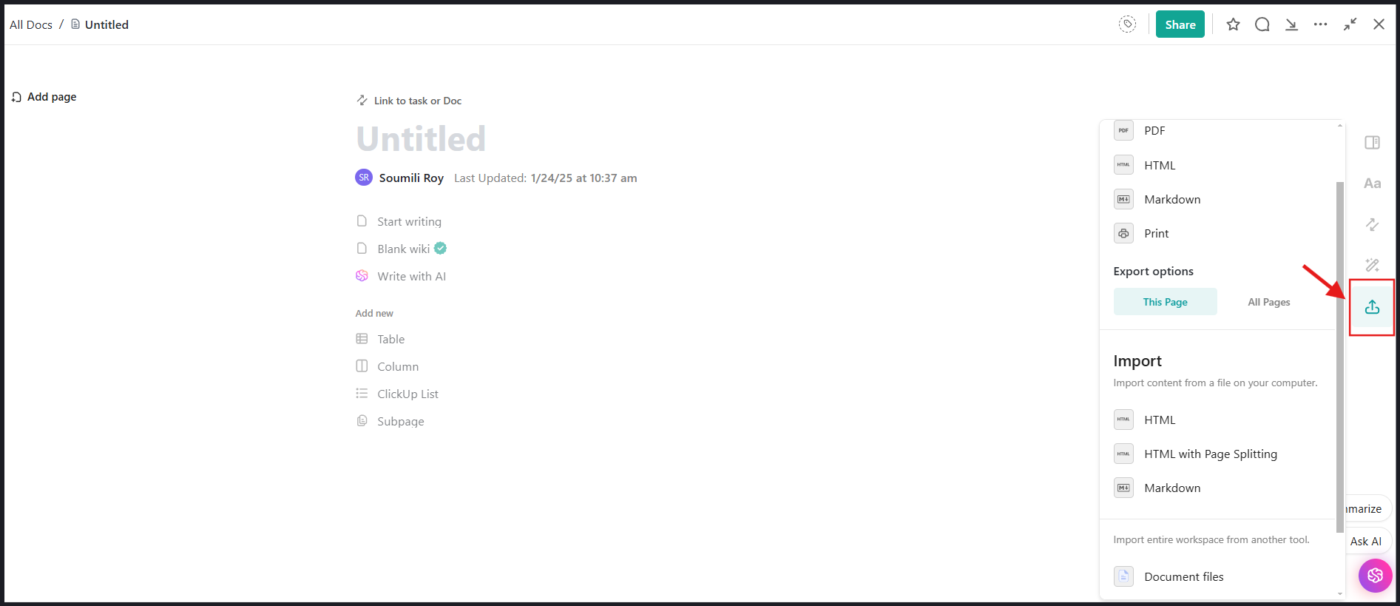
And if you ever need to go back to an earlier version, ClickUp’s version history is there to restore previous edits in just a few keystrokes. Plus, you can further organize company resources for your team with wiki templates on Docs. Talk about convenience!
Docs are all about modern, real-time collaboration. With ClickUp’s Collaboration Detection, you can see when a teammate is viewing or editing a file, get live updates and comments in real-time, and stay alert with instant notifications.
This also means multiple people can edit a document simultaneously, with changes reflecting instantly. No more version conflicts or waiting for someone to finish before adding your input. What a relief, right?
But wait, there’s more 👇
ClickUp’s Connected Search breaks down silos across apps through AI-powered personalization capabilities.

It combines all your data sources and tasks in a unified workspace. You can search smoothly across documents, comments, and tasks. Advanced filters help you refine results by keywords, dates, or assignees, saving valuable time and reducing distractions.
Just connect external apps like Slack, Google Workspace, and more to ClickUp, and you will be good to go. All information is always at the back of your hand!
ClickUp has allowed our team to have clear and transparent priorities, identify opportunities to support one another, and helps us identify and manage potential risks along the way. Since using ClickUp, our team’s productivity has dramatically increased by reducing the number of meetings and unnecessary back-and-forth emails.
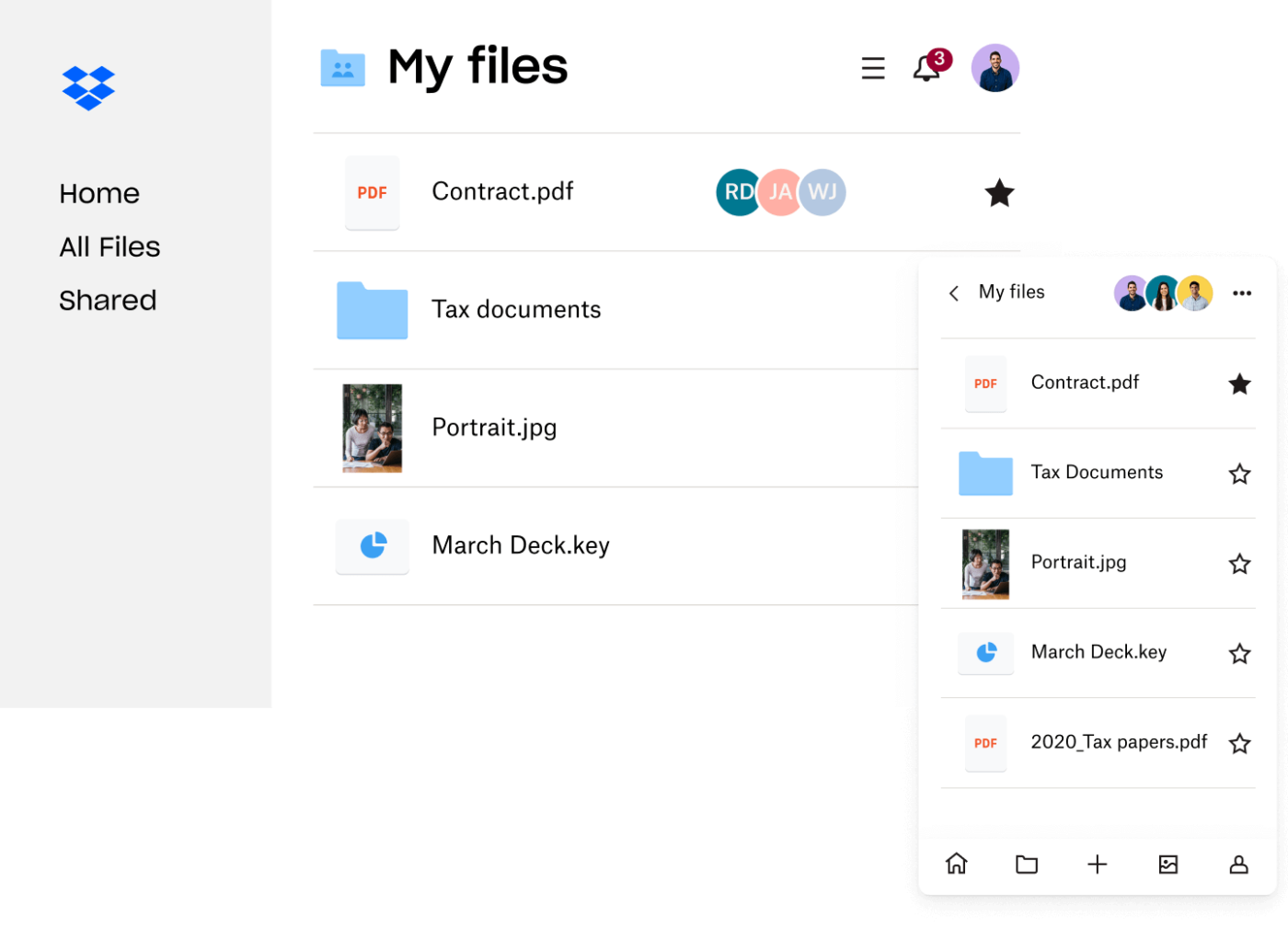
Dropbox is one of the most popular file-sharing platforms. It allows you to access your files from any device without manually moving them around.
Plus, with Dropbox Transfer, you can send up to 250 GB in one go, and the recipient doesn’t even need a Dropbox account to download it. Combined further with Dropbox integrations, you can seamlessly work with tools like Google Drive, Microsoft 365, and Hive.
🔍 Did You Know? Two-factor authentication became more prevalent in file-sharing services during the early 2010s! For instance, in August 2012, Dropbox introduced two-step verification following a security breach where user email addresses were exposed due to unauthorized access to an employee’s account.
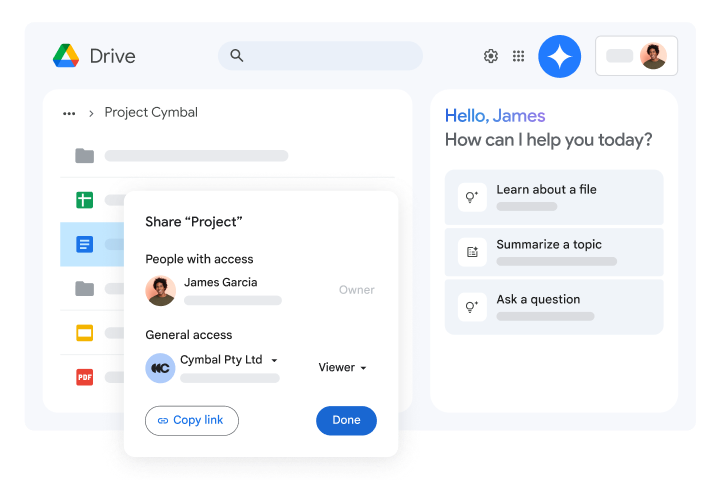
Google Drive is a popular name for sharing and organizing files. With 15 GB of free storage and seamless integration with Google Workspace tools like Docs, Sheets, and Slides, it’s perfect for both personal and professional use. You can access your files from any device and work offline with synced changes updated automatically.
⌛ Time-Saver: With the Google Drive integration, you can now create Google Docs, Sheets, Slides, and Drawings right inside ClickUp. Even better, your files are automatically saved in Google Drive and further linked to ClickUp Tasks!
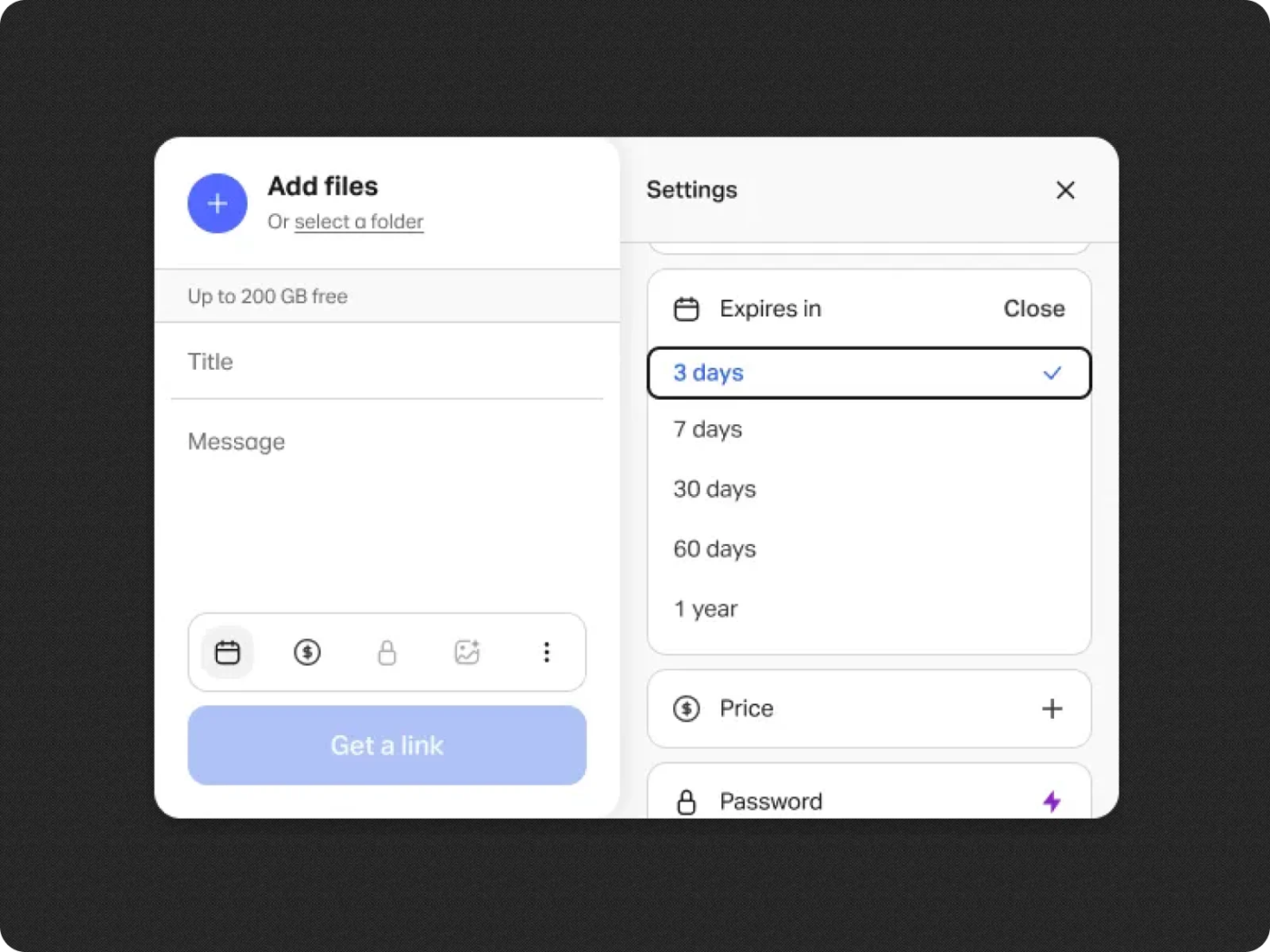
With WeTransfer, you can just drag-and-drop your files, and you’re ready to share—whether through live links or personalized emails. Plus, with numerous add-ons, you can send files directly from tools like Adobe Express and Dropbox, keeping everything connected.
🔍 Did you know? In 2011, scientists transferred 339 terabytes of data across a network at 186 Gbps, setting a world record for file-sharing speed!
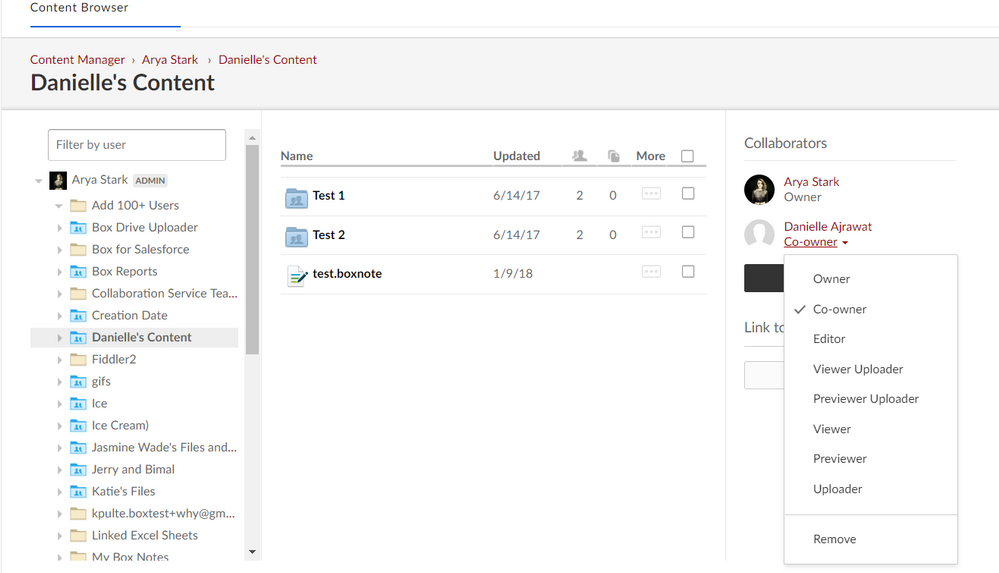
Box is an intelligent content management platform that offers enterprise-grade security and compliance features. It is ideal for large organizations that need end-to-end encryption.
In addition to the basic security features, the platform’s Shield tool provides an extra layer of protection by flagging risky behaviors and unusual access patterns during file transfers.
We were able to upload, organize and exchange files quickly and easily thanks to the incredibly easy-to-use user interface. Our team members can now collaborate on the same document in real time, which has greatly increased project productivity and quality. – G2 review
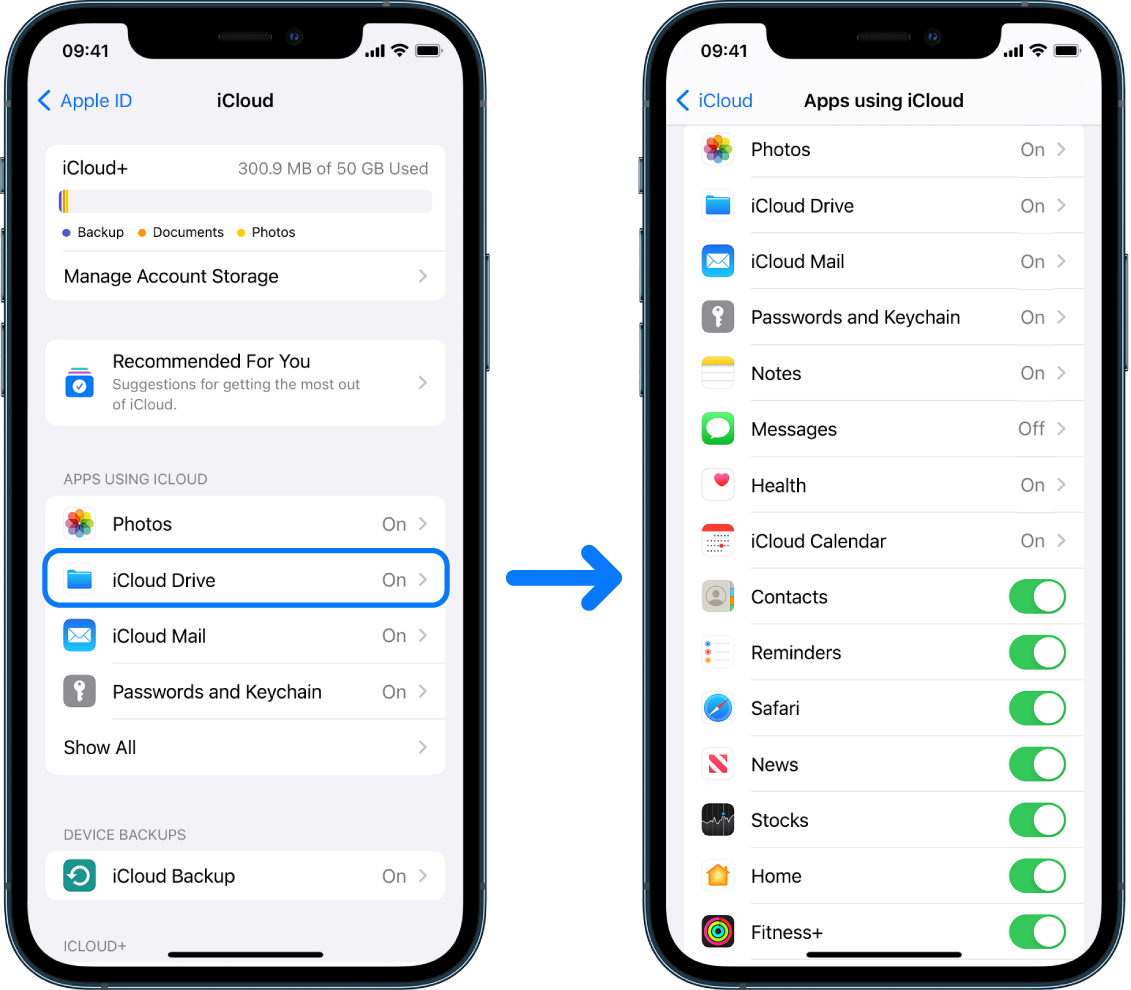
iCloud is Apple’s cloud storage and file-sharing service with effortless integration across Apple devices, including iPhone, iPad, Mac, and even Windows PCs.
Beyond that, it also allows users to locate lost devices, back up and recover device configurations, and supports multiple devices and platforms.
📮 ClickUp Insight: Nearly 42% of knowledge workers prefer email for team communication.But it comes at a cost. Since most emails only reach select teammates, knowledge stays fragmented, hampering collaboration and quick decisions.
To improve visibility and accelerate collaboration, leverage an everything app for work like ClickUp, which turns your emails into actionable tasks within seconds!
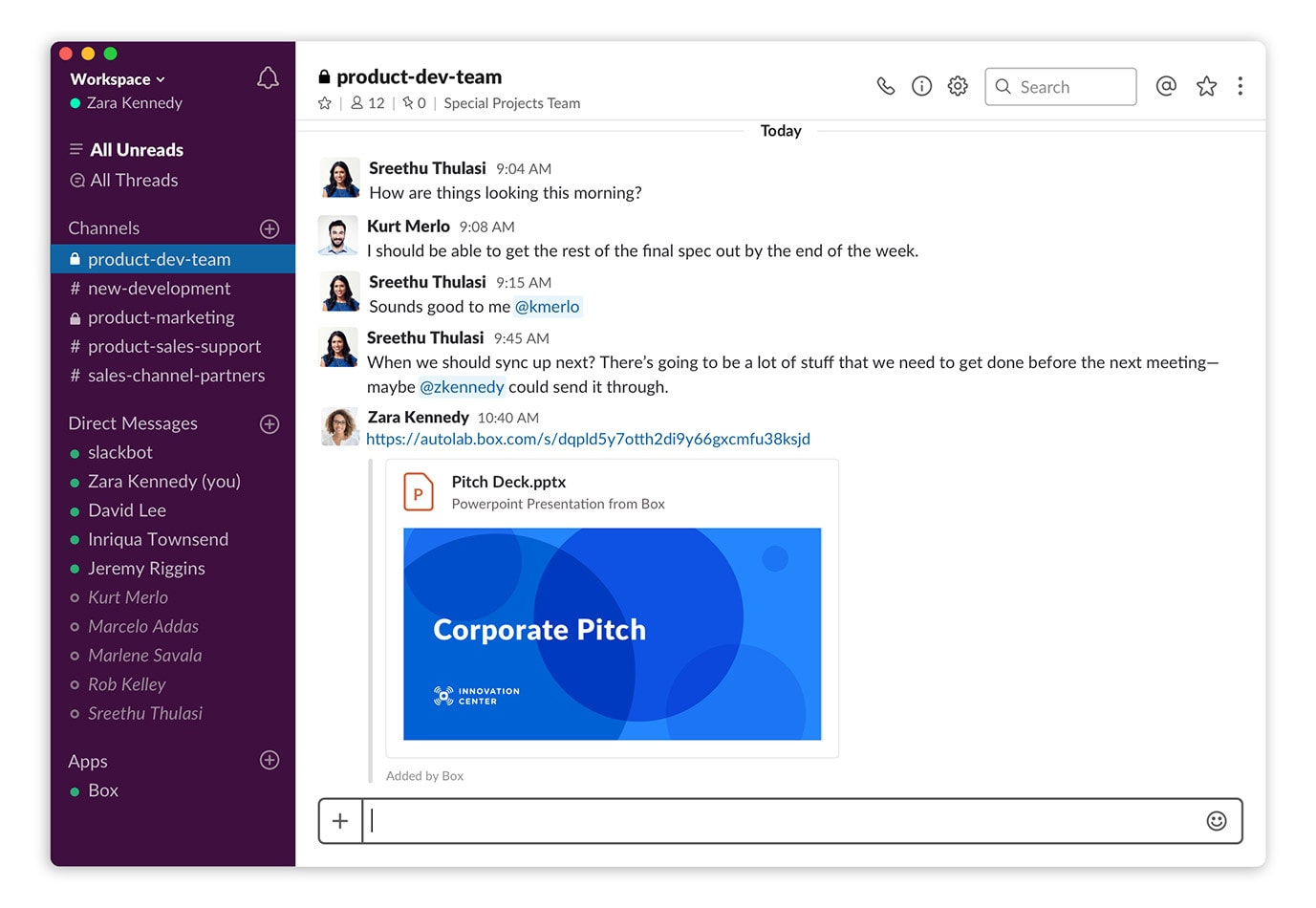
Slack is popular for communication, but it’s also a solid file-sharing platform.
Unlike email attachments or cloud storage links, files shared in Slack become part of ongoing conversations. Upload images, PDFs, and documents directly into Slack channels or DMs, and watch your files appear instantly, keeping shared content in one place.
It’s easy to talk to my team using channels, which keeps everything organized. I can also share code, documents, and other files quickly. Slack is more than just a messaging app—it’s a helpful tool for teamwork and getting things done. – G2 review
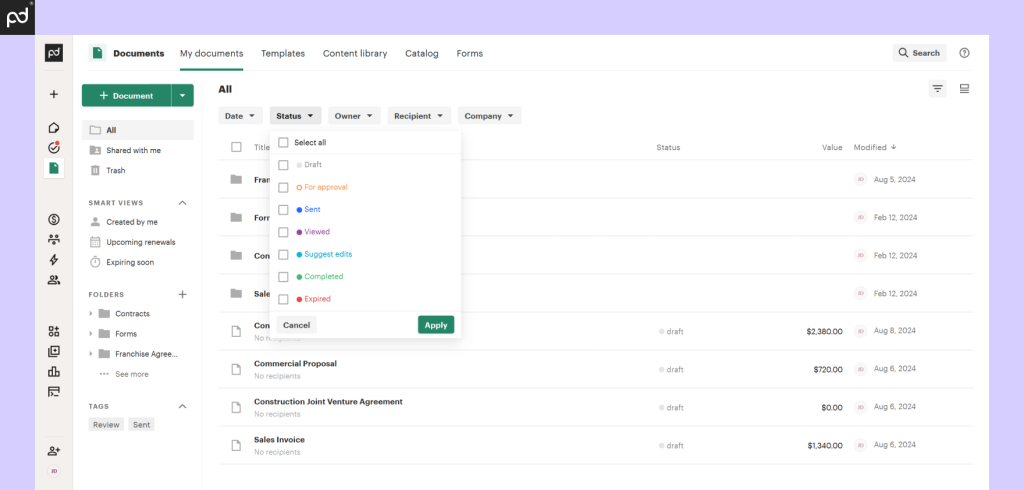
PandaDoc, again, is an excellent file-sharing platform. What makes it stand out is its built-in analytics. You don’t have to wait for email responses or wonder if your recipient even opened the document.
Plus, it integrates with CRM platforms (Salesforce, HubSpot), accounting tools (QuickBooks, Xero), and payment gateways (Stripe, PayPal) to streamline document workflows.
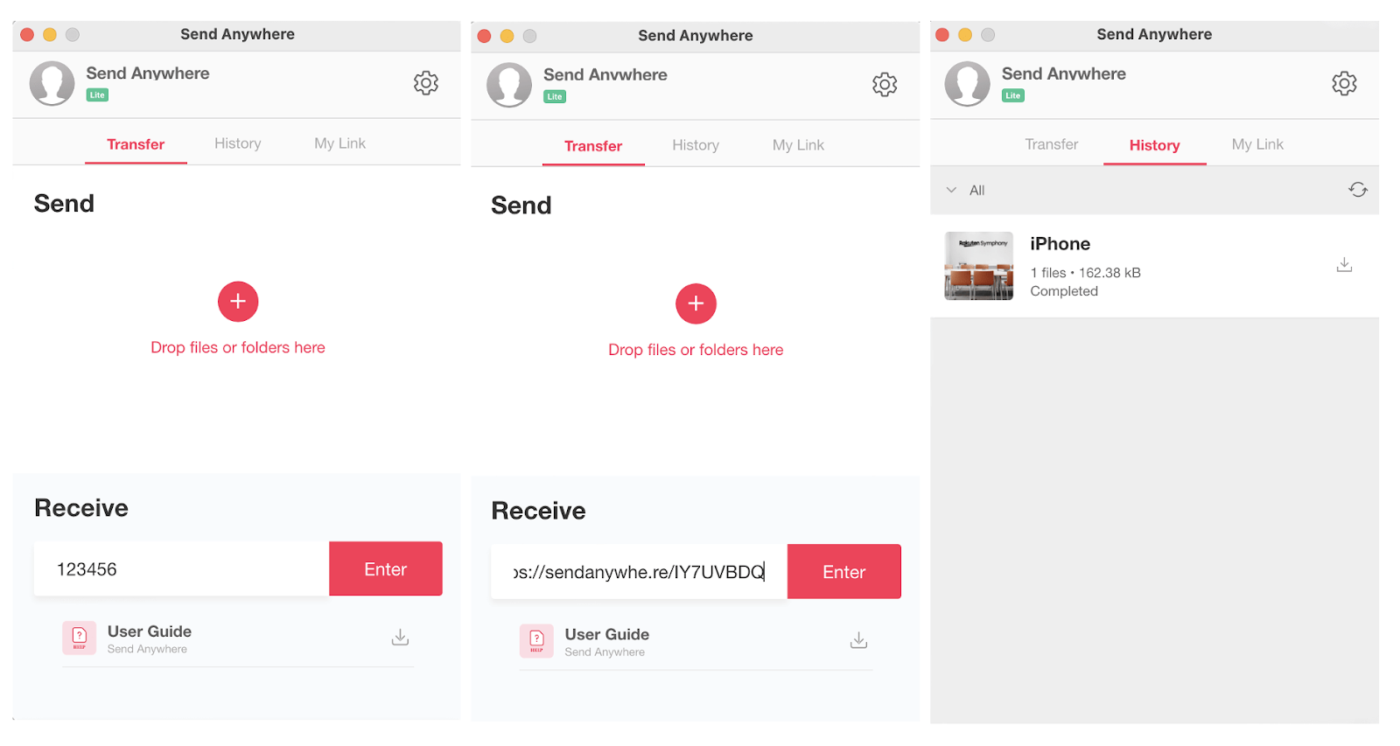
Send Anywhere is a reliable and user-friendly file-sharing tool that requires no sign-ups or complex configurations. It allows you to transfer files between devices through a 6-digit numeric key or share a link without file format or capacity restrictions.
Send anywhere is very fast, we can easily share or transfer any files inclusing images and videos from one device to another. – G2 review
💡Pro Tip: Create a clear naming convention for large files, including version number, date, and project phase (e.g., ‘ProjectX_V2.1_Draft_2025-02-08’) to avoid duplicates and help teammates find the current version easily.
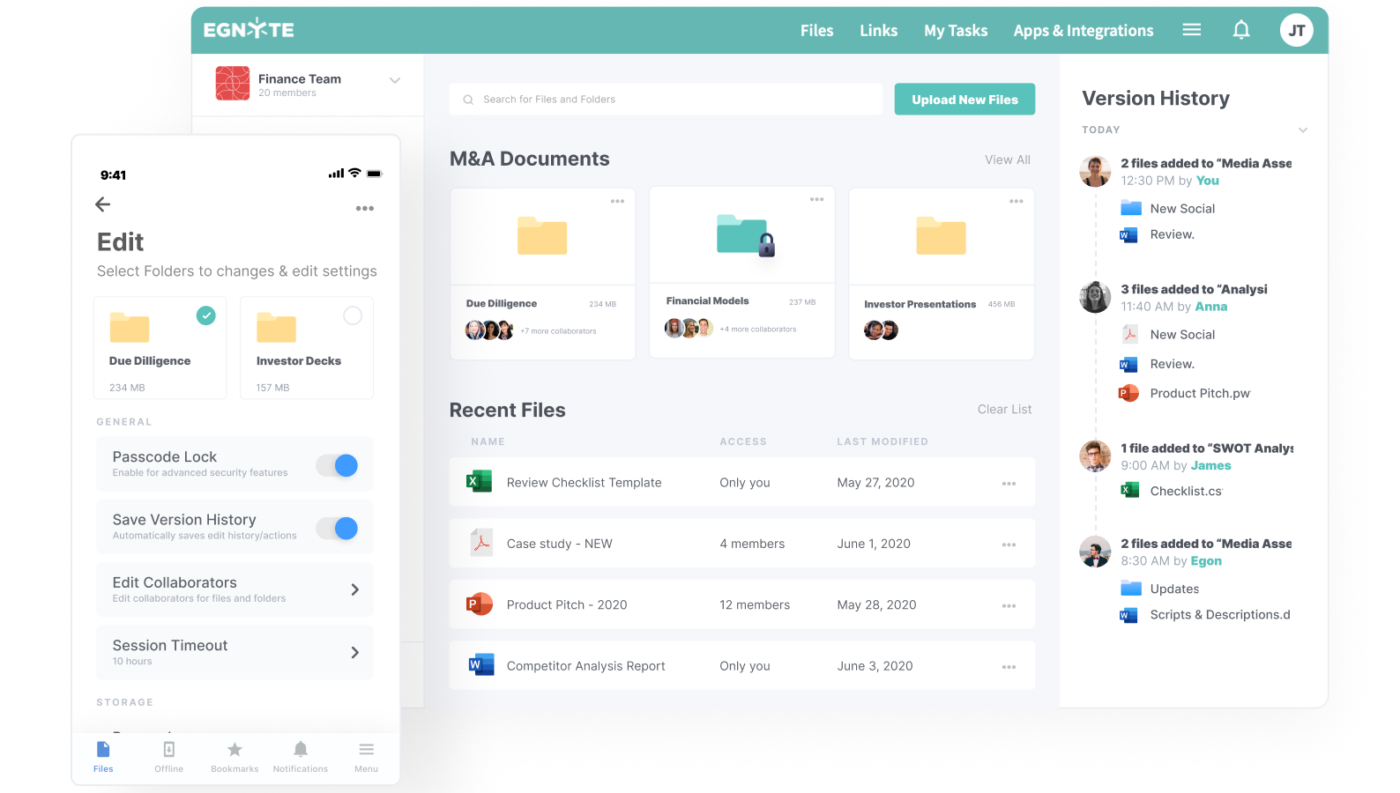
Egnyte is a comprehensive data governance and file-sharing platform. One of its key differentiators is its hybrid cloud architecture, which helps store and share large files either on-premise, in the cloud, or in a mix.
Egnyte also ensures secure, fast access to files and meets compliance standards like HIPAA, GDPR, and SOC-2.
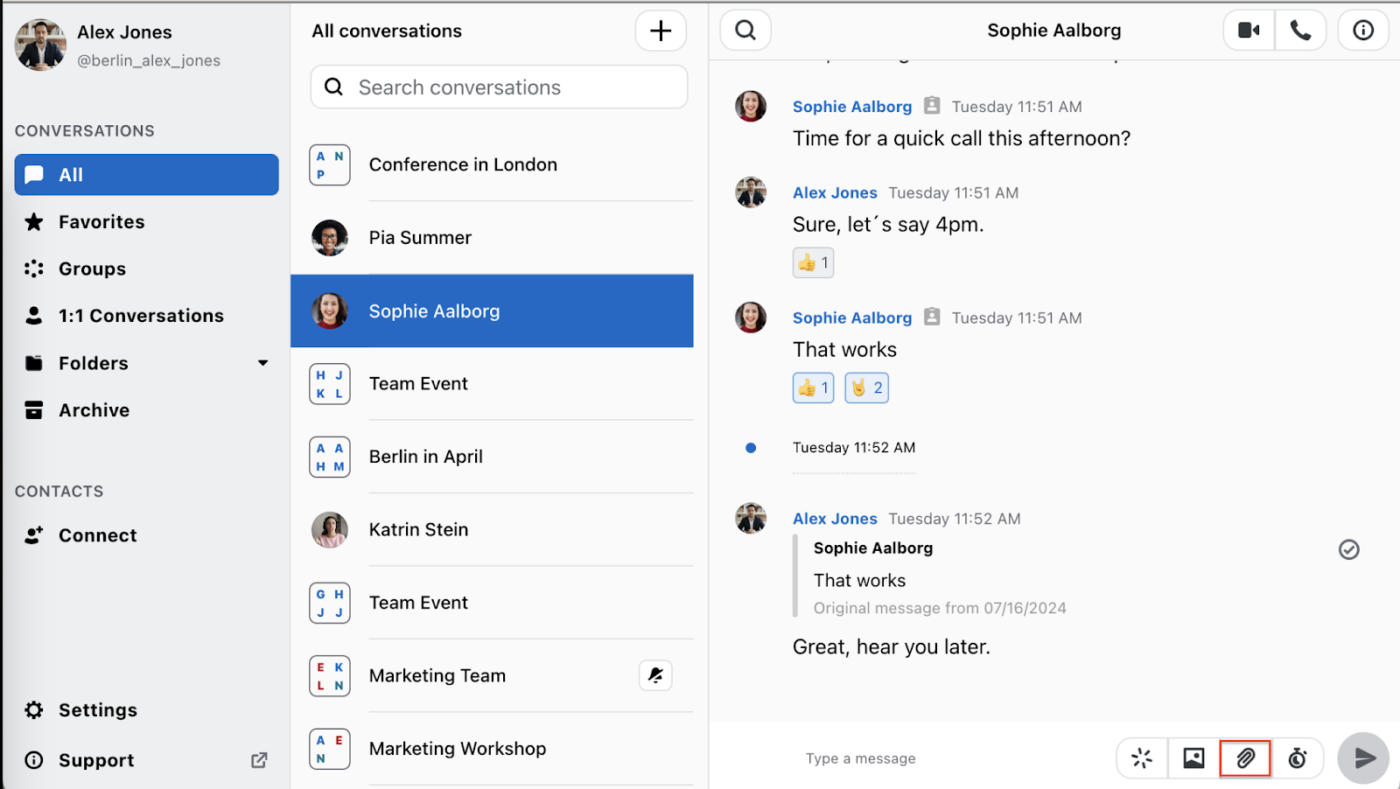
Wire blends file sharing with secure messaging and video calls in a single platform, which is mostly ideal if you need a more integrated, communication-focused solution alongside file transfer.
Plus, it’s built for organizations that need private, controlled file sharing. You don’t just drop files into a chat and hope for the best—Wire lets you control who can access what, for how long, and on which device.
Wire is an efficient, straightforward application that facilitates communication among teammates. It provides end-to-end encryption, which solves privacy concerns. The tool is also perfect for transferring different media (photos, videos, PDF). – G2 review
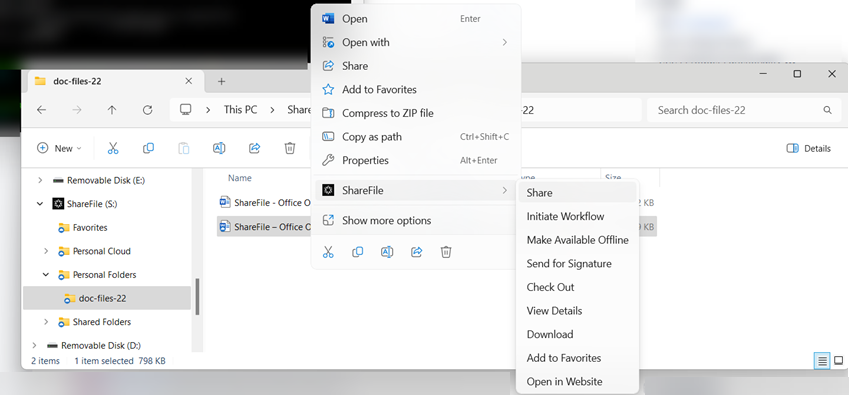
ShareFile supports secure file sharing, storage, and collaboration, emphasizing compliance and client management. It’s designed for legal, finance, and healthcare industries, offering tools tailored to handle sensitive data. In addition, it offers customizable workflows, e-signature, and client portals.
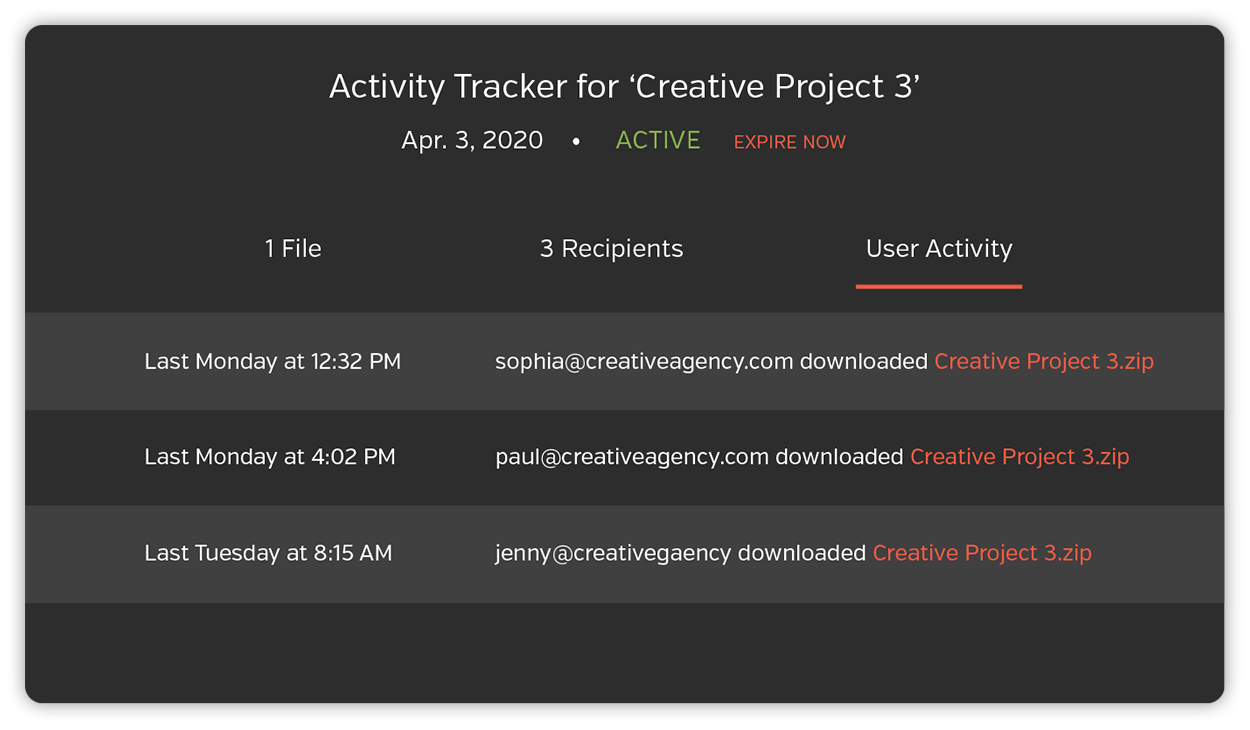
Hightail is widely used in creative industries like design, video production, and marketing, where large files need to be shared quickly and securely. It also allows you to share large files, collect feedback and approvals on your work, and keep your team on the right path.
Easy to navigate & share content with other teams easily. We need lots of large files to be seen and downloaded or shared with multiple teams and this is a good solution for that. – G2 review
While countless file-sharing solutions are available in the market, choosing the right tool depends on your needs—whether it’s speed, security, or better collaboration.
But if you want to integrate file sharing with all of the above features (and more), ClickUp is the only solution you need.
With features like Docs for collaboration and Connected Search for AI-powered access to files, ClickUp streamlines your file-sharing experience and bridges all your workflows.

Manasi Nair
Max 14min read

Arya P Dinesh
Max 21min read
Arya P Dinesh
Max 15min read

© 2026 ClickUp




