






Still downloading templates?
There’s an easier way. Try a free AI Agent in ClickUp that actually does the work for you—set up in minutes, save hours every week.
Sorry, there were no results found for “”
Sorry, there were no results found for “”
Sorry, there were no results found for “”

Creating presentations that truly engage and resonate takes time and creative energy. That’s why AI tools like SlidesAI are gaining traction—turning rough ideas into polished decks within minutes. 🎨
🔍 Did You Know? AI can improve your team’s productivity by 66%, making it crucial to build presentations!
Although SlidesAI is super convenient and offers speed and decent quality, it has some drawbacks.
Your customization options are limited, and the tool lacks advanced design flexibility. Users have also noted occasional glitches and limited integration options. If SlidesAI doesn’t quite meet your presentation needs, don’t worry—numerous powerful alternatives are available.
In this blog, we explore 13 SlidesAI alternatives that you should try, ranging from other AI generators to comprehensive design platforms and integrated work management solutions.
Before we get into the details, here is an overview of the top tools that work well as alternatives for Slides AI.
| Tool | Best for | Best features | Pricing |
|---|---|---|---|
| ClickUp | All-in-one project and presentation management Team size: Individuals, small businesses, mid-market companies, enterprises | Task and project management, AI-powered presentation generation, seamless calendar integration, Whiteboards for team collaboration | Free forever; Customization available for enterprises |
| Beautiful AI | Small slide design automation Team size: Best for individuals and small teams | Automates slide layouts, design, brand consistency, team collaboration tools | Starts at $12/month per user |
| Canva | Creative and visual storytelling Team size: Individuals, teams, and businesses | Drag-and-drop editor, AI-powered tools (Magic Design, Magic Write), real-time collaboration | Free; Starts at $10/month per user |
| Prezi | Non-linear, dynamic presentations Team size: Ideal for teams and individuals needing creative presentations | Zoomable slides, dynamic storytelling, AI enhancements, integration with PowerPoint | Starts at $5/month |
| Pitch | Collaborative team presentations Team size: Teams, particularly sales and marketing | Real-time collaboration, AI-powered design, templates for sales pitch decks | Free; Starts at $25/month (includes 2 editors) |
| Zoho Show | Seamless integration with the Zoho ecosystem Team size: Small businesses, teams | Integration with Zoho, real-time collaboration, multimedia embedding | Free; Starts at $2.50/month per user |
| Visme | Branded presentations and infographics Team size: Individuals, businesses | Data visualizations, infographics, interactive presentations, team collaboration | Free; Starts at $12.25/month per user |
| Decktopus | Quick, AI-generated presentations Team size: Individuals and teams needing fast slide creation | AI-generated content, interactive features like polls, Q&A, presenter coaching | Starts at $24.99/month per user |
| Mentimeter | Interactive, audience-driven presentations Team size: Educational settings, workshops, conferences | Live polls, quizzes, surveys, audience feedback, participation tracking | Free; Starts at $17.99/month per presenter |
| MagicSlides | Rapid, AI-powered content generation Team size: Individuals and teams needing quick slide generation | Converts documents/URLs into slides, PowerPoint and Google Slides integration | Starts at $8/month |
| Gamma | Modern, mobile-friendly storytelling Team size: Teams and individuals creating dynamic presentations | Interactive elements, video and media embedding, advanced analytics | Free; Starts at $10/month per seat |
| Plus AI | Integrating AI into Google Slides Team size: Teams using Google Slides or PowerPoint | AI-powered editing, content suggestions, Google Slides and PowerPoint integration | Starts at $15/month per user |
| Slidesgo | Visually engaging templates Team size: Individuals, teams needing polished templates | Customizable templates, AI-generated slides, integration with Google Slides and PowerPoint | Free; Starts at $5.99/month per user |
While selecting an AI-powered presentation tool, prioritize the following features for a seamless experience:
💡 Pro Tip: Templates make everything easier. To make your presentation generation easy and quick, explore the best free Google Slides templates with the uncluttered design and flexibility you need for your requirements!
Here’s an overview of the best SlidesAI alternatives to generate AI presentations:
ClickUp is truly the everything for work app. It goes beyond task management, offering powerful tools for creating professional and polished presentations.
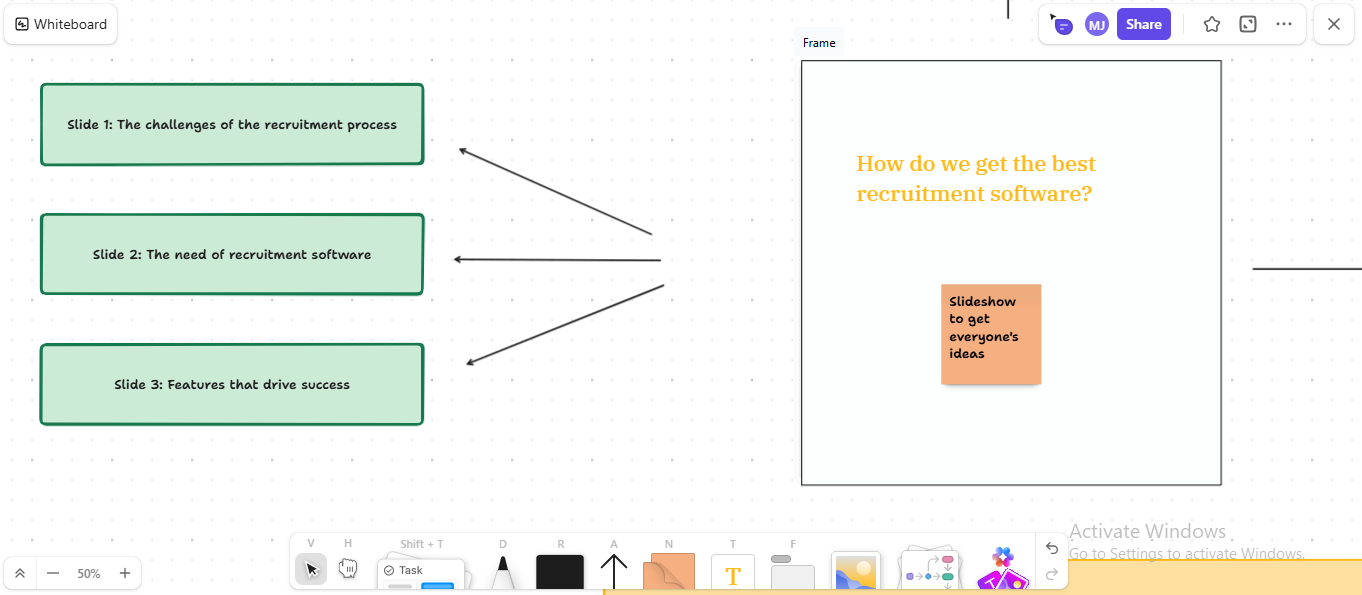
Supercharge your PowerPoint with the ClickUp Whiteboards feature. This feature offers a collaborative flavor, allowing teams to brainstorm ideas and create visually appealing slides.
Imagine it as a visual space for transforming your concepts into appealing forms and designs.
You can freely add sticky notes, flowcharts, task links, Mind Maps, and even sketches, making it easy to translate raw ideas into structured presentation layouts. Whiteboards work like a visual workspace where everyone can contribute, annotate, and align on the final slide deck before moving to your preferred presentation tool.
Generate visuals instantly with Whiteboard AI Image Creation

Need supporting visuals for a slide? ClickUp Whiteboards also lets you generate and insert images directly using AI. Whether you’re illustrating a concept, visualizing a process, or adding icons and design elements, image generation saves you the hassle of switching tools or searching external libraries. It’s a quick way to enrich your slides without breaking your creative flow.
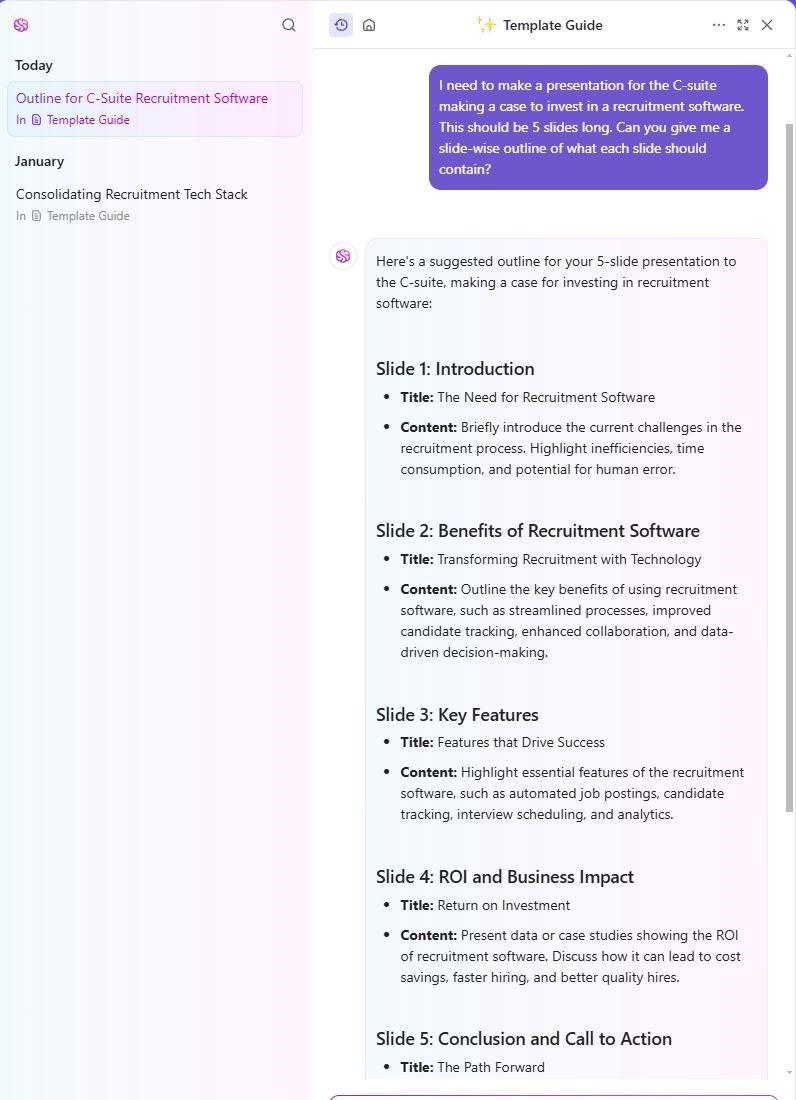
You have ClickUp Brain, which is an AI-powered tool for generating content for your slideshow. Simply provide a text prompt detailing your essential needs, and ClickUp Brain will generate the content for every slide in just a few clicks.
ClickUp Brain can also tweak existing content on ClickUp Docs, changing the format and tonality to match your presentation process. Docs acts as a central hub for storing, editing, and collaborating on presentation content with your team.
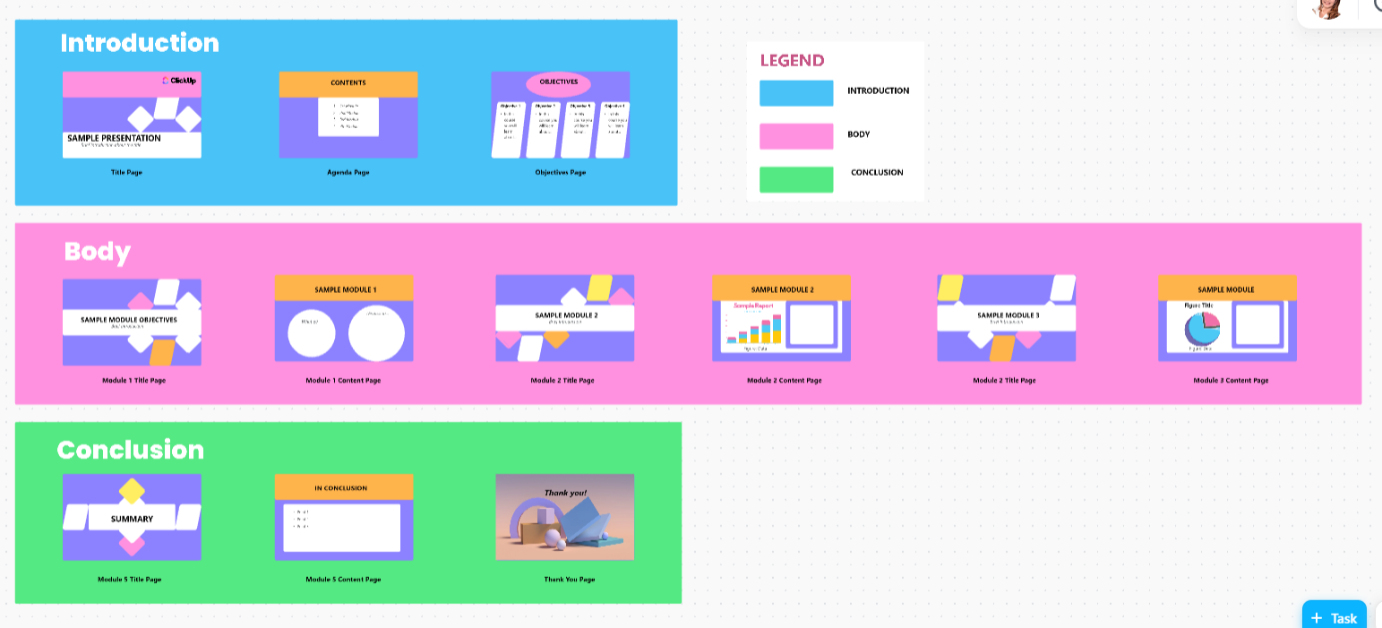
Want to speed up this process? The ClickUp Presentation Template simplifies the design of professional slides. This adaptable tool gathers input from all team members, ensuring a well-organized presentation development process.
📮 ClickUp Insight: 11% of our respondents leverage AI primarily for brainstorming and ideation. But what happens to these brilliant ideas afterward? This is where you need an AI-powered whiteboard, like ClickUp Whiteboards, which helps you instantly turn ideas from the brainstorming session into tasks.
And if you can’t quite explain a concept, simply ask the AI image generator to create a visual based on your prompt. It’s the everything app for work that enables you to ideate, visualize, and execute faster!
Here’s what Long Nguyen Vu has to say about ClickUp’s centralized hub:
Because of the synchronization between individuals, ClickUp helped us work on a unified design and workflow. As a result, each member was able to see their tasks more clearly towards the main goal of our team. Also, there was no boilerplate procedure between members since we all agree to a simplified, unified interface.
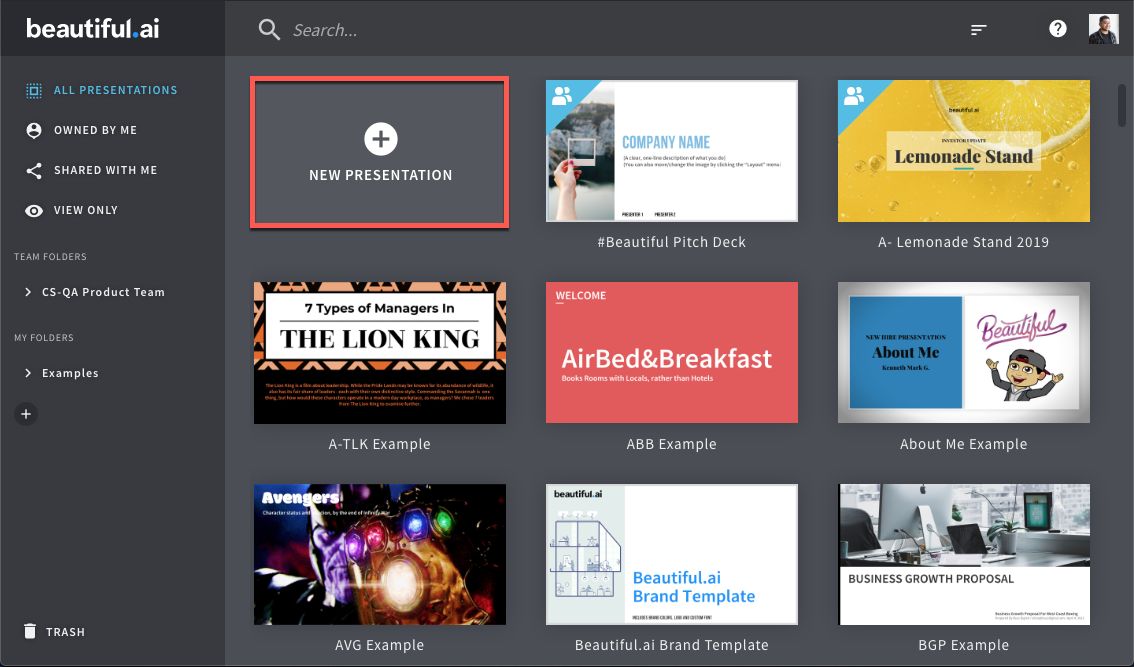
Beautiful AI uses artificial intelligence to automate the presentation design process. The AI presentation maker handles slide layout adjustments, aesthetics, and design, allowing you to focus on the content.
Such focus and access to rich media content, such as images and icons, help you end a presentation with an impactful bang.
Here’s what a user had to say about Beautiful AI
Layout library with opinionated automated layout system that keeps you “in the rails”. Fantastic stock image and icon library makes it easy to pick the image that makes the slide pop! Theme editor makes it easy to apply a consistent look across all your company presentations. Charts are great.
➡️ Read More: Best AI Art Generators for Designers
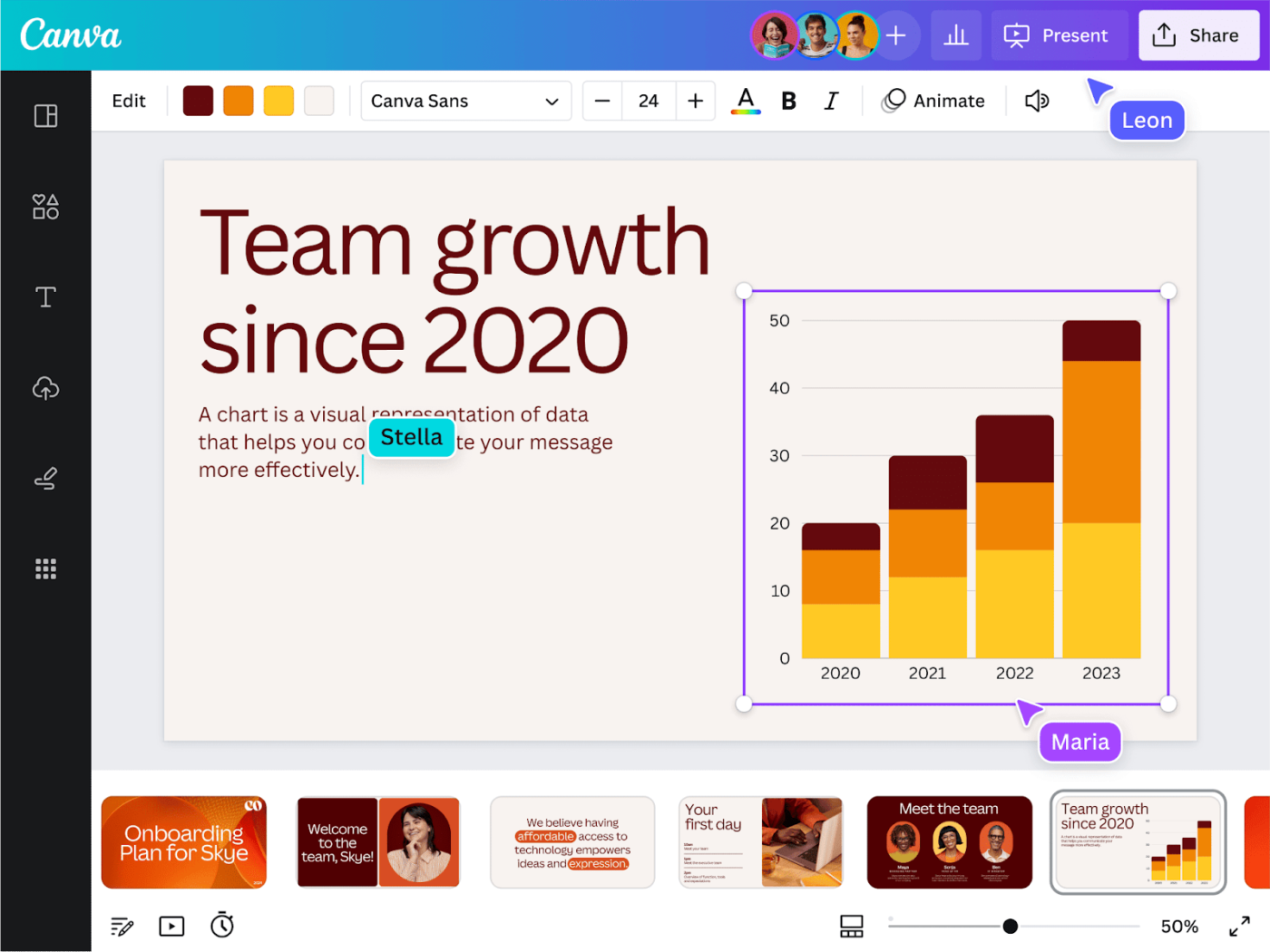
Canva is a hugely popular, intuitive design platform offering thousands of presentation templates. Its drag-and-drop interface and expansive library of templates, images, and fonts make it a great fit for every brand kit.
Canva’s Magic Studio uses AI tools like Magic Write for copy and Magic Design for layout suggestions—helping you generate sleek, branded presentations in minutes.
Here’s what a user has to say about Canva’s templates and design capabilities:
It has everything you need to design your stuff. So, if you are a novice and aren’t familiar with professional tools available in the market, this one is for you. Hundreds of pre-built templates for all collaterals – PowerPoint presentations, flyers, brochures, business cards, videos, and social media posts. Then you have AI on top of it to elevate your design.
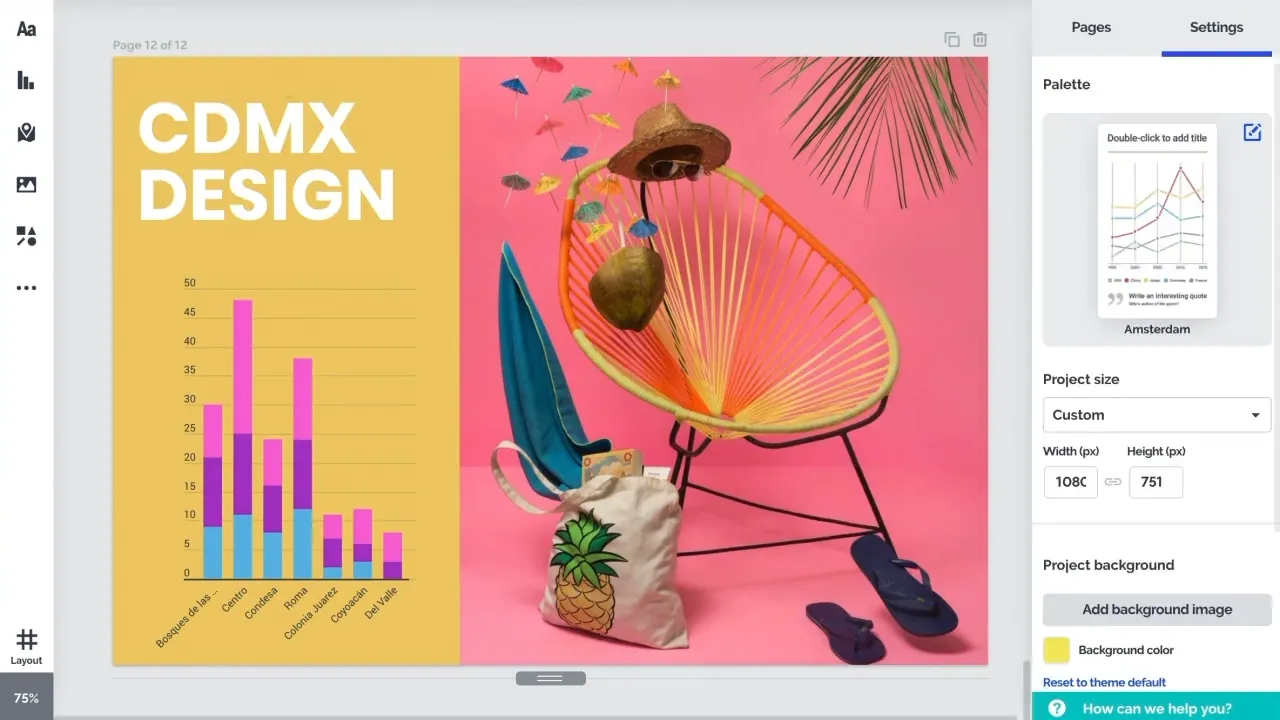
Prezi is a unique AI presentation tool that creates professional slides using a dynamic, nonlinear approach. It allows you to zoom into slideshows, which enhances storytelling. This format is highly engaging and visually appealing.
Additionally, Prezi AI helps automate repetitive tasks and tailors content depending on audience preferences.
Here’s what one Prezi user shared about their experience:
I am pleased to use Prezi to present important data without congesting the information for my lectures as a faculty. It’s very functional and has helped me present key points while keeping my students interested.
💡 Pro Tip: Pair small text snippets with a relevant image to highlight the main idea without making it appear blocky or cluttered. Such a layout makes the message visually clear at first glance.
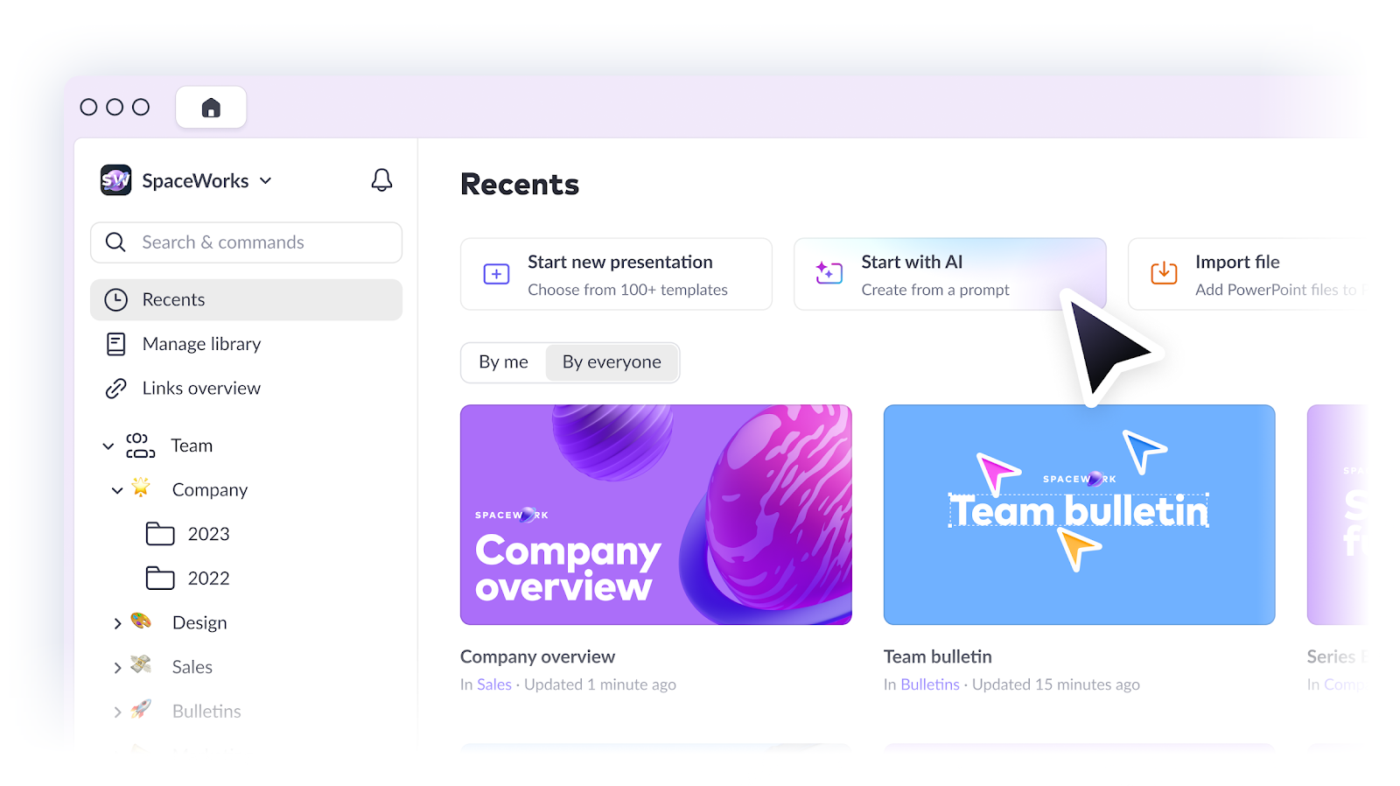
As the name suggests, Pitch is a presentation platform for sales and marketing teams. It allows team members to work in a real-time collaborative environment to create an engaging and compelling pitch deck.
Plus, the presentation software allows users to integrate the pitch deck into smart workflows and other productivity tools to build momentum from pitching to closing!
Here’s what users have to say about Pitch’s customization features:
The ability to customize slides in seconds is unreal. You can make something that looks like it took hours in minutes. The ability to collaborate and your team add or edit in real-time makes the process a breeze.
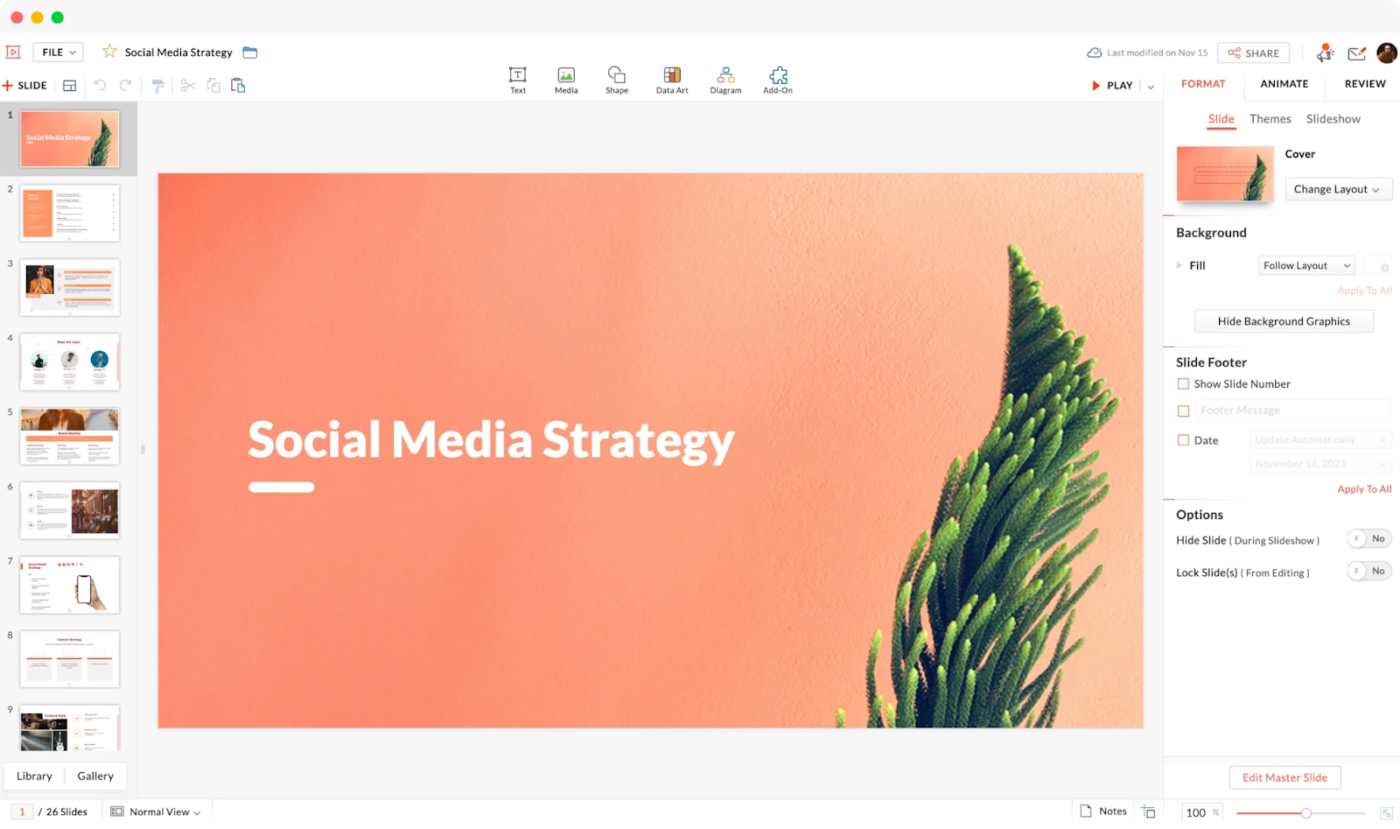
Zoho Show is a cloud-based AI presentation maker that allows teams and small businesses to create, collaborate, and deliver professional presentations with minimal effort. It integrates natively with Zoho applications.
Such a consolidated ecosystem makes delivering client presentations in the office or remotely easier.
Here’s how one user describes their experience creating presentations with Zoho Show:
Zoho Show is one of the best alternatives to Microsoft Office 365. While it offers several features, such as spreadsheets, text editor, and slideshows, I use it mostly for creating presentations. And believe it, it’s a breeze. It’s like an online version of Microsoft PowerPoint with lots of assets available, making the process easy. Also, there’s a drive feature where you can find the files you worked on.
🧠 Fun Fact: Zoho’s US headquarters is in a farmland just southeast of Austin, Texas, where employees can help grow their food or relax!
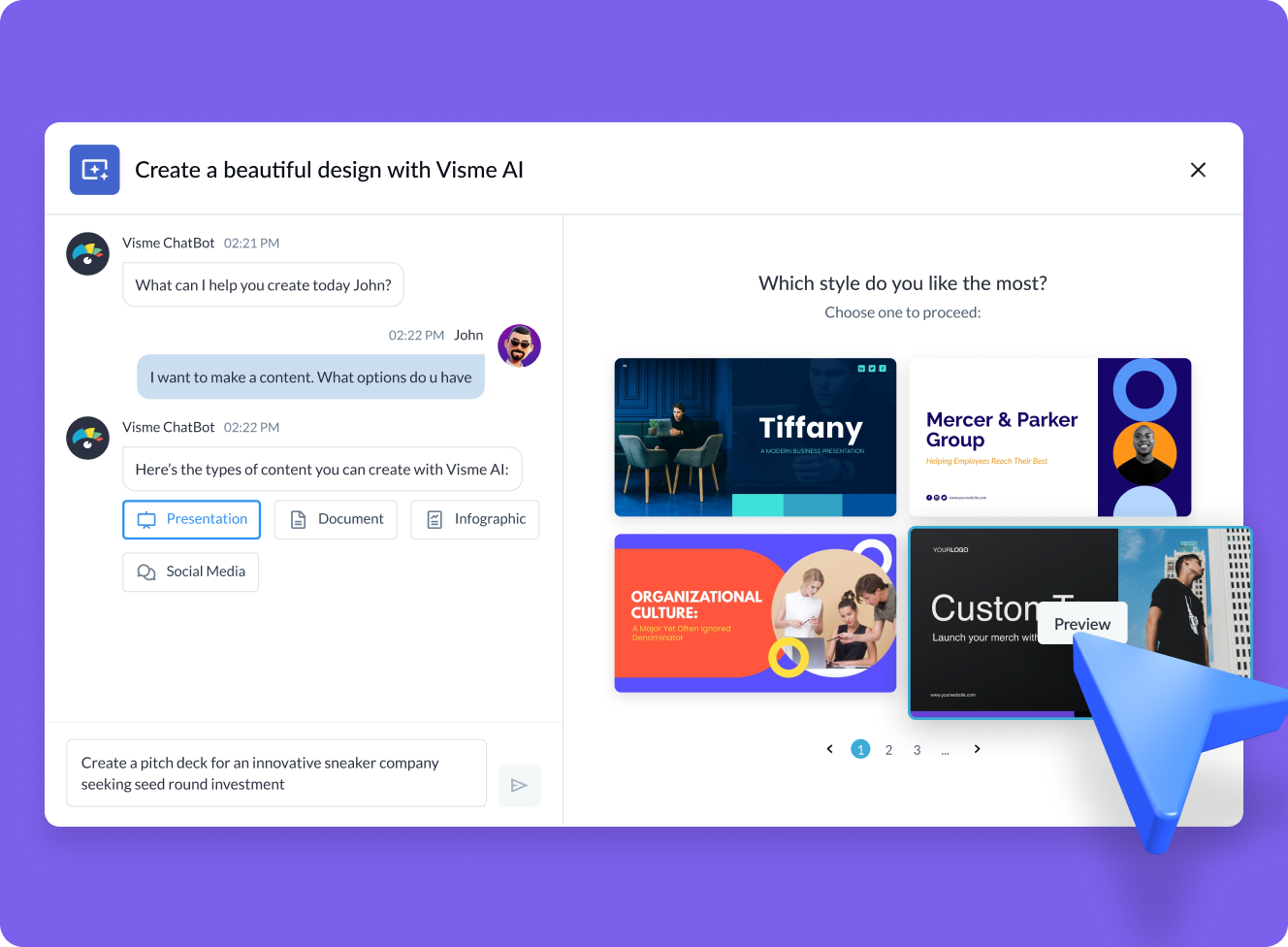
Visme is a design platform that uses AI tools to create visual content, including presentations, social media posts, charts, and infographics.
It combines a user-friendly drag-and-drop interface with a library of templates and design assets to simplify content creation. This presentation software claims to speed up your design process by 5x and create forms that are 2x more likely to convert!
Here’s what users have to say about Visme’s powerful animations and editor:
1) First of all, I loved the design of Visme. It is too handy to use.
2) Drag and drop editor: this is too good feature I have seen in Visme; even non-designers like me can make good presentations easily
3) There are lots of stock photos, icons, and animations which can be helpful in presentation I have never seen this many stock photos in any other brand.
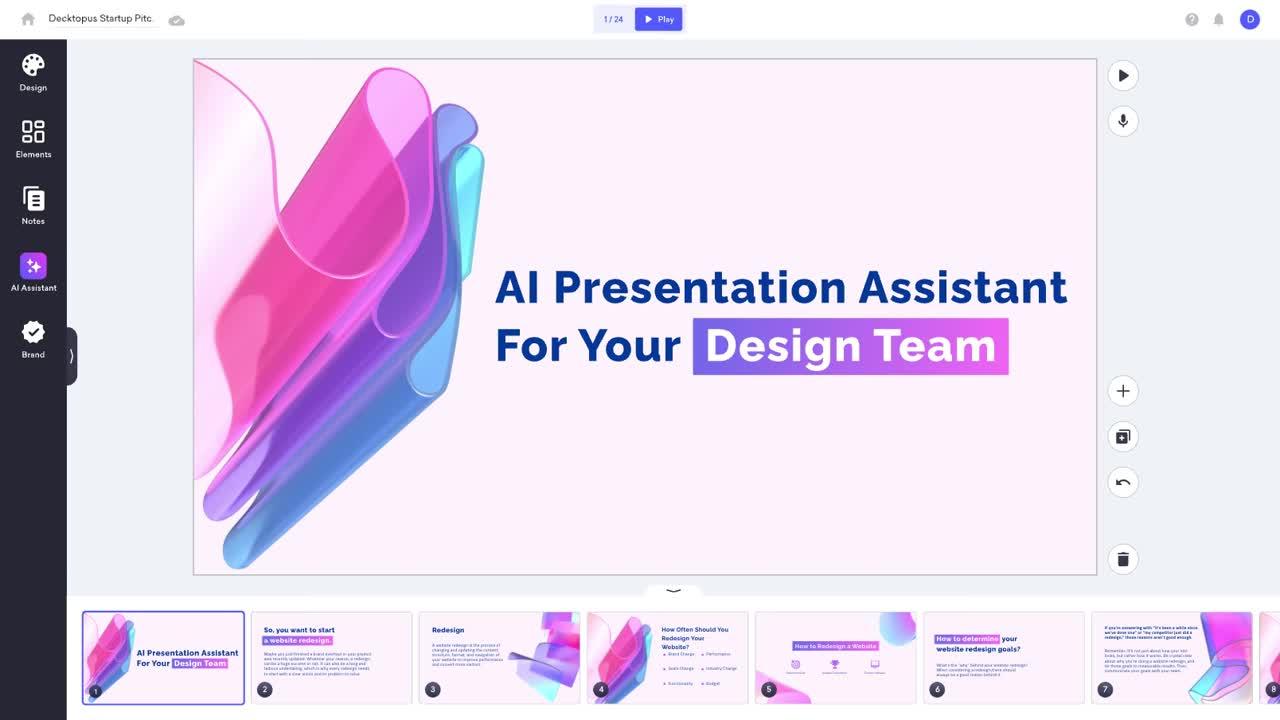
Decktopus is an AI presentation maker that creates a fully designed and presentable deck tailored to users’ needs.
Input key information, and you can quickly create a rich presentation with design elements, content suggestions, and dynamic images. The presentation software also contains interactive elements, such as Q&A tools, to engage audiences during presentations.
Here’s what one user had to say after quickly building a polished, interactive presentation with Decktopus:
Decktopus is a great platform! I was able to create a clean, smart, and professional-looking presentation in just a few minutes!
I love the option to add forms and collect information from the respondents. And you can also add your voice, videos, and GIFs on a slide!
Highly recommended!
💡 Pro Tip: Use bullet points and interactive checklists to make the information in your presentation easier to digest.
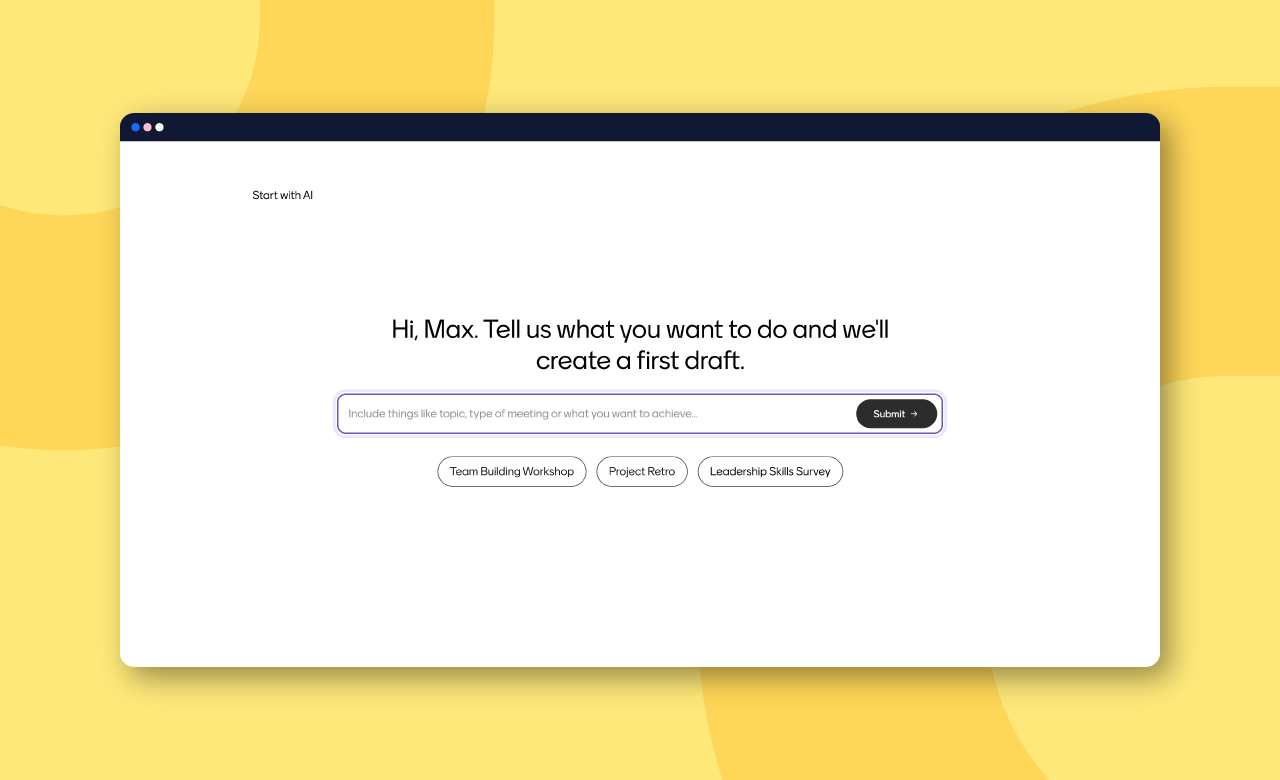
Mentimeter is an AI presentation tool that uses real-time interactive key features to engage audiences. You can add live polls, quizzes, and Q&A sessions to the slide layouts to encourage audience participation and collect feedback.
This degree of interactivity makes Mentimeter a great tool for educational settings, such as workshops, seminars, and conferences.
Here’s what real users have to say about Mentimeter’s user-friendly platform:
The program’s pre-designed templates streamline the data entry process and provide ideas for engaging the audience, e.g., for icebreakers. Other notable benefits include a user-friendly interface, the capacity to create presentations in a timely manner, a concise overview of the outcomes, the option to import alternative presentation formats, and even the complimentary use of animated GIFs.
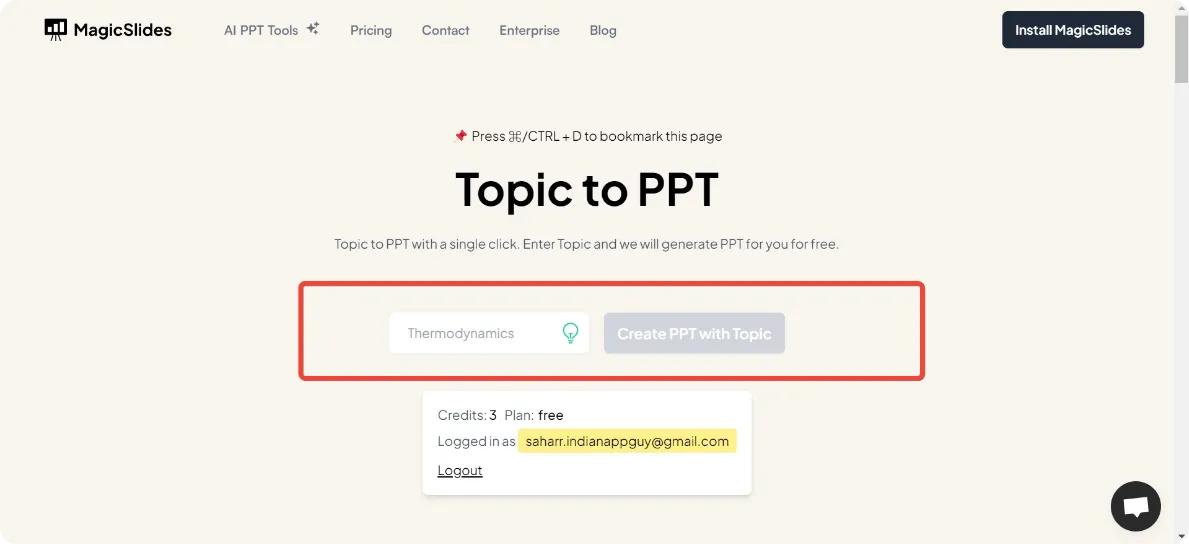
The MagicSlides AI presentation maker helps with slide creation by accepting input from various sources, such as a topic, a lengthy document (PDF/DOCX), a URL, or even a YouTube video transcript.
It integrates natively with PowerPoint and Google Slides, allowing you to get slides in a universal format. You can then incorporate the PowerPoint or Google Slides file into your workflow and get presenting instantly.
Here’s what one user shared about using MagicSlides to simplify presentation design:
MagicSlides has been a game-changer for me. The user-friendly interface and customizable templates make creating professional presentations quick and easy. I love the “Quick Theme Switcher,” which lets me change the style of my slides instantly. I highly recommend MagicSlides for anyone looking to improve their presentations effortlessly.
➡️ Read More: Best AI Content Creation Tools for Content Marketing
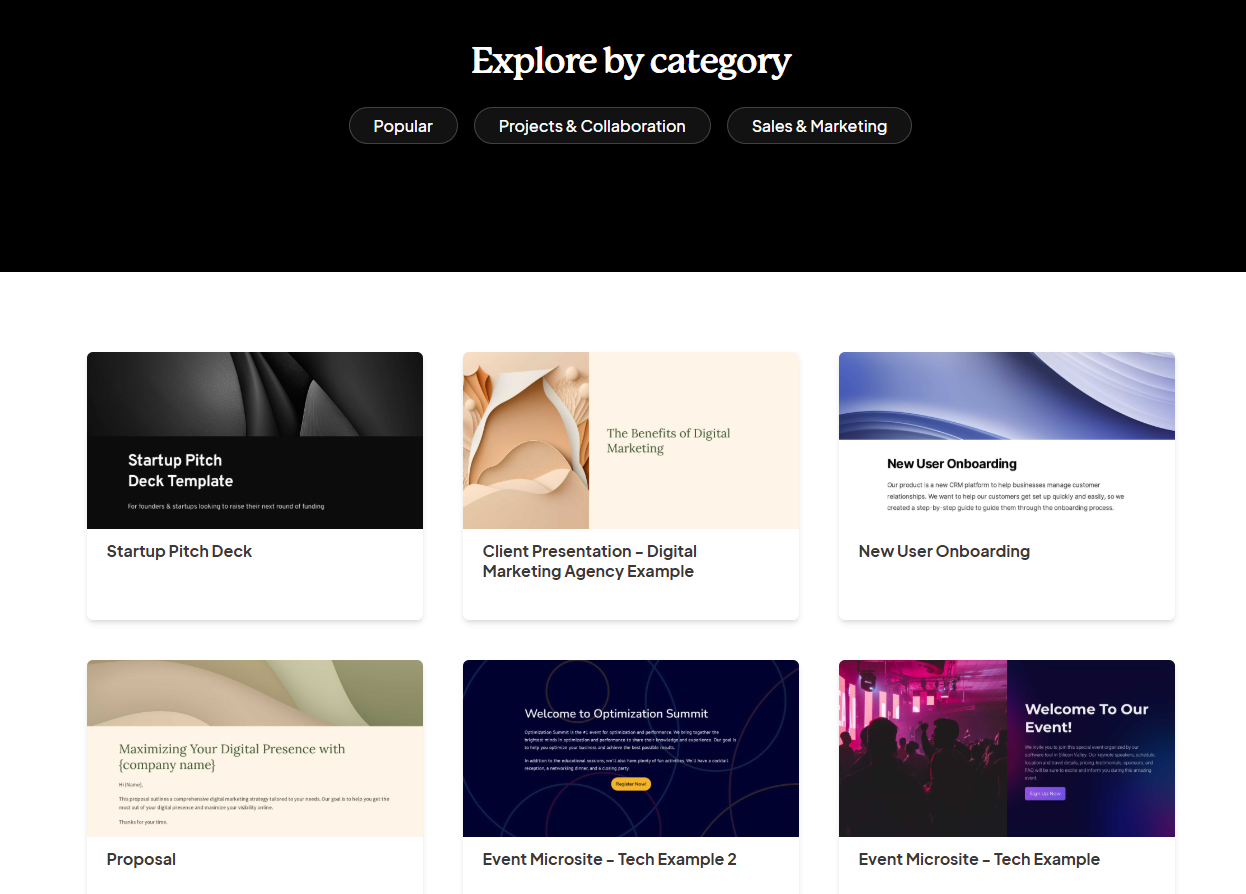
Gamma is an AI presentation tool that converts text prompts into polished presentations and websites, saving you time and effort. It offers immense flexibility, allowing you to embed rich media elements like images, videos, and websites.
These capabilities make it an excellent choice for mapping out your content calendar. It is also screen agnostic, allowing you to deliver presentations on any screen.
Here’s what users have to say about Gamma’s stunning visuals:
I’m a student, and I use Gamma mostly to help me with my PowerPoint and business proposal. My biggest project so far was to develop a business proposal report and PowerPoint, followed by an HR/Marketing plan for the same company and finally, a financial report. My lecturer was impressed with the end result, and I felt very confident during my presentation, gamma made it easy for me as it helped me create a concise and compelling text with plenty of impactful images. It’s definitely made me more aware of what the AI potential in collaborative work.
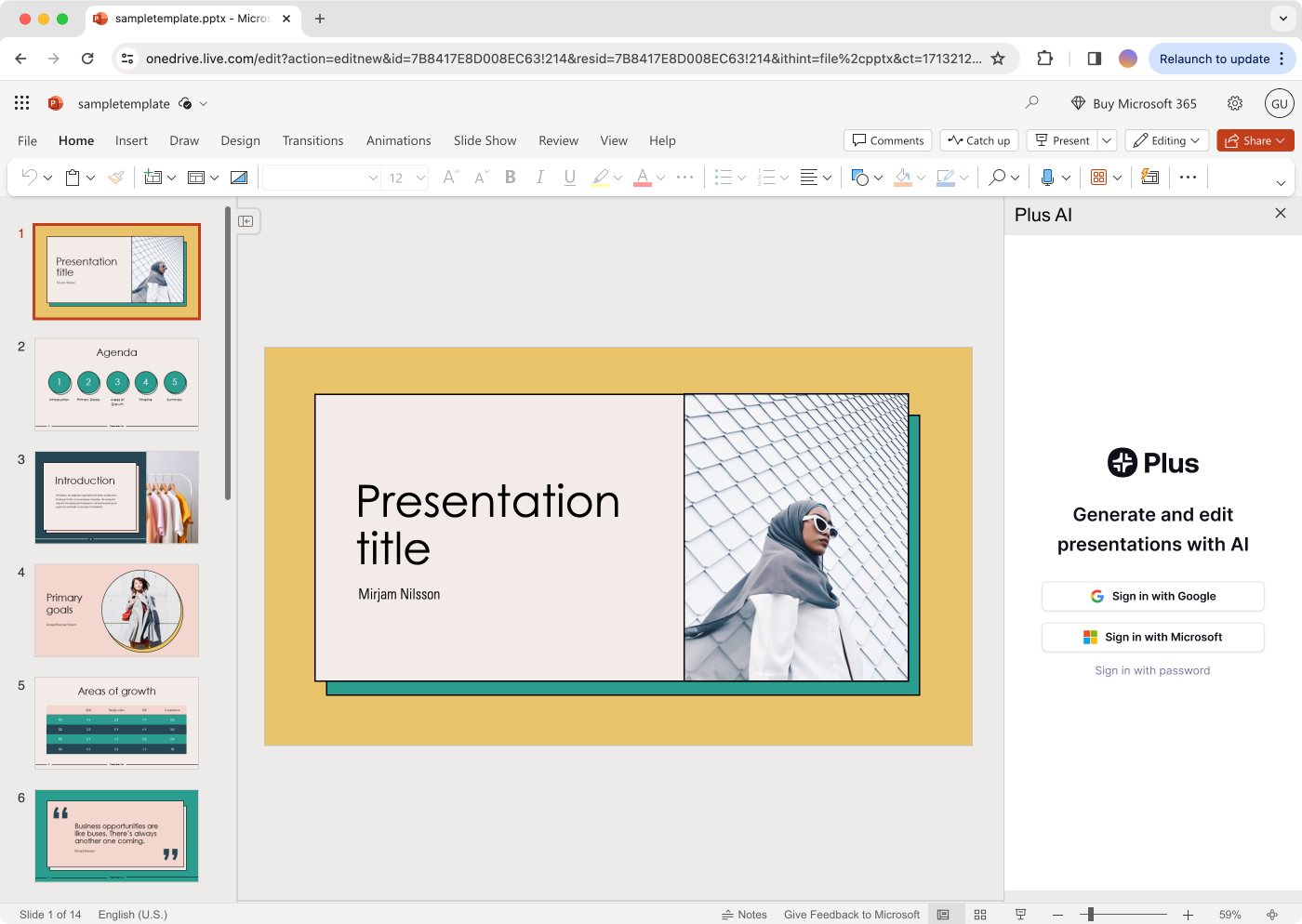
If you’re looking for a reliable Google Slides alternative with powerful AI features built in, Plus AI delivers a seamless experience right inside Google Workspace. The AI tools in Plus AI help with slideshow creation, content suggestions, and design enhancements. To use them, you must enter the prompt and upload the PDF, Word, PowerPoint, or text file.
The presentation will be directly opened in Google Slides, where you can edit and refine it to your taste. Alternatively, you can add the Plus AI add-on to your PowerPoint and use it within the app.
Here’s what one user shared about using Plus AI for fast, editable Google Slides presentations:
This is a great tool for quickly converting my notes, outlines, and docs into google slides decks. i also tried out gamma and beautiful ai but this is the only one that integrates with Google Slides and creates presentations that I can share out and edit like a normal slide deck.
💡 Pro Tip: Use an AI generator to create and incorporate super niche and contextual images and videos within your slideshow.
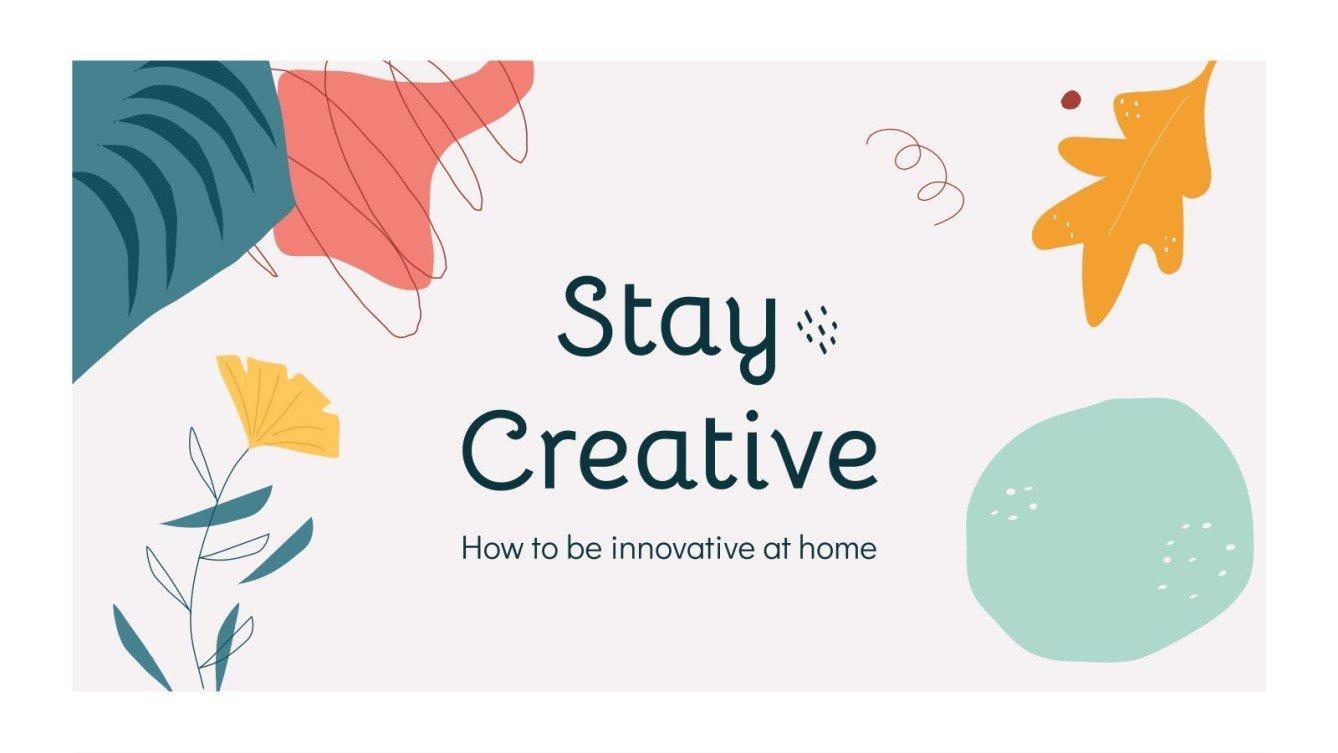
Slidesgo is a vast library of smart PowerPoint and Google Slides presentation templates. Here, you’ll find every kind of template, from educational slides to proof of concept.
Given this popularity, Slidesgo has now developed an AI-powered presentation tool for creating different types of presentations. This tool allows you to create presentations from scratch or customize an existing template.
Here’s what real users have to say about Slidesgo’s collaborative features:
1. The first and foremost is its availability of an AI tool, that auto-generates really great presentations just with an input.
2. The drag-and-drop feature of this platform is really great, letting me perform the tasks easily and efficiently.
3. It supports all types of file formats. Collaboration is also great. It has really cool features like real-time editing, commenting, and chat which makes me do the tasks smoothly.
AI tools like SlidesAI and its alternatives offer effortless ways to create presentations. They can break through writer’s block and provide structured starting points.
However, creating a truly impactful presentation often requires more strategic content planning, collaborative refinement, customized design, and integration into broader project goals.
While dedicated AI generators handle the initial slide creation, ClickUp provides the essential framework to manage the entire presentation lifecycle. Use ClickUp Brain to generate outlines and slide content, collaborate on scripts and visuals in Docs and Whiteboards, track progress and approvals with Tasks, and ensure your presentation aligns perfectly with your project objectives.
Create visually appealing presentations and incorporate them into your workflows—sign up for ClickUp now! 🚀

© 2026 ClickUp

There’s an easier way. Try a free AI Agent in ClickUp that actually does the work for you—set up in minutes, save hours every week.