10 Best SaaS Knowledge Base Software in 2025

Sorry, there were no results found for “”
Imagine you’re working on an email campaign, and the tool throws an error. You plan to contact chat support or email them, but that might take a while. Instead of waiting, you search for help guides and videos online—like a knowledge base for the tool.
Now flip the script. As a SaaS tool provider, you try giving support teams various options to help them do their jobs better. This also includes a self-serve repository of product documentation where customers can find answers whenever and however they want. And it works.
Self-serve tools like walkthrough videos, onboarding docs, learning centers, and use cases increase customer satisfaction, reduce churn, and free up support agents for other tasks. The benefits extend to internal teams that reference a centralized knowledge base to function correctly.
We at ClickUp understand the challenge of creating and organizing a knowledge hub, so my team and I explored the best SaaS knowledge base software and shortlisted ten that ticked all the boxes.
But first, let’s understand what you should look out for in SaaS knowledge base software.
Your SaaS knowledge base software should have some, if not all, of these features:
Based on extensive testing and research, these are 10 SaaS knowledge base software you can choose from in 2024:

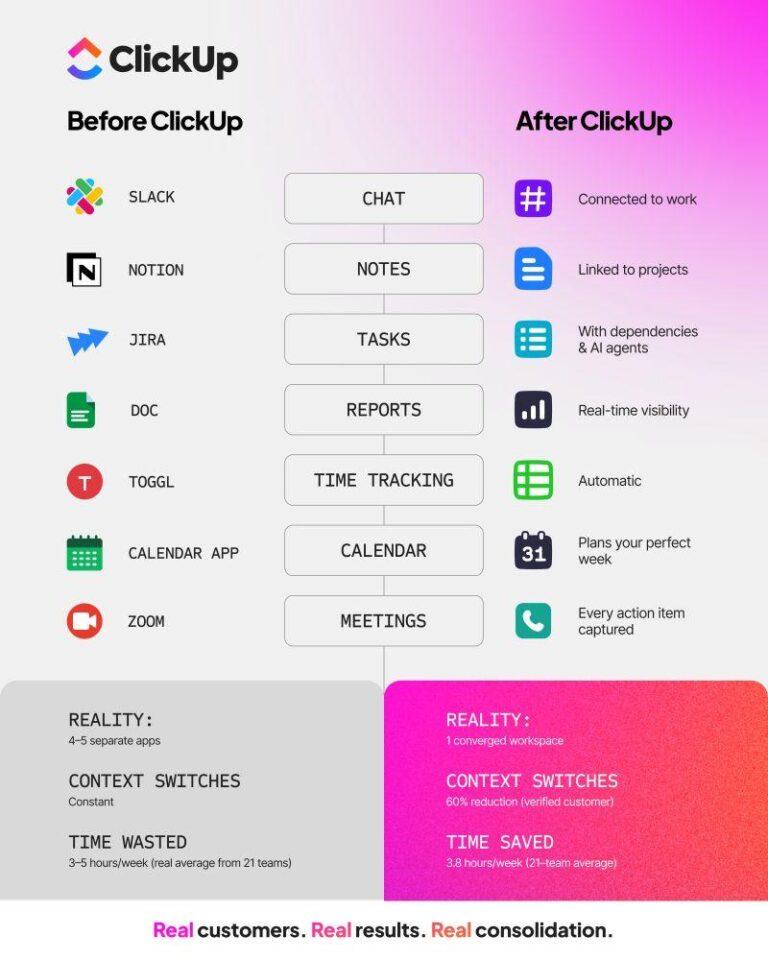
ClickUp is my go-to tool because it ticks all the right boxes. Everything related to content creation begins with ClickUp Docs, which you can turn into a knowledge base by toggling the wiki button.
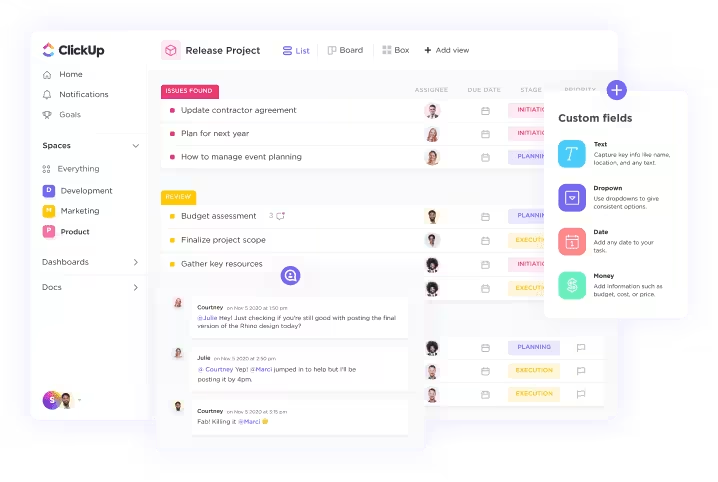
Once a document is marked as a wiki, it becomes more visible within your content dashboards, and your team can collaborate to edit and review the content. If you work with multiple clients and vendors, you can maintain everything within one platform by importing data to ClickUp.
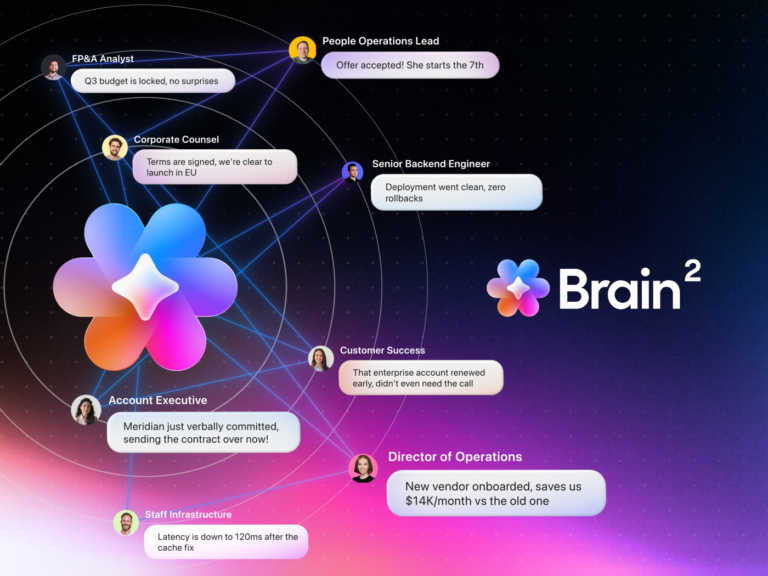
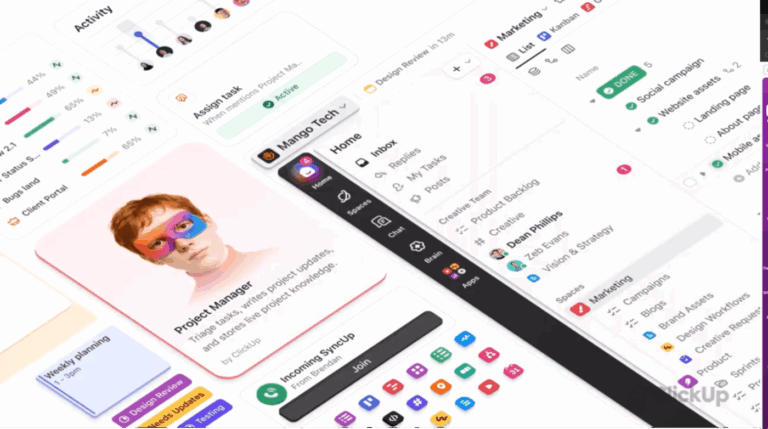
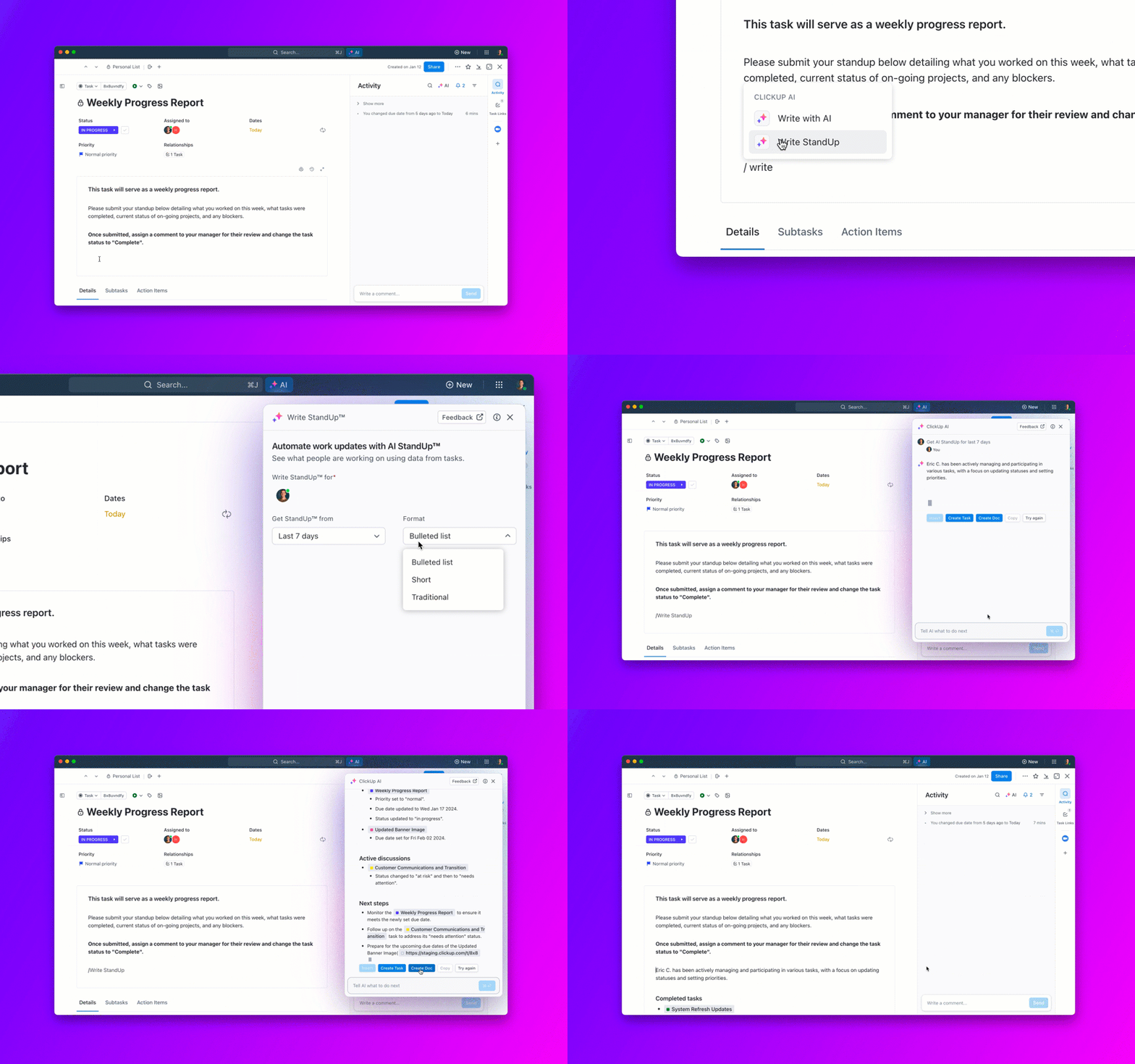
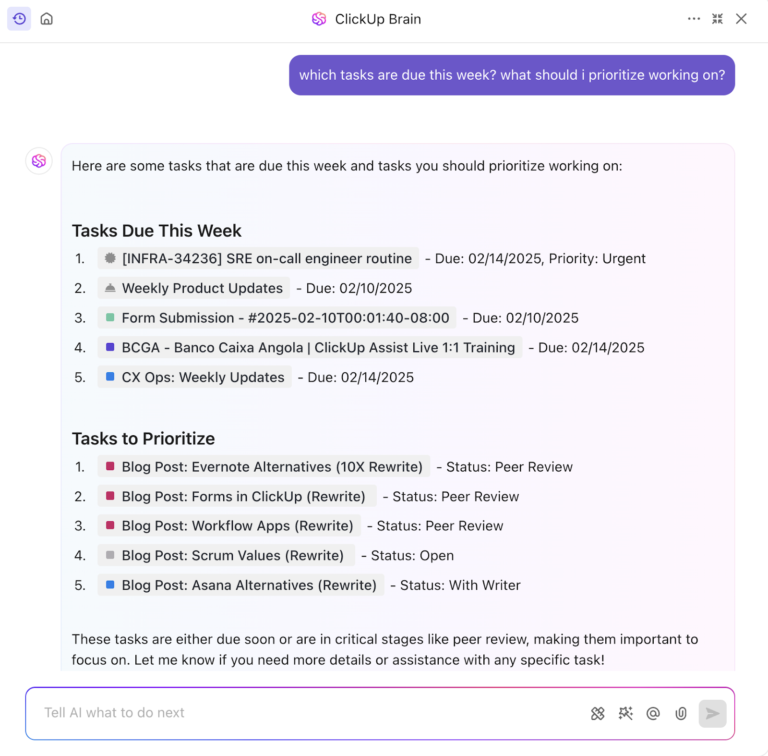
Once that’s done, you can ask ClickUp Brain to suggest new tasks to get started.

Here’s how ClickUp Brain can help:
You can also save time by using ClickUp’s Knowledge Base Template. It’s a simple, ready-to-use doc that mimics the help center customer experience well.
Here are some of the key features that this template provides:
Also read: Free Knowledge Base Templates

Document360 is a knowledge-based software with a stable, no-fuss UI. Since its primary focus is on knowledge base and document management, it’s easy to create private and public libraries.
You can organize content up to six levels of subcategories, so if you’re dealing with large datasets, you’ll appreciate Document360.
Also read: 13 Best AI Writing Tools for Content

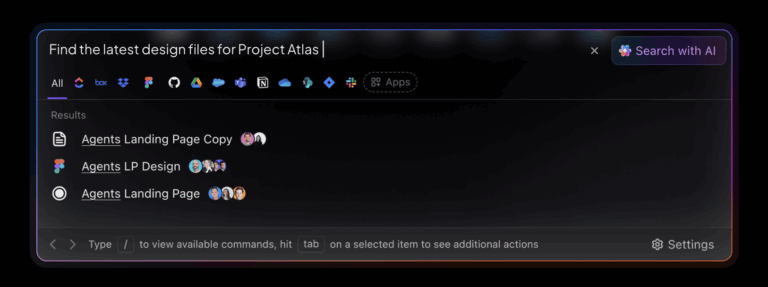
Helpjuice is another easy-to-use knowledge-base software that competes with Document360 in terms of features. Its powerful yet simple text editor allows you to format, edit, and update your content. But the best part of Helpjuice is its search function.
Helpjuice’s search feature can help you sift through all the documents to find relevant details. It’s like searching in Google but within your document management system. It can even fetch data from PDFs and images.
Also read: How to Use AI for Documentation

Hiver is a Gmail-based help desk solution designed to streamline email management and enhance team collaboration without the complexities of traditional ticketing systems.
Hiver allows you to turn emails into actionable tasks, assign ownership, and ensure quick resolutions. This feature prevents missed customer queries and enhances response times. It integrates with various popular tools like Slack, WhatsApp, Salesforce, Asana, and more, allowing you to manage multiple customer support channels from your Gmail inbox.

A versatile productivity tool, Notion blends note-taking, task management, wiki, and database functionality into one platform. It’s highly customizable and adaptable to various use cases.
Notion allows teams to work together in shared workspaces, enabling efficient collaboration on projects and tasks. It offers a hierarchical structure with folders and subpages to help organize content and make information easily accessible.
With Notion AI, your customer support team can quickly find answers from your self-serve database, speeding up support and helping improve the customer experience.

Unlike Notion, which offers a wide range of features, Papyrs is focused solely on improving your company intranet. This includes a private knowledge base, wiki, and discussions.
Papyrs is a modern knowledge management tool with a simple UI and flexible intranet features. It offers drag-and-drop editing, which, combined with markdown mode, makes it easy to edit and review content.

Freshdesk’s core features focus on customer support and ticketing, and it uses a knowledge base to make information easier to find.
Freshdesk’s knowledge articles are nestled in folders, and you have to assign these folders to particular categories to organize them. The good thing about Freshdesk is that you can customize the folder visibility based on the access point (web widgets, iOS, Android, etc.). You can edit meta descriptions for external folders, which helps in search engine optimization.

Zendesk Guide helps in creating smart knowledge bases for both customers and customer service agents.
The most helpful feature has to be the AI-powered recommendations inside support tickets. After analyzing the client’s concerns, the tool suggests relevant knowledge base articles or documents from the existing repository.

While testing KnowledgeOwl, I particularly liked its Reader Group feature. It allows you to make certain categories of your knowledge base accessible to only specific audiences.
KnowledgeOwl also boasts an easy-to-navigate interface that simplifies creating and managing knowledge base content. New users can quickly adapt without extensive training.

Obsidians can transform unstructured thoughts into a structured knowledge base. It uses plain text files in markdown format, which allows for easy formatting and ensures that notes are portable and accessible across different platforms.
One of Obsidian’s standout features is the ability to link notes together, creating a web of interconnected information. This allows users to navigate between related notes, enhancing understanding and recall easily.
Also read: Obsidian vs. ClickUp
From bootstrapped startups to Fortune 500, everyone requires organized, fast, and accurate information on processes, troubleshoots, and support. An online knowledge base not only brings order to the information chaos but also acts as a point of reference for the company.
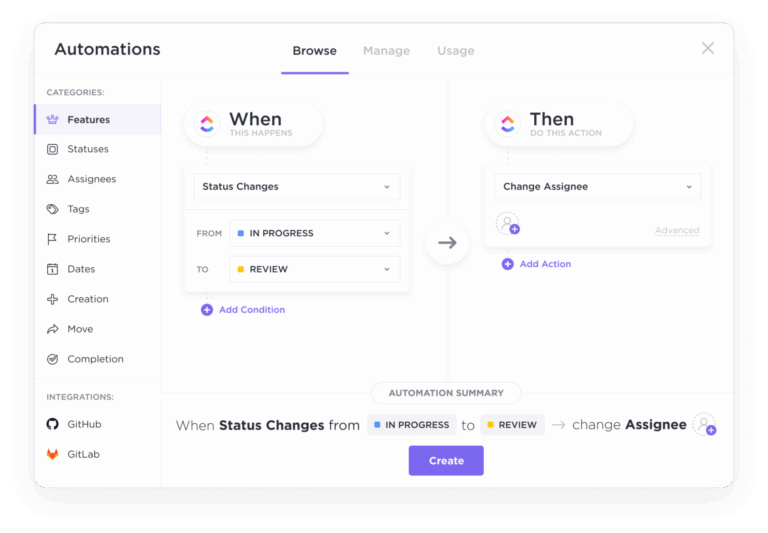
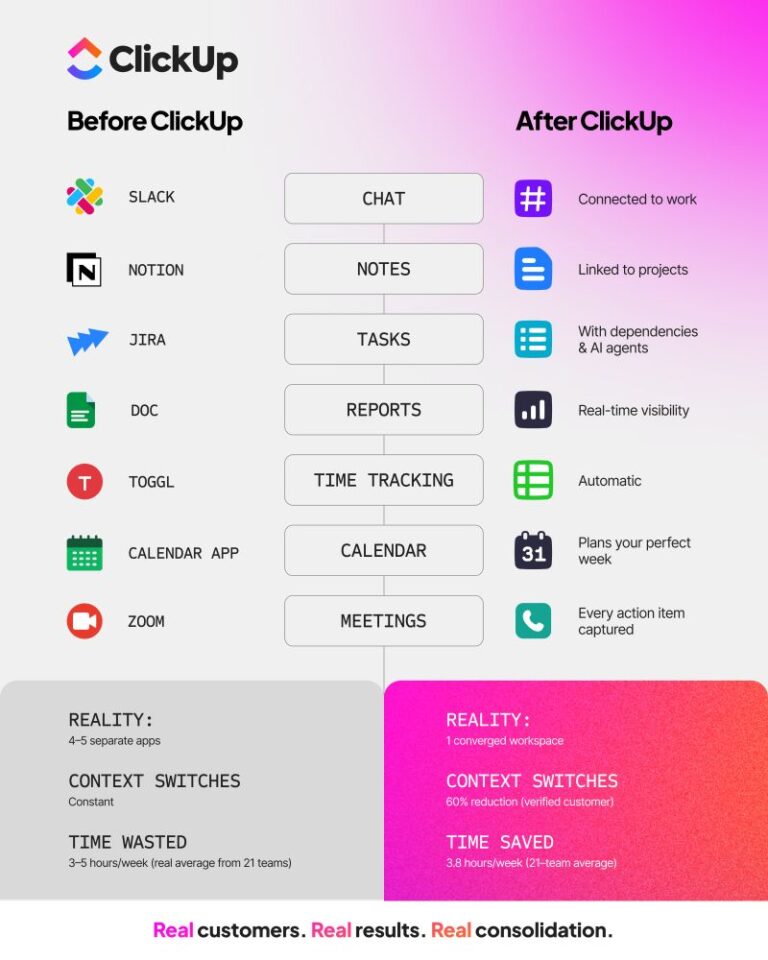
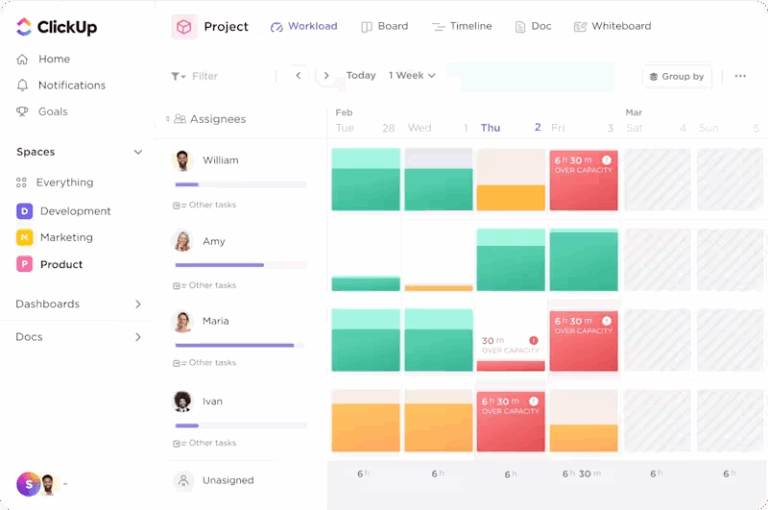
After testing and reviewing various SaaS knowledge base software, I can say you should pick a tool that’s secure, easy to use, and supports both external and internal knowledge bases. ClickUp stands out by covering all the features you need to create and disseminate information to stakeholders. In addition, it offers AI-powered task management to help you improve your SaaS business efficiencies overall.
© 2025 ClickUp