Microsoft Copilot works best for teams that already live in Microsoft 365. If your work also runs through Slack, Salesforce, Jira, or other non-Microsoft tools, you will likely hit gaps in search, automation, and task execution. Which is exactly when a Microsoft Copilot alternative earns its place.
For example, a team that collaborates in Slack, tracks engineering work in Jira, and stores customer data in Salesforce will still need separate handoffs if Copilot cannot act across those systems. This guide shows which alternative fits those gaps so you can find a better fit.
❗️Copilot vs. the agent that scored 96/100
We benchmarked 6 AI platforms on end-to-end project execution. Copilot scored well on document tasks. It scored 35 points lower on cross-functional work. See where each platform lands.
Summarize this article with AI ClickUp Brain not only saves you precious time by instantly summarizing articles, it also leverages AI to connect your tasks, docs, people, and more, streamlining your workflow like never before.
Summarize this article for me please
Why Look for a Microsoft Copilot Alternative?
Copilot works inside Microsoft 365. The moment your stack goes beyond that, its value drops. Besides, there are five more reasons why teams leave Copilot: Lock-in, weak automation outside Microsoft, rigid customization, shaky answers from mixed sources, and zero task execution.
Here’s why teams look beyond Microsoft Copilot:
Ecosystem lock-in: Frees teams that use non-Microsoft tools
Cross-app automation: Links your AI to external software
Customization gaps: Alters AI for workflows that Copilot can’t reach
Complex query accuracy: Provides safer facts from mixed sources
Task execution: Creates tracked work instead of just text
Did You Know? Microsoft pushed Copilot to its 450 million Microsoft 365 subscribers. Only about 15 million bought it, a 3.3% conversion rate.
Summarize this article with AI ClickUp Brain not only saves you precious time by instantly summarizing articles, it also leverages AI to connect your tasks, docs, people, and more, streamlining your workflow like never before.
Summarize this article for me please
10 Best Microsoft Copilot Alternatives at a Glance
Tool
Best for
Standout feature
Pricing*
Honest limitation
Google Gemini for Workspace
Teams already on Google Workspace
AI embedded in Gmail, Docs, Sheets, Slides, and Meet
Free; paid from $4.99/month/user
Zero reach outside Google apps
ChatGPT Enterprise
General-purpose AI with deep customization
Custom GPTs trained on internal files
Free; paid from $8/month/user
Not a workspace; you still need separate tools to execute
Notion AI
Knowledge management and lightweight project tracking
AI Q&A across your entire workspace with source links
Free trial; paid from $20/month/user
Lacks native time tracking and task dependencies
Glean
Enterprise-wide search across every internal tool
Permission-aware search across 100+ connectors with RAG
AI-native project management, docs, and chat in one workspace
Brain acts across tasks, docs, and chats; Super Agents automate follow-ups
Free forever; paid from $7/member/month
Feature depth creates a learning curve for new teams
Dust
Building custom AI agents across your tool stack
No-code, model-agnostic agent builder with permission-aware syncing
Free trial; paid from $29/month/user
Requires 50+ employees and enterprise identity systems
Zapier
Automating workflows across thousands of apps
8,000+ integrations with AI-powered multi-step Zaps
Free; paid from $19.99/month/user
Task-based pricing gets expensive at volume; not HIPAA-compliant
Moveworks
Autonomous employee support in large enterprises
Agentic reasoning resolves tickets and provisions software with no human in the loop
Custom pricing
Requires 1,000+ users; optimized mainly for ServiceNow
Writer
Brand-governed AI content at scale
Knowledge Graph enforces brand voice at the model level
Custom pricing
Content-only; no task management or enterprise search
Kore.ai
Enterprise conversational AI with deep NLP
Multi-engine NLU with pre-built industry agents for banking, healthcare, retail
Custom pricing
High technical complexity; requires dedicated engineering to deploy
*Please check the tool’s website for the latest pricing.
How we review software at ClickUp
Our editorial team follows a transparent, research-backed, and vendor-neutral process, so you can trust that our recommendations are based on real product value.
Summarize this article with AI ClickUp Brain not only saves you precious time by instantly summarizing articles, it also leverages AI to connect your tasks, docs, people, and more, streamlining your workflow like never before.
Summarize this article for me please
What to Look for in a Microsoft Copilot Alternative?
Copilot’s gaps cluster in four areas. Use these criteria to match an alternative to the exact problem you are solving, instead of picking the most popular name.
Cross-app search and knowledge retrieval
Copilot reads Microsoft Graph data but struggles once knowledge lives in Slack, Confluence, or Salesforce. If finding buried information is the core pain, prioritize a tool with permission-aware search across 100+ connectors, like Glean.
Workflow automation and task execution
Copilot drafts text but does not act across non-Microsoft systems. If you need AI to trigger work, look for cross-app automation (Zapier) or a workspace that turns answers into tracked tasks (ClickUp).
Security, governance, and admin controls
Enterprise rollouts need single sign-on, role-based access, audit logs, and data-residency options, plus terms that exclude your data from model training by default. Governance depth varies sharply by tool and plan tier.
Pricing, seat minimums, and scalability
Some alternatives carry hard floors, Dust needs roughly 50+ employees and Moveworks requires 1,000+ users, while others (ClickUp, Notion, Zapier) offer free entry points. Match the minimum to your team size before shortlisting.
❗️Adding another AI tool to the pile?
Teams like yours adopted 3.2 new AI tools in the last year alone, and most overlap with features they already pay for. Audit your setup in 2 minutes.👇🏼
Summarize this article with AI ClickUp Brain not only saves you precious time by instantly summarizing articles, it also leverages AI to connect your tasks, docs, people, and more, streamlining your workflow like never before.
Summarize this article for me please
10 Best Microsoft Copilot Alternatives for Different Use cases
These ten alternatives are ranked by the job each one does best. Some focus on search. Others handle automation, content, or full work management. Pick the category that matches your gap, then read the breakdown.
1. Google Gemini for Workspace (Best for teams already in Google Workspace)
If your team already pays for Google Workspace, Gemini is the path of least resistance. The AI lives inside Gmail, Docs, Sheets, Slides, and Meet, so there’s nothing new to install or teach. It drafts replies, writes copy, and takes automated notes during video calls.
Because it reads your active files, suggestions stay relevant to whatever you have open. Most paid Workspace plans now bundle it in, so your team might already have access.
Google Gemini for Workspace best features
App integration: Gemini works inside Gmail, Docs, Sheets, Slides, Meet, and Drive
Meet summaries: The AI takes notes and lists action items during video calls
Drive search: The side panel reads your own files and emails for answers
Google Gemini for Workspace pros and cons
Pros:
Built straight into Google apps with no extra software to install
Reads your open documents to provide highly relevant context
Receives automatic updates with Google’s latest AI models
Cons:
Premium features are locked behind expensive account tiers
Requires a license for every single user on your plan
Honest take: Gemini’s tight Google integration is also its ceiling. It doesn’t have native integrations with Slack, Jira, or Salesforce. The second your stack gets mixed, its reach drops off fast. The governance and admin controls also lag behind dedicated enterprise AI platforms. This matters if you’re rolling this out at scale.
Google Gemini pricing
Free
Google AI Plus: $4.99/month/user
Google AI Pro: $19.99/month/user
Google AI Ultra: $99.99/month/user
Google Gemini ratings and reviews
G2: 4.4/5 (450+ reviews)
Capterra: 4.6/5 (50+ reviews)
What are real-life users saying about Google Gemini?
Very easy and intuitive to use. It works great across different parts of the process, and it performs really well with LLMs. I also like having access to different language models and the pricing bundles, especially if you have a high number of commits. It’s a plus that it integrates directly with Gsuite, which makes things easier overall. The AI process is still evolving, and Gemini is up to that task.
Did You Know? Google’s AI model, Gemini, was almost named Titan.
The name Gemini has a dual meaning rooted in team unity and space history. First, it celebrates the cosmic merger of Google’s two legacy AI teams, Brain and DeepMind. Second, it honors NASA’s historic Project Gemini. It helped America land on the moon.
2. ChatGPT Enterprise (Best for general-purpose AI with deep customization)
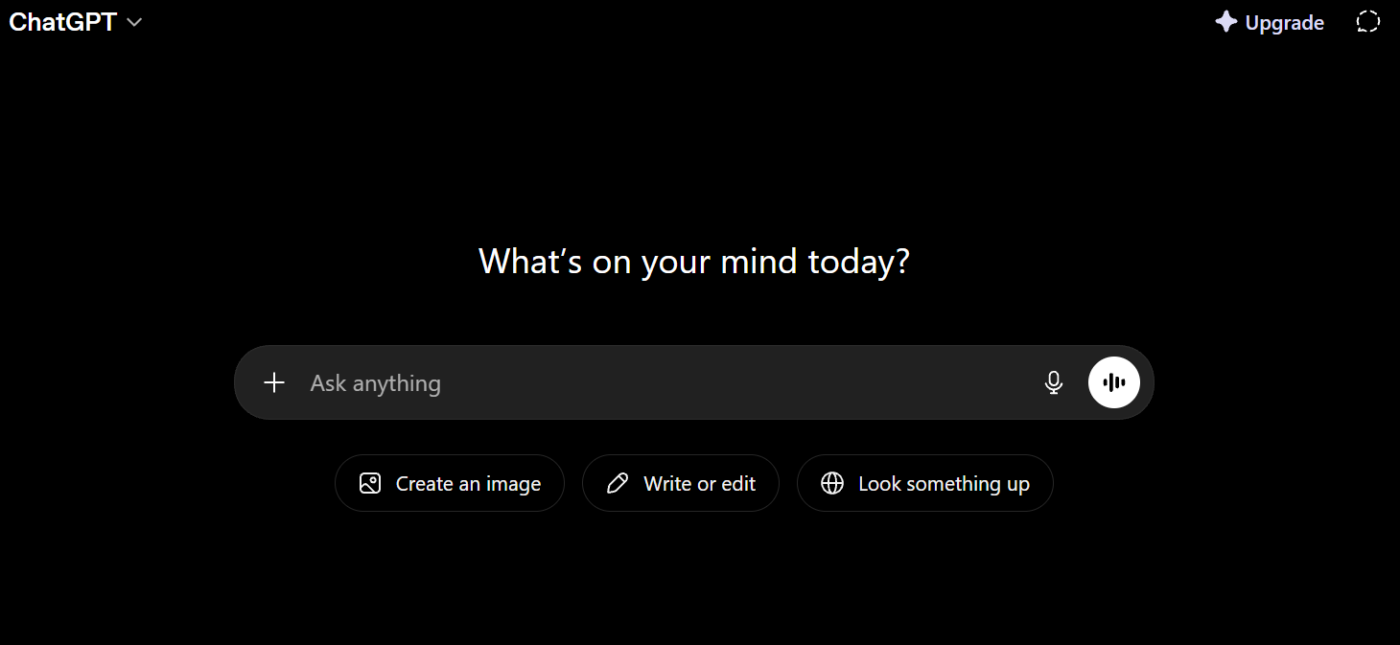
ChatGPT Enterprise fits teams that need one flexible AI tool for many jobs. It can write, analyze files, generate images, and support custom assistants. It does not replace a workspace, so teams still need separate tools to manage execution.
Your team can also build specialized bots with the custom GPT feature. Next, they can train them on internal files. For example, you can create a legal GPT for contract templates or an onboarding GPT for new hires. The admin console also includes single sign-on, domain checks, and usage data.
ChatGPT Enterprise best features
Custom GPTs: Build AI tools trained on internal files and share them in a private company library
Advanced data analysis: Upload spreadsheets, CSVs, or PDFs to spot trends
Extended context window: Process long documents with corporate controls like single sign-on
ChatGPT Enterprise pros and cons
Pros:
Broadest general-purpose AI capability set in one interface
Custom GPTs enable repeatable, domain-specific workflows without engineering resources
OpenAI ships new model capabilities on a regular cadence
Custom GPTs require careful prompt engineering for consistent output
Organizations with strict data residency rules should review the data processing agreement closely
Where ChatGPT falls short: ChatGPT Enterprise is a competent assistant, but it is not a workspace. It does not track projects or link natively to your work software. You will still need separate tools to execute your tasks.
I’m building a revenue mentor with ChatGPT that understands my priorities, current projects, and constraints, and helps me make right revenue decisions much faster.
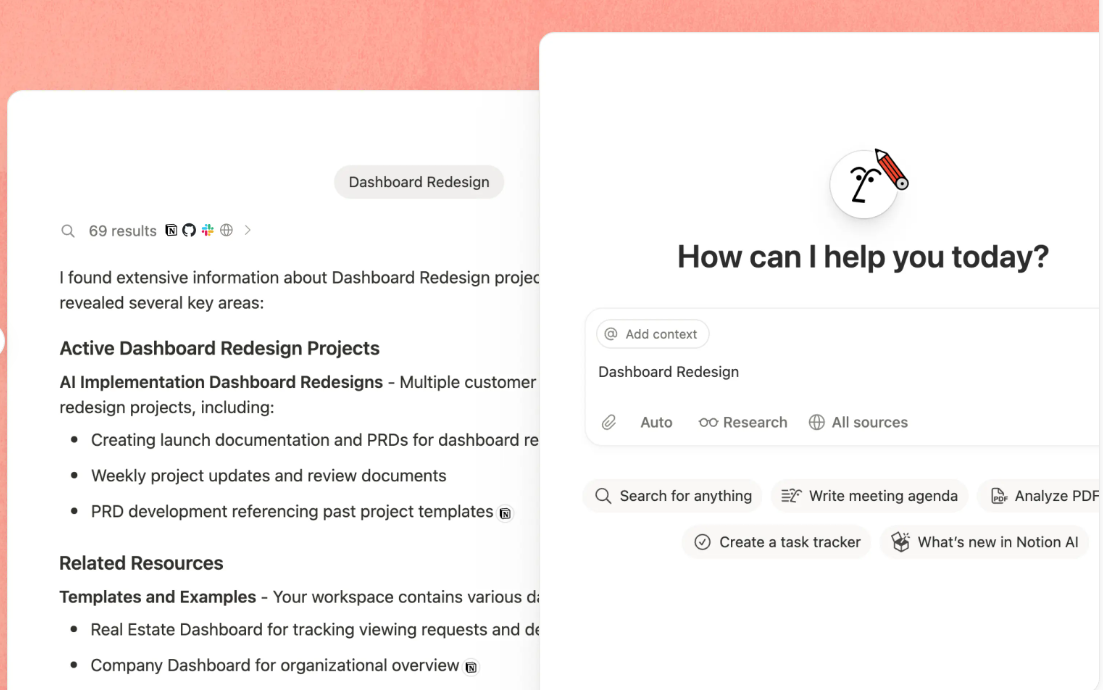
Teams that already use Notion as a knowledge base get the most value from Notion AI. The assistant is deeply embedded in the text editor. Because of this integration, it can answer questions across your entire workspace.
Notion AI features a smart Q&A tool. Ask questions about your company workspace and get answers with direct source links. The Autofill database properties feature uses AI to categorize, tag, and summarize entries.
Notion AI best features
AI q&a across workspace: Ask questions and get contextual answers from your workspace
Autofill database properties: Generate tags, summaries, and categories for database rows
Inline AI writing assistant: Draft, rewrite, summarize, and translate text within the page editor
Notion AI pros and cons
Pros:
AI features feel like a natural extension of typing and organizing files
Q&A tool searches your whole workspace to surface institutional data fast
Flexible block system supports almost any content layout you need
Cons:
Large databases can face performance lag when handling heavy datasets
Lacks deep native workflow tools for time tracking and project dependencies
AI features add an extra monthly cost to your base subscription fee
Honest take: Notion is document-first rather than execution-first. It lacks native time tracking, strict task dependencies, and advanced workload charts. Teams that need heavy project management will find Notion a bit light.
I use Notion for work in project management and like how flexible it is. I also appreciate the AI chat options, as they help solve most of my problems. Notion helps optimize my time, allowing me to meet with my teams more frequently instead of creating tasks manually. The speed and accuracy the tool provides are extremely valuable to me.
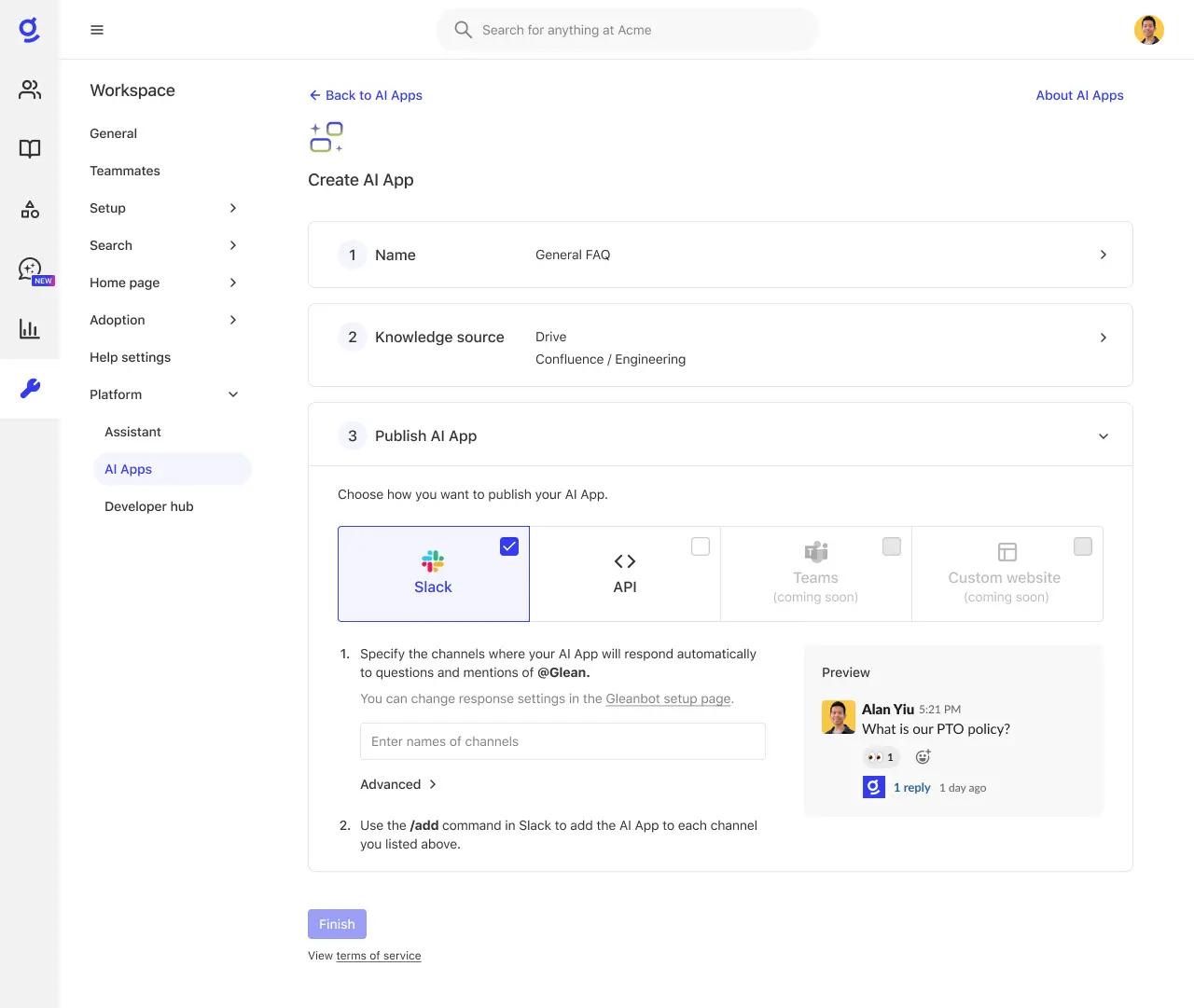
Glean is strongest when the core problem is buried knowledge, not task execution. It indexes content from over 100 apps (Slack, Google Drive, Confluence, GitHub, Salesforce) and delivers answers with clear source citations.
Its Enterprise Knowledge Graph maps relationships between people, documents, and projects to surface contextually relevant results. The AI Assistant uses retrieval-augmented generation to ground answers in your company’s actual data. You can also build automated agents for multi-step workflows across connected systems.
Glean best features
Unified enterprise search: Indexes content from over one hundred app connectors
AI assistant with rag: Answers natural language questions grounded in your company data
Enterprise knowledge graph: Maps relationships between people and files for contextually relevant results
Glean pros and cons
Pros:
Secure search rules prevent data leakage across different employee teams
Deep set of app connectors works well for highly fragmented company data
Coded source citations help build employee trust in the AI answers
Cons:
Strict enterprise-only pricing means there is no cheap self-serve tier
Lacks native task tracking tools for direct project execution
Requires significant technical setup time to index your company files
Where Glean falls short: Glean is a search and knowledge-retrieval platform, not a task manager. You will still need separate software to assign work and manage team projects.
Glean was one of the first AI tools that actually did something useful for me, and it’s still one of the few truly helpful ones. It was basically super powered search that covered _everything_, including email, Google docs, Slack, notion/wikis, and the broader internet.
5. ClickUp (Best for replacing multiple AI tools with one converged workspace)
Ask ClickUp Brain to summarize upcoming tasks, statuses, priorities, and due dates before planning the week
When Copilot cannot reach external apps, teams waste time copying text. Whereas ClickUp combines tasks, docs, chat, and AI in one workspace. Its built-in AI, ClickUp Brain, can read task context, summarize docs, and act on conversations without forcing teams to copy work between separate tools.
Even better? Super Agents are no-code AI assistants that you can set up in minutes. They don’t just know your work, they do it. Set up Super Agents for everything from campaign planning, content creation, project planning, and more. ClickUp AI users can even use premium AI models from Claude, ChatGPT, and Gemini to build and Agents right from their ClickUp Workspace.
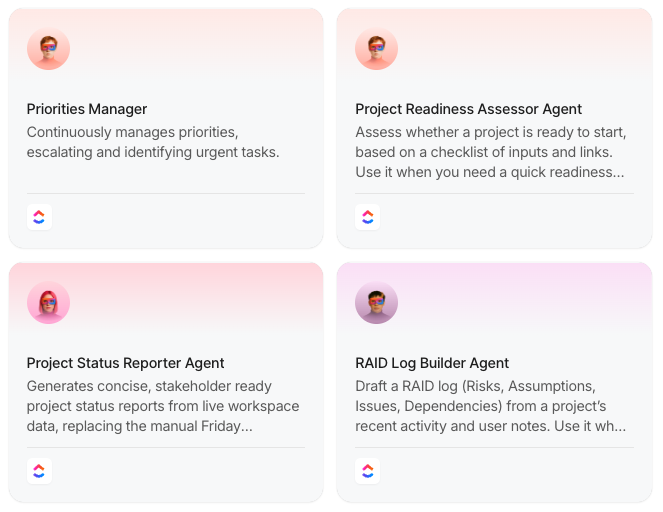
ClickUp Brain is your company’s work AI that operates across your tasks, docs, and team chats simultaneously. That means when you ask it to summarize a project, it’s not guessing from a single doc. It reads your task statuses, pulls context from linked docs, and can drop that summary into your team chat without assistance.
ClickUp best features
Communicate in channels and DMs in ClickUp Chat, where AI can summarize threads, give contextual answers, and convert messages into tracked tasks
Use no-code automation setups to eliminate repetitive work with ClickUp Automations:
Link knowledge bases to active tasks while using embedded AI writing tools in ClickUp Docs
Find files, tasks, conversations, and deep context across your workspace and connected third-party tools from a single search bar in ClickUp Enterprise Search
View real-time project health and team workloads at a glance with ClickUp Dashboards
ClickUp pros and cons
Pros:
Combines tasks, docs, chat, and AI to shrink your daily app stack down to one tool
References active task descriptions and historical chat logs to provide highly specific answers
Runs multi-step workflows autonomously instead of just offering basic text suggestions
Cons:
Deep feature set requires significant time for teams to learn and set up properly
Mobile experience lacks some of the advanced view layouts found on desktop screens
Advanced agent features require a separate add-on charge on top of paid plans
Honest take on ClickUp as a Microsoft Copilot alternative: The massive variety of features creates a steep learning curve. Your team will need extra onboarding time to configure dashboards and automations. The mobile app experience does not yet match the full depth of the desktop version.
I like its simple design and project separation. Its filters make it easy to track any project efficiently. Integration with multiple software tools is straightforward and easy to understand. The Ask AI feature makes it very easy to modify and narrate content, and bug reporting and tracking are simple with a clean, user-friendly design. The alert system with calendar settings is also effective. Ask AI offers good value for money and helps teams collaborate more easily.
Become AI native and vibe-code your first Super Agent in minutes. Learn how:
6. Dust (Best for building custom AI agents across your tool stack)
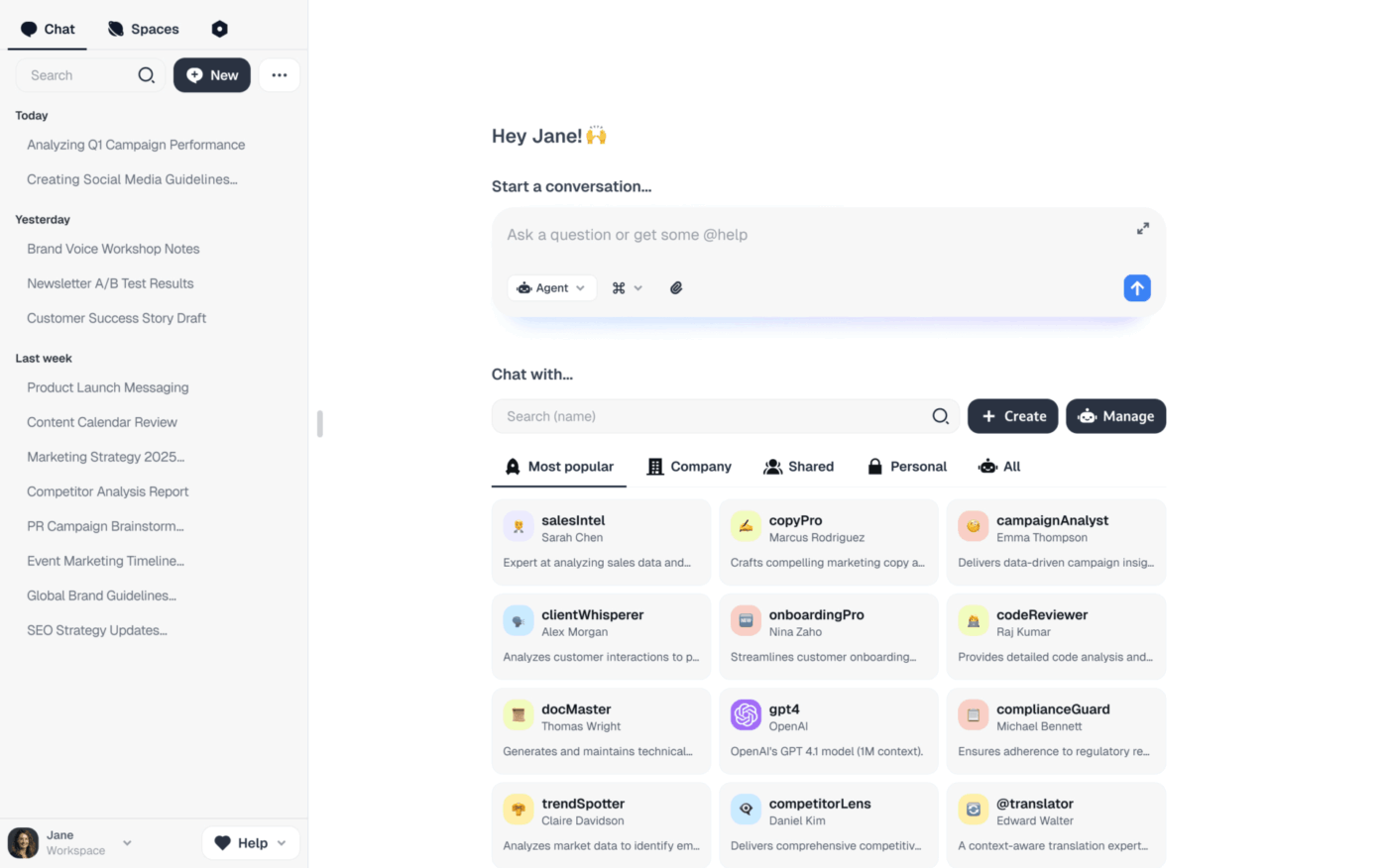
Dust is good for teams that want flexibility outside the Windows ecosystem. Its no-code agent builder connects directly to Slack, Google Drive, Notion, and more. Your team can create custom AI agents, no longer having to use pre-built assistants.
These custom agents can execute complex, multi-step workflows automatically. For instance, a sales agent can research a prospect, pull CRM data, and draft a personalized email. The platform also supports models from OpenAI, Anthropic, Gemini, and Mistral. This variety lets teams pick the best model for each task without vendor lock-in.
Dust best features
No-code agent builder: Create custom assistants using pre-built templates and pull data from your connected software
Model-agnostic architecture: Choose between OpenAI, Anthropic, Gemini, and Mistral models for specific tasks
Real-time data syncing: Keep agent data fresh while respecting your existing team access rules
Dust pros and cons
Pros:
Open architecture prevents teams from getting locked into one AI vendor
Live data syncing respects standard corporate user permissions
Simple visual interface drives high employee adoption after deployment
Cons:
Unsuitable for small startups with fewer than fifty employees
Requires an existing enterprise identity system like single sign-on
Lacks native task tracking or structured project management features
Honest take on Dust: Dust requires existing data in supported tools to deliver real value. So it is best suited for companies with roughly 50 or more employees. Also, Dust is purely an agent orchestration platform, not a project management tool.
Dust is simply my everyday companion as a solopreneur. Easy to use. And I share my agents with my team of freelancers to save us time and ensure a steady quality of work. I use it everyday and I love it.
7. Zapier (Best for automating workflows across thousands of apps without code)
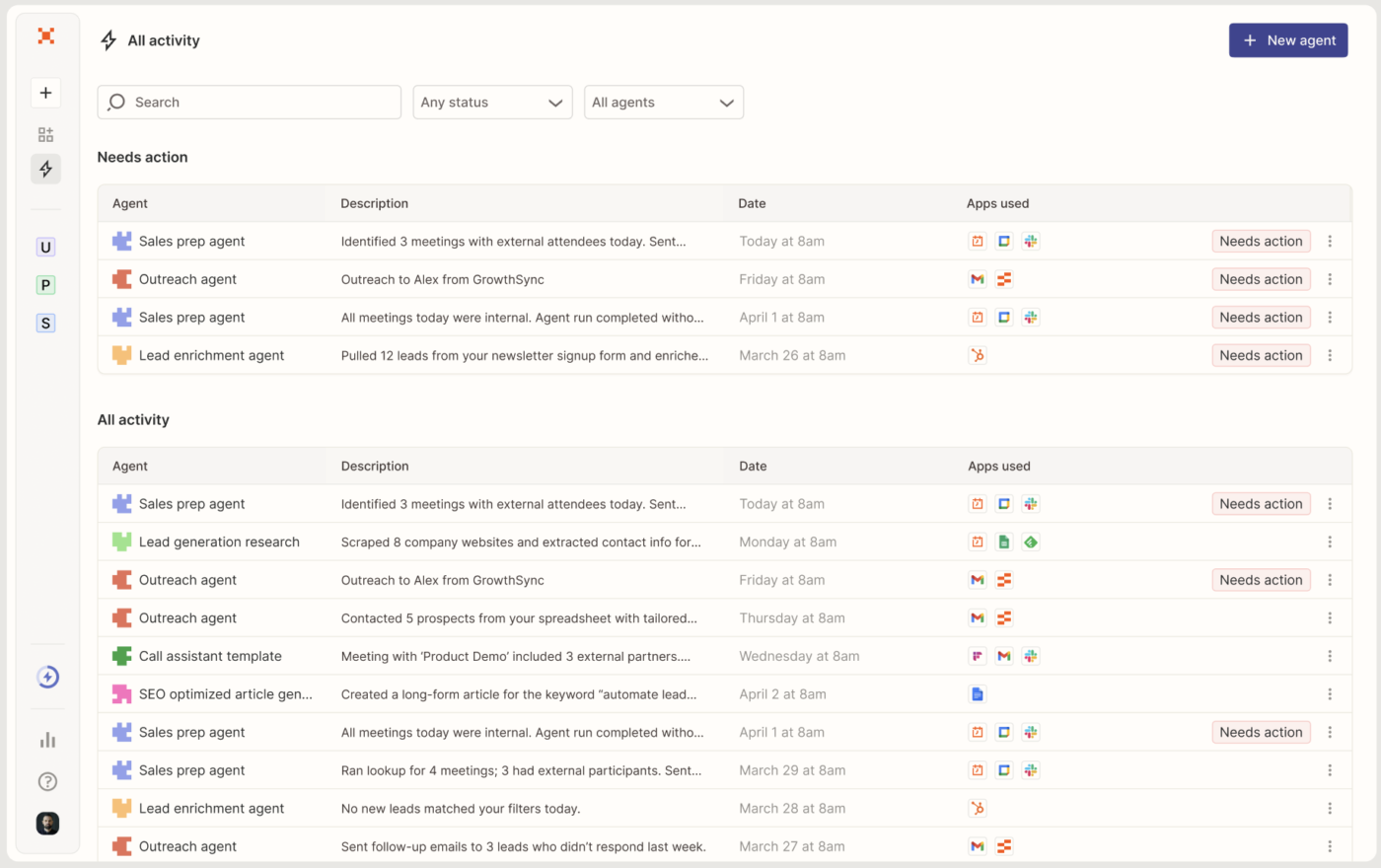
Copilot talks to Microsoft apps. Zapier talks to everything else. Put simply, it no longer has you struggling with disconnected software. You can use it to make your existing tools work together.
It uses simple logic to chain triggers and actions across your software stack. Newer features like automated AI bots add smart reasoning to these tasks. This allows you to build custom agents that make choices across your connected tools.
Zapier best features
Multi-step logic: Build automations that chain no-code triggers and actions across 1000+ apps
Ai workflows: Add smart reasoning to your routines so bots can route actions based on context
Native storage: Collect form submissions and store automation outputs directly inside the platform
Zapier pros and cons
Pros:
Features the largest software integration ecosystem available on the commercial market
Helps non-technical employees build highly complex workflows through a simple visual designer
Uses intelligent agents to make flexible choices during automated tasks
Cons:
Structural pricing model gets expensive very quickly for high-volume corporate workloads
Lacks a central workspace or native project management interface for teams
Avoids signing health data agreements making it unsafe for protected medical records
Where Zapier falls short as a Copilot alternative: Zapier’s task-based pricing model gets expensive very quickly. Especially if you run a high volume of tasks. It is also not HIPAA-compliant, so you cannot use it to process protected medical data.
The biggest pros are the huge integration library, the no‑code editor, and the reliability for simple workflows. It’s straightforward to build basic Zaps off common triggers (new email, new row, new form entry, etc.), and we appreciate being able to start from prebuilt templates and then adjust them for our property management use cases. For a lean team, that means we can “hire automation” instead of hiring another admin just to move information between systems.
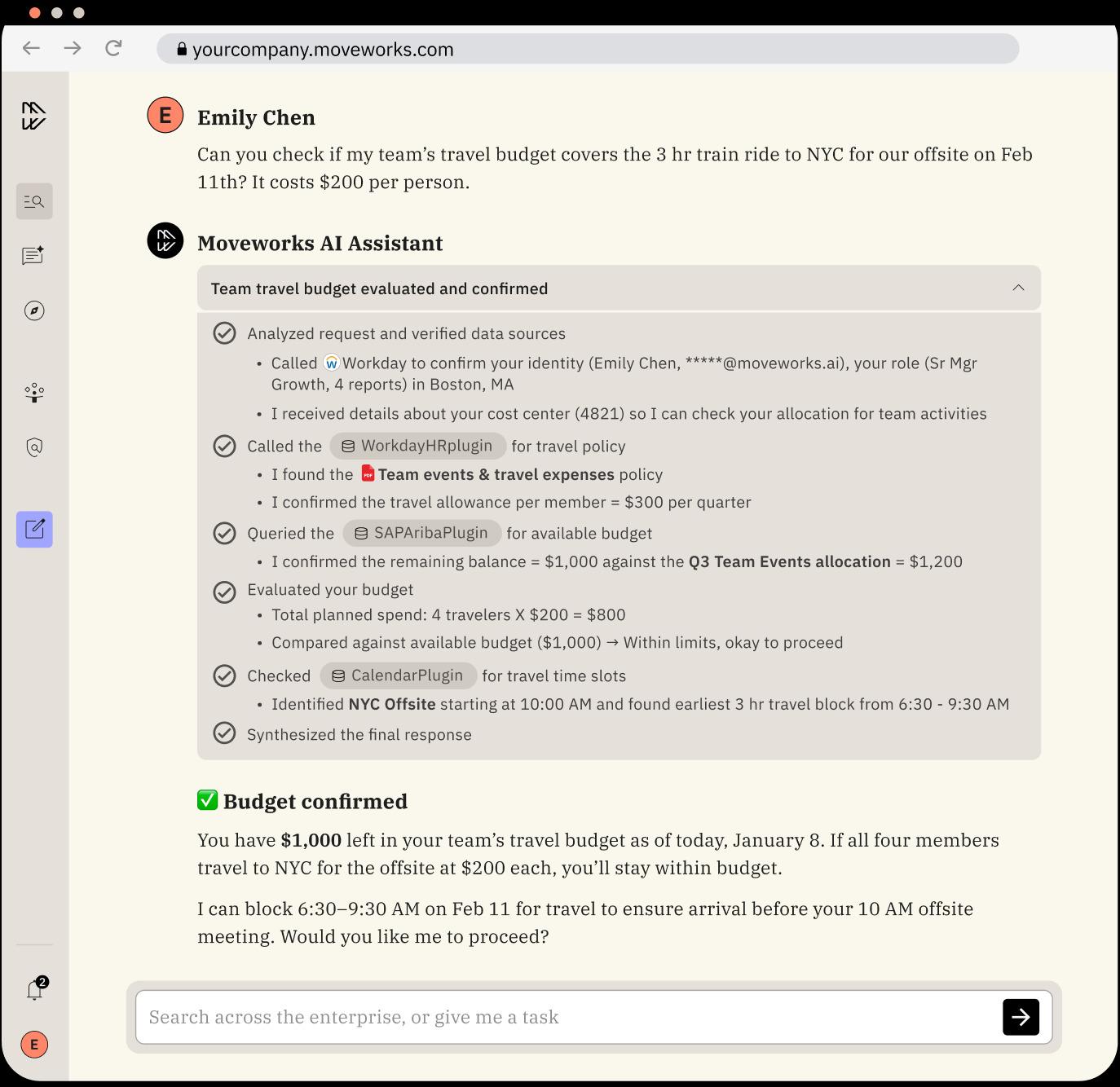
Large enterprises drowning in internal IT and HR tickets get the fastest payback from Moveworks. It handles inquiries using natural language within Slack/ Microsoft Teams. This reduces internal support ticket volumes.
Its agentic reasoning enables it to answer questions and take action. You can reset passwords, provision software, and route complex requests. All this happens with no human in the loop. You can also plug its 100+ pre-built connectors into existing service infrastructure. These include Jira and Freshservice.
Moveworks best features
Agentic reasoning engine: Executes multi-step actions like password resets and software provisioning
Agent studio: Build custom AI assistants using low-code tools alongside pre-built finance templates
Itg connectors: Integrates with ServiceNow, Jira, and Freshservice for autonomous ticket resolution
Moveworks pros and cons
Pros:
Purpose-built to handle internal employee support tickets without human agent intervention
Provides multilingual support across more than forty different languages automatically
Deploys directly into your existing Slack or Microsoft Teams chat windows
Cons:
High costs and large user minimums keep it out of reach for smaller companies
System optimizations favor ServiceNow users while other software stacks get fewer deep features
Narrow operational focus leaves it limited strictly to internal employee support tasks
Honest take: Moveworks requires at least one thousand users. Which makes it a poor choice for smaller businesses. It is heavily optimized for ServiceNow environments. If your company uses alternative support software, you may notice reduced capabilities.
I like how Moveworks makes it easy to find the stuff associates are looking for through the AI Search. It’s a one-stop place where you can integrate many applications. With the option to index the sources, I can control the content that we want to show to users based on their roles.
9. Writer (Best for brand-governed AI content generation at scale)
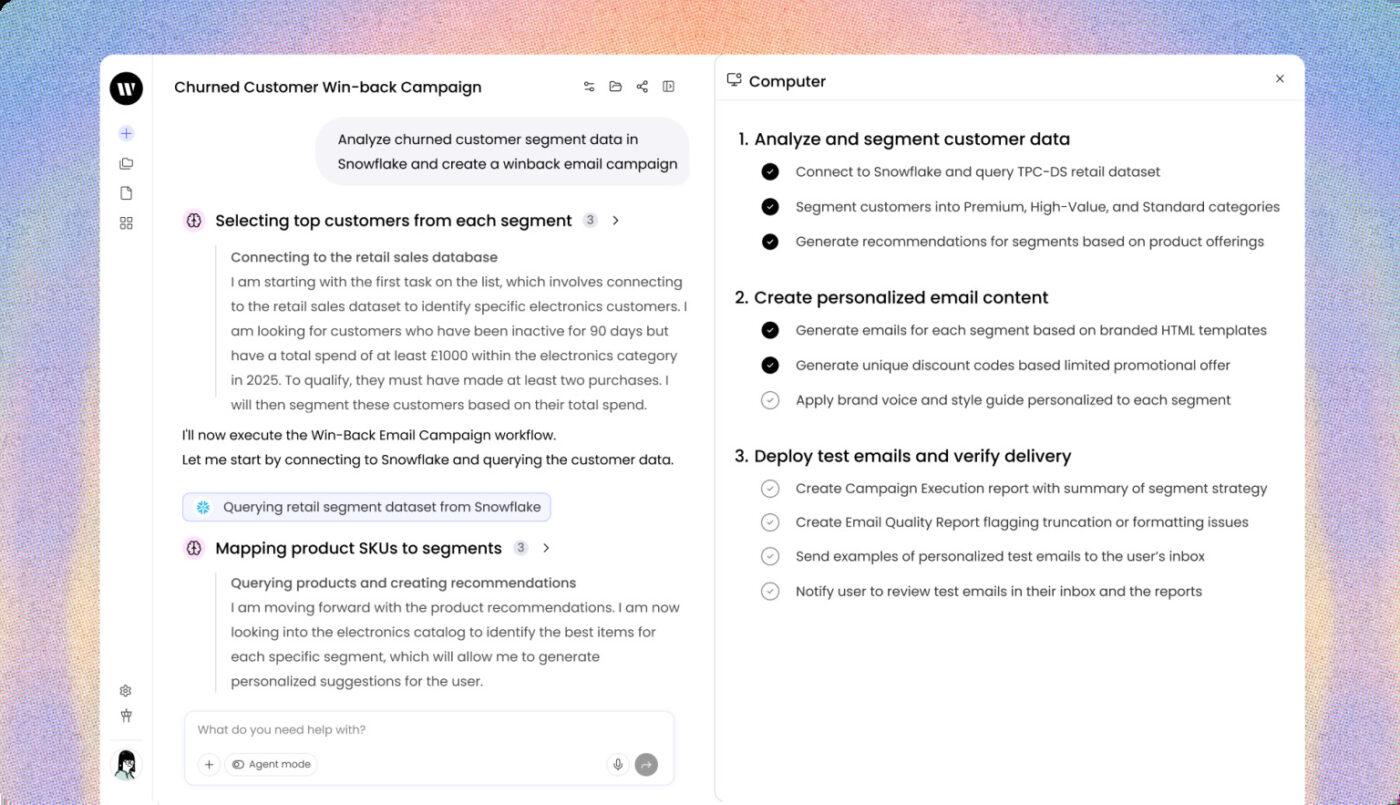
Writer enforces strict brand consistency across your entire organization. General-purpose AI tools typically lack this capability. It’s a good fit if your team produces high volumes of marketing text or sales collateral. Writer automatically protects your corporate style guidelines at the model level.
Its Knowledge Graph ingests your brand guidelines, product info, and approved terminology. This grounds every output in context. AI Studio lets teams build custom AI apps and workflows with no engineering. Plus, the platform handles generation, editing, summarization, and compliance checking in one place.
Writer best features
Brand governance: Ingests voice guidelines and style rules so text output stays consistent
AI studio: Build custom apps for specific writing workflows without using engineering resources
Full-stack content AI: Handles the content process from first draft to the final check
Writer pros and cons
Pros:
Enforces your exact corporate voice directly within the underlying AI model
Safe for regulated industries due to official compliance certifications
Helps non-technical teams create automated content workflows easily
Cons:
Lacks tools for task tracking, complex project management, or enterprise search
Uses custom enterprise pricing with no cheap self-serve tier available
Requires deep upfront work to document and upload your brand rules
Honest take: Writer focuses exclusively on content production and corporate communications. It does not manage daily tasks, track team projects, or index non-content software tools. And, building the initial knowledge base requires a large upfront time investment.
Writer pricing
Free trial
Custom pricing
Writer ratings and reviews
G2: Not enough reviews
Capterra: Not enough reviews
10. Kore.ai (Best for building enterprise conversational AI agents with deep NLP)
Companies that want to build their own chat and voice assistants will find Kore.ai useful. Its Experience Optimization (XO) Platform gives your team control over how each conversation flows. You can manage the dialog, check what users mean, and deploy across many channels. That is more control than Copilot offers, and it handles complex conversations well.
The platform uses multiple language engines, so it reads multi-step conversations accurately. It also ships with ready-made assistants for banking, healthcare, retail, and HR. This speeds up your launch. With the Agent Studio tool, your team designs each chat flow on a visual canvas. Then you deploy it across web, mobile, voice, and messaging apps.
Kore.ai best features
Multi-engine NLU: Combines three language engines for higher accuracy in complex conversations
Pre-built industry agents: Speeds up your launch with trained models
Agent studio with multi-channel deployment: Builds visual chat flows and deploys them everywhere
Kore.ai pros and cons
Pros:
Uses multiple analysis engines to improve accuracy on multi-turn user chats
Accelerates company launch times using templates with pre-trained intent models
Supports deployment across multiple external communication channels from one dashboard
Cons:
Requires a steep learning curve and a dedicated engineering staff to deploy
Lacks a cheap self-serve tier, operating strictly on custom enterprise pricing
Limits its functionality to conversational AI without general workspace tools
Where Kore.ai falls short: This deep feature set brings high technical complexity. Setting up the system requires significant initial configuration and dedicated engineering resources. It also focuses entirely on conversational interfaces rather than daily task management.
Kore.ai pricing
Custom pricing
Kore.ai ratings and reviews
G2: 4.6/5 (400+ reviews)
Capterra: Not enough reviews
What are real-life users saying about Kore.ai?
This is what a G2 reviewer has to say about Kore.ai:
It offers no-code, drag-and-drop features, along with extensive support for deploying the app across various channels. AI is smart enough to understand messy, natural language rather than just acting like a basic FAQ bot. The ROI is clear: it deflects a ton of manual support tickets, making the investment well worth it for any team looking to scale. The training support was amazing.
Summarize this article with AI ClickUp Brain not only saves you precious time by instantly summarizing articles, it also leverages AI to connect your tasks, docs, people, and more, streamlining your workflow like never before.
Summarize this article for me please
Which Microsoft Copilot Alternative Is Right for Your Team?
Your pick depends on one question. Where does Copilot fail you? The answer splits into eight scenarios, from buried knowledge to cross-app automation to AI tied to real tasks. Here’s the short decision map.
Already on Google Workspace: Google Gemini for Workspace. You likely already pay for it, and it gives you Copilot-style help inside the apps your team uses every day.
General assistant with controls: ChatGPT Enterprise for larger teams. Or consider ChatGPT Business if your team is too small to meet the Enterprise seat minimum.
Knowledge buried across tools: Glean if finding information is the core pain. Because its permission-aware search reaches everywhere your data lives.
Custom AI around internal processes: Dust for custom, model-agnostic agents. While Kore.ai if you are building customer-facing conversational and voice AI.
AI inside your docs: Notion AI if your team already works in Notion.
Cross-app automation: Zapier, which connects AI to the thousands of tools unlike Copilot.
Automating it and HR support: Moveworks for enterprises deflecting routine internal tickets.
Governed content at scale: Writer for teams that need AI output to stay on brand and compliant.
Most AI assistants stop at an answer. ClickUp turns the answer into tracked work because tasks, docs, and chat live in the same system. That matters for teams that need ownership, follow-through, and auditability, not just generated text.
A few Microsoft Copilot alternatives are great at producing an answer, but then they stop. You carry that text into another tool to act on it. A week later, the AI-drafted plan sits in a doc while the work happens somewhere else entirely, with no link between the two. ClickUp closes that gap by bringing the AI, tasks, and docs together in one place.
Summarize this article with AI ClickUp Brain not only saves you precious time by instantly summarizing articles, it also leverages AI to connect your tasks, docs, people, and more, streamlining your workflow like never before.
Summarize this article for me please
Microsoft Copilot Alternatives FAQ
Are there free Microsoft Copilot alternatives that work for teams?
Yes. ClickUp, Notion, and Zapier all offer free entry points for teams. The trade-off is that free plans usually cap AI usage, automation volume, or admin controls, so growing teams outgrow them quickly. Note that Microsoft itself reports only about 15 million paid Microsoft 365 Copilot seats out of 450 million subscribers, evidence that many teams are testing free alternatives before committing budget.
Is Microsoft Copilot similar to ChatGPT?
Yes, both are conversational AI assistants built on large language models, and Microsoft Copilot uses OpenAI’s GPT models under the hood. The difference is integration. Copilot is wired into Microsoft 365 apps and your Microsoft Graph data, while ChatGPT is a standalone, model-agnostic assistant with custom GPTs, file analysis, and an admin console in its Enterprise tier. Copilot is stronger inside Word, Excel, and Teams; ChatGPT is more flexible for general-purpose work across any stack.
Can you use Microsoft Copilot alternatives alongside Microsoft 365?
Yes. Tools like Glean, Zapier, Dust, and ClickUp can connect to Microsoft 365 services while staying outside the Microsoft product stack. That lets teams keep Outlook and Office workflows while using a different tool for search, automation, or work management.
Can ChatGPT replace Microsoft Copilot?
For most general AI tasks, yes. ChatGPT Enterprise handles writing, analysis, image generation, and custom assistants, and adds single sign-on and usage controls. The catch is that ChatGPT is not embedded in your Office files the way Microsoft 365 Copilot is, and neither tool tracks projects or executes work. Teams that want AI plus task execution in one place often pick a converged workspace like ClickUp instead of swapping one assistant for another.
Which Microsoft Copilot alternative is best for Google Workspace teams?
Google Gemini for Workspace is the most natural fit. It lives inside Gmail, Google Workspace apps, Docs, Sheets, Slides, and Meet, so there is nothing new to install, and most paid Workspace plans now bundle it. The trade-off is reach: Gemini has no native integrations with Slack, Jira, or Salesforce, so mixed-stack teams will still hit gaps outside Google’s apps.
What is the difference between an AI assistant and an AI-powered workspace?
An AI assistant answers questions and generates content, then hands the result back to you to act on. An AI-powered workspace keeps the AI next to your tasks, documents, and data. This way, the answer can become a tracked task or a triggered workflow without leaving the tool.
How do Copilot competitors handle data privacy and enterprise governance?
Enterprise-focused alternatives offer single sign-on, role-based access, audit logs, data residency options. They also have terms that, by default, exclude your business data from model training. The depth varies by tool and plan tier. So review each vendor’s security documentation. Also, confirm the storage location and use case for your data before you roll it out.
Microsoft Copilot vs. Microsoft 365 Copilot: What’s the difference?
Microsoft Copilot (free) is a standalone chat assistant at with no access to your work files. Microsoft 365 Copilot is a paid add-on, priced at $30 per user per month, that embeds inside Word, Excel, PowerPoint, Teams, and Outlook and reads your Microsoft Graph data. The free version answers general questions; the paid version works inside your documents, email, and meetings. The distinction matters when you compare alternatives. If you only need a free chat assistant, tools like Google Gemini and ChatGPT have generous free tiers. If you need AI that acts inside your work, you are really comparing against Microsoft 365 Copilot’s $30 price point, where converged options like ClickUp deliver tasks, docs, and AI in one place at a lower per-seat cost.
Everything you need to stay organized and get work done.