

Sorry, there were no results found for “”
Sorry, there were no results found for “”
Sorry, there were no results found for “”
Duck AI forgets you the second you close the tab. ChatGPT is quietly assembling a profile of you, whether you asked it to or not. Both are correct designs, built for different prompts.
Which makes “which one is better” the wrong question. One is a proxy that strips your IP address before the prompt reaches Anthropic or OpenAI. The other runs Python, reads spreadsheets, and will keep working on a task overnight.
Choosing between Duck AI vs. ChatGPT comes down to how far you want an AI tool to follow the work. Do you need a private place for quick questions? Or an agentic AI that remembers context and carries a task through several steps? Most teams end up using both, which works fine, as long as you’ve decided which prompts go where before the deadline hits.
In this article, we compare Duck AI and ChatGPT across privacy, model choice, memory, file handling, pricing, and code execution, and show where each tool falls short and when a third option may be a better fit.
Duck AI handles privacy well, and ChatGPT handles ongoing, sustained workflows. The reader who lands on this comparison usually wants both, and that tension is what makes the choice harder than it looks.
Should you pick a privacy proxy that forgets you after every session, or a workspace that gets smarter over time but requires a signed-in account to do so?
Here’s a snapshot of Duck AI vs. ChatGPT:
| Feature/Category* | Duck AI | ChatGPT |
|---|---|---|
| Primary use case | Anonymous, one-off prompts across multiple providers | Sustained work needing memory, code, files, and agents |
| Best for | Privacy-conscious individuals, freelancers, journalists | Analysts, developers, marketers, and teams |
| Account required | No | Yes (limited access without one in some regions) |
| Models available | Six free models from four labs (Anthropic, OpenAI, Mistral AI, Google), two hosted by Tinfoil | OpenAI only (GPT-5.5 Instant, GPT-5.6 Sol/Terra/Luna) |
| Memory | None across separate chats | Persistent via Dreaming + Projects |
| File support | Images and PDFs (15-50 pages). No spreadsheets | CSV, XLSX, PDF, DOCX, TXT, images, and more |
| Code execution | Generates code but can’t run it | Sandboxed Python, Codex for full repos |
| Agents | None | Work, Codex, Workspace Agents, Scheduled Tasks |
| Web search | Yes | Yes |
| Voice chat | Yes, via encrypted relay | Yes |
| Data training | Never. Provider agreements prohibit it | Consumer plans: opt-out available. Business/Enterprise: excluded by default |
| Pricing (entry paid) | $9.99/mo (bundled with VPN + identity protection) | $8/mo (Go, may include ads) |
| Where it taps out | No cross-chat memory, no code execution, no agents | Everything ties to an identified account; consumer tiers may train on chats unless you opt out |
Our editorial team follows a transparent, research-backed, and vendor-neutral process, so you can trust that our recommendations are based on real product value.
Here’s a detailed rundown of how we review software at ClickUp.
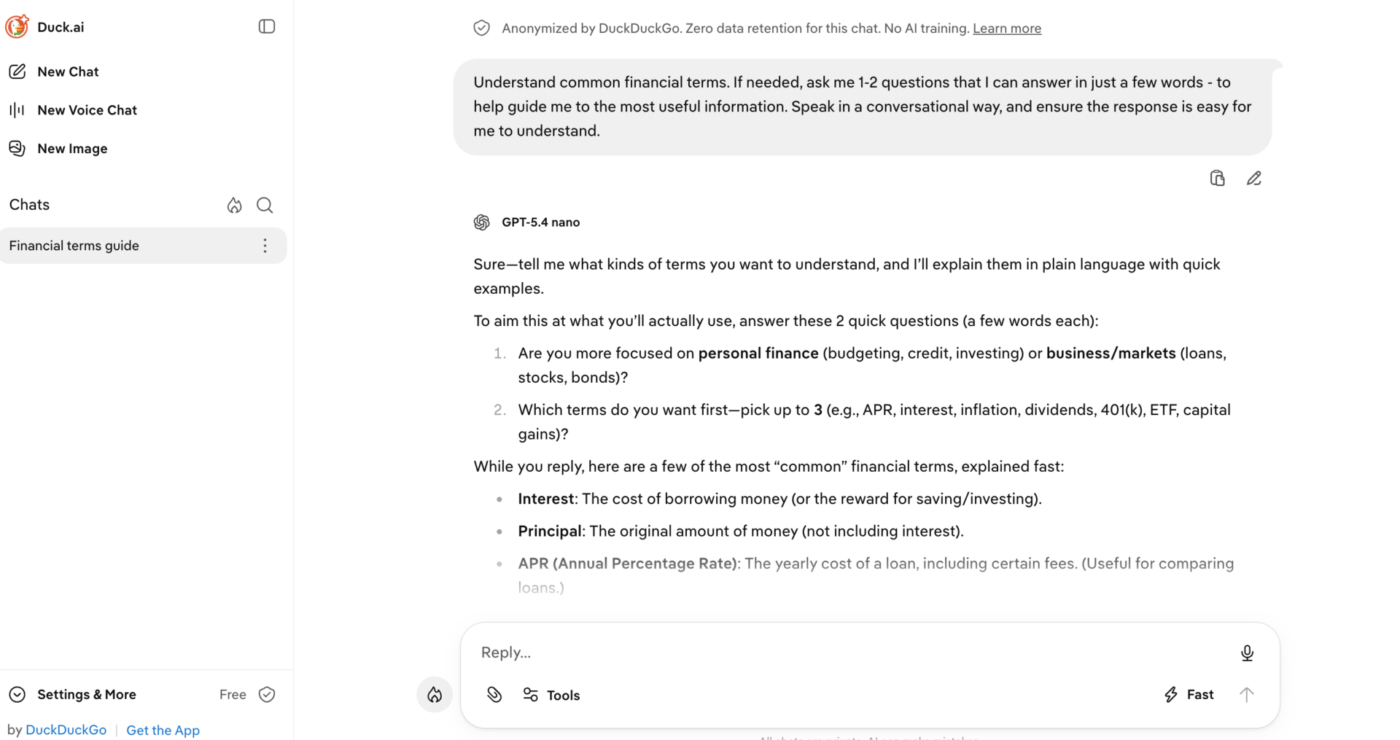
Duck AI is DuckDuckGo’s privacy proxy for third-party AI models. It sits between you and providers like Anthropic, OpenAI, and Mistral, stripping your IP address and device identifiers before the prompt reaches the model.
The selected provider still generates the response, but DuckDuckGo changes how the request is routed and identified. That makes it less of a chatbot model and more of an anonymization layer with a chat interface on top.
Who it’s built for: Privacy-conscious individuals, freelancers researching sensitive topics, and anyone who wants a capable AI answer without creating an account or tying routine prompts to an identity. It suits individuals more than teams, and one-off queries more than sustained projects.
Pros:
Cons:
Note: Duck AI isn’t sold separately. Both paid tiers include DuckDuckGo’s VPN, Identity Theft Restoration, and Personal Information Removal.
Here’s what a Reddit user said:
It’s such a great product. To know we’ve got a relatively private AI tool to use with web search, chat customization, and on-device storage FOR FREE is elite. You guys are awesome.
Duck AI has no standalone G2 or Capterra listing, since it ships as a free feature with DuckDuckGo. This means there are no vendor-neutral star ratings to quote. However, there are several community discussions in forums like Reddit. One such instance is in the r/BetterOffline thread, where a Redditor said: “People recommend DuckDuckGo because the AI can be switched off completely, not because its AI beats Google’s.”
Duck AI answers, then stops. It’s best for anonymous questions, quick model comparisons, and anyone who wants AI available without an account. Anything past a single exchange is yours to stitch together by hand. If your work depends on the tool carrying context across separate chats, analyzing spreadsheets, running code, or doing something after it answers, you’ll need other tools.
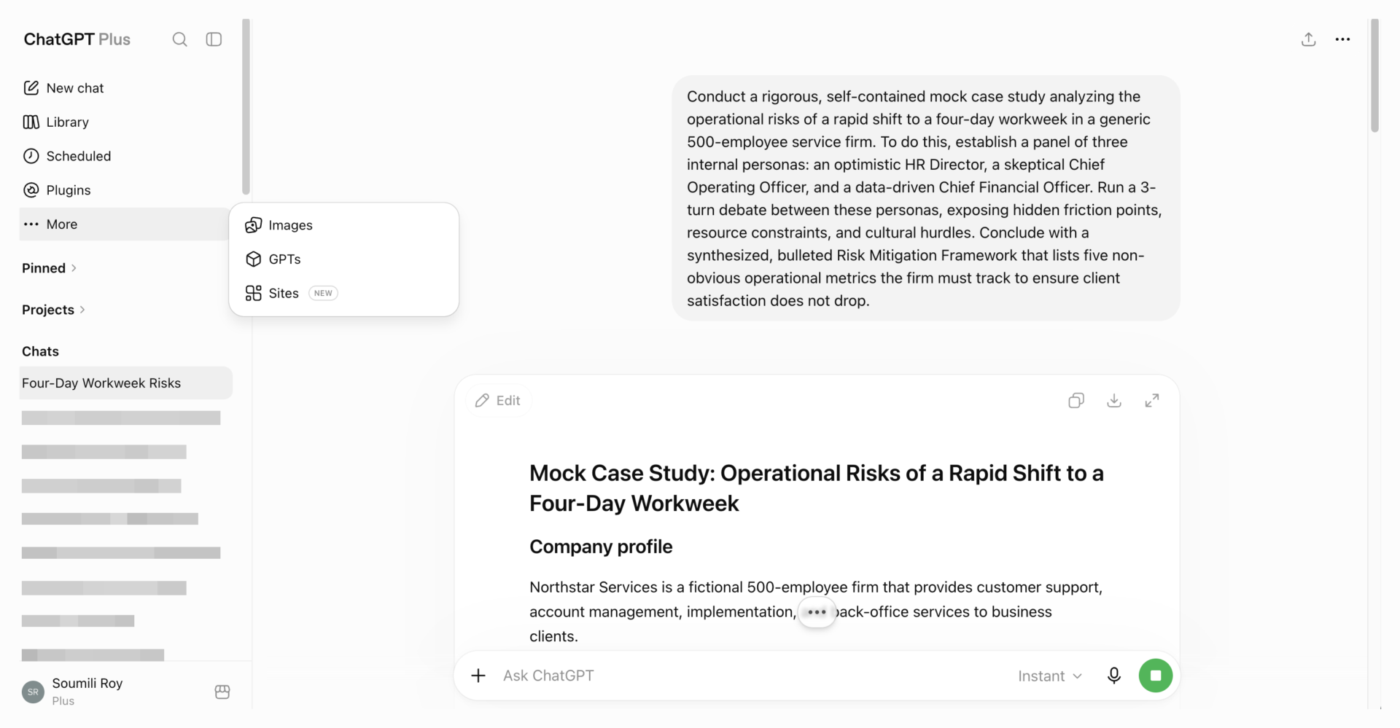
ChatGPT is OpenAI’s AI workspace. It can remember previous conversations, read uploaded files, run Python in a sandbox, browse the web, and handle longer multi-step tasks through Work. Signing in unlocks the history, memory, Projects, and connected tools that make it useful for ongoing work.
Who it’s built for: Analysts who need a spreadsheet parsed, developers shipping code through Codex, or marketers running week-long projects. It suits teams and sustained workflows more than one-off anonymous queries.
Pros:
Cons:
Here’s what a G2 user mentioned:
I use ChatGPT daily as a Software Engineer to speed up backend and frontend development, especially for Java, Spring Boot, React, and system design tasks. It helps me generate boilerplate code, debug issues, explain unfamiliar concepts, and draft technical documentation much faster. What I appreciate most is that it provides practical solutions with clear explanations instead of just code, making it valuable for both development and learning. It’s become a regular part of my workflow for improving productivity and reducing development time.
ChatGPT is rated 4.6/5 on G2 and 4.4/5 on Capterra. Users praise its versatility in writing, coding, and research.
ChatGPT’s strongest continuity features depend on a signed-in account, and that is the trade-off for memory and persistent context. It suits multi-step work that needs continuity, documents, code, research, or an agent that carries a project forward across sessions. If you want Duck AI-style anonymization by default, don’t want to manage privacy controls, or need every new conversation to begin without stored personal context, this isn’t the tool for you. The six-tier pricing ladder also makes model and usage access harder to compare.
Also Read: ChatGPT Alternatives
Across six dimensions, Duck AI wins on prompt-level privacy and multi-provider model access. ChatGPT wins on memory, file handling, code execution, and agents. The tie-breaker is whether the work survives past one exchange: Duck AI is built for a single anonymous question, ChatGPT for work that compounds across sessions.
Duck AI treats privacy as infrastructure. DuckDuckGo removes your IP address and identifying metadata before your prompt reaches Anthropic, OpenAI, Mistral, or Tinfoil. This is so the request appears to come from DuckDuckGo rather than you. No account is required, and provider agreements prohibit training on those chats. Duck AI may still pass limited context, such as your timezone, unit preference, or city-level location, while DuckDuckGo collects anonymous aggregate usage data.
ChatGPT takes a different approach. Basic access is available without an account in supported regions, but saving chats, using memory, creating Projects, and unlocking most advanced tools still require one. On consumer plans, OpenAI may use your chats to improve its models unless you toggle off “Improve the model for everyone.” That change only applies going forward; deleting older chats or your account is a separate step.
The verdict: Duck AI wins for prompt-level privacy. ChatGPT wins for teams that need persistent context and are willing to pay for Business or Enterprise to get contractual data exclusions.
Duck AI gives you six models from four different providers on the free tier: Claude 4.5 Haiku (Anthropic), GPT-5.4 nano and GPT-5.4 mini (OpenAI), Mistral Small 4 (Mistral AI), gpt-oss-120b, and Gemma 4 31B (hosted by Tinfoil). Paid subscribers add GPT-5.4, Claude Sonnet 4.6, and Claude Opus 4.8. You can switch models mid-conversation, which means you can test how each AI model handles the same prompt.
ChatGPT goes deeper into OpenAI’s own model stack. GPT-5.5 Instant handles everyday chats, while GPT-5.6 Sol is rolling out to eligible paid plans for harder reasoning tasks (note: OpenAI rotates default models frequently; check ChatGPT pricing for the current default). Sol Pro sits at the top of the range. Terra and Luna power parts of Work and Codex, but you can’t select them in a standard ChatGPT conversation. Pro users also get the highest reasoning effort levels and the largest context windows.
The trade-off is breadth versus depth. Duck AI lets you compare models from several providers inside one interface. ChatGPT stays within OpenAI’s model family but adds native tools such as deep research, data analysis, Work, and Codex.
The verdict: It depends on the use case. Duck AI wins for multi-provider access and free model variety. ChatGPT wins for depth within a single vendor’s stack, especially once reasoning effort and context window size matter to the work.
Duck AI has no memory across separate conversations. Recent Chats and Sync & Backup let you reopen an earlier thread, and the model can continue from the messages inside that thread. But it doesn’t carry details into a different chat or maintain a profile of your preferences.
If you need to carry context forward, you manually paste relevant text from an older conversation into a new one. The context window for each session is determined by whichever third-party model you select (Claude, GPT, and Mistral each have their own limits).
On the other hand, ChatGPT’s memory operates on two layers. The first is Dreaming, a background synthesis process that asynchronously scans your full conversation history, extracts patterns, and rewrites a running profile of you. You never click “remember this.” The system decides what matters and updates stale entries automatically.
The second layer is Projects, dedicated workspaces where you group chats, upload reference files (5 on Free, 25 on Plus, 40 on Pro), and set project-level instructions that apply to every conversation inside that workspace. Projects can also be shared with teammates, so an entire team works from the same context.
The verdict: ChatGPT wins for anyone whose work compounds across sessions: writing projects, codebases, or research threads. Duck AI wins when the absence of memory is the feature, whether for privacy, for a genuinely fresh perspective, or because the cleanup overhead isn’t worth the continuity.
Duck AI supports image and PDF uploads on select models (Claude Haiku 4.5 and GPT-5.4 models currently support vision). Page limits are tiered: 15 pages on Free, 35 on Plus, 50 on Pro. You can ask the model to summarize a PDF, extract specific details, or describe an image. But spreadsheets are currently unsupported. Note that chat history is stored locally by default, but uploaded files leave the device. They are sent without identifying metadata to the selected provider.
ChatGPT accepts a broader set of formats: CSV, XLSX, PDF, DOCX, TXT, images, and more. The difference is what happens after upload. ChatGPT can run Python against a spreadsheet to build pivot tables, generate charts, spot anomalies, and output cleaned datasets. Deep research chains file analysis with live web searches to produce multi-source reports. And ChatGPT for Excel and Google Sheets brings the model directly into a workbook to write formulas, run scenarios, and update cells in real time.
The verdict: Duck AI works for anonymized PDF and image analysis with modest page limits. ChatGPT wins when the task involves spreadsheets, computation, visualizations, or broader file support.
Duck AI generates code in its responses, but that’s where it ends. The model can write a Python function, explain a regex, or draft a shell script, and you can copy and paste it into your own environment to run. There’s no sandbox, execution layer, or way for the tool to act on the output it produces. Ask it to “analyze this dataset and chart the results,” and you get a working script, a Python environment you have to open, and roughly four minutes of your own time.
ChatGPT executes code natively. A sandboxed Python environment runs directly inside the conversation, so you get computed results, rendered charts, and downloadable files in the chat. Beyond single-turn execution, Codex extends this into a full coding agent. It builds features, refactors code across files, runs tests, and submits pull requests.
It operates inside an OS-enforced sandbox with configurable approval policies, so it works autonomously within defined boundaries and stops to ask when it would cross them.
Plus, ChatGPT Work takes an outcome, uses available project and app context, and works through the steps needed to produce a deliverable. Scheduled tasks let you set recurring workflows (like, “triage issues nightly, generate a Monday report from weekend tickets”) that run without manual prompting.
Duck AI has no equivalent to any of this.
The verdict: ChatGPT wins outright. If your workflow involves running code, chaining actions across apps, or delegating multi-step tasks to an agent, ChatGPT is the only option between the two. Duck AI is a conversation tool; ChatGPT is increasingly a work-execution platform.
Pick Duck AI for prompts you’d rather not attach to an account. Pick ChatGPT when the work needs memory, execution, or continuity across sessions. If you need both privacy and persistent context, decide per prompt rather than per tool. The deciding factors are ultimately prompt sensitivity and session length, not which model benchmarks higher.
Pick Duck AI if:
Pick ChatGPT if:
Pick neither as your only tool if: Your team handles client or regulated data daily. A general chatbot can’t see the work it’s being asked about, so someone still pastes context in by hand. That paste is where exposure happens (more on that further down).
Also Read: Claude vs. ChatGPT for Writing
Reddit’s split on these two tools is unusually clean. Duck AI users cite one thing above all else: privacy. ChatGPT users cite the opposite: stored memories, Projects, and accumulated context that make switching feel expensive. Neither camp argues much about output quality.
A Reddit user, shimoheihei2, wrote:
Duck AI is a way to use AI without having to log into an account on a model website. It’s quite a useful thing.
No accounts, no onboarding, no subscription decision before you even ask a question. That’s what keeps bringing privacy-first users back, even when the models themselves are available elsewhere.
Another user, x-15a2, shared a more balanced take:
For me, I use the feature on occasion and have often found it to be useful. I do find that some of the answers to be in error, but often switching chat models yields the correct answer.
Model switching gives you a quick second opinion, which is useful. But you still have to read the output and decide whether it’s accurate, because Duck AI passes responses through without any added filtering. Multi-model variety helps you spot inconsistencies faster, but the final judgment call remains yours.
Reddit user Maclimes explained why leaving ChatGPT feels difficult:
ChatGPT already has all my stored memories, projects, and such. The others would have to be WAY better for my needs to get my switch, and they aren’t. I’d switch if ChatGPT got so bad that the others made the switch worth it.
Another Reddit user added:
It follows my instructions extremely well, stays aligned with my workflow, and handles long-running tasks with impressive consistency. The last time I left it working overnight, it continued for more than 13 hours on the same feature.
The usage difference has also been significant for me.
That points to ChatGPT’s main advantage for sustained work. It can follow detailed instructions, adhere to an established workflow, and keep working on a complex task well beyond a single response.
Editorial takeaway: The split is consistent. Duck AI users value zero-commitment access: ask a question, get an answer, leave no trace. ChatGPT users value accumulated context: the tool gets better the longer you use it, and that compounding is hard to replicate elsewhere. What you’re choosing between isn’t the quality of output on any single prompt. It’s whether you want a tool that forgets you by design or one that remembers you by default.
Duck AI and ChatGPT aren’t priced as direct equivalents. Duck AI’s paid access sits inside a four-part privacy subscription, while ChatGPT charges mainly for higher AI usage, stronger models, and additional tools.
| Tier* | Duck AI via DuckDuckGo Subscription | ChatGPT |
|---|---|---|
| Free | Free, no account required; daily usage limits apply | Free; account optional for basic use in supported regions |
| Entry paid | Plus: $9.99/month or $99.99/year | Go: $8/month (US pricing); ads may appear |
| Mid tier | Pro: $19.99/month or $199.99/year | Plus: $20/month |
| High tier | No higher individual tier | Pro: $100/month for 5x Plus usage or $200/month for 20x usage |
| Team plan | None; the subscription is for individual use | Business: $20/user/month annually or $25 monthly, with a two-seat minimum |
| What the money buys | Advanced models, higher limits, a VPN, Personal Information Removal, and Identity Theft Restoration | Higher model and tool limits; Business adds a shared workspace, admin controls, and no training on company data by default |
Duck AI anonymizes who is asking, not what is being asked. A proposal with a client’s name or a staff performance review still identifies the people and the company, no matter how thoroughly the IP address is stripped. DuckDuckGo also notes that details inside an uploaded image or file may still be shared to process or moderate it. Anonymity is a privacy control, not a compliance sign-off.
| Question | Duck AI | ChatGPT Business or Enterprise |
|---|---|---|
| Is the prompt tied to an account or IP address? | No. Personal details are removed before routing | Yes. Activity sits inside an identified company workspace |
| Is company data used for training? | No. Provider agreements prohibit it | No. Excluded by default |
| Is there company-level administration? | No central way to manage users, roles, or access | User roles, access controls, and usage visibility |
| Can it support formal data governance? | Limited. It’s a consumer interface | Yes, with encryption in transit and at rest. Enterprise adds retention, identity management, and data residency controls |
Duck AI guards the identity around a prompt. A managed ChatGPT workspace gives your company control over how AI gets used. Neither one is a green light to paste in client, staff, or regulated data.
Most teams route every prompt to whichever tab is already open. That habit causes more exposure than picking the wrong tool does.
The Cisco 2025 Data Privacy Benchmark Study surveyed 2,600 privacy and security professionals across 12 countries. 64% of the respondents reported being concerned about leaking sensitive information into generative AI tools. In the same survey, nearly half admitted to entering employee names or personal information into those tools anyway.
That’s a gap between knowing and doing. The same people hold both positions. They understand the risk and paste the data regardless, because judging each prompt individually is slow, and the deadline is now.
ClickUp’s own research found the same behavior from the other direction. Some 60% of workers admit using unauthorized AI to get a head start on tasks. And 82% of leaders expect complaints if unauthorized AI sites were simply blocked. Banning doesn’t work. Trusting individual judgment at the moment of the paste doesn’t work either.
That’s why data governance for AI use starts with classification, not restriction. What works is a routing rule decided once, before the deadline, rather than re-litigated per prompt. Larger organizations formalize this with AI governance tooling. A shared document generally covers most teams—something as blunt as “anything with a name, client detail, unreleased number, or credential goes to the no-account tool. Everything else goes where the context lives.”
That reframes the comparison. Duck AI and ChatGPT occupy different positions in a triage rule that most teams have never written down. Treating them as direct rivals produces bad decisions. In reality, they are less like rivals and more like different slots in a routing table.
Nita Farahany, Robinson O. Everett Distinguished Professor of Law and Philosophy at Duke University and author of The Battle for Your Brain, put the underlying trade-off in one line:
Mental privacy is something we’ve traded for convenience, something that we need to claw back.
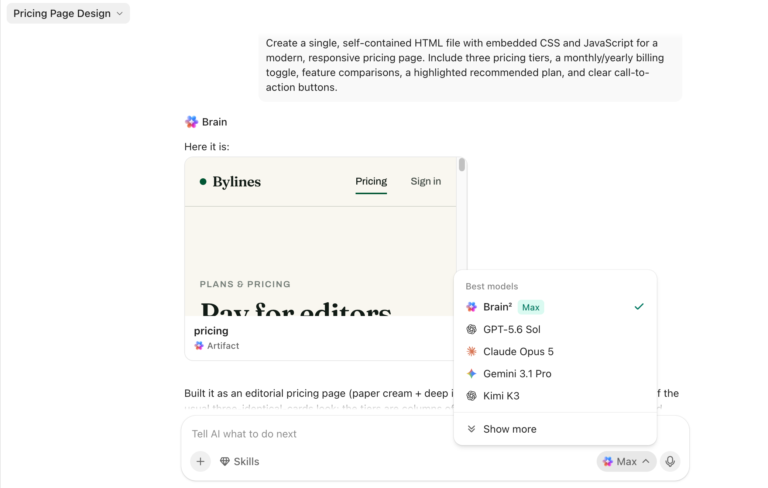
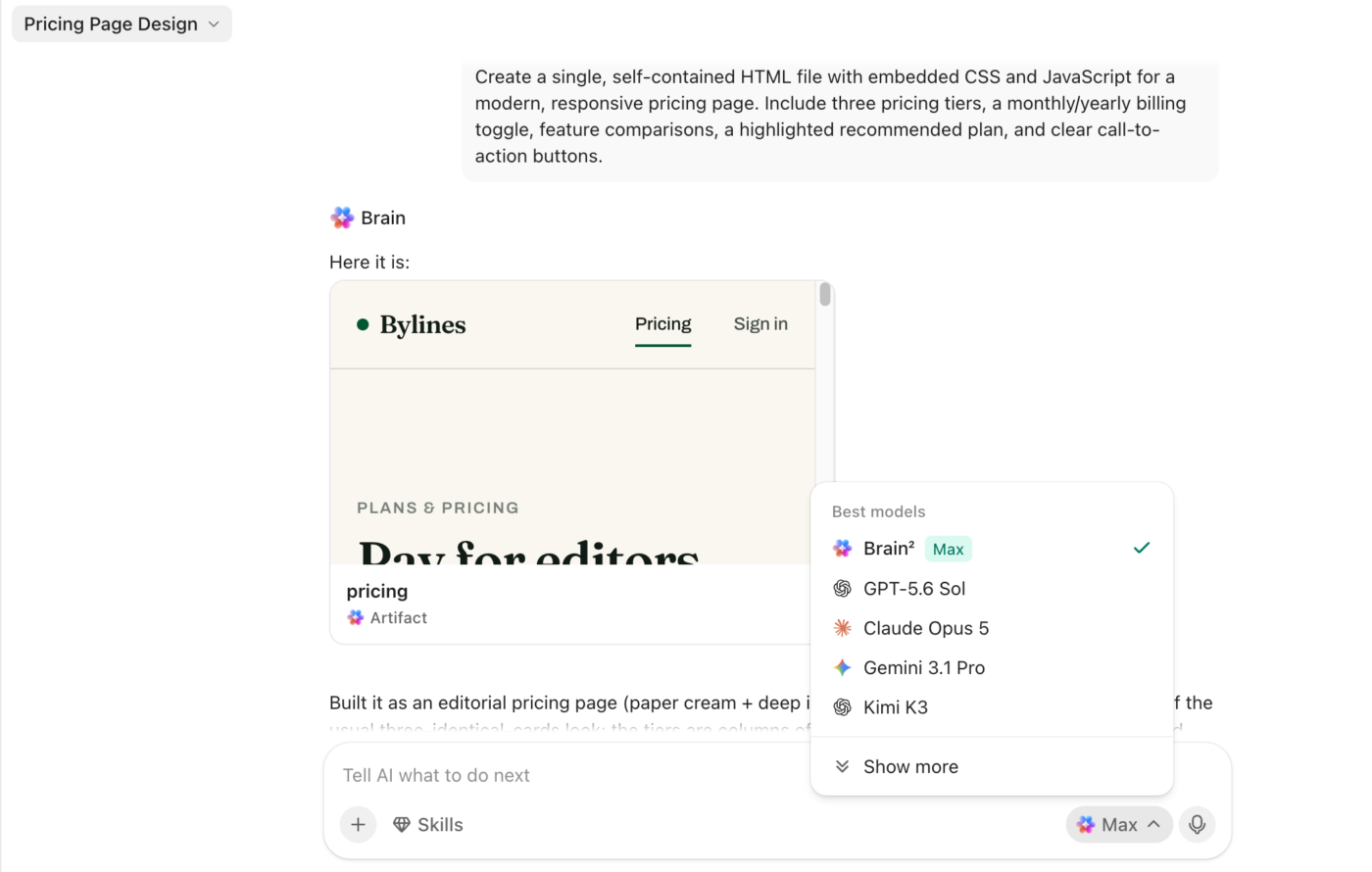
ClickUp Brain is contextual AI that runs on work you already have: tasks, Docs, Chats, and connected apps, with multi-model access and zero data retention. It’s neither an anonymous proxy nor a blank creative sandbox. The trade-off is scope: Brain answers from your workspace and turns those answers back into work, which means it needs a populated workspace to be useful at all.
Pros:
Cons:
ClickUp makes the strongest case for teams whose AI needs to understand shared work, produce a deliverable, and leave the next step inside the same system.
See what that looks like when the AI already knows the project it’s being asked about:
Decimal Point Analytics, a data analytics firm with 800+ employees across four continents, was already running its entire operation on ClickUp. But when it came to AI, the team was still fragmented: sales used one LLM, data teams used another, and marketing used a third. Context didn’t carry between tools, and outputs lived nowhere near the projects they supported.
Once ClickUp Brain introduced multi-model access, their teams stopped tab-hopping between AI apps. Sales builds pitch decks, data teams generate insights, and project managers forecast timelines, all inside the same workspace where the underlying work lives. The marketing team now completes its day-to-day work 40% faster.
As CMO Shripad Nagarnaik put it:
Our marketing team now completes their day-to-day work faster—request management, task reviews, content creation, research, summarization—everything happens with ClickUp Brain. Having all these models in one place under ClickUp Brain is one of the biggest advantages. Doing LLM research on multiple tools separately vs. in ClickUp, in one go, makes a huge difference
ClickUp is a workspace-first tool, so it carries more setup than either tool in this comparison. If what you want is an anonymous answer to one question in the next ten seconds, Duck AI gets you there faster and asks for nothing. If you want a general-purpose creative sandbox with no project-management layer, ChatGPT is the better-shaped tool.
ClickUp earns its place once the AI needs to know what your team is doing, which means it suits teams consolidating tools more than solo users running occasional prompts. Teams that want AI grounded in shared tasks, Docs, conversations, and project data, with outputs that can move straight into execution, would benefit from using ClickUp.
By this point, the choice between Duck AI and ChatGPT depends on what you need AI to do. Duck AI works best for private, one-off prompts. ChatGPT is stronger for work that needs memory, files, code, and continuity. But if your team needs AI inside the same workspace where work already happens, ClickUp may be the better fit.
ClickUp doesn’t match Duck AI’s anonymous, account-free access. And ChatGPT is still better suited to broad personal research and open-ended experimentation.
But for teams that want multiple AI models, workspace context, data analysis, decks, prototypes, and repeatable workflows in one place, ClickUp closes the gap between getting an answer and acting on it.
Duck AI is built and operated by DuckDuckGo, which launched it in June 2024 as DuckDuckGo AI Chat. DuckDuckGo doesn’t make the underlying models. It rather acts as an anonymizing proxy in front of models from different providers like OpenAI and Anthropic. Your prompt reaches those providers with your identity stripped out.
Start with a low-cost model like GPT-5.4 nano or Claude Haiku for everyday questions, and save the advanced models for coding, analysis, or long-form writing. Every prompt draws against a usage limit, and heavier models consume more of that limit per prompt, so model choice decides how long you can keep working in a session. DuckDuckGo publishes a per-model cost and capability breakdown in its model selection guide. Extended reasoning is limited to the top models on paid tiers.
Yes. Duck AI is free but capped by a daily limit. Subscribers get daily and weekly limits: once the daily cap is spent, you can draw on the weekly allowance to finish a session. Daily limits reset at midnight UTC and weekly limits reset on Sunday at midnight UTC, with current usage visible in Duck AI settings. Pro subscribers get 2x the limits of Plus.
No. Duck AI is an anonymizing proxy that routes your prompt to third-party models, one of which happens to be OpenAI’s. DuckDuckGo strips your IP address and identifying metadata so requests to Anthropic, OpenAI, Mistral, Azure, and Tinfoil appear to come from DuckDuckGo rather than from you. It runs GPT-5.4 nano and mini, not ChatGPT’s flagship models, and none of ChatGPT’s memory, Projects, code execution, or agent features exist inside it.
Turn off “Improve the model for everyone” in ChatGPT’s data controls. The setting applies going forward only, so deleting older conversations is a separate step, and so is deleting the account. Business and Enterprise workspaces exclude customer data from training by default, which is why regulated teams buy the tier instead of relying on a per-person toggle.
Yes, in supported regions, but you lose everything that makes ChatGPT worth choosing over Duck AI. Signed-out use gets you basic model access with no saved history, no memory, no Projects, and no connected apps. Signed-out chats can still be used for training unless you set the data control, which OpenAI exposes separately for signed-out users.
Yes, and most teams land there. The workable split is a single rule written in advance: anything containing a name, client detail, unreleased figure, or credential goes to the account-free tool, and everything else goes where the context lives.
On the same class of model, they’re equivalent, because Duck AI passes the provider’s response through unchanged and applies no filtering or correction of its own. In practice, ChatGPT is more accurate on hard reasoning because Duck AI’s free tier is limited to lightweight models like GPT-5.4 nano, GPT-5.4 mini, and Claude 4.5 Haiku, while frontier models such as Claude Opus 4.8 sit behind the Pro plan. Verification is still on you either way.

Manasi Nair
Max 22min read
Manasi Nair
Max 23min read
Manasi Nair
Max 29min read

© 2026 ClickUp




