
Sorry, there were no results found for “”
Sorry, there were no results found for “”
Sorry, there were no results found for “”
For some users, working with Productive.io can feel like trying to fit your projects into someone else’s mold. Between the steep learning curve, limited reporting flexibility, and slow customer support, it’s easy to feel boxed in.
Imagine switching to a platform that actually adapts to how your team works—where reports are customizable, the UI is intuitive, and help is just a click away. That’s exactly what the best Productive.io alternatives offer.
In this post, we’ll walk you through the top tools that tackle Productive’s most common pain points—and help you take back control of your workflows. Whether you’re a solo freelancer, a growing startup, or a full-blown enterprise, let’s check out the top picks before your client interactions turn into crisis management.
Here’s a quick overview of the alternatives to Productive.io we’ll cover:
Choosing the right Productive.io alternative depends on your team’s unique needs. Are you looking specifically for task management, financial tracking, or resource scheduling software? Here are the key features to consider:
👀 Did You Know? Over 85% of businesses actively use project management software, and the market is expected to reach a valuation of $7 billion. Still managing projects with spreadsheets and hope? Maybe it’s time to switch to a smarter management tool.
Our editorial team follows a transparent, research-backed, and vendor-neutral process, so you can trust that our recommendations are based on real product value.
Here’s a detailed rundown of how we review software at ClickUp.
ClickUp, the everything app for work, is a top Productive.io alternative that brings task and project management, team collaboration, and resource planning under one roof. If you’re tired of bouncing between disconnected tools, ClickUp’s all-in-one platform keeps your projects, knowledge, chat, and even AI assistance centralized, helping teams of all sizes work smarter.
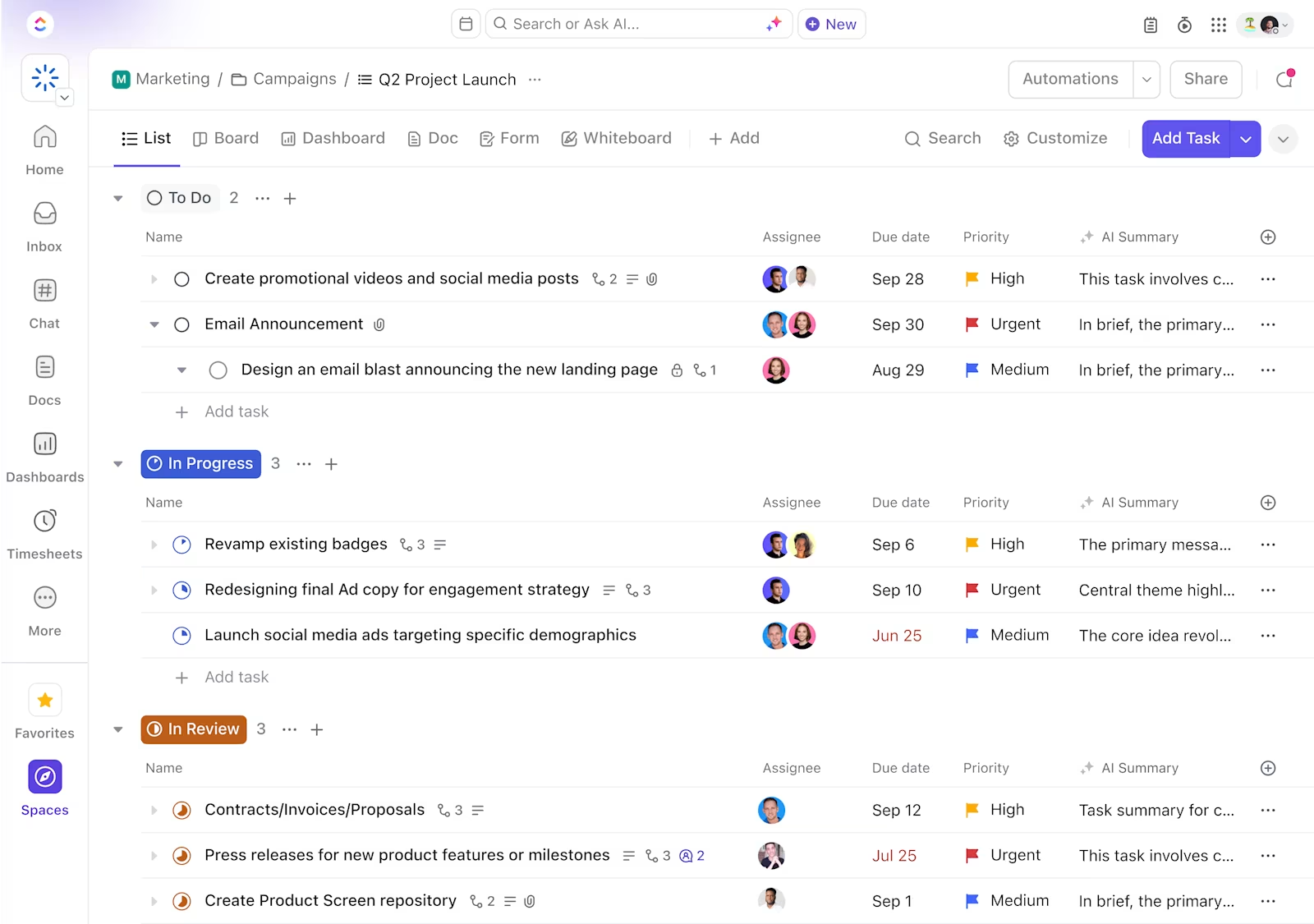
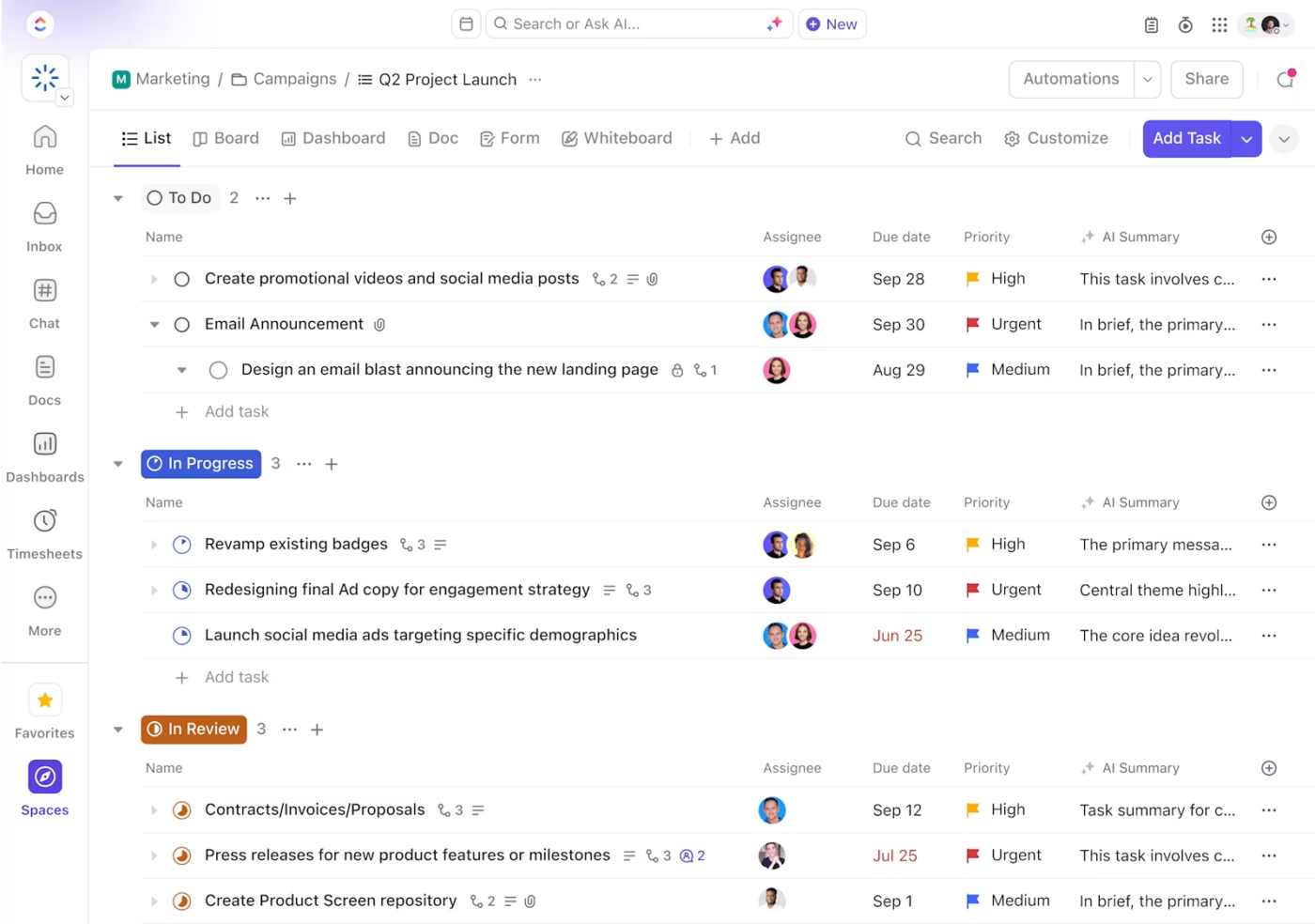
At the heart of the ClickUp Project Management Solution are ClickUp Tasks, which let you break down complex projects into manageable, trackable steps. The best part? Unlike other project management tools that lack flexibility, ClickUp Tasks adapt to any workflow.
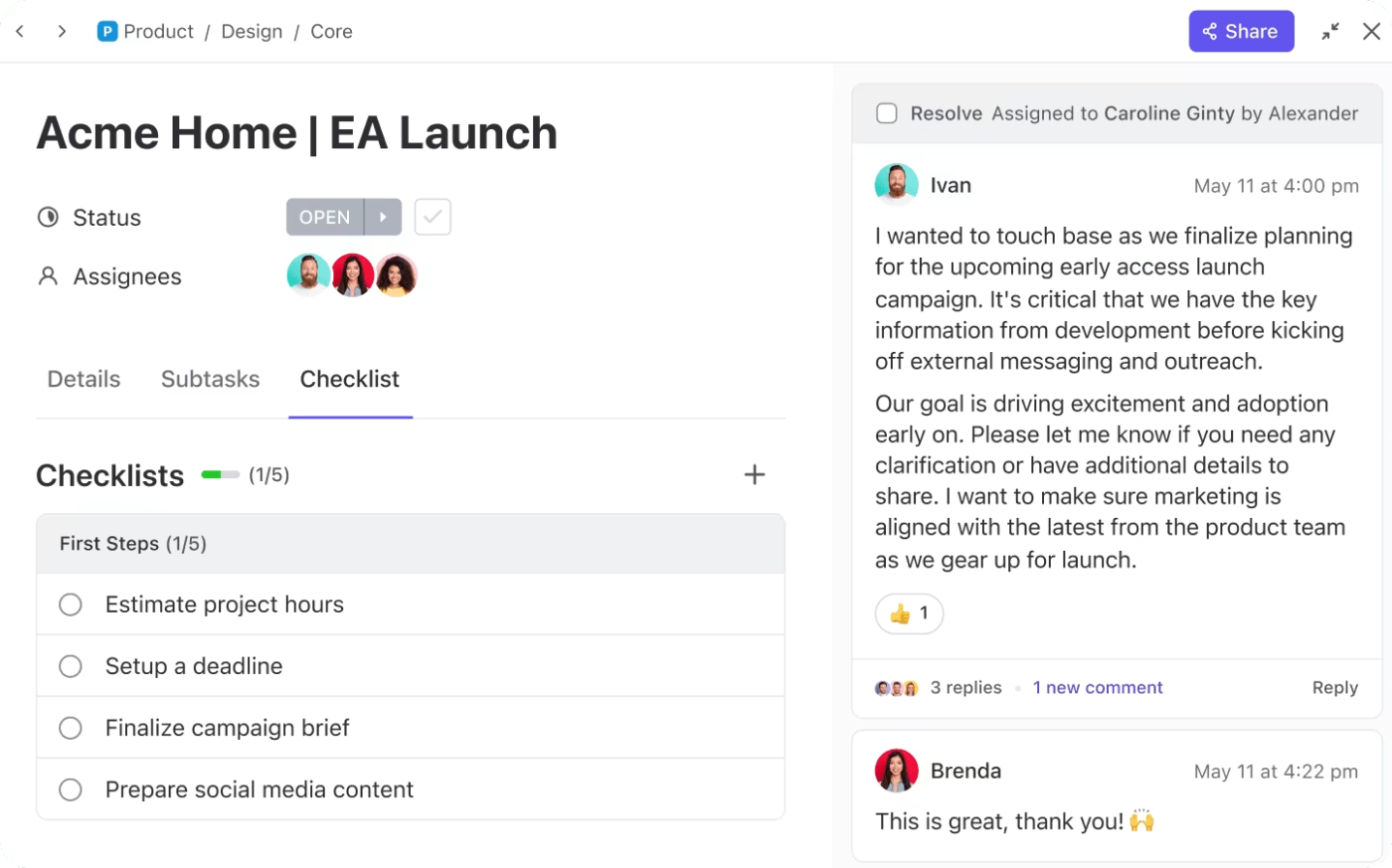
With Custom Fields in ClickUp, you can make room for all task details—from assignees and due dates to budgets, priority levels, client names, and even custom tags that fit your workflow. Attach links, docs, and audio or video Clips right within tasks for added context.
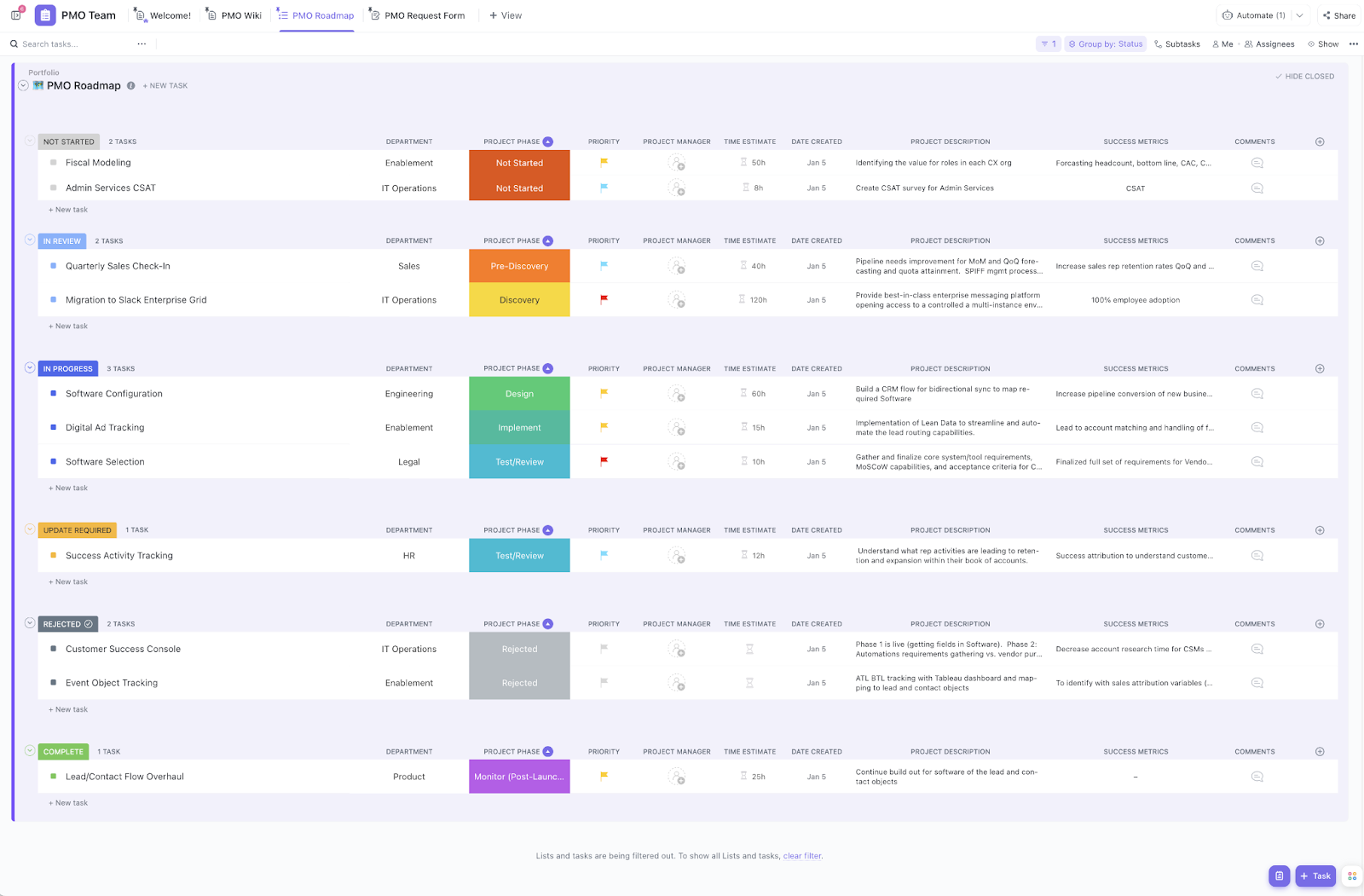
ClickUp’s Task Dependencies ensure teams know what needs to be done first, while custom statuses go beyond the usual “To Do” and “Done,” making progress tracking more dynamic. And with priority levels, everyone stays focused on what matters most.
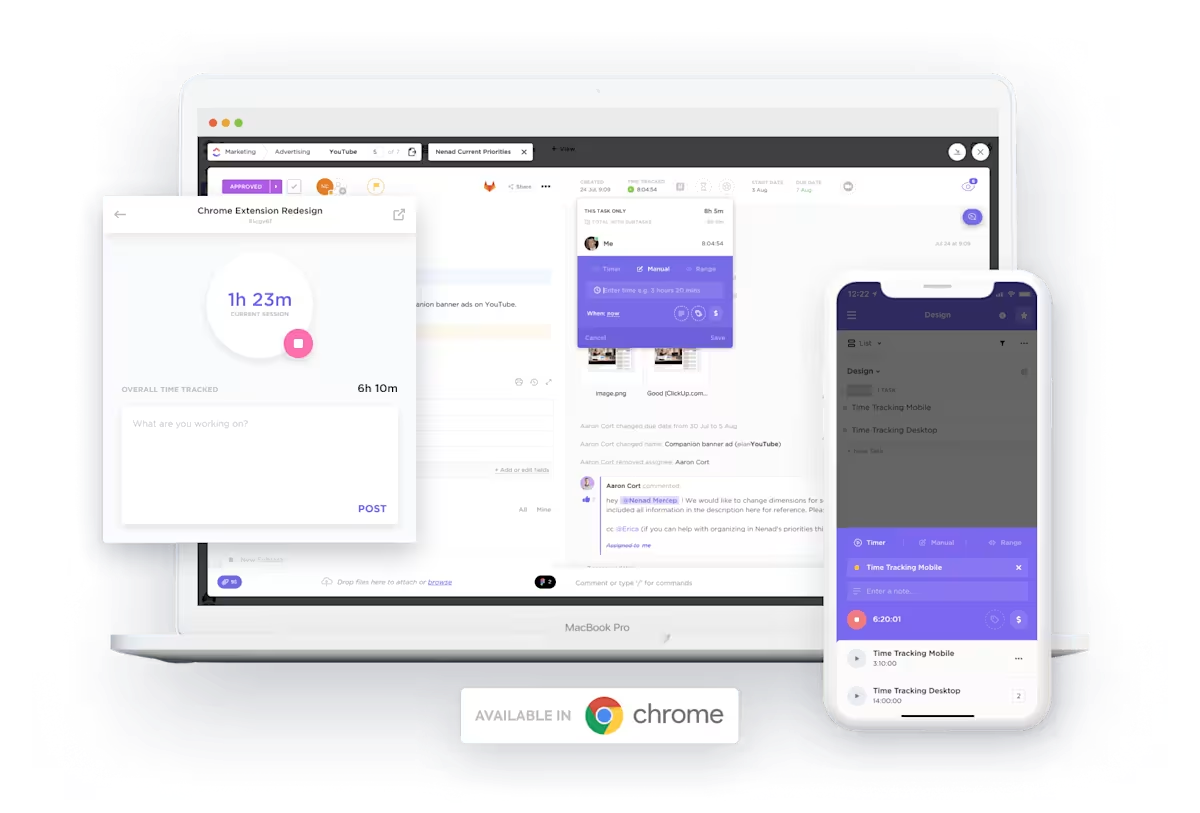
Of course, managing tasks is one thing—tracking time spent on them is another. Enter ClickUp Time Tracking. Start and stop timers from any device, log hours manually, or sync with apps like Toggl and Harvest for seamless time entries. Plus, detailed reports break down billable hours, helping teams optimize productivity.
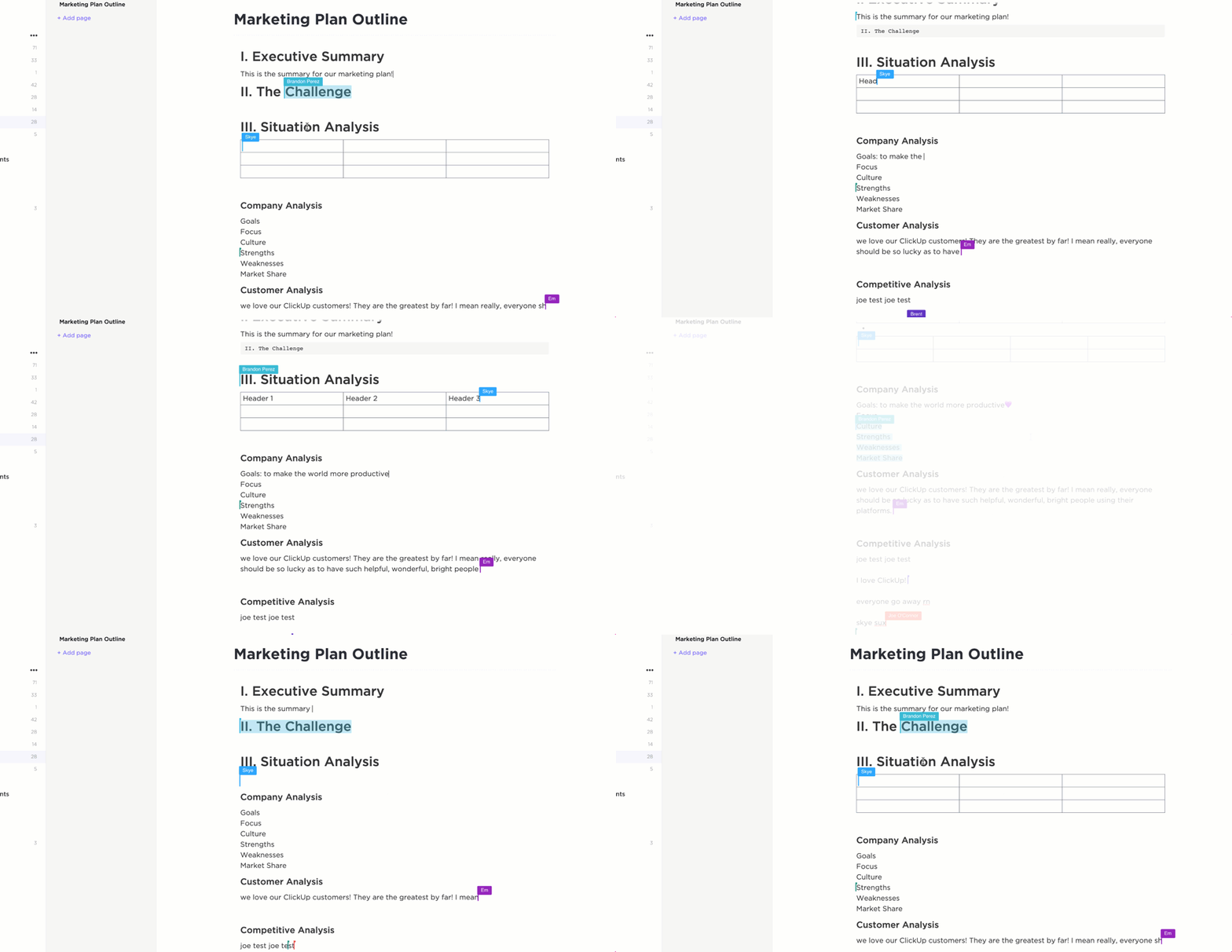
For distributed teams, real-time collaboration ensures no one is left out. With ClickUp’s collaboration detection, your team can see when teammates are making changes to shared ClickUp Docs and ClickUp Whiteboards, while automatic syncing keeps updates instant. No more back-and-forth confusion—just smooth project progress.
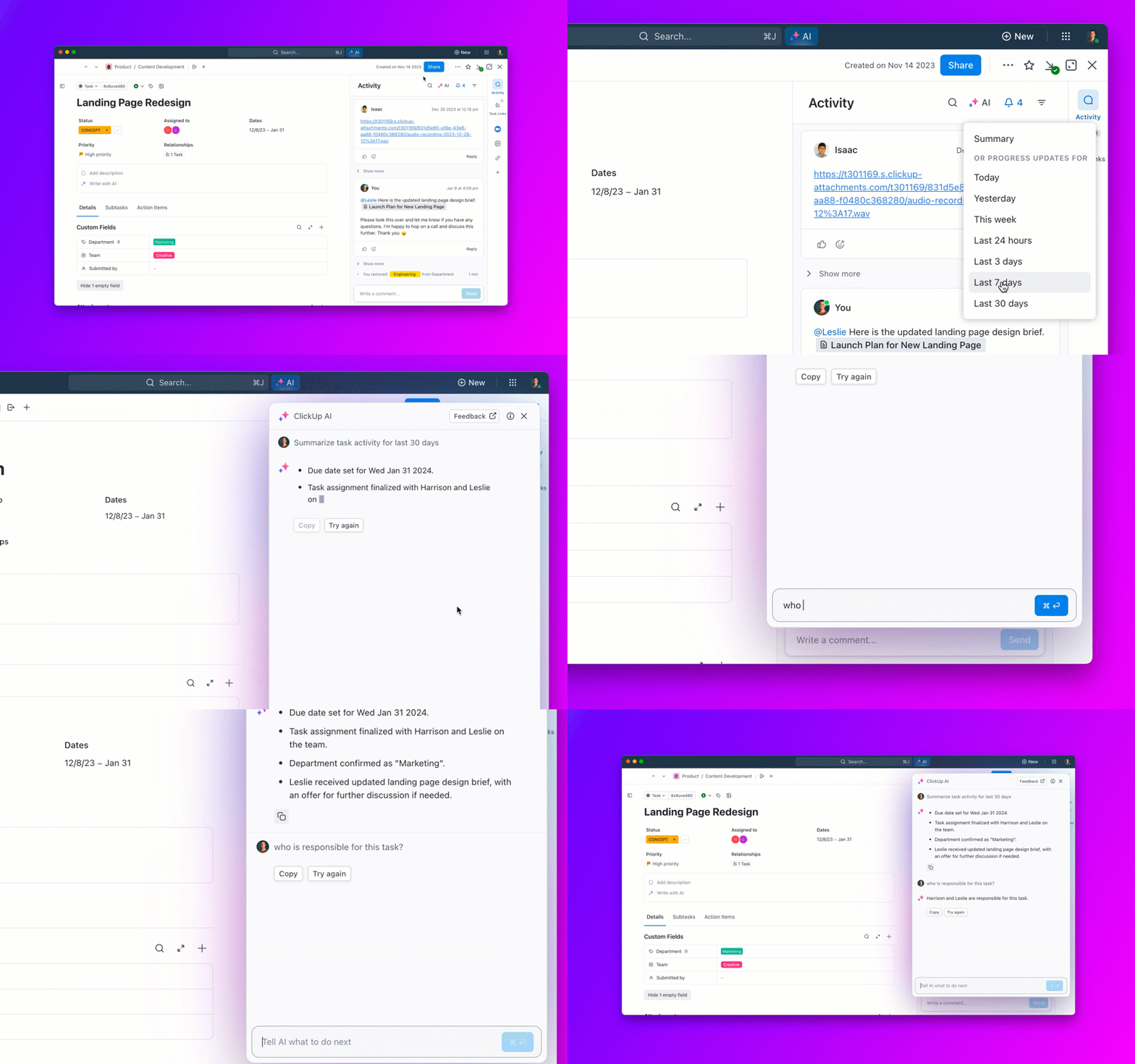
ClickUp Brain’s conversational and contextual AI within your workspace takes the hassle out of task management by automating project standups and updates, drafting activity summaries, and suggesting action items to keep projects on track—all in seconds.
Using Ask AI in ClickUp, teams find key information instantly, eliminating time wasted digging through massive folders and lists. Handling repetitive tasks frees teams to focus on high-impact work instead of manual busy work.
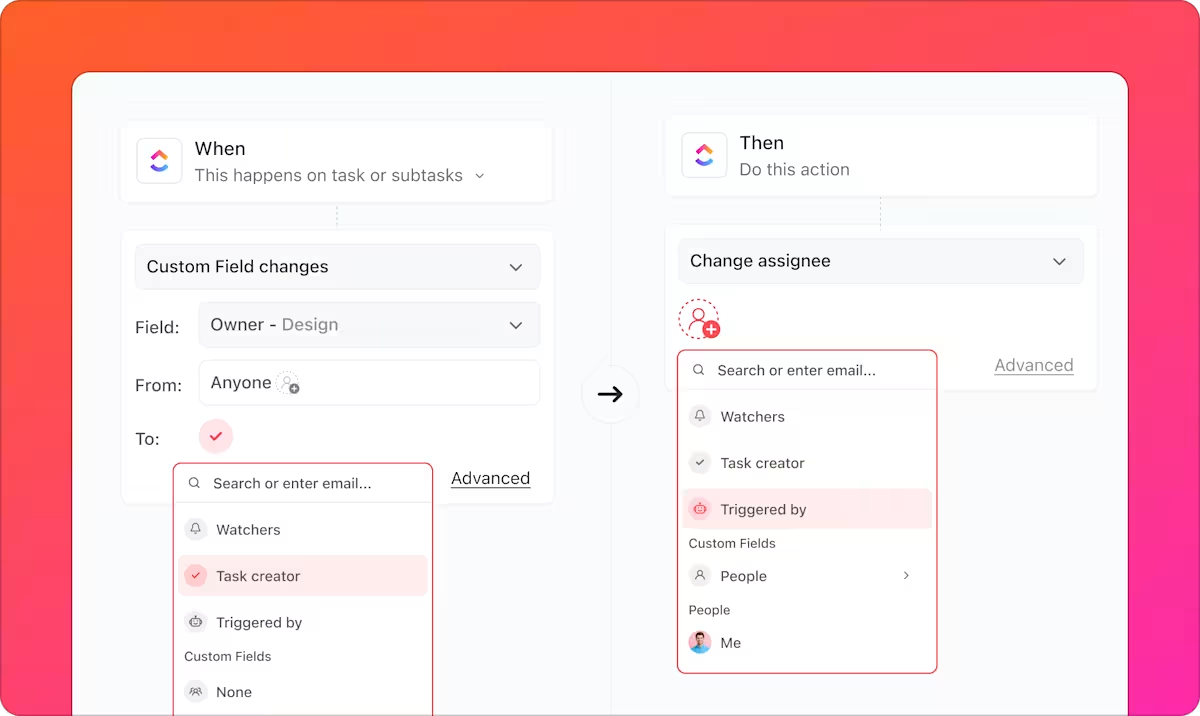
Looking to reduce mundane, manual work further? ClickUp Automations trigger actions based on custom conditions, handling repetitive updates, task assignments, and notifications. That means fewer clicks, less hassle, and a more efficient project workflow.
And if you need a headstart, ClickUp’s customizable project management templates make setup easy.
The ClickUp Project Management Template helps teams manage complex projects without silos, ensuring clear resource allocation, client communication, and project timelines from day one.
📮 ClickUp Insight: Context-switching is silently eating away at your team’s productivity. Our research shows that 42% of disruptions at work come from juggling platforms, managing emails, and jumping between meetings. What if you could eliminate these costly interruptions?
ClickUp unites your workflows (and chat) under a single, streamlined platform. Launch and manage your tasks from across chat, docs, whiteboards, and more—while AI-powered features keep the context connected, searchable, and manageable!
We use ClickUp for all our project and task management, as well as as a knowledge base. It has also been adopted for monitoring and updating our OKR framework and several other use cases, including flow charts and holiday request forms and workflows. It is great to be able to serve all of these within one product, as things can very easily be interlinked.
📖 Also Read: How to Use AI for Productivity (Use Cases & Tools)
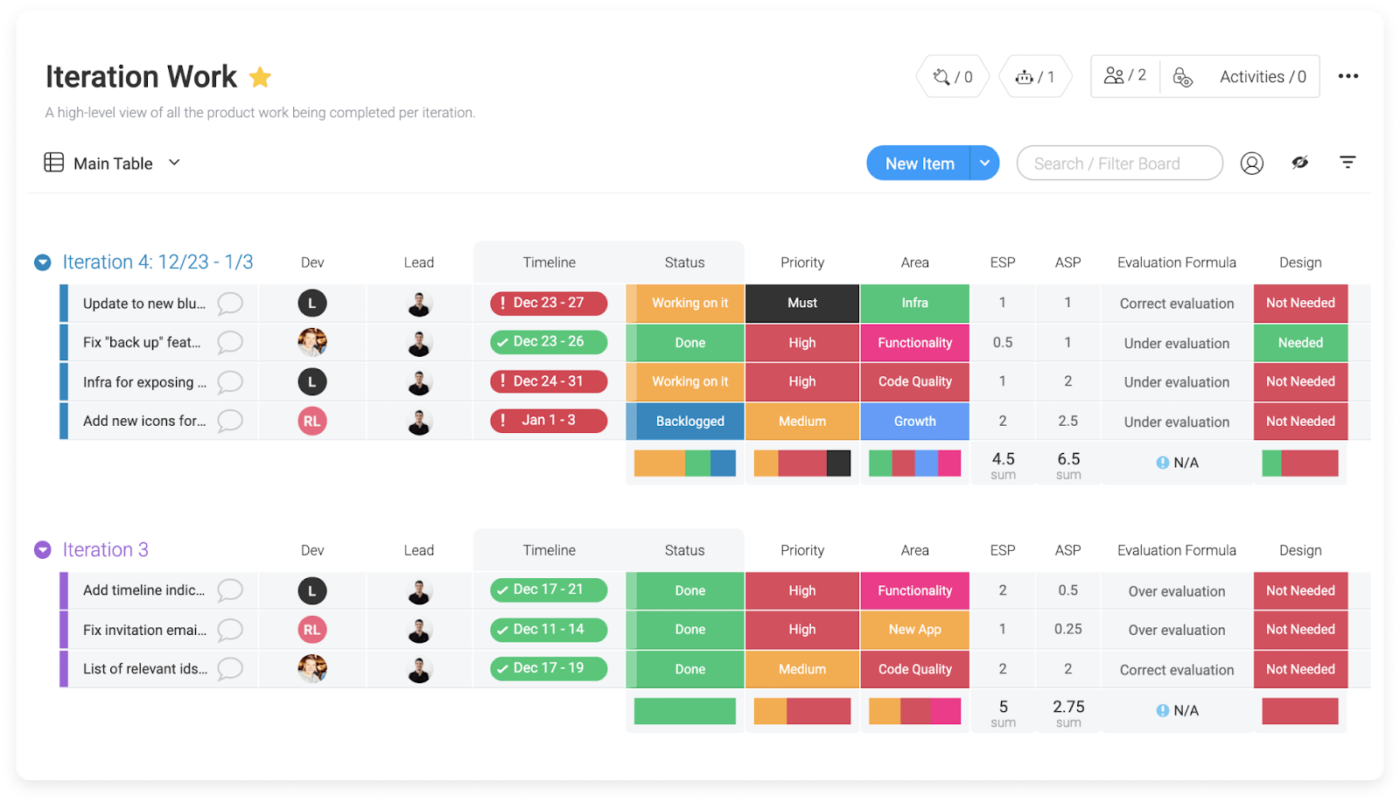
Imagine mapping out your entire project at a glance—no clutter, no confusion. Monday.com gives teams that intuitive edge with visual project management tools such as dynamic Gantt charts, Kanban boards, and project dashboards.
It streamlines task management by letting you assign owners, set priorities, and track progress in real time. Built-in automation eliminates repetitive tasks, keeping projects moving without constant manual updates.
Overall it does a fantastic job. It took some time to figure out how best to lay out our boards, subitems and connections. We used zero templates out of the box. The visibility it creates is awesome, and thanks to automations we simply don’t miss deadlines and details.
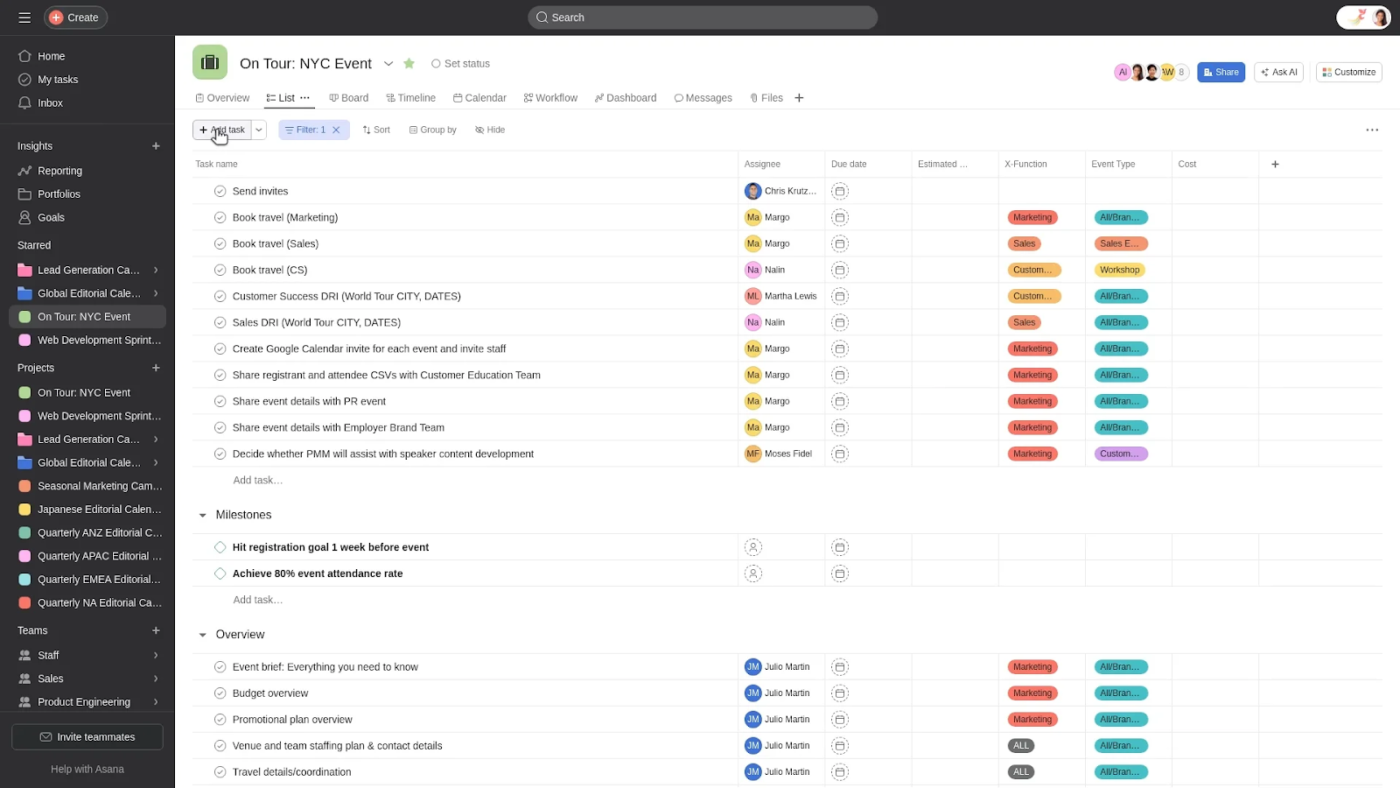
Fun fact: Asana began as an internal task management tool developed by two Facebook engineers. Today, it’s evolved into a work management platform that allows you to manage tasks, delegate responsibilities, and track progress.
Its AI-powered automation, goal alignment, and real-time reporting ensure that teams stay productive and focused on high-priority tasks.
Asana is great to manage the tasks of your team, but it is also super helpful to keep track of your own projects and activities. You can use different projects/boards to keep everything organized and have a clear view on what needs to be done, who is involved on it, and when each specific task is due.
💡 Pro Tip: One of the biggest reasons projects drag on indefinitely is a vague definition of what “done” actually means. Is the project complete when the deliverables are submitted? When the client approves? When it’s live and generating results?
Establish clear success criteria at the outset so there’s no ambiguity when it’s time to close the project. Otherwise, you risk endless revisions and scope creep that eats away at your timeline and budget.
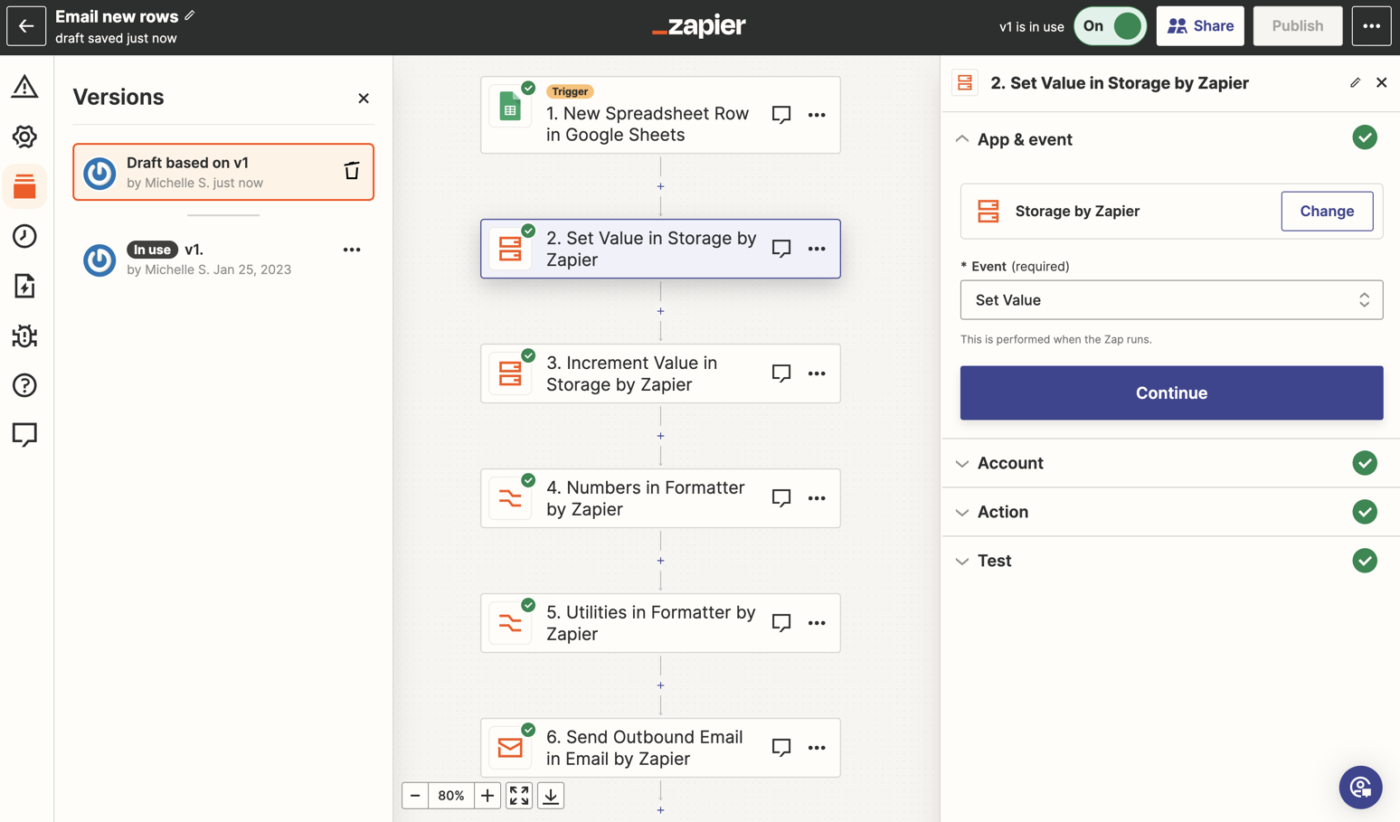
Sure, Zapier isn’t your typical project management software. However, it’s the go-to automation platform for businesses working with the most popular project management platforms. If you’re looking to streamline operations and eliminate repetitive tasks, Zapier can help.
Connect Zapier to your project management tool and 7,000+ other apps to automate workflows—no coding needed. Say goodbye to tedious manual tasks and hello to efficiency. With AI-powered insights, teams can also focus on high-value work while automation handles the busy work.
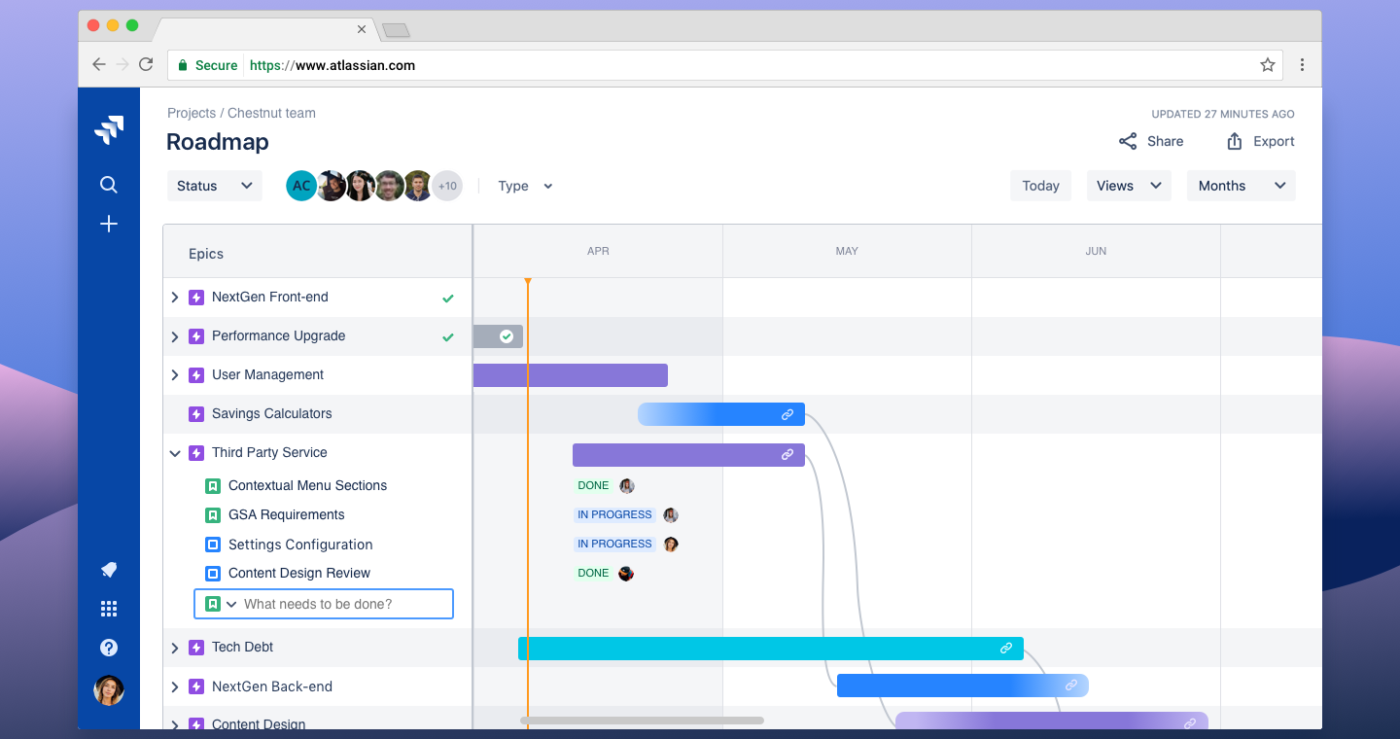
Managing a tech team that swears by the Agile methodology? Your teammates will feel right at home with Jira.
Developed by Atlassian, Jira is built for Agile teams managing complex projects and offers powerful tools for sprint planning, issue tracking, and workflow automation.
It enables teams to break down tasks, track dependencies, and optimize delivery with AI-driven insights. With built-in project reporting, integrations, and highly customizable workflows, Jira keeps development teams aligned and efficient.
🧠 Fun Fact: The Agile Manifesto, which transformed project management in software development, was written and developed by a group of developers in 2001—at a ski resort in Utah!
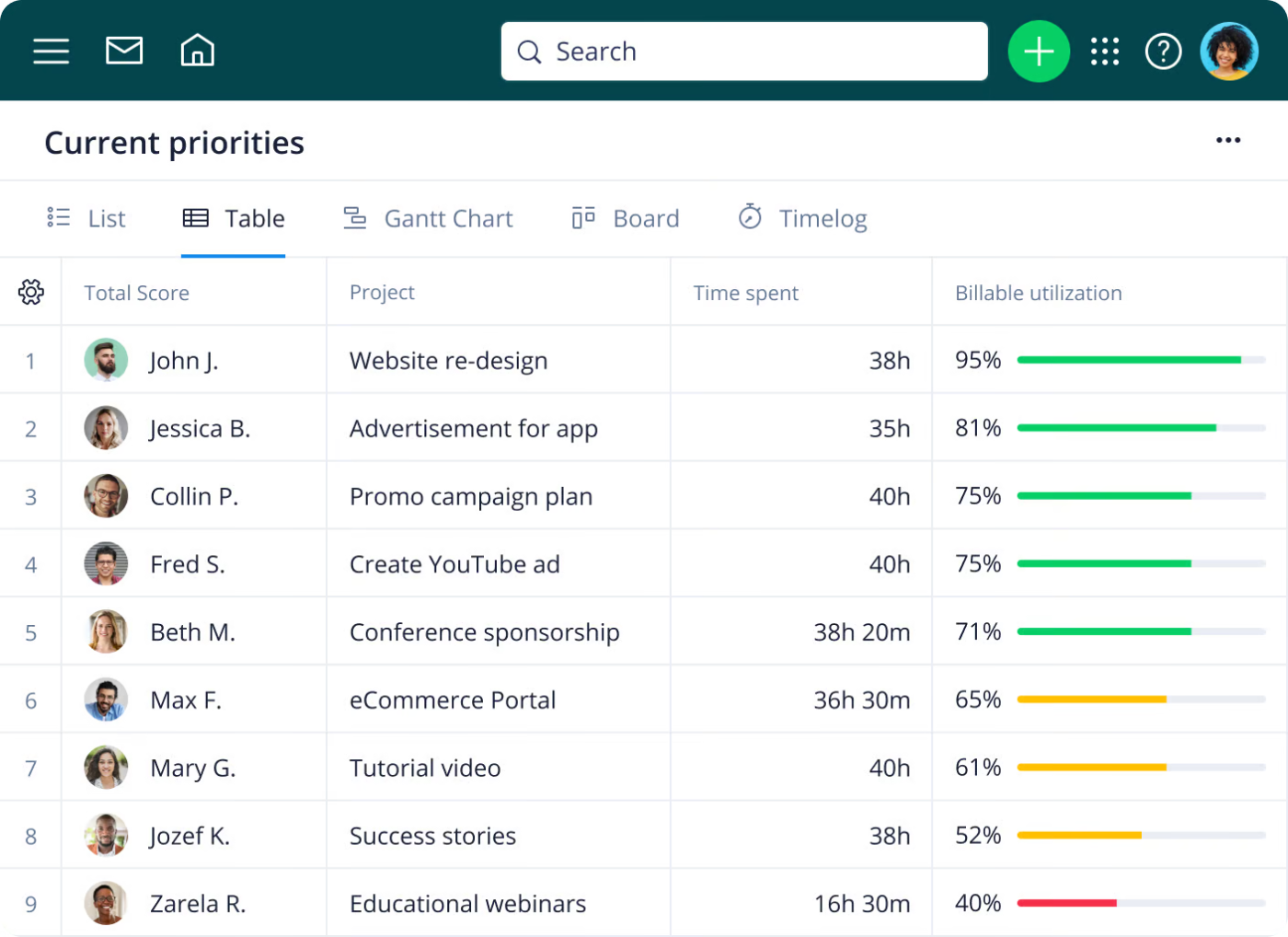
Great project management isn’t just about sticking to the plan—it’s about adapting when things don’t go as expected. That’s where Wrike comes in.
Wrike helps teams stay agile with enterprise-grade security, integrations with tools like Slack, Microsoft, Google, and Adobe, and real-time dashboards that highlight bottlenecks before they derail progress.
Not every project goes as planned—just ask 3M! When scientist Spencer Silver set out to create a super-strong adhesive, he accidentally invented a weak one instead. But instead of calling it a failure, 3M found a new purpose for it, leading to one of the most iconic office supplies ever: Post-it Notes.

Most project management tools are built for internal teams. But what if you wanted a more solid client-facing one? Teamwork could be it.
It’s a project management platform specifically designed for businesses that focus on client services. It simplifies client onboarding, management, and delivery so everyone stays on the same page. Agencies, IT services, consulting firms, and engineering teams can all benefit from Teamwork’s real-time collaboration features.
Teamwork has a super intuitive interface; I didn’t have to get lost in a sea of settings to get started. I was able to create projects, assign tasks and set deadlines without feeling like I was cracking secret code.
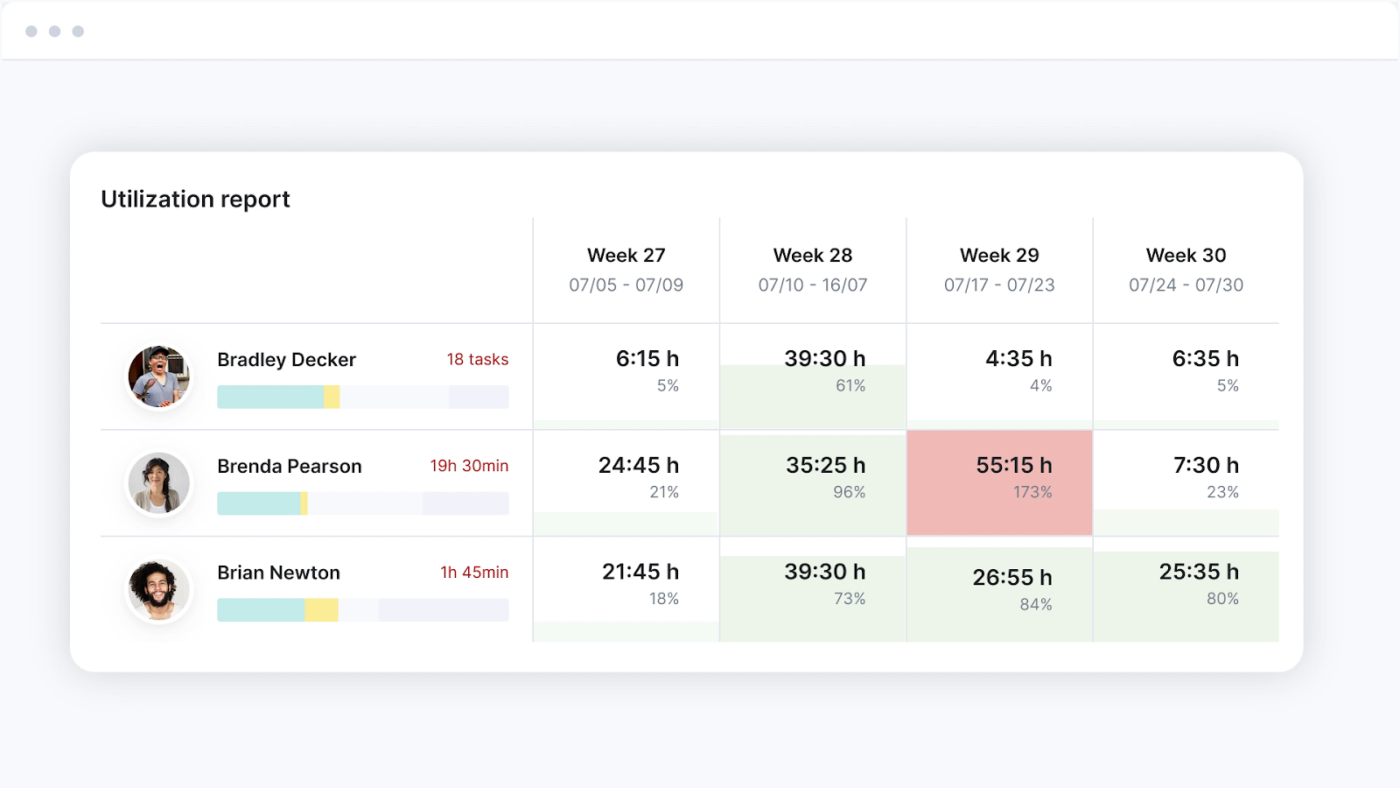
Imagine struggling with multiple tools just to keep your consultancy or agency running smoothly. With Scoro, you can integrate project management, CRM, quoting, invoicing, and reporting into one system instead.
The platform helps teams stay organized, optimize resources, and gain real-time insights without the hassle of switching between apps. It also boasts an intuitive design and solid integrations with tools like Slack and Google Calendar, making daily operations more efficient.
📮 ClickUp Insight: Low-performing teams are 4 times more likely to juggle 15+ tools, while high-performing teams maintain efficiency by limiting their toolkit to 9 or fewer platforms. But how about using one platform?
As the everything app for work, ClickUp brings your tasks, projects, docs, wikis, chat, and calls under a single platform, complete with AI-powered workflows. Ready to work smarter? ClickUp works for every team, makes work visible, and allows you to focus on what matters while AI handles the rest.
👀 Did You Know? The term “project manager” gained traction during World War II, when the U.S. military needed a structured way to oversee complex wartime operations. Since then, project management has evolved into a critical discipline across industries—but not all tools are built for the same purpose.
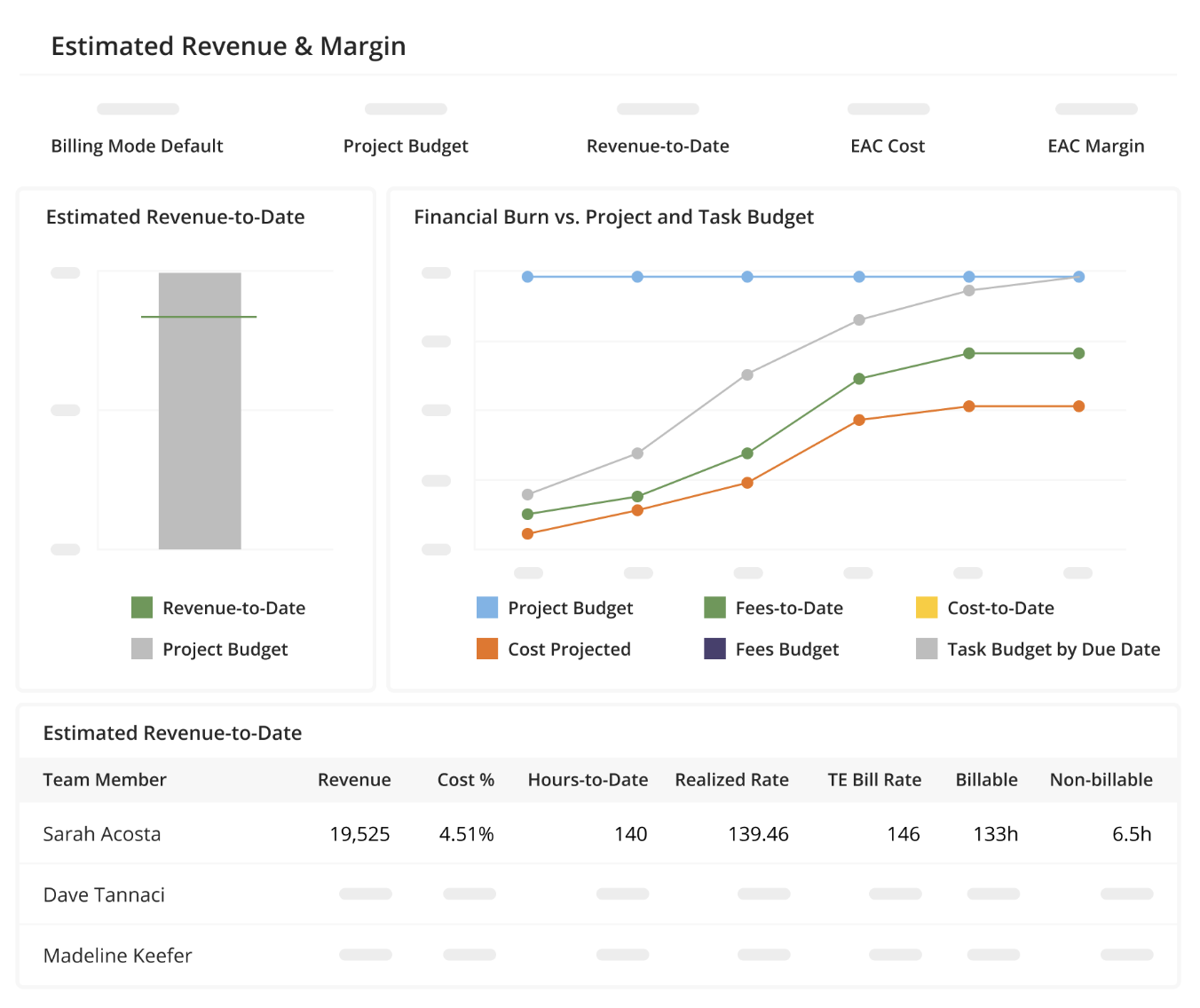
Unlike general-purpose project management software designed for broad use, Kantata is purpose-built for consultancies and agencies that want to keep a close eye on expense management.
It offers advanced project forecasting, real-time portfolio health tracking, and integrated project accounting, helping firms optimize profitability and efficiency.
It delivers a high level of strategic oversight to service-based businesses.
It’s been great for managing time and project allocations. The data side requires some talent to manage, but if your company can have a dedicated person, then it’s very manageable.
💡 Pro Tip: The best project managers treat every project as a learning opportunity. After project completion, conduct a post-mortem to evaluate what went well and what didn’t. Document these insights and apply them to future client projects. Over time, these small adjustments will refine your workflow and make each new project smoother than the previous one.
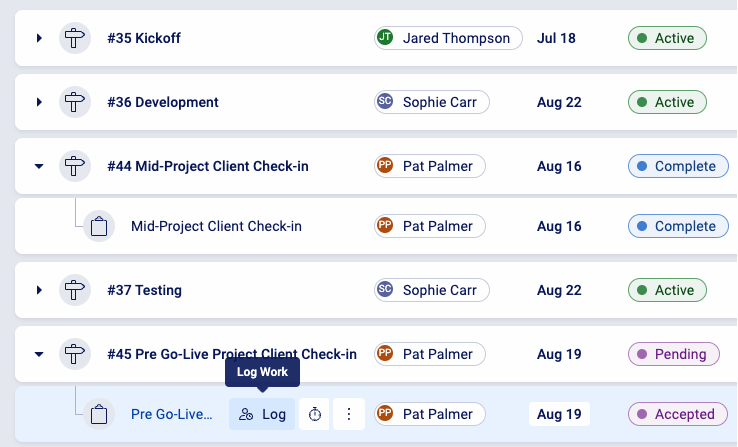
Service businesses run on efficiency, but juggling multiple tools and manual workflows can create bottlenecks. Accelo centralizes project management, sales management, time tracking, billing, and reporting into a single platform, reducing inefficiencies and improving oversight.
With workflow automation, real-time tracking, and a client portal, teams can stay aligned, streamline operations, and maintain clear visibility across every project.
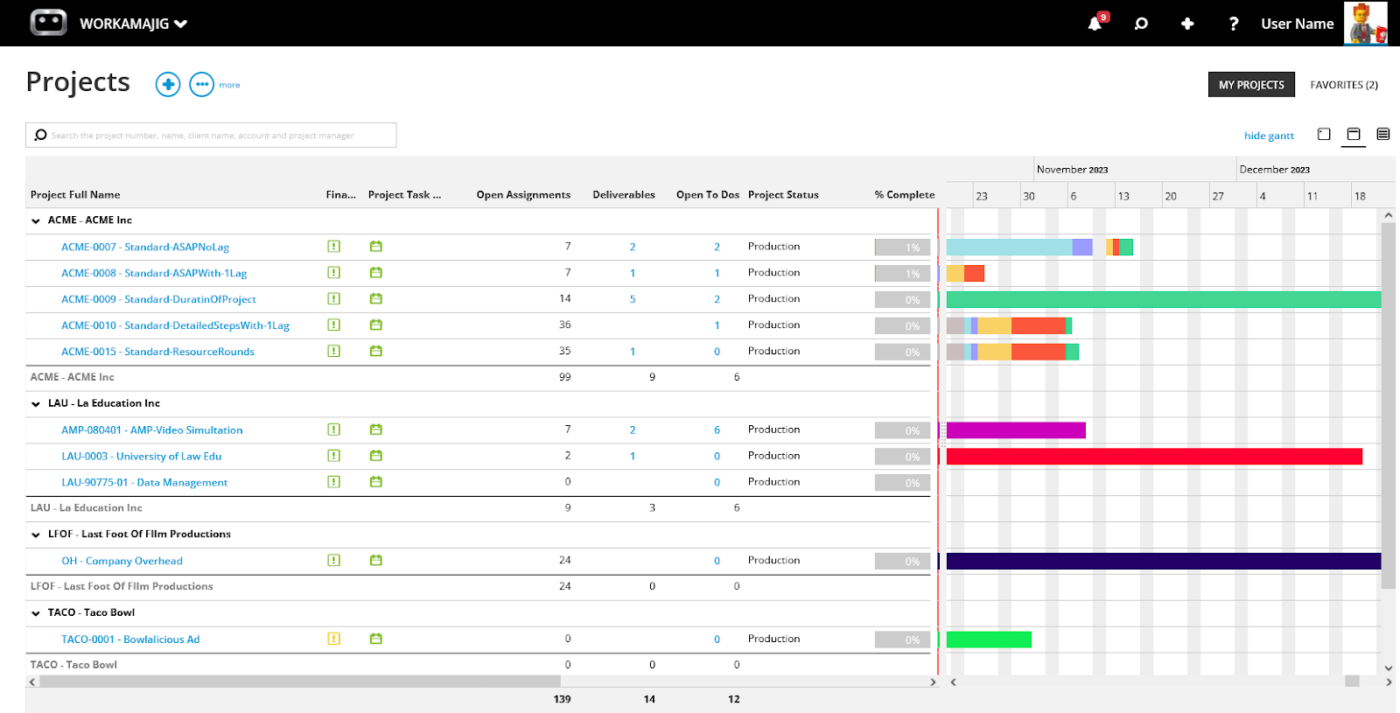
In the ‘Mad Men’ era, agencies ran on whiskey, gut instinct, and a lot of paperwork. Today, creative teams need more than just good ideas—they need structure. That’s what Workamjig brings to the table.
Designed specifically for creative agencies, Workamajig combines project management, budgeting, resource planning, and client collaboration.
From tracking tasks to managing vendor quotes and automating invoicing, it simplifies everything so your agency can stay organized, efficient, and profitable
User-friendly, comprehensive software. I love the customizable reporting and how the project management, time tracking and accounting functions are all inter-connected.
A good project management tool should make your work easier, but when managing the tool itself is hard work, it defeats the purpose. When you choose wisely, you keep teams in sync, remove roadblocks, and make collaboration feel effortless across your organization.
If Productive.io makes you feel restricted ClickUp might just be the adaptable solution you need. With its flexible project views, powerful automation, and pricing that won’t make your finance team cry, ClickUp gives you everything you need to keep projects on track and revenue flowing in. No more juggling tools, no more missing deadlines—just a workspace that works for you.
Teams that switch to ClickUp report replacing at least three tools for the price of one while saving 3+ hours every week. That’s what we call a win-win investment!
Sign up for ClickUp today and step into a new era of efficiency.

Manasi Nair
Max 26min read
Manasi Nair
Max 26min read
Manasi Nair
Max 20min read

© 2026 ClickUp