
Sorry, there were no results found for “”
Sorry, there were no results found for “”
Sorry, there were no results found for “”
Ever had an urge to grab a marker and scribble all over that screen share during a remote team meeting? With a virtual canvas, you can do that!
While your work location keeps changing, brainstorming with your team doesn’t. At least with digital whiteboards, everyone can pitch in and be creative simultaneously.
For example, Klaxoon is a popular visual collaboration software with an intuitive user interface and interactive features. Whether you have a project to launch or a team to train—you can use it.
However, there could’ve been days when you wished for better integration capabilities, export options, etc. We see you! This listicle details 10 Klaxoon alternatives to help you find the right fit for your project planning and visual collaboration requirements.
Skip the trial and error—discover your ideal solution here.
Here’s a quick look at 10 alternatives to Klaxoon for improved collaboration and creative brainstorming:
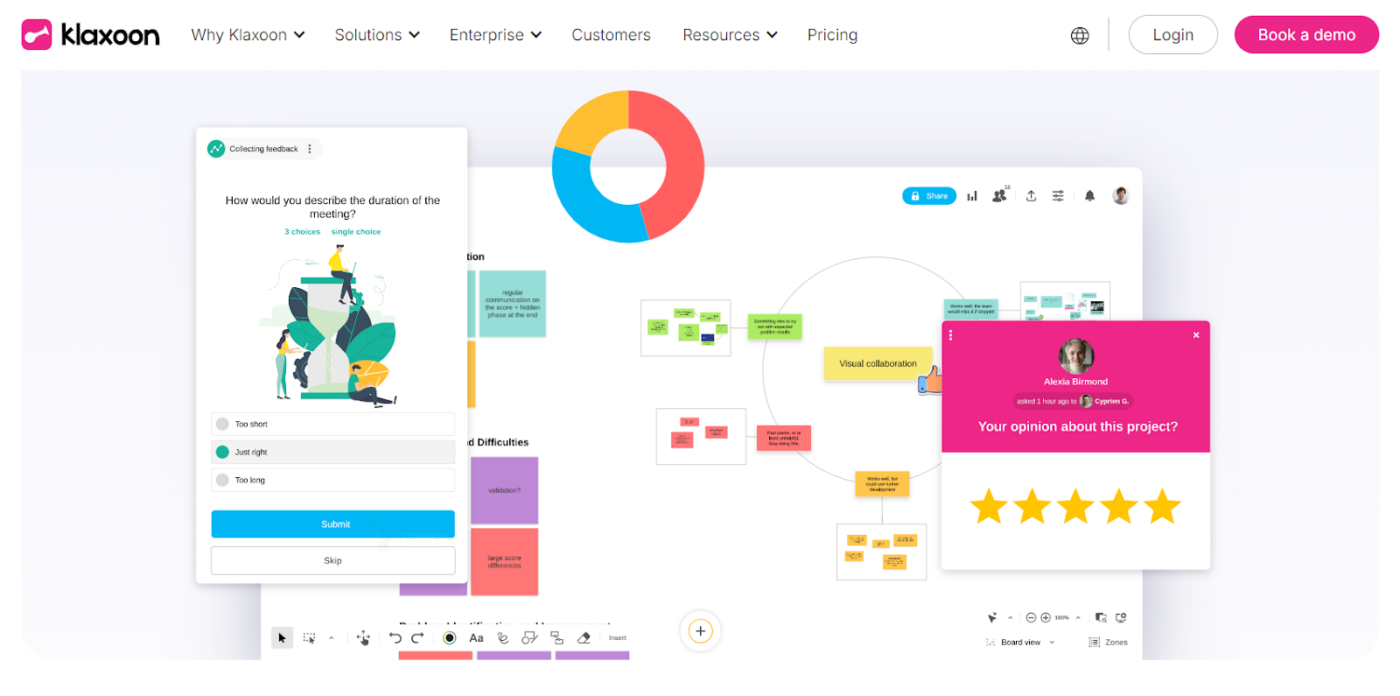
Whether you are a project manager, an agile coach, or a team manager, Klaxoon can look into your collaboration needs. You can set up polls to evaluate a situation, exchange feedback with team members, or access the template library for quick fixes.
But it does have a few limitations that might make you look for alternative AI whiteboard tools:
Here’s a quick overview of the 10 alternatives to Klaxoon and their different use cases.
| Klaxoon alternative | Use case | Best for |
| ClickUp | Brainstorming, collaboration, and project management | Freelancers, startups, small businesses, enterprises |
| Miro | Collaboration, planning, and management | Creative teams, product managers, enterprises |
| FigJam | Interactive brainstorming and design collaboration | UX/UI designers, creative teams, design studios |
| MS Whiteboard | Collaboration with Microsoft ecosystem | Teams using Microsoft Teams for collaboration |
| Mural | Creative workshops and design thinking | Facilitators, product managers, design teams |
| Collaboard | Turning discussions into actionable plans | Working across multiple devices |
| Lucidspark | Diagramming and task management | Design teams, project managers, business strategists |
| Sketch | Real-time design, feedback, and developer handoff | UI/UX designers, creative agencies |
| Creately | Visual project planning | Designers, product managers, teams in technical industries |
| Stormboard | Ideation and reporting tools | Creative teams, educators, project teams |
Team collaboration can increase customer satisfaction by 41% and sales by 27%.
These Klaxoon alternatives promise effective team collaboration with greater flexibility, simple and intuitive interfaces, and many other advantages.
Ready to pick the best platform for improving your teamwork?
One of the best alternatives to Klaxoon is ClickUp, the everything app for work, combining project management, knowledge sharing, and chat—everything powered by AI for automated workflows.
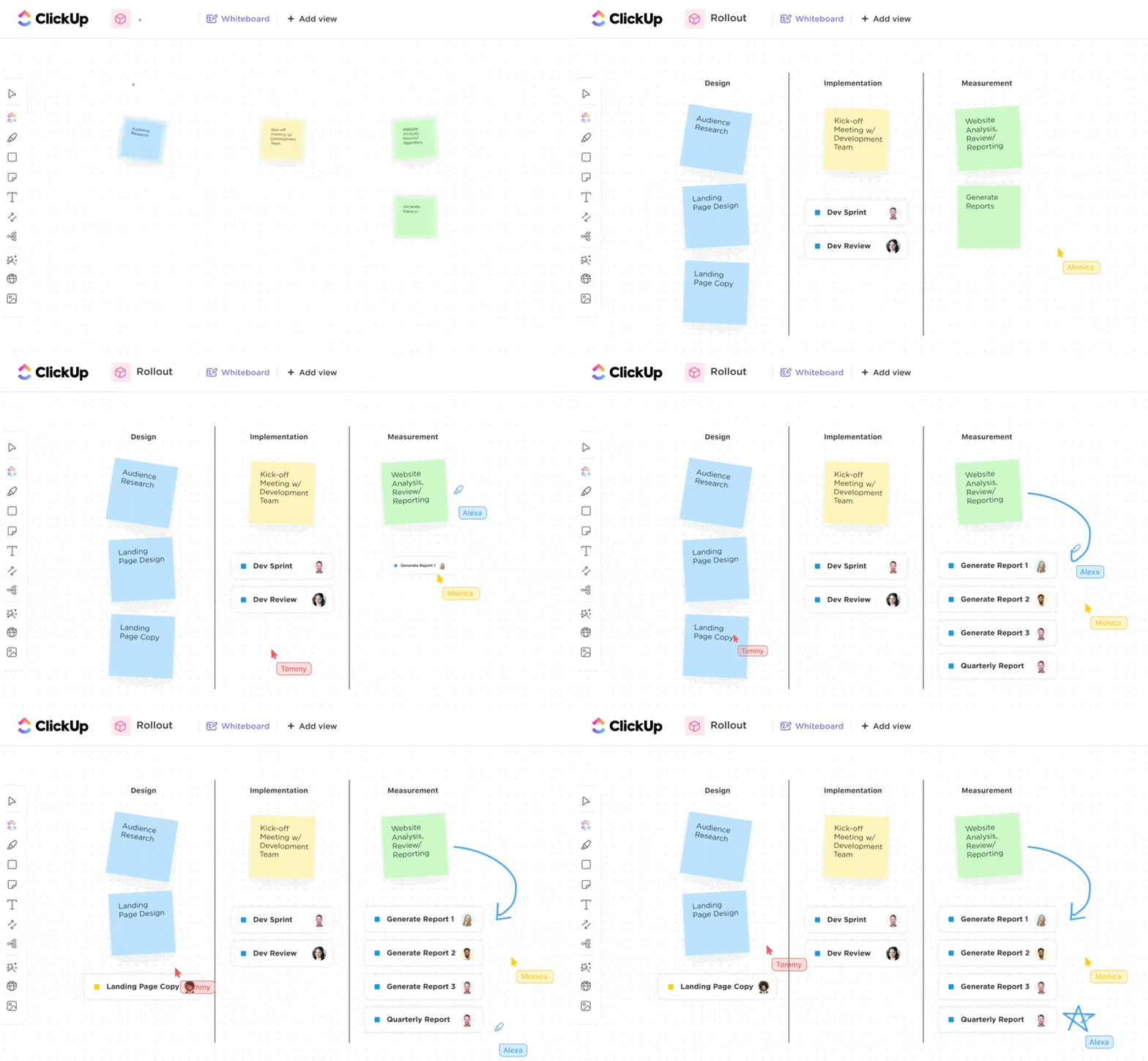
ClickUp Whiteboards connect to tasks, chats, and documents, turning every idea from a concept to an action. Visually map out concepts, processes, and workflows using its drag-and-drop feature.
Embedded documents and tasks provide real-time updates; any idea can be turned into a task and linked to specific projects. You can even loop in external stakeholders with link-sharing and PDF export options. (It’s also great if you want to archive your work for reference).
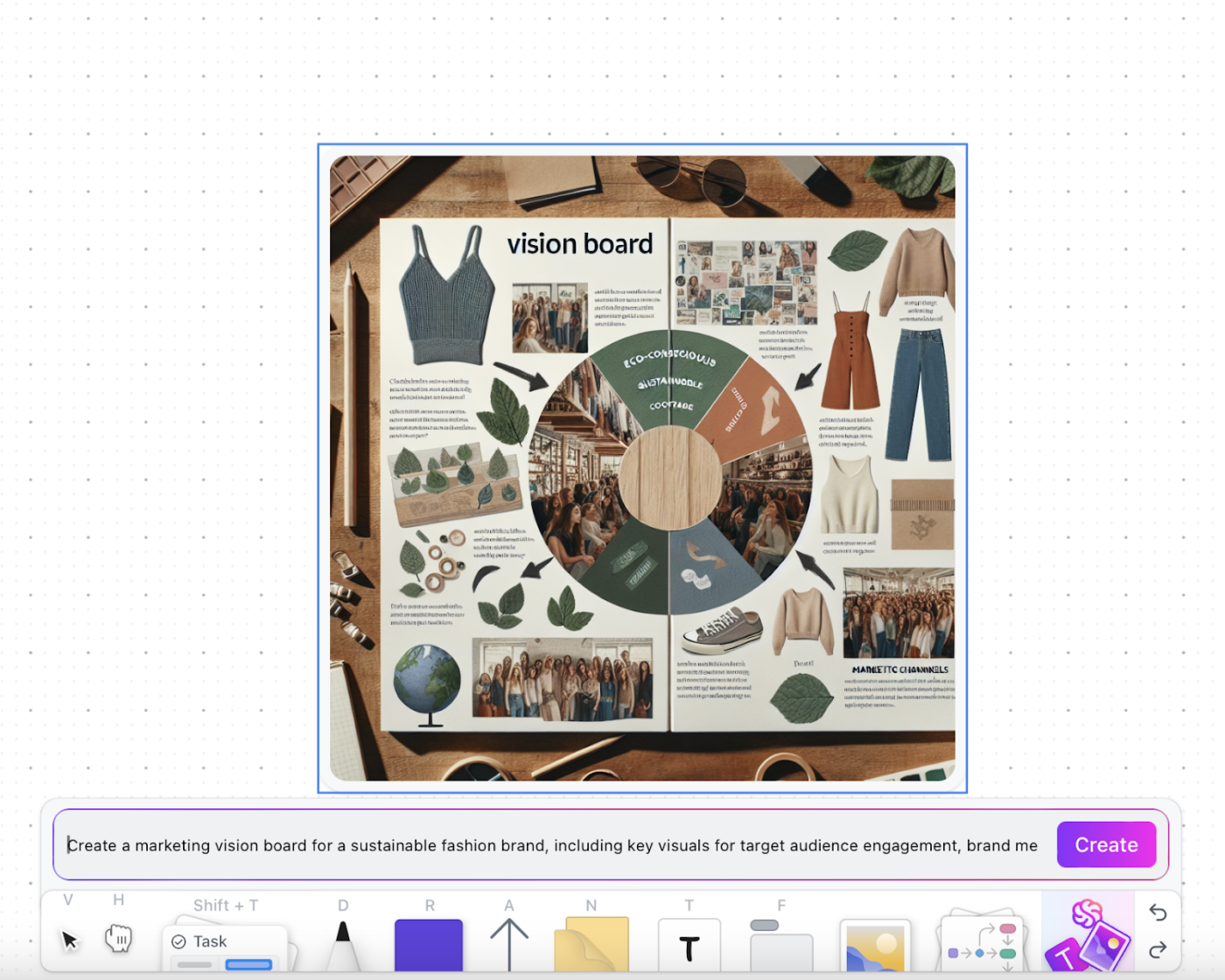
The star feature? An AI-powered image generator that instantly visualizes ideas! How about that for some creative support?
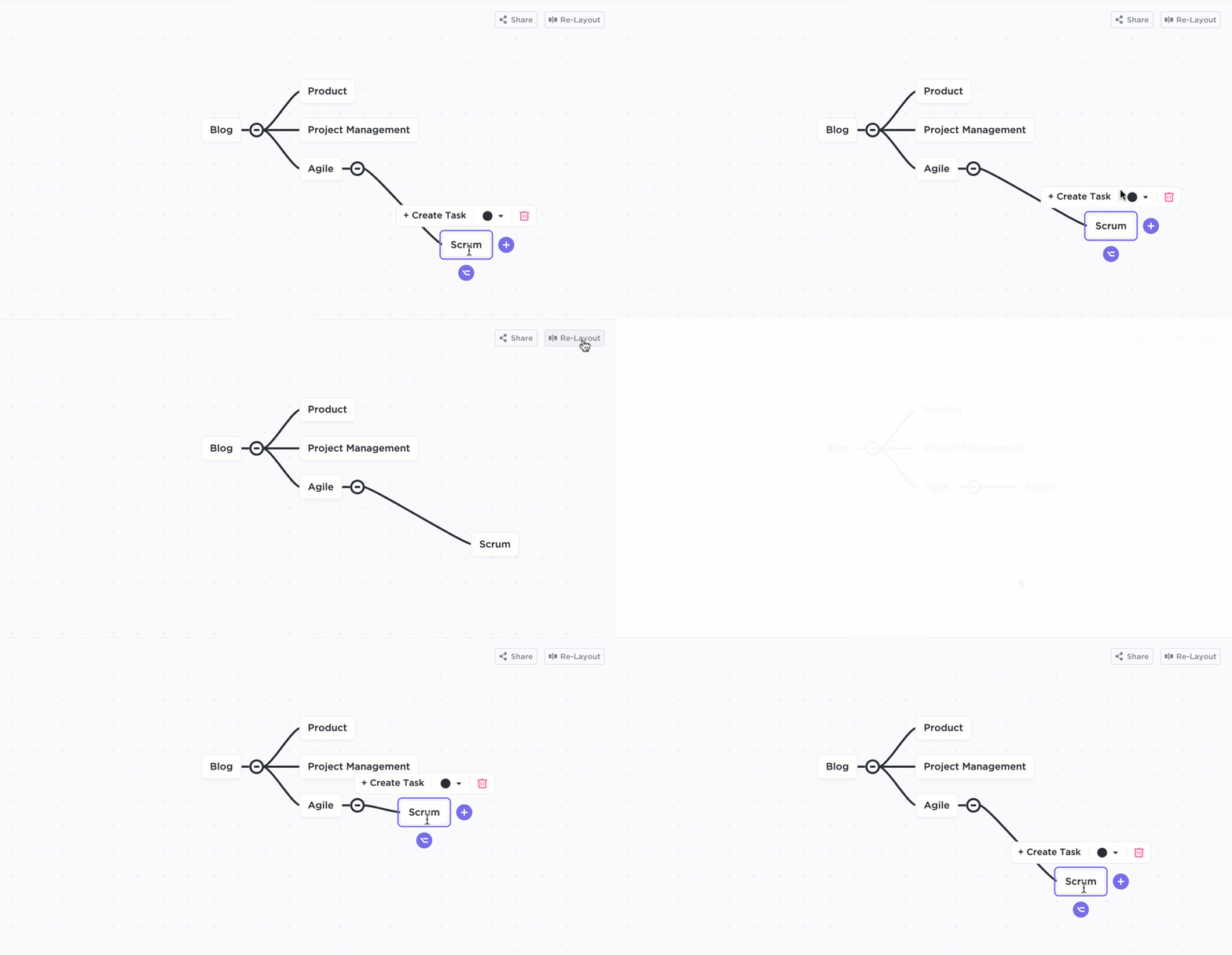
ClickUp Mind Maps simplifies complex projects by dividing big ideas into manageable parts. Customization options like color-coded connections and cascading views simplify visualizing relationships between tasks or ideas.
Teams can quickly reorganize maps with a one-click Re-Layout feature, bringing structure in without manual adjustments.
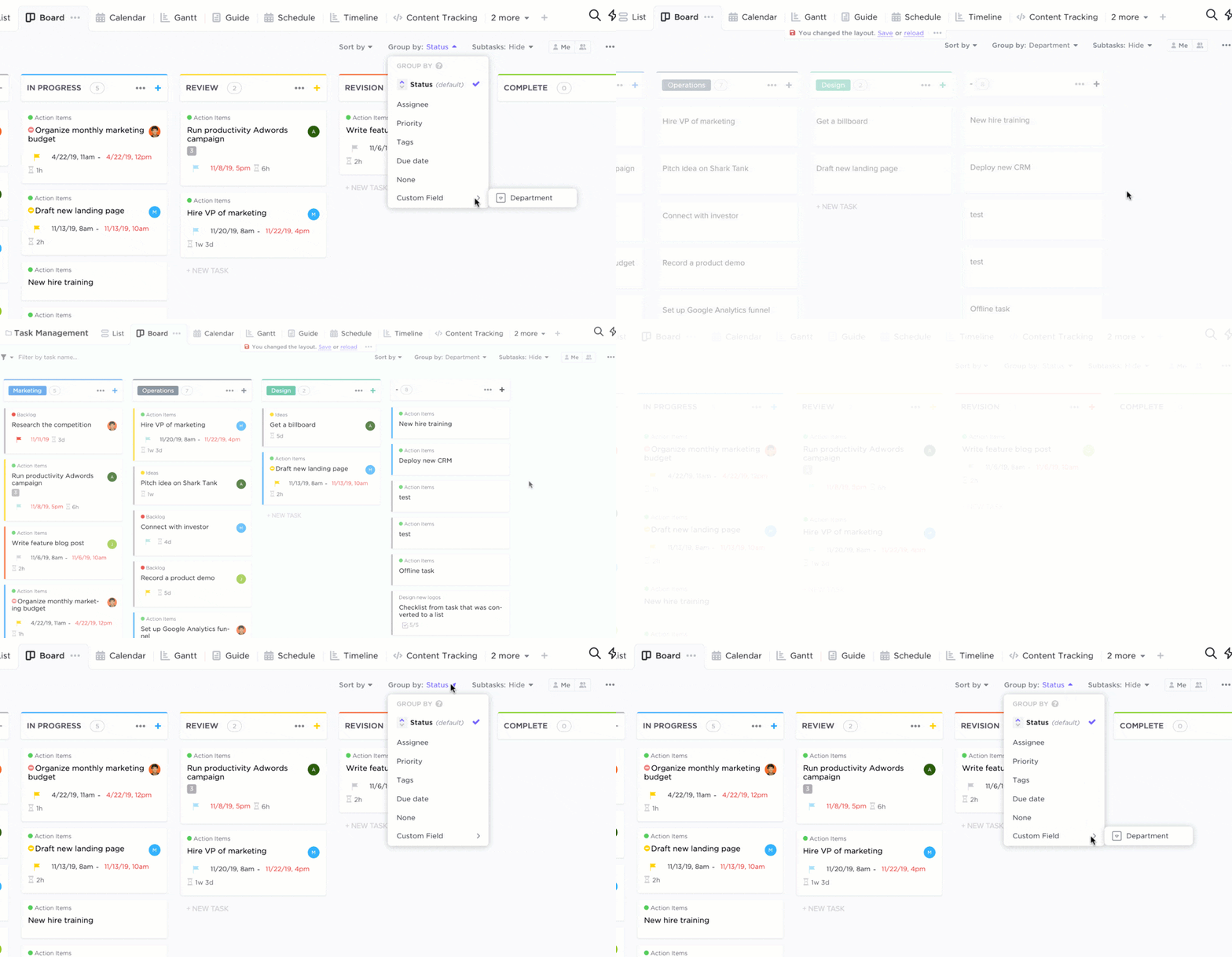
Once your ideas become tasks, execution and follow-ups become much easier with ClickUp for Project Management Solutions.
Customizable views, real-time dashboards, and automated workflows keep teams productive and on track. Further ClickUp’s interactive tools like Gantt charts and Kanban boards, organizing work becomes seamless—and even enjoyable
Bazza Gilbert, a Product Manager at AccuWeather, reviewed ClickUp:
ClickUp has made asynchronous alignment much simpler and more effective. By building a framework in which to outline and structure objectives and results, remote teams are able to understand expectations and provide status updates fluidly. Brainstorming with whiteboards is easy, reorganizing priorities is easy, and adding reference images, etc., is all very fluid.
🧠 Fun Fact: 36.08% of the global workforce considers virtual collaboration better than in-person because they feel less intimidated following up with team members online.
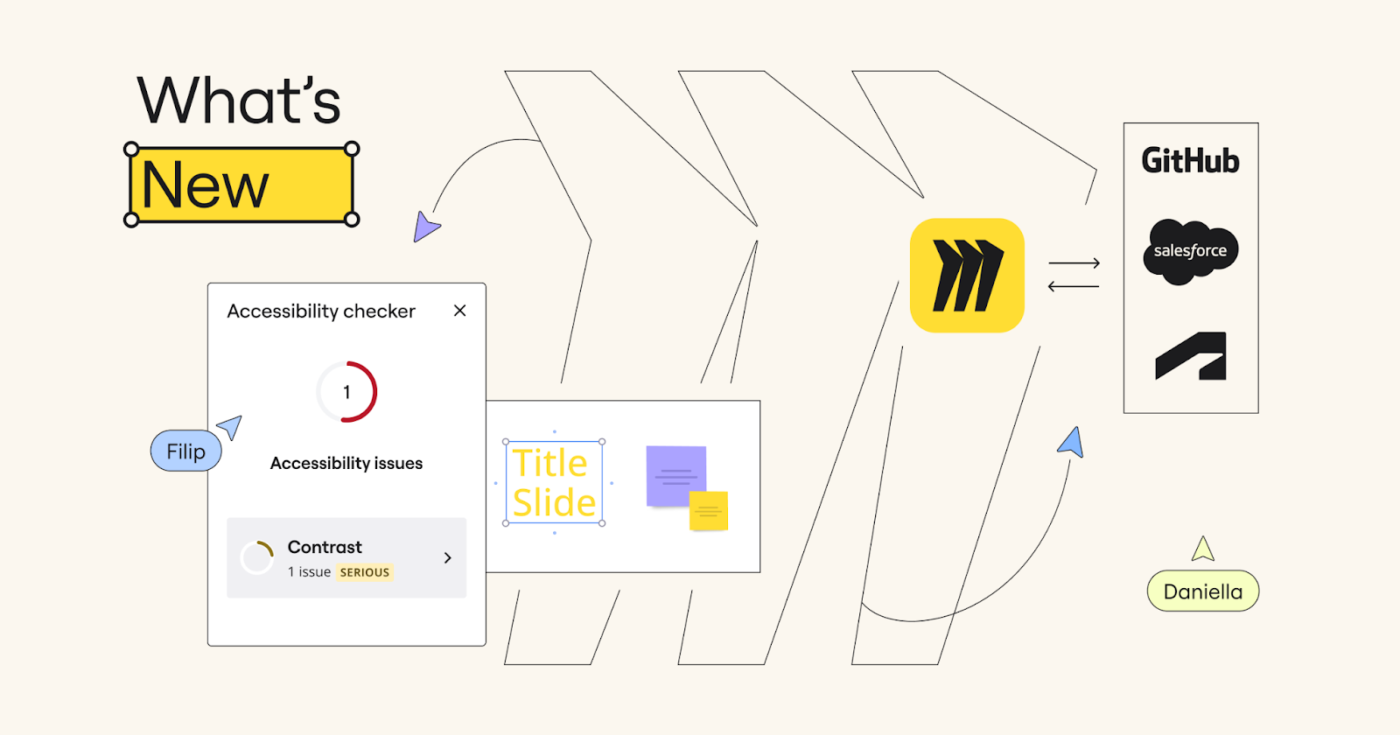
Use tables, diagrams, and timelines to organize and visualize projects with the Miro Intelligent Canvas. This AI-powered collaboration platform turns brainstorming sessions into prototypes, briefs, and plans in seconds using features like video/audio walkthroughs, interactive activities, and automated summaries.
Team members can also vote on ideas, designs, or proposals during sessions, enabling collective decision-making and prioritization while keeping collaboration visually engaging and efficient.
Miro won me over a year or two ago and it’s my primary whiteboarding tool. My biggest challenge is getting others to use it outside of meetings with me.
➡️ Also Read: The Ultimate Guide to Visual Project Management
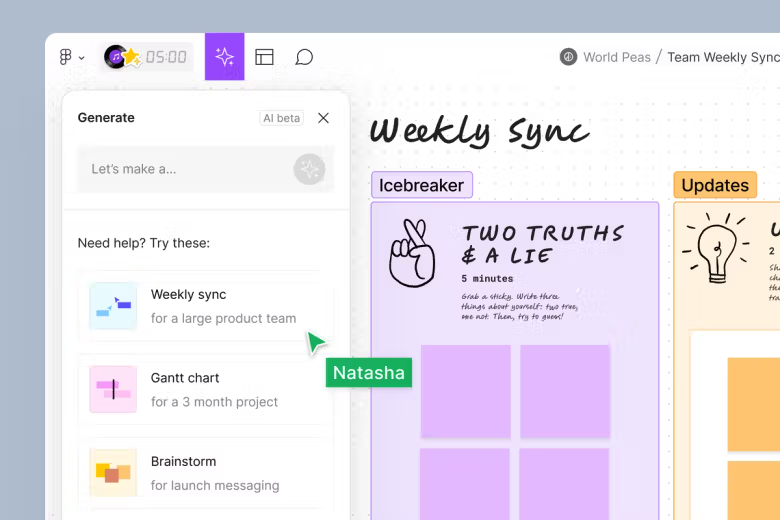
Do you have a large team and cannot find a platform accommodating all of them? FigJam welcomes unlimited collaborators. It organizes complex workflows, maps out user journeys, and shares feedback instantly with sticky notes, voice notes, and reactions. FigJam can also be used as a Miro alternative.
I use figjam and it’s incredibly useful to use a reference guide after I’ve built it out to make sure everything lines up.
Also helps stakeholders see how the survey would flow better than just handing them a 100 page word doc or making them preview the survey a bunch of times.
➡️ Also Read: Best FigJam Alternatives & Competitors
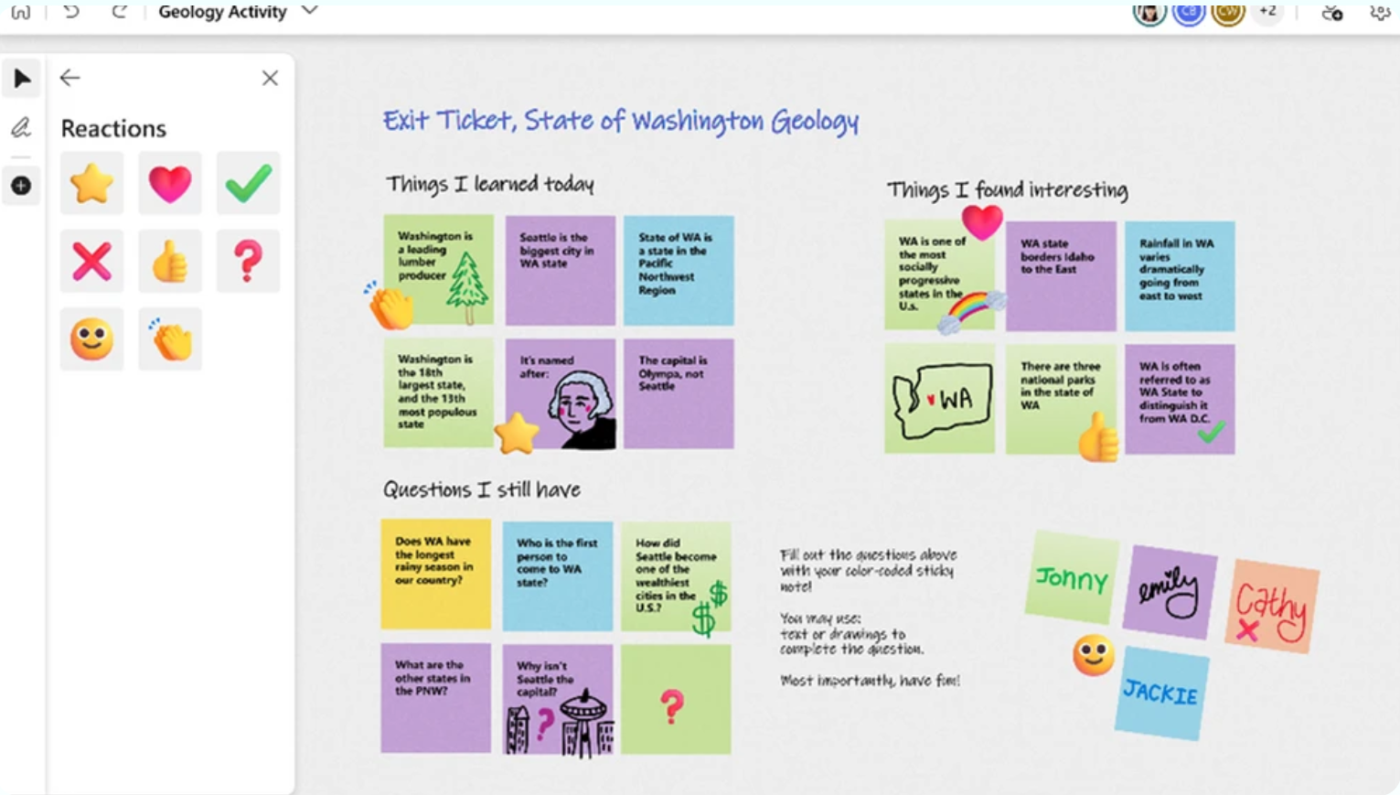
Are you working with Microsoft Teams and hoping to collaborate using a Whiteboard? Integrated with Teams, Microsoft Whiteboard has an interactive canvas where teams can get their creative juices flowing.
Features like reactions, sticky notes, and customizable templates make sharing and structuring thoughts visually easy. Plus, the ‘Insert Image’ option is another one of many advantages, allowing room for illustrations and interactions.
💡Pro Tip: Turn your MS Whiteboard into a ‘read-only’ by disabling ‘other participants can edit’ in the settings. Quick setup: Settings menu → Toggle off ‘Other participants can edit’ → Done! Your board stays locked even after the meeting ends.
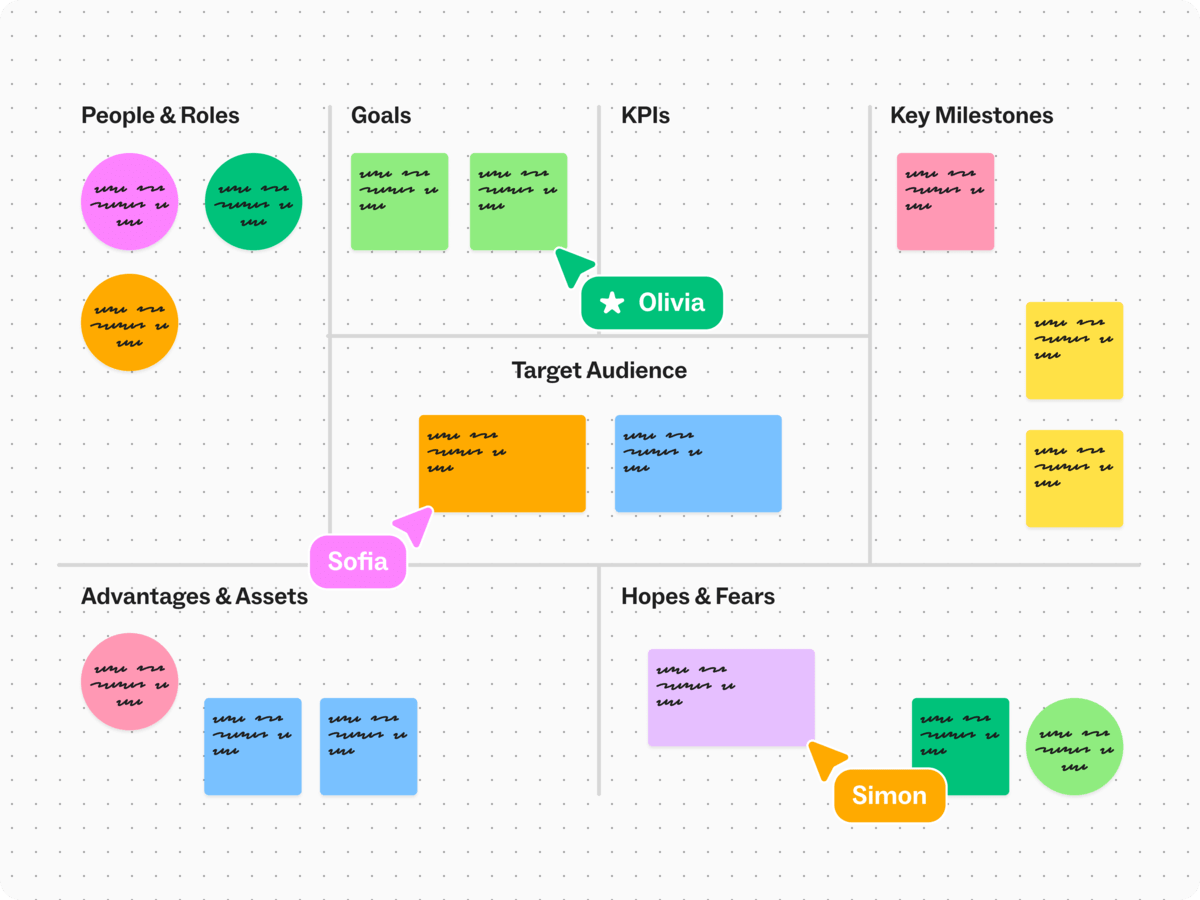
Use Mural for interactive whiteboards and pre-built mind map templates that make brainstorming and planning both fast and fun.
You will also appreciate its seamless integration with Microsoft Teams and Google Workspace, which helps keep everyone aligned. The tool’s ability to map out user journeys and prioritize tasks is a significant advantage, making it a valuable asset for efficient teamwork.
➡️ Also Read: Brainstorming Templates & Techniques
📮ClickUp Insight: 92% of knowledge workers risk losing important decisions scattered across chat, email, and spreadsheets. Without a unified system for capturing and tracking decisions, critical business insights get lost in the digital noise.
With ClickUp’s Task Management capabilities, you never have to worry about this. Create tasks from chat, task comments, docs, and emails with a single click!
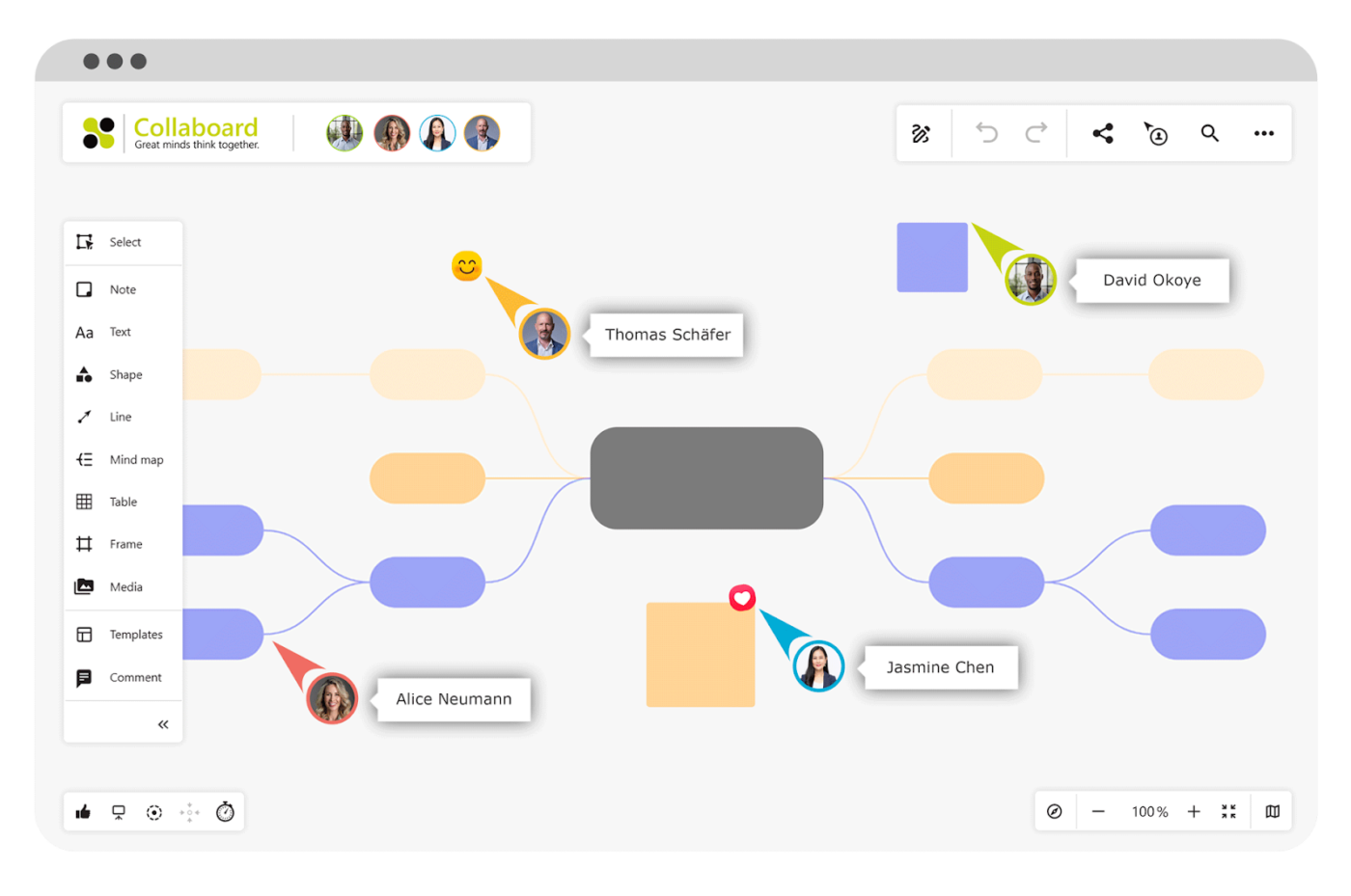
Collaboard supports unlimited participants, allowing productive teamwork. Integration options and export features also ensure that discussions turn into actionable results. Users can sketch, add sticky notes, and organize ideas visually, whether working remotely or in a hybrid setting.
👀 Did You Know? 63% of people feel they have wasted time due to communication issues in their business setups.
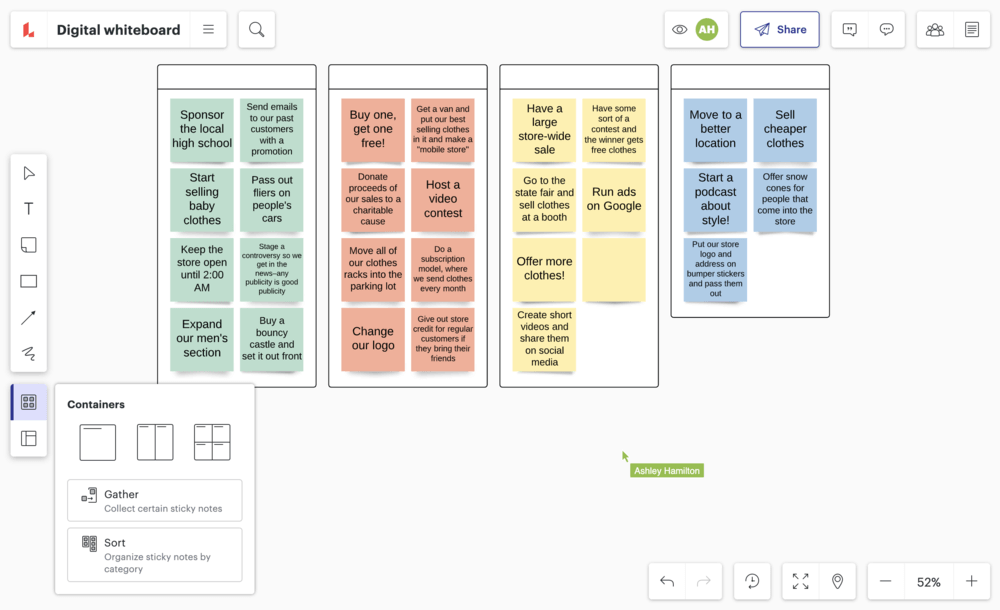
Communicate in real time using in-product chat and emojis in Lucidspark. Use the ‘call others to me’ feature to stay on track and maintain alignment during sessions. With its infinite canvas, freehand drawing, and sticky notes, Lucidspark becomes a complete interactive tool.
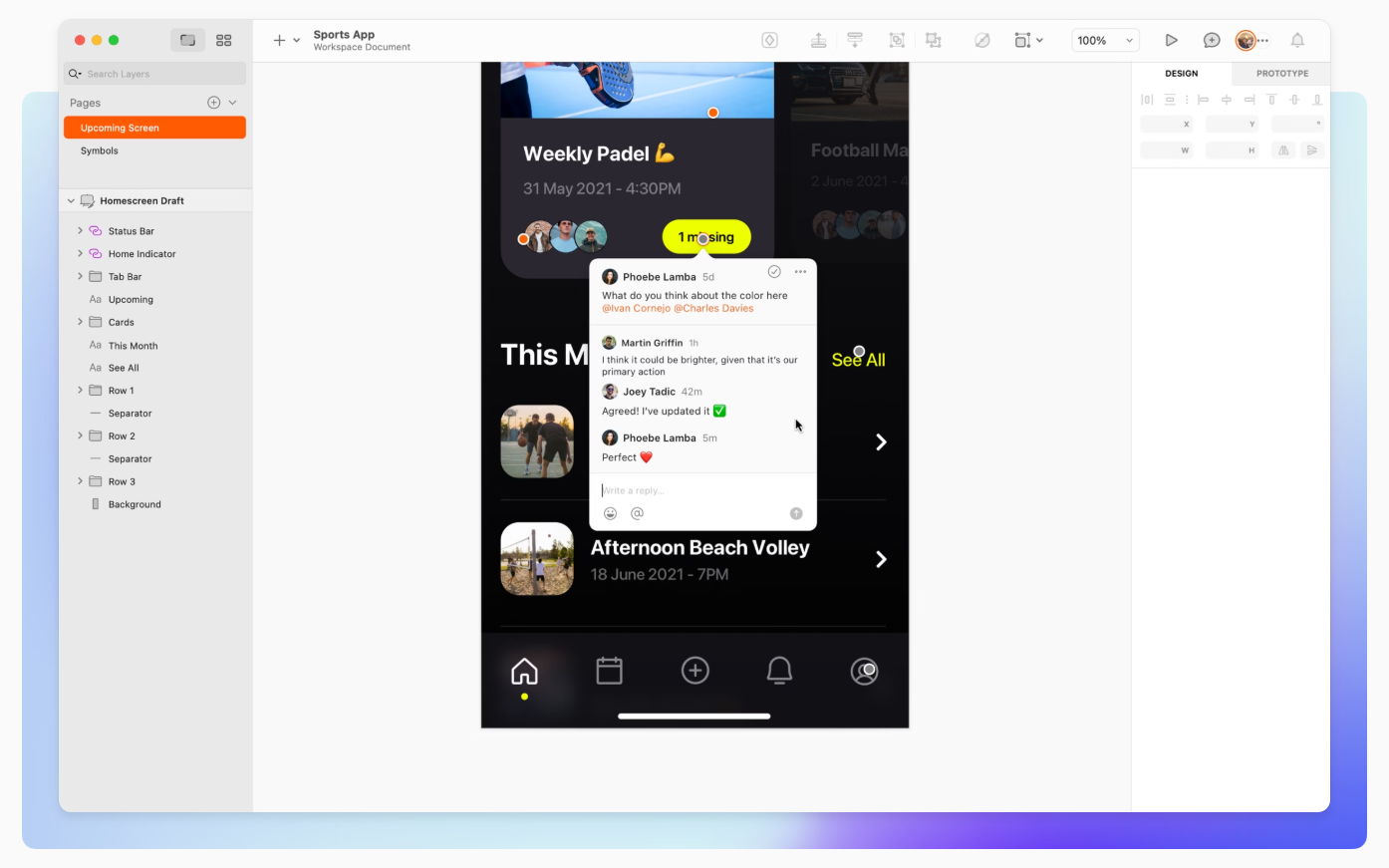
With Sketch, multiple teams can work on the same document, developing a creative process. Provide feedback directly on the canvas or prototypes with in-app commenting and use the templates to create high-quality designs, from app mockups to complete websites.
A vast library of plugins enhances it’s functionality enabling tasks like animation, code export and pro typing. With tools like Sketch for teams, designers can collaborate on files simultaneously.
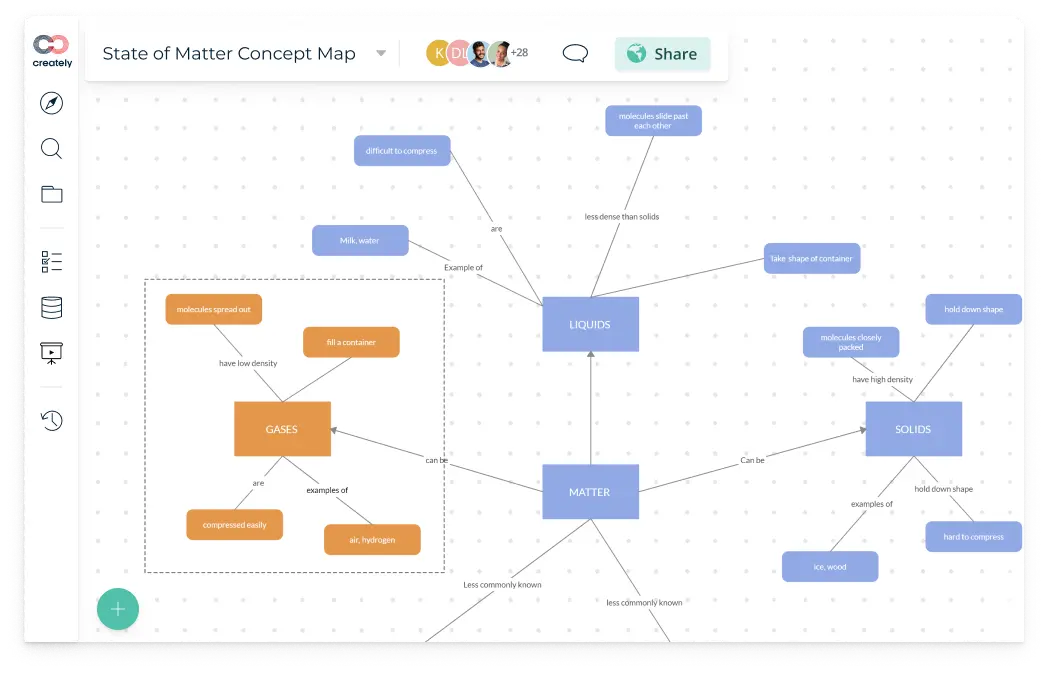
Interact as though you are sitting in the same room with Creately’s infinite visual canvas. Each team action synchronizes in real-time with its Preview Sync feature, and the comment and discussion threads allow room for sharing ideas, providing feedback, and maintaining workflow.
Choose from over 50 diagram examples and 1000 template types to tackle technical and creative challenges. Creately also offers mouse tracking and video calls, adding another collaborative layer and keeping all members connected.
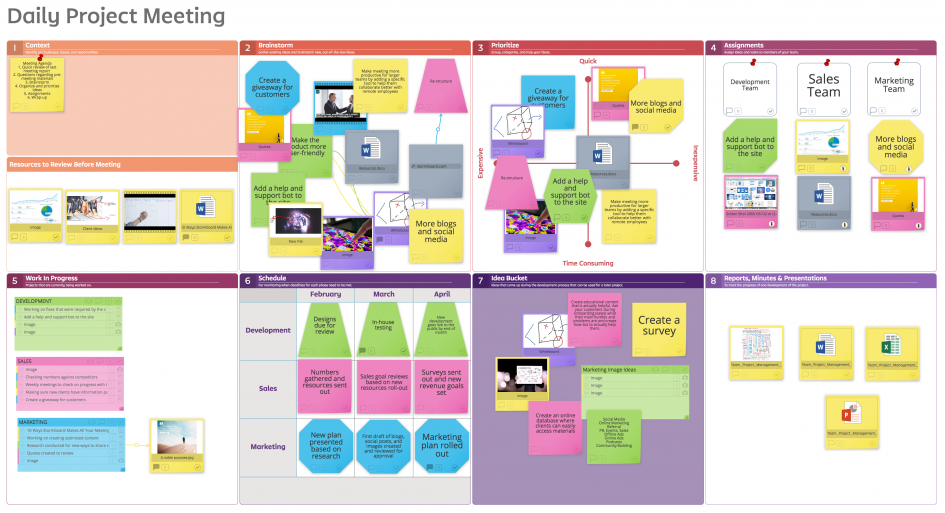
If your team interactions feel too scattered or unorganized, use Stormboard. It is a data-first collaborative workflow platform that turns unstructured interactions into actionable insights.
Its real-time collaboration features, such as live bidirectional integrations with tools like Jira, Azure DevOps, and Rally, are helpful for agile teams managing sprints, dependencies, and priorities.
StormAI, an AI co-collaborator, improves brainstorming, idea generation, and action planning, adding to collaborative discussions.
My main stormboard is used as my go-anywhere digital whiteboard. It’s where I collate my to-do-lists, park ideas, plan, organise and stratagise everything I have going as the managing director of a new business start-up.
Now that I’ve been able to link my stormboard to my google workspace (documents), I’m able to add / access important documents to my stormboard and access these quickly.
🧠 Fun Fact: 42% of office workers spend their time collaborating with other teammates and colleagues. While 28% work with others in person, 14% collaborate with others virtually.
Choosing the right collaboration tool goes beyond the interface—it should integrate with your team’s workflow and increase productivity. While Klaxoon is excellent for interactive workshops, tools like ClickUp provide a more comprehensive range of features.
Along with data protection, it offers a complete project and team management workflow, making it an ideal alternative for teams looking to manage, brainstorm, and ideate.
With 200+ integrations and a unified space to host your workspace, ClickUp can make team collaboration easier and teamwork more fun.
Sign up for ClickUp for free today and experience it yourself!

Sudarshan Somanathan
Max 23min read
Sudarshan Somanathan
Max 22min read
Sudarshan Somanathan
Max 22min read

© 2026 ClickUp