






Still downloading templates?
There’s an easier way. Try a free AI Agent in ClickUp that actually does the work for you—set up in minutes, save hours every week.
Sorry, there were no results found for “”
Sorry, there were no results found for “”
Sorry, there were no results found for “”
Are you a creator or an individual looking to make money with AI?
The good news is that it is entirely possible, even without building anything from scratch. What you need is a simple workflow and the discipline to deliver consistently.
McKinsey estimates generative AI could add $2.6 trillion to $4.4 trillion in value each year across dozens of businesses. That value shows up as teams paying for faster content creation and tighter operations globally. You can do all of that, and more, with AI.
In this guide, we will talk about how to make money with AI. We’ll discuss beginner-friendly income streams, what to sell, and how to price it.
You’ll also learn how to pick the right AI tools and avoid common mistakes. We’ll go through how to build systems that keep bringing in money with AI, even if you start with free AI tools and basic technical expertise.
Making money with AI can be easy. Whether you code, create content, or design automations with AI, there is a huge scope for you to capitalize on it. All you need to know is what tools to use and how to sell what you produce.
✅ Let’s go through some foolproof plans and processes to make money using AI tools and services:
Freelancing is the fastest path to making money with AI because you sell outcomes clients already understand. You use AI-powered tools behind the scenes to deliver faster, and then you charge for the result, not the tool.
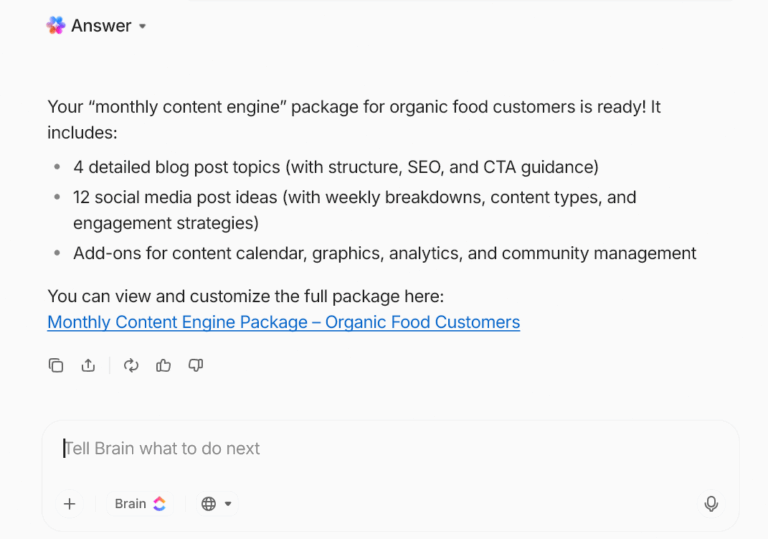
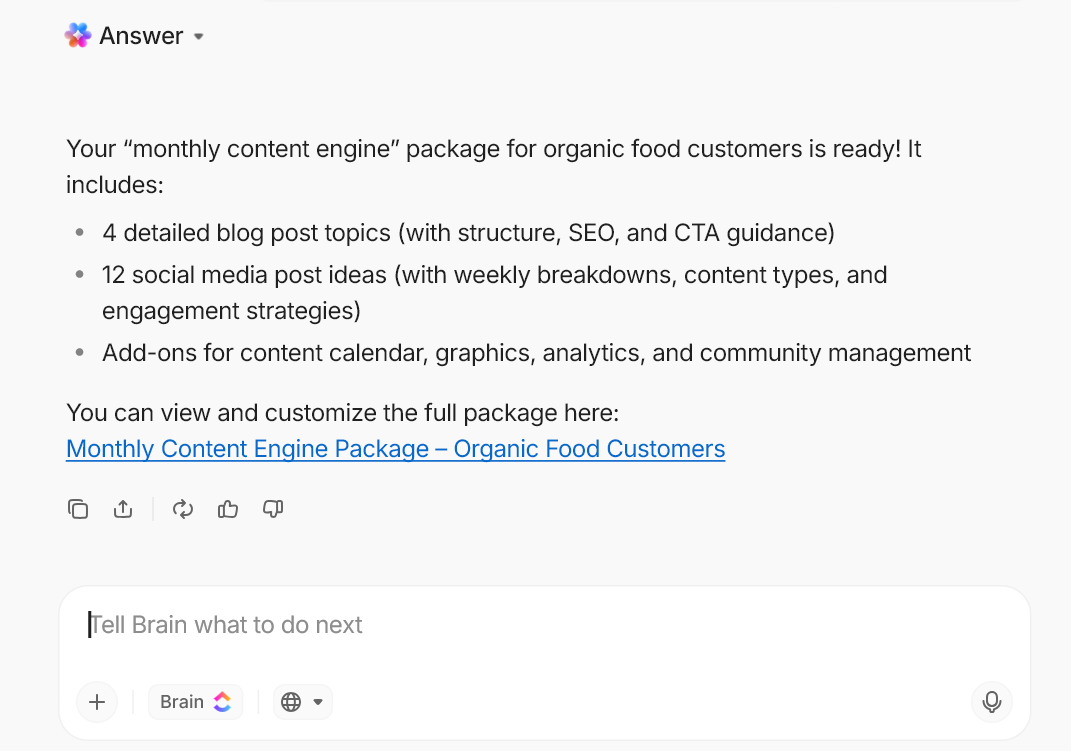
📌 Example: You sell a “monthly content engine” package that includes 4 blog posts + 12 social media posts. You use AI content generation to move faster, then you edit, fact-check, and tailor the voice so it still sounds human.
📖 Also Read: How to Use AI to Automate Tasks
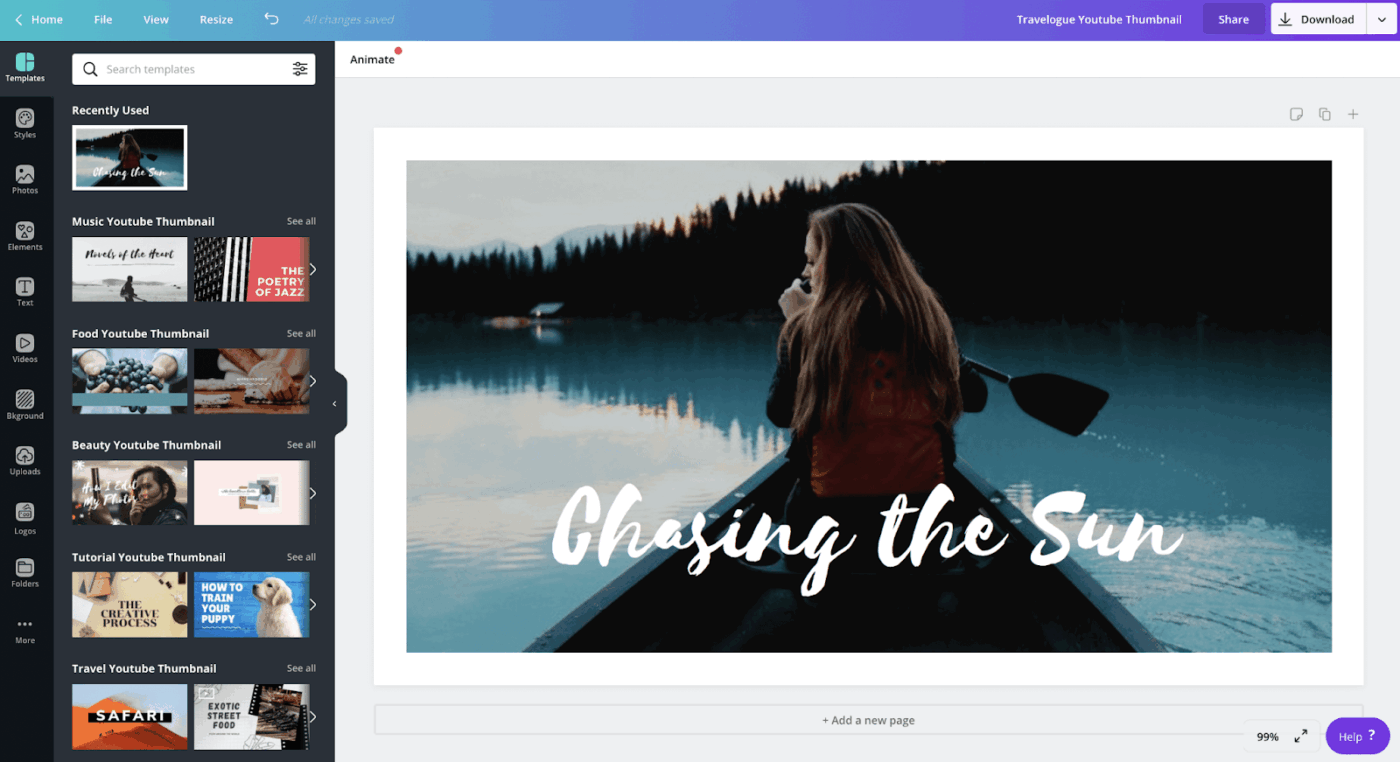
You can turn content creation into an income stream by producing visual AI content. Pick one niche and publish consistently, while re-using the same ideas across channels. This makes your effort compound over time.
📌 Example: You run a niche YouTube channel (like “AI for real estate agents”). One weekly video becomes a blog post, a short email, and multiple short-form videos.
📖 Also Read: How to Optimize Project Management with Automation
If you have expertise in a domain (fitness, design, sales ops, HR, finance), you can sell “AI + your judgment.” Here, clients will pay you to choose tools, reduce trial-and-error, and set up systems that actually stick.
📌 Example: You help a small agency combine AI with their existing process, then you deliver a repeatable playbook they can run every week.
📖 Also Read: Types of AI Agents to Boost Business Efficiency
If you can create prompts that save teams time and money, you can capitalize on them. Think of prompts as reusable “mini workflows” for content creation, outreach, product descriptions, or client support.
📌 Example: You sell a “Local Business Content Pack” with prompts for Google Business posts, social media posts, and short ad copy, plus a weekly posting checklist.
With AI automation workflows, you can earn more money by reducing repetitive work. By connecting tools and setting triggers, you can deliver a workflow that saves time every week, which makes pricing easier.
📌 Example: You sell a “Client Onboarding Automation” as a one-time setup fee plus a monthly retainer for updates and improvements.
Digital products work well for beginners because you can build once and sell repeatedly. AI helps you draft faster, but you still win by making the product genuinely usable.
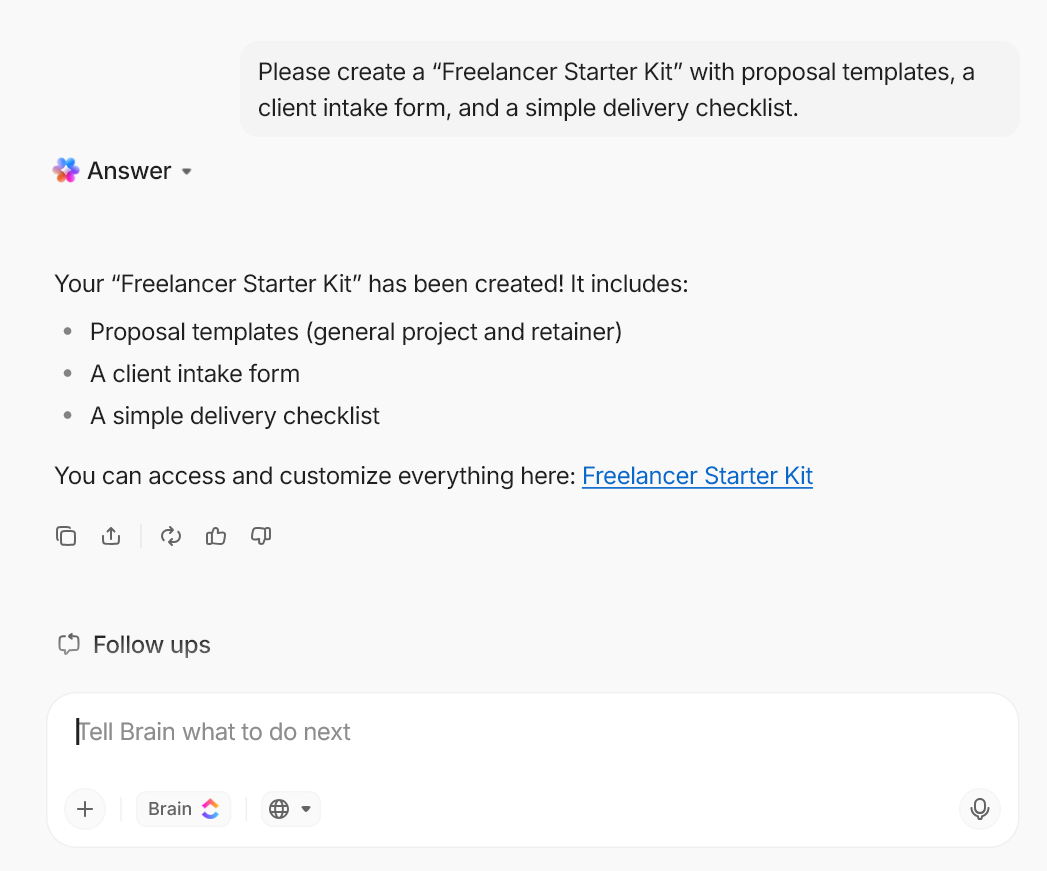
📌 Example: You create a “Freelancer Starter Kit” with proposal templates, a client intake form, and a simple delivery checklist.
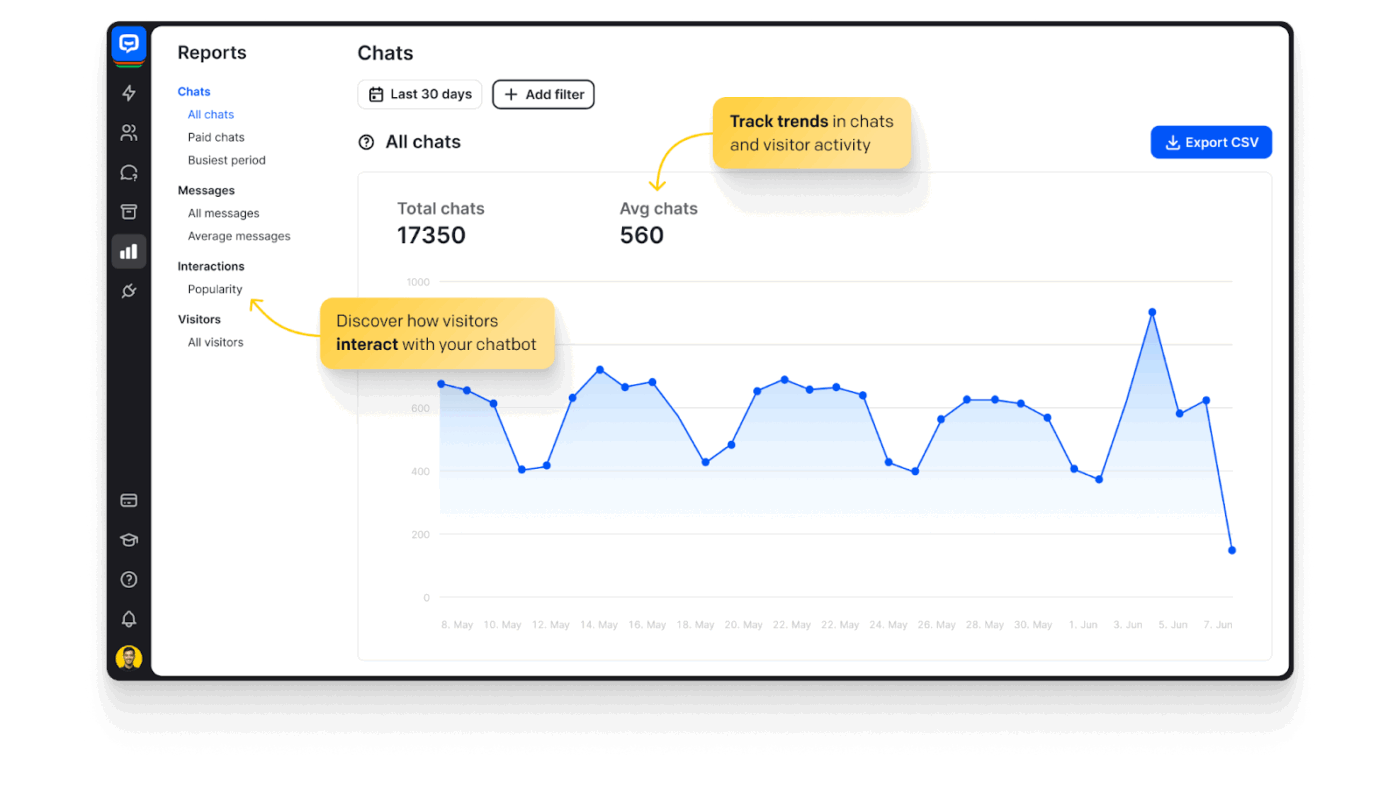
Small businesses often want faster responses and fewer repetitive questions. You can build AI chatbots that handle FAQs and qualify leads.
📌 Example: You set up an AI chatbot for a clinic that answers pricing, timing, and appointment questions, then escalates anything medical to staff.
Creators and businesses pay for speed. You can use AI to draft, clean, or repurpose content and then deliver polished outputs.
📌 Example: You sell “10 short clips per week” from a founder’s 1-hour recording, plus captions and posting guidance.
📖 Also Read: Best AI Agents For Project Management
Affiliate income grows when you publish helpful content that matches buyer intent. AI supports the workflow, but you need to build credibility to drive conversions.
A clearer positioning would be an AI-powered affiliate marketer who ships content quickly but still prioritizes accuracy.
📌 Example: You run a blog reviewing creator tools. You publish consistently, then earn commissions from affiliate links.
📖 Also Read: AI Tools for Affiliate Marketing (Free & Paid)
Social media is a service business. AI helps you produce more, and clients pay you for consistency, brand fit, and results (whether it’s more clicks, sign-ups, or purchases).
📌 Example: You manage a local brand’s content creation, including 3 posts per week, 5 stories, and one monthly campaign theme.
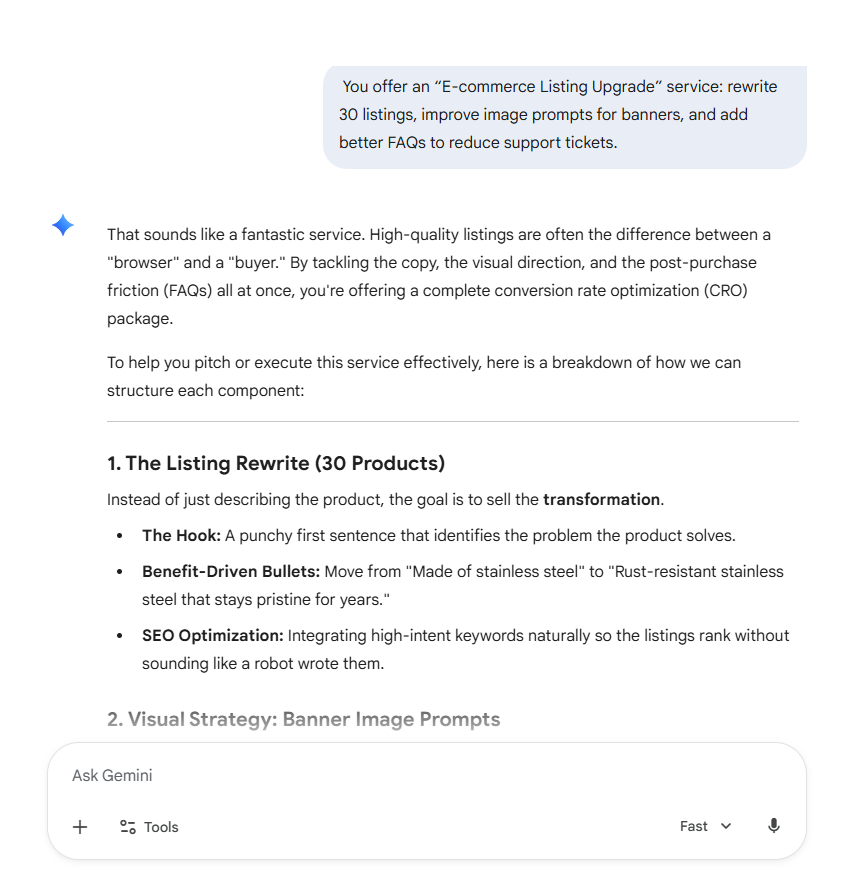
You can use AI to support product research and store optimization.
📌 Example: You offer an “E-commerce Listing Upgrade” service: rewrite 30 listings, improve image prompts for banners, and add better FAQs to reduce support tickets.
If you want to build an AI business without raising money, micro-products keep scope manageable. Building AI SaaS micro-products lets you solve one narrow problem and charge a subscription.
📌 Example: You build a micro-tool that turns messy meeting notes into action items and sends them to a project board.
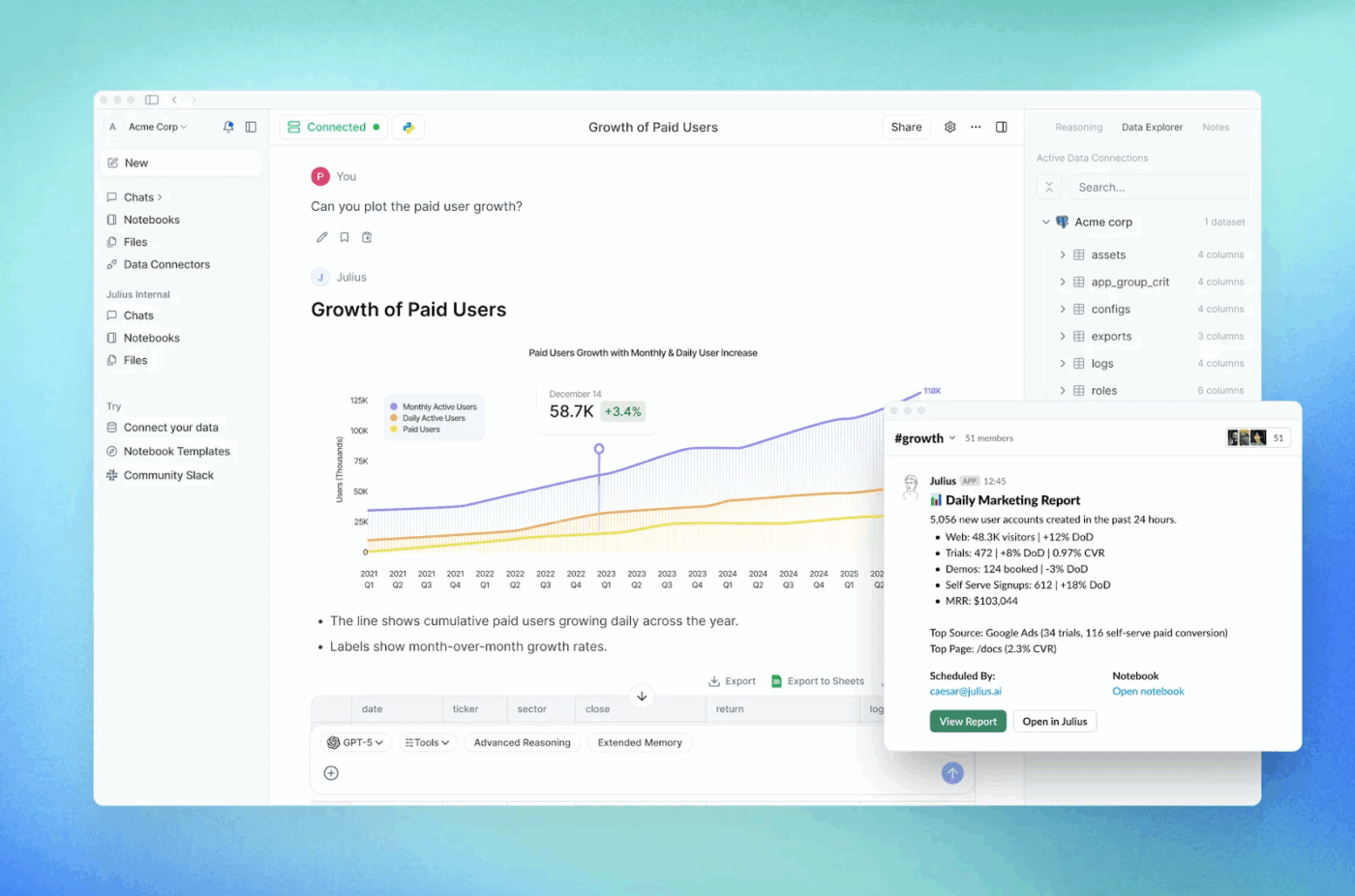
Many teams have data but struggle to reach clarity. If you can turn spreadsheets into actionable decisions, you can generate income fast, even without building machine learning models yourself.
This touches machine learning and predictive analytics concepts, but you can start with practical reporting and scale into more advanced projects later.
📌 Example: You deliver a weekly “Sales + Marketing Snapshot” with charts, anomalies, and next-step recommendations.
Training sells when it targets a specific audience and delivers quick wins. Keep it practical and avoid theory overload.
📌 Example: You sell a short course, “How to make money using AI as a freelancer,” with templates and client-ready deliverables.
Passive income rarely starts passive. You build an asset, improve it, then let it sell repeatedly.
OpenAI discontinued ChatGPT plugins in 2024 and shifted toward custom GPT experiences, so focus on what’s currently supported in the tools you choose.
📌 Example: You sell a monthly “30 caption pack + 10 creatives” subscription for a specific niche and update it every month to keep retention high.
If you want to learn how to make money with AI as a beginner, start by selling one clear outcome and using the right AI tools to deliver faster. You don’t need deep technical expertise in machine learning or AI algorithms to get paid; you need a workflow you can repeat.
Choose a deliverable that people already buy, then use AI-powered tools to cut the time it takes.
🧠 Did You Know? Upwork’s own research and press materials highlight strong demand signals for AI-related skills, including “generative AI modeling” and “machine learning,” which suggests businesses actively pay for AI-adjacent freelance work.
You make more money with AI when you stop reinventing your process.
AI helps you deliver faster, but clients pay for results
You’ll close a deal faster when you show proof. Businesses want tangible results before they invest in you.
You can verify real money paths by looking at platforms where people already sell AI-assisted services and products.
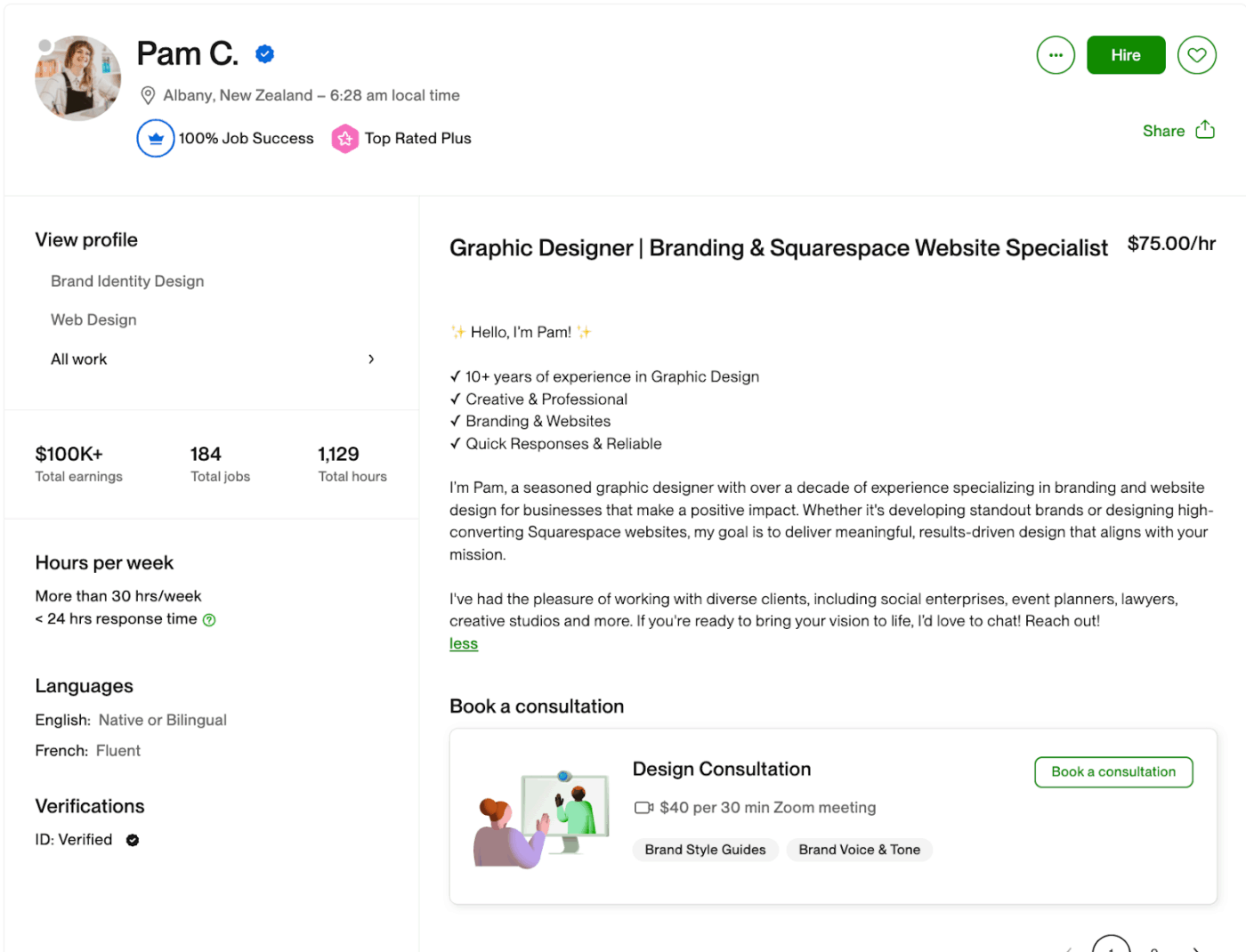
Upwork publishes skill demand research and press releases that point to growing interest in AI-related work categories.
As a freelancer, you need to sell deliverables (writing, design, automation, and reporting) and leverage AI to ship faster.

Etsy states it allows sellers to use their original prompts with AI tools to create artwork they sell, and it requires disclosure for AI-created items under its creativity standards.
As a seller on Etsy, you can produce AI-generated art bundles (prints, templates, and assets) and sell them as digital downloads.
📖 Also Read: Top AI Agent Tools
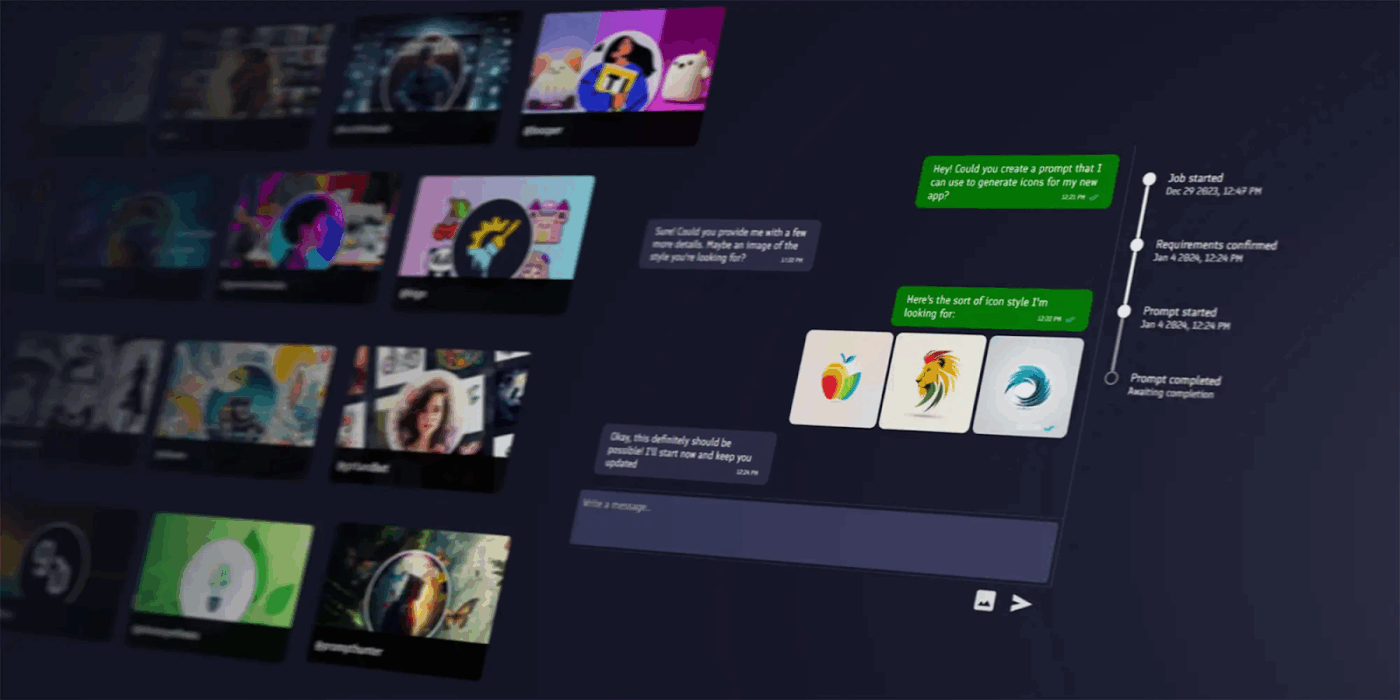
PromptBase runs a marketplace model where fees differ based on whether the buyer comes through the marketplace or your link. If you’re selling on PromptBase, you can capitalize on prompt packs. These prompt packs usually help buyers get outcomes in localization and sales.
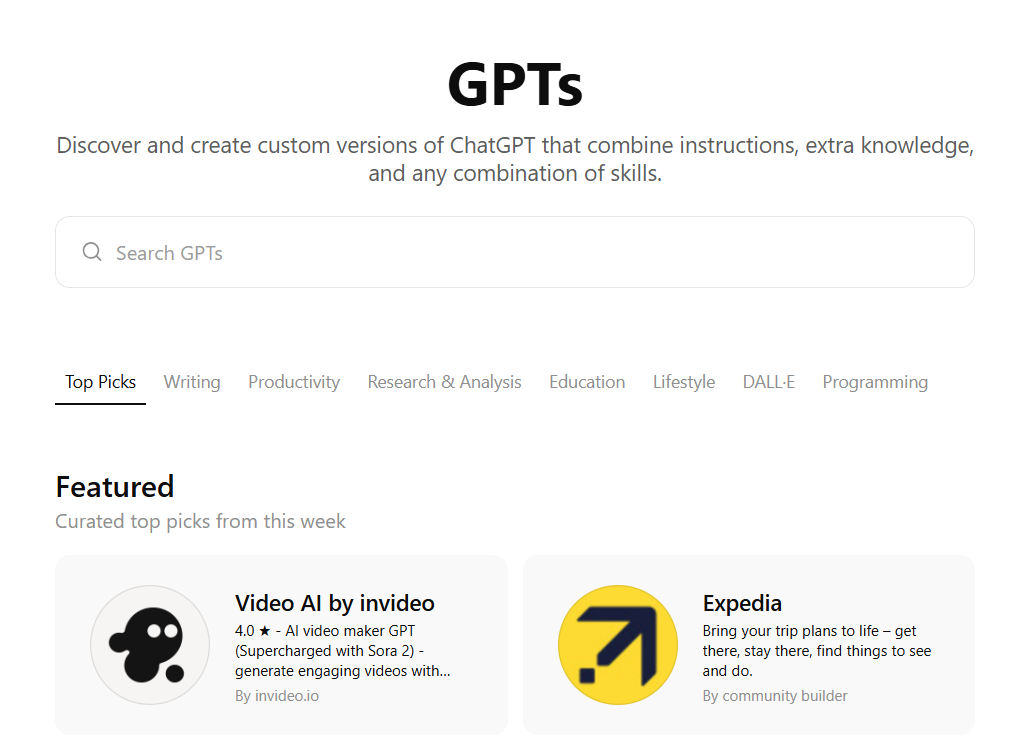
OpenAI announced the GPT Store and said it would launch a GPT builder revenue program, starting with US builders being paid based on user engagement with their GPTs.
What this looks like is packaging a repeatable workflow into a GPT and focusing on distribution. This includes a support FAQ assistant and a proposal helper.
On YouTube, you can use AI for scripting or editing, but you still need original value if you want long-term revenue from a YouTube channel.
With a YouTube channel, you can earn with YouTube’s Partner Program. This allows you to create videos on any topic, from industries as diverse as advertising to finance and lifestyle.
You can also use affiliate programs, like shopping, to make money using AI on YouTube.
🧠 Did You Know? YouTube paid more than $70 billion to creators, artists, and media companies from 2021 to 2023.
You can make money with AI fast, but you can also burn time and credibility just as fast if you treat AI tools like a shortcut instead of a workflow. Here are some common mistakes to avoid when you’re trying to make money with AI:
AI writing assistants can confidently invent sources, numbers, and quotes. This is called AI hallucination. If you sell content, you should own the accuracy and credibility of it.
🧠 Did You Know? The U.S. Copyright Office’s guidance on works containing AI-generated material emphasizes the role of human authorship, which is a good reminder that you should document your human contribution and editorial control, especially if you plan to reuse or license the work later.
If you earn commissions through affiliate marketing, you need clear disclosures. You can’t hide it in a footer or vague language.
Beginners often push volume. But you have to understand that platforms reward originality.
📖 Also Read: What Are LLM Agents in AI and How Do They Work?
If you sell AI-generated art or AI images, you should follow the platform’s disclosure rules and set expectations clearly. Any violation of the market rules can result in the deactivation of your account.
🧠 Did You Know? Etsy’s seller guidance states that sellers must disclose in the listing description if an item is created with the use of AI, and it references “seller-prompted AI creations” explicitly.
Clients will pay for outcomes, but it is your responsibility to ensure reliability. If you pitch “custom AI solutions” or “integrated AI solutions,” you need to set clear boundaries.
Many AI tools process inputs on external servers. You risk trust if you paste sensitive customer data into the wrong place, and that can sabotage your credibility as a creator/seller.
To begin, you only need a small stack of AI tools that match what you sell. Once you start making money with AI consistently, you can upgrade.
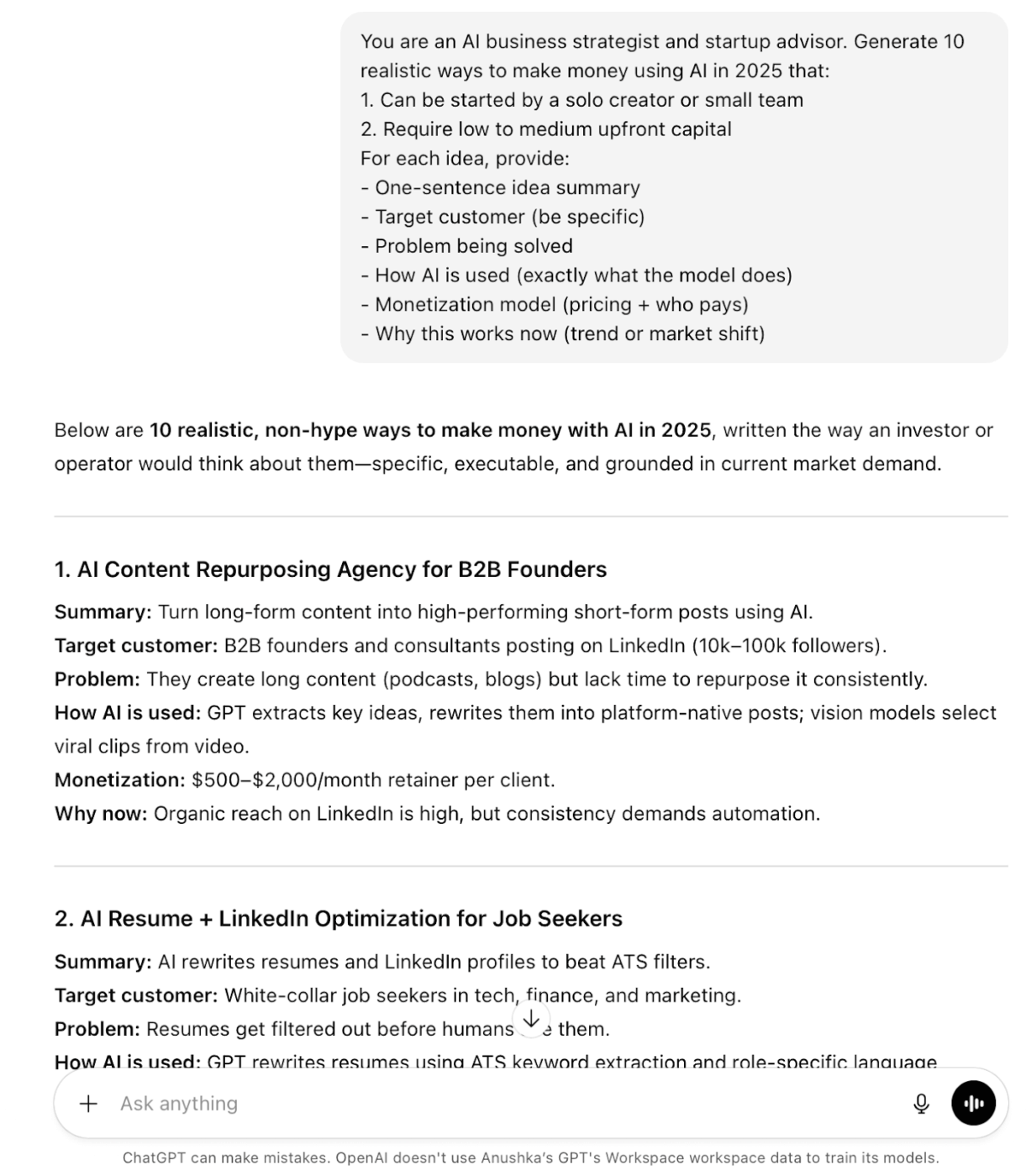
These tools help you brainstorm, outline, rewrite, and package deliverables fast, especially if you’re learning how to create with AI without deep technical expertise.
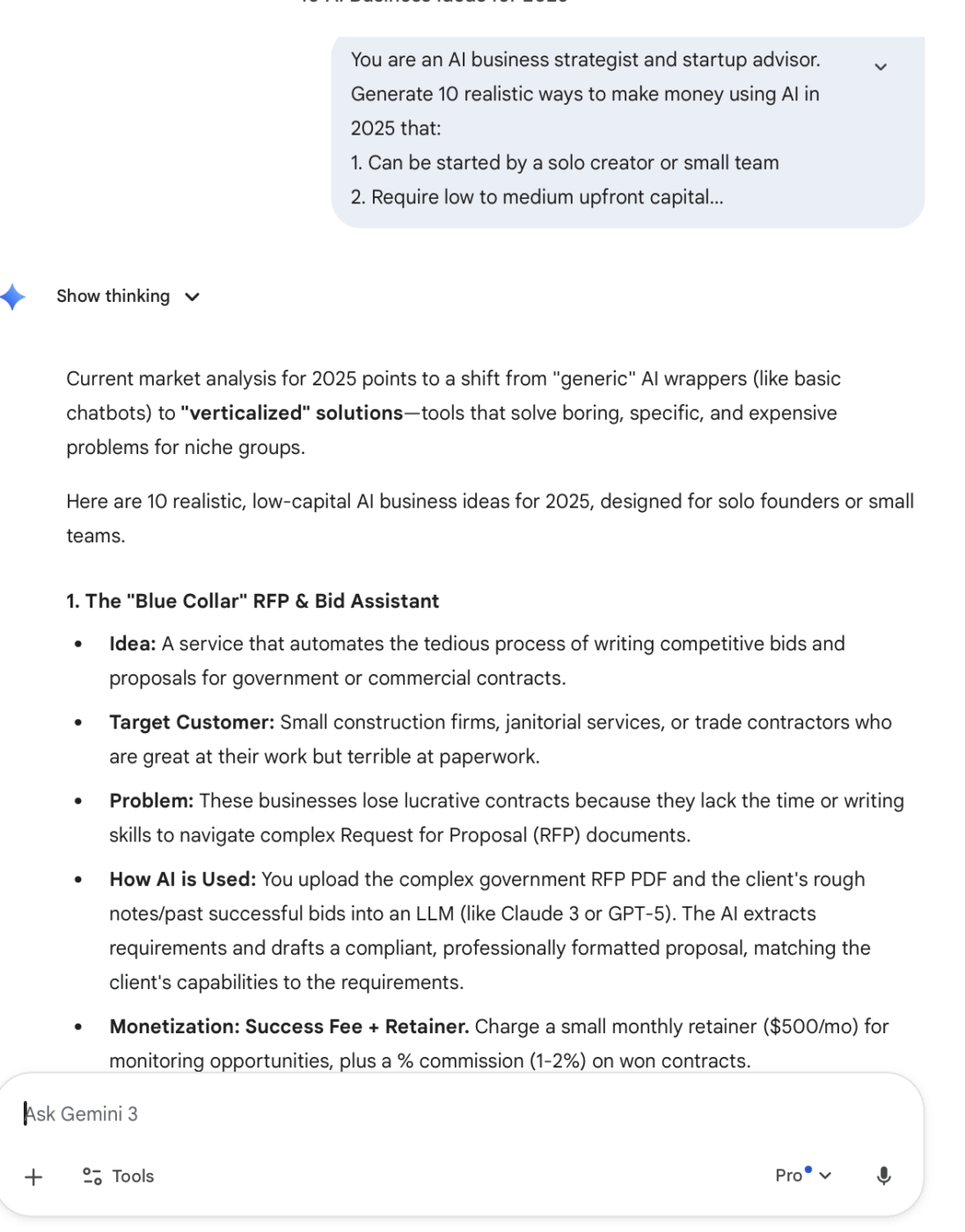
If your offer is content creation, use AI writing tools for speed, and add value with your editing and fact-checking process.
📖 Also Read: How to Build an AI Agent for Better Automation
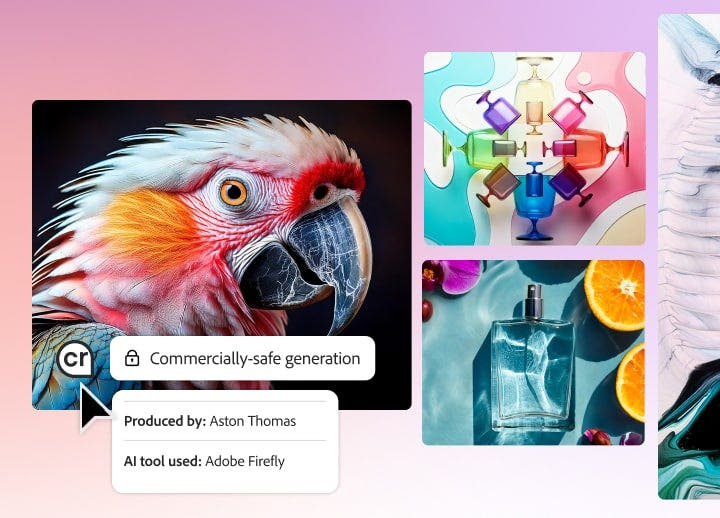
If you sell thumbnails, ads, or brand assets, AI art generators help you produce art and AI images quickly.
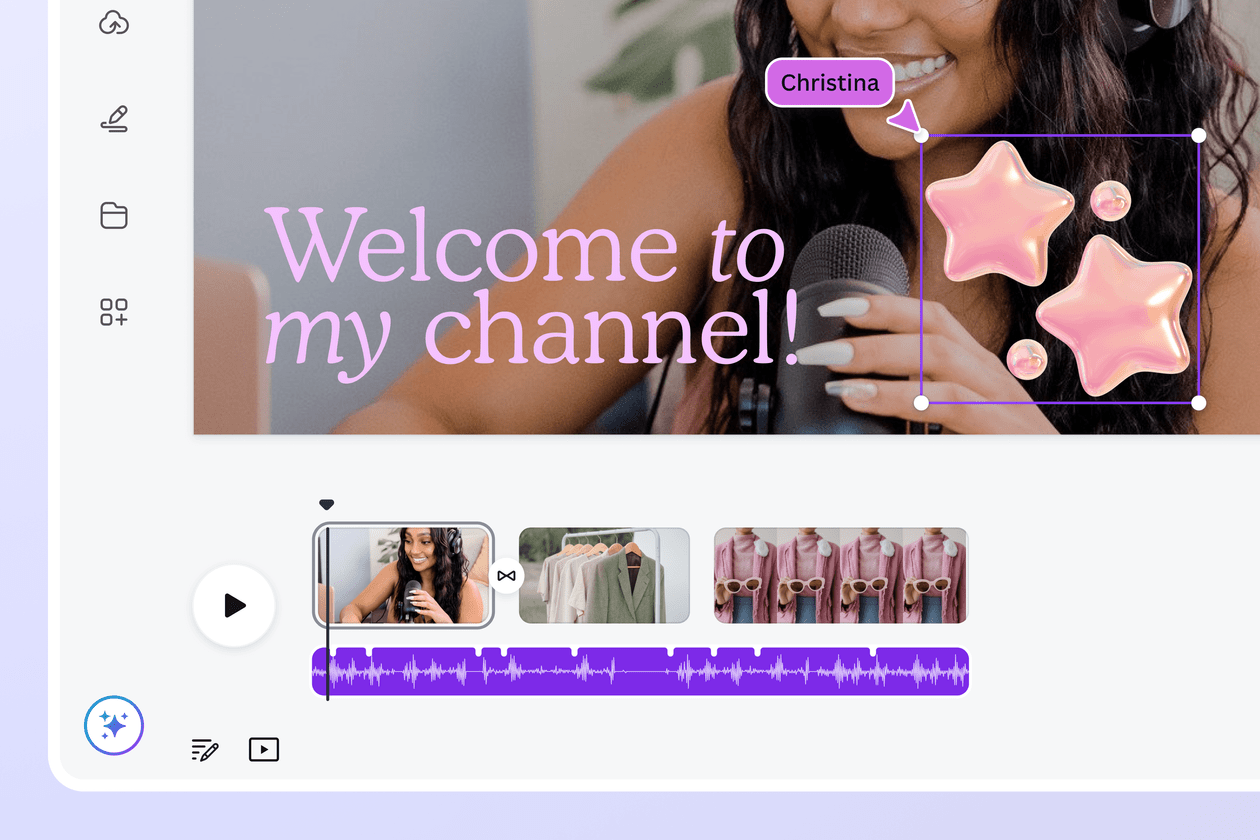
If you work with YouTube videos or have to edit podcasts, pick tools that reduce production time.
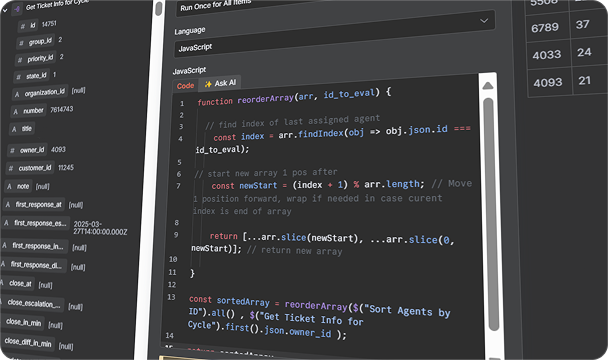
If you’re selling AI-powered services, onboarding pipelines, or internal ops workflows, you need a reliable automation layer.
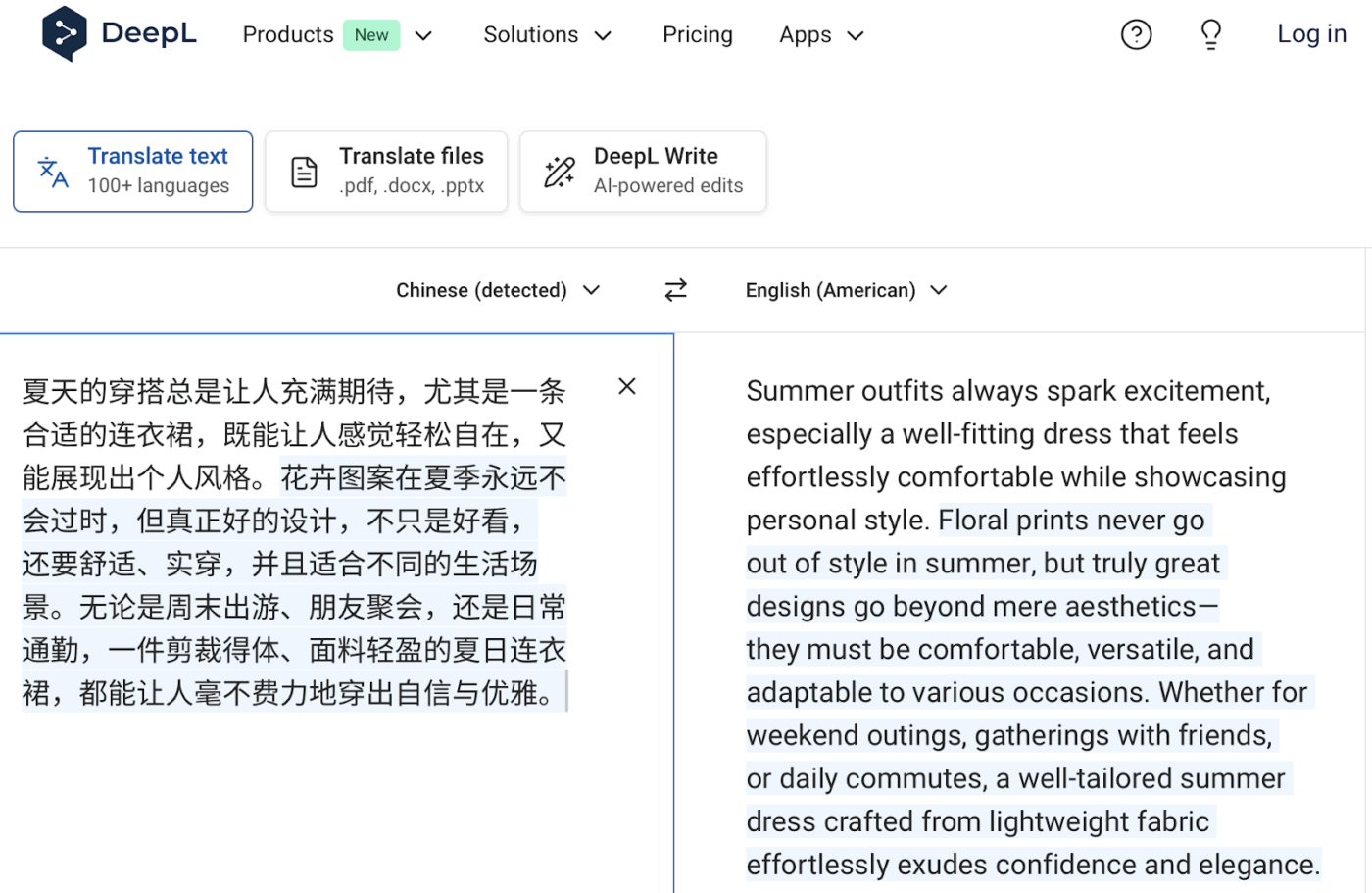
If you offer translation or localization services, start with tools that handle both text and files.
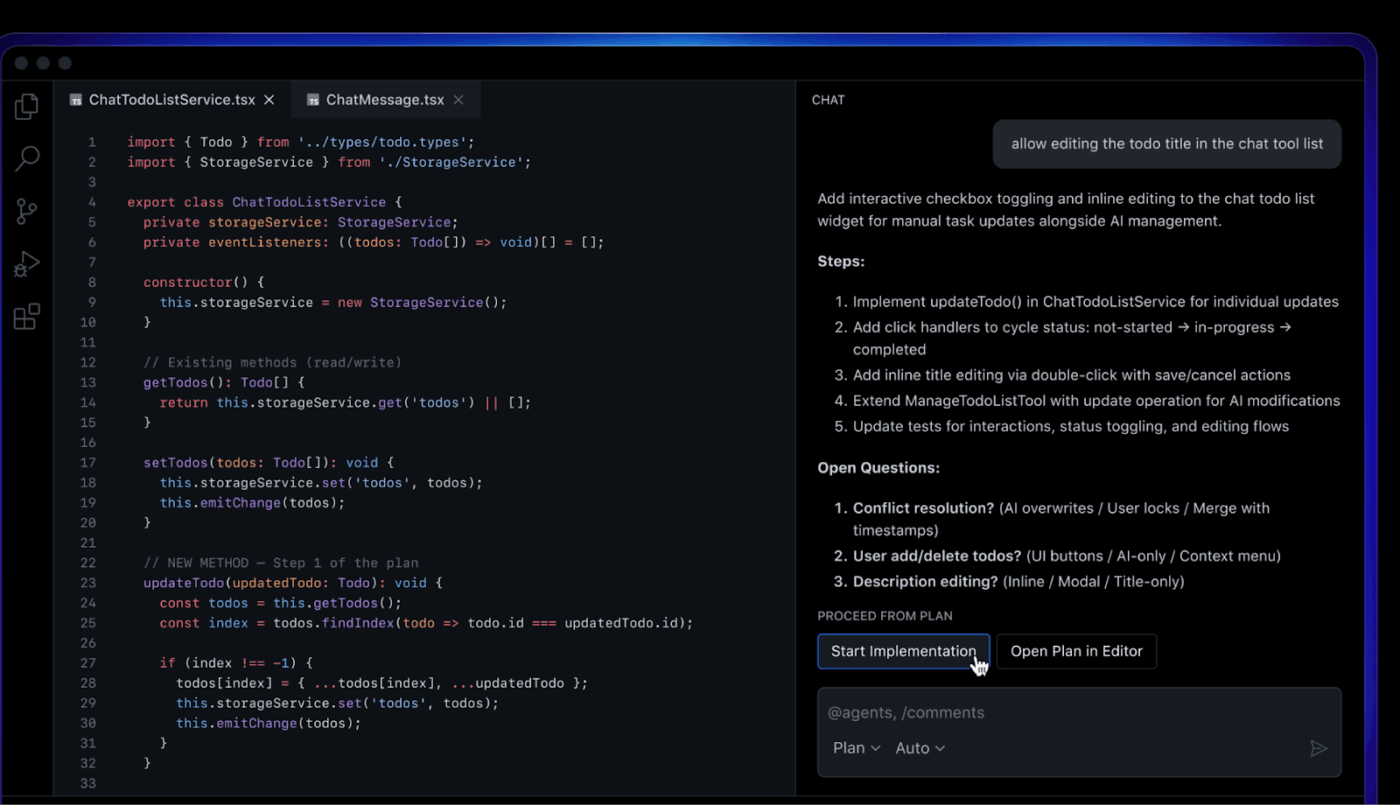
If you do website tweaks, scripts, or small integrations, AI coding tools speed up delivery without you needing to train machine learning models yourself.
A tool like GitHub Copilot helps with code suggestions that can include whole lines or entire functions.
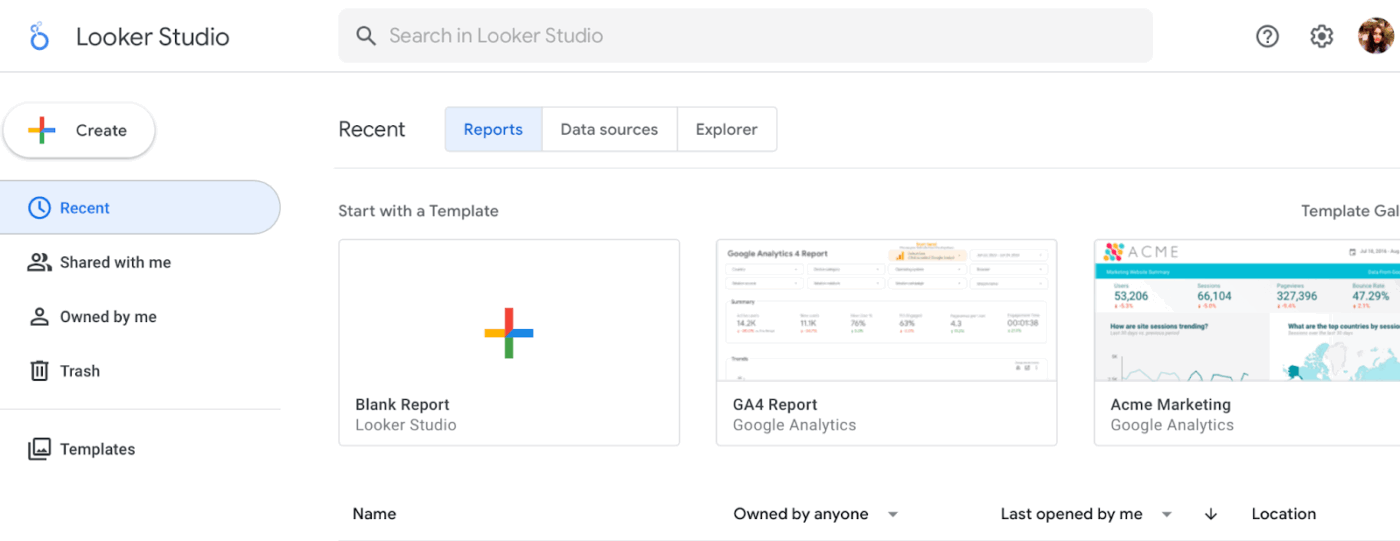
If your offer includes data analysis or digital marketing insights, you need tools that make data visualization easy to share.
📖 Also Read: The Psychology of Money Summary: Key Takeaways
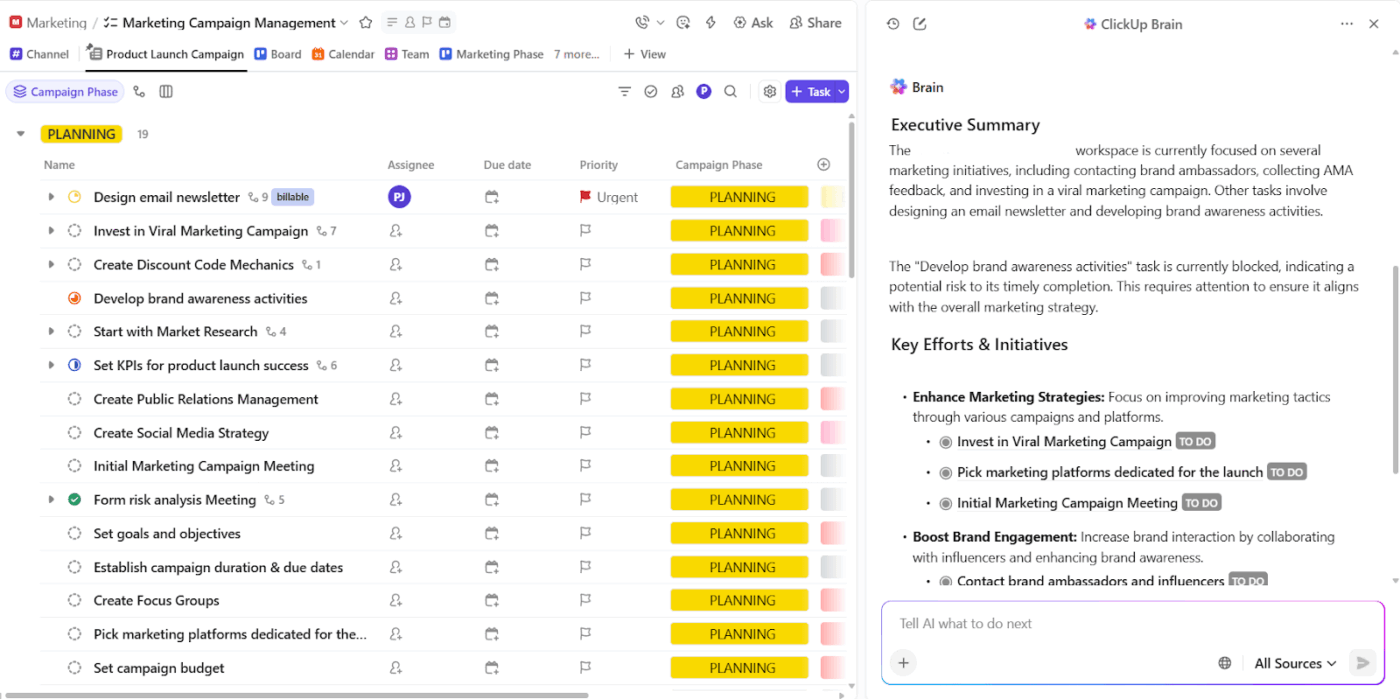
When you’re trying to make money with AI, speed and focus matter, but most teams end up slowed down by their own tools. They struggle to turn AI experimentation into revenue because their work is spread across too many disconnected systems.
Ideas are documented in one place, execution is tracked elsewhere, while performance is measured in a separate tool. This type of work sprawl increases friction and slows the transition from concept to monetization.
With AI, teams today face AI sprawl, where they find themselves juggling multiple AI tools for content generation, automation, and analysis.
ClickUp addresses this challenge as a converged AI workspace, and brings together task management, documentation, and AI capabilities within a single platform. This unified approach allows teams to design and optimize AI-driven workflows without losing context or control.
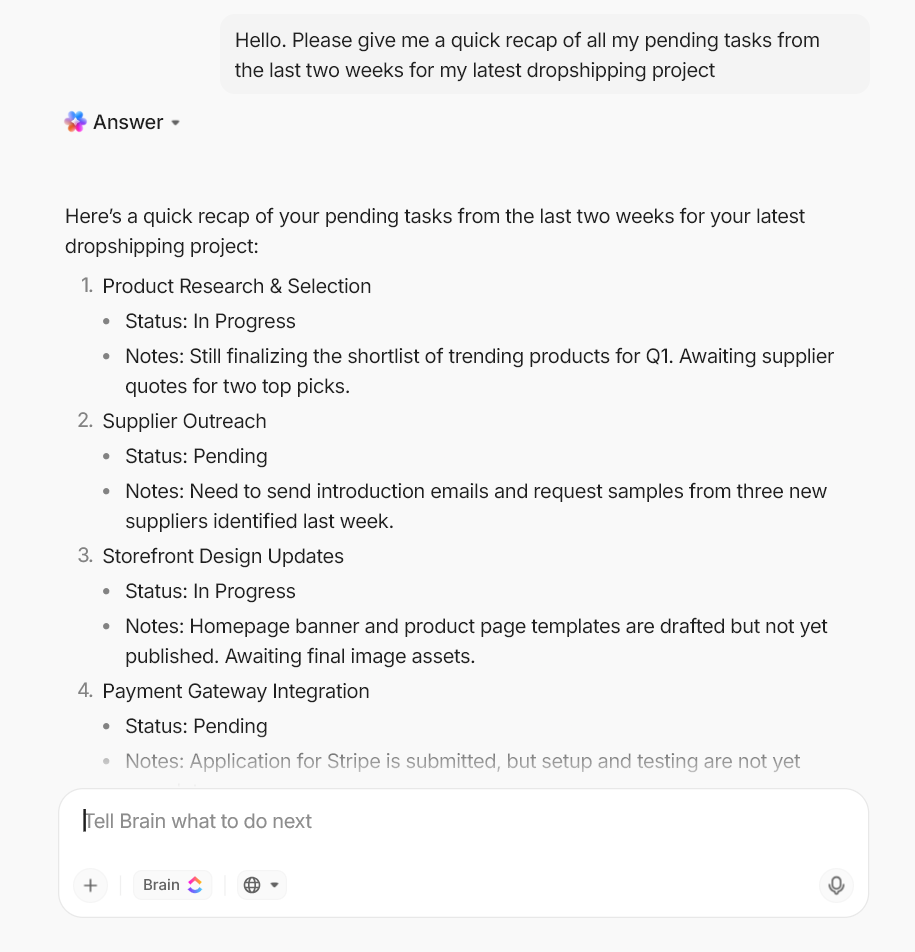
Most AI writing tools give you text. But you still have to turn that text into a real deliverable, create tasks, assign owners, and keep everything connected to the client request.
ClickUp Brain is built to work inside your workspace so you can move from idea to execution without hopping between apps.
✅ Here’s what you can do with it when you’re building AI-driven services:
💡 Pro Tip: Standardize AI-driven client delivery with ClickUp Brain MAX.
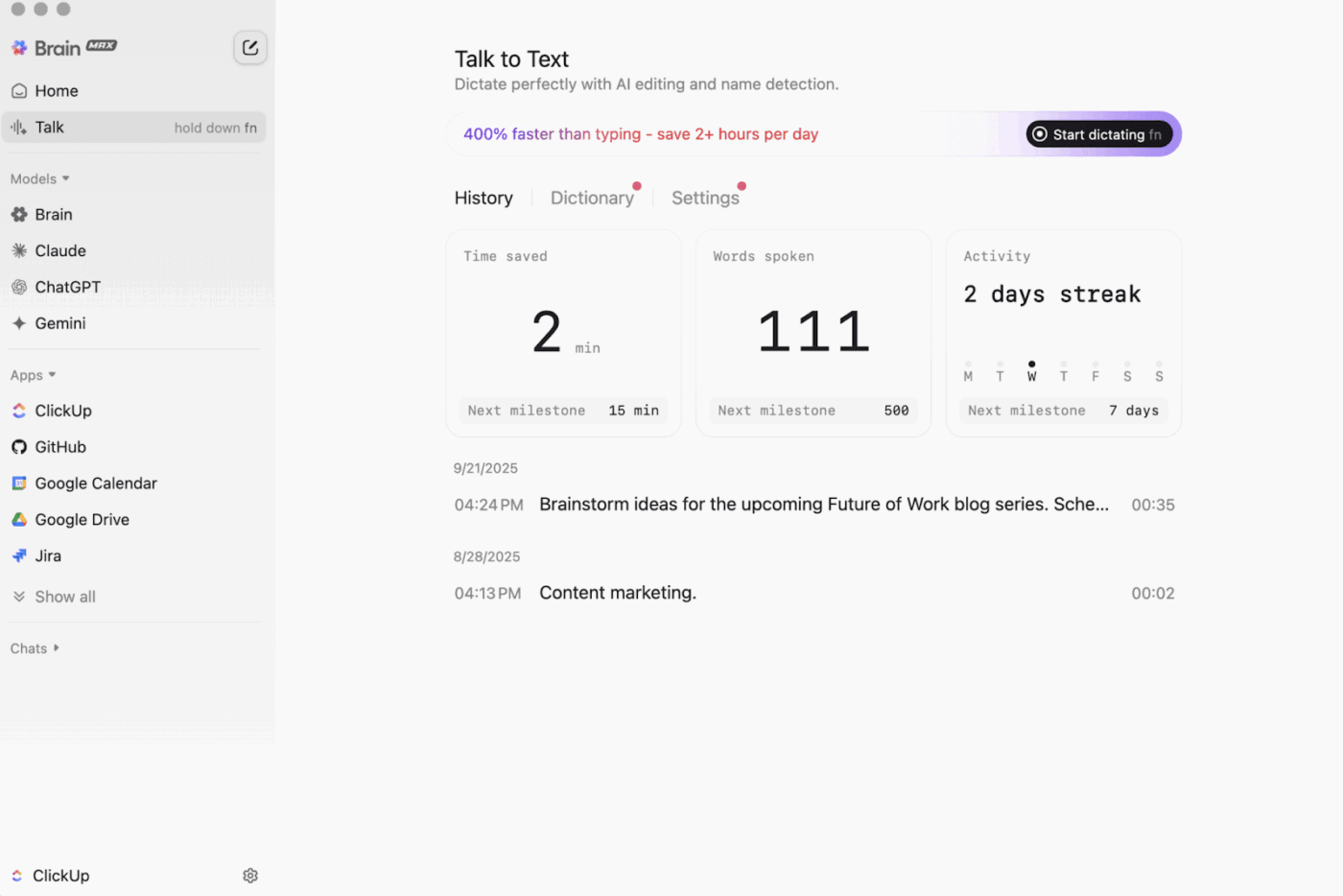
When teams use AI to generate revenue, the real bottleneck is applying feedback and turning final deliverables into clear execution steps. ClickUp Brain MAX helps teams manage this entire process within a single workspace, reducing friction and improving delivery consistency.
✅ Here’s how teams can streamline AI-powered client workflows:
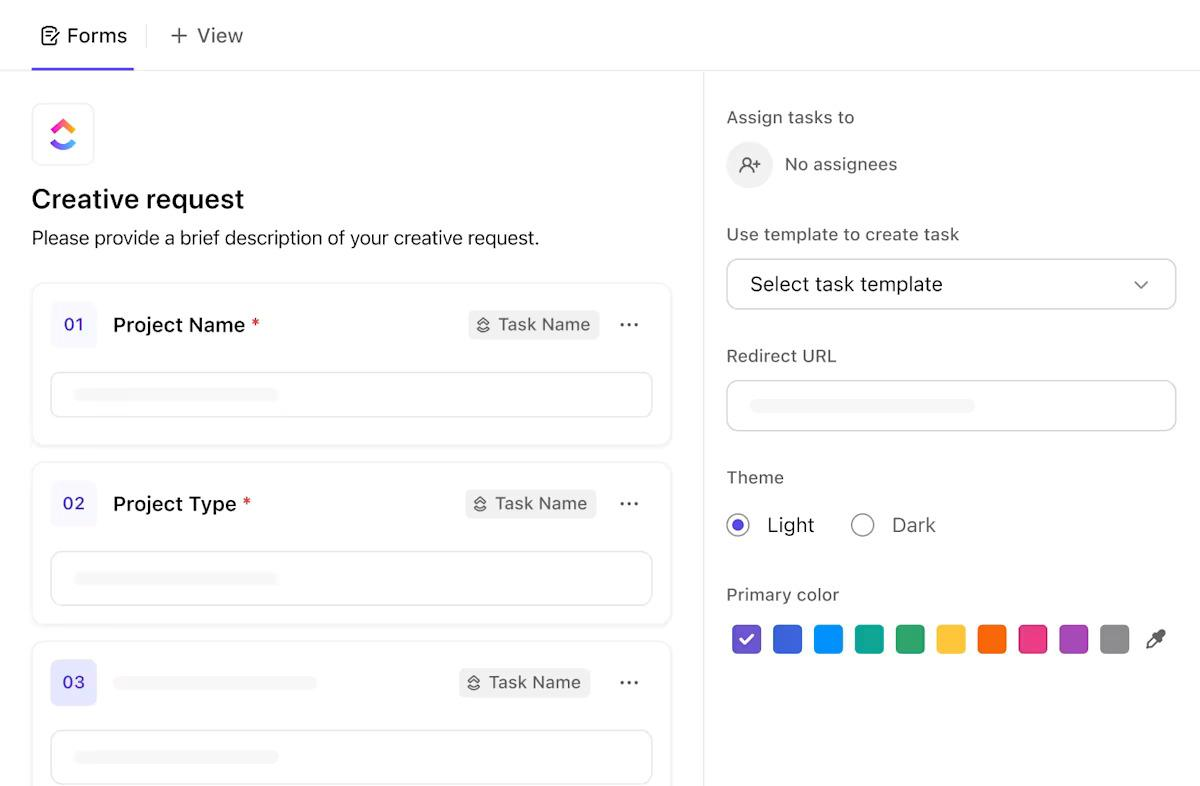
If you sell AI services like content packages and automation setup, your bottleneck revolves around handoffs and follow-ups.
✅ ClickUp gives you building blocks to run delivery like a system:
🎥 Watch a Video: Automate your tasks and save up to 26 hours per week with ClickUp.
💡 Pro Tip: Use ClickUp Super Agents to run your intake-to-delivery handoff.
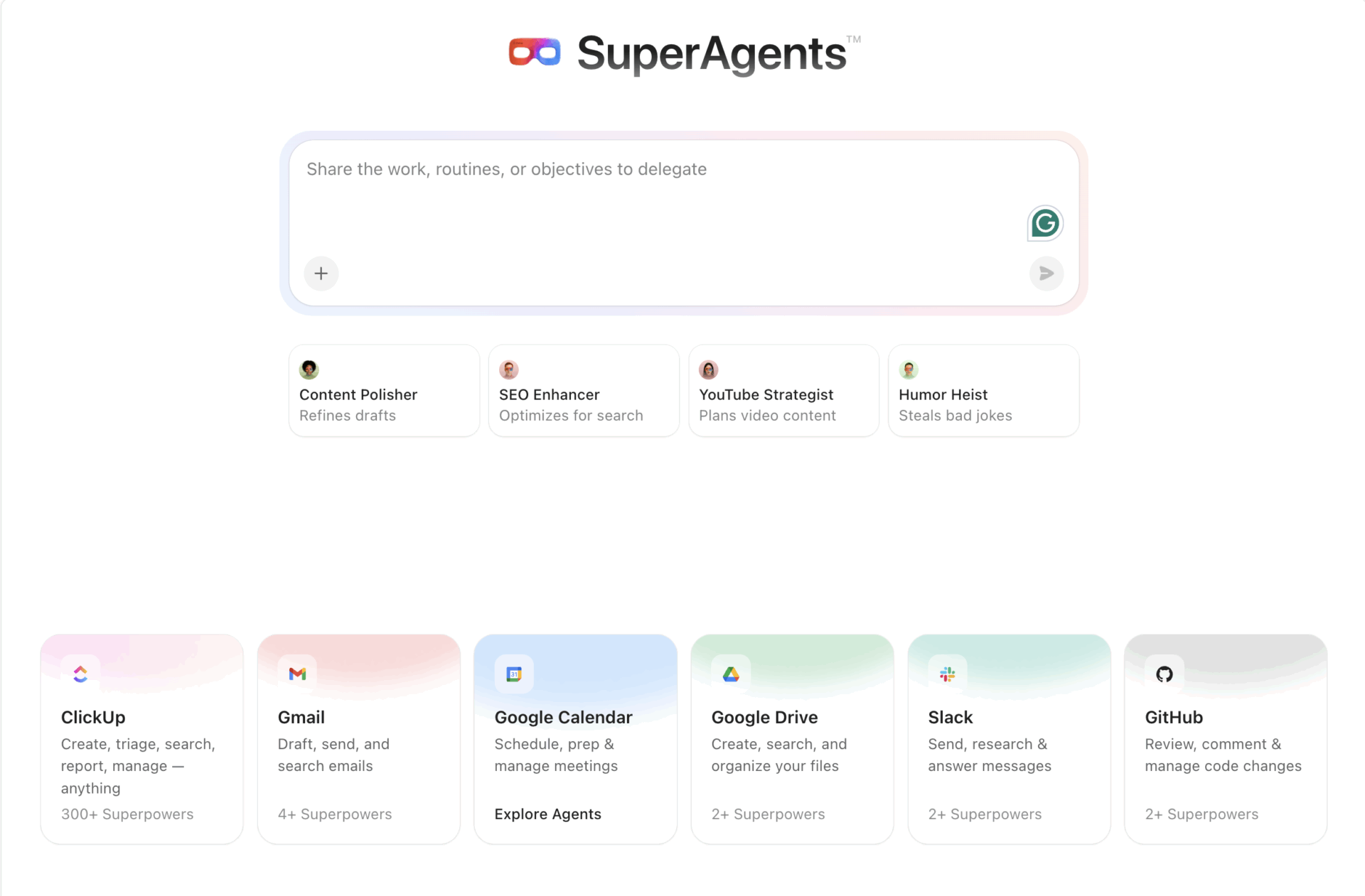
When you start selling AI services (content packs, reporting, automations), it’s often small ops work that blocks progress: missing brief details and slow follow-ups. ClickUp Super Agents can watch for a trigger in a List or Chat, then act based on your instructions.
A simple setup that works for most freelancers and creators:
If you also run a client-facing ClickUp Chat channel, you can enable Ambient Answers (a prebuilt Autopilot Agent) to reply to common “how do we…?” questions in-thread.
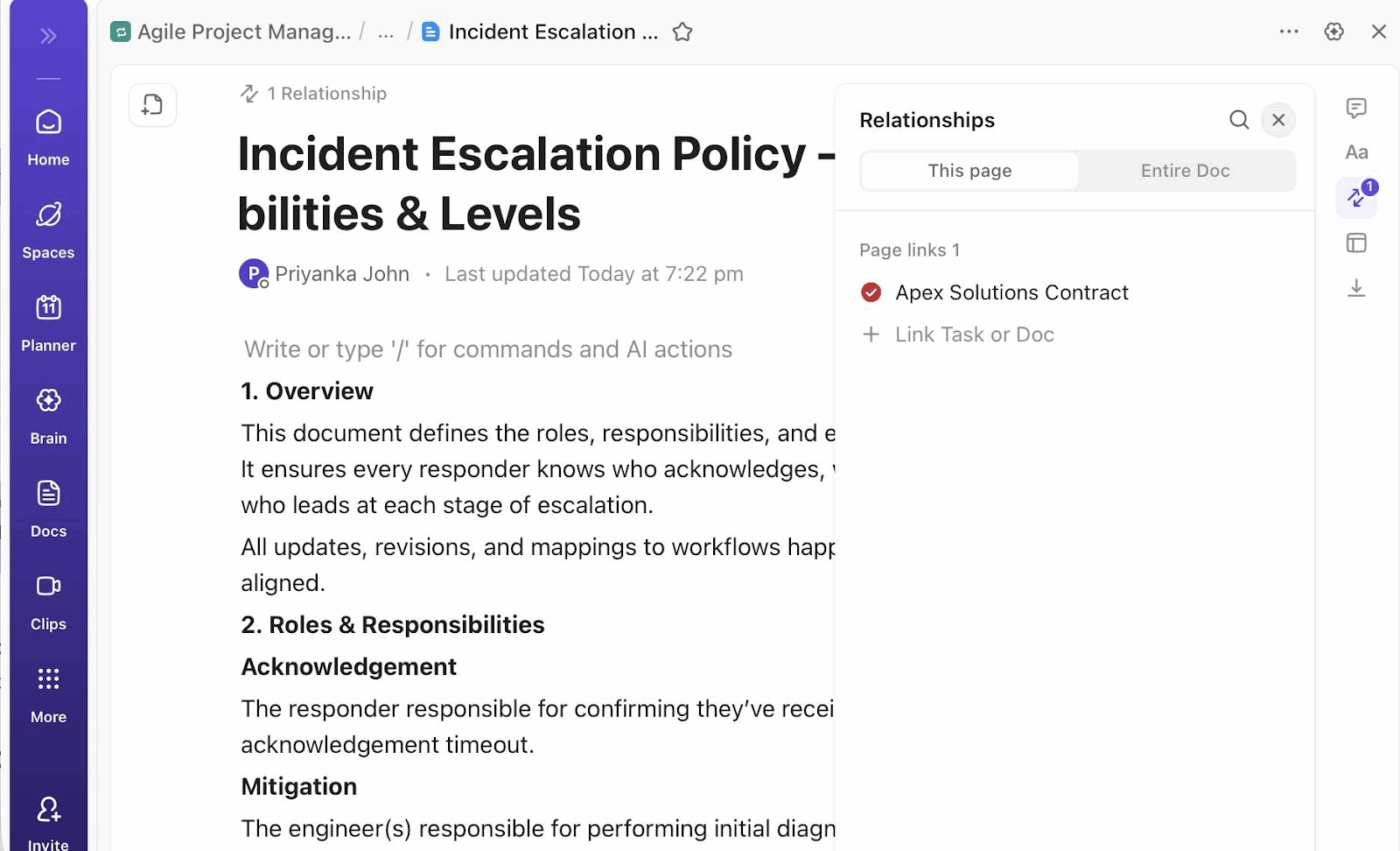
Prompt packs, SOPs, proposal templates, delivery checklists, and onboarding guides all turn into higher-margin products when you stop rebuilding them per client.
ClickUp Docs is designed for living documentation that stays connected to tasks and updates.
✅ With ClickUp Docs, you can:
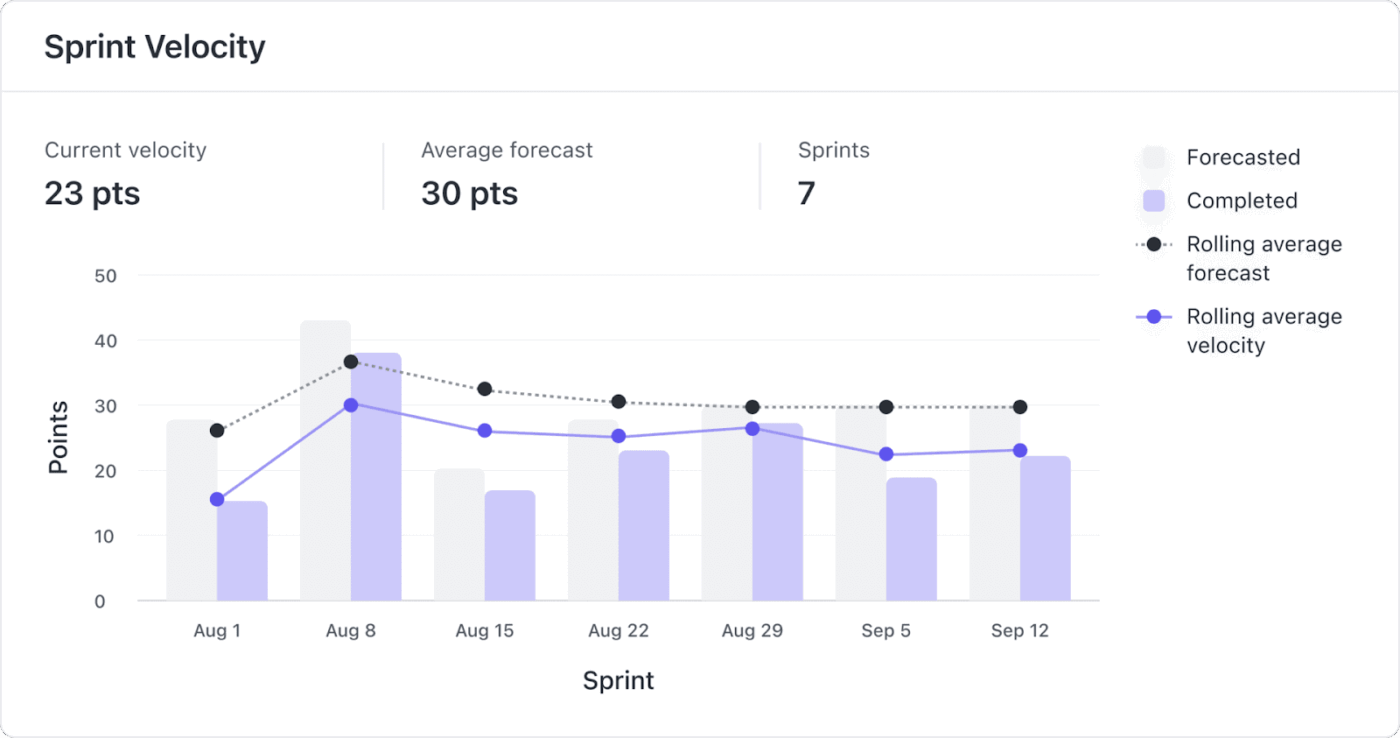
When you manage multiple income streams, your week gets messy fast. You might have content deadlines, client revisions, and admin tasks all competing for attention.
ClickUp Sprints gives you a structured way to plan delivery blocks, track progress, and keep work moving. ClickUp supports sprint management through the Sprints ClickApp, which provides sprint-specific settings.
✅ A practical way to use this as a freelancer:
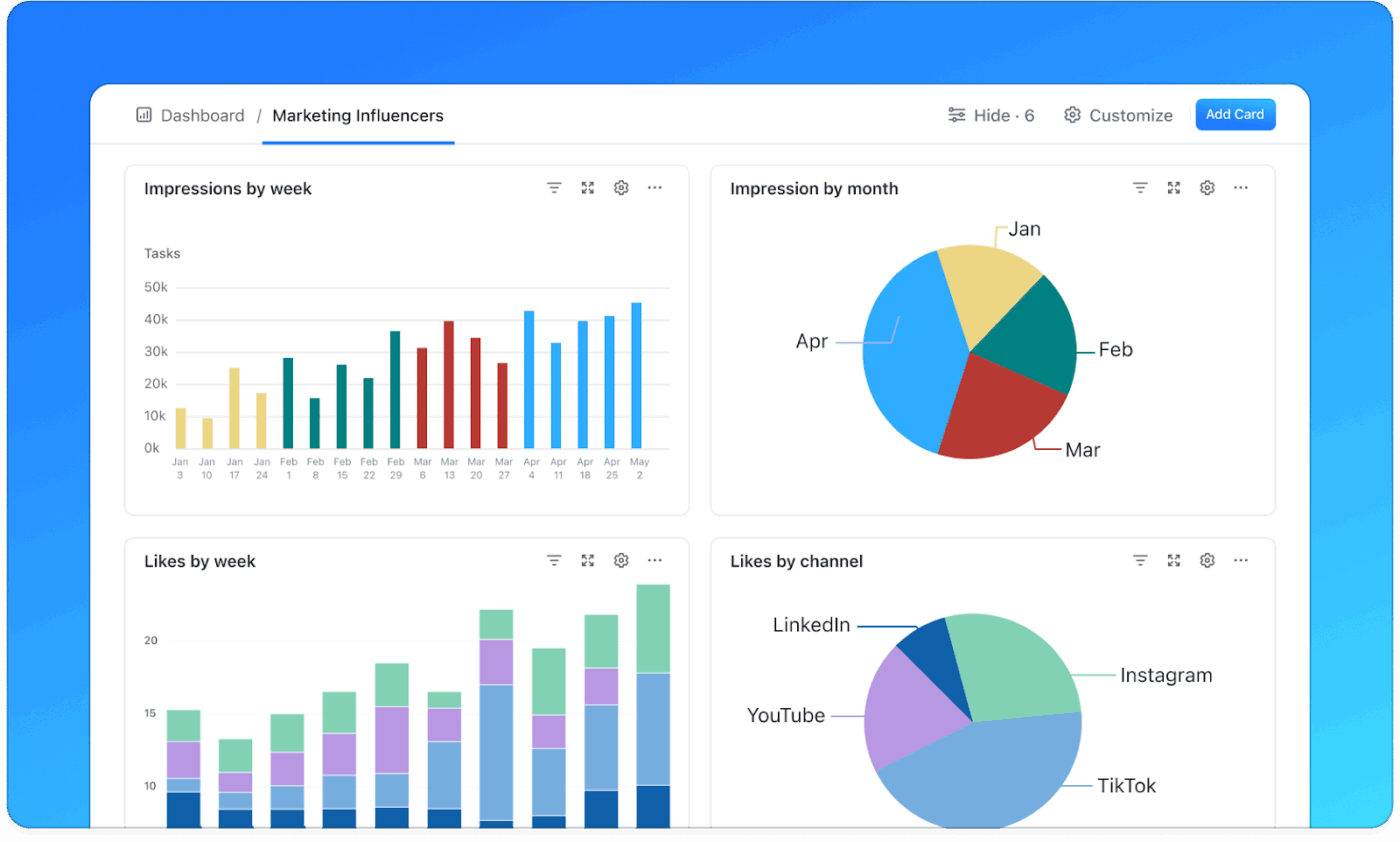
A lot of side hustles stall because leads live in DMs, invoices live in email, and follow-ups live in your head. ClickUp’s CRM setup revolves around flexible pipelines and tracked fields, which works well when you don’t want another standalone system.
✅ On ClickUp’s CRM pages and templates, you’ll see building blocks like:
You can also pair your pipeline with finance-style tracking templates and fields, then report on it in dashboards.
You can make money with AI faster than you think, but you’ll keep earning only if you treat it like a system. Ideally, you should pick one service and deliver consistently. You should also reinvest in better workflows as you go.
Once you’ve chosen your set of AI tools and started building credibility, you can make money with AI steadily.
If you want one place to manage your tasks, docs, and tools while you scale multiple income streams, try ClickUp. The AI-powered platform is built around bringing teams, tasks, and tools together in one workspace. With ClickUp, you’ll stay on top of priorities without ever losing context or getting lost in the weeds.
Sign up for ClickUp for free today and experience the difference ✅.

© 2026 ClickUp

There’s an easier way. Try a free AI Agent in ClickUp that actually does the work for you—set up in minutes, save hours every week.