








Still downloading templates?
There’s an easier way. Try a free AI Agent in ClickUp that actually does the work for you—set up in minutes, save hours every week.
Sorry, there were no results found for “”
Sorry, there were no results found for “”
Sorry, there were no results found for “”
If you’ve ever worked on a creative project, you’ve probably felt that quiet tension with brand guidelines. Maybe you had an idea you loved, but the colors didn’t match. Or the font didn’t quite fit. It’s a familiar feeling.
But brand guidelines aren’t there to hold you back. They’re there to make sure everything you put out still feels like you.
A Figma Brand Guidelines Template is a helpful way to find that connection with your customers. It gives you structure without making you feel boxed in. You get to stay consistent while still exploring different ideas and directions.
In this article, we’ll walk you through some of the best brand guidelines templates in Figma and share a few resources that can make creating your own feel a little more fun.
Across 2023 and 2024, Nvidia became one of the fastest-growing brands in the world and scaled into a trillion-dollar company. But being one of the fastest-growing brands in the world isn’t just a reflection of sales or numbers on a spreadsheet. It’s also about how deeply people connect with what the brand stands for.
So when you’re designing with that kind of connection in mind, here’s what to look for in a good Figma brand guidelines template:
📖 Also Read: How to Write a Design Brief in 8 Steps
Here’s a summary table for all the Figma and ClickUp brand guidelines templates:
| Template Name | Download Template | Ideal For | Best Features | Visual Format |
| Brand Guidelines Template by Design18th (Figma) | Download this template | Small teams, freelancers | Voice, logo, colors, typography, easy updates | Figma File |
| Brand Base: Brand Guidelines Template by Figma | Download this template | Design leads, marketing teams | Story, colors, typography, collaboration | Figma File |
| Simple Brand Guideline Template by Figma | Download this template | Freelancers, personal brands | Essentials only, quick edits, practical | Figma File |
| Brand Guide Template by Figma | Download this template | Growing brands with assets | Drop-in assets, gradual refinement | Figma File |
| Brand Guidelines Template Free by Figma | Download this template | Startups, first-time founders | Logo, typography, color basics, beginner-friendly | Figma File |
| ClickUp Brand Guidelines Template | Get free template | Teams needing a visual, collaborative home | Visual whiteboard, real-time collaboration | ClickUp Whiteboard |
| ClickUp Brand Style Guide Doc Template | Get free template | Brand/design/marketing teams | Central doc for logos and colors | ClickUp Doc |
| ClickUp Brand Style Guide Template | Get free template | Brand managers, creative directors | Centralized rules, easy alignment | ClickUp Doc/List |
| ClickUp Brand Management Template | Get free template | Brand managers, marketing ops | Campaign planning, asset control | ClickUp List/Board |
| ClickUp Brand Identity Template | Get free template | Marketing, comms teams | Visual language, messaging, KPIs | ClickUp Doc/List |
| ClickUp Brand Book Template | Get free template | Marketing, content strategists | Strategy, visuals, storytelling | ClickUp Doc/List/Board |
| ClickUp Rebranding Template | Get free template | Marketing directors, brand managers | Structured plan, timelines, roles | ClickUp List/Board |
| ClickUp Logo Style Guide Template | Get free template | Designers, agencies | Logo usage rules, variations | ClickUp Doc/List |
| ClickUp Project Style Guide Template | Get free template | Content creators, design teams | Fonts, colors, layouts, shared doc | ClickUp Doc/List |
| ClickUp Brand Launch Template | Get free template | Founders, brand builders | Launch timeline, milestones, team sync | ClickUp List/Board |
| ClickUp Branding Template | Get free template | Early-stage teams, design leads | Voice, colors, asset storage, consistency | ClickUp Doc/List |
Not everyone has time to build a brand guide from scratch. Luckily, there are some beautifully made free Figma templates that give you a solid starting point without taking away your creative freedom.
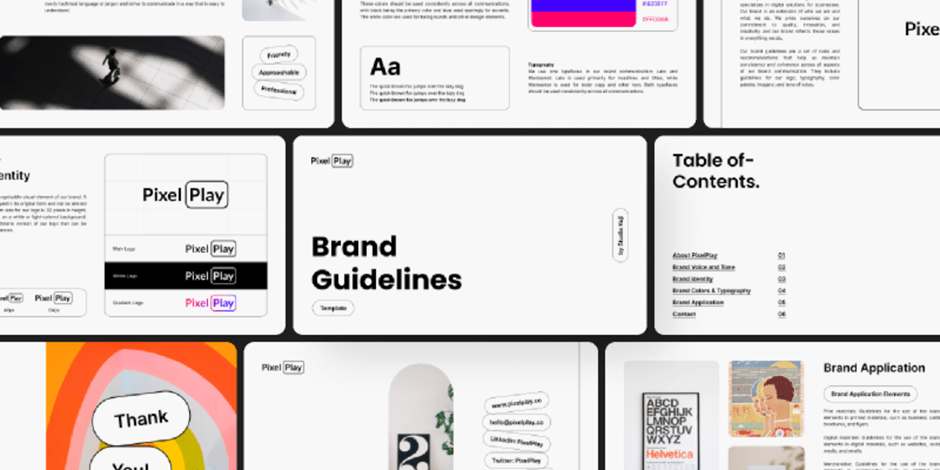
The Figma Brand Guidelines Template offers a polished, collaborative starting point for building a brand playbook. You can tweak it to align with your brand’s voice, values, and visual identity.
Perfect for group input, Figma lets team members comment, draw, and design together in real time, blending ideas from your workspace seamlessly into the template draft.
🌻 Why you’ll like this template:
✨ Ideal For: Small teams or freelancers looking for a clean, easy-to-follow structure that covers all the essentials.
👀 Fun Fact: Tiffany & Co. uses a special shade of blue so distinct that it has its own Pantone code. The company even trademarked the color so no one else can use it in jewelry packaging.
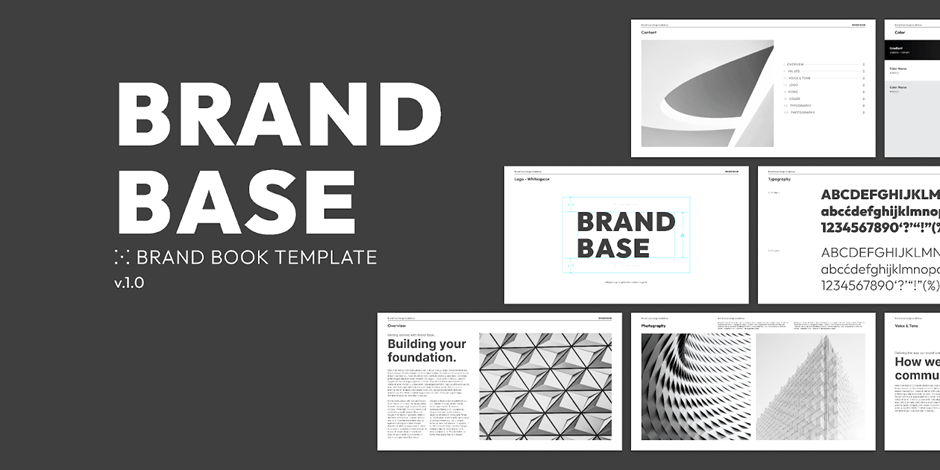
This Brand Base template makes it easier to show how brand choices connect to actual design decisions. Instead of flipping between separate files for logos, fonts, and colors, everything lives in one place that is simple to update.
Because it is built directly in Figma, teams can test ideas and adjust brand assets without breaking consistency, which saves hours when rolling out new campaigns.
🌻 Why you’ll like this template:
✨ Ideal For: Design leads and marketing teams who need a living brand guide that scales smoothly across print, web, and social media.
📖 Also Read: Digital Brand Asset Management Software
American businessman Scott Cook once said,
A brand is no longer what we tell the consumer it is—it is what consumers tell each other it is.
That idea sticks, especially when you’re trying to build a brand people actually trust. And that trust starts with consistency.
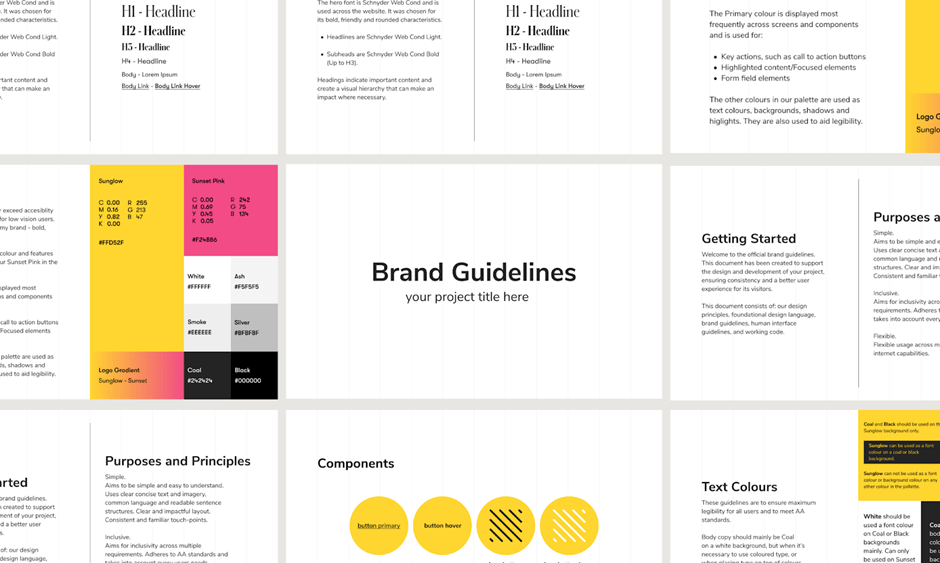
This template strips away the extras so you can focus on presenting the core elements clearly. It gives you a straightforward way to document your brand without overcomplicating the process, which is especially helpful if you’re working alone and need something you can update quickly.
🌻 Why you’ll like this template:
✨ Ideal For: Freelancers and personal brands who want a no-frills guideline they can edit fast and use across portfolios, websites, and social channels.
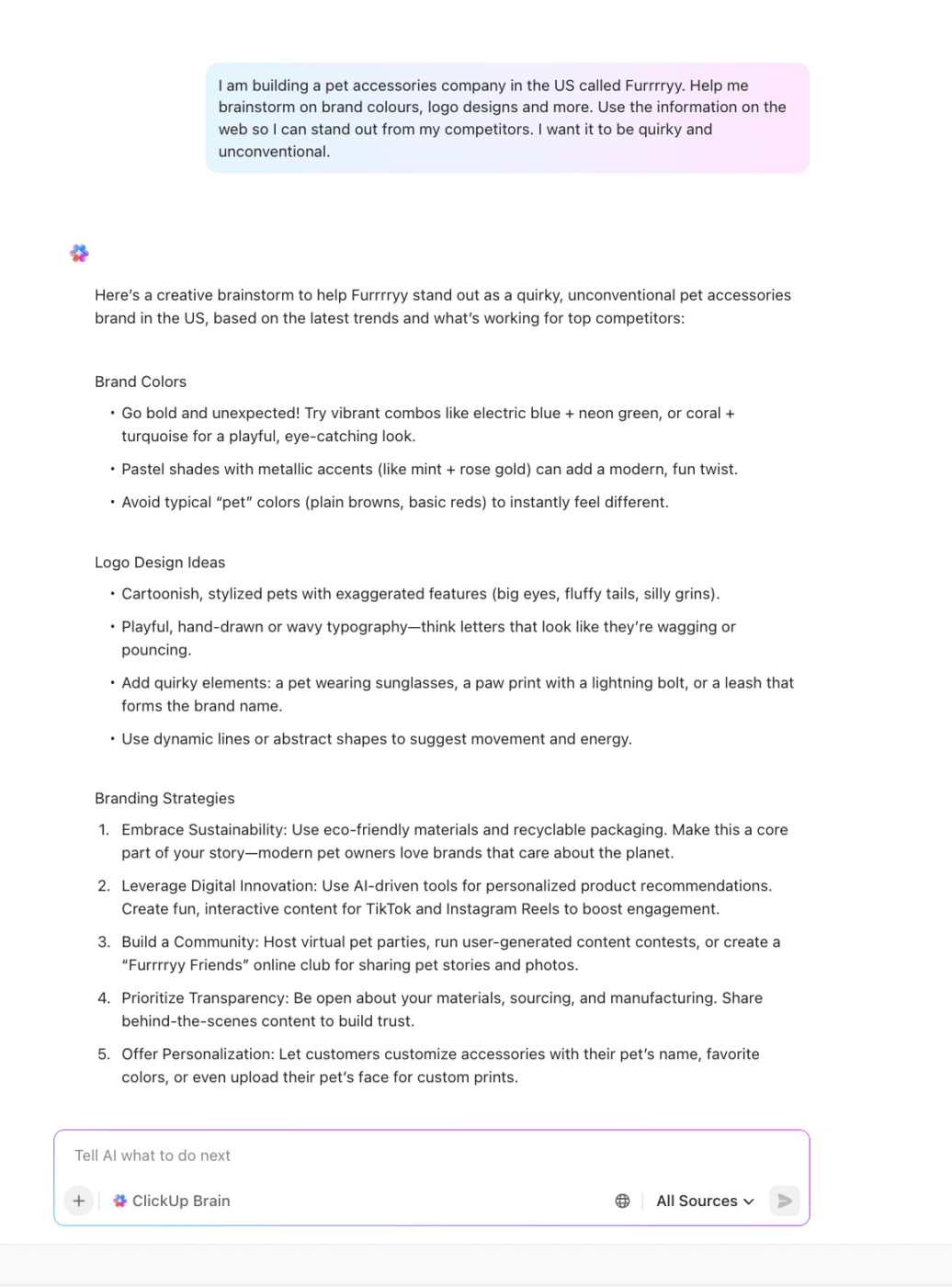
💡 Pro Tip: Looking to brainstorm unique branding ideas for your business? Ask ClickUp Brain for creative color palettes, logo concepts, and unconventional strategies to make your brand stand out!
Sometimes the heart of your brand is already there. It just needs a place to live, breathe, and stay consistent over time.
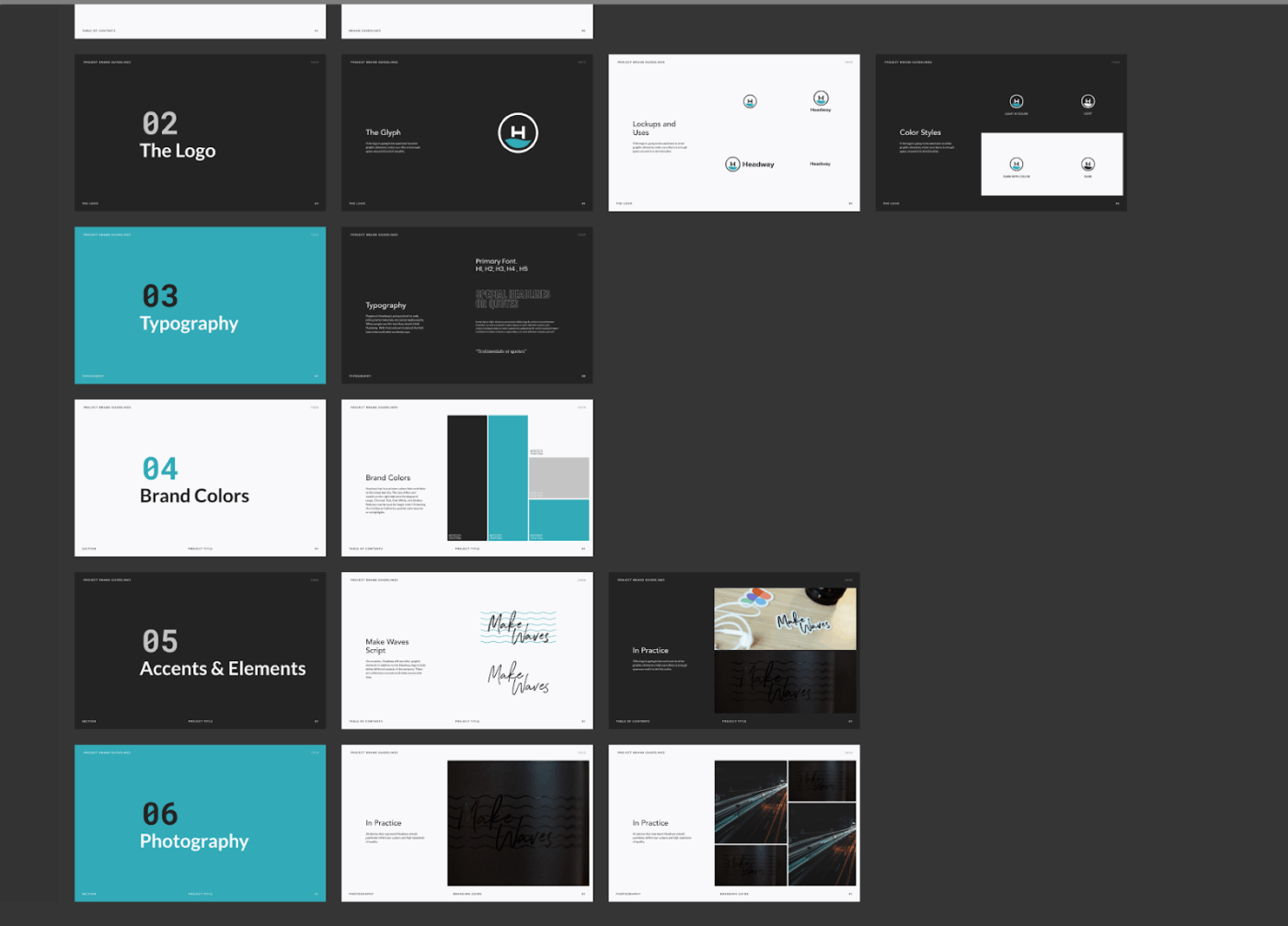
This Brand Guideline Template from Figma helps you gather what you have and gently ask if it still feels like the brand you set out to build. Turning scattered assets into a single source of truth makes your brand easier to explain to new hires, collaborators, or external partners.
It also gives you a framework for spotting gaps in your identity and refining them gradually instead of starting from scratch.
🌻 Why you’ll like this template:
✨ Ideal For: Growing brands that already have assets in place and just need a home to keep things aligned.
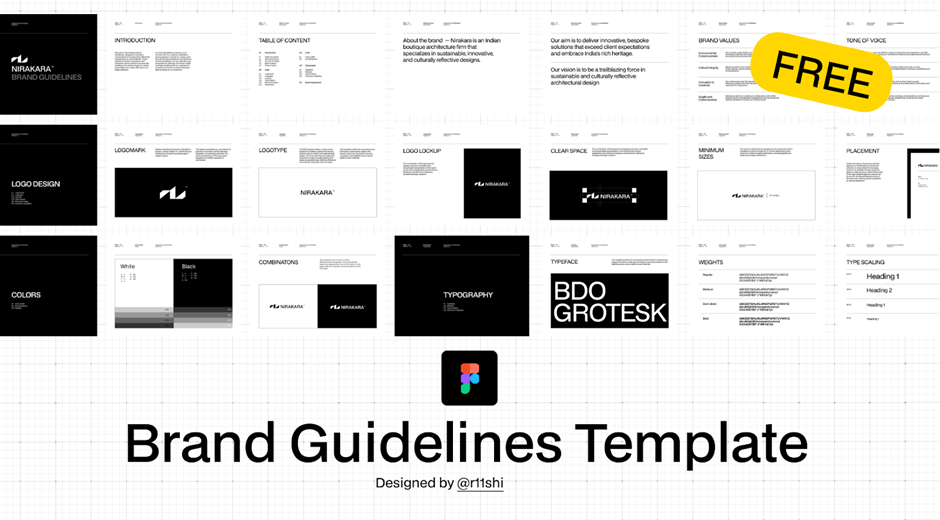
Not every brand starts with a big team or a fancy design system. Sometimes you just need a clear place to begin. This Brand Guidelines free template gives you that space, with enough structure to feel reliable and enough flexibility to make it your own.
It works as a simple framework that grows with you, so you can start small and add details as your brand develops. For new designers or first-time founders, this graphic design template removes the pressure of creating a perfect guide right away while still keeping your work consistent.
🌻 Why you’ll like this template:
✨ Ideal For: Startups and first-time founders who need a free, beginner-friendly brand guide they can expand as their identity takes shape.
📮 ClickUp Insight: When goals don’t go as planned, most people either throw in the towel or keep going without a new plan. But missed goals aren’t the end of the story—they’re a chance to learn.
With ClickUp Mind Maps and ClickUp Whiteboards, you can look back, make sense of what happened, and sketch out a smarter next step. It’s like having a built-in way to bounce back with clarity.
💫 Real Results: ClickUp users say they can take on about 10% more work, simply because they set clearer, more achievable goals—less stress, more wins
📖 Also Read: Press Release Templates and Examples
If anyone from Figma is listening here: friendly reminder, you are massively going down the wrong path, and you will be replaced in no time if you continue.
This is how one frustrated user addressed the Figma team on Reddit.
Safe to say, despite helping countless designers bring structure to their creative work, Figma has some serious challenges that are worth keeping in mind before you dive in too deep.
Here’s a quick rundown:
As they say, “Where there’s a will, there’s a way.” And occasionally, that way turns out to be ClickUp, marketers’ go-to brand management software.
If the discussed templates leave your design teams feeling boxed in, here are some Figma alternatives.
Below are the 10 best ClickUp Brand Guidelines Templates that can help fill in the gaps and give your brand a space to grow with clarity and consistency.
Most people don’t choose a brand just because it looks impressive. They choose it because it feels familiar, clear, and trustworthy. In fact, three out of four say they’d rather buy from a brand they feel connected to. That kind of connection starts with being consistent.
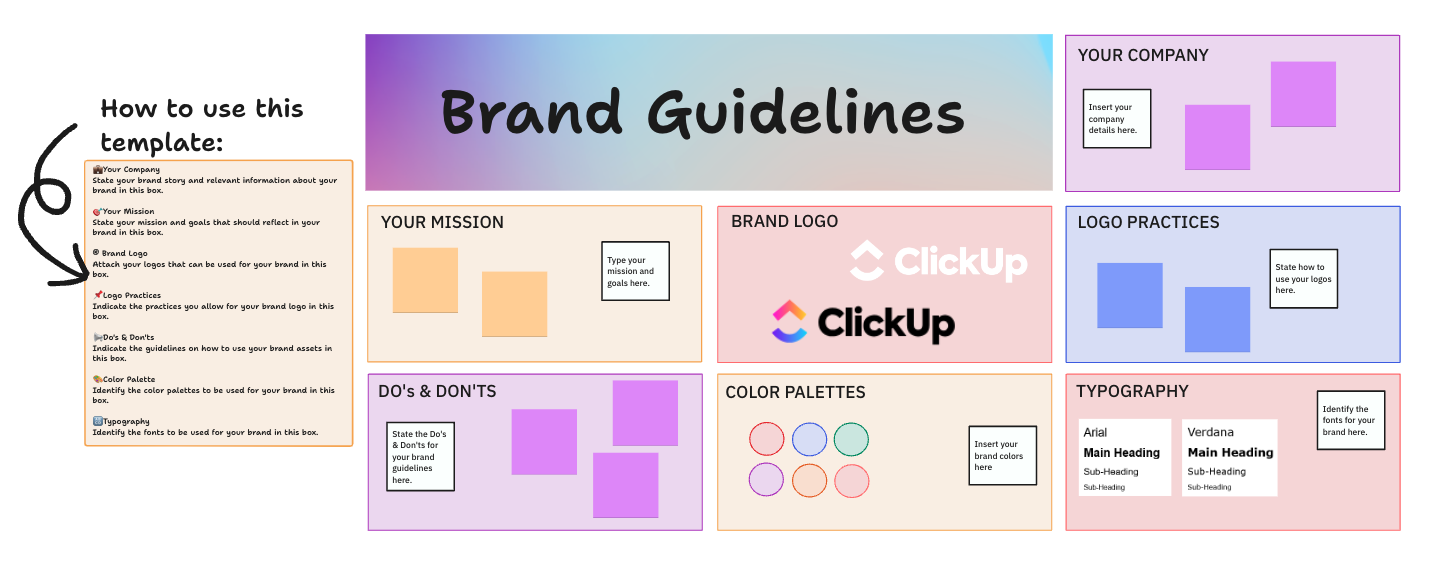
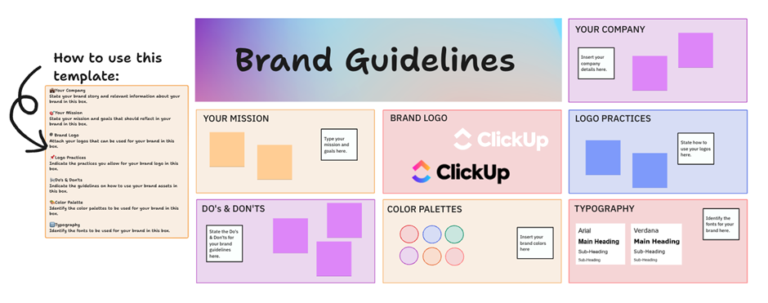
The ClickUp Brand Guidelines Template gives you a flexible space to bring all the pieces of your brand together, side by side.
Because it’s built into a collaborative whiteboard, you can map visuals, values, and messaging in one place and keep them accessible for the whole team.
✨ Ideal For: Teams who want a calm, visual home for their brand that’s easy to update and share.
Here’s how you can map your entire plan visually with ClickUp Whiteboards in a quick guide:
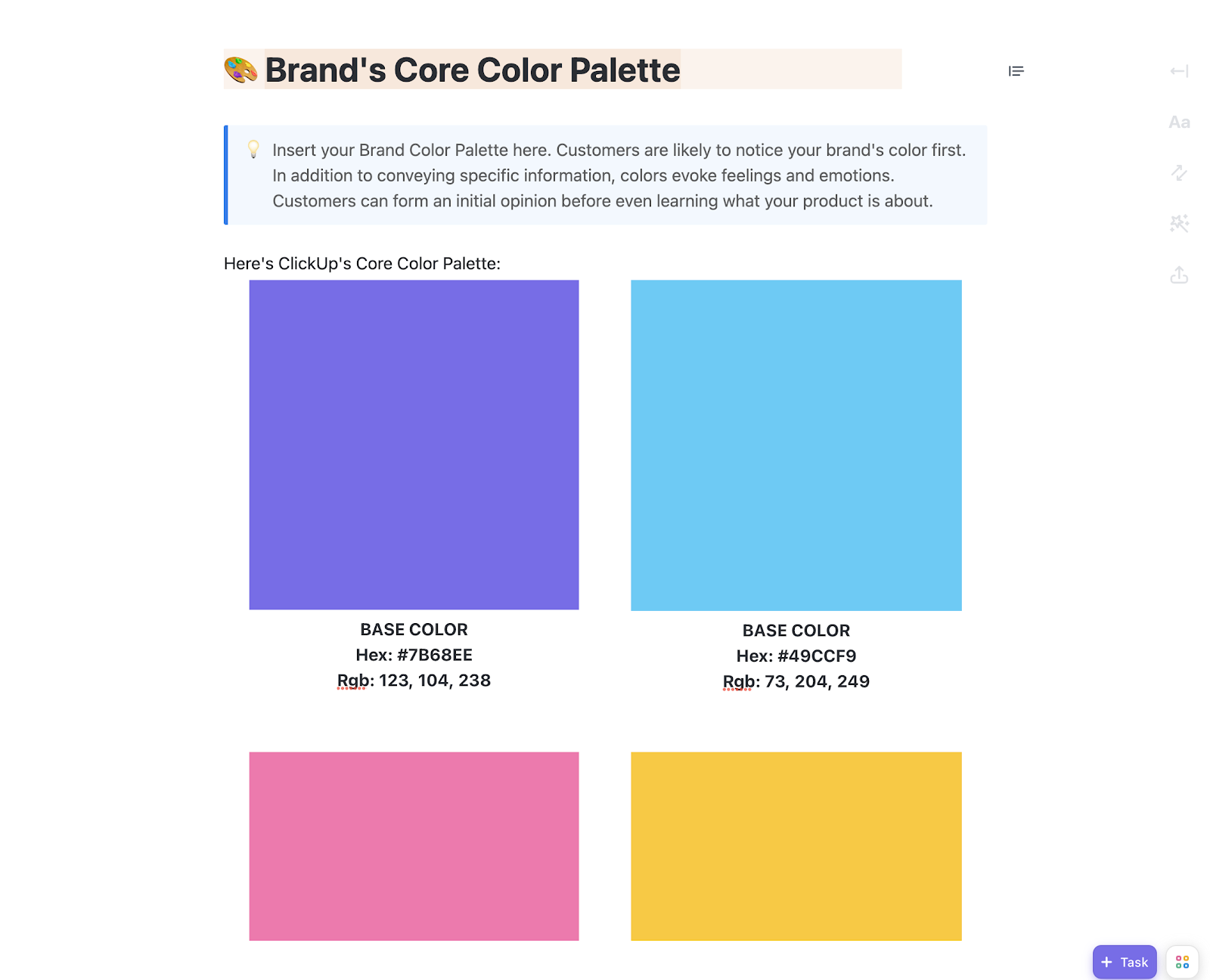
It’s one thing to choose your brand colors and fonts. It’s another way to make sure they show up the same way everywhere. A style guide helps keep things steady, so no matter who’s designing or writing, the brand still feels like you.
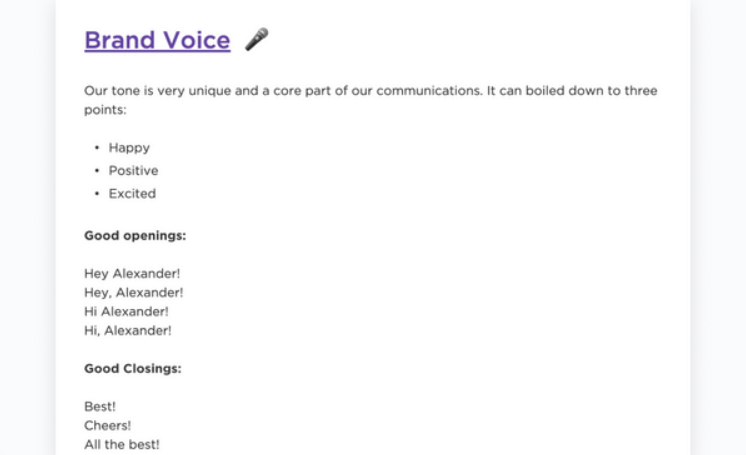
The ClickUp Brand Style Guide Doc Template is a ready-to-use ClickUp Doc designed to help teams centralize and maintain their brand identity. It includes dedicated sections for logos, typography, brand colors, tone of voice, and usage examples.
Whether you’re onboarding new hires, briefing freelancers, or aligning stakeholders, it provides a clear and actionable source of truth for your brand assets and messaging.
✨ Ideal For: Brand marketing, product marketing, design, and communications teams who need a shared space to align on logos, messaging, and visual identity in real time.
Some businesses spend over ten thousand dollars a year on design work. That number says a lot. But it also shows just how much effort goes into getting the brand to look and feel just right.
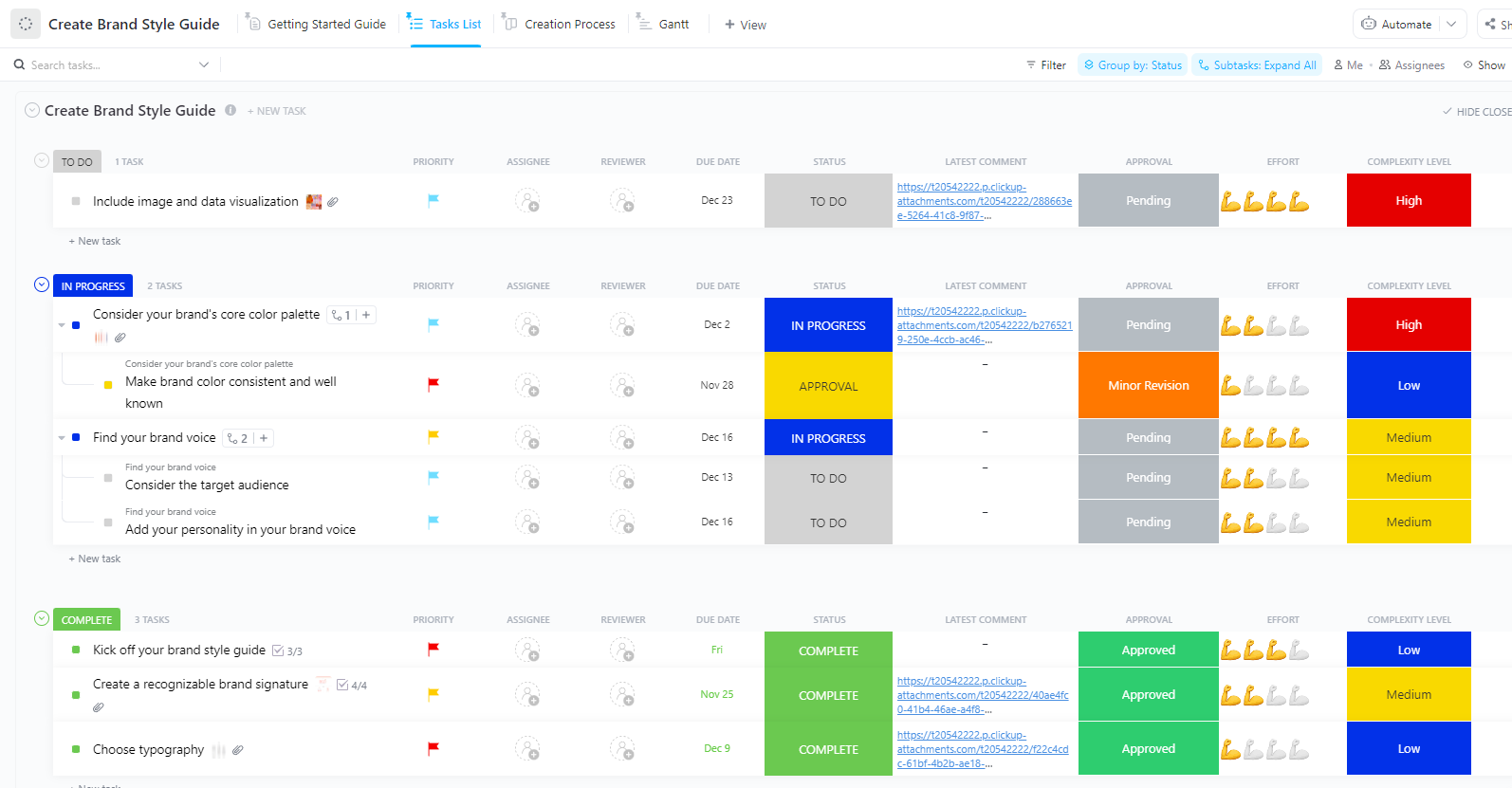
The ClickUp Brand Style Guide Template gives you a simple place to pull those efforts together and keep things consistent. You can centralize brand rules in ClickUp so writers, designers, and marketers always work from the same playbook.
✨ Ideal For: Brand managers, creative directors, and marketing teams who need a reliable style guide to align design, copy, and campaign execution across every channel.
👀 Fun Fact: Chupa Chups’ daisy-shaped logo was designed by Salvador Dalí in under an hour. He insisted it go on top of the lollipop rather than the side so people could always see it clearly. It’s a perfect example of how good placement can be just as important as good design.
You have successfully completed the product launch deck. Then someone pings you asking for the latest campaign brief. Meanwhile, another teammate just shared a version of the logo you stopped using two months ago.
Managing a brand means keeping a lot of things in check, often all at once. The ClickUp Brand Management Template brings everything under one roof so campaign planning, asset updates, and team communication stay connected. Instead of clarifying which draft is current, you can track campaigns, align messaging, and keep everyone moving toward the same brand story.
✨ Ideal For: Brand managers, marketing operations teams, and creative leads who need one place to coordinate campaigns, control assets, and maintain brand consistency across departments.
“What is needed for brand identity? Other than the basics.” That was the question on Reddit. One user responded with something simple but spot on: “Before the logo, decide your tone of voice, your mission, vision, and who you’re talking to. Then let the design follow that.“
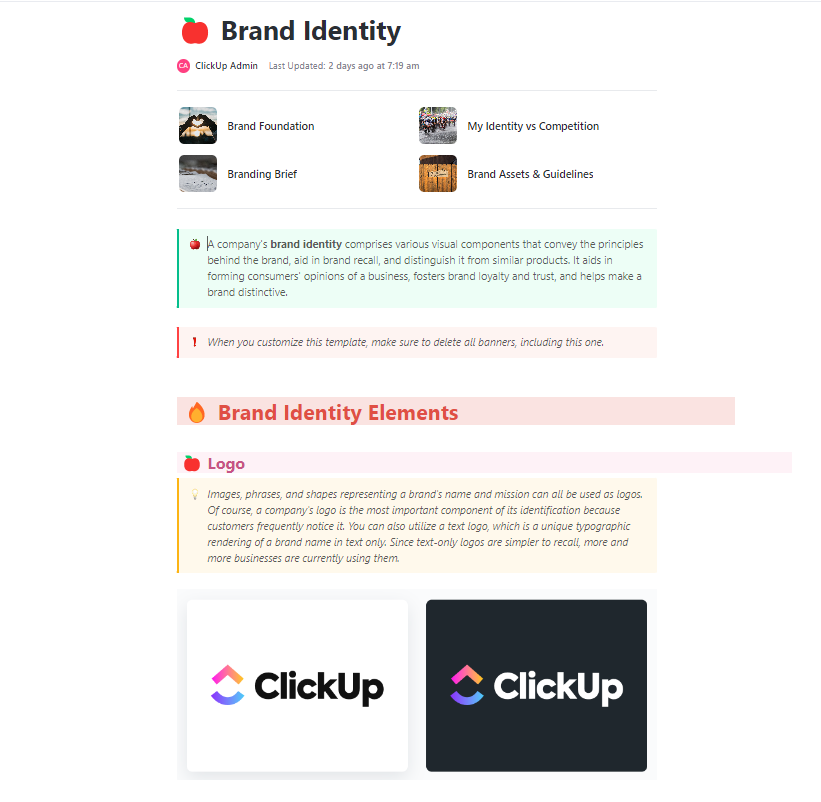
That’s precisely what ClickUp’s Brand Identity Template helps you do. This template gives you the space to think through the deeper stuff before jumping into colors and fonts.
The best part is that it goes beyond visuals to help you define your values, voice, and long-term goals so your brand feels authentic and not just decorative.
✨ Ideal For: Marketing teams and communications leaders who want to shape a consistent identity across campaigns, channels, and customer touchpoints.
📖 Also Read: Design Project Management
You know that feeling when everything about a brand just fits? The voice, the colors, the way it shows up online. It’s not a mere accident. That kind of clarity usually comes from having something solid to come back to. A brand book helps you build that kind of foundation.
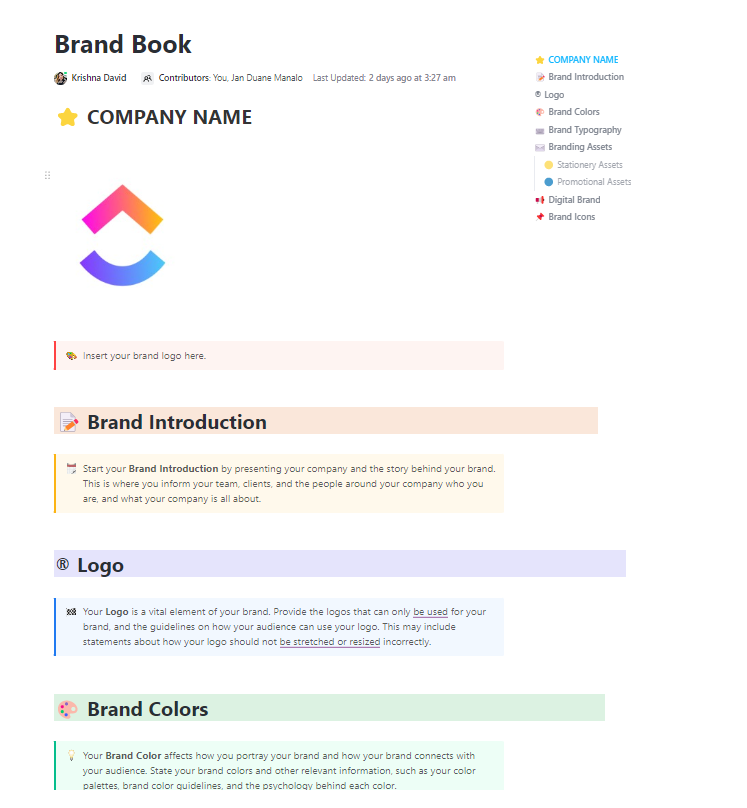
The ClickUp Brand Book Template turns that idea into a practical workspace where strategy, visuals, and storytelling live side by side. Instead of treating the brand book as a static PDF, this brand strategy template becomes a dynamic guide you can update, share, and expand as the brand grows.
✨ Ideal For: Marketing teams, content strategists, and creative directors who need a central, evolving brand book to guide messaging, campaigns, and design decisions.
When Dunkin’ dropped “Donuts” from its name, it was more than just a logo change. It was a quiet shift in how they wanted to show up. Dunkin’ maintained the same colors and vibe while focusing more clearly on what their customers valued most. That kind of rebrand takes care, not just a new typeface.
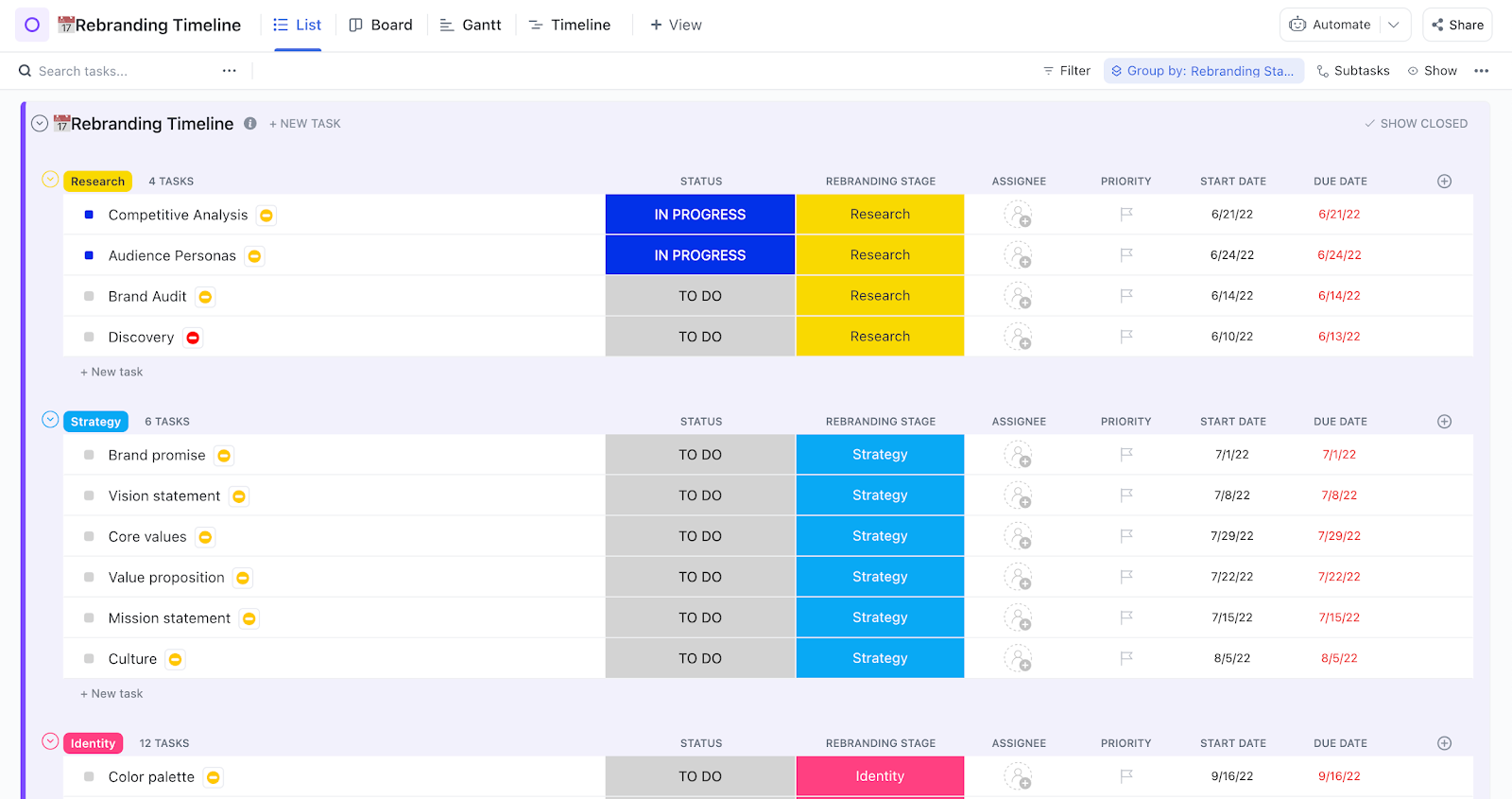
Rebranding isn’t simple. You’re trying to move forward without losing the parts that still feel true. The ClickUp Rebranding Template gives you a way to do that without feeling rushed.
This branding template creates a structured plan where strategy, design, and communication all stay in sync. With timelines, task ownership, and space for feedback, the process feels intentional rather than chaotic.
✨ Ideal For: Marketing directors, brand managers, and creative operations teams leading rebrands who need a clear structure for timelines, roles, and campaign rollouts.
Logos tend to travel on the web. They show up on websites, in presentations, on coffee mugs, and sometimes in places you didn’t expect. A logo style guide helps you make sure your logo still feels like you, regardless of where it ends up.
ClickUp’s Logo Style Guide Template gives you one clear place to set those boundaries with care. It is a good place to start learning about how to create a style guide for your brand. For starters, you get to define usage rules, document variations, and share instructions so no partner, vendor, or teammate misuses the logo.
✨ Ideal For: Graphic designers, brand managers, and creative agencies who need to document logo usage and ensure partners, vendors, and internal teams apply it consistently.
👀 Fun Fact: The word LEGO is a mashup of the Danish phrase “leg godt,” meaning “play well.” What makes it entertaining is that the founders didn’t realize until later that in Latin, “lego” also means “I put together.” It’s a joyful coincidence that aligns perfectly with the brand’s mission.
You update the website header. Someone else tweaks the font in a social post. Then a third person shares a slide deck that uses an entirely different color. Before you know it, things start to feel a little off.
ClickUp’s Project Style Guide Template offers a shared guide where everyone can check in and make sure they’re building from the same place.
The template keeps all the key visuals like fonts, colors, and layouts in one reference, so every deliverable feels like part of the same story. Instead of correcting inconsistencies after the fact, your team can design with clarity from the start.
✨ Ideal For: Content creators, product design teams, and marketing departments that need a straightforward reference to keep visuals aligned across campaigns, products, and channels.
💡 Pro Tip: Use the ClickUp Brand Assets feature as your single source of truth for logos, colors, and typography. You can easily link to it or embed key elements in your Docs or Whiteboards, so your team never has to wonder which version of the logo to use or what shade of purple is correct.
There’s a Reddit post that’s been making the rounds: a startup advisor shares what it was like helping brands scale from early ideas to multimillion-dollar exits. What is one of his most insightful suggestions? Don’t wait for perfection. Just get your product out there, talk to your customers, and build from version one.
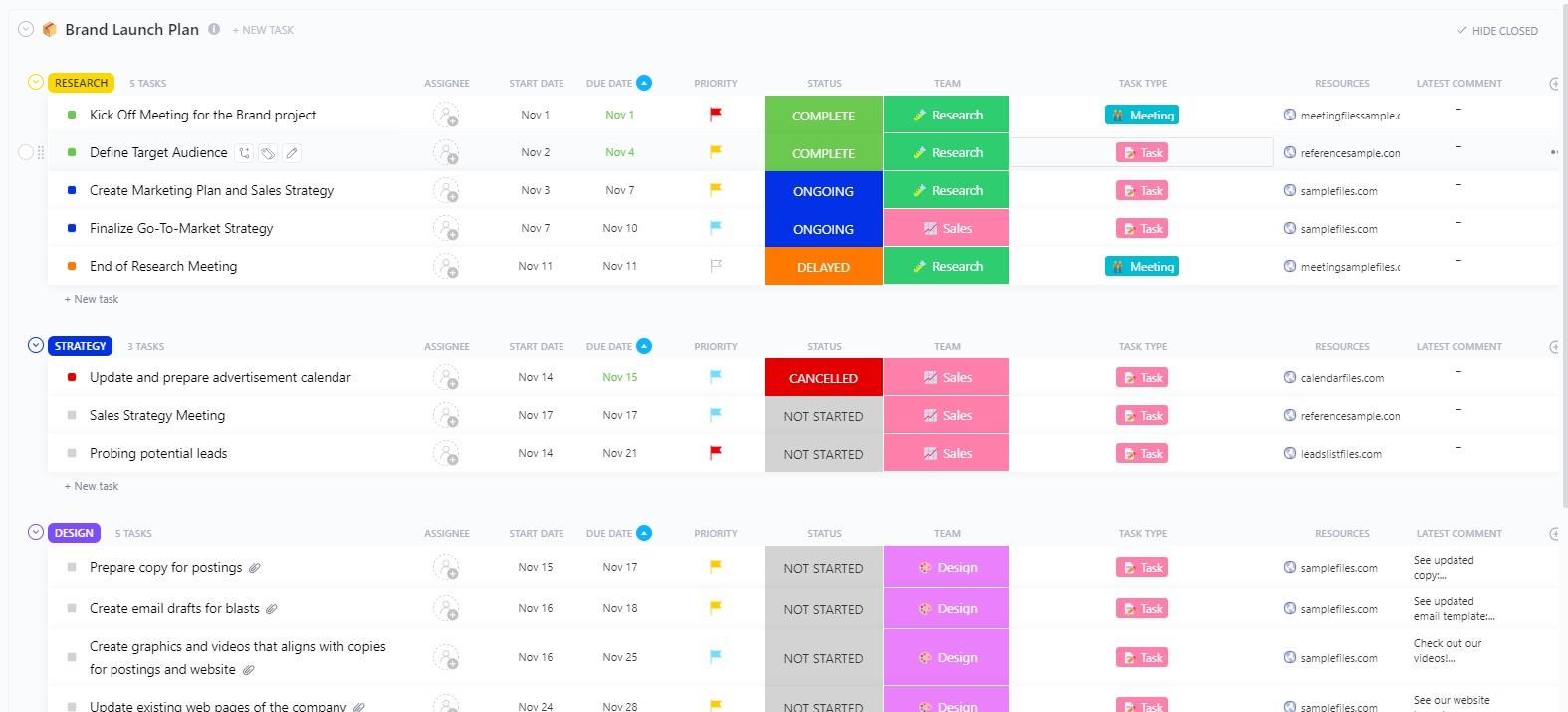
ClickUp’s Brand Launch Template helps you get your ideas out of your head and into a plan you can actually follow. It gives you space to list what needs doing, figure out who’s helping, and gently guide your team through each part of the launch.
✨ Ideal For: Founders and brand builders who want to start strong without getting stuck in the details.
Branding doesn’t always start with a grand vision from years ago. Sometimes it begins with a simple question from a teammate: “Which version of the logo should I use?”
That’s often the moment you realize your brand exists in too many folders and too few conversations. The ClickUp Branding Template gives your team one shared space to define what your brand looks, sounds, and feels like.
From typography to tone of voice, it helps you create something people inside and outside your company can actually understand and use.
✨ Ideal For: Early-stage marketing teams, design leads, and cross-functional teams who need a single, accessible hub to define and manage brand assets, voice, and guidelines.
📖 Also Read: Brand Kit Examples to Inspire Building Yours
At the heart of every strong brand is something familiar—a color that feels right, a voice that sounds like you, a rhythm your team can fall into without needing to second-guess.
Figma gives you a fantastic place to start. But when it comes to keeping everything connected across people, projects, and platforms, ClickUp quietly steps in to help.
It’s not just about templates. It’s about giving your brand a home where it can grow and stay true to itself.
Are you building a brand that’s easy to use and hard to forget? Sign up for ClickUp now!

© 2026 ClickUp

There’s an easier way. Try a free AI Agent in ClickUp that actually does the work for you—set up in minutes, save hours every week.