Sorry, there were no results found for “”
Sorry, there were no results found for “”
Sorry, there were no results found for “”
You just finished another productive meeting, but two weeks later, most of the action items are gathering dust in forgotten notes.
If this sounds familiar, you might seek a more effective meeting management solution.
While Fellow.app provides a good foundation for meeting notes and management, different teams have unique needs based on their workflows, collaboration styles, and integration requirements.
Some teams prioritize AI-powered transcription and analysis, while others need robust project management integration or specialized features for client interactions.
Let’s explore the top fellow.app alternatives that align better with your team’s requirements.
| Tool | Best Features | Best For | Pricing |
|---|---|---|---|
| ClickUp | AI-powered meeting notes, task management, seamless integration of docs, projects, chat, and calls | All team sizes | Free plan available / Free trial for 30 days; Customization available for enterprises |
| Fathom | AI-powered meeting transcription and highlight reels | Teams needing AI analysis | Free / Paid plans available; Customization available for enterprises |
| Notion | Customizable meeting documentation, linked notes, templates | Teams needing flexible workflows | Free / Paid plans available; Customization available for enterprises |
| Coda | Dynamic docs with voting, progress tracking | Collaborative decision-making | Free / Paid plans available; Customization available for enterprises |
| Fireflies.ai | Automated transcription, searchable transcripts | Teams focusing on accurate transcription | Free / Paid plans available; Customization available for enterprises |
| Otter AI | Real-time, speaker distinguishes, searchable transcripts | Real-time transcription & notes | Free / Paid plans available; Customization available for enterprises |
| Notta | Multilingual, high accuracy, batch processing | Global teams needing accurate transcription | Free / Paid plans available; Customization available for enterprises |
| SpinachAI | Actionable tickets, integration with Slack, Jira | Agile meetings, team collaboration | Free / Paid plans available; Customization available for enterprises |
| Range | Asynchronous updates, team mood/trends | Remote teams, check-ins | Free / Paid plans available; Customization available for enterprises |
| Avoma | Sales analysis, deal insights, platform integrations | Sales teams | Free / Paid plans available; Customization available for enterprises |
Tools for meeting notes should solve problems, not create new ones. While Fellow.app offers meeting management software features, teams often seek alternatives for several reasons:
👀 Did You Know? According to a study by Microsoft, people report ‘inefficient meetings‘ as their number one productivity disruptor, followed closely by having too many meetings at number three.
The modern workplace has transformed dramatically when it comes to meetings. Executives now spend nearly 57% of their time in meetings, email, and chat. This significant amount of meeting time makes managing meetings more crucial than ever.
Let’s explore the top Fellow.app alternatives and the key features that align better with your team’s specific requirements:
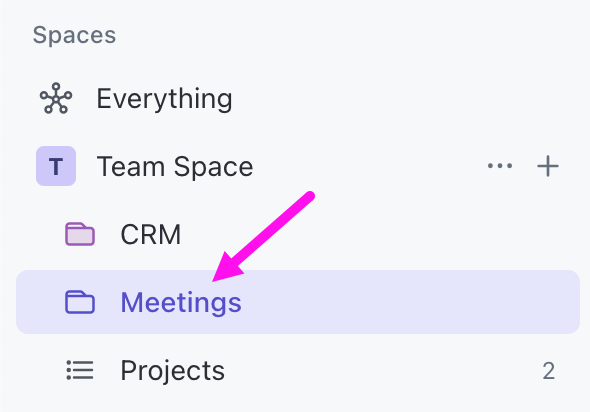
The gap between productive meetings and completed work often comes down to one thing: disconnected tools. Follow-through becomes a challenge when your project meeting notes live in one place, tasks in another, and projects in a third.
Unlike traditional meeting tools, ClickUp, the everything app for work, creates a seamless connection between meetings and actual work execution.
📮ClickUp Insight: Low-performing teams are 4 times more likely to juggle 15+ tools, while high-performing teams maintain efficiency by limiting their toolkit to 9 or fewer platforms.
But how about using one platform? As the everything app for work, ClickUp brings your tasks, projects, docs, wikis, chat, and calls under a single platform, complete with AI-powered workflows.
Ready to work smarter? ClickUp works for every team, makes work visible, and allows you to focus on what matters while AI handles the rest.
With ClickUp Meetings, teams can document discussions, share notes, manage agendas, and assign action items from a single interface.
Additionally, the platform’s in-house AI assistant, ClickUp Brain ensures productivity with its ClickUp AI Notetaker. This tool transcribes your meetings, generates comprehensive summaries, identifies key discussion points, and helps transform conversations into task lists.
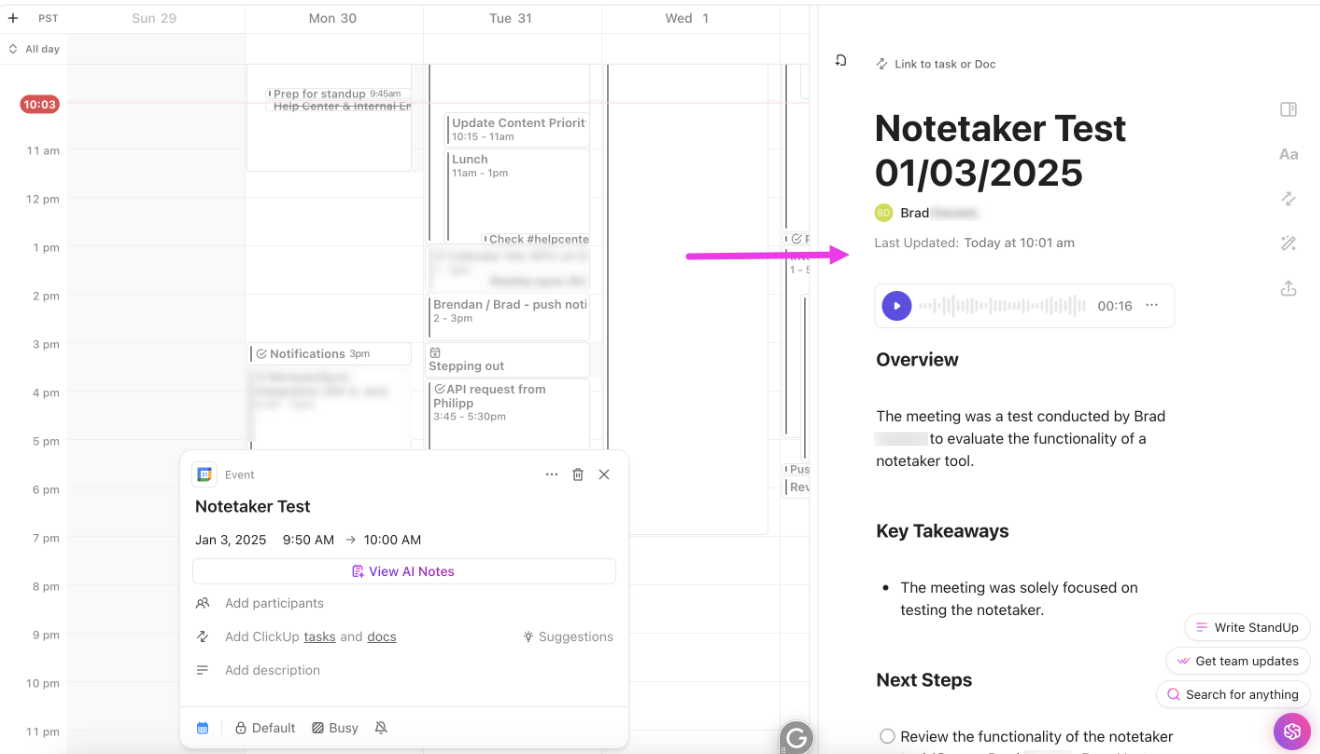
With AI Notetaker, teams can capture meeting content without manual note-taking, allowing everyone to participate in discussions fully. The feature works with popular video conferencing platforms, helping to document meetings and preserve important information.
After the meeting, AI Notetaker analyzes the discussion content to highlight important decisions and action points. As a result, teams can record decisions, maintain accountability, and track progress over time. It also ensures critical details aren’t overlooked, fostering seamless collaboration.
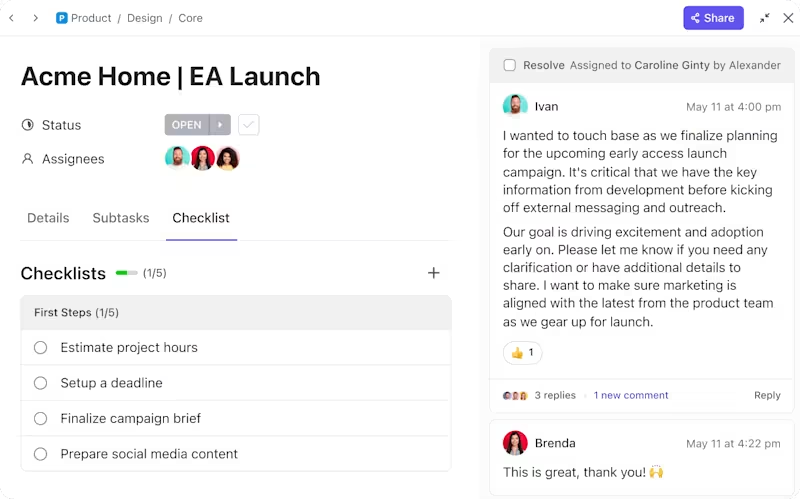
Teams can also document client feedback, create tasks, track discussion points, and maintain detailed interaction histories within ClickUp Tasks . This creates a searchable knowledge base of client preferences and project evolution.
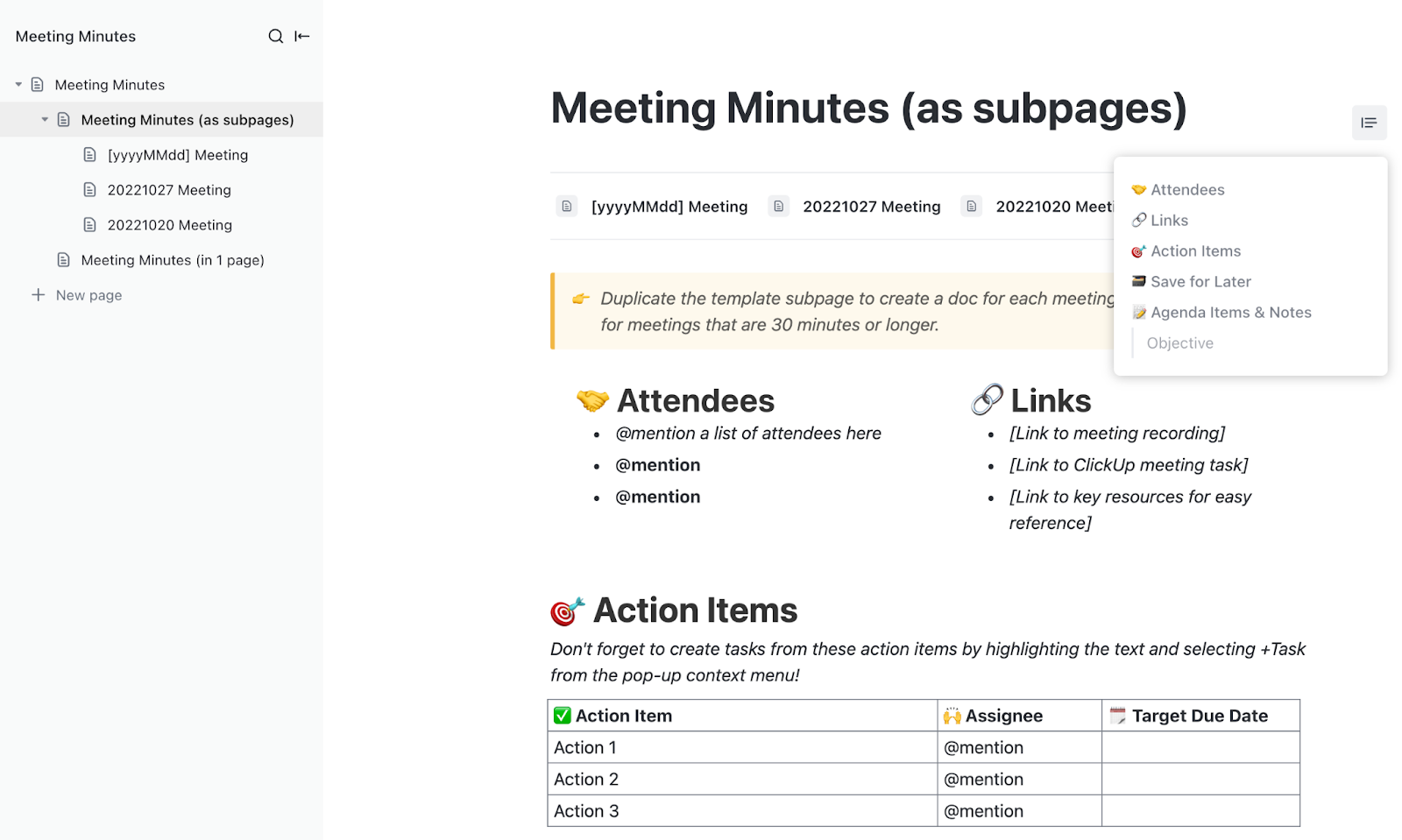
The ClickUp Meeting Minutes Template offers a structured approach to documenting and organizing meetings. This custom template simplifies organizing attendees, agendas, and action items while tracking and highlighting key points for stakeholders and effortlessly assigning tasks to teammates.
This template helps teams manage meetings better by tracking action items and assigning responsibilities directly. You can link related documents and resources for easy reference, and monitor meeting outcomes and follow-up tasks efficiently.
For teams seeking additional structure, ClickUp offers specialized templates, such as the ClickUp Meeting Notes Template for detailed documentation and the ClickUp Team Meetings Template for recurring team sync-ups.
I have biweekly meetings with my supervisor and we use ClickUp for our agenda. I feel more on top of my game because all of my event and presentation requests live here, along with an up-to-date status indicator that she can check out.
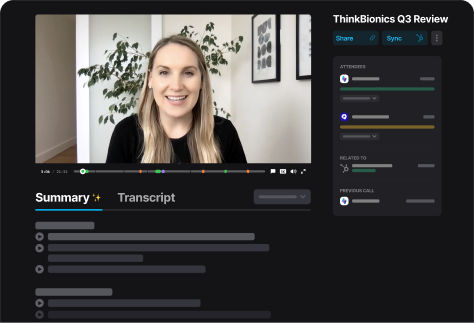
In most meetings, someone needs to balance active participation with note-taking. This split attention often means missing crucial details or limiting one’s engagement in the discussion.
Fathom removes this burden as an intelligent meeting participant that automatically captures and organizes everything. It’s AI understanding goes beyond basic transcription tools, focusing on context and nuance while you focus on the conversation.
Fathom is one of the most important in my day to day functions I did not know I needed. Installed about a month ago by my employer, i’ve used it everyday since, this product has saved me an enormous amount of time while helping me have better notes and giving me the ability to share these notes with my clients.
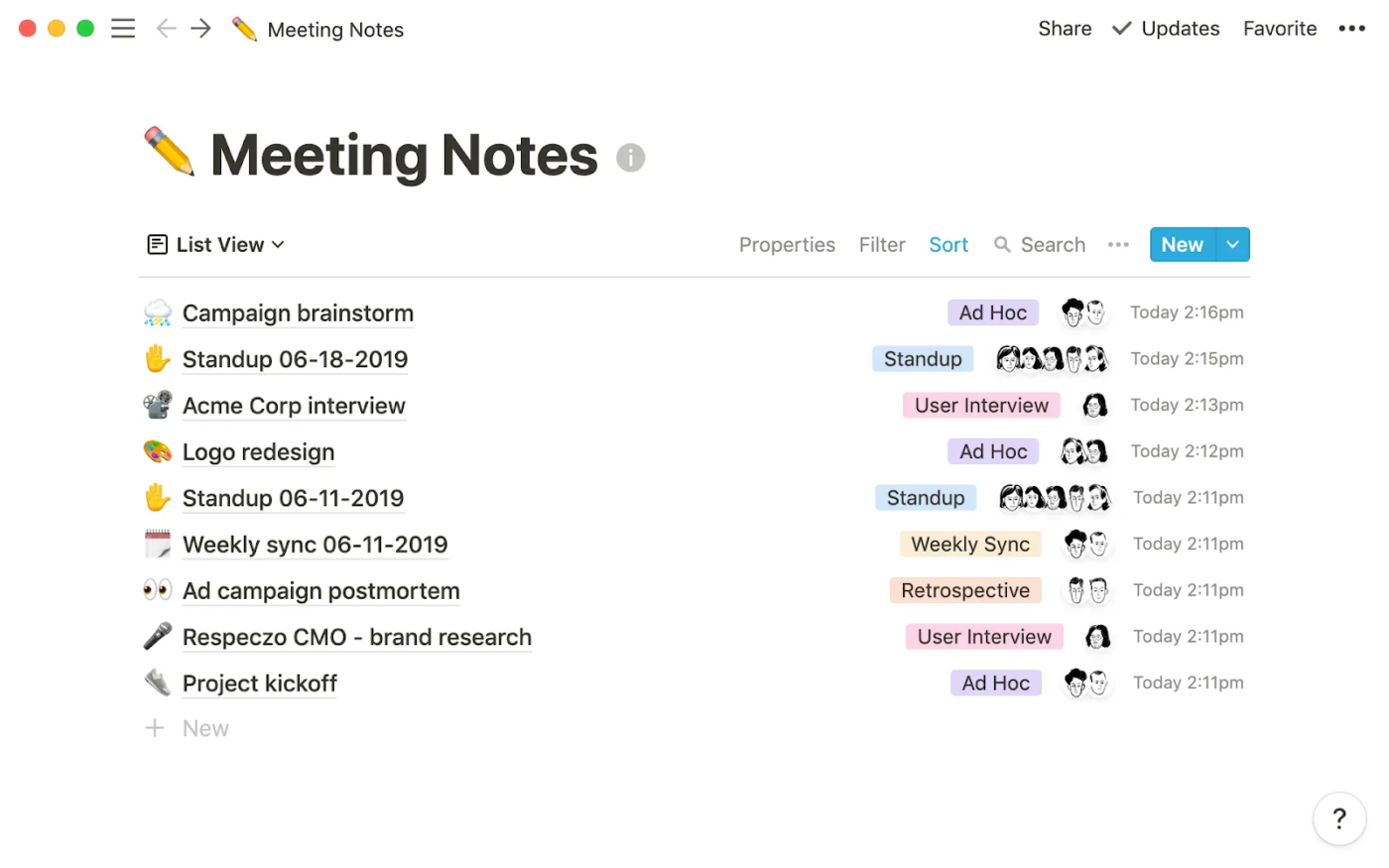
Meeting minutes are often isolated documents, disconnected from related projects and discussions. This fragmentation makes building on past decisions or maintaining context difficult.
Notion transforms meeting documentation into a connected knowledge system. The platform allows teams to create customized meeting spaces where every note links dynamically to projects, tasks, and team resources.
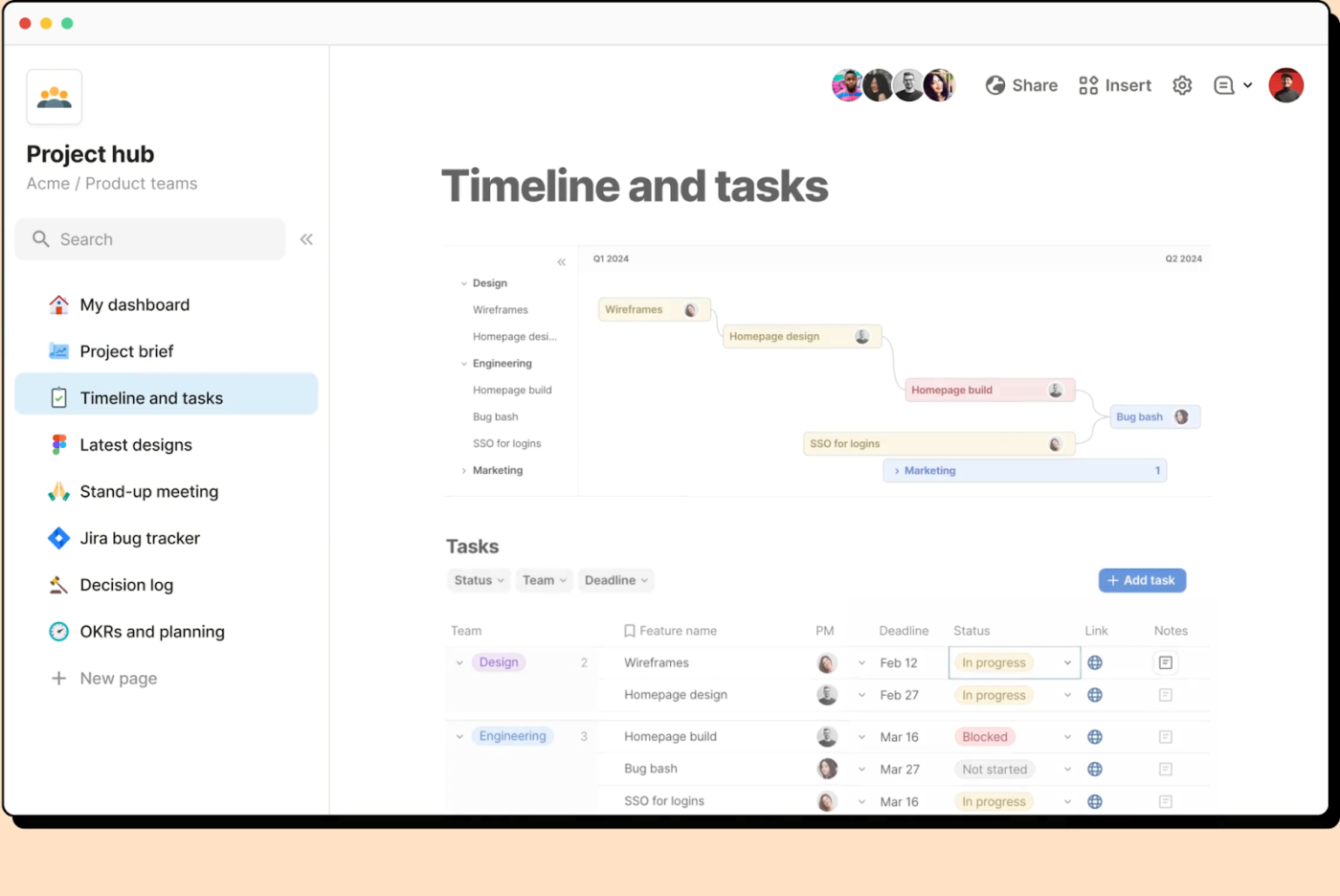
Group decisions often stall when input from multiple stakeholders is gathered while keeping everyone aligned on the outcome. Traditional meeting notes don’t effectively capture this dynamic process or collect feedback properly.
Coda approaches team meetings as interactive workspaces where decisions evolve naturally. It transforms static, collaborative meeting agendas and notes into living decision-making environments by combining collaborative docs with dynamic elements like voting tools and progress trackers.
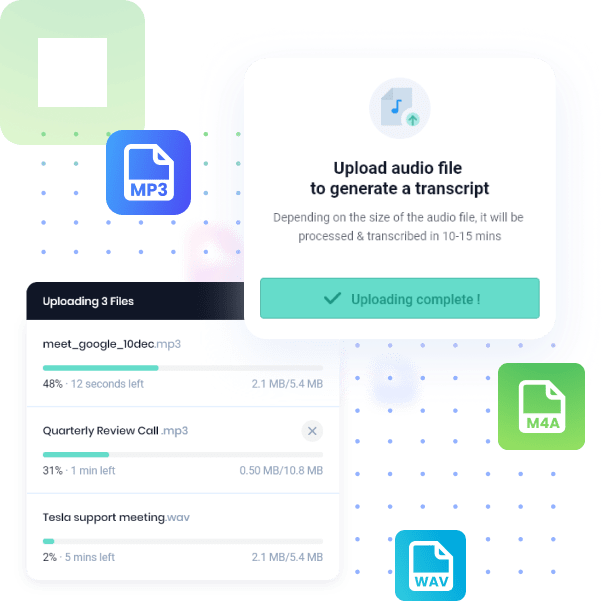
Technical discussions and global team meetings often contain key points and valuable insights that get lost in translation due to complex terminology or varied speaking styles.
Fireflies.ai specializes in understanding and organizing conversations across different contexts. Its AI engine, nicknamed ‘Fred,’ excels at capturing technical discussions, industry jargon, and conversations across various accents and speaking styles.
Like having a virtual assistant, couldn’t recommend it highly enough, easy to start, easy to use.
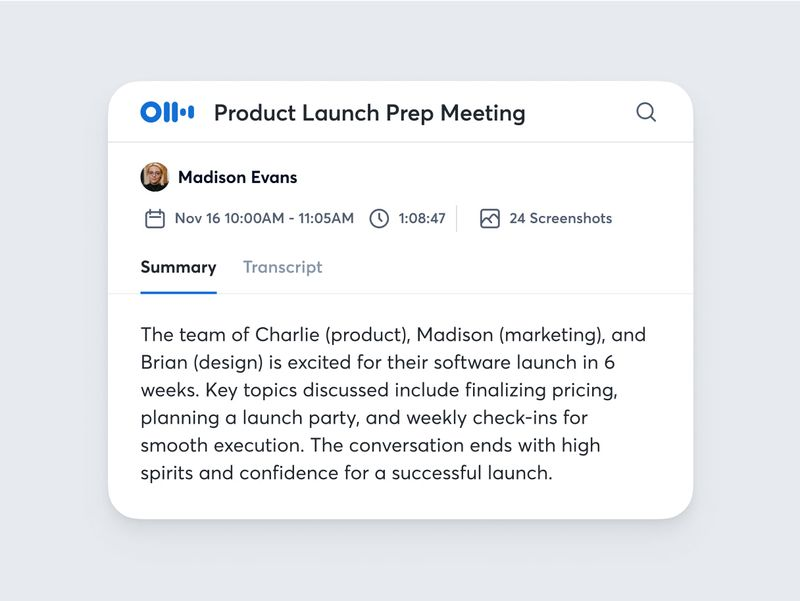
Taking detailed meeting notes while actively participating in discussions creates a constant tension. This split focus often results in either incomplete notes or reduced engagement.
Otter AI resolves this conflict by providing sophisticated real-time transcription and organization capabilities. The platform’s advanced AI can automatically distinguish between multiple speakers, even in overlapping conversations, and create a rich, searchable transcript with speaker labels.
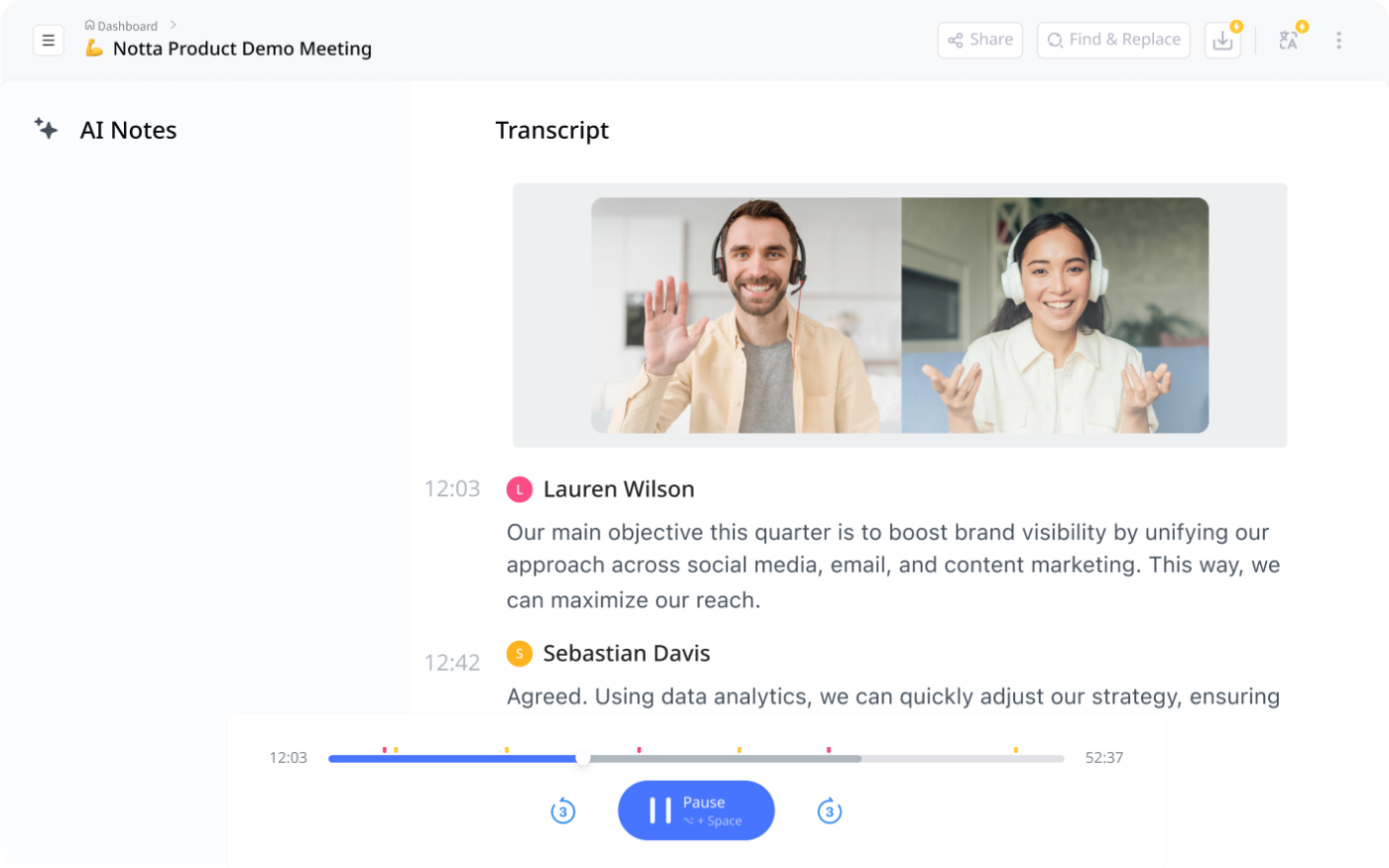
Traditional transcription services often struggle with specialized vocabulary, multiple speakers, and non-English languages, creating barriers for global teams to document meetings accurately.
Notta breaks these barriers with its advanced AI transcription engine that excels at handling technical jargon, multiple speakers, and supports over 104 languages. The platform offers real-time transcription capabilities that allow teams to follow along with written text as the meeting progresses.
Drag and drop a video link or file in and get a complete video summary in seconds. I can drag multiple 10-20 files in at a time as well which I love. Then I convert to the youtube summary format. I use this for course videos and it is a must have!
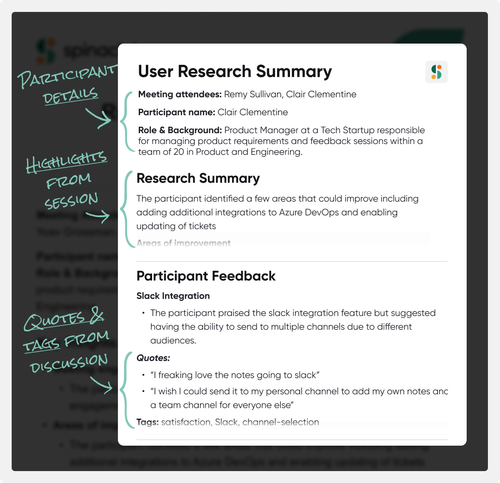
SpinachAI online meeting software focuses on agile meetings like daily standups, weekly syncs, and user research sessions.
The platform transcribes conversations, identifies action items, and suggests ticket creation in project management tools. It supports over 100 languages for global team collaboration.
Hypercontext is very easy to use and engaging for both sides of 1:1 interaction. I use it for all 1:1s. The integration with Google Calendar is nice.
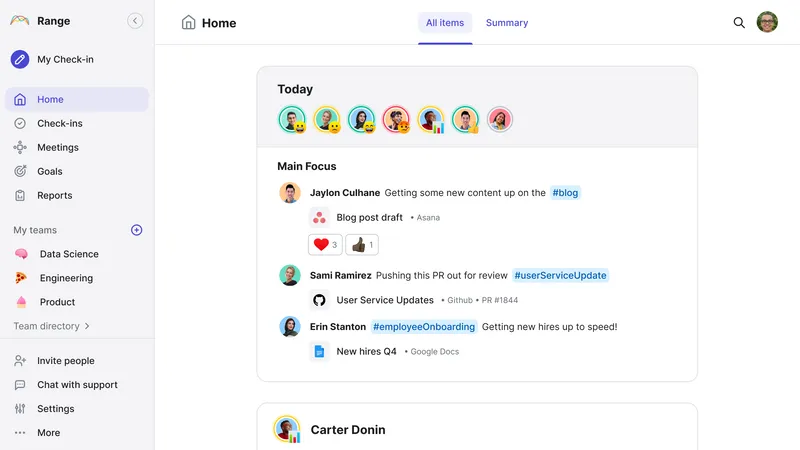
Remote teams need regular communication and better meetings, but constant meetings can disrupt focus and productivity. Finding the right balance is crucial.
Range revolutionizes team communication by focusing on asynchronous check-ins and status updates to ensure fewer meetings. Its unique approach combines meeting management software with team mood tracking and objective monitoring.
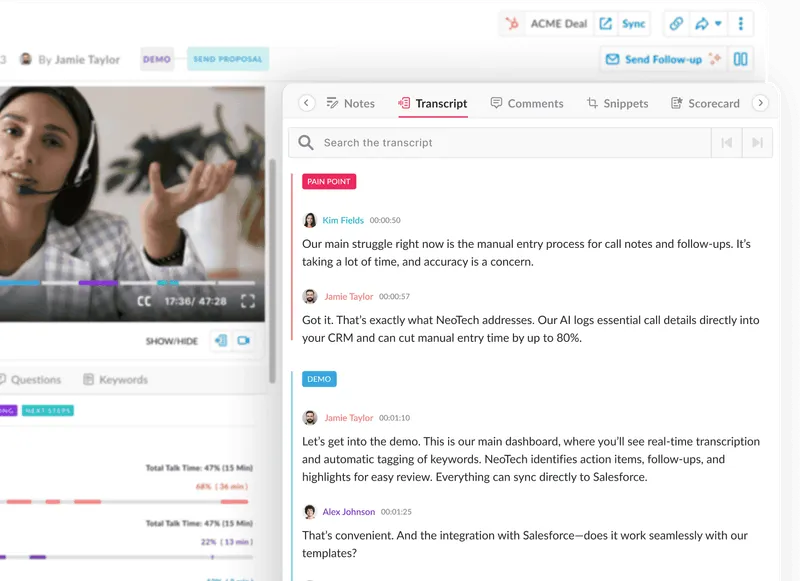
Avoma distinguishes itself as one of the preferred Fellow.app alternatives through its AI-powered sales meeting analysis capabilities.
The platform captures and analyzes customer interactions, provides insights into sales conversations, and automatically identifies coaching opportunities.
The right meeting tool does more than capture conversations—it transforms how teams collaborate and execute.
While the Fellow.app offers decent meeting management and collaboration features, these Fellow.app alternatives provide unique capabilities that better suit your team’s to-do lists.
ClickUp stands out as a comprehensive solution combining AI-powered meeting management software with robust project management features, customizable meeting agendas, and agenda templates. This makes it an excellent choice for teams looking to streamline the entire meeting lifecycle.
Ready to transform your entire meeting process? Sign up to ClickUp and discover how AI-powered meetings can revolutionize your team’s collaboration.

Arya P Dinesh
Max 27min read

Manasi Nair
Max 27min read
Manasi Nair
Max 32min read

© 2026 ClickUp