
Sorry, there were no results found for “”
Sorry, there were no results found for “”
Sorry, there were no results found for “”
Imagine firing off a quick message, only to wonder who’s actually reading it—your friend, your coworker…or some random hacker halfway across the world?
Data breaches are making headlines, and cyber threats lurk everywhere. Today, instant messaging is more than just about finding the right platform to chat on—it’s also about keeping your instant messages locked down and truly yours.
And it’s not just you worrying about security—businesses are on high alert, too.
Nearly 90% of consumers prefer texting when interacting with brands, which means companies can’t afford to fumble when it comes to privacy. A single slip-up doesn’t just put data at risk; it can shatter trust, ruin reputations, and turn loyal customers into former ones.
But how many of these so-called ‘secure’ instant messaging apps actually walk the talk? This post explores the top 15 instant messaging apps that take privacy seriously, protect your data, and fit perfectly into your personal or professional life.
📮ClickUp Insight: According to our research, about 43% of workers send 0-10 messages daily. While this suggests more focused or deliberate conversations, it could also indicate a lack of seamless collaboration, with important discussions happening elsewhere (like email).
To prevent unnecessary platform hopping and context switching, you need an everything app for work, like ClickUp, that combines projects, knowledge, and chat in one place—all powered by AI that helps you work more efficiently.
Here’s the list of the top 15 instant messaging apps:
Choosing the right instant messaging app isn’t just about accessing flashy features—it’s about finding a platform that meets your security, functionality, and usability needs.
Here’s what to keep in mind:
💡Pro Tip: When evaluating instant messaging apps, don’t overlook integrations with productivity apps and ease of use—these can significantly enhance personal and professional communication efficiency.
Here are the 15 best instant messaging apps that are shortlisted for you to consider:
Have you ever considered the chaos of juggling multiple tools for communication, project management, and file sharing?
The friction between switching apps and tabs can disrupt the flow, making it harder for teams to stay on the same page. Not to mention, you lose all the time due to distractions.
📮ClickUp Insight: Nearly 60% of workers respond to instant messages within 10 minutes. While these quick responses are often equated to efficiency, they disrupt focus and hinder deep work.
Centralize projects, tasks, and chat threads in ClickUp to streamline your interactions and reduce context switching. Get the information you need without sacrificing focus!
That’s where ClickUp stands out with its everything app for work approach, consolidating multiple work functions and instant messages under one roof.
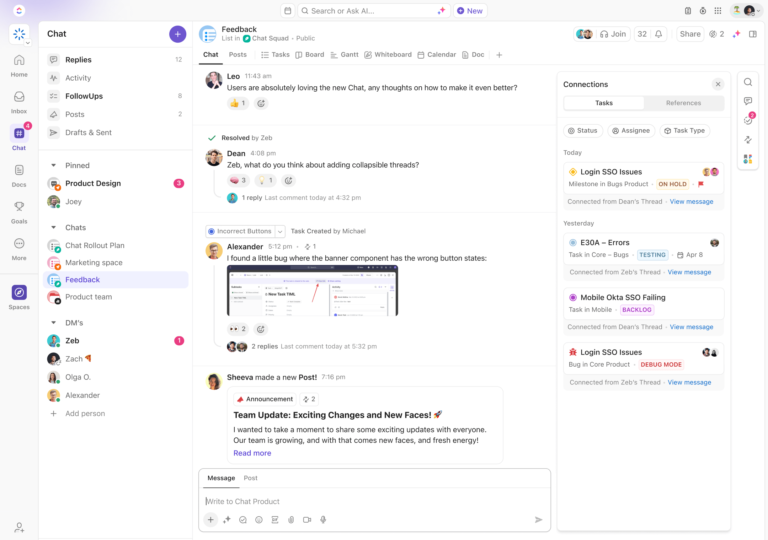
The core of ClickUp’s collaboration features lies in ClickUp Chat. It’s a unified instant messaging feature where messages, task updates, and project discussions happen seamlessly.
It truly goes beyond just exchanging texts. With ClickUp Chat, you can link messages directly to specific tasks, projects, or documents, ensuring that every conversation on the instant messaging platform is contextually connected.
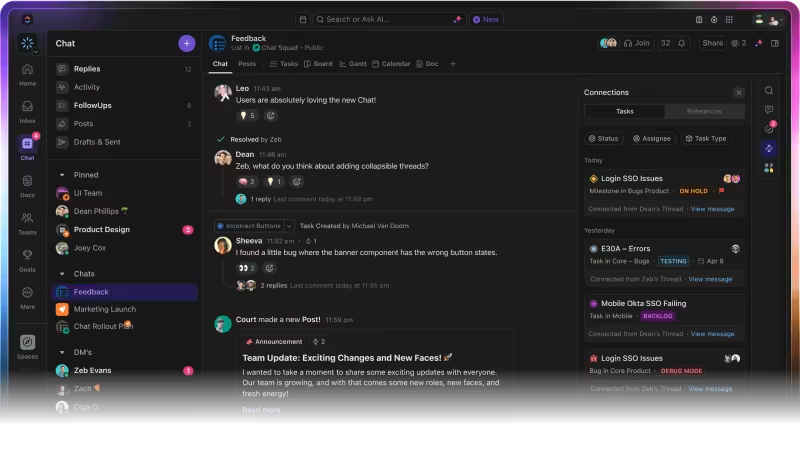
ClickUp Chat allows you to assign comments to keep team members informed without requiring immediate responses. Switching to the tool enables more nuanced and engaging voice and video messaging conversations.
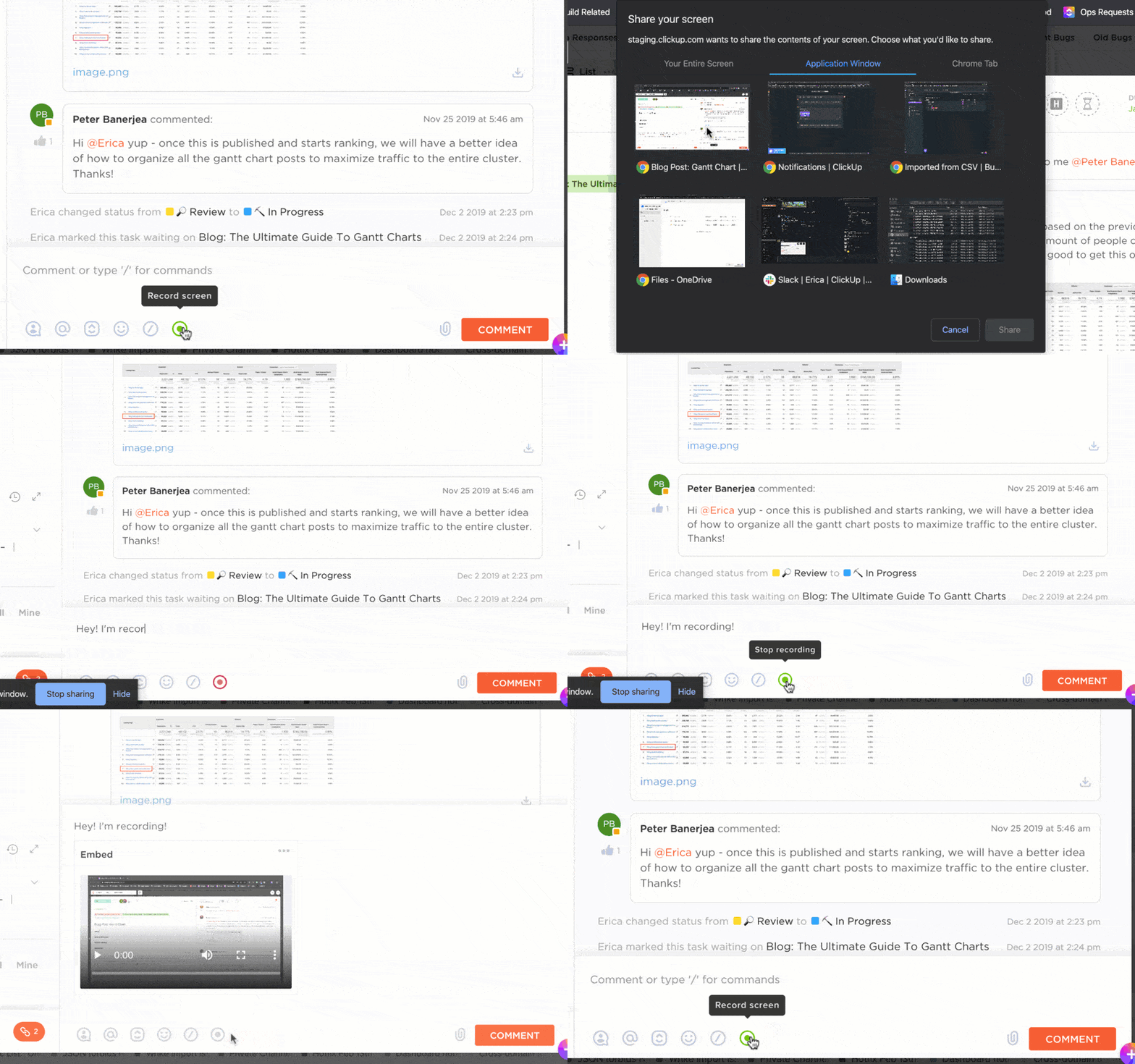
Do you prefer asynchronous communication with your team? ClickUp Clips allows you to record and share videos, simplifying complex explanations and saving time compared to long email chains or text-heavy messages.
To further organize your communication, you can use the ClickUp Instant Message Template to help teams maintain consistency and clarity in their messages.
This template enables you to craft and store messages in a structured manner, prioritize conversations, and respond quickly to requests. Additionally, it helps identify typos and ensures grammatical accuracy, improving the quality of internal and external communications.
With ClickUp, you manage projects while building a transparent, collaborative workflow that brings teams closer together.
Before ClickUp, meetings, and back-and-forth email communications led to a black hole where items were left unseen and unattended. Due to this, tasks were not being reviewed on time, and no one knew how the creative development was going. Now, everyone on the team can clearly see when action items are due, chat, and collaborate within the tasks.
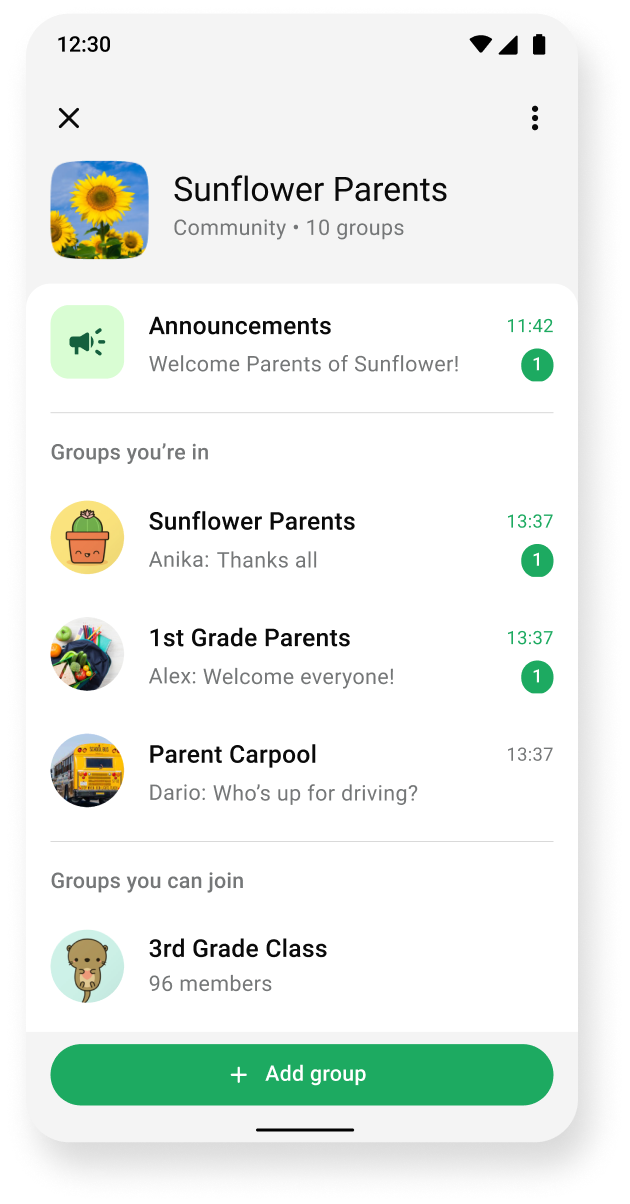
When it comes to simplicity and real-time messaging, WhatsApp continues to be a go-to for personal and professional connections alike. Its group chat functionality makes it perfect for team discussions, and the ability to share images, documents, and videos within chats keeps everything in one place.
One of WhatsApp’s strongest points is its end-to-end encryption, which ensures that all messages and calls are kept private and secure.
It has all the required features like normal whatsapp which makes it easier to connect & chat with clients for business related chat along with encryption and disappearing features for security purpose.
🧠 Fun Fact: As of 2024, WhatsApp has over 100 million users in the U.S. alone!
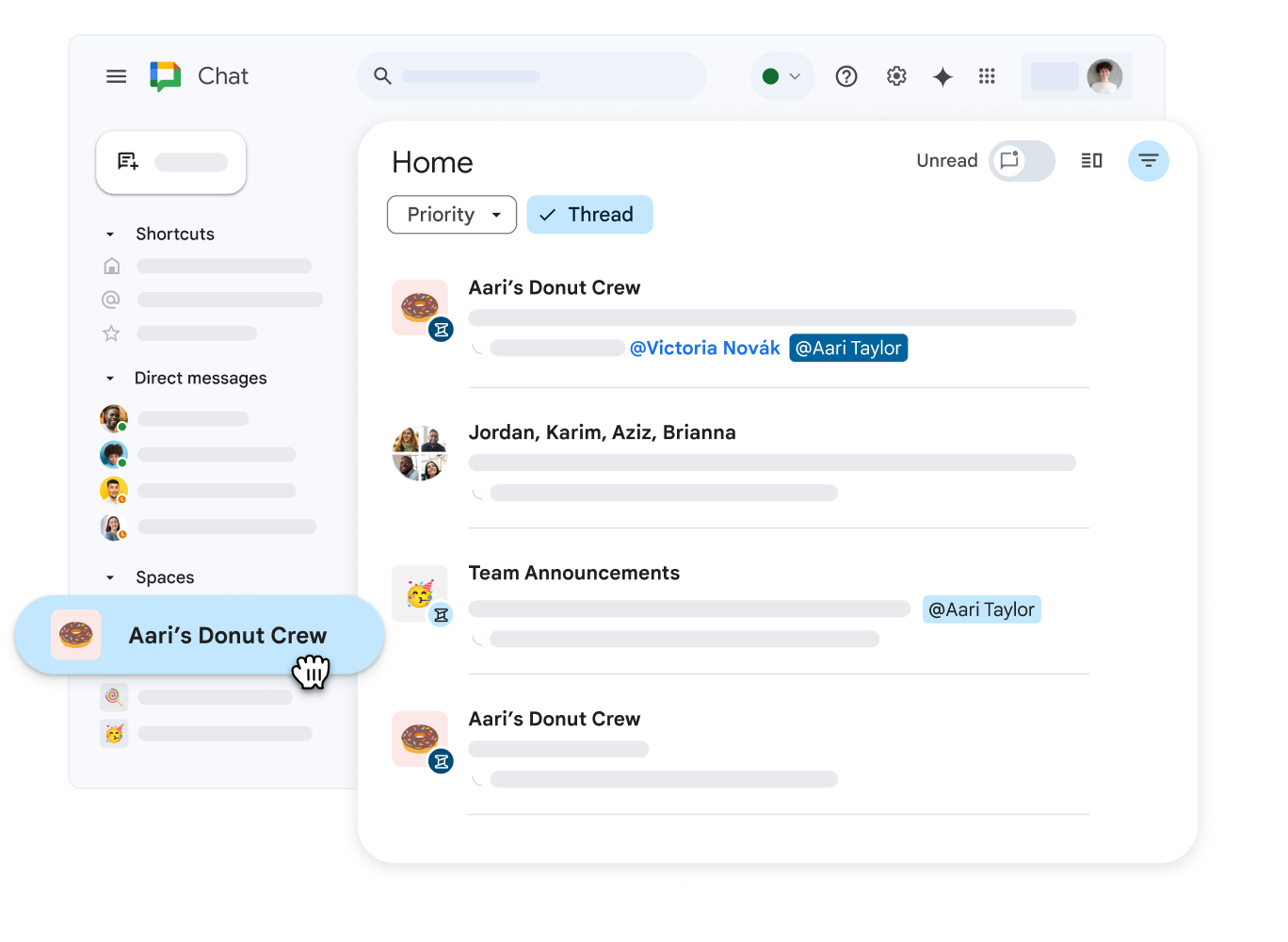
If your team is already embedded within the Google Workspace ecosystem, Google Chat is a natural extension. It allows for an easy transition between chats and video calls with Google Meet, keeping teams connected without switching platforms.
With threaded conversations, Google Chat ensures that discussions stay organized, and the ability to create dedicated rooms for teams or projects helps manage communications efficiently.
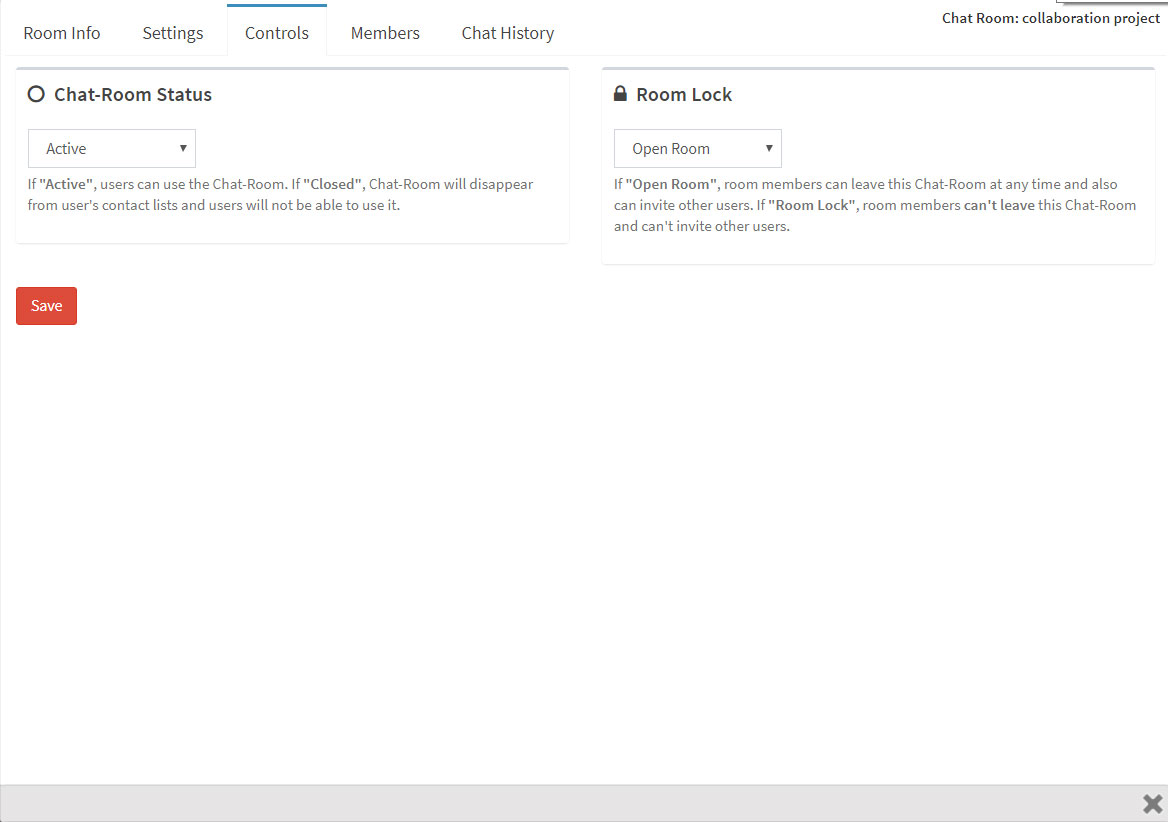
Brosix offers private team networks, ensuring all communications remain secure. It eliminates the risk of external access, making it an excellent choice for industries such as healthcare, finance, and government organizations.
Beyond security, Brosix comes equipped with features like screen sharing, voice and video calls, and a file transfer system with encryption, ensuring data integrity throughout the communication process.
What I like about Brosix is the fact that the interface is simple and clean. There is no learning curve. Also, over the years, I have seen the introduction of cool features like co-browsing with other team members and sending instant screenshots to others.
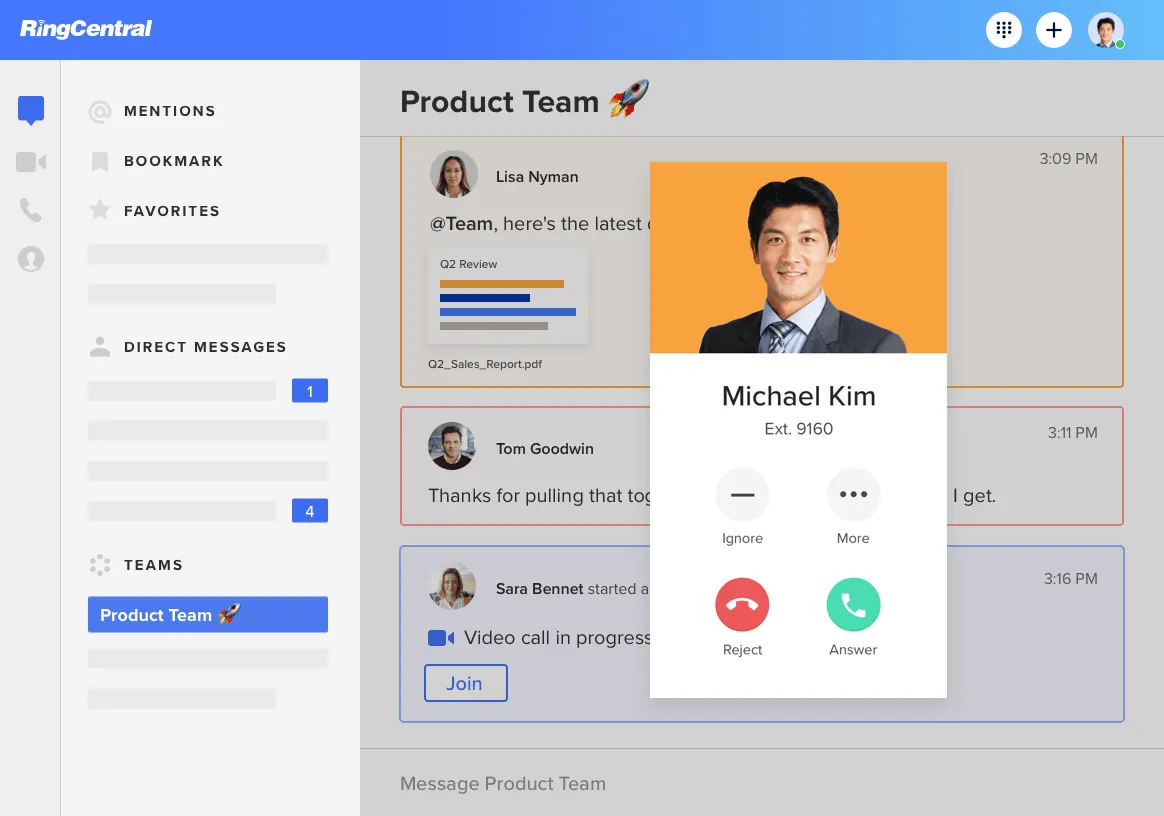
Looking to integrate better chat etiquette at work? RingCentral is a unified communications solution that includes messaging, voice calls, video conferencing, and team collaboration.
With instant messages for teams, you can create dedicated threads for departments, projects, or topics, keeping conversations well-organized. Additionally, RingCentral Video enables seamless file sharing and integrates directly with tools like Google Workspace, Microsoft 365, and Slack.
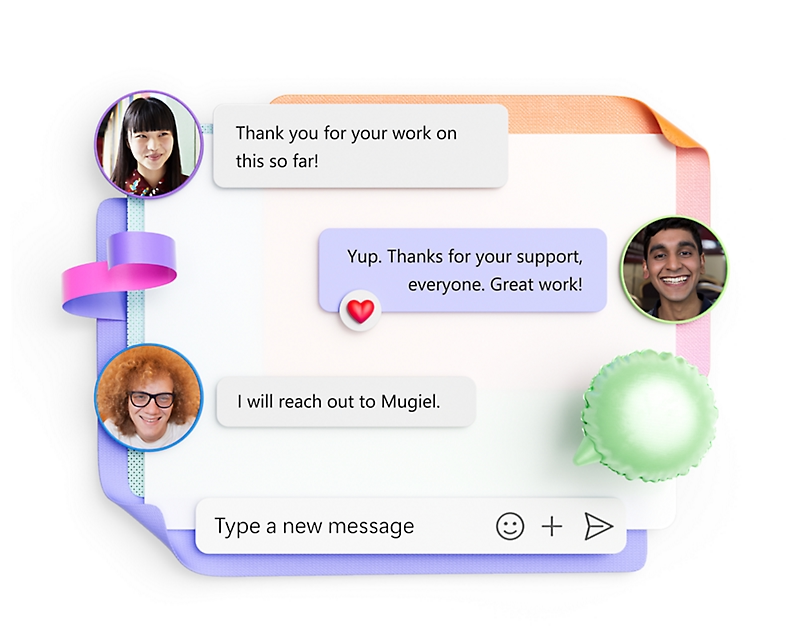
If your organization already uses Microsoft 365, using Microsoft Teams is a no-brainer in your workflow. Teams integrates with Microsoft’s ecosystem tools, such as Word, Excel, PowerPoint, and OneDrive, making it a hub for instant messages and collaboration.
Its persistent chat functionality organizes ongoing conversations, while threaded replies help keep discussions focused and easy to follow. Microsoft Teams also stands out with its video conferencing capabilities, allowing up to 1,000 participants in a single meeting.
The instant messaging platform includes channel creation for team discussions and integrations with third-party apps for task management and project tracking.
This has made our work easier and reduced manual effort by automatically generating meeting summary after the meeting. Previously, organizers and presenters had to manually initiate and stop the recordings; now this process automated.
👀 Did You Know? Microsoft Teams offers real-time translation in meetings, making it a good tool for global teams.
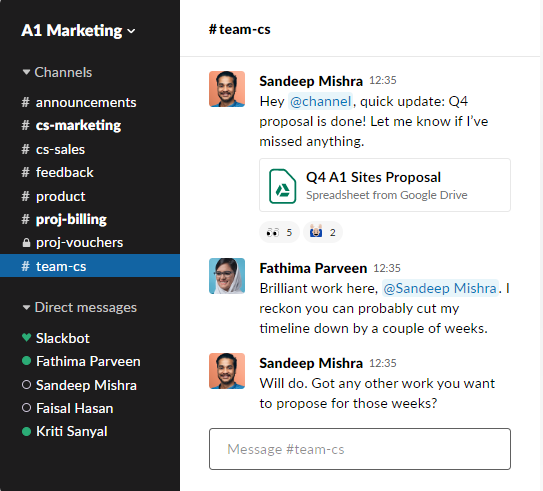
A popular instant messenger app, Slack excels in group communications. You can create channels for every project, department, or discussion topic, ensuring that conversations remain focused and organized.
Its threaded messages prevent discussions from spiraling out of control, making it easier to track updates and respond without cluttering the main chat.
Slack connects seamlessly with over 2,000 third-party apps, including project management tools like Trello, Asana, and Jira. You can even automate repetitive tasks using Slack’s built-in workflow builder, saving valuable time.
I’d previously used other platforms such as Microsoft Teams, but the user experience on Slack is far superior and intuitive for employees.
💡Pro Tip: Leverage Slack’s app directory to integrate tools like Trello, Zoom, or Google Drive.
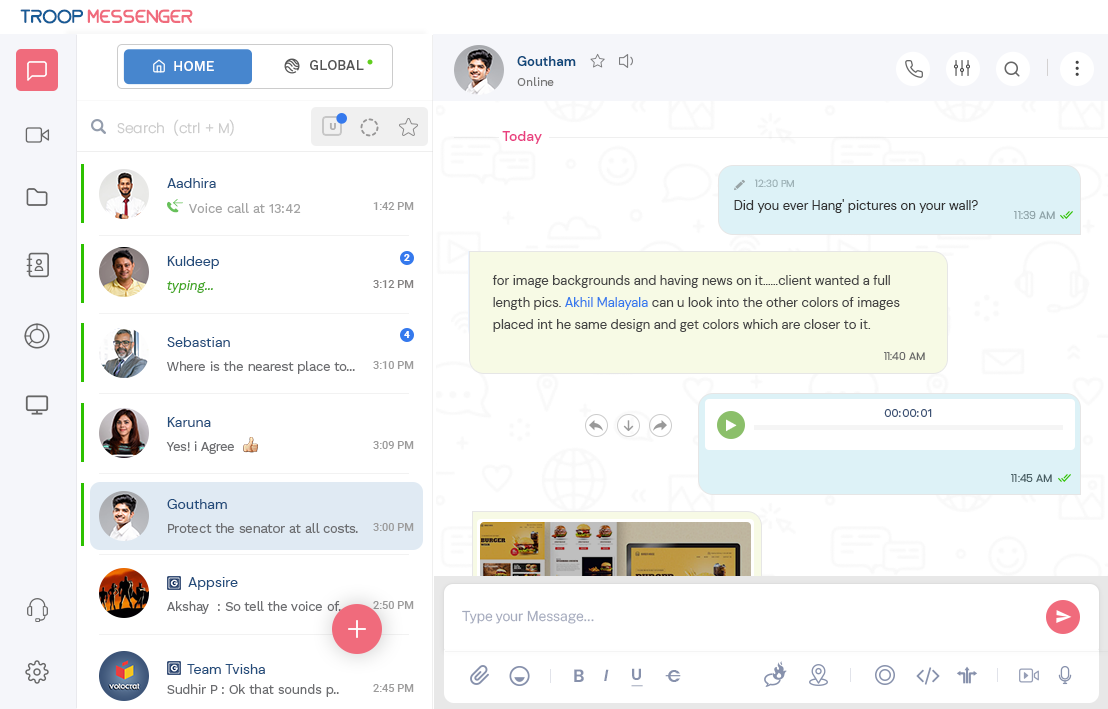
Troop Messenger focuses on core messaging features like group chats, one-on-one messaging, and audio/video calling.
One of its standout tools as an instant messaging platform is Burnout. This secure self-destructive chat feature ensures sensitive information disappears after a set time—an excellent addition for industries requiring confidentiality.
Unlike competitors, Troop Messenger includes screen-sharing capabilities and remote desktop control, making it a handy tool for troubleshooting or collaborative work.
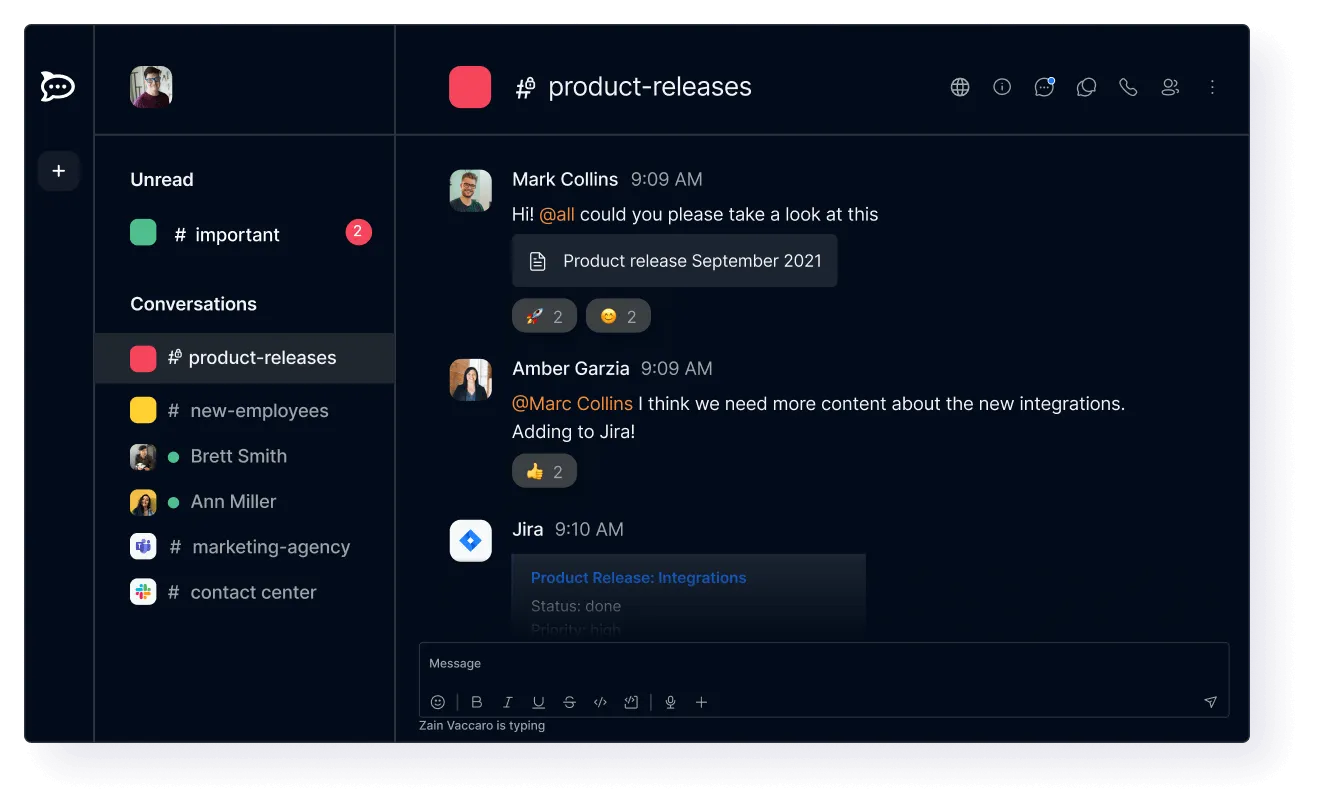
With Rocket.Chat your business can host its servers to ensure complete data ownership. If you belong to an industry that requires strict data compliance requirements, it’s worth a look.
If you’re an organization looking for a highly flexible, open-source communication platform, Rocket.Chat can help you get complete control over your messaging.
One of Rocket.Chat’s strongest selling point is its extensibility. As an open-source platform, it allows developers to customize the tool with integrations and plugins tailored to their needs.
👀Did You Know? Rocket.Chat is not just open-source—it’s self-hosted, giving businesses complete control over their data.
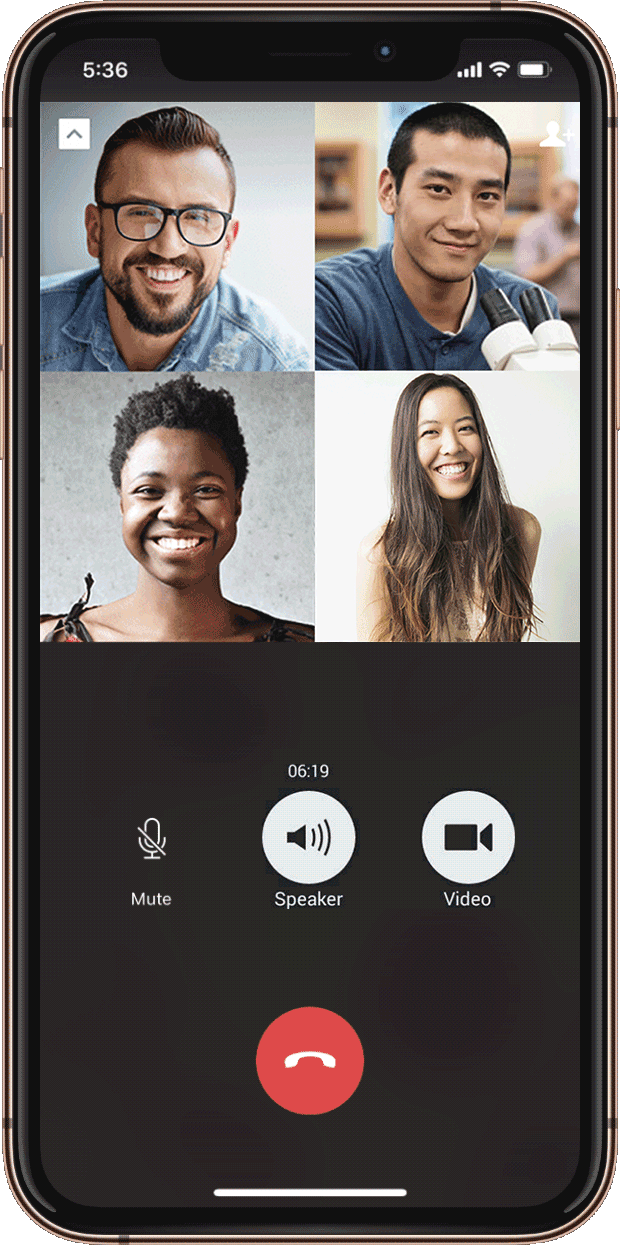
For businesses operating even partially from China, having the right messaging platform is crucial—and nothing dominates the space quite like WeChat.
As the country’s most widely used messaging app, it’s a powerhouse for global communication and business connections. Beyond instant messaging, WeChat offers personal and professional tools, including file sharing, voice and video calls, and robust mobile capabilities.
Its ‘Moments’ feature allows users to share updates, much like a social media feed, making it a unique option for fostering team connection and engagement. It’s ideal for bridging the gap between casual and professional communication in a single app.
Caveat: WeChat’s features outside of China are somewhat limited, and organizations may find its interface less suited to large-scale team collaboration than tools like Slack or Microsoft Teams.
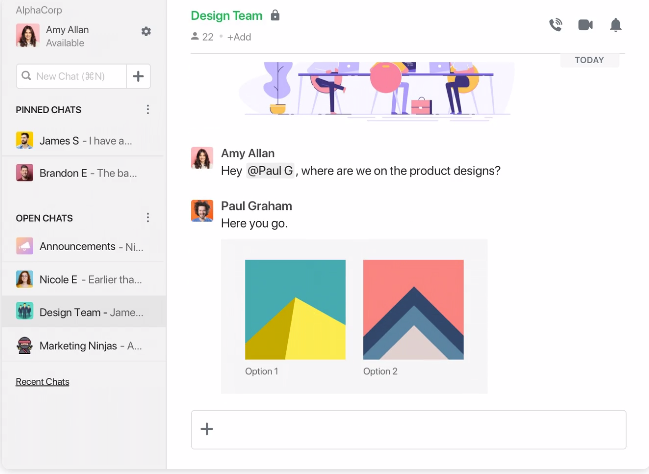
Simplicity is an underrated feature in instant messaging, but Flock fills that gap. It’s an affordable, straightforward messaging app designed for small teams.
With features like group chats, shared to-do lists, and polls, Flock keeps teams organized without overloading them with unnecessary functionality. Unlike more complex tools like Microsoft Teams, Flock’s lightweight design ensures quick onboarding and adoption.
I like that flock gives our office the ability to be in touch whether we are at the office or on the go. I dislike that you can only go back so far in records when you need to search for specific topics.
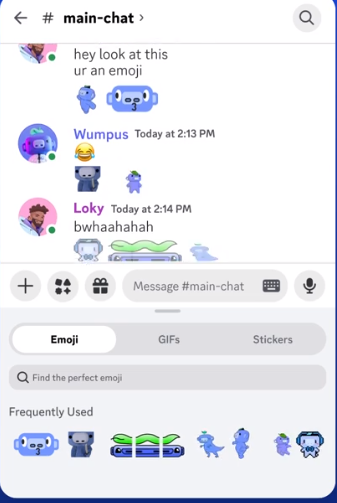
Initially designed for gamers, Discord has become a community-driven communication tool gaining popularity in professional settings.
Its server-based structure allows teams to create dedicated spaces for different projects, departments, or interests, making it ideal for companies with creative and informal cultures.
Discord supports voice channels for quick drop-in conversations, eliminating the need for scheduled calls. The platform excels at real-time communication, with minimal voice or video chat lag. Discord offers screen sharing and streaming capabilities for remote or hybrid teams, which can be helpful for presentations or team-building activities.
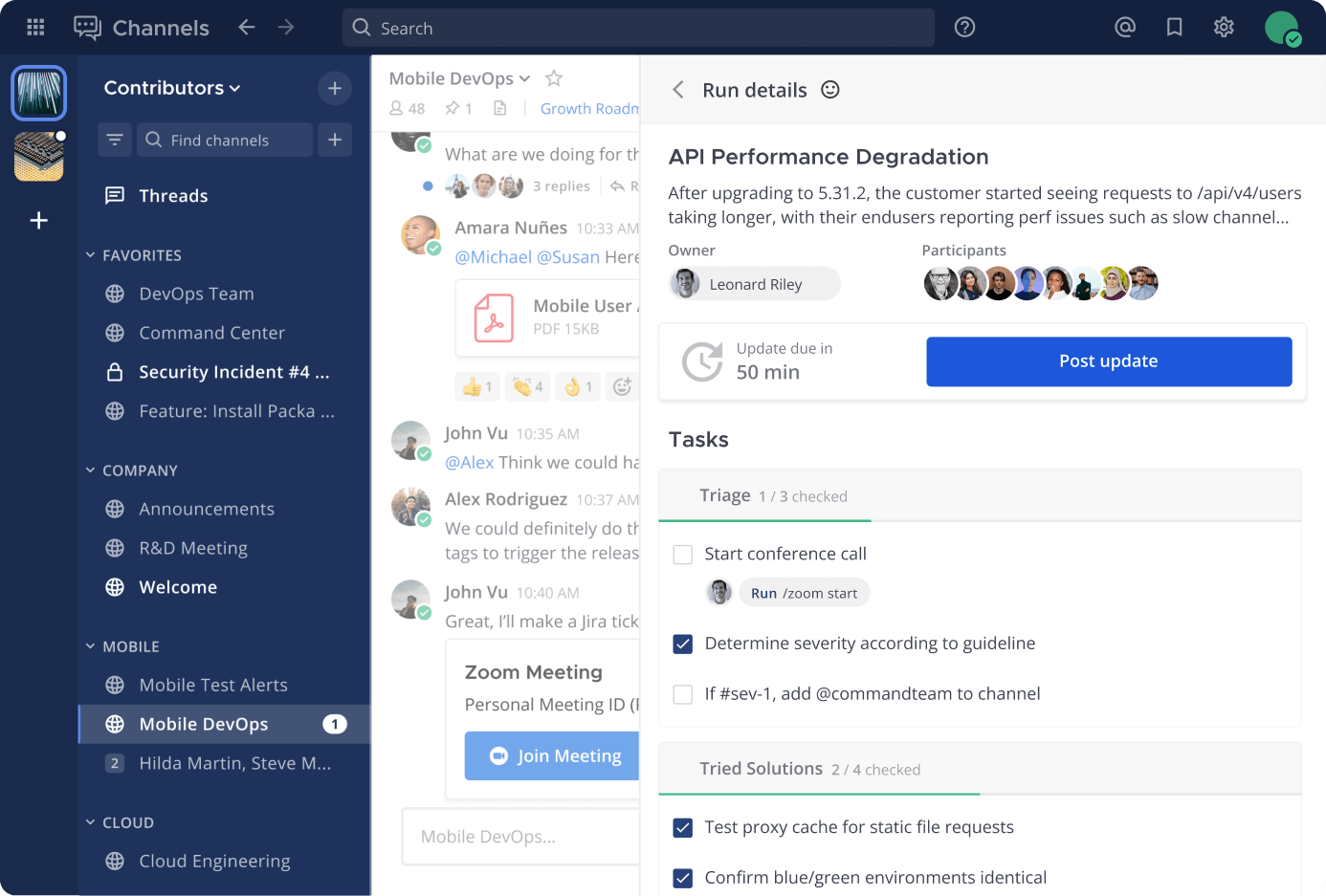
Mattermost is an open-source alternative to platforms such as WhatsApp and Slack that caters to organizations needing control over their communication environment.
Designed for industries like healthcare, finance, and government, Mattermost prioritizes privacy and compliance by offering self-hosted deployments.
Its team chat features, including threaded messaging and channels, are intuitive and practical for day-to-day communication.
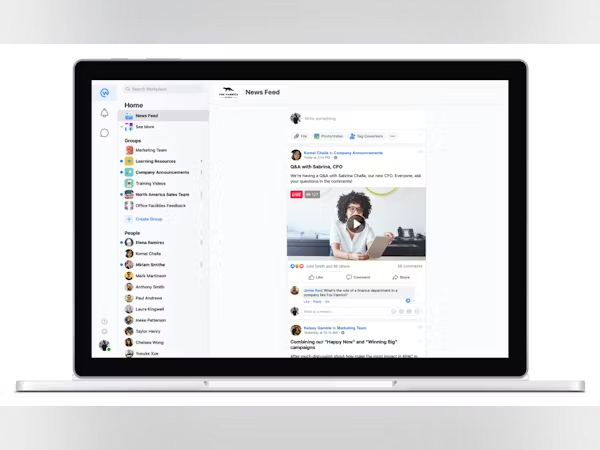
Teams that thrive on engagement and connection need more than just a basic messaging tool—they need a platform that feels natural to use. That’s where Workplace by Meta comes in, bringing a social networking twist to workplace communication.
With features like live video and groups, Workplace creates a familiar social media experience within a professional setting. It’s excellent for broadcasting company-wide announcements or fostering informal discussions.
Workplace also supports integrations with tools like Microsoft 365 and Google Workspace, allowing teams to collaborate seamlessly.
Caveat: Workplace by Meta ceases operations and transitions to a read-only mode till 2026. Here are the best Facebook Workplace Alternatives you can check out.
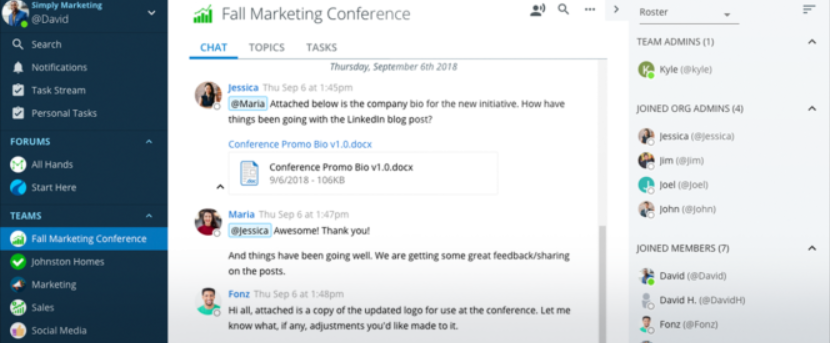
Ryver combines instant messaging with task and workflow management, making it an ideal option for teams that want to centralize communication and project tracking.
Its task boards and team chats are deeply integrated, allowing users to create and assign tasks directly from conversations.
Ryver’s interface feels similar to Trello, with Kanban-style boards for visual task tracking. What makes Ryver unique is its focus on automation. It enables users to set up workflows that reduce manual effort.
When it comes to instant messaging apps, there’s no shortage of options to suit every need, from quick personal chats to professional team collaboration.
While apps such as WhatsApp and Slack excel in their niches, ClickUp Chat takes the top spot as an all-in-one solution for teams. It doesn’t just connect conversations—it links them directly to tasks, projects, and workflows, ensuring nothing gets lost in translation.
ClickUp’s features, such as message-to-task linking, comment assignments, and built-in tools like Clips and instant message templates, go beyond simple communication to enhance productivity and collaboration.
Unlike many apps that require constant switching or lack integration, ClickUp seamlessly combines messaging with project management, saving time and keeping teams aligned. If you’re serious about combining top-tier communication with efficient workflow management, ClickUp isn’t just an app—it’s the ultimate hub for getting work done.
Sign up to ClickUp today to get started!

Manasi Nair
Max 26min read
Manasi Nair
Max 26min read
Manasi Nair
Max 20min read

© 2026 ClickUp