






Still downloading templates?
There’s an easier way. Try a free AI Agent in ClickUp that actually does the work for you—set up in minutes, save hours every week.
Sorry, there were no results found for “”
Sorry, there were no results found for “”
Sorry, there were no results found for “”
Not everyone wants the same kind of smart.
Some want models that write like a human. Others need clean code, fast summaries, or tools that don’t leak data or break the budget. The AI space is wide open right now, and the Google AI Studio isn’t the only one doing some heavy lifting.
If you’re building, writing, researching, or experimenting with AI tools, it makes sense to look around. Each of these Google Gemini AI alternatives brings something different to the table.
Let’s get into what they do and why they’re worth a shot. 🎯
Here are the best alternatives to Google Gemini AI compared. 🦾
| Tool | Best for | Best features | Pricing |
| ClickUp | Individuals and teams turning AI-powered research into actionable workflows | Process automation and quick answers using Autopilot Agents; contextual answers from AI; talk-to-text hands-free interaction with ClickUp Brain MAX; Enterprise Search across connected tools | Free plan available; Customizations available for enterprises |
| ChatGPT | Individuals, creators, and teams interested in creative problem solving | Python code execution directly in chat; advanced reasoning models; custom GPTs for specific tasks | Free plan available; Paid plans start at $20/month |
| Claude | Researchers, legal teams, and technical writers working on in-depth document analysis | Large context window; upload and cross-reference multiple files; detailed multi-perspective analyses; ethical AI | Free plan available; Paid plans start at $20/month |
| Perplexity AI | Journalists, analysts, and academic researchers looking for real-time research on the web with citations | Current info with citations; focus searches on academic, news, or discussion sources | Free plan available; Paid plans start at $20/month |
| Microsoft 365 Copilot | Microsoft 365 users and enterprises seeking to get AI incorporated into Office workflows | Excel formula generation; email summaries; search across Microsoft 365 files and events | Free (Chat only); Paid plans start at $30/month per user |
| You.com | Individuals and research-heavy teams who want a light and personalized search experience | Customizable search preferences; web results combined with AI summaries; unlimited AI-powered searches on Pro | Free plan available; Paid plans start at$20/month |
| Pi by Inflection AI | Individuals seeking conversational AI for personal, emotional chats | Natural, empathetic conversation flow; voice interactions | Free |
| Brave Leo | Individuals and teams seeking privacy-first AI interaction | In-browser activity; multiple AI models; user data privacy | Free plan available; Paid plans start at $14.99/month |
| Mistral AI | Developers, multilingual teams, and privacy-focused organizations looking for European AI standards | Open-source and custom models; code writing; fine-tuning support | Free plan available; Paid plans start at $14.99/month per user |
| DeepSeek | Academics, scientists, and technical teams using AI for advanced reasoning tasks | Transparent step-by-step reasoning; self-correction; export reasoning transcripts | Custom pricing |
While using Google’s Gemini is helpful for building intelligent apps, you might find reasons to look elsewhere for a better fit. Here’s why exploring Google Gemini AI alternatives makes sense:
🔍 Did You Know? BCG found that combining people and AI the right way can boost HR productivity by up to 30%. With the right setup and a bit of time, teams start seeing real gains in speed and efficiency.
These are our picks for the best Google Gemini AI alternatives. 👇
Our editorial team follows a transparent, research-backed, and vendor-neutral process, so you can trust that our recommendations are based on real product value.
Here’s a detailed rundown of how we review software at ClickUp.
If your research process starts in one tool, planning happens in another, and execution floats across multiple platforms, your team’s already slowed down. ClickUp fixes this with one intelligent system that lives across your Workspace, understands your work, and helps you move it forward, fast. 🚀
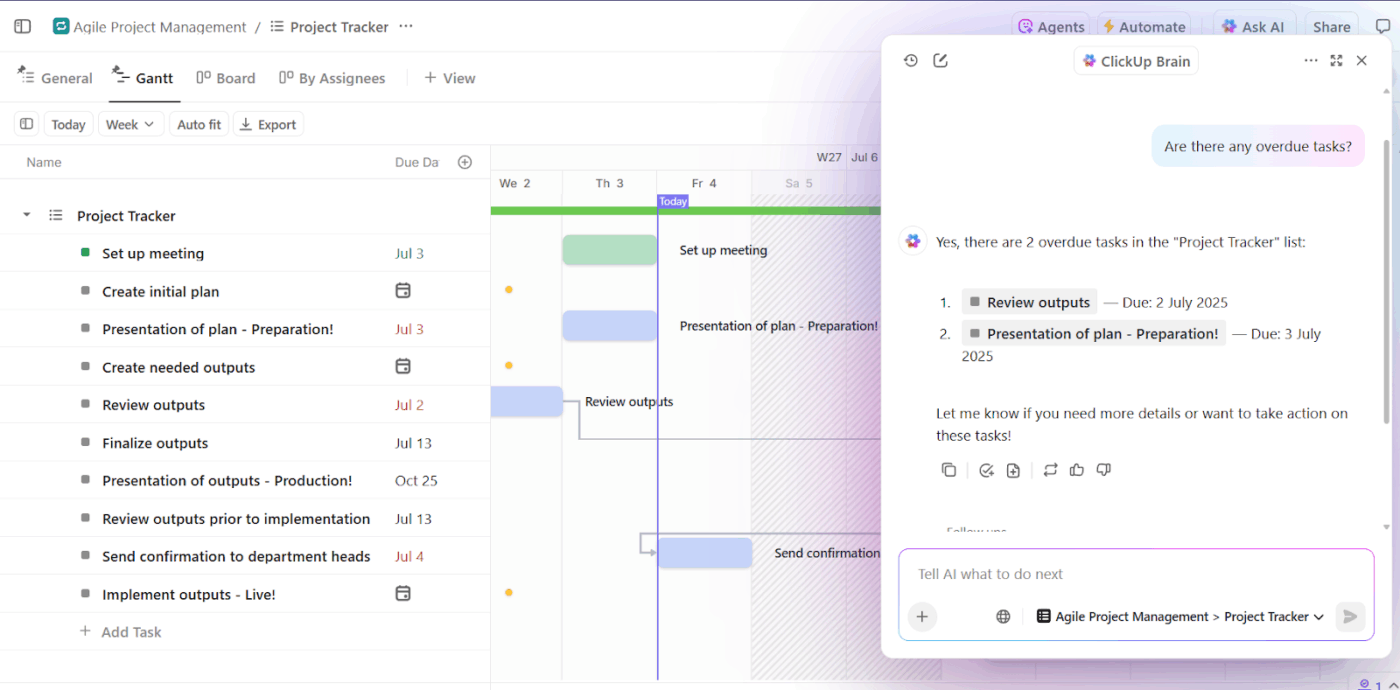
ClickUp Brain lives inside your Workspace and understands everything that happens there—your docs, tasks, comments, and conversations. You can ask it questions, request summaries, auto-generate content, and trigger actions that feed directly into your workflow.
Suppose your product marketing team just uploaded a detailed launch analysis into a ClickUp Doc. Ask ClickUp Brain to summarize the report, pull out key risks, and generate follow-up tasks tagged to the right people with deadlines attached.
You could also use ClickUp’s AI to generate a slide outline for leadership using the same content.
It’s instant, contextual, and completely native to your workflow.
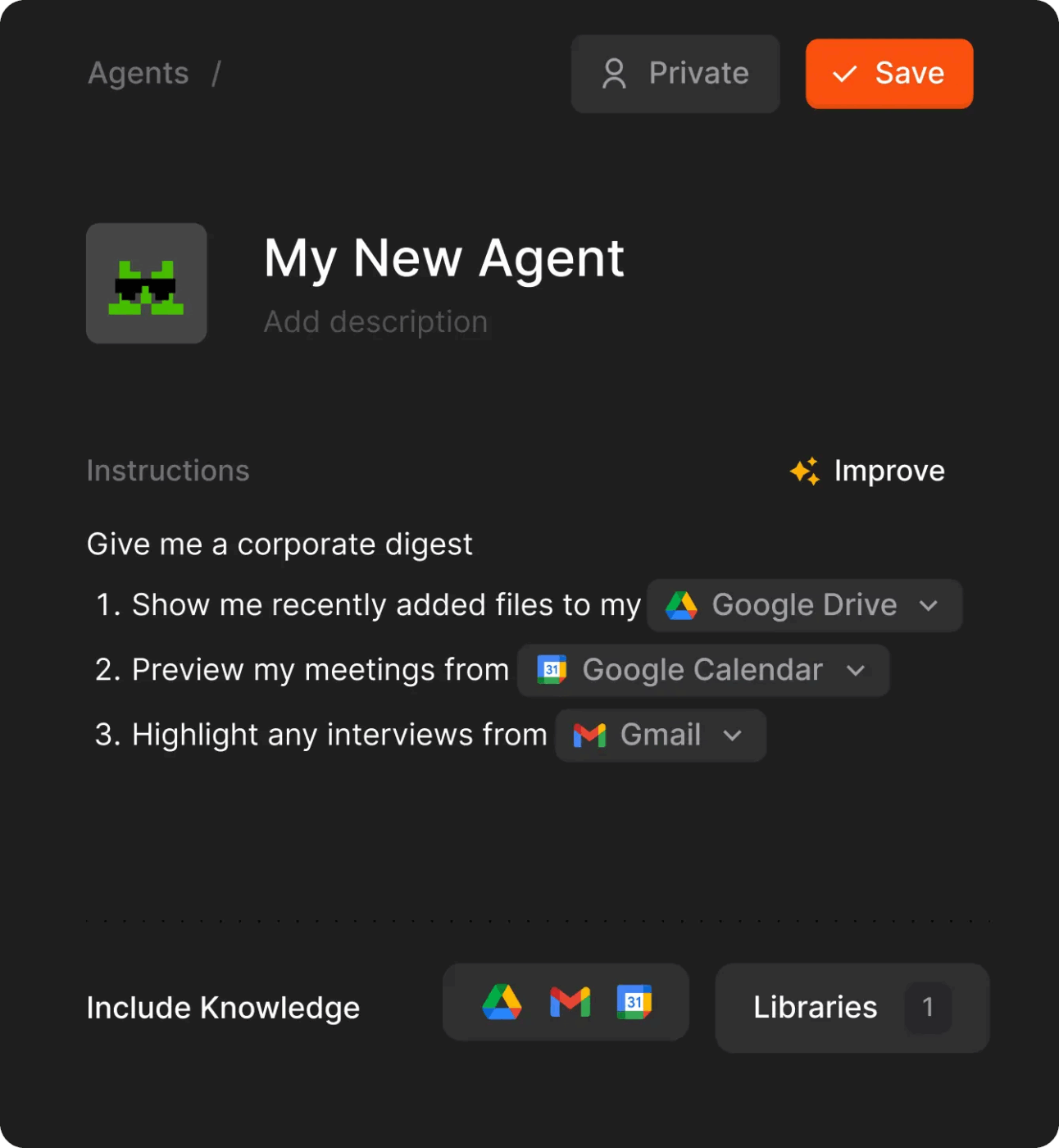
You don’t need to chase updates, assign tasks manually, or repeat the same answers every day. ClickUp’s Autopilot Agents handle that for you.
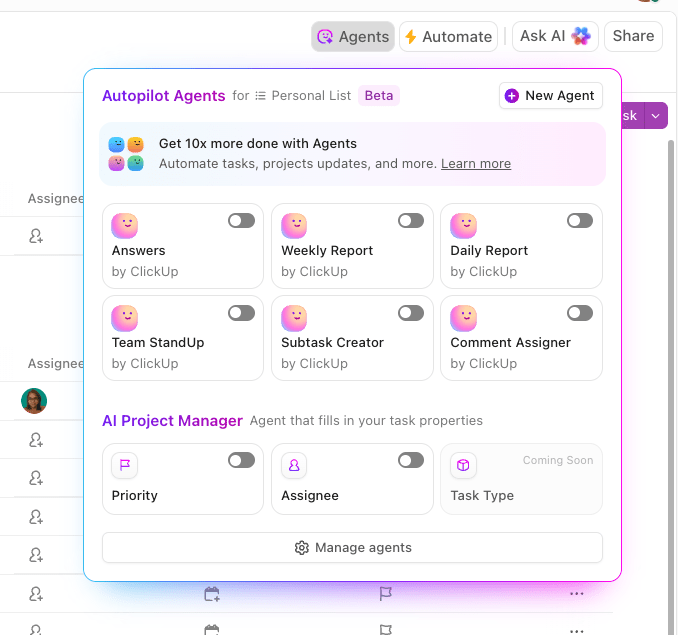
For example, the prebuilt StandUp Agent collects daily updates from each teammate, adds task comments, and posts a single summary in your sprint planning doc. So if your mobile dev logs ‘Finished onboarding flow testing,’ it shows up in the right task, without a PM needing to follow up.
For more control, you can build a Custom Autopilot Agent. These adapt to changes in your Workspace to autonomously act based on given instructions. Curious? We’ve got a video that’ll tell you more 👇
For faster, more focused interaction with your Workspace, use ClickUp Brain MAX. It’s a dedicated desktop companion equipped with the same intelligence.
What makes it different? You can talk to it. Literally.
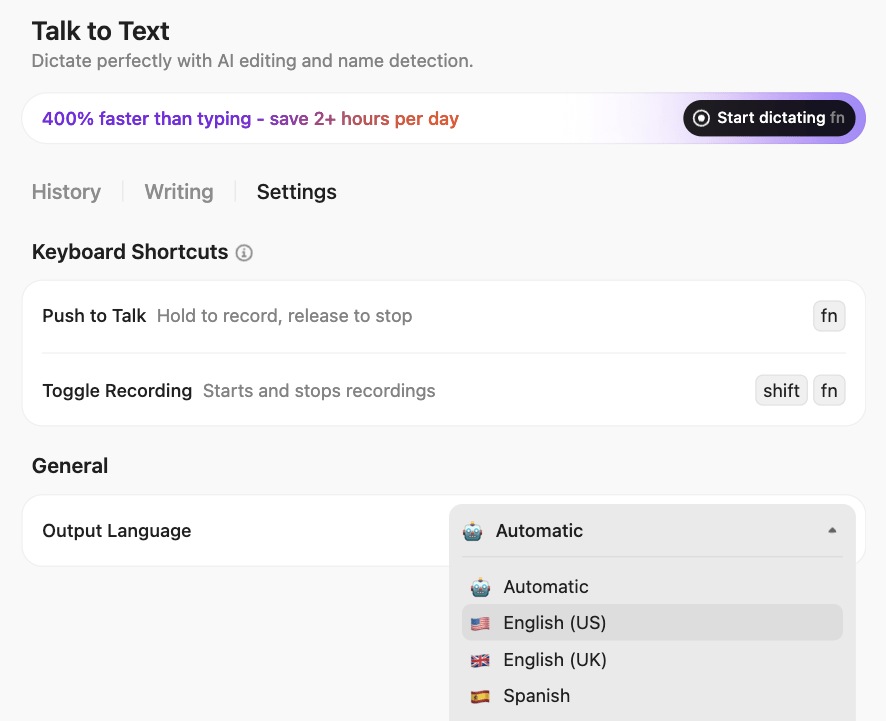
Let’s say you’re reviewing sprint progress. Use your custom hotkey and say: ‘Summarize this week’s QA blockers and assign follow-ups for anything still open.’ It scans relevant tasks and comments, generates a clean summary, and creates new tasks in seconds.
Even better? You can switch between multiple LLMs like ChatGPT, Gemini, and Claude without leaving your flow, which saves you up to 88% in costs.
A user on Reddit shared:
ClickUp Brain saves me a ton of back and forth honestly. I know there are AI tools with a pretty efficient free tier, but the constant switching between tabs takes a toll. And honestly, when I’m in my deep work zone, this is the last thing I want to do. I primarily use the AI for writing stuff since I’m in the content industry. It also edits what I’ve written (ah-mazing!). Another thing that really helps me is Docs. I love the formatting options, especially those banners. So cute!
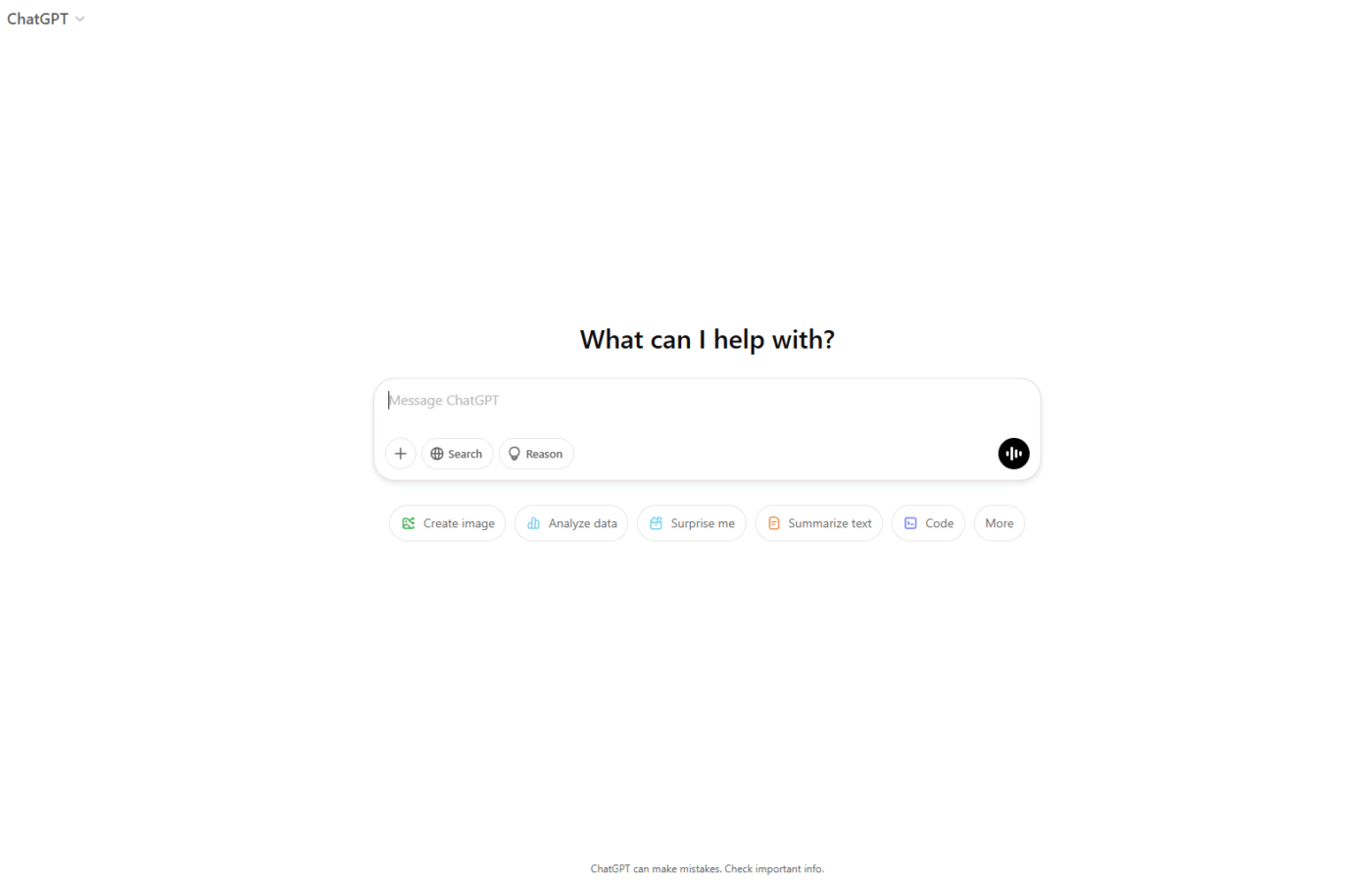
via ChatGPT
You know that feeling when you’re stuck on a problem and need someone to bounce ideas off? ChatGPT gets it.
Sure, everyone knows about the basic AI chat function, but the Pro subscription opens up a different playground altogether. You can even spin up custom GPTs that act like specialized consultants for your specific needs.
The platform remembers your quirks and preferences across conversations, so you’re not constantly re-explaining your context. Plus, when you need to crunch numbers, it runs the code right in the chat instead of providing theoretical advice.
According to a G2 review:
What I like best about ChatGPT is how it helps me start my day-to-day writing tasks with ease and clarity. I use it regularly to draft letters, emails, and policies, things that often take time to get just right. ChatGPT gives me a solid starting point based on the thoughts or points I share, helping to shape my ideas into something structured and coherent. It takes the pressure off the blank page, which can be one of the biggest hurdles when writing anything from scratch.
🧠 Fun Fact: AI adoption has jumped 20% year over year, with more teams turning to smarter solutions to get work done. It’s a strong signal to start exploring what happens when you use AI tools the right way.
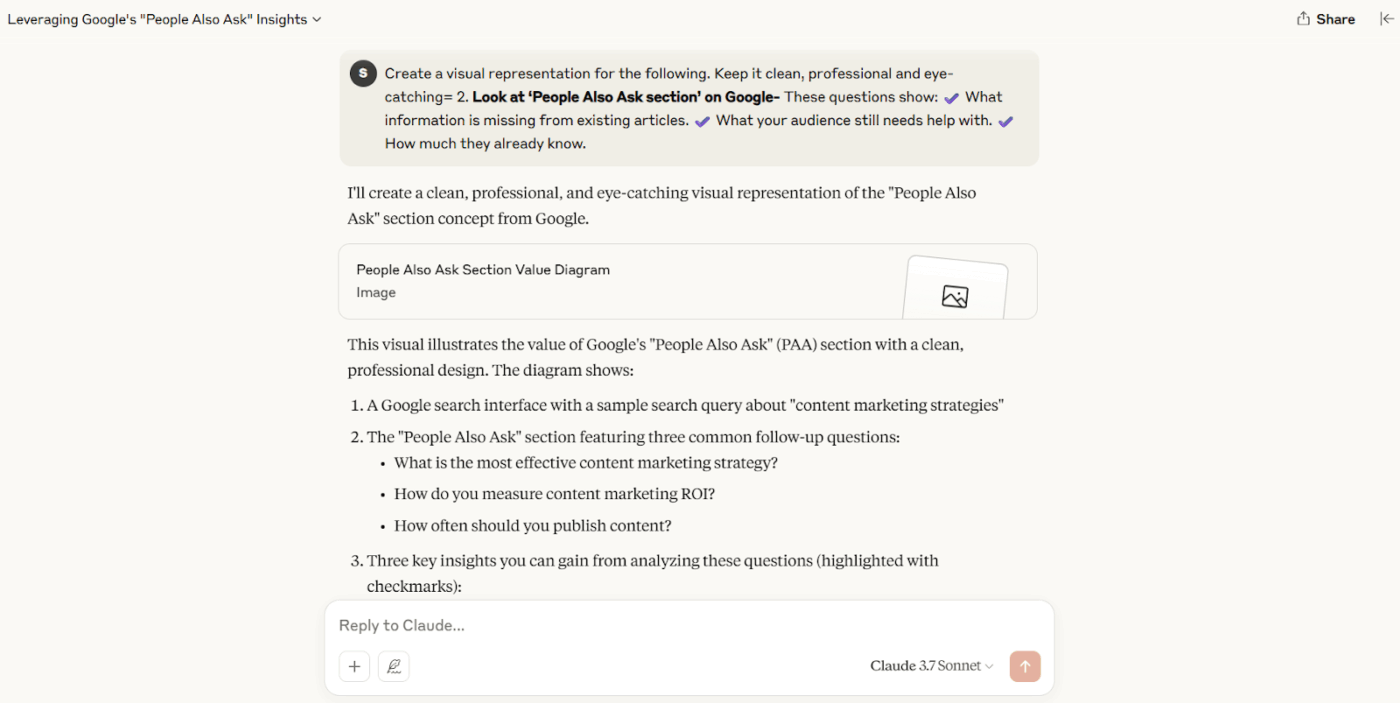
via Claude
Claude from Anthropic handles lengthy documents with ease. You can share entire codebases, legal contracts, or academic papers and have meaningful conversations about the content. Artifacts let you collaborate on documents in real time, so you’re not stuck copying and pasting.
What sets Claude apart is how it handles nuanced questions. Ask it to compare different sections of a document or find contradictions, and it does the work instead of providing generic advice.
The secret to Claude’s unique approach is Constitutional AI, the training approach that embeds ethical rules into Claude.
A Reddit user shared:
I made the switch months ago. My primary needs are based around creative writing, story plotting, and that kind of thing, and I find Claude is just way better at it. Also, its writing generally is better, more natural, and doesn’t contain the stupid cliches and mealy-mouthed filler.
Pro Tip: The more tools you use, the harder it gets to find what you need. ClickUp’s Enterprise Search lets you search semantically across tasks, docs, comments, and connected tools like Google Drive, SharePoint, or GitHub.
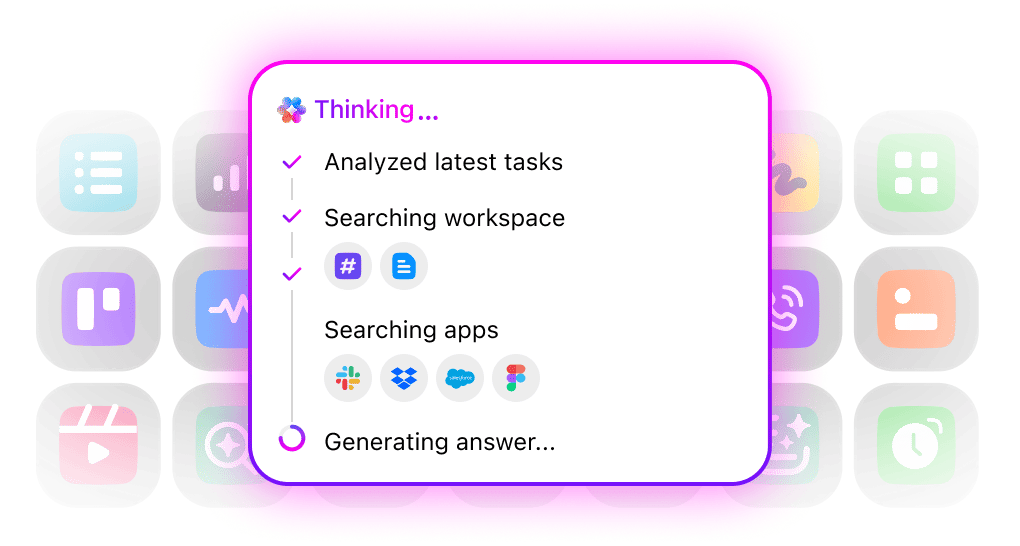
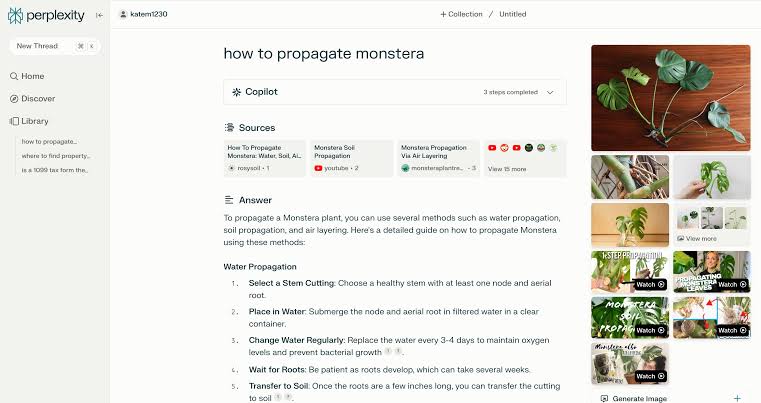
via Perplexity AI
Research used to mean opening 15 browser tabs and piecing together information from different sources. Perplexity AI helps you avoid that. Just ask a question and get a synthesized answer with citations you can verify.
The Comet model brings better math skills to the table, so it’s not just good for general research anymore. You can dig into academic papers, get current news analysis, or focus your search on specific types of sources.
🔍 Did You Know? AI is projected to improve employee productivity by 40%, which means teams could get a lot more done in less time.
via Microsoft 365
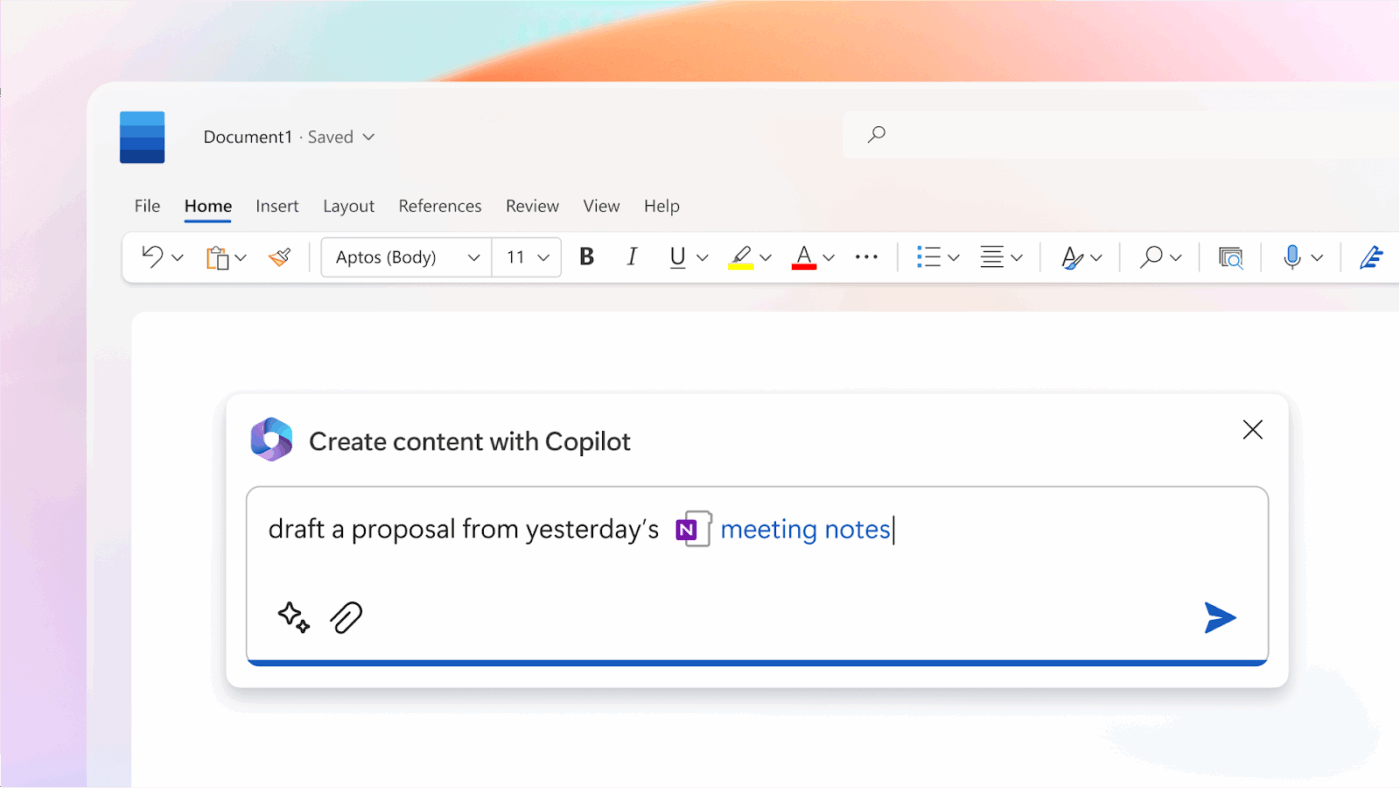
If your work lives in Microsoft Office, this changes everything. Copilot already knows your email style, your recent presentations, and the spreadsheet you’ve been working on all week. Ask it to create a PowerPoint from your meeting notes, and it pulls from your existing notes, not generic templates.
The Excel integration is clever. It understands your data structure and can spot trends you might miss.
⚙️ Bonus: Explore AI podcasts to hear real-world use cases and learn directly from the researchers, founders, and builders shaping the future of artificial intelligence.
via You.com
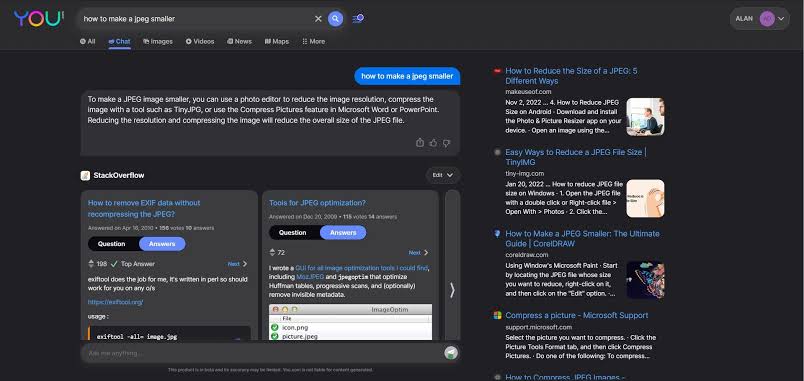
Most search engines treat everyone the same. You.com figures out what you actually want to see. The more you use it, the smarter it gets about your preferences and interests.
The Pro version removes search limits and gives you access to advanced AI models like Claude and GPT for more detailed answers. Different search modes help you find exactly what you’re looking for, whether that’s coding help, creative inspiration, or academic research.
According to a G2 review:
I like the convenience of not having to jump from page to page while using it. I tried the translator with communications for European clients as well as brainstorming for drafting aproject presentation. I found it easy to use.
📖 Also Read: Best Marketing AI Tools to Stay Productive
via Inflection AI
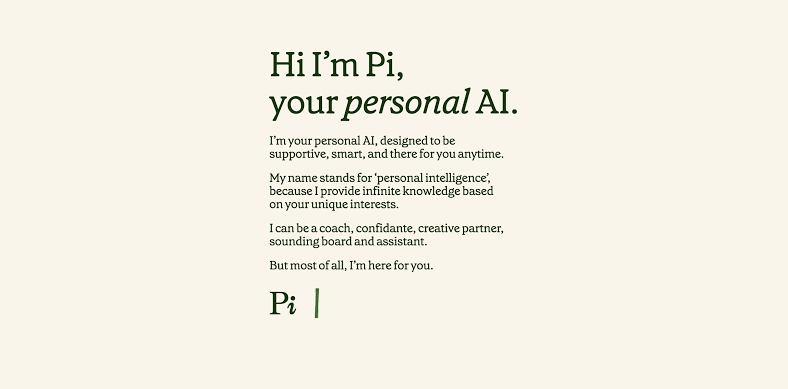
With most AI tools, you feel like you’re talking to a smart calculator. However, with Pi, it feels like chatting with someone who cares about your day.
The AI tool remembers your struggles, celebrates your wins, and checks in on things you mentioned weeks ago. The conversations flow naturally, without the robotic back-and-forth you often encounter elsewhere.
Pi adapts to how you communicate. So if you’re direct, it matches that energy, and if you need encouragement, it picks up on that too. This makes it surprisingly helpful in working through ideas, getting unstuck on projects, or having someone to talk through decisions.
A Reddit user shares:
Pi is still one of the best AI companions for friendship/conversation/personality with the added advantage of real time internet access, and those things combined can be a lot of fun!
It’s not as pumped up as a work productivity tool like ChatGPT or Claude etc but it’s not supposed to be that. Inflection AI’s 3.0 API accessed models are more about that. Pi is still great for task organization and encouragement as well though and better for everyday chat than the work productivity AI’s.
📮ClickUp Insight: Only 12% of our survey respondents use AI features embedded within productivity suites. This low adoption suggests current implementations may lack the seamless, contextual integration that would compel users to transition from their preferred standalone conversational platforms.
For example, can the AI execute an automation workflow based on a plain text prompt from the user? ClickUp Brain can! The AI is deeply integrated into every aspect of ClickUp, including but not limited to summarizing chat threads, drafting or polishing text, pulling up information from the workspace, generating images, and more!
Join the 40% of ClickUp customers who have replaced 3+ apps with our everything app for work!
via Brave Leo
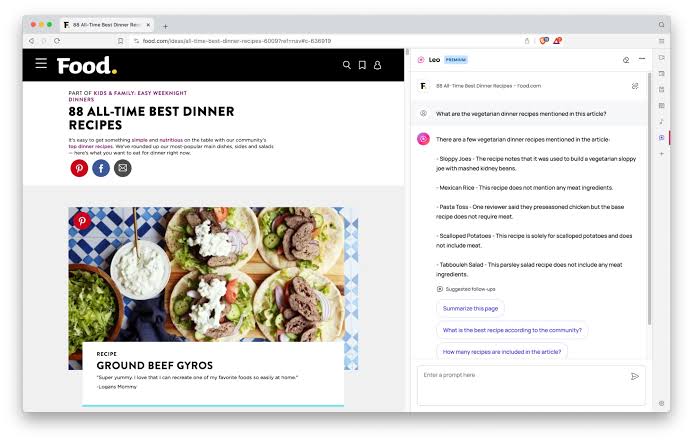
Privacy paranoia is real, and Leo gets it. Built right into the Brave browser, it never asks for your email, doesn’t track your conversations, and keeps everything local to your device. You can analyze any webpage you’re reading without worrying about your browsing habits ending up in some corporate database.
Multiple AI models give you options depending on what you need. Quick question? Use the fast model. Complex analysis? Switch to the more powerful one.
🔍 Did You Know? An IBM report found that only 33% of consumers were satisfied after using chatbots or virtual assistants. On the flip side, 20% were so let down, they didn’t want to engage with the tech again.
via Mistral AI
French engineering meets practical AI needs with Mistral. This open-source platform offers different model sizes so you can pick speed over sophistication depending on your task.
With its multimodal and multilingual capabilities, you can start a conversation in English, throw in an image, switch to French mid-sentence, and it keeps up without missing context.
Code generation is solid across multiple programming languages, and the mathematical reasoning holds up under pressure. European data privacy standards are baked in from the ground up.
📖 Also Read: How to Use AI in Content Marketing
via DeepSeek
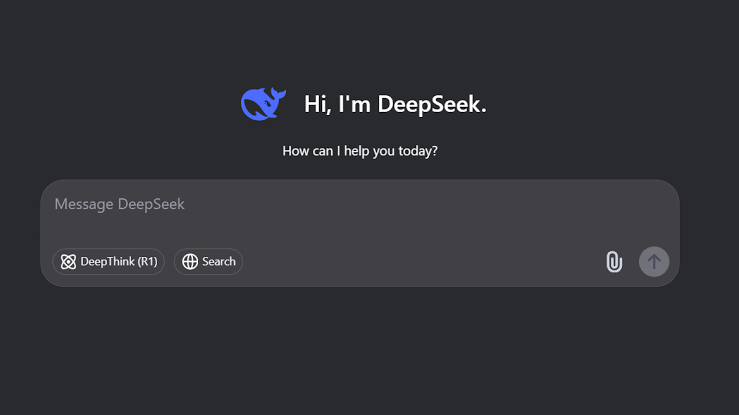
Tired of AI that gives you answers with no clue how it got there? DeepSeek thinks out loud. You can watch it break down problems, hit roadblocks, backtrack, and adjust in real time.
Mathematical proofs, scientific hypotheses, multi-layered analytical tasks—it handles them while showing its work. This transparency makes it valuable for learning and verification. And because it can refine its own reasoning, it’s a natural fit for projects that evolve as you go.
One of the most lauded features of DeepSeek models is their massive context window. With the ability to process up to 128,000 tokens, these models can comprehend and analyze vast amounts of information in a single instance.
A Reddit comment elaborated:
Been using R1 for technical writing and documentation. It’s surprisingly good at explaining complex topics clearly and catches technical inconsistencies better than other models I’ve tried.
Also great for breaking down research papers into digestible summaries.
🔍 Did You Know? Complex prompts, like solving equations or tackling big ideas, can use up to six times more energy than simple searches. The more demanding the question, the higher the carbon cost of using AI.
Plenty of Google Gemini AI alternatives bring something useful to the table—fast answers, long-form analysis, creative brainstorming, or research assistance. They’re all solid picks, depending on what you need.
But if your work doesn’t stop at answers, why should your tools?
ClickUp is built for follow-through. Whether you’re writing, coding, researching, or managing full-scale projects, ClickUp’s AI doesn’t just scratch the surface. It’s right there with you in your workspace, with AI Agents, Brain MAX, AI Notetaker, and real-time execution tools that move your work forward.
Sign up for ClickUp and turn good ideas into finished work. ✅

© 2026 ClickUp

There’s an easier way. Try a free AI Agent in ClickUp that actually does the work for you—set up in minutes, save hours every week.