How End-to-End Project Management Ensures Project Success

Sorry, there were no results found for “”
You’re in the thick of a major project—a product launch, a company-wide initiative, or maybe a client deliverable with sky-high expectations. At first, everything seems on track. But as deadlines inch closer, cracks begin to show. Tasks pile up faster than you complete them, emails and messages go unanswered, and the team starts feeling the heat.
This is where end-to-end project management makes all the difference.
It’s a methodology where you take one step at a time and work in phases throughout the project management life cycle. When you execute it correctly, E2E project management can save you a lot of trouble and make sure that projects run smoothly without compromising on the quality of project deliverables, timelines, or your project team’s wellbeing.
End-to-end project management is a holistic approach organizations adopt to guide projects from inception to completion. Teams can focus on systematically achieving each part by breaking projects into smaller, more manageable segments (sometimes using project management templates to guide the process).
A project manager leads this process, offering support and direction to team members. They ensure everyone understands when to move forward to the next phase or when further work is necessary.
In end-to-end project management, each phase is crucial in ensuring you deliver the project on time, stay within budget, and meet the expected quality standards. Here’s a closer look at each phase:
The team identifies the project aims, objectives, and key stakeholders during initiation. The project manager develops a project charter outlining the project’s scope, goals, and potential risks. This document is a reference point throughout the project and is crucial for obtaining approvals from higher executives.
For example, if you’re gearing up for a new product launch, the initiation phase would involve two key tasks: conducting market research to identify customer needs and defining the product features to meet those needs.
Once the project is initiated, the next step is planning. This phase lays the groundwork for successful project execution. During planning, project managers develop a detailed project plan that includes the scope, timeline, budget, and required resources.
Activities in this phase include:
For example, in the context of a product launch, the planning phase would involve creating a timeline for design, development, marketing, and sales activities and budgeting for each area.
The execution phase is where you put the project plan into action. The team starts to carry out the tasks outlined in the planning phase, and the focus shifts to delivering the project outputs and meeting project objectives. Effective leadership and communication are essential during this phase to keep everyone on the same page and complete tasks as planned.
Key activities include:
For example, this phase would involve designing the product, developing marketing materials, and coordinating sales and marketing efforts for a product launch.
Running concurrently with execution, the monitoring and controlling phase involves tracking the project performance against the established plans. During this phase, you can identify any deviations from the plan and implement corrective actions (if required).
Activities in this phase include:
For example, during your product launch, the project manager must adjust the strategy based on real-time feedback and analytics if the marketing campaign is not generating the expected engagement.
The closing phase marks the formal conclusion of the project. The team has to complete all project tasks, obtain final approvals, and document the lessons learned throughout the process.
Key activities include:
Let’s go back to our example. For the product launch, this phase would involve gathering customer feedback, assessing the launch’s overall success, and compiling a report on what went well and what you can improve for future projects.
Here’s a quick breakdown of the essential tools for end-to-end project management:
First, you need the right project management software to unify tasks and resources.
This can provide visibility across the project lifecycle, from planning to execution, by allowing you to assign tasks, set deadlines, and monitor real-time progress.
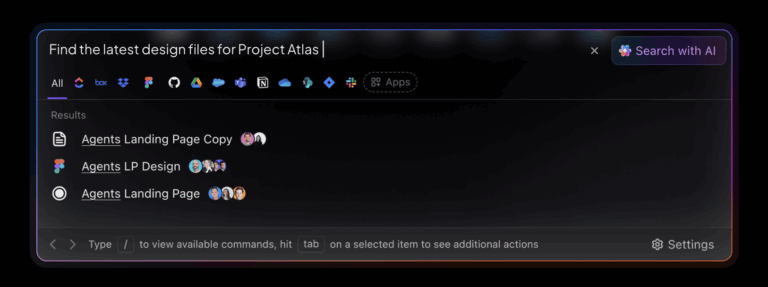
Streamline your end-to-end project management with a comprehensive tool like ClickUp’s Project Management System. Designed to bring cross-functional teams under one platform, ClickUp’s project management suite helps you:

In end-to-end project management, you must smoothly transition from one phase to another.
For that, it’s essential to establish a clear line of communication among remote, cross-functional teams (and also between internal and external stakeholders).
You need a platform to share quick work updates with the entire team, connect with teammates one-on-one, hop into video calls, or discuss projects async.
Clarity in communication resolves issues faster, promotes collaboration, and minimizes delays.
🔑 Key Insight
With ClickUp, you can communicate with your team async or in real time, right where you work. You don’t need to invest in a separate collaboration tool to send and receive messages and share files.
Here’s how:

Whether the project is large or small, it will involve a lot of documentation. A document management system proves useful here, helping you organize and store project files in a central, accessible location.
You can simplify document management with ClickUp, retrieve documents right when needed, and ensure all team members have visibility. Here’s a glimpse:

Time and money are vital project resources, and you must use them wisely.
You can’t rely on simple tools like spreadsheets for complex projects that last months and involve a large team.
You must integrate a time-tracking reporting tool and budget tracker into your workflow to monitor progress against set deadlines or identify risks of budget overruns.
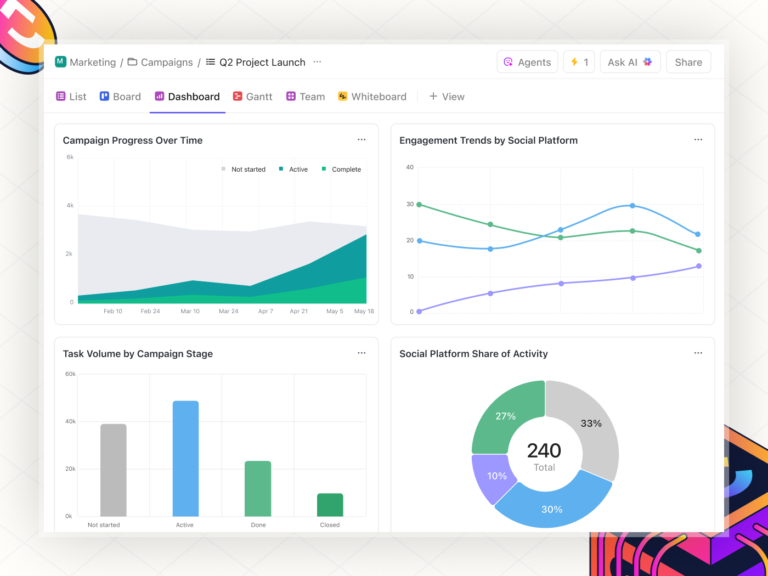
💡Pro Tip: ClickUp Dashboards are highly customizable, allowing you to visualize your work through lists, cards, charts, and graphs. These visual cues make complicated data points easier to interpret and democratize project-related knowledge.
For instance, with ClickUp’s Time Tracking dashboard, team members can log every hour they’ve worked using timesheets, streamline billing, and get detailed project reports on how they’ve utilized their time.
This tool is also helpful for project managers and team leads to get an overview of billed hours and whether the project matches the budget.

Finally, you can use free project budget templates for your project’s budgeting exercises. Here are a few ClickUp budget templates you might find useful:
The ClickUp Project Budget with WBS Template helps you create a detailed work breakdown structure (WBS) and keep track of each of the components of your project. This makes it easier to nail down costs and allocate resources.
Use this template to:
Finally, you should monitor costs for each task throughout the project and make adjustments as needed.
Create a well-thought-out budget proposal for all stakeholders using the ClickUp Budget Proposal Template.
The template will guide financial planners through gathering all the necessary information about the project, calculating estimated costs, and creating the final proposal. After this, they can set a recurring task in ClickUp to review and update the proposal regularly.
You may prefer other budgeting templates tailored to specific needs, such as the ClickUp Marketing Budget Template to track your marketing spending or the ClickUp Event Budget Template to track expenditures associated with company events.
As we’ve seen, end-to-end project management ensures that you thoroughly plan, execute, monitor, and complete every aspect of a project. Follow these best practices for effective E2E project management.
Establish well-defined project objectives and project scope to keep all team members aligned.
Begin by documenting the project goals, expected outcomes, and deliverables. Involve stakeholders early to incorporate their needs/requirements and avoid massive changes midway.
By following this strategy, you can minimize the chances of scope creep, as everyone understands what the project will (and won’t) cover.
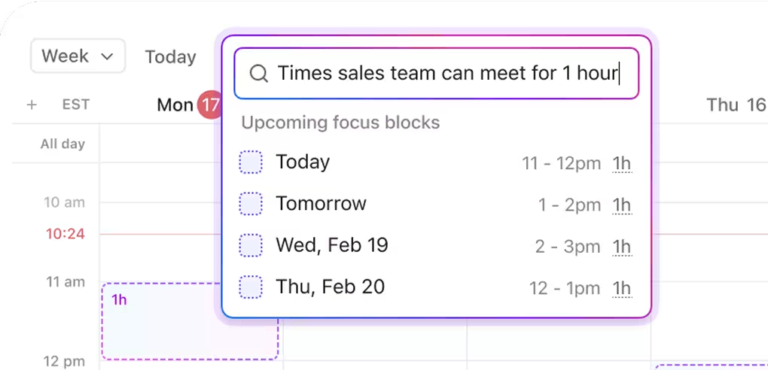
When creating a timeline, account for any dependencies, potential delays, and resource availability.
For instance, if key developers are unavailable during the development phase, it could cause delays.
Other common issues are design revisions or bugs during testing, which can impact your schedule and extend the timeline beyond estimates.
Effective resource allocation is about matching the right people, budget, and tools to the tasks they’re best suited for.
Before launching a project, assess team members’ availability and relevant skill sets.
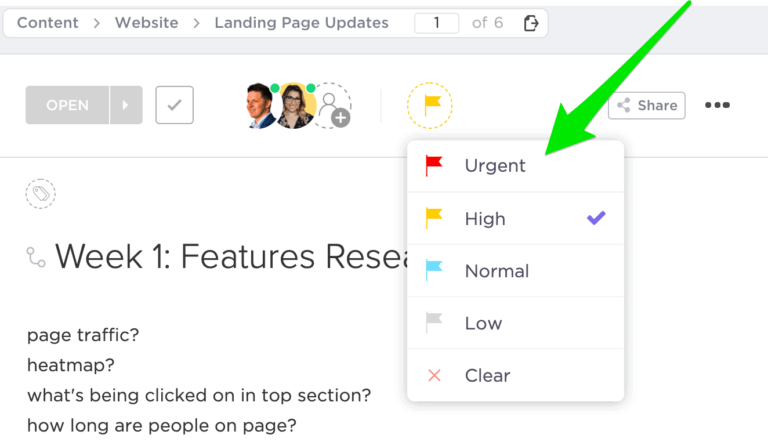
As you continue to monitor and track project progress, you’ll notice areas where you might need to reshuffle resources. Take these decisions promptly to meet timelines with ease.
For example, if a project is nearing its deadline and there’s still a lot of work left, bring in more team members to help or use AI tools to speed up processes.
Establish feedback loops at each project stage, allowing teams to learn and adapt quickly.
Regular feedback sessions highlight successes and challenges, allowing teams to correct course and optimize their approach.
Gathering feedback from stakeholders every step of the way can help you maintain transparency and stay on track to meet (or even exceed) expectations.
End-to-end project management encompasses a project’s entire lifecycle, from initiation to closure. While this comprehensive approach offers numerous benefits, it also presents certain challenges.
Resource constraints arise when team members are overburdened or lack the necessary skills, hindering project progress.
For example, if a critical team member is unwell or reassigned, the project might stall due to insufficient expertise.
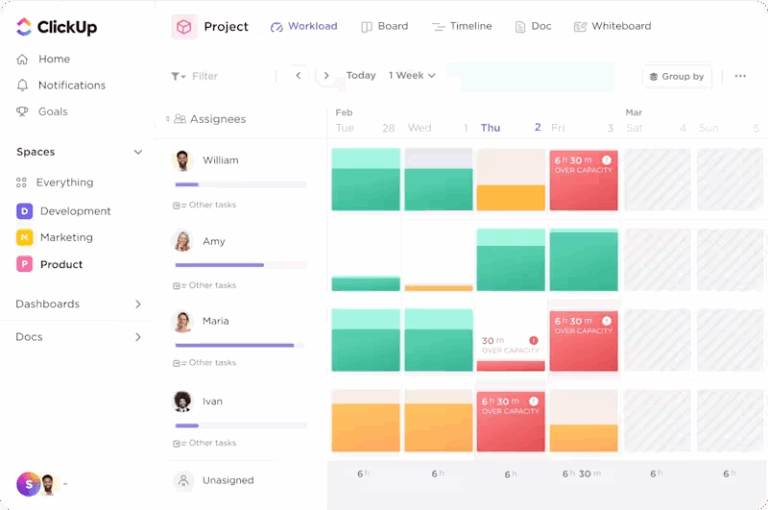
📌 Solution: Use ClickUp’s Workload view to track a task’s level of effort, set team members’ capacity, and distribute tasks fairly.
Reallocate tasks when required and maintain a healthy, manageable workload for all. It prevents burnout and helps you maintain project momentum.
Projects can fall behind schedule due to unforeseen issues, lack of prioritization, or inadequate planning.
For example, if one team member falls behind on a task, it can create a domino effect that delays subsequent tasks.
📌 Solution: ClickUp’s Gantt charts offer a visual overview of project milestones, helping identify potential delays early.
By regularly reviewing the timeline, you can make necessary adjustments to the schedule/resource allocation and effectively prioritize tasks.
End-to-end project management can quickly become overwhelming if too many tasks are on the to-do list and too little time.
It can impact the quality of work, slow down your workflow, or prevent you from meeting deadlines.
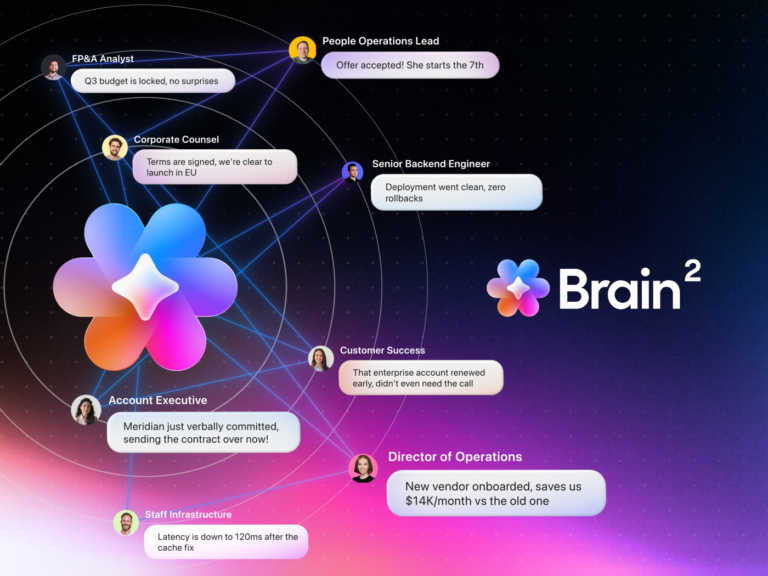
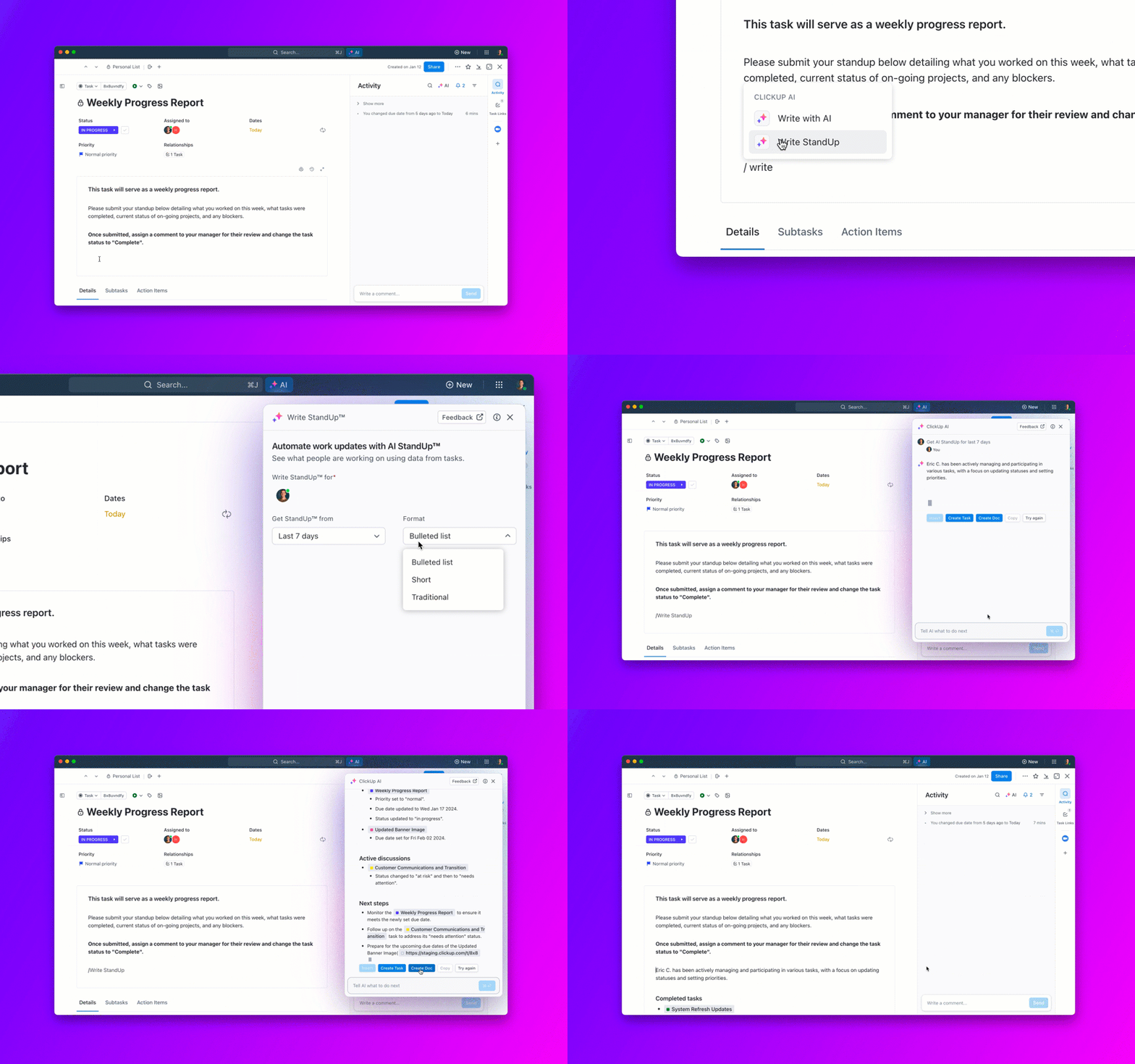
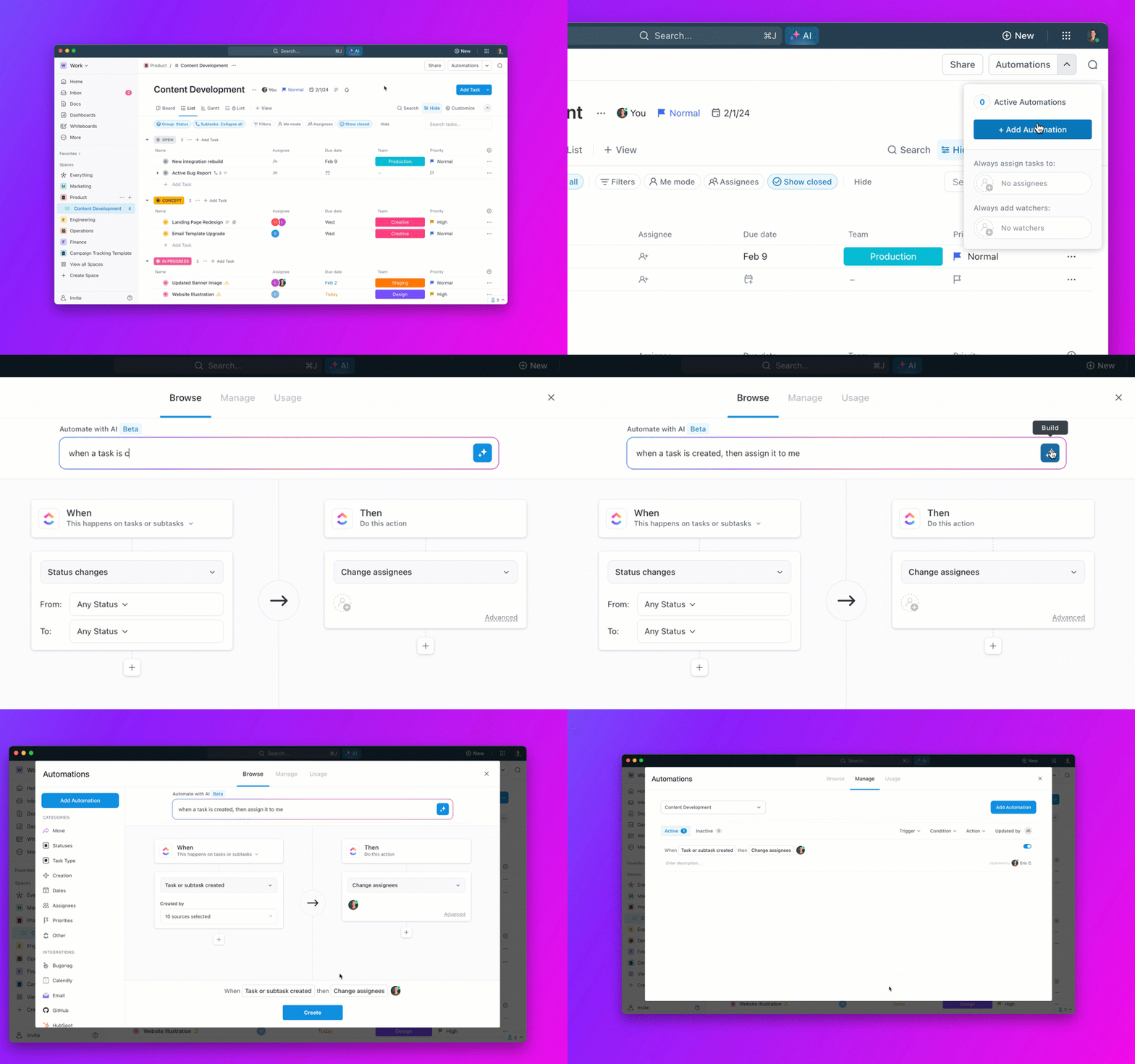
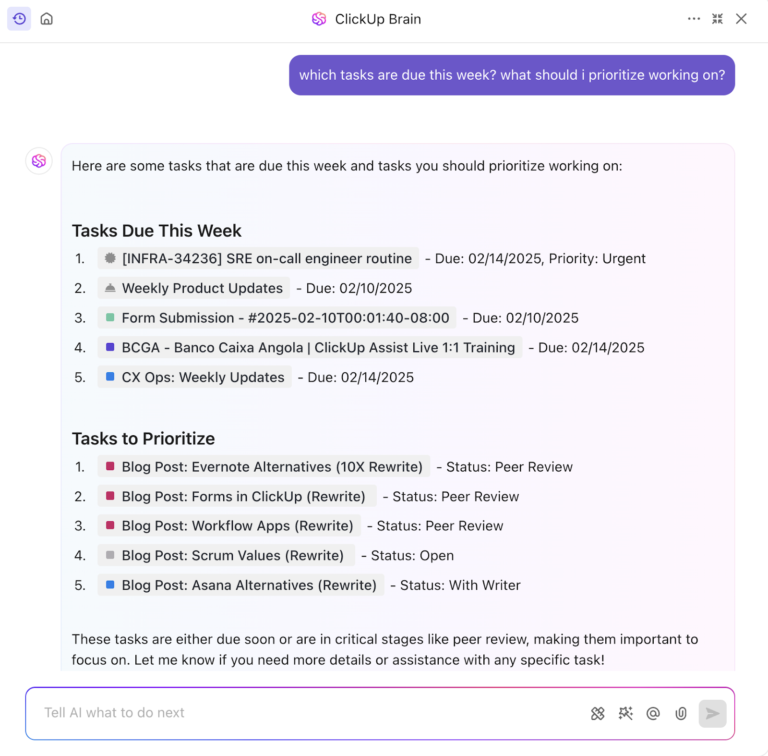
📌 Solution: To speed up work, maintain quality, and keep up with deadlines all at the same time, you can use a powerful AI tool like ClickUp Brain. Identify repetitive tasks that are time-consuming yet necessary (e.g., writing emails, editing documents, creating tables based on existing data sets, generating transcripts from audio and video, etc.) and run them on auto-pilot.
The world of project management is changing fast, with new trends reshaping how teams plan, execute, and deliver from start to finish. Let’s explore what’s ahead.
AI and automation are stepping up to handle the heavy lifting in project management. Think task scheduling, resource allocation, risk analysis, and all those repetitive admin chores that consume your time.
Why does this matter?
McKinsey found that embracing AI in project management can boost productivity by up to 30% and cut costs by 10–15%.
That’s a serious upgrade. These tools give you more bandwidth for strategic thinking and tackling complex challenges.
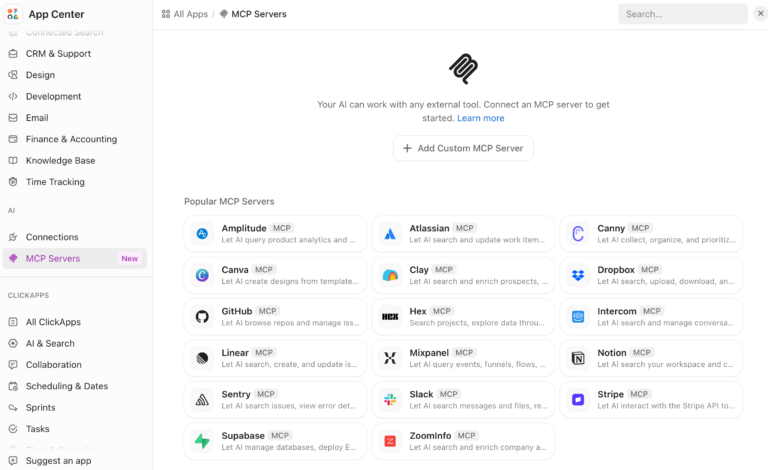
Remote and hybrid work isn’t just a trend—it’s here to stay. That means teams must work seamlessly across time zones and locations, and the right tools are key. Platforms like ClickUp and Zoom are making staying connected with virtual whiteboarding, task management, and real-time updates easier.
But it’s not just about the tools. Creative ideas like “virtual water coolers” are popping up to encourage those casual chats that spark innovation and build team culture. With about 61% of project management professionals working remotely at least some of the time, this is a trend you’ll want to stay ahead of.
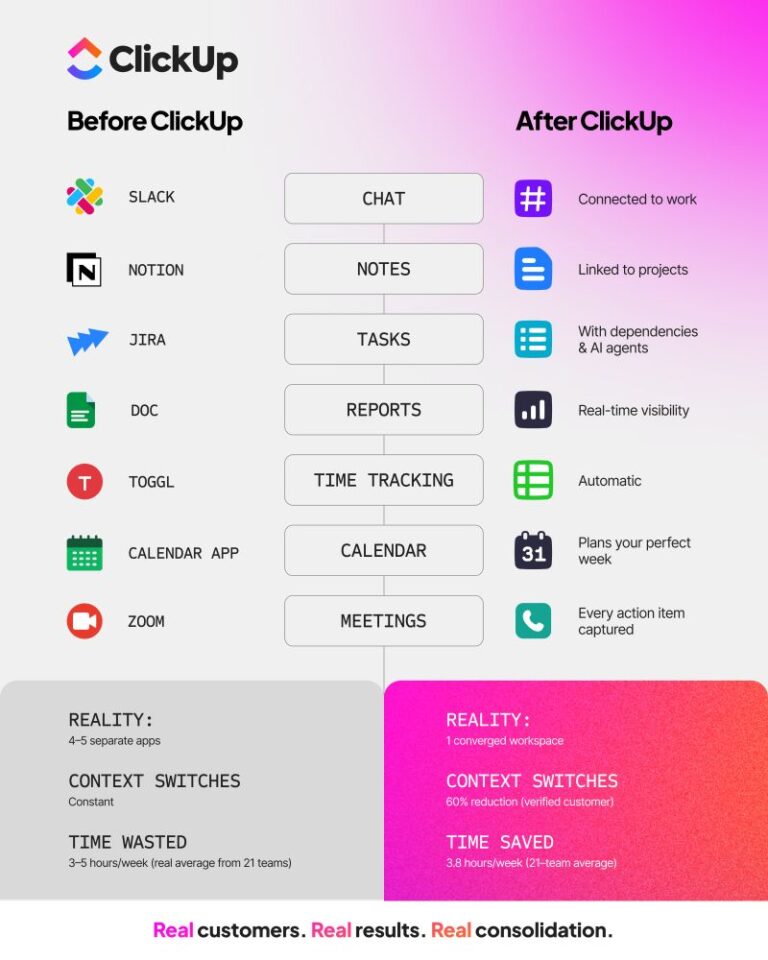
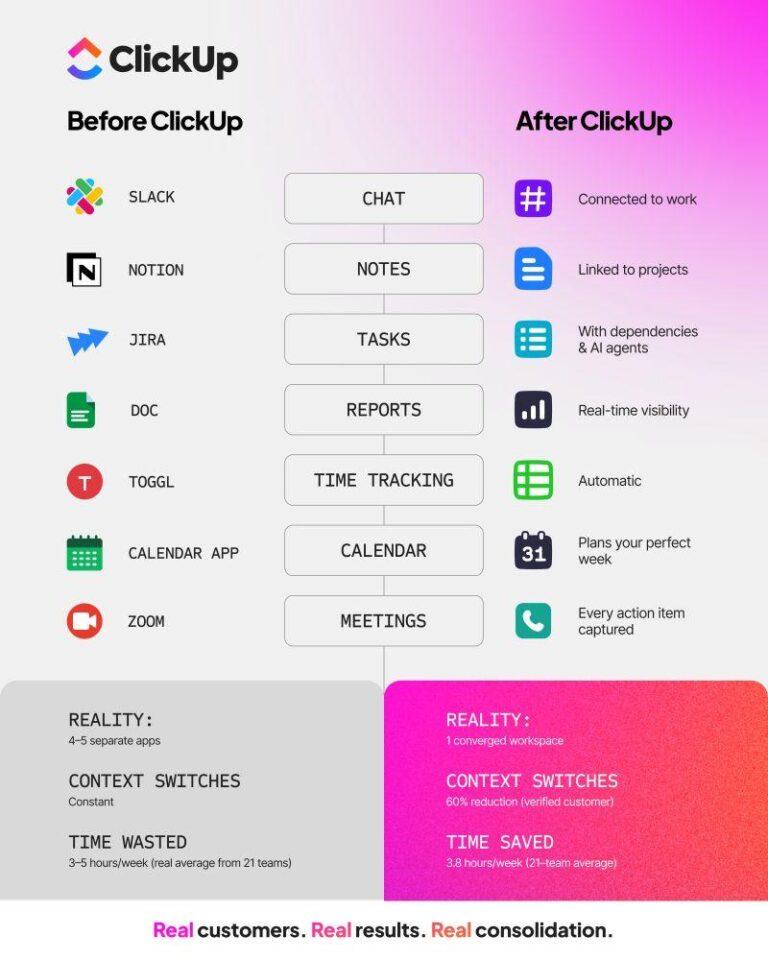
Say goodbye to juggling a dozen different tools. The future is about integrated platforms that handle everything—planning, execution, reporting, and more—in one place.
ClickUp, for example, combines work intake, scheduling, document collaboration, and business analytics in a single system.
Why is this important?
It enables companies to improve visibility and efficiency and make data-driven decisions without the chaos of switching between apps.
Project management is going green and is not just a feel-good trend. Sustainability and ESG (environmental, social, and governance) goals are becoming a top priority. This might mean rethinking supply chains, cutting carbon emissions, or finding ways to work more sustainably.
👀 Did You Know?
Nearly 40% of C-level executives identified addressing climate change as the primary gain from sustainability efforts. Other significant benefits reported included customer satisfaction, higher employee morale, enhanced operating margins, and supply chain resilience. These insights emphasize the growing alignment between sustainability initiatives and business value across industries.
👉🏼 What it all means
From smarter tech and remote teamwork to integrated platforms and sustainability, the future of project management is about working smarter, not harder. Teams embracing these trends will be better equipped to deliver projects efficiently, effectively, and with a lasting positive impact.
By covering every step, from the initial planning to execution and beyond, E2E project management keeps your actions aligned with the project goals. It promotes teamwork, encourages open communication, and helps identify and mitigate risks before they snowball into a blocker.
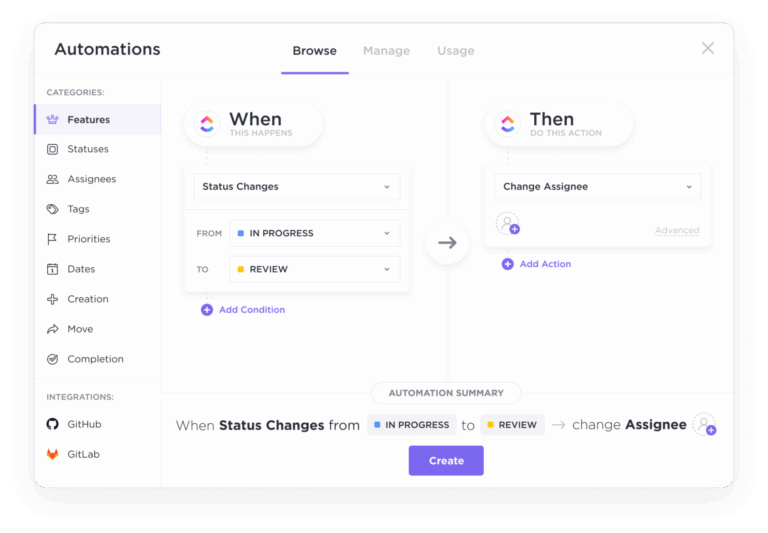
Managing and overseeing these multiple phases can feel tedious as project managers and team leads, especially when you constantly have to switch from one tool to another. Thankfully, using ClickUp for project management allows you to handle every project phase on the same platform. Use it to improve team communication, collaborate on tasks, track progress, be smart with your time and resources, and automate recurring tasks.
© 2025 ClickUp