






Still downloading templates?
There’s an easier way. Try a free AI Agent in ClickUp that actually does the work for you—set up in minutes, save hours every week.
Sorry, there were no results found for “”
Sorry, there were no results found for “”
Sorry, there were no results found for “”
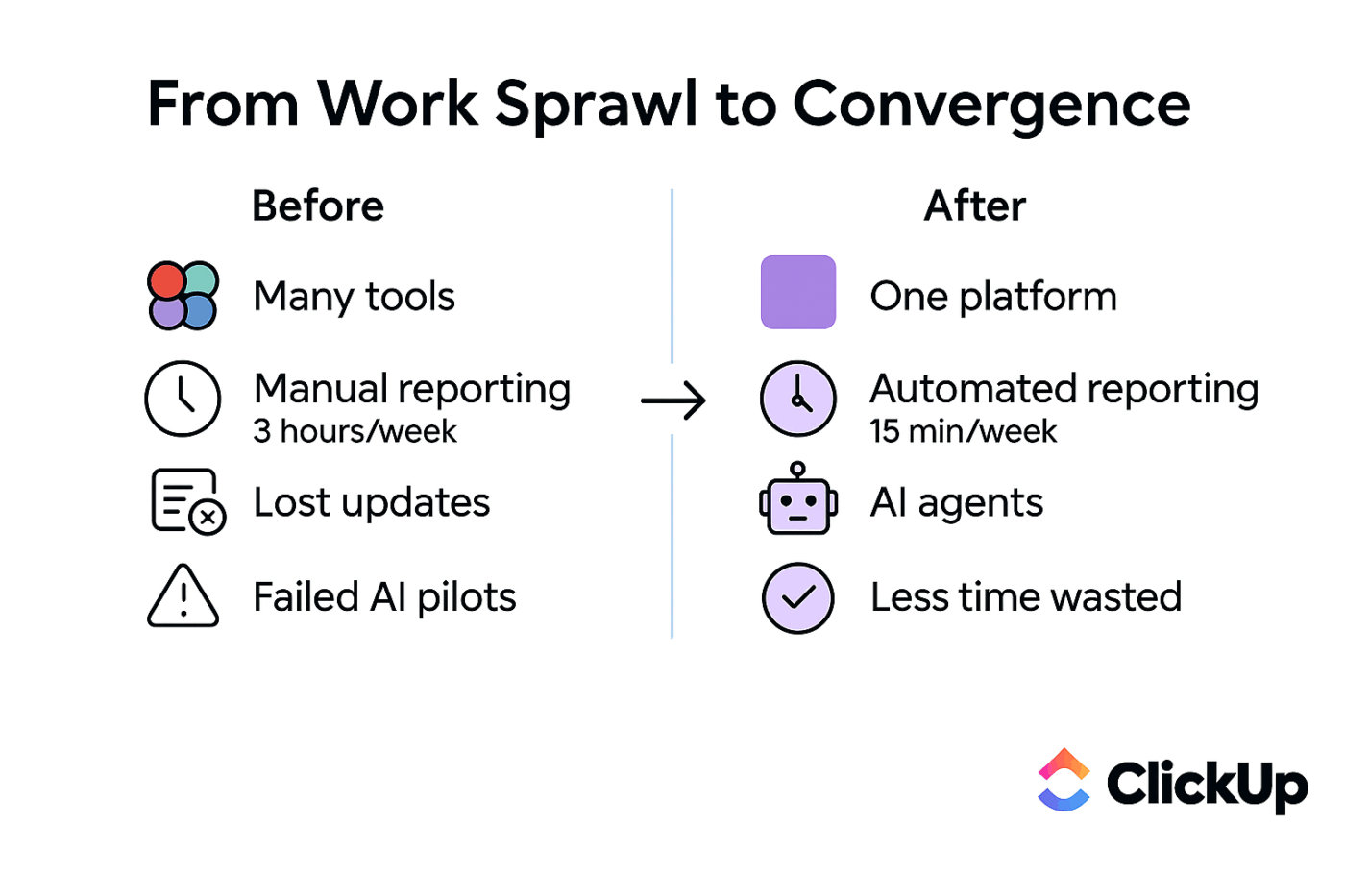
Did you know 47% of digital workers struggle to find the information needed to effectively perform their jobs? That’s one in every two employees not performing to their full potential.
Unframe AI helps search and retrieve information across your workspace. But for most teams, search is still only step one. The real productivity drain comes from the gap between finding an answer and acting on it—especially when work lives across disconnected tools.
So we looked at 10 Unframe AI alternatives—from dedicated enterprise search tools to AI-powered work management platforms—that help teams move faster by connecting answers directly to execution.
Some tools specialize in search. Others focus on meetings, privacy, or custom AI agents. And a few, like ClickUp, converge everything in one place.
Let’s take a closer look.
Teams like yours go for Unframe AI alternatives when search stops short of execution. If you’re constantly switching context between your search tool, your project manager, and your chat app to get work done, you’ll know why using Unframe AI feels limiting:
The alternatives below include everything from a Converged AI Workspace to specialized AI-powered search tools, helping you find the right fit for your team’s needs.
📮ClickUp Insight: Context-switching is silently eating away at your team’s productivity. Our research shows that 42% of disruptions at work come from juggling platforms, managing emails, and jumping between meetings. What if you could eliminate these costly interruptions?
ClickUp unites your workflows (and chat) under a single, streamlined platform. Launch and manage your tasks from across chat, docs, whiteboards, and more—while AI-powered features keep the context connected, searchable, and manageable!
| Tool | Best for | Best features | Pricing* |
|---|---|---|---|
| ClickUp | Teams wanting AI-powered work management with unified search across all work | ClickUp Brain (context-aware AI), ClickUp Enterprise Search, ClickUp Docs, ClickUp Automations | Free Forever; Customizations available for enterprises |
| monday.com | Visual workflow management with AI automation | monday AI Assistant, customizable boards, 200+ integrations | Free plan available; Paid plans start at $14/user/month |
| Otter.ai | Meeting transcription and AI-powered note-taking | Real-time transcription, AI summaries, speaker identification | Free plan available; Paid plans start at $16.99/user/month |
| Glean | Dedicated enterprise AI search | Unified search across 100+ apps, personalized results, GenAI chat | Custom pricing |
| Microsoft Copilot | Teams embedded in the Microsoft 365 ecosystem | Integration with Teams, Outlook, and Office apps, content generation | Included with Microsoft 365 E3/E5 |
| Curiosity | Unified desktop search across local files and cloud apps | Cross-app search, privacy-focused local indexing, AI assistant | Free trial available; Paid plans start at €500/workspace/month |
| Dust | Custom AI assistants for enterprise knowledge | Custom AI agents, data connectors, enterprise security | Free trial available; Paid plans start at €29/user/month |
| Onyx | Open-source enterprise AI search | Self-hosted option, document connectors, customizable | Free trial available; Paid plans start at $20/user/month |
| Dropbox Dash | Universal search across cloud storage and apps | AI-powered search, Dropbox integration, content organization | Included with Dropbox plans |
| Notion | Flexible knowledge management with AI features | Notion AI, relational databases, wikis, templates | Free plan available; Paid plans start at $12/user/month |
Each tool on this list was evaluated on how well it uses AI, how effectively it helps you find information, and how easily it fits into your team’s existing workflow. Some tools are great at doing one thing really well, while others—like ClickUp—take a broader approach by bringing your work management, knowledge, and collaboration together in a single AI platform.
Our editorial team follows a transparent, research-backed, and vendor-neutral process, so you can trust that our recommendations are based on real product value.
Here’s a detailed rundown of how we review software at ClickUp.
Unlike Unframe AI, ClickUp is a Converged AI Workspace: projects, tasks, docs, chat, and AI all live in one connected system. Instead of layering AI on top of scattered tools, ClickUp builds contextual intelligence directly into where work happens. This is why answers don’t stop at search results.
With ClickUp Brain, the native AI assistant, you can
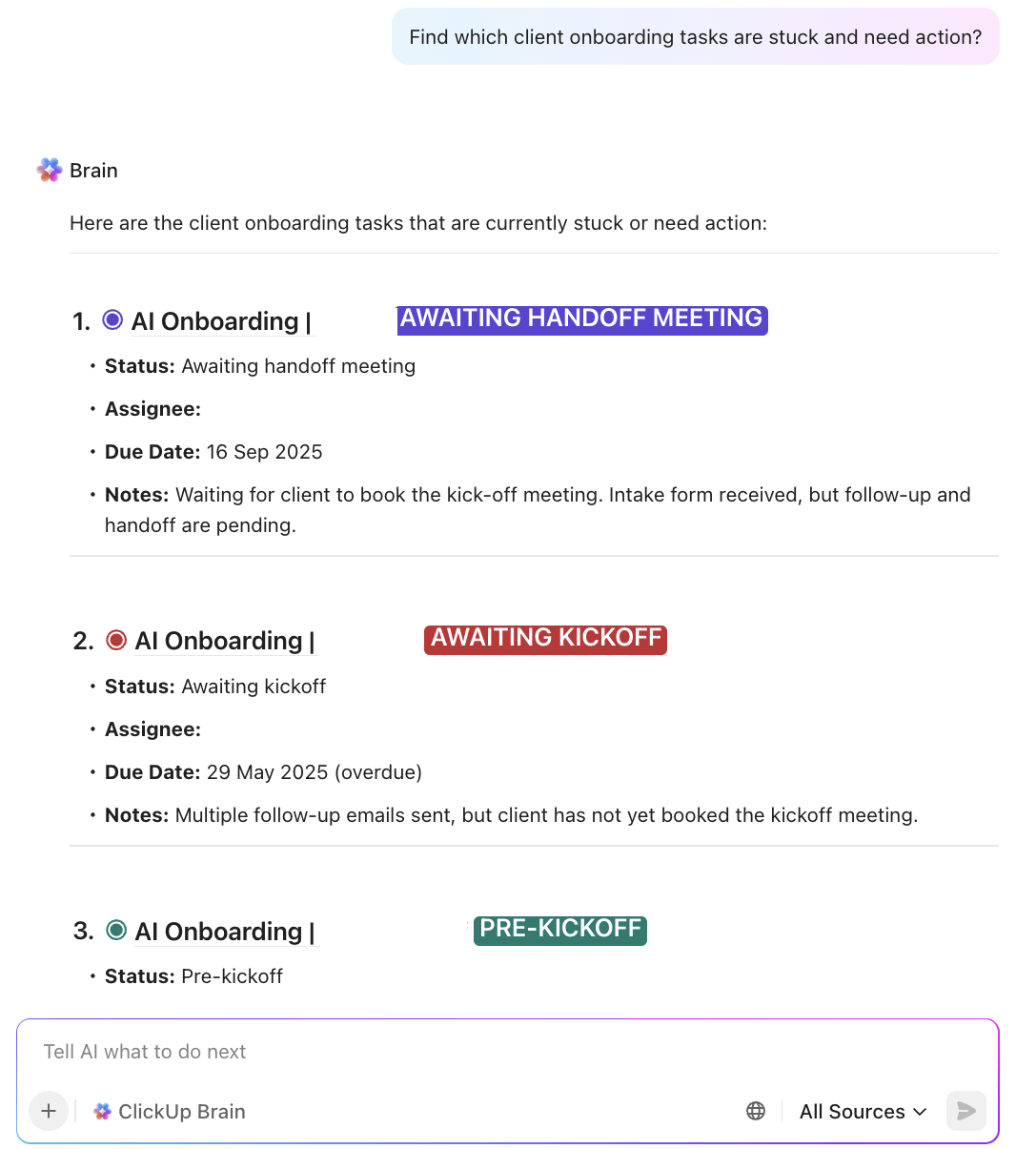
It acts as your AI knowledge manager and project manager to ensure no task gets stuck, and you don’t need the back-and-forth with your colleagues to get answers. You can also type @brain in any comment or ClickUp Chat thread to have the AI assist you on demand.
Brain MAX extends that capability further with a desktop AI Super App. It can fetch answers from not just your ClickUp Workspace but also connected apps like Google Drive, Slack, Figma, GitHub, and more. ClickUp Enterprise Search, which is tailored to bring you the most relevant results based on your ongoing work.
Work doesn’t always happen at a keyboard, either. Talk to Text in Brain MAX lets you capture ideas, updates, or instructions using your voice. It’s transcribed and instantly turned into structured tasks, notes, or comments without breaking flow—4x faster than typing!
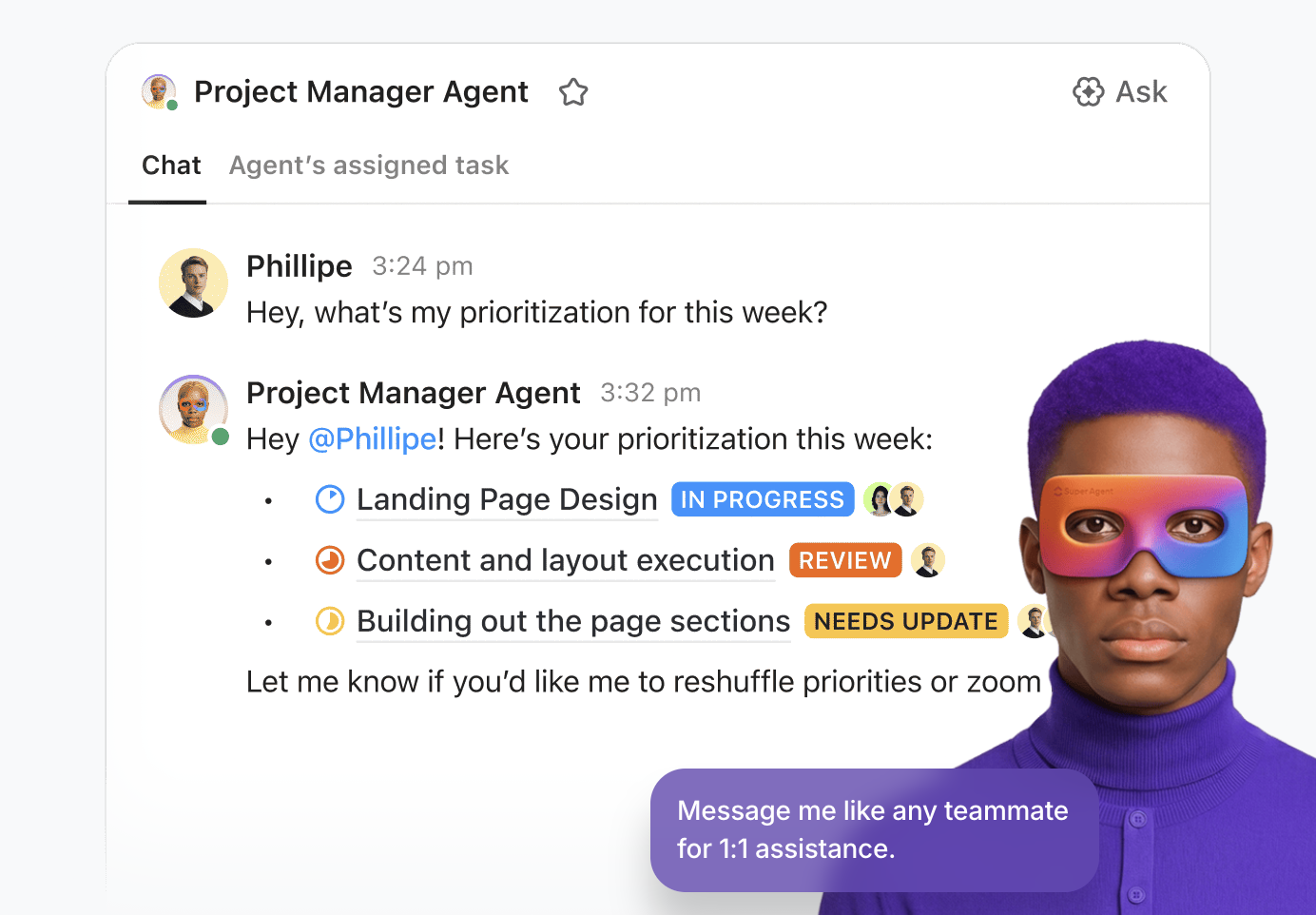
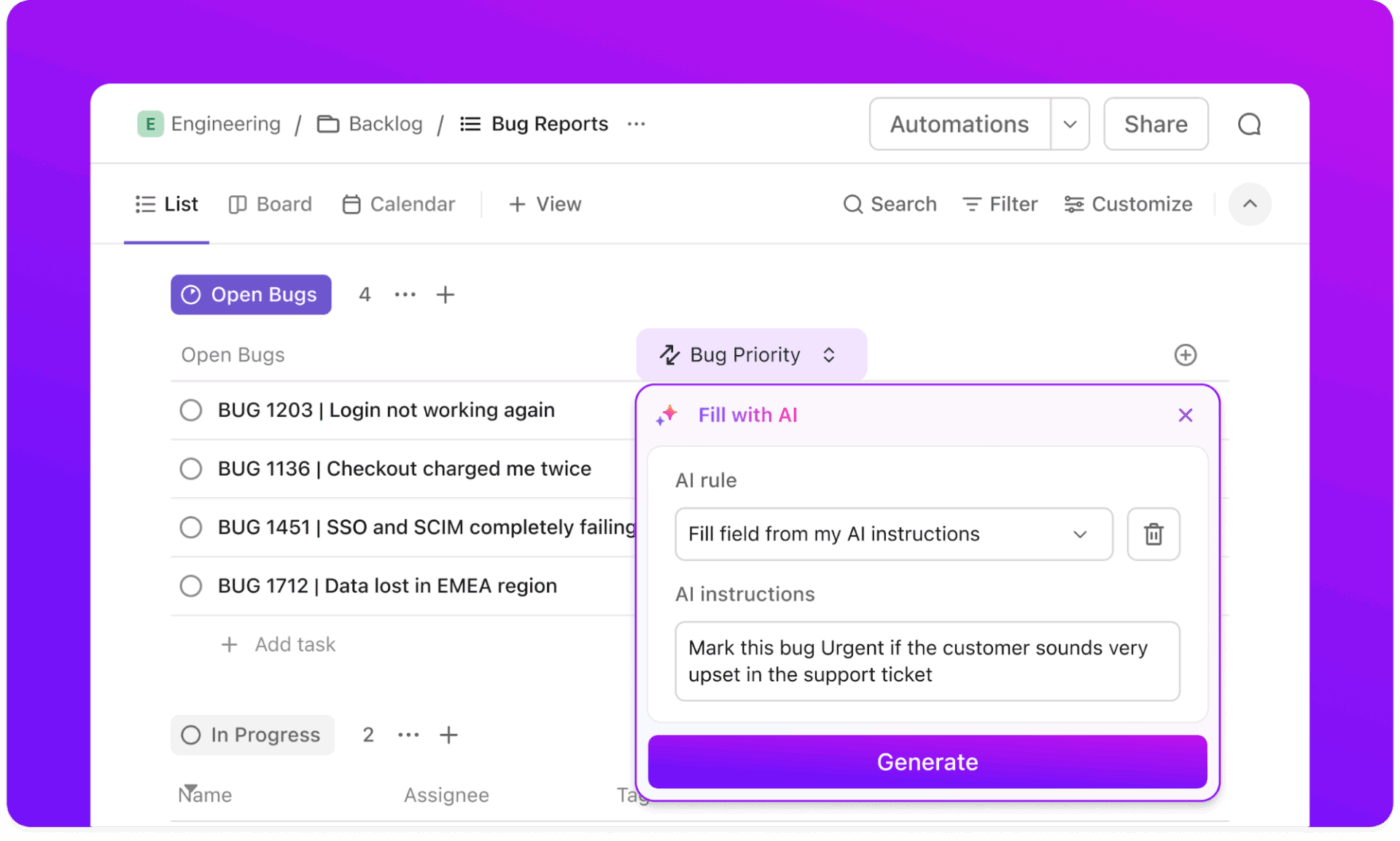
From there, ClickUp Automations take over repetitive busywork like status updates, assignments, or notifications. And when teams are ready to go further, AI Super Agents act as context-aware AI teammates. You can message them, assign them tasks, and delegate complex workflows end-to-end, just as you would a human. Easily get 8+ hours back every week by letting your Super Agents execute work for you!
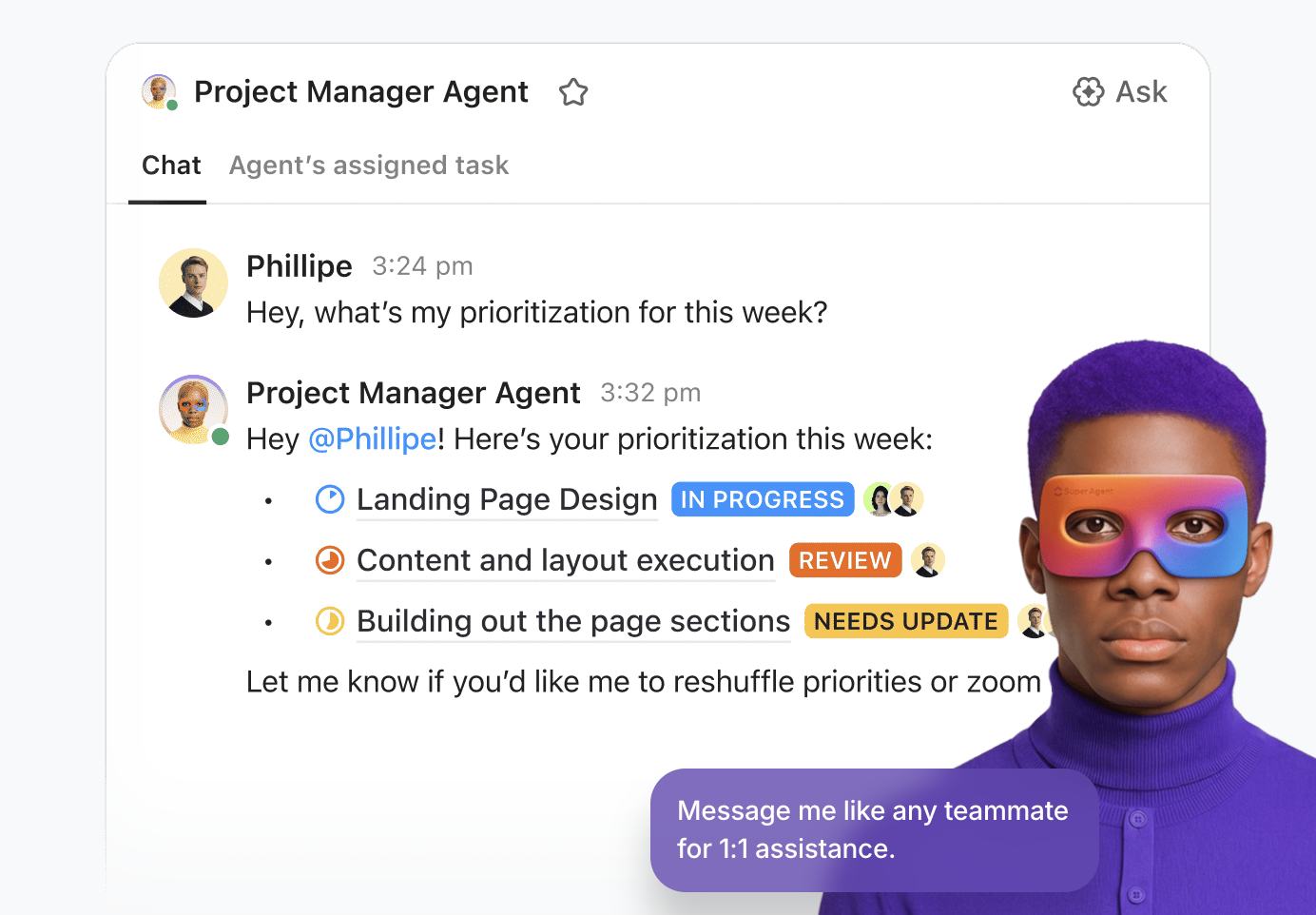
Watch this video to learn more about Super Agents:
Pros:
Cons:
A happy user from G2 reports:
I find ClickUp incredibly valuable as it consolidates functions into a single platform, which ensures that all work and communication are gathered into one place, providing me with 100% context. This integration simplifies project management for me, enhancing efficiency and clarity. I particularly like the Brain AI feature, as it functions as an AI agent that executes my commands, effectively performing tasks on my behalf. This automation aspect is very helpful because it streamlines my workflow and reduces manual effort.
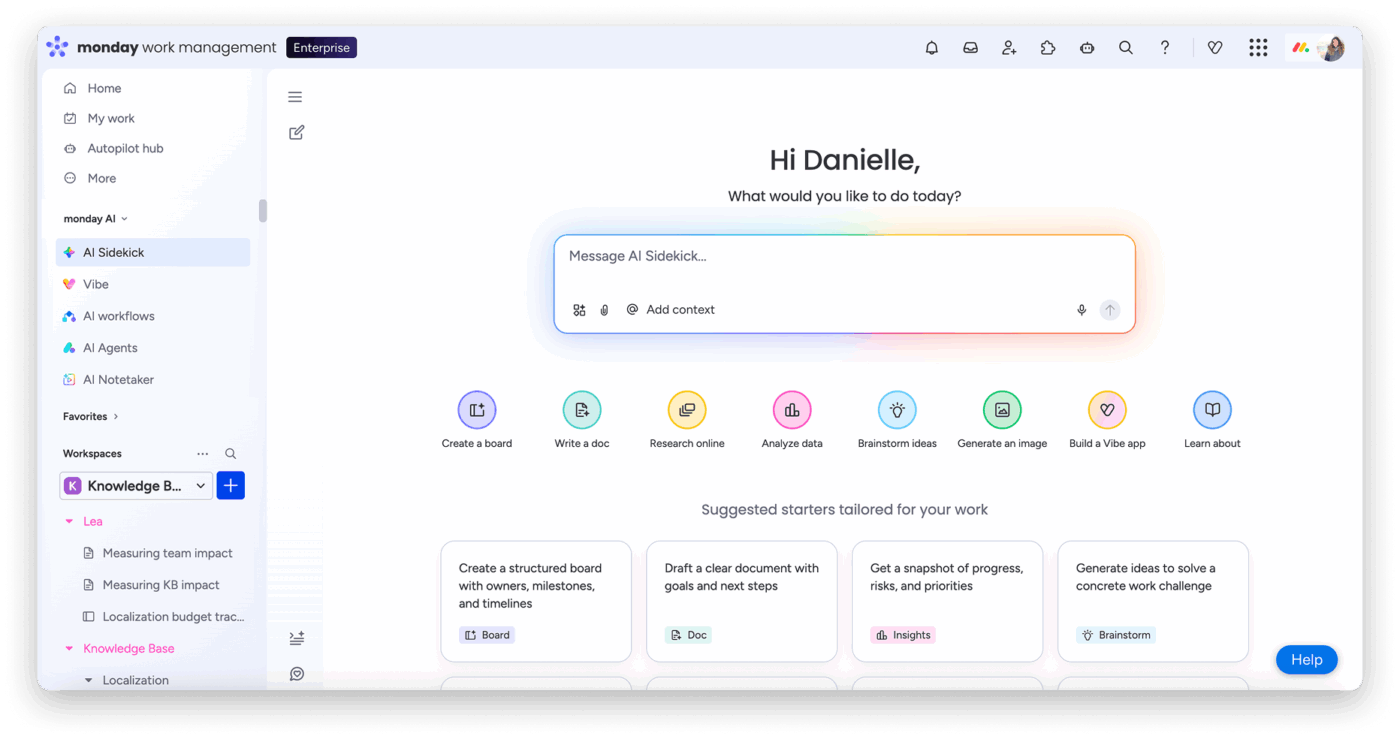
Does your team love visual tools? Do they avoid adopting most AI-powered platforms because they feel clunky and unintuitive? If you find your team reverting to spreadsheets and manual processes, even when powerful features are available, monday.com can help.
Its flexible Work OS is known for its colorful, visual interface.
While it’s not a direct replacement for enterprise search, its powerful AI helps teams automate workflows and reduce manual work. monday sidekick (its AI assistant) can generate task descriptions, summarize updates, and build formulas for your boards. You can also build custom AI blocks or automations using natural language prompts.
Customizable boards with over 30 column types let you visualize work in multiple ways, including Kanban, Gantt, and calendar views. With over 200 integrations, it’s a solid choice for teams that want a visual project management layer with AI assistance.
Pros:
Cons:
Straight from a G2 review:
The interface feels clean, flexible, and easy to customize. With boards, automations, dashboards, and templates, it’s straightforward to build workflows that reflect how a team actually operates. It supports both structured project planning and everyday task coordination, and the clear visibility into ownership, deadlines, and progress helps reduce bottlenecks.
👀 Did You Know? ClickUp found that 27% of respondents struggle with meetings that lack follow-through, leading to lost action items, unresolved tasks, and ultimately, sub-par productivity.
Critical context from your meetings often gets lost in messy notes or hour-long recordings. If you and your team are still wasting time re-watching videos or asking colleagues, “What did we decide?”, it’s time to try a tool like Otter.ai.
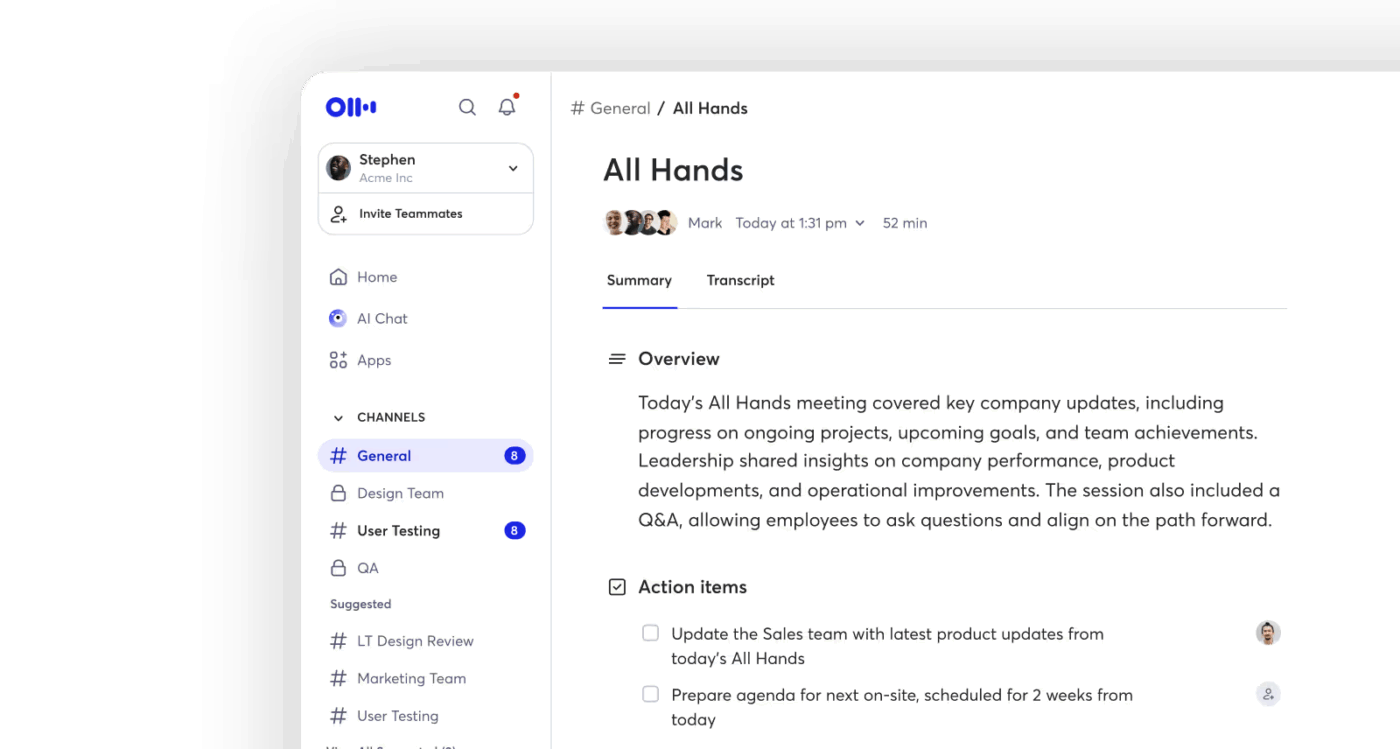
Otter.ai is an AI-powered transcription tool and meeting manager that makes spoken conversations as searchable as written documents. You can integrate it with Zoom, Google Meet, and Microsoft Teams for real-time transcription across your meetings.
After the meeting, Otter’s AI generates summaries, extracts action items, and identifies speakers, making your calls more actionable. While it excels at meeting intelligence, it doesn’t replace broader knowledge management tools or project execution systems.
Pros:
Cons:
A user on Capterra shares:
We used Otter.ai for a long time and appreciated its reliable transcription and note-taking capabilities. It served us well for basic meeting capture, and we liked the ability to upload audio and use the mobile app for in-person recordings. That said, as our workflow became more complex, we needed a tool that didn’t just transcribe but also understood the context of conversations and helped us take action.
📮ClickUp Insight: 21% of respondents want to leverage AI to excel professionally by applying it to meetings, emails, and projects. While most email apps and project management platforms have AI integrated as a feature, it may not be seamless enough to unify workflows across tools.
But we cracked the code at ClickUp! With ClickUp’s AI-powered meeting management features, you can easily create agenda items, capture notes from meetings, create and assign tasks from meeting notes, transcribe recordings, and more—with our AI Notetaker and ClickUp Brain. Save up to 8 meeting hours per week, just like our clients at Stanley Security!
👀 Did You Know? Even today, knowledge workers spend 60% of their time searching for information across disconnected tools.
As organizations scale, knowledge spreads fast—and finding a reliable answer becomes harder than creating new content. Docs live in Drive. Decisions sit in Slack threads. Context is buried in tickets, emails, and wikis. Glean is built for this exact problem.
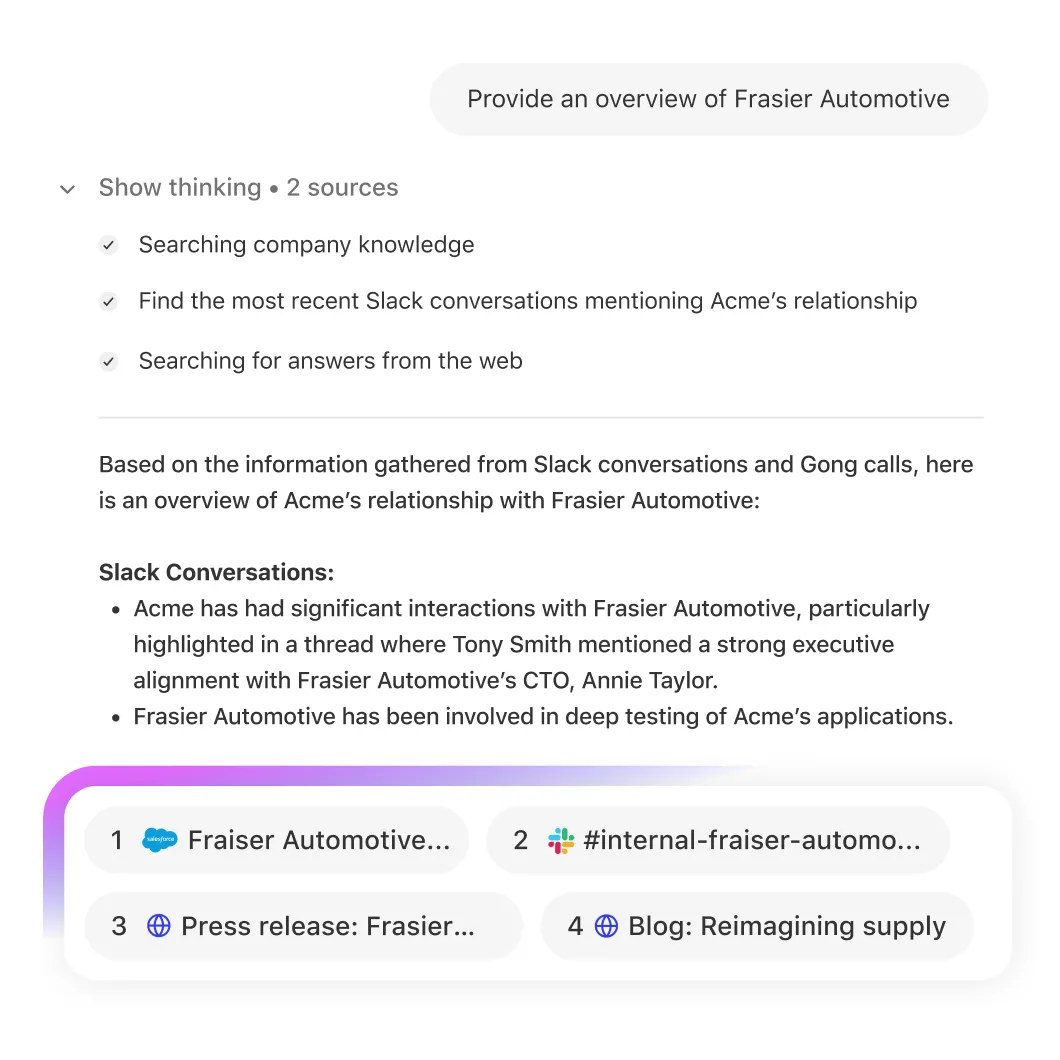
Glean focuses on one thing: enterprise-wide search. It connects to a large ecosystem of workplace tools and creates a single, permission-aware search layer across them. Employees can ask questions in natural language and get answers synthesized from multiple sources, instead of digging through folders or guessing which app holds the truth.
Where Glean shines is retrieval and relevance. Results are personalized based on role, activity, and access rights, which helps reduce noise in large organizations.
Pros:
Cons:
A user on G2 says:
I use Glean to search workplace knowledge, preventing me from digging through endless resources by providing quick access to needed information. It feels intuitive, easy to use, and pulls in resources for accuracy checking.
📮 ClickUp Insight: More than half of all employees (57%) waste time searching through internal docs or the company knowledge base to find work-related information. And when they can’t? 1 in 6 resorts to personal workarounds—digging through old emails, notes, or screenshots just to piece things together.
ClickUp Brain eliminates the search by providing instant, AI-powered answers pulled from your entire workspace and integrated third-party apps, so you get what you need—without the hassle.
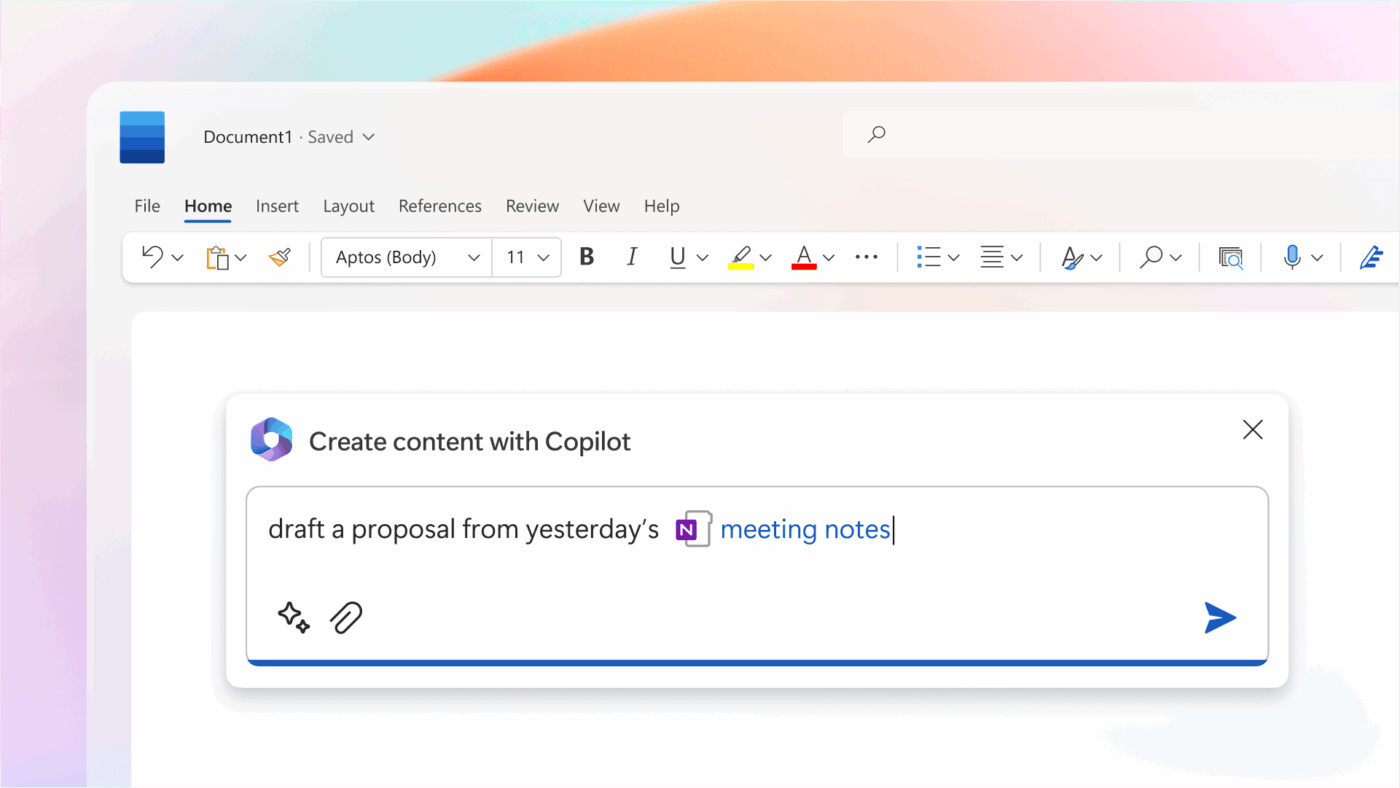
Rather than acting as a standalone search tool, Microsoft Copilot works inside the Microsoft ecosystem, helping users pull context from emails, meetings, files, and chats without leaving the apps they already use. It’s especially effective when work is highly standardized around Word, Excel, PowerPoint, and Teams, and when security and compliance are tightly managed through Microsoft’s identity layer.
Copilot can create a presentation from a Word document, summarize a long email thread, or find action items from a Teams meeting. It’s a great fit for teams already using Microsoft tools, but value drops quickly if your workflows extend beyond Microsoft’s stack, with tools like Slack, Figma, or Jira.
Pros:
Cons:
Straight from a Capterra review:
The user interface is beginner friendly and easy to navigate. The best part is creating AI Agents using Prompts! Test, publish, share, integrate and so many amazing features!
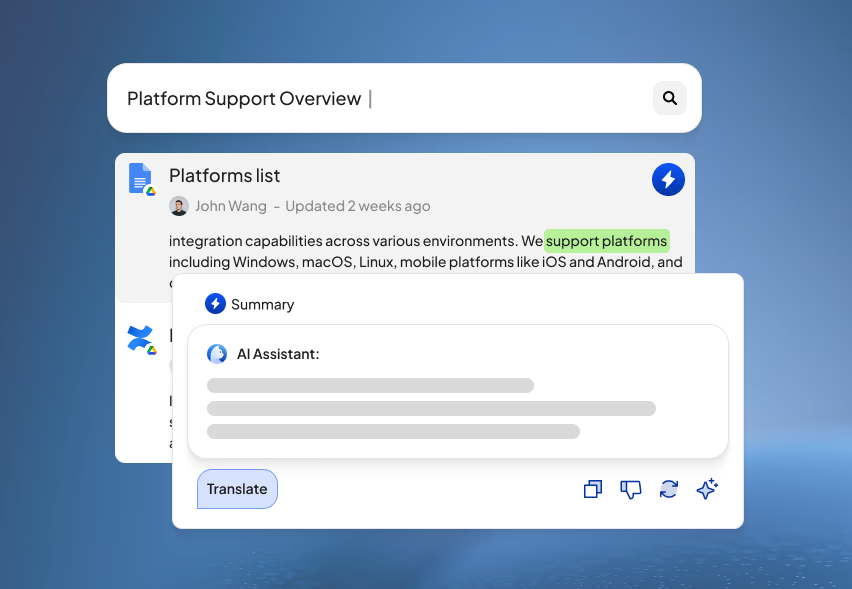
Some teams want AI-powered search—but can’t send their data to the cloud. If your org has such strict data privacy rules, this one’s for you.
Curiosity takes a fundamentally different approach from Unframe AI by running locally on your device, indexing files, emails, and connected apps without routing data through external servers. That makes it appealing for individuals or small teams working with sensitive information, regulated data, or strict internal privacy requirements.
Instead of acting as an enterprise-wide knowledge layer, Curiosity functions more like a personal intelligence layer. It helps users quickly find and synthesize information across their own local and cloud-based content. It’s fast, offline-friendly, and privacy-conscious by design.
Pros:
Cons:
Most users appreciate the fast, reliable search, like this one on G2:
Easy to use, It can find any document through : Outlook, Sharepoint, Onedrive, Teams, etc. (almost any application). I save my precious time instead of searching documents/files. My data remains safe on my computer.
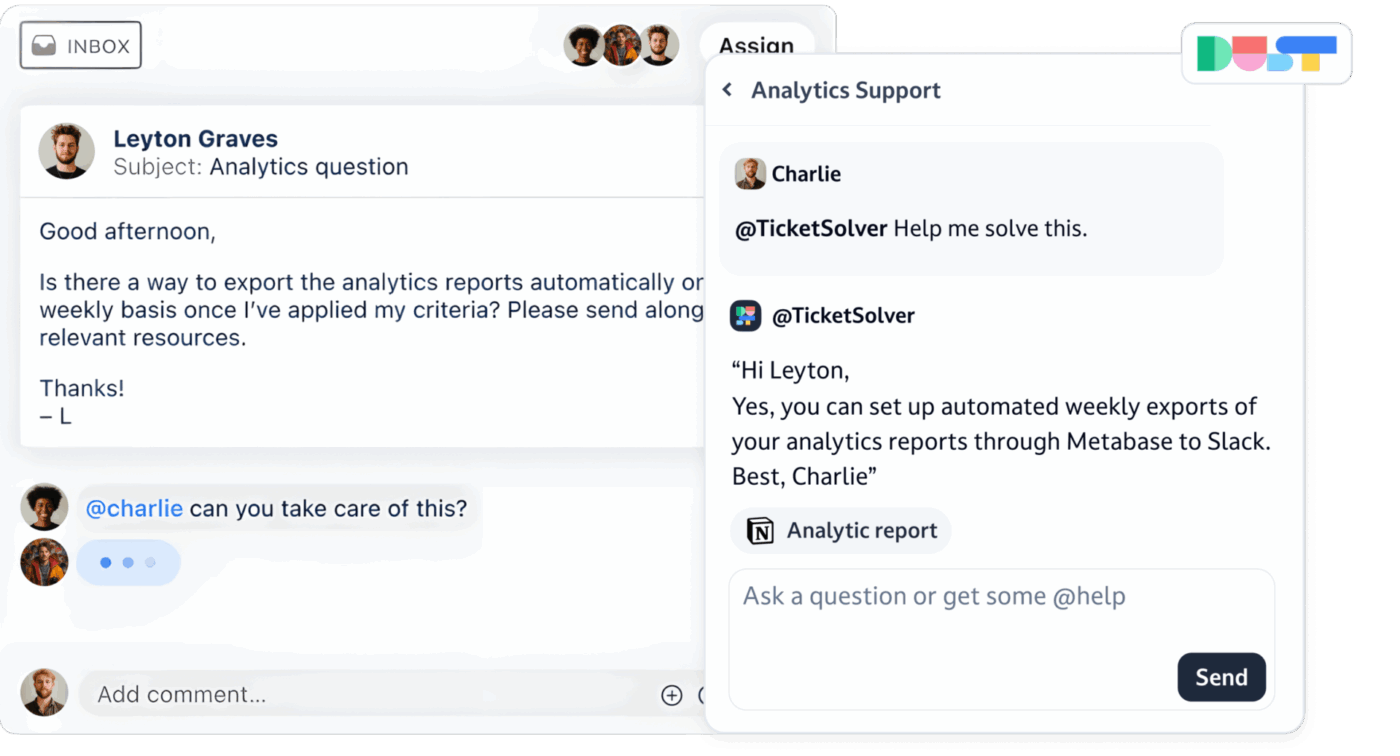
Some teams don’t want a general-purpose search tool. They want AI assistants that reflect how their business works.
Dust is built for businesses that want to design custom AI assistants, trained on internal data and tailored to specific use cases—like sales enablement, customer support, or internal knowledge queries. Instead of offering one shared assistant, Dust lets teams create multiple, purpose-built agents with distinct instructions, data access, and behaviors.
Dust integrates with Notion, Slack, Google Drive, and GitHub to give your custom agents access to company knowledge. It’s best for teams with the technical skills to configure and maintain these agents, since it’s not a plug-and-play solution.
Pros:
Cons:
An opinion on G2 reads:
It allows us to build and deploy AI agents very quickly and get teams up and running with AI directly inside their workflows, rather than treating AI as a separate experiment or side tool. That speed to value has been critical for driving real adoption across the organization…it would be amazing to be able to give external users (customers/prospects) easier access to interact with them
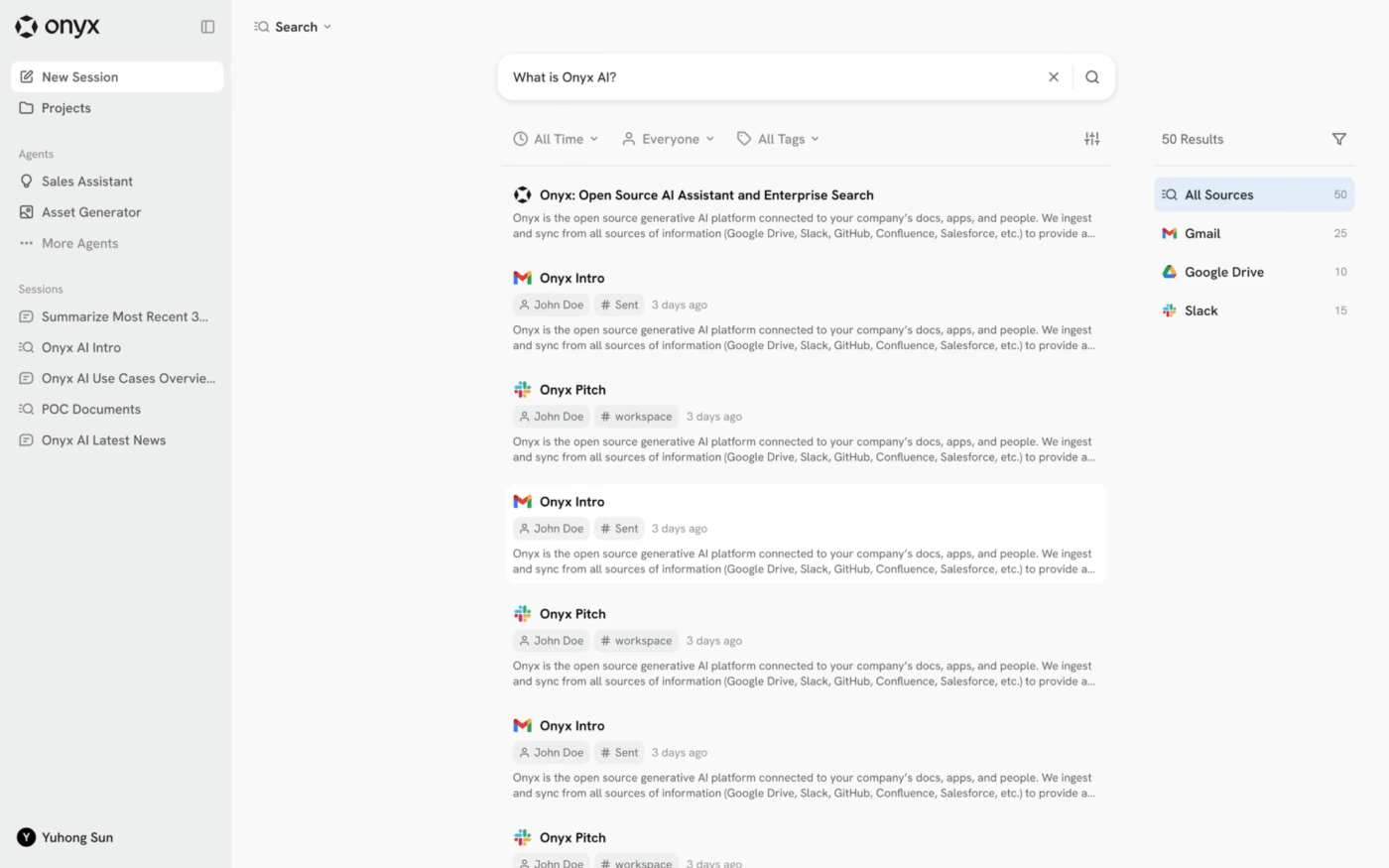
Need enterprise-grade AI search but want full control over your data for compliance reasons? Proprietary cloud solutions might feel like a black box to you, and you may want to avoid vendor lock-in.
This is where Onyx (formerly Danswer) comes in. It’s an open-source enterprise search platform you can self-host on your own infrastructure. It delivers AI-powered question answering across internal tools while giving organizations full visibility and control over how data is indexed, processed, and stored.
As an Unframe AI alternative, Onyx is ideal for regulated industries, giving businesses control and transparency that cloud solutions can’t match.
Pros:
Cons:
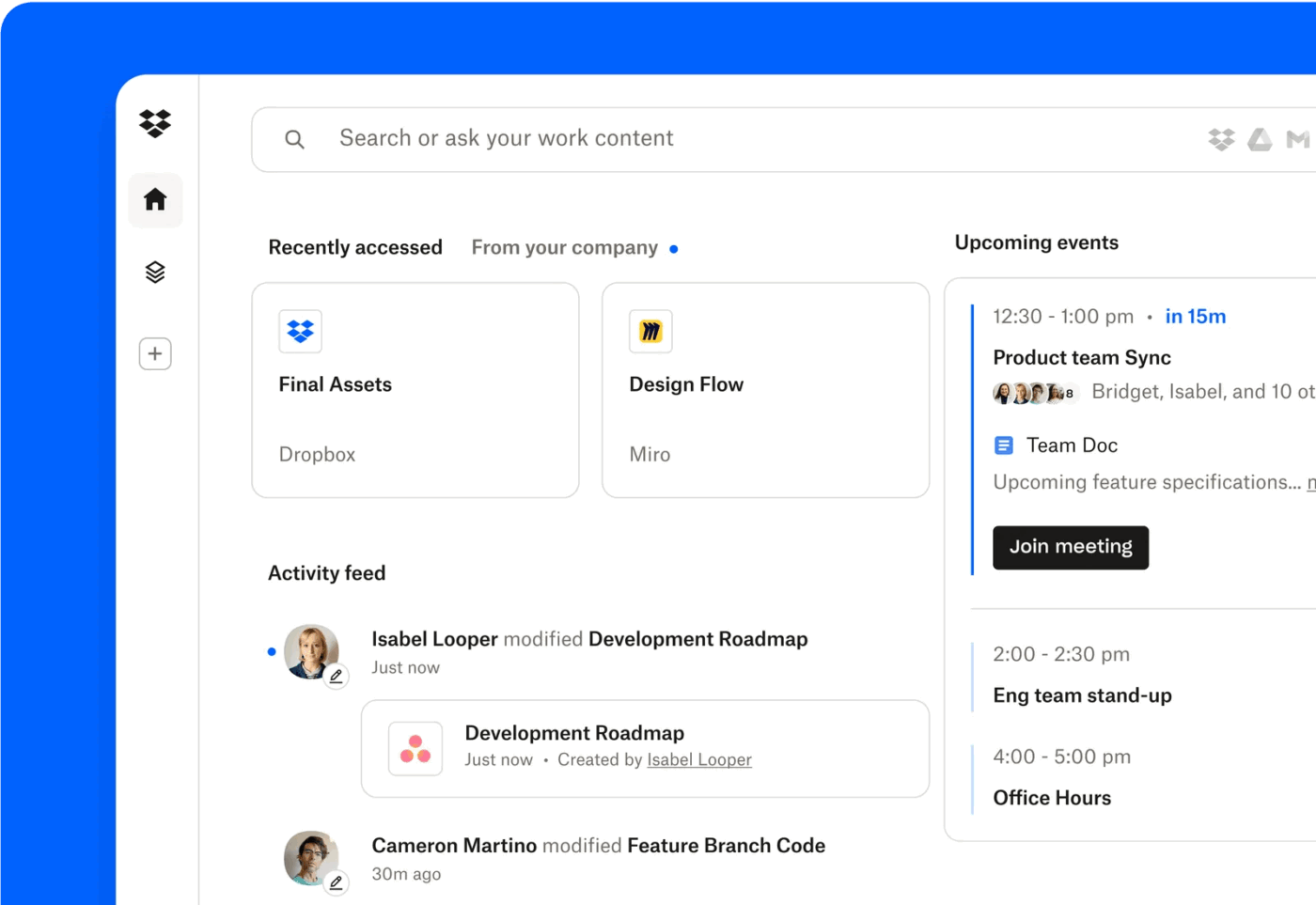
Dropbox Dash is designed for teams whose work already revolves around Dropbox, but want smarter ways to find and organize content beyond folders.
Dash lets you use natural language queries and organize content into “Stacks” to group related information.
Like Unframe AI, Dash works best for teams focused on file discovery, not broader knowledge or execution workflows. It improves findability inside an existing ecosystem, rather than unifying work across tools.
Pros:
Cons:
A G2 review says:
nstead of jumping between different tools, I can use the universal search to find files, links, and documents instantly — whether they’re in Dropbox, Google Drive, Slack, or elsewhere. The AI-powered shortcuts and summaries also save a lot of time by helping me get to the right information faster and stay focused.
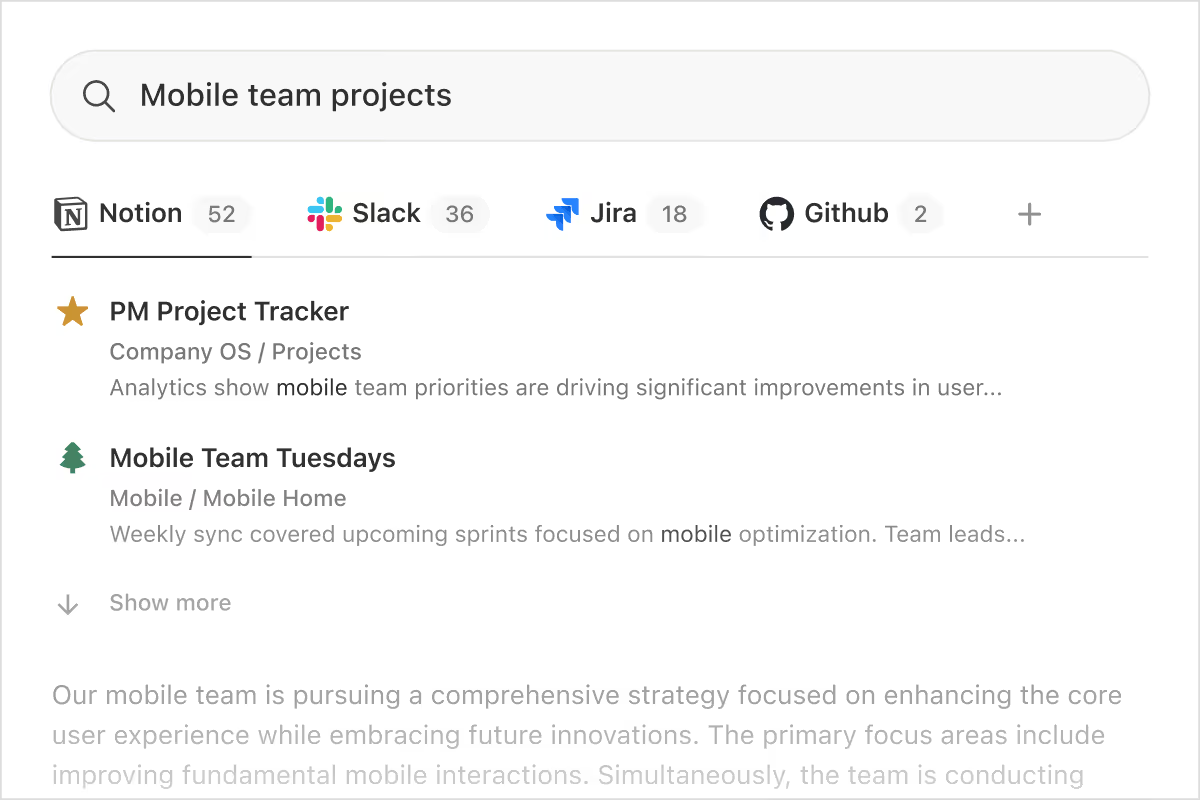
For teams where knowledge is constantly evolving, the challenge isn’t just finding information; it’s keeping it current, connected, and usable. That’s where Notion fits in as an Unframe AI alternative.
Notion works best as a living knowledge hub. Instead of indexing information across tools, it encourages teams to centralize docs, notes, wikis, and lightweight project trackers in one flexible workspace. With Notion AI layered on top, teams can ask questions, summarize content, or generate drafts directly from what’s already documented.
This flexibility means you’ll need to spend time setting up your workspace to match the structure of dedicated project management tools.
Pros:
Cons:
Here’s what a mixed Capterra review says:
Clearly my favorite part of notion is definitely the easiness of use even for beginners…However, the AI features leave much to be desired. Notion’s AI is significantly less capable than ChatGPT, with unconvincing functionalities. The AI is slow, and when used on pages with extensive data, it experiences severe latency, often freezing for several minutes.
There isn’t a single “best” Unframe AI alternative. And honestly, that’s the point.
Some teams need better meeting intelligence. Others care deeply about privacy, custom AI agents, or keeping knowledge clean and organized. The right tool depends on how your team actually works—not how a product demo looks.
But a few things are consistently true.
When search, docs, tasks, and automation live together, turning answers into action becomes the default. If your goal is to reduce Context Sprawl and bring your work, knowledge, and AI into one place, try ClickUp for free and see the difference for yourself ✨
Unframe AI is an AI-powered enterprise search and knowledge management tool. It helps teams find information across their connected apps and data sources by surfacing answers from company knowledge bases.
AI productivity tools focus on intelligent search, content generation, and automated insights. Traditional project management software emphasizes task tracking, timelines, and workflow management, though converged platforms like ClickUp combine both capabilities.
Yes, most alternatives offer integrations with common workplace tools like Slack, Google Workspace, and Microsoft 365. However, the depth of these integrations varies, from basic connections to deep, two-way sync or unified search across all connected apps.

© 2026 ClickUp

There’s an easier way. Try a free AI Agent in ClickUp that actually does the work for you—set up in minutes, save hours every week.