10 Essential Salesforce Integrations for Success

Sorry, there were no results found for “”
With its innovative features, Salesforce occupies a leading position in the vast market of customer relationship management tools. However, what makes it truly exceptional is more than its robust features and intuitive interface; it’s the ability of Salesforce to integrate seamlessly with a plethora of tools and platforms.
Each new tool you integrate with Salesforce adds a unique layer of functionality to your CRM experience. From streamlining workflows to unlocking deep insights, the right Salesforce integrations can drastically simplify your day-to-day work life.
In this blog, we will explore the best Salesforce integrations.
Here are the things you should look for in Salesforce CRM integrations:
The best Salesforce integrations can take your experience and productivity to the next level. Let’s explore the 10 best integrations to use in 2024:

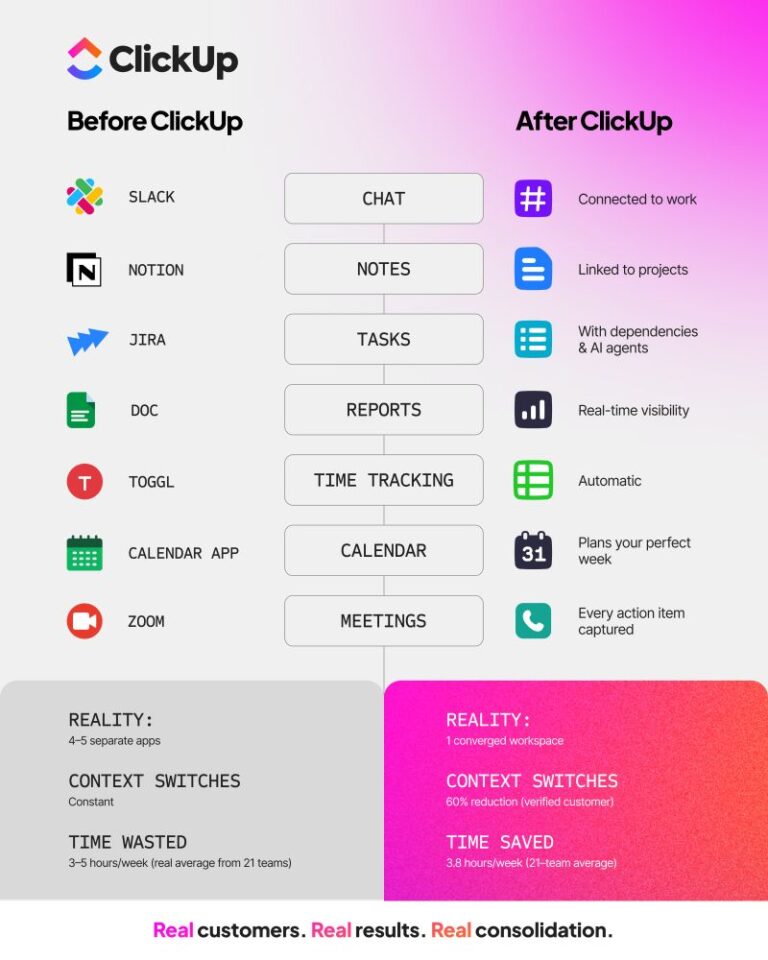
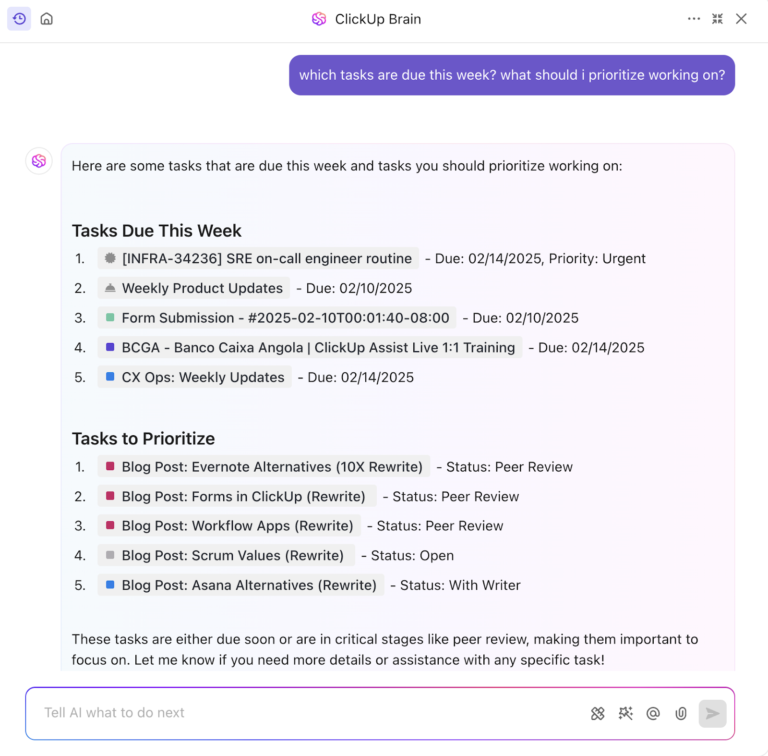
As an all-in-one productivity and project management platform, ClickUp aims to make the world more productive. To achieve this mission, it offers over 1,000 integrations, 15+ customizable views, and a robust set of collaborative features to streamline your workflows.
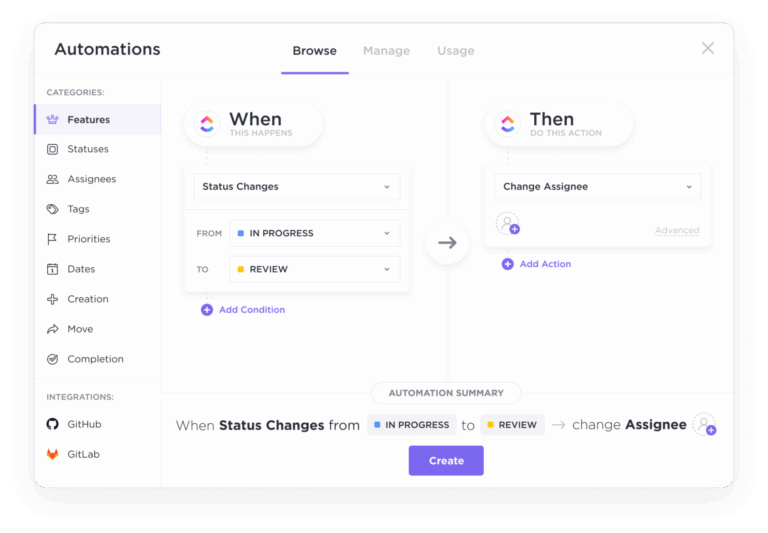
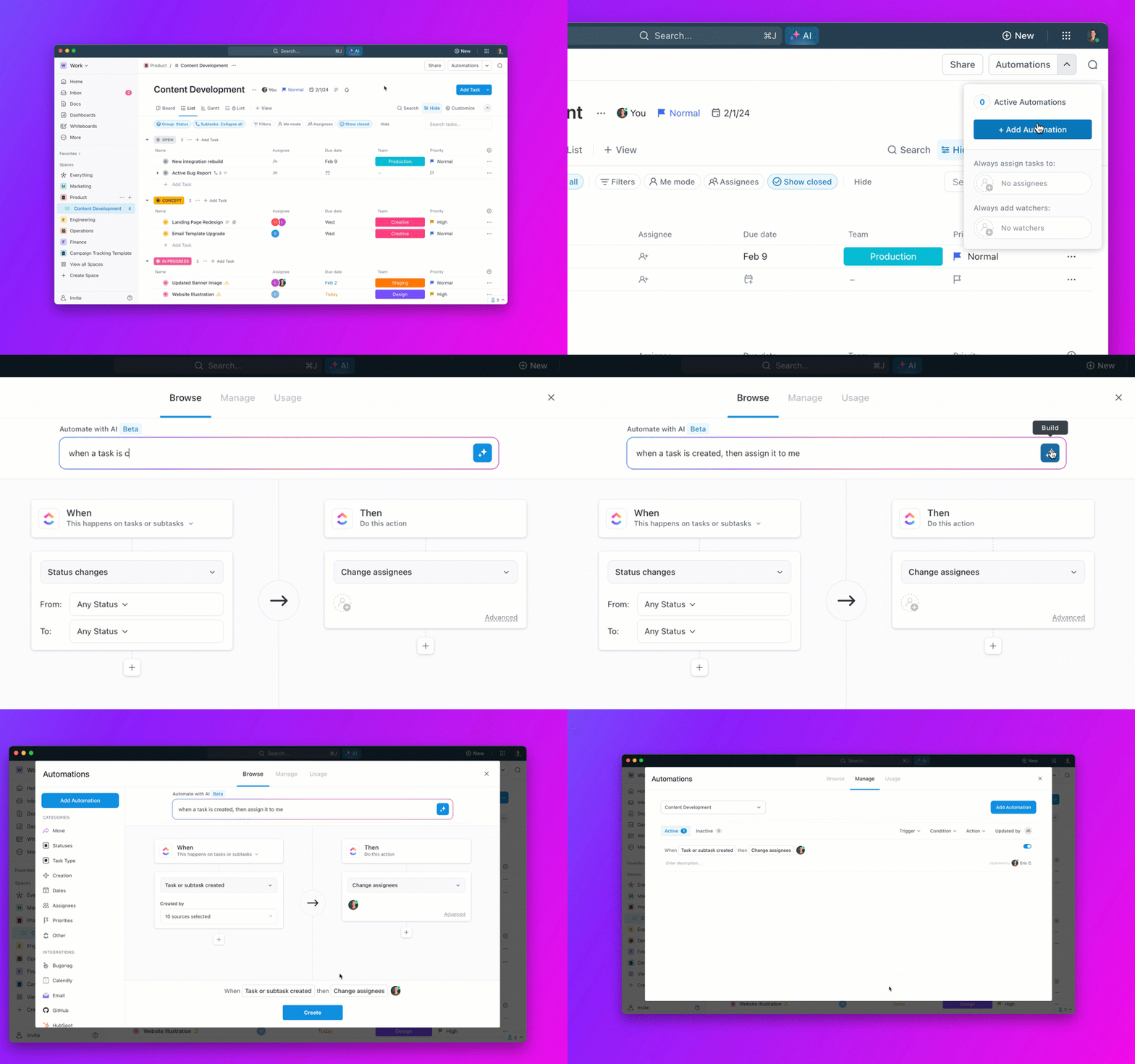
ClickUp’s Salesforce integration using Zapier allows you to automatically sync an action on any of the two platforms with each other. So, if you create an opportunity in Salesforce, ClickUp will automatically create a task for it.

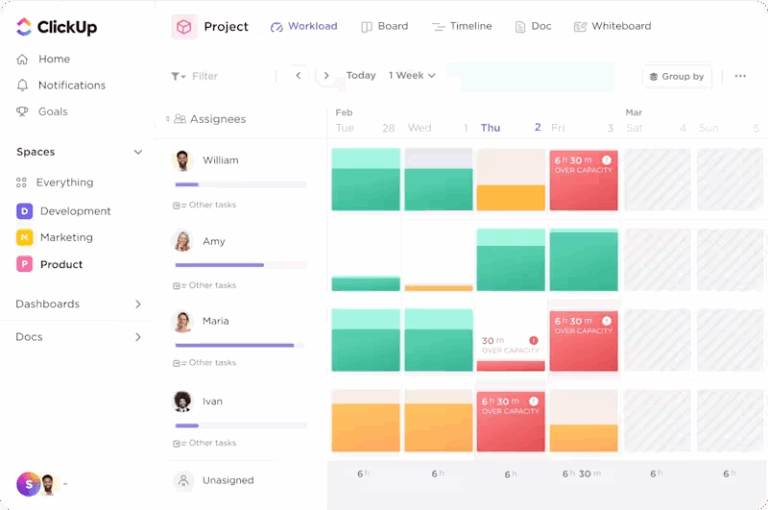
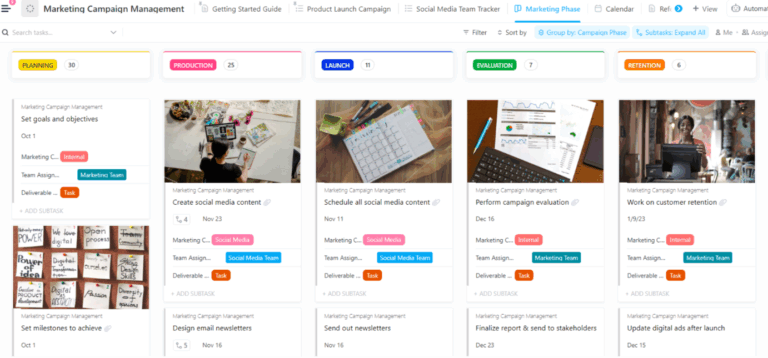
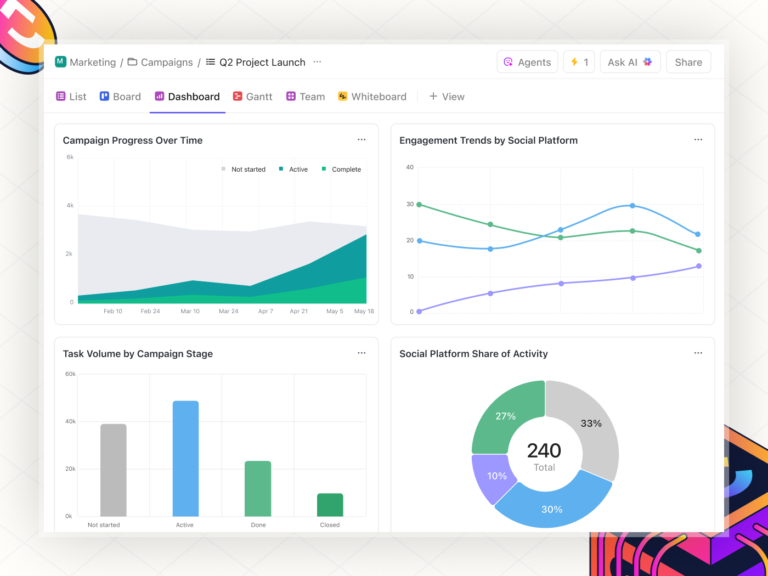
ClickUp’s CRM capabilities enable managing client relationships with 15+ customizable views. You can visualize, monitor, and analyze data like customer lifetime value and average deal sizes in one place.
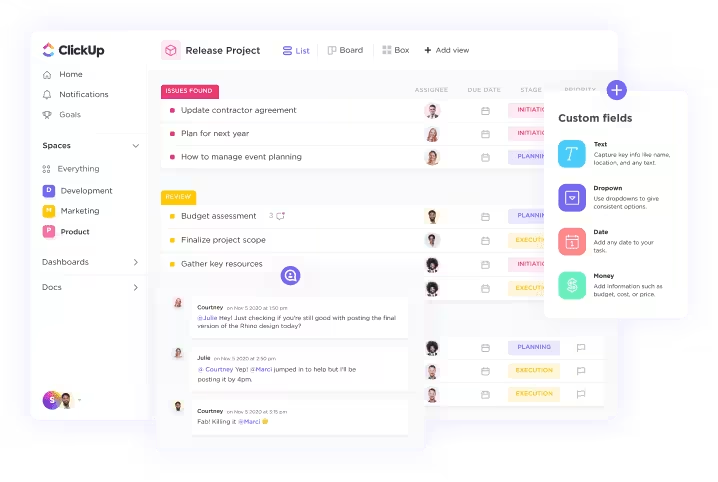
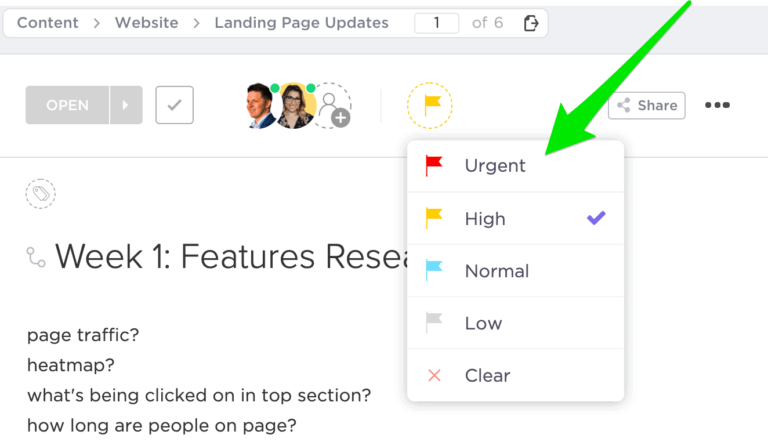
Using task relationships and custom fields in ClickUp, you can set up automatic workflows for task assignment, lead allocation, customer follow-ups, and more.
Further, you can eliminate silos and fast-track communication by centralizing customer information and outreach, making ClickUp a perfect Salesforce alternative.
But if you don’t want to switch over, you can still enjoy all the awesome features of ClickUp with Salesforce with minimal effort.

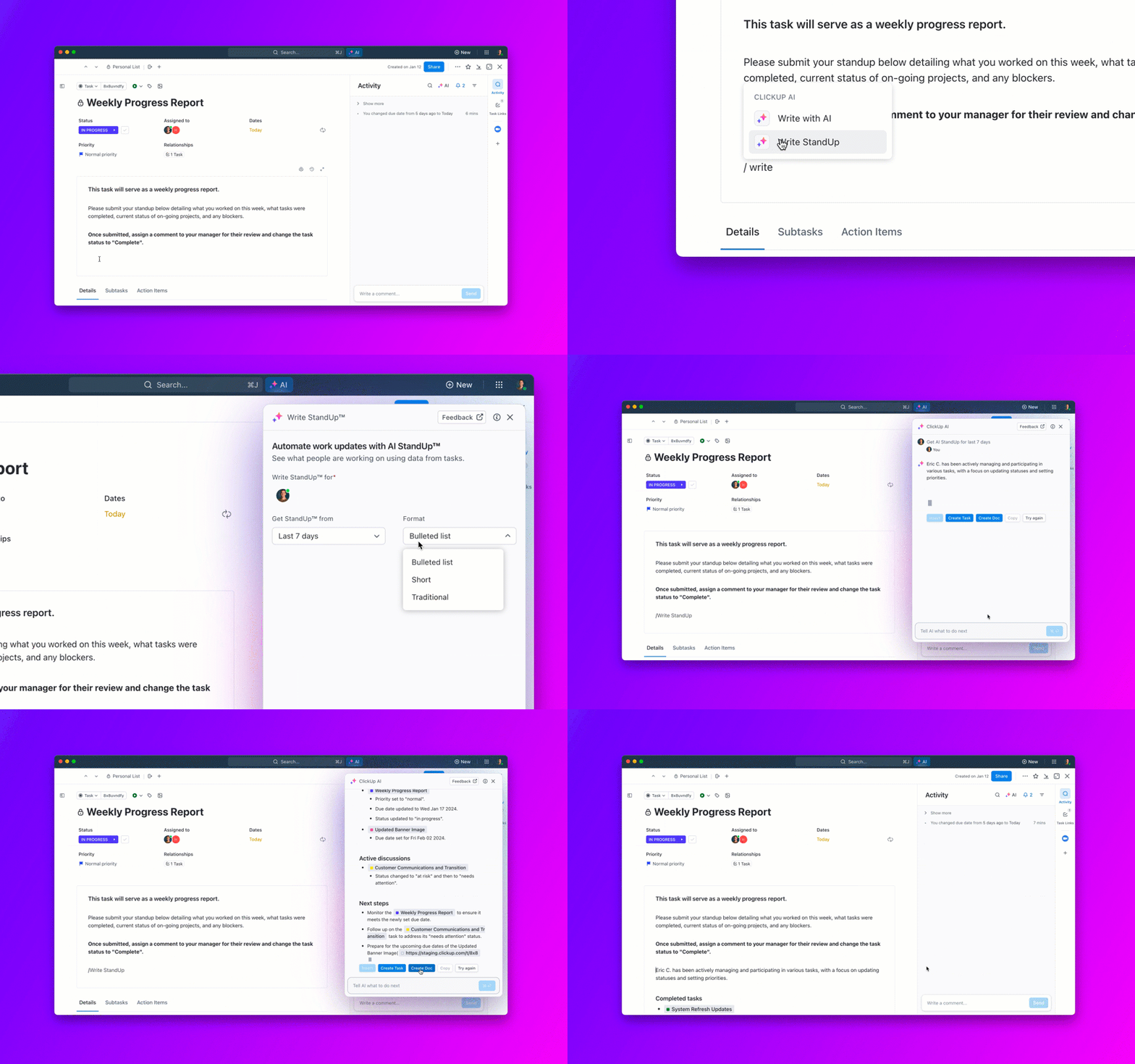
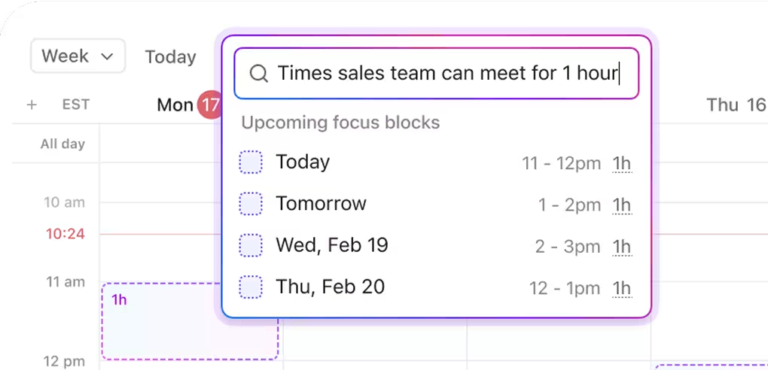
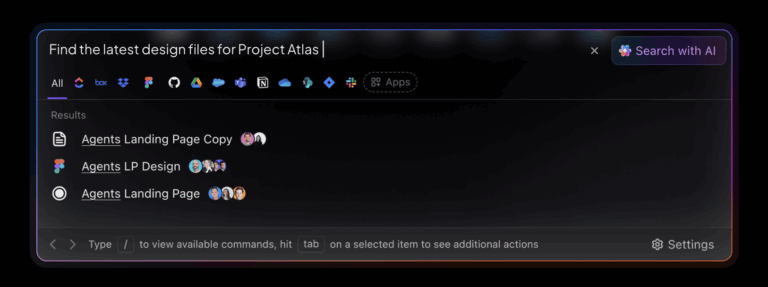
ClickUp’s Universal Search feature lets you search any file in ClickUp, all the connected apps (including Salesforce), and your local drive quickly and efficiently. You can add custom search commands and get better and more personalized results with continuous usage.

The HubSpot platform offers software solutions to integrate with your sales, support, marketing, and operations teams. You can connect your organization’s data sources, teams, and customers through this CRM software.
HubSpot has tools for social media and content management, along with SEO and web analytics solutions. Their Salesforce integration feature ensures your marketing, sales, and service teams work seamlessly. You can transfer data quickly, get comprehensive insights into your company metrics, and enable better collaboration, both internal and external.
HubSpot Marketing Hub has the following pricing structure:

Slack is among the most popular messaging apps for internal communications. It reduces the need for teams to communicate through emails or meetings through its expansive features like direct messaging, video and voice calls, groups, file-sharing, etc.
Integrating Slack with Salesforce helps with better collaboration among teams. You can share Salesforce records, enable real-time messaging, get Slack notifications about updates in Salesforce, and more.
– Slack limitations
Slack AI is available at a custom price as an add-on for all plans

As part of LinkedIn Marketing Solutions, LinkedIn Ads is ideal for developing a relationship with a professional audience. The platform offers in-depth audience insights to track engagement, build campaign targeting, and tap into various ad formats.
You can integrate LinkedIn Lead Gen advertisements with Salesforce’s Sales Cloud to enhance your lead generation strategy with a few basic setup steps. By integrating Salesforce with LinkedIn Ads with the help of Zapier, you can set up automation to route and manage leads, create new Salesforce leads from LinkedIn ad responses, and more.
LinkedIn Ads best features

As one of the world’s most popular email services, Gmail offers its users many benefits, such as security, Smart Compose, quick replies, and an easy-to-use interface. Connecting Gmail to Salesforce can boost productivity and keep all your email communications in sync.
This integration allows you to view and manage Salesforce data directly in the Gmail platform, create Salesforce records quickly, and log the emails back to Salesforce without involving any manual data entry.
Gmail is available as a free service. However, if you want a professional email address and custom branding options, you can buy Google Workspace plans, which are as follows:

Mailchimp is an email marketing platform that lets you design, send, and track email campaigns. You can analyze campaign performance, convert more customers, set up automated email sequences, and do more with the platform.
You can sync your Salesforce account data with Mailchimp by integrating Salesforce with Mailchimp. This lets you quickly share all sales leads and contacts, target your leads with specialized email campaigns, and use data to build Mailchimp segments. You can also sync subscribers between both platforms.
*The pricing is for 500 contacts. The rate increases with an increase in the number of contacts.

Gravity Forms is a form creation software that helps customize online forms and workflows in WordPress. You can create forms to capture leads, automate workflows, and collect payments.
With Salesforce-Gravity Forms integration, you can connect the Salesforce CRM with WordPress Gravity Forms. This allows you to automatically add and update Gravity Forms form submissions to your Salesforce account for better lead management and data collection, improved reporting and analytics, scalability, and personalization.

Typeform is a survey builder tool that helps create striking forms for signups, feedback, research, and any other purpose you can think of. It helps in collecting data efficiently through embedded forms and integration with the platforms you use regularly.
Integrating Typeform with Salesforce lets you automatically map Typeform fields whenever your form is submitted. Work with an easy-to-use interface to create different forms and quickly generate leads.

Calendly is a scheduling automation platform perfect for teams that conduct frequent meetings. It eliminates the need for back-and-forth in emails and saves valuable time. No wonder, then, that this is among the popular Salesforce integrations for the sales team of any company.
The Calendly-Salesforce integration eliminates the need to update Salesforce manually and lets you focus more on your customers. Calendly automatically creates a new Lead, Contact, or Opportunity in Salesforce when you schedule new meetings. This way, you can close deals more efficiently and schedule high-value leads on the spot. With Calendly Routing, you can qualify, route, and manage meetings, events, seminars, and appointments with the help of your marketing forms and directly from Salesforce records.

Eventbrite is an event management platform that lets you create customizable event pages, market events, and sell tickets. It also helps in user registration, payment processing, email automation and customization, and social media promotion. It is among the popular Salesforce integrations for event-based marketing.
Integrating Eventbrite with the Salesforce platform lets you sync event, order, and attendee data between the two tools. The integration will automatically create Leads, Contacts, and Accounts based on the list of attendees from Eventbrite.
With its innovative features, Salesforce has become a favorite of sales and marketing teams in countless organizations. The Salesforce integrations we’ve included here will help you get more out of your Salesforce experience, skyrocketing your productivity and efficiency.
Choose the Salesforce integration that best matches your needs. For example, if you need a CRM alternative or a marketing automation tool, HubSpot or LinkedIn Ads are best. Gmail and Mailchimp will suit you better if you need Salesforce apps to manage your emails.
However, if you are looking for the best Salesforce integration that suits all your needs and connects disparate systems, try ClickUp. It works as a collaboration, CRM, and customer database software—an all-in-one solution with powerful features. Give it a go by signing up for free!
© 2025 ClickUp