






Still downloading templates?
There’s an easier way. Try a free AI Agent in ClickUp that actually does the work for you—set up in minutes, save hours every week.
Sorry, there were no results found for “”
Sorry, there were no results found for “”
Sorry, there were no results found for “”
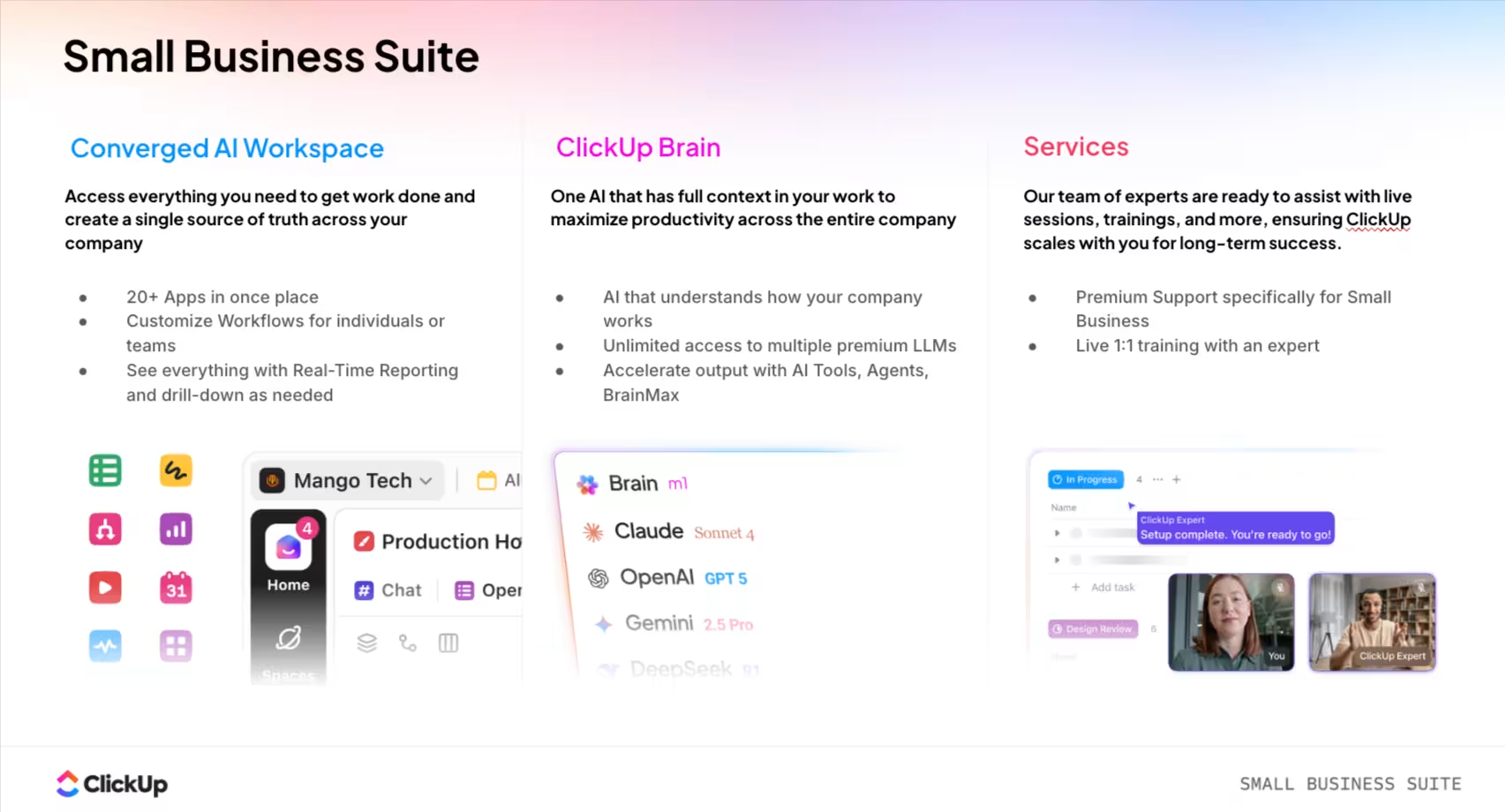
You open your billing page and pause for a second. The number is higher than you expected. Nothing major changed, but somehow your project management tool costs more than it did a few months ago. A few new users were added, a feature you needed sat behind a higher plan, and another upgrade felt easier than reworking your process.
That’s how most small businesses end up overpaying for tools. What starts as ‘just organizing tasks’ turns into multiple subscriptions, feature restrictions, and paying for things you didn’t know you’d need.
This blog post compares Monday vs. Asana vs. ClickUp to help you get the most value while spending the least money. 🤩
Each platform has a different price tag and a different set of features included. One uses per-seat pricing, another has seat minimums, and a third gates critical features behind expensive tiers.
Here’s a quick look at how they compare. 👇
| Category | ClickUp | Monday.com | Asana |
| Free Tier | Free Forever plan with unlimited tasks and members, and 60MB storage | Free for up to 2 seats with limited features | Personal plan is free for up to 2 seats |
| Entry Paid Plan | Unlimited plan with unlimited storage, integrations, and chat messages | Starter plan with no user seat limits | Starter plan with timeline view and workflow builder |
| AI Pricing | ClickUp Brain is available as an add-on across paid plans | Asana AI is included in higher tiers | AI feature credits are included in paid plans |
| Team Size | Scales from individuals to enterprise without seat minimums | Scales from individuals to enterprises | Scales from individuals to enterprises |
| Pricing Model | Per-user monthly/annual; Free Forever available | Bucket pricing monthly/annual | Bucket pricing per-user monthly/annual |
Our editorial team follows a transparent, research-backed, and vendor-neutral process, so you can trust that our recommendations are based on real product value.
Here’s a detailed rundown of how we review software at ClickUp.
Your team’s work is everywhere. Project plans are in one tool, documents are in another, and conversations are lost in a third app. This is work sprawl, and it kills productivity by forcing you to constantly switch contexts just to find information.
This fragmentation costs you money through multiple subscriptions for tools that don’t communicate with each other.
ClickUp, the world’s first Converged AI Workspace, is a secure platform where your projects, documents, conversations, and analytics live together, with contextual AI embedded as the intelligence layer that understands your work and helps move it forward.
Here are some of its benefits:
While ClickUp is powerful, its wide range of features can present a learning curve for teams looking for only the most basic task management.
📮 ClickUp Insight: Low-performing teams are 4 times more likely to juggle 15+ tools, while high-performing teams maintain efficiency by limiting their toolkit to 9 or fewer platforms. But how about using one platform?
As the everything app for work, ClickUp brings your tasks, projects, docs, wikis, chat, and calls under a single platform, complete with AI-powered workflows. Ready to work smarter? ClickUp works for every team, makes work visible, and allows you to focus on what matters while AI handles the rest.
Here’s a quick value breakdown:
🚀 ClickUp Advantage: Unlike some tools that lock AI behind the highest tiers or treat it as a separate product entirely, ClickUp Brain can be added to any paid plan. That means small businesses don’t have to jump into enterprise pricing just to put AI to work where it helps most.

For instance, a boutique marketing agency with a five-person team can use the AI tool to cut down on routine work by prompting Brain to:

When a tool is hard to use, teams often give up and go back to spreadsheets. Monday.com addresses this with its visual ‘Work OS’ that emphasizes ease of use with intuitive, drag-and-drop boards.
Its colorful, spreadsheet-like interface is designed to help non-technical teams build and adapt workflows visually. Here are some of its benefits:
❗Note: Monday.com‘s pricing model requires a minimum of three seats on all paid plans and uses bucket pricing, forcing you to buy seats in bundles of five, ten, or 15. This means a team of six has to pay for ten seats. Key features like Timeline view and advanced automations are also locked behind more expensive tiers.
Here’s a breakdown of Monday.com’s pricing
🧠 Fun Fact: The U.S. interstate highway system was one of the first mega-projects managed at scale. Led by Dwight D. Eisenhower, it required standardized timelines, cost tracking, and cross-state coordination.
📘 Also Read: ClickUp vs. Monday

Asana positions itself as an enterprise-grade work management platform, offering a proprietary ‘Work Graph’ data model that maps the relationships between tasks, projects, and people to provide deeper insights.
Here’s what the platform has to offer:
❗Note: On the downside, Asana requires a minimum of two seats on its paid plans, which can be costly for solo users. Critical features like native time tracking and portfolios are gated behind the more expensive plans (Advanced and Enterprise).
📘 Also Read: Why Choose ClickUp Over Asana
Explore its pricing options:
🔍 Did You Know? After the Apollo 1 fire in 1967, which killed astronauts, NASA realized its management and safety processes were inadequate. The Apollo 204 Review Board’s investigation revealed severe issues with ‘go-fever’ (prioritizing schedule over safety), poor documentation, and lack of control over subcontractors. As a result, they formalized risk logs, dependency tracking, and documented workflows.
📘 Also Read: Asana vs. ClickUp
Free plan limits, seat minimums, and AI access all shape how much you’ll actually spend over time.
To make this comparison useful, this section breaks pricing down into three concrete areas that directly impact small business budgets. 📊
User caps, missing features, or sudden paywalls can force an early upgrade or a full switch once you start using a tool on the free plan. Let’s compare:
With the Free Forever plan, you get unlimited tasks and can add unlimited members, so there’s no seat cap to worry about. It includes 60MB of total storage, all core views like List, Board, and Gantt, in-app video recording, and access to ClickUp Docs for basic collaboration.
The Monday.com Free plan is capped at a maximum of two seats, three boards, and 200+ templates, making it difficult to use for teams. It offers basic views, with no Timeline or Calendar, and does not include automations or integrations.
Asana’s Personal plan is free for up to two teammates and includes unlimited tasks and projects. However, it only provides List and Board views, with no access to Timeline, custom fields, or portfolios.
🏆 Winner: It’s ClickUp! Its free plan provides extensive functionality that supports growing teams without artificial limitations.
🚀 ClickUp Advantage: Without paying extra, get access to ClickUp Super Agents, your AI-powered teammates. You can assign responsibilities to them inside your workspace, across tasks, docs, chats, and workflows.

Build your own custom ClickUp Super Agent to automate repetitive tasks
While Asana and Monday only give you rule-based automations, ClickUp offers AI agents that take action, follow rules, and operate continuously in the background. A Super Agent can:
Once you move off the free plan, pricing decisions start to matter a lot more. Seat minimums, bundle pricing, and feature gates can quickly push your costs higher than expected. Here’s how these three tools stack up against each other once you start paying for them:
ClickUp’s plans scale per user, so you pay for exactly the seats you need. Additionally, the Business plan offers advanced features for growing teams.
All paid plans require a minimum of three seats. After that, you’re forced into bucket pricing with jumps of five, ten, and 15 seats. This often means you’re paying for more seats than you’re actually using.
Asana requires a minimum of two seats on its paid plans. After that, pricing is per-user, but advanced features like portfolios and workload management are available on the Advanced tier only.
🏆 Winner: ClickUp takes the win! Its linear pricing without seat minimums allows teams to scale predictably as they grow.
🧠 Fun Fact: Frederick Winslow Taylor introduced time-and-motion studies in the late 1800s, breaking work into measurable, optimized, and timed components.
📘 Also Read: How to Migrate from Monday to ClickUp
Every tool says it has AI, but you’re left wondering how much it will actually cost. With this uncertainty, you might end up with a tool that either lacks the AI you need or comes with a surprise bill, contributing to AI sprawl. Here’s a quick overview:
With ClickUp Brain, AI capabilities are available as an add-on to paid plans. This gives you access to AI-powered writing assistance, task creation from natural language, and knowledge retrieval across your entire workspace. For more advanced needs, ClickUp Brain MAX offers features like multi-LLM access and talk-to-text.
Monday’s AI assistant is only included on the Pro and Enterprise tiers, not on the Basic or Standard plans. It can help generate task descriptions and summarize content.
Asana AI is bundled into all of its paid plans, from Starter to Enterprise. This means features like smart fields and AI-generated status updates are available without a separate add-on cost.
🏆 Winner: It’s a tie between Asana and ClickUp! Asana bundles AI features directly into paid plans, while ClickUp offers deep AI integration within your workflow as an add-on option.
🚀 ClickUp Advantage: If you’re a small businesses that relies heavily on AI, ClickUp Brain MAX is for you. It’s built for teams that want more power, flexibility, and control over how AI fits into your workspace.

You get:
You’ve calculated the per-user cost, but what about the expenses that aren’t on the pricing page? Things like guest access, storage limits, and training can quickly inflate your total cost of ownership.
Watch out for these hidden costs:
🧠 Fun Fact: While at BBN in 1971, Ray Tomlinson modified two existing programs: SNDMSG (for local messaging) and CPYNET (for file transfers) to enable messages between computers over the ARPANET. He selected the “@” sign to separate the user name from the host computer, forming the standard “user@host” format still used globally. The first test message, sent between two side-by-side machines, marked the birth of network email.
The best tool for a 500-person company isn’t the right fit for a five-person startup. Choosing the wrong tool for your team size means you either overbuy a complex system or pick a simple tool you’ll outgrow in a few months.
To avoid this, here are our recommendations tailored to your team’s specific size and needs. ⚓
Here’s what Brian McGary, IT Director, 3A Composites, had to say about ClickUp:
While Asana worked well for those that knew how to use it, the original implementation lacked training and ultimately led to poor user adoption… ClickUp has very competitive pricing, and is generally more cost effective than its competitors at each feature tier.
You’ve seen all the details, but you’re still stuck in analysis paralysis. You need a simple framework to help you choose a project management tool based on what your team values most.
This framework will help you match your top priorities to the right tool.
Choose ClickUp if:
Choose Monday.com if:
Choose Asana if:
Compare all three tools to find the perfect fit:
When you strip away the pricing pages, feature lists, and plan names, the real difference between these tools comes down to predictability.
Monday and Asana both work well for specific use cases, but their pricing models can force upgrades sooner than expected. This can be in the form of seat bundles, feature locks, or higher-tier requirements.
ClickUp stands out because it gives you more room to operate before money becomes a problem. You can start for free without worrying about user caps, scale without paying for unused seats, and access core features without jumping tiers.
Sign up to ClickUp for free today! ✅
How does ClickUp’s Free Forever plan compare to Monday and Asana’s free tiers?
ClickUp’s Free Forever plan includes unlimited tasks and unlimited members with 60 MB of storage. It outperforms Monday’s free plan, which includes two seats and three boards, and Asana’s Personal free tier that supports up to two teammates with list and board views.
How do ClickUp and Asana compare for teams with 10+ users?
ClickUp works well for teams of ten or more because it has no seat minimums and includes robust features across all tiers, letting teams access what they need without forced upgrades.
Which tool works best for startups scaling from free to paid plans?
ClickUp offers a smooth scaling path for startups. Its Free Forever plan has no seat caps, and the Unlimited plan provides full functionality, allowing teams to grow without hitting unexpected limitations.
How does ClickUp Brain compare to Asana’s AI features?
ClickUp Brain offers deep workspace integration, connecting AI to your tasks, documents, and knowledge search across the entire platform. Asana AI, on the other hand, focuses more on smart fields and status updates.

© 2026 ClickUp

There’s an easier way. Try a free AI Agent in ClickUp that actually does the work for you—set up in minutes, save hours every week.