








Still downloading templates?
There’s an easier way. Try a free AI Agent in ClickUp that actually does the work for you—set up in minutes, save hours every week.
Sorry, there were no results found for “”
Sorry, there were no results found for “”
Sorry, there were no results found for “”
You can have the best blog idea in the world and still lose an hour to the same starting problems.
What angle should we take? What outline will actually flow? How do we match the right tone? What examples make this feel real? And how do we keep the writing consistent across posts?
LLM prompt templates solve that messy middle. They give you a starting structure you can reuse, adapt, and improve over time, whether you’re writing a listicle, a how-to, a comparison post, or a product-led guide.
In this post, we’ll walk you through LLM prompt templates for blogs, designed to live right next to your briefs, outlines, and drafts, so you can generate better first passes, tighten your structure faster, and keep your content voice consistent without reinventing your prompts every week.
An LLM prompt template for blogs is a reusable, fill-in-the-blanks prompt you give an AI writing tool to generate consistent blog content on demand.
Think of it like a standard operating procedure for prompting. Instead of typing a brand new prompt every time, you use the same structure and swap in variables like {topic}, {primary keyword}, {audience}, {tone}, {word count}, {angle}, and {examples}.
📌 Example: You are writing an SEO blog post about: {topic}
Output requirements:
1) Provide 5 title options (include primary keyword in 3)
2) Write a brief, engaging intro (hook + why it matters + what the reader will learn)
3) Create an outline with H2s and H3s
4) Write the full post (~{word_count} words) with examples and actionable steps
5) Add a short FAQ section (4–6 questions)
6) End with a clear CTA relevant to {product_or_next_step}
You’re either staring at a blank page or sifting through a thousand generic prompts that don’t fit your blog’s workflow. This analysis paralysis leads to weak prompts and wasted time.
The solution is a set of templates that covers the entire content workflow, from ideation to optimization. The following list mixes ready-to-use prompt collections with integrated ClickUp templates that combine prompts with a full project management structure, giving you an actionable starting point for any blogging task.
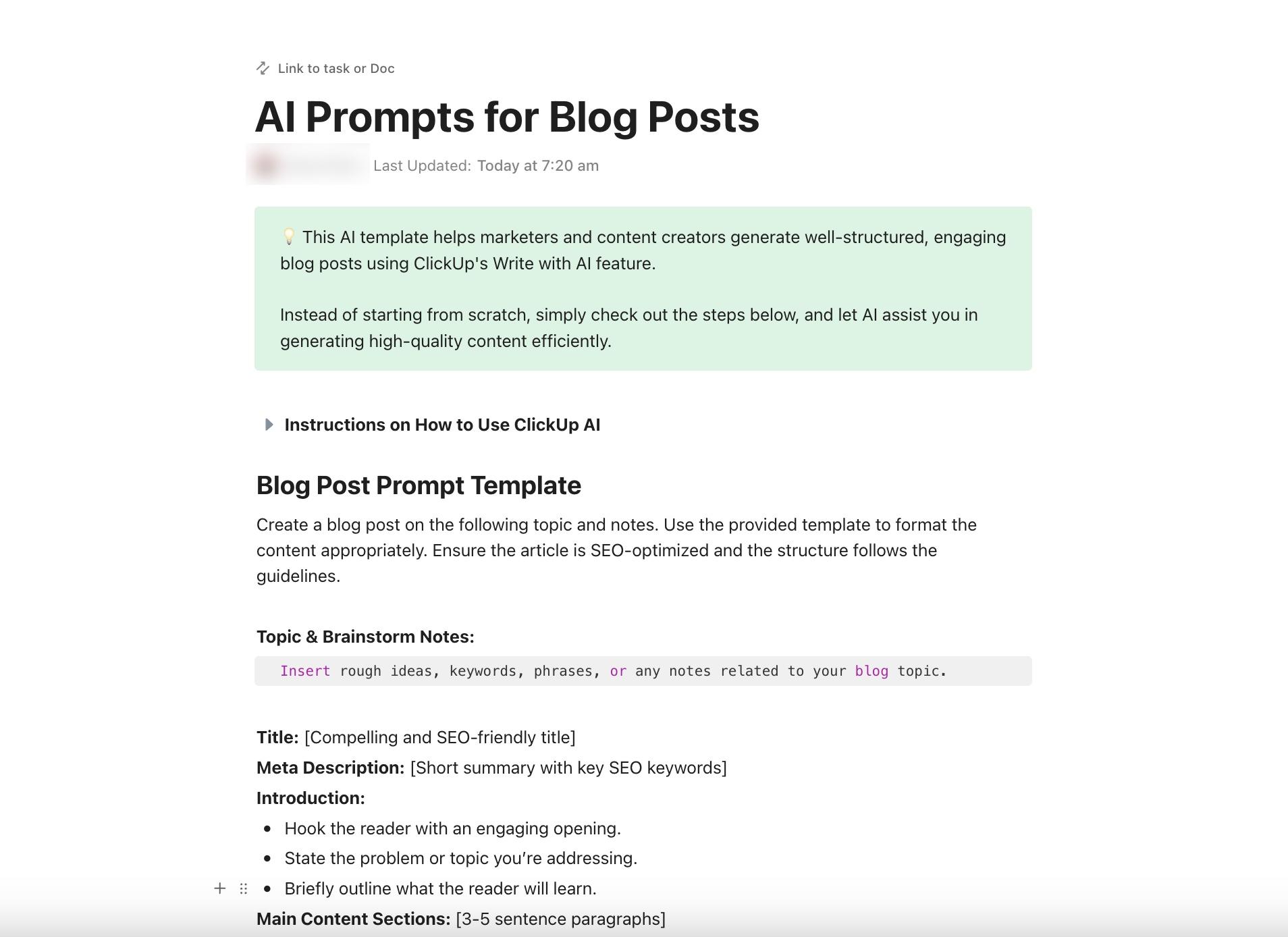
The ClickUp AI Prompt & Note Guide for Blog Posts Template is a writing kit based on ClickUp Docs that turns one messy topic dump into a blog outline you can build on. You start by dropping your Topic and Brainstorm Notes into the Doc, then follow the prompt blocks to shape a neat draft structure without misplacing your original thinking.
When you want a faster first pass or a cleaner second pass, ClickUp Brain sits right inside the Doc to help you edit, expand, simplify, or keep writing without switching tools.
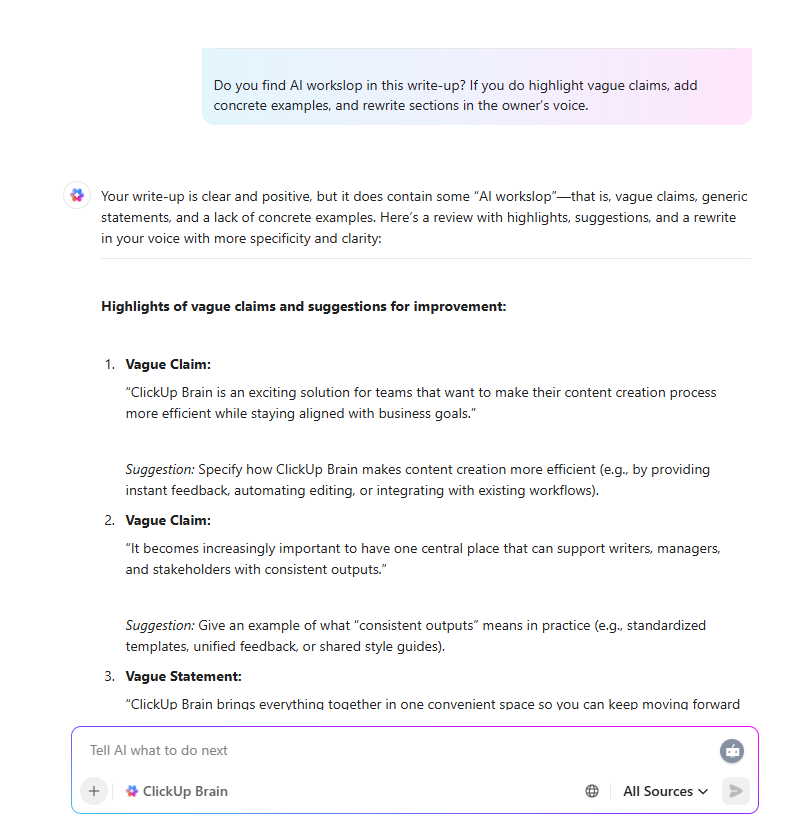
✅ Ideal for: SEO content marketers writing weekly blog posts and freelance writers delivering long-form drafts to clients.
🧠 Fun Fact: 51% of marketers use AI tools to optimize content, from email campaigns to search engine optimization. And 50% create content with artificial intelligence.
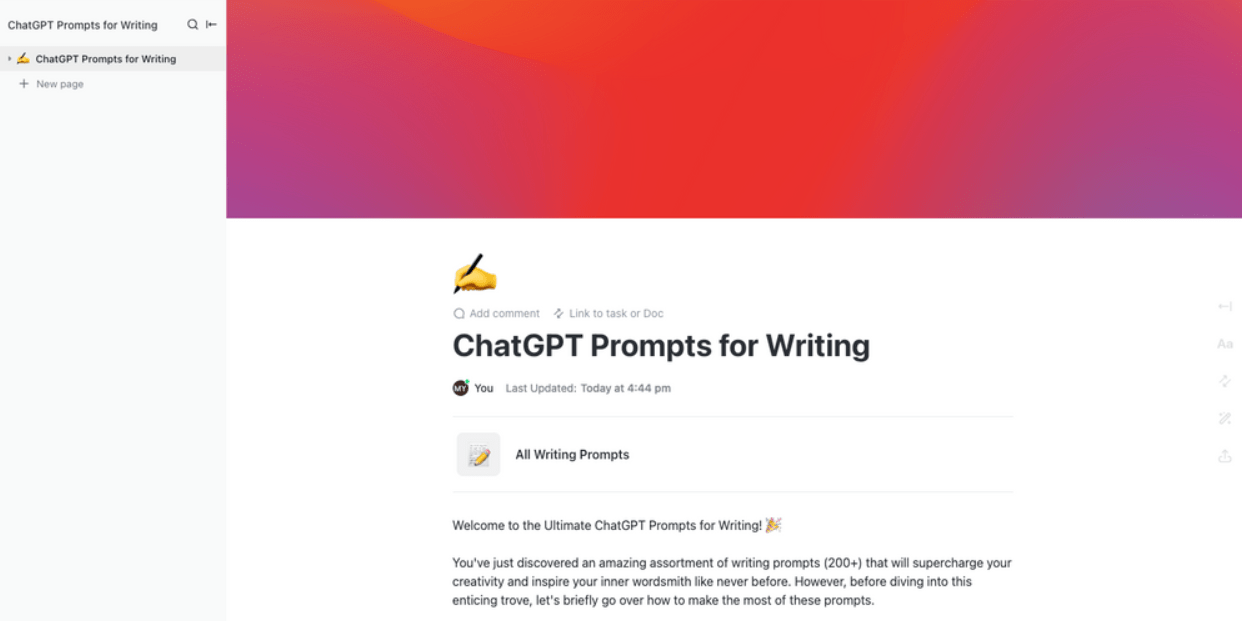
When you are staring at a blank page and your brain is doing anything except writing, the ClickUp ChatGPT Prompts for Writing Template gives you a ready-made prompt library you can open and use on demand.
It is set up in Docs with sections you can expand and collapse to jump to the prompt set you need instead of hunting through saved notes.
And because it lives in ClickUp, you can keep the prompts right next to your briefs, drafts, and feedback, then pull in ClickUp Brain to rewrite, expand, summarize, or generate fresh angles without leaving the doc.
✅ Ideal for: Content writers building a reusable prompt library, or freelance copywriters juggling multiple writing styles across clients.
⭐️ Bonus: How to use ChatGPT for content creation?
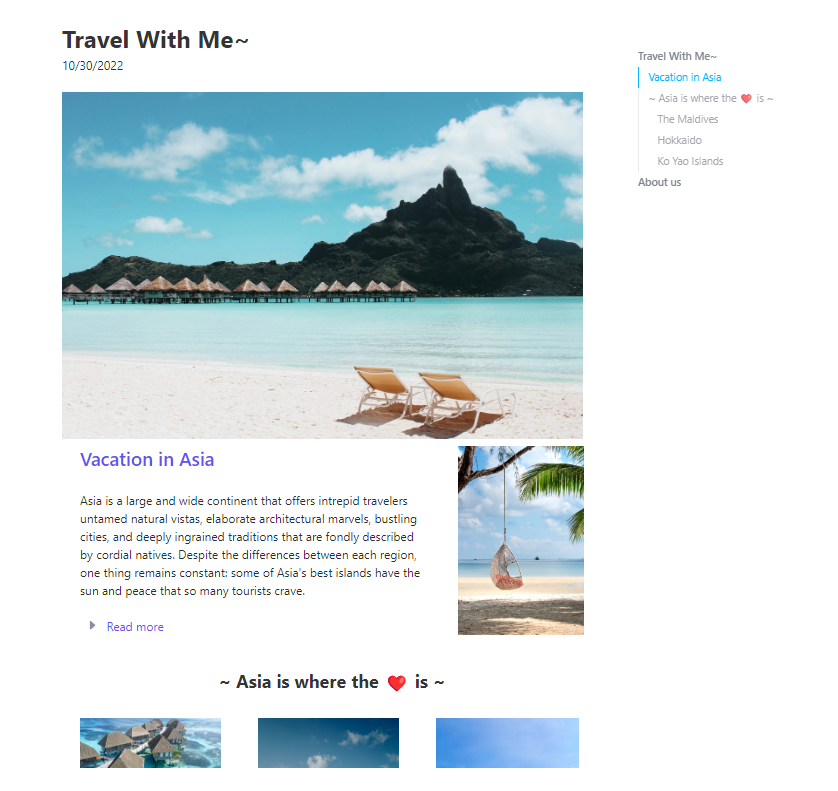
If your blog posts need to look and feel like a real publishing page before you hit publish, the ClickUp Blog Template gives you that layout right inside ClickUp. You get a clean, reader-style doc with a hero image, sectioned content, and a built-in navigation panel that makes long posts easy to skim and revisit.
Unlike standalone prompt documents, this template connects your LLM prompts to deadlines, assignees, and approval workflows, turning instructions into an actionable project plan.
✅ Ideal for: Content marketers shipping weekly blog posts, or solo founders writing product updates and thought leadership pieces.
Blog planning gets a lot easier when every post lives in one visual pipeline. The ClickUp Blog Editorial Calendar Template gives you a stage-based board for your content engine, so you can see what’s in ideation, keyword research, writing, design, and promotion at one glance. And when you want to zoom out, ClickUp Calendar View helps you map publishing dates across the month at a glance.
✅ Ideal for: Content operations leads coordinating writing, design, and promotion for every post.
⭐️ Bonus: B2B content calendar
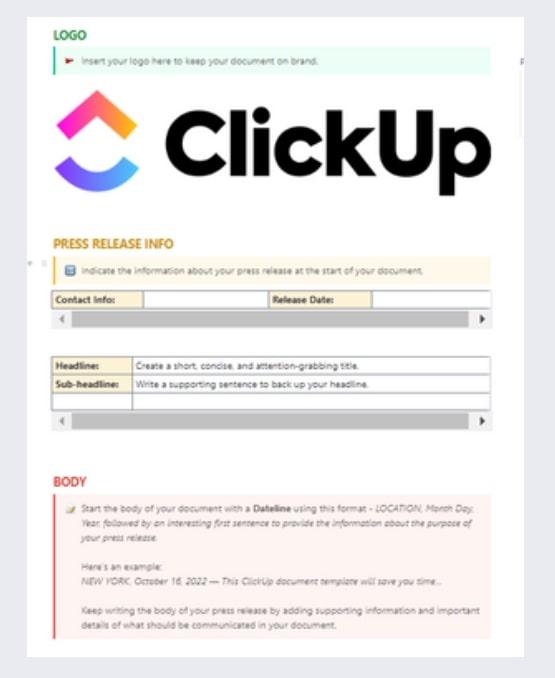
When you need to ship a press release fast, ClickUp Content Writing Template gives you a ready-made draft you can plug into right away. It starts with a space for your logo, then walks you through the press release essentials in the same order your reader expects: press release info at the top, a clear headline and sub-headline, and a guided body section that helps you open with a proper dateline and keep the story moving.
And because the writing is only half the job, ClickUp Assigned Comments help you send specific edits to the right reviewer without messy back-and-forth, while ClickUp Automations can keep the draft flowing through review steps with timely nudges and handoffs.
✅ Ideal for: PR managers writing and routing press releases for review and approval.
💡 Pro Tip: Content only feels ‘slow’ when it is scattered. In other words, you have the brief in one tool, feedback in another, while approvals happen in DMs.
ClickUp brings your whole content pipeline into one place, so you can move from brief → draft → review → final without chasing links or playing comment detective.
Watch this video to see how teams use ClickUp to streamline content production end-to-end, from feedback to final assets:
If your blog backlog keeps growing, the ClickUp Blog Database Template gives you one place to track every post from draft to publish and beyond.
You can quickly see what’s ‘Posted’, needs an ‘Update Required’ pass, or is ‘In Progress’, along with the category it belongs to, and when it’s due.
✅ Ideal for: Content marketing managers maintaining a multi-category blog backlog and update cycle.
📮 ClickUp Insight: 37% of our respondents use AI for content creation, including writing, editing, and emails.
However, this process usually involves switching between different tools, such as a content generation tool and your workspace. With ClickUp, you get AI-powered writing assistance across the workspace, including emails, comments, chats, Docs, and more—all while maintaining context from your entire workspace.
When you have multiple people writing, you need a standardized format to ensure everything that goes out has the same voice, tone, and writing structure.
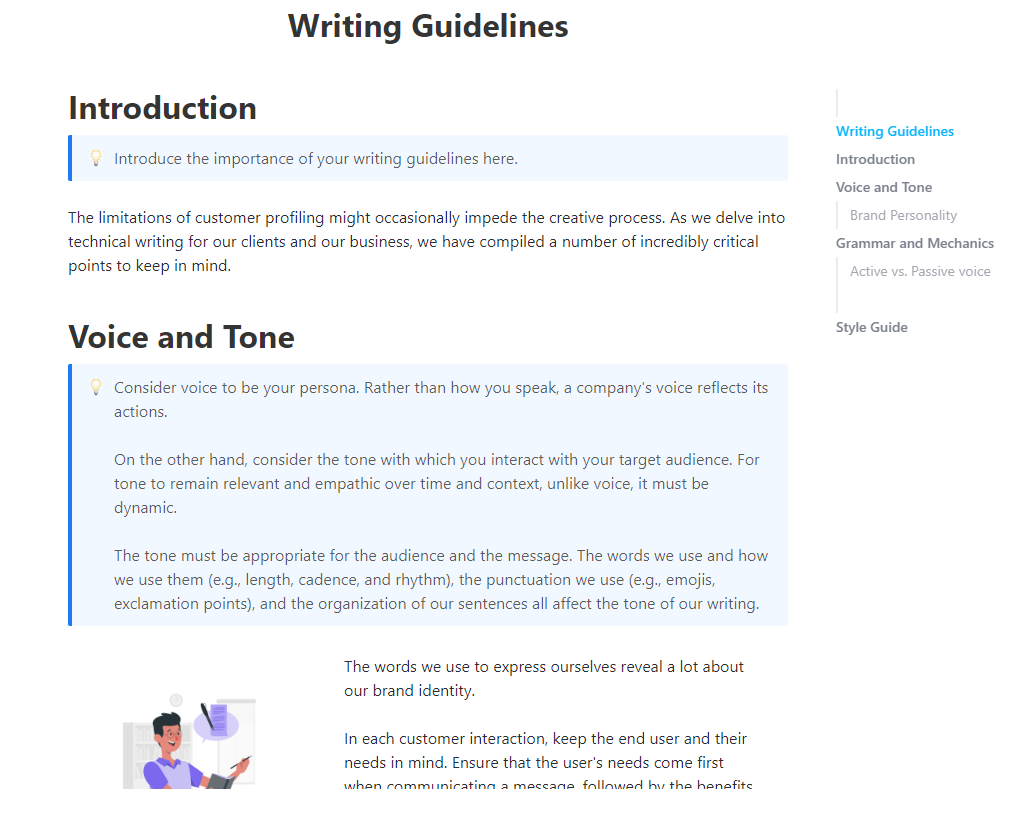
The ClickUp Writing Guidelines Template gives your team a single, easy-to-follow home for the rules that shape your content, from your brand voice and tone to the grammar decisions you want everyone to stick to.
New writers—whether human or AI—can produce on-brand content from day one because the rules are embedded directly into the system.
✅ Ideal for: Content leads managing a team of writers who publish under one brand voice.
🧠 Fun Fact: 45% of marketers use AI tools to brainstorm content concepts and ideas.
You need a prompt for a very specific marketing task, but you don’t know where to start.
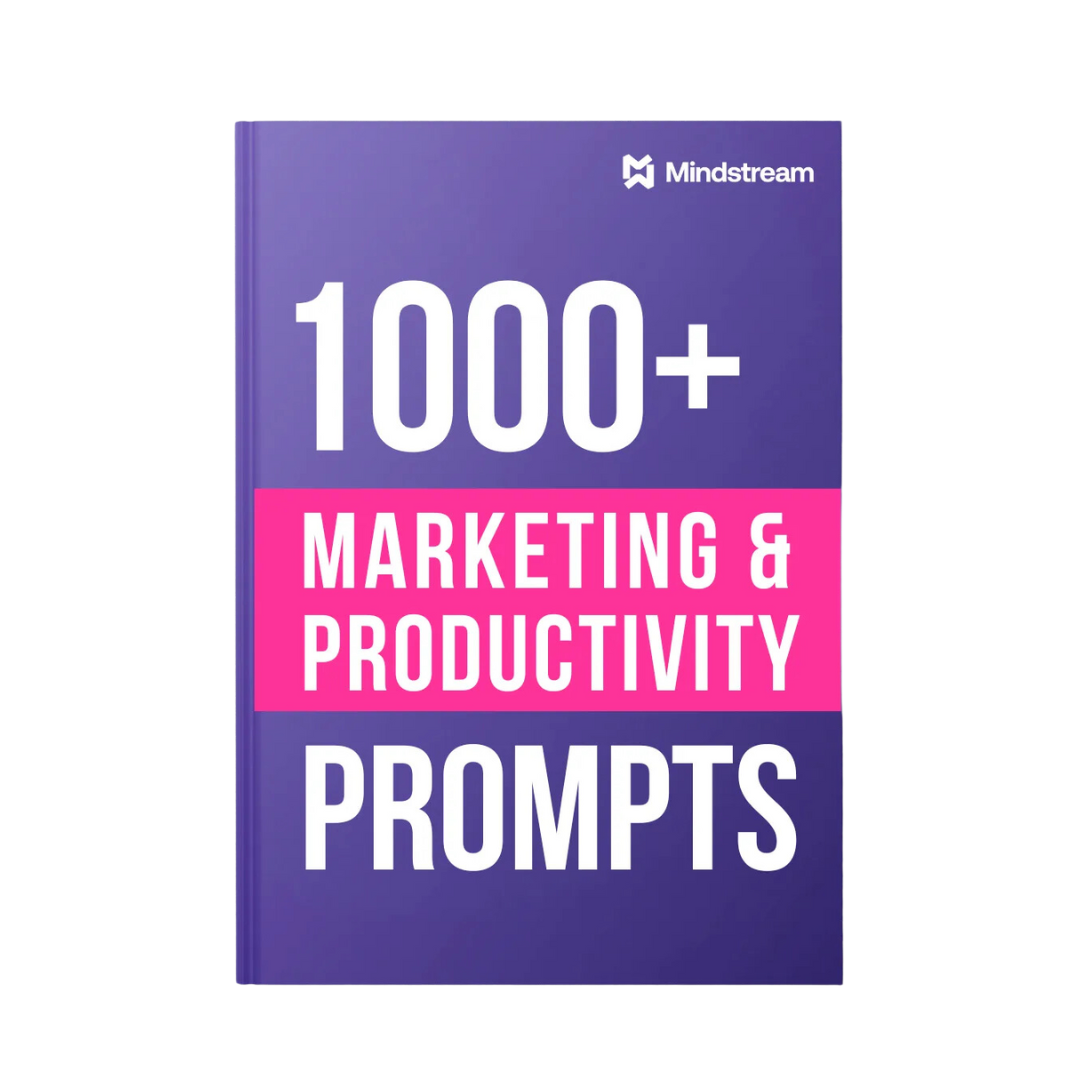
This massive library from HubSpot’s 1000+ Marketing and Productivity Prompts Template is a comprehensive reference for almost any marketing, sales, or productivity use case, including a large section on blog content.
✅ Ideal for: Marketing managers who want a single, reusable prompt library for planning and producing content across multiple channels.
Even the best template can fail if you don’t know how to customize it effectively. Use these tips to get consistent, high-quality outputs from any prompt engineering template.
The real win is building a prompt library your team can reuse, improve, and trust across every blog you ship.
ClickUp makes that easy. Store your prompts where your content lives, next to briefs, outlines, drafts, and feedback. Turn each template into a consistent workflow, keep ownership clear, and use AI inside the workspace to draft, refine, summarize edits, and pull next steps without losing context.
When prompts and process live together, writing gets faster and quality stays steady.
Build your prompt system in ClickUp. ✅
A prompt is a single, one-time instruction you give to an AI model for a specific task. A prompt template is a reusable prompt structure with variables you can customize for each use—you write it once and can use it repeatedly with different inputs.
Start by documenting your brand voice, target audience, and content standards in a central document. Then, embed these as default instructions in your templates. Link your style guide Doc to content tasks so ClickUp Brain references it automatically when generating drafts.
No—templates are designed to accelerate drafting and reduce repetitive work, but human judgment is still essential for strategy, fact-checking, adding original insights, and final editing. Think of AI as a first-draft machine, not a complete replacement for editorial oversight.

© 2026 ClickUp

There’s an easier way. Try a free AI Agent in ClickUp that actually does the work for you—set up in minutes, save hours every week.