Sorry, there were no results found for “”
Sorry, there were no results found for “”
Sorry, there were no results found for “”
Did you know creative teams use only 28% of their day on actual creative work?. The rest of it is spent circling around administrative duties and addressing feedback loops. Layer this productivity drain on top of disconnected AI animation tools, and you have a bulky stack to manage.
This guide breaks down the top 10 AI animation tools, from professional-grade video generators to beginner-friendly platforms. It will help you keep your animation projects organized rather than juggling multiple tools and tight deadlines.
AI animation tools use artificial intelligence to create animated content from simple inputs such as text or images. These programs range from text-to-video generators that build entire clips from a written description to platforms that automate complex tasks like character lip-syncing and motion synthesis.
Traditionally, animation required a massive software budget and the patience to move pixels one by one. It was a slow, expensive wall that most marketing teams and creators couldn’t climb. AI animation generators replace manual work with processing capabilities. It lets you create animated videos without being an animator.
🧠 Fun Fact: Approximately 86% of advertisers are using/planning to adopt Generative AI to build video ad creative.
| Tool | Best for | Standout feature | Pricing* |
| ClickUp | Teams of all sizes managing the entire animation production pipeline and creative workflows | ClickUp Brain and Super Agents to summarize feedback and automate production coordination | Free plan available; customizations available for enterprises |
| Runway | Professional creative teams requiring high-fidelity video generation with consistent physics | State-of-the-art text-to-video and Motion Brush for precise control over cinematic movement | Free plan available; Paid plans start at $15/month |
| Animaker | Small teams and beginners creating 2D explainer videos and social content | Auto lip-sync technology that matches the character’s mouth movements to any audio track | Free plan available; Paid plans start at $27/month |
| Adobe Firefly | Mid-market to enterprise design teams generating on-brand assets within the Creative Cloud | Generative Fill in Photoshop to add or replace visual elements using simple text prompts | Paid plans start at $9.99/month |
| Synthesia | Enterprise training and marketing teams producing talking-head videos without a physical set | AI Avatars that deliver scripts in 140+ languages with natural human expressions | Free plan available; Paid plans start at $14/month |
| Sora | Individual creators and startups generating high-quality B-roll and complex cinematic scenes | 3D space understanding that allows characters to interact realistically with their environment | Included with ChatGPT Plus ($20/month) |
| HeyGen | Mid-market sales and marketing teams producing personalized video outreach at scale | AI avatar cloning and bulk personalization to address thousands of prospects by name | Free plan available; Paid plans start at $29/month |
| Pika Labs | Individual artists and creators animating still illustrations with organic motion | Image-to-video conversion with controllable direction and intensity of movement | Free plan available |
| InVideo AI | Enterprise teams converting text prompts into complete, editable video drafts | Magic Box natural language command center for editing videos by typing requests | Free plan available; Paid plans start at $35/month |
| Steve AI | Small to mid-market teams needing to convert live video or scripts into 2D animations | Live to Animation tool that transforms real footage into stylized animated characters | Paid plans start at $29/month |
You have to balance output quality with customization when selecting the best 2D AI animation software. For example, some tools deliver polished-looking videos quickly but offer little creative control. Others provide granular control over motion, style, and timing but come with a steeper learning curve.
Before you commit, consider these key factors:
📮ClickUp Insight: 88% of our survey respondents use AI for their personal tasks, yet over 50% shy away from using it at work. The three main barriers? Lack of seamless integration, knowledge gaps, or security concerns.
But what if AI is built into your workspace and is already secure? ClickUp Brain, ClickUp’s built-in AI assistant, makes this a reality. It understands prompts in plain language, solving all three AI adoption concerns while connecting your chat, tasks, docs, and knowledge across the workspace. Find answers and insights with a single click!
Choosing the right AI animation tool can feel overwhelming, and picking the wrong one wastes time and money. We’ve collated a list of the top 10 AI animation tools to make this choice easy for you.
Our editorial team follows a transparent, research-backed, and vendor-neutral process, so you can trust that our recommendations are based on real product value.
Here’s a detailed rundown of how we review software at ClickUp.
Right up, we have a Converged AI Workspace that eliminates the need for you to switch between tools—ClickUp!
Your animation software renders the frames, but where do you track the creative decisions that shaped them? ClickUp becomes the operational backbone for your entire animation project pipeline.
You can consolidate the messy process of drafting scripts in one system, storyboarding in another, and chasing stakeholder approvals in a third.
📌For example, when a client asks for a scene revision, you can refer to the relevant ClickUp Tasks. They would already include details such as the script version, storyboard reference, AI tool used for rendering, approval status, and prior feedback. This eliminates the need to switch between tools while hunting for context.
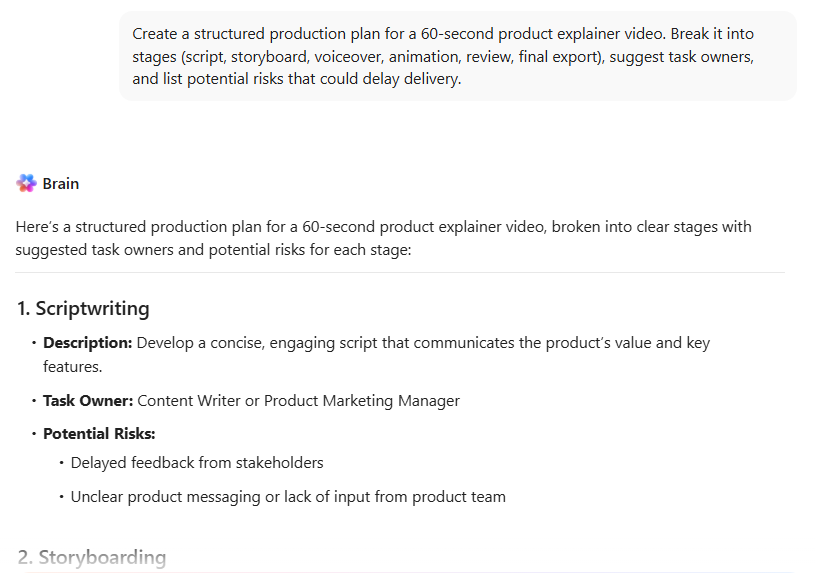
ClickUp Brain also plays a pivotal role in making context readily available. While reviewing a 12-page client brief, you can ask ClickUp’s native AI assistant to summarize key requirements for a 60-second animated video.
And if you’re mid-production, it can also surface all feedback from the last review cycle or generate a first-pass script outline based on earlier projects. Because Brain pulls from your ClickUp Docs, tasks, and comments, it understands the project context. You’re not prompting a blank AI assistant. You’re working with one that already knows the animation style, target audience, deadlines, and previous revisions tied to that deliverable.
For teams scaling content production, Brain also supports:
💡 Pro Tip: When animation workflows scale, not every step can be mapped with rigid automation rules. You need automations that understand context before they execute work. ClickUp Super Agents operate within your workspace context. Instead of triggering simple if-this-then-that actions, they interpret the situation and act more like a production coordinator.
📌 Here’s what that looks like in practice:
Imagine a client uploading revision feedback across multiple scenes. A Super Agent can:
You don’t define every branch of the workflow. The agent works with context across your projects, past revisions, and team structure.
For animation teams managing multiple AI tools for animators, this keeps production more adaptive than brittle. Your rendering tools generate the visuals. ClickUp manages the system that gets those visuals delivered on time.
Since the AI operates inside the workflow, it leaves you plenty of time to focus on pre-production. At this stage, animation projects either gain clarity or accumulate confusion.
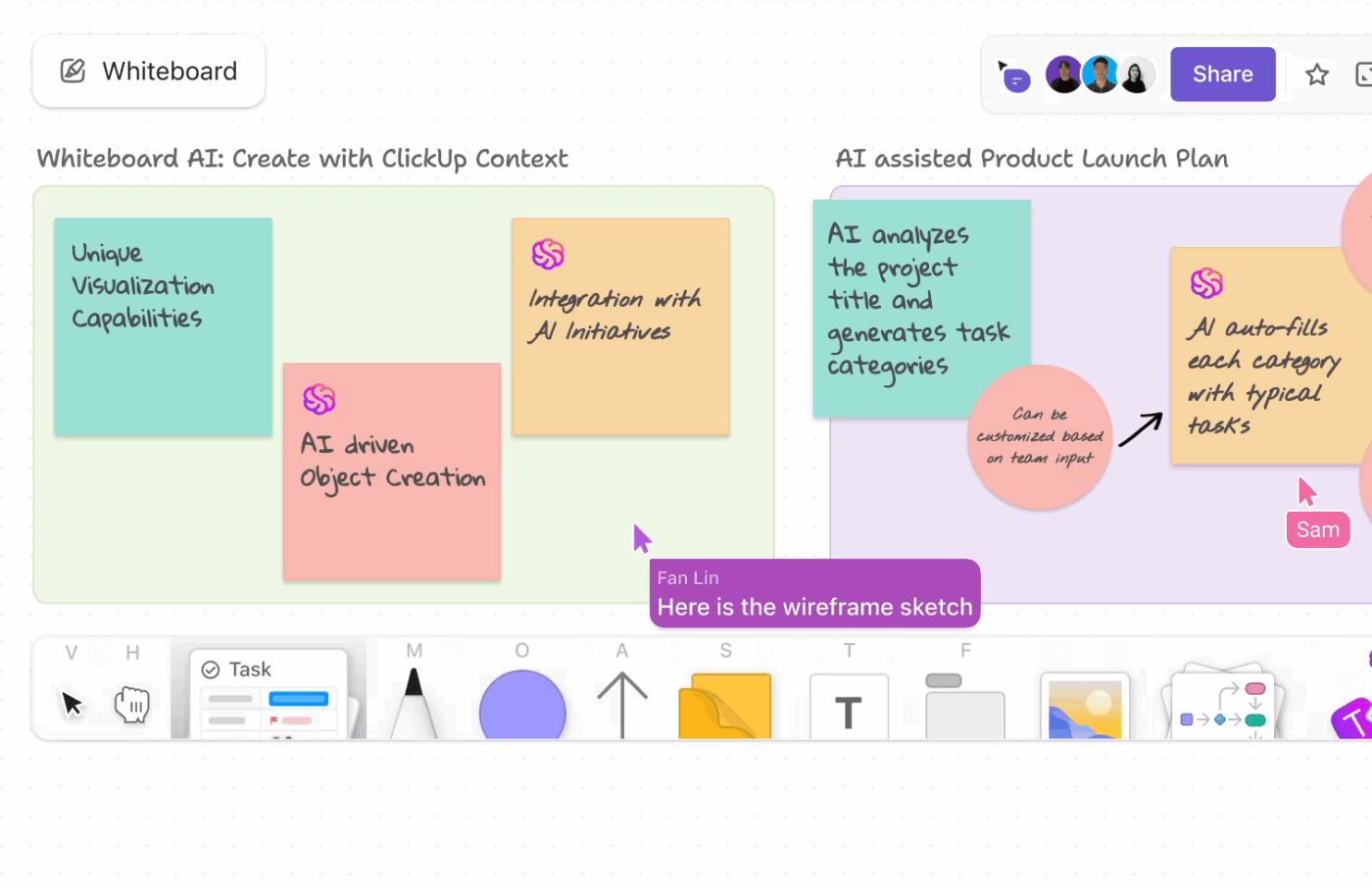
ClickUp Whiteboards let you map out storyboards, scene sequences, and mood boards on a visual canvas that connects directly to execution. When you finalize a scene concept, you convert it into a task with one click.
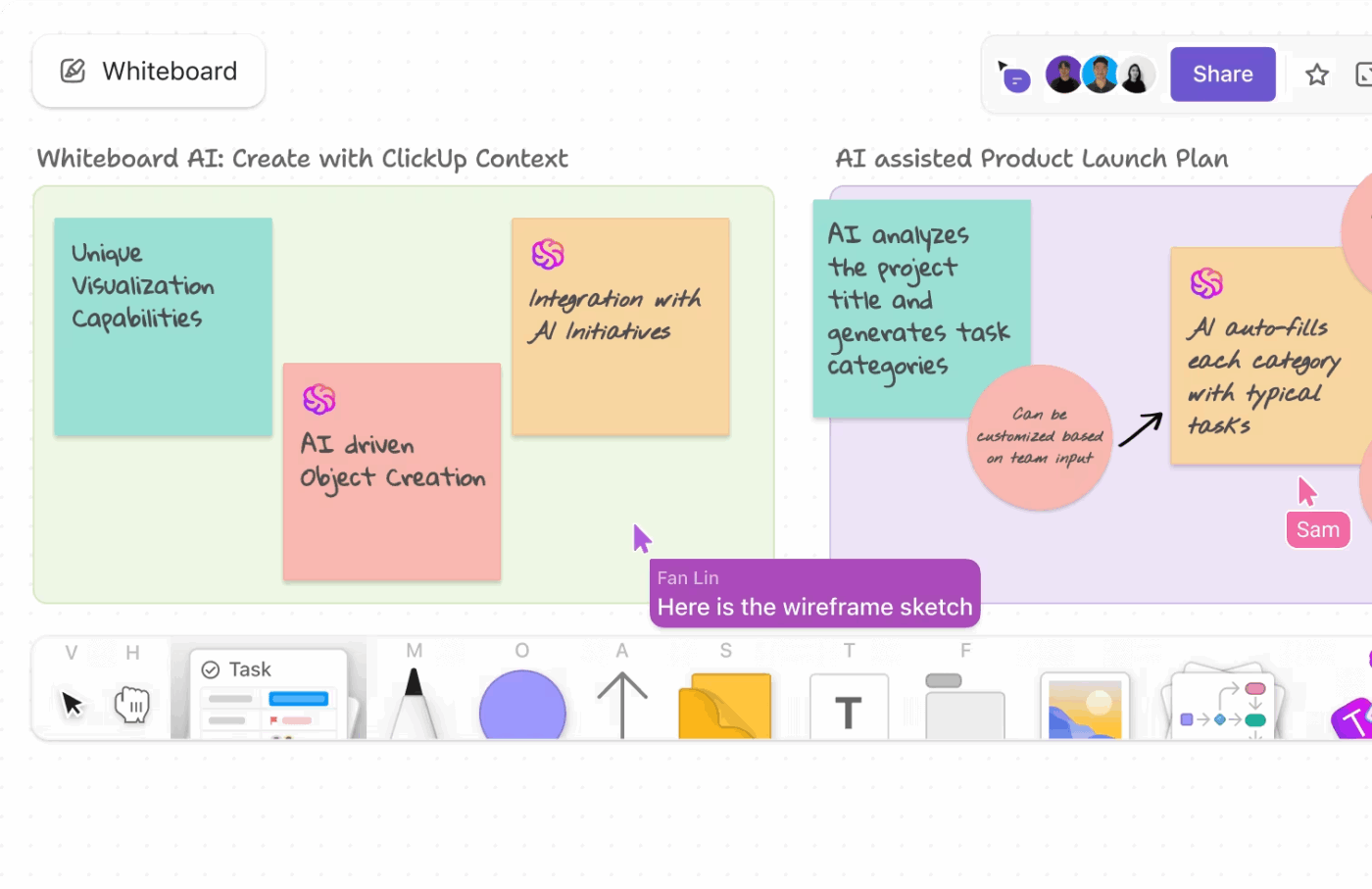
Put simply, if you’re outlining a product explainer:
Each frame becomes an actionable task with an assignee, deadline, and linked assets. Visual planning and project tracking stay connected.
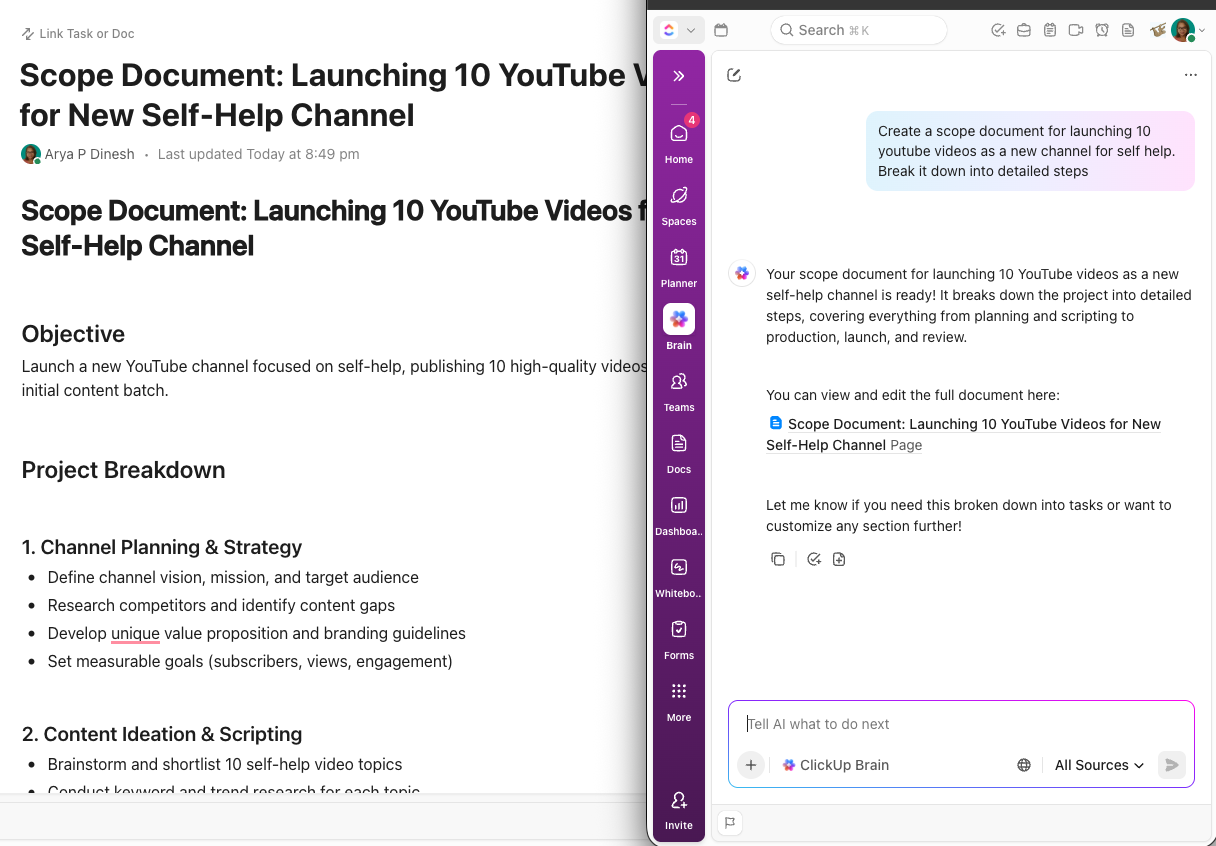
You can also use ClickUp Docs for script writing and brief collaboration. These active knowledge repositories make it easier to draft animation scripts, tag reviewers or writers, and track version histories. And, when the script gets approved, you assign production tasks directly from the Doc.
Pros:
Cons:
A G2 user recommends ClickUp for its flexibility:
What I like best about ClickUp is its unparalleled customization and the sheer breadth of features. It’s incredibly powerful to be able to tailor almost every aspect of a workspace to fit specific team needs, from custom statuses and fields to a multitude of views like List, Board, Calendar, and Gantt. This flexibility means we can truly adapt the platform to our unique workflows, rather than having to adapt our workflows to the platform. Plus, having everything from task management and time tracking to docs and whiteboards all in one place significantly reduces tool sprawl and makes our team much more efficient.
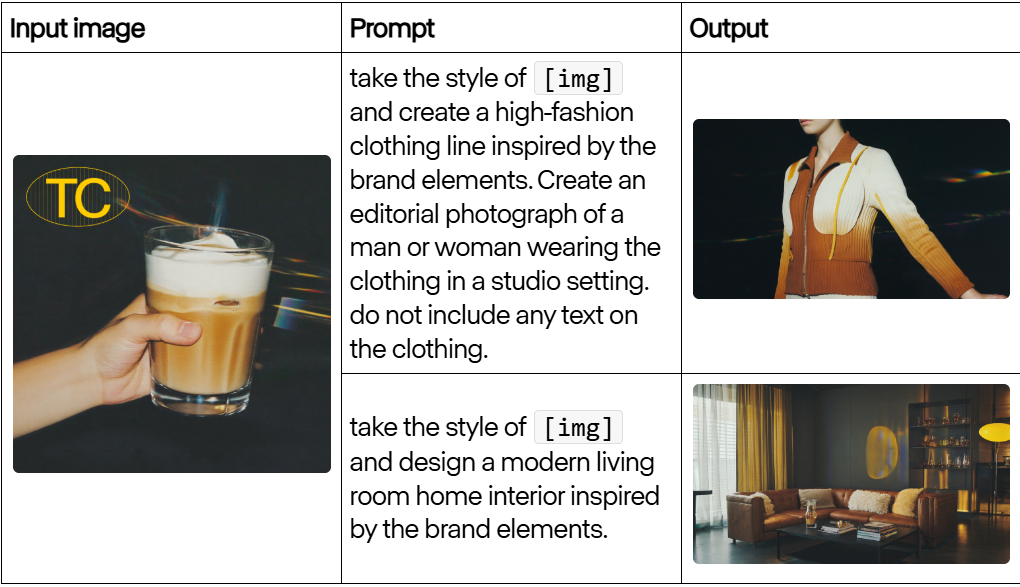
If your priority in videos is accurate physics and lighting consistency, Runway might suit your needs. In professional video production, jittery motion or shifting character details make a clip unusable for high-stakes projects. Runway’s AI reduces these artifacts, allowing you to generate an AI video that maintains its visual integrity from the first frame to the last.
The platform includes a set of targeted editing tools that automate manual post-production tasks. You can use the Motion Brush to define specific areas of movement within a static image. Or, use the background remover to replace environments without manual rotoscoping.
Pros:
Cons:
A G2 user shared their feedback about Runway:
RunwayML is one of the best AI tools out there, it is straightforward. I particularly like its image/text-to-video tool which works like a magic wand, It’s very easy to implement in my video editing workflow. I use it frequently to create cinematic video shots that later I can incorporate into my timeline to make full-length highly engaging videos that my viewers love.
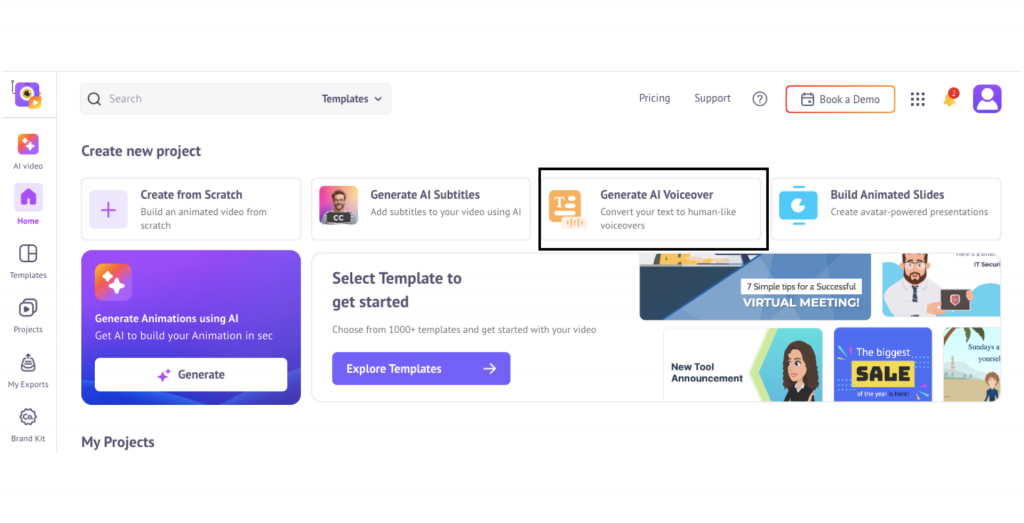
You don’t need a background in motion design to turn a script into a usable 2D explainer. Animaker targets non-animator clients who need professional-looking social content or website videos without the overhead of a dedicated agency. It’s a beginner-friendly platform with a drag-and-drop interface and a huge library of pre-built characters, backgrounds, and props. You can create social content, presentations, and explainer videos in hours.
Pros:
Cons:
A Capterra user reviewed Animaker:
It’s a very versatile program for creating all kinds of animations, especially 2D style. I used it a lot during my school days and it was very easy to learn because of how intuitive it is.
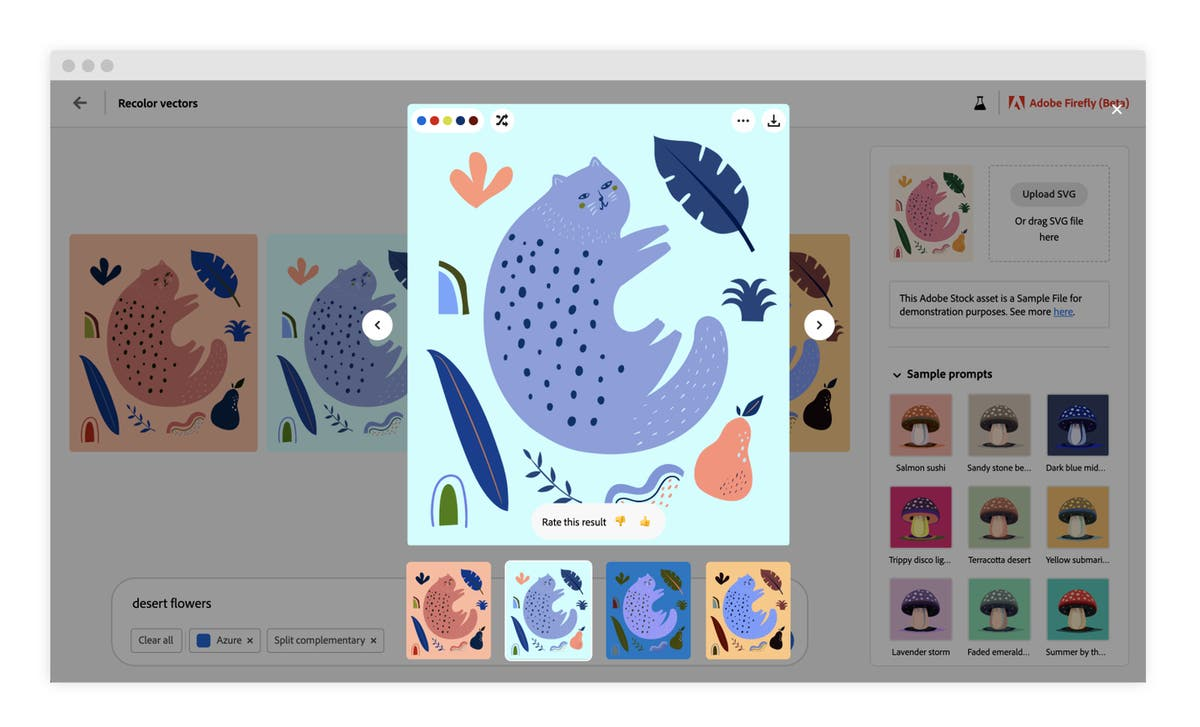
You know how time-consuming it is to create assets from scratch in the Adobe Creative Cloud.
Adobe Firefly helps you avoid this slow pre-production stage. It brings generative AI directly into the tools you already use, like Photoshop and Illustrator, further improving your existing workflow. Not only can you rapidly generate assets, but you can also include visual elements to use in your animation pipeline.
Pros:
Cons:
Here’s what a G2 user thinks about Adobe Firefly:
The flexibility to create unique content based on pre-existing assets. And, I like the flexibility of output and styles. I can create multiple adjustments, and download those, but also go off on tangents, to see what best expresses my needs. I can create for multiple output needs as well, which is very helpful. I can use it on the internet, in print, on social media… in that way, it’s easy.
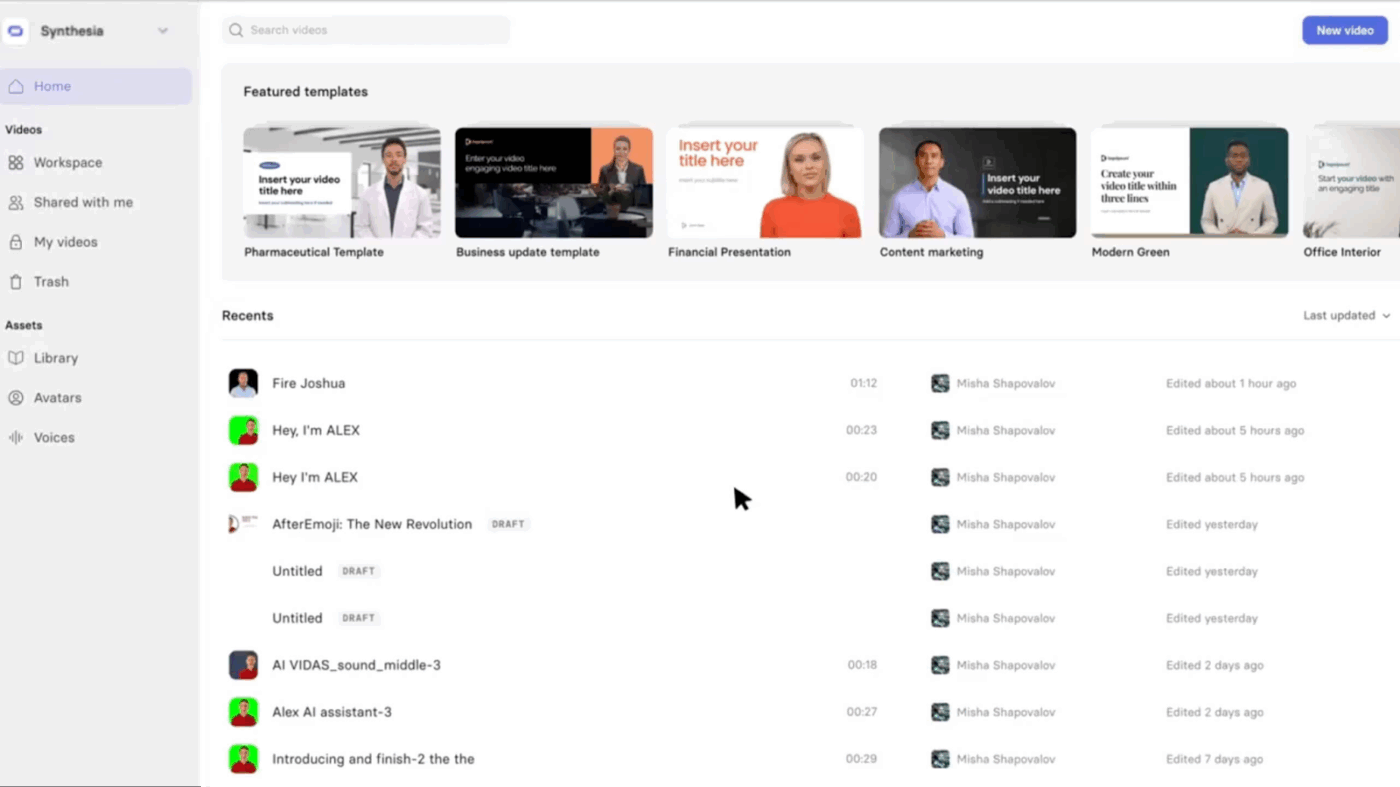
While 91% of businesses now use video as a primary marketing tool, the actual production remains a bottleneck. For example, getting an executive or subject matter expert in front of a camera is a scheduling nightmare.
Synthesia removes the need for a physical set by turning your scripts into videos featuring AI avatars that can speak your script in over 140 languages. You can produce professional-looking talking-head videos without cameras, studios, or video editing skills.
The process is simple: choose from over 230 stock AI avatars or create a custom one, type your script, and Synthesia renders a video of the avatar delivering the content with natural lip movements. For organizations that need to build a content creation workflow, this significantly reduces production time and costs.
Pros:
Cons:
This is what a Capterra user thinks of Synthesia:
Super-quick way to create high-quality person-to-camera videos in any language. Very easy to use with lots of layout options.
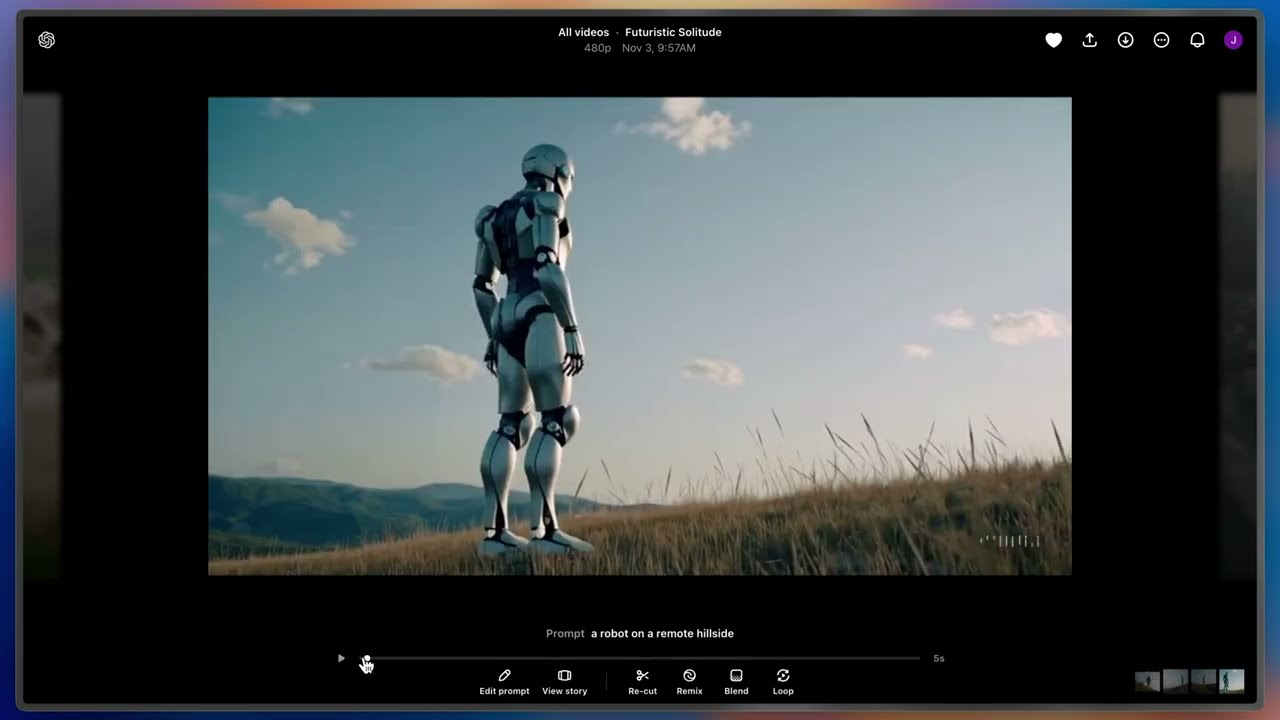
Sourcing specific B-roll is a common bottleneck for creative teams. Usually, you’re forced to settle for a stock clip that only vaguely matches your vision. Sora, OpenAI’s text-to-video model, shifts this from a search-and-settle task to a generation task. It functions more like a world simulator than a basic animator, understanding 3D space and physics so characters interact with their environment realistically.
Pros:
Cons:
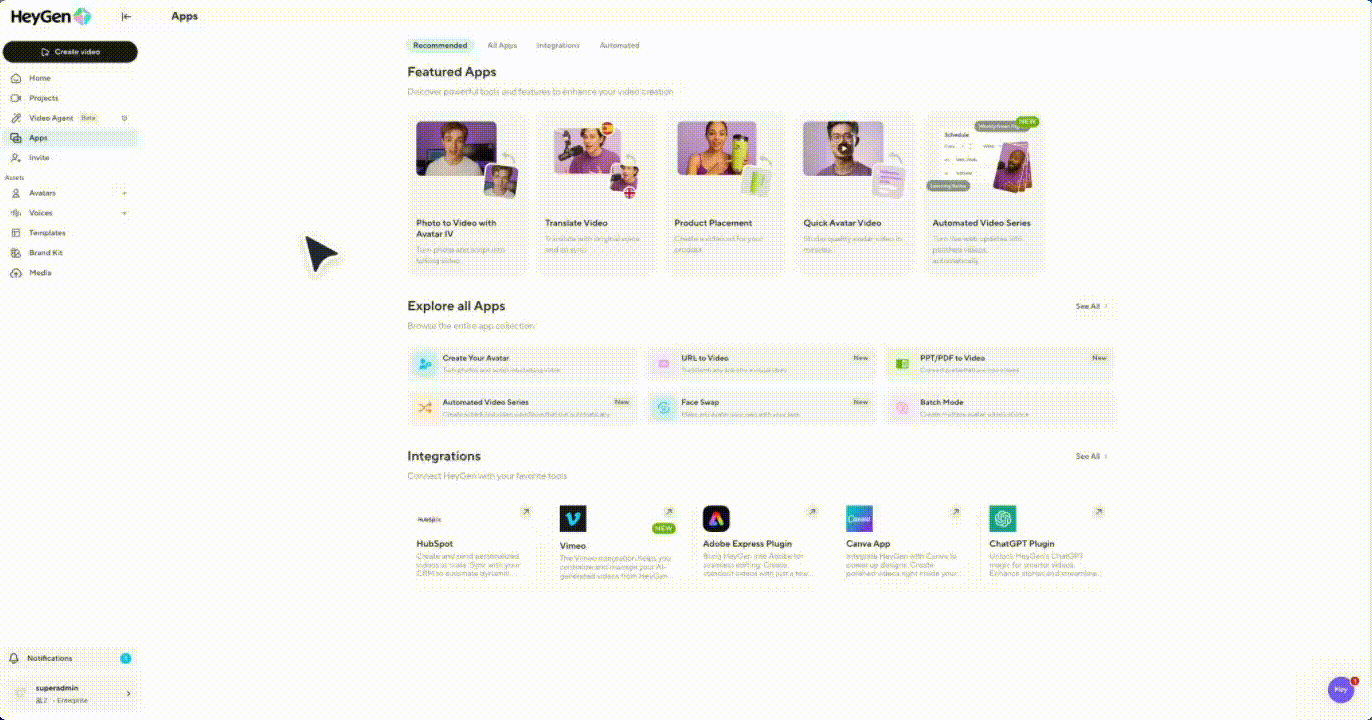
Your sales team is not wrong about wanting personalized videos to connect with prospects. After all, personalized video is 3.5x more likely than generic video to make someone become or remain a customer.
HeyGen can help here. It focuses on scalable AI avatar video production, enabling you to create personalized videos in bulk.
Start by creating a template video and automatically generate thousands of versions in which an AI avatar addresses each prospect by name.
Pros:
Cons:
A Capterra review reflects on HeyGen’s use:
Realistic digital avatars can be used to produce videos at scale. Multilingual support and fast video creation makes it ideal for e-commerce.
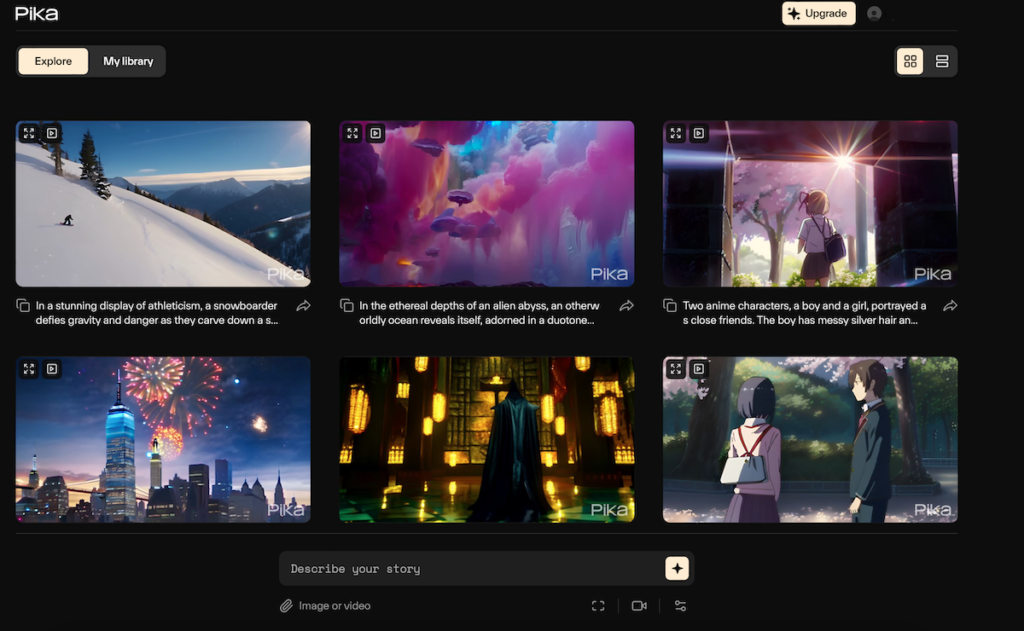
Is your traditional animation software too complex for bringing artistic motion to your portfolio of cool illustrations? Try Pika Labs.
It’s a creative-focused AI video generator that emerged from the AI art community and emphasizes artistic expression over commercial polish. Pika Labs is suitable for image-to-video conversion and for animating still images with organic-feeling motion.
It also gives you more creative control than ever! Feel free to upload an image and specify the motion’s direction, intensity, and style as you like.
Pros:
Cons:
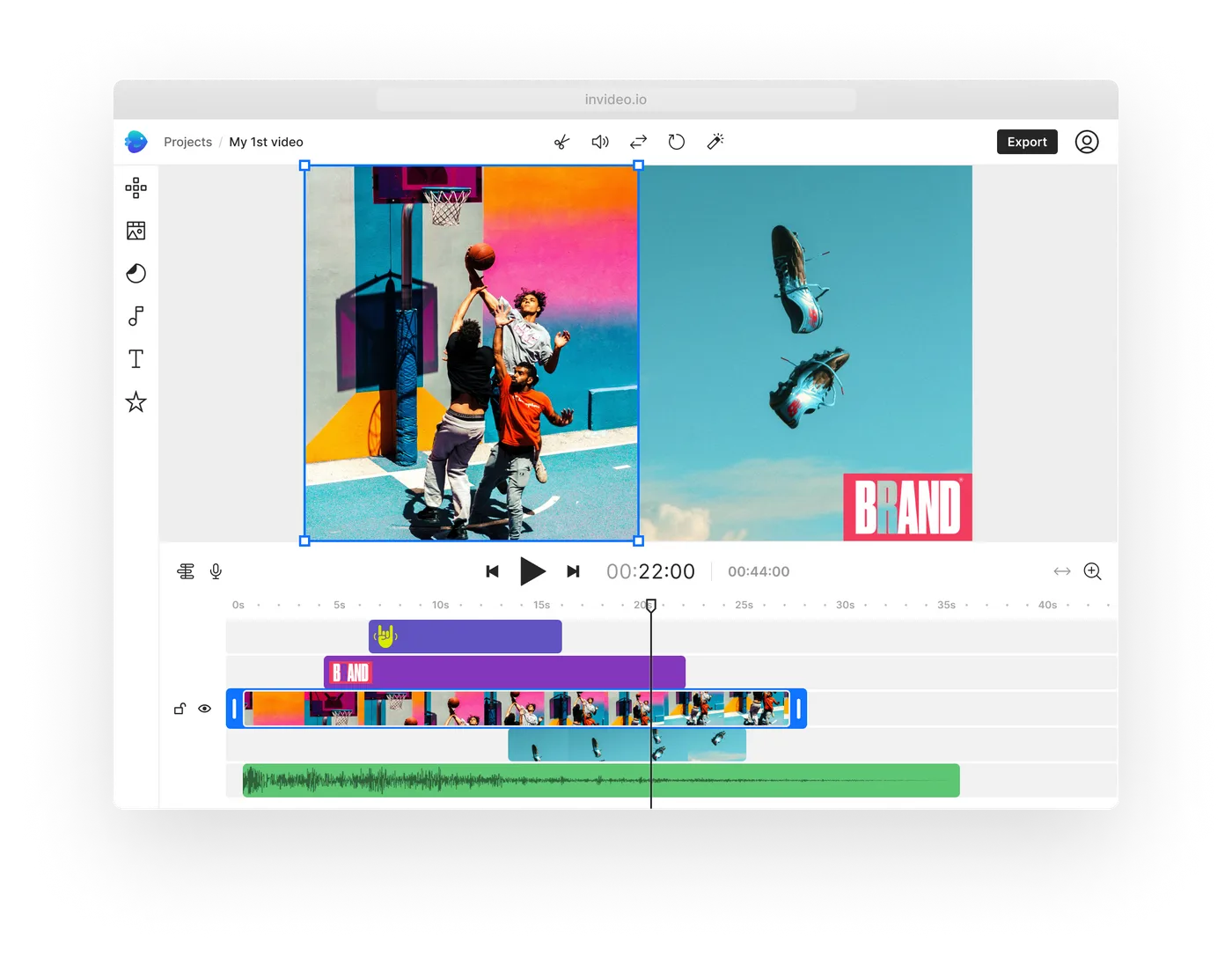
Keeping up with a content calendar is a battle in itself. For example, writing scripts, hunting for stock footage, and editing it all together can swallow your entire afternoon.
InVideo AI turns that multi-step production grind into a single text prompt. You provide the topic, and the platform generates a complete first draft of formats like script, relevant stock footage, background music, and a voiceover, in minutes.
Pros:
Cons:
A Capterra user shared their thoughts about InVideo AI:
I like it’s ease of use and easy to navigate interface. I appreciate it the fact that it lets you use stock photos that end that it still offers premium services. I do like the fact that I can make videos that are much longer than on other platforms.
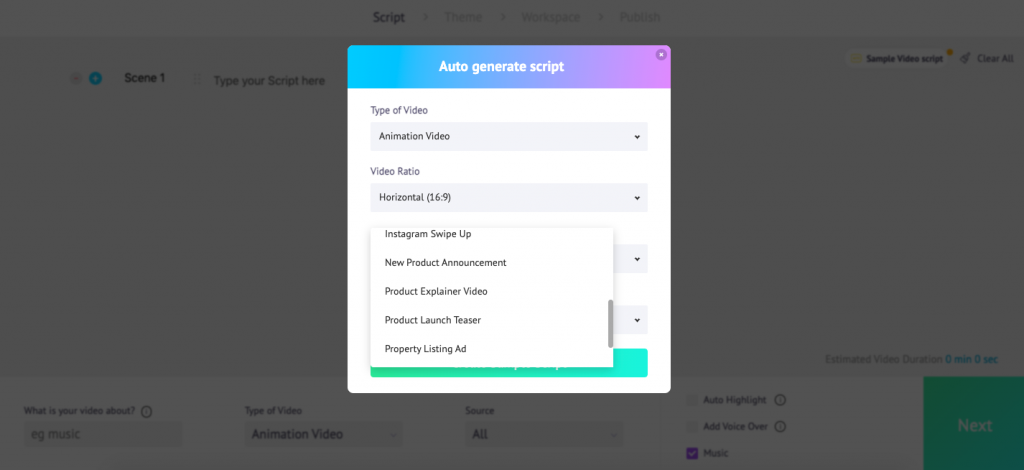
Steve AI rescues you from situations where you might need a 2D animated explainer or a training module by EOD, even if you don’t have time to master a professional animation suite.
It provides accessibility over granular creative control. You provide a script, and the engine automatically maps your text to a library of 1,000+ animated characters and backgrounds, producing a synchronized draft in minutes.
Beyond text-to-animation, the platform features a Live to Animation tool. It transforms real video footage into an animated style while maintaining the original movement. You can repurpose existing assets without the expense of a dedicated motion graphics team.
Pros:
Cons:
A G2 user’s thoughts on Steve AI:
Creating a video was very intuitive and they had some pre-built avatars to use. You can add images or small clips later.
🧠 Fun Fact: Disney’s use of generative AI for character design and animation led to a 30% reduction in production time.
You’ve seen the top platforms. Some focus on cinematic text-to-video while others specialize in AI avatars, 2D explainers, or bulk personalization.
But the tool that generates the animation is only part of the equation. The bigger challenge is managing everything around it—scripts, revisions, storyboards, feedback loops, rendering credits, deadlines, and client approvals.
When those live in disconnected apps, creative time shrinks, and coordination overhead expands. In other words, you can have the most advanced AI video generator on the market. If your briefs are in one place, scene updates in another, and approval history buried in chat threads, production slows down anyway.
This is where a Converged AI Workspace like ClickUp becomes critical. You bring your assets under one operational layer that connects your Docs, Tasks, Whiteboards, dashboards, and AI assistance.
The right setup for your team delivers visibility, ownership, and momentum across the entire animation lifecycle.
If you want to reduce coordination chaos and keep your creative team focused on actual creative work, try ClickUp and manage your AI animation pipeline in one place.
No, on the contrary, AI tools complement traditional software. Teams use AI to draft scenes, test visual directions, or produce quick marketing assets, then refine or extend those outputs in traditional animation platforms when precision matters.
Teams use project management platforms to centralize scripts, storyboards, tasks, deadlines, and approvals. This keeps asset tracking, version control, and feedback organized across all the AI and editing tools involved in production.
Beginner-friendly platforms Animaker and Synthesia offer templates, drag-and-drop editors, and guided workflows that require little to no prior animation knowledge.
Often yes, but it depends on the platform and plan. Review licensing terms carefully to confirm commercial rights, especially for stock assets, music, and AI-generated voices included in your video.
© 2026 ClickUp