






Still downloading templates?
There’s an easier way. Try a free AI Agent in ClickUp that actually does the work for you—set up in minutes, save hours every week.
Sorry, there were no results found for “”
Sorry, there were no results found for “”
Sorry, there were no results found for “”
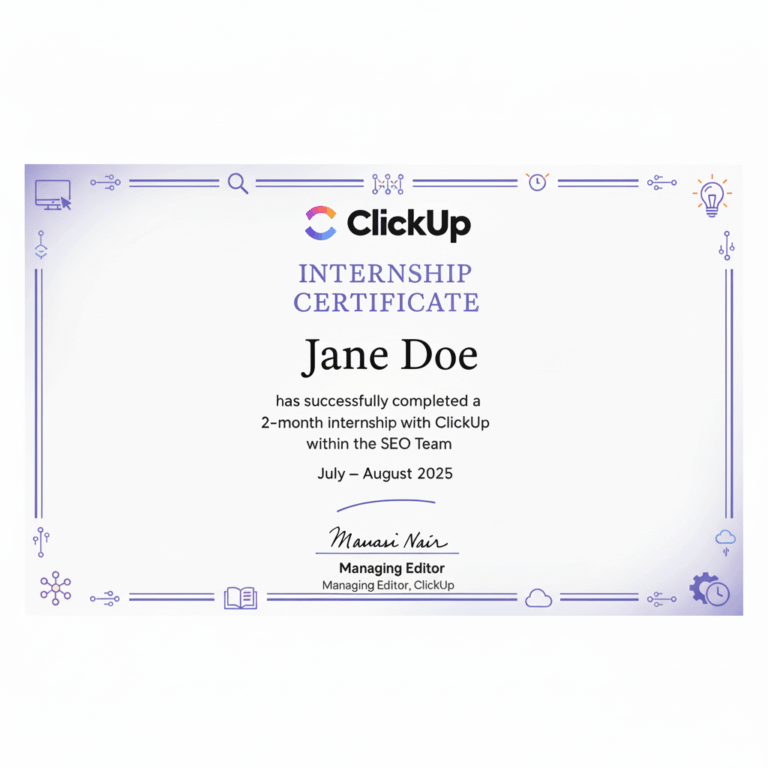
You’ve just wrapped up a successful internship cycle. Your interns delivered real value, contributing to projects, learning fast, and becoming a part of the team. Now comes the final step: recognizing their work officially.
But instead of scrambling to create certificates from scratch, what if you had professional, customizable options ready to go? Enter internship certificate templates.
A well-designed internship recognizes effort, builds credibility, and reflects well on your organization. The right template keeps the focus on the message, not the formatting.
Let’s explore the top free internship certificate templates to help you wrap up every internship with the recognition it deserves.
🔍 Did You Know that the average duration for internships is around 18.3 weeks?
Internship certification templates are ready-to-use formats that companies can customize to certify an intern’s experience. They save time and ensure that all necessary information is included in a professional and consistent way.
Here are the standard elements of an internship certificate template:
🧠 Fun Fact: Back in Europe between the 11th and 16th centuries, young teens as young as 12 became apprentices—living with master craftsmen, getting room and board, but zero pay. They learned trades like blacksmithing, weaving, or baking for 2 to 7 years.
An internship template isn’t just a formality—it’s a record of professional experience that adds value to a candidate’s career journey.
Here’s what to include to ensure your template meets both HR standards and professional expectations.
➡️ Read More: Smart Goals for College Students
Internship certificate templates offer a professional and organized format to include key internship details. Here are the internship templates options you should try:
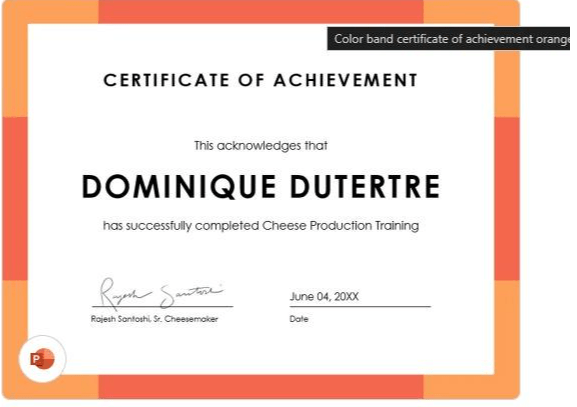
Recognize intern accomplishments with a professional, elegant certificate using this customizable Color Band Certificate of Achievement by Microsoft. The downloadable template offers flexibility, whether you’re printing or sharing the design online.
🔑 Ideal for: HR professionals, startup founders, educational institutions, and recruiters who need a professional format to list intern achievements on internship completion.
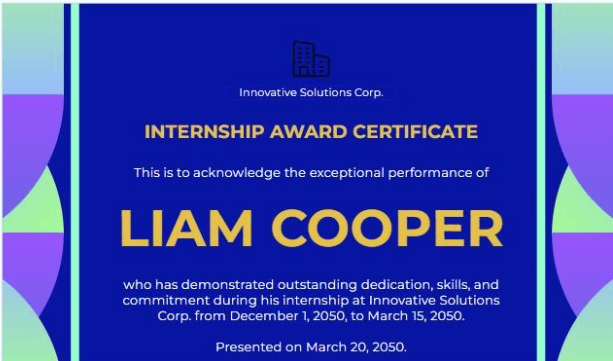
The Colourful Internship Award Certificate Template by Template.Net features a clean layout that begins with company details and a summary of the intern’s achievements. It also includes the type of internship, such as co-op programs or summer internships.
🔑 Ideal for: HR professionals and recruiters searching for a structured format to issue certification.
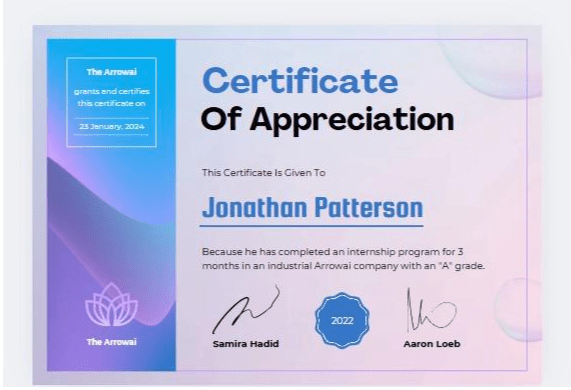
Canva’s Blue Gradient Certificate of Appreciation is customizable to match your company’s format. With an organized layout, this internship template helps you highlight key details like internship duration, major projects, and notable achievements.
🔑 Ideal for: HR professionals who want to manage intern details and craft a polished certificate.
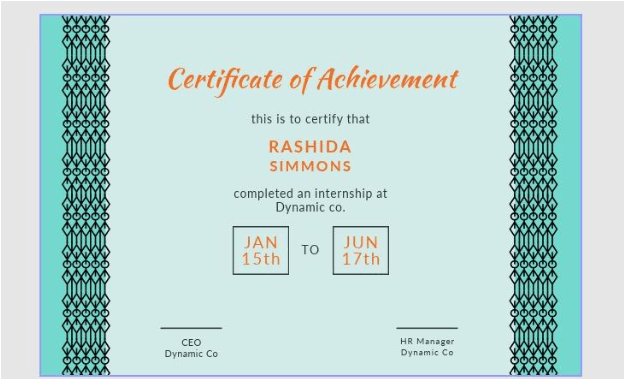
Creating a polished and detailed intern certificate is simple with the Certificate of Achievement template by Adobe. With customization—from margins to fonts— easily tailor the design to match your company’s branding.
Whether printed or shared digitally, this internship template helps you issue certificates that look professional and are personalized.
🔑 Ideal for: Educational institutions and recruiters who want a professional format to create internship certificates easily.
💡 Pro Tip: Use ClickUp Automations to notify you or your team when an internship ends, prompting you to generate and send the certificate.
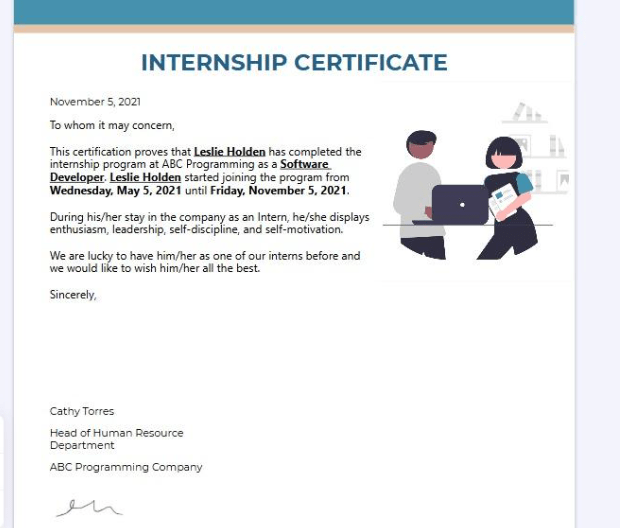
The PDF Internship Certificate by Jotform includes all key information—intern name, internship duration, projects handled, and achievements. The best part? It comes with the Signature tool for the issuer to certify the document.
🔑 Ideal for: Small teams searching for a comprehensive template to issue certificates.
💡 Pro Tip: Use ClickUp Docs to create and store your internship certificate templates. You can design a reusable template, collaborate with your team, and easily duplicate or edit certificates for each intern.
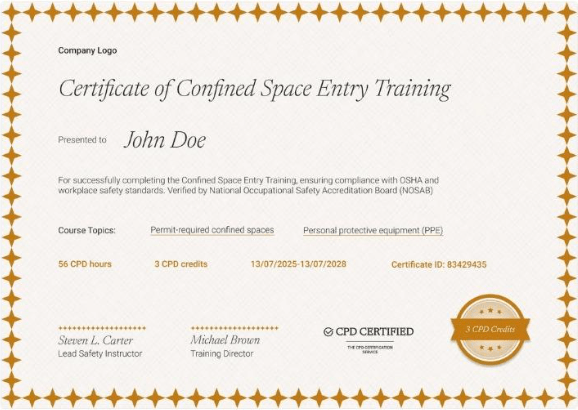
Certifier’s Bordered and Professional Confined Space Training Certificate Template helps you recognize training completion in safety and compliance programs. It is also available in Figma and Microsoft Word formats.
Plus, the internship template lets you customize the layout and other graphic elements to include training details and present it as proof of achievement.
🔑 Ideal for: Authorized OSHA Training Institute (OTI) Education Centers and OSHA-authorized trainers looking to document training.
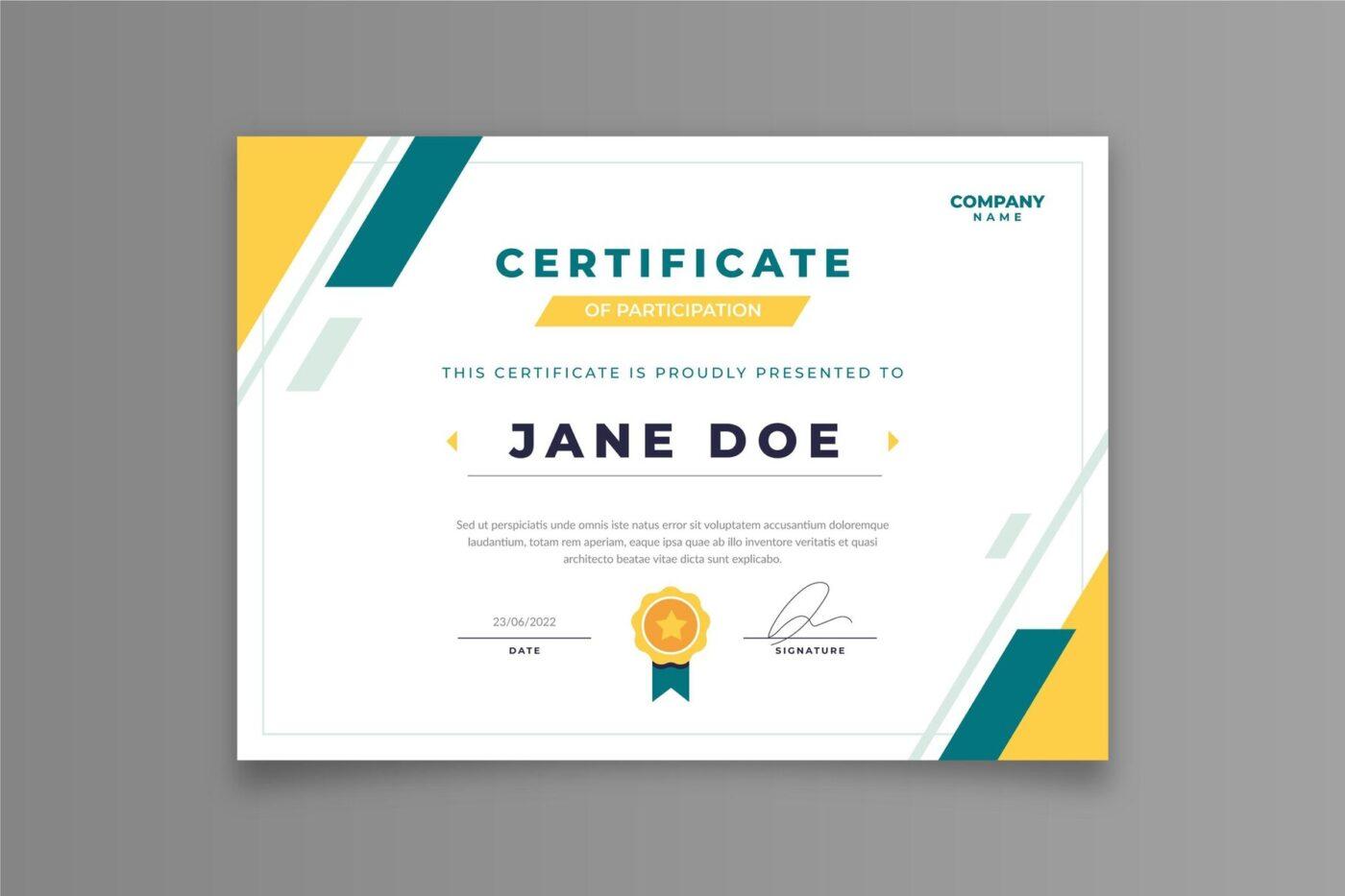
The Certificate of Participation Template by Freepik offers a clean, professional layout to highlight the intern’s key achievements. This template ensures your certificate looks polished and includes all essential information.
🔑 Ideal for: Educational institutions and small teams that want a professional format for certifying interns after the internship period.
➡️ Read More: How to Acquire the Most In-Demand Skills?
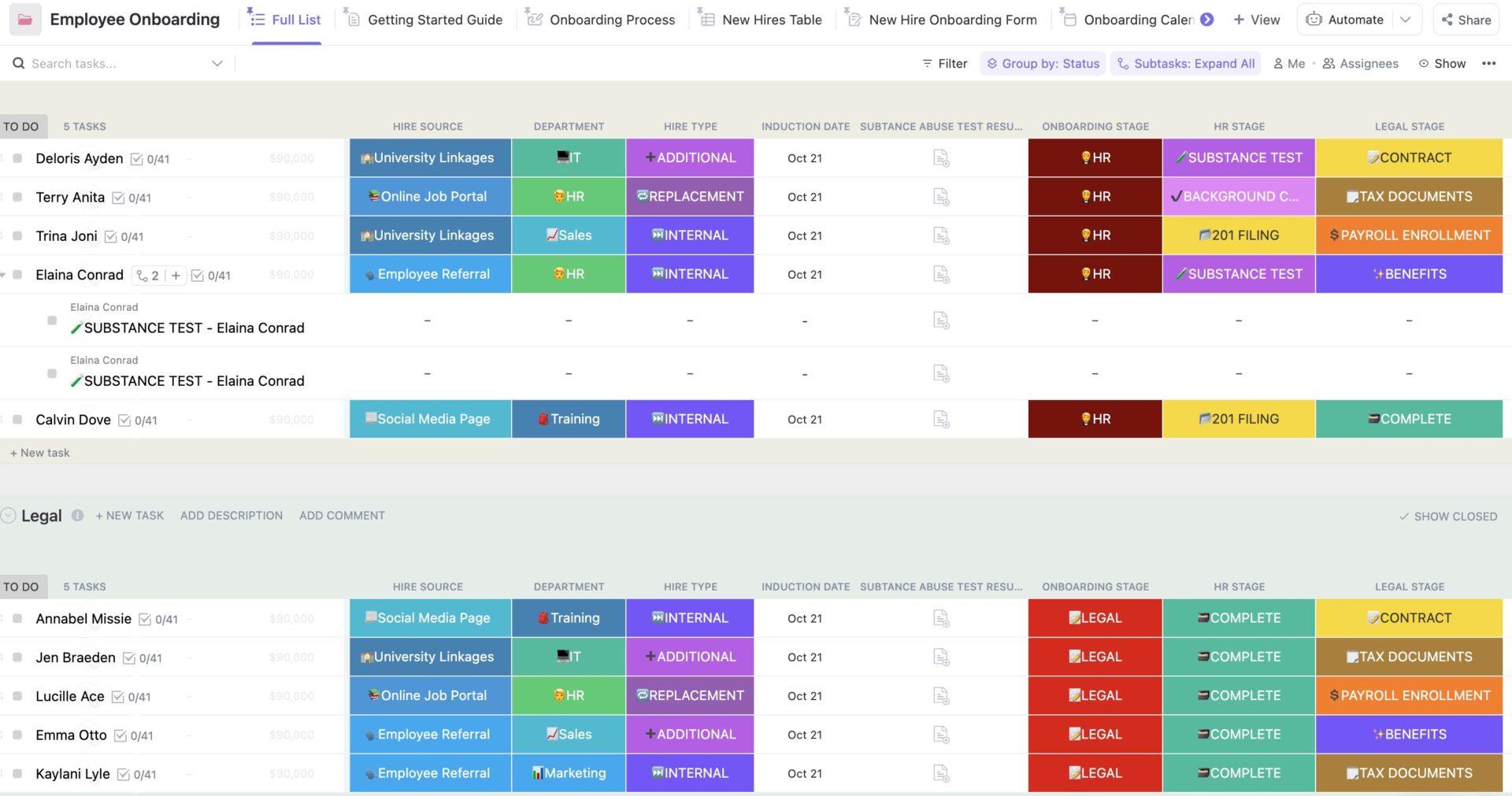
Juggling with hiring interns and tracking their journey? Try the ClickUp Employee Onboarding Template. It supports organized task lists across HR, legal, security, training, software, and hardware.
This onboarding template lets you structure every occasion, from sharing resources and managing documents to evaluation and final certification.
🔑 Ideal for: HR professionals, startup founders, and recruiters who want to structure intern onboarding experiences and document training milestones for certifications.
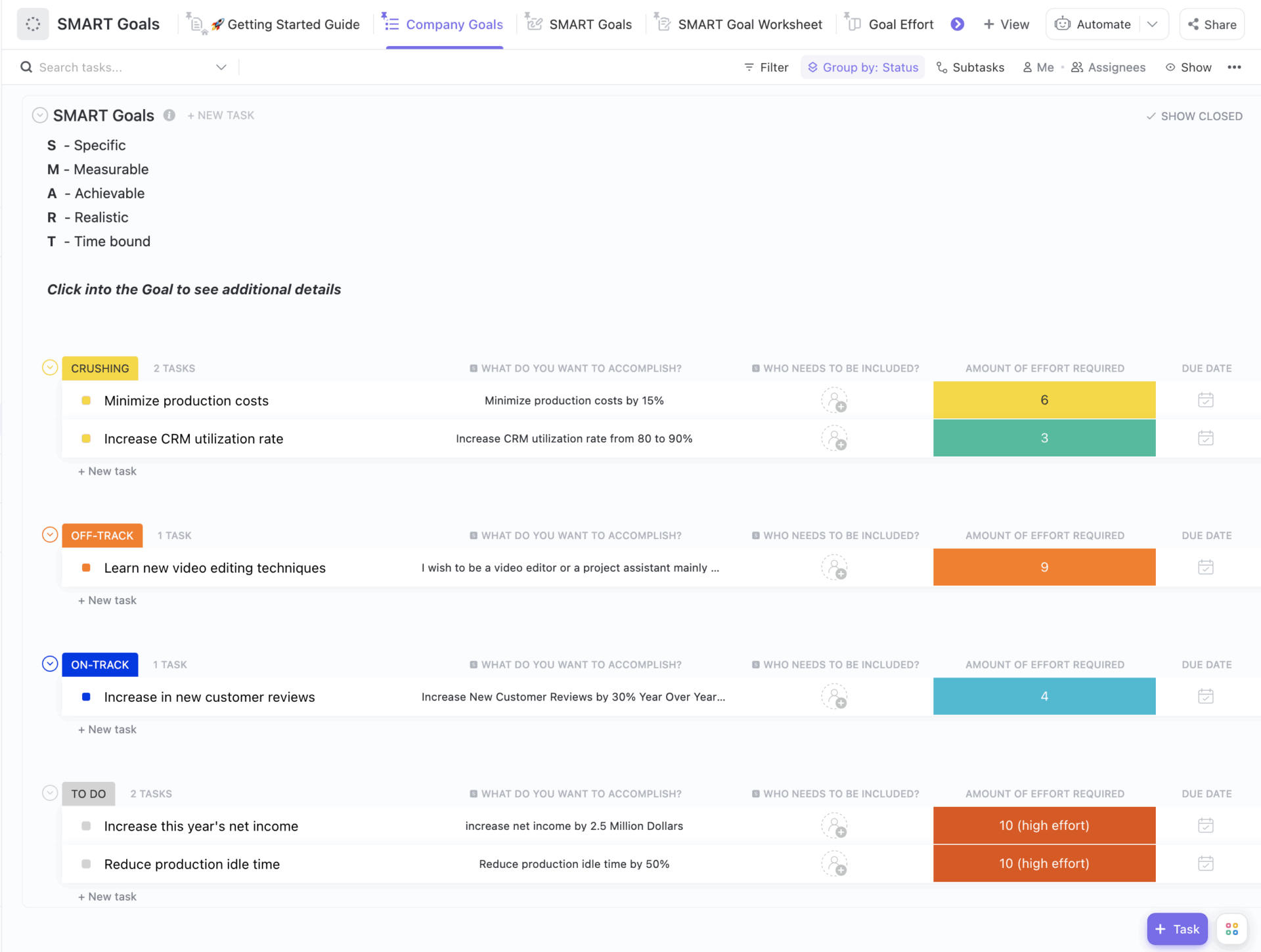
The ClickUp SMART Goals Template helps you stay organized and goal-focused throughout the internship program.
🔑 Ideal for: Startup founders, training centres, and recruiters looking for an organized structure to evaluate interns and ensure a seamless certification process.
📣 Customer voice: Here’s what Karthik Itharajula, lead annotations at carscan.AI, thinks about using ClickUp:
With the help of ClickUp we are monitoring daily progress of the tasks regarding productivity, and it is also capable to address all our status-related issues like moving from in progress to complete and then to in review, so that the top management can have an idea about the status.
➡️ Read More: How to Acquire the Most In-Demand Skills?
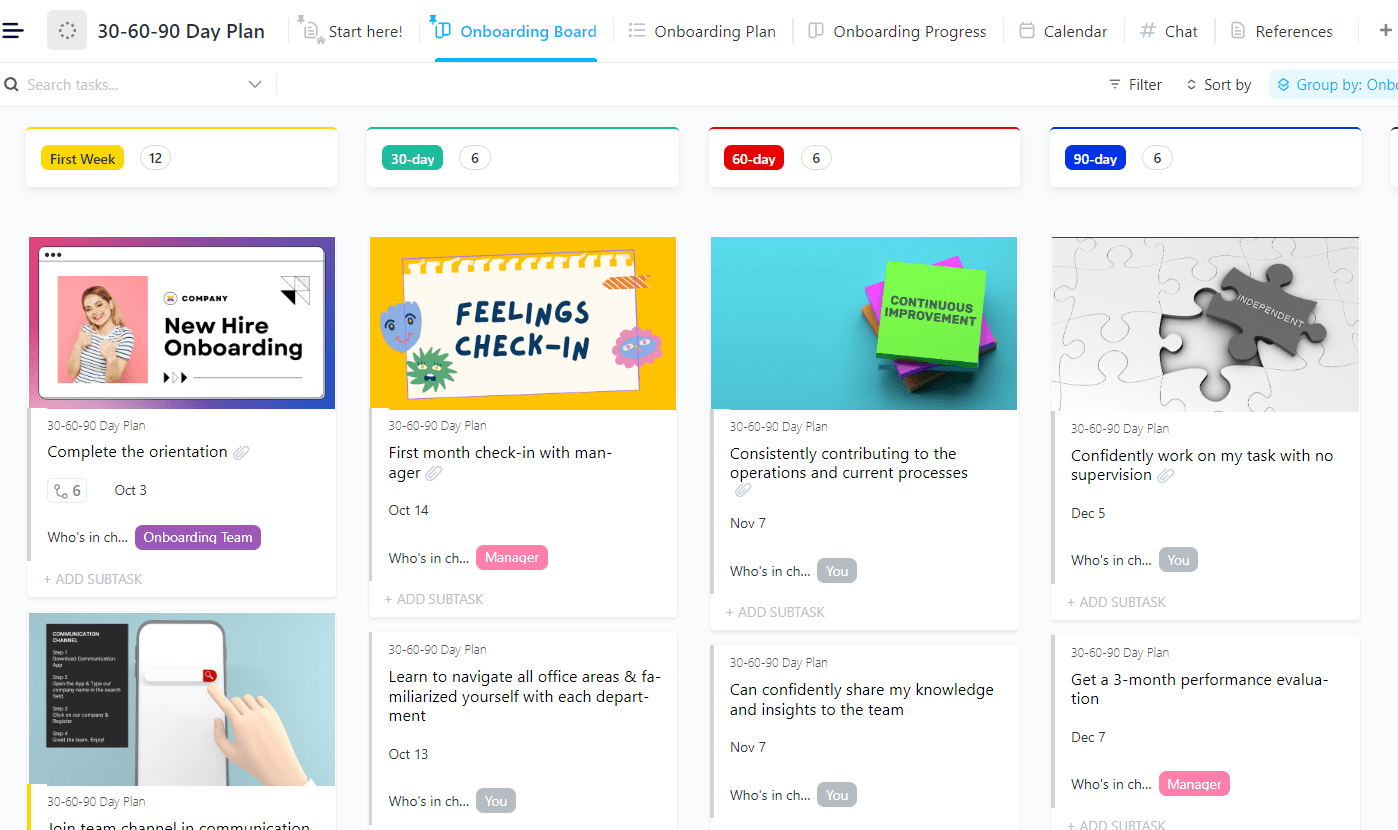
Looking for a template that ensures a smooth onboarding and certification journey for your interns? Try the ClickUp 30-60-90 Day Plan Template. It allows you to outline key tasks across the 30, 60, and 90-day stages of the internship. Plus, you can track who’s in charge, who’s assigned, task priority, and due dates—all in one place.
🔑 Ideal for: Recruiters seeking a tool to organize intern goals and documentation for a seamless certification process.
➡️ Read More: Career Development Plan Examples
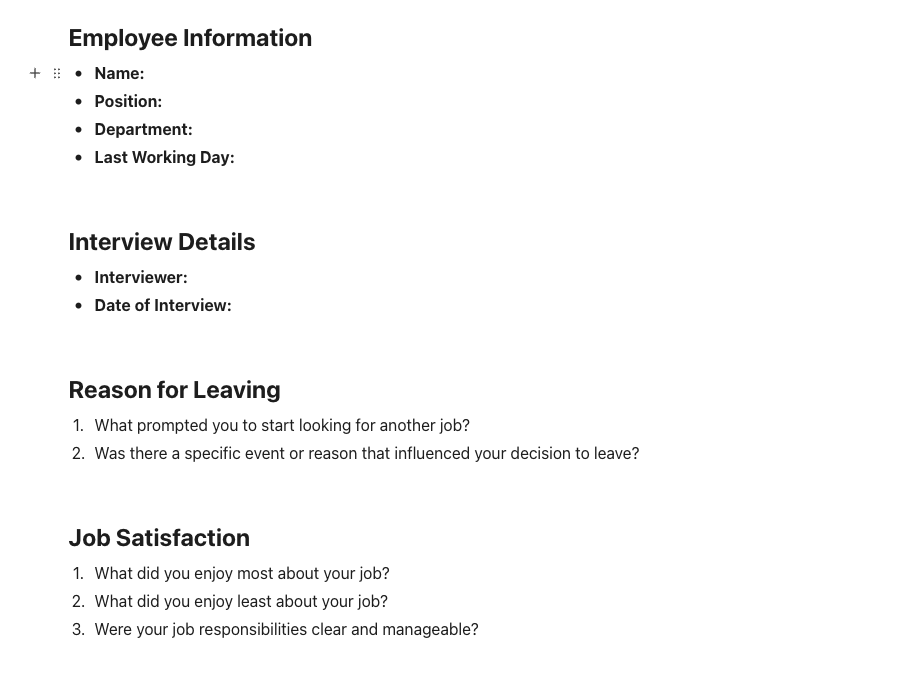
When it’s time for interns to exit, having everything organized ensures a smooth and hassle-free certificate issuance process. The ClickUp Exit Interview Template gives you a structured format to collect and store all necessary details.
This template helps you easily create clear and exit interview questions for a thorough assessment.
🔑 Ideal for: HR managers searching for a structured format to facilitate intern feedback and certification.
➡️ Read More: Career Map Templates to Create a Clear Career Roadmap
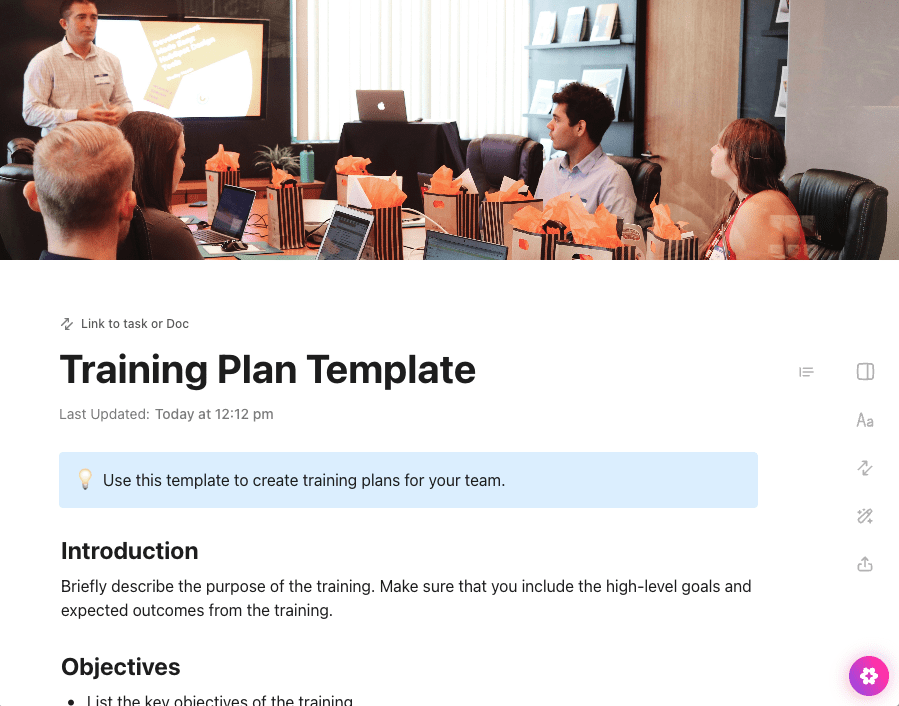
The ClickUp Training Plan Template helps you design a clear, goal-driven learning experience. It enables you to outline intern learning objectives, milestones, and training modules—all mapped to certification outcomes.
Besides, this template ensures your training process is complete, measurable, and aligned with final certification benchmarks.
🔑 Ideal for: HR professionals and training institutions who want a structured format to map intern goals and success for issuing the certificate.
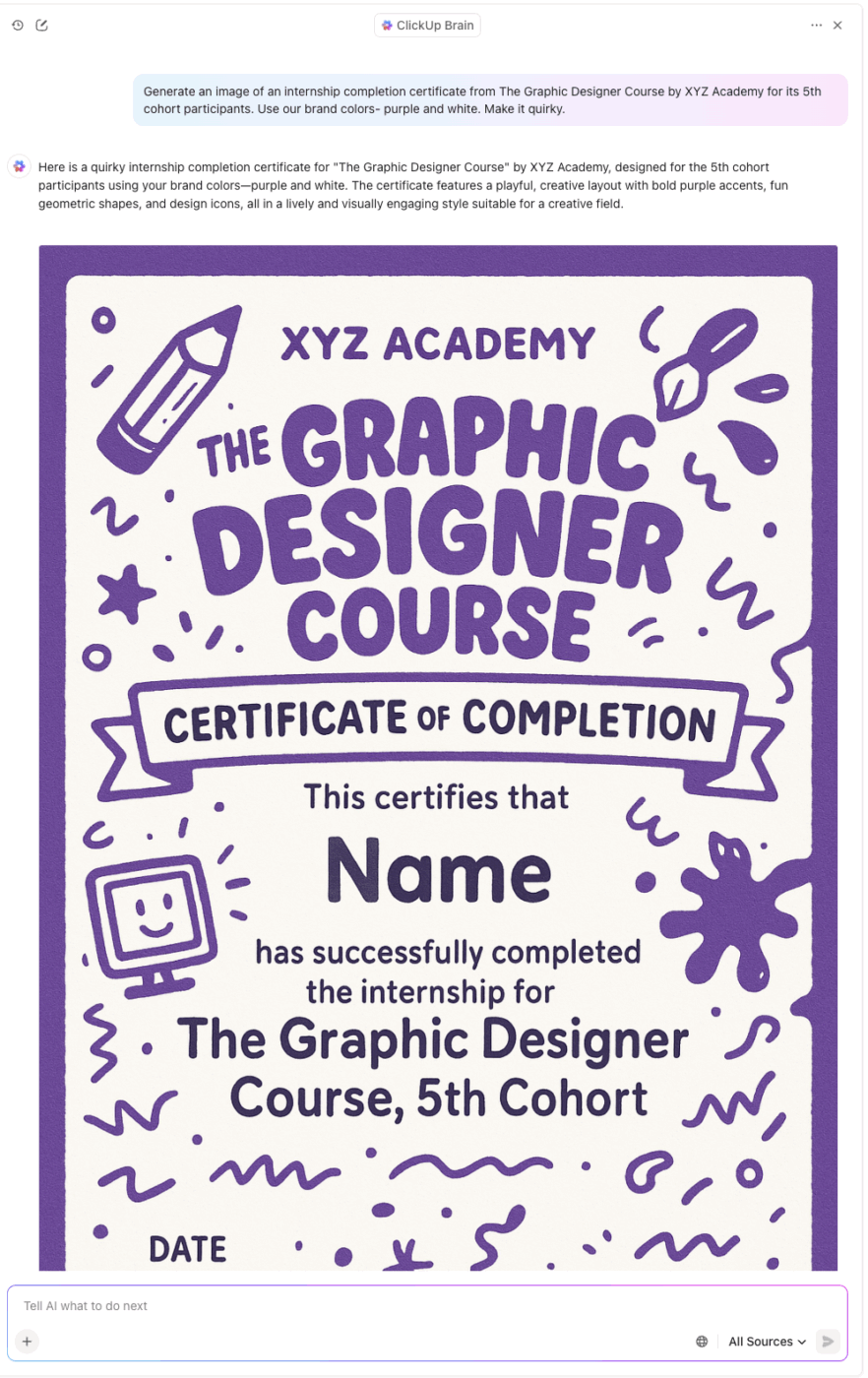
💡 Pro Tip: AI-powered tools like ClickUp Brain are a great way to create customized intern certificates.
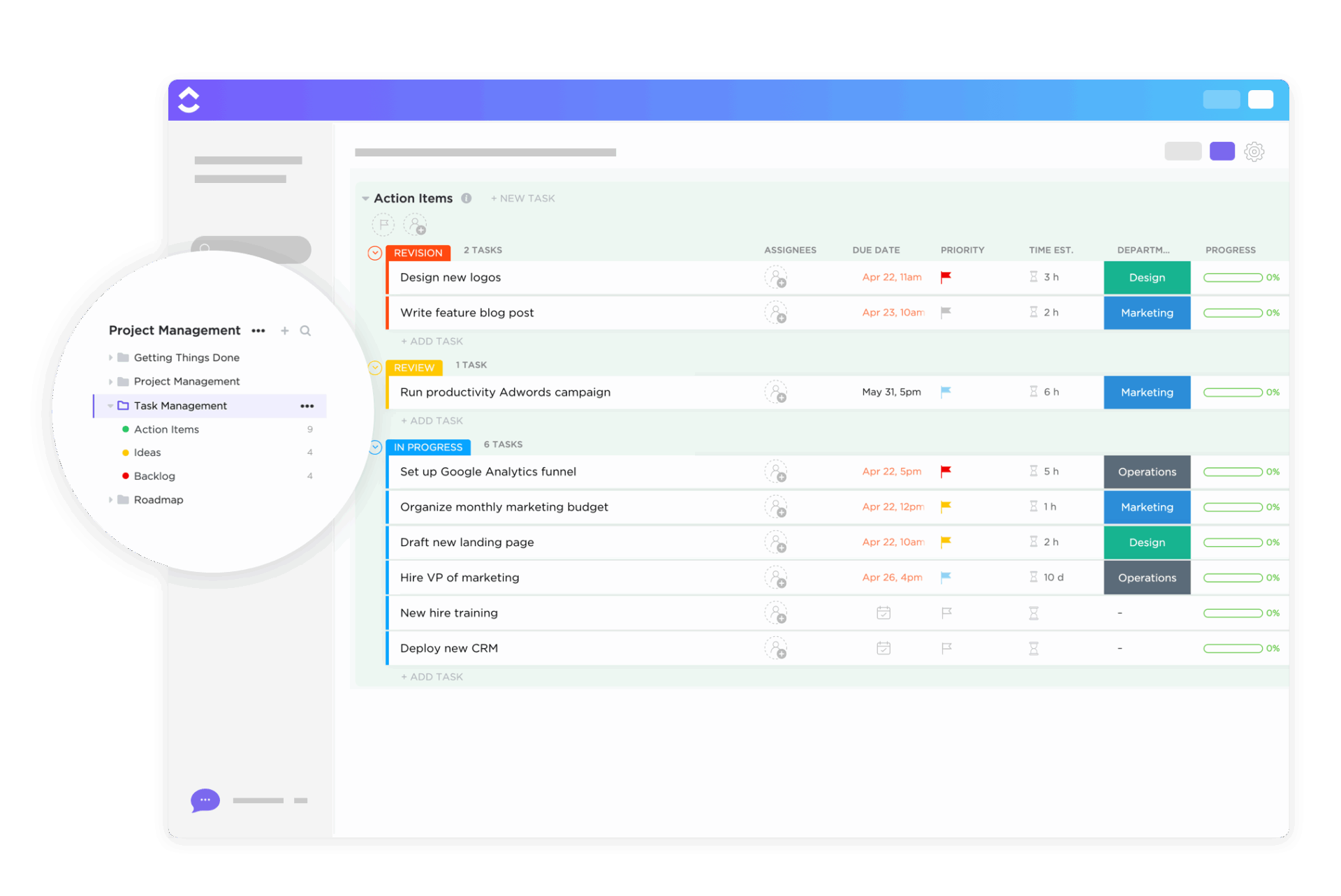
Interns often juggle multiple tasks. The ClickUp Task Management Template makes it easy for both interns and teams to stay on track. With pre-built custom views, the template helps track assignees, due dates, and estimated time.
🔑 Ideal for: HR managers and training institutes looking to document intern tasks and completion rates for issuing certification.
➡️ Read More: How to Write an Entry-Level Resume?
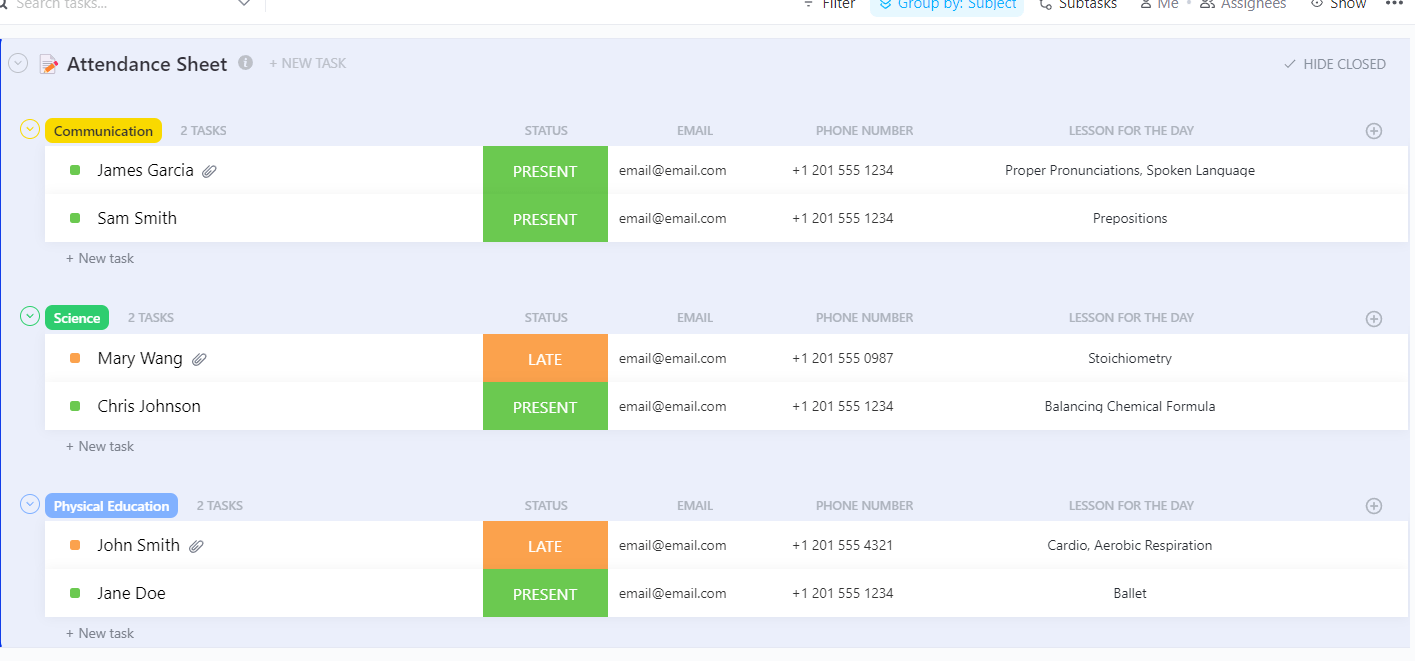
The ClickUp Attendance Sheet Template offers a structured format for logging and reviewing attendance records easily. Its custom attendance form helps you track whether an intern was present, late, or on leave, keeping data clear and ready for certification review.
🔑 Ideal for: Small teams and training centers that want to track interns’ working hours to determine certificate eligibility.
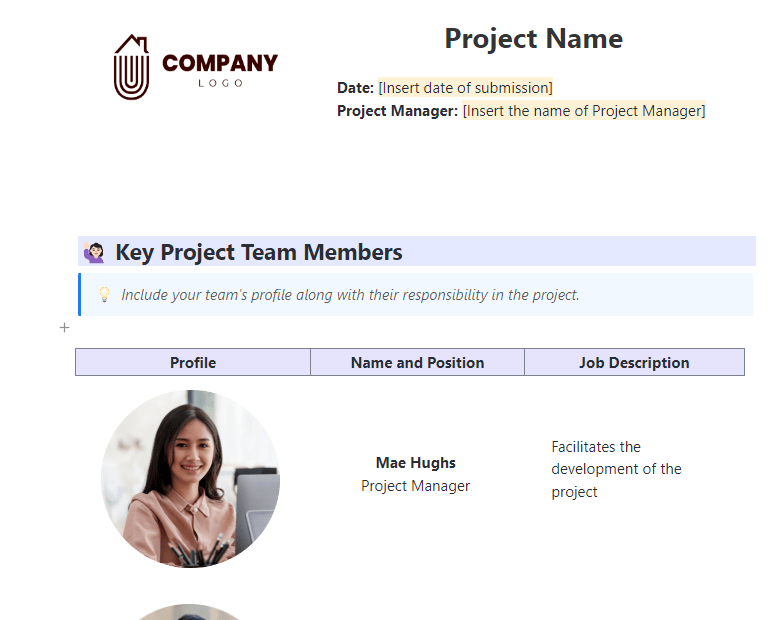
The ClickUp Project Documentation Template serves as both a performance tracker and certification proof, making project documentation seamless and reliable.
It helps you convert intern goals into measurable milestones. How? With dedicated sections for project goals, background, and summary, you can clearly document the intern’s role. Plus, project review helps you evaluate their performance and learning outcomes.
🔑 Ideal for: HR professionals and training institutes who want to track intern contributions to projects and validate certification.
📮 ClickUp Insight: 16% of managers struggle with integrating updates from multiple tools into a cohesive view. When updates are scattered, you spend more time piecing together information and less time leading.
The result? Unnecessary administrative burdens, missed insights, and misalignment. With ClickUp’s all-in-one workspace, managers can centralize tasks, documents, and updates, reducing busywork and surfacing the insights that matter most, right when they’re needed.
💫 Real Results: Convene unified 200 professionals into one ClickUp workspace, using customizable templates and time tracking to reduce overhead and improve delivery times across multiple locations.
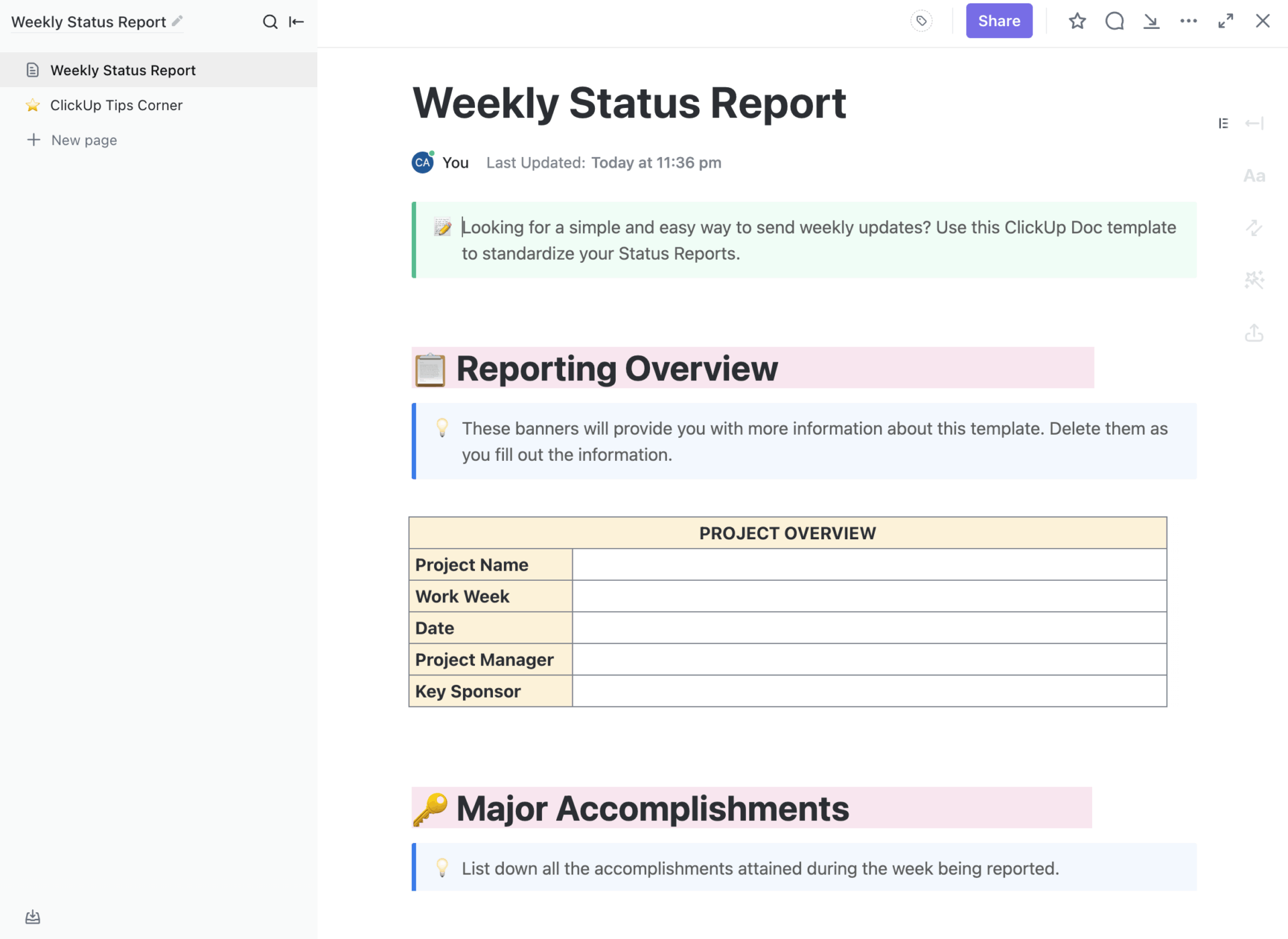
Manage intern performance and engagement records seamlessly with the ClickUp Weekly Status Report Template. It offers a clear overview of the intern’s current projects, making it easy to document contributions and track growth over time.
It also facilitates evaluations and supports a seamless certification process.
🔑 Ideal for: Startup founders, recruiters, and educational institutions looking to track the weekly performance of the interns for efficient evaluation at the time of certification.
➡️ Read More: How to Find a Career Mentor for Professional Growth?
Designed for 360-degree evaluations, the ClickUp Performance Review Template lets you gather feedback from colleagues, track measurable achievements, and assess eligibility for certification—all in one place.
Whether it’s sales numbers, customer satisfaction scores, or task completion rates, this performance review template helps you document all of it.
🔑 Ideal for: Small businesses and training institutes who need a comprehensive tool to assess intern performance.
🔍 Did You Know? On average, 53% of eligible interns were converted into full-time, entry-level hires.
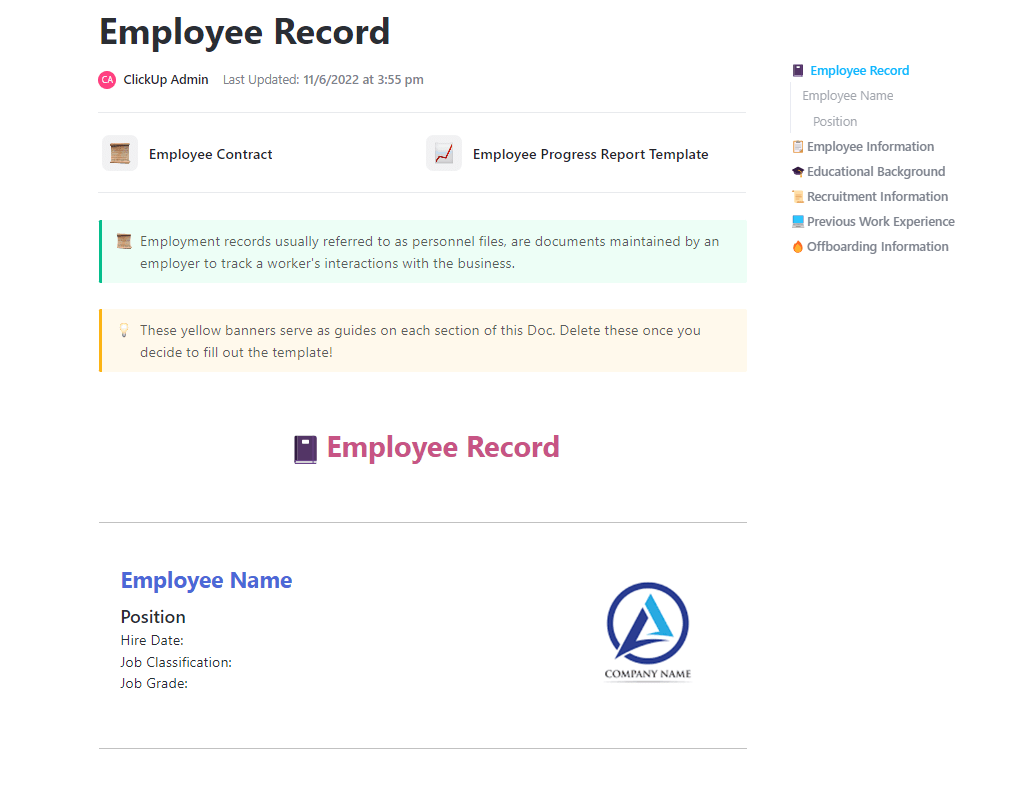
Organizing intern tasks and evaluations is no longer a hassle with the ClickUp Employee Record Template. It is your all-in-one solution for tracking, managing, and documenting every step of the intern’s journey.
This template offers a structured framework for storing tasks, evaluations, and exit details. Subpages let you add essential documents like employee contracts, progress reports, and more, making intern management seamless from start to finish.
🔑 Ideal for: HR managers, small teams, and training institutions looking to keep intern data organized.
Internship certificate templates make it easy to include all the essential details of an intern’s journey in a structured format.
ClickUp, the everything app for work, helps you streamline this entire process. From recording documents and tracking performance to issuing certificates that reflect intern contributions, ClickUp has you covered.
With customizable templates and powerful tracking features, managing intern records is seamless.
So, don’t let scattered data lead to certification errors. Sign up with ClickUp today to simplify your internship documentation process.

© 2026 ClickUp

There’s an easier way. Try a free AI Agent in ClickUp that actually does the work for you—set up in minutes, save hours every week.