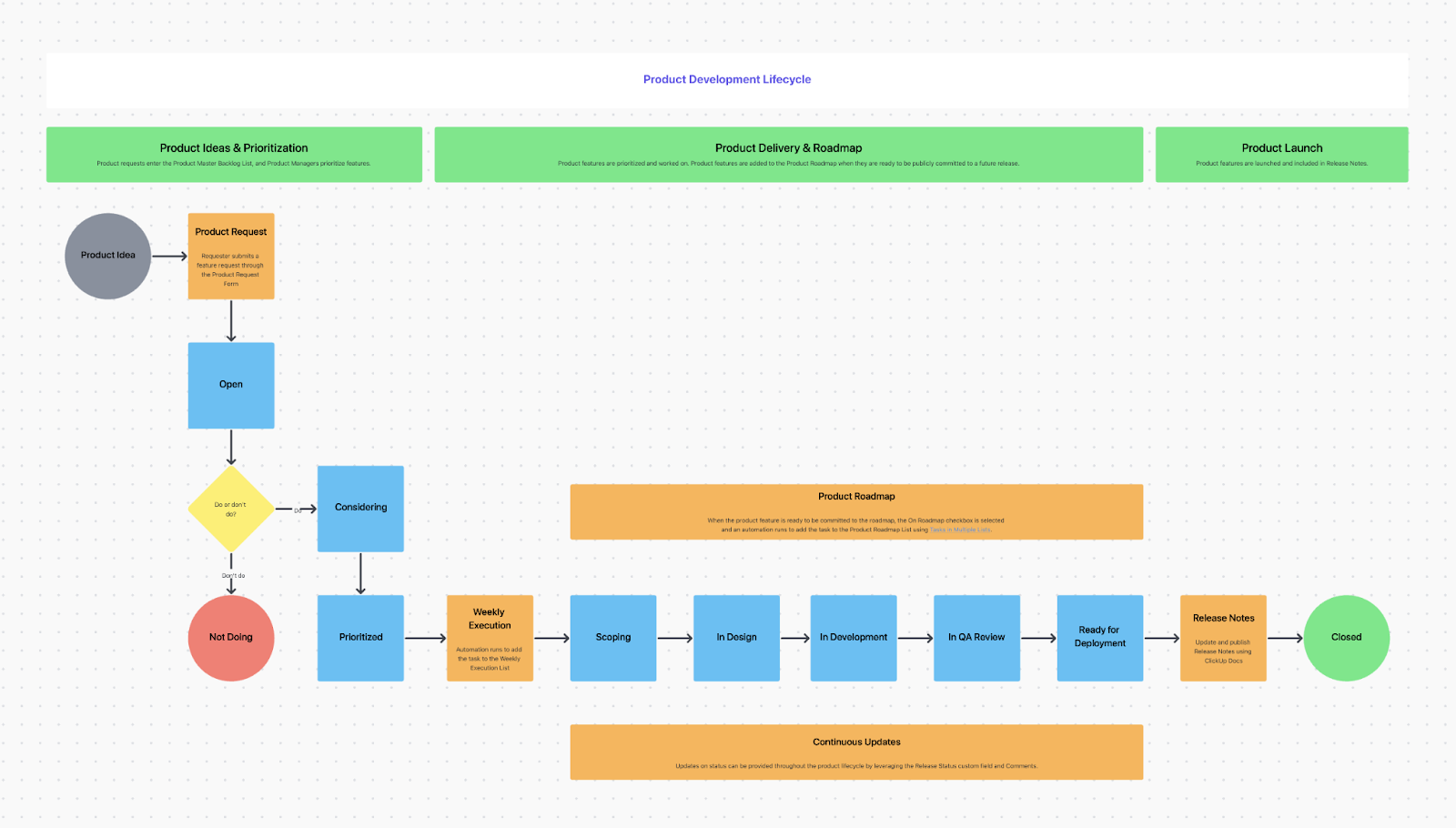

Sorry, there were no results found for “”
Sorry, there were no results found for “”
Sorry, there were no results found for “”
Your team juggles a million things—projects, deadlines, and the occasional “Who took my lunch from the fridge?” mystery. But have you ever stopped to question: Are our internal tools actually helping us work smarter?
Maybe you already have a communication app, a dashboard tracking team performance, or a data-sharing platform. Great! But are they running like a well-oiled machine or just…getting by, or worse, existing in silos?
That’s where ‘internal product management’ comes in. According to a Forrester TEI study for Diligent, internal product management doesn’t just make work easier; it can cut operational costs by 20%.
So, how do you make the most of these tools? Let’s examine how internal products can truly level up your workflow.
Internal product management refers to developing, maintaining, and optimizing digital products used exclusively within an organization. These products are designed to support employees, streamline workflows, and boost overall productivity.
Think of tools like HR management software, intranet portals, CRM systems, and analytics dashboards—essentially, anything that keeps a company running smoothly behind the scenes.
So, how is this different from external product management?
While external products are built to attract external customers and drive revenue, internal products focus on enhancing operational efficiency and aligning with company goals.
💡Pro Tip: Apply the same level of care and attention to internal tools for customer-facing products. Engage with users, iterate based on feedback, and prioritize user experience to ensure the tool effectively meets employee needs.
As organizations grow and evolve, so do the complexities of their product operations. Without well-managed internal business users and operations, teams often face inefficiencies and frustration.
Here’s why internal product management is an important aspect of the smooth functioning of various business operations:
Internal tools that are intuitive, reliable, and tailored to specific needs significantly reduce time spent on manual tasks and troubleshooting. For example, a well-designed employee portal can save hours by centralizing information and processes.
Just as customer relationship management is vital for external products, employee experience is critical for internal tools. Satisfied employees with access to practical tools are likelier to be engaged and productive.
Internal product management ensures digital tools align with the organization’s goals. By focusing on the needs of specific departments or teams, these tools can directly contribute to achieving business objectives.
Internal products allow teams to focus more on innovation and creativity instead of being bogged down by inefficient systems, enabling a culture of continuous improvement in the long term.
Properly managed internal products reduce redundancies and prevent the costs associated with poorly implemented tools or outdated systems. They also mitigate risks by ensuring compliance with data protocols and security standards.
Quick Tip: When you create digital solutions for internal teams, make sure to understand their needs and requirements. Your internal product management approach needs to be re-aligned and changed for the end user, and doing a copy-paste might not be helpful.
Internal product management is all about building a structured approach to development that ensures these tools meet organizational needs internally.
Here’s a brief overview of the differences between external-facing and internal-facing digital product management:
| Feature | External-facing | Internal-facing |
| Target audience | Customers, clients, or other external users | Employees within the organization |
| Primary focus | User experience, customer satisfaction, and market demand | Efficiency, productivity, and internal processes |
| Success metrics | Revenue, customer acquisition, market share, and customer lifetime value | Cost savings, time savings, employee satisfaction, and process improvements |
| Stakeholders | Customers, investors, and the general public | Internal departments, executives, and IT teams |
| Communication channels | Marketing, sales, and customer support | Internal communication tools, presentations, and meetings |
| Data sources | Market research, user feedback, and competitor analysis | Internal data, employee surveys, and process documentation |
| Product examples | Consumer apps, e-commerce platforms, and SaaS products | CRM systems, project management tools, and internal dashboards |
Organizations can better align their internal tools with their goals by understanding the distinctions between internal and external product management and the unique role of internal product managers.
If internal products were cars, internal product managers would be the mechanics keeping the engine running smoothly while planning the next upgrade. They oversee development and actively shape every stage of the product lifecycle.
Here are the key responsibilities of an internal product manager:
We often hear about achieving ‘product market fit’ for customer-facing tools. But what does this mean for internal products?
Essentially, it’s about ensuring your internal product perfectly addresses the needs of its intended users, who are your employees.
To analyze this, you can follow these steps:
Step #1: Understanding the pain points: The first step is identifying employees’ specific product management challenges. Are they wasting time on repetitive tasks? Struggling to access data? A well-fit internal product directly addresses these issues.
Step #2: Iterative improvements: Unlike external products, which might receive infrequent updates, internal products thrive on regular tweaks. Constant feedback from users ensures that the product evolves with the organization’s needs
Step #3: Measuring success: Metrics like time saved, user satisfaction scores, and adoption rates act as fit indicators. You’re on the right track if employees rave about how the tool simplifies their work
🧠 Fun Fact: An explicitly defined ‘internal product manager’ role is uncommon. These responsibilities are typically handled by professionals with titles like product owner or product manager for internal tools.
Let’s explore the benefits of internal product management and how it can enhance efficiency, reduce operational bottlenecks, and foster innovation within your organization. By implementing the right strategies, you can create seamless workflows that empower teams and drive long-term success.
A well-managed internal product is more than a tool—it’s a strategic partner. By aligning product goals with departmental needs, internal product managers ensure every feature drives meaningful outcomes. Collaborating with teams like HR, IT, finance, and operations, they develop productivity tools.
For example, an HR department might need an onboarding platform to simplify hiring. A product manager’s day would then include dealing with tools to reduce administrative tasks for HR staff while improving the experience for new hires.
Internal products aren’t measured in dollars earned but in time saved, efficiency gained, and morale boosted. When employees have tools that minimize frustration, their productivity improves.
Imagine a finance team spending hours reconciling spreadsheets—an effective internal tool can automate this process, freeing them for strategic work. The result? Happier teams and stronger business outcomes.
Instead of tackling everything at once, product managers prioritize the features and updates that deliver the most value. This prioritization also enables versatility.
Internal tools are often used across multiple teams—think of a communication platform used by marketing, sales, and IT. By managing these tools effectively, internal product managers create solutions that work for everyone.
👀 Did You Know? 75% of product managers (working on both internal and external software products) say their companies lack established product management best practices or a formal product management function. These product management trends highlight the growing need for operational efficiency in the field.
While internal product management offers many benefits, implementation comes with its own challenges.
Let’s look at some common obstacles organizations face and why addressing them is essential for success.
Getting your team to embrace internal product management involves shifting mindsets and building a compelling case for its value. This process involves moving from a project-based approach to a product-focused mindset and taking strategic steps to gain buy-in across the organization.
Most organizations start by treating internal tools as one-off projects. Once developed, these tools are often neglected until they cause problems. Shifting to a product management approach changes the narrative.
It treats internal tools as evolving assets that require practical product management skills, regular updates, user feedback, and ongoing care.
Making this shift keeps tools relevant, effective, and aligned with organizational goals while fostering accountability and continuous improvement.
Here are a few actionable steps that can help you transition effectively to internal product management:
Not every internal tool needs the full product management treatment. Start by identifying high-impact tools—those that multiple teams rely on, or that address critical pain points. Focusing on these ensures your efforts deliver maximum value.
Executives often prioritize initiatives that directly impact revenue or customer satisfaction. To sell the importance of internal product management, frame it in terms of ROI—whether it’s time saved, reduced errors, or improved productivity. Use data to back up your case, such as how much time employees spend on manual tasks that could be automated or simplified.
Once you have buy-in from leadership, secure a sponsor to champion internal product management. This sponsor should be someone influential who can advocate for resources, ensure cross-departmental support, and help navigate organizational hurdles.
Internal product development involves more than just product managers.
Here are additional key roles that ensure smooth execution:
Internal product management often adopts methodologies to enhance flexibility and responsiveness through Agile product management.
Different types of Agile teams contribute to various aspects of product development:
The ideal methodology or framework depends on the unique needs of both the organization and the product, ensuring alignment with goals, workflows, and scalability.
Scrum, Kanban, and Extreme Programming (XP) offer unique approaches to agile development.
Lean Software Development (LSD), Large-Scaled Scrum (LeSS), and Disciplined Agile Delivery (DAD) offer unique approaches to software development.
Choosing the right tools and platforms is essential for the success of internal product management.
From managing tasks to gathering user feedback, the right product management tools can simplify workflows, enhance collaboration, and ensure products meet organizational needs.
Project management tools are the backbone of organizing and prioritizing internal product roadmaps and task allocation. Platforms like Jira and Trello streamline internal product management and task allocation with specialized features.
Jira excels in Agile and Scrum methodologies, making it ideal for development teams handling complex, iterative projects. Meanwhile, Trello offers an intuitive Kanban-style system, perfect for smaller teams or straightforward projects, simplifying task management with a visual, user-friendly approach.
However, if you’re looking for an all-in-one solution to simplify internal product management, your search ends at ClickUp. As the everything app for work, ClickUp offers robust task management, seamless project tracking, and powerful collaboration tools to boost productivity and keep your team in sync.
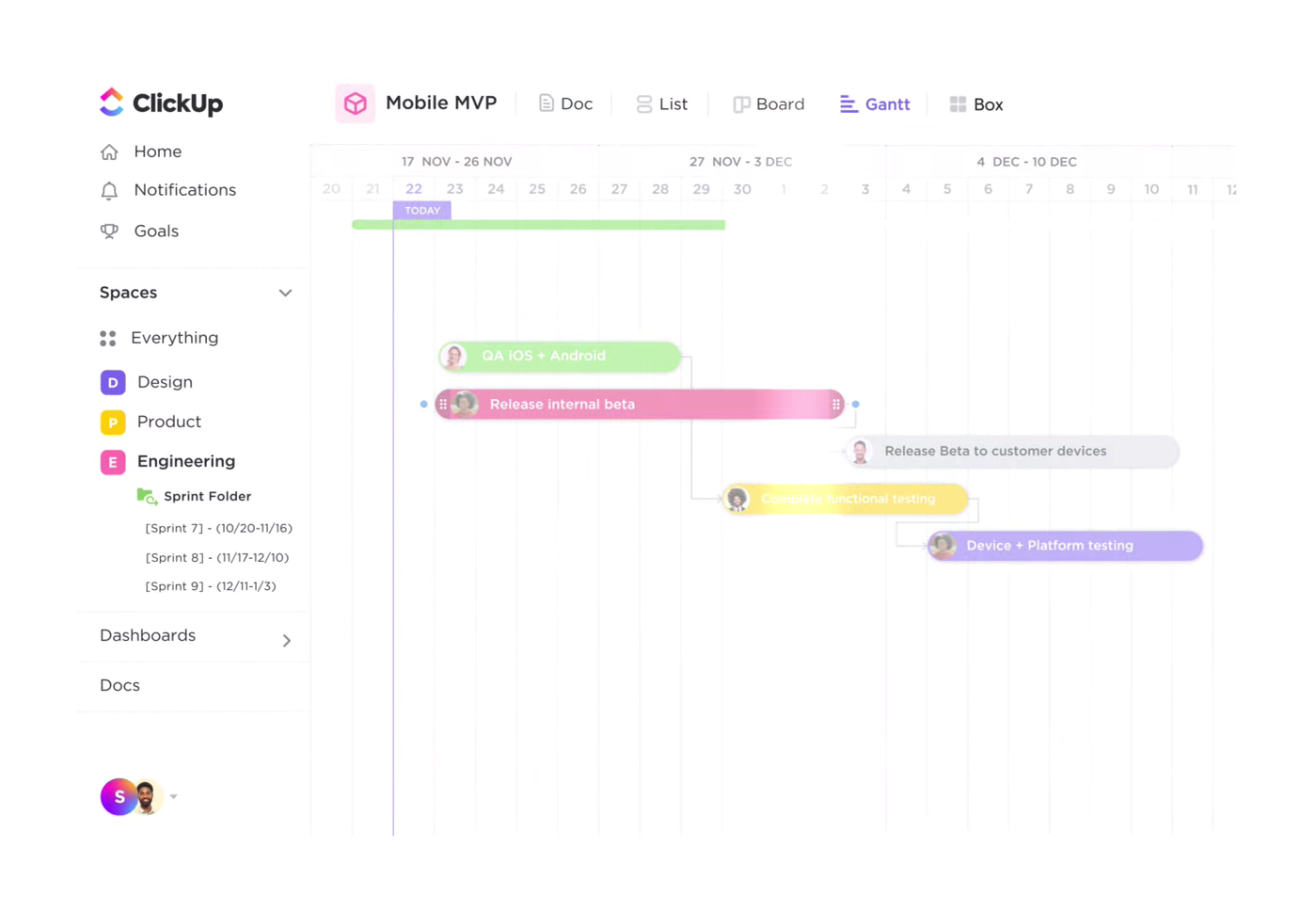
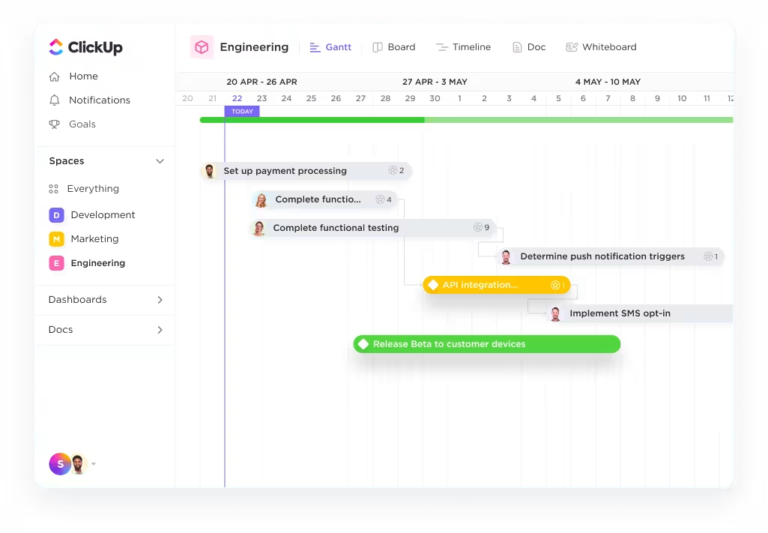
ClickUp Product Management Software provides various features for managing roadmaps, timelines, and sprints, ensuring teams stay aligned and productive.
It allows you to:
Strong communication is the glue that keeps internal product teams aligned, especially when working across departments.
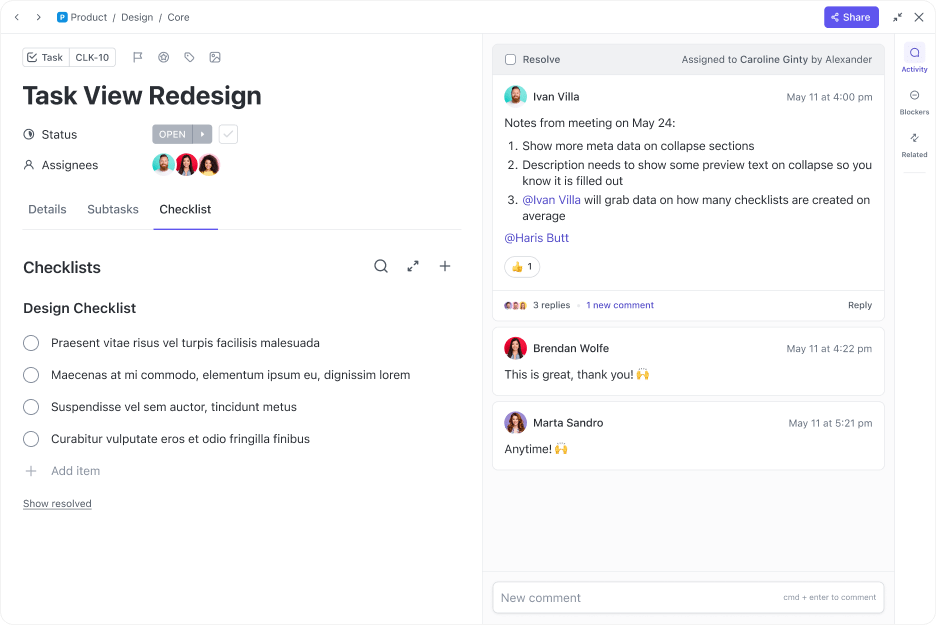
ClickUp Tasks, for example, allows you to create, assign, and track product tasks in real time. Set priorities, deadlines, and dependencies, ensuring everyone in your team is aligned on project goals.
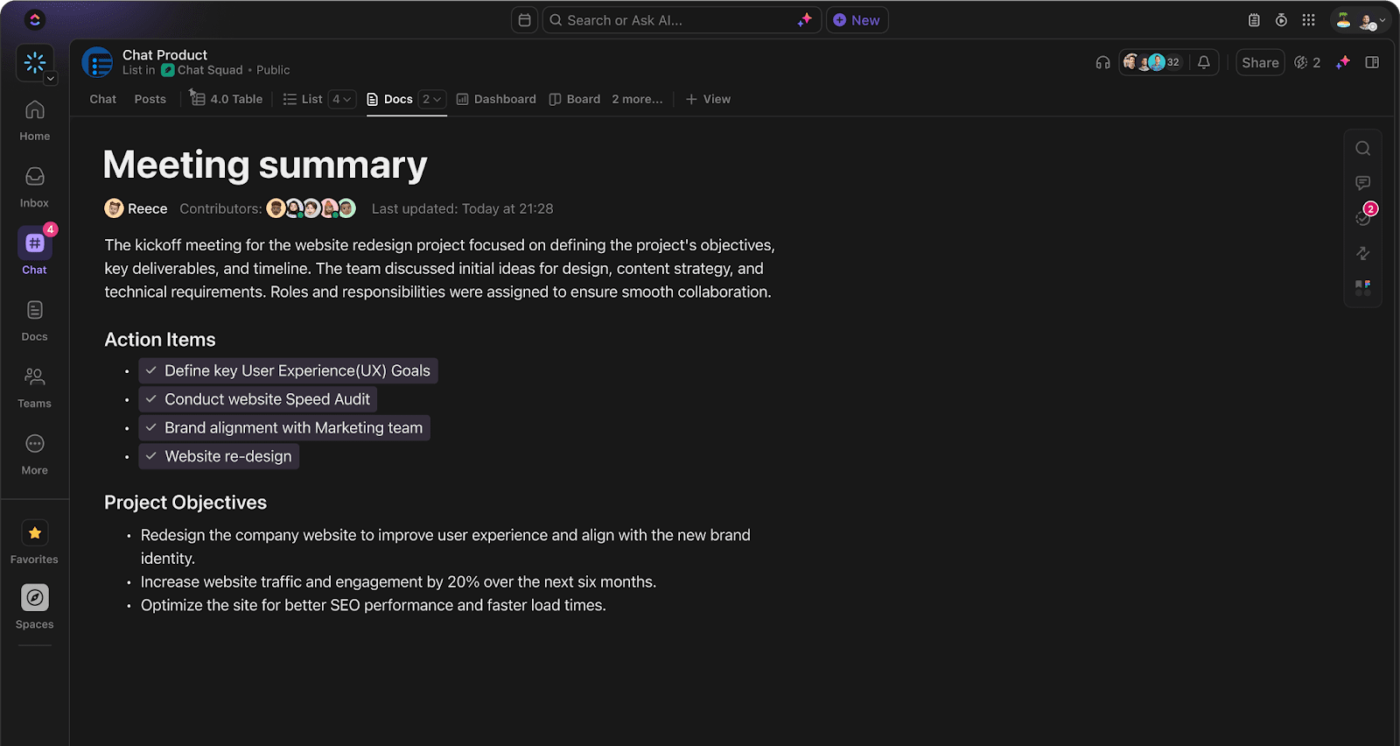
ClickUp Chat, on the other hand, offers various functionalities that enable effective communication among team members. This is done without requiring the team members to switch between different applications, keeping discussions organized and contextually relevant.
You can link tasks and messages together, convert comments into actionable tasks, and ensure no critical information is missed.
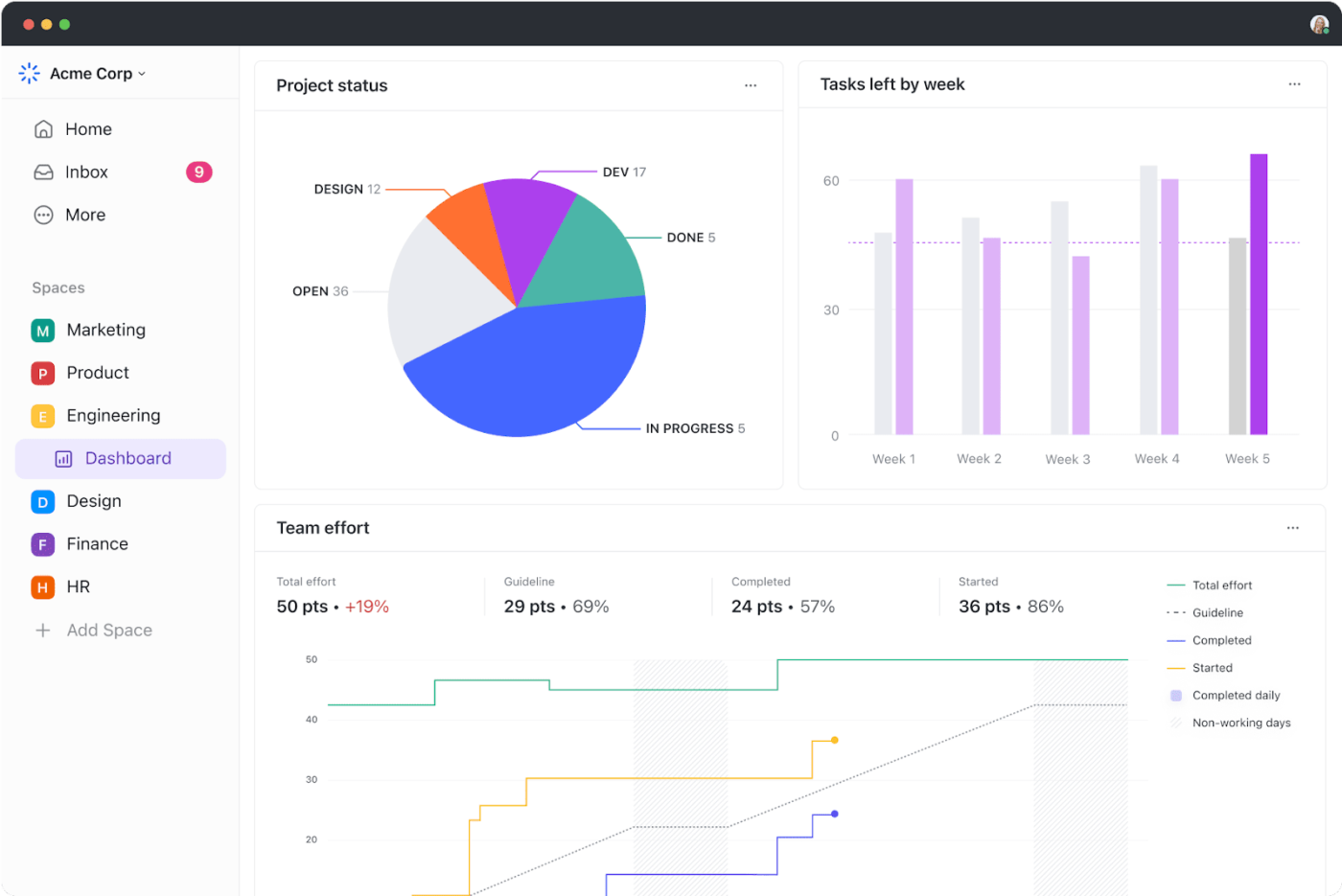
Additionally, ClickUp’s Dashboard allows you to create a visual representation of your projects, tasks, and overall productivity. It is a centralized place to monitor progress and performance across key metrics.
📮ClickUp Insight: Knowledge workers send an average of 25 messages daily, searching for information and context. This indicates a fair amount of time wasted scrolling, searching, and deciphering fragmented conversations across emails and chats. 😱
If only you had a smart platform that connects tasks, projects, chat, and emails (plus AI!) in one place. And now you do: ClickUp!
Understanding the needs of internal users is an essential aspect of internal product management.

Use ClickUp Forms to collect structured feedback from users.
It allows you to create customized forms with conditional logic, allowing for complex, adaptive data-gathering processes. Forms can dynamically change based on previous responses, ensuring more precise and relevant information collection.
The platform also offers a ClickUp Google Forms Integration option for feedback collection.
Proper documentation and knowledge-sharing are crucial for internal product success. Teams need a centralized hub for information that’s accessible and easy to update.
ClickUp Docs enables product managers to create, format, and share documents with advanced features like AI text generation, checklists, and customizable formatting. Teams can easily generate documentation, track changes, and maintain a centralized knowledge base for internal processes and product information.
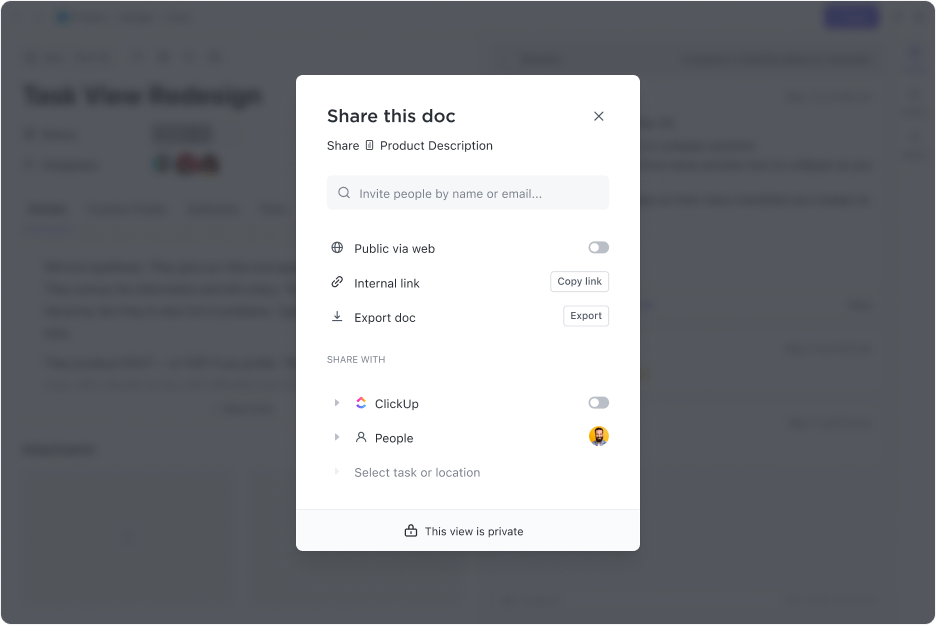
A standout feature is the ability to create relationships and references between documents, tasks, and other ClickUp elements. This functionality ensures that documentation is not isolated but dynamically linked to relevant work items, creating a comprehensive information ecosystem.
We realized we were lacking an effective way to track tasks and had no clear view of what the product team was doing, so we started looking for a new platform. Then we found ClickUp. The platform was the perfect combination–not too technical and confusing, and not too basic. It gave us the flexibility to create, move, and organize teams and projects in their own way.
When selecting tools for internal product management, consider the following:
Also Read: Product Strategy Templates for Product Teams
A roadmap is a strategic tool that provides a clear vision of where your internal product is headed. It helps teams prioritize, plan, and execute effectively.
Depending on your organizational needs, different types of roadmaps may be suitable as per your specific requirements. For instance:
The ClickUp Product Roadmap Template lets you plan, track, and manage your product development initiatives effectively. It visually represents the entire product lifecycle, enabling you to seamlessly break down tasks, allocate resources, prioritize efforts, and monitor progress.
Moreover, internal products thrive with experiment-based roadmaps that enable teams to test features, collect feedback, and iterate rapidly. This approach fosters flexibility and continuous improvement, allowing the product to evolve in sync with changing user needs. By leveraging tools like ClickUp and focusing on clear, structured roadmaps, internal product managers can drive clarity, collaboration, and long-term success in their initiatives.
Also Read: Free Product Management Templates
To enhance developmental success, here are some best practices you can follow in internal product management:
Success isn’t just about having great ideas—it’s about understanding user needs, prioritizing effectively, and fostering a culture of adaptability and continuous improvement.
With powerful tools like ClickUp, you can streamline every stage of product development—from crafting roadmaps to managing tasks and gathering user feedback.
ClickUp’s robust features—Docs, Dashboards, Forms, Chat, and Templates—make it an essential resource for improving internal workflows and driving real impact.
Discover how ClickUp’s features can help you build impactful internal products that drive actual results. Sign up for ClickUp today!

Sudarshan Somanathan
Max 29min read

Praburam Srinivasan
Max 22min read

Manasi Nair
Max 21min read

© 2026 ClickUp