







Still downloading templates?
There’s an easier way. Try a free AI Agent in ClickUp that actually does the work for you—set up in minutes, save hours every week.
Sorry, there were no results found for “”
Sorry, there were no results found for “”
Sorry, there were no results found for “”
Have you ever left a conference feeling inspired, only to forget half of the key takeaways by the time you’re back at your desk?
With keynote speakers, breakout sessions, networking, and a whirlwind of activities happening all at once, keeping track of important lessons can feel like herding cats. Don’t worry—conference notes templates are here to help! They’ll keep you organized, ensuring you capture every valuable insight without the chaos.
This blog will showcase the best conference notes templates, helping you approach your next event with confidence and clarity.
Conference note templates are pre-designed layouts that help you collect and organize critical thoughts from events and meetings.
Rather than writing down scattered thoughts on random notepads (or worse, forgetting everything), these templates provide a dependable structure for recording speakers, themes, key takeaways, and follow-up actions—all in one spot.
An effective conference notes template helps you stay focused, document information in real time, and translate ideas into actionable tasks instead of scrounging for scraps of information. A structured note-taking approach helps you never lose a fantastic idea to the noise.
Using a conference notes template can help you:
📮 ClickUp Insight: 92% of workers use inconsistent methods to track action items, which results in missed decisions and delayed execution. Whether you’re sending follow-up notes or using spreadsheets, the process is often scattered and inefficient.
ClickUp’s Task Management Solution ensures seamless conversion of conversations into tasks—so your team can act fast and stay aligned.
➡️ Read More: Best AI Note-Taking Apps & Tools
Finding a suitable conference notes template can make all the difference in gathering crucial ideas and converting them into actionable takeaways.
Here are a few templates from ClickUp, the everything app for work, to make your conference experience even more impactful.
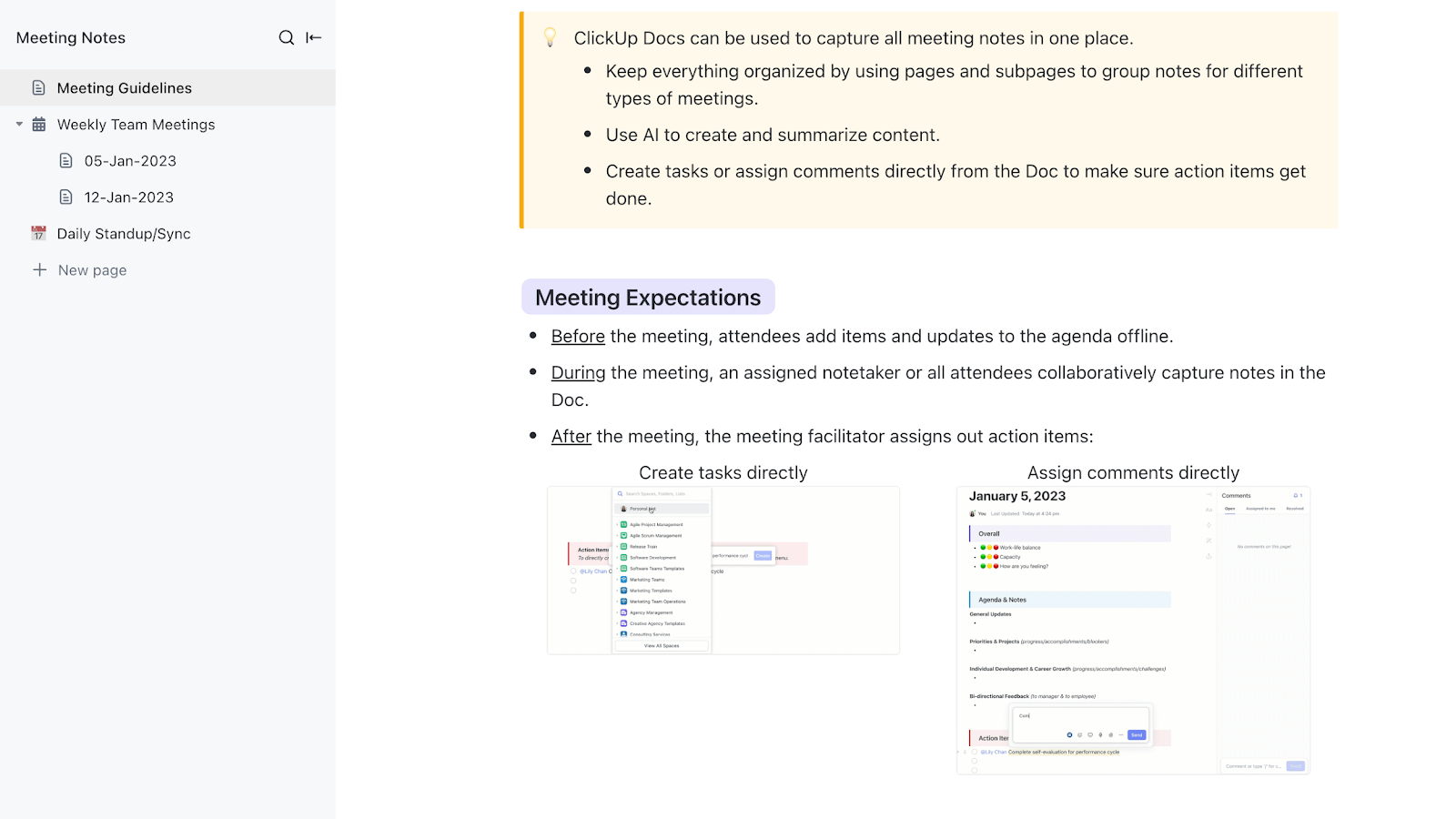
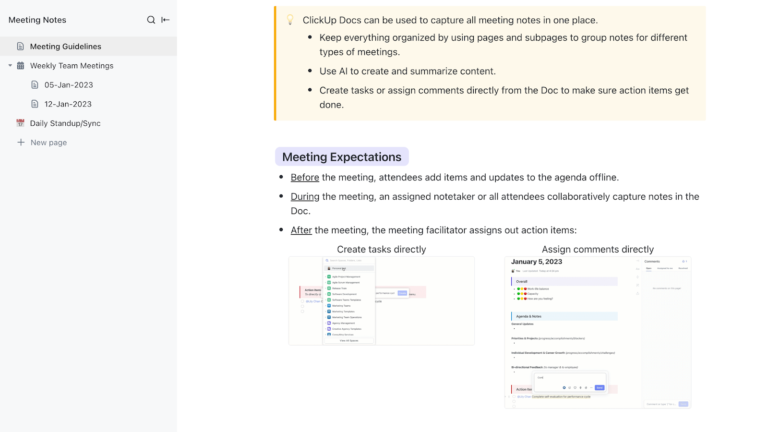
The ClickUp Meeting Notes Template organizes discussions, decisions, and follow-ups—whether it’s a one-on-one, team sync, or client meeting. This template allows you to log meeting data in a clear, structured fashion and link action items directly to tasks for seamless execution.
With adjustable sections and dynamic features, it adjusts to your meeting style and team workflow, decreasing prep time and boosting post-meeting clarity.
🗝️ Ideal for: Team leads, project managers, and client-facing roles who want more productive meetings without losing track of important decisions.
💡 Pro Tip: Want to streamline note-taking with an organized, collaborative platform to document discussions, assign action items, and ensure follow-up? Try ClickUp Meetings. It allows you to:
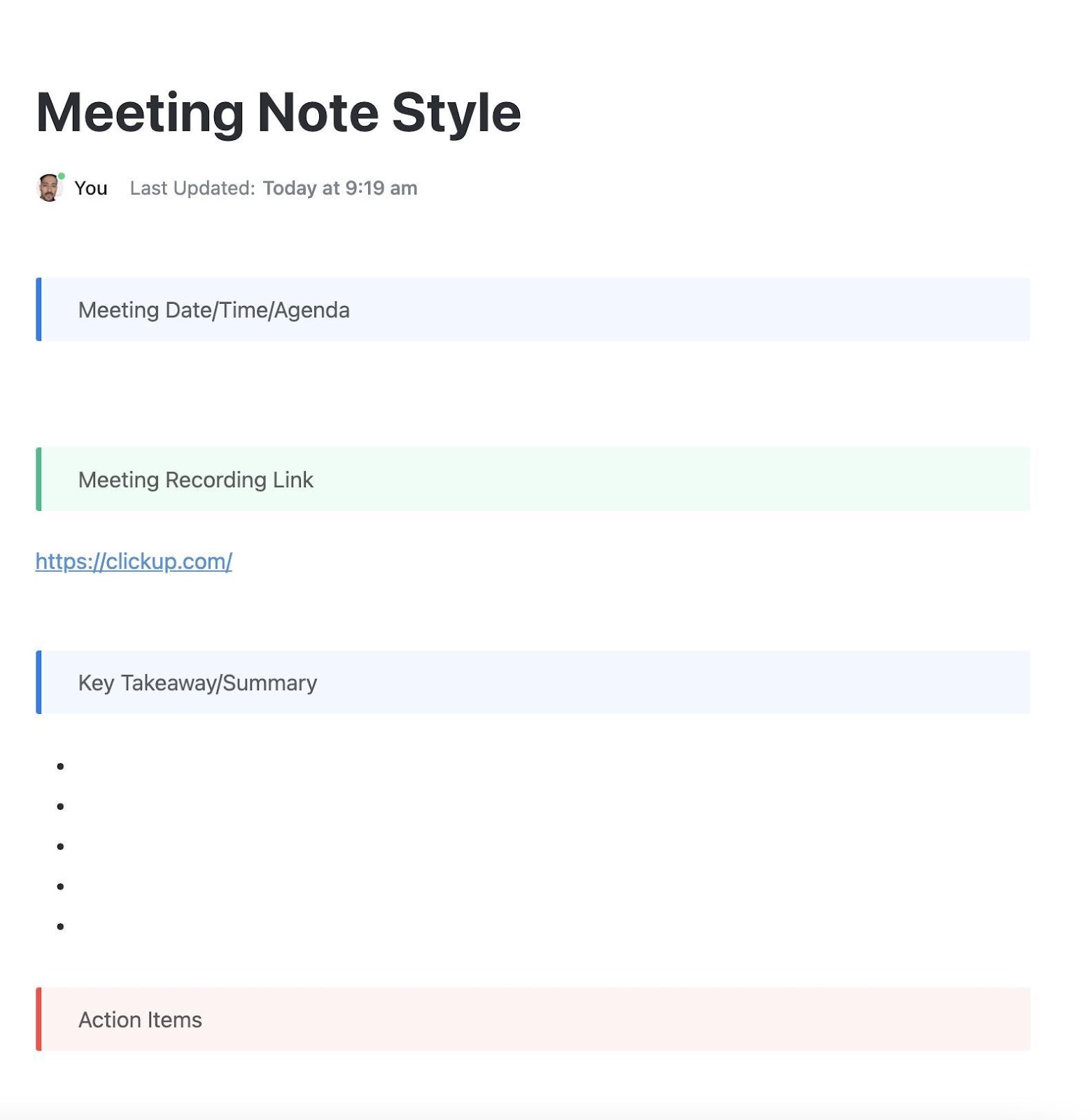
The ClickUp Meeting Note Style Template improves your meeting documentation by providing clean formatting, uniform parts, and an easy-to-read and revisable style. It helps you keep a polished, organized style without needing specialized note-taking apps.
The template includes pre-built sections for agendas, summaries, decisions, and follow-ups—so you always know what happened and what comes next. Plus, it works smoothly with ClickUp Docs, making it a great template for collaborative teams.
🗝️ Ideal for: Teams that want well-formatted and repeatable meeting notes.
➡️ Read More: How to Write a Meeting Summary (+Templates)
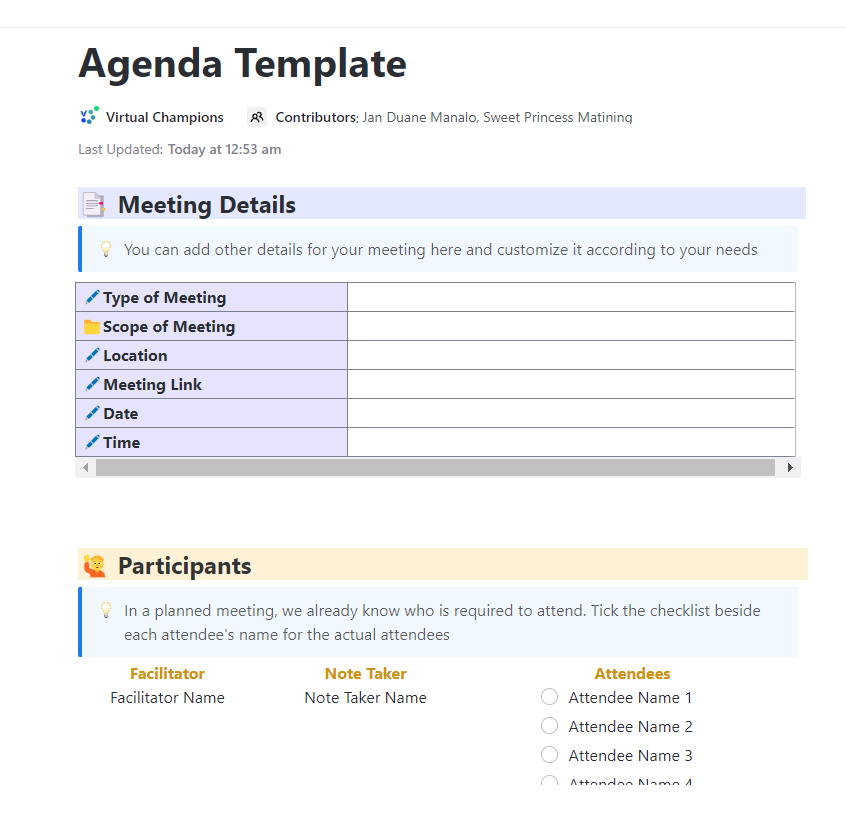
The ClickUp Meeting Agenda Template provides structure and clarity to every meeting before it even begins. Rather than wasting time figuring out what must be covered, this template allows you to identify themes, assign speakers, and create time blocks.
This meeting minutes template ensures that everyone arrives prepared and aligned. With sections for agenda items, objectives, discussion points, and action items, you can remain on track. Plus, it lets you assign follow-ups and track progress without ever leaving your meeting agenda.
🗝️ Ideal for: Team leads and project managers who want to run efficient, goal-driven meetings with less back-and-forth.
➡️ Read More: Best Meeting Minutes & Notes Software
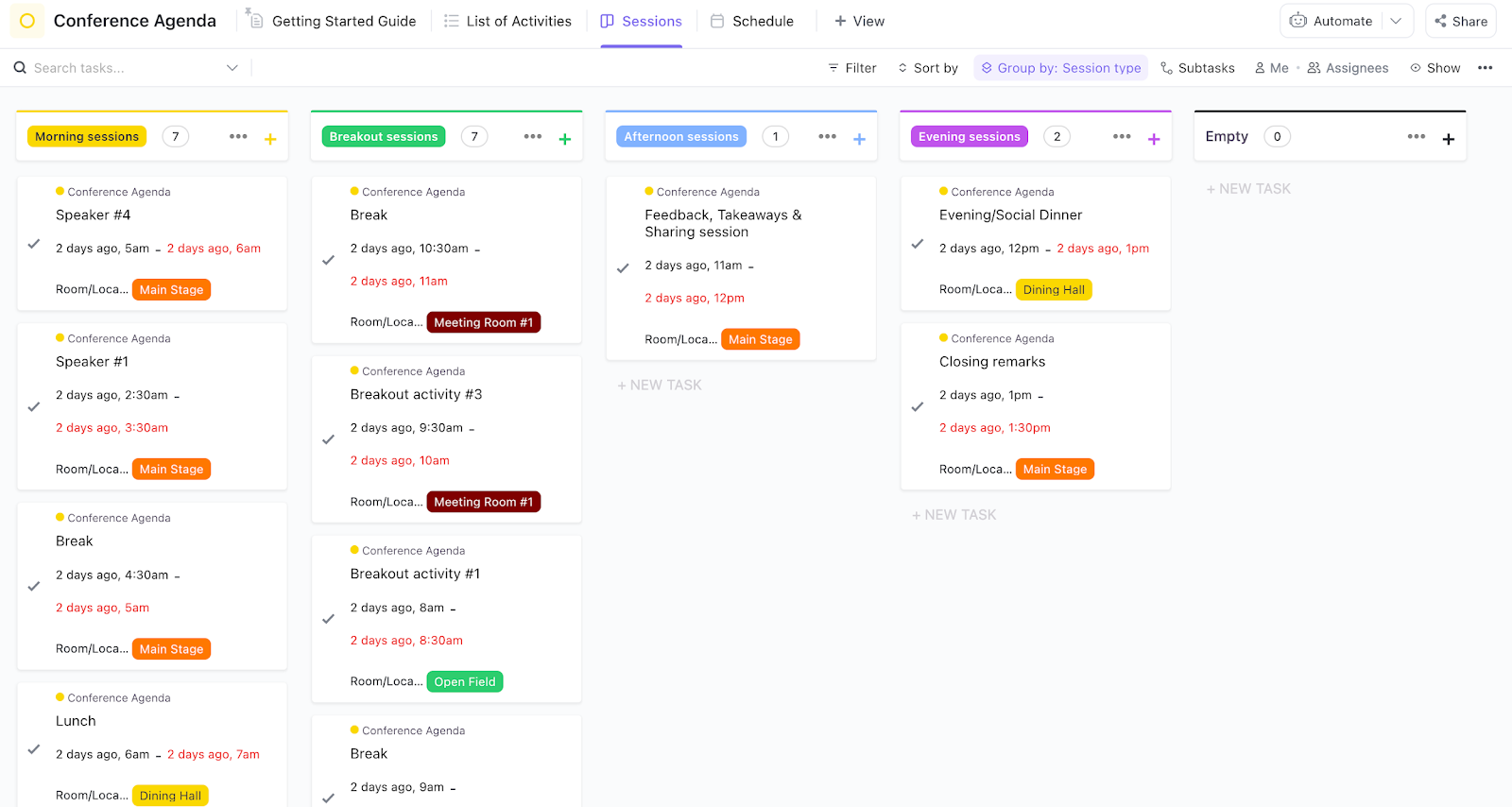
The ClickUp Conference Agenda Template helps you organize, coordinate, and discuss multi-session events with precision and convenience. This template provides a precise structure for improving team communication and aligning speakers and attendees.
The framework is designed to outline every aspect of your event, from keynote sessions and breakout discussions to networking at conferences and lunch breaks. You can assign agendas in real time and keep everyone in sync before, during, and after the event.
🗝️ Ideal for: Event organizers, operations teams, and marketing leads that plan conferences and workshops.
Friendly Hack: Want to make conference note-taking faster, more accurate, and actionable? Let ClickUp AI Notetaker do the heavy lifting. Use ClickUp AI Notetaker at your next digital conference and wath as it:

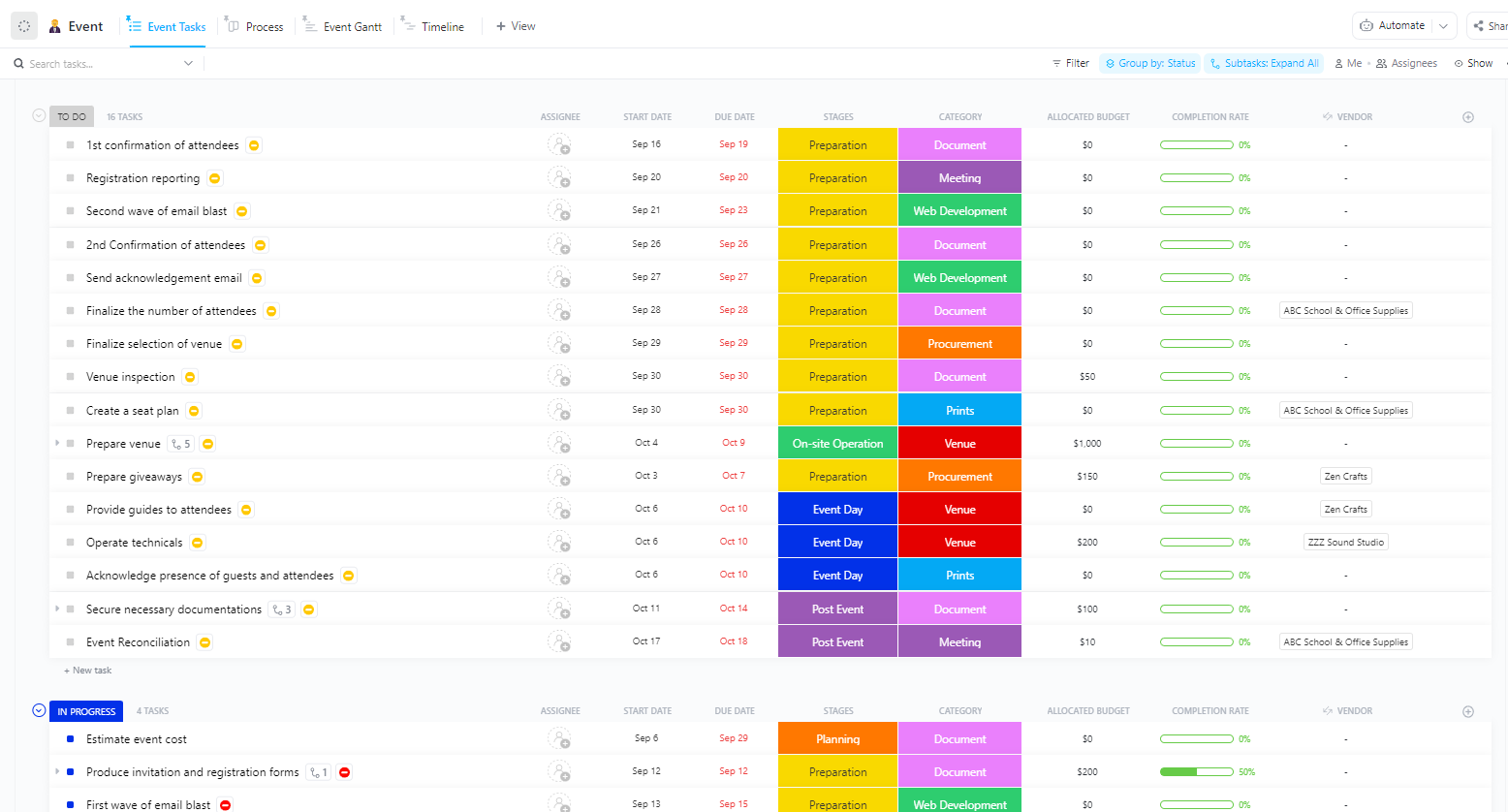
The ClickUp Conference Management Template is the ideal workspace for efficiently arranging conferences of any size. This all-in-one template helps you consolidate every aspect of your event planning.
The template includes customized task lists, timelines, and automation options to make allocating duties and meeting deadlines easier. It’s adaptable for large-scale tech conferences and nimble for internal corporate events.
🗝️ Ideal for: Event planners, operations teams, and marketing professionals managing conferences or large-scale gatherings.
Here’s what a real-life user is saying about ClickUp
ClickUp replaced Jira, Trello in my office. The reason is very simple: it has everything we need from assigning tasks, keeping track of each individuals, taking notes, tool integration.
The ClickUp Recurring Meeting Notes Template simplifies ongoing meetings by providing a consistent, ready-to-use structure each time your team meets. It keeps your notes organized, searchable, and actionable without having to start over every time.
The template simplifies recurring meetings by organizing agenda items, discussion points, decisions, and follow-ups. This makes it easier to maintain continuity and measure progress.
🗝️ Ideal for: Team leads, project managers, and anyone running recurring meetings who wants to stay organized.
🤓 Fun Fact: Actively engaging—like taking notes—can boost learning retention rates up to 90%, even after three days.
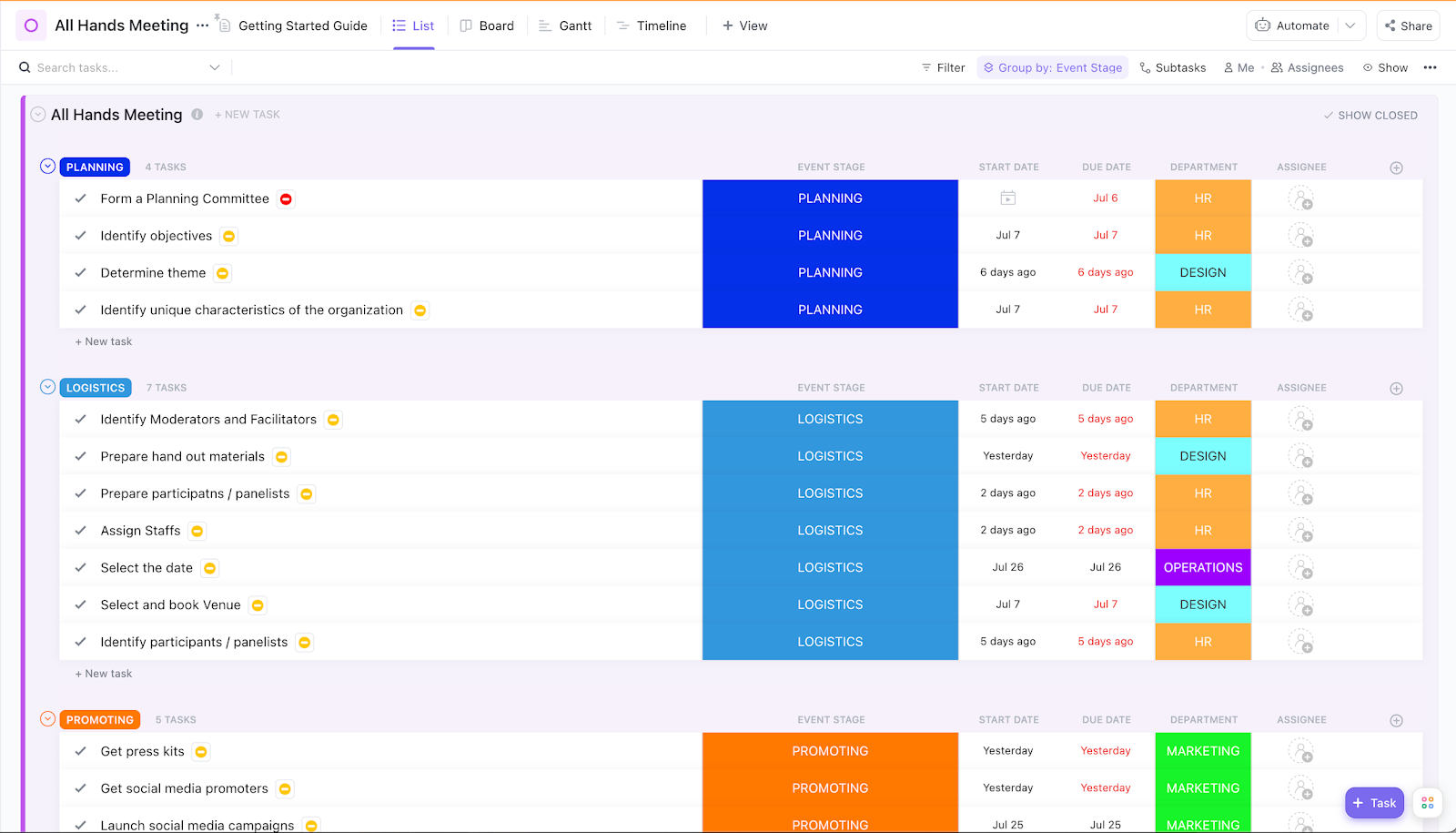
The ClickUp All Hands Meeting Template lets you plan effective company-wide meetings that keep everyone informed, aligned, and inspired. It provides a consistent structure for communicating clearly and driving engagement across departments when paired with reliable conference calling software.
The template features areas for business updates, department highlights, and action items. It’s ideal for bringing together leadership and staff in a single, well-organized session, while keeping everything documented for those who couldn’t participate in person.
🗝️ Ideal for: Founders, HR teams, and operations leaders running company-wide or leadership-level meetings.
💡 Pro Tip: ClickUp Docs makes conference note-taking more organized, collaborative, and actionable, improving productivity and follow-up.
It lets you take notes, tag teammates, and link tasks—all in one collaborative space. Keep meeting minutes organized and make life easier. Plus, you can track document changes to always access previous notes and updates.
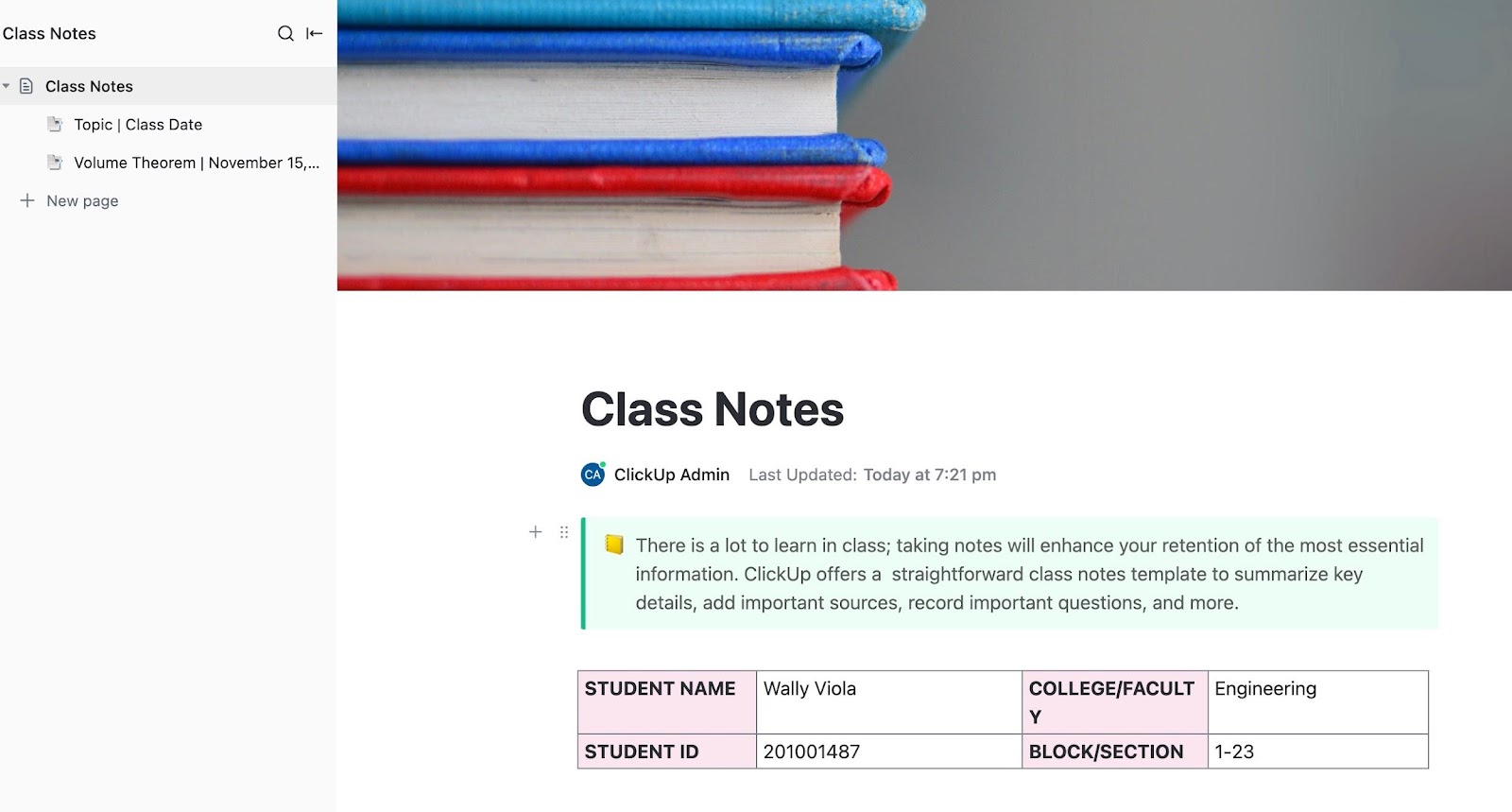
The ClickUp Class Notes for College Students Template is an academic tool for tracking lectures, assignments, and study sessions. This template provides a systematic, digital note-taking system to help you keep track of everything.
Instead of juggling notes or dispersed information, you’ll have a single hub for each subject. Whether you’re attending lectures or studying for finals, this template makes it easy to organize class notes and improve your note-taking strategies.
🗝️ Ideal for: College students looking to simplify their academic workflow and remain organized across multiple classes.
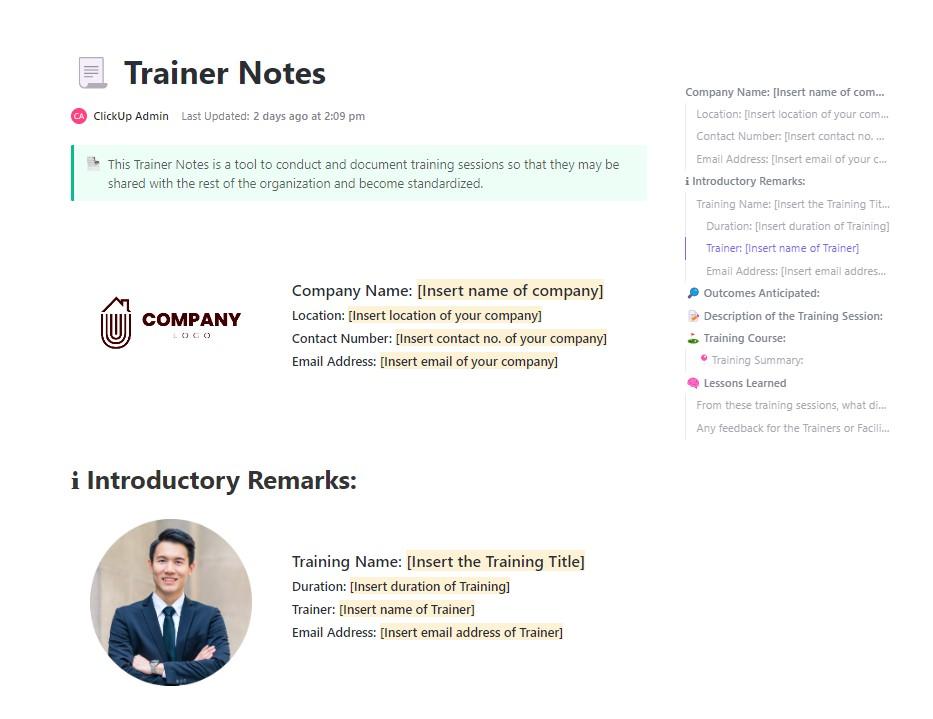
The ClickUp Trainer Notes Template helps trainers plan, manage, and document their sessions easily and clearly. It offers a professional framework for organizing training resources, important talking points, and follow-up tasks in one place.
The template promotes repeatable success with sections for objectives, training outlines, outcomes, participant comments, and next steps. You can modify it to different training formats, learning levels, or team needs while keeping everything accessible.
🗝️ Ideal for: Corporate trainers, HR professionals, team leads, and educators delivering structured learning experiences.
An efficient conference notes template is essential for gathering and organizing important details at conferences. Therefore, while selecting one, ensure it comprises the following key components:
Effective conference note-taking is more than just jotting things down; it’s also about collecting ideas that drive outcomes.
ClickUp’s meeting note-taking templates allow you to organize discussions, highlight key points, assign follow-ups, and save everything in one powerful workspace. They will keep you focused throughout the event and aligned afterward.
With ClickUp, you never need to lose a great idea again, and you can transform disorganized notes into structured, actionable insights.
Sign up for free today and attend your next conference with confidence!

© 2026 ClickUp

There’s an easier way. Try a free AI Agent in ClickUp that actually does the work for you—set up in minutes, save hours every week.