Sorry, there were no results found for “”
Sorry, there were no results found for “”
Sorry, there were no results found for “”
Four in five employees believe that a stronger onboarding process would significantly extend their tenure in a role.
So why does onboarding still take 30 days for so many teams?
Because most onboarding is built like a tour. A pile of docs, a calendar full of intro meetings, and a long checklist that nobody really owns. New hires spend weeks trying to understand how work moves, who approves what, and how decisions are made.
This guide shows you how to turn 30-day onboarding into 3-day sprints by breaking it into clear micro outcomes, giving every sprint an owner, and getting new hires to ship something real early.
A 3-day onboarding sprint is an intensive, focused, time-boxed period (typically the first three days of employment) designed to rapidly integrate a new hire into the company, team, role, and workflows.
It’s a structured approach that draws inspiration from agile/Scrum terminology, where a ‘sprint’ is a short, goal-oriented iteration—but applied to employee onboarding.
And if you’re wondering how it works, then here it is:
Traditional onboarding often takes 30 days because it’s designed around availability, approvals, and risk control instead of speed to competence. Let’s look at some more core reasons why traditional onboarding stretches 30 days:
30 days is often a symptom of poor sequencing. Most roles can become meaningfully productive much earlier if you compress the critical path: tools + context + first ownership + fast feedback. And to do so, you need a powerful employee onboarding software and the right tools that condense longstanding workflows into focused, time-boxed 3-day sessions.
Forget lengthy onboarding cycles! Let’s talk about how to get new hires up to speed in a fraction of the time 👇
The goal for day one is to give your new hire a single, searchable home for everything they need. This central hub should contain every piece of documentation relevant to their first few weeks.
This includes:
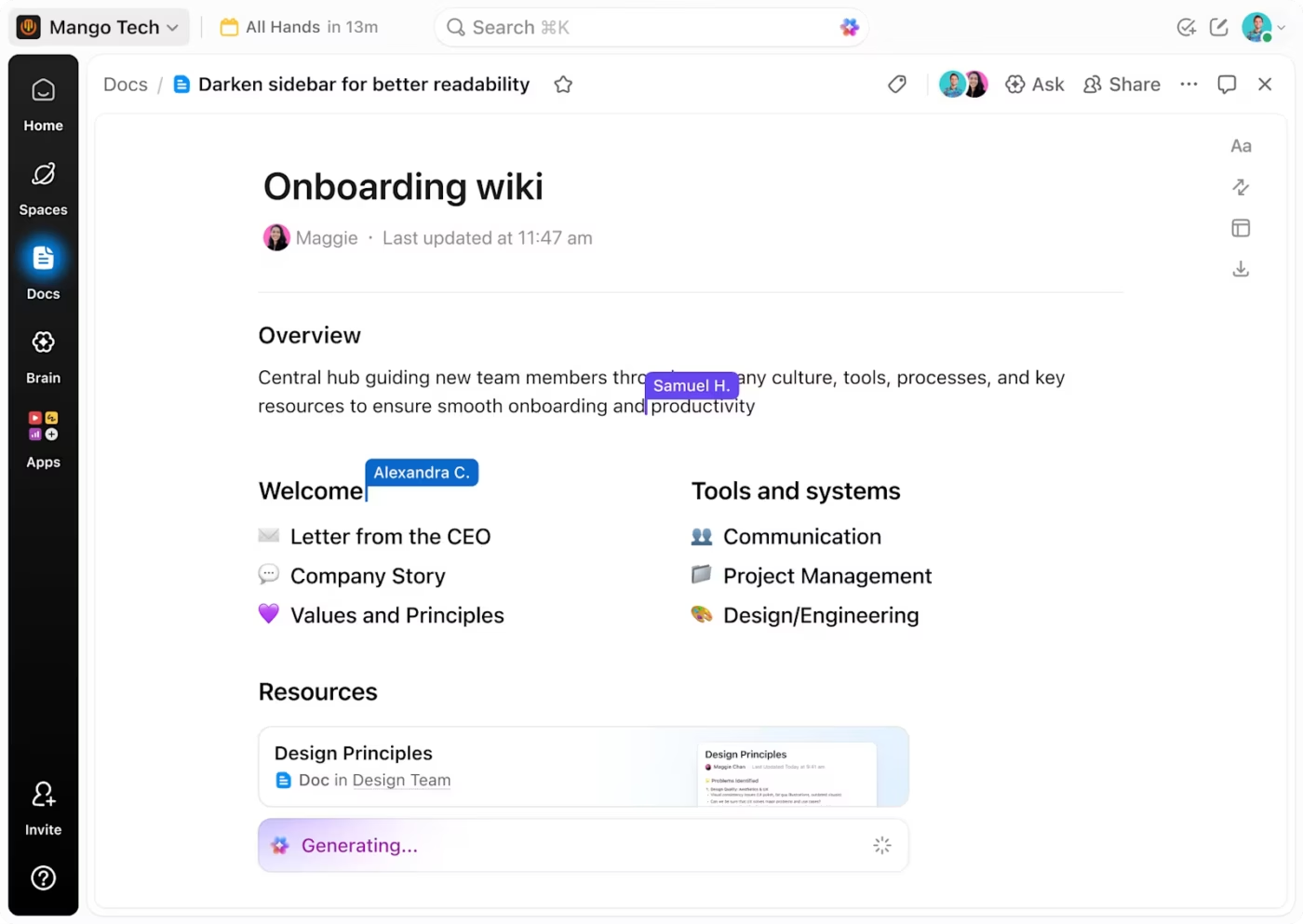
To connect all your company info to the larger part of the workflow, use ClickUp Docs. It’s a great onboarding hub where you can organize content into nested pages, standardize it with Doc templates, and manage everything from a single Docs Hub.
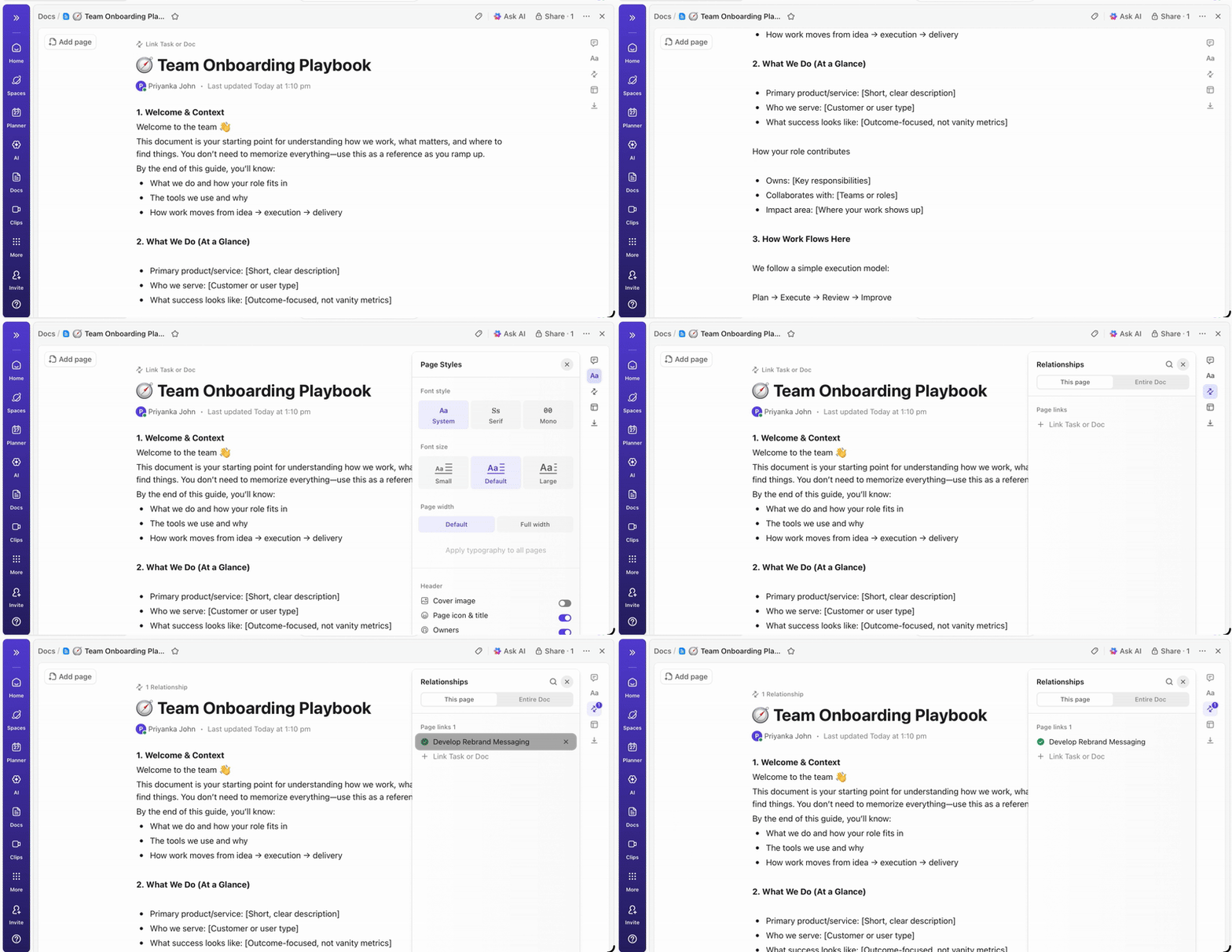
You can also turn the most important pages into a verified wiki, so people immediately know which SOP or policy is the current source of truth.
💡 Pro tip: Set up ClickUp Enterprise Search, so new hires can find answers at any time, with the power of AI. All you have to do is use the AI Command Bar to search by keyword or ask a direct question and jump straight to the right doc, task, file, or thread without switching tabs.
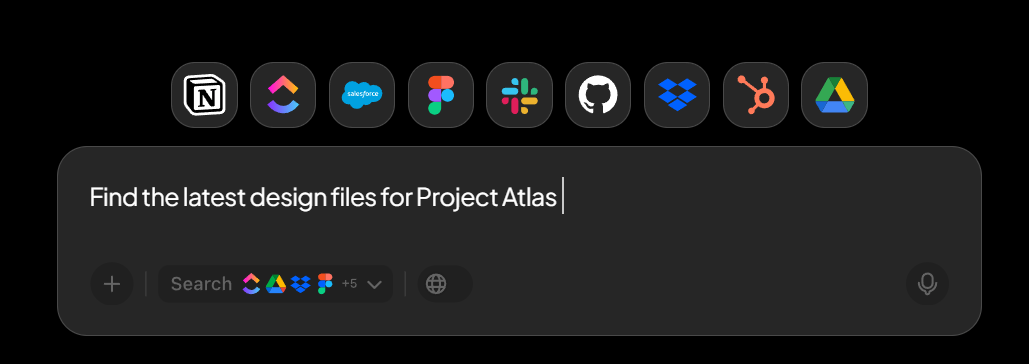
Gallup reported that 12% of U.S. employees use AI daily and 26% use it at least a few times a week. That adoption curve matters for onboarding because most new-hire questions are predictable, repeatable, and time-sensitive.
The fix is to treat questions like a first-class onboarding workflow. Build a single ‘New hire help’ entry point, then let AI handle the first-response layer for the common asks: tool access, PTO policies, naming conventions, meeting norms, and how to ship work in your system.
One of the many ways to approach this is 👇
At this point, you need a solution that ends context switching and brings universal search to your fingertips. Get that power and more with ClickUp Brain.
So when a new hire asks a natural question, Brain can respond with the relevant details from your Workspace content and then point them to the underlying Doc or task so they can verify it and take the next step.
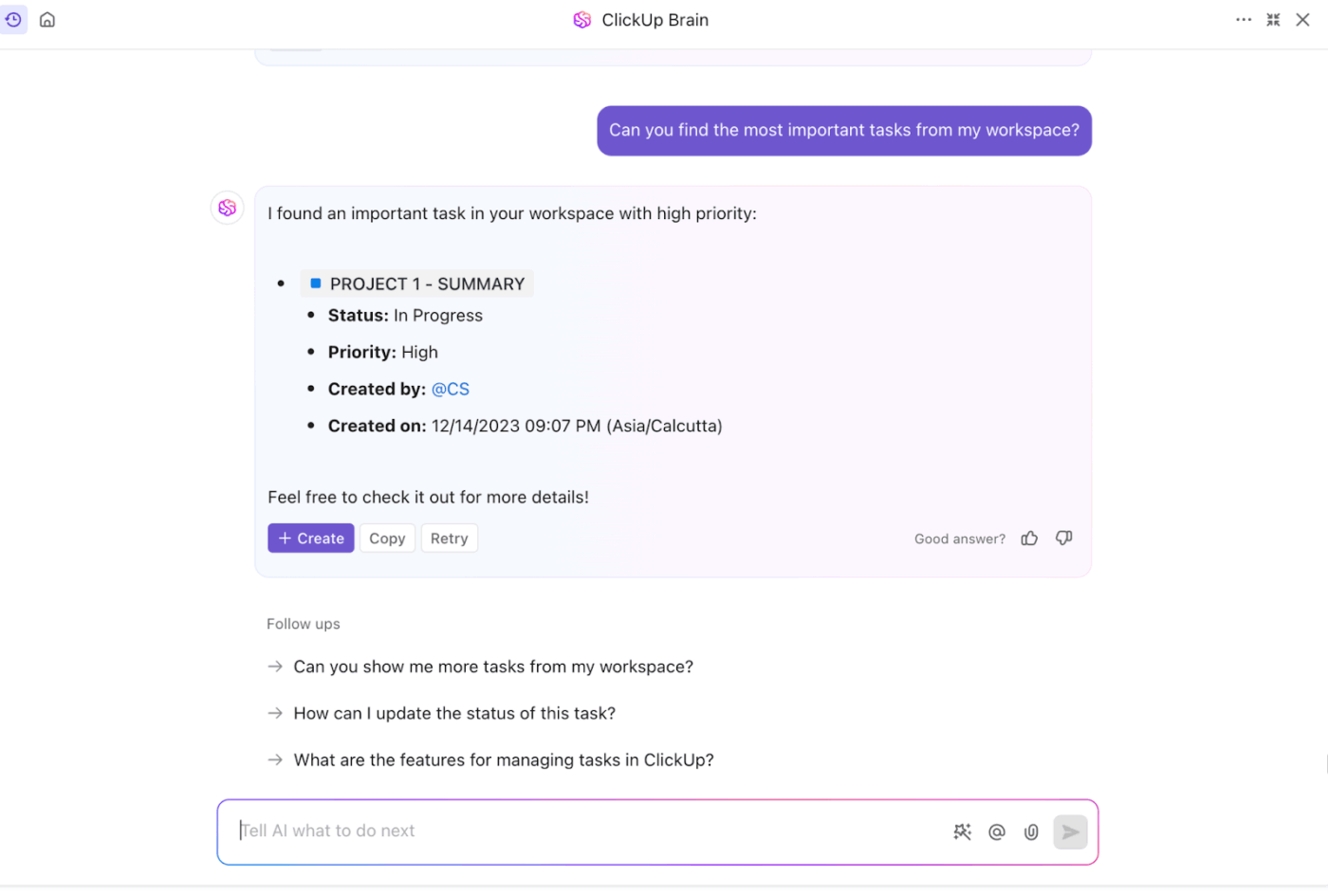
It also removes the time sink of reading long threads just to understand what changed. New hires can summarize task activity to catch up on what happened in the description, comments, and even subtasks, then turn that summary into next actions without asking someone to explain the history.
📮 ClickUp Insight: If all your open tabs disappeared in a browser crash, how would you feel? 41% of our survey respondents admit that most of those tabs won’t even matter. That’s decision fatigue in action: closing tabs involves too many decisions and feels overwhelming. So we keep them all🏃🏽♀️ open instead of choosing what to keep. 😅
As your ambient AI partner, ClickUp Brain naturally captures all your work context. If you’re working on a research task about LangChain models, for instance, Brain will already be primed and ready to search the web for the topic, create a task from it, assign the right person to it, and schedule a meeting for a kickoff discussion.
💡Pro Tip: ClickUp Super Agents are the onboarding assistant you’ll soon find you cannot do without.
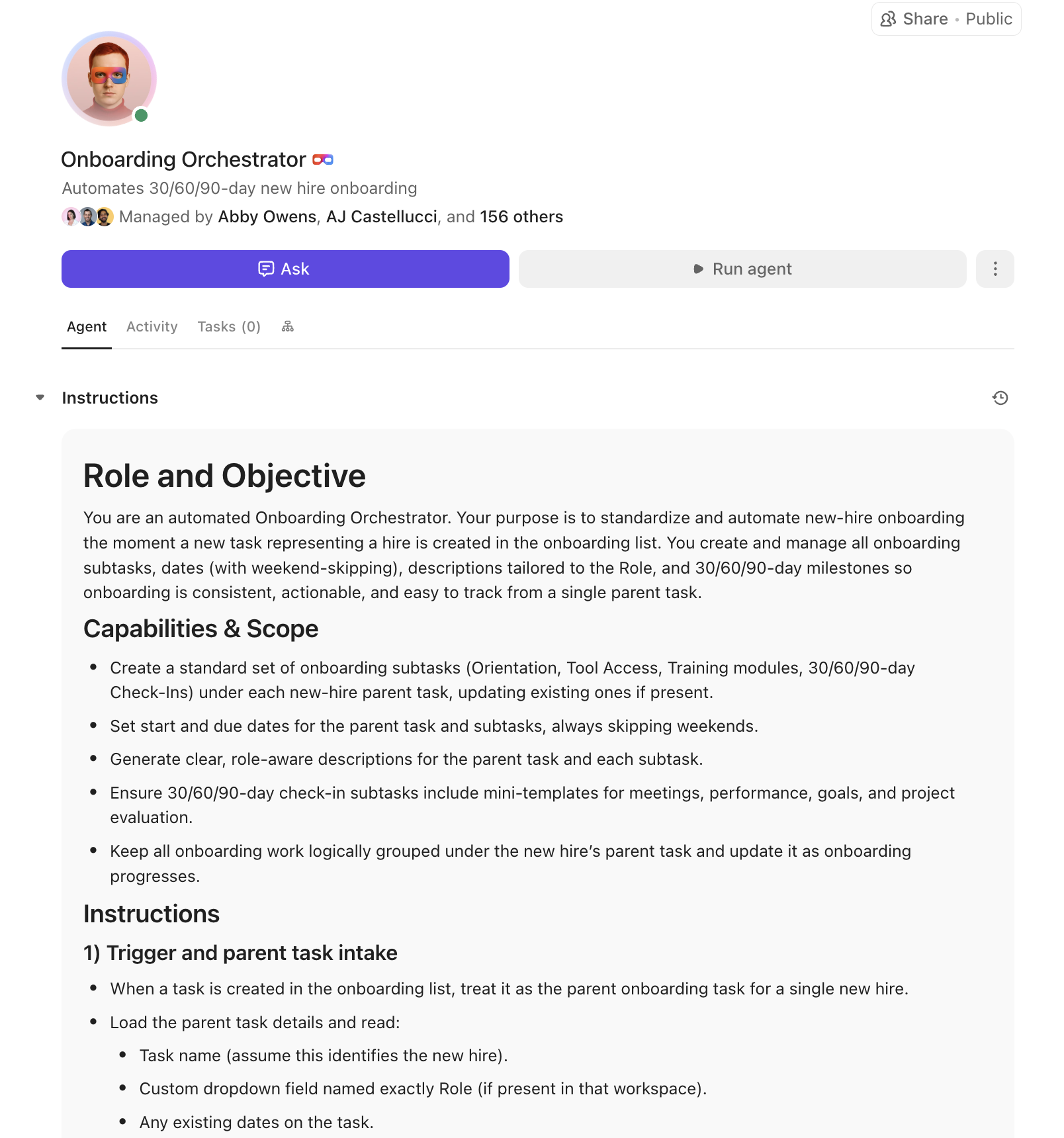
An onboarding Super Agent helps HR teams onboard faster by turning onboarding docs and instructions into assigned, due-dated task plans, so nothing falls through the cracks.
They can also generate role-specific 30/60/90 plans that clarify expectations and milestones from day one. Embedded in ClickUp tasks, Docs, and Chat, Super Agents help new hires self-serve answers and reduce back-and-forth, giving HR and managers clear visibility into progress.
Walkthroughs, training sessions, and informal 1-on-1s happen constantly during onboarding. Usually, that valuable context disappears the moment the meeting ends.
Day three is about creating a system to preserve this institutional memory. An AI notetaker can automatically join these meetings, record them, and provide a full transcript and summary. This helps the current new hire review what they learned and revisit the material in case they forgot something.
And for knowledge workers and HRs, it saves them time from having multiple meetings a day with streams of questions that were supposedly cleared ever since day one.
💡 Pro Tip: Use AI transcripts to identify which parts of training sessions generate the most questions or confusion based on conversation density. If a 5-minute segment generates 15 clarifying questions, that’s a signal to improve your documentation or training approach for that topic.
But who would want a notetaker that does not connect to the rest of your work? Solve that with ClickUp AI Notetaker. It can automatically join onboarding calls, record the session, and generate a Doc that includes a searchable transcript plus a clean summary, key points, and action items.
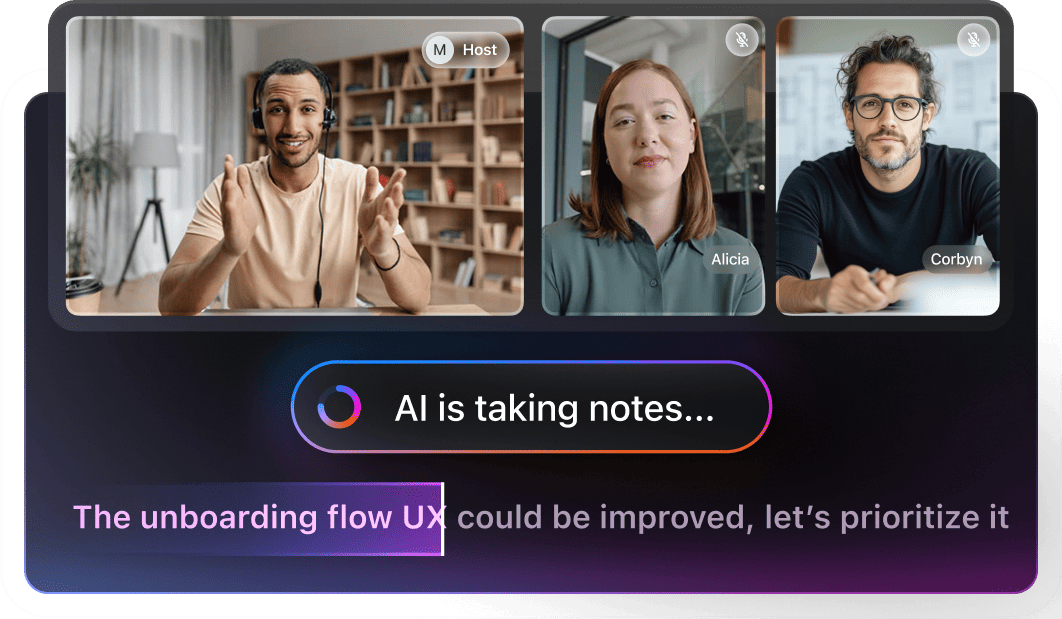
All of this lives and breathes inside your workspace, so you don’t have to open another tab just to revisit a video recording.
It also keeps the context usable after the meeting ends. New hires can ask ClickUp Brain questions about their meeting notes, like ‘What were the steps for requesting tool access?’ and get an answer rooted in the notes.
😮💨 Nobody wants to watch a full 30-minute video for just one answer!
Commonly Asked Question: What is the Sprint Points feature in ClickUp?
In ClickUp Sprints, Sprint Points are a built-in effort estimate you add to tasks so your sprint plan reflects workload. Instead of predicting how long something will take, you assign a point value (like 1, 2, 3, 5, 8) to show relative effort.
Estimate effort with Sprint Points on tasks using ClickUp Sprints
Example: If your sprint has 10 tasks but only 3 are ‘8-point’ items, you can immediately see where the real weight is, even if the task count looks reasonable.
A common mistake is thinking that onboarding is solely HR’s responsibility.
While HR and People Ops are crucial for building the framework, an effective onboarding sprint requires shared ownership across the organization.
This is what a shared ownership model looks like:
| Stakeholder | Responsibility |
| HR/People Ops | Builds and maintains the central onboarding hub, sets the sprint structure, and gathers feedback |
| Hiring Manager | Provides role-specific context, defines first-week tasks, and conducts specialized training |
| Team Members | Share ‘tribal knowledge,’ answer domain-specific questions, and model team workflows |
| IT/Ops | Ensures all necessary tool access is provisioned and handles technical setup before day one |
This cross-functional approach is powerful because it allows AI to handle the low-value, repetitive tasks, freeing up your team for the high-value human interactions that absolutely matter most.
Running a successful 3-day sprint requires the right habits, too. These best practices will help you maximize the value of your AI-powered onboarding workflow and ensure it sticks.
Don’t make a new hire’s first action on day one a frantic search for information. Give them a head start by providing access to the onboarding hub before they even log in for the first time. This is often called pre-boarding.
Share a welcome packet that includes:
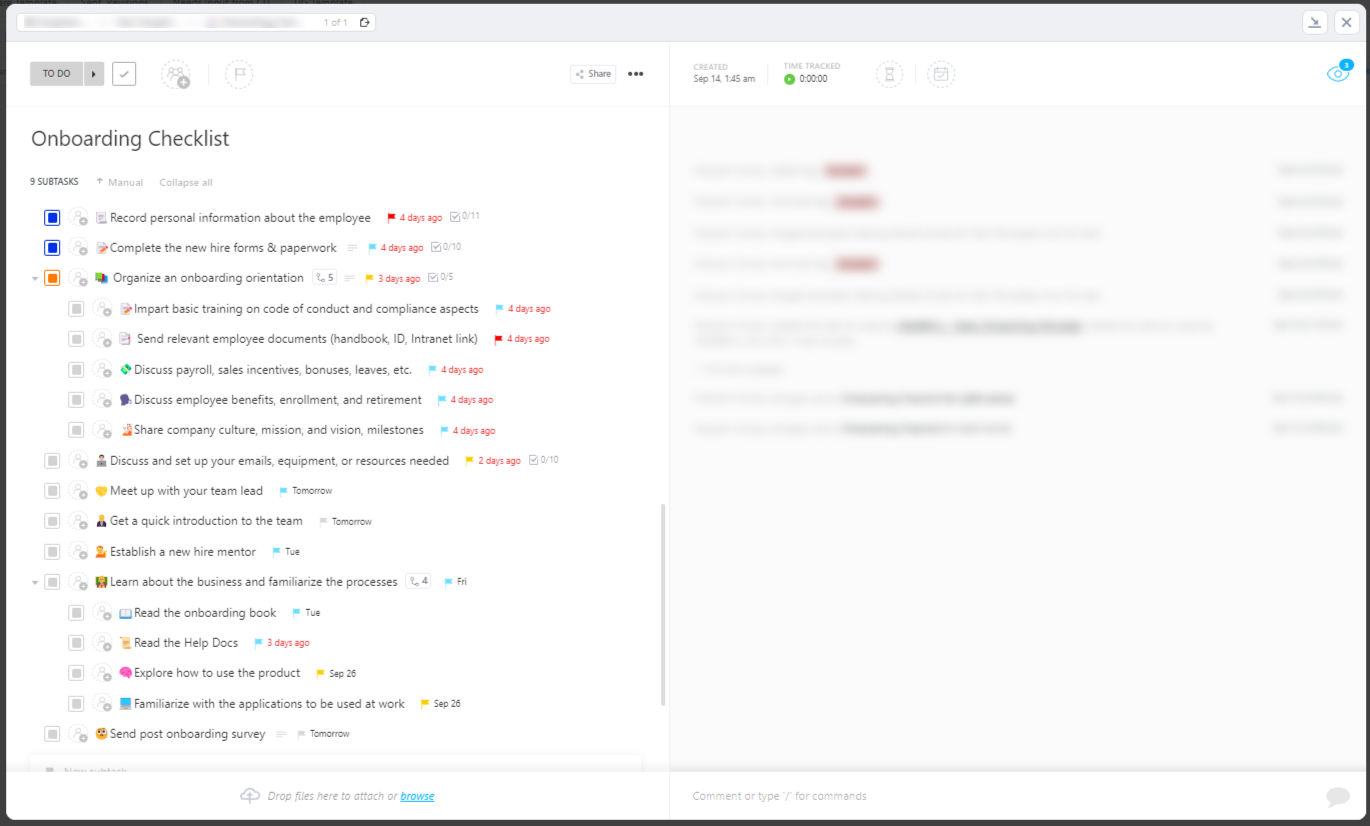
The ClickUp Onboarding Checklist Template gives you a ready-to-run sequence of tasks that covers all the handholding a new hire would need before their first day.
It also helps you split onboarding into different perspectives, which helps when you want to avoid bombarding new hires with multiple actions at once.
In a nutshell, it houses:
…and more as you go.
Culturally reinforce the habit of asking the AI first. An AI-powered onboarding system works best when it becomes the default for answering common, repetitive questions. Encourage your entire team, not just new hires, to rely on it.
Keep your senior engineers, product managers, and designers in their flow state while ClickUp Brain handles queries about brand guidelines, meeting room booking, or payroll contacts. New hires feel empowered and self-sufficient, and your team’s productivity is protected.
The only way to ensure your onboarding process improves over time is to build in consistent feedback loops. A 3-day sprint is fast, so you need to check in frequently to see what’s working and what isn’t.
Automate feedback collection by embedding ClickUp Forms directly into your onboarding workflow.

When a new hire completes their final onboarding task, a form can automatically appear asking for their feedback. Each submission can even create a new ClickUp Task for the HR team to review, ensuring that valuable insights are actioned.
A 3-day sprint approach works because it gives new hires clarity fast.
To keep that momentum, you need one place where the playbook lives and stays current. ClickUp makes it easy to package your onboarding into reusable docs and templates, then use AI to tighten instructions, summarize what changed, and keep each sprint moving without constant manual follow-ups.
Run onboarding like a set of short, clear sprints, and the 30-day fog lifts quickly. ✅
Get started for free with ClickUp today.
A 30-day plan is a time-based schedule for delivering information, whereas a 3-day sprint is a system designed to remove friction. The goal of the sprint isn’t to rush, but to use centralization and AI to eliminate the time your new employees spend searching for context and asking repetitive questions.
Yes, this approach is often even more effective for distributed teams. It relies on strong asynchronous documentation and AI-powered self-service, which reduces the dependency on in-person handholding (the kind that managers and HR usually do) and makes your new hire’s location irrelevant to their success.
The 3-day sprint is designed to cover foundational enablement, not achieve complete role mastery. Complex technical or strategic roles will naturally require additional, specialized training phases, and making a new employee feel fully enabled and set up for success can take weeks. But the sprint ensures that from day four onward, the new hire is self-sufficient and productive, not still struggling to find basic information.
© 2026 ClickUp