








Still downloading templates?
There’s an easier way. Try a free AI Agent in ClickUp that actually does the work for you—set up in minutes, save hours every week.
Sorry, there were no results found for “”
Sorry, there were no results found for “”
Sorry, there were no results found for “”
Many in the Muslim community would like to stay consistent with Salah. But then life happens. Busy mornings, long commutes, family responsibilities, low-energy days, travel, exams, work sprints. You still care, but you are just trying to keep showing up through real life.
A simple Salah tracker helps because it makes progress visible. With it you can stop relying on memory alone, and get a gentle push to stay steady.
In this post, you’ll find free Salah tracker templates you can use right away, plus ideas for how to set them up for daily tracking, weekly reflection, and missed-prayer catch-up.
A Salah tracker template is a pre-built tool that helps observant Muslims monitor and record their five daily prayers—Fajr, Dhuhr, Asr, Maghrib, and Isha—consistently. It’s designed for anyone who wants to strengthen their Islamic prayer habits, whether you’re working on consistency, tracking missed prayers, or building accountability during Ramadan.
✨ The Five Daily Prayers (Fardh)*
A dedicated Salah tracker template, sometimes called a Salah chart, gives you the exact structure you need. Simply put, it comes with pre-labeled prayer slots, visual progress indicators, and space for notes on qada (makeup) prayers.
⭐️ Bonus Read: How to make a habit tracker?
ClickUp, the world’s first Converged AI Workspace, brings you a variety of templates you can customize into the Salah tracker that fits your routine. Whether you want something simple, visual, or more structured, you can start with a ready-made layout and tailor it for how you want to track Fajr to Isha every day.
Let’s take a look:
The ClickUp Personal Productivity Template gives you a ready-made Salah tracker setup, with one place to capture your five daily prayers, your daily progress, and a running completion status you can check at a glance.
It opens with a simple structure you can tailor in minutes, like setting up a daily log for Fajr, Dhuhr, Asr, Maghrib, and Isha, then adjusting fields to match how you want to track, like on time, late, missed, or qada, plus quick notes when life gets busy.
And if you prefer something more visual, you can use ClickUp Whiteboards to map your routine, set intention goals, or design a weekly prayer plan you can follow.
✅ Ideal for: Students managing changing class schedules, and working professionals tracking prayers between meetings and commuting.
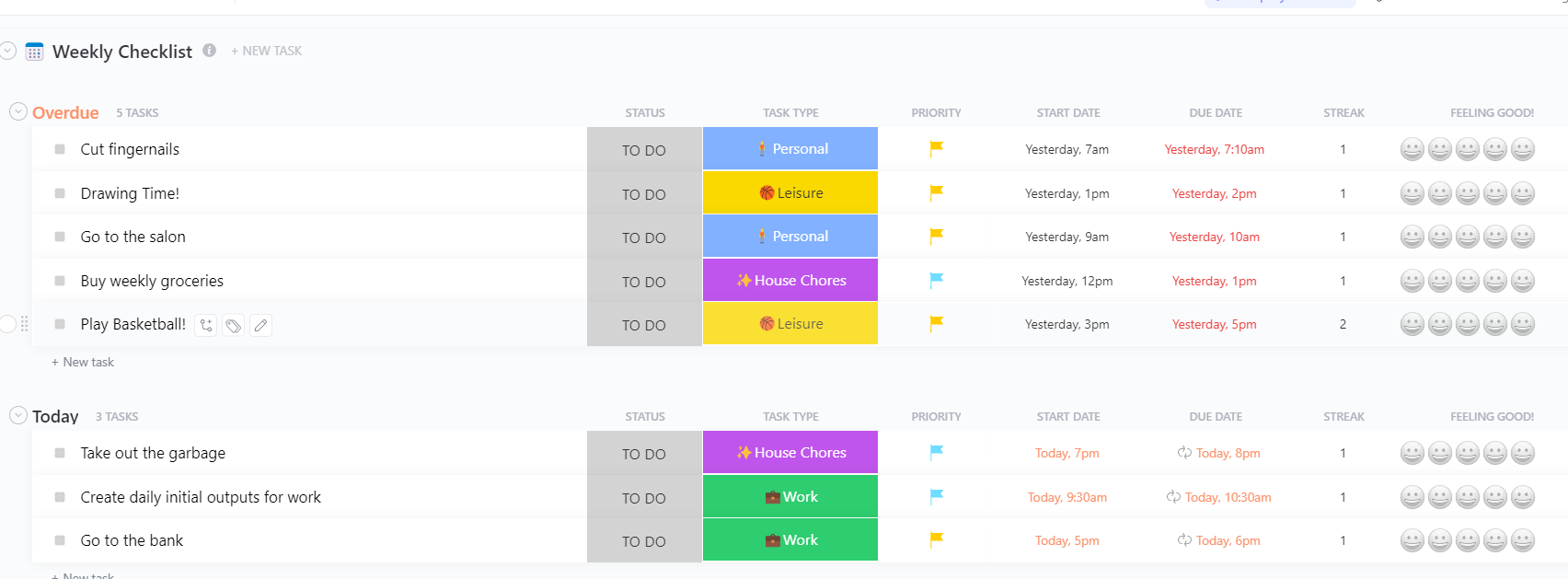
The ClickUp Weekly Checklist Template is a Salah tracker built for a weekly rhythm. It’s the one you use when you want your prayers to show up as a repeatable checklist you can follow every day, then review at the end of the week.
It opens with a weekly layout that’s easy to customize into five daily prayer Tasks. Create a repeating set for Fajr, Dhuhr, Asr, Maghrib, and Isha, then use simple fields to mark how each one went, like On time, Late, Missed, Qada, plus a streak column if you want motivation without pressure.
✅ Ideal for: Working professionals managing prayer around meetings, and students juggling changing schedules.
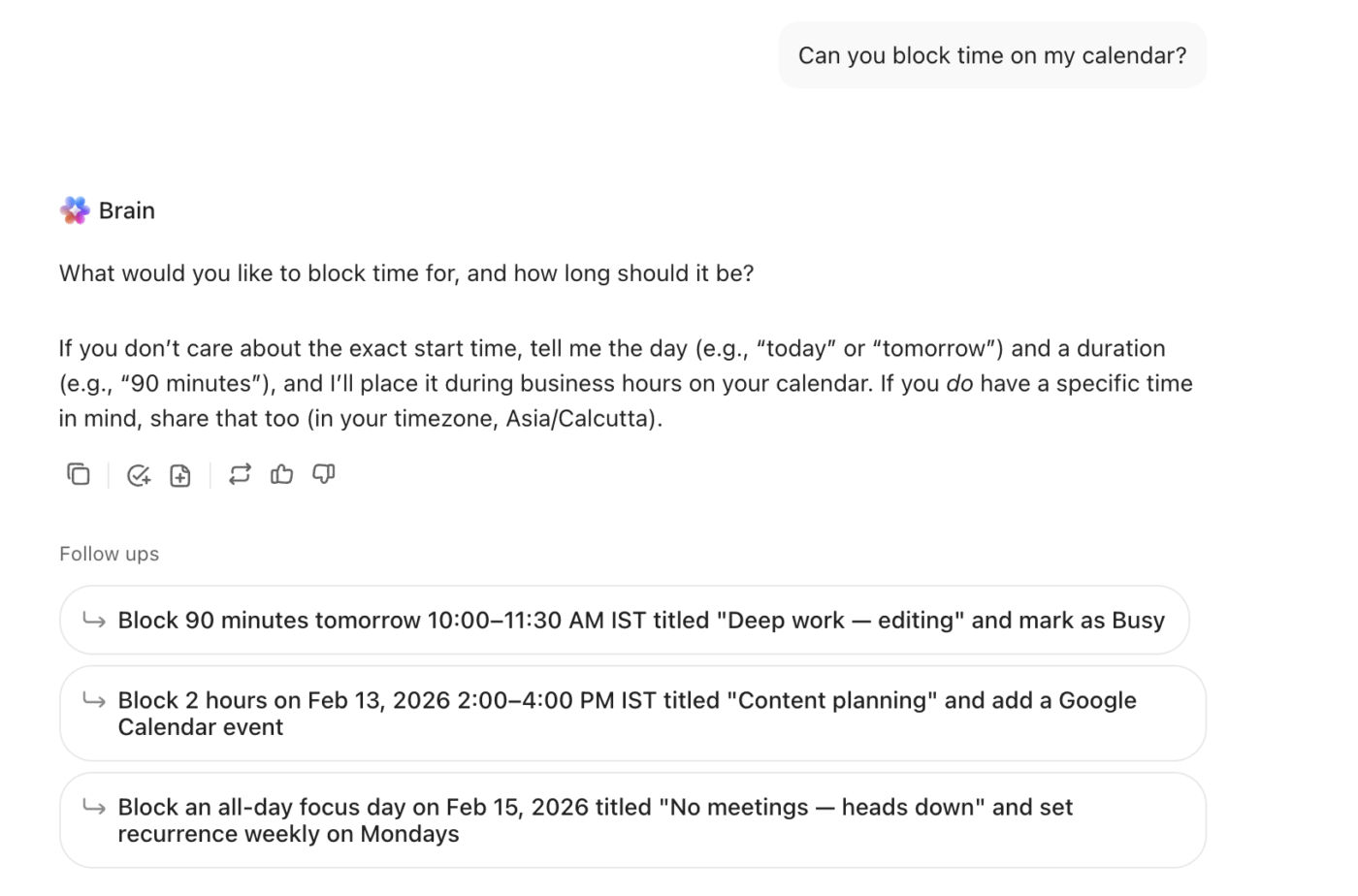
🚀 ClickUp advantage: Use ClickUp Brain to protect your Salah like any other non-negotiable commitment. Ask Brain to turn your prayer plan into time blocks, then let the Calendar reserve those focus windows in your day.
For those who love data, a simple checklist doesn’t suffice. You want to dig deeper into your habits, but basic apps and printable charts don’t give you the ability to filter, sort, or analyze your prayer patterns.
Gain real insights from your prayer log with a ClickUp Spreadsheet Template. Use a spreadsheet-style template to transform your prayer log into a powerful database of your spiritual habits.
Get the familiar feel of a spreadsheet with far more power using ClickUp Table View. Every prayer entry becomes a row, and you can add fields as columns for quick review and editing. And you can also switch to a ClickUp Calendar View to see your prayer log displayed on a monthly calendar—all the same data, just a different perspective.
✅ Ideal for: Individuals tracking qada and make-up counts who need a clean, sortable log.
👀 Did you know? According to the Pew Research Center, more than 44% of Americans report that they pray at least once a day, and an additional 23% say they pray weekly or a few times a month.
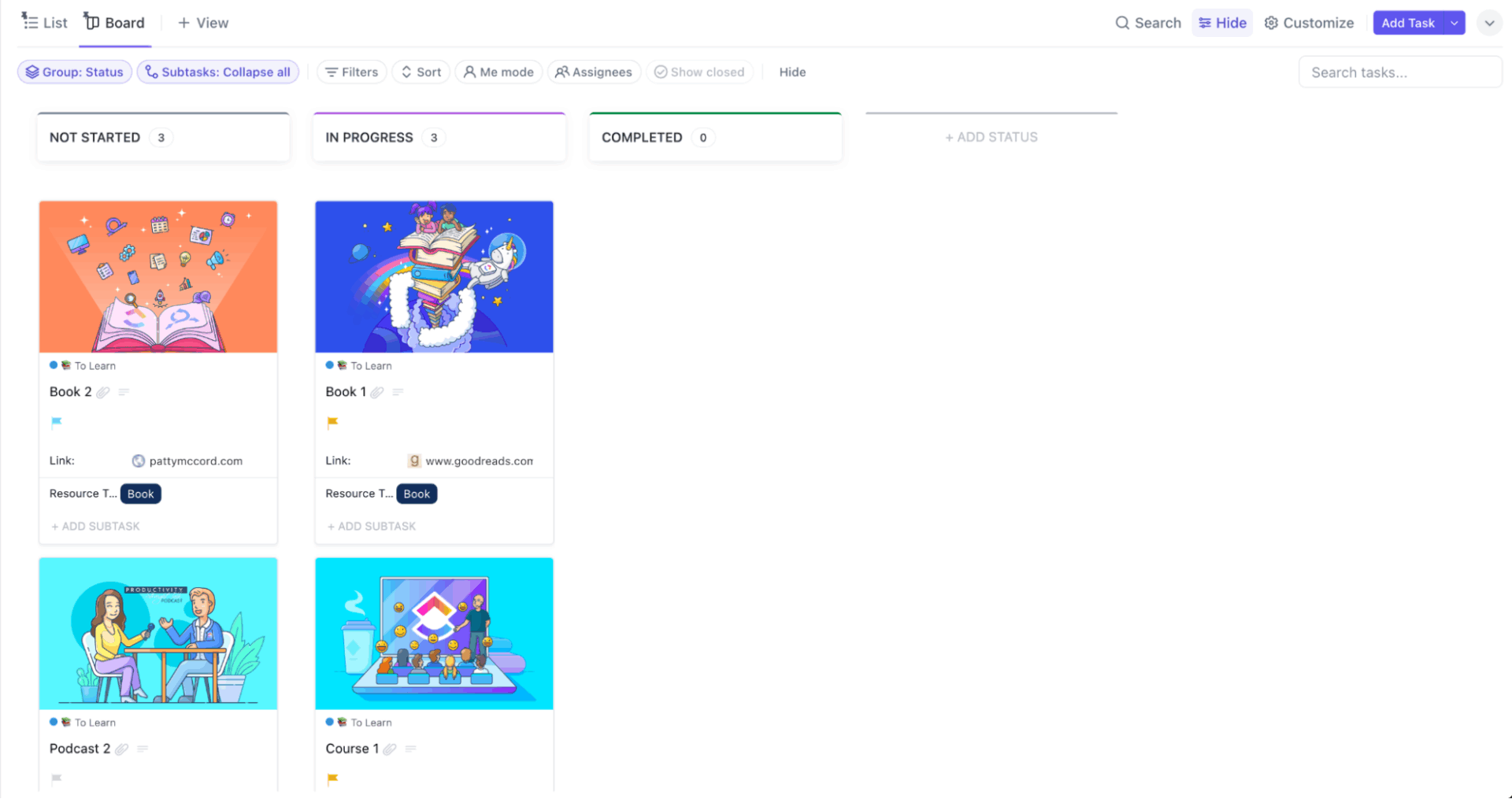
The ClickUp Habit Tracker Template doubles as a clean, daily Salah tracker with simple check-ins you can complete and move forward. It lays out your routine as trackable habits, so you can log Fajr, Dhuhr, Asr, Maghrib, and Isha each day and watch your consistency build through an automatic progress view.
It opens with a habit-style layout you can customize in minutes, like renaming the habit rows to your prayer names, then adding a quick status option for how it went.
✅ Ideal for: Anyone building back Fajr consistency and wants a simple daily tracker with reminders and visible progress.
📮 ClickUp Insight: 32% of workers struggle to carve out personal time, yet only 14% block it on their calendar. If it’s not scheduled, it’s not protected! 📆
ClickUp’s Calendar helps you reserve personal hours just like meetings. Sync with external calendars, set recurring work as well as personal time blocks, and drag and drop events or tasks to adjust your schedule easily. Stop last-minute work in its tracks before it creeps into your free time!
💫 Real Results: Lulu Press saves 1 hour per day, per employee using ClickUp Automations—leading to a 12% increase in work efficiency.
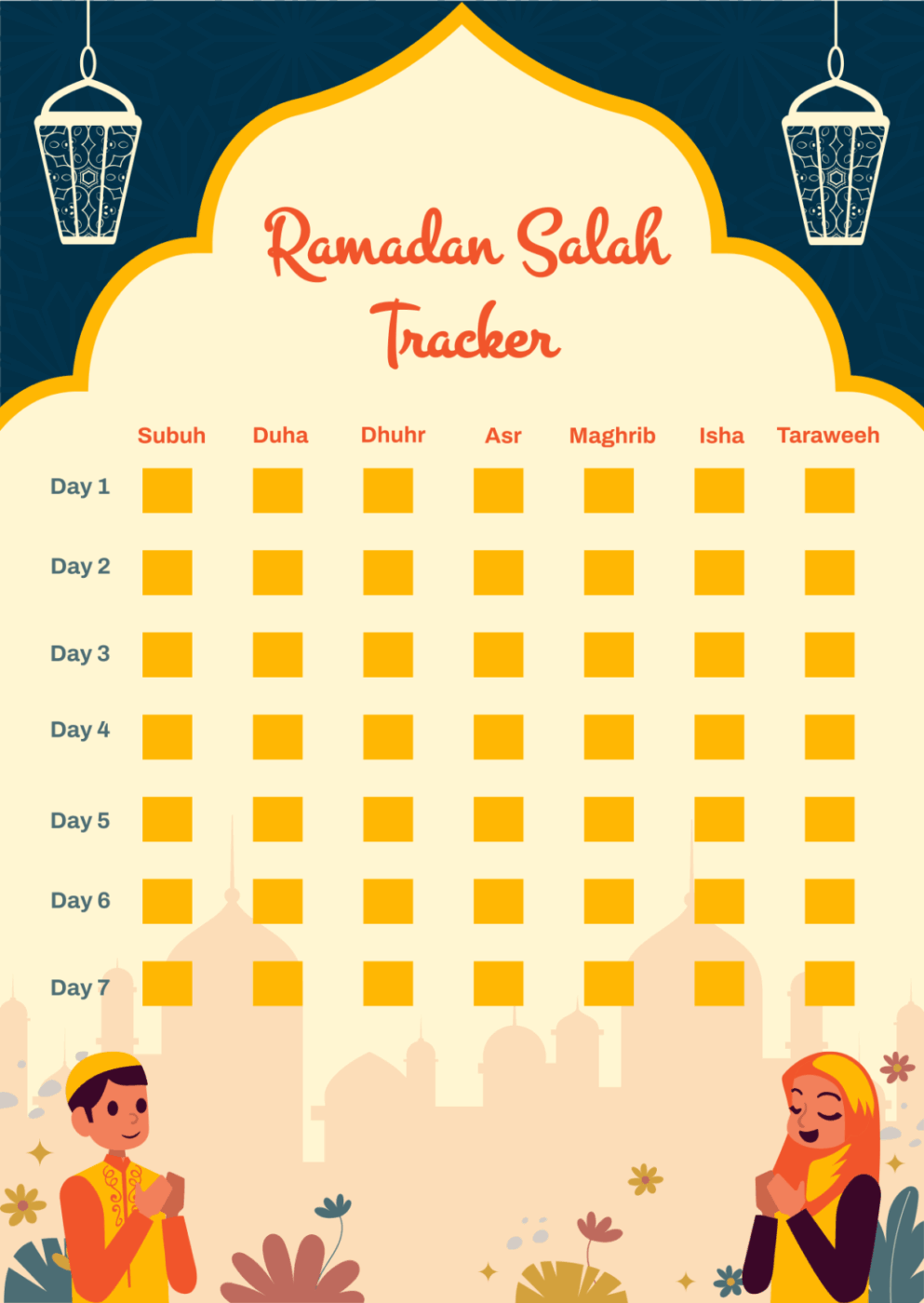
Manage all your Ramadan worship in one place with Template.net’s Ramadan Salah Tracker Template, designed for the holy month. This template functions as a comprehensive Ramadan salah chart, bringing all your worship into one place.
✅ Ideal for: Individuals and families who want a structured 30-day Ramadan worship plan.
🎥 If you’re looking for a better way to build consistent habits for the long term, try these AI habit tracking tools. 👇🏼
Having a template is a great start, but turning it into a lasting habit requires a system. Many people start strong but fall off because they don’t have a clear process for using their tracker effectively. This can make the tracker feel like just another chore.
To avoid this, follow these practical steps to build a sustainable tracking routine. This neutral, step-by-step guidance will help you get the most out of any salah tracker template.
👉 If you run into challenges, these troubleshooting tips can help:
When you have a tracker to revisit daily, it becomes far simpler to track your consistency.
Start with ClickUp’s ready-to-use templates, use gentle reminders as nudges throughout the day, and keep a short checklist for each prayer so nothing feels overwhelming. If you miss a prayer, a daily task log helps you track catch-up in a calm, clear way.
Build your rhythm once, then let it support you daily.
A Salah chart is typically a simple, static grid showing prayers and days, often designed for printing. A Salah tracker template is a more flexible, often digital tool that can include features like reminders, progress tracking, and customization options to fit your personal needs.
Yes, digital templates are perfect for family use. You can create separate views or sections for each family member, making it easy to track everyone’s prayers in one place while keeping individual progress private and visible.
Digital templates offer powerful advantages like automatic reminders, easy duplication for new weeks or months, and the ability to analyze your prayer patterns over time. Printable salah charts are great if you prefer writing by hand or want to minimize screen time, but they require more manual effort to maintain.

© 2026 ClickUp

There’s an easier way. Try a free AI Agent in ClickUp that actually does the work for you—set up in minutes, save hours every week.