

Sorry, there were no results found for “”
Sorry, there were no results found for “”
Sorry, there were no results found for “”
You’re sure the document exists. You saw it last week.
But after trying every keyword combination you can think of—”Q3 marketing results,” “third quarter performance,” “marketing report October”—your company’s search bar comes up empty. This frustrating hunt for information is a classic sign of an outdated keyword search.
These systems only find exact word matches and miss what you actually mean. Cohere effectively solves this problem by providing an intelligent search layer that connects your systems.
So, if you’ve been trying to figure out ‘How to Use Cohere for Enterprise Search,’ we’ve got you covered. This guide explains it all.
Cohere is an AI platform that builds large language models (LLMs) specifically for enterprise use. For internal search, this means moving beyond keyword-based search to semantic, intelligent search that understands intent, context, and meaning.
Most enterprise search tools still rely on literal keyword matching. If the exact words don’t appear in a document title or body, the result is often missed. Cohere changes this by enabling search systems to understand what a user is actually looking for, not just what they typed.
Teams attempting to build AI-powered search on their own usually spend months assembling vector databases, embedding pipelines, and reranking models. Even after all that work, search often underperforms because it lives in a separate system from where work actually happens, disconnected from tasks, documents, and workflows.
A powerful enterprise search tool like Cohere uses retrieval-augmented generation (RAG) to combine smart search with AI. This approach turns your internal knowledge into an instantly accessible resource.
In the case of Cohere, the tool converts documents into embeddings, numerical representations of meaning. When someone searches for “quarterly revenue report,” the system retrieves conceptually relevant documents like “Q4 Financial Results” or “Earnings Summary,” even if those exact keywords aren’t present.
That’s why Cohere matters for enterprise search. It reduces implementation complexity, improves result accuracy, and enables search that works the way employees actually think and ask questions inside modern work systems.
📮ClickUp Insight: More than half of all employees (57%) waste time searching through internal docs or the company knowledge base to find work-related information.
And when they can’t? 1 in 6 resorts to personal workarounds—digging through old emails, notes, or screenshots just to piece things together.
ClickUp Brain eliminates the search by providing instant, AI-powered answers pulled from your entire workspace and integrated third-party apps, so you get what you need without the hassle.
When you’re evaluating AI search solutions, the marketing hype can make it hard to tell which capabilities actually solve your problems. Generic promises of “smarter search” don’t help your engineering and product teams make informed decisions.
The reality is that a reliable search system relies on a pipeline of distinct AI models working together.
Cohere offers several models that you can use independently or combine to build a sophisticated search architecture. Understanding these core features is the first step to designing a system that meets your team’s specific needs.
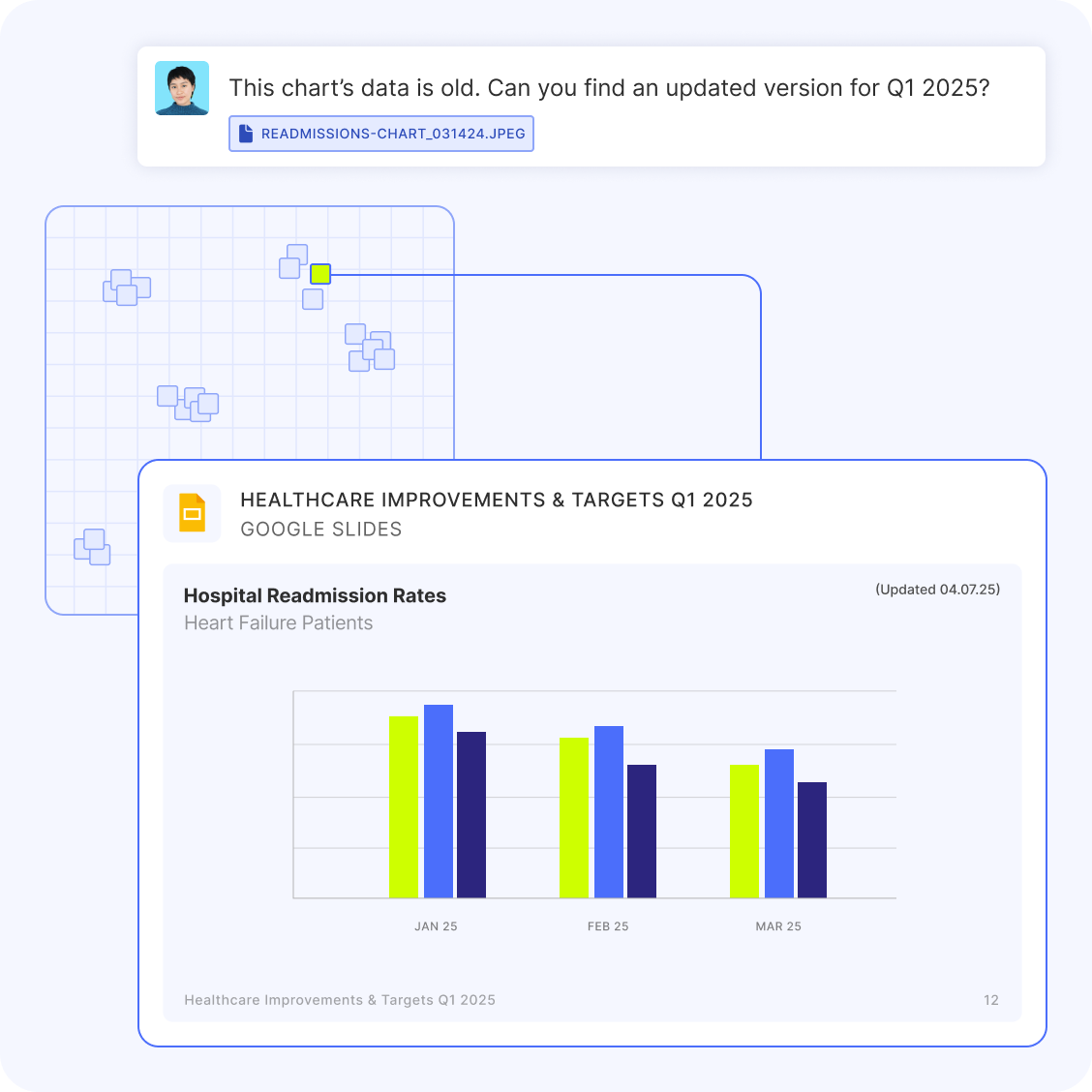
The biggest frustration with old search systems is their inability to find conceptually related information. You search for “employee onboarding guide” and miss the document titled “New Hire First Day Checklist.” This happens because the system is matching words, not meaning.
The Embed model, with neural search, solves this by converting text into vectors—long lists of numbers that capture semantic meaning. This process, called embedding, enables the system to identify documents that are conceptually similar, even if they don’t share any common keywords. Essentially, your search tool automatically understands synonyms and related ideas.
Here are the key aspects of Cohere’s Embed model:
📖 Read More: AI Enterprise Search Use Cases
Sometimes, a search returns a list of relevant documents, but the most important one is buried on the second page. This forces users to sift through results, wasting time and causing them to lose confidence in the search system.
This is a ranking problem. The system found the right information but failed to prioritize it correctly.
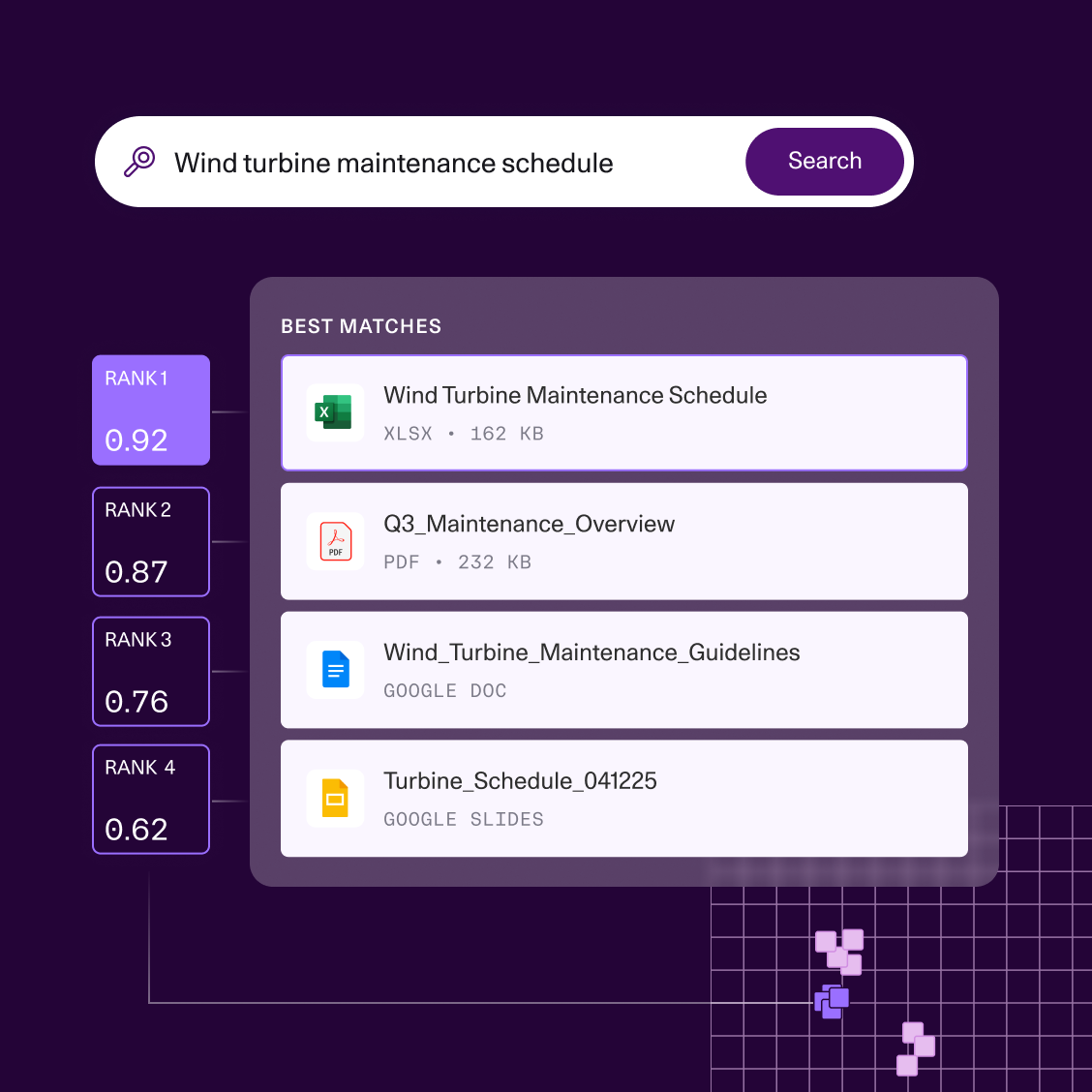
Cohere’s Rerank model fixes this with a two-stage process. First, you use a fast retrieval method (like semantic search) to gather a large set of potentially relevant documents. Then, you pass that list to the Rerank model, which uses a more computationally intensive cross-encoder architecture to analyze each document against your specific query and reorder them for maximum relevance.
This is especially useful in high-stakes situations where precision is critical, such as when a support agent finds the right answer for a customer or a team member searches for a specific section in a document. While it adds a small amount of processing time, the improvement in result quality is often worth the trade-off.
📖 Read More: Workflow Automation Examples and Use Cases
Abstract AI capabilities are interesting, but they don’t become useful until you apply them to solve real-world business problems. A successful enterprise search implementation starts by identifying these specific pain points. 👀
Here are a few practical scenarios where teams can apply Cohere-powered search:
The common thread is that effective enterprise search must be integrated into existing workflow management. A standalone search bar isn’t enough. Your team needs to be able to find information and immediately act on it without having to switch tools.
🛠️ Toolkit: Create an internal hub your team will actually use. ClickUp’s Knowledge Base Template keeps everything—from how-tos to SOPs—neatly organized and easy to search, so no one’s left guessing where the info lives.
Moving from evaluating AI search to actually implementing it can feel daunting. Especially if your team is new to large language models.
While the complexity of your setup will depend on your scale and existing tech stack, the core steps for building a Cohere-powered search system are consistent. This section provides a practical walkthrough to guide your technical team.
Before you write any code, you need to get your tools and access in order. This initial setup helps prevent security issues and roadblocks later on.
Here’s what you’ll need to get started:
You can also access Cohere’s models through Amazon Bedrock, which can simplify billing and security if your company already works within the AWS ecosystem.
The next step is to convert your documents into searchable vectors. This process involves preparing your content and then running it through the Cohere Embed model.
How you prepare your documents, especially how you break them into smaller pieces, has a huge impact on search quality. This is called your chunking strategy.
Common chunking strategies include:
Once your documents are chunked, you send them to the Embed API in batches to generate the vector representations. This is usually a one-time process for your existing documents, with new or updated documents being embedded as they’re created.
Your newly created vectors need a home. A vector database is a specialized database designed to store and query embeddings based on their similarity.
The query process works like this:
When choosing a vector database, you’ll also consider which similarity metric to use. Cosine similarity is the most common for text-based search, but other options exist for different use cases.
| Similarity metric | Best for |
|---|---|
| Cosine Similarity | General-purpose text search |
| Dot Product | When the magnitude of vectors is important |
| Euclidean Distance | Spatial or geographic data |
For many applications, the results from your vector database are good enough. But when you need the absolute best result at the top, it’s smart to add a reranking step.
This is especially important when your search powers a RAG system, since the quality of the generated answer depends heavily on the quality of the retrieved context.
The reranking pipeline is straightforward:
To measure the impact of reranking, you can track offline evaluation metrics, such as nDCG (Normalized Discounted Cumulative Gain) and MRR (Mean Reciprocal Rank).
💫 For a visual overview of implementing enterprise search capabilities, watch this walkthrough that demonstrates the key concepts and practical considerations:
Building a search system is just the first step. Maintaining and improving its quality over time is what separates a successful project from a failed one. If users have a few bad experiences, they’ll lose trust and stop using the tool. 🛠️
Here are some lessons learned from successful enterprise search implementations:
While Cohere provides powerful AI models, it’s not a plug-and-play solution (not exactly).
Building a production-ready enterprise search solution comes with significant challenges that teams often underestimate. Understanding these limitations is crucial for making an informed decision and avoiding costly surprises down the road.
The biggest issue is that you’re getting a set of tools, not a finished product. This leaves your team responsible for building and maintaining the entire surrounding infrastructure around search as a service.
Here are some of the key limitations to consider:
| Challenge | Why it becomes a problem |
|---|---|
| Requires specialized expertise | You need experienced AI and data engineers to build, run, and maintain the system. This isn’t something most teams can set up or own casually. |
| Custom integrations required | The models don’t automatically connect to your existing tools. Every data source needs to be wired in and maintained manually. |
| High ongoing maintenance | Search indexes must be constantly refreshed as content changes or models are updated, adding continuous operational work. |
| Not connected to your workspace | The AI understands language, but it doesn’t live where your team actually works, creating a disconnect between search and execution. |
| Context switching is unavoidable | People find information in one place, then switch tools to act on it, which chips away at productivity and adoption. |
📖 Read More: Free Knowledge Base Templates in Word & ClickUp
By now, the tradeoff should be obvious.
Enterprise search is powerful, but building it yourself means owning ingestion pipelines, chunking strategies, embedding refreshes, reranking logic, and ongoing maintenance. That’s a long-term infrastructure commitment, not a feature rollout.
As the world’s first converged AI workspace, ClickUp removes that entire layer by making AI-powered search native to the workspace itself.
This matters because most search problems aren’t really search problems. They’re work sprawl problems. When work is scattered across disconnected tools, teams are forced to constantly hunt for context. The result is lost time, duplicated effort, and decisions made without full visibility.
ClickUp tackles that problem at the source by collapsing work, context, and intelligence into a single workspace. Let’s break down how that works in practice.
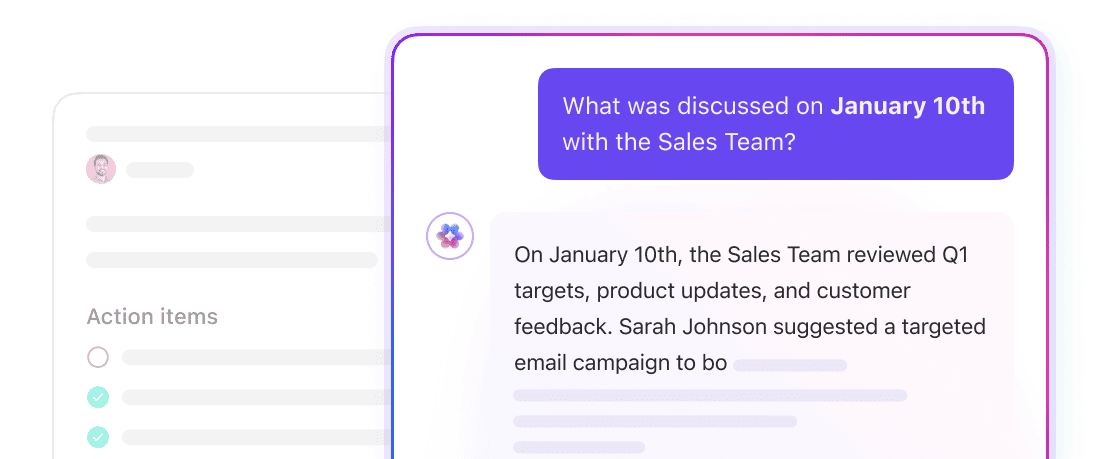
ClickUp Brain is a contextual AI layer that operates across your entire workspace. It can answer questions, summarize information, and surface relevant work because it already has access to the underlying structure of your workspace: ClickUp Tasks, ClickUp Docs, ClickUp Comments, and more.
There’s no need to define chunk sizes or manage embeddings here. Brain uses ClickUp’s native data model to understand how information is connected. Ask a question like “What’s blocking the Q4 launch?” and Brain can pull context from tasks, comments, and Docs tied to that initiative.
ClickUp Brain also supports multiple AI models under the hood, allowing you to leverage different requests to the most appropriate model for reasoning, summarization, or generation. This avoids locking your workflows to a single model’s strengths or limitations.
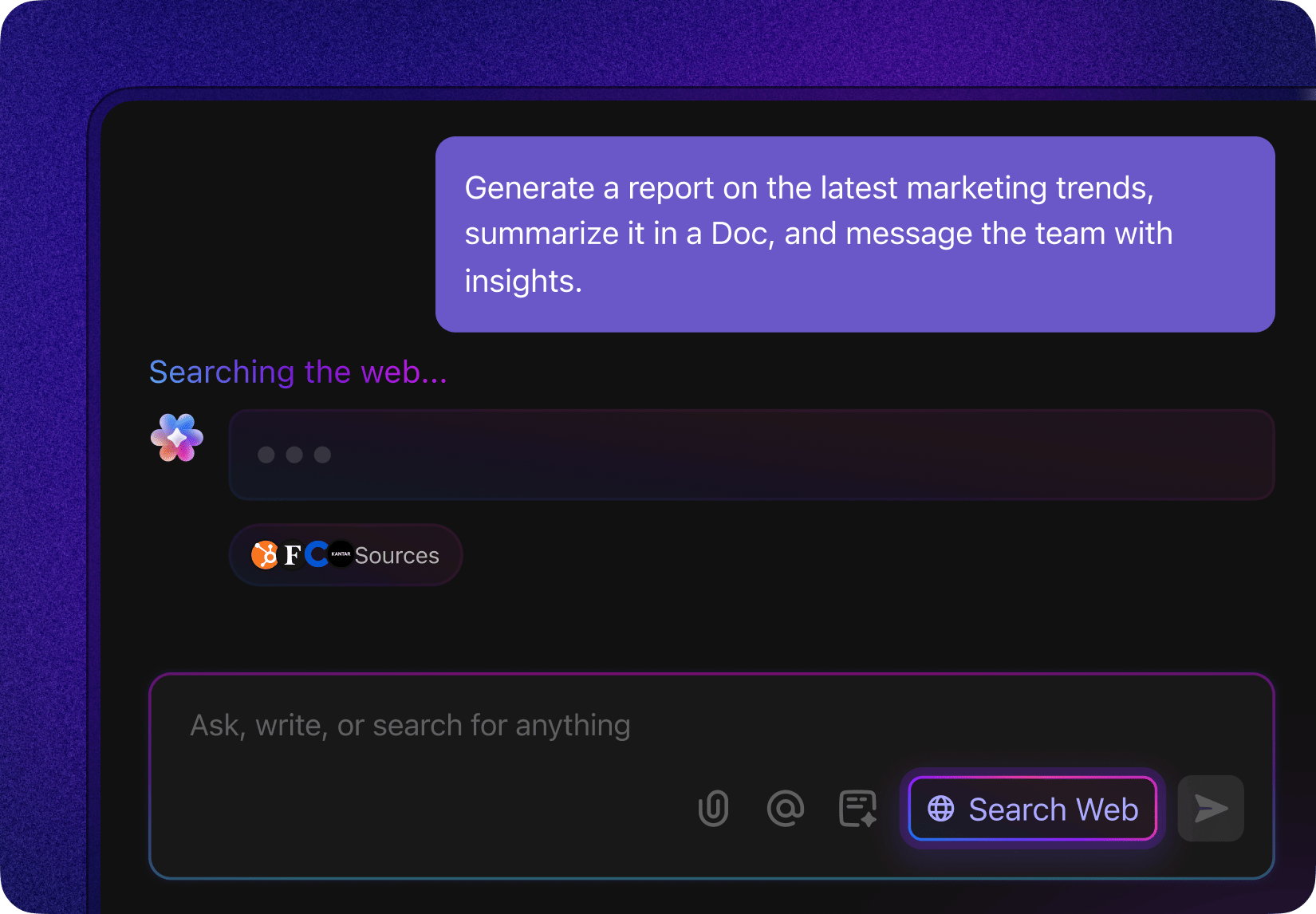
When you need external context, Brain can perform web searches directly from the workspace, returning summarized results without requiring you to leave ClickUp or open a separate browser tab.
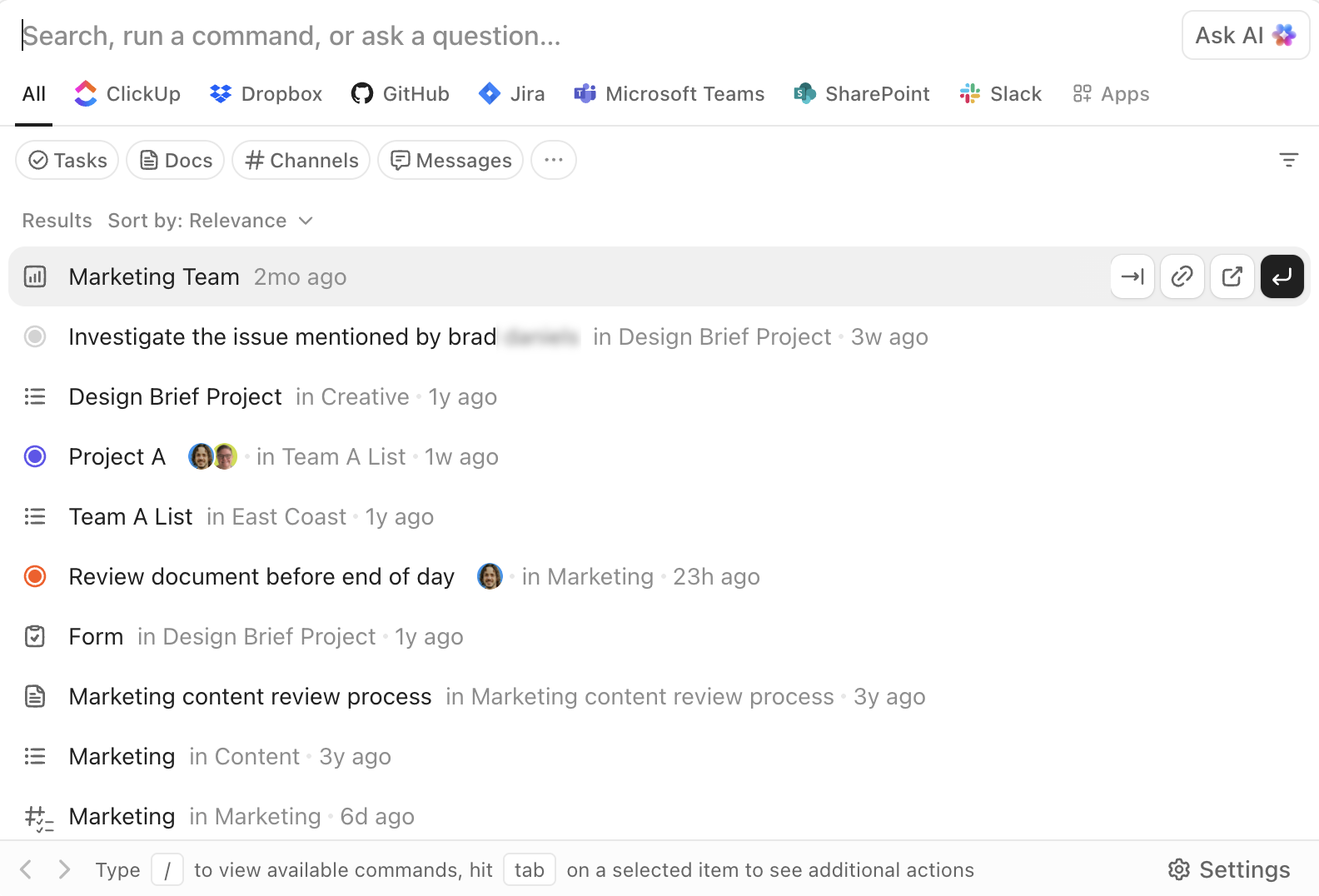
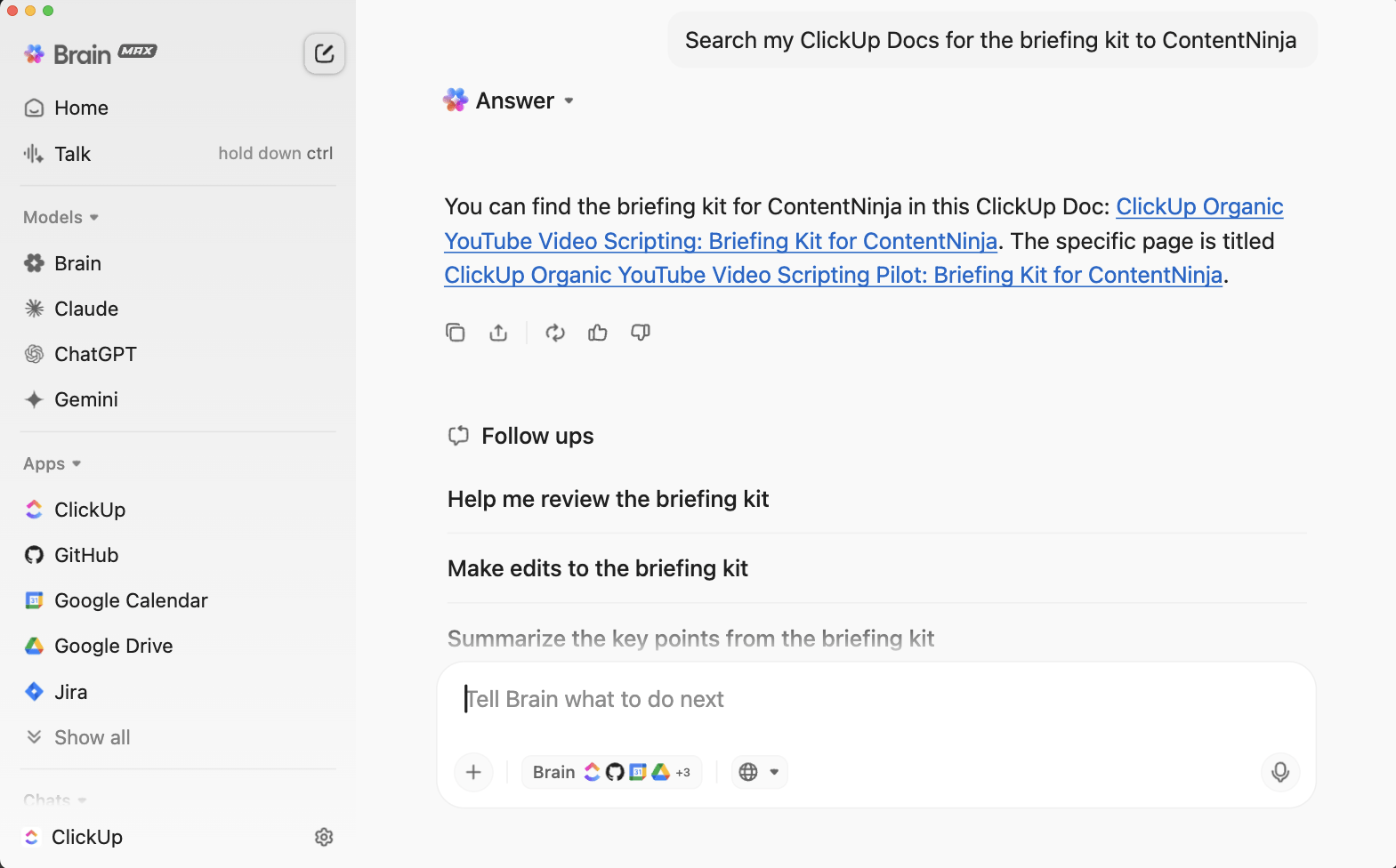
ClickUp’s Enterprise Search is accessible from anywhere in the workspace. It allows you to search across tasks, Docs, comments, and attachments, as well as connected third-party apps like Google Drive, Slack, GitHub, and more, depending on your integrations.
The AI Command Bar turns search into an execution layer. You can jump to items, create tasks, change statuses, assign owners, or open specific views directly from the same interface. This is not just “find and read,” but “find and act.”
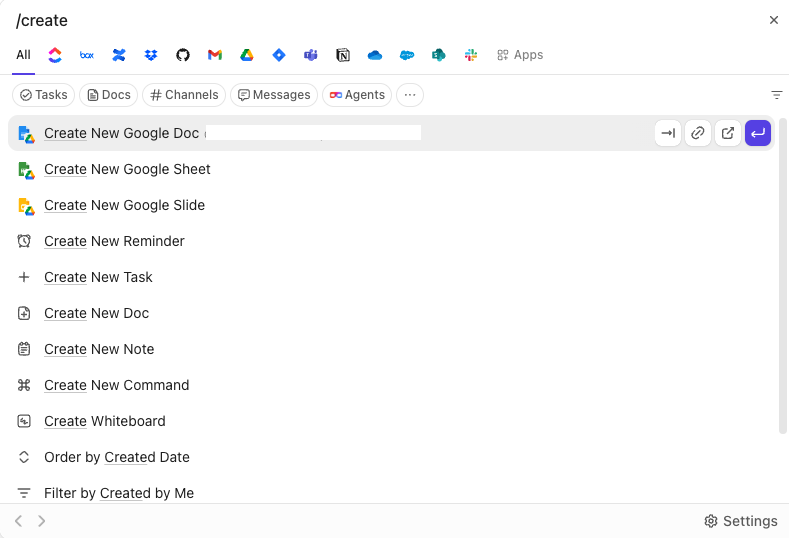
Because search is embedded into the workspace UI, results are always actionable. You don’t retrieve information in isolation and then switch tools to use it. The workflow continues in place.
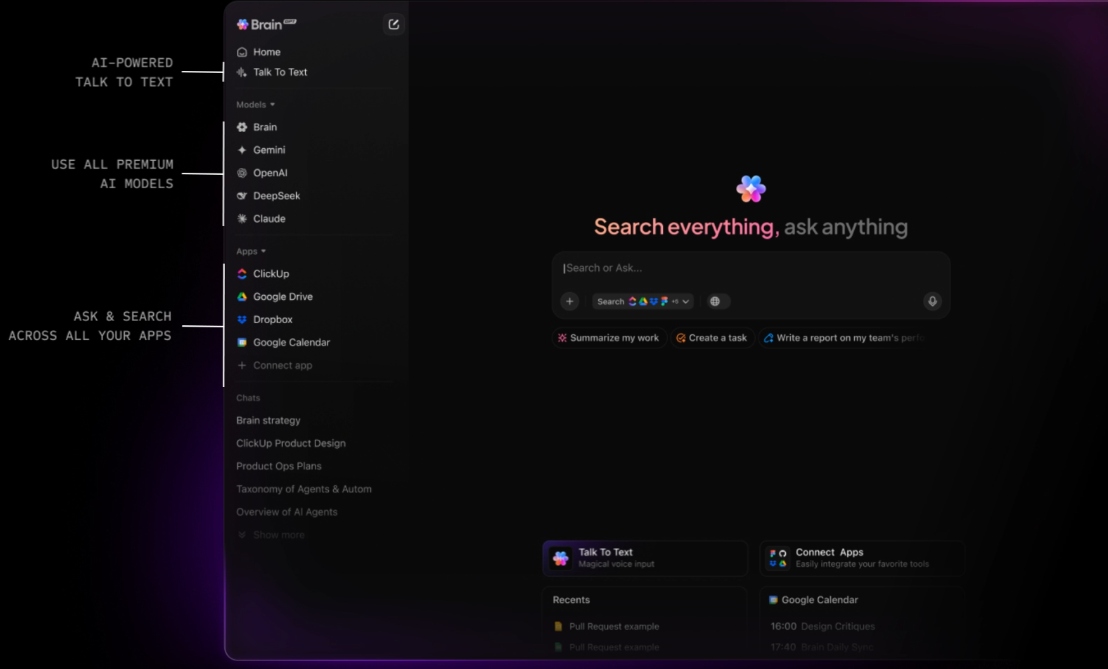
ClickUp BrainGPT extends search capabilities beyond the browser, offering a standalone desktop app and Chrome extension. It connects directly to your Workspace and surfaces the same contextual intelligence without requiring you to open ClickUp or any of your connected apps first.
From a single interface, you can search tasks, Docs, comments, and connected tools, including Gmail and other integrations. Voice-based Talk-to-Text allows you to issue searches or capture questions instantly, which is especially useful for quick lookups or on-the-go work.
Instead of adding another AI search product to manage, Brain GPT consolidates discovery into one surface that already understands your work.
That’s the real shift. ClickUp doesn’t ask you to build enterprise search. This converged workspace embeds it directly into the system where work happens, removing infrastructure overhead while preserving power, accuracy, and speed.
📖 Read More: Top Knowledge Management System Examples
| Feature category | Custom build (Cohere AI) | Native workspace (ClickUp Brain) |
| Core value | Maximum flexibility; proprietary control | Execution-ready; context-aware by default |
| Implementation | Months: Requires engineering teams to build pipelines | Minutes: One-click toggle for the entire workspace |
| Data ingestion | Manual: You must build and maintain ETL & vector DB | Automatic: Real-time access to tasks, docs, and chat |
| Permission logic | Must be coded manually (High risk of data leaks) | Inherited natively from your ClickUp hierarchy |
| Contextual depth | Semantic (Meaning-based) | Operational (Knows who is assigned to what) |
| User interface | You must design and build the search bar/chat | Built-in (Search bar, Docs, and Task views) |
| Workflow action | None: User finds info, then switches tools to work | High: Find info and instantly convert to a task |
| Best for | Tech-heavy firms building proprietary software | Teams looking to eliminate “tool sprawl” and act fast |
Semantic search is no longer the differentiator. It’s table stakes.
The real cost of enterprise search shows up everywhere else: the engineering time to build and maintain it, the infrastructure required to keep it accurate, and the friction created when search lives outside the tools where work actually happens. Finding the right document doesn’t matter much if acting on it still requires switching systems.
That’s why the problem isn’t just “better search.” It’s eliminating the gap between information and execution.
When search is embedded directly into the workspace, context is preserved by default. Answers aren’t just retrieved, they’re immediately usable. Tasks can be updated, decisions can be documented, and work can move forward without creating yet another handoff.
For teams that don’t want to spend months building and maintaining custom search infrastructure, working in a converged AI workspace changes the equation entirely. ClickUp delivers enterprise-grade, AI-powered search as part of the system your team already uses to plan, collaborate, and execute.
✅ Get started with ClickUp for free.
Cohere focuses specifically on enterprise use cases, such as search, offering models like Embed and Rerank that are purpose-built for retrieval tasks. OpenAI provides broader, general-purpose models that can be adapted for search but may require more tuning.
Yes, Cohere provides APIs that enable integration with other tools; however, this requires custom development and engineering resources. An alternative like ClickUp offers native AI search that works out of the box, eliminating the need for any integration work.
Industries with large, unstructured document repositories—such as those in the legal, healthcare, financial services, and technology sectors—benefit most from semantic search. Any organization struggling with knowledge management can see significant improvements.
© 2026 ClickUp




