






Still downloading templates?
There’s an easier way. Try a free AI Agent in ClickUp that actually does the work for you—set up in minutes, save hours every week.
Sorry, there were no results found for “”
Sorry, there were no results found for “”
Sorry, there were no results found for “”

Galaxy AI isn’t just a collection of smart features; it’s a creative co-pilot built directly into your Samsung device. With the right prompts, you can draft ideas, organize thoughts, and transform rough notes into polished content.
Galaxy AI prompts shine when you need a spark of creativity. Stuck on a headline? It can generate ten options in seconds. Need inspiration for a design? It can sketch variations or propose new angles.
Even plan schedules or trip itineraries with a single, well-crafted prompt.
This guide walks you through exactly how to use Galaxy AI prompts to do all of that—step by step. You’ll learn which prompts work best, how to phrase them, and how to unlock the creative and productive potential built into your Galaxy device.
🧠 Did you know? The first program widely recognized as a ‘true AI’, Logic Theorist, was written in 1956 and managed to prove dozens of mathematical theorems that previously only human mathematicians had tackled.
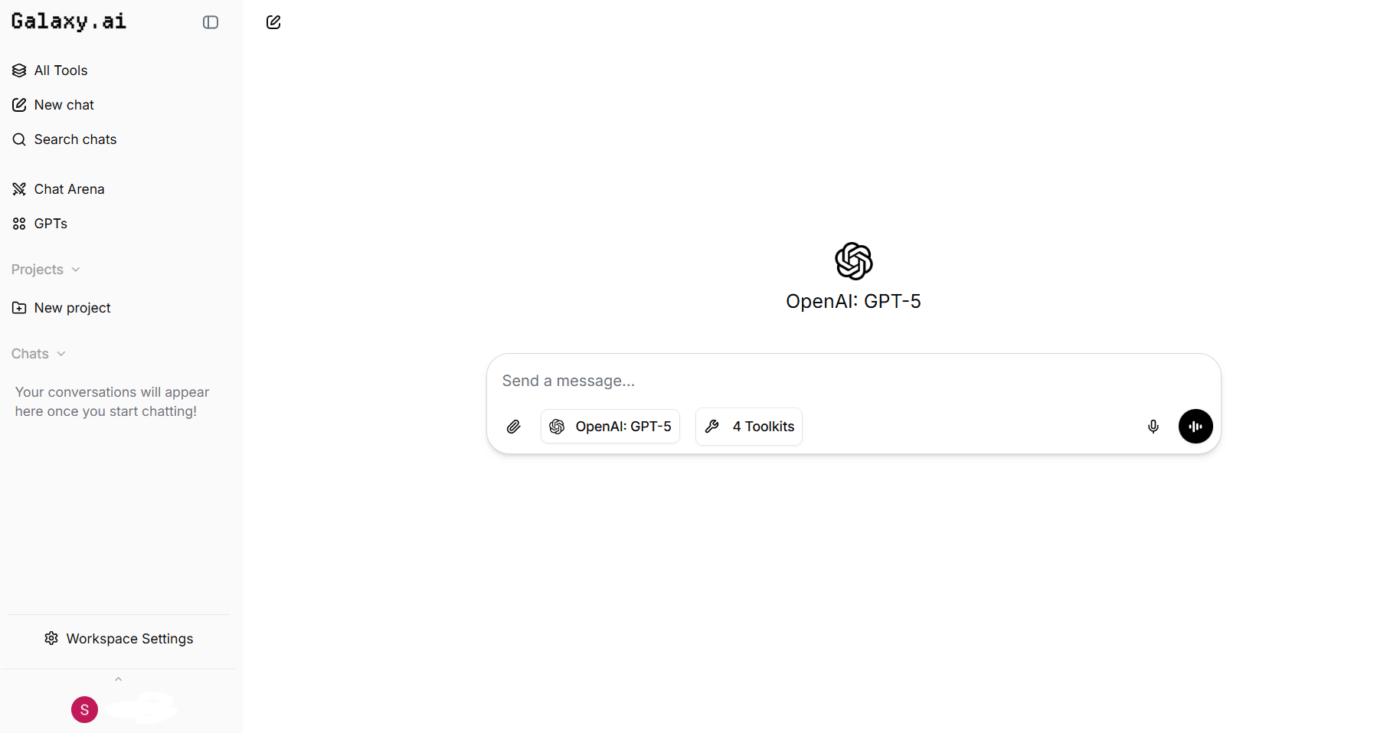
Galaxy AI is Samsung’s suite of on-device and cloud-powered artificial intelligence features built into its phones, tablets, and laptops. It offers tools for writing, image generation, video support, and everyday content tasks.
The AI marketing tool features a set of generators and assistants that you can mix and match for various tasks, including:
🧠 Fun Fact: One of the first robots that combined perception, reasoning, and action was Shakey the robot. Developed in the late 1960s, Shakey could plan, move, and ‘reason’ about tasks before actually doing them, a huge milestone in AI robotics.
Galaxy AI prompts act as instructions that tell the system what you want it to produce, shape, or refine.
When you type a prompt, the platform uses it to understand the format, tone, length, and purpose of the output you’re aiming for. This applies across writing, summaries, planning, and image generation.
A clear writing prompt helps Galaxy AI identify the core task, whether you need a structured outline, a short recap, a polished draft, or a visual concept. The system then builds the result around the details you provide, so the closer your prompt is to your goal, the more accurate and useful the output becomes.
🎥 Watch: AI isn’t just for techies anymore—it’s your new personal assistant. In this video, we’ll show you exactly how to utilize AI to manage repetitive tasks, generate new ideas, and keep projects on track.
Galaxy AI prompt templates improve the quality and focus of what the platform creates, which makes them valuable across creative and work-related tasks. They help with:
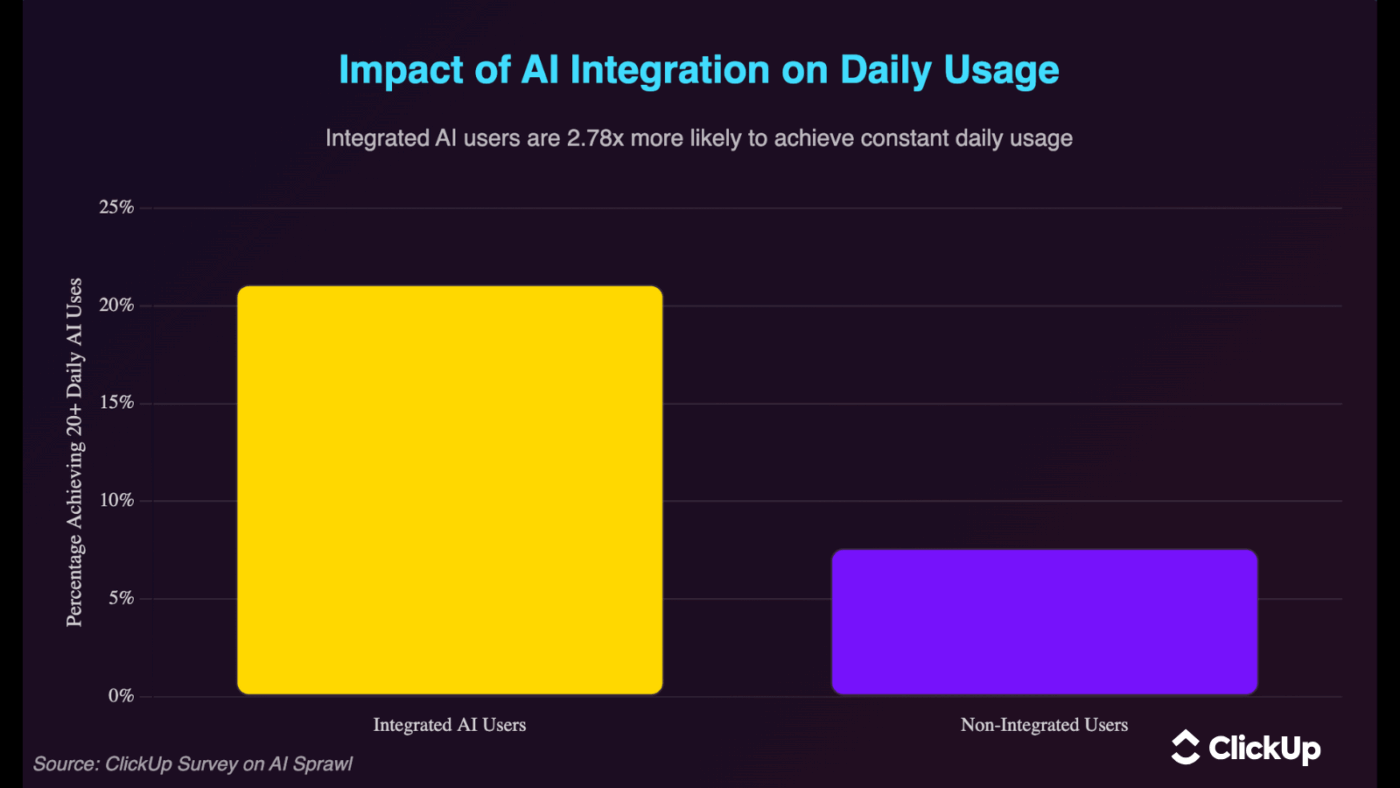
🔍 Did You Know? According to ClickUp’s AI Sprawl survey, workers with fully integrated AI are 2.78x more likely to use AI throughout their day.
Here are 25 Galaxy AI prompts organized by use case. 📝
🎥 Explore the best AI agents for content creation:
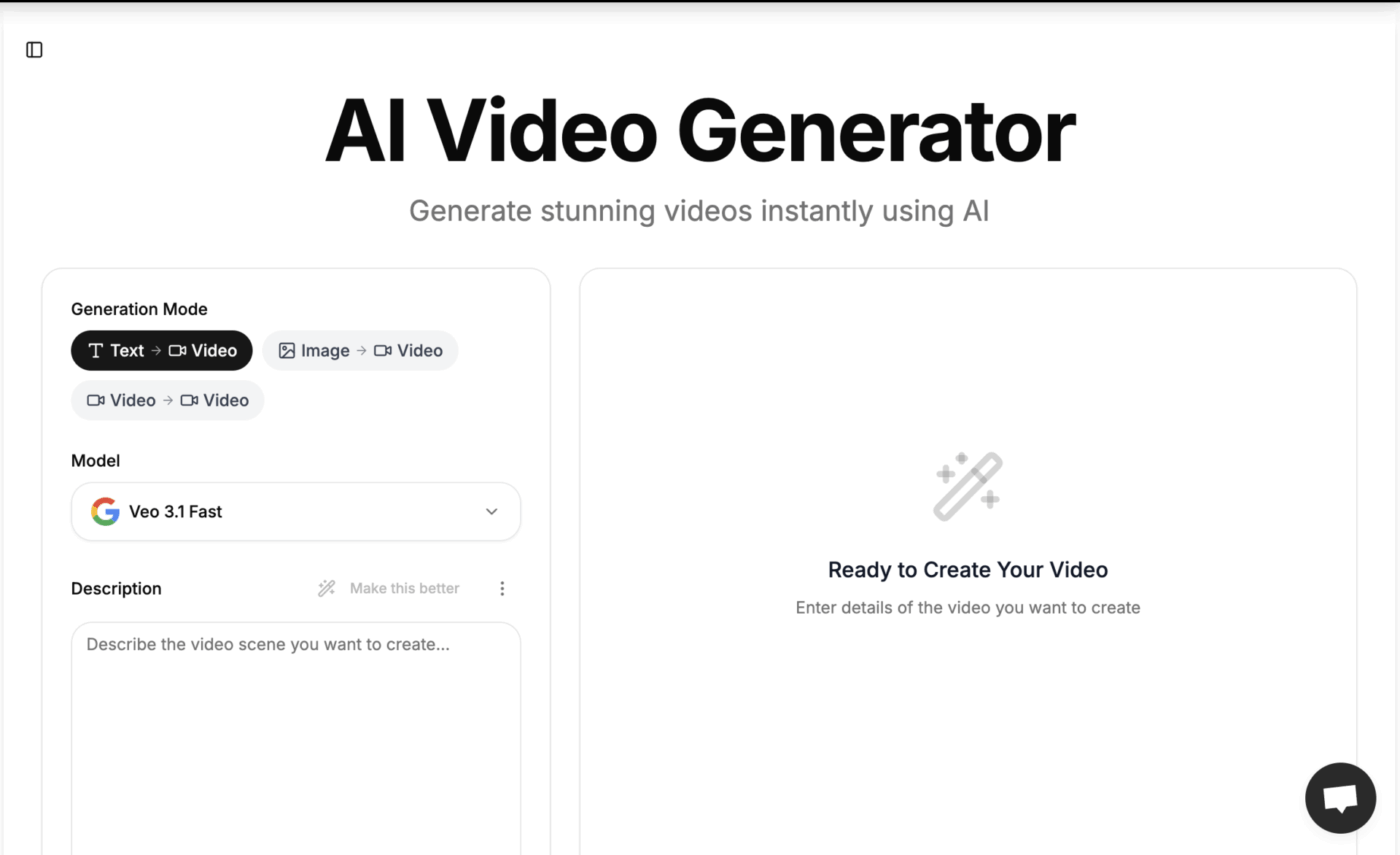
🔍 Did You Know? More than 80% of people worldwide want tighter legal safeguards around AI and privacy, signaling that broad public demand for stronger regulation has firmly entered the mainstream.
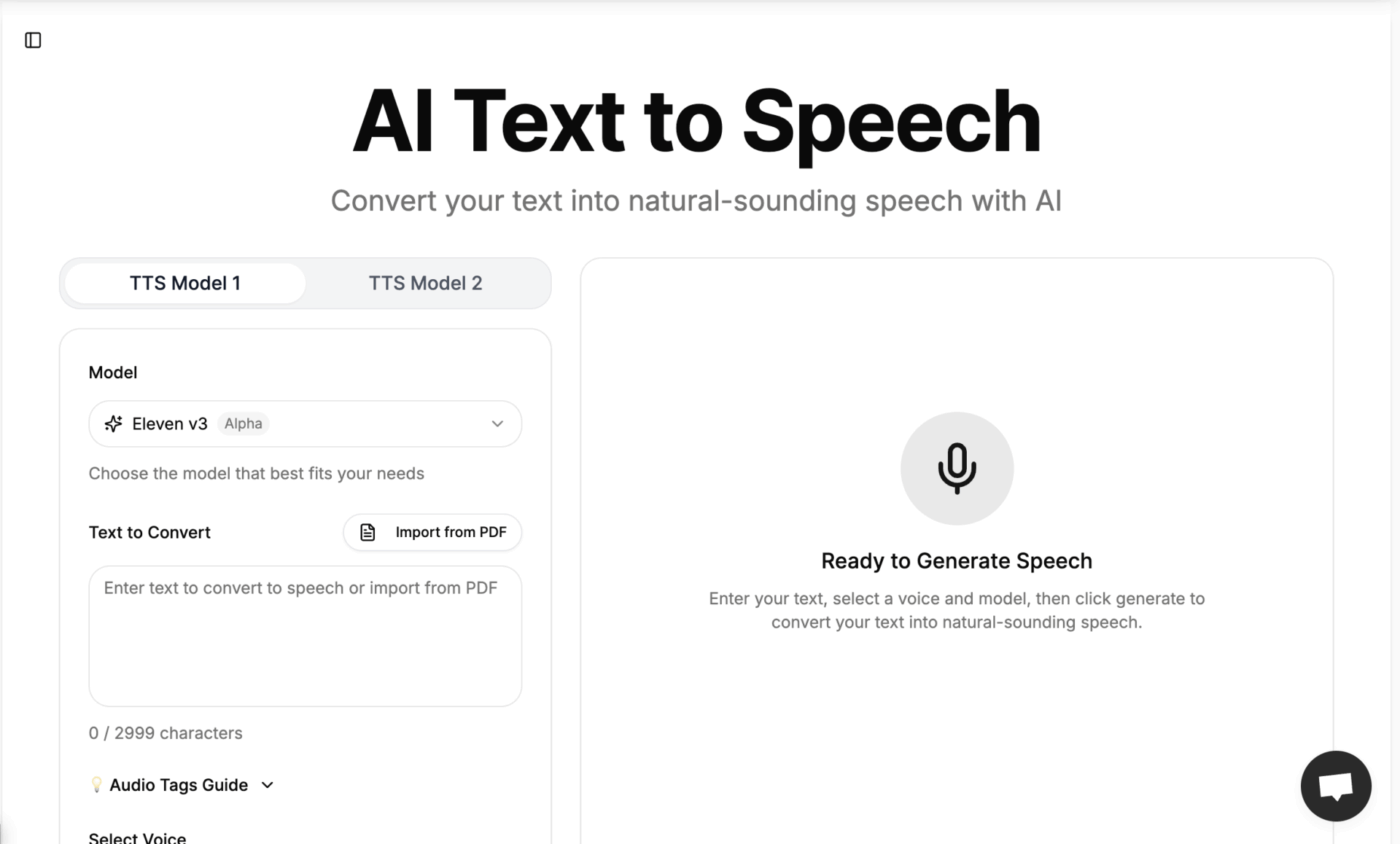
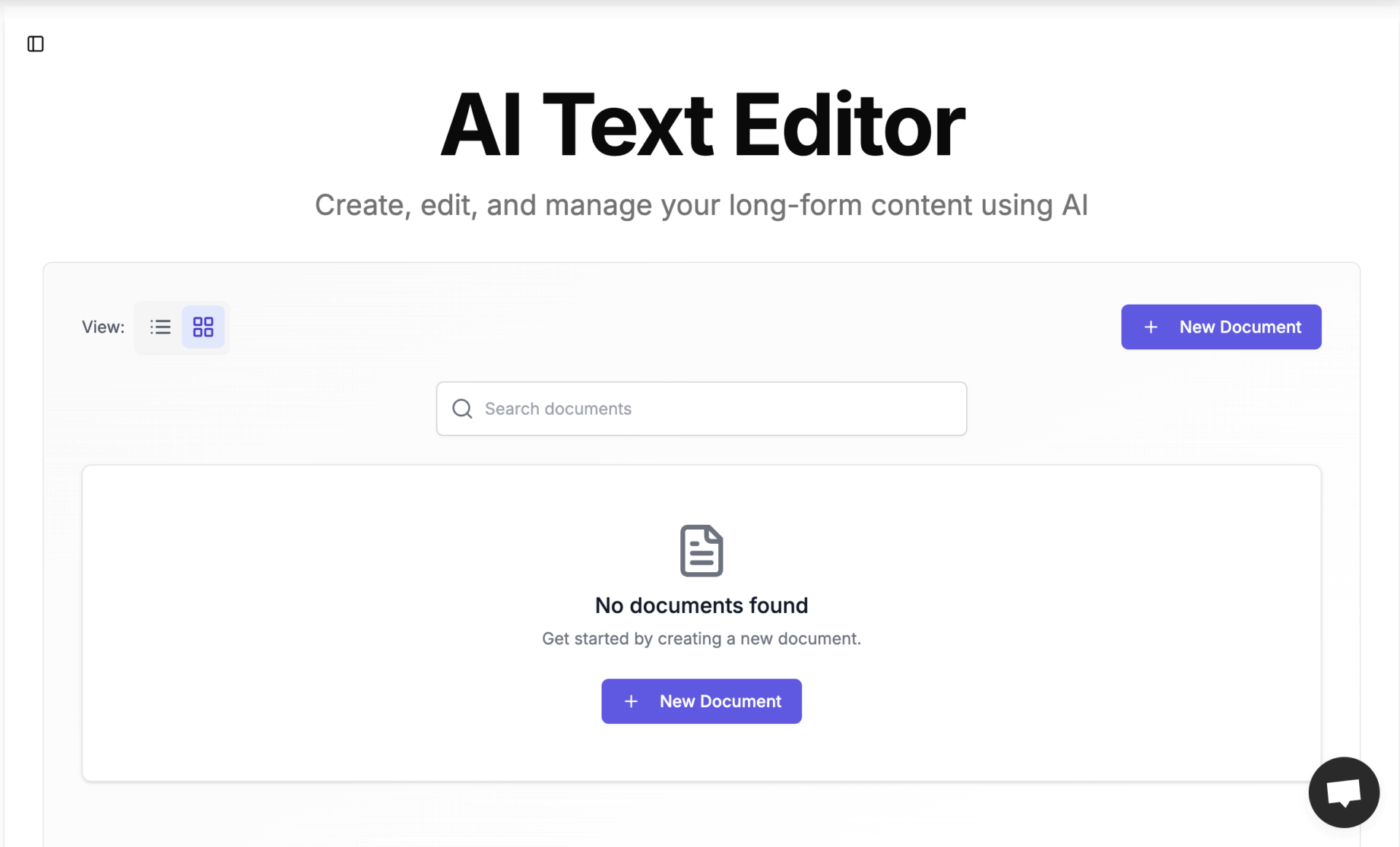
🧠 Fun Fact: According to ancient myth, people dreamed up intelligent machines: in Greek legends like Hephaestus’s forge, gods built ‘living’ metal servants; basically, early sci-fi robots in bronze.
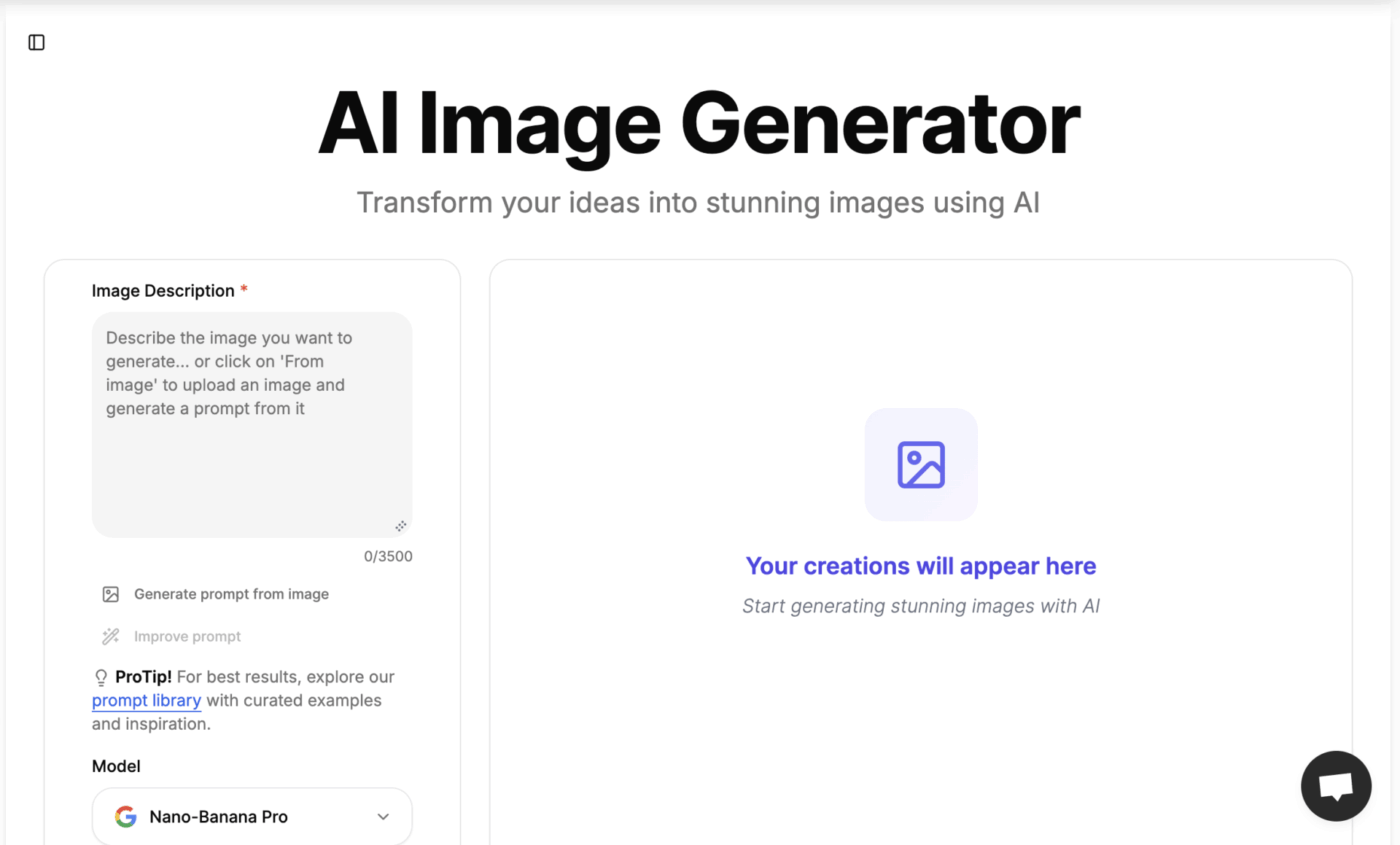
🔍 Did You Know? 88% of organizations report using AI regularly in at least one business function, yet most enterprises remain in the experimenting or piloting phase, and only around one-third say their AI initiatives have reached true scale.
📖 Also Read: How to Use AI in Content Marketing
Getting the best results from Galaxy AI requires thoughtful prompt engineering.
Here are key strategies to maximize output quality:
📮ClickUp Insight: 31% believe cutting typing by 40% would unlock faster communication and better documentation.
Imagine what you could do with that time back. Brain MAX’s Talk-to-Text lets you capture every detail, every idea, and every action item at 4x the speed of typing. Here’s to never having to sacrifice key details or clarity.
💡 Pro Tip: Use AI negative prompts. ‘Write this without corporate jargon’ or ‘explain this but don’t use technical terms’ helps you avoid getting generic AI slop.
Galaxy AI works well with clear direction, but certain habits pull the output in the wrong direction. Here’s what to avoid.
| Mistake ❌ | What goes wrong 🚩 | Do this instead ✅ |
| Prompts that read like thoughts, not tasks | AI picks up fragments and produces messy, unfocused output | Write the request as a clear instruction, not a brain dump |
| Switching goals mid-prompt | Output blends unrelated intentions (e.g., summary + script + caption) | Lock one purpose per prompt to keep results clean |
| Asking for tone but giving no direction | AI defaults to a bland middle-ground voice | Mention the mood, pace, or personality you want |
| Providing keywords with no hierarchy | AI overemphasizes random words and ignores priority | Clarify what matters most vs. optional details |
| Requesting formats that contradict each other | Conflicting instructions produce an inconsistent structure | Match the format and the goal (e.g., outline vs. paragraph) |
| Skipping constraints for creative tasks | Image and writing outputs become vague or overly literal | Add limits: style, angle, framing, length, or focus |
| Using filler words that confuse intent | AI misinterprets hedging (‘maybe’, ‘sort of’, ‘kind of’) | Write clean, decisive instructions |
| Giving feedback without a new direction | AI repeats the same pattern with minor tweaks | State what to change and what to keep |
🔍 Did You Know? 66% of people say they use AI regularly, and 83% believe AI will bring wide benefits. However, only 46% are comfortable trusting AI systems.
📖 Also Read: How to Use AI in Advertising (Use Cases & Tools)
Galaxy AI is reliable for everyday creative and productivity tasks, but it still has boundaries that shape the output you’ll get. For example:
Galaxy AI helps you generate ideas, but it doesn’t stay connected to your work. It answers questions without understanding your tasks, your projects, your documents, or the decisions your team has already made. That gap forces you to piece things together yourself, and that slows you down.
ClickUp fixes that as the first Contextual AI Workspace in the world. You don’t switch tools or rebuild the background every time you prompt it.
You stay in one workspace, and ClickUp Brain understands the work the moment you ask. This also eliminates AI sprawl, because you aren’t working with multiple assistants across separate apps. It provides 100% context and a single place for humans and agents to work together.
Let’s see how it supports your daily workflows. 🔄
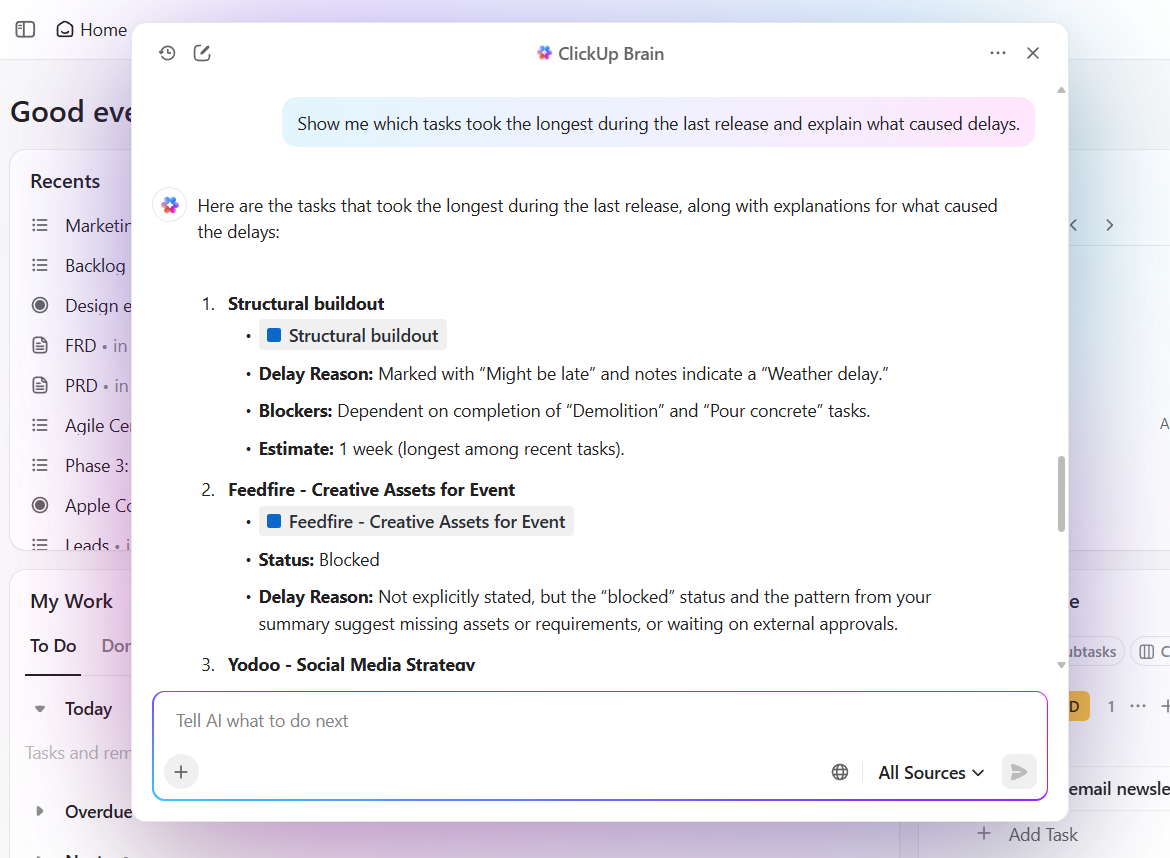
ClickUp Brain sits inside your tasks, docs, checklists, and project structures. When you ask a question, it pulls from the actual work your team created, such as requirements, notes, updates, and linked assets.
Galaxy AI cannot do this because it has no access to your operational context. And so you are stuck in a loop of work sprawl, shifting from your Galaxy AI device to your laptop to search for a file.
With Brain, it’s different.
Say you’re coordinating a multi-team expansion project. You ask ClickUp Brain to summarize the current status across engineering, finance, and operations. It reviews activity in your workspace and gives you a precise snapshot of progress, delays, and next steps. Now, you use that to brief leadership, adjust timelines, and assign follow-ups.
ClickUp Brain also offers its users access to multiple premium LLM models like ChatGPT, Claude, and Gemini, right from ClickUp. So you can choose the thinking style you need without opening a separate tool.
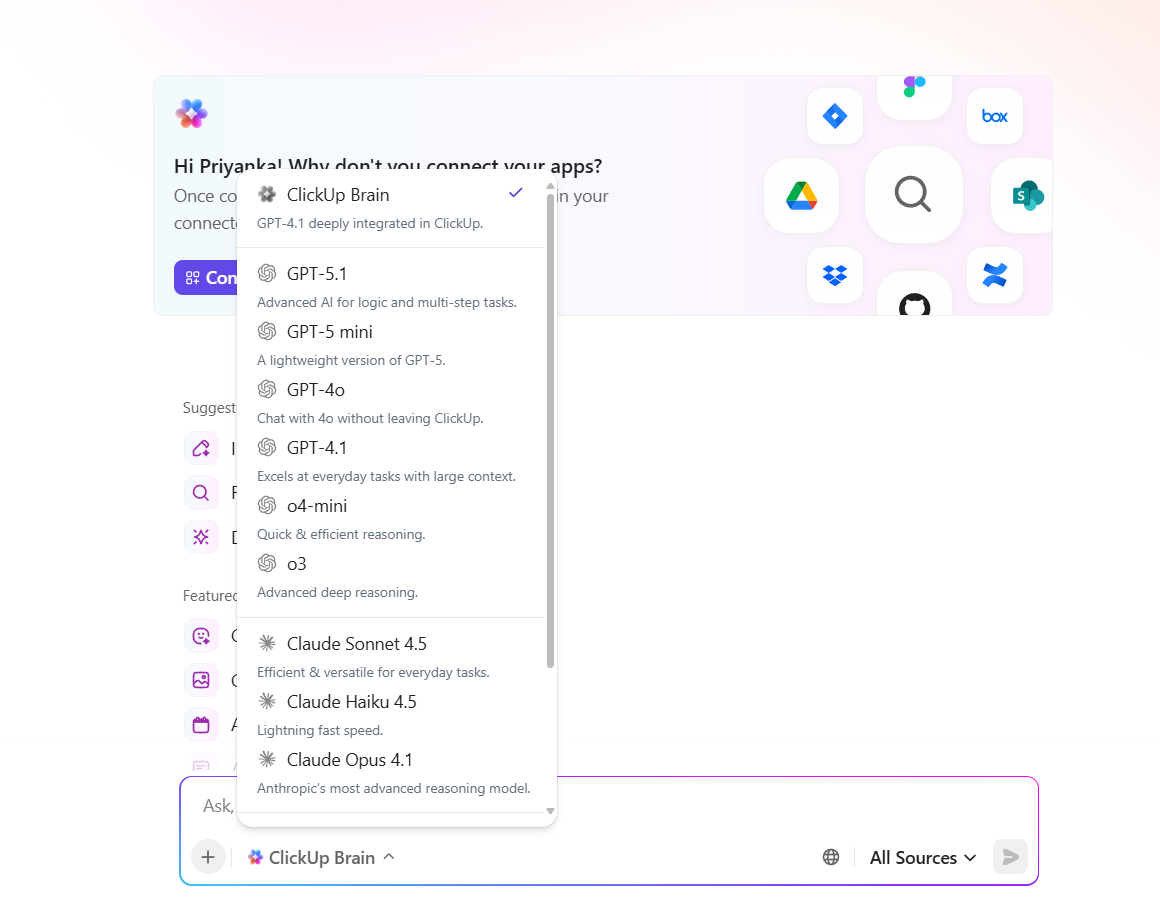
📌 Try this prompt: Review this project and summarize top risks, owners, and pending decisions. Suggest follow-up steps for the next review.
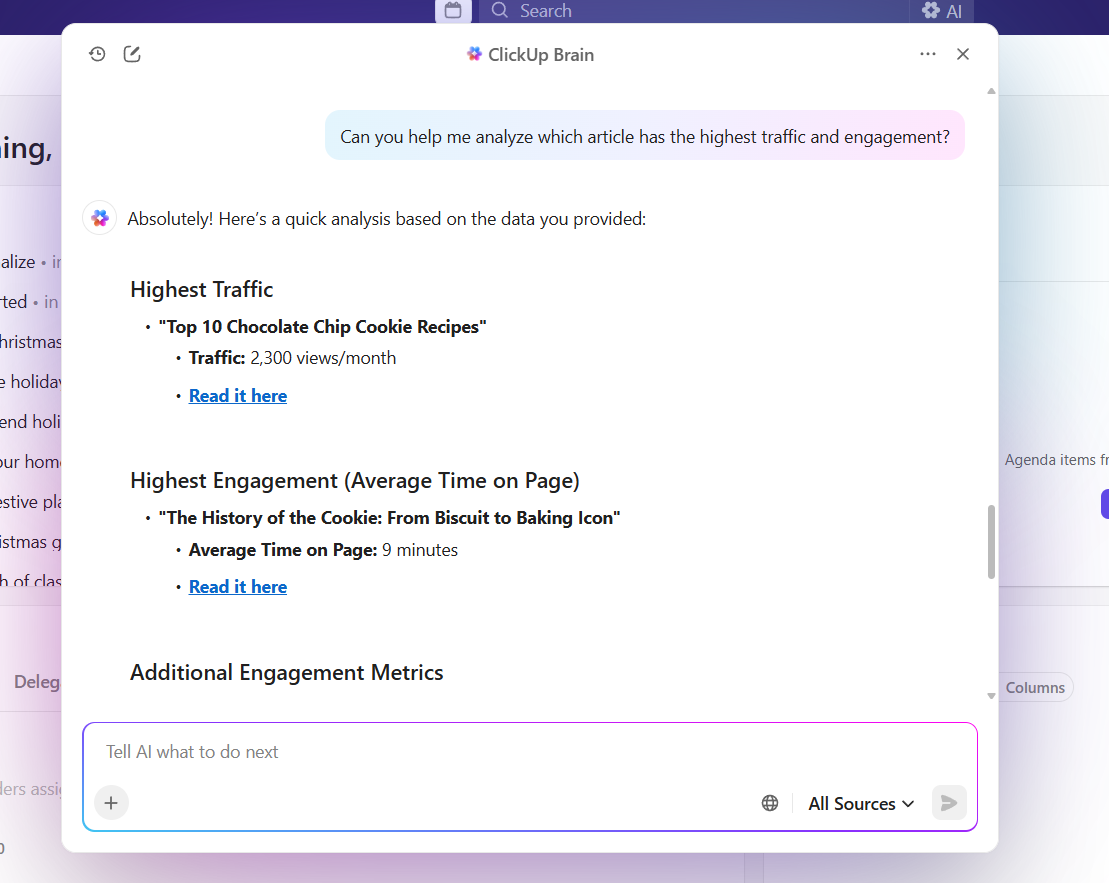
Here are the different ways you can use ClickUp Brain for that much-needed productivity:
💡 Pro Tip: The ‘opposite’ trick works. If something’s too formal, ask to make it ‘how I’d text a friend.’ Too casual? ‘How would I say this to my boss?’ It recalibrates fast.
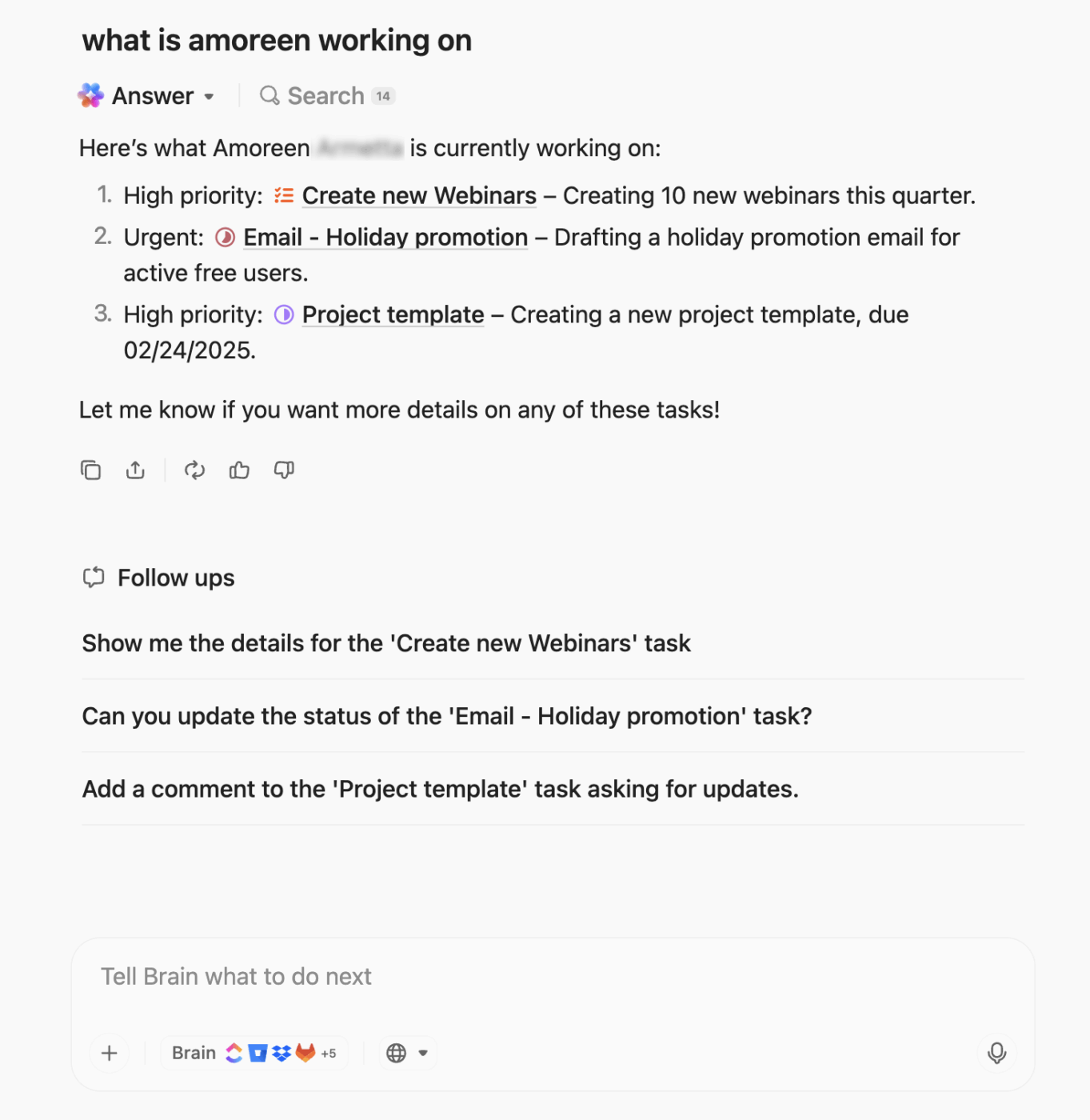
BrainGPT takes ClickUp Brain’s capabilities even further by giving teams access to the most powerful LLMs and the highest performance tier for complex work.
While Galaxy AI helps you generate ideas, summaries, and creative outputs on your device, BrainGPT is a desktop AI super app that steps in when you need deeper reasoning, heavier analysis, or large-scale content generation inside your workspace.
It delivers faster responses, higher-quality outputs, and more reliable handling of long documents. It is an AI-perfect desktop AI companion for when your workflow moves from mobile creativity to full-scale execution. Soon, BrainGPT becomes your single AI layer for everything from research to action.
💡 Pro Tip: Like Brain, BrainGPT also houses multiple LLMs. This way, you can use each AI tool for its super-powers, and fit them based on your use-case, like:
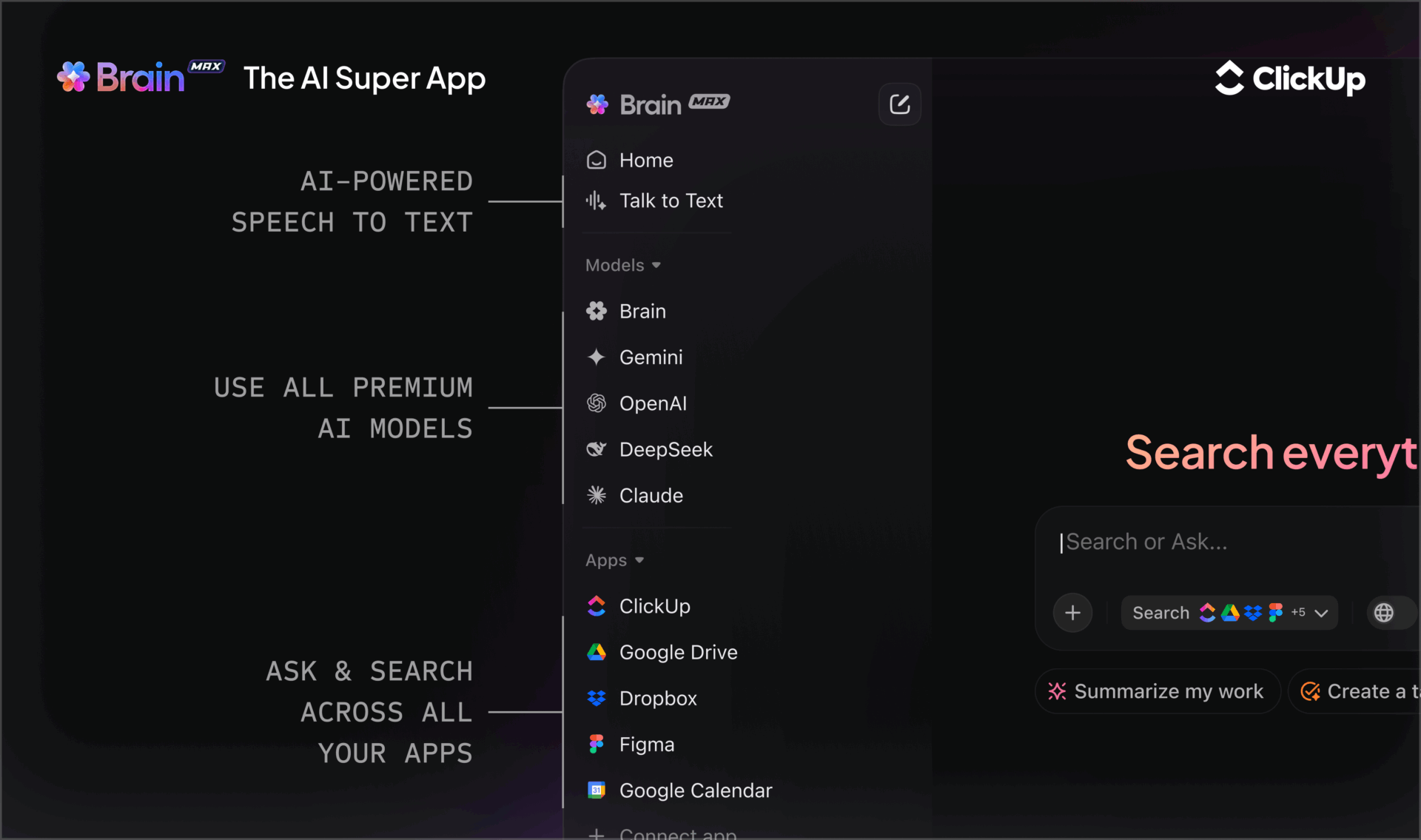
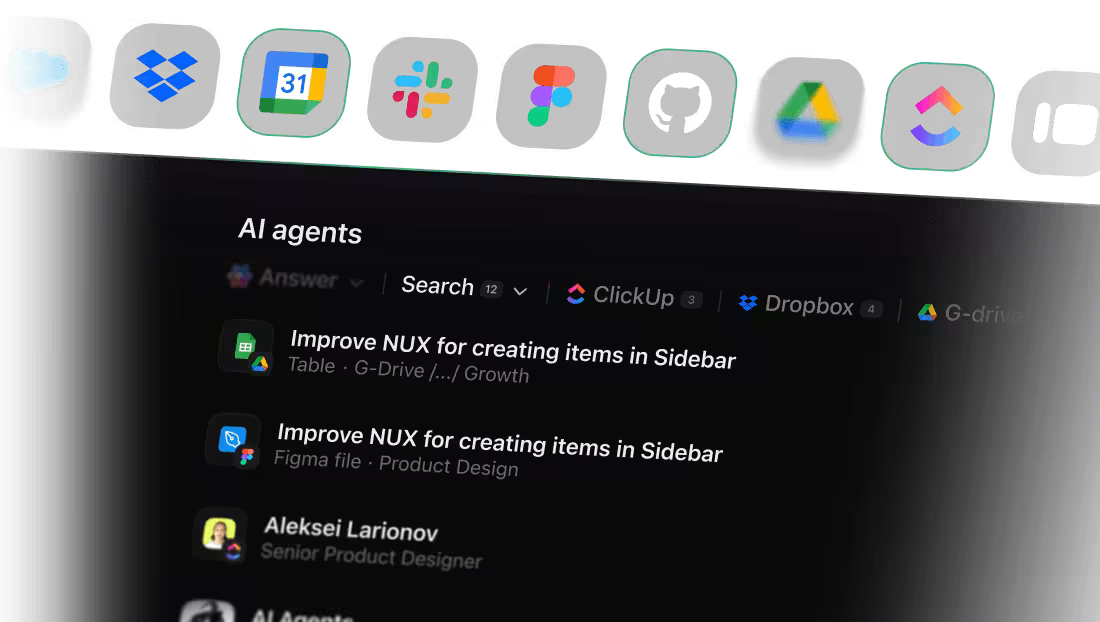
You can use ClickUp Enterprise Search in BrainGPT to pull in data from your connected tools, like GitHub, Google Drive, and SharePoint, to show results right beside your project tasks. It helps you treat your digital workspace as one unified knowledge base.
For instance, you plan a compliance audit. You ask BrainGPT: ‘List all documents related to GDPR compliance from Google Drive, SharePoint, and past audit tasks. ’ BrainGPT returns a consolidated list, so you attach them directly to your compliance task.
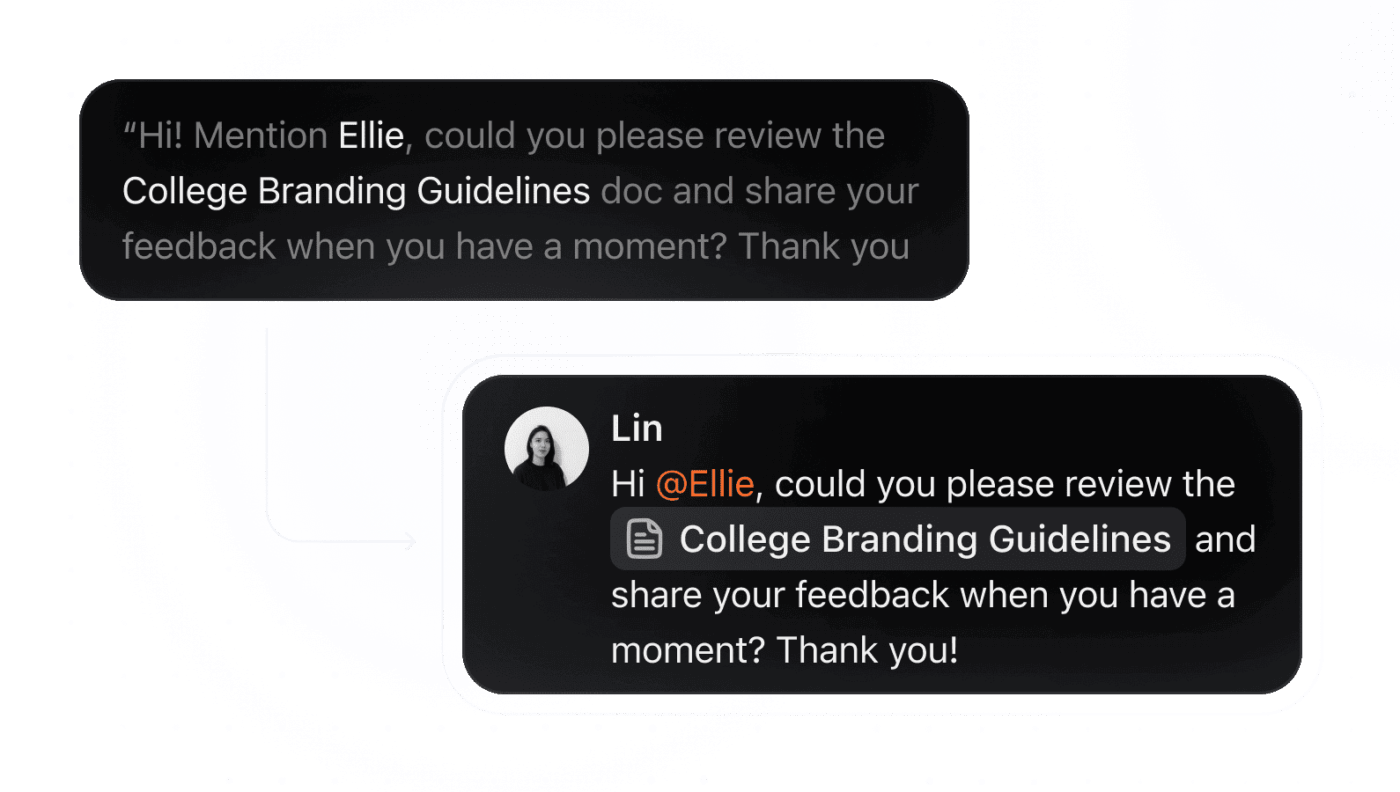
Brain MAX includes ClickUp Talk to Text—you speak, and it types and formats, helping you work 400% faster. Simply press the shortcut key, and a floating bar will appear at the bottom of your screen. You speak, and ClickUp Brain MAX will convert your speech to text.
Suppose you’re reviewing a process and want to brainstorm phrasing for a new SOP section. You press your shortcut key, speak your draft paragraph, wait for Brain MAX to transcribe it, and paste the text directly into a doc. You think out loud and capture polished text without breaking flow.
📖 Also Read: How to Use AI to Write Emails (With Prompts)
ClickUp AI Agents are designed to offload repetitive, time-consuming tasks so you can keep your focus on creative and strategic work.
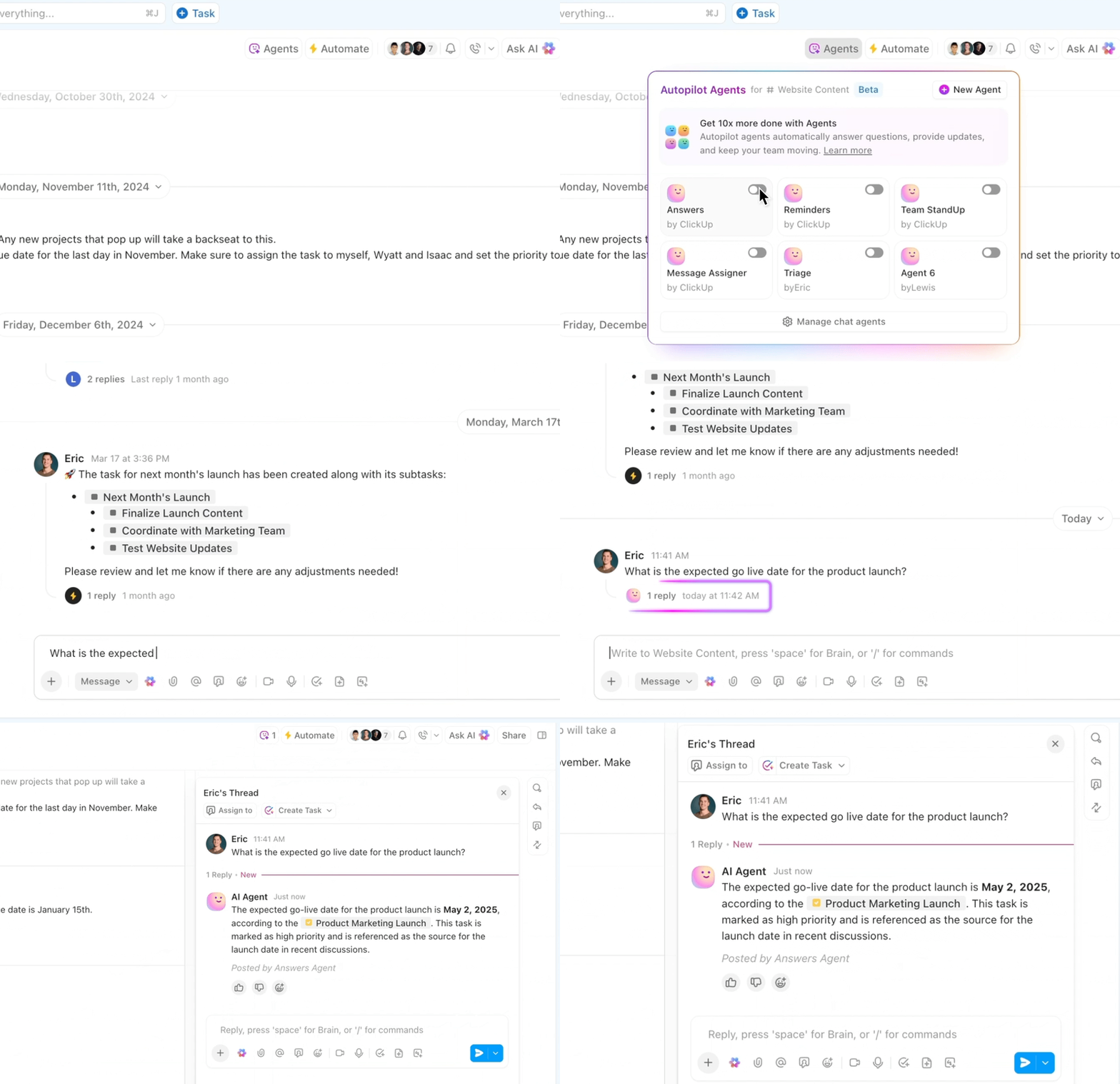
Unlike manual workflows or standalone tools, these Agents run “always in context, always on”, listening for questions, surfacing insights, generating reports, and managing workflows automatically.
While Galaxy AI gives you on-device creativity (writing prompts, images, rewriting text, and ideation), ClickUp AI Agents take what you generate and turn it into actionable, organized work. They help build tasks, manage deadlines, summarize decisions, and keep everything synchronized—bridging the gap between inspiration and execution.
Fresh ideas always feel great, especially when they land right when your work needs a push.
Galaxy AI prompts help you shape that momentum, keep your thoughts moving, and bring a bit more ease to everyday tasks. Once you get the hang of how to steer your prompts, your creativity and productivity start to feel more predictable and less like a scramble.
ClickUp gives you space to take those ideas further.
You plan, write, create, and organize everything in one place, and ClickUp Brain + Brain MAX stays connected to your actual work. They read your tasks, pull from your documents, understand your timelines, and help you act faster without losing context. That’s where all your prompting effort pays off.
Sign up for ClickUp today! ✅

© 2026 ClickUp

There’s an easier way. Try a free AI Agent in ClickUp that actually does the work for you—set up in minutes, save hours every week.