






Still downloading templates?
There’s an easier way. Try a free AI Agent in ClickUp that actually does the work for you—set up in minutes, save hours every week.
Sorry, there were no results found for “”
Sorry, there were no results found for “”
Sorry, there were no results found for “”
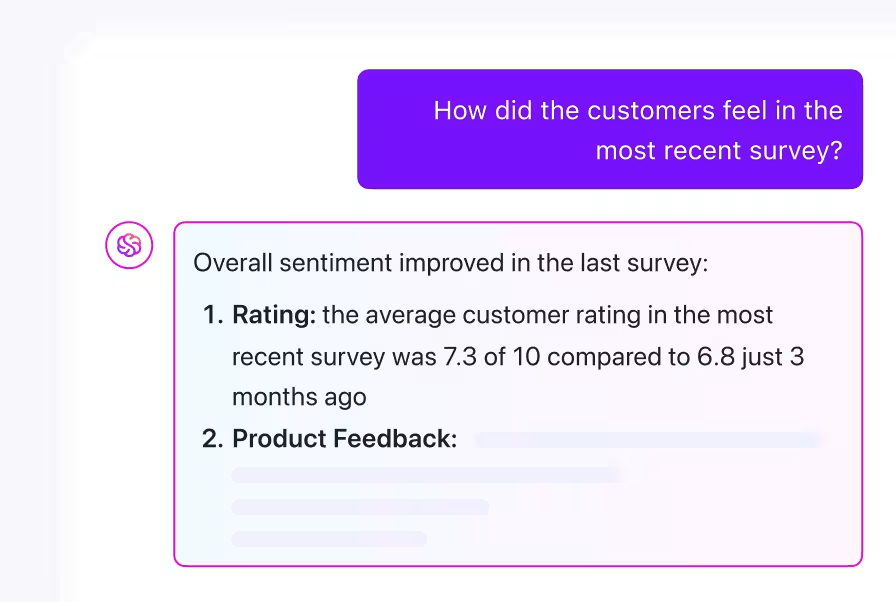
You can run a perfect survey and still learn nothing.
Teams collect feedback constantly, but too often the results sit in a spreadsheet or dashboard with no follow-through.
Today’s free survey tools fix that. They offer logic jumps, branding, and real-time analytics without the paywalls that used to block them.
This guide breaks down the 15 best free survey tools for turning responses into actionable decisions quickly.
Here’s a quick look at the top survey tools before we dive deep into the details.
| Tool | Best For | Best Features | Pricing* |
|---|---|---|---|
| ClickUp | Product teams, HR, marketing, and cross-functional teams managing multiple intake forms Team size: Solo → Enterprise | Collect responses, trigger workflows, AI insights, custom branding, embedded forms, unified workspace | Free Forever, enterprise customization available |
| Google Forms | Quick, no-frills internal surveys, classroom quizzes, and event planning Team size: Individuals → Small teams | Embed forms, shuffle questions, restrict access, response caps, shortcuts | Free |
| SurveyPlanet | Educators, nonprofits, and early-stage businesses running frequent feedback cycles Team size: Small → Mid-size | Unlimited questions/responses, templates, multilingual, anonymous responses, dual preview | Paid plans from $20/mo |
| Tally | Creators, startups, and solo professionals wanting minimalist, elegant forms Team size: Solo → Small teams | Block editor, no watermarks, unlimited responses, custom domains, hidden fields, Stripe, password protection | Paid plans from $29/mo |
| Jotform | Healthcare, education, and enterprise teams needing structured, pixel-perfect data collection Team size: SMB → Enterprise | 10,000+ templates, conditional logic, payments, HIPAA, e-signatures, offline mode, 100+ integrations | Paid plans from $39/mo |
| SurveyMonkey | HR, marketing, and product teams running formal research or compliance-driven surveys Team size: All sizes | Sentiment analysis, QR/SMS sharing, benchmarks, scoring logic, multilingual, role-based access | Paid plans from $18/mo |
| Typeform | Marketers, designers, and creators needing polished, interactive, on-brand surveys Team size: Solo → Mid-size | One-question UI, logic jumps, recall answers, partial saves, embeds, VideoAsk | Paid plans from $29/mo |
| Zoho Survey | Teams already working in the Zoho ecosystem Team size: SMB → Enterprise | Native Zoho integrations, GDPR-compliant, multilingual, offline mode, scoring, email triggers, cross-tab reports | Paid plans from $6/mo |
| Cognito Forms | Ops teams, accountants, and field staff needing dynamic, calculation-heavy data forms Team size: SMB → Mid-size | Pre-fill data, repeat sections, encrypted storage, secure portals, PDFs, advanced calculations | Paid plans from $19/mo |
| forms.app | Small businesses + freelancers needing mobile-friendly forms Team size: Solo → SMB | Mobile-first design, order forms, approvals, push notifications, calculators, responsive templates | Paid plans from $25/mo |
| Qualtrics | Enterprises & research teams running advanced CX/EX/market studies Team size: Enterprise | Complex logic, branching, embedded data, multi-channel sharing, AI analytics, dashboards, SAP/Salesforce integrations | Custom pricing |
| LimeSurvey | Academic + public sector teams with technical skills and tight budgets Team size: SMB → Enterprise | Open-source, self-hosted, multilingual, logic scripting, offline mode, SPSS/R export, panel management | Paid plans from $9/mo |
| Sogolytics | HR, healthcare, finance & government teams needing strict security + compliance Team size: Mid-size → Enterprise | Enterprise security, 360° feedback, benchmarking, workflows, dashboards, encryption, audit trails | Paid plans from $25/mo |
| SoSci Survey | Researchers in psychology, education, and social sciences Team size: Academia | Script logic, randomization, quotas, controlled access, EU compliance, academic integrations | Paid plans from $57/mo |
| Formbricks | SaaS teams + privacy-first devs collecting in-app feedback Team size: Startup → Enterprise | In-app micro-surveys, self-hosted, GDPR/CCPA compliant, session tracking, SDK, AI analysis, unlimited seats | Paid plans from $49/mo |
Our editorial team follows a transparent, research-backed, and vendor-neutral process, so you can trust that our recommendations are based on real product value.
Here’s a detailed rundown of how we review software at ClickUp.
Free doesn’t have to mean limited—especially if you’re collecting feedback that drives decisions. Here’s what to keep an eye out for when picking a solid, no-cost survey software:
The right tool makes creating, sharing, and acting on surveys easier, without hitting paywalls too soon.
Now that you know what to look for, let’s dive into the tools that deliver:
ClickUp is the everything app for work that combines project management, knowledge management, and chat—all powered by AI that helps you work faster and smarter.
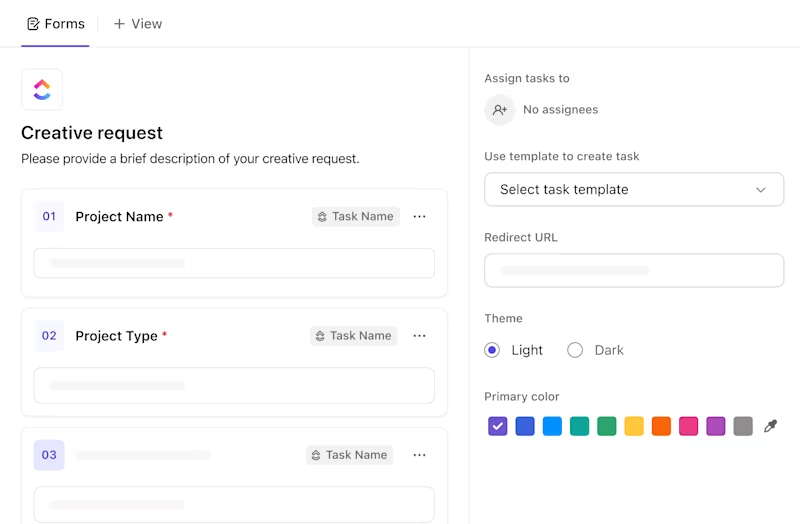
Its built-in ClickUp Forms feature doesn’t just collect survey responses—it kickstarts action.
You can create forms for anything from lead capture and bug reports to internal requests and surveys. Each response can automatically become a task, assign the right person, set priority based on answers, and trigger follow-ups—no manual sorting is required.
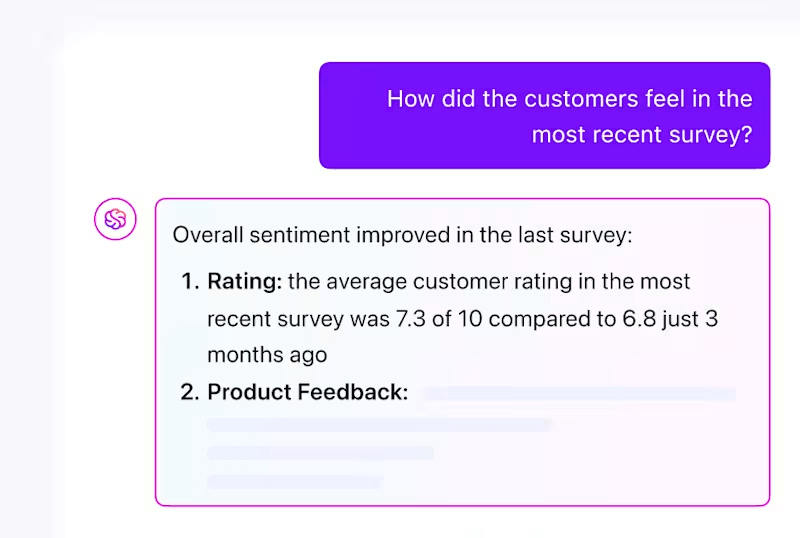
Form results flow straight into ClickUp Dashboards. These dashboards include AI Insight Cards, predictive trends, anomaly alerts, and charts automatically generated by ClickUp Brain.
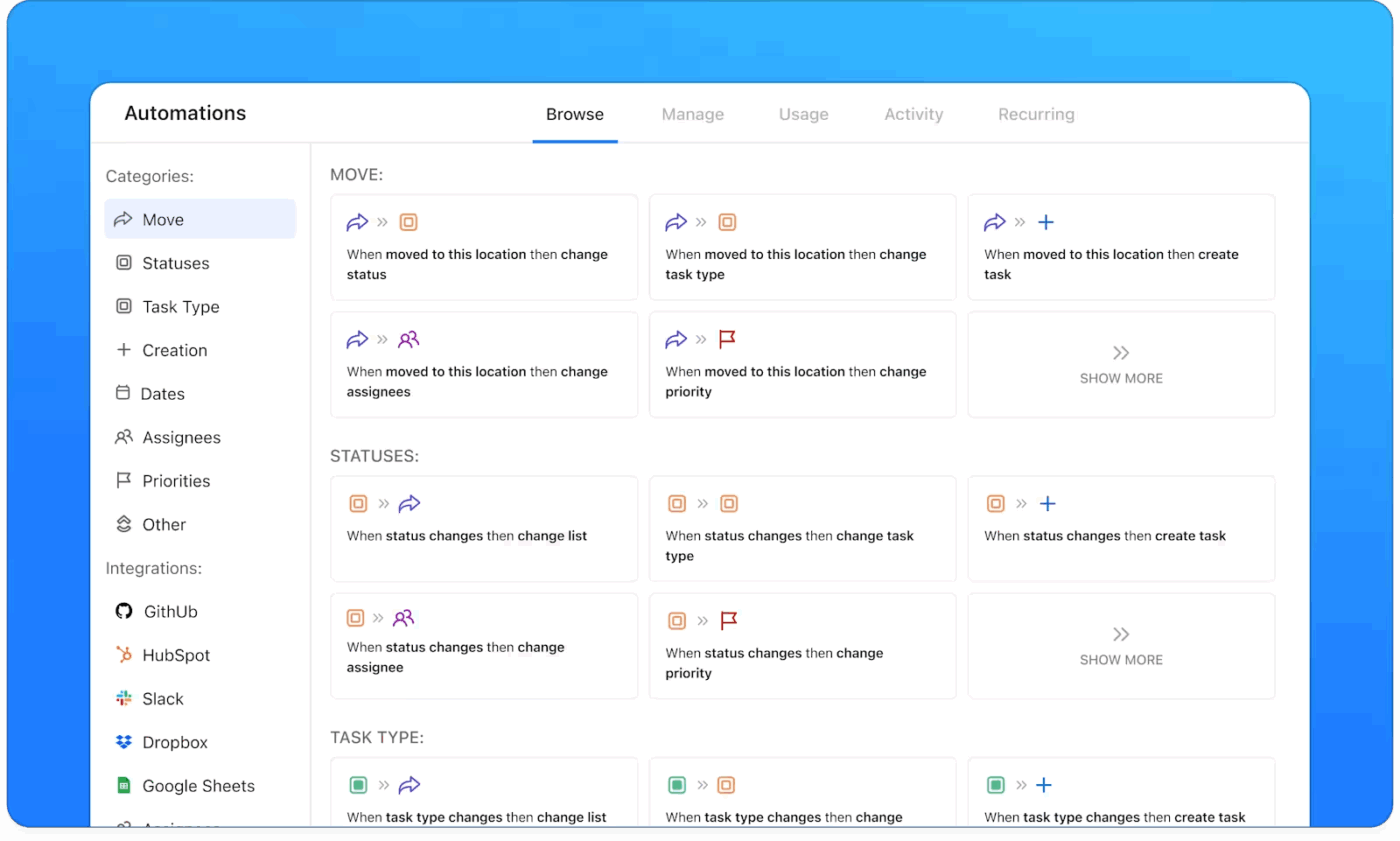
ClickUp Automations turn form responses into a workflow. The moment someone submits, the task can be tagged, routed to the right stage, and surfaced to the right person, so your team spends less time sorting and more time responding.
For example, “Urgent” submissions can be assigned to a specific owner and moved to a Priority stage automatically, while “Feedback” goes to a backlog list for review.
Instead of manually configuring triggers and conditions, you can describe the automation in plain English—“When a survey response is marked urgent, assign it to CX and add a due date”—and ClickUp Brain builds the entire workflow for you.
Forms are easy to customize with your own branding and support file uploads, like screenshots or videos. You can also accept public or anonymous submissions—great for customer feedback or pulse surveys—and integrate with tools like CRMs, email platforms, or databases via Zapier or Make.
ClickUp’s advanced AI capabilities— ClickUp Brain, ClickUp BrainGPT, and Super Agents—make it a standout choice for survey management. Most survey tools stop at “collect feedback.” The real win is turning responses into decisions and follow-through without exporting anything or chasing people down.
Here’s a peek at ClickUp BrainGPT @work👇
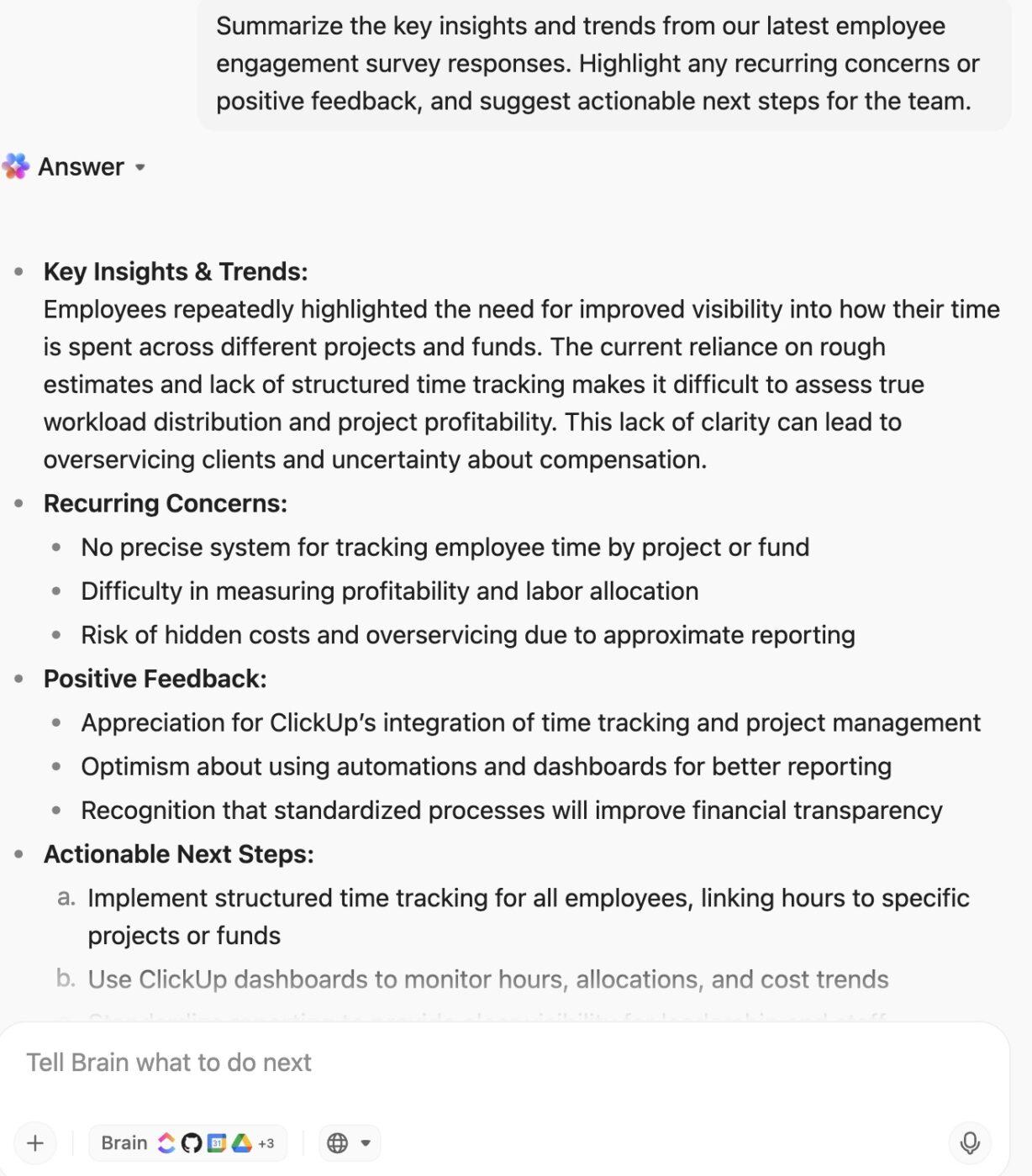
AI does not stop there; you can search across forms, responses, tasks, Docs, chats, dashboards, and attachments in seconds. ClickUp Enterprise Search automatically pulls context from across your Workspace so you never lose track of how your team is acting on survey data.
All of this adds up to real results. Teams using ClickUp save up to an hour per employee each day, leading to a 12% boost in efficiency.
Organizations like Stanley Securities have cut reporting time by over 50%, thanks to form-connected workflows that make data accessible and actionable.
A G2 review says:
Clickup on desktop is amazing easy to use and intuitive with new built in AI controls to help you if you ever get lost. The ability to create forms, manage tasks, calendar items, and meetings all make ClickUp an absolute must have for any growing small business. In addition, the new chat feature makes exterior chat apps like Slack or Teams obsolete and unnecessary for those looking to reduce the number of apps they use.
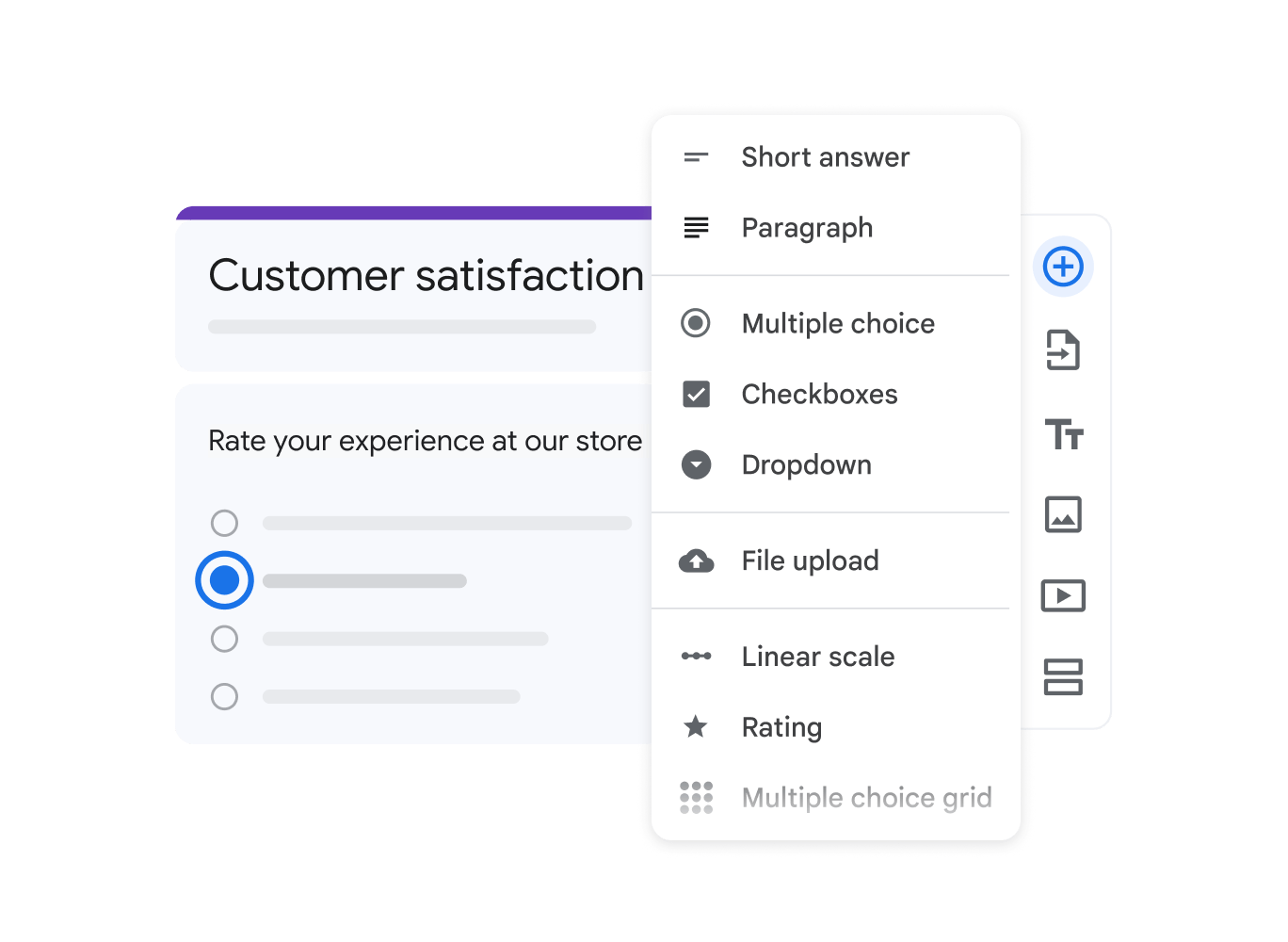
If you’re already embedded in the Google ecosystem, Google Forms is ideal for users looking to create surveys with minimal setup. It’s Google’s very own completely free survey maker.
The tool’s simple, no-code interface and native integration with Google Workspace tools make it perfect for internal feedback, customer satisfaction surveys, classroom quizzes, or event planning. You can start instantly using pre-made templates or build from scratch with basic question types like multiple-choice, drop-down, and short answers.
A Capterra reviewer says:
Google Forms is a useful and efficient solution for basic to intermediate needs. It may not be the most advanced tool, but it is adequate for the majority of day-to-day HR functions.
📮 ClickUp Insight: Context-switching is silently eating away at your team’s productivity. Our research shows that 42% of disruptions at work come from juggling platforms, managing emails, and jumping between meetings. What if you could eliminate these costly interruptions?
ClickUp unites your workflows (and chat) under a single, streamlined platform. Launch and manage your tasks from across chat, docs, whiteboards, and more—while AI-powered features keep the context connected, searchable, and manageable!
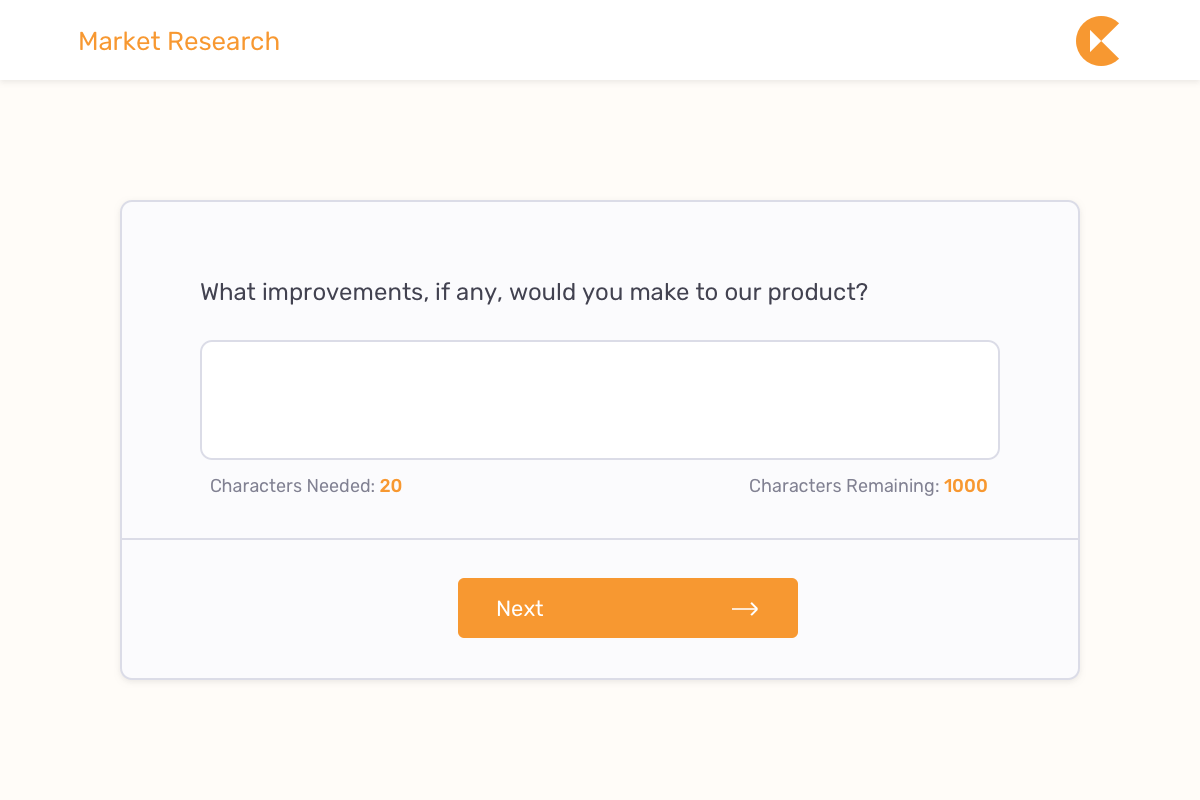
Need to run multiple surveys without worrying about a cap on questions or responses? SurveyPlanet can help. Its generous free plan features unlimited surveys, questions, and respondents. These make it ideal for educators, nonprofits, and early-stage businesses conducting frequent feedback campaigns.
A G2 reviewer says:
I love that SurveyPlanet not only allows an option to let you know which participant gave which feedback, which helps you reach out to address gaps, but it displays data in graphs and visuals to make it easy to see results.
💡 Pro Tip: Instead of sifting through dozens of survey-generated tasks, just ask, “What should I focus on first?” ClickUp Brain analyzes urgency, dependencies, and impact to instantly surface the most critical work.
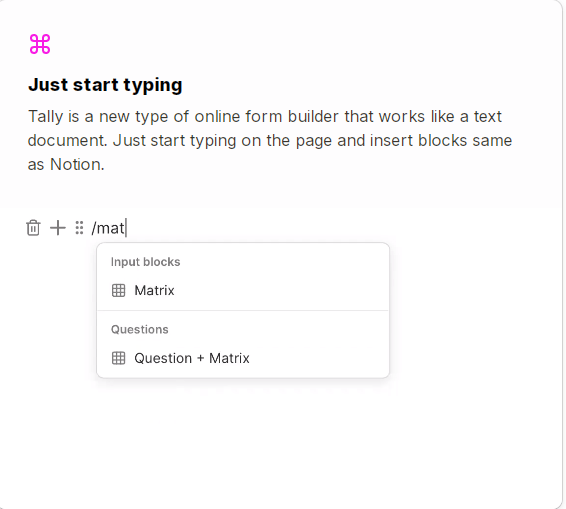
Tally makes form-building feel refreshingly simple thanks to its block-based editor. You just type and structure your form like a document—no clunky drag-and-drop, no cluttered interface.
Despite being free, it skips the watermarks and gives you access to unlimited submissions, custom domains, response notifications, and even keyboard shortcuts to speed things up.
A G2 reviewer says:
The documentation is comprehensive, and the form can be published in multiple languages, making it an excellent option for a variety of businesses.
🧠 Fun fact: The Net Promoter Score (NPS), developed by Fred Reichheld in 2003, revolutionized customer feedback by asking one simple question: “How likely are you to recommend us to a friend?” Today, it’s one of the most widely used metrics in customer experience research.
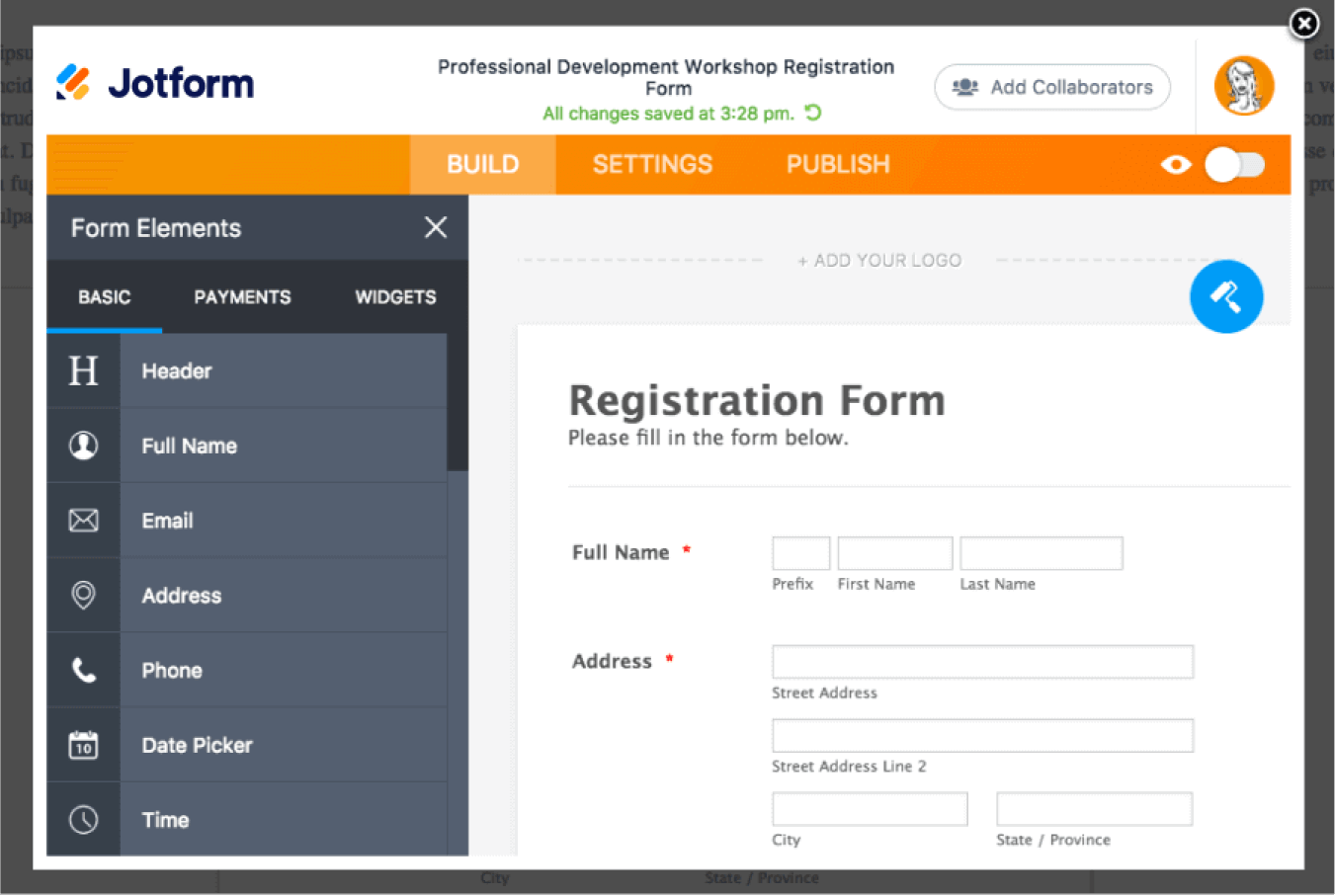
For teams that need pixel-perfect design and deep functionality, Jotform delivers one of the most powerful form builders on the market. It supports over 10,000 templates, advanced conditional logic, payment integrations, and HIPAA compliance.
The drag-and-drop builder allows complete control over layout, branding, and form behavior. You can build anything from complex intake forms to registration workflows with approvals, file uploads, and real-time calculations.
A Capterra reviewer says:
I really love JotForm, it’s very easy to build forms. We use it for getting feedback on events and products. Although it has 100 monthly submission it’s still very useful on the free version.
👀 Did you know? Most people don’t mind filling out surveys if they believe the company will actually act on their feedback.
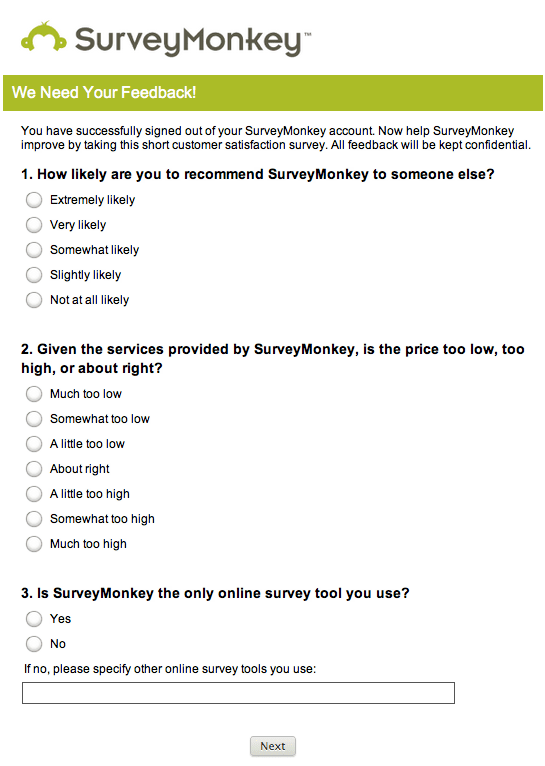
SurveyMonkey provides advanced branching, multilingual support, and detailed analytics for teams handling complex survey analysis. It’s commonly used by HR, marketing, and product teams to track trends and sentiment over time.
It also supports benchmark comparison, allowing companies to measure their results against industry standards.
A G2 reviewer says:
SurveyMonkey lets our non-technical teammates spin up polished, mobile-friendly surveys in minutes. The rich library of question templates and branching logic means we rarely have to build from scratch, and the real-time analytics dashboard makes sharing insights with stakeholders almost instant….
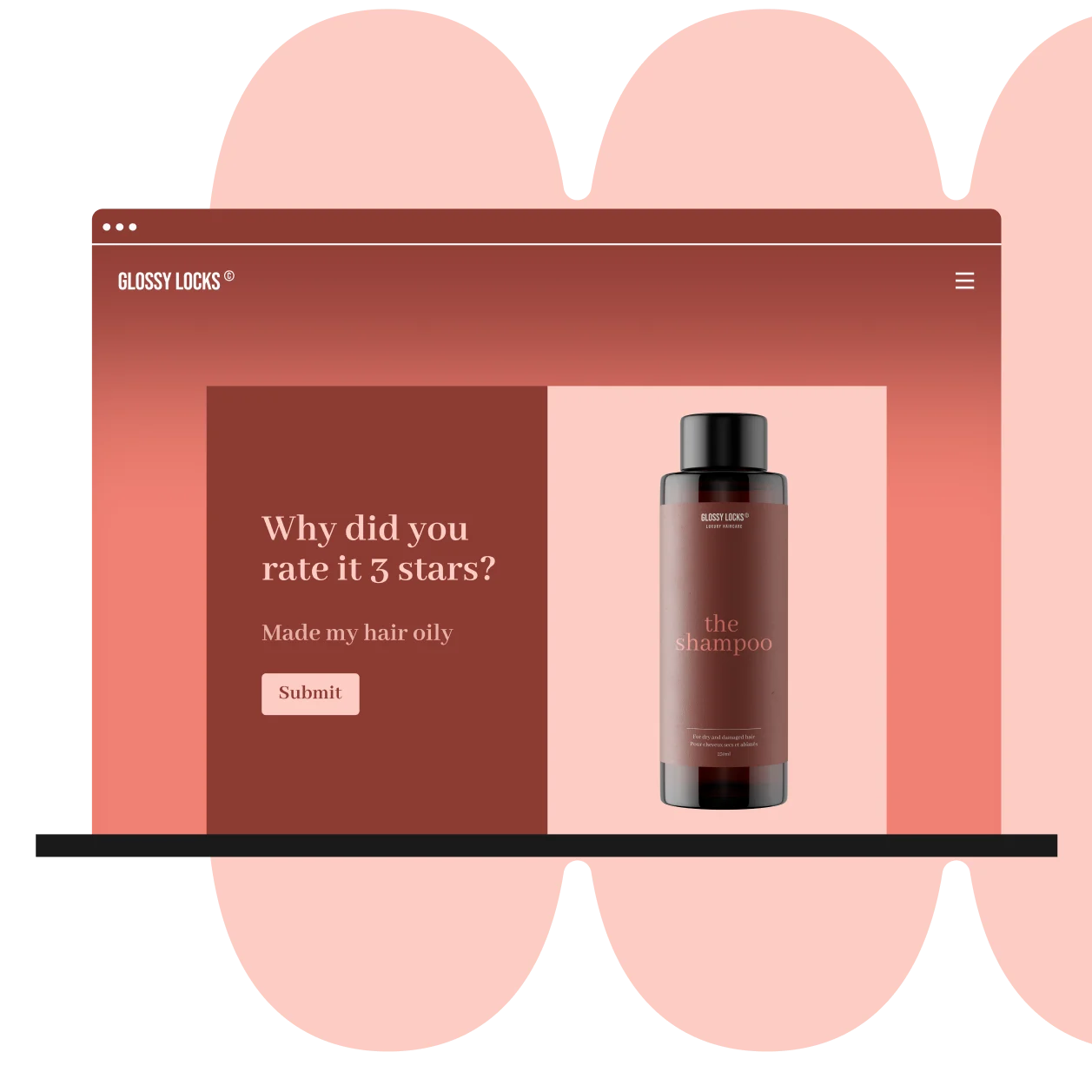
For brands prioritizing user experience and design, Typeform uses a clean, one-question-at-a-time interface that feels more like a conversation than a typical survey.
Strong logic capabilities and integrations with tools like HubSpot, Slack, and Notion match its visual appeal. This makes it well-suited for lead gen, feedback collection, quizzes, and onboarding flows—especially when engagement in user experience survey questions and completion rates matter most.
A G2 reviewer says:
The interface is sleek, easy to use, and engaging for respondents. Conditional logic and integrations make workflows seamless.
🧠 Fun fact: Survey tools weren’t always digital.
The first large-scale data collection breakthrough came in 1890, when Herman Hollerith used punched cards to process U.S. census data—cutting years off manual counting.
Today’s AI-powered survey platforms do the same thing at a very different scale: turning raw responses into insights in seconds instead of months.
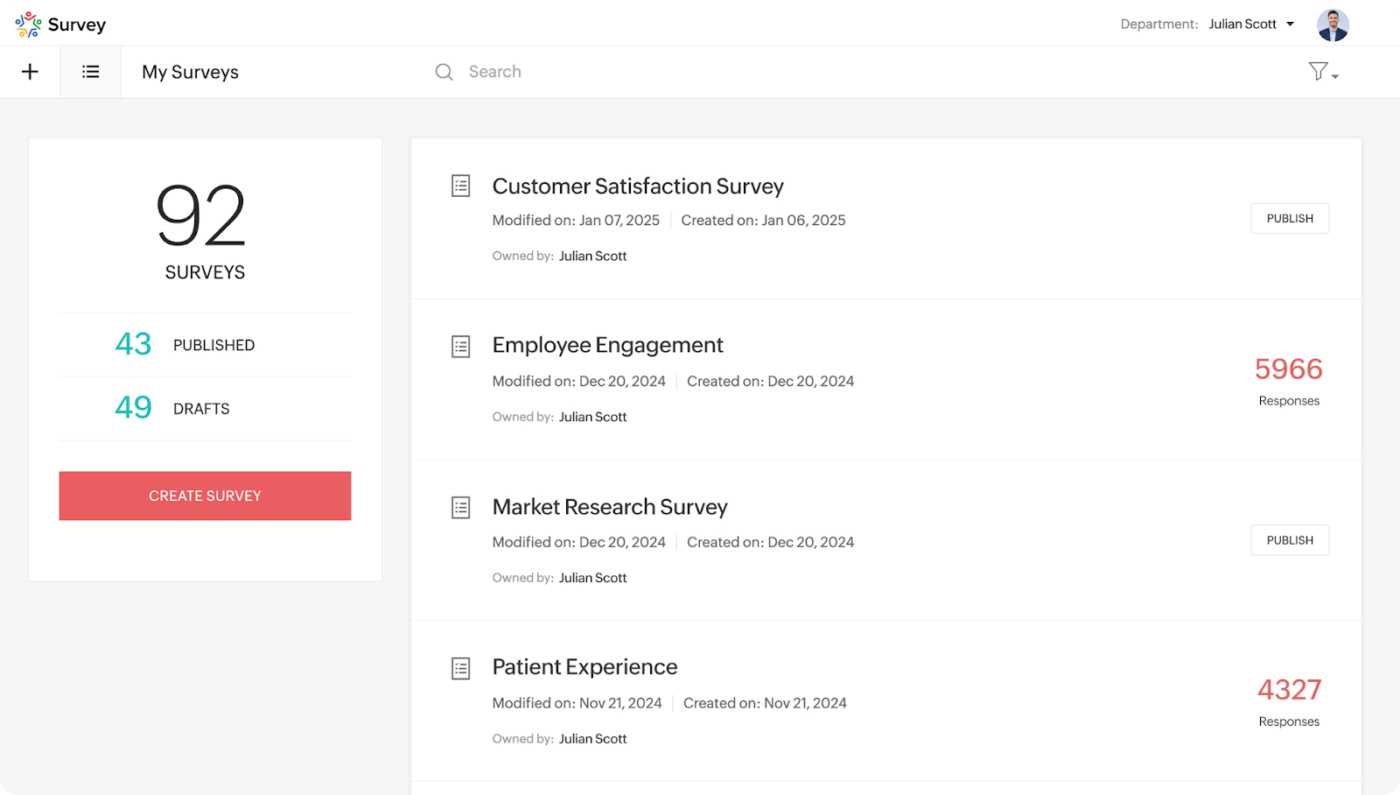
Zoho Survey fits naturally into the Zoho suite, offering a dependable option for teams already using Zoho CRM, Zoho Campaigns, or Zoho Analytics.
It’s geared toward businesses looking for a mid-range survey tool with decent customization, logic, and reporting—all backed by native integrations across their existing stack.
A Capterra reviewer says:
Great survey tool, very complete and straightforward. Would recommend it for all Zoho One users.
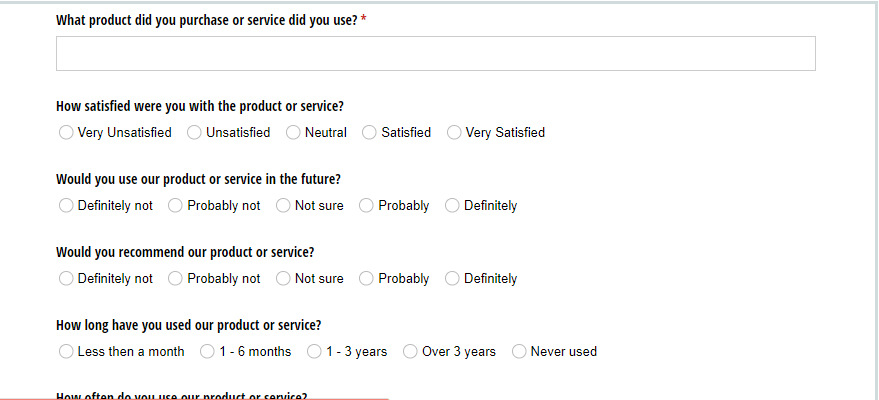
Cognito Forms is well-suited for use cases beyond basic feedback, such as cost estimates, event registrations, or internal reporting. It combines form logic, calculations, and conditional formatting to support more complex workflows.
Especially useful for operations teams, accountants, and field services, it allows you to build dynamic, data-driven forms without coding.
A Capterra reviewer says:
Great and powerful form, integrates with zapier and i can track visitors with google analytics. Smooth experience.
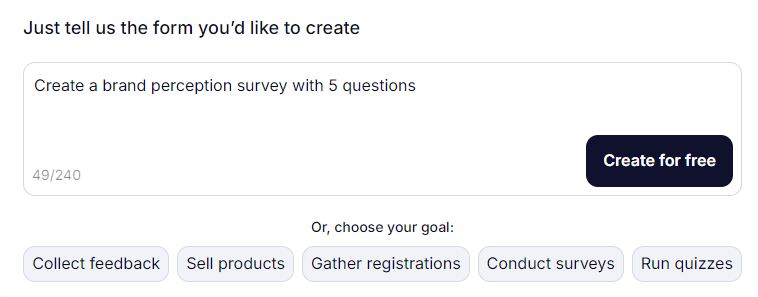
Built with simplicity and mobility at its core, forms.app is ideal for users who need to create, share, and manage forms quickly, especially from a mobile device.
This form automation software platform also makes sharing forms via social media, websites, or WhatsApp easy, and even enables basic approval flows without needing technical setup.
A G2 reviewer says,
With Forms.App, we have not experienced the need for that one on one customer service. People can easily complete our surveys without contacting us, and I believe that is a better experience for them.
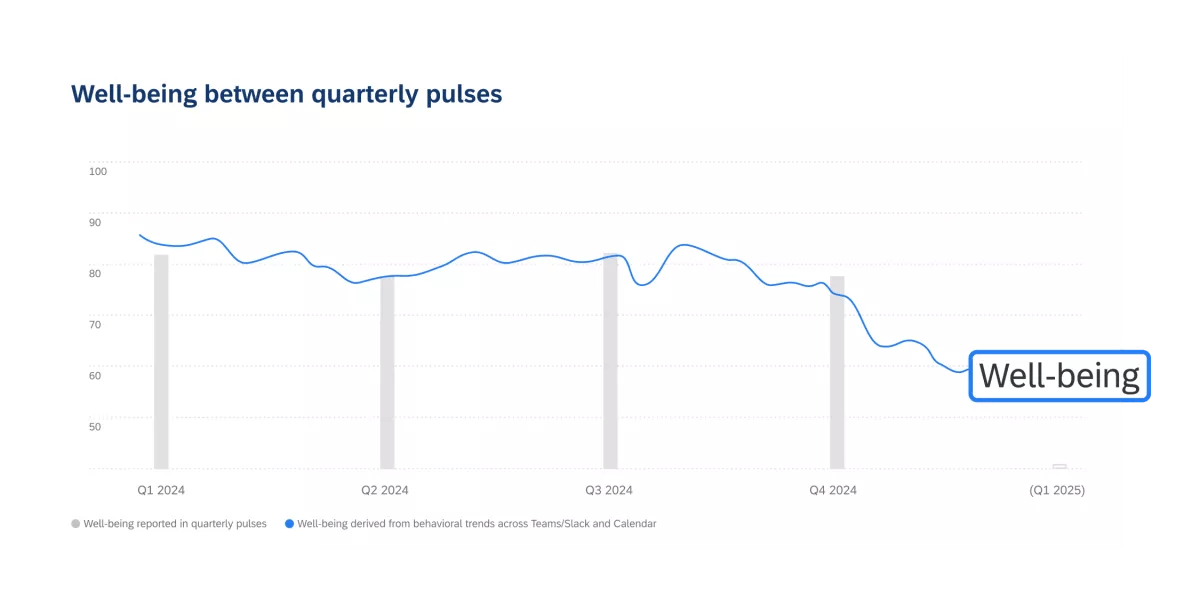
Known for its depth and precision, Qualtrics is built for large enterprises conducting sophisticated market research or experience management programs. It supports advanced methodologies like conjoint analysis, Net Promoter Score (NPS), and employee lifecycle tracking—all with strict compliance and data security standards.
A G2 reviewer says:
It offers powerful features for building custom surveys and analyzing data in depth. The logic tools and reporting dashboards help us identify patterns and improve strategy across multiple teams.
👀 Did you know? 84% of customer service and support leaders consider customer data and analytics “very or extremely important” to hitting their goals. That’s exactly why collecting the right insights through surveys matters more than ever.
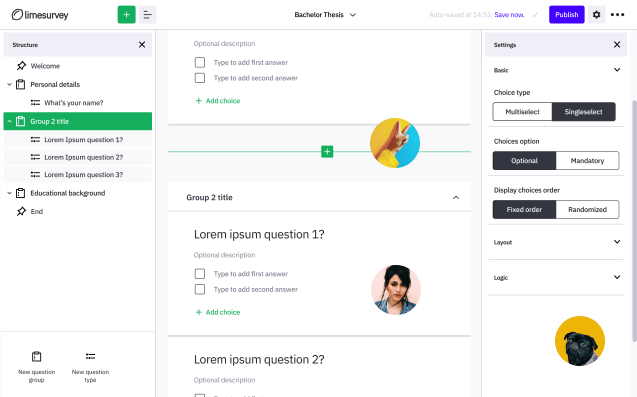
LimeSurvey is an open-source survey tool with a strong reputation in academic and public sector circles. It offers maximum flexibility and control for teams with technical know-how and limited budgets. Custom hosting, multilingual support, and logic scripting make it a solid option for research-intensive projects.
A Capterra reviewer says:
Useful tool for survey. But it is not easy for those who have not got coding background. I spent time on forum to find solutions. Luckily experts at forum are very supportive.
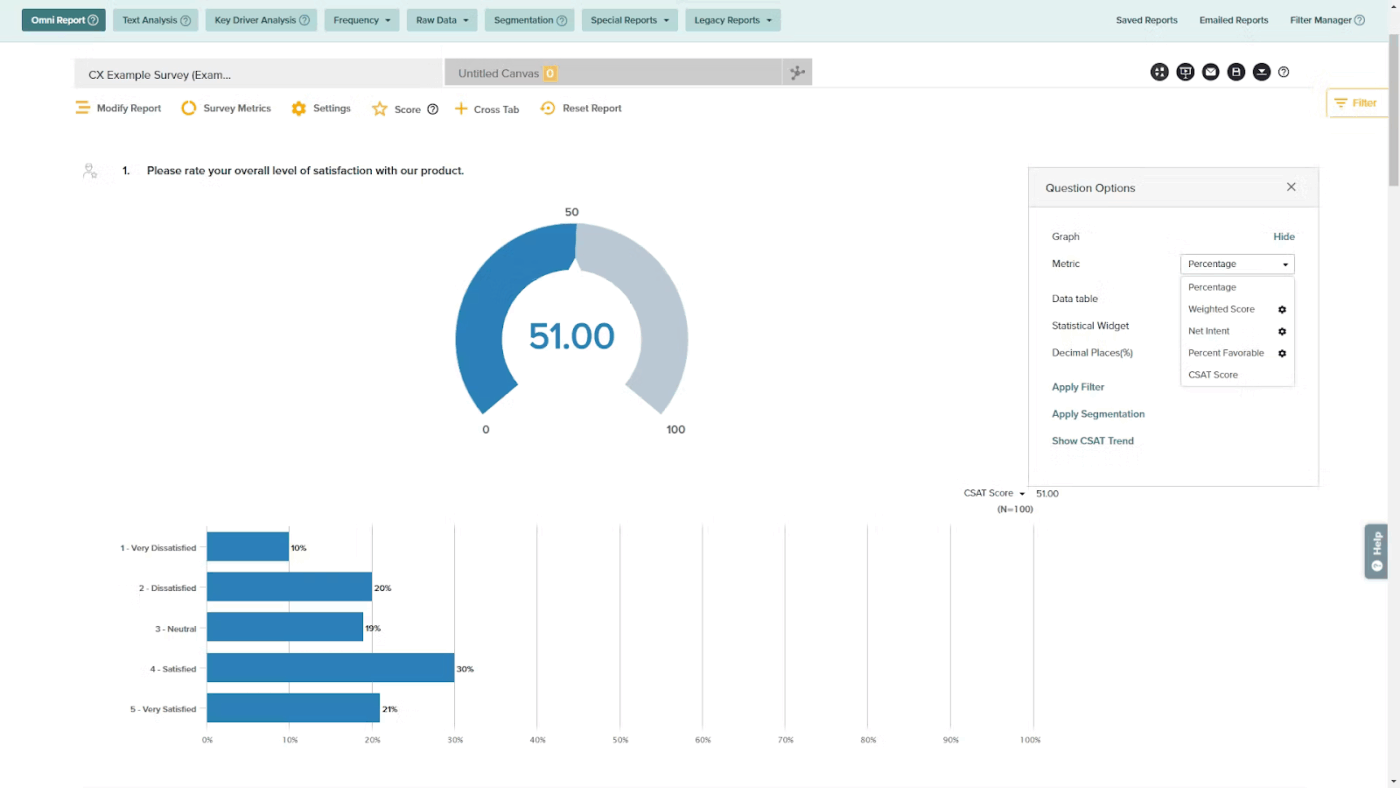
Sogolytics specializes in secure, enterprise-grade survey tools with features useful for confidential employee engagement surveys, patient feedback, and customer sentiment tracking.
It also supports automatic anonymity, strong encryption, and audit trails, making it a go-to for regulated industries that prioritize data integrity alongside feedback collection.
A G2 reviewer says:
The flexibility when it comes to analyzing survey data and report in different views is great. Support has been excellent.
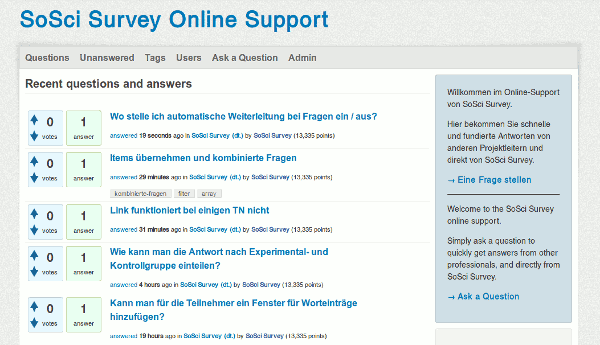
SoSci Survey is designed for data-heavy research in psychology, education, and the social sciences. While not as polished visually, it offers unmatched flexibility in scripting, randomization, and respondent control.
While it’s primarily used in German-speaking regions, the tool supports English and international data compliance.
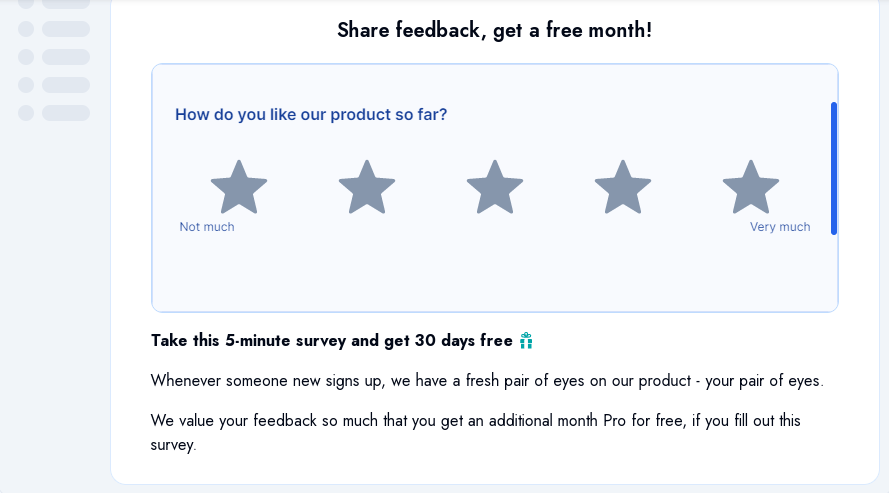
Ideal for SaaS teams and privacy-conscious developers, Formbricks enables in-app feedback collection without sending user data to third-party servers. As an open-source tool, it also gives complete hosting control, ensuring GDPR and CCPA compliance by default.
A G2 reviewer says:
What I really like about Formbricks is how easy it is to integrate. Whether you’re using a no-code option or an SDK like React, the setup is quick and smooth. Plus, the platform is totally privacy-focused, fully compliant with GDPR and CCPA, and if you prefer, you can self-host it, which is awesome
From academic-grade platforms to privacy-first micro-surveys, survey tools at your disposal are diverse and evolving. But if you’re looking for a solution that doesn’t just collect data but takes the next step by turning it into actionable tasks, ClickUp stands out as the best overall choice.
The platform doesn’t stop at form creation. ClickUp connects form responses directly to your team’s workflow, allowing you to assign tasks, set priorities, track status, and respond—all without switching tools. It’s especially powerful for teams already using ClickUp for project management, making it a truly integrated experience from survey to execution.
Ready to turn survey data into action? Sign up for ClickUp and start building smarter workflows today.
The best free survey tool depends on what you need. If you want fast setup, Google Forms is a simple option. If you need surveys that connect to workflows (like turning responses into tasks and routing follow-ups), a tool like ClickUp with built-in automation and dashboards is a better fit.
Yes—many free survey tools now include essentials like templates, basic logic, sharing links, and exports. The most common limitations are response caps, branding controls, advanced logic, and reporting depth.
Some do, but many reserve advanced branching/skip logic for paid plans. If your survey needs complex logic (different paths based on answers), check the free plan’s logic limits before committing.

© 2026 ClickUp

There’s an easier way. Try a free AI Agent in ClickUp that actually does the work for you—set up in minutes, save hours every week.