






Still downloading templates?
There’s an easier way. Try a free AI Agent in ClickUp that actually does the work for you—set up in minutes, save hours every week.
Sorry, there were no results found for “”
Sorry, there were no results found for “”
Sorry, there were no results found for “”
Most teams think they need more tools to solve their productivity problems, but research shows the opposite is true. 1 in 20 workers spends over half of their working day looking for information, rather than getting work done.
Software convergence flips this on its head by merging separate applications, data systems, and workflows into a single unified platform—eliminating the constant app-switching and information silos that quietly drain your team’s focus and momentum.
This article breaks down what software convergence actually means, the different types you’ll encounter, how it transforms team productivity, and what you need to know before making the switch.
Most teams juggle over 100 different apps just to get their work done. This is the reality for most teams, leading to context sprawl, duplicated work, and communication gaps that slow everything down. Technological convergence in software is the direct solution to this chaos.
It’s the merging of previously separate applications, data systems, and functionalities into a single, unified platform. This is different from a simple software integration, where tools are just connected with APIs but remain separate at their core. True convergence means all your features—project management, documents, and chat—share the same underlying architecture, enabling seamless information flow.
It’s similar to the shift from carrying a separate phone, camera, and music player to having them all in one smartphone. The same thing is happening in workplace software. The old “best-of-breed” approach, where you pick a specialized tool for every little function, is giving way to all-in-one platforms that eliminate the friction between your tasks.
📮ClickUp Insight: Context-switching is silently eating away at your team’s productivity. Our research shows that 42% of disruptions at work come from juggling platforms, managing emails, and jumping between meetings. What if you could eliminate these costly interruptions?
ClickUp unites your workflows (and chat) under a single, streamlined platform. Launch and manage your tasks from across chat, docs, whiteboards, and more—while AI-powered features keep the context connected, searchable, and manageable!
Software convergence isn’t a single concept; it shows up in a few key ways.
Application convergence happens when standalone apps like your project manager, document editor, and team messenger are combined into one platform. The pain it solves is the constant, focus-shattering need to switch between different windows and tabs. This constant toggling creates information silos where critical details get lost.
With converged applications, everything shares context automatically. When you update a task in one view, that change instantly reflects everywhere else, ensuring your team is always working with the most current information.

Data convergence is about unifying all your information—from project files to client notes—into a single, searchable place. When your data is scattered across separate tools, your team wastes precious time hunting for files, re-entering the same information in multiple places, or, worst of all, working from outdated versions.
A converged data environment means one search can surface everything you need. Whether it’s a task, a document, a message, or a file from a connected app, you can find it without having to jump between different platforms.
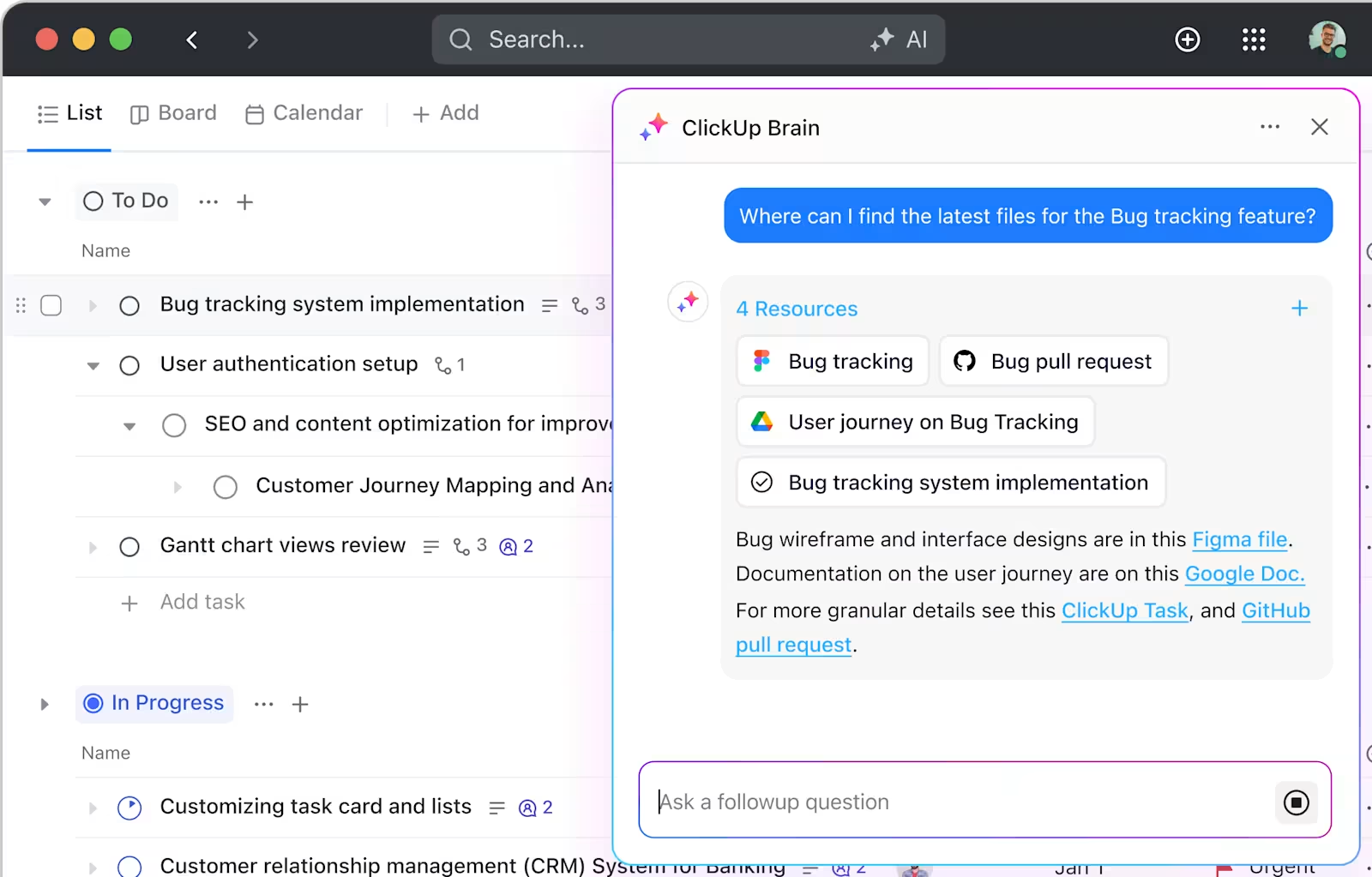
Platform convergence is an architectural shift where your entire tech stack operates on a shared, unified infrastructure. This is the opposite of having a bunch of bolted-on integrations that can lag, break, or become a nightmare to maintain.
In a truly converged platform, handoffs between different types of work become seamless. You can start an idea in a doc, convert it into a task, assign it to a team member, track its progress, and report on the outcome—all without ever leaving your workspace.
📮ClickUp Insight: 1 in 4 employees uses four or more tools just to build context at work. A key detail might be buried in an email, expanded in a Slack thread, and documented in a separate tool, forcing teams to waste time hunting for information instead of getting work done.
ClickUp converges your entire workflow into one unified platform. With ClickUp, everything stays connected, synced, and instantly accessible. Say goodbye to “work about work” and reclaim your productive time.
💫 Real Results: Teams are able to reclaim 5+ hours every week using ClickUp—that’s over 250 hours annually per person—by eliminating outdated knowledge management processes. Imagine what your team could create with an extra week of productivity every quarter!
Moving to a converged platform isn’t just about having fewer apps to manage. The real value shows up in how your team actually works day-to-day.
Research shows knowledge workers drift from their main task every 3.5 minutes, and each switch costs mental energy and time.
This creates “work sprawl“—the fragmentation of work activities across multiple, disconnected platforms that don’t talk to each other, causing teams to waste time switching between apps and battling information silos—where your team’s focus and information are scattered across too many disconnected tools.
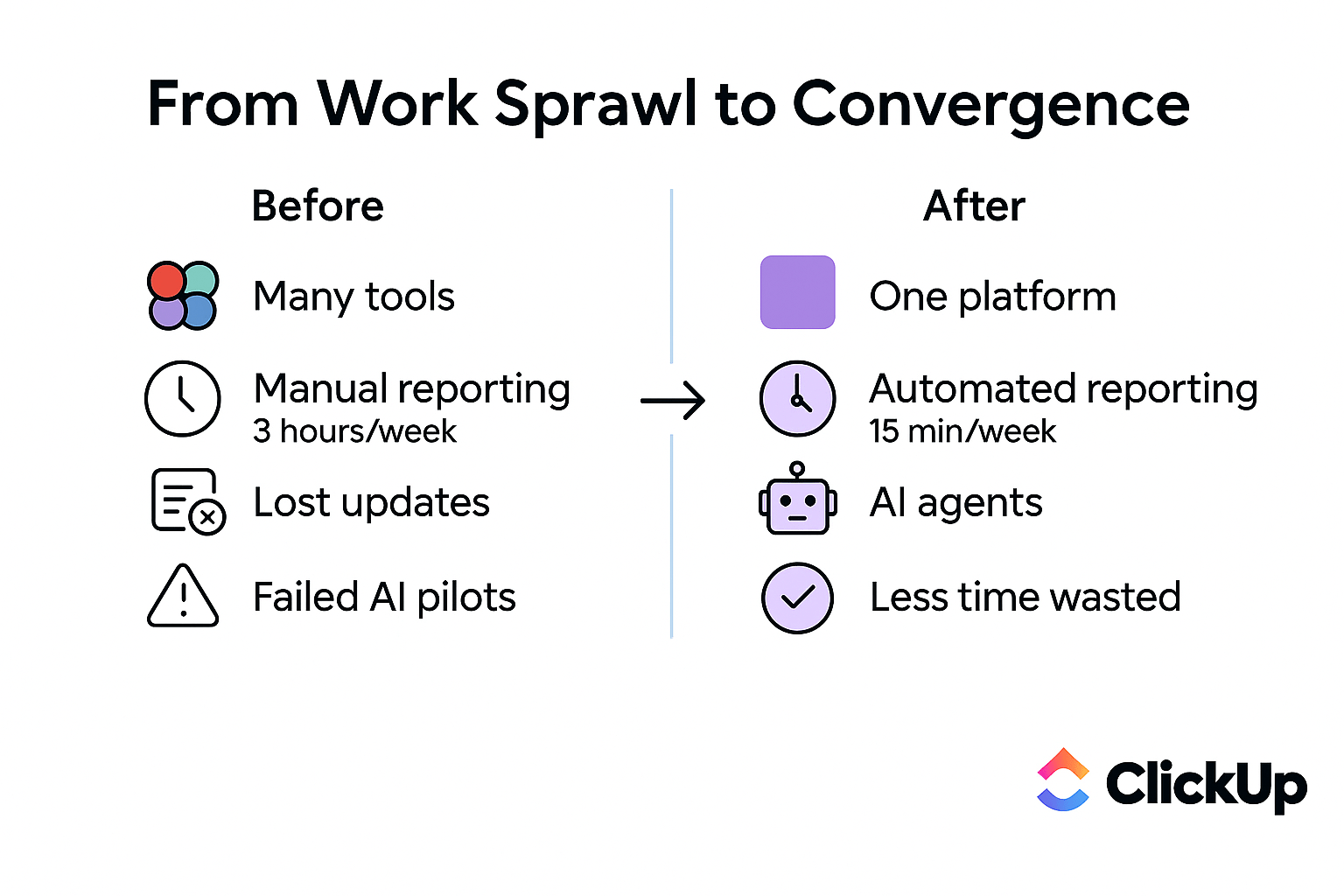
A converged platform eliminates this by keeping your tasks, documents, communication, and data all in one place. Your team can finally stop burning mental energy on context switching and focus on actual work.
Scattered data leads to delayed decisions. Teams are forced to wait for someone to pull a report, chase down updates from other departments, or make calls based on incomplete information. This delays decisions and slows your team down.
Converged platforms solve this by surfacing real-time data from across all your projects. This makes it faster to:
With native dashboards and reporting, you get a live, accurate view of your work, enabling smarter, data-driven decisions.
Siloed tools inevitably lead to siloed teams, making effective cross-team collaboration nearly impossible. Marketing has no visibility into engineering’s progress, and sales is blind to what the support team is handling. This forces everyone into endless status meetings just to share basic updates.
Convergence creates a shared workspace with universal visibility. Cross-functional work can finally happen in context, as everyone is operating from the same source of truth. Collaboration becomes easier and more asynchronous-friendly because the information is always there when you need it.
Convergence reduces costs in several concrete ways.
You’ll see a reduction in costs from:
Onboarding also becomes much simpler and faster. New hires need to learn only one platform instead of a dozen, allowing them to become productive team members much more quickly.
Moving to a converged platform comes with challenges worth planning for.
Most organizations don’t have the luxury of starting from a blank slate. You have existing tools, custom-built workflows, and years of legacy data that your teams rely on every day. The thought of migrating all of that can be daunting, as you can’t afford to disrupt active work.
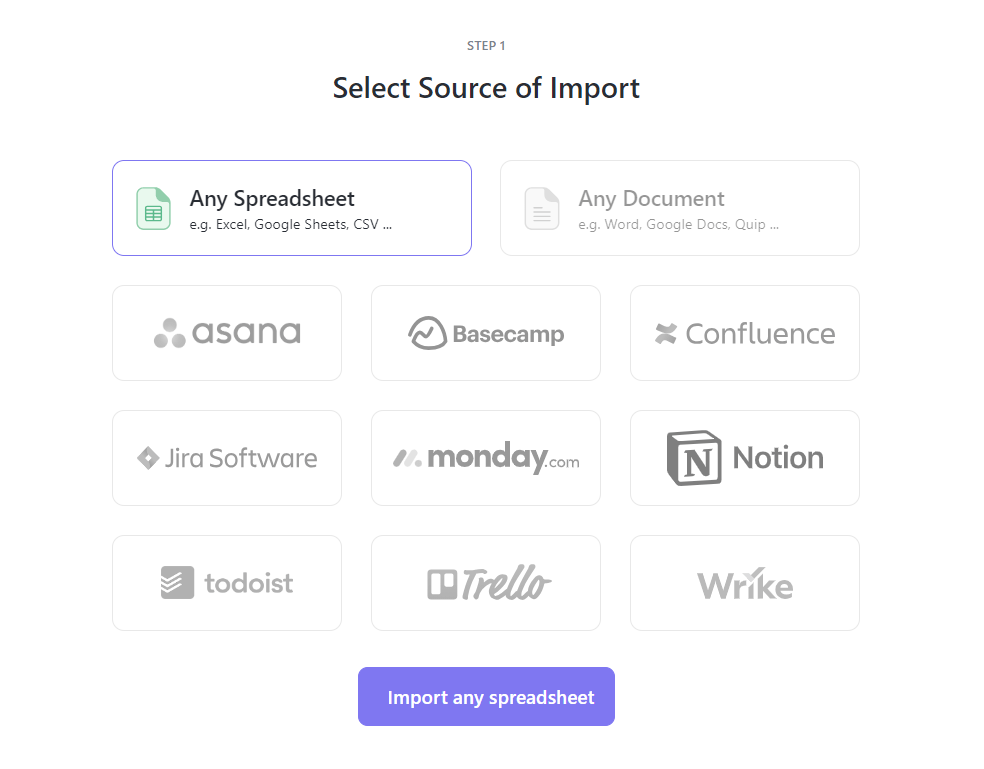
The key is to choose a converged platform that offers robust import tools and can maintain integrations with your legacy systems during the transition. Look for solutions that allow you to migrate your teams and workflows incrementally, rather than forcing you into a risky, all-or-nothing cutover.
Putting all your work in one platform naturally raises concerns about data security, creating what feels like a single point of failure. If a breach were to occur, the potential impact could be significant, and this is a valid worry for any team leader or IT decision-maker.
Mature converged platforms include enterprise-grade security features designed for this concern.
Even a powerful platform will fail if you can’t achieve successful user adoption. Convergence requires a change in behavior, as people need to break the habit of defaulting to the familiar tools they’ve used for years.
Successful adoption requires a deliberate change management strategy. It requires a thoughtful change management plan that includes phased rollouts, dedicated training sessions, and identifying internal champions who can help support their colleagues.
A platform that’s easy to learn will also reduce adoption friction.
A unified platform transforms how different teams work across several key scenarios. 👀
The software market is shifting toward platforms that combine multiple work categories—planning, documentation, communication, and reporting—in a single environment.
This isn’t just about vendors consolidating; it reflects a fundamental change in how we work. Modern work is more cross-functional, asynchronous, and data-dependent than ever before. As a result, buyers are now evaluating platforms based on the breadth of their native functionality, not just their depth in one specific area.
A project management tool that can’t also handle documents, team chat, and reporting is now incomplete.
📚 Also Read: Compound Software: The Future of Unified Workspaces
Artificial intelligence is poised to amplify the benefits of convergence, but there’s a catch: AI is only as good as the data it can access. When your tools are siloed, your AI is siloed too. Each app’s AI can only “see” its own small slice of your team’s information, making it impossible to get a holistic view.
This is leading to a new and frustrating problem: AI sprawl.
AI sprawl is the unplanned proliferation of AI tools and platforms with no oversight or strategy, leading to wasted money, duplicated effort, and security risks. Organizations are adopting multiple, disconnected AI tools that don’t share context, recreating the same fragmentation they were trying to escape.
The solution is a converged AI—a single, intelligent layer that sits on top of a unified data platform and understands all of your work. This allows AI to surface powerful insights, automate complex workflows, and answer questions spanning your entire workspace.
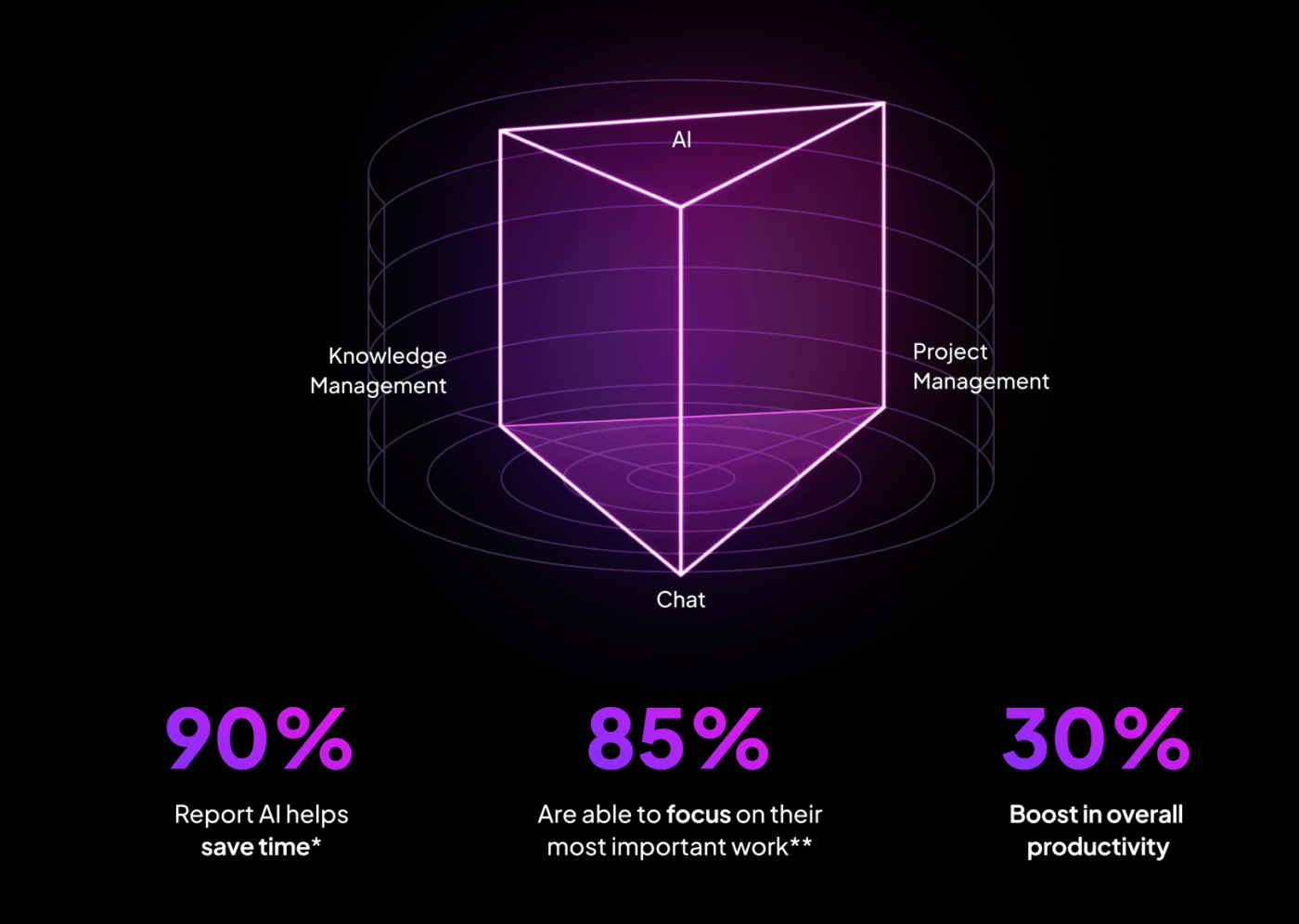
📮ClickUp Insight: 88% of our survey respondents use AI for their personal tasks, yet over 50% shy away from using it at work. The three main barriers? Lack of seamless integration, knowledge gaps, or security concerns.
But what if AI is built into your workspace and is already secure? ClickUp Brain, ClickUp’s built-in AI assistant, makes this a reality. It understands prompts in plain language, solving all three AI adoption concerns while connecting your chat, tasks, docs, and knowledge across the workspace. Find answers and insights with a single click!
Transitioning your team to a converged software platform requires careful planning.
Start with a complete inventory of your current tools.
This audit will reveal the true scope of your work sprawl and provide a clear business case for making the switch to a converged platform.
📚 Also Read: What Is ClickUp Used for and How Does It Work?
Even the most comprehensive converged platform will likely need to connect with some of your existing external tools, at least during the transition period. It’s crucial to evaluate a platform’s interoperability before you commit.
Look for robust APIs, a wide range of native integrations, and flexible data export options. You want to avoid platforms that lock you into their ecosystem with no easy way out. Data portability is key to future-proofing your tech stack.
A new platform is only effective if your team actually uses it to its full potential. An announcement email alone won’t drive adoption. Proper training is essential for driving adoption.
Develop a structured onboarding program, create clear internal documentation for your new unified workflows, and designate power users who can act as go-to resources for their colleagues. Be sure to measure usage and gather feedback so you can iterate and improve your training over time.
You have tasks in one app, documents in another, and conversations happening in a third. ClickUp solves this exact problem. It’s a converged AI workspace—a single, secure platform where projects, documents, conversations, and analytics live together with AI embedded as the intelligence layer—that brings everything together, eliminating the fragmentation that slows teams down. ✨
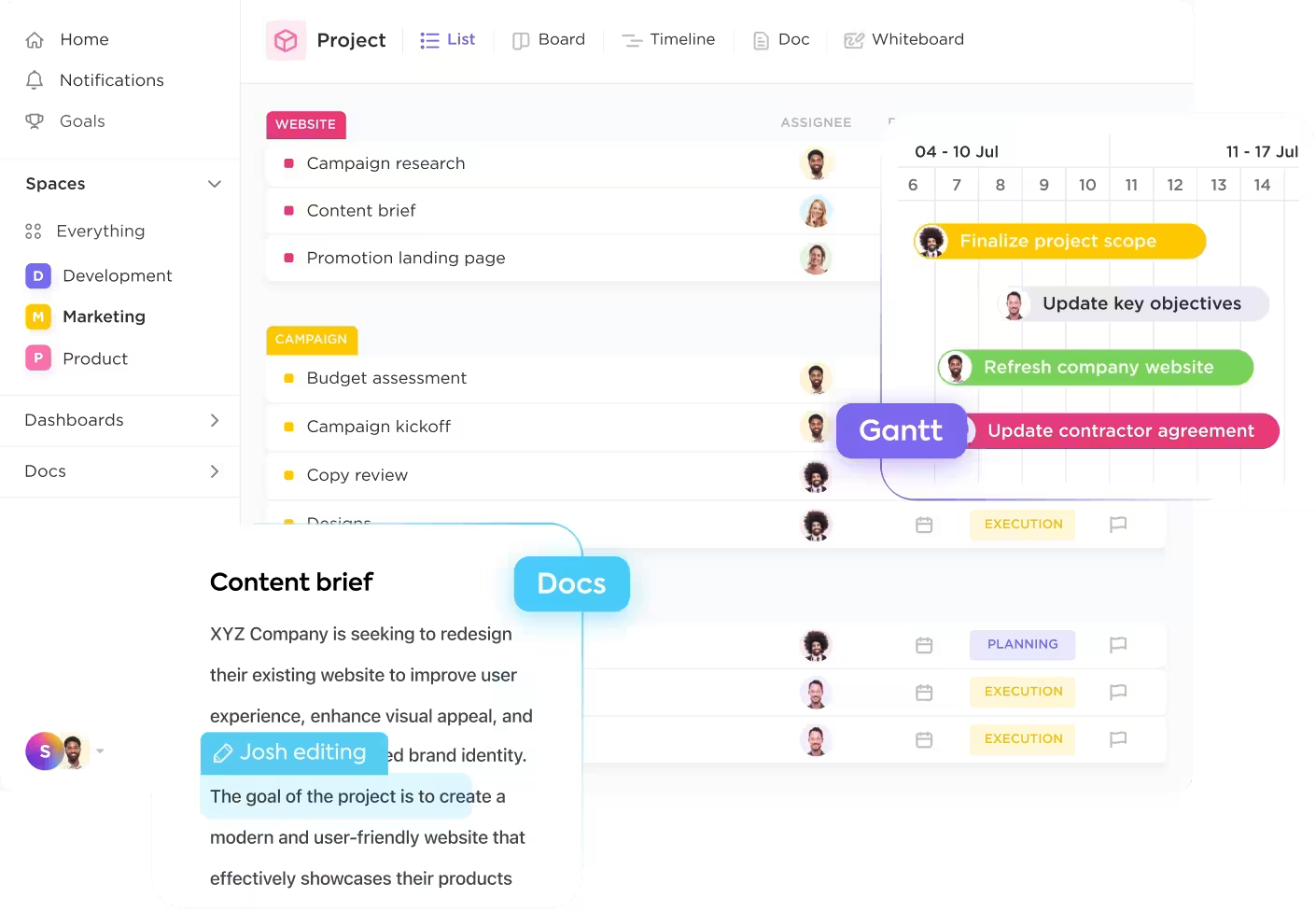
Put an end to the chaos with ClickUp:
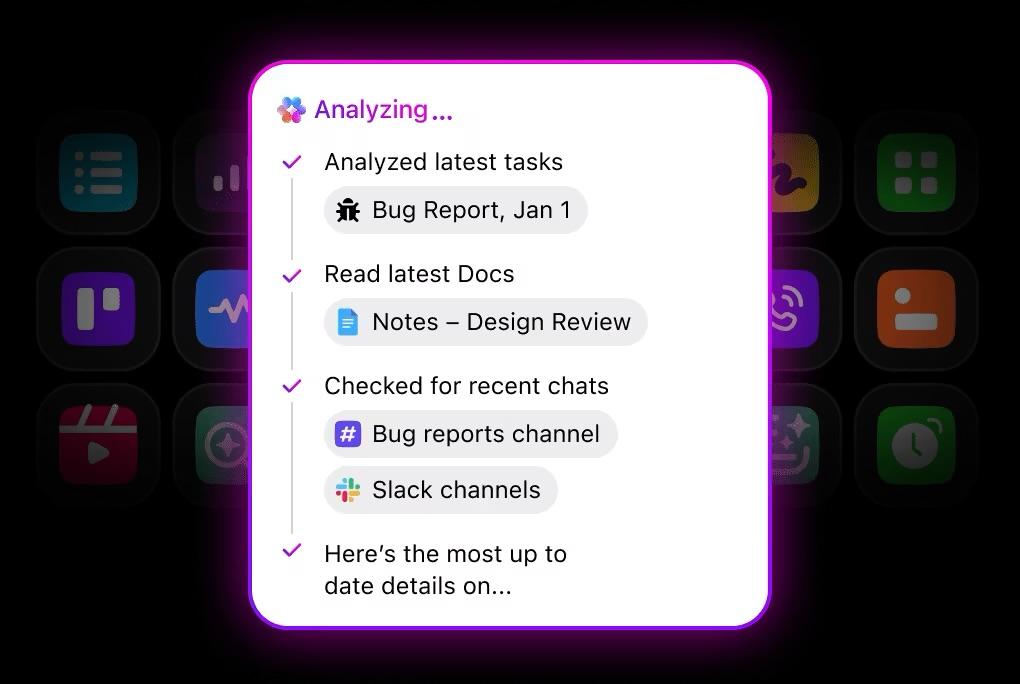
You don’t have to replace every tool overnight—ClickUp’s approach to convergence is about providing a single, powerful platform where your team and your AI can work together with 100% of the context they need to succeed.
Learn more about ClickUp 4.0, the world’s first Converged AI Workspace 👇
The trend toward convergence is only going to accelerate as artificial intelligence becomes more capable.
The platforms unifying data today will be best positioned to deliver tomorrow’s AI agents. Gartner predicts 40% of enterprise applications will embed task-specific AI agents by the end of this year. Agents that can act autonomously across your entire workflow.
The line between “work management” and “work execution” is blurring. In the near future, converged platforms will increasingly handle both the planning and the doing, moving beyond simple task tracking to actual task completion. By adopting a converged platform now, you’re not just solving today’s problems; you’re building the foundation for whatever comes next.
💟 Bonus: Meet ClickUp Brain MAX—your new AI-powered desktop companion designed to make teamwork effortless. Think of it as a smart collaboration tool that brings all your team’s conversations, documents, and tasks together in one place.
Brain MAX uses advanced AI to search across all your connected apps and summarize information, so everyone stays in the loop and nothing gets missed. No more searching across files, meeting notes, and tasks to just stay on top of your to-dos.
It even automates routine work, like creating reports or tracking project progress, freeing up your team to focus on what matters most.
With Talk to Text, you can simply speak your ideas or instructions, and it will instantly turn them into notes or messages for your team—no typing required.
Software convergence represents a fundamental shift in how modern teams get work done. By consolidating your tools, data, and workflows, you can eliminate the sprawl that kills productivity and slows down your team.
While there are challenges to consider, the benefits of less context switching, faster decisions, and better collaboration are too significant to ignore.
The addition of AI only magnifies the value of convergence, allowing you to unlock insights and automations that are impossible with a fragmented toolset. Successful adoption requires a thoughtful approach, but the result is a more aligned, efficient, and focused team. Convergence means choosing a platform that grows with your team and keeps your work connected as it evolves.
Ready to see what a truly converged workspace can do for your team? Get started for free with ClickUp today.
Integration connects separate tools so they can pass data back and forth, while convergence builds all functionalities into a single platform with a shared architecture, eliminating sync delays and broken connections.
Specialized tools offer deep functionality in one area but create information silos, whereas converged workspaces provide unified context and faster workflows at the cost of some niche specialization.
Cross-functional teams like product, marketing, and operations, as well as remote or hybrid teams, see the largest benefits because convergence removes the friction of handoffs and ensures everyone is working from the same information.
Convergence can improve security by reducing the number of tools you need to secure and centralizing access controls, provided the platform offers enterprise-grade features like granular permissions and SSO.

© 2026 ClickUp

There’s an easier way. Try a free AI Agent in ClickUp that actually does the work for you—set up in minutes, save hours every week.