Sorry, there were no results found for “”
Sorry, there were no results found for “”
Sorry, there were no results found for “”
Claude excels at heavy-duty logic, clean code generation, and reliable, structured output. But running a software stack entirely on Anthropic creates obvious bottlenecks: high token costs, strict rate limits, and zero vendor redundancy.
Different workloads require different trade-offs. Some builds demand open-source control; others need lower token costs or real-time web search.
In this guide, I break down the 10 top Claude AI alternatives available today. Each entry covers key features, who should use it, when to skip, and honest user feedback so you can choose the right model for your stack.
The short answer: If you want an all-rounder chatbot to replace Claude, ChatGPT is the default pick. For Google Workspace users who spend most of their day in Docs, Sheets, and Gmail, Gemini is the perfect fit, while Microsoft 365 users can use Copilot.
Research work is easier with Perplexity. Real-time news is Grok’s forte. And Poe is worth trying if you want all AI tools (including open-source ones like Kimi K3) under one login. High-volume or code-heavy work belongs with DeepSeek, and teams with data residency requirements should consider Mistral Vibe or a self-hosted Llama.
And if you want your AI to work across your actual tasks, projects, and deadlines, a work-native tool like ClickUp Brain solves this problem far more effectively than a chatbot.
| Tool | Best for | Standout feature | Pricing* | Where it falls short |
|---|---|---|---|---|
| ChatGPT | Generalists who want a single multimodal hub | Drafting, image generation, code, and connected work files in a single thread, with per-project workspaces that carry instructions across chats | Free; paid from $8/user/mo | Weaker than Claude on production code, and it won’t flag a weak idea before you build on it |
| Google Gemini | Google Workspace teams who want AI with image and video generation | Works inside Gmail, Docs, Sheets, and Drive, and ingests raw video and audio with no transcription step | Free; paid from $20/user/mo | Falters on voice and structure past a few thousand words; most of the value assumes a Google-only stack |
| Microsoft Copilot | Companies already standardized on Microsoft 365 | Acts inside Outlook and Teams instead of reading exports, with meeting recaps that name decisions, owners, and next steps | Free Copilot Chat; from $30/user/mo | Advantage mostly disappears in a Google or mixed stack; operations-heavy rather than a strong writing tool |
| Perplexity | Researchers who want fact-checked and source-backed data | Live web search with visible citations, plus model switching across GPT, Claude, and Gemini in one search | Free; paid from $20/user/mo | Writes like a research assistant, not an editor, so long pieces holding one argument fall apart |
| ClickUp Brain | Teams that want AI to finish the work, not just describe it | Answers from live tasks, Docs, and Chat, then Super Agents post the update or open the task without a prompt | Free; paid from $7/user/mo | Billed on every paid member, not just AI users, and only pays off if ClickUp is where your work actually lives |
| DeepSeek | Developer-led teams running high-volume, cost-sensitive workloads | MIT-licensed open weights with self-hosting and prompt caching to cut repeat spending | Free; custom API pricing | Thin on writing and nuance, and vague prompts need real prompt engineering to land |
| Grok | Journalists tracking real-time social and news data | Reads live web and social posts as events unfold, with image, voice, and terminal coding in one interface | Free; paid from $30/user/mo | Loses fine-grained constraints over long sessions, so unreviewed output is risky |
| Poe | People still deciding which model fits their work | Claude, GPT, Gemini, Llama, and Mistral behind one login, plus custom bots you can publish and share | Free; paid from $4.99/user/mo | A router, not a deep product, so advanced per-model features lag the native apps |
| Mistral Vibe (formerly Le Chat) | Multilingual, privacy-conscious EU-based teams | EU-hosted inference under GDPR, with Flash Answers near 1,000 words per second and OCR that survives messy scans | Free; paid from $14/user/mo | Smaller integration and tooling ecosystem, so it works better as a second model than as the only one |
| Llama and open-source models | Organizations with hard data residency rules | Downloadable open weights you run inside your own network, with a 10M-token context on Llama 4 Scout | Free forever; $0.19–$0.49 per 1M tokens (3:1 blended) | Needs setup, maintenance, and MLOps skills, and top open weights still trail frontier models on the hardest reasoning |
Our editorial team follows a transparent, research-backed, and vendor-neutral process, so you can trust that our recommendations are based on real product value.
Here’s a detailed rundown of how we review software at ClickUp.
Evaluate a Claude alternative on four factors: the specific limit pushing you out of Claude, how close the tool is to your existing work (or how well-integrated it is to your work tools), whether it can act or only answer, and the real cost at your team’s scale.
An alternative to Claude is any AI tool that competes with Claude for the job you actually do, whether that’s writing, coding, research, or moving work across the line. Here’s each criterion in detail:

While you’re comparing chat models, the Status Reporter Agent is pulling live workspace data into stakeholder-ready summaries of progress, risks, and next steps.
Get this ready-to-launch agent + more to get started with agentic AI.
Did you know? 88% of organizations now report regular AI use in at least one business function, up from 78% a year ago. But only about one-third have begun scaling AI across the enterprise, leaving nearly two-thirds still stuck in pilots. The bottleneck usually isn’t the model you picked; it’s whether the tool plugs into the work you already do.
I’ve tested the top tools to bring you the 10 best Claude AI alternatives: ChatGPT, Google Gemini, Microsoft Copilot, Perplexity, ClickUp Brain, DeepSeek, Grok, Poe, Mistral Vibe, and Llama.
Note: AI models are upgraded extremely often, with no capabilities unlocked all the time. The information below is based on what we know today.
The key takeaway here is to look beyond benchmark scores. Pick the model that best aligns with the work you actually do.
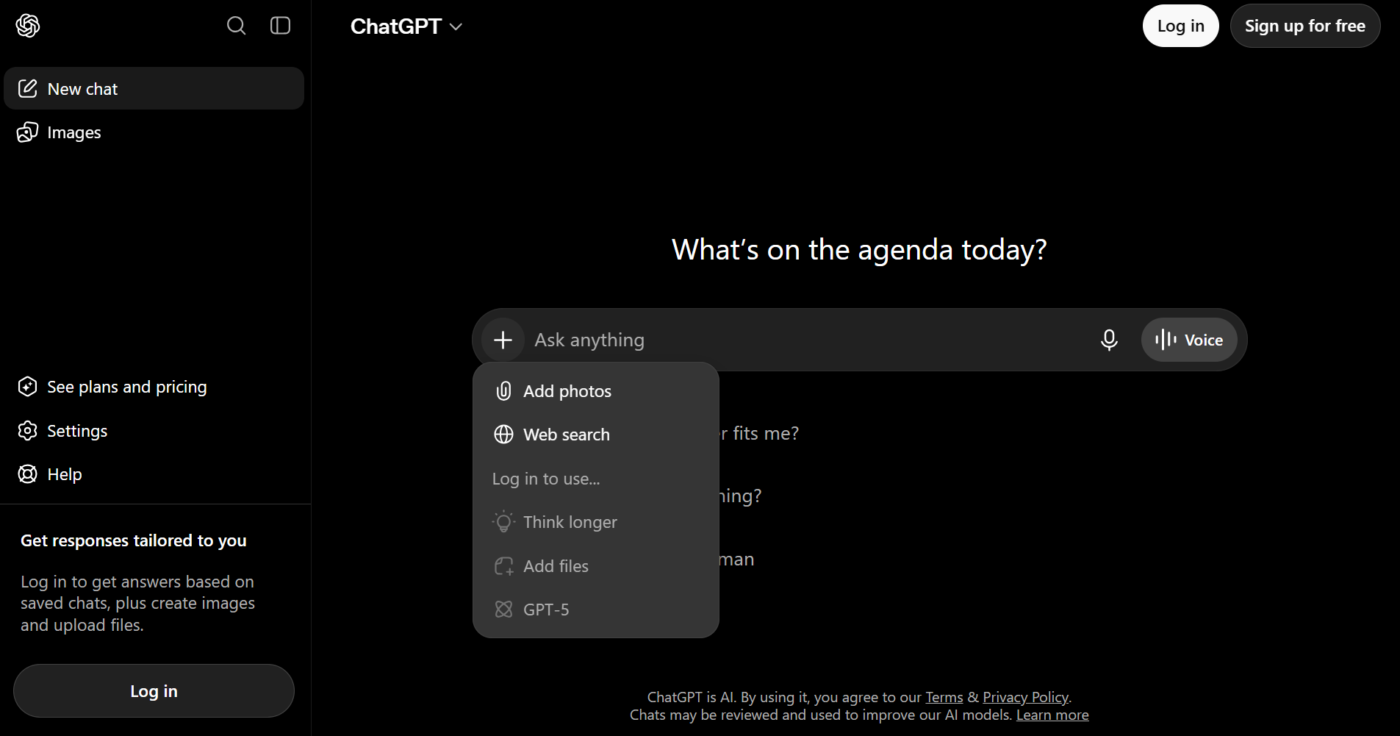
ChatGPT runs four jobs in one thread: drafting, image generation, code, and connected work files. I can draft a blog post, generate its header image, and pull numbers out of a spreadsheet without switching tabs. Claude doesn’t have native image generation, so you need to switch tools.
It’s ideal for generalists who’d rather run one subscription than five. GPT-5.6 comes in three tiers; you pick per task. Sol for the hardest work, Terra for daily jobs, and Luna when you want speed. Connect Gmail, Slack, Notion, Microsoft 365, or Google Drive, and it turns scattered context into finished artifacts.
It’s also handy for personal tasks, like linking your financial accounts for budgeting questions or working through health and fitness guidance.
When ChatGPT is not an ideal choice: Claude does code and prose better than ChatGPT. OpenAI’s own scorecard shows Claude Mythos 5 at 80.3% on SWE-Bench Pro, compared to Sol’s 64.6%. Plus, when you have a weak idea, ChatGPT does not always flag it.
Skip ChatGPT if: You work with production code or want an assistant that argues with you.
This is what a G2 reviewer thinks of ChatGPT as a Claude alternative:
Chatgpt comes with all round capabilities and tools like web scraping and huge token limit for models. The interactive UI, also provides options to choose from while responses are generated. The response time is super fast and pricing is challenging to the competitors like claude. The latest chatgpt codex model, helps me solve, very intricate coding problems at ease.
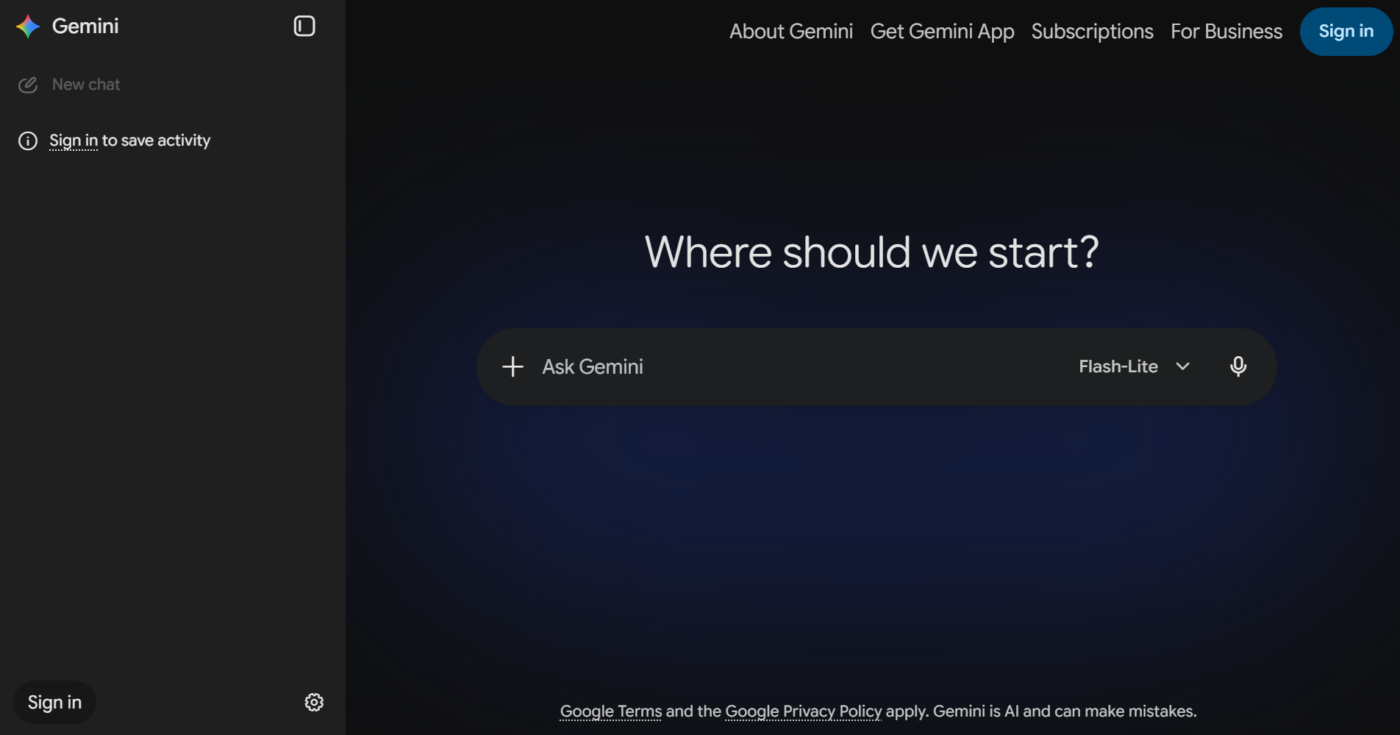
If your work runs within the Google ecosystem, Gemini is a great alternative to Claude. It works inside Gmail, Docs, Sheets, Slides, and Search rather than beside them. Which means the AI assistant reads your calendar, pulls a file from Drive, and drafts a contextual reply in Gmail in a single conversation.
Both Gemini and Claude now support a massive one-million to two-million token window on different models. This lets you upload entire codebases or hundreds of pages of text into a single prompt. However, Claude completely lacks native support for raw audio and video files.
You need to manually trim your code, capture individual screenshots, or extract text transcripts before it can be helpful. Gemini, on the other hand, handles multimedia natively, processing video and audio files without requiring transcription.
When Google Gemini is not an ideal choice: Gemini falters on voice and structure across a few thousand words, where Claude holds both. Its best features also assume you’re a Google household. Outside Gmail, Docs, and Drive, its use is limited.
Skip Google Gemini if: You write long-form where voice and structure have to hold across thousands of words, or your team doesn’t live in Gmail, Docs, and Drive.
Why this G2 reviewer picks Google Gemini over Claude:
I like the graphics that it designs. It appears to be the best option for this, compared to ChatGPT and Claude, etc. It also has the best integration with Google, which makes sense since it’s a Google product. Overall, it’s easy to use, and I utilize AI every day to support my business.
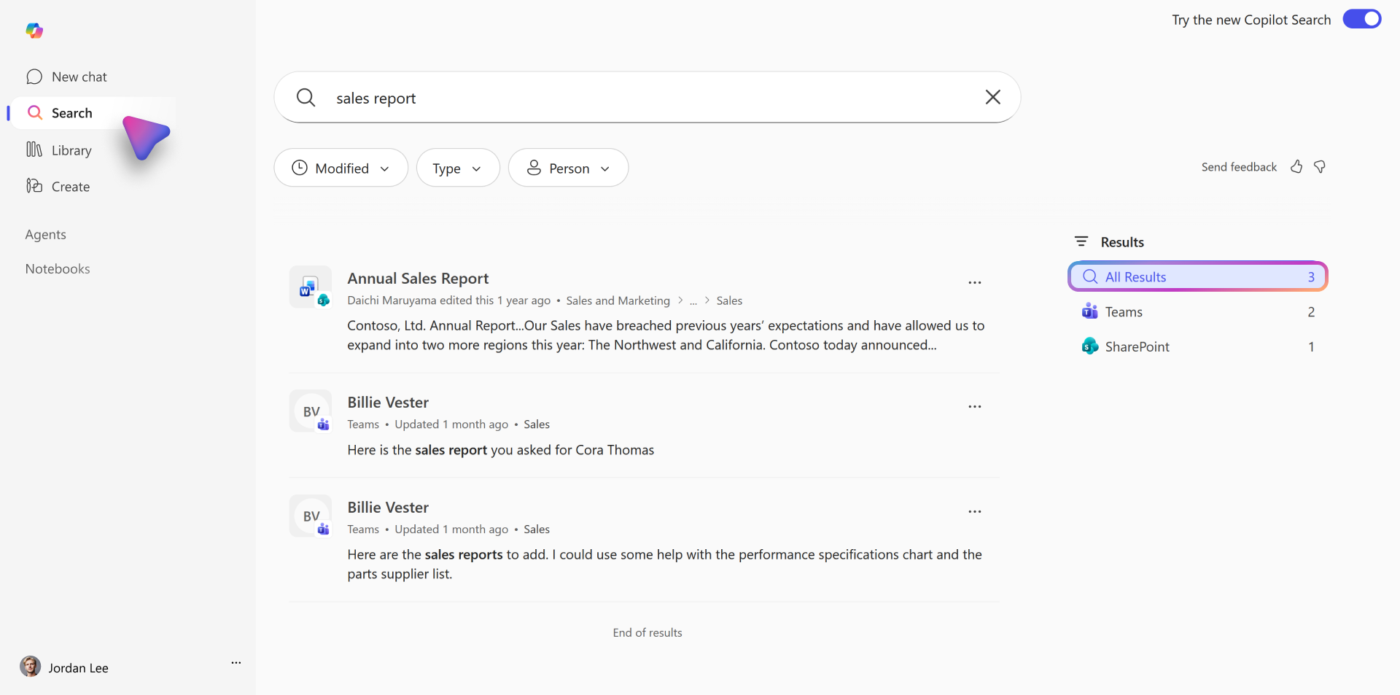
Copilot is native to organizations that run on Microsoft, making it a Gemini AI alternative. It is embedded in Word, Excel, PowerPoint, Teams, and Outlook. You can use it to reason over your organization’s own data through Microsoft Graph.
Claude can connect to Microsoft 365, but it’s less efficient: Copilot acts inside the suite, while Claude mostly reads from it. You can feel that difference during meetings and emails.
In Teams, Copilot creates recaps with decisions, owners, and next steps. In Outlook, it summarizes long threads by topic or sender, drafts replies in the tone you want, and manages scheduling conflicts directly in the calendar. Claude can summarize what you feed it. Copilot handles the inbox and the meeting itself, which is a much more useful skill when your day gets swallowed by follow-ups.
When Microsoft Copilot is not an ideal choice: Copilot is strongest inside Microsoft’s world. If your team works in Google Workspace, Notion, Figma, or a mixed stack, it might feel limited.
Skip Microsoft Copilot if: Your stack is not Microsoft-first, or you need a stronger reasoning and writing tool than an operations-heavy work assistant.
This G2 reviewer uses Microsoft Copilot along with Claude:
I use Microsoft Copilot for a variety of tasks including drafting communications, brainstorming content for workshops, refining presentations, talk tracks, and analyzing survey and participation data. I appreciate having Claude on the back-end instead of ChatGPT, as I find Claude to be a better AI partner for my work, hallucinating less. I also like how it integrates with Microsoft tools, which allows me to reference documents easily in OneDrive and SharePoint.
Also Read: Top 10 Microsoft Copilot Alternatives
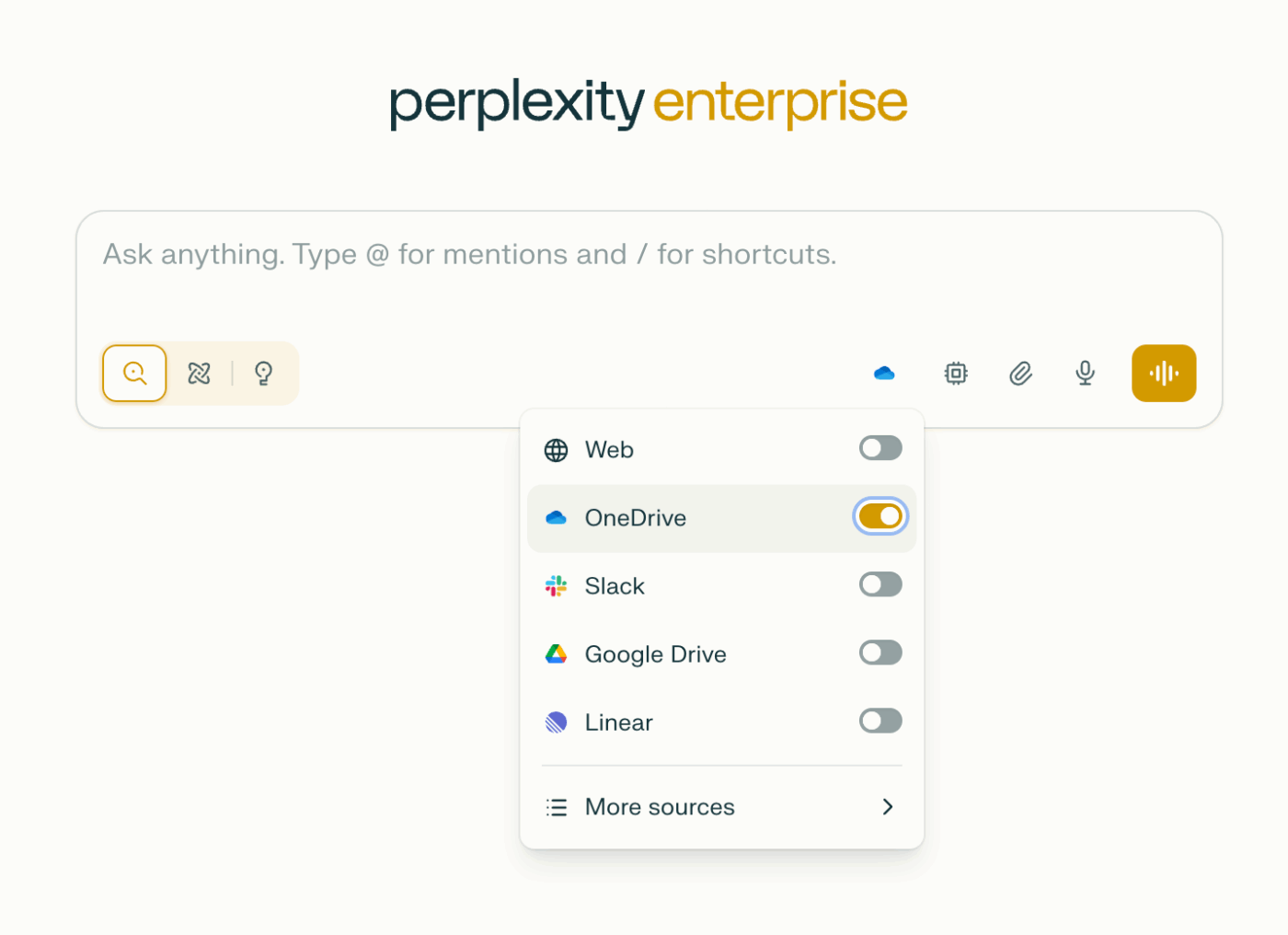
I’d reach for Perplexity, as a Claude and ChatGPT alternative, when the work starts with ‘go find out.’ It searches the live web by default, writes the answer in plain English, and shows me exactly where it got each claim. Not only does this make factual work simpler, but it also advances research. I can see three sources disagree, so I can form my own view without wasting time.
In Claude, I still have to gather the source material before I can push it into Claude for analysis. Sure, Claude can search, but it’s not as robust. In Perplexity, the gathering and the first synthesis occur in a single step.
You can stretch the AI search into Deep Research, Comet, and multi-model routing, but the core value stays the same: current answers with verifiable citations. It’s ideal for researchers, journalists, analysts, and anyone who needs to check a source before using an answer.
When Perplexity is not an ideal choice: Perplexity is precise, fast, and useful, but it writes more like a research assistant than an editor or collaborator. If I need tone or narrative flow, this is not it.
Skip Perplexity if: Your main job is writing or document reasoning after the research is already done.
Hear about Perplexity from this G2 reviewer:
Spaces (similar to Custom GPTs on ChatGPT or Projects on Claude) allow you to set instructions for every new chat created in that space. This makes it easy to re-use personas, multi-shot examples, and other instructions without copying and pasting on each new conversation. Spaces also work as the main organization method for your chat history, other than chronological order.
Looking for a Claude AI alternative for coding? Watch this:
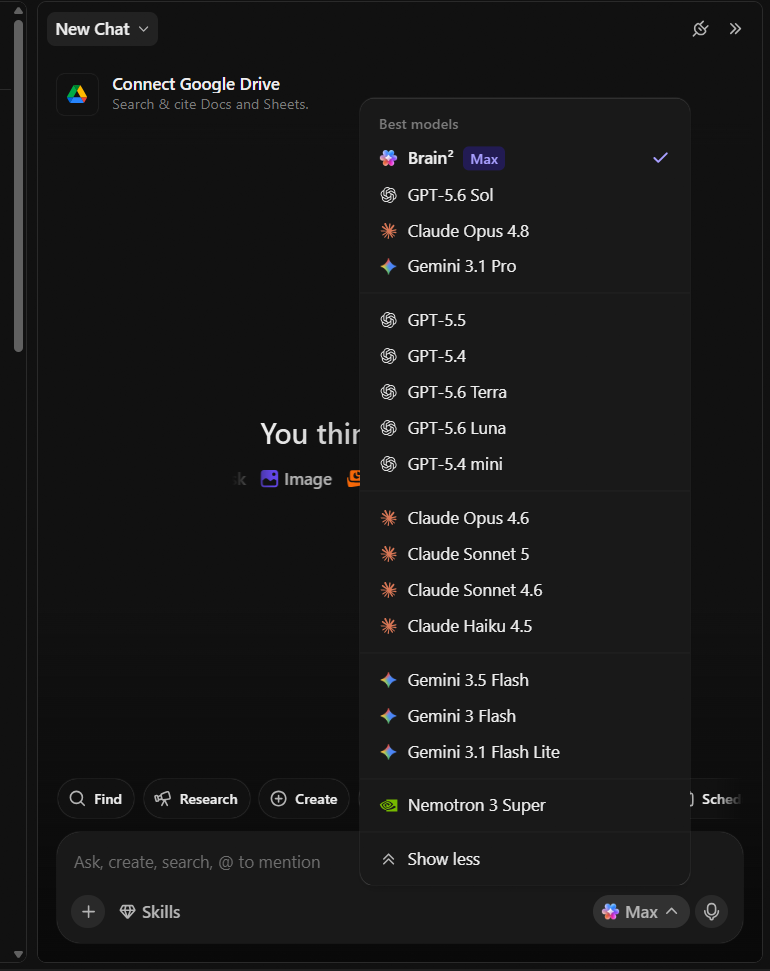
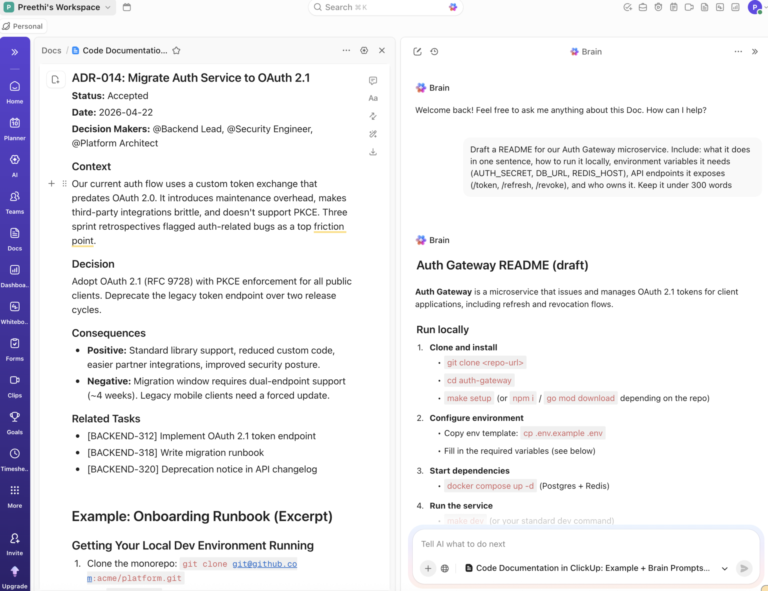
Ask ClickUp Brain a question, and the answer comes from the tasks, Docs, and Chat your team already works in. Every prompt starts with your company’s context, not a blank window. For example, request a launch status update, it queries the live tasks, pulls recent activity, returns real dates and owners, and then offers to post it to the launch channel.
Set that request up once, and it runs without you once you delegate it to a Super Agent. ClickUp super Agents are AI teammates you configure with instructions, a trigger, and project access. Then, they deliver the updates on their own. Because they’re configured rather than prompted, you @mention one in a comment, assign it a task, DM it, or trigger it from a ClickUp Automations. Each has its own memory and skills, and every run lands in an audit log so you can see what it did and why.
The LLM Model choice also stays open in ClickUp Brain. Switch to Claude, GPT, or Gemini mid-thread with your conversation and workspace context intact, all on one subscription. Extend this coverage across the workspace with Enterprise Search. It covers tasks, Docs, Chat, Drive, GitHub, Slack, and Gmail in a single query, returning cited answers rather than a list of links.
When ClickUp is not an ideal choice: Brain is tuned for work that already lives in a workspace, so a dedicated assistant better serves open-ended tasks with no task or Doc behind them. Billing is another factor: it is billed per workspace member, not just those who use AI, so the cost can add up for large teams.
Skip ClickUp if: You want a general-purpose chat window, or your projects are spread across tools rather than managed in one place.
See why this G2 reviewer likes ClickUp Brain:
ClickUp Brain has become especially valuable because it helps me generate QA tasks from requirement documents, summarize ongoing work, and create management-ready dashboards from reports. Instead of spending hours on repetitive documentation, I can focus more on testing and improving quality. The flexibility to customize workflows and bring project management, collaboration, and AI together has made a noticeable difference in my daily work.
Here’s a short walkthrough of building your own work-aware AI assistant in ClickUp:
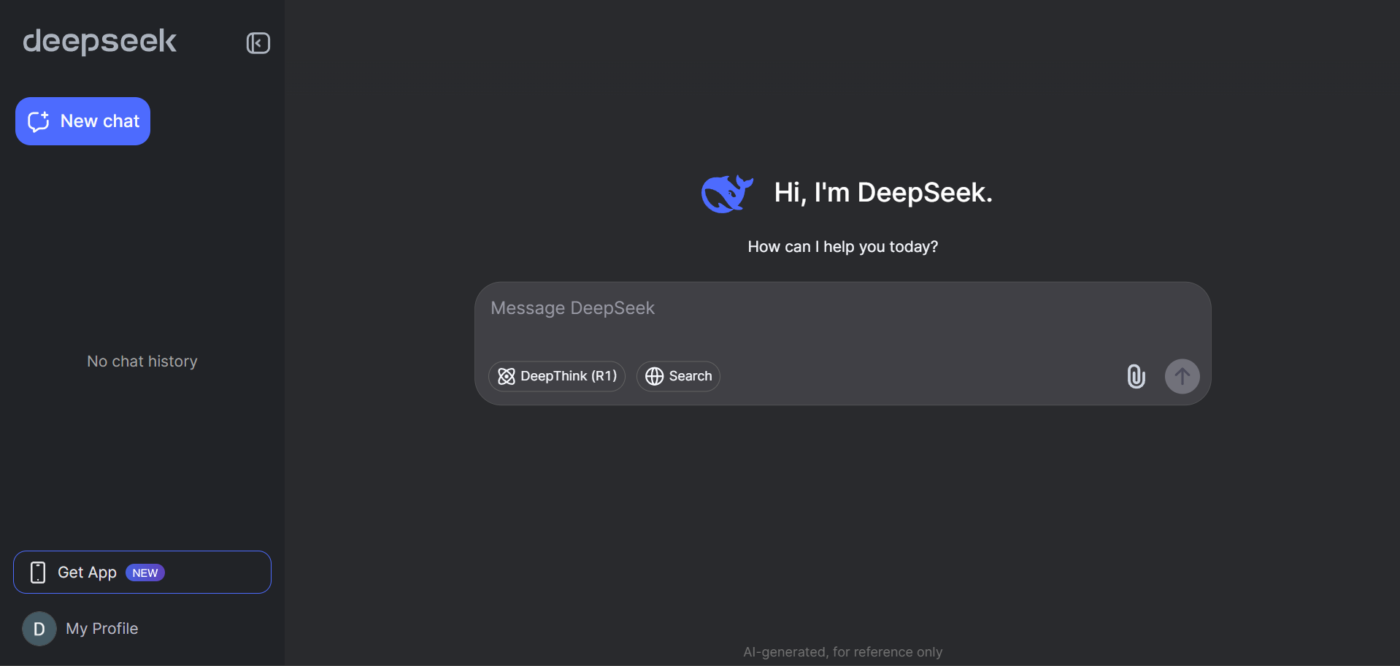
DeepSeek delivers open weights and a model family built for reasoning and code, making it a budget-friendly Claude Code alternative. This Chinese model lets you self-host, which is important if a team cares more about deployment control than a nice chat experience.
Claude is the safer default when the output is for a client or needs to be read as if a human wrote it. DeepSeek is the better bet when the task is analytical, structured, and expensive at scale. Its R1 line was trained to work through logic step by step. That shows up most clearly in debugging, formal reasoning, and code-heavy tasks where you want to inspect the path rather than trust the answer.
While choosing between the two, I would not hand DeepSeek the final draft of a report and expect much charm. I would hand it a logic problem or a high-volume backend workflow where low cost and local control matter more than tone.
When DeepSeek is not an ideal choice: DeepSeek falls short on writing, nuance, and general chat quality. It is also less forgiving when the prompt is vague. If the task drifts from logic into judgment, Claude usually handles the ambiguity better.
Skip DeepSeek if: You need polished long-form writing or an assistant that handles messy prompts without extra prompt engineering.
See what this G2 reviewer has to say about DeepSeek:
When DeepSeek first launched, it stood out as one of the most reasonably priced and accessible LLMs on the market — a genuine best-of-its-kind option that delivered serious value for the cost. From day one, the responses felt polished and on par with established players like ChatGPT and Claude, and the UI matched the clean, intuitive feel users expect from top-tier AI providers. It was responsive, interactive, and easy to slot into daily workflows.
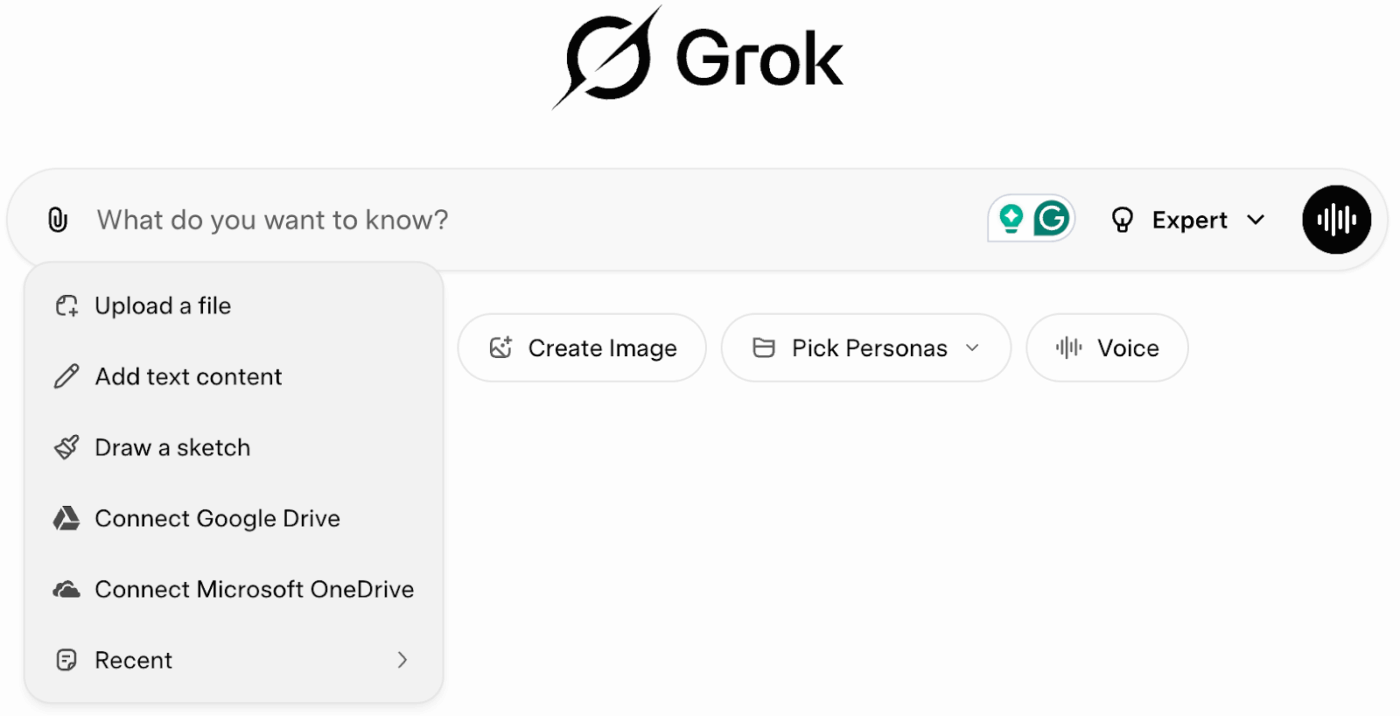
Grok from xAI, is a popular Claude and DeepSeek alternative. It’s best known for providing fun, unfiltered, and flexible responses.
I reach for it when I want to know what happened five minutes ago. It scans the live web and social posts (especially X, of course) as events unfold, providing immediate market awareness. You can spot breaking news, track customer sentiment, read the latest market-moving hot takes from influencers, and catch industry shifts long before standard search indexes pick them up. This is why it stands out as a strong Claude AI alternative. The latter cannot read live social media chatter.
That aside, you can use it to replace separate subscriptions for image generators, video tools, and voice apps, and cut down your tool sprawl. Teams can also build visuals, test code, and run voice chats inside Grok’s interface.
When Grok is not an ideal choice: Grok loses track of detailed instructions in long sessions, so your output often ships without review.
Skip Grok if: Your work depends on strict instruction-following or output that goes out unreviewed.
This is when a G2 reviewer finds Grok useful:
I find Grok useful when I need to explore ideas quickly before starting a design or website project. It explains concepts in a straightforward way and helps organize information without making the responses feel overly complicated. I also like that it can handle follow-up questions well, which makes refining ideas easier. For brainstorming content, project planning, and researching unfamiliar topics, it has become a practical tool that fits naturally into my workflow.
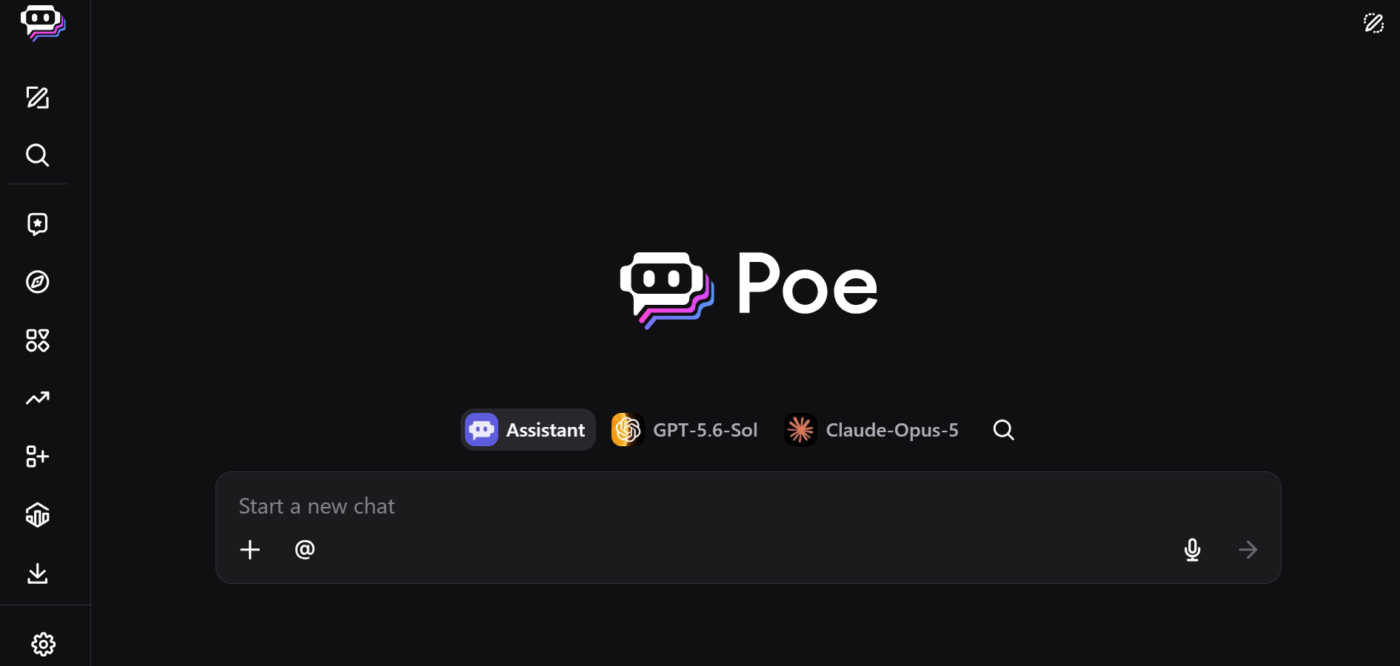
Poe, from Quora, puts Claude, GPT-5.6, Gemini, Llama, Mistral, Kimi K3, and dozens of others behind a single login and a single subscription. You can run the same prompt through three models and see which one actually handles your task. Ideal if you’re considering a shift away from Claude but still wondering whether another model would do the job better.
Within Poe, anyone can build a bot by writing a system prompt and picking a base model. Then, publish it for others to use. Thousands already exist for writing, research, coding help, and specialized jobs. The best part? Popular creators earn revenue when their work is used.
For a team, that means you can package a house style guide or a research workflow into a shareable bot instead of pasting the same instructions into every new chat.
When Poe is not an ideal choice: Poe prioritizes breadth over depth. You lose the tightly integrated experience of using each model in its native app, and advanced per-model features often lag.
Skip Poe if: You want the full native feature set of a single assistant.
This G2 reviewer reviewed Poe:
Poe makes interacting with various AI models incredibly easy, all in one platform. I love its smooth interface and the ability to switch between models effortlessly.
Also Read: Best Poe AI Alternatives
Mistral is headquartered in France and runs its models on EU-based servers, your data never leaves EU soil, so it’s protected by GDPR natively. US-based AI providers (like Claude’s Anthropic, etc.) have to rely on Standard Contractual Clauses (SCCs), which are basically legal workarounds that let them transfer EU user data to American servers. This usually rules Claude out for many public sector bodies, hospitals, and banks with strict residency requirements.
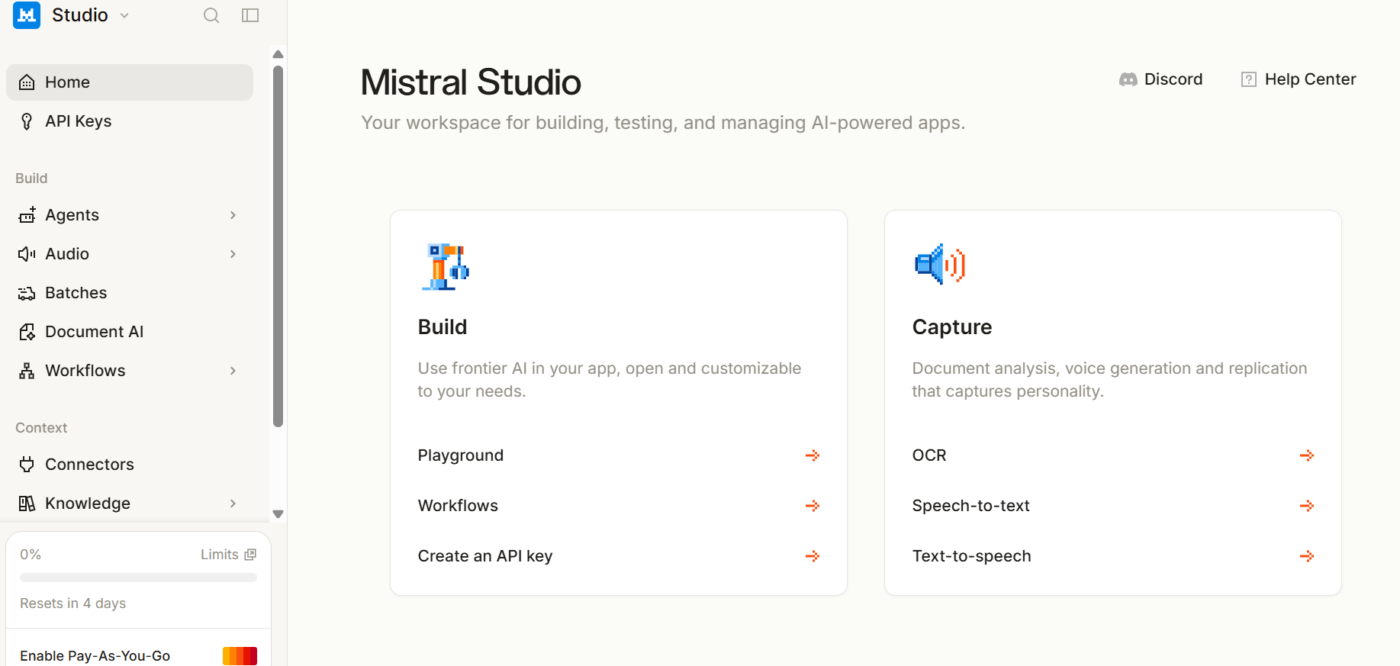
Mistral’s Flash Answers feature pushes responses up to roughly 1,000 words per second, which changes how the tool feels for quick lookups and iterative drafting. Le Chat also generates images through Black Forest Labs Flux Ultra, something Claude will not do.
You can even run an AI Code Interpreter for sandboxed execution, visualizations, and simulations. Its OCR handles messy PDFs, spreadsheets, and scans that trip up weaker document parsers.
When Mistral Vibe is not an ideal choice: Mistral’s ecosystem, integrations, and third-party tooling are smaller than those of ChatGPT or Gemini. Meaning, it’s stronger as a second model than as a sole assistant for most workflows.
Skip Mistral Vibe if: You rely on a deep integration and plugin ecosystem.
Hear about Mistral from this G2 reviewer:
The thing I like best about Mistral AI is its openness and developer-friendly philosophy. It is simple to use their service with API keys and to leverage their free models that can be used in almost any IDE and make integrating AI models straightforward.
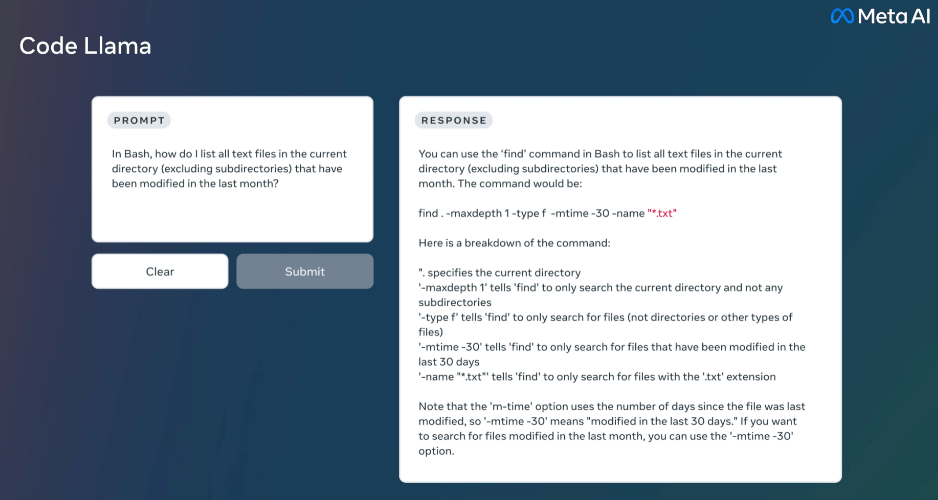
Meta’s Llama and the wider open-source field (accessible via interfaces like Open WebUI or Hugging Face Chat) are the Claude and Grok AI alternatives for teams that want full control.
Models like Claude AI are closed proprietary systems, meaning you must send your company data to an outside server over the internet. Meta Llama gives you the raw model code so you can run the AI entirely on your own servers.
While Meta provides these files freely, it uses an ‘open-weights’ community license rather than traditional open source. This license remains completely free for standard business deployments. It requires a custom commercial agreement if your product or service scales to exceed 700 million monthly active users. This guarantees total data privacy, as your business data never leaves your company’s network boundary.
When Llama is not an ideal choice: Open-source models require setup, maintenance, and MLOps skills. Plus, the best open weights still trail the top commercial frontier models on the hardest reasoning tasks.
Skip Llama if: You want something that works out of the box with no infrastructure to manage.
What you can expect from Llama as per this G2 reviewer:
The answers when you give it a prompt are very professional and the AI was clearly carefully trained to not return anything bad like profanity.
Stay on Claude if tone and output quality are why you’re there. In a Reddit thread started by someone who left ChatGPT to compare options, the most common reason was how Claude talks. Six separate commenters pointed to its tone, style, or how human it feels, and one noted it’s less prone to flattery than the alternatives. Coders in the same thread said nothing else holds up as well on a large codebase.
Switch, or add a second tool, if any of these are true:
The test is simple. Name the job you actually do, then check whether Claude is the pick for that job or just the tool you’re used to.
Moonshot AI’s Kimi K3, released in July 2026, is a 2.8-trillion-parameter open-weight model that benchmarks just behind Claude Fable 5 and GPT-5.6 Sol on reasoning and code. It’s the largest open model anyone has published. DeepSeek and Alibaba’s Qwen are shipping competitive reasoning and general-purpose models at a similar pace.
The common thread: frontier-adjacent performance, open weights, and significantly lower API costs than Western closed-source providers. But before making the jump to a Chinese open-source model, consider the trade-offs: English-language documentation is inconsistent, enterprise compliance for Western buyers is murky (especially regarding data residency), and community tooling still lags behind Llama or Mistral ecosystems. But if performance per dollar or self-hosting matters to you, this is undoubtedly where the momentum is.
Pick your Claude alternative based on the job you do most, not on overall model quality. Here’s the match:
One practical note for teams already invested in Claude: Many tools, including ClickUp Brain and Perplexity, let you keep using Claude’s model inside them. For a structured switch, export your Claude project context first, then rebuild your recurring prompts as saved templates in the new tool to avoid starting from a blank page.
Take the one task that made you start looking for a Claude alternative. Run it in Claude, then run it in one alternative for two weeks with the same inputs and prompts. It will reveal a lot more about quality than a guide would.
You might find that the model was never the bottleneck. The answer was fine. What cost the afternoon was everything after it: pasting the plan into a task, hunting the owner, rebuilding the same context next week.
ClickUp Brain skips that half. It works within the ClickUp ecosystem, and its Super Agents carry the work forward per preset rules instead of handing you text to move. Claude can still be the model underneath if that’s the one you trust.
Get started with ClickUp for free.
Compared to its alternatives, Claude Chat lacks native image generation and has a smaller plugin ecosystem than ChatGPT; You need to subscribe to Claude Design for that. Heavy users also hit Pro message caps. Each alternative closes a specific gap: ChatGPT adds images and the widest ecosystem, Gemini and Copilot add native Workspace/Office integration, and Perplexity adds source-cited live search.
Whether a Claude alternative is safe for sensitive business data depends on the contract you sign, not the brand on the login page. Look for three things on any enterprise tier: a signed agreement that your prompts and outputs won’t train the vendor’s models, SOC 2 Type II or ISO 27001 certification, and admin controls for retention windows, SSO, and audit logging. ChatGPT, ClickUp, Gemini, and Copilot all offer these on business plans, though the defaults on consumer tiers are far looser, where most accidental exposure occurs. Check what your team is actually logged into before you evaluate anything else.
ChatGPT is the closest substitute for general writing, since it matches Claude on range and adds image generation and a wider connector ecosystem. Gemini is stronger when the draft must live in Google Docs. Neither reliably maintains a single voice across several thousand words the way Claude does, which is why many writing teams keep Claude and add a second tool rather than replacing it.
Claude Pro is currently priced at $20/month (Max at $100 and $200). ChatGPT Plus and Perplexity Pro are $20 each. Grok’s SuperGrok costs $30/month, while DeepSeek has no monthly plan and bills only per API token. Because individual pricing converged near $20, switching chatbots to save money rarely helps.
For coding, ChatGPT and Gemini are good alternatives to Claude AI. Dedicated tools like Cursor, GitHub Copilot, and open-source agents such as Cline and Aider compete directly with Claude Code for terminal and IDE work. DeepSeek is the budget choice for high-volume code generation. Match the tool to your preference: inline suggestions, an AI-native editor, or an autonomous coding agent.
To move Claude projects and prompts to another tool, export your conversation history from Claude’s account settings. Then rebuild your Projects as the new tool’s equivalent: Custom GPTs in ChatGPT, Projects in ChatGPT Spaces, or Gems in Gemini. Save your recurring prompts as templates or system instructions, rather than pasting them in each chat. Do one real task in both tools side by side for a week or two.
Yes, though not with Claude itself. Anthropic offers no self-hosted version, so teams with hard residency rules use open-weight models instead. Meta’s Llama, Mistral, DeepSeek, and Qwen all publish downloadable weights you can run locally with Ollama, LM Studio, or Open WebUI, and no prompt ever leaves your network. That satisfies GDPR, HIPAA, and sovereignty requirements without a data processing agreement. The cost shows up elsewhere: a capable 70B-class model needs a serious GPU, plus someone who owns updates and evaluations. If you want EU hosting without running your own infrastructure, Mistral Vibe (formerly Le Chat) is the middle ground.

Manasi Nair
Max 26min read
Manasi Nair
Max 20min read

Arya P Dinesh
Max 23min read

© 2026 ClickUp