10 Best Business Continuity Management Tools

Sorry, there were no results found for “”

According to Aon’s 2025 Global Risk Management Survey, business interruption was ranked the #2 global risk for organizations in 2025. Still, most teams treat continuity planning as a compliance checkbox. They update it once a year, then forget about it.
A business continuity management tool can help. Instead of letting plans collect dust, it automates risk assessments and keeps them updated in real time.
This guide covers 10 business continuity management tools to help you prepare for, respond to, and recover from disruptions. Whether you need a dedicated BCM platform or a flexible workspace that brings continuity planning into your daily operations, you’ll find the right fit here.
Business continuity management (BCM) software helps your organization plan for, respond to, and recover from any disruption—whether it’s a natural disaster, a cyberattack, or a supply chain failure.
These tools centralize your crisis response plans by:
Modern BCM solutions come in two main types. Some are specialized enterprise platforms with built-in risk assessment frameworks such as ISO 22301.
But many teams—especially in product, engineering, and operations—get more value from a flexible work management tool. Integrating continuity planning directly into daily workflows helps these teams stay prepared without extra effort.
We’ll cover both types of tools in this post.
👀 Did You Know? Extreme weather became the leading cause of business disruption in 2025, surpassing cyberattacks.
Here’s a quick comparison of the best resilience management tools before we explore them in depth:
| Tool | Best for | Key features | Pricing* |
|---|---|---|---|
| ClickUp | Teams that want unified work management with customizable BCM workflows | ClickUp Docs for plan documentation, ClickUp Automations for incident triggers, ClickUp Dashboards for real-time status tracking, ClickUp Brain for AI-powered summaries | Free forever; customizations available for enterprises |
| Fusion Risk Management | Enterprise organizations needing dedicated BCM with risk intelligence | Integrated risk management, business impact analysis, crisis management, third-party risk monitoring | Custom pricing |
| LogicManager | Mid-market companies seeking a risk-based BCM approach | Enterprise risk management foundation, BIA workflows, recovery playbooks, exercise management | Custom pricing |
| Everbridge | Organizations prioritizing mass notification and crisis communication | Critical event management, mass notification, IT alerting, visual command center | Custom pricing |
| Archer | Enterprises requiring GRC-integrated business continuity | Integrated risk management, policy management, regulatory compliance, business resiliency | Custom pricing |
| Riskonnect | Organizations that want managed BCM services with software | BC in the Cloud platform, managed services, plan development, exercise facilitation | Custom pricing |
| ServiceNow | IT-centric organizations with an existing ServiceNow ecosystem | ITSM integration, automated BIA, recovery planning, audit management | Custom pricing |
| Quantivate | Financial institutions and regulated industries | Compliance-focused BCM, vendor management, audit trails, regulatory reporting | Custom pricing |
| ParaSolution | Canadian organizations and those needing bilingual support | Bilingual interface, plan management, exercise scheduling, document control | Custom pricing |
| SAI360 | Global enterprises needing integrated EHS and risk management | Combined EHS and risk platform, learning management, regulatory content, global compliance | Custom pricing |
Ever adopted a new tool that ended up adding more friction? Many BCM tools do exactly that. Plans sit in one app, updates in another, and recovery tasks somewhere else.
73% of employees say switching between apps hurts their productivity. This kind of Work Sprawl slows down responses when it matters most.
The best business continuity tools remove these silos, giving teams a single source of truth for plans, tasks, and communication.
Here’s how to pick the right one:
How we review software at ClickUp
Our editorial team follows a transparent, research-backed, and vendor-neutral process, so you can trust that our recommendations are based on real product value.
Here’s a detailed rundown of how we review software at ClickUp.
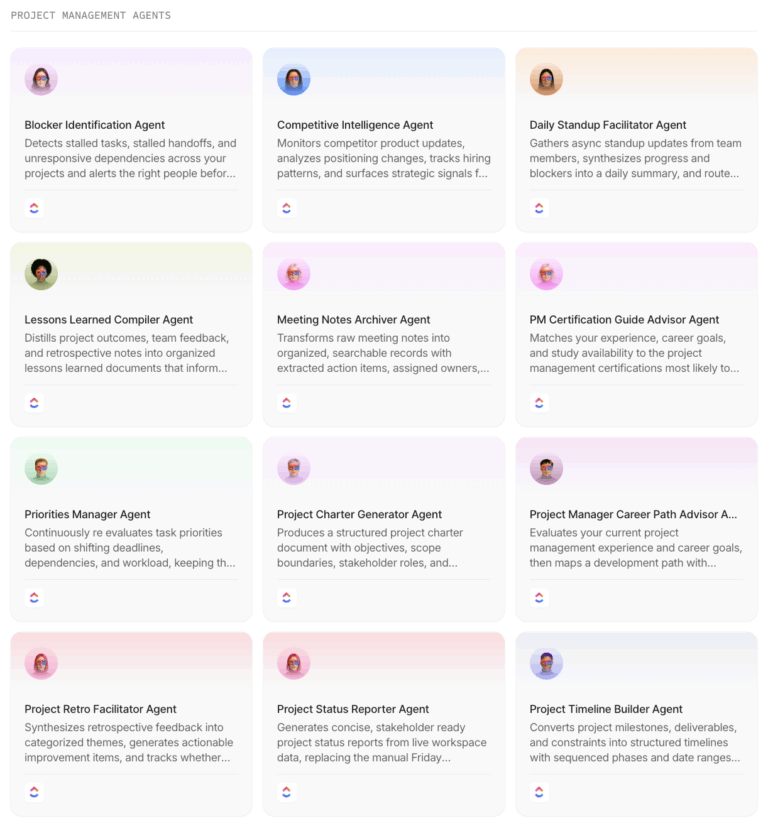
Here’s an in-depth look at the best business continuity management tools you can try this year.
In many organizations, continuity plans live in documents separate from response tasks that live in project tools. Updates happen in yet another tool—typically email or chat.
As the world’s first Converged AI Workspace, ClickUp brings all of this together. Your plans, tasks, conversations, and reporting live in the same workspace your team already uses. That means when an incident happens, there’s no scramble to “spin up” a response. Everyone knows where to go and what to do.
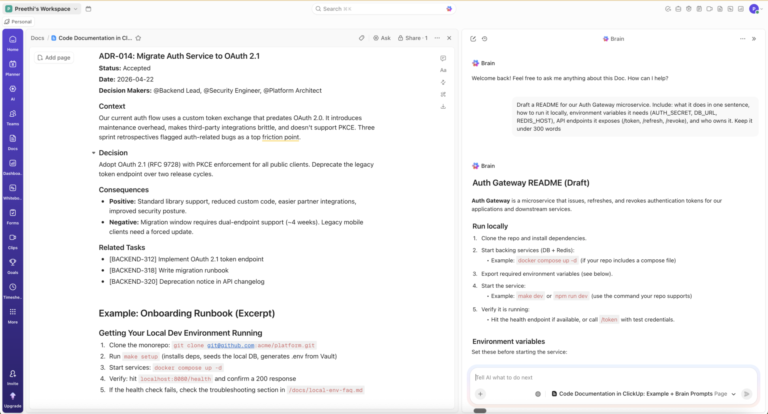
Continuity plans in ClickUp are living ClickUp Docs that your team can collaborate on. They connect directly to ClickUp Tasks, which come with trackable progress, dedicated owners, and set timelines.

Thanks to ClickUp Automations, when an incident is declared, workflows can kick in automatically—assigning recovery tasks, notifying the right people, and escalating issues without manual follow-ups.
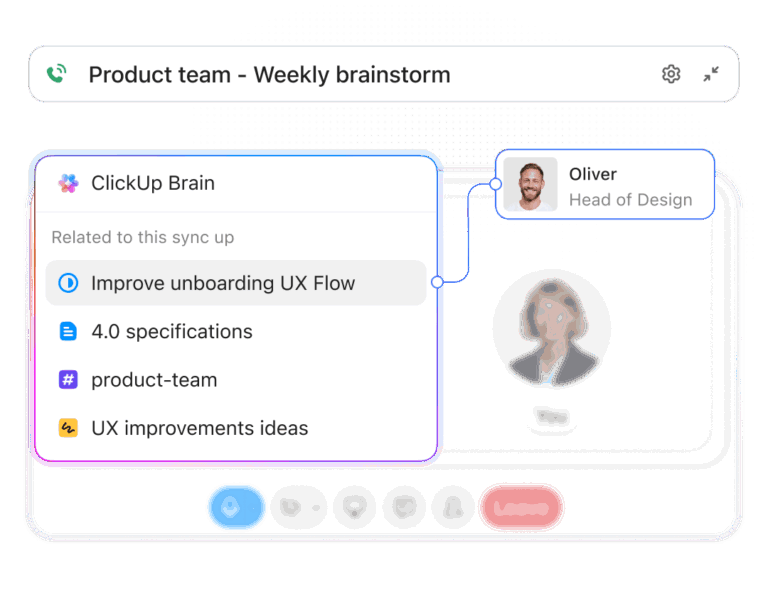
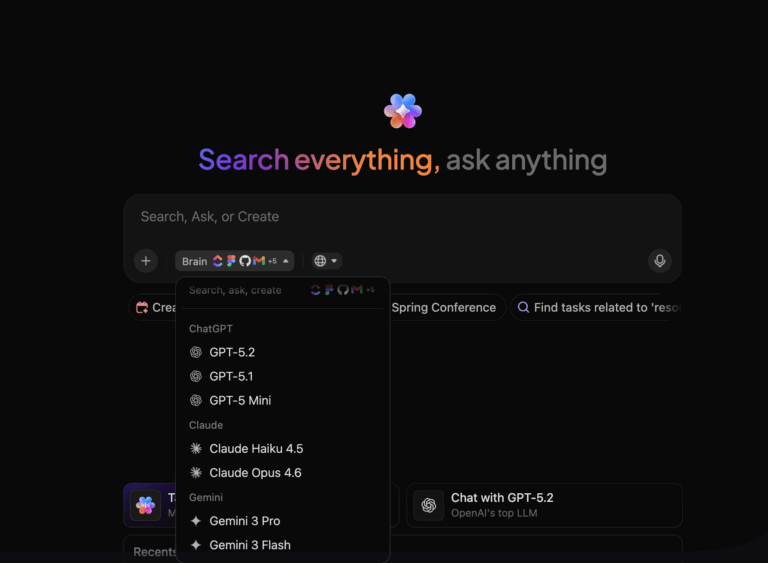
ClickUp’s native, Contextual AI makes responses even faster. Your AI assistant, ClickUp Brain, surfaces knowledge from your workspace instantly. Teams can ask simple questions like “What’s our outage response plan?” or “Who owns vendor recovery?” and get instant answers pulled from approved plans and tasks.

AI Super Agents in ClickUp can also watch for risks, missed steps, or stalled work and prompt action before small issues escalate.
With ClickUp, business continuity becomes an integral part of how work happens every day—not a document you update once a year and hope you never need to.
A G2 user vouches for ClickUp for their operational continuity:
We work with many of our clients on an hourly basis, which always creates a need to keep track of hours that went into a project at any given time.
So logging hours and being able to go through any ongoing or past projects creates a beautiful business continuity.
ClickUp allows us to train new members efficiently by simply letting them go through our past project database and accessing all the produced materials for individual clients, from the oldest to the newest ones.
Simply put, we choose ClickUp because it serves our mantra: Training, Scalability & Continuity!
Fusion Risk Management is a purpose-built business continuity and risk management platform for enterprises. Its Fusion Framework System connects business continuity, IT disaster recovery, crisis management, and third-party risk.
Its USP lies in pre-built frameworks and workflows for BCM professionals. It excels at business impact analysis (BIA) too. Use it to identify critical processes, map dependencies, and set recovery priorities with ease.
A happy user reports:
The AI-based Infusion Uploader significantly reduces manual labor by 30%, enhancing efficiency in creating business continuity and disaster recovery plans.

LogicManager offers a risk-based approach to business continuity management. It starts by helping teams identify and assess organizational risks, then uses those insights to guide business impact analysis and continuity planning. By linking recovery plans directly to real risks and dependencies, LogicManager keeps BCM focused on what could actually disrupt the business—not just meeting compliance requirements.
You can customize risk categories and impact scales as per your needs. You also get compliance-ready reporting with audit trails for the entire BCM program lifecycle.
A user shares on G2:
I appreciate that LogicManager houses all our risks in one system, which makes it very helpful and centralizes risk management across our organization…The ease of communication and collaboration it fosters between divisions by sharing updated information is commendable.
📚 Also Read: Enterprise Risk Management Software

Everbridge is a critical event management platform. It focuses on real-time crisis communication and coordination. While many BCM tools focus on planning, Everbridge stands out for active incident management.
Its mass notification system can reach large groups quickly across SMS, voice, and email, helping teams share updates, give instructions, and stay aligned when speed matters most. During a crisis, this rapid communication can be the difference between a coordinated response and total chaos.
A G2 reviewer praises the tool:
What I appreciate most about Everbridge, in addition to its rapid response features for critical events and mass messaging, is its segmentation and routing capabilities. They work flawlessly, allowing me to notify only the relevant personnel whenever we receive an alert.

Archer provides an integrated governance, risk, and compliance (GRC) platform with robust business continuity capabilities. It’s built for large organizations that want continuity planning to live inside a broader risk and compliance program.
Archer connects business continuity with areas like operational risk, third-party risk, and regulatory compliance. This gives teams a single view of how disruptions affect the wider risk landscape, instead of managing continuity in isolation.
A user shares on Capterra:
As with security assessments, it can be customized to have an assessment module and perform tasks like mailing and alerting with ease. Overall its a very useful tool and its ability to be customised to suit the enterprise needs gives it an edge.

Riskonnect offers a unique combination of BCM software and managed services. Their BC in the Cloud platform provides the technology. And their consulting team helps you build, maintain, and test your continuity program.
This hybrid approach is ideal for organizations that need a mature BCM program but lack the internal expertise or resources to build one. Riskonnect essentially functions as an extension of your team.
A G2 user shares mixed feedback:
The combination of IRM + Data Analytics has been a fantastic platform combining claim and business data to drive value for external and internal stakeholders…Customization of the platform has been both beneficial as well as a hindrance for easy solutionizing.
ServiceNow Business Continuity Management is built on the ServiceNow platform. This makes it a natural fit for organizations already using ServiceNow for IT service management (ITSM). The tight integration means your IT disaster recovery plans connect directly to your CMDB and incident management workflows.
Easily automate business impact analysis by pulling data from your existing ServiceNow implementation. Automatically identify which applications support critical business processes and calculate the impact of their unavailability.

Quantivate is a BCM and risk management platform for financial institutions and other highly regulated industries. It makes it easier to meet compliance requirements, with pre-configured workflows for regulatory reporting and audit management.
It’s particularly strong in vendor management and third-party risk assessment. These are critical concerns for banks and credit unions subject to regulatory oversight of their supply chains.

ParaSolution is a Canadian BCM software provider that offers a bilingual (English/French) platform. It’s a great fit for companies operating in Canada or other multilingual environments.
It takes a straightforward approach to BCM, focusing on plan management, exercise scheduling, and document control—without the complexity of larger enterprise platforms.

SAI360 is a comprehensive environmental, health, safety (EHS), and risk management platform that includes business continuity capabilities. It’s designed for global enterprises that need to manage BCM alongside other operational risk domains.
This GRC platform’s strength is its breadth—you can manage everything from incident reporting to training management to business continuity planning in one system.
A G2 review reads:
It has an intuitive reporting and analytic dashboard that promotes risk awareness insights. It is highly scalable and flexible which makes it ideal for any size of a company as it ensures high return on investment.
The best business continuity plan is one your team actually uses. Not a forgotten document. And definitely not a specialized system your team only opens during drills.
ClickUp brings business continuity management into the workspace your team already lives in every day. You document your plans in ClickUp Docs. You assign recovery tasks with ClickUp Tasks. You automate incident response with ClickUp Automations. And you track recovery progress with ClickUp Dashboards.
When a disruption hits, your team doesn’t need to learn a new tool under pressure. They respond using the same platform they use for every project, with all the context they need at their fingertips.
Stop treating business continuity as a compliance checkbox. Make it part of how your team works.
Build a business continuity program that’s actually ready when you need it. Start using ClickUp today.
Business continuity software focuses on preparing for and responding to disruptions. It helps teams plan what to do when things go wrong. Project management tools focus on day-to-day work like tasks, deadlines, and collaboration. BCM tools are built for emergencies, while project tools are built for normal operations.
Yes. Small teams are often more vulnerable to disruptions because they have fewer people and backups. BCM software helps them plan ahead, assign clear responsibilities, and recover faster without chaos. Even simple plans can make a big difference when something unexpected happens.
Business continuity planning covers how the whole business keeps running during a disruption. Disaster recovery focuses mainly on restoring IT systems and data. Disaster recovery is one part of business continuity, but continuity planning looks at people, processes, vendors, and communication too.
Most organizations should test their plans at least once a year. Critical systems or high-risk teams may test more often. Regular testing helps teams find gaps, keep plans updated, and make sure everyone knows what to do before a real incident happens.
© 2025 ClickUp