






Still downloading templates?
There’s an easier way. Try a free AI Agent in ClickUp that actually does the work for you—set up in minutes, save hours every week.
Sorry, there were no results found for “”
Sorry, there were no results found for “”
Sorry, there were no results found for “”

As a teacher, you’re juggling a million things—lesson planning, grading, and engaging students. It’s a lot, and it can get overwhelming fast.
But what if AI tools for teachers could lighten the load for you?
With well-crafted prompts, you can automate repetitive tasks, personalize learning goals, and generate high-quality materials in less time. From instant essay feedback to interactive lessons, these tools help you work smarter, not harder.
Let’s explore how prompt engineering tools can simplify your workflow, enrich student learning, and give you back more time to focus on teaching. 🎯
Research shows that 65% of teachers across the US feel more passionate about teaching due to the use of AI. Here’s how using an AI tool can empower you, too:
AI tools for lesson planning can reduce the time you spend outlining learning programs. This frees up more time to focus on teaching and connecting with students.
With the help of AI technology, teachers can tailor lesson plans to meet each student’s unique needs. For instance, if students struggle with Trigonometry, AI can suggest specific exercises and resources to help them catch up.
AI prompts for teachers can help you develop creative and interactive lesson ideas, keeping your lessons fresh and engaging. For example, you could apply AI to brainstorm interdepartmental project plans or produce virtual outings.
AI helps make communication with students and parents clearer and more effective by simplifying complex concepts and enabling personalized, timely feedback.
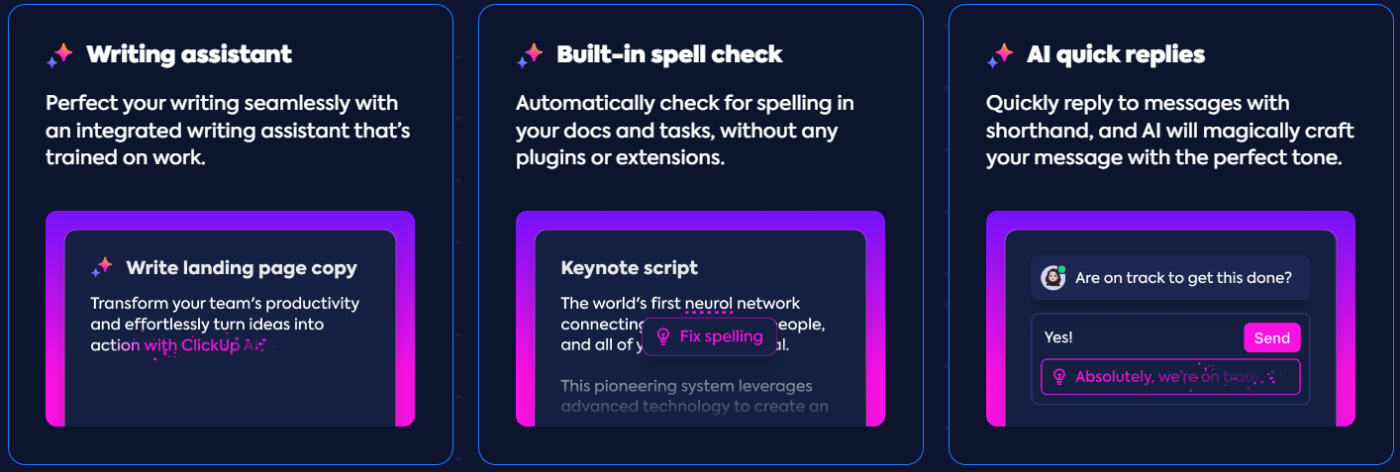
📮ClickUp Insight: 37% of our respondents use AI for content creation, including writing, editing, and emails. However, this process usually involves switching between different tools, such as a content generation tool and your workspace. With ClickUp, you get AI-powered writing assistance across the workspace, including emails, comments, chats, Docs, and more—all while maintaining context from your entire workspace.
💡 Pro Tip: Use AI to translate instructions and materials into different languages. This makes your lessons accessible to more students. This can lower the time and effort needed for English Language Learners (ELL).
AI can recommend tools to help students with disabilities. It can also create personalized education plans (IEPs) for those with special needs. This helps promote inclusive classroom behavior that encourages every student to succeed.
Using AI prompts can reduce stress levels and improve work-life balance for teachers. AI automates routine administrative tasks for you and provides personalized support. This helps you manage workload better, giving you more time to focus on what you love: teaching.
AI prompts provide practical solutions to everyday challenges in teaching. Let’s dive into how AI prompts can support teachers, with real examples of prompt engineering across key areas like:
These prompts can help improve teaching and streamline tasks.
🧠 Fun Fact: AI can adapt to any teaching style—whether you prefer Socratic questioning, storytelling, or a structured lecture. Once you learn how to ask AI a question, it can generate lessons that match your teaching approach.
Scenario: Ms. Jones spends countless hours creating and organizing student records, tracking attendance, and managing classroom materials.
Prompt:
“Develop a system for organizing and storing digital learning resources, such as lesson plan templates, worksheets, and multimedia files. The system should be easily searchable with respect to student records and accessible from any device.”
Response:
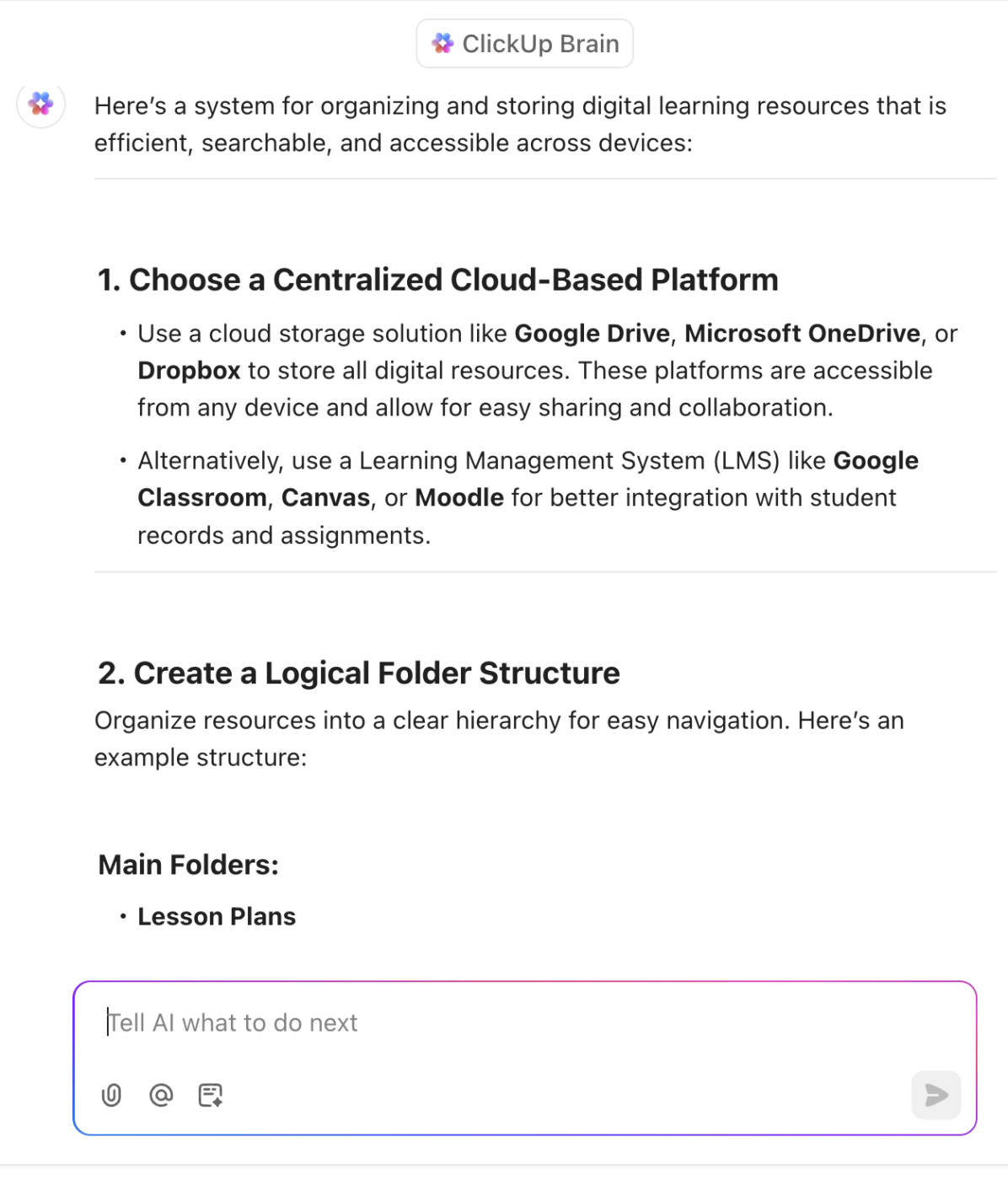
Scenario: Mr. Smith struggles to create authentic assessments that accurately measure the grade level of student learning and provide meaningful feedback.
Prompt:
“Create a spreadsheet to track student progress on [specific learning objectives], including columns for assignments, grades, and teacher observations. The spreadsheet should be easy to update and generate reports from.”
Response:
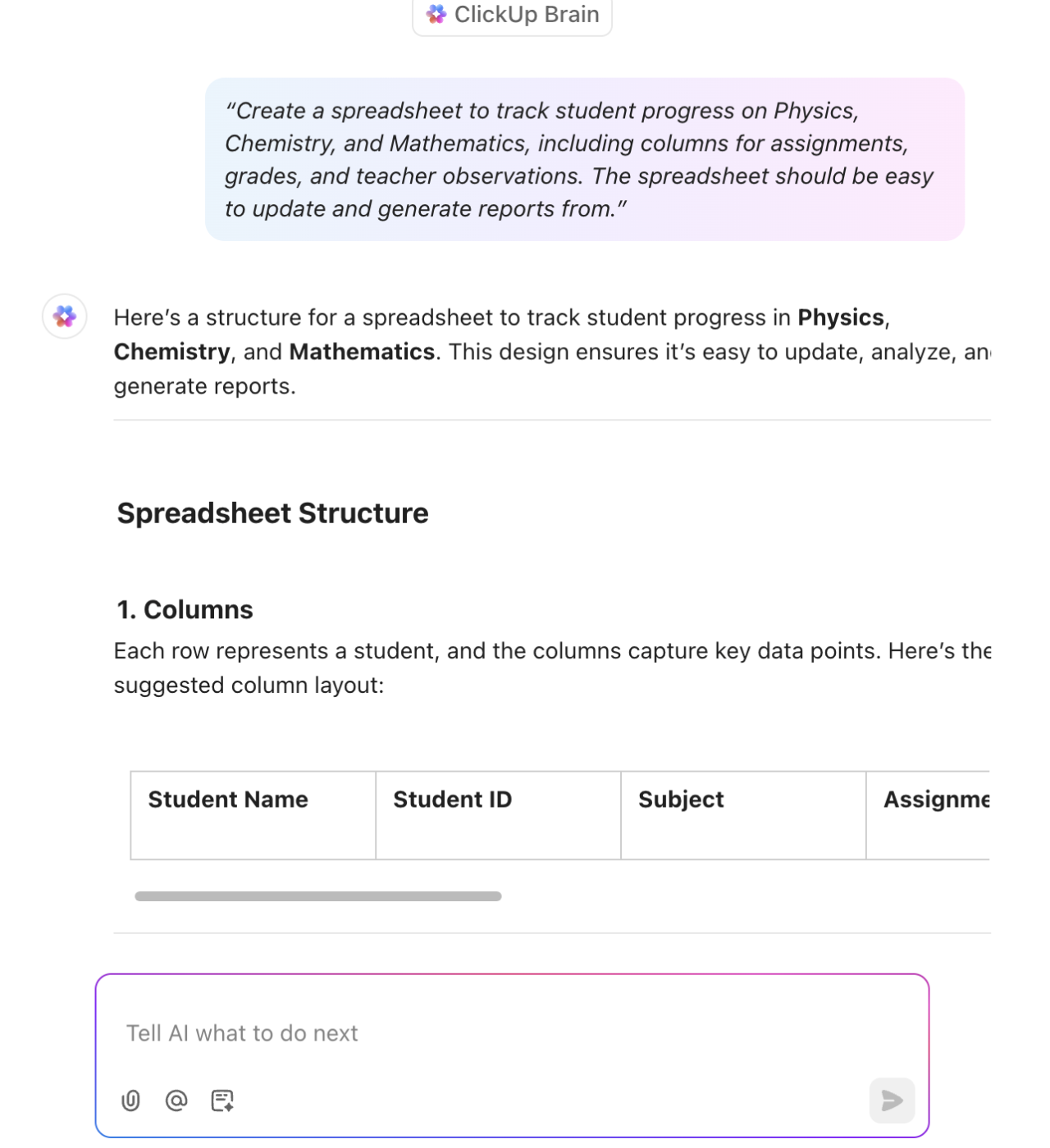
Scenario: Ms. Chen finds it challenging to effectively communicate with parents about school events, concerns, and classroom needs.
Prompt:
“Generate an email template to send to parents regarding upcoming school events (Graduation Day), with customizable fields for student names and personalized messages. The email should be professional, concise, and easy to read.”
Response:
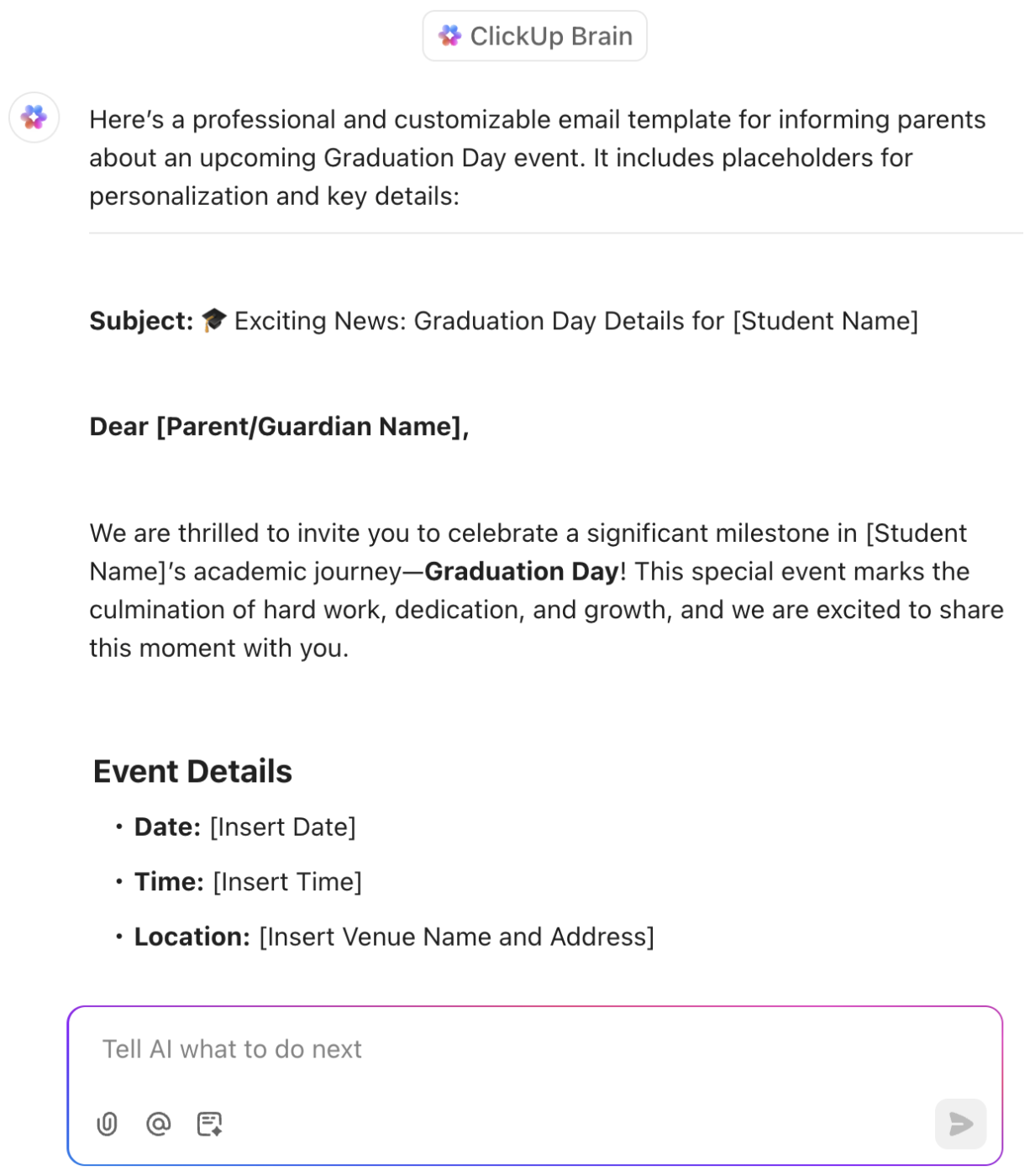
Scenario: Mr. Bhat wants to encourage deeper learning and critical thinking among his students, but struggles to find engaging and challenging prompts. By incorporating AI tools for students, he can unlock a world of creative possibilities and nurture critical thinking in a more dynamic learning environment.
Prompt:
“Create a series of open-ended questions for a class discussion on [topic], designed to engage students and encourage them to analyze, synthesize, and evaluate information from various sources.”
Response:
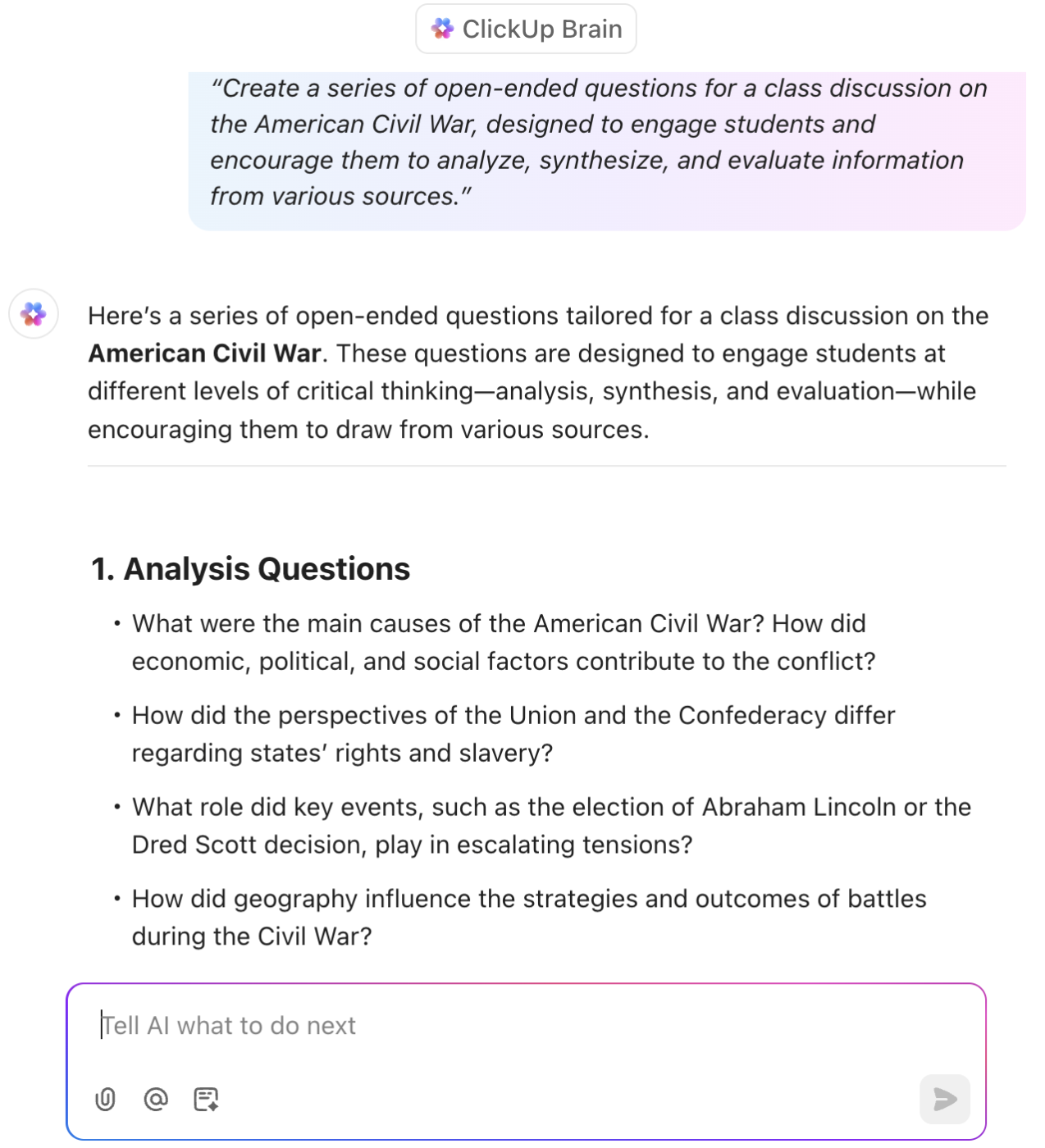
👀 Did You Know? Most of your students already use AI tools. As per a Harvard report, 51% of young people aged 14–22 reported using generative AI at some point. The most commonly reported use cases for AI were getting information (53%) and brainstorming (51%).
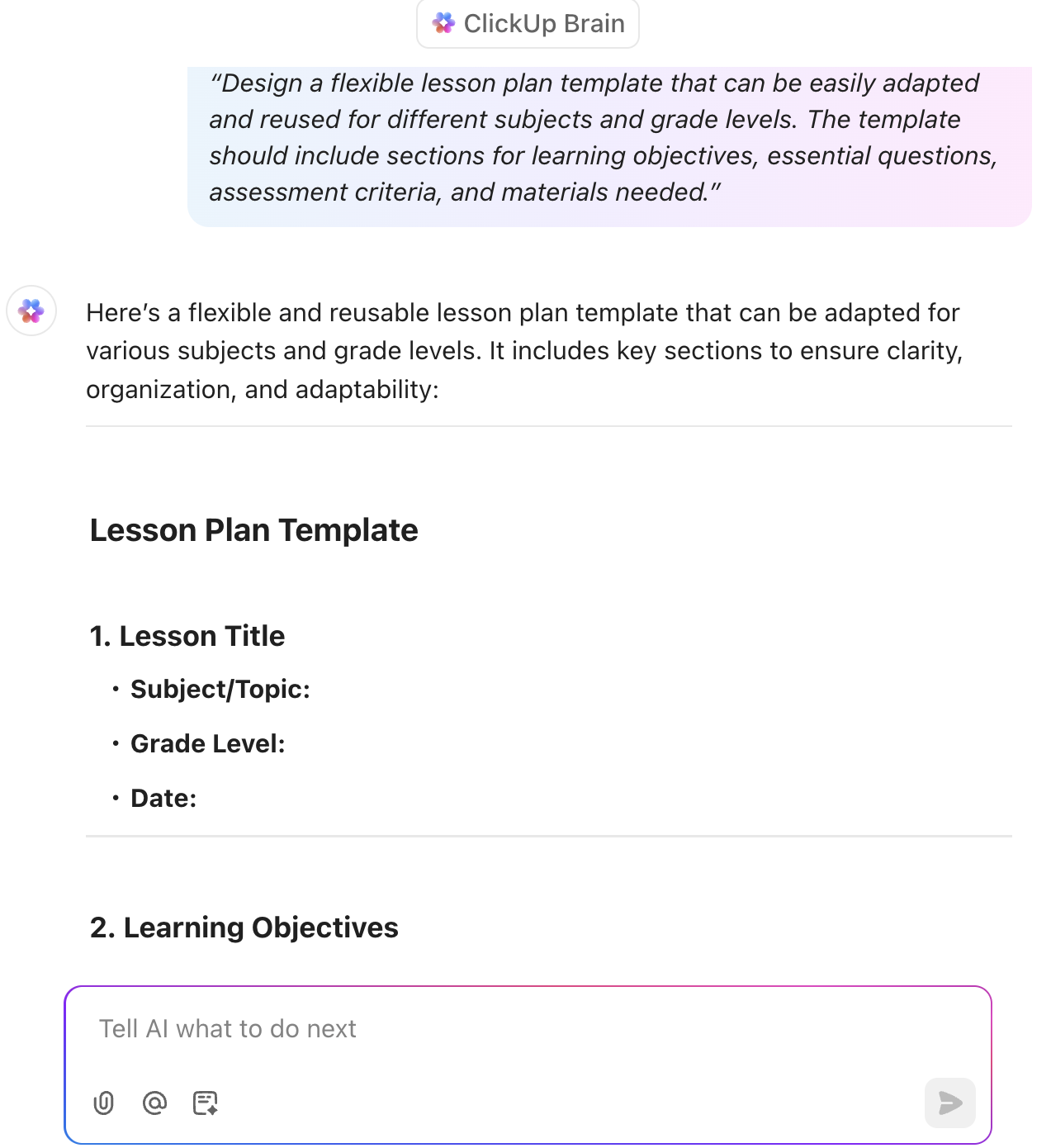
Scenario: Mr. Garcia, an overworked teacher, spends countless hours each week crafting lesson plans. He finds the process time-consuming and struggles to adapt his plans for different subjects and grade levels. He needs a more efficient system.
Prompt:
“Design a flexible lesson plan template that can be easily adapted and reused for different subjects and grade levels. The template should include sections for learning objectives, essential questions, assessment criteria, and materials needed.”
Response:
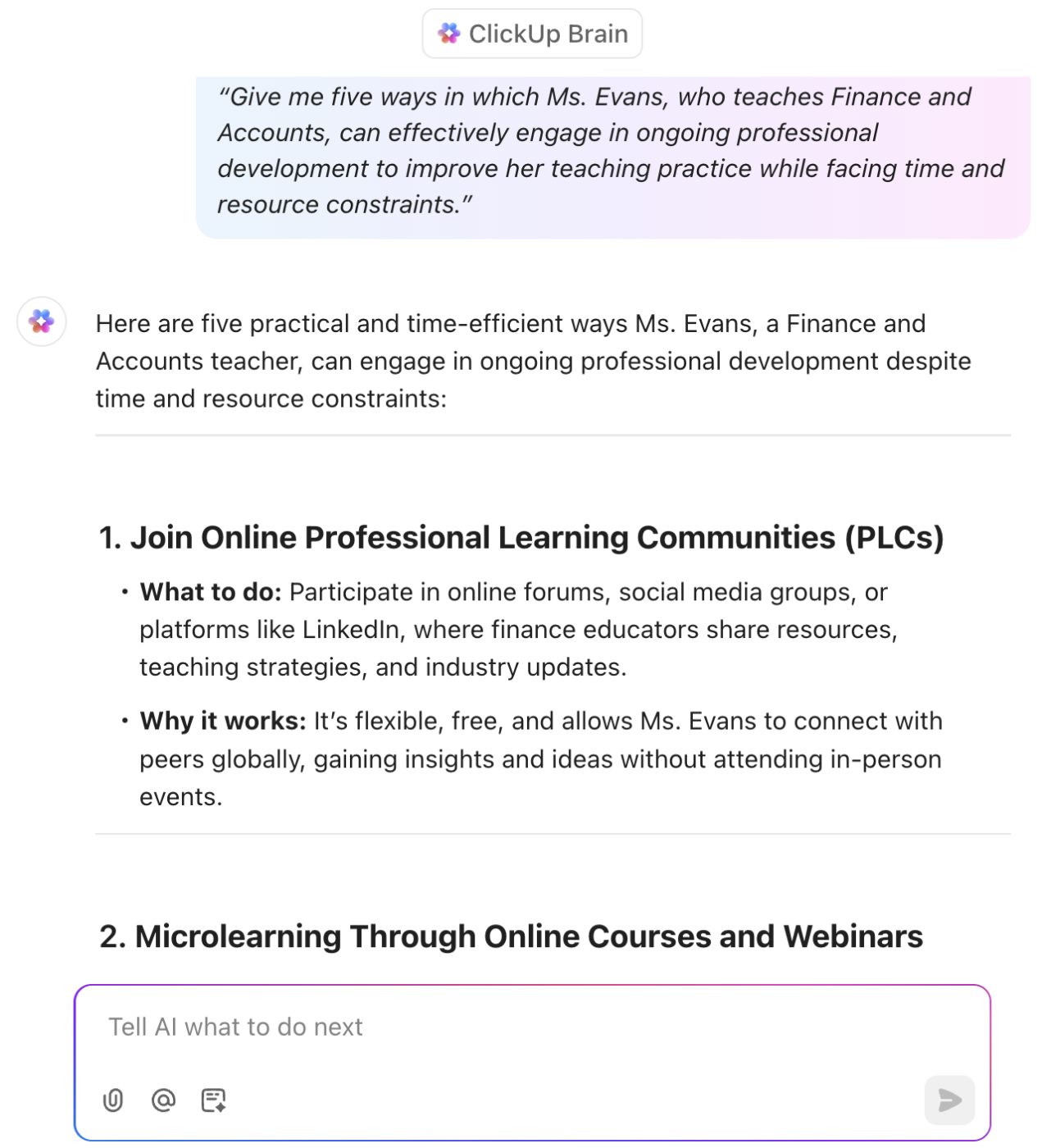
Scenario: Ms. Evans wants to improve her teaching practice continuously, but struggles to find time and resources for professional development opportunities. As her manager, you are keen to help her develop a roadmap for her professional development.
Prompt:
“Give me five ways in which Ms. Evans, who teaches Finance and Accounts, can effectively engage in ongoing professional development to improve her teaching practice while facing time and resource constraints.”
Response:
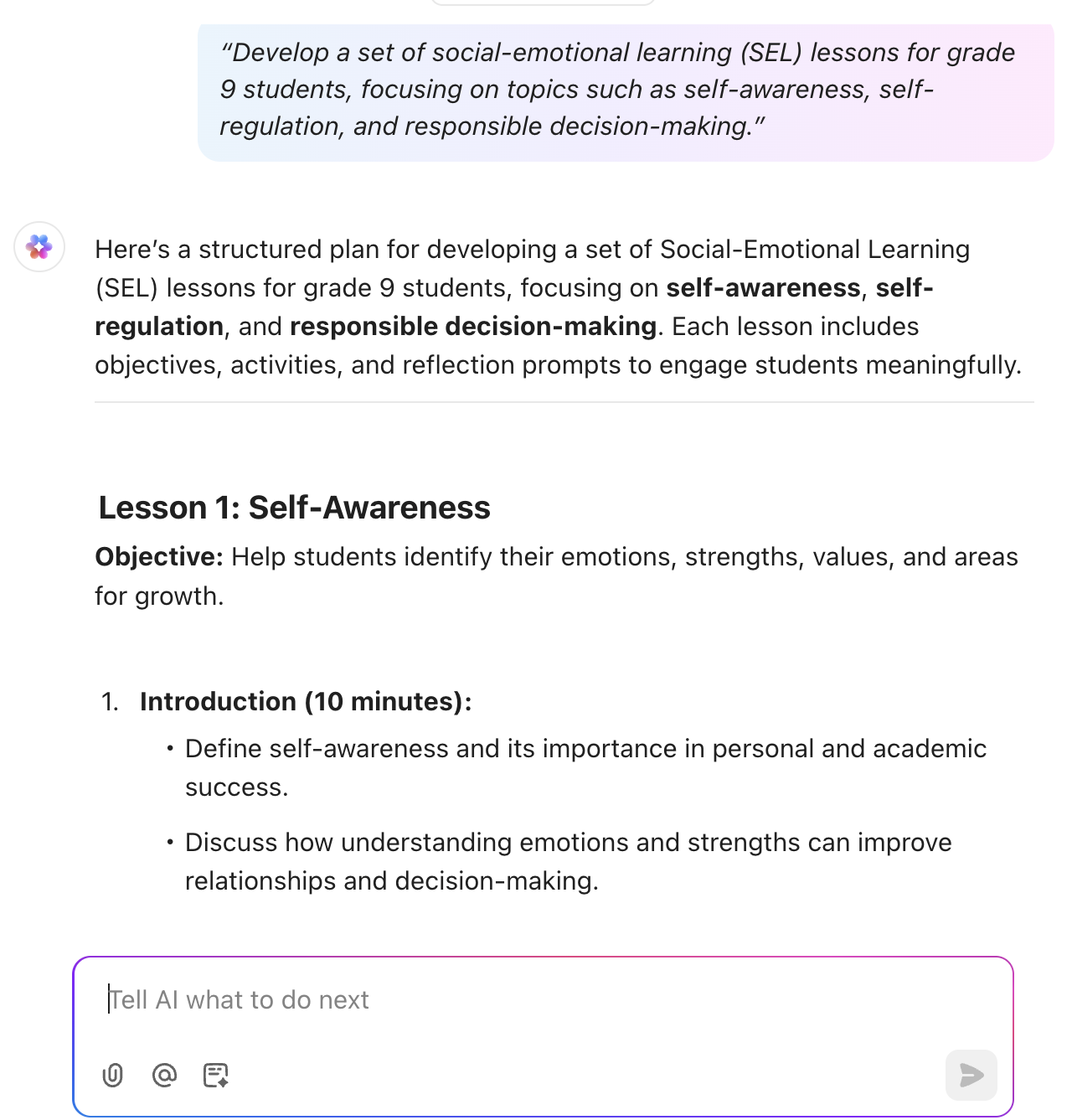
Scenario: Mr. Carter wants to encourage students to create a supportive and inclusive classroom environment that promotes their social and emotional well-being.
Prompt:
“Develop a set of social-emotional learning (SEL) lessons for [grade level] students, focusing on topics such as self-awareness, self-regulation, and responsible decision-making.”
Response:
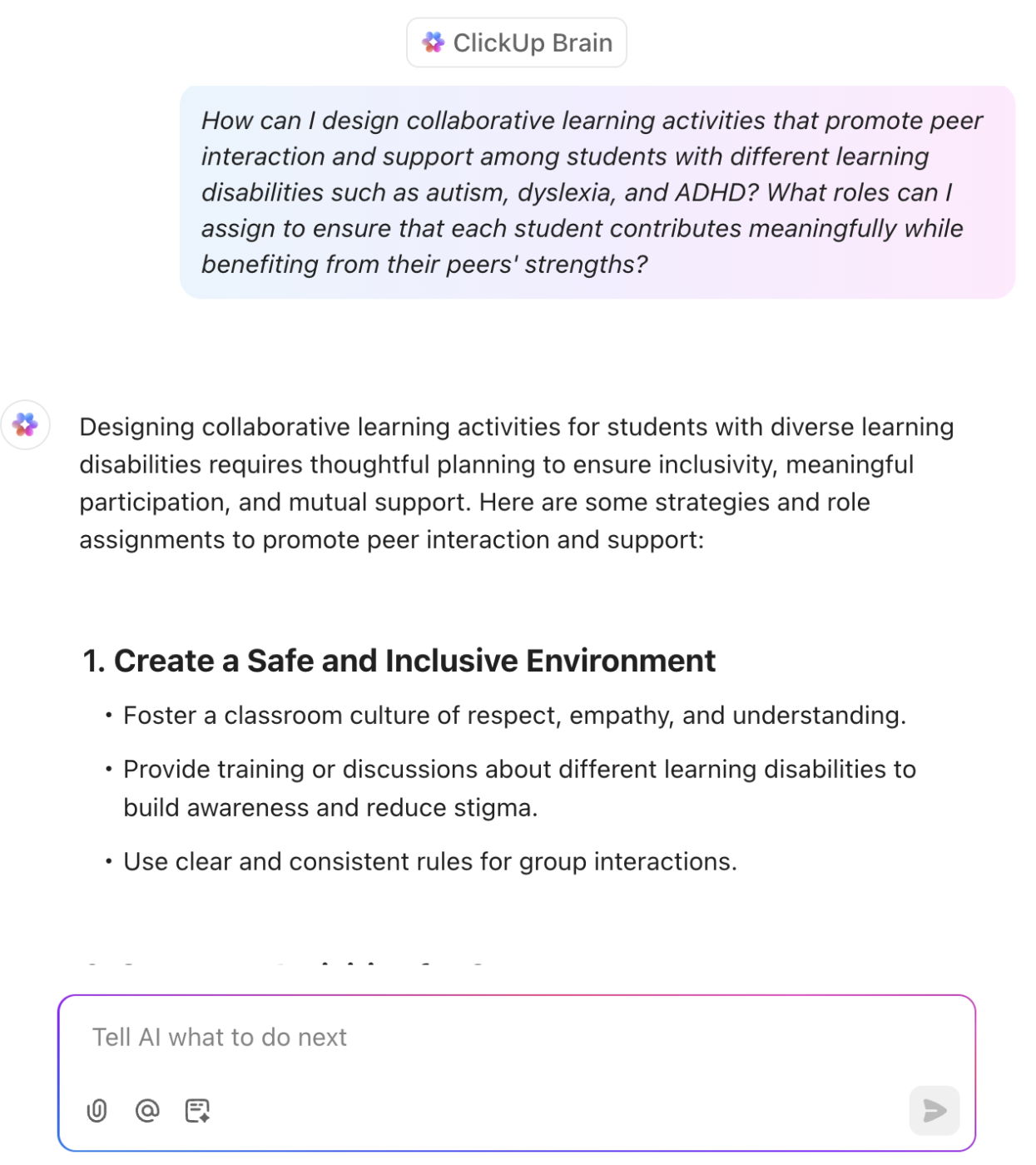
Scenario: Dr. Davis teaches a diverse class with students who have various learning disabilities, such as autism, dyslexia, and ADHD. She faces challenges in creating individualized learning plans, using classroom rules, adapting curriculum materials, and providing appropriate support for each student.
Prompt:
“How can I design collaborative learning activities that promote peer interaction and support among students with different learning disabilities, such as autism, dyslexia, and ADHD? What roles can I assign to ensure that each student contributes meaningfully while benefiting from their peers’ strengths?”
Response:
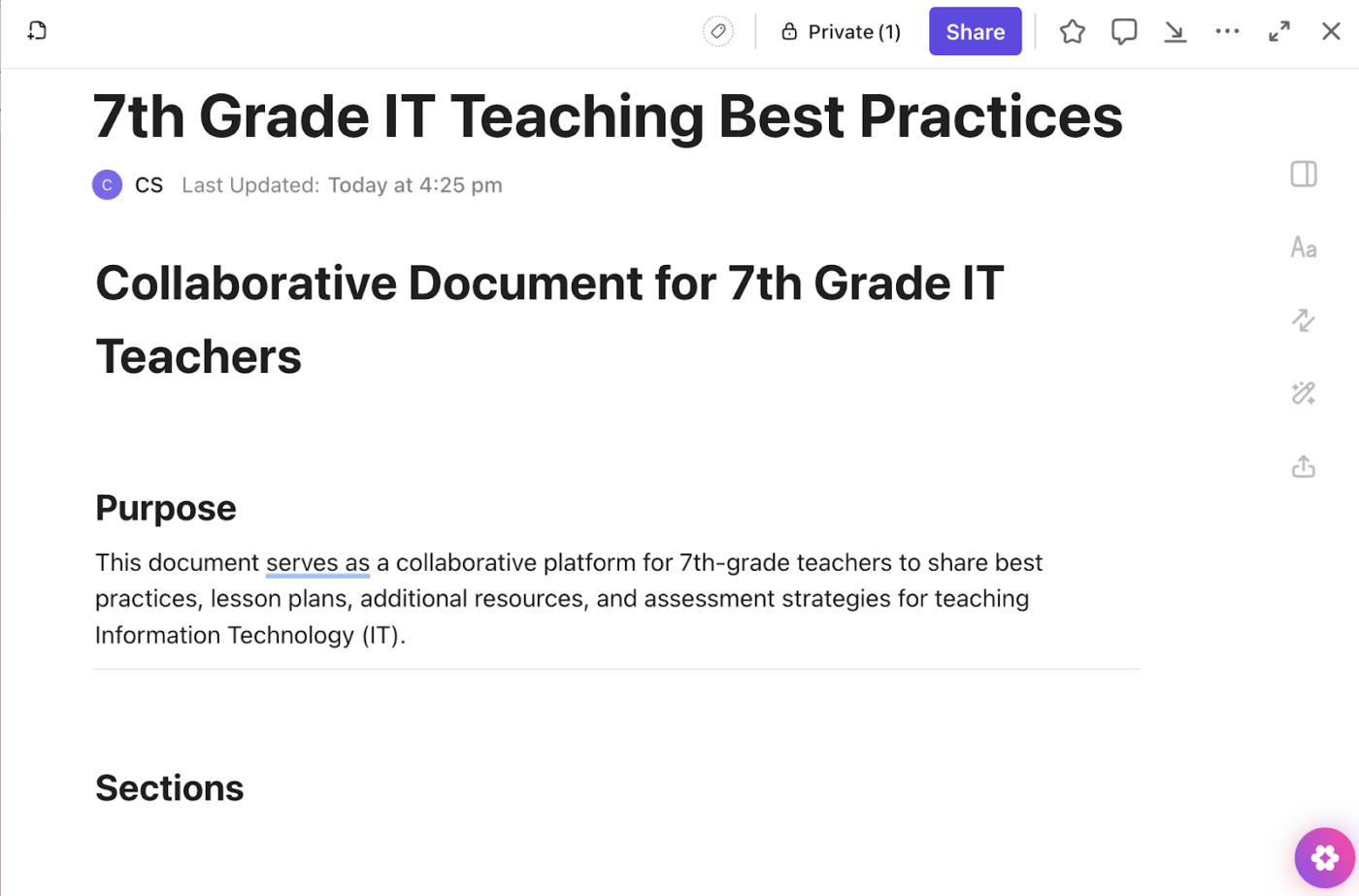
Scenario: Ms. Johnson, a 7th-grade teacher, believes collaborating with her colleagues would improve her teaching of Information Technology. She creates a shared document where teachers can contribute lesson plans, engaging activities, helpful resources, and effective assessment strategies.
Prompt:
“Draft a collaborative document for teachers in the same grade level to share best practices for teaching [specific topic], including lesson plans, additional resources, and assessment strategies.”
Response:
📖 Also Read: Best Prompt Engineering Courses
Getting started with AI prompts for teaching is simple and rewarding. Let’s break down the steps to crafting effective AI prompts and making the most of these powerful tools in your classroom.
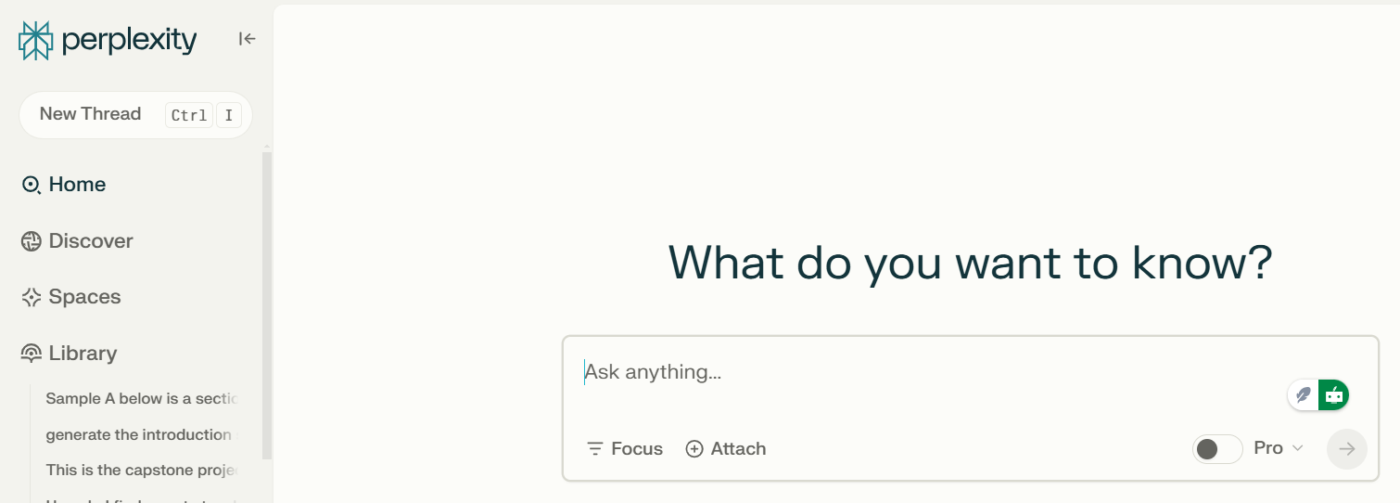
Selecting the right tools is the first step in harnessing the power of AI prompts in teaching. You can begin with reliable large language models (LLMs) that provide robust capabilities for educators.
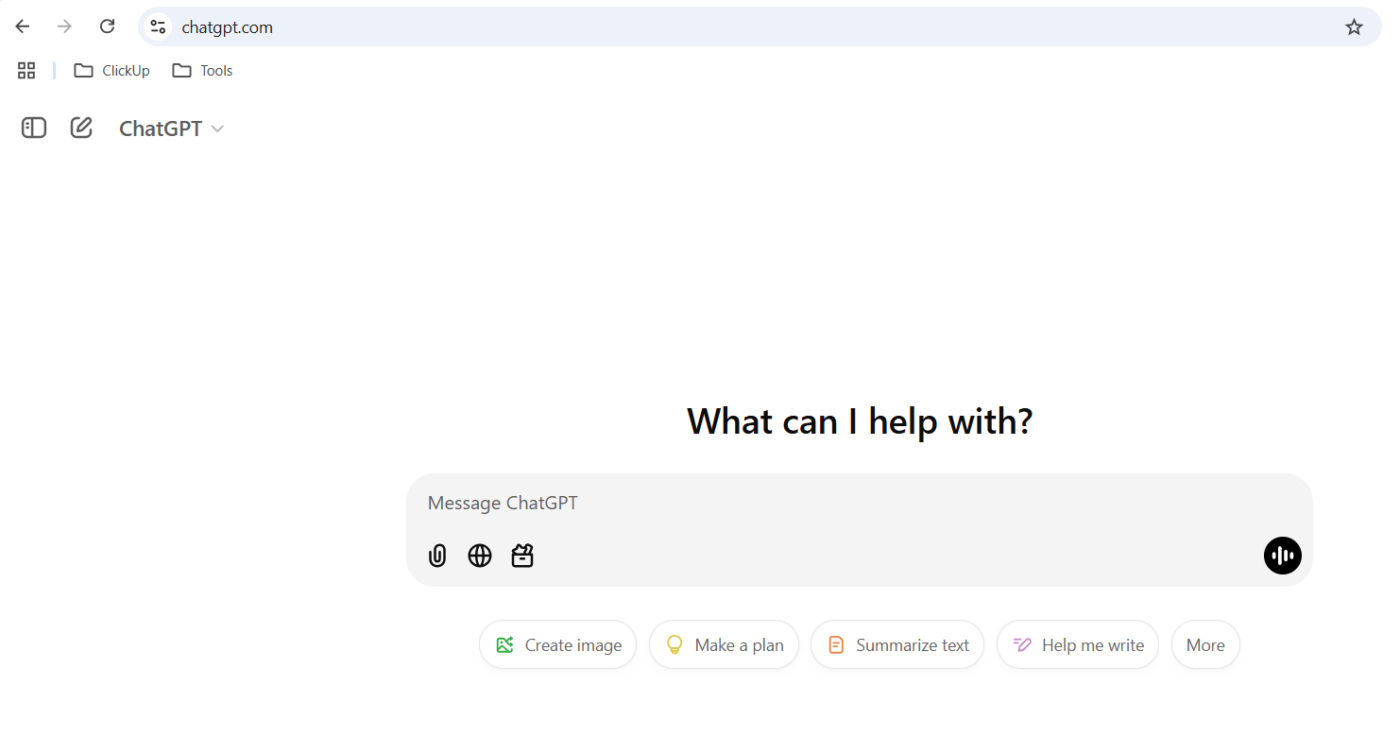
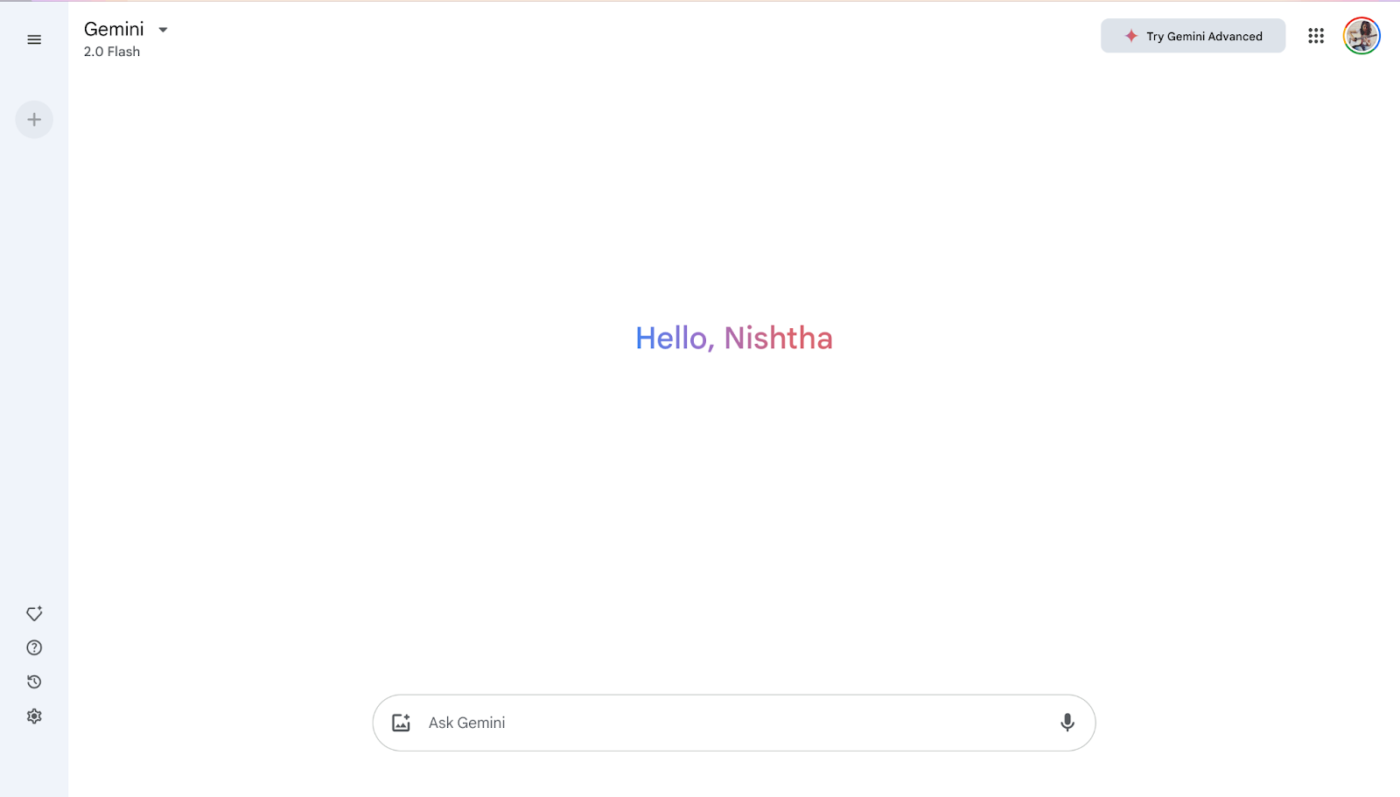
While standalone LLMs like ChatGPT or Gemini are excellent for generating ideas, integrated solutions can significantly amplify productivity by consolidating tasks within a single platform.
ClickUp, the everything app, is designed for teams and individuals to stay on top of their productivity. ClickUp goes beyond simple text generation and allows teachers to manage their workflow end-to-end within a single platform.
Choosing a tool like ClickUp that seamlessly integrates with your existing workflow and addresses your specific needs is key to maximizing the benefits of AI in education.
📖 Also Read: How to Use Chain of Thought Prompting
When starting with AI prompts, simplicity is key. Begin by tackling time-consuming but repetitive tasks like creating quizzes or summarizing lessons. For instance:
Starting small helps you understand how to structure prompts to create AI-generated content and gradually integrate them into broader teaching workflows.
💡 Pro Tip: Save time on slide decks by prompting the AI to outline key points, suggest visuals, and generate speaker notes. Then you can create presentations in minutes!
AI prompts are powerful but work best when tailored to your unique teaching style. Start by reviewing the outputs and asking these questions:
Use ClickUp’s comment feature to gather feedback from colleagues on the effectiveness of AI-generated materials and adjust your prompts accordingly. Refining your prompts ensures the AI works as your teaching assistant, not just as a generic tool.
AI prompts aren’t just for solo use—they can revolutionize how you collaborate with your team and help students reflect on their learning.
Collaboration transforms AI prompts into a shared resource, enhancing learning outcomes and student understanding and building a supportive professional community.
ClickUp makes project management and collaboration in educational settings effortless. With ClickUp Education, you can streamline larger projects like curriculum updates, school events, and administrative planning.
With ClickUp Docs, you can store and organize AI-generated prompt templates, lesson plans, math problems, practice questions, upcoming tests, and creative content like stories or quizzes. This eliminates the frustration of misplaced files and ensures quick access to valuable materials when needed, promoting efficiency and consistency.

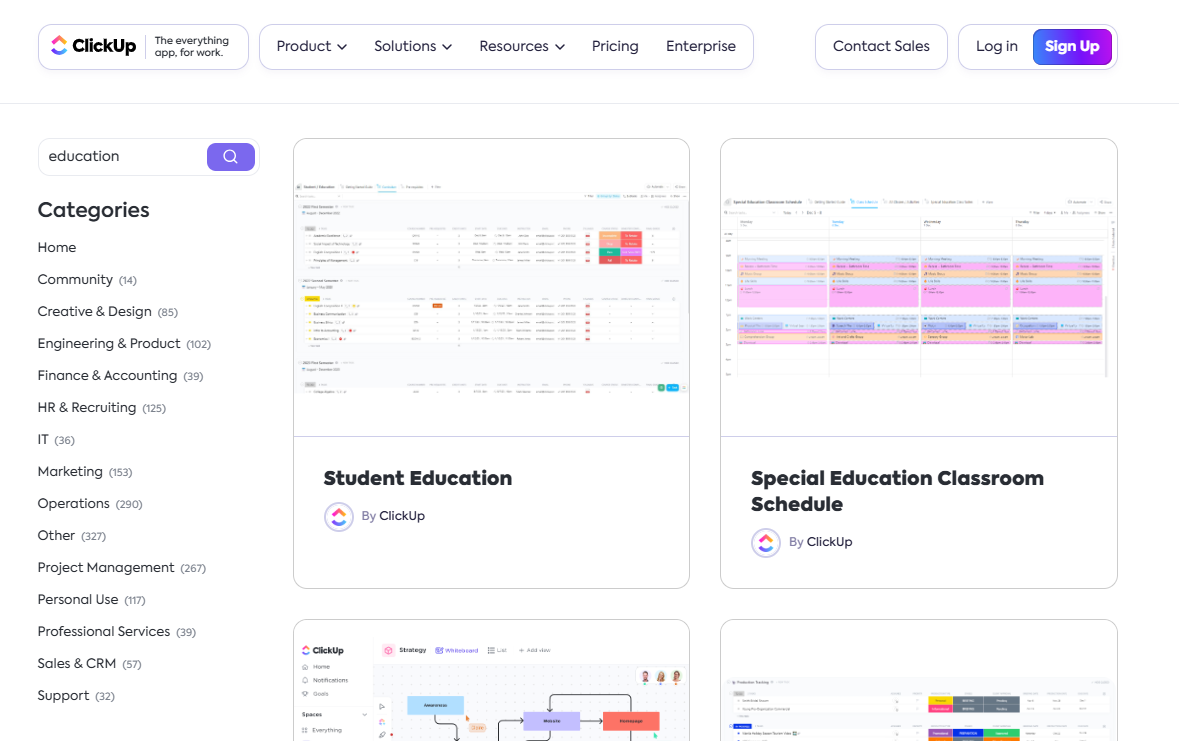
ClickUp Templates make lesson planning a breeze by providing reusable structures for objectives, activities, and assessments, even incorporating AI-generated ideas. In fact, templates are a great starting point for AI-powered lesson planning.
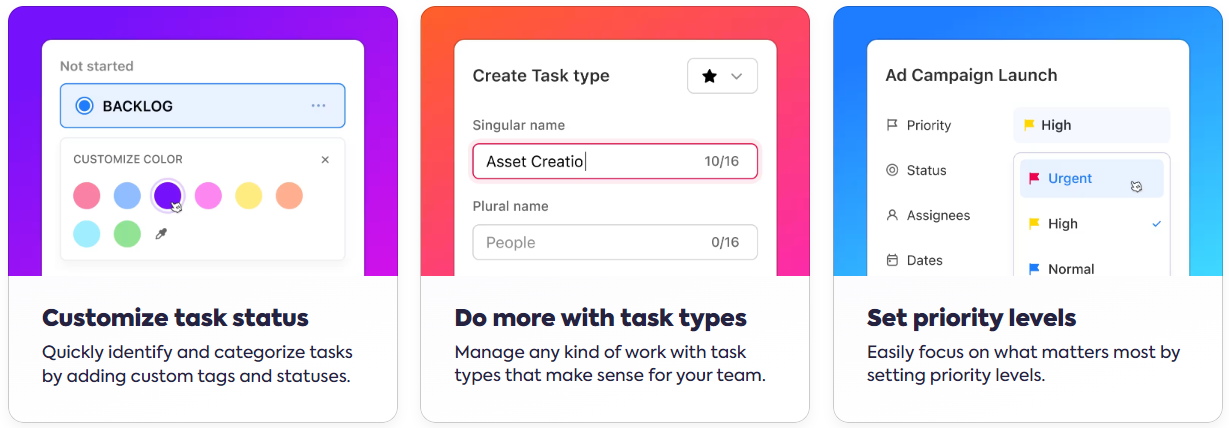
Teachers can also use ClickUp Tasks to break down larger projects, like unit plans, into smaller tasks. They can assign subtasks to students, set deadlines, track late assignments, and seamlessly automate grading to ensure everyone stays on schedule.
📖 Also Read: How to Use AI for Lesson Planning
Collaboration among fellow educators becomes effortless with ClickUp Chat, comments, and @mention features.
📮ClickUp Insight: Nearly 42% of knowledge workers prefer email for team communication. But it comes at a cost. Since most emails only reach select teammates, knowledge stays fragmented, hampering collaboration and quick decisions.
To improve visibility and accelerate collaboration, leverage an everything app for work like ClickUp, which turns your emails into actionable tasks within seconds!
You can share lesson plans, ClickUp Brain-powered content, and ideas directly within ClickUp.
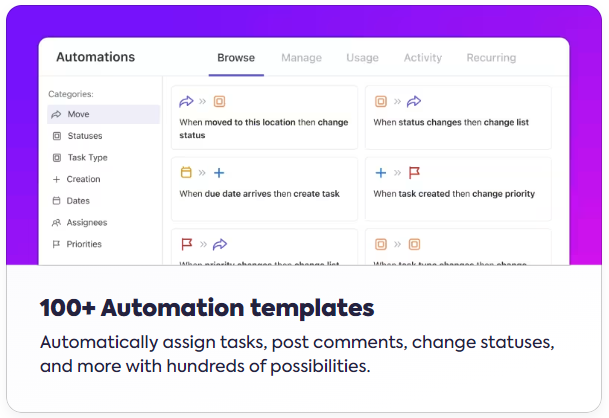
ClickUp Automations takes care of repetitive tasks—sending reminders, updating progress reports, and keeping everything on track—so you can focus on what truly matters.
Additionally, ClickUp Whiteboards support brainstorming and planning, enabling collaboration between teachers, administrators, and parents for more efficient project execution.
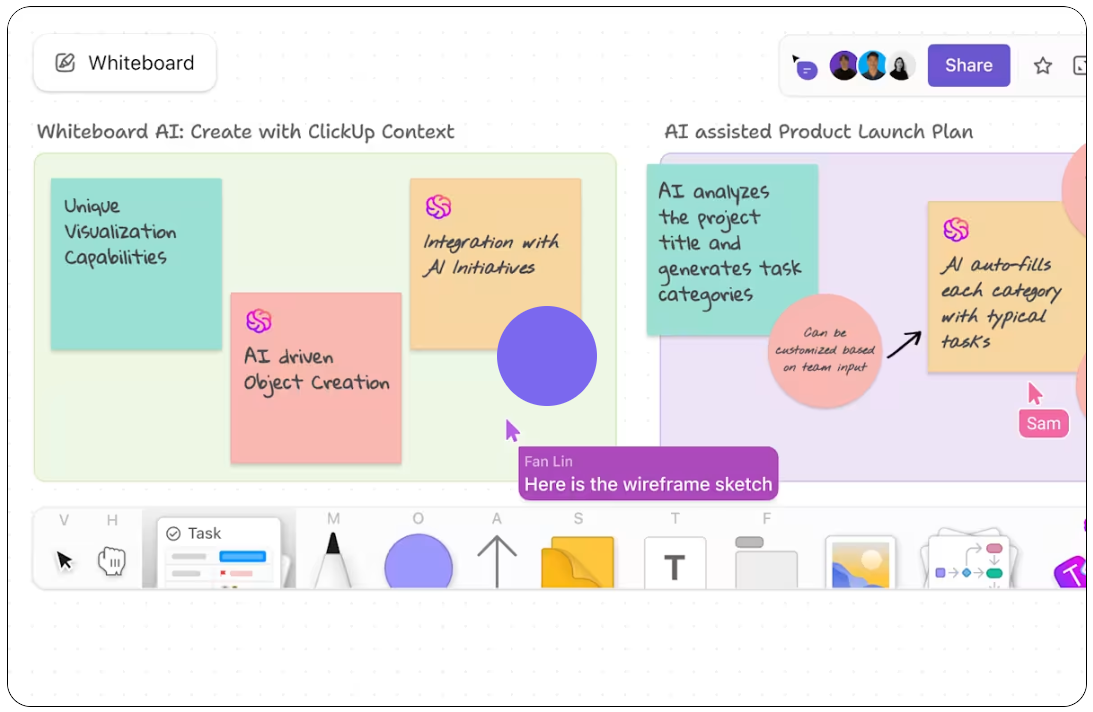
By integrating ClickUp’s tools into their workflows, educators can reduce administrative burdens, improve collaboration, and focus more on meaningful teaching experiences.
It is definitely a strength of ClickUp, it not only allows collaborative work, but through its dashboards, it has allowed everyone in the institution to know the current situation in which the entity finds itself.
Integrating AI prompts in teaching presents several potential challenges that educators and institutions must navigate.
The rapid evolution of AI prompting techniques means that teachers (especially given how busy and overworked they are!) may struggle to keep up with advancements or understand how to use these tools in their classrooms effectively.
AI systems can inadvertently perpetuate biases in their training data. For example, an AI tool trained on biased datasets may less effectively support underrepresented students or reinforce stereotypes.
Concerns about academic integrity have escalated. Students might use AI prompts to produce essays or complete assignments without proper attribution or understanding, leading to issues related to plagiarism and authenticity in their work.
Ensuring data security and privacy is essential when integrating AI into teaching—let’s explore the key concerns and best practices.
Educational institutions collect vast amounts of personal information from students. Storing student responses and data on AI platforms without adequate security measures could pose risks.
Solution: Ensure data is stored in compliance with privacy laws such as FERPA, COPPA, and state-level regulations such as CCPA in the US or GDPR in the EU. Use platforms like ClickUp that offer encryption and access controls.
Using AI tools with students may involve processing personal data or sharing class-related information online. Without explicit consent, this can lead to legal and ethical concerns.
Solution: Inform parents and guardians about AI tools and obtain their consent before using such platforms for student-related tasks.
Many AI tools integrate with external applications, increasing the potential for data breaches.
Solution: Regularly review third-party integrations, ensuring they meet institutional security standards and limit unnecessary connections.
Teachers can create a safe and effective environment for leveraging AI tools in education by proactively addressing these challenges and prioritizing data privacy and security.
By leveraging AI, educators can streamline their workflows, personalize learning experiences, and encourage deep engagement among students.
While ChatGPT, Gemini, and Perplexity help generate AI prompts, ClickUp stands out by integrating AI directly into your workflow so that you can plan, create, and manage everything in one place.
This allows educators to use AI within a unified environment for tasks like generating lesson plans, summarizing student work, drafting emails, and optimizing workflow.
Ready to unlock the full potential of AI in your classroom? Sign up for a free ClickUp account today! 🚀

© 2026 ClickUp

There’s an easier way. Try a free AI Agent in ClickUp that actually does the work for you—set up in minutes, save hours every week.